~ ~ ciefpsettings E1 ~ ~
- - - 15.04.2011 - - -
SKY Italija - Cinema,dokumentarci , Calcio ok


~ ~ ciefpsettings E1 ~ ~
- - - 15.04.2011 - - -
SKY Italija - Cinema,dokumentarci , Calcio ok
This time I present you an ipk package for usbtuner. Last time (usbTuner for all new images) I gave you tar.gz with a little bit of instructions - all manual to get the external tuner working with your dm800. Now it's all automated in a form of ipk package.
If you don't know what usbtuner can do for you here's a little bit of explanation:
Say you know what dm800 can do for you and how dm8000 or any other enigma2 based boxes with multiple tuners can do more...You're thinking to yourself: I wish I had more money to get dm8000 or VU+ or anything else which has multiple tuners. But hey! - since you have dm800 which has USB ports and recent images run on linux kernel 2.6.18 you have the base to run additional tuners on your box. All you need is:
dm800, USB DVB-T/DVB-C or DVB-S/S2 device, drivers, usbtuner program and skills to make it happen.
The thing is that it's not just a matter of connecting your USB tuner to your box and loading the required modules/drivers. In order to get your USB tuner seen in enigma2 as additional tuner it needs to presented to it by the OS in a special form and here usbtuner comes into place. usbtuner binary makes a dvb device (your usb connected tuner) seen by enigma2 for the cost of about 10-20% of CPU power.
The package consists a directory structure which will be automagically installed to your box which the most important part is a hacked version of usbtuner binary (v0.1.9.2). It will install a set of scripts and run them after install to automatically detect and install your USB connected tuner.
There are 21 tuners supported by the installation script. This means that some tuners wont get automatically recognized and you will have to specify the name of your tuner as a parameter to the install script in order get it automatically set up in case you're the unlucky owner of such device.
There are 25 tuners supported in total by this package (/usr/script/loaddttmodules.sh have support for 25 module-sets ) but as mentioned above the install script (/usr/script/installdtt.sh) have support for only 21 of them. This is due to the fact that main part of installdtt.sh is taken from lataamo's enigma2 package for installing and setting up drivers for older kernels. I don't know the usb ids of the missing ones so couldn't add them in.
These are the supported (by /usr/sript/loaddttmodules.sh) module-sets (devices):
as102
a800
a867
af9005
af9015
af9035
au6610
az6027
ce6230
cinergyT2
dib0700
dibusb-mb
dibusb-mc
dtt200
dtv5100
dw2102
ec168
gl861
****-t-usb2
m920x
smsusb
vp702x
vp7045
b2c2_flexcop
b2c2_flexcop_usb
em28xx
If your tuner is not automatically recognized by running:
#/usr/script/installdtt.sh
and you know it's module name (from the above list) run:
#/usr/script/installdtt.sh <module_name>
and it will be installed.
/usr/bin/lsusb which will be installed by this package as well can help you identify your tuner (module name). Simply ssh/telnet to your box and issue:
#lsusb
This will give you a list of usb devices and one of it maybe your usb tuner with some hints on device name which you can then eg. google.
The install script will add your module name into /etc/dtt.devices which then will be used by /etc/init.d/restartDtt.sh to feed /usr/script/loaddttmodules.sh. loaddttmodules.sh loads up the required module list which effects is (if all goes well) having /dev/dvb/adapter1 directory and possibly more (if you have more usb tuners connected).
The attached package contains dvb modules and firmware which will be installed in /lib/modules/dvbt/ and /lib/firmware. These modules are the modules for kernel 2.6.18-7.4-dm800 and loaddttmodules.sh have hardcoded paths to this directory which means it will only work with the above mentioned kernel and supplied modules. It is possible to have it working with different (newer) kernel if you copy the required modules to /lib/modules/dvbt/ and comment out the check for kernel version in installdtt.sh. This of course will work only if nothing will change in the kernel for vtuner which could result in the usbtuner binary not working.
Anyways...Most of the times you should simply copy the ipk package to your dreambox, ssh or telnet to it and execute:
#ipkg install usbtuner_0.X_dm800.ipk
After which u either need to restart the whole box or just enigma2 (GUI). If all goes well you'll see additional tuner in your tuner configuration (MENU->Settings->Service Search->Tuner Setup or something like that)
i have all attachments in one folder
Here are picons for the latest additions @ 28.2E

SGTFlipFlop E2 settings or Catseye E2 Settings File , but you can find them all HERE.
FTP the attached file to folder /tmp, then right click attributes and change to 755.
Press Green then Yellow.
Manual Install Bh packages (for del.tgz files)
If it installed ok then activate the cam by pressing Blue and scroll left or right to select CCcam as the default cam.
*ZON
*Meo
*Digital+
*Starmax HD
*FTA (os mais interessantes)
*Radios

ABSOLUTELY NO Timebomb
Backup has been tested and given to the forum
SMF does not accept responsibility
I would recommend you to backup before you install
Once installed, the backup Cccam.cfg var / etc enough to take into

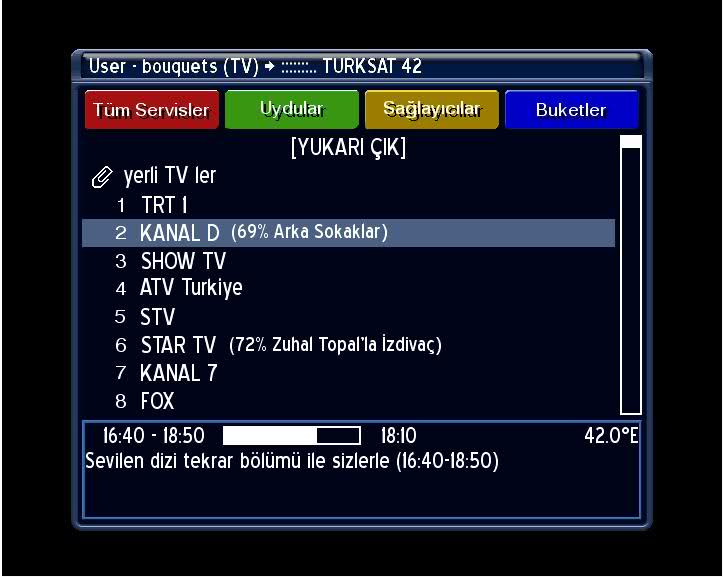

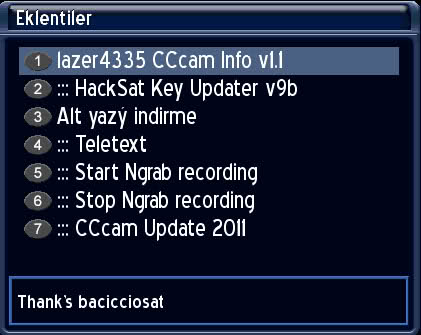

In devices manager select the usb drive then mointpoints, correct path is /media/usb.
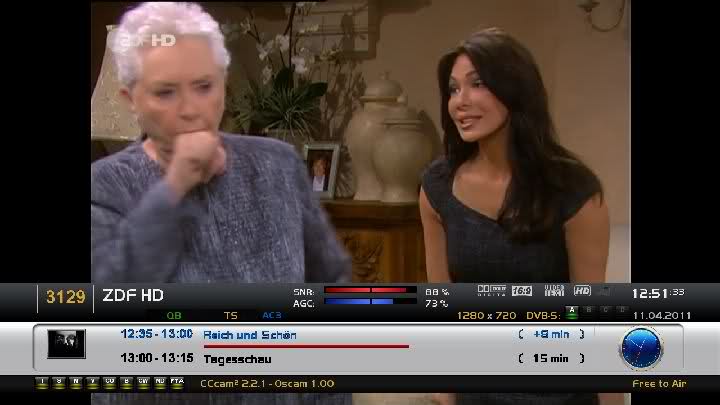
New Image-V 2.5 OE 1.6 VTi Vu + Duo Kayacan
BACKUP 11.04.2011. Backup has been prepared the day before the test was given to the forum. .
Setting their own prepared, dated April 11 Backupta 4 satellite is installed.
Satellite Ranking: Turksat + Hotbird + Astra 19.2 Eutelsatw3 + shape. .
Backupta CCcam-2.2.1 is based. .
Skin to skin, as used in multicolor. .
Red + Green + Red + Long Long Long green + Yellow + Yellow + Blue + Blue keys to a long look at various functions


? Enigma2-Plugins git repo of: 14-02-2011
? Linux version 2.6.18-7.4-r9.0 (r9.1 for DM8000)
? Web Interface: 1.6.6
? Busybox 1.15.3-r24.6
? Date image SVN(073), 25-02-2011
? Bitbake 1.8-dream
? Secondstage #82
? Drivers date Last
Function keys:
? BLUE - Panel Nemesis
? BLUE> 1s Extensions
? 2x BLUE - Addons
? Yellow - Timeshift
? YELLOW> 1s Plugin
? GREEN-EPG Control Center
? GREEN> 1s subservices
? RED - Record Menu
Main features:
? Panel Nemesis 2.2
? No reboot after installing the enigma settings from Blue Panel
? Reduced reboots after installation of enigma Blue Panel
? New ADDONS Management (the old Repository will be stopped)
? Skin Based on HD-Glass 15 by shamann
? Shortcut for Package Manager IPK on Blue Panel (Blue->Blue)
? Shortcut for Software Update on Blue Panel (Blue->Blue)
? Shortcut for Extansions Manager on Blue Panel (Blue->Blue)
? Shortcut for Network Browsing on Blue Panel (Blue->Red)
? Improvement/Fixed Extansions Manager
? Improvement/Fixed Software Update
? Improvement/Fixed OPKG Package Manager
? Manage Panel for OPKG Package Manager
? Fade Management for InfoBar (On Show, On Hide, On Zap)
? Full support for e2_loadepg
? Support for your own scripts
? Manage Start / Stop Services
? Manage Start / Stop Services on boot
? Manage kernel modules
? New Information System
? Separate Management Third Party Programs
? Support for a private server addons
? Picon support for OSD channel name or reference
? Support for LCD Picon name or reference channel (800 and 8000)
? OLED Picon support for name or reference channel (800se)
? Mode Vision LCD
? Support for swap files
? Support for EZ-Inadyn IpUpdate
? Support Proxy
? Support OpenVPN
? Replaced with OpenSSH Dropbear
? Support for SFTP
? Support for readers Smargo
? Support for readers Omnikey
? Support for USB WiFi (500hd, 800 and 800se)
? Samba server, Samba client, NFS Server
? Running Linux commands
? Choice InputBox (default) or VirtulaKeyBoard (experimental), for EPG Search and Run Command
? Fixed Mediaset EPG
? EPG black list, excluding channel MHW epg (see / etc/enigma2/epg.blacklist)
? Support for DVD writer external
? Support for mkv files
? Support for formatting USB Device
? Support for most of the pens DVB/T USB on the market
? New Management Panel to Manage/Install DVB/T USB Drivers
? Updating image directly from the Software Update
Extra Info Bar:
? Manual or Automatic
? Setting Auto show delay
? Set delay information ECM
? Set delay information EMM
? Picon SAT
? Picon Provider
? Picon Encoding
? Add management for new 4 encoding
? Info Orbital position for most of the SAT
? Show / Hide Network
? More Info
EPG Control Center:
? Setting path EPG USB, CF or HDD
? Integrated CrossEPG loader directly form Sat, by Skamania
? Integrated CrossEPG plugin by Skamania
? Manual EPG download
? Scheduled EPG download, via Enigma 2 Timer
? Load EPG directly into the cache without restarting enigma2 enigma2
? Backup EPG Cache enigma2
? Clearing the Cache enigma2 EPG
? Log scheduled download CrossEPG
? EPG Search
? History Research EPG
Kernel Modules:
? OpenVpn (tun)
? Usb To Serial (usbserial, ftdi-sio, pl2303)
? Nfs Server (nfsd)
? smbfs
? udf
? Wifi
? USB DVB/T
? And more
Bug Conosciuti:
? Display dm800se
? Gestione periferiche DM8000 (cmq risolvibile manualmente)
Special Thanks to betatester
Special Thanks to Xplanet for Logo
Special Thanks to blu8 for spinner
Special Thanks to shamann for based skin
Special Thanks to developper skaman for CrossEPG
Very Special Thanks to SifTeam's developpers for USB DVB/T Modules Support (Very Great Work)
Special Thanks to developper Claudio72 for StayUP
Special Thanks to Lukkino for opentv source code
Download
Nemesis 2.2 HD DM8000
* Add the beautiful pictures of
* Add Arabic, French and English, except
* Add in your browser to see trouble-free X TV
Far away there in the heart of the image * Add Emo CCcam 2.2.1
* Add a file Turcsat includes 42 new satellites Satellite Hesbasat30
* Add all of the image in the heart of all the following Albulaginat
* How to change the original blade knife Max27 netleşecektir new fonts
* Add links to download the server, as well as new Adunz
CCcaminfo
Ecminfo
DrTic
MinincatKey-Updater
Starting a record Negrab
Stop recording Negrab
Signal Quality
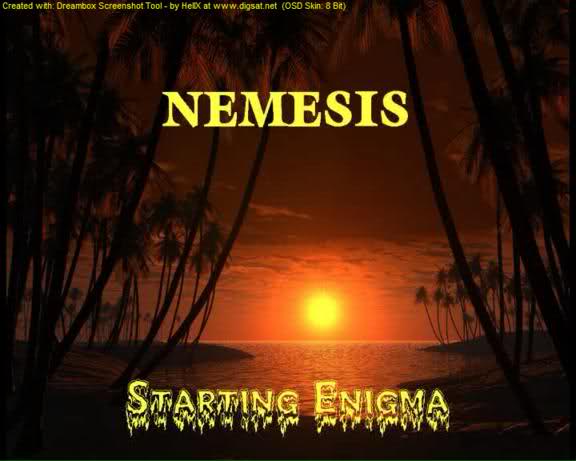
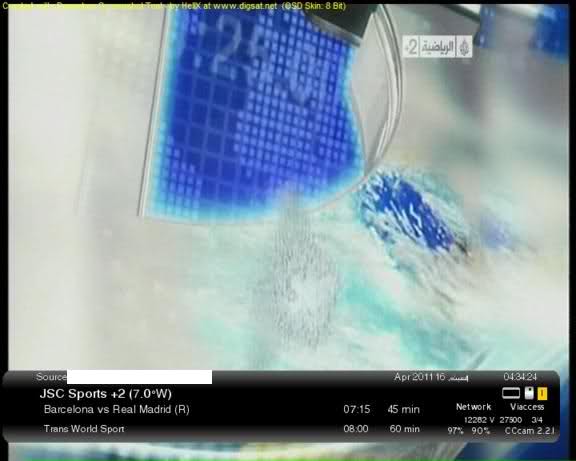
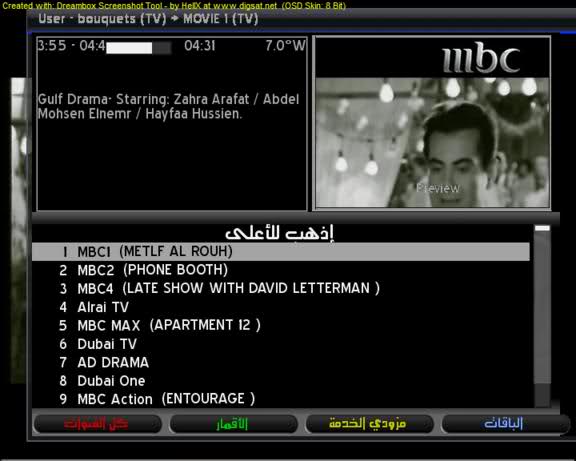
Install by DreamUp FlashWizard
If its not in /etc then extract the attached file and put the CCcam.cfg in /etc.
Thanks ten for all your help mate. Just one more question, when writing the commands to install oscam, can I enter the commands on puttySSH?
Yes you can mate.
Hi guys. Thanks to the help of this forum and the wonderful members/mods I have finally got my debian running with my local slyuk using smargo on cccam.
I just have a few questions as I still don't understand a couple of things.
1) Now that by debian is up and running, I can just leave the pc on and remove the keyboard and monitor from it. But then how do I issue commands to the linux pc without the monitor and keyboard. Do I just use puttySSH on CS studio? And is using puttySSH the same as using a monitor and keyboard on the linux pc?
Yes you can now remove the keyboard & monitor and update using cs studio as explained here.
How To Add Lines To Debian Server
2) I want to run my local card using oscam and then use cccam to share with others. But I've read that you can only use cccam version 2.1.3 with oscam as other versions will show my local as hop10. I used the auto install cccam tutorial when setting up my debian. How do i know which version of cccam my debian is using? And if it is the wrong version, how do I install cccam version 2.1.3 on it?
The auto install is version 2.1.4 to change it to 2.1.3 just replace the CCCam.x86 file in emu/cccam with the 2.1.3 version chmod the new file to 755 & reboot. I have attached the 2.1.3 file below.
3) Just want to check which tutorial to use to install oscam on my debian pc. Is it this one http://linuxsat-support.com/os…mpiling-oscam-debian.html
or http://linuxsat-support.com/os…cam-compile-tutorial.html ??
and once that is installed, can I just use the oscam config files from the oscam config section for my card?
Yes to both the above questions, good luck if you need anymore help just ask mate.
I know I've asked quite a lot but I'm just eager to learn and increase my knowledge.
Thanks for your help
hi m8 its a clone and how does it work if i got a card already in the internal and want to use the tring in the back with smargo? do i duplicate the config settings or not?
If you have bootloader 76 then i would recommend using this image, Unofficial dream elite v.133dv3 phoenix edition.
I have attached the cam pack where you will find Oscam+CCcam2.1.3.
You will need to edit oscam server file to change the device to smargo instead of internal card reader;
From - device = /dev/sci0
To - device = /dev/ttyUSB0
Have you mapped the correct path for the usb drive in devices manager ?
Look here How to install CCcam and Oscam Tring card.
Please tell us if you have a clone or original dm800 so we can find you an image that will support Oscam+CCcam2.1.3.