


Try setting up the harddisk like this,
Menu, Setup, System, Harddisk, Initialization.
Posts by master G
-
-
Press Red/Mountpoints and set the path to /media/usb

-
Have you got the path mapped properly ?
This is how mine looks;
-
If you like the vix image then i would try using a differant version of CCcam.
I had the same problem when trying to run oscam, only one of the versions in thier cam pack works.
Been using Blackhole since and everything works as it should. -
Hold the Blue button for a few seconds to bring up the extensions menu.

-
The correct path for this addon on enigma2 receivers is folder /etc
-
Version 2.8 [09.04.2011]
Improved function that checks if cache-folder is inside flash-memory.
/tmp and /media/ba folders can now be used as cache-folder.
Download-Location for Movies can now get changed in plugin-settings.
Delete downloaded file when aborting download-task.
Check-For-Update on Startup can not get disabled anymore.
Added Image-Scaler Selection to Settings Menu:
Please note: getThumbnai()l is faster but should only be used on enigma2 >08.04.2011 due to a mem-/fd-leak! -
Based on NabiloDM500-V08-MAXVAR.
Green button and then Yellow x2 button takes you to:-
Dedicated server for Nabilosat addons
Download and install additional packages from the Nabilosat serverWhats New ?
This image is S*y UK ready with all Oscam configs and N line in CCcam.cfg.
CCcam 2.1.3
Oscam
Latest CCcam Channel info
Latest CCcam Providers
SGTFlipFlop ENiGMA2 28.03.11 (Multi)Screenshots
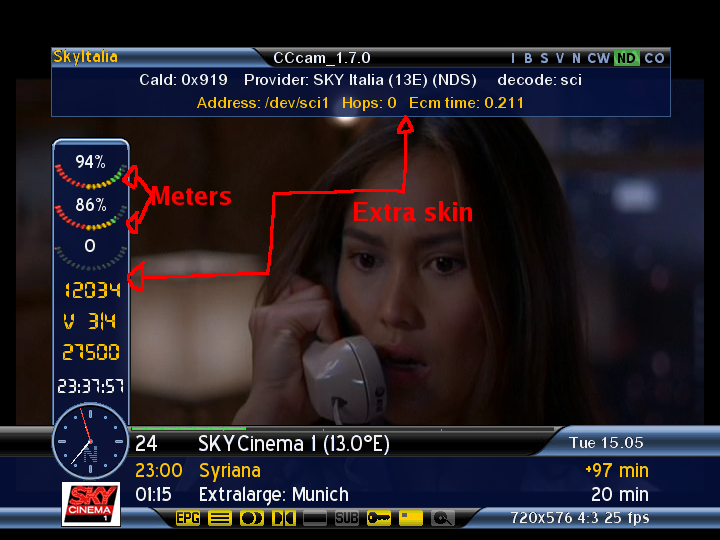
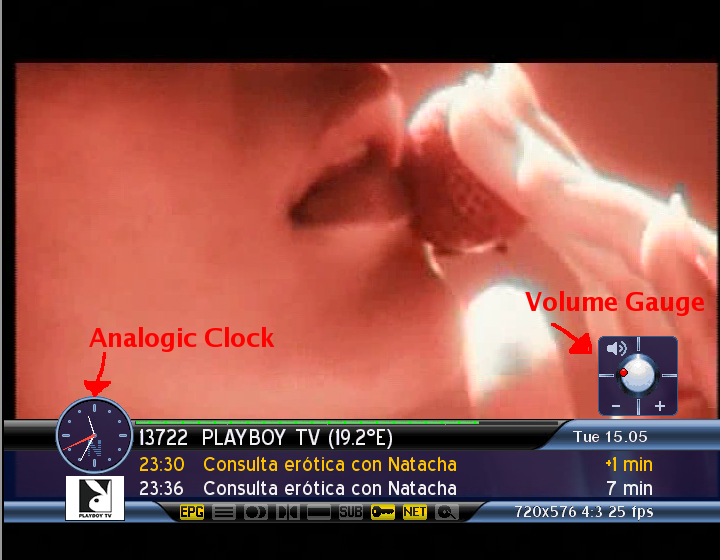
Use Flashwizard to flash this Backup.
-
Where will I find a new channel list list for DM500
ps
Daft question but Master G sent me a channel list for my VU Solo would that work in the DM500?
It will if you follow this. -
-
from what i'm gathering, if you dont have a local card there's no real reason to convert to oscam?!?
This is correct. -
-
when ypu have the file in the folder /tmp, right click it and click attributes. Change that to 755.
-
Cool TV Guide V2.1.3 by Coolman HERE
-
Try it without a password, if you can wait until tomorrow i will try flashing this image and make a s*y uk ready backup.
-
Not tried this myself but you try using flashwizard if dreamup isnt working.
-
Run the network wizard and let dhcp setup all those details.
-
Select the Rytec_SKYUK epg from that list.
-
You can still use the same hostname for all devices on your own network as long as it has a differant ip address and port on your router.
You can also setup a new hostname for the new device if you wish.
If you are intending to use a card on your debian then a card reader will be needed. -
Menu, setup, system, network, network wizard.
Run the network wizard with the home plugs connected.
No need to run the installation disk as the homeplugs will be automatically recognised by the router.
Setup portforwarding and a static ip address within the router, or set static ip address by going into adapter settings and changing "Use DHCP" to NO.


