
MediaPortal 7.1.3
NEW NOW TV
Thx @ all Dev´s


MediaPortal 7.1.3
NEW NOW TV
Thx @ all Dev´s
Hi i have a cloud ibox3 and have open pli4 as the image and was looking to flash it with openvix, if possible has anyone got the image in unzip format ready to put on the usb to flash the image, many thanks in advance, and is it hard to flash the image.thanks
No because OpenVix don't support clone box.
edEIT - Another EIT Editor
MD5 of Exe: 1fd36137743cdff0c9eb8e73fb7e14dd
changes 0.5
+ Conversion of the start time UTC> local time
+ Multi-EIT Support = It can now be opened simultaneously multiple EITs
(Closing the individual EITs File / Close. Btw, what shortkey ye this?)
+ Complete file name (incl. Path) is displayed in the window title
+ Renamed "Genre"> "Description => Layout Change
English translate
Update
TX.Lallone
hi
which is the best image for zgemma H2 sat and cable combo pls
OpenATV 5.0
http://linuxsat-support.com/forumdisplay.php?f=1154
Please :) Closed.
MediaPortal 7.1.2
Thx @ all Dev´s
[BKP]OpenATV 5.0 Vu+Zero by Robijay[June 2015]
Backup date 24/06/2015
Kernel 3.13.5
Last Update 23/06/2015
Last Driver 23/06/2015
Splash Screen OpenATV by robijay
Bootlogo by robijay
Spinner from Arctic skin
Setting Whannibal Dual Feed 13+19+Dtt Italy (configure your tuner)
Language: English (system setup and select your language)
Password FTP and Telnet: robijay
Cams configuration, Ports & Passwords
CCcam Web Info port: 16001
Username: root
Password: robijay
Doscam Web Info Port: 16002
Username: admin
Password: robijay
Oscam Web Info Port: 16003
Username: admin
Password: robijay
Oscam Ymod Web Info Port: 16004
Username: admin
Password: robijay
File directory:
Doscam config & softcam.key directory: /var/keys/doscam
OscamYmod config & softcam.key directory: /var/keys/oscam_atv_ymod
Oscam config & softcam.key directory: /var/keys/oscam_atv
CCcam config directory: /var/keys
Mgcamd config directory: /var/keys





Panels
LINUXSAT SUPPORT 1.2HD
SATVENUS PANEL 9.0
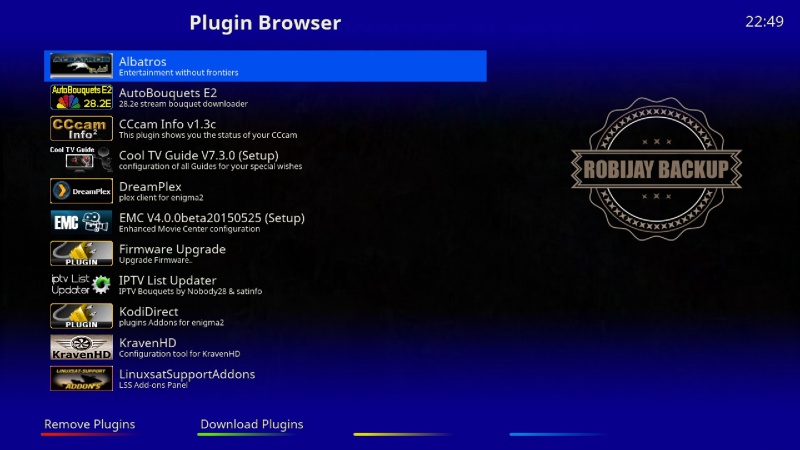
Plugins
AUTOBOUQUETS 28,2
TSMEDIA 10.1
XMLTV RYTEC IMPORTER
DREAMPLEX 2.13
COOLTV GUIDE 7.3.0
IPTV LIST UPDATER 1.63
LIVE FOOTBALL 5.8
COOL TV GUIDE 7.3
IPTV LIST UPDATER
KODI DIRECT 2.0 R26
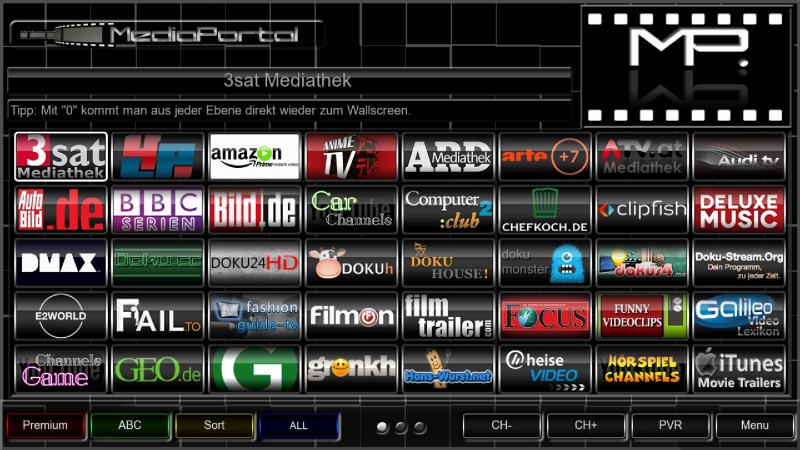
MEDIA PORTAL 7.1.1
OPENATV COMMUNITY READER 0.6
PICON MANAGER 2.2 (NEW VERSION)
PZY EMAIL
TSONLINE TVMODE 4.6 (BLU BUTTON FOR UPDATE)
TMDB DETAILS
WHANNIBAL AUTOSETTING 1.2
AND MANY MORE
Emu
CCCAM 2.3.0
DOSCAM 0.24B
MGCAMD 138D
OSCAM YMOD 18-T56
OSCAM
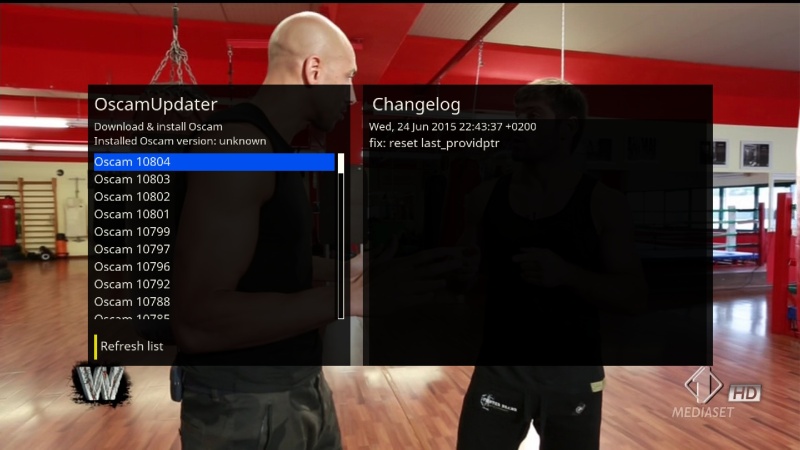
OSCAM UPDATER
OSCAM STATUS VIEW
CCCAM INFO
SKIN
METRIX HD (UPDATE)
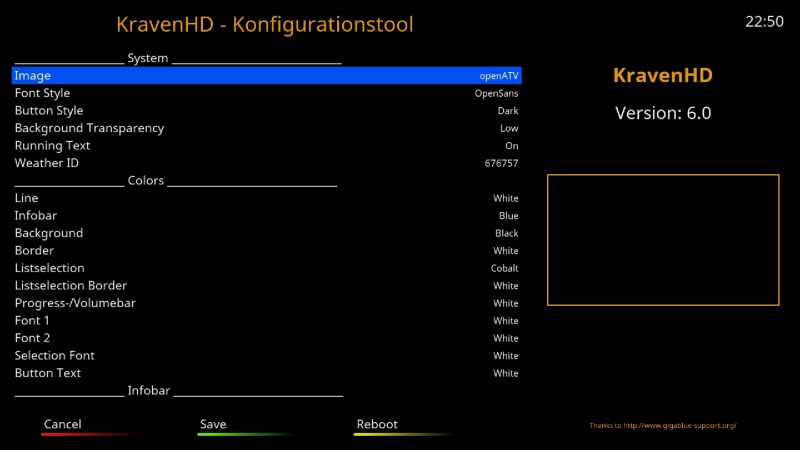
KRAVEN HD 6.0 (DEFAULT SETTING FOR ZZPICONS)
Ok! In vu+ folder change the name of file "noforce.update" on "force.update"
How to use OpenMultiboot Manager
Format USB stick
Mount USB stick
FTP/Copy image/images (ZIP file)
Install image/images
You can change/boot images with Boot Menu or start image from OpenMultiboot Manager (Faster)
In OpenMultiboot Manager >>Menu >> Preferences you can make your Booting choise .
HiRes TrueColor Picons by mmark
For Resize Picons
Is there a problem with file, when I download this image and put it on to my usb
The box will not boot from the stick, it will with different images s on thanks
Use this image in multiboot or you install it on flash?
Update: Driver DM7080
update dm7080/dm820 hardware drivers
- fixed demux section read buffer overflows (bug introduced with drivers 20150611/20150612)
Update: Driver DM820
update dm7080/dm820 hardware drivers
- fixed demux section read buffer overflows (bug introduced with drivers 20150611/20150612)
Italysat 7 Zgemma H2 7.0.194
Thx to Bobsilvio

