


Posts by robijay
-
-
-
-
-
-
-
-
Update: Driver DM7080
update dm7080 and dm820 hardware drivers
- add more demux devices and vtuners
- add support for si2166b dual DVB-S2 tuner (Please note! A maximum of five onboard tuner channels can be used with dm7080 yet!) -
Update: Driver DM820
update dm7080 and dm820 hardware drivers
- add more demux devices and vtuners
- add support for si2166b dual DVB-S2 tuner (Please note! A maximum of five onboard tuner channels can be used with dm7080 yet!) -
4.2.3r1
- InfoBar: fixed EventList/Timeshift overlap with config.misc.rcused.value==1
- Lots of fixes to the local streaming server for a better streaming experience (should now work with a big majority of mobile devices)
- Fixes and API simplification for Permanent-Timeshift (fixed broken rewinding to previous event)
- EPG: Speedup saving of epg.db on shutdown (a lot!)
- Cec: Vendor specific improvements and fixes
- Fixed wrong recording date on new recordings with known filenames (most probably only happend when using merlin image and filenames without date)
- Skin enhancements:
- Improved skin component support (e.g. GraphMultiEPG, MultiFileSelectList, MediaCenter)
- Allow templated colors for multicontent progress
- Browser: Scale content from 720p to the actual skin resolution when in HBBTV Mode
- NetworkManager: allow disabling NTP Time Server Updates
- Don't show HelpWindow for PinInput
- Lot's of smaller fixes and cleanups -
Sorry for OT please use the search button to check if the thread already exists, thanks for collaboration.
-
-
-
-
-
[BKP]Open Black Hole Vu+Duo2 Sly Edition by Robijay[Flash]
Backup date 12/06/2015
Kernel 3.13.5
Last Update 12/06/2015
Enigma 10/06/2015
Splash Screen Open Black Hole by robijay
Bootlogo by robijay
New Spinner add.
Setting Whannibal Dual Feed 13+19,2 (configure your tuner default)
Language: English (system setup and select your language)
Password FTP and Telnet: robijayCams configuration, Ports & Passwords
CCcam 2.30 Web Info port: 16004
Username: root
Password: robijayOscam 10709 Web Info Port: 16002
Username: admin
Password: robijayDoscam 0.25 Web Info Port: 16001
Username: admin
Password: robijayOscam Ymod T-56 Web Info Port: 16003
Username: admin
Password: robijayFile directory:
Doscam config & softcam.key directory: /var/tuxbox/config/doscam25
OscamYmod config & softcam.key directory: /var/tuxbox/config/ymod
Oscam config & softcam.key directory: /var/tuxbox/confiig
CCcam config directory: /var/etcWhats Included ?
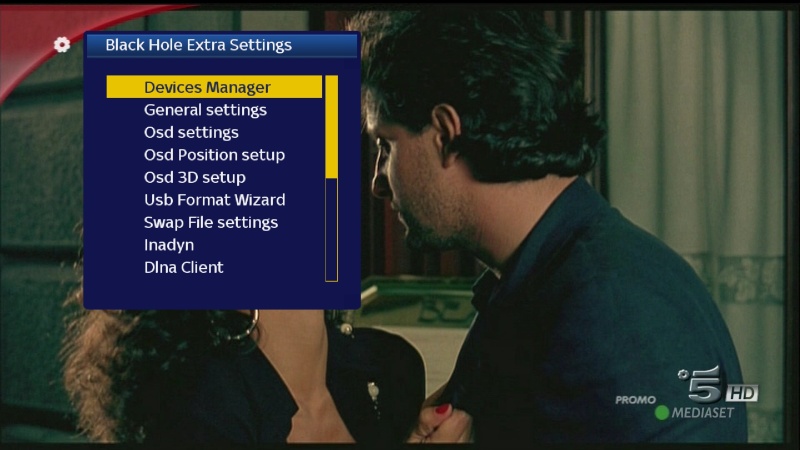
Open Black Hole 0.1 (UPDATE)Panel
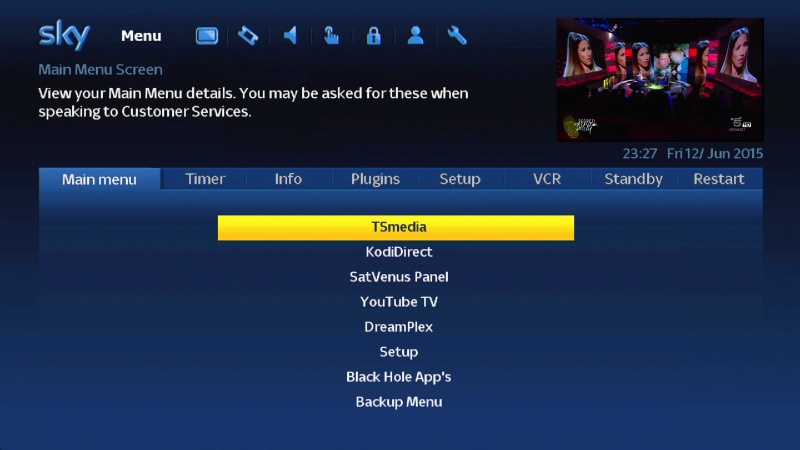
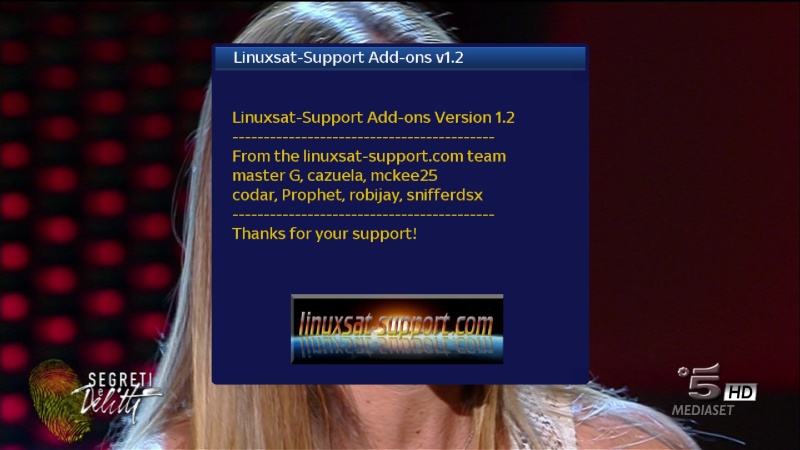
LINUXSAT SUPPORT PANEL 1.2 FULL HD
SATVENUS PANEL 8.0Plugin
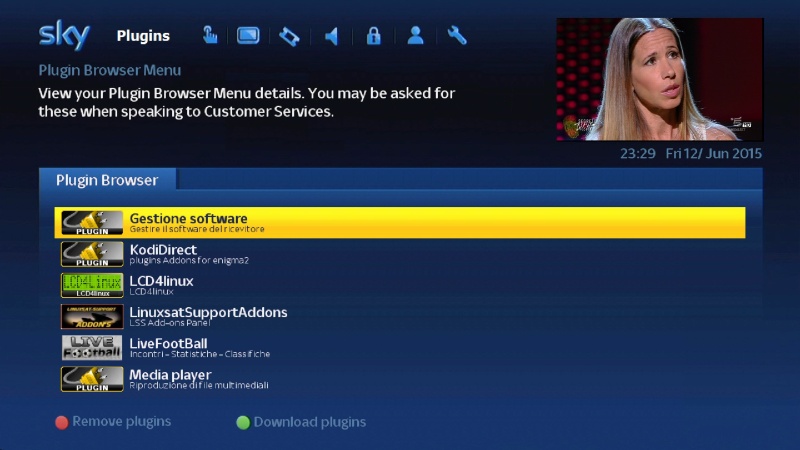
XBMC LAUNCHER
Repositories & Addons For XBMC Launcher Can Be Downloaded From LINUXSAT SUPPORT Addons Panel
AUTOBOUQUETS FOR 28,2 (NEW VERSION)
OPEN MULTIBOOT
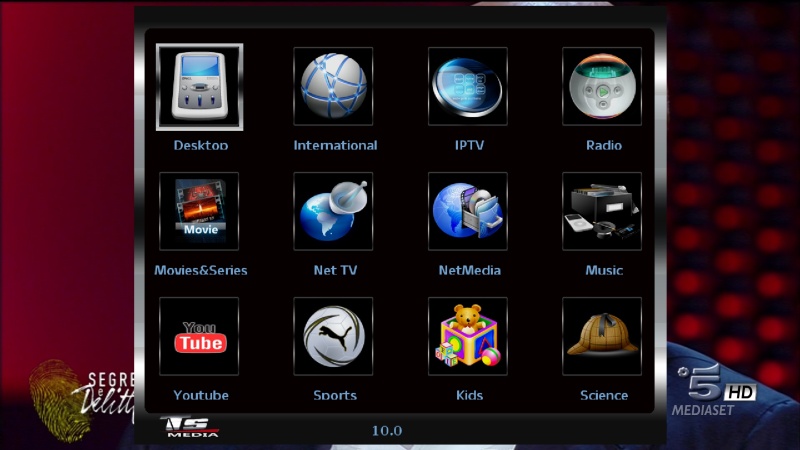
TSMEDIA 10
KODI DIRECT 2 R26
COOL TV GUIDE 7.3.0
PICON MANAGER 2.2 (NEW VERSION)
LIVE FOOTBALL 5.8
DREAMPLEX 2.13
WHANNIBAL AUTOSETTING 1.2
WEBRADIOFS
AND MORE..........Emu
OSCAM 10709
DOSCAM 0.25
CCCAM 2.30
OSCAM YMOD 18-T56
OSCAM STATUS VIEW
CCCAM INFOSkin
ORIGINAL
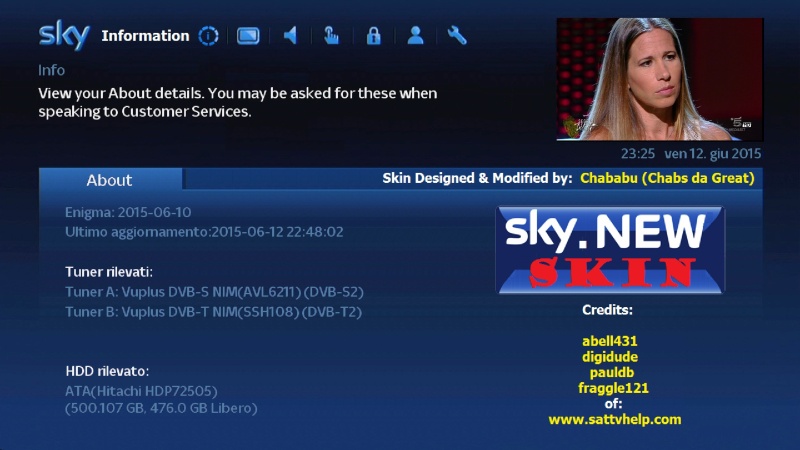
SKY.NEW MOD. BY CHABABU (DEFAULT)PICONS
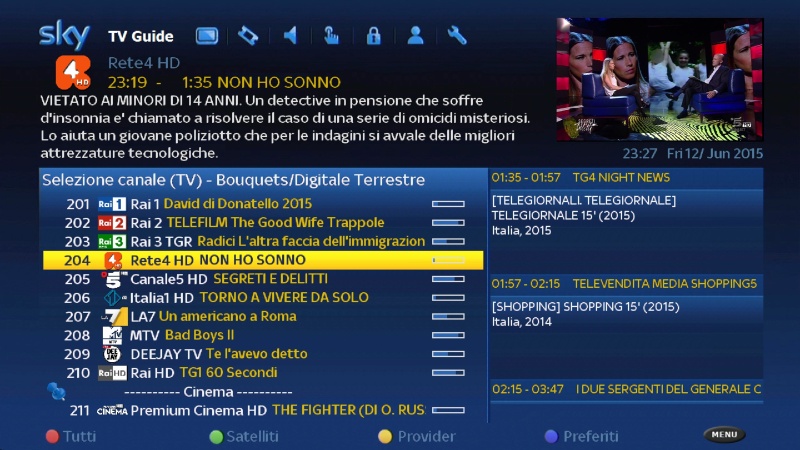
13+19,2+DTT ITALY BY NEO_3 (INCLUDED)
FOR 28,2 BY OKTUS DOWNLOAD FROM HERE

-
available in v0.6 first contribution and as AutoUpdate
Fix: Sorting in the expansion menu now correctly
New: read your private messages (for logged-in users)
some translations
some small fixesFurther information ... on the operation and handling of my plugin page ....
Thx @ lolly -
Italysat 7 Zgemma H2 7.0.193
Thx to Bobsilvio
-
To give the Board which again, I decided to write a openATV Community Reader me a few weeks ago.
Now you get the first public version.
For more detailed information on the operation and the changelog can you exquisite on my plugin page. Link in my profile.Attention: Please pay attention to the notes on the login function under the picture of the setup menu
Here you can see the setup menu!
Option User Name & Password:
Post to enter unless you want to use the plugin with eingelogtem Account Create your own user data. If you want to use the plug-in access in the host, let me set the following access
Username: = == VXNlcg
Password: = == UGFzcwIf there are problems, and you want only the guest access to use then you can also enter the following and click Save (Green Button) click so that the data to be entered and re-encrypted.
Username: User =
Password: = PassAs of version v0.4, the data will be stored encrypted and namely also as shown in the setup menu to save. So do not be surprised if it was not your credentials are in plain text. Respect necessarily entered the correct login information your are please.
The data will change if you tried the plugin at a openATV to lie. And if a login then fails 5 times, your IP is 15 min. Off.
Option Automatic update check:
Here you can select whether an automatic update check is to be performed at the start of the plugin. If enabled, when you start the plugin, an inquiry is launched if a nu online version is, if yes then you are asked whether you want to install it and you can select with "Yes", the new version also install the same.Option Skins:
Should users Skins exist, so you can select them and activate. This must be a Skinordner in under the plugin path
/ usr / lib / enigma2 / python / Plugins / Extensions / openATVreader / skins_fhd
or
/ usr / lib / enigma2 / python / Plugins / Extensions / openATVreader / skins_hd
to be available. -
to be continue
tx.meo

