Didn't Work on Pli 8.3
please help after installing ipk file and rebooting system
installed skin didn't appear at list of skins


Didn't Work on Pli 8.3
please help after installing ipk file and rebooting system
installed skin didn't appear at list of skins
nice job i found what is problem and resolve problem ...
solution :
go to /etc/init.d/softcam.oscam-emu
we open file and delete ===> --wait 0
save and then reboot box
and after i saw time fixed in idle and online tab and started from first second to current
and this make me very happy
ALSO HAVE A QUESTION : you gave me a binary for oscam in #10 post so where you found that and where is source file that i search from source for a oscam with emu ?

i am not using openpli , also, i am not compiling binary, or testing anything...
but i have tested the files in the link that i gave...
and i never had problem like this...you can test them...
thank you friend for your help
but my problem not resolve yet..
if another guys have a solution or oscam without clockfix for pli ssl complie
help me here
the emu that i gave you, was just one from the oscam-emu area...
you can "break" any .ipk file by using 7zip programm. than unzip the "data "file, and take only the bin from inside (for vu+zero an "arm", for the other "mips32" ) , rename it to "oscam-emu" and replacing it...
also don't forget that to replace the file, you have to stop oscam emu first...
nevermind about emu
lets continue for time problem
i need a oscam binary without Clockfix Feature
this make oscam wrong time i think
ok, we find a possible reason... so
1) you can try if the same happens in pli version oscam-emu...
2) you can try to install the "systemtime plugin" which sync time from network, and check if it fixes the problem...
Friend now i know problem not related to system time
i install that plugin and enable NTP for plugin
system time at start before taking signal is ok (2 sec left to take signal) after gui start and i saw Time now is ok and NTP work
but still oscam in log show me year 1970 and 360Days for idle and online
problem is oscam
oscam have :
Clockfix with realtime clock: yes (in oscam.version tab)
this option should be No and i can not change that (change in compiling )
so if you can do that and also give me oscam with EMULATOR for biss and powervu keys
it still starts in wrong time, even after oscam restart???
it may sync from the channel time, and it waits first the channel to tune and than corrects it?
after i manually restart oscam times become ok and start from 00:00:01 to current
i dont know but maybe that occured and handle time from a channel signal
also i go to Timezone and there is 2 option in Pli (City / Contitnent) and no option for Signal handler or NTP
Display Morelet start zero4K
install oscam-emu from feed...
reboot your receiver , go to softcam manager and select "softcam none" to stop oscam.
open an ftp program, connect your receiver, and go to usr/bin dir
there should be already an oscam-emu bin file replace it with the one that i have below (unzip it first).
restart emu, and check if it works...
if not, open telnet and give the command that i writte in message #4 and give me the result...
ok friend i replace your Binary File and reboot
it is latest version works ok but not have EMU & problem bad time still apear for me
Problem not resolve
it seems that there is problem with system time after some second time become true and normal (year 2020) but oscam system load when year is 1970 and Tabs show me 360Days and 19 hour and wrong time
ok... it is a reason...
did you refer somewhere the receiver??? because i can't see something... ?
what this mean friend ? i not understand
'''did you refer somewhere the receiver??? because i can't see something... ?'''
tell me clear
i am just curious , what more it gives to you that, than the one in pli feed?
and... anyway, why to install an external .ipk , and not just replace the oscam-emu.bin file using an apropriate one?...?
yes for following bugs :
BAD TIME ( in online and idle tab ) and PROBLEM with Time in oscam interface ===> all times are 365 DAYS AND 19 HR
after rebooting box this happen
even some times users show me that they are idle ( yellow color ) but dvbapi is taking ecm and decoding channel
this 2 bugs
and i want install manulay and manual ipk not work :((((((((
seee picture please
also log show me this for time in oscam log
pleaaaaaaaaaaasee helppp me guys for god :(
happy holiday for all
there is problem that i know it is for all persone that have image open pli version 7.0 ... 8.0
and problem is that ONLY OSCAM_EMU installed from pli plugin panel (softcam tab) work on this imagees
MANUAL IPK after install not work and not run
i try to install alot of oscam emu latest version IPK files ( like build Audi6-9 / enigma1969 / julli 22 / mohammed os and other ) on SOLO2 and ZERO 4K
but nothing and after installation binary not start
even i installed package ( enigma2_plugin_softcam-support) ipk file , but not start (that file provide autostart script in init.d only for pli 7.0 ... 8.0 images ) and i found that in installation log when installed oscam_emu from pli plugin panel
actually when you try to install oscam emu from pli panel it also install that softcam-support ipk file with oscam-emu
so there is 2 problem
1-all ipk manual file not work on PLi images 7.0 7.1 7.2 8.0
2- even that ipk file after install work not autostart after rebooting pli (and you need to install that oscam pli panel to install oscam-support to create startup links and that Result Double OSCAM)
SO PLEASE POST HERE A IPK FILE LATEST VERSION OSCAM_EMU that work on pli
this is problem for every boy install pli since 1.5 year!


Display MorePlease try this
In Telnet:
opkg update
opkg install inadyn-mt
Then you have to create the file /etc/inadyn.cfg (or edit it when it already exists).
Go to http://www.duckdns.org and log in.
Go to the page Install.
In 'first step - choose a domain' choose the domain you want to be updated by inadyn.
Click on inadyn.
Copy - paste the configuration in inadyn.cfg and add --log_file /tmp/inadyn.log :
--log_file /tmp/inadyn.log
--dyndns_server_name http://www.duckdns.org
--username nouser
--password 5212327d-8a7e-4bab-ab67-e7680840b135
--update_period 60000
--forced_update_period 320000
--alias lexzie
--verbose 0
--dyndns_server_url /nic/?
--syslog
--background
Adjust /usr/bin/enigma2.sh :
Find the line beginning with:
LD_PRELOAD=/usr/lib/libopen.so.0.0 /usr/bin/enigma2
And add a line above that with:
inadyn-mt
Reboot Enigma2.
You can test if it works bij manually changing your IP-adres on http://www.duckdns.org and wait for the next check or reboot again
neeed inadyn ipk file for duckdns
IS THIS PLUGING FOR WATCHING PRIVATE M3U FILE ?
if it isnt tell me please what plugin is good for that
regards
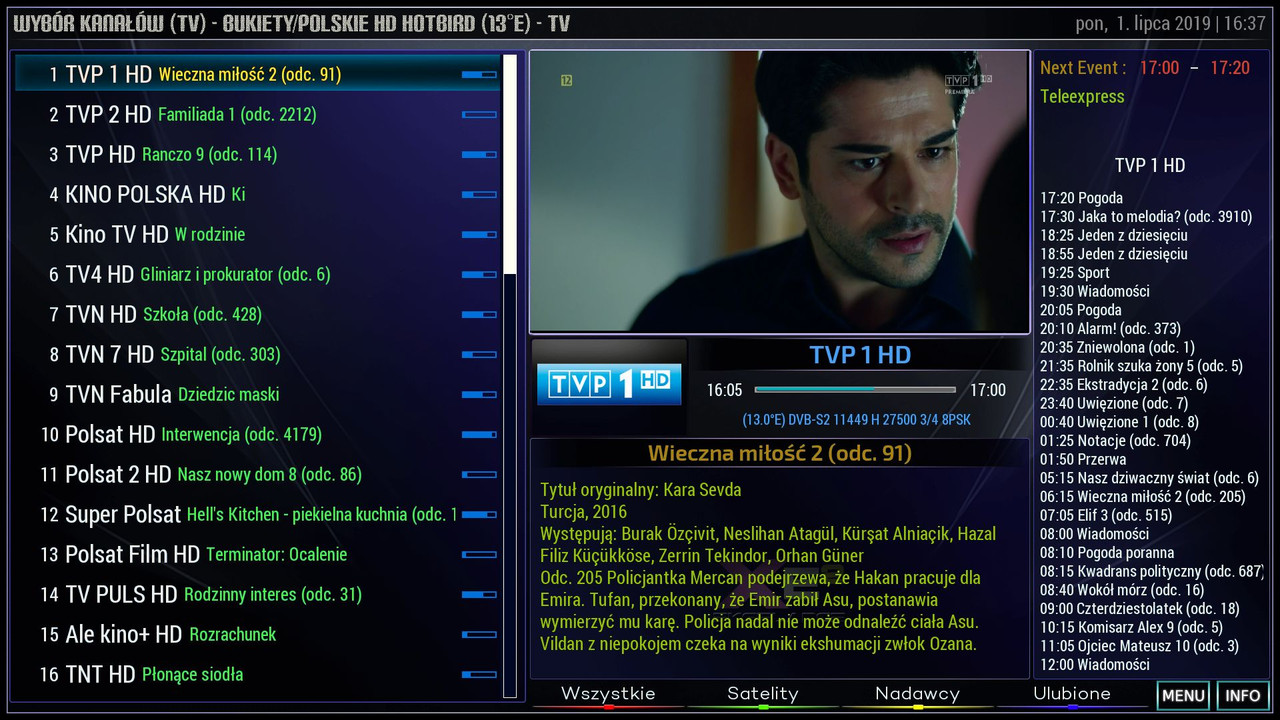
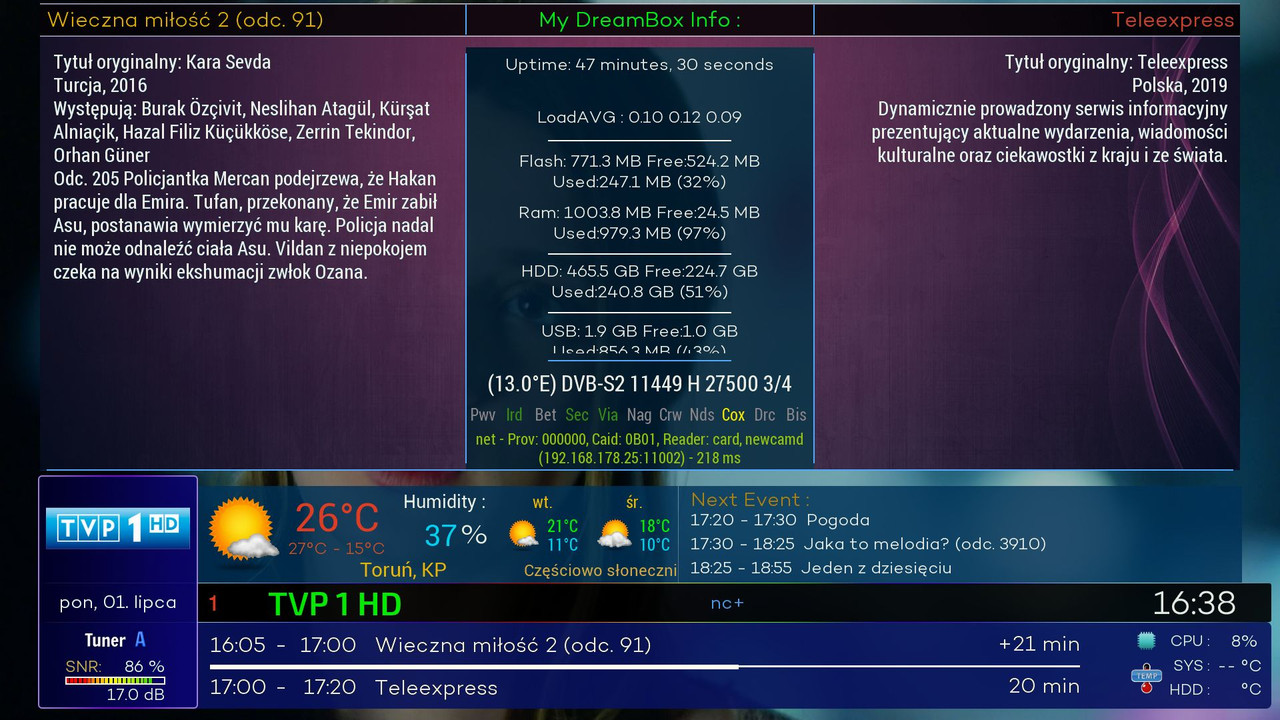
hello mate thanks for this beutifull skin
can you add Freq(s) info and sat info on this skin
regards
Mips OscamPowervu 11539
Changeset 11539: [dvbapi] Added option to enable/disable ecm.info file creation
Changeset 11538: [documentation] Whitespace cleanup
not work on pli 6.2
when i replace binray
on dreamosat cammanger
vusolo2
 Display More
VU+Skin EkselanceXE OpenPLi-7.1_
Skin-EkselanceXE_OpenPLi-7.1_all.ipk
when i try to install this skin my pli 7.1 during instalation Reboot UI and i think it broke but i go in skins and see Exkelance EX installed
no problem here ?
is rebooting in command s of IPK file during instalation ?
also my sound volume was 100 before installing and after that reboot go to default (50%)
is this normal or no ?
[OE2.0 OE2.5] DreamOSat camManager + Addons Manager + KeyUpdater
For ARM or MIPS Processor Devices
- Update 20190421-r8.1
Thanks audi06_19 .
i install on VU+SOLO image pli7.1
but blue Button not work and its Disable (For download oscam and another softcams)
just RED(stop) / GREEN(start restart) /YELLOW(update softcam.key)
omg :|
HIGH CPU Load and make my box slow on OPENATV 6.3
vusolo2 box
not good
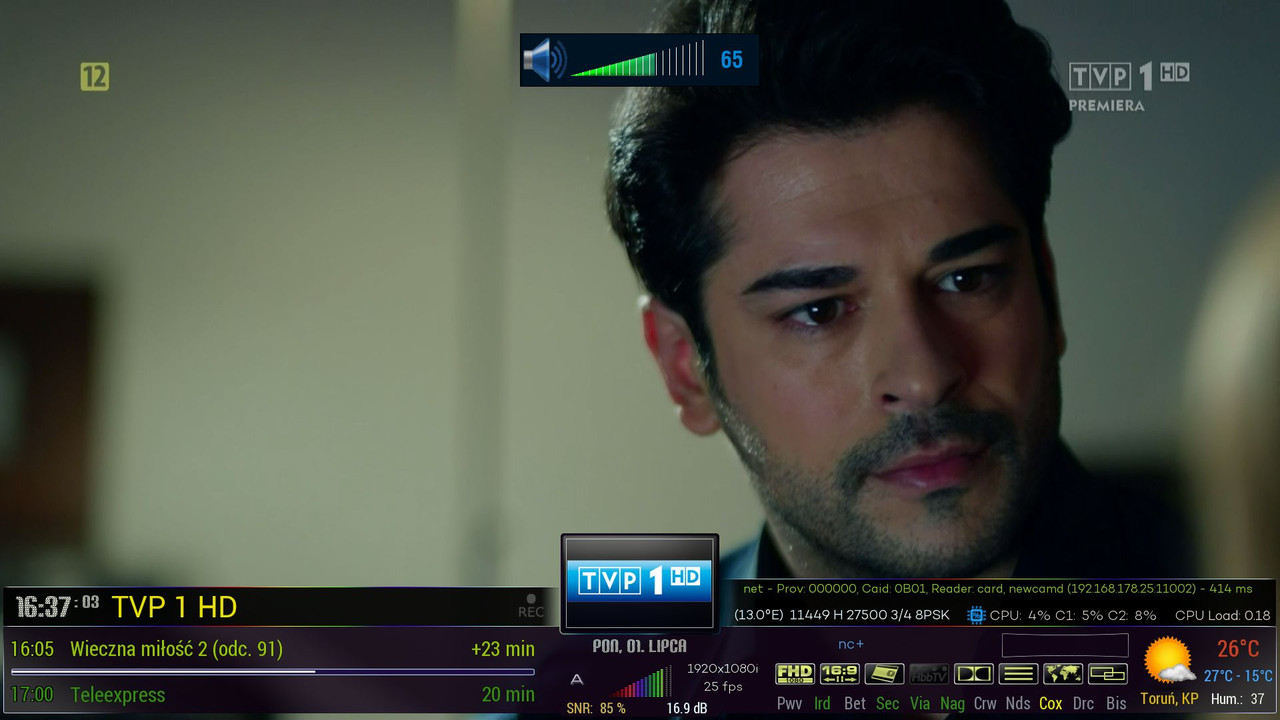
pease please attach pic form INFO BAR on you images u upload
tnx alot
send picture from info bar (when we press ok on remote )
no screen shots!
plz attach screen shot from info bar in all skins