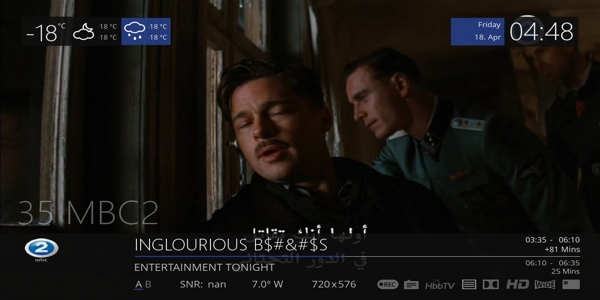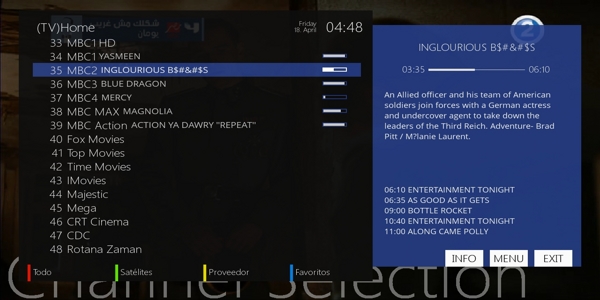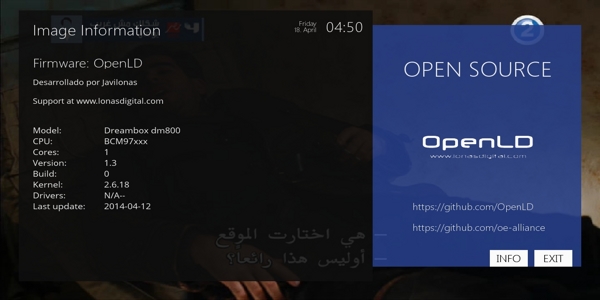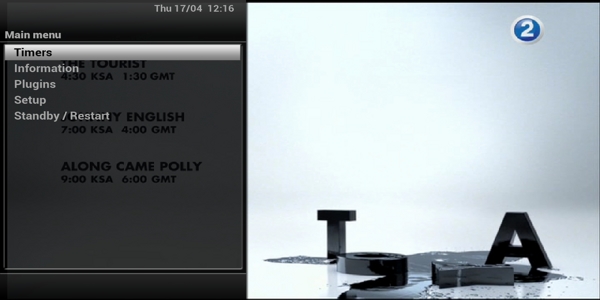
Settings aggiornati all' 8 maggio 2014
Posts by zvonko67
-
-
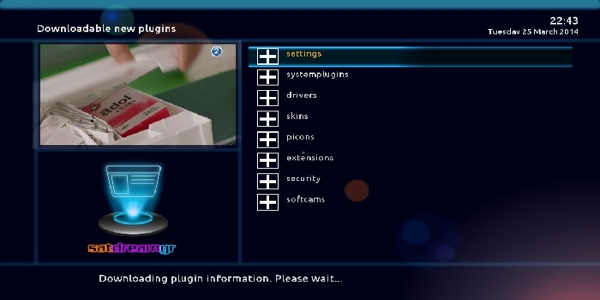
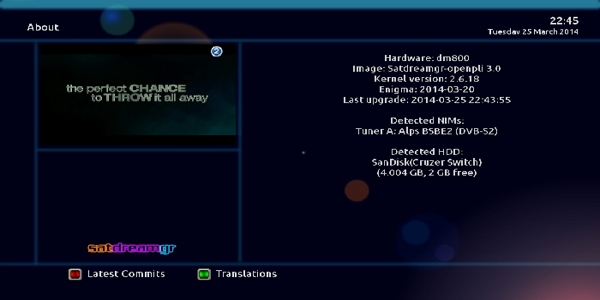
Satdreamgr-3.0-beta_Ferrari-SSL88F_DM800_20140503_RAED
Clean and Faster image For Internal and External Flash
Patched Under Ubunut
Patched to Ferrari DM800 Boxes
Added last drivers 20131228-r7.1
AC3 workingAbout remote control How to adjustment >>
menu
setup
system
input device
press ok to dreambox remote control (native) and adjustment as you like ..Warning:Don't Make Update Online

-
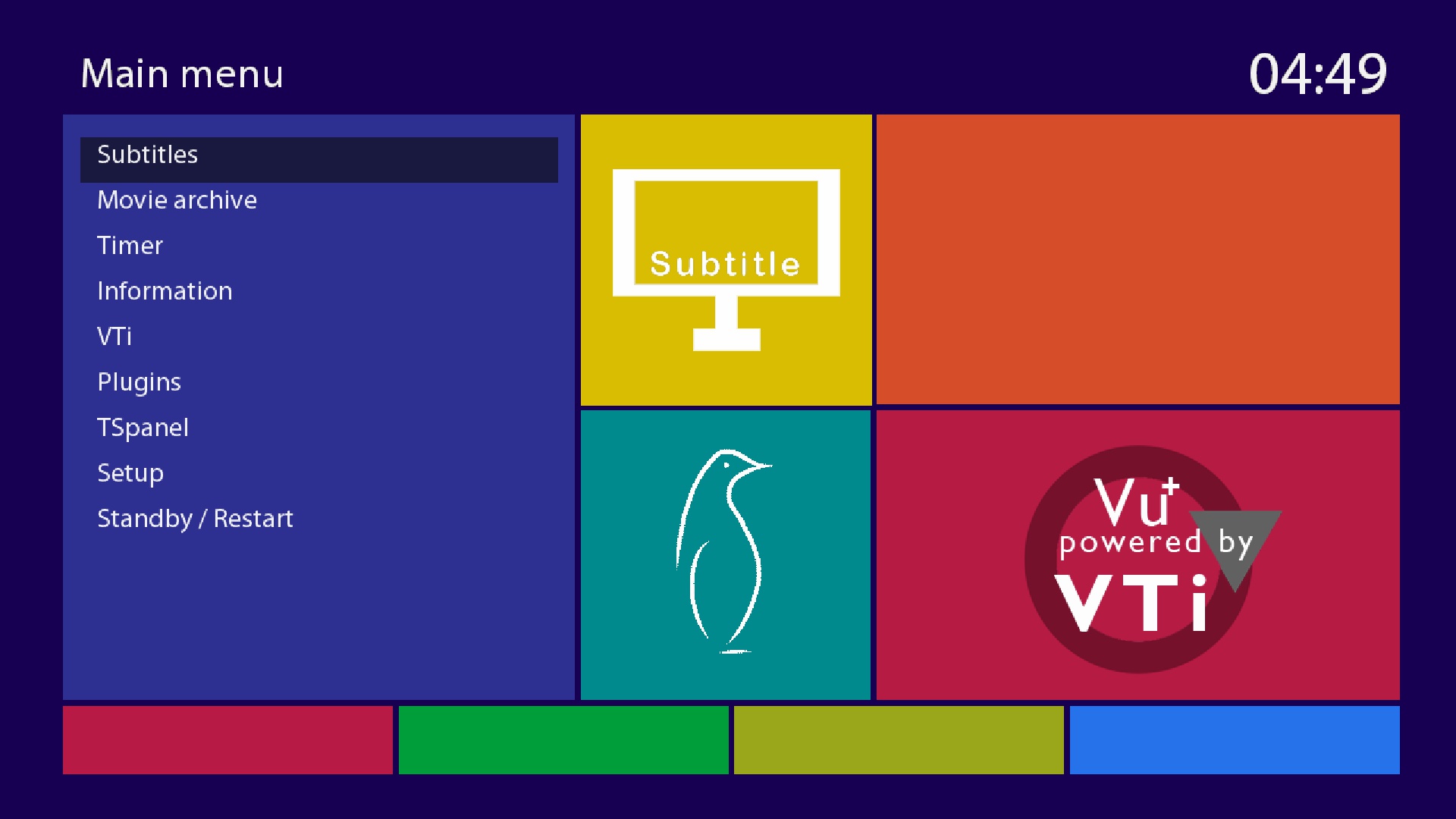
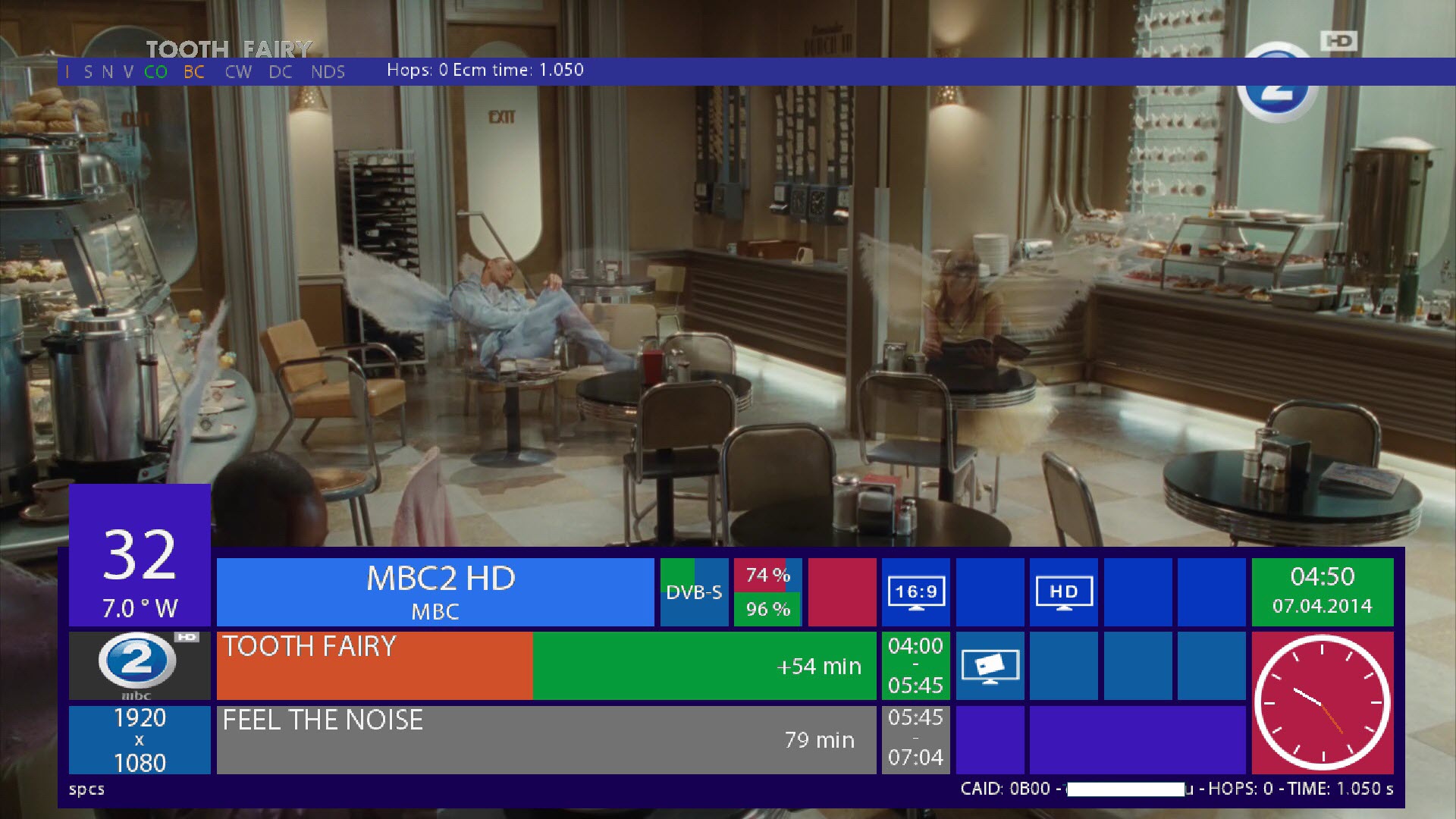
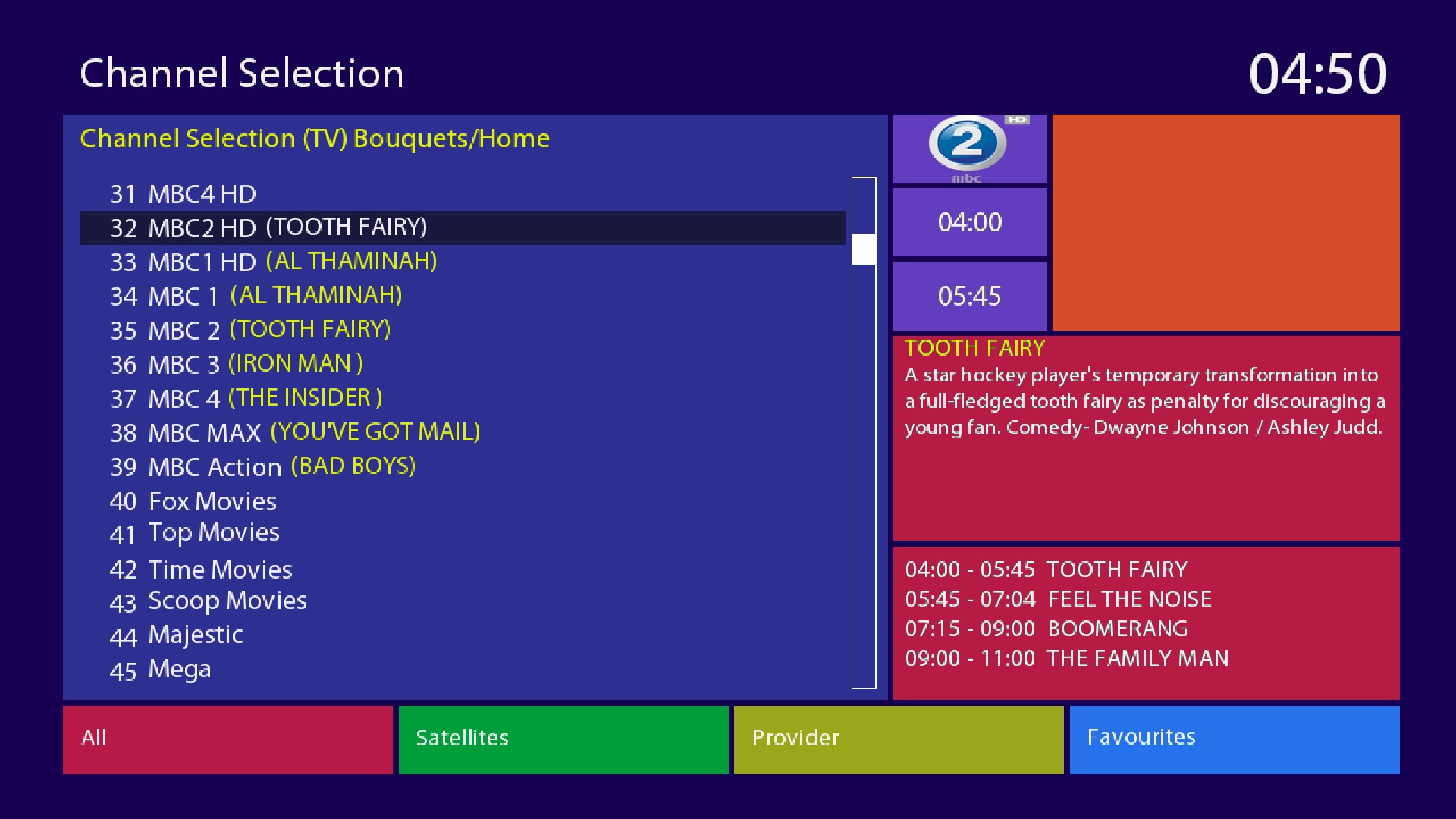
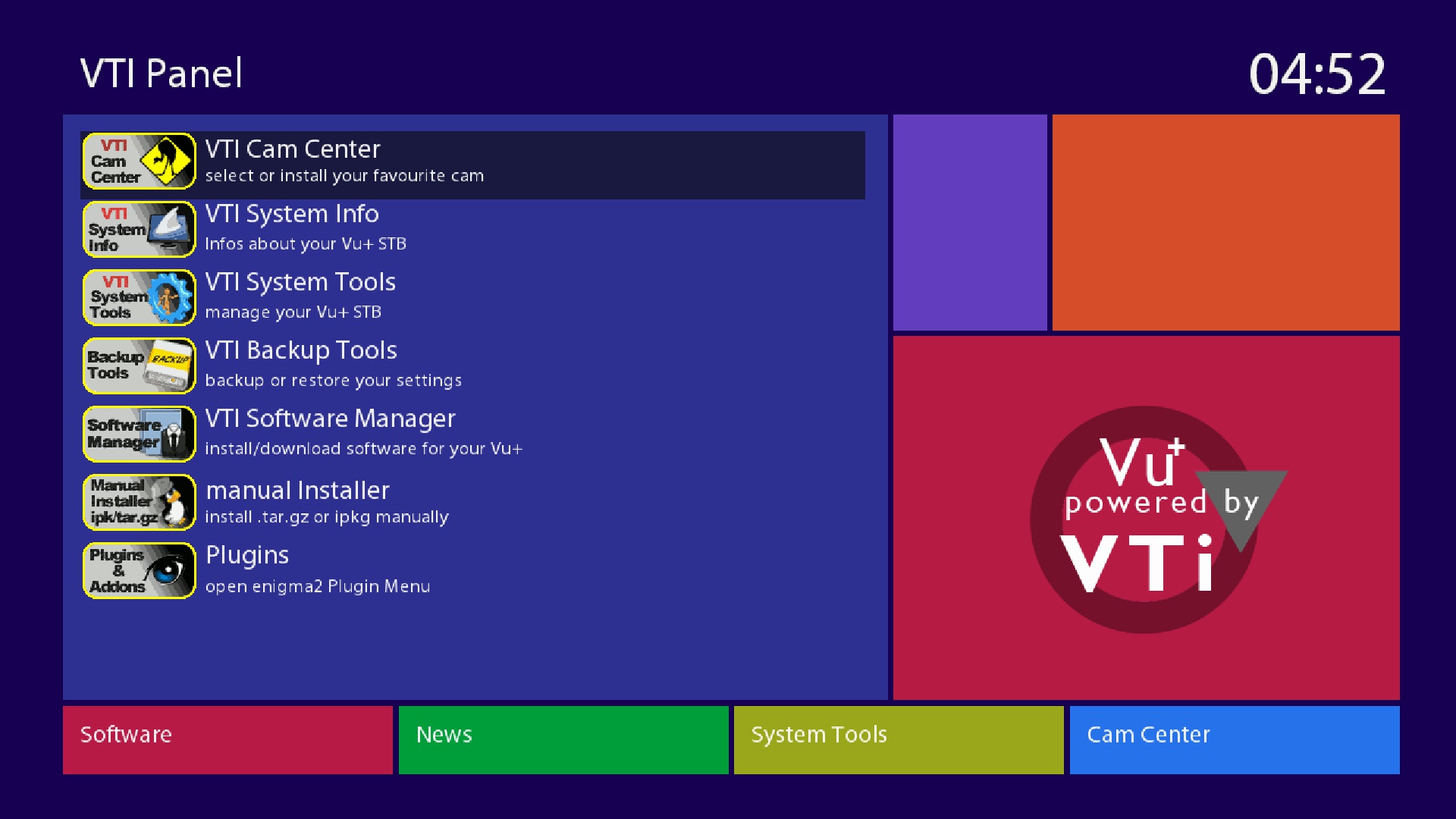
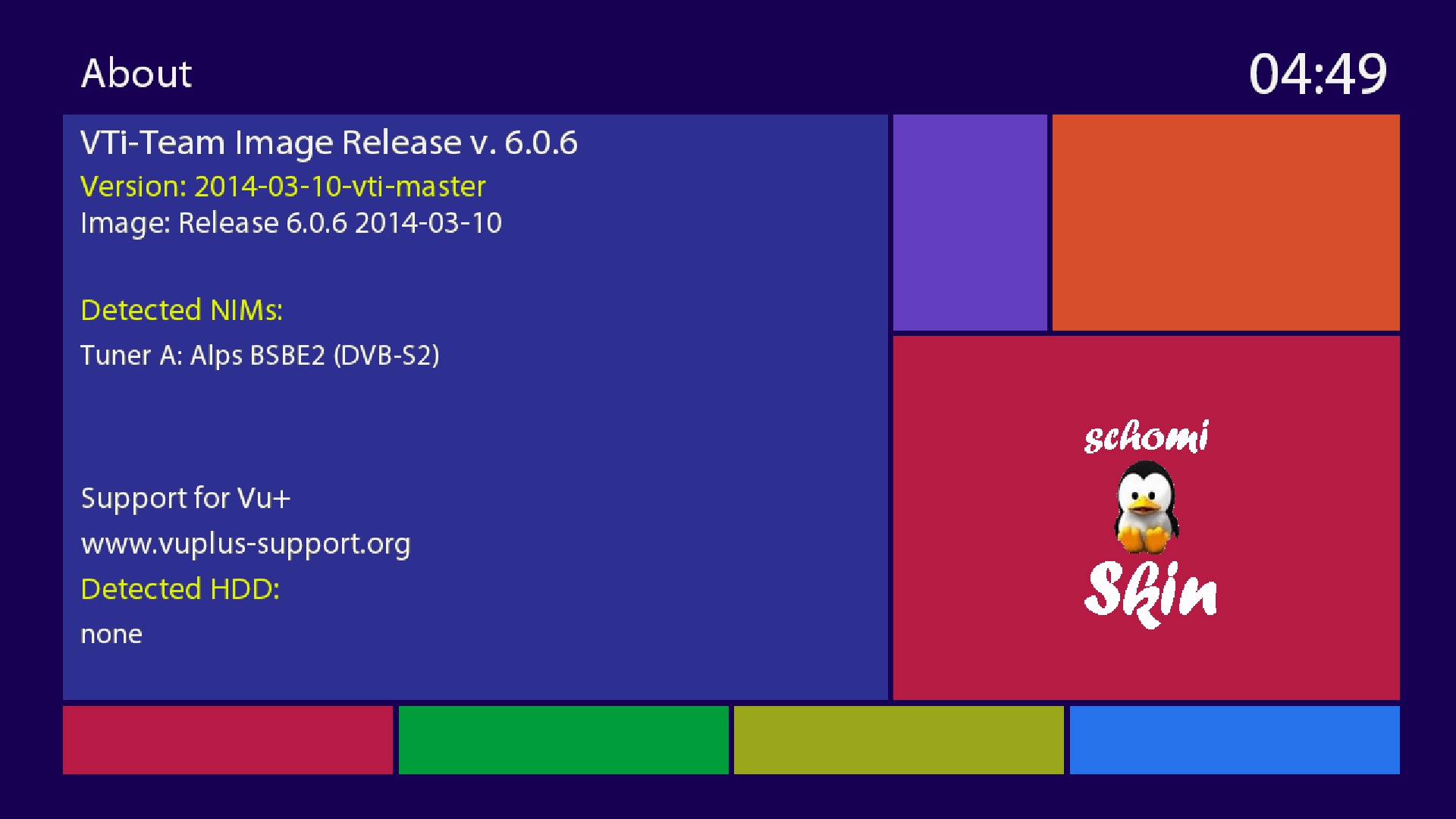
VTI-6.0.8_Ferrari-SSL88F_DM800_20140425184841_RAED
This Image For EXTERNAL FLASH only Size(62MB)
-I have converted and patched VTI (VU+) Image to Dreambox
-Should by work on all Boxes on External FlashAbout remote control How to adjustment >>
menu
setup
system
input device
press ok to dreambox remote control (native) and adjustment as you like ..How to Download Cams and Active it:
1-Blue button > Blue button (Cam Center) > Blue button (Manage Cams)
2-Then select and download what you need
3-To active cam press Blue button > Blue button (Cam Center)
4-Select Cam and press Green button (Start Cam)Warning:Don't Make Update Online

-
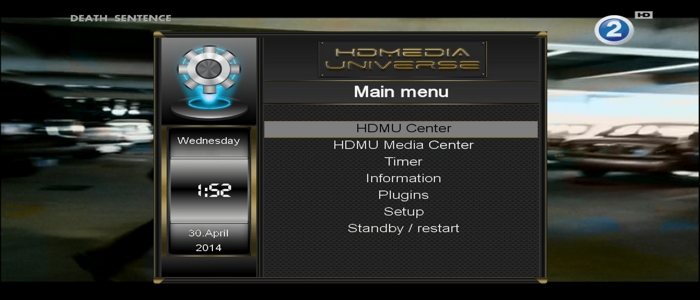
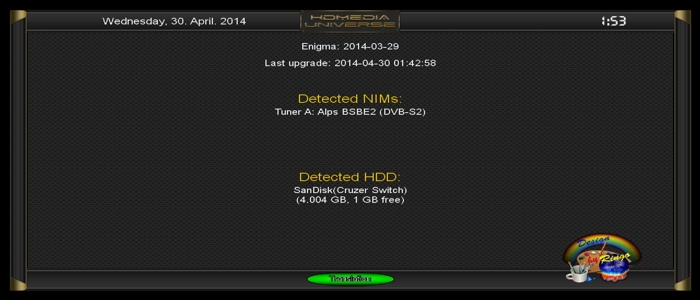
HDMU-12284_Ferrari-SSL88F_DM800_20140418_RAED
Clean and Faster image For Internal and External Flash
Patched Under Ubunut
-Image For Extrend Box
-I have Conversion & Patched to Ferrari DM800 Boxes
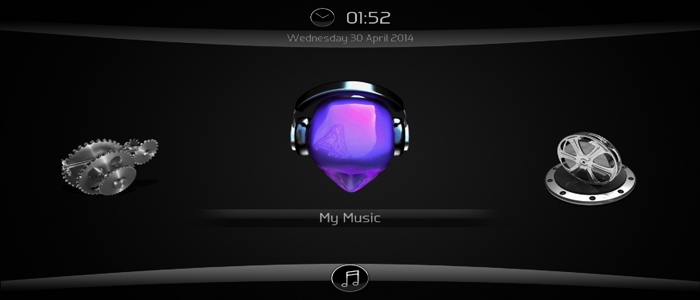
-I have patched HDMU Center & HDMU Media Center
-I have added last drivers 20131228-r7.1
-Edit opkg Feed to work on DMM
-Fixed LCD panel ScreenAbout remote control How to adjustment >>
menu
setup
system
input device
press ok to dreambox remote control (native) and adjustment as you like ..Warning:Don't Make Update Online
*Download & install Emus
Menu > Plugins > Green Button > Emus
------
*Active Emus
Menu > HDMU Center > Softcam Control > select Emu and press Green to start and Blue to Auto restartDo this command on telnet to get CCcam.cfg in /etc (Default Dir) and you can use CCcaminfo plugin
-
Openmips-4.0_Ferrari-SSL88F_DM800_20140502_RAED
Clean and Faster image For Internal and External Flash
Patched Under Ubunut
-Image for GIGABlue
-Converted & Patched to Ferrari DM800HD Boxes
-LCD panel fixed
-Opkg feed fixed
-Added Softcams panel setup
-Added extra feed for softcams
-Added last drivers 20131228-r7.0How to download emus (Cams)
Green Button > Green Button (Download) > Softcams
How to Active emus (Cams)
blue Button > Softcam setupAbout remote control How to adjustment >>
menu
setup
system
input device
press ok to dreambox remote control (native) and adjustment as you like ..Warning:Don't Make Update Online
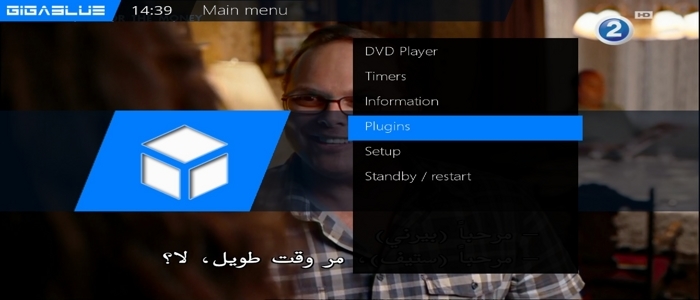
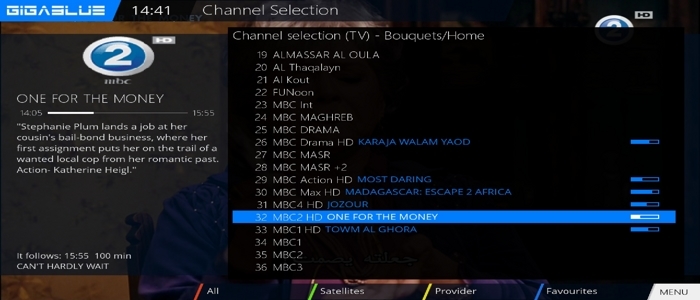
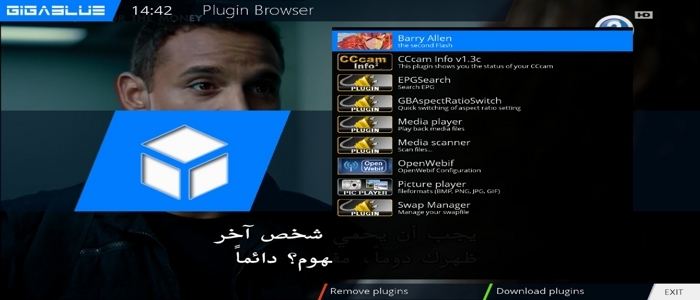

-
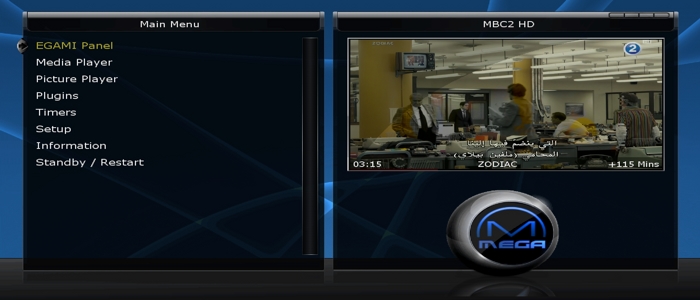
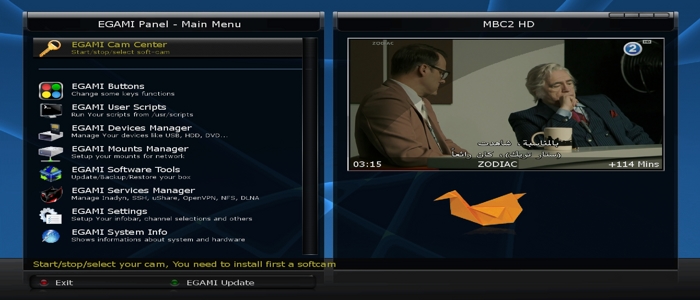
EGAMI-5.0.0_Ferrari-SSL88F_DM800_20140403_RAED
This Image For EXTERNAL FLASH only, Size of Image is(79.5MB)
-I have converted and patched Extrend (Egami) Image to Dreambox
-I have patched panel for image to work on Dreambox
-I have patched Download image server
-I have fixed LCD panel
-I have fixed emu install and Autostart after reboot
-Should be work on all Boxes on External Flash (But must be on Internal flash OE2.0 ImageHow to Download Cams and Active it:
1-Blue button > Yellow button (Download Cam)
2-To active cam press Blue button > Choose emu and press (OK) > Do restart enigma2 to get emu workNo need to install CCcaminfo, After selected CCcam emu you will find CCcaminfo under (Blue button > CCcam info)
Warning:Don't Make Update Online



-
Bootloader 750Mhz CPU-Takt za optibox evo m7
postupak ubacivanja kao enigme, u prilogu je i orginalni bootloader za 500 Mhz ako bude kakvih problema i nestabilnosti u radu resivera.
Radite na vlastitu odgovornost!
Instalacija jednostavna samo na stick postavi en2 _ ugasiš rec otpozadi ubaciš stick i upali i ništa ne diraj ne treba intervencija brzo odradi i podiže enigmu.tnx.kolega glama
-
-
-
Persian Empire Images RC7.r182
2014/03/29


-
-
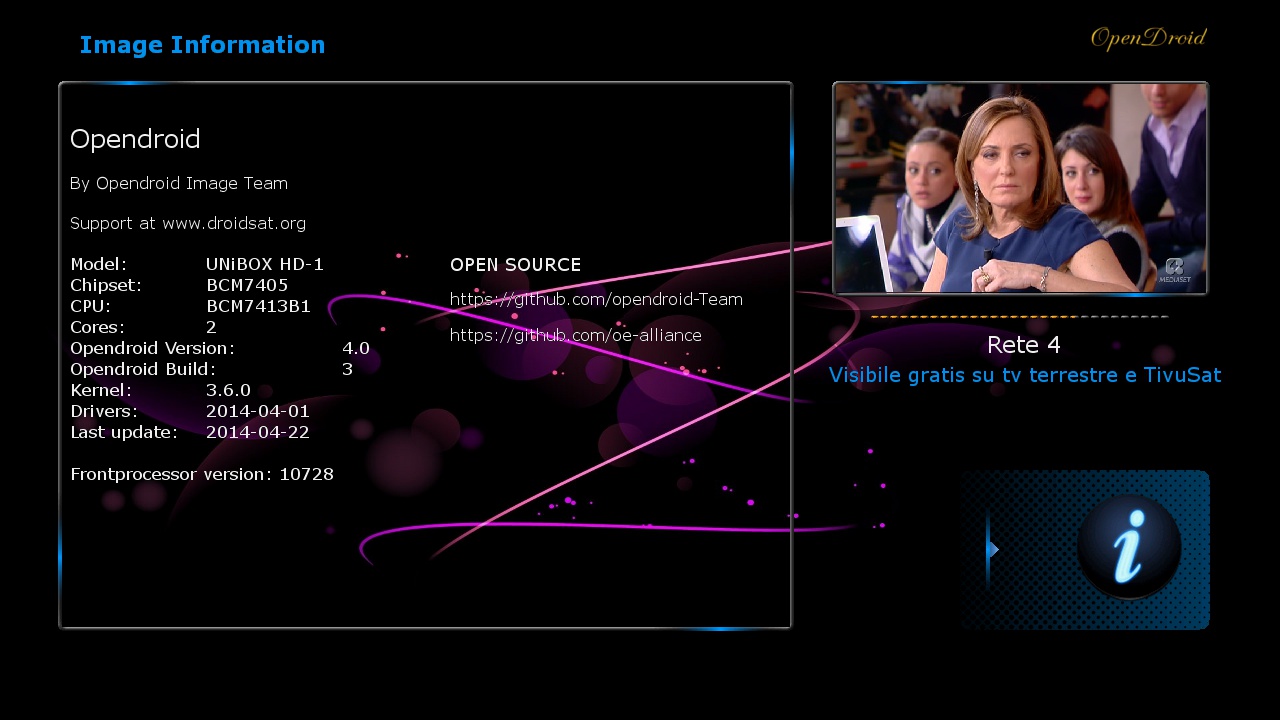
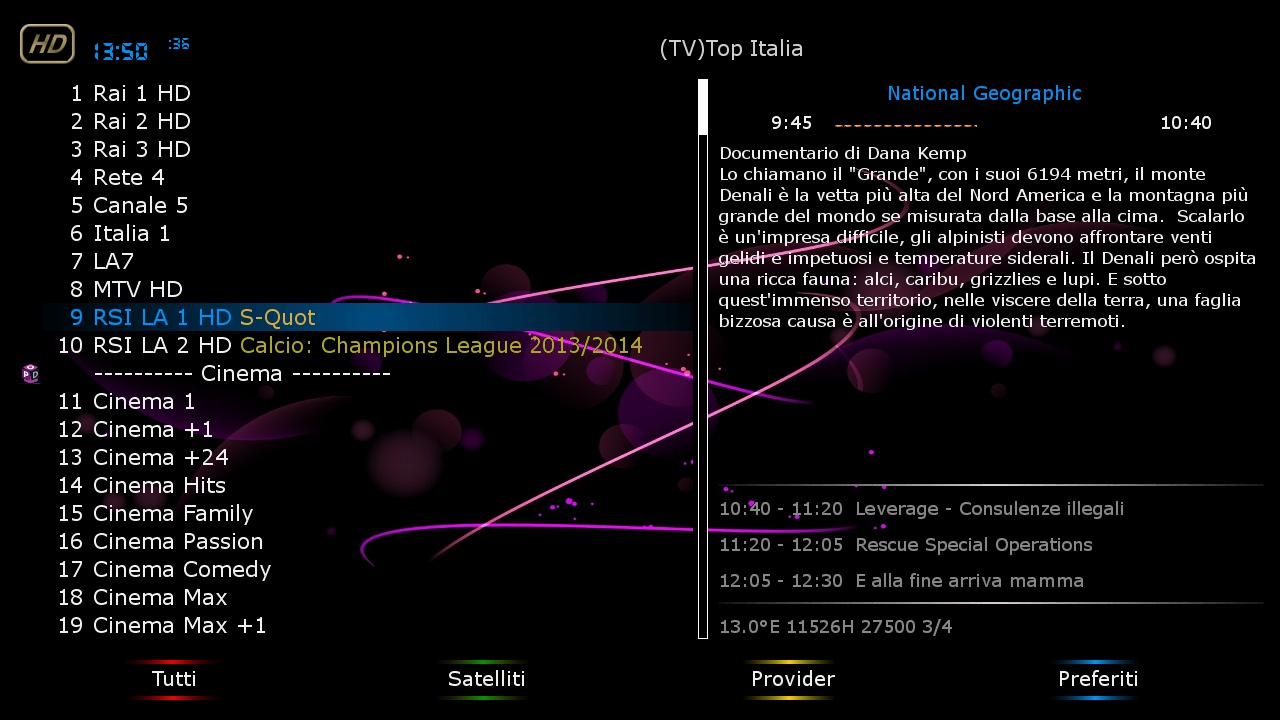
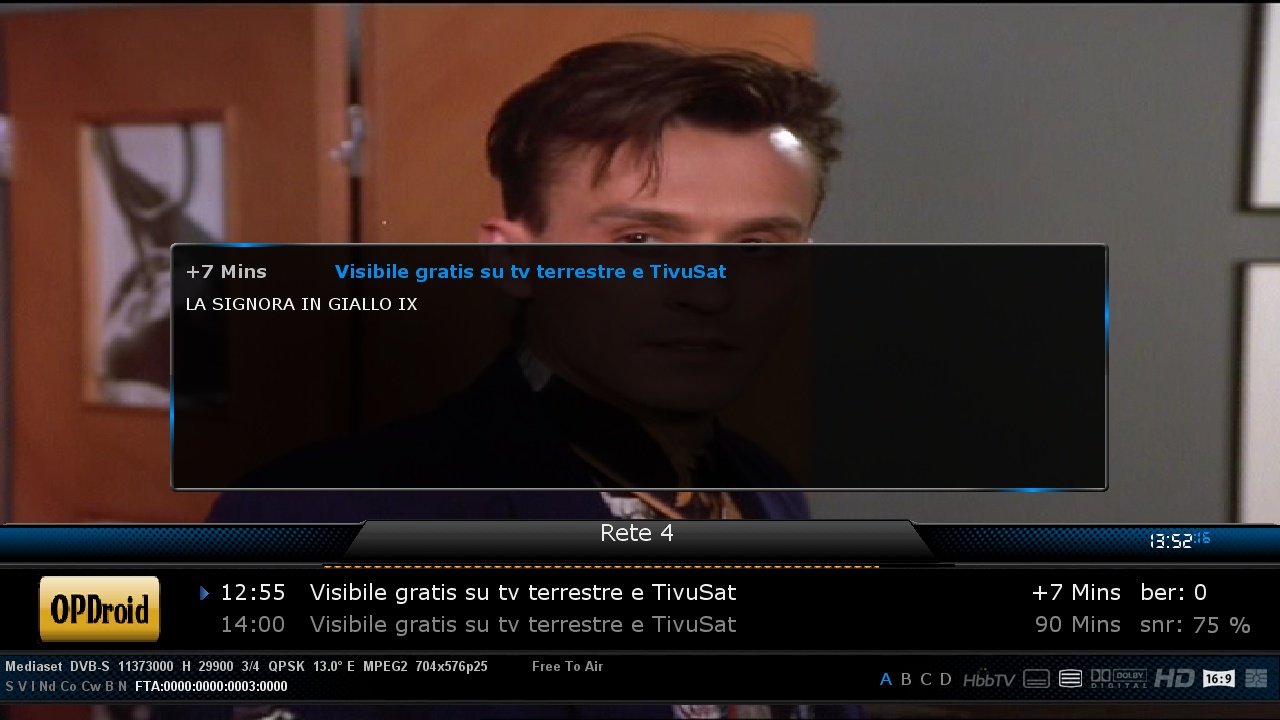
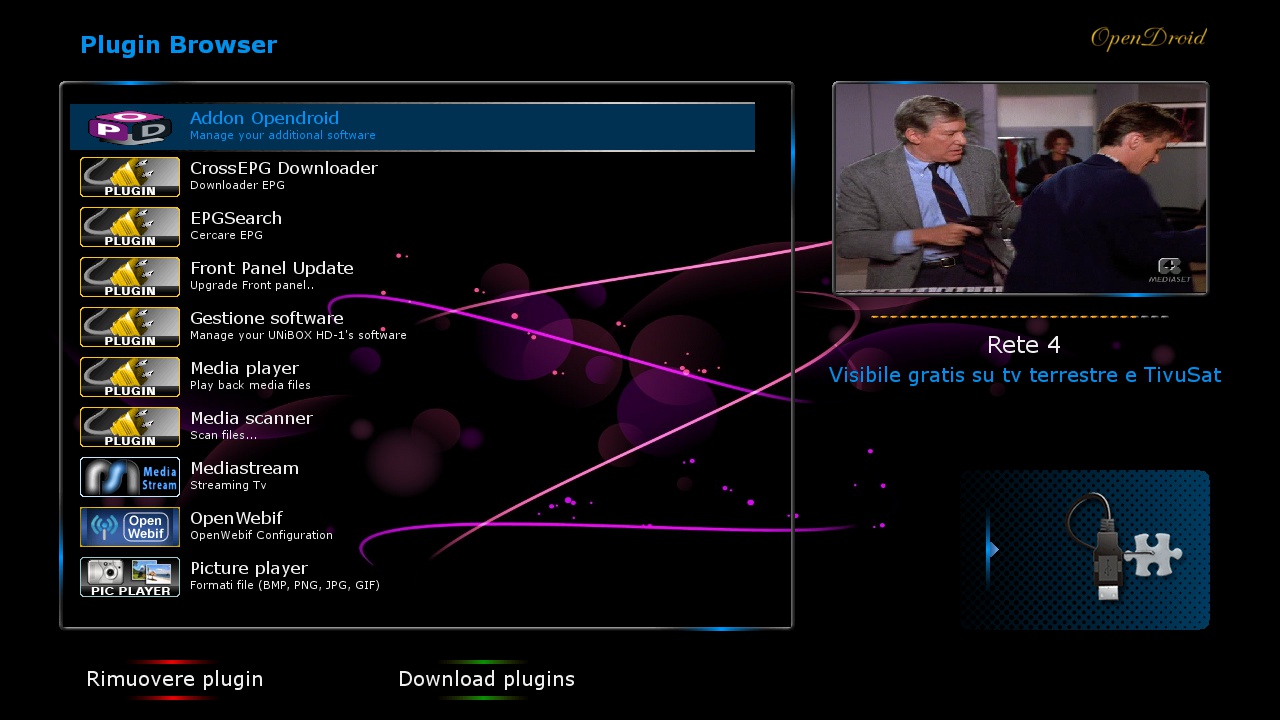
New OpenDroid 4.0 - OdinM7

DroidSat-Team Presenta New Images OpenDroid 4.0Hardware: OdinM7 - 4.0
Immagine: OpenDroid 4.0
Enigma: 2014-04-23
**Creatori immagine Oendroid**
Team-DroidSat
-----------------------**Added**
**OpenDroid Images (include CrossEPG) **
New: Bootlogo serie OrangE OpenDroid
New: Skin di Default Army_MoodBlue_mod Opendroid
New: Local Feed Opendroid
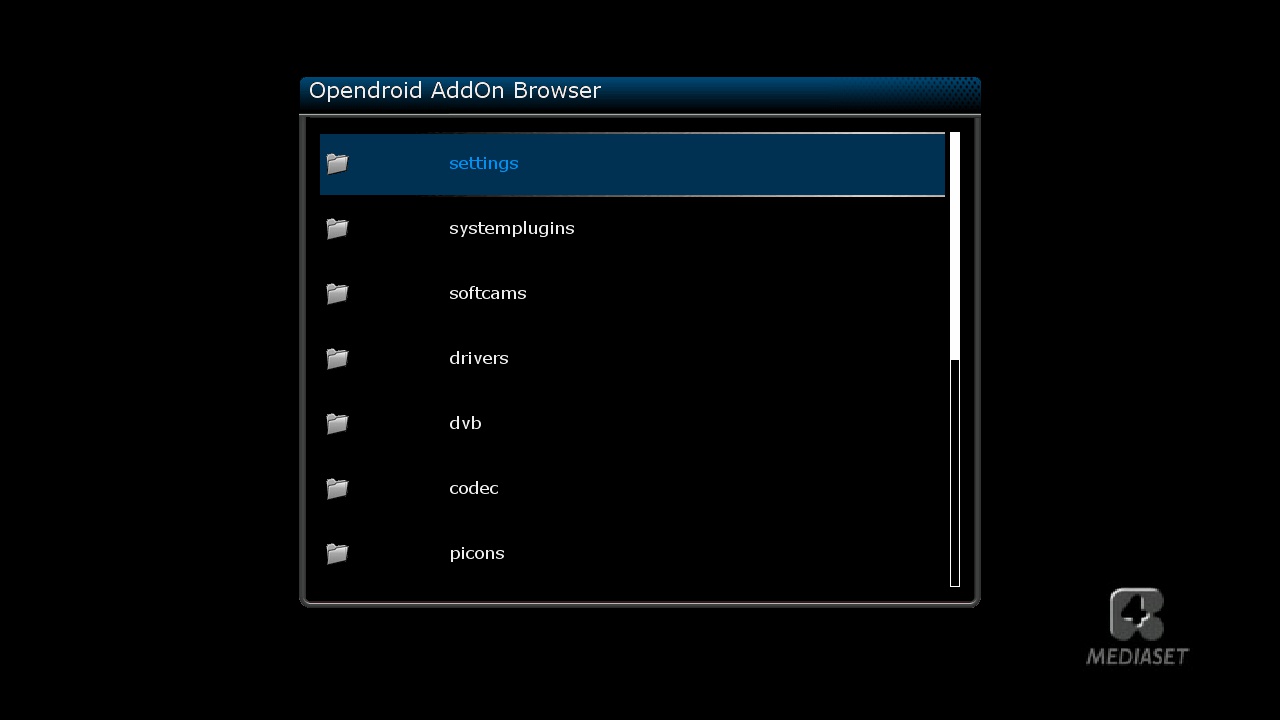
New:OpenDroid Images (include plugin-extensions-addonopendroid)
New:OpenDroid Images (include fullbackup)
New:OpenDroid Images (include Flash Online)
New:Nuova Lista HotBird 13 est di Default
New:Nuovo Picon OpenDroid
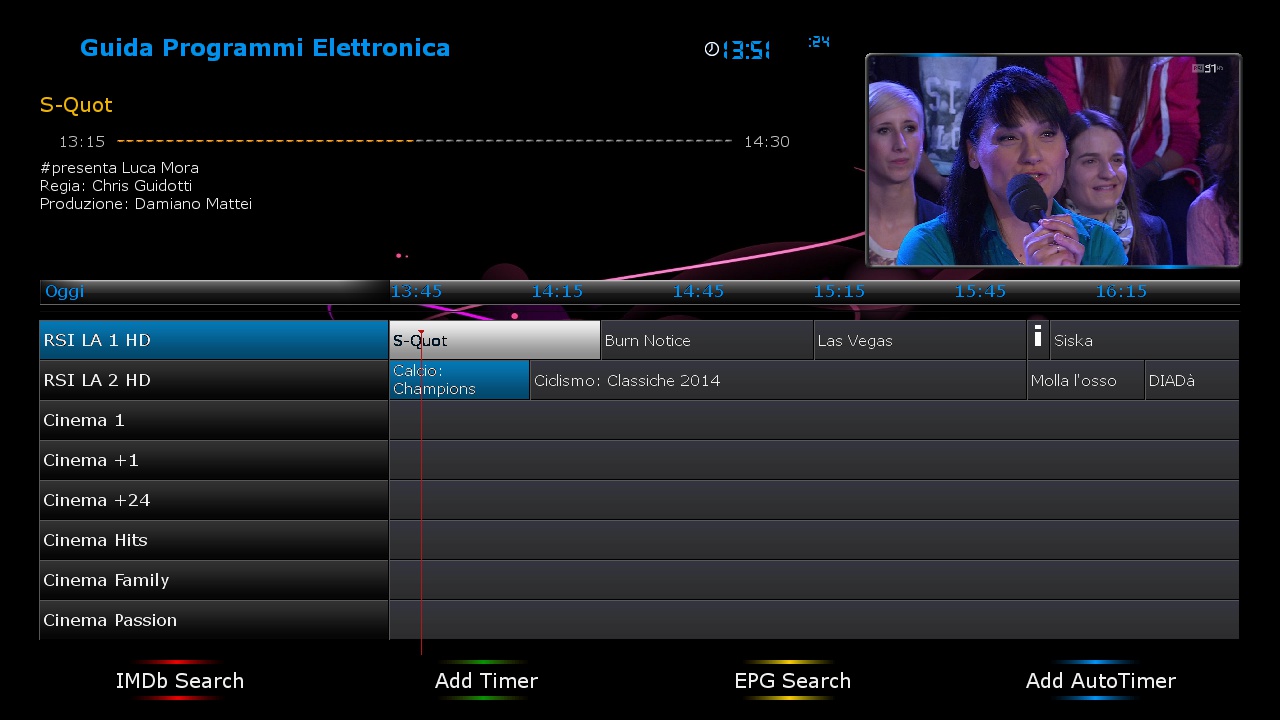
New:Nuovo Spinner OpendroidMappa Tasti Rapidi:
Tasto Rosso: GraphMulti EPG
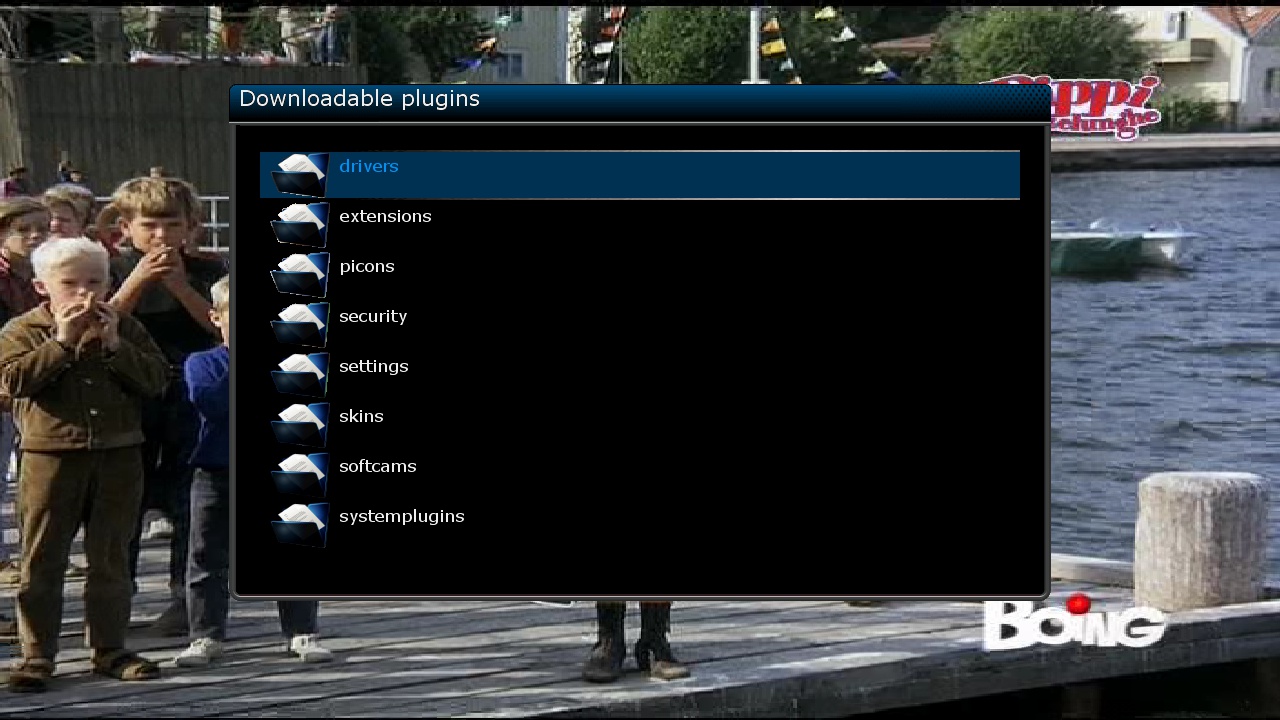
Tasto Verde: Plugins
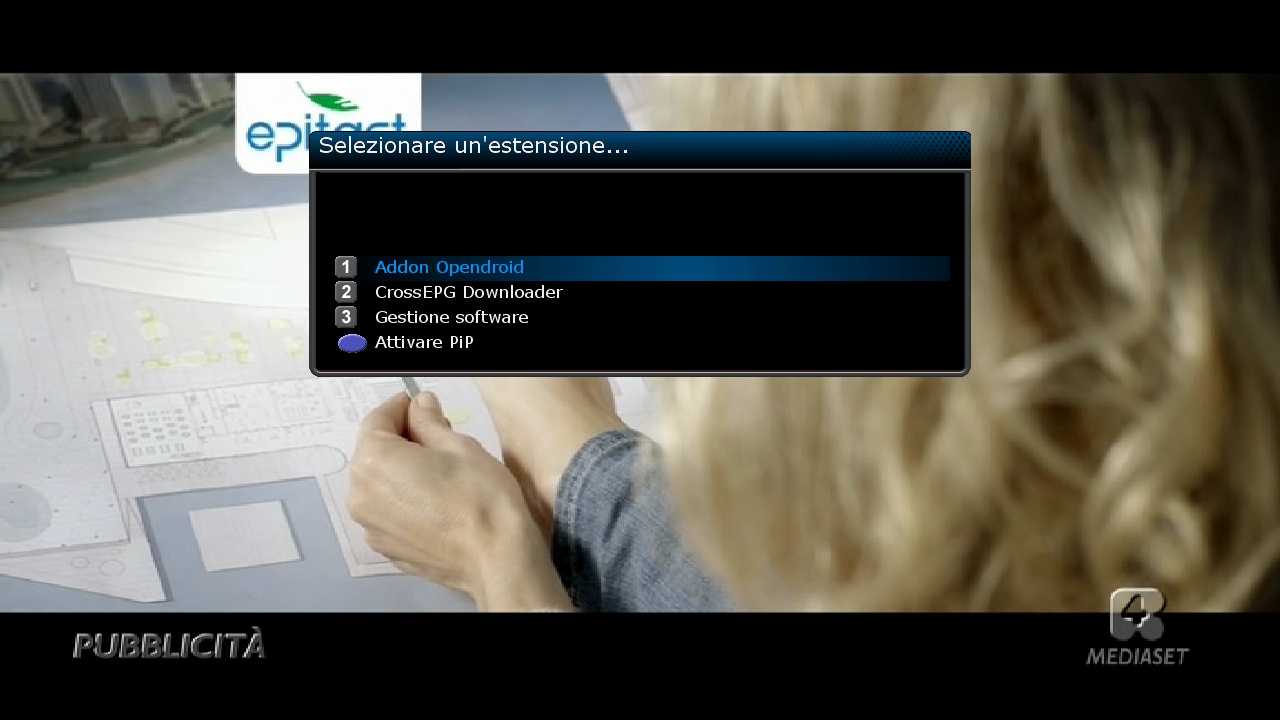
Tasto Blue: MultiFunzione
Si ringraziano gli Sviluppatori dell'immagine Opendroid, oe-alliance e tutti betatesters per le segnalazioni.
NB: Non tutti i plugin di terze parti sono stati testati e sono garantiti per essere compatibili
NOTA: Poiché non vi è alcun tipo di supporto ufficiale per questi ricevitori Opendroid-Team implementerà le Immagini personalizzate utilizzando solo il nostro server addons che rispecchia il server standard Opendroid e che permetterà gli aggiornamenti in linea quando disponibili.
I FIRMWARES IN OGGETTO NON CONTENGONO CHIAVI O EMULATORI DI NESSUN GENERE .
OPENDROID-TEAM E IL FORUM DROIDSAT NON SONO RESPONSABILE IN NESSUN CASO DELL'USO CHE GLI UTENTI FARANNO DI QUESTI PROGRAMMI.OpenDroid-Team-Raccomanda di non fare aggiornamento software ON-Line
possibilmente Usare l'Immagine in flash
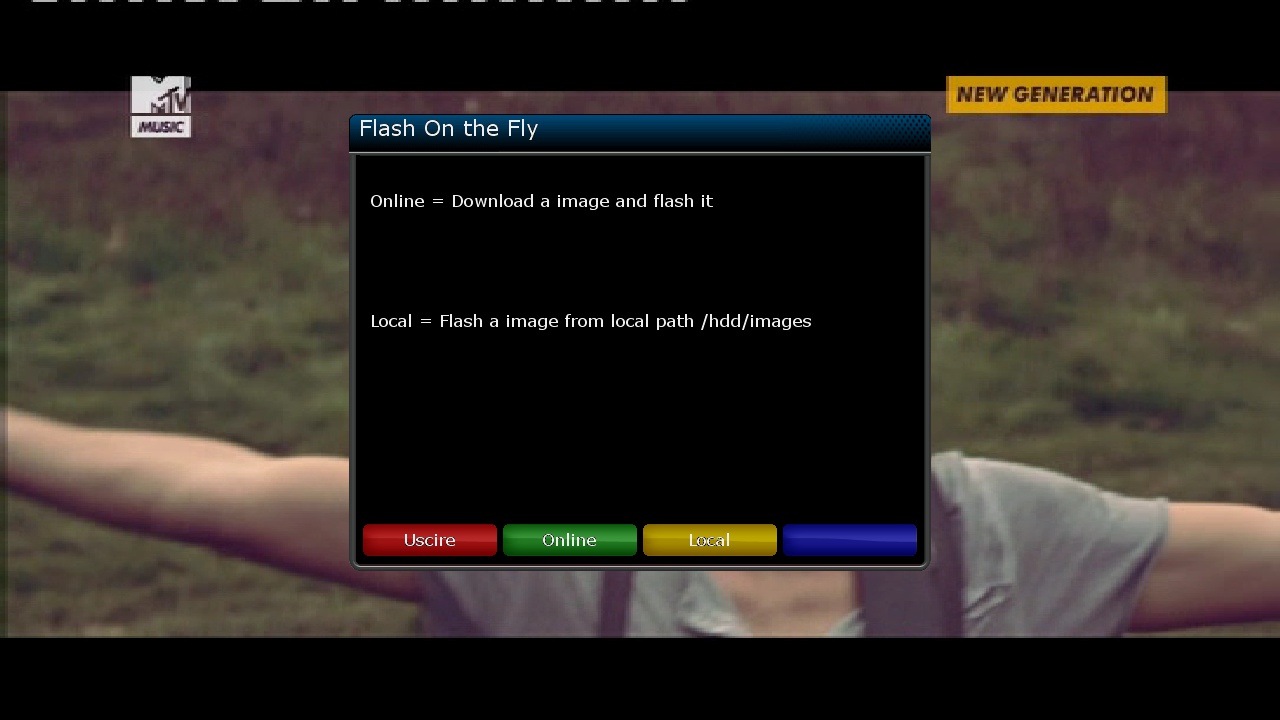
-
-
Version 1852
From the author:
- The possibility of installation ID for the reader of external library (from the filter ident in adjustments of the reader) (unique UA address also it is possible to specify in adjustments of the reader ua xxxxxxxxxxxxxxxx) is added
- It is possible to pass parameters to external library (params)
- In source codes of external library ' oscamlog (0, ' - writes to the basic broad gully -
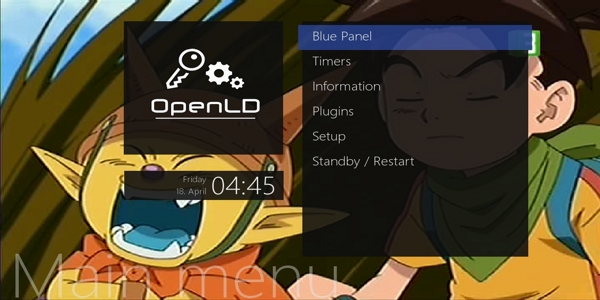
openLD-1.4-dm800sev2-ramiMAHER#ssl88a
sim2

Changelog:
* Kernel: Depende del modelo será una versión u otra. (Modificado y optimizado por Javilonas)
* Enigma2: 23-04-2014 (Sources Propios)
* Image: OpenLD - 23-04-2014
* BusyBox: v1.19.4 (optimizado por javilonas)
* Drivers: Los mas actuales hasta la fecha (depende de modelo será una versión u otra)
* Skin Default: MetrixHD
* Webinterface: OpenWebif Versión OWIF 0.2.7
* Versión Distro : 1.4 - OpenLD (oficial no test)
* Modo Experto activado por defecto
* Nuevo Bootlogo
* Múltiples cambios en Enigma2
* Actualizado terrestrial.xml
* Actualizado satellites.xml
* Actualizada Lista Astra 19.2E 23/04/2014 por defecto
* Optimizado Kernel para mayor rendimiento.
* Optimizadas conexiones TCP/UDP (ipv4/ipv6)Versión 1.4 mejora TCP/UDP
* Re-estructuración del Blue Panel
* Acceso directo al Blue Panel en menú
* Nuevo EPG Import by Javilonas (7 días EPG) (Basado en xmltvimport)
* Añadida tareas cron (liberará Memoria RAM cada 5 horas)
* Corrección de bugs en enigma2
* Nuevo BOOTLOGO
* Añadido python-gdata
* Añadido python-compression
* Añadido python-imaging
* Actualizadas todas las librerías, plugins, etc...
* Actualizado OpenSSL
* Corregido BUG Heartbleed (CVE-2014-0160)en OpenSSL
* Añadido cryptodev-linux_1.6 para OpenSSL
* Actualizados Drivers Gigablue y Vu+
* NFS, SAMBA, inadyn, ushare, cifs, ntfsprogs, minidlna, openvpn, etc... (opcionales) Eliminados en receptores de un sólo core.
* Añadido archivo python piconl by Lucifer (Nos permitirá añadir nuevos skin desde addons para el display)
* Solucionado problema con Teletexto
* Corregido error en ccid
* Corregidos varios problemas con el sonido y ac3+
* Corregido problema en CronManager (Fix scripts predefinidos)
* Añadidas mas opciones/configuraciones para smart1080p
* Sustituido TCP_CONF_CUBIC por TCP_CONF_WESTWOOD en kernel.
* libcrypto-compat-0.9.8 por defecto
* Corregidos splash y lcdspash
* Añadido Lenguaje Español en MymetrixLite
* Solucionado Problema en blue panel al pulsar botón amarillo en modelos dream
* Mas memoria flash libre
* Autoscan off por defecto, ahora usted decide.
* Bastantes cambios y correcciones de pequeños bugs en diferentes zonas de enigma2 + info en el github del team.
* Soporte para Dream Multimedia, Azbox, Medi@Link, Gigablue, Vu+ (Próximamente mas)
* Seguramente se me olvide algo, si es así lo iré añadiendo según me acuerde.Botón azul **** Blue Panel OpenLD
Botón verde **** Plugins
Botón Verde **** Botón Verde **** ADDONS
Botón azul **** Botón rojo **** Servicios
Botón Amarillo **** Configurar Sonido
Botón Rojo **** Guía de Programación ElectrónicaEsta versión con fecha 23-04-2014 es la versión final y OFICIAL, si habéis instalado otra
anterior, por favor, hacer instalación limpia.DOWNLOAD
-
openLD-1.4-dm800se-ramiMAHER#ssl88a
sim2
Changelog:
* Kernel: Depende del modelo será una versión u otra. (Modificado y optimizado por Javilonas)
* Enigma2: 23-04-2014 (Sources Propios)
* Image: OpenLD - 23-04-2014
* BusyBox: v1.19.4 (optimizado por javilonas)
* Drivers: Los mas actuales hasta la fecha (depende de modelo será una versión u otra)
* Skin Default: MetrixHD
* Webinterface: OpenWebif Versión OWIF 0.2.7
* Versión Distro : 1.4 - OpenLD (oficial no test)
* Modo Experto activado por defecto
* Nuevo Bootlogo
* Múltiples cambios en Enigma2
* Actualizado terrestrial.xml
* Actualizado satellites.xml
* Actualizada Lista Astra 19.2E 23/04/2014 por defecto
* Optimizado Kernel para mayor rendimiento.
* Optimizadas conexiones TCP/UDP (ipv4/ipv6)Versión 1.4 mejora TCP/UDP
* Re-estructuración del Blue Panel
* Acceso directo al Blue Panel en menú
* Nuevo EPG Import by Javilonas (7 días EPG) (Basado en xmltvimport)
* Añadida tareas cron (liberará Memoria RAM cada 5 horas)
* Corrección de bugs en enigma2
* Nuevo BOOTLOGO
* Añadido python-gdata
* Añadido python-compression
* Añadido python-imaging
* Actualizadas todas las librerías, plugins, etc...
* Actualizado OpenSSL
* Corregido BUG Heartbleed (CVE-2014-0160)en OpenSSL
* Añadido cryptodev-linux_1.6 para OpenSSL
* Actualizados Drivers Gigablue y Vu+
* NFS, SAMBA, inadyn, ushare, cifs, ntfsprogs, minidlna, openvpn, etc... (opcionales) Eliminados en receptores de un sólo core.
* Añadido archivo python piconl by Lucifer (Nos permitirá añadir nuevos skin desde addons para el display)
* Solucionado problema con Teletexto
* Corregido error en ccid
* Corregidos varios problemas con el sonido y ac3+
* Corregido problema en CronManager (Fix scripts predefinidos)
* Añadidas mas opciones/configuraciones para smart1080p
* Sustituido TCP_CONF_CUBIC por TCP_CONF_WESTWOOD en kernel.
* libcrypto-compat-0.9.8 por defecto
* Corregidos splash y lcdspash
* Añadido Lenguaje Español en MymetrixLite
* Solucionado Problema en blue panel al pulsar botón amarillo en modelos dream
* Mas memoria flash libre
* Autoscan off por defecto, ahora usted decide.
* Bastantes cambios y correcciones de pequeños bugs en diferentes zonas de enigma2 + info en el github del team.
* Soporte para Dream Multimedia, Azbox, Medi@Link, Gigablue, Vu+ (Próximamente mas)
* Seguramente se me olvide algo, si es así lo iré añadiendo según me acuerde.Botón azul **** Blue Panel OpenLD
Botón verde **** Plugins
Botón Verde **** Botón Verde **** ADDONS
Botón azul **** Botón rojo **** Servicios
Botón Amarillo **** Configurar Sonido
Botón Rojo **** Guía de Programación ElectrónicaEsta versión con fecha 23-04-2014 es la versión final y OFICIAL, si habéis instalado otra
anterior, por favor, hacer instalación limpia.DOWNLOAD
-
VTI-6.0.6_Ferrari-SSL88F_dm800_20140310201704_RAED
This Image For EXTERNAL FLASH only Size(67MB)
-I have converted and patched VTI (VU+) Image to Dreambox
-Should by work on all Boxes on External FlashAbout remote control How to adjustment >>
menu
setup
system
input device
press ok to dreambox remote control (native) and adjustment as you like ..How to Download Cams and Active it:
1-Blue button > Blue button (Cam Center) > Blue button (Manage Cams)
2-Then select and download what you need
3-To active cam press Blue button > Blue button (Cam Center)
4-Select Cam and press Green button (Start Cam)Warning:Don't Make Update Online
From Attach download (grab) file and sent to /usr/bin then accept to replace (This is fix take screen Shut from Web)

-
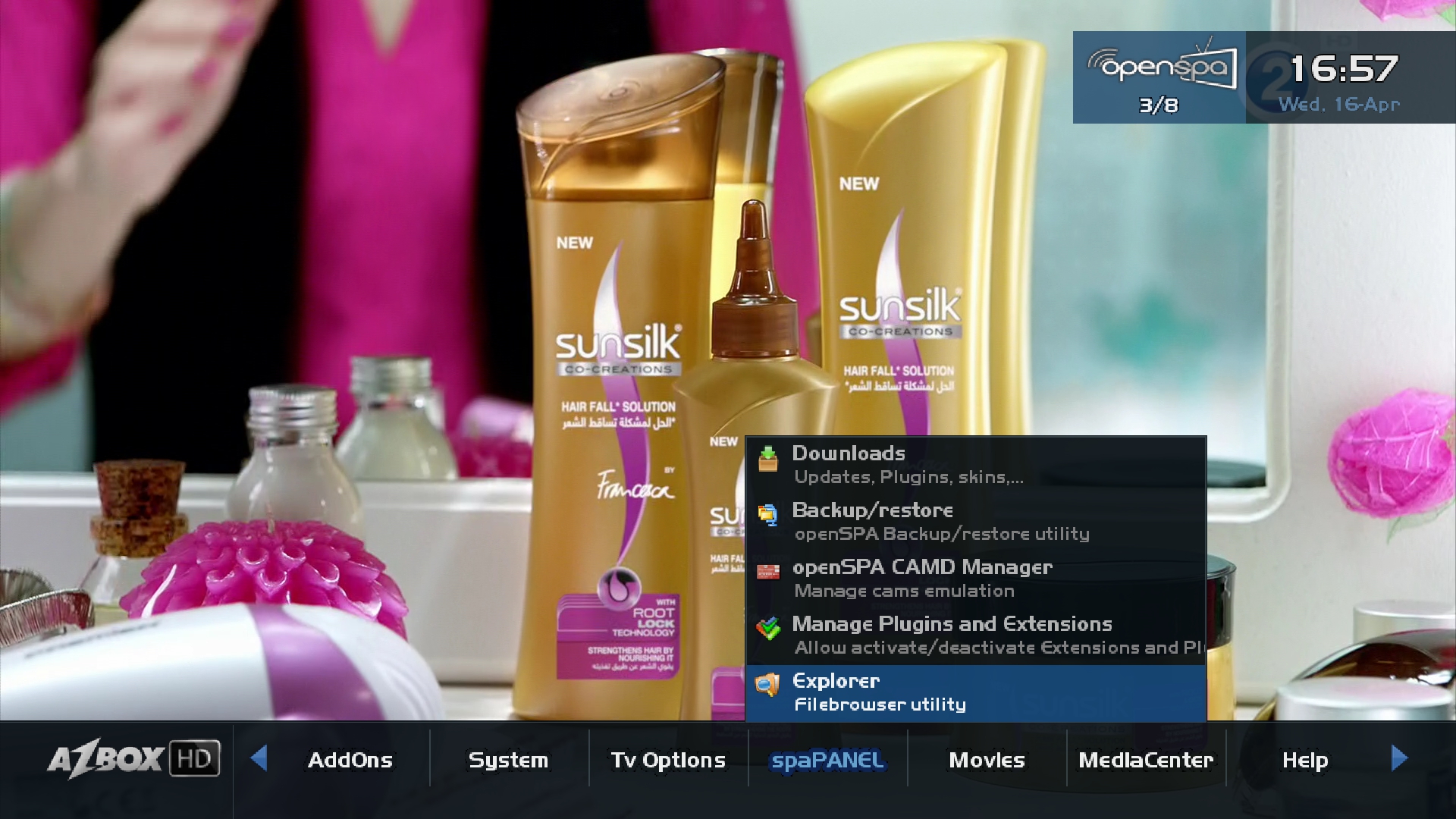
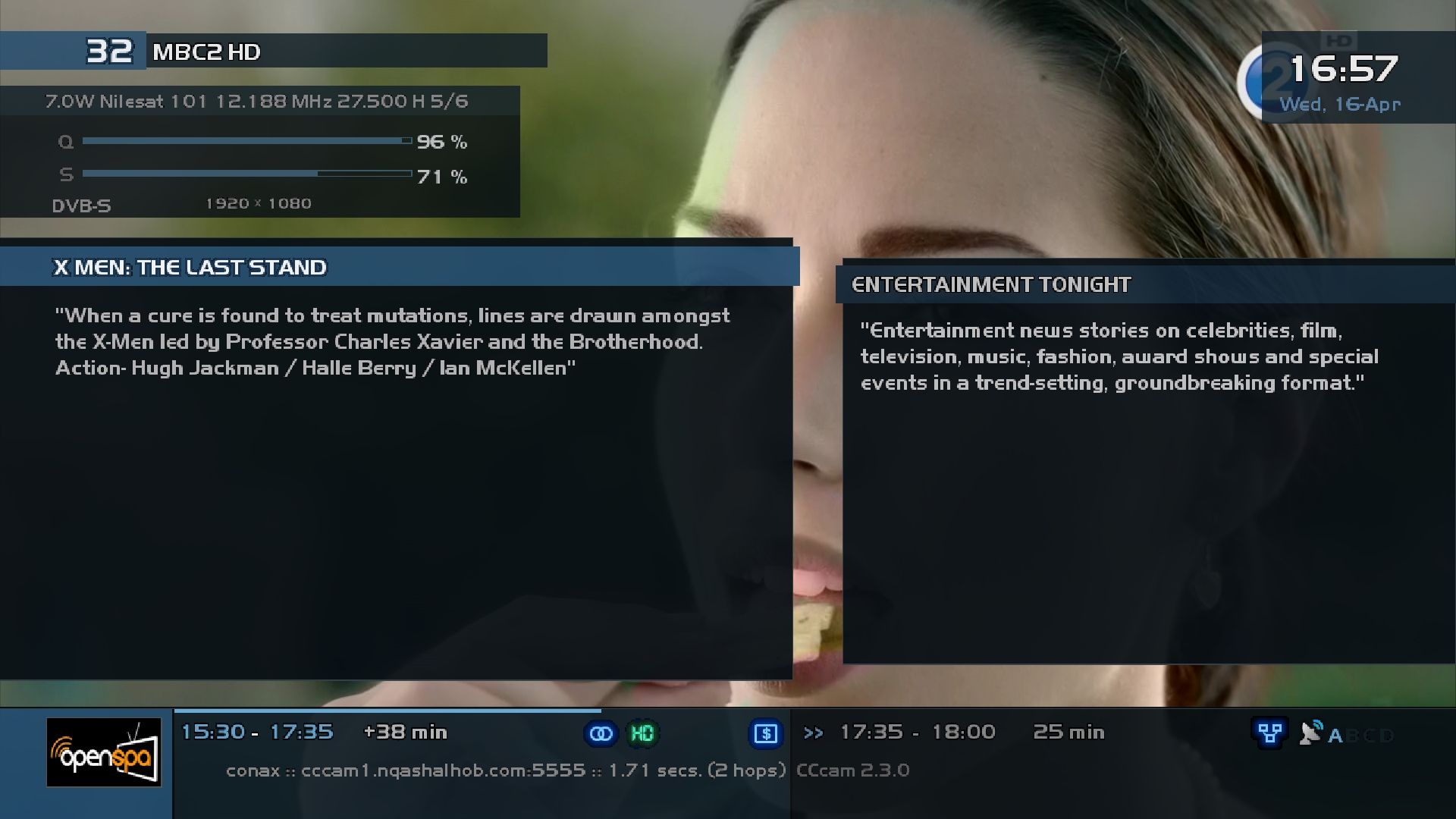
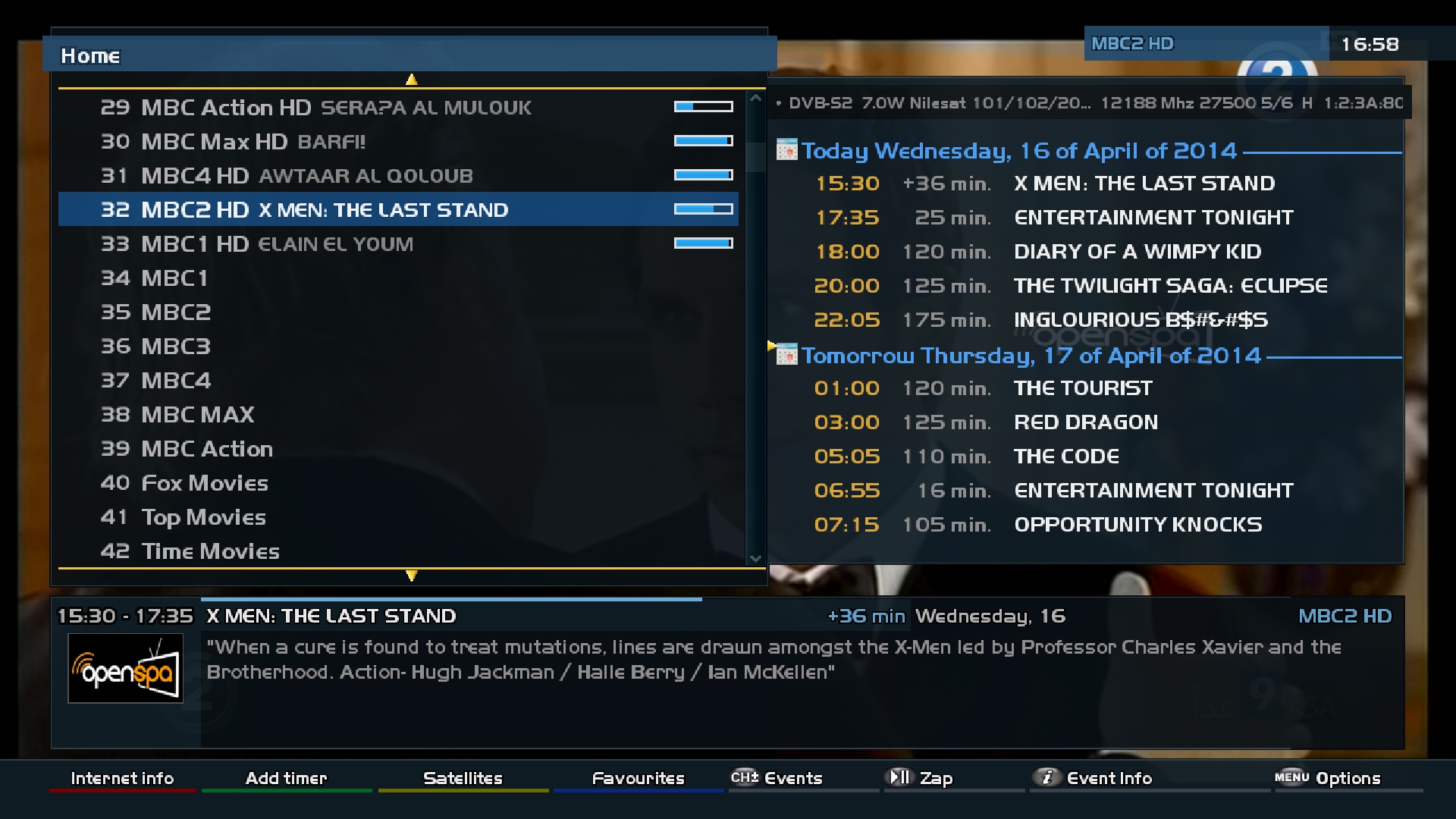
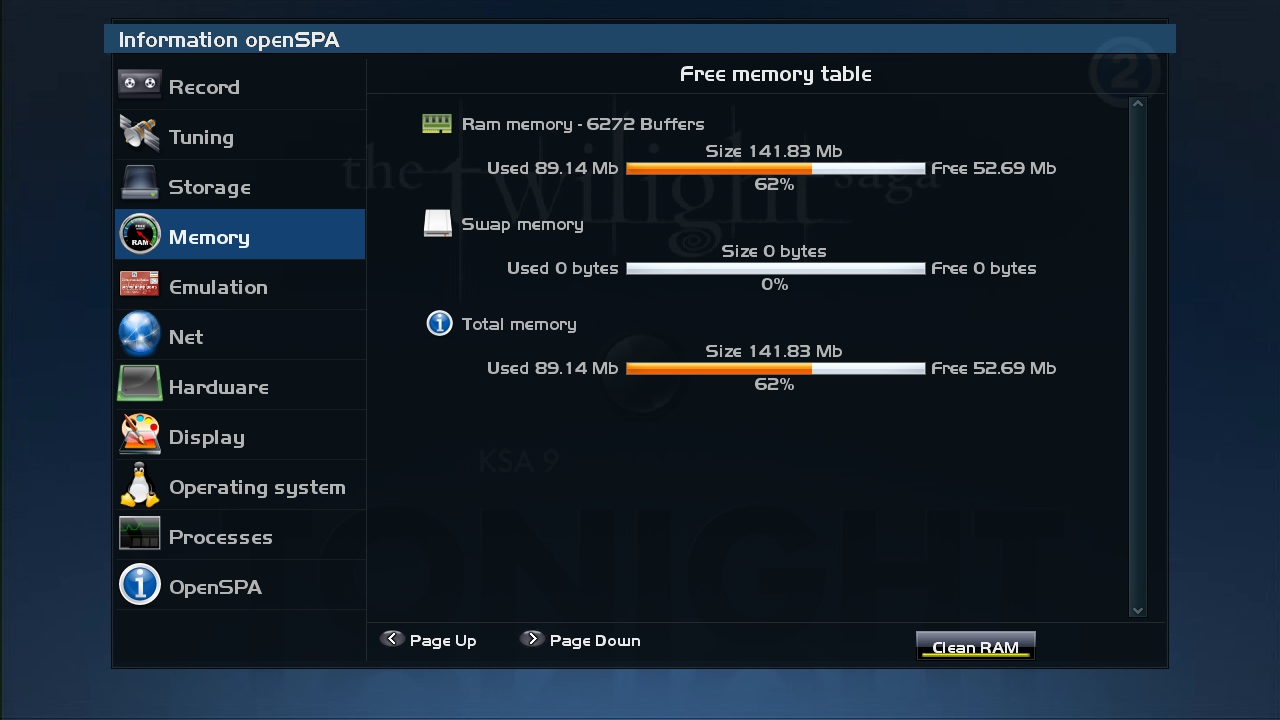
OpenSPA-3.1_Ferrari-SSl88F_DM800_20140329_RAED
Clean and Faster image For Internal and External Flash
Original Image is: - Vuplus Drivers 18/03/14 - AZBox HD kernel 3.3.1 - AZBox HD Drivers 03/02/14 - EVO Enfinity Drivers 23/02/14 - AZBox HD corregida la sensibilidad de los botones del mando a distancia. - spzMosaic liberado a todo el mundo. - Nuevo skin openSPA_basic_Extra (por defecto viene activado el openSPA_basic). Este nuevo skin trae algunos detalles mas en la infobar entre otras cosas. - Nuevo Bootlogo por...
Patched Under Ubunut-Image For AZBox
-I have Conversion & Patched to Ferrari DM800 Boxes
-I have added last drivers 20131228-r7.1
-Edit opkg Feed
-AC3 WorkingHow to Download Enu and active it: -Menu -spaPANEL > openSPA CAMD Manager > Download -Emu > Then pres ok on any emu you want > then press yellow buttom (Install) > Ok Then Select & Active emu: -Menu -spaPANEL > openSPA CAMD Manager > from CAMD select emu and press green buttom P.s: After install CCcam you will find CCcam info plugin on Blue button...No need to install it
How to change menu list show : -Menu -Customize > Customize Home Menu -Press green button (options) -Overview menu enigma with openSPA Menu = No -press green button (Save) -Exit > Yes > Ok
About remote control How to adjustment >>
menu
setup
system
input device
press ok to dreambox remote control (native) and adjustment as you like ..
Warning:Don't Make Update Online

-
OpenLD-1.3.0_Ferrari-SSL88F_dm800_20140414_External-Image_RAED
This Image For EXTERNAL FLASH only Size(75MB)
Clean and Faster image For Internal and External Flash
Patched Under Ubunut
-Image For VU+
-I have Conversion & Patched to Ferrari DM800 Boxes
-I have added last drivers 20131228-r7.1
-Edit opkg Feed
-AC3 Workingu and active it: -Menu > Plugins > Green button (Download) > SoftCams -Active emu from Blue Button P.s: CCcam Info & Oscam Info you will get on Blue button > Blue buttin (Settings)
About remote control How to adjustment >>
menu
setup
system
input device
press ok to dreambox remote control (native) and adjustment as you like ..Warning:Don't Make Update Online
-
OpenVIX-Helios.001_Ferrari-SSL88F_DM800_20140419_RAED
Clean and Faster image For Internal and External Flash
Patched Under Ubunut
-Image For VU+
-I have Conversion & Patched to Ferrari DM800 Boxes
-I have added last drivers 20131228-r7.1
-Edit opkg Feed to work on DM
-LCD panel Screen (No fix Yet..Next update I will try)
-Thank you (gjstroom) for lib filesAbout remote control How to adjustment >>
menu
setup
system
input device
press ok to dreambox remote control (native) and adjustment as you like ..Warning:Don't Make Update Online