
BK-Dream-Elite-4.0-dm8000-Ver_004r005_08-03-2014
cccam 2.1.3,2.2.1
oscam-Oscam r9492
scam 3.59
cccaminfo
setting vannibal hotbird astra


BK-Dream-Elite-4.0-dm8000-Ver_004r005_08-03-2014
cccam 2.1.3,2.2.1
oscam-Oscam r9492
scam 3.59
cccaminfo
setting vannibal hotbird astra
BK-Dream-Elite-4.0-dm800-Ver_004r005_08-03-2014
cccam 2.2.1
cccaminfo
setting vannibal hotbird astra
by tonino1956
BK-Dream-Elite-4.0-dm800-Ver_004r005_08-03-2014
cccam 2.2.1
cccaminfo
setting vannibal hotbird astra
by tonino1956
[ + ] enigma2-plugin-cams-oscam-v9564_bh_all
[ + ] enigma2-plugin-cams-oscam-v9564_cccam213_bh_all
[ + ] enigma2-plugin-cams-oscam-v9564_cccam230_bh_all
[ + ] enigma2-plugin-cam-oscam-v9564_mgcamd-v1.3.8c_bh_all
OpenATV-4.0-beta-dm800 #ssl84d dailybuild
OpenATV-4.0-dm800 SSL #84d by gjstroom

This image is a 100% build from OpenATV source code, it uses all orignal 20130607 drivers which can run all plugins without patching.
I added the secret-feed (softcams) and changed the default language to US. It's a 100% clean image !
Please note: The image is still under development, so don't expect everything to work.
Problems might occur with wifi and all kinds of dvb-t usb sticks.
Features:
source: 20140308
drivers: 20130607
bootloader: ssl84d
size:51.1 mb
skin: MetrixHD
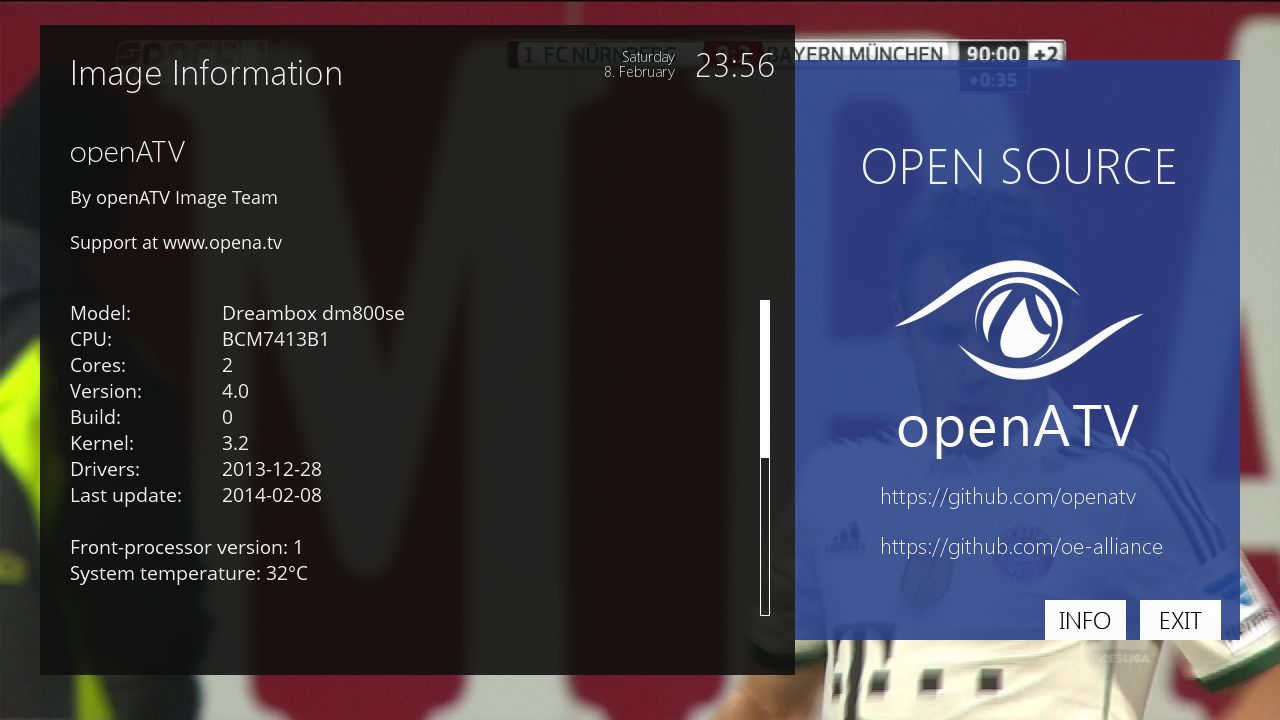
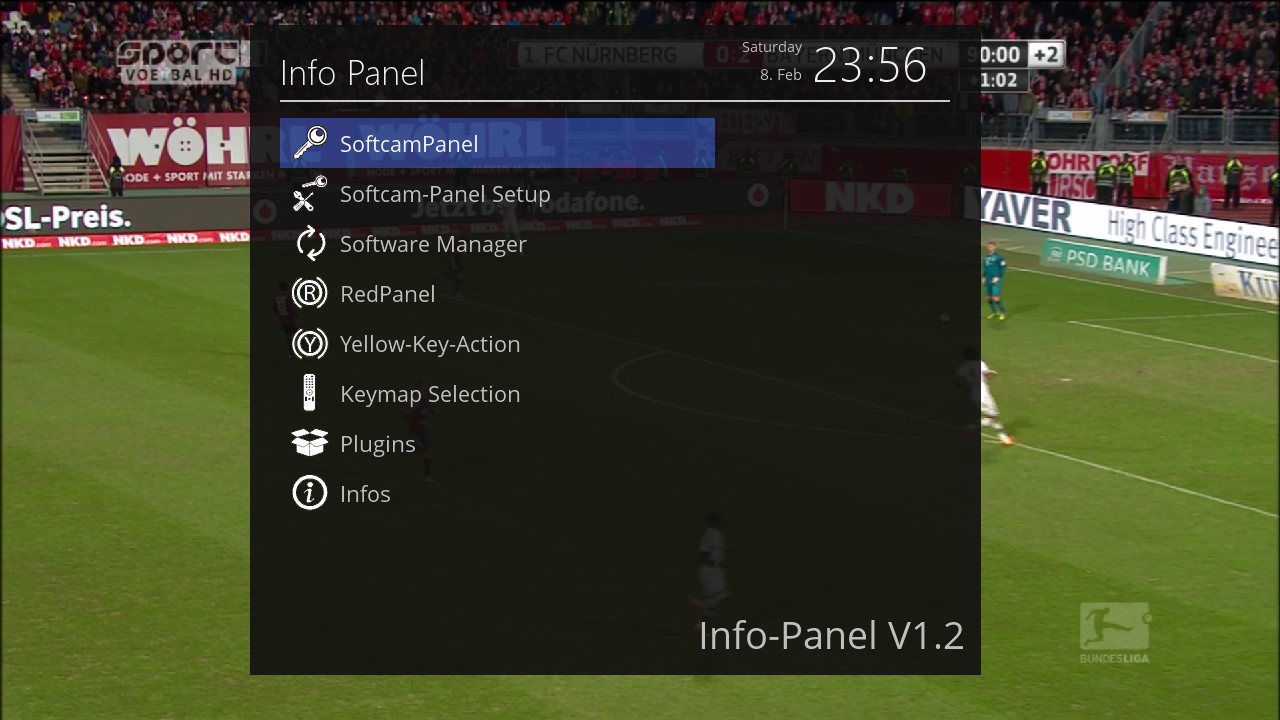
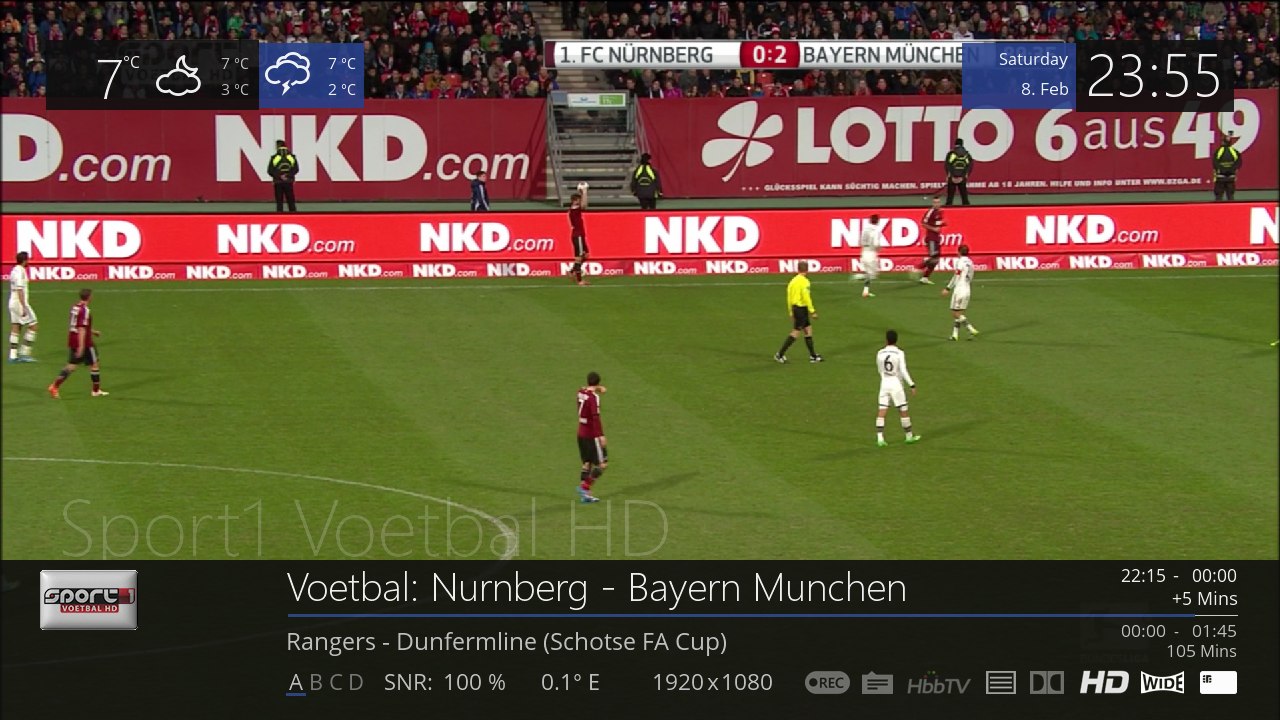
Image flashing:
Be sure you have SSL84 on your box, if you get the "INVALID IMAGE (OR OLD VERSION)" error, flash SSL84 first and try again.
If your box is already at SSL84x you can flash the image immediately, the new SSL84d is included in the image !
Internet Explorer (recommended)
SUNRAY-FlashUP
Powercycle after flashing
OpenATV-4.0-beta-dm800 #ssl84d
Please note: all pictures are taken from a dm800se.
Dream Elite 4.0 001r005-DM800SE -ramiMAHER#ssl84D
sim2
enigma2 patched :2014/02/19: by ramiMAHER
New bootlogo New skin METRO (Thanks Spark and Mmark)
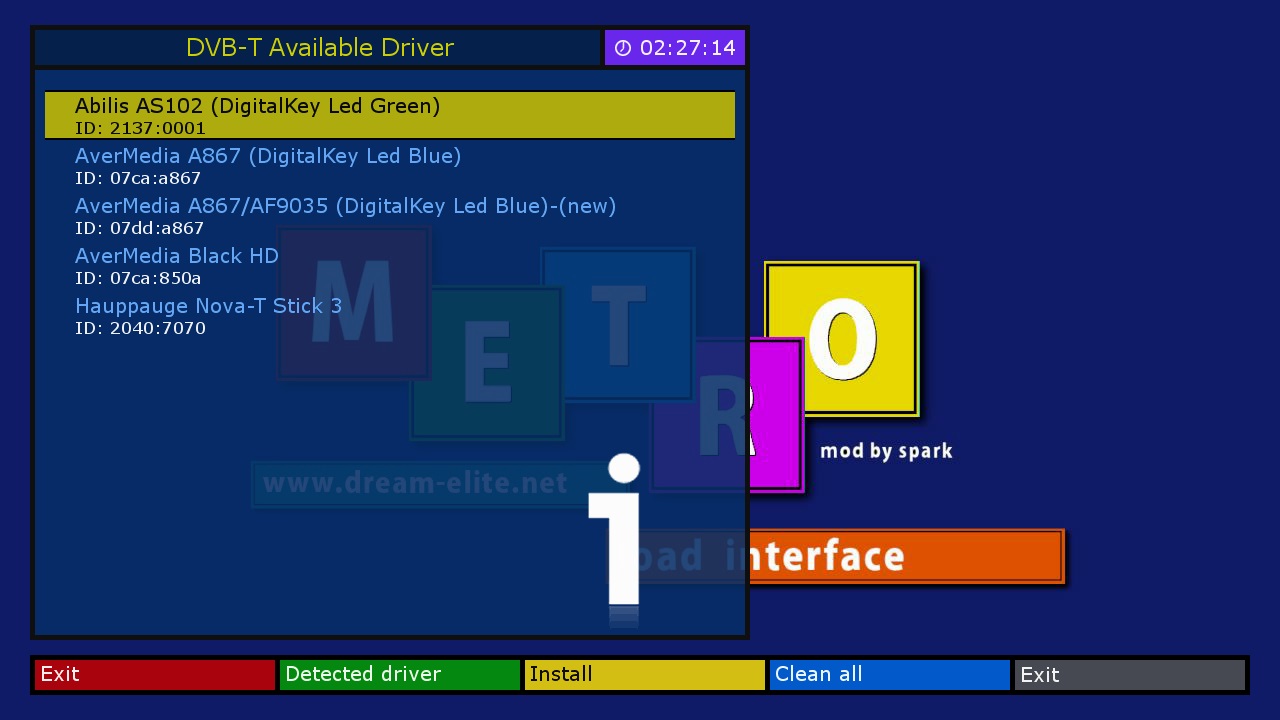
New DTT panel
New DTT drivers on dm7020HDV1-V2, DM800HDSEV2, DM500HDSEV2 and soon on all models
(Thanks to Bobsilvio)
New USB detection (customized USB is now recognized in all functions included channel list)
New DEsetting function (autoupdate channel list, set and forget function)
New Interactive button (automatically shows green button on interactive channel)
New extra feed for non common packages requirements
Enhanced Interactive Mosaics plugin (now with more providers) Enhanced compressed file installation
Language fixes Dream Elite Manager v. 2.64 All Dream-Multimedia updates as per git.opendreambox.org Git
Enigma2 specs : Kernel version 3.2.54
Enigma2 version 20140219
Drivers 20131228

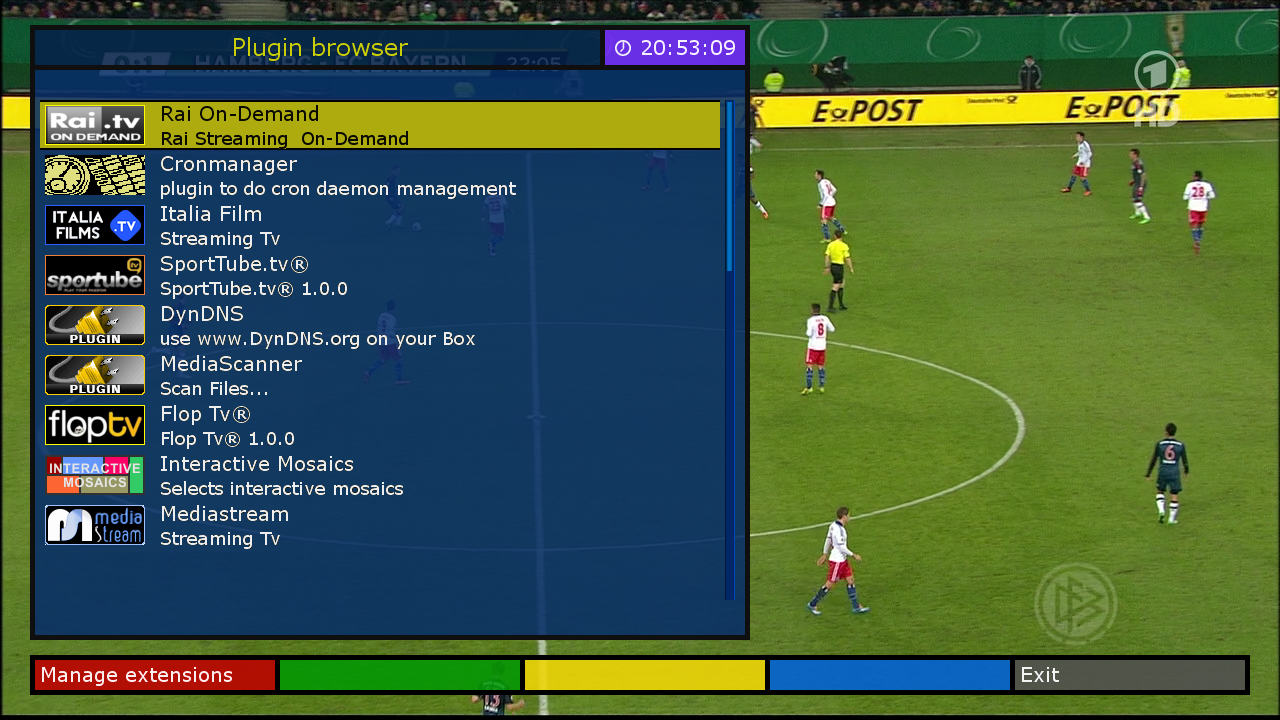
Download
Ferrari-dm800se-PBNIGMA-VX-2.0-12-20140306_EXPERIMENTAL
NOTE:
This is sort of 'proof of concept' release, 'experimental' attribute is too generous, so beware
It is NOT intedended as such for everyday use, just testing.
- mips32el, python 2.7x compatible (or in wrong, but nevertheless popular terms - OE 2.0/PLi 3-4)
- newer gcc, custom kernel and matching drivers
- all the other stuff...
- Remote Control is very sensitive, some may find it a blessing, some a curse... use short keypesses until sorted out
- adjust remote to your liking in
menu > setup > system > input devices
- in a case of failed boot after initial flash, do a hard reset (power on/off) or pls. reflash included SSL.nfi and reboot.
dm500hd_Ferrari-PBNIGMA-VX-2.0-12-20140305_EXPERIMENTAL
This is sort of 'proof of concept' release, 'experimental' attribute is too generous, so beware :smile:
- mips32el, python 2.7x compatible (or in wrong, but nevertheless popular terms - OE 2.0/PLi 3-4)
- newer gcc, custom kernel and matching drivers
- all the other stuff...
- Remote Control is very sensitive, some may find it a blessing, some a curse...
- adjust remote to your liking in
menu > setup > system > input devices
klick
U utorak 04.03 je godišnjica smrti našeg dragog milenko61
Dragi Milenko,neka ti gospodin bude nagrada za svaki trenutak i za svaku uspomenu koju si nam
priuštio
Počivaj u miru Božjem prijatelju,nikad te nećemo zaboraviti
TVOJI JEBANDERI
On Tuesday, 3.4 is the anniversary of the death of our dear @ milenko61
Dear Milenko, a gentleman is a reward for every moment and every memory that you've
afford
Rest in peace my friend, and we will never forget
your JEBANDERI
BK-newnigma2_stable_lean_dm800se_v4.0.9
cccam 2.1.3,2.3.0
oscam Oscam r9467
in dvbapi oppure accoppiata con cccam 2.1.3
cccaminfo
oscamwebinfo ipdream:9000
setting vannibal hotbird astra
by tonino1956
BK-D.M.S-Light-dm800se-v3.2
cccam 2.2.1
Oscam r9467
dvbapi tivusat sotto HD+ sopra (1830)
setting hotbird astra
by tonino1956
OpenAR-P_OE2.0_211_10.12.13- backup by Muaath 28-2-2014
OpenAR-P_OE2.0_211_10.12.13- backup by Muaath 28-2-2014
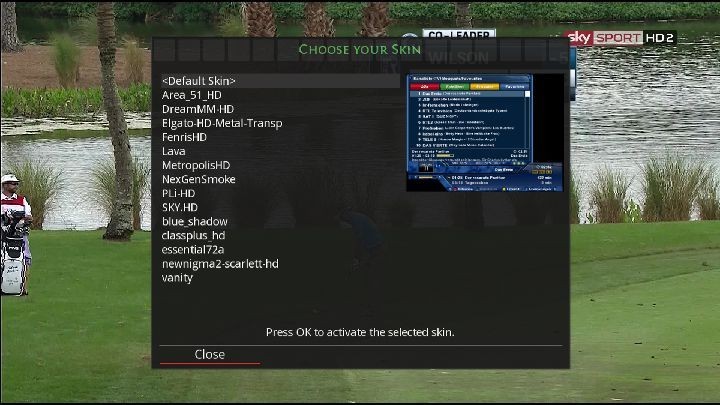
SKINS
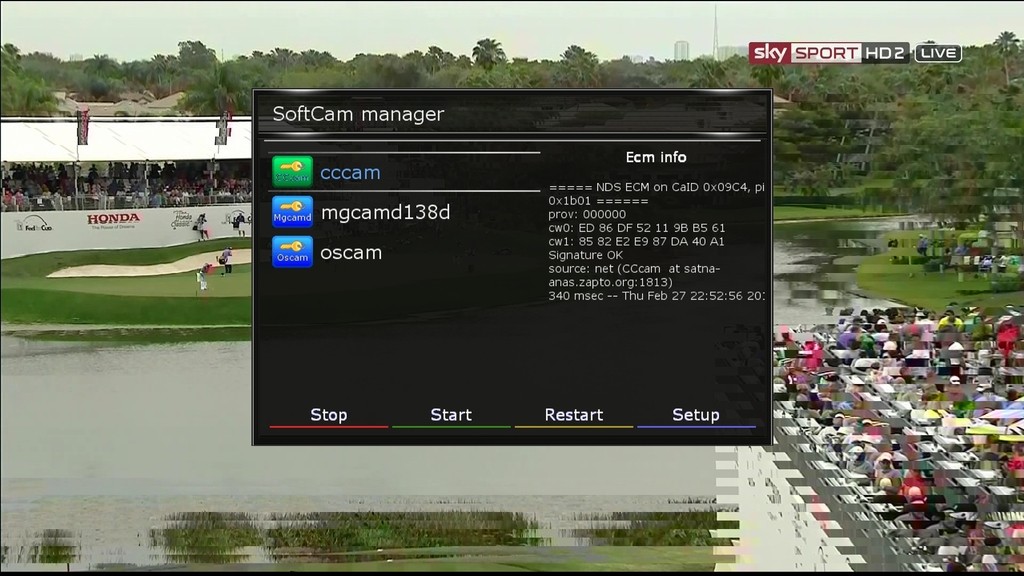
EMU'S
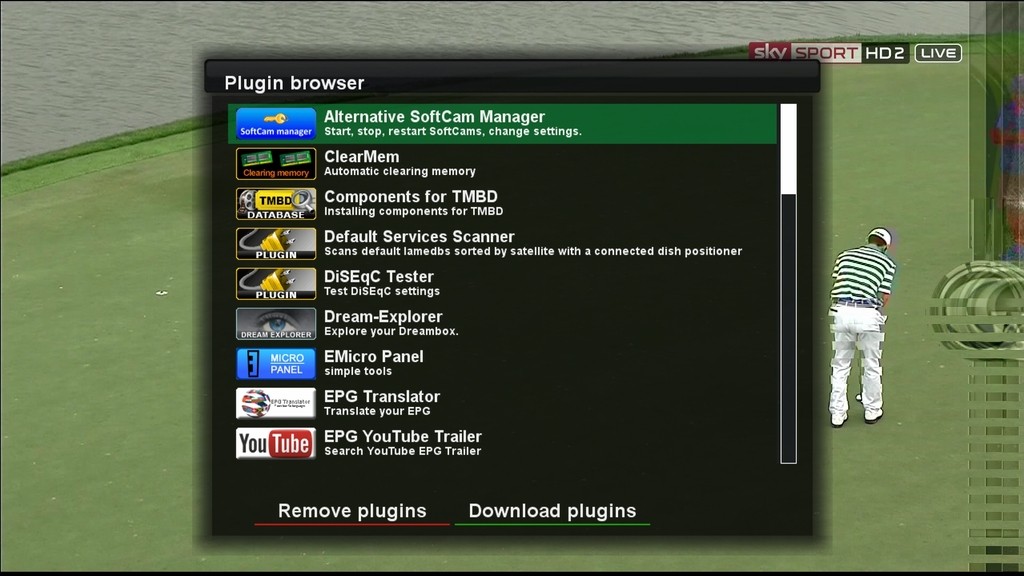
PLUGINS
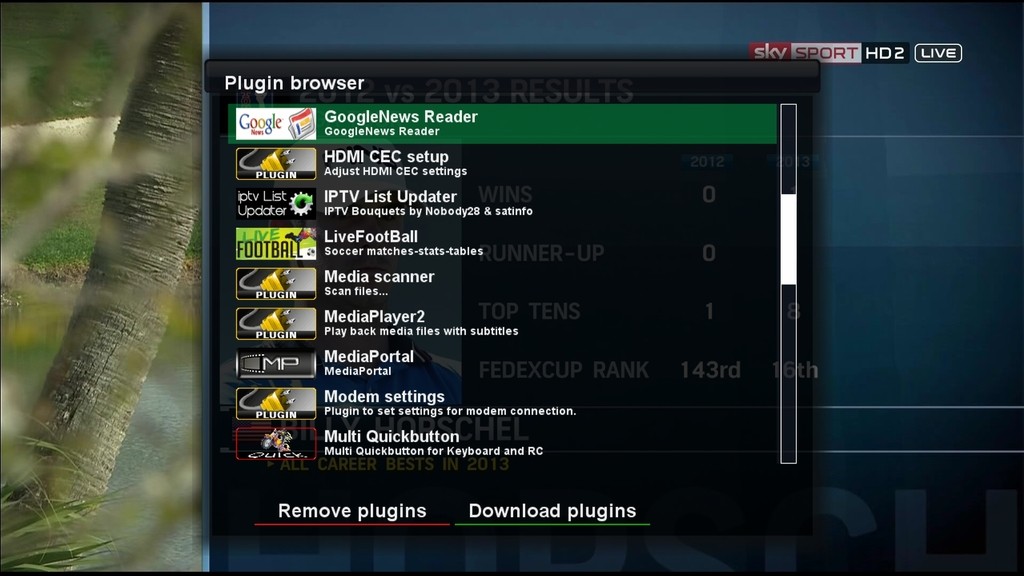
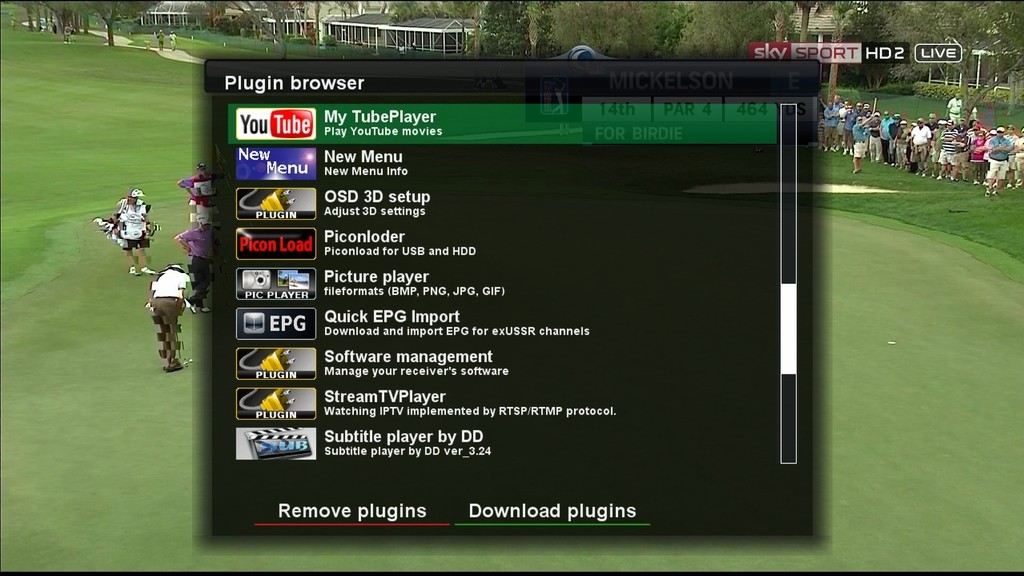
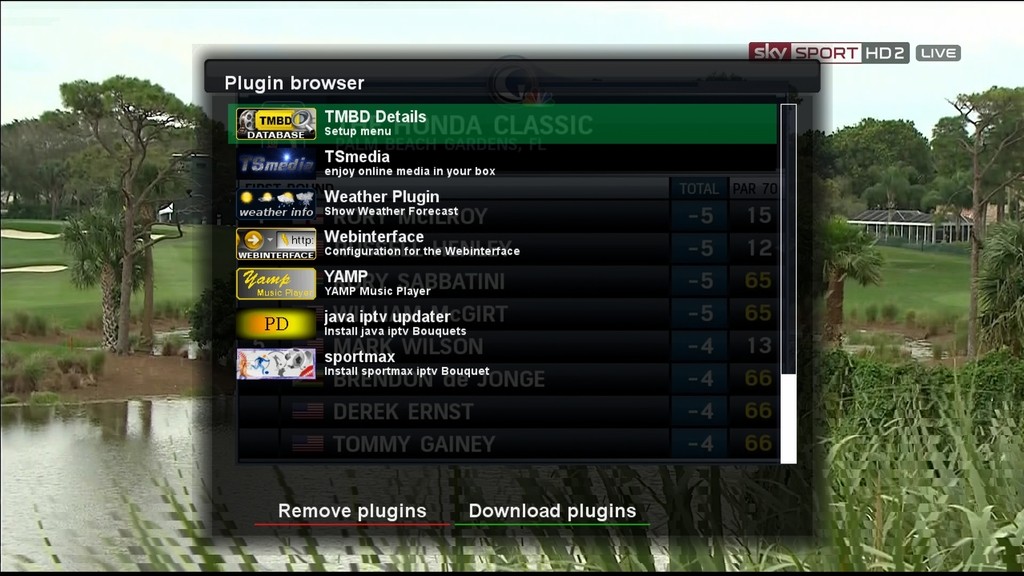
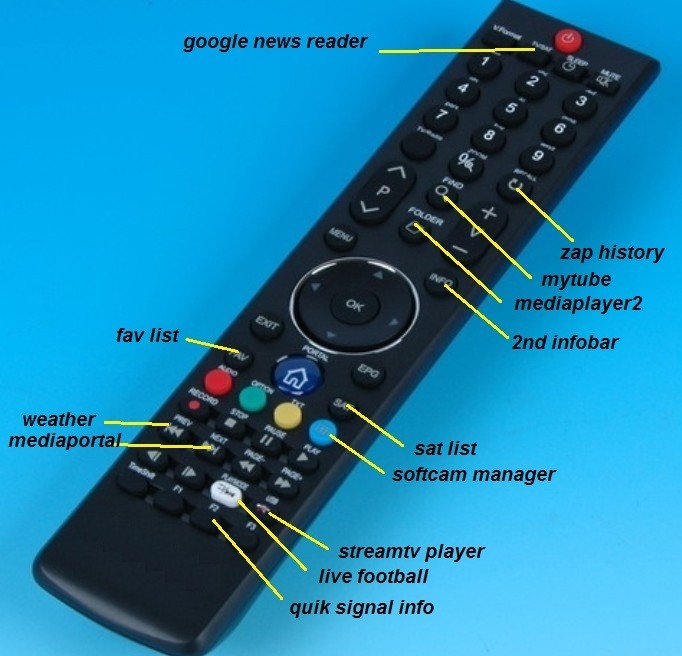
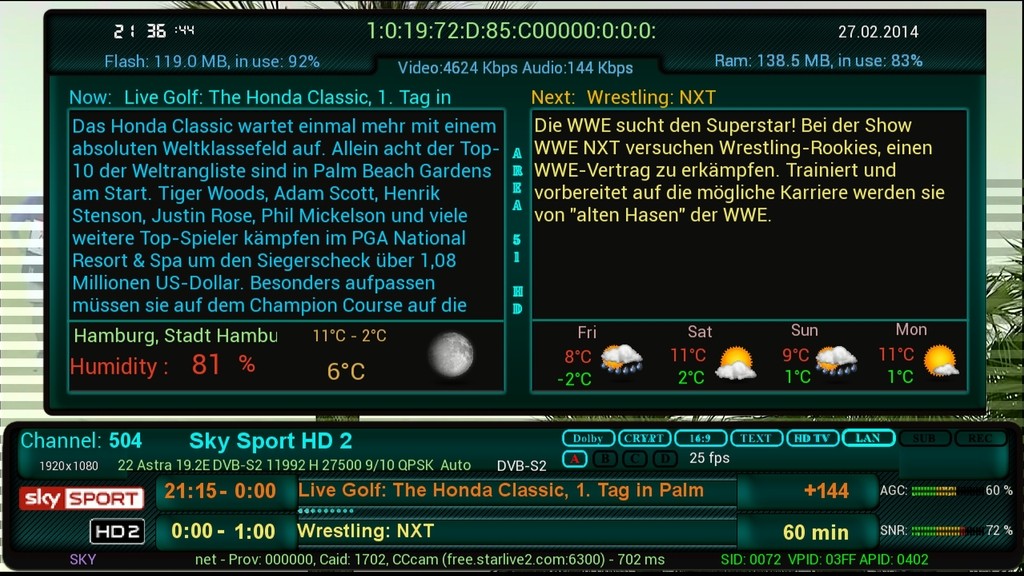
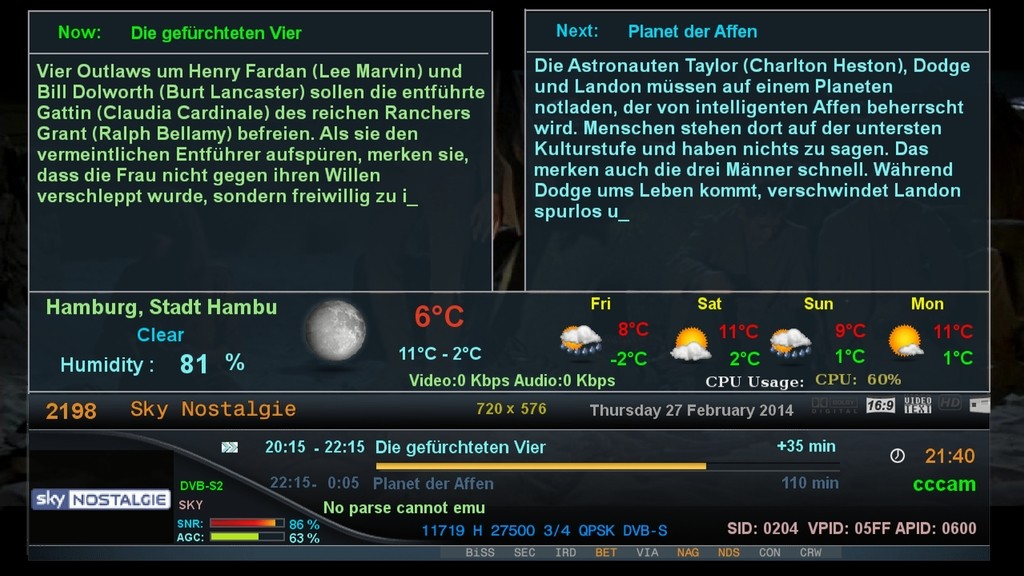
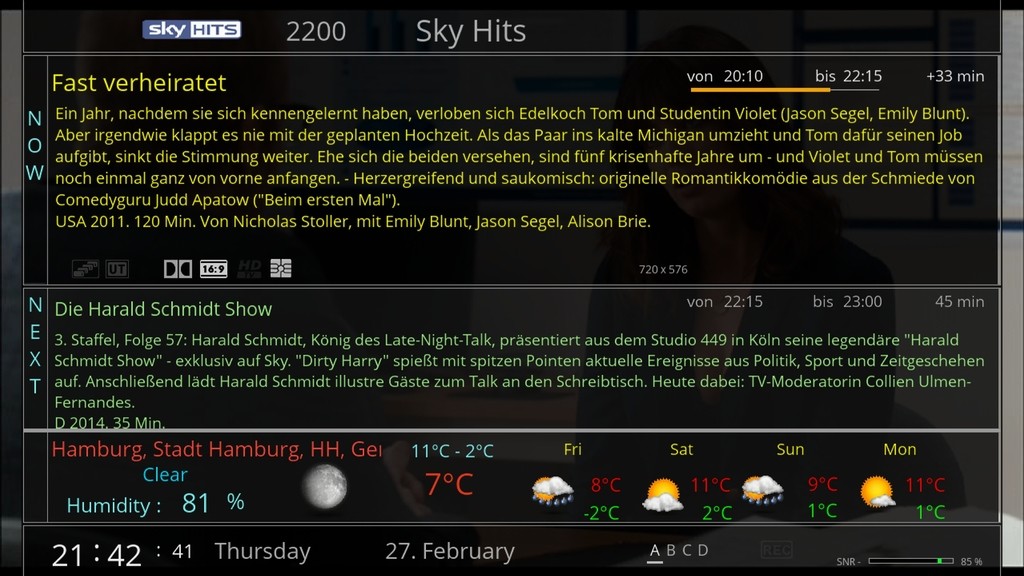
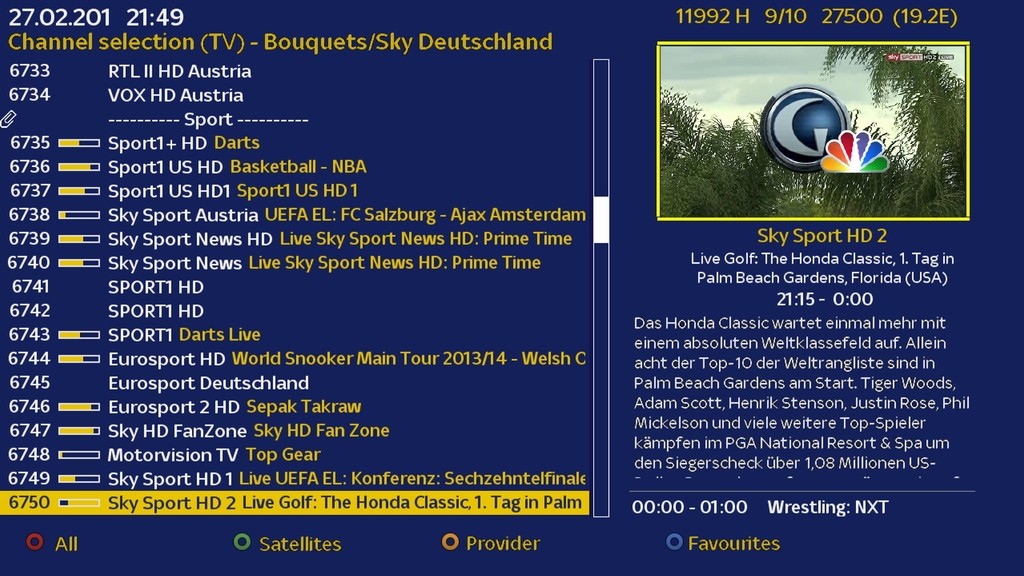
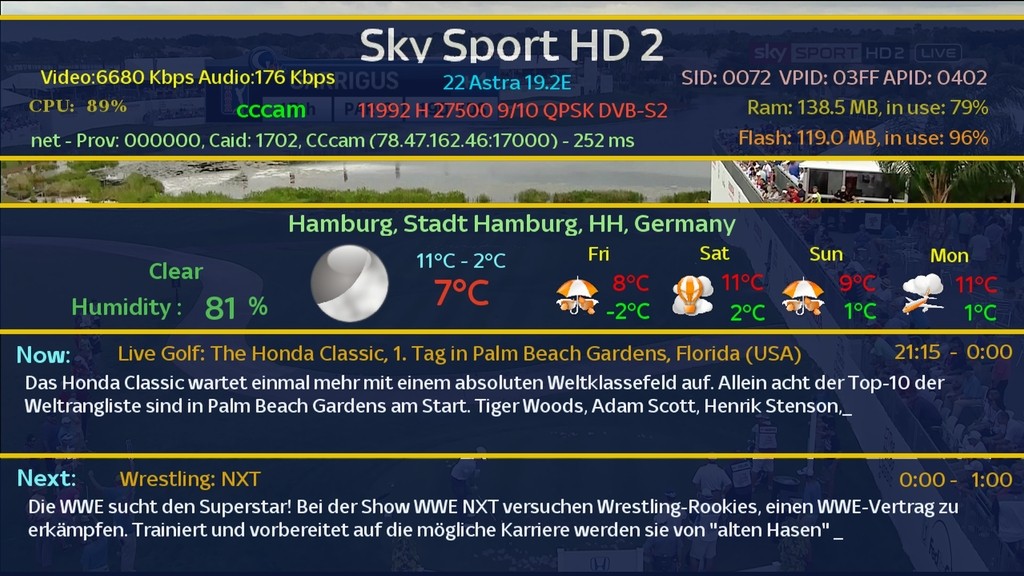
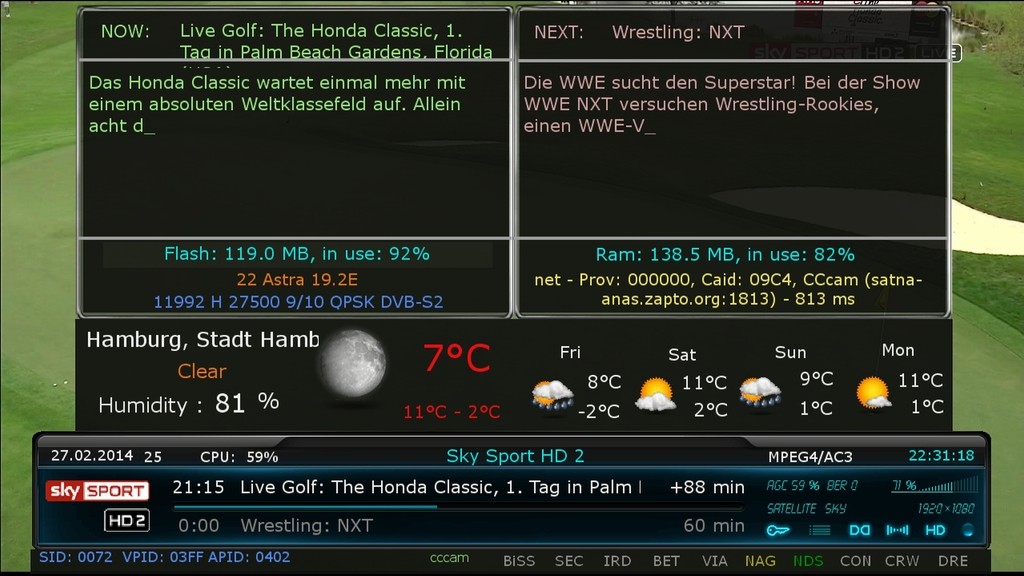
DOWNLOAD LINK
Quote
Quote
Team_®_Dream_E2_LIGHT_SETING_28.02.2014
motor & multifeed
Persian Empire Enigma2 Images RC7
pe-full-rc7.r175-azboxme_webif
=================================
Persian Professionals Team Proudly Presents
Project Name : Persian HD Project (PHDP)
Image Name : Persian Empire
Panel : Persian Palace - Third Generation (RC7)
OE : Core PE Mode - Python 2.7
Kernel : 7th Generation PE Mode
Release Type : RC7 (Release Candidate)
Publisher : Persian Professionals Team
Team Leader : Persian Prince
================================================== ================================================== ==========
Button Mappings
- Long Press Red : NaviBarPE
- Long Press Green : Persian Palace
- Long Press Yellow : PEPanel
- Long Press Blue : Download Manager 4.0
================================================== ================================================== ==========
How To Activate CCcam ?
- Install CCcam Emulator From Download Manager 4.0
- Put Your CCcam Files In /etc (CHMOD 755)
- Go To Persian Palace Plugin
- From Emulator Manager Section Choose Single Cams Then Select CCcam And Start/Enable It
================================================== ================================================== ==========
Send Your CrashLogs To persianpros@gmail.com Only ! We Can't Fix The Problems If You Don't Provide The Logs !
Persian Empire Enigma2 Images RC7
pe-full-rc7.r175-azboxminime_webif
=================================
Persian Professionals Team Proudly Presents
Project Name : Persian HD Project (PHDP)
Image Name : Persian Empire
Panel : Persian Palace - Third Generation (RC7)
OE : Core PE Mode - Python 2.7
Kernel : 7th Generation PE Mode
Release Type : RC7 (Release Candidate)
Publisher : Persian Professionals Team
Team Leader : Persian Prince
================================================== ================================================== ==========
Button Mappings
- Long Press Red : NaviBarPE
- Long Press Green : Persian Palace
- Long Press Yellow : PEPanel
- Long Press Blue : Download Manager 4.0
================================================== ================================================== ==========
How To Activate CCcam ?
- Install CCcam Emulator From Download Manager 4.0
- Put Your CCcam Files In /etc (CHMOD 755)
- Go To Persian Palace Plugin
- From Emulator Manager Section Choose Single Cams Then Select CCcam And Start/Enable It
================================================== ================================================== ==========
Send Your CrashLogs To persianpros@gmail.com Only ! We Can't Fix The Problems If You Don't Provide The Logs !
italysat-5.1-svn124-oe2.0-dm800-25022014-sim2-ssl84d-marwen
New Update
ItalySat 5.1 SVN 124
Italysat team advice to activate SWAP from panel


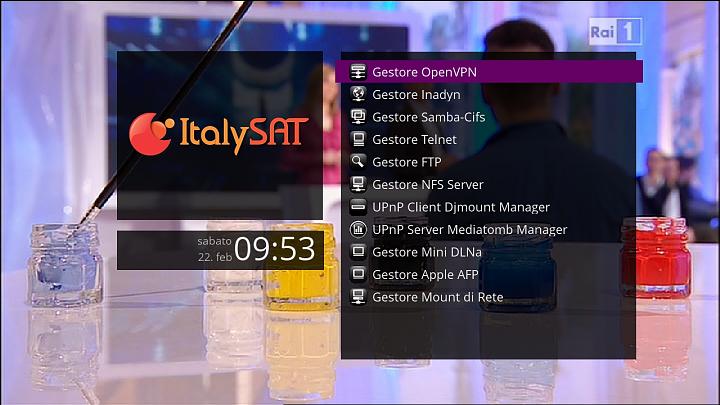
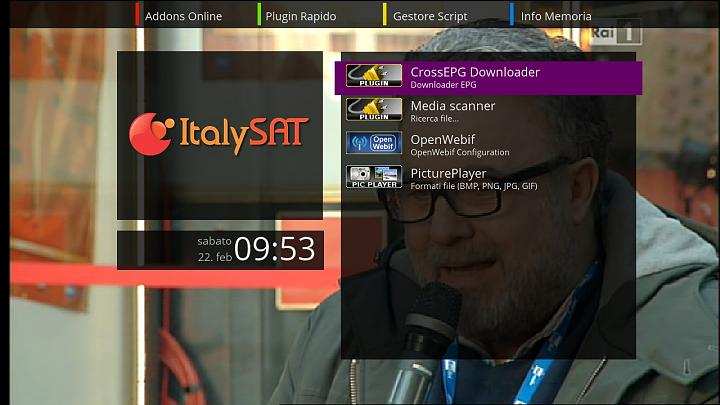
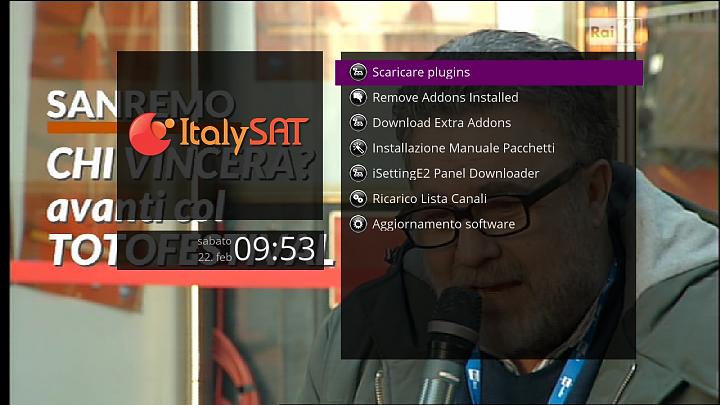
=============== Date: 22/02/2014, SVN 124============== **************** PUBBLIC RELEASE ************** -124- Added in Swap, 512mb and 1Gb Fix Mediabox that did not start (sometimes) Fix Gigablue Download Driver DVB-T Fix identification SVN and Distro Fix DVB-T and Wifi panel Remove module Update with last source OpenPLI Added Backup Manager for Dreambox (Automatic SSL or Accept personal SSL in "/tmp/secondstage.bin") Fix DVB-T Dreambox 800 Added Lcd Picon Oled for Dreambox CrossEpg: *New Alias *Changed channel for OpenTV (Discovery C.) *New M. Premium script Fix some Skin parts Changed Prime Time (Evento in prima serata) on Channellist to 21.15+ Fix Mediabox LX-1 Starting Update Italian Language tnx PappaalfioSpeedUp 2xOK New Spinner New Picon by mmark, tnx (maurib,Santi91 for Upscaling) Fix Crash on DVB-T scan
*source: 20140220 *drivers: 20130607 *bootloader: ssl84d *Add it_extra.url for Download Extra Addons *Plugins:TSpanel 7.3
LT.X SP1 for DM800SE - LT Revision (3808) ramiMAHER#ssl84D
sim2
enigma2 patched :2014/02/19: by ramiMAHER
Latest updates from LT Team...
Hello everyone!!!
LTX is updated with SP1! Good news for v2 box owners also. Added support for DM800SEv2 and DM7020HDv2 . DM500HDv2 will follow in the near future.
Release notes:
Openembedded:
OE 2.0 (git.opendreambox.org Git - opendreambox.git/summary)
Drivers:
dm800, dm8000, dm7020hd, dm7020hdv2, dm500hd, dm500hdv2, dm800se, dm800hdv2 20131228
Secondstage:
dm7020hd, dm7020hdv2, dm500hdv2, dm800sev2 #88
dm800, dm8000, dm500hd, dm800se #84
Enigma2:
20140214 git.opendreambox.org Git - enigma2.git/summary
Enigma2-Plugins:
20140213
LT revision:
LT.X.1 3808 lt
LT.Ninth.4 3803 lt9
LT Update(s):
* dm500hd and dm800se no longer install LT6.HD skin by default and save some space in flash.
* Added GST_SUBTITLE_ENCODING="UTF-8" to Enigma2 startup so subtitles in MediaPlayer should display correctly.
Known Issue(s):
Important note(s):
Please read at about update before installing the image, it is a must if you update from older images like LT6!
Download
Sim2-DM800SE-Newnigma2 LEAN v4.0.9 SIM2 #84d Jasper (2014-02-26)
Clean, no changes.
Sim2
SSL84d
Enigma2: 2014-02-19-tarball (thx ramiMAHER)
################################################## ########## #############################
Webinterface is working.
Teletext is working.
################################################## ########## #############################
Deactivate Firmware Update (Newnigma2 Services/System Tools/System Settings)
################################################## ########## #############################
No WLAN driver included (this is a feature of Newnigma Lean image):
The following drivers are available on the online feed:
Open a Telnet session to install or use Newnigma2 Services/Softwaremanager/Online Installation/show all packages to install:
opkg install kernel-module-carl9170
opkg install kernel-module-rt2800usb
opkg install kernel-module-rt73usb
opkg install kernel-module-r8712u
opkg install kernel-module-zd1211rw
opkg install r8192c
reboot
################################################## ########## ###############################
Download:
2014-02-26
https://mega.co.nz/#!4VZW2Rwa!JljD6-...EGnMovQb3gtAG4
Jasper
################################################## ########## #########
Newnigma2 team proudly presents:
Newnigma2 v4.0.9
################################################## ########## #########
Basics:
changelog E2 19.02.2014:
changelog E2 14.02.2014:
changelog E2 18.11.2013:
Notice: Update from v4.0.x to 4.0.9 possible.
Changes:
Info: since release of e2 v. 3.2 there is no dm7025 support yet. that's what dmm said.
Multiboot: No support for multiboot. Not planned. No need for such a tool.
GP3wizard: No support for gp3wizard. Probably not running. Not needed in Newnigma2 environment.
Important changes:
1. Install picons on USB-Drives:
press menu button -> setup -> system -> storage devices -> then press red button for initialize (be carefully all your data will be erased). last step is to mount the device.
next step: press blue button -> newnigma2 services -> sytsem tools -> expert settings -> change opkg ignore USB/HDD from yes to no. Restart enigma2 und install picons on your usb device.
2. network configuration:
If the IP address assigned manually, as well as the address of the DNS server must be entered.
press menu button -> setup -> system -> network -> adapter settings
3. install or upgrading:
before installing/upgrading packages, we now check if at least are 3mb free space in flash.
ipk's/packages from the newnigma2 team has a value which says the installer the minimum needed space for
the package. if the min required space is not available than the installation aborts.
!! Attention enigma2 ipk needs at least 9mb !!
4. issue due upgrade to v4.0.9:
if you have troubles by upgrading to v4.0.9 even no 9mb free space for the enigma2 package, so
you can first upgrade the newnigma2 installer package. After reboot try to upgrade again via gui, the installer
ignore's now the 9mb needed from the package and uses instead the value you set in
"blue button -> newnigma2 services -> system tools -> expert settings -> min. free space".
Wichtige Änderungen:
1. Picons auf USB-Laufwerken/der internen Festplatte installieren:
USB-Laufwerk über "Menü > Einstellungen > System > Speichergeräte" initialisieren und anschließend mounten"
"blaue Taste > Newnigma Services > System Werkzeuge > Experten Einstellungen > Opkg ignoriere USB/HDD = nein > E2 Neustart und anschließend auf USB installieren"
2. Netzwerk Konfiguration:
"Menü > Einstellungen > System > Netzwerk > LAN oder WLAN > Adapter Einstellungen"
Wird die IP-Adresse manuell konfiguriert so muss zwingend auch die Adresse des DNS-Servers eingetragen werden.
3. Installation oder Update des System:
Es müssen nun mindestens 3 MB freier Flashspeicher zur Verfügung stehen um Installationen/Updates vorzunehmen.
Vor Installation eines ipk's vom newnigma2 team, wird geprüft, ob für dieses Paket noch genügend freier Speicher vorhanden ist.
Sollte das nicht der Fall sein, bricht die Installation ab.
!!Achtung das enigma2 Paket benötigt min 9MB!!
4. Bei Problemen mit dem Update auf v4.0.9:
Sollte das Update auf v4.0.9 nicht funktionieren, weil dem enigma2 Paket keine 9MB zur Verfügung stehen, so ist zuerst der newnigma2 installer zu aktualisieren.
Nach anschließendem reboot kann man den Upgradevorgang via gui fortsetzen. Dabei wird der Check des freien Speichers beim Upgrade auf den Wert gesetzt, der unter
"blaue Taste -> Newnigma Services -> System Werkzeuge -> Experten Einstellungen -> min. free space" eingestellt ist.
LT.X SP1 for DM7020HDV2 - LT Revision (3808)
Latest updates from LT Team...
Hello everyone!!!
LTX is updated with SP1! Good news for v2 box owners also. Added support for DM800SEv2 and DM7020HDv2 . DM500HDv2 will follow in the near future.
Release notes:
Openembedded:
OE 2.0 (git.opendreambox.org Git - opendreambox.git/summary)
Drivers:
dm800, dm8000, dm7020hd, dm7020hdv2, dm500hd, dm500hdv2, dm800se, dm800hdv2 20131228
Secondstage:
dm7020hd, dm7020hdv2, dm500hdv2, dm800sev2 #88
dm800, dm8000, dm500hd, dm800se #84
Enigma2:
20140214 git.opendreambox.org Git - enigma2.git/summary
Enigma2-Plugins:
LT revision:
LT.X.1 3808 lt
LT.Ninth.4 3803 lt9
LT Update(s):
* dm500hd and dm800se no longer install LT6.HD skin by default and save some space in flash.
* Added GST_SUBTITLE_ENCODING="UTF-8" to Enigma2 startup so subtitles in MediaPlayer should display correctly.
Known Issue(s):
Important note(s):
Please read at about update before installing the image, it is a must if you update from older images like LT6!
LT.X SP1 for DM7020HD - LT Revision (3808)
Latest updates from LT Team...
Hello everyone!!!
LTX is updated with SP1! Good news for v2 box owners also. Added support for DM800SEv2 and DM7020HDv2 . DM500HDv2 will follow in the near future.
Release notes:
Openembedded:
OE 2.0 (git.opendreambox.org Git - opendreambox.git/summary)
Drivers:
dm800, dm8000, dm7020hd, dm7020hdv2, dm500hd, dm500hdv2, dm800se, dm800hdv2 20131228
Secondstage:
dm7020hd, dm7020hdv2, dm500hdv2, dm800sev2 #88
dm800, dm8000, dm500hd, dm800se #84
Enigma2:
20140214 git.opendreambox.org Git - enigma2.git/summary
LT revision:
LT.X.1 3808 lt
LT.Ninth.4 3803 lt9
LT Update(s):
* dm500hd and dm800se no longer install LT6.HD skin by default and save some space in flash.
* Added GST_SUBTITLE_ENCODING="UTF-8" to Enigma2 startup so subtitles in MediaPlayer should display correctly.
Known Issue(s):
Important note(s):
Please read at about update before installing the image, it is a must if you update from older images like LT6

