
BlackholeOscamymod50_CCcam2.0.11
755 building permits where necessary to file your throw and ccamcfg oscamserv Do not forget to editing your file


BlackholeOscamymod50_CCcam2.0.11
755 building permits where necessary to file your throw and ccamcfg oscamserv Do not forget to editing your file
Friends! Meboot, u normally Black Hole, we also use Flash as an alternative, perhaps like me, you get the Persian meboot Kura in other imajları I thought I heard she might need to work I hope you enjoy. subject (Caps) will try to explain with pictures.
FIRST before you format it as fat32 device to your USB stick and plug it into our device back panel USB input.
Let's start with Maunten business.
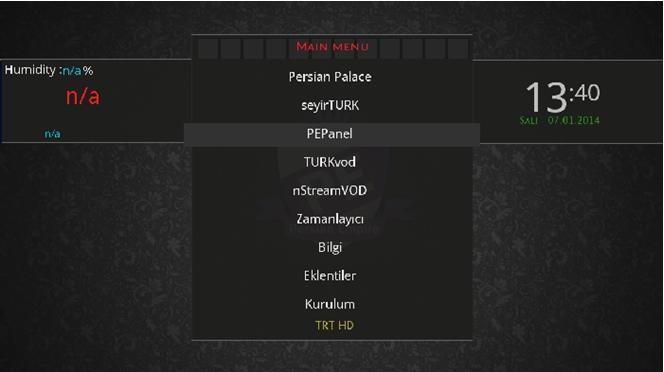
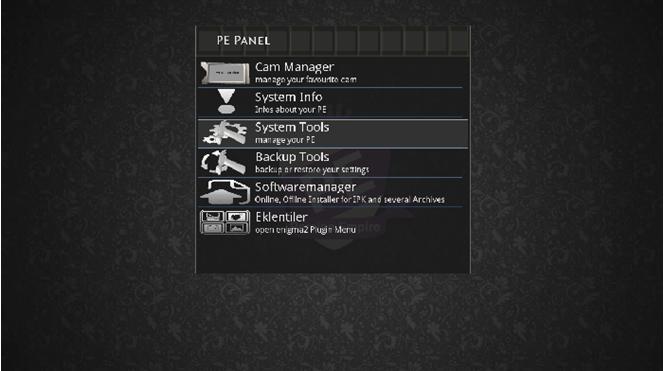
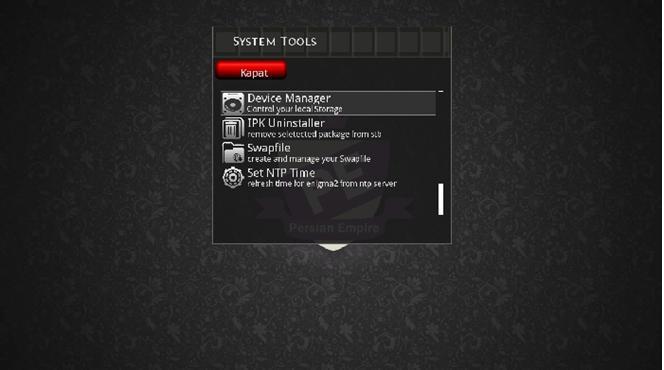
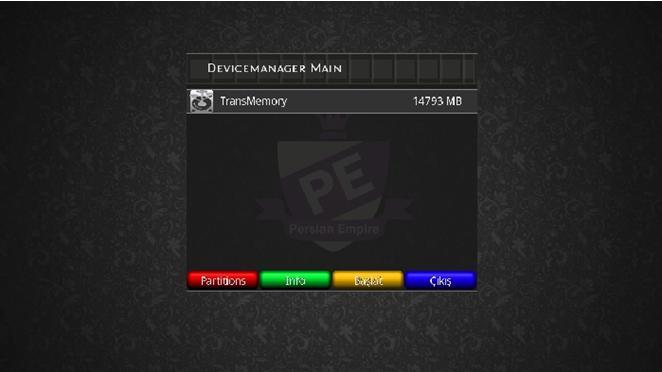
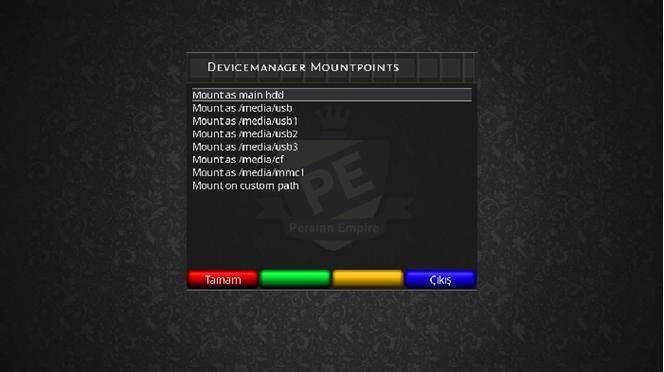
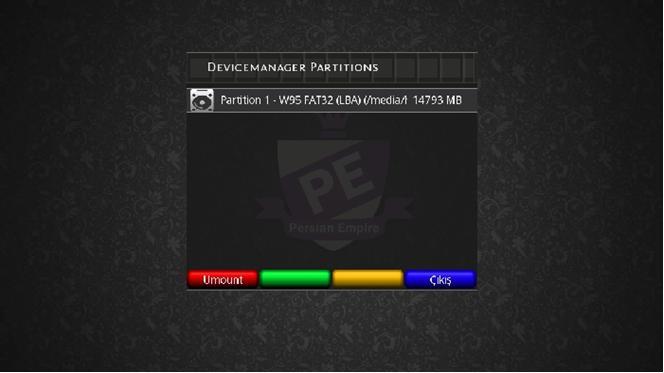
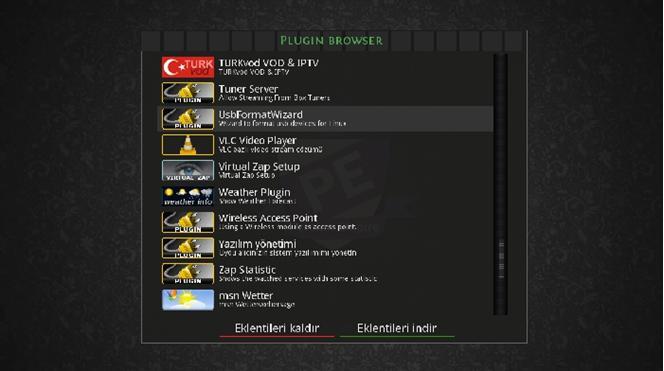
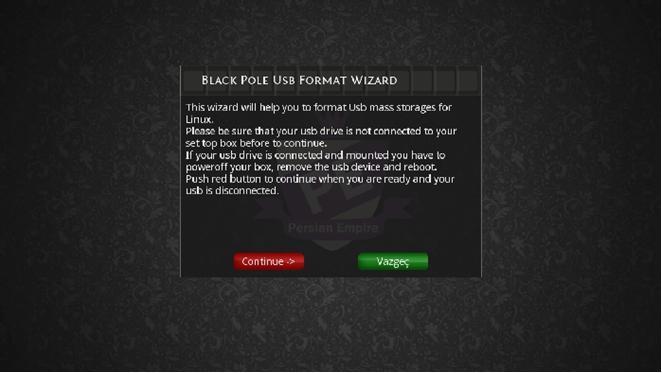
Important: Always remove your memory stick Usb Here
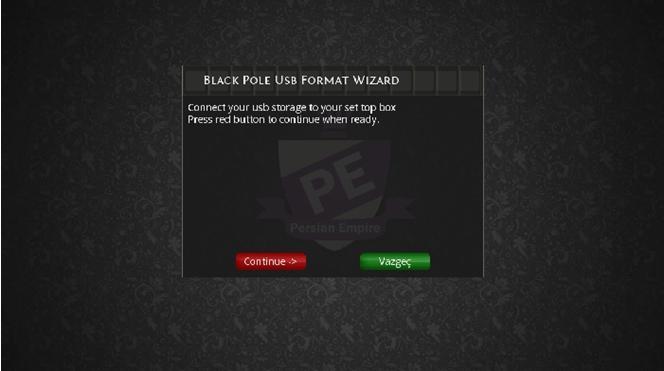
Usb stick, insert the CPC and (Continue) Let's keep saying
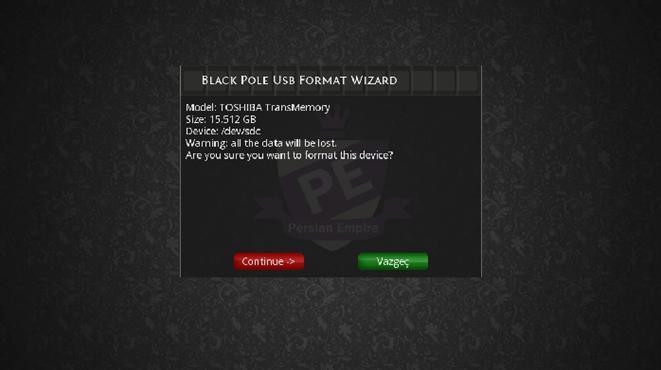
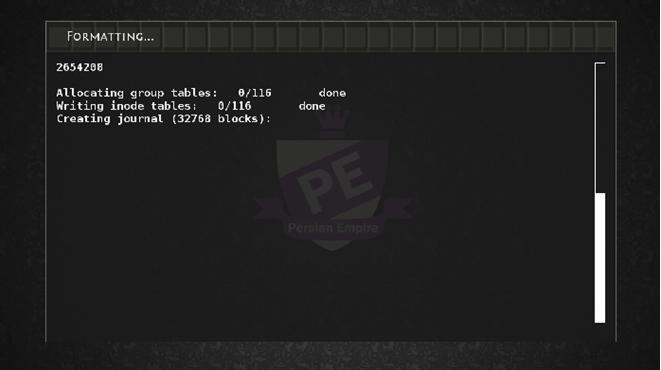
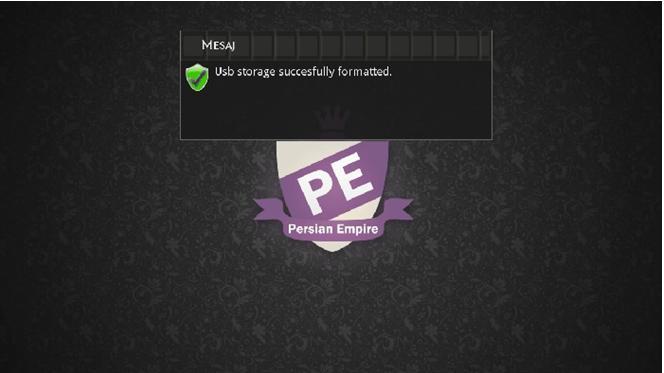
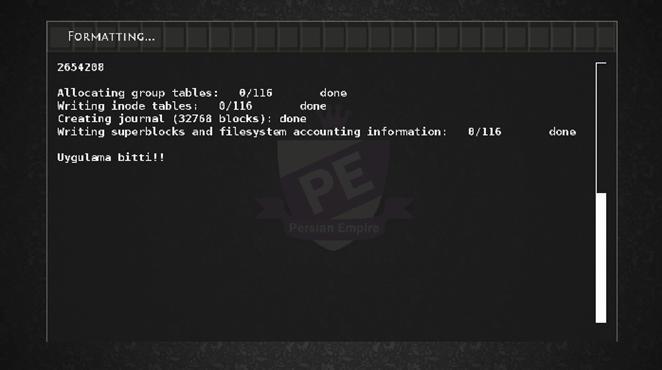
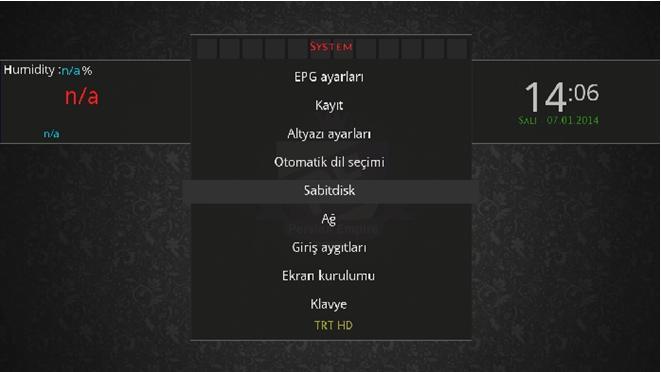
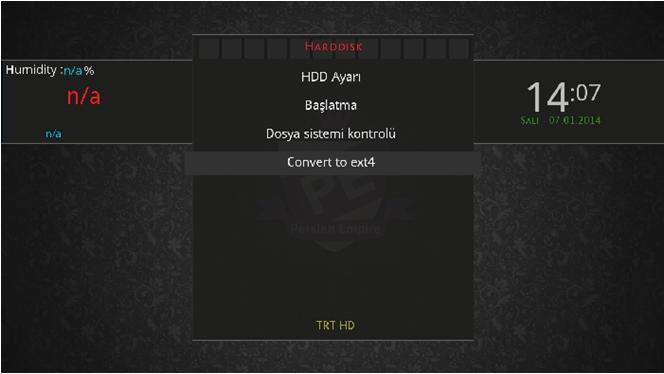
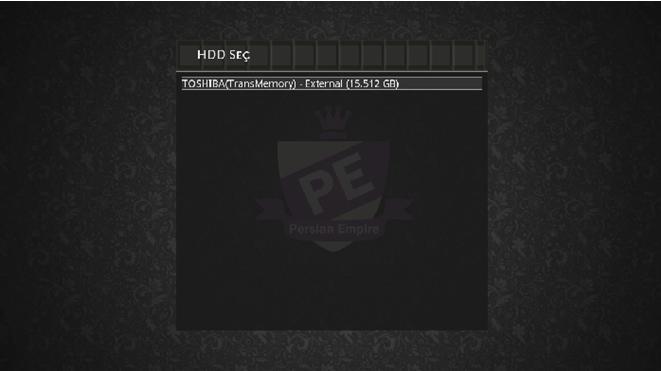
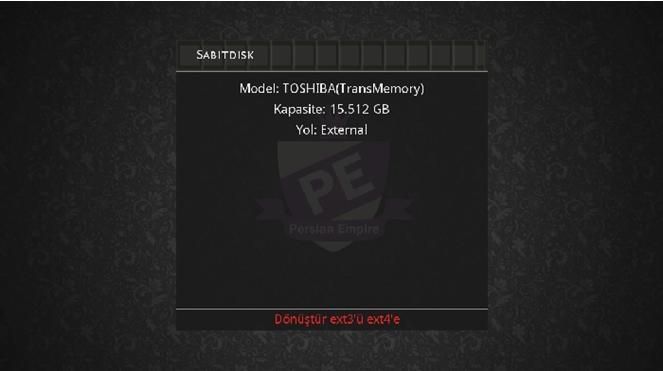
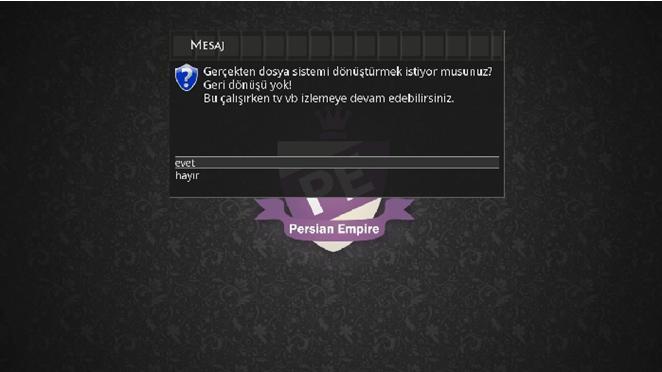
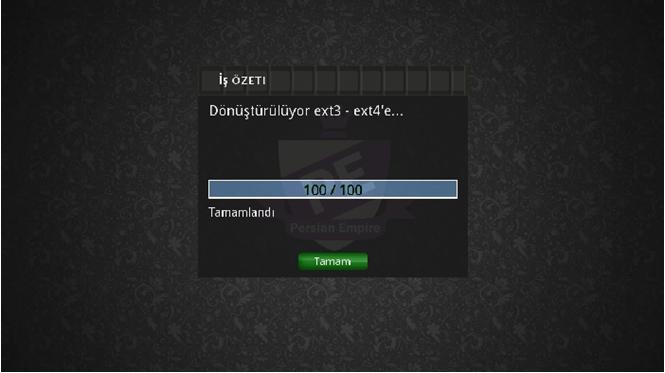
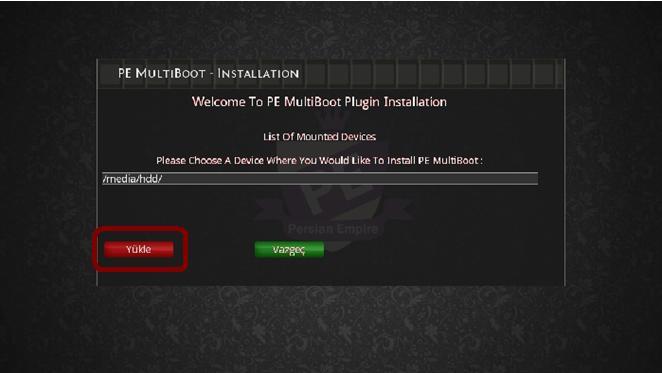
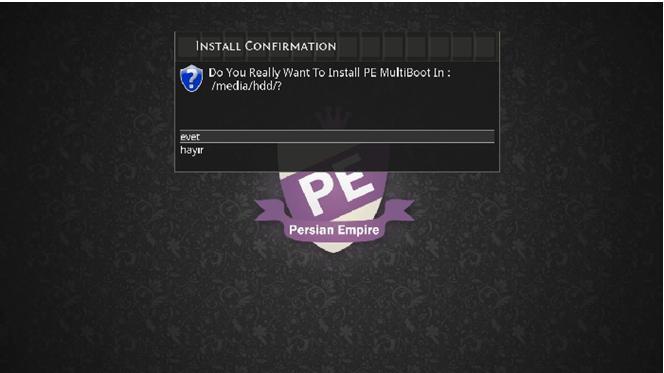
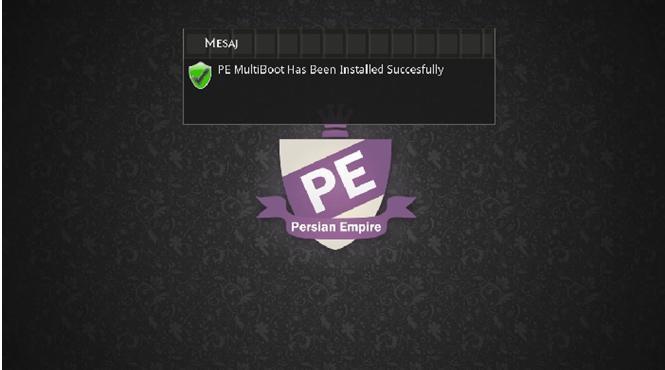
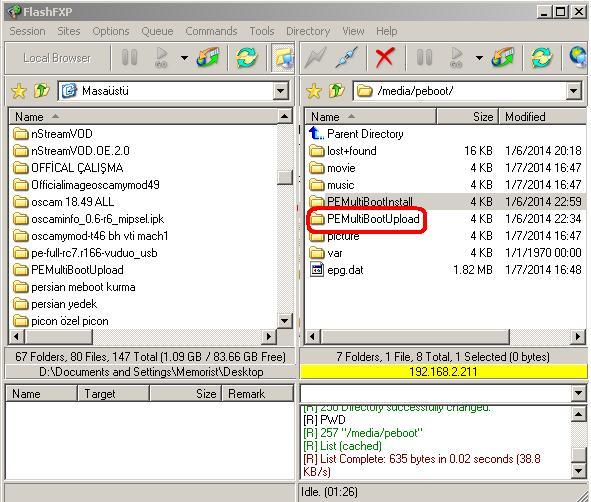
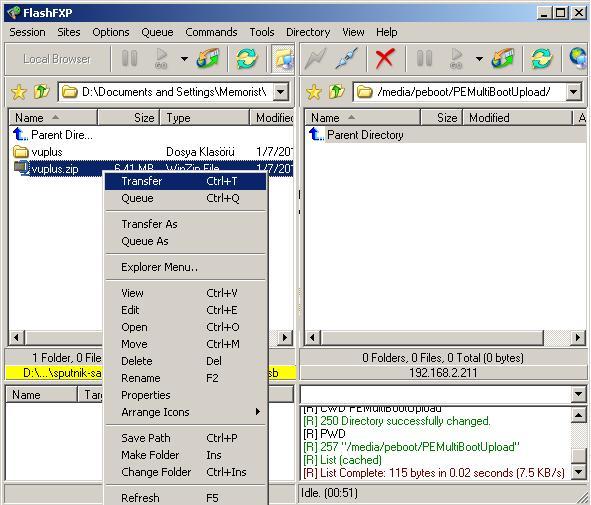
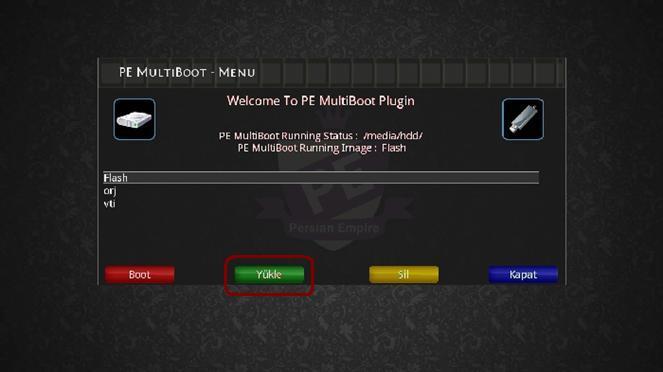
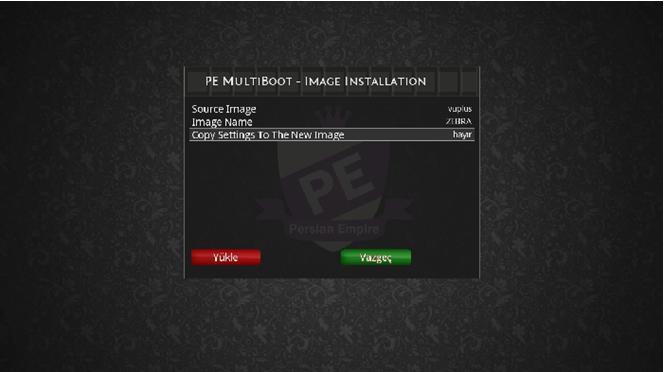
To copy the new image settins) anti option (No) in the structure of the image you do not have Flash installed all the plugins that image is reflected in the mismatch may occur.
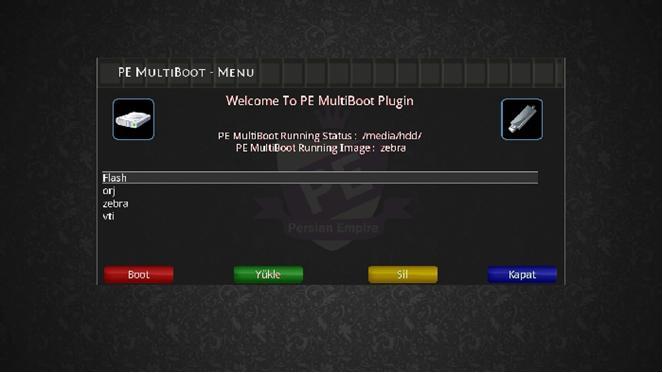
Arkadaşlarımızın bir çoğu meboot kurmada zorlandığı için meboot kurma hakkında çalışma gereği duydum umarım sorunsuz ca hafıza sorununu böylelikle ortadan kaldırmış olacağız avantajı farklı farklı imageleri flash belleğimizde hafıza sorunu yaşamadan rahatca kullanabilmek içindir meboot için YÜKSEK mb yada GB hafızaya sahip HDD lerinizi kullanmanıza gerek yoktur yada İçinde önemli bilgilerinizi barındıran HDD nize kurmaya çalışırsanız HDD niz silinebilir ona göre!!
İLK önce Flash belleğinizi 2Xmavi tuş Devicemanager,den media/hdd olarak maunt ediniz ben hdd olarak gösterdim
maunt ettikden sonra flash belleğinizi çıkartınız ve usb format vizard,da girininiz.
Önemli: format vizard,da ilk kırmızıya bastıkdan sonra flash belleğinizi takınız ve formata kırmızı tuş ile devam ediniz


Flash Belleğinizi takınız kırmızı ile devam ediniz


Ben burada ext 2 olarak gösterdim


Burada FTP ile bağlanıp MbootUpload adı altında klasör oluşturup media/hdd içerisine gönderiniz gönderilen MbootUpload içerisinede zipli dosyayı yükleyin ve devam edin


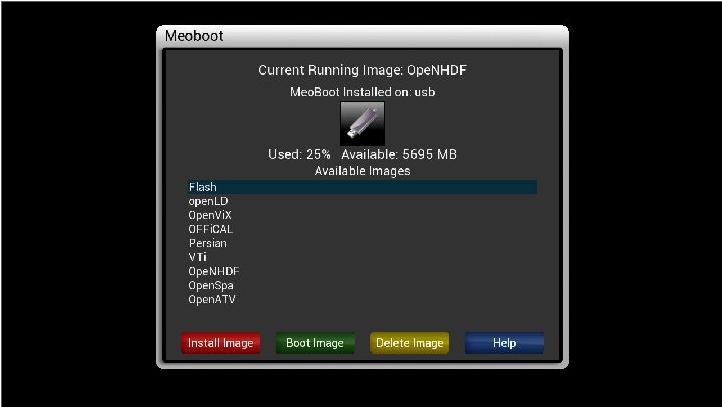
İyi seyirler..
thanks master G :)
USB Stick, Never assume that our device can use z Pc for the backup job.
There are even certain, but I believe will be useful for those who do not feel the need to work for
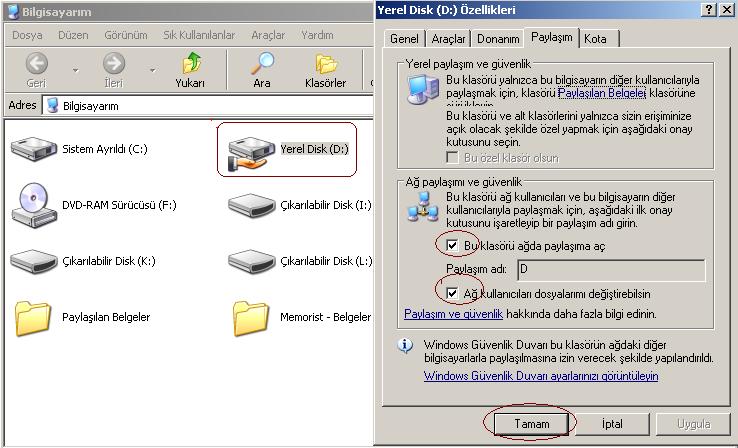
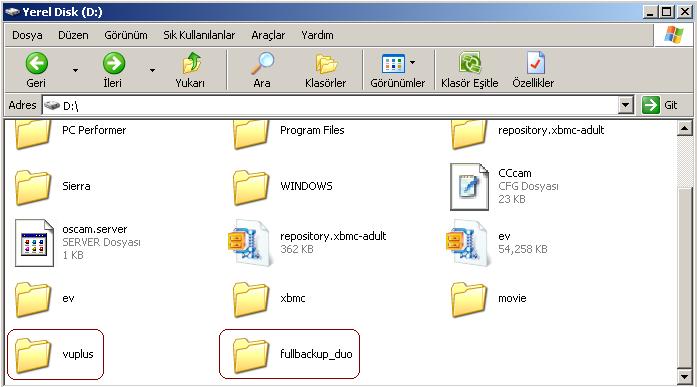
Pc first of which Part C / D if you want to backup, you must open sharing exactly I chose the D drive.
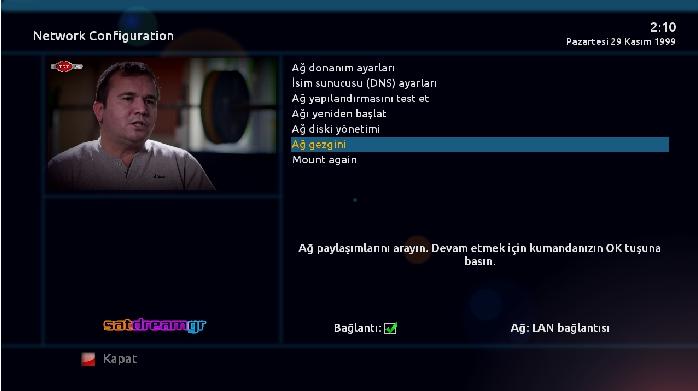
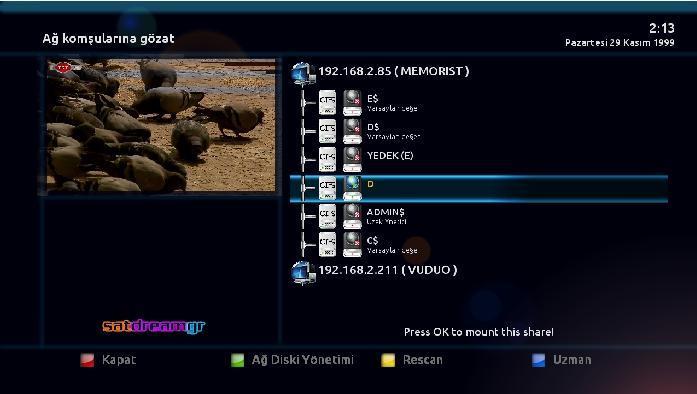
Menu + setup + system + to enter network settings and (Network browser), what your arrows structure
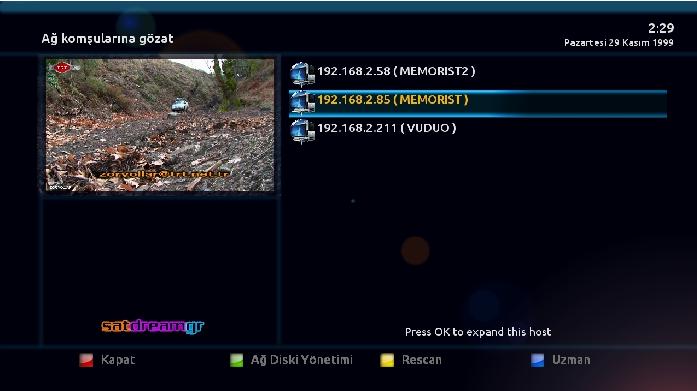
and the PC, the name given to z'' or rope no, we can see from our name inspired by z pc.
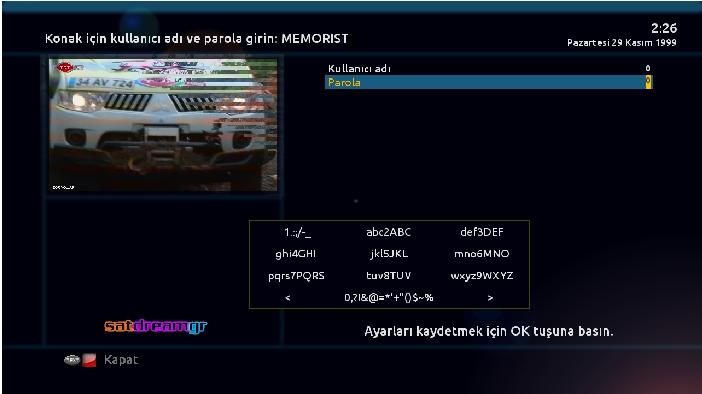
User name and password will want to give just enough 0
and the driver can see our share alone is not yet open to share that we are doing ok on the D drive
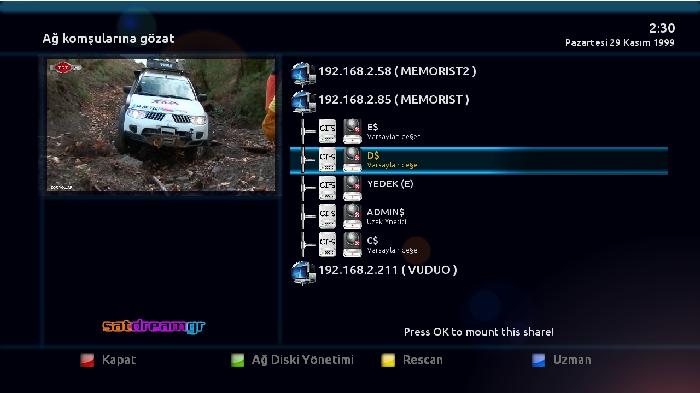
Links are entering the regulatory regions
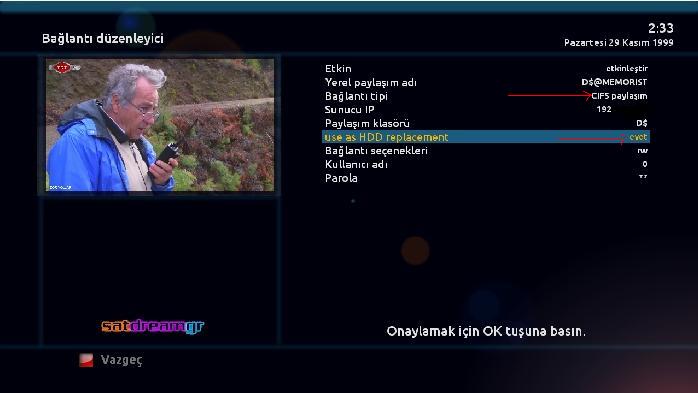
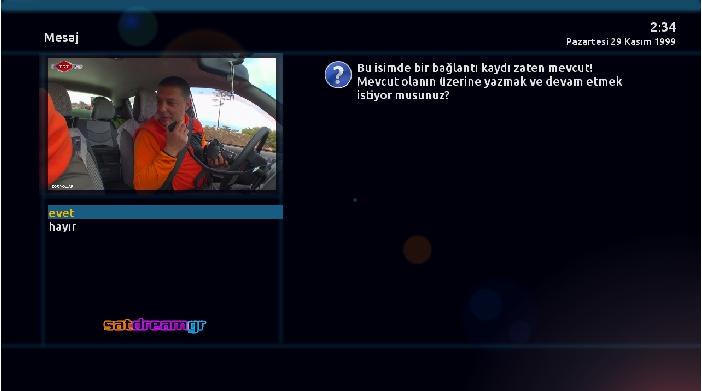
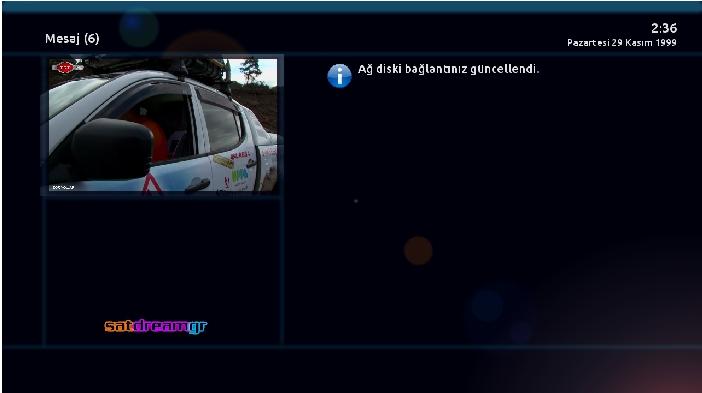
Is open to share my D drive where we see a clear
Friends actually an old subject, but among the issues may be involved is new to her narrative making guides felt the need to hopefully alternative backup to get your job easier problems with memory problems due to our friends living longer (Backup suite) have to build kalmazlar.çünk every gif image in the backup receiving panel in the bulunmamakd to. First brackets before HDD USB Stick Or, CPC Plug your device Memory device with our red button (Mauntpoints) Maunten ediniz.v Please re-register it with the red button I (Media / usb) as I've Maunten. Connect to your device via FTP (full_backup.t's) are sending the zip file to the temp directory without our. Now telnet, are going through the process of getting replacement. 750 UN login: root server type whether we are establishing links We at the temp directory (full_backup.tar.gz) file from the command telnet us to build our ( tar -zxvf /tmp/*.tar.gz -C / 
Our device will reboot and wait edecekd''''


Let's start the process of connecting with our device ipaddress
Start to run PCs enter z (telnet 192.168. *****) Enter're doing 
) copy and paste're doing enter


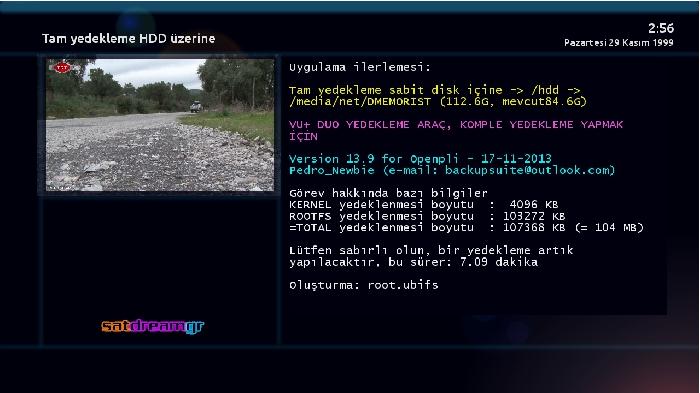
Our memory USB Memory Stick media / usb were mounted as if we give the command ( /usr/bin/turkuazbackup_usb.sh )
Media / hdd If you mount command( /usr/bin/turkuazbackup_hdd.sh ) olmalı
( /usr/bin/turkuazbackup_usb.sh ) We are launching the process by command


Take it easy..

