

There are two ways to flash a new firmware image onto the DM520 — from a web browser, or via telnet / PuTTY. Both put the receiver into rescue mode first.
Method 1 — Browser
- Download and extract your image of choice.
- Power the receiver off using the rocker switch on the rear panel.
- Power the receiver on and, within half a second, press and hold the power button on the front panel. The button blinks through a colour sequence — blue, purple, then red, then a constant blinking blue. Release it when it starts blinking blue; the receiver is now in rescue mode.
- Type the IP address of the DM520 into your browser and press Enter.
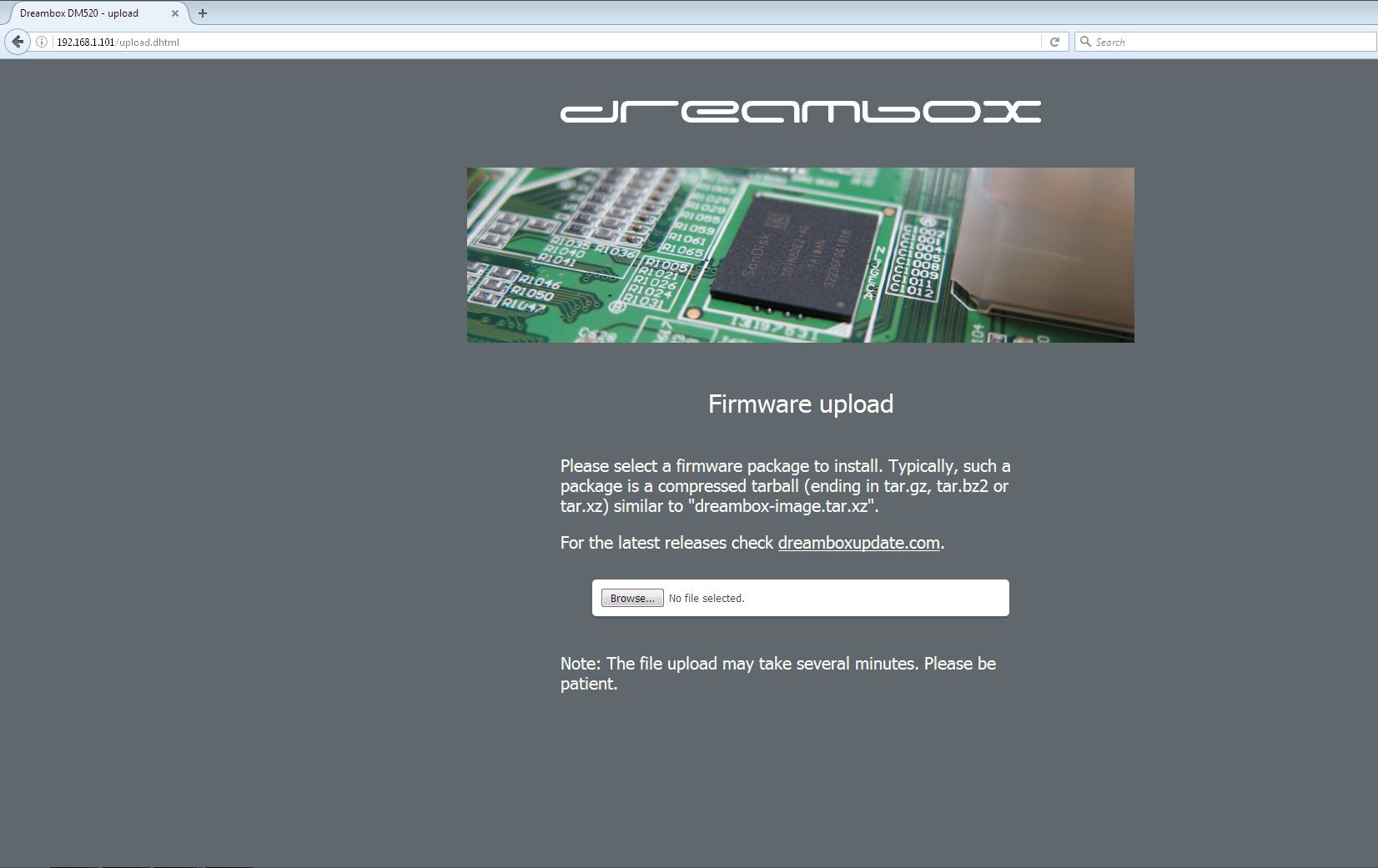
- Click the Firmware upload button.
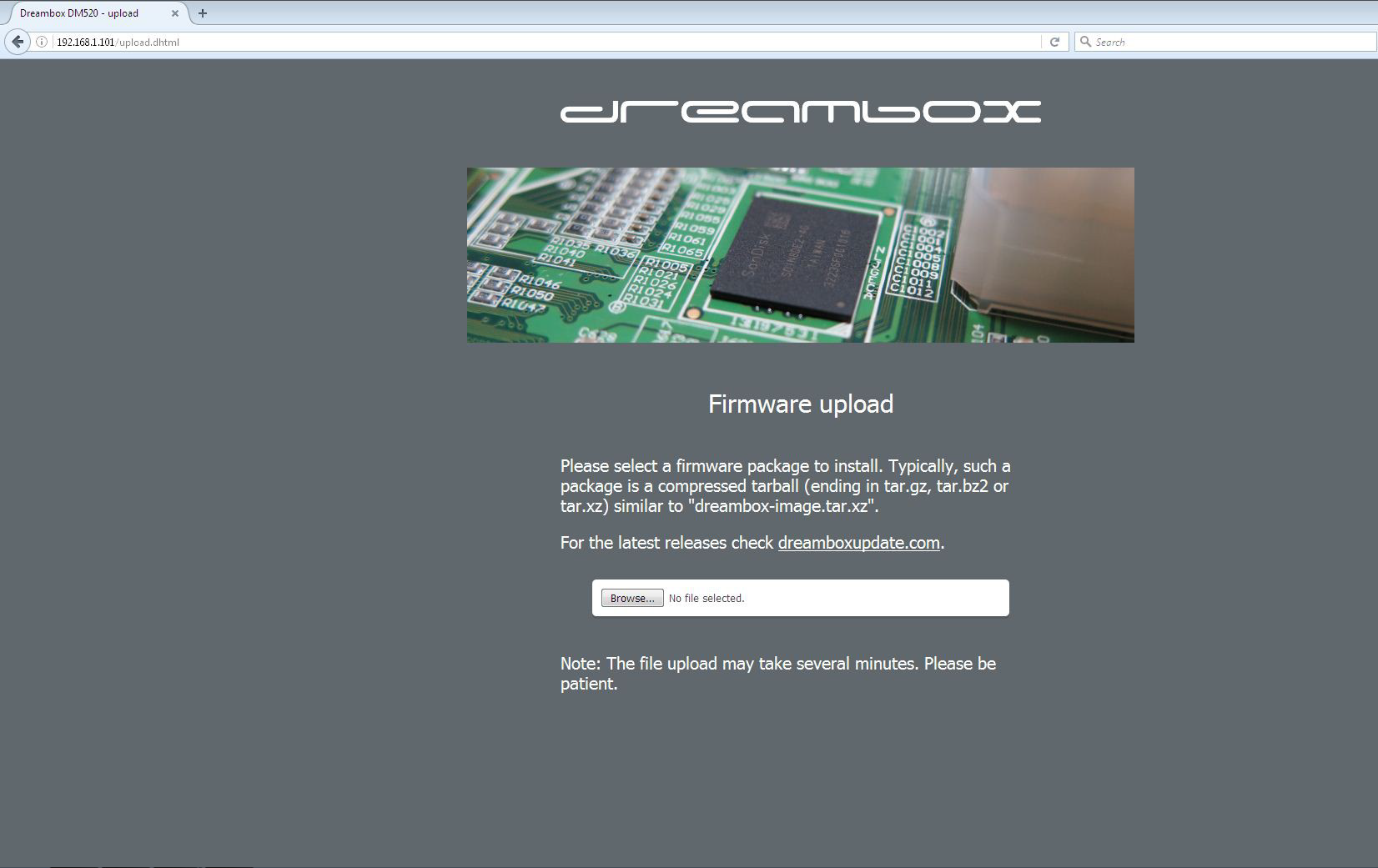
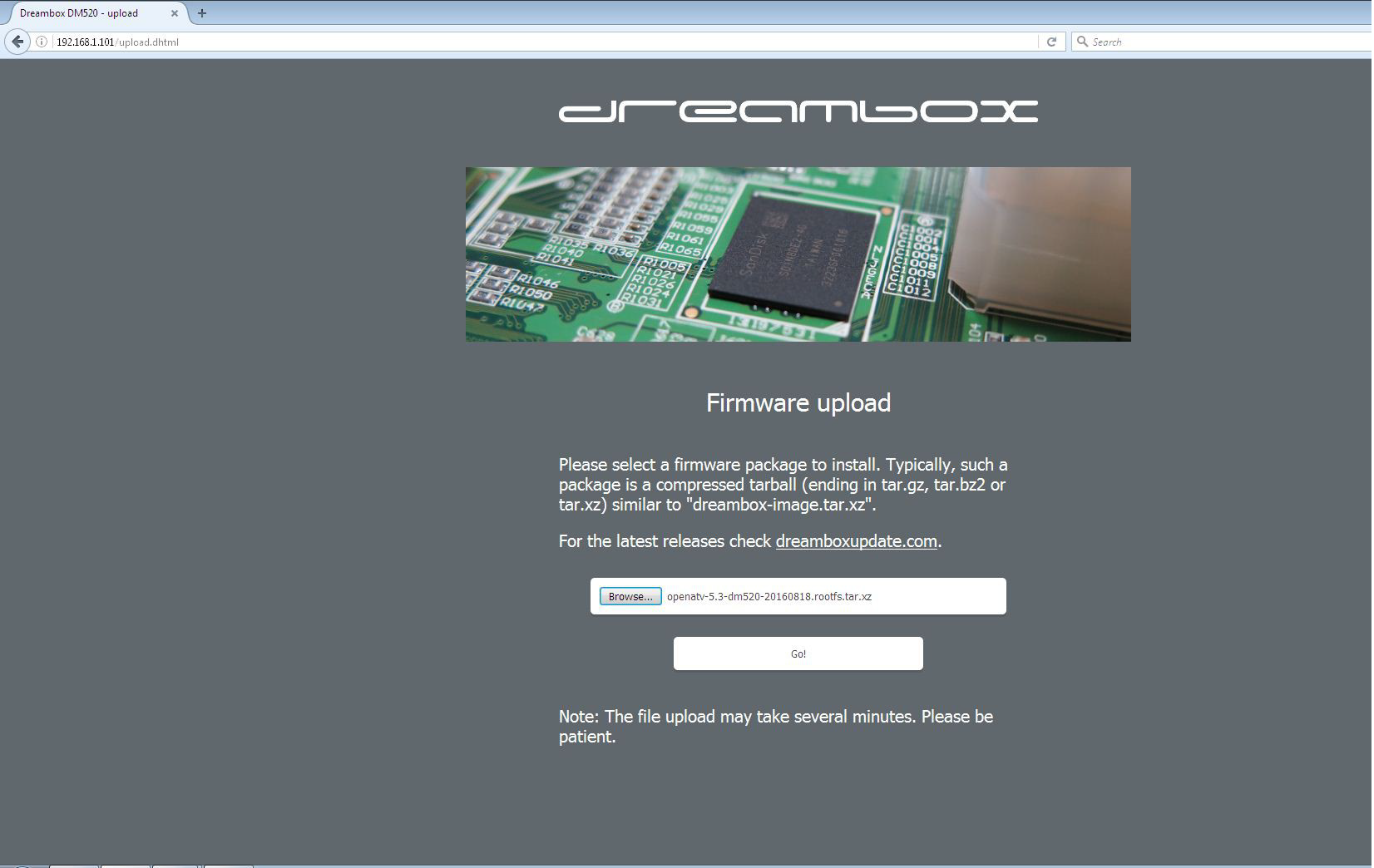
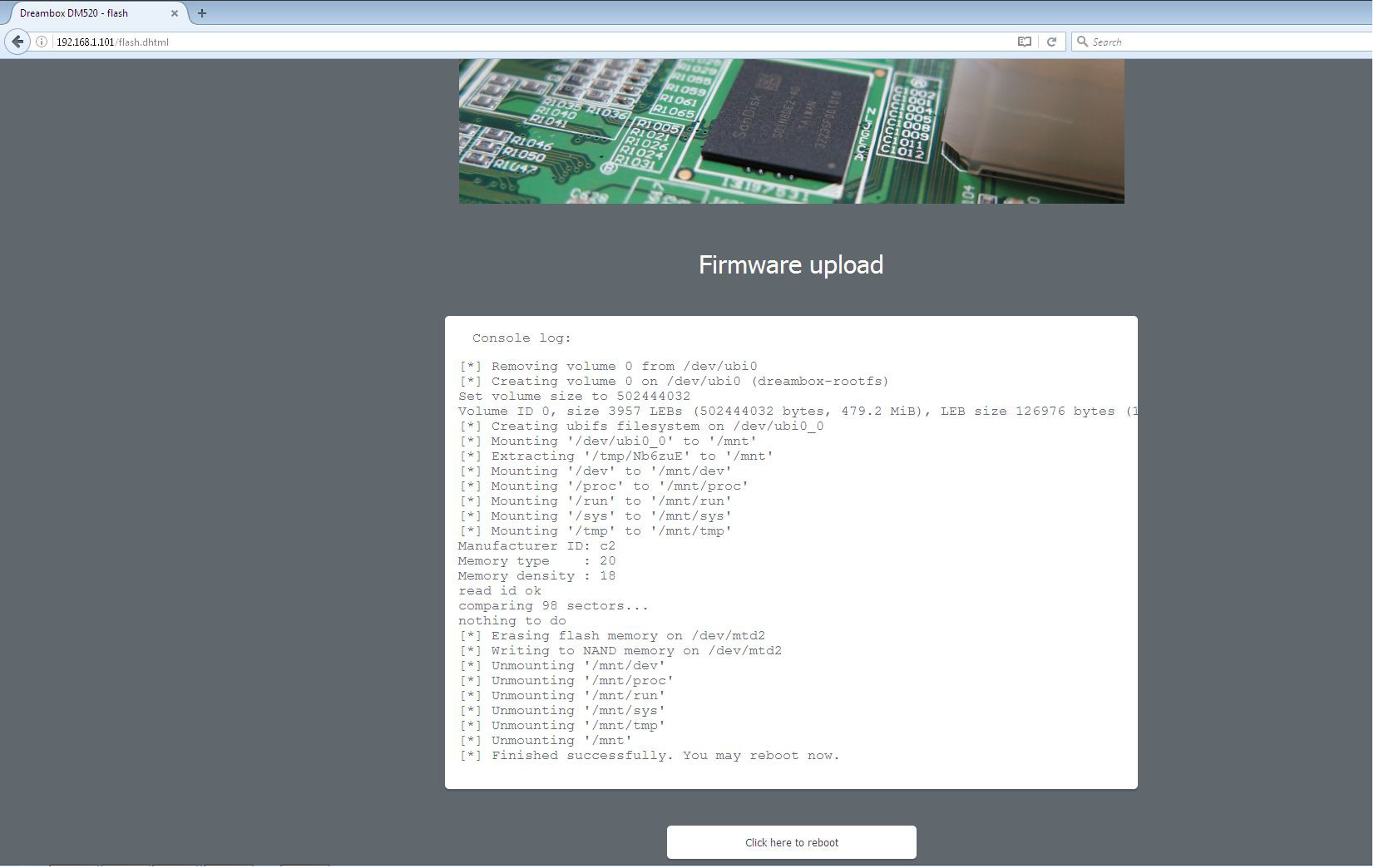
- Click Browse, find your downloaded / extracted image, double-click it, then press Go!
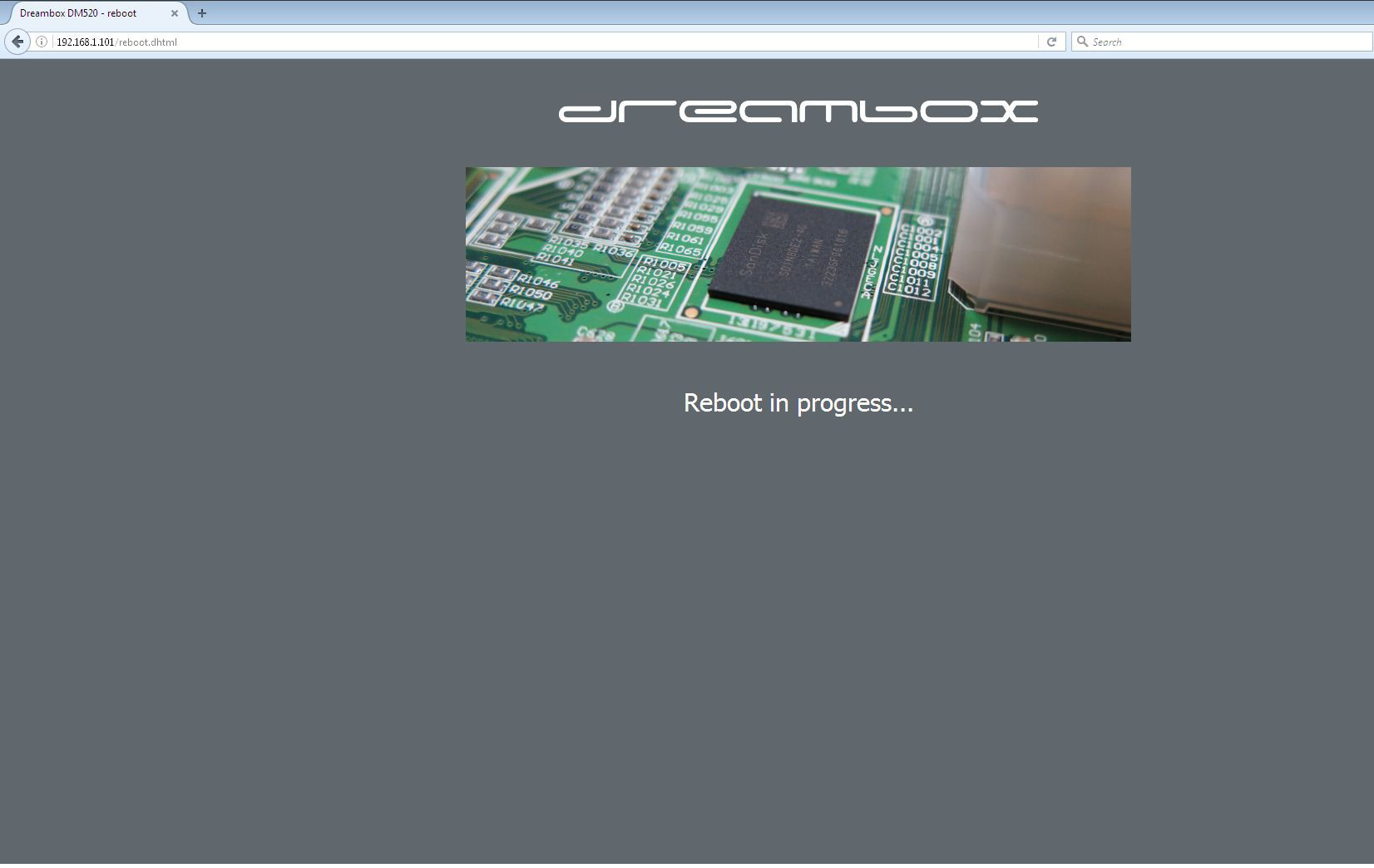
- When you see "Finished successfully. You may reboot now", click Click here to reboot.
Method 2 — Telnet / PuTTY
- Copy and paste each line below into telnet / PuTTY, pressing Enter after each:
Code
echo "rescue" >> /proc/stb/fp/boot_mode
reboot
- Then follow the Browser method above from step 4 (typing the receiver's IP address into your browser).
📄 Full guide: Download (PDF) · Reference


Replies 7
asdf22
Olá amigos
não consigo estabelecer conexão na minha DM 500HD original via PuTTY.
O Host Name/ Ip é o Ip da rede da Dreambox
A porta é 22 ou 23?
O login e a senha?
Será que eu posso dar uma ajuda.
Óbrigado
:Translate:
Hello friends
I can't establish a connection on my original DM 500HD via PuTTY.
The Host Name/ Ip is the IP of the Dreambox network
Is the port 22 or 23?
Login and password?
I wonder if I can give you some help.
Thanks
master G
Leave the SSH port as default - 22
Which firmware/image is being used?
asdf22
Olá
já consegui entrar no PuTYY e estabelecer conexão com a box que tem a imagem OPenATV 5.1
Agora precisava colocar a Dreambox 500HD a arrancar pela bios... como fazer?
Óbrigado.
master G
Please start a new thread and post in English only.
asdf22
Please.
NeoSat24
Buonasera a tutti del Forum e' un piacere, vi chiedo gentilmente dove posso vedere la procedura della flash del Dbox 520 HD ?...
toysoft
Click on link below,