


Raed QuickSignal Plugin
-
- QuickSignal
- W@Rp
- Thread is marked as Resolved.
-
-
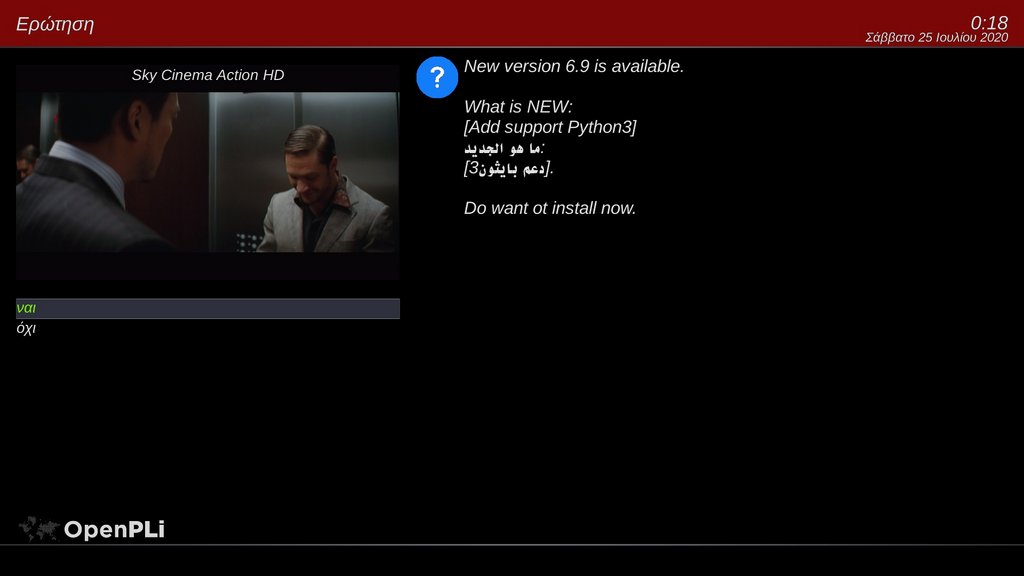
-Add support Python3
-
-
QuickSignal by.RAEDvversion 7.2
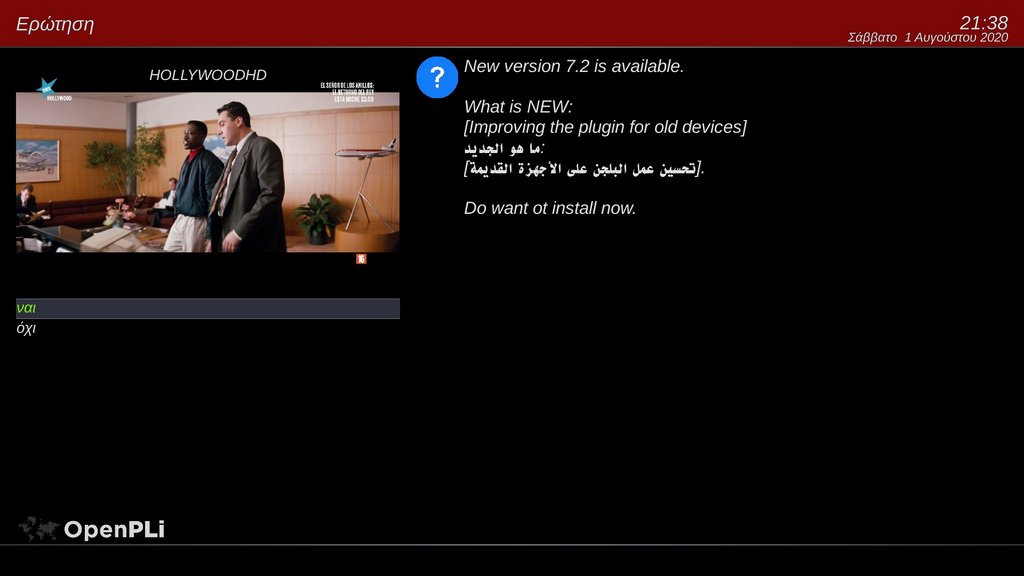
install plugin online
wget http://tunisia-dreambox.info/TSplugins/RaedQuickSignal/installer.sh -O - | /bin/sh
or manually using the attach file
cd /tmp
tar -xzf RaedQuickSignal-7.2.tar.gz -C /
-
i havei updated online on dm900 and unfortunately it crashed the image gp4
-
Where is crash logo ?!!
I have tested on GP4 on my DM920 and work just fine without any problem ..
-
QuickSignal by.RAED
version 7.3
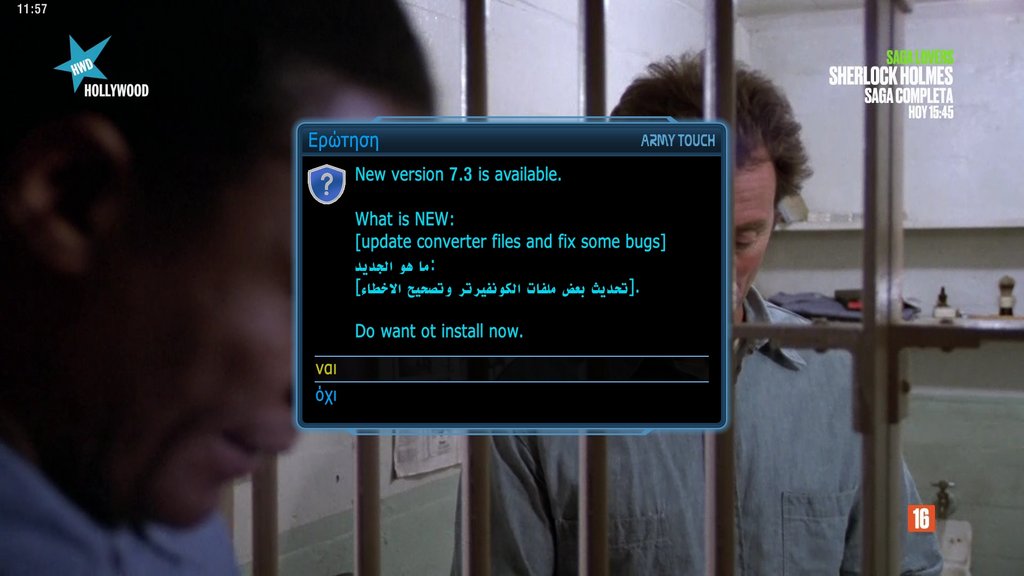
install plugin online
wget http://tunisia-dreambox.info/TSplugins/RaedQuickSignal/installer.sh -O - | /bin/sh
or manually using the attach file
cd /tmp
tar -xzf RaedQuickSignal-7.2.tar.gz -C /
-
QuickSignal by.RAED
version 7.4
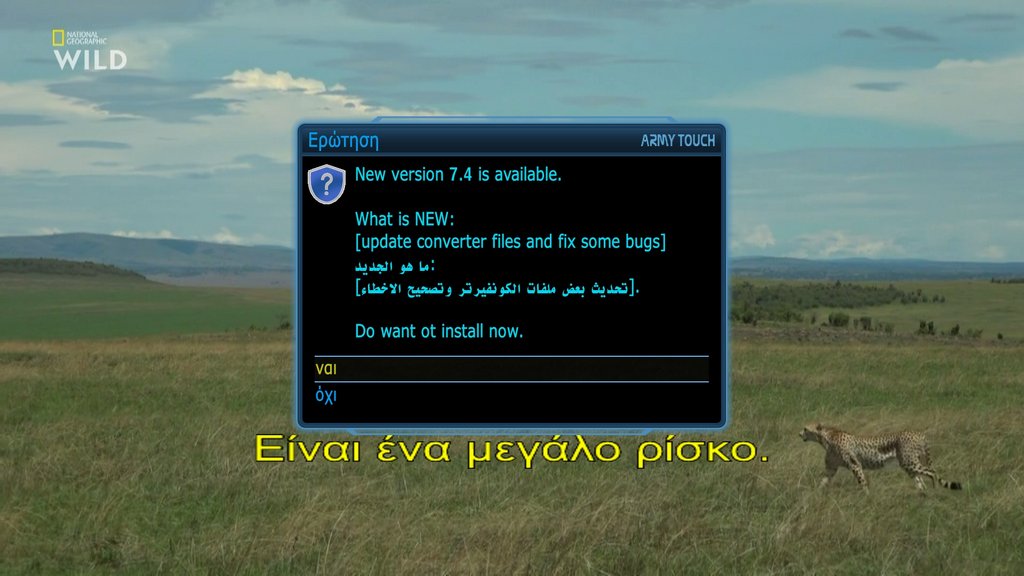
install plugin online
wget http://tunisia-dreambox.info/TSplugins/RaedQuickSignal/installer.sh -O - | /bin/sh
or manually using the attach file
cd /tmp
tar -xzf RaedQuickSignal-7.4.tar.gz -C /
-
RaedQuickSignal_7.4
for lovers of *ipk and *deb files :smiling:
-
QuickSignal by.RAED
version 7.5
install plugin online
wget http://tunisia-dreambox.info/TSplugins/RaedQuickSignal/installer.sh -O - | /bin/sh
or manually using the attach file
cd /tmp
tar -xzf RaedQuickSignal-7.5.tar.gz -C /
-
QuickSignal by.RAED
version 7.6
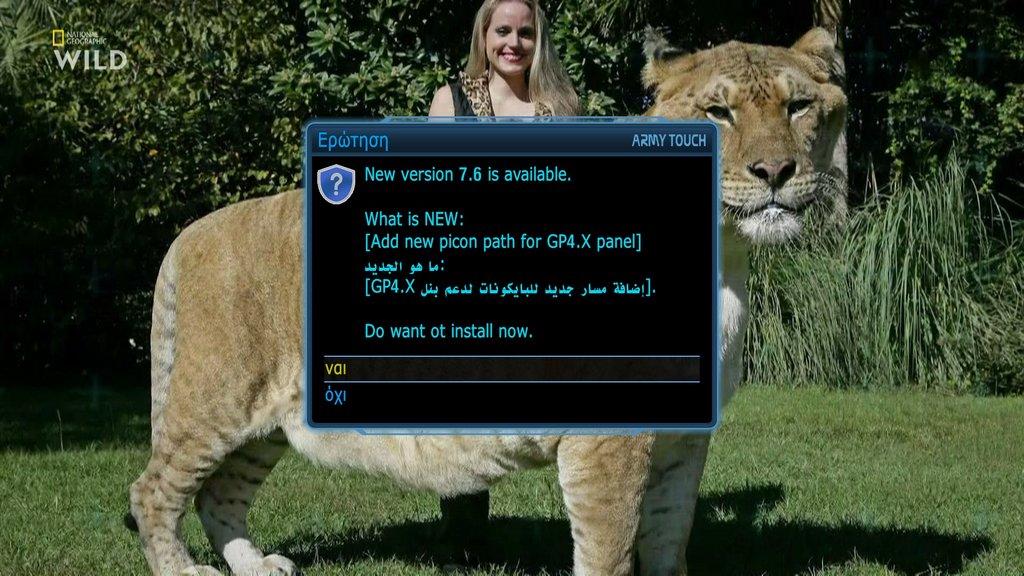
nstall plugin online
wget http://tunisia-dreambox.info/TSplugins/RaedQuickSignal/installer.sh -O - | /bin/sh
or manually using the attach file
cd /tmp
tar -xzf RaedQuickSignal-7.6.tar.gz -C /
-
QuickSignal by.RAED
version 7.7
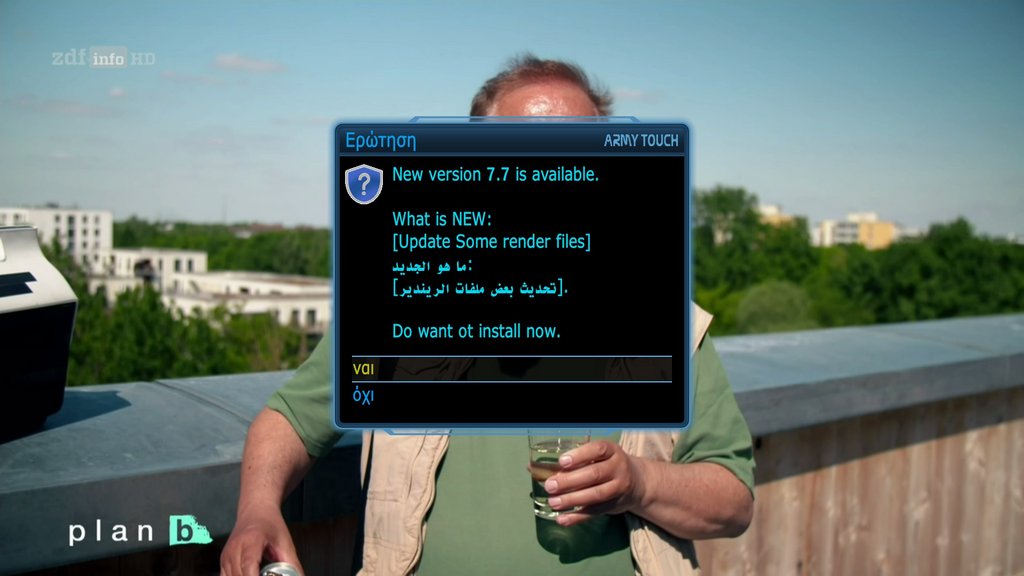
install plugin online
wget http://tunisia-dreambox.info/TSplugins/RaedQuickSignal/installer.sh -O - | /bin/sh
or manually using the attach file
cd /tmp
tar -xzf RaedQuickSignal-7.7.tar.gz -C /
-
Display More
QuickSignal by.RAED
version 7.7
install plugin online
wget http://tunisia-dreambox.info/TSplugins/RaedQuickSignal/installer.sh -O - | /bin/sh
or manually using the attach file
cd /tmp
tar -xzf RaedQuickSignal-7.7.tar.gz -C /
P.s: From this vision you can not install file manually by this this command
Only by online install or online updating by plugin ...
Because I kept the Icons and picons folders separate .. The script of install will be search inside plugin If it doesn't find it, it will send it.
So install RaedQuickSignal-7.7.tar.gz file manually will be find plugin without picons and icons folder ..
-
QuickSignal by.RAED
version 7.8
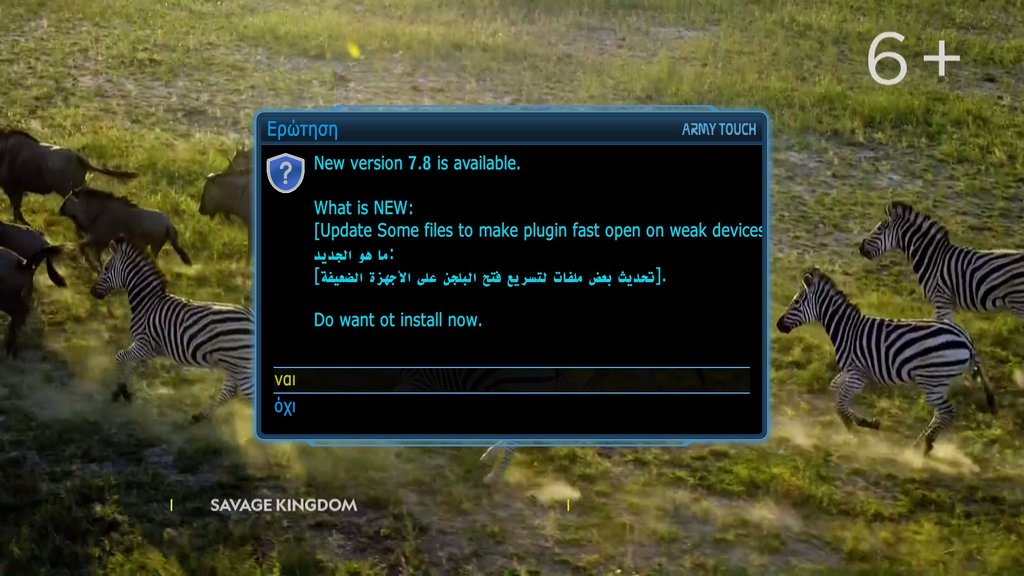
install plugin online
wget http://tunisia-dreambox.info/TSplugins/RaedQuickSignal/installer.sh -O - | /bin/sh
or manually using the attach file
-
-
Modern
- Version 8.0
- Update some files Render support OpenSPA imagesthank fairman
-
QuickSignal by.RAED
version 8.2
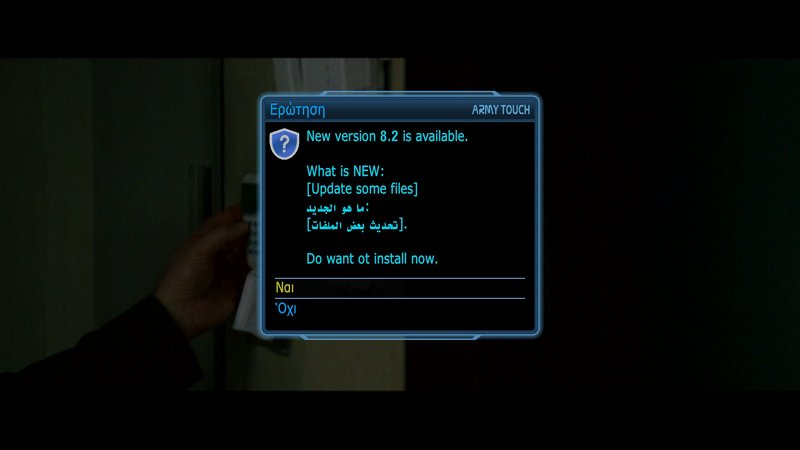
install plugin online
wget http://tunisia-dreambox.info/TSplugins/RaedQuickSignal/installer.sh -O - | /bin/sh
or manually using the attach file
-
dear fairbird,
my device is "dreambox 920"
when i upload i get this error ..
Thank you for your interest.
Code
Display MoreFile "/usr/lib/enigma2/python/enigma.py", line 8610, in __call__ return ret(*args, **kwargs) File "/usr/lib/enigma2/python/Components/ActionMap.py", line 70, in action res = act() File "/usr/lib/enigma2/python/Plugins/Extensions/RaedQuickSignal/plugin.py", line 639, in ShowHide self.session.open(RaedQuickSignalScreen) File "/usr/lib/enigma2/python/mytest.py", line 490, in open self.execBegin() File "/usr/lib/enigma2/python/mytest.py", line 356, in execBegin c.show() File "/usr/lib/enigma2/python/Plugins/Extensions/LCD4linux/plugin.py", line 2833, in L4L_replacement_Screen_show Screen.L4L_show_old(self) File "/usr/lib/enigma2/python/Screens/Screen.py", line 195, in show self.__onShow() File "/usr/lib/enigma2/python/Screens/Screen.py", line 202, in __onShow val.onShow() File "/usr/lib/enigma2/python/Components/Renderer/Renderer.py", line 10, in onShow self.suspended = False File "/usr/lib/enigma2/python/Components/Element.py", line 95, in setSuspend self.doSuspend(self.__suspended) File "/usr/lib/enigma2/python/Components/Converter/Poll.py", line 34, in doSuspend self.poll() File "/usr/lib/enigma2/python/Components/Converter/Poll.py", line 27, in poll self.changed((self.CHANGED_POLL,)) File "/usr/lib/enigma2/python/Components/Renderer/RaedQuickSignalPicEmuF.py", line 360, in changed self.picload.PictureData.get().append(self.piconShow) ------- AttributeError: 'eSignal1CStr' object has no attribute 'get' ]]> </enigma2crashlog> -
 Display More
dear fairbird,
my device is "dreambox 920"
when i upload i get this error ..
Thank you for your interest.
Code
Display MoreFile "/usr/lib/enigma2/python/enigma.py", line 8610, in __call__ return ret(*args, **kwargs) File "/usr/lib/enigma2/python/Components/ActionMap.py", line 70, in action res = act() File "/usr/lib/enigma2/python/Plugins/Extensions/RaedQuickSignal/plugin.py", line 639, in ShowHide self.session.open(RaedQuickSignalScreen) File "/usr/lib/enigma2/python/mytest.py", line 490, in open self.execBegin() File "/usr/lib/enigma2/python/mytest.py", line 356, in execBegin c.show() File "/usr/lib/enigma2/python/Plugins/Extensions/LCD4linux/plugin.py", line 2833, in L4L_replacement_Screen_show Screen.L4L_show_old(self) File "/usr/lib/enigma2/python/Screens/Screen.py", line 195, in show self.__onShow() File "/usr/lib/enigma2/python/Screens/Screen.py", line 202, in __onShow val.onShow() File "/usr/lib/enigma2/python/Components/Renderer/Renderer.py", line 10, in onShow self.suspended = False File "/usr/lib/enigma2/python/Components/Element.py", line 95, in setSuspend self.doSuspend(self.__suspended) File "/usr/lib/enigma2/python/Components/Converter/Poll.py", line 34, in doSuspend self.poll() File "/usr/lib/enigma2/python/Components/Converter/Poll.py", line 27, in poll self.changed((self.CHANGED_POLL,)) File "/usr/lib/enigma2/python/Components/Renderer/RaedQuickSignalPicEmuF.py", line 360, in changed self.picload.PictureData.get().append(self.piconShow) ------- AttributeError: 'eSignal1CStr' object has no attribute 'get' ]]> </enigma2crashlog>Thank you Solved with new version 8.3
-
QuickSignal by.RAED
version 8.3
install plugin online
wget http://tunisia-dreambox.info/TSplugins/RaedQuickSignal/installer.sh -O - | /bin/sh
Your resource for Enigma2 system utility plugins
Find downloads and support for tools that monitor performance, manage system settings, provide detailed system info, and automate maintenance. Discover essential Enigma2 system utility plugins. Access downloads and support for performance monitors, maintenance tools, and system information managers.
Participate now!
Don’t have an account yet? Register yourself now and be a part of our community!


