❀❀ Skin AL_AYAM_FHD ✿ from Nitro Team ❀❀
The Nitro team presents us with a new skin, and I apologize for the absence... But as you know, hobbies can sometimes conflict with the demands of life.
The Skin AL AYAM is a skin designed by zelda77, who shared the file with me in 2022 after he designed the main covers for the skin. Circumstances kept him busy abroad, and the Nitro team has been trying to finish it, but every time something happens, it goes back to the storage box.
Until, God willing, the team, through my brother @bo-hlala, and my brother Kaleem Kimoo1987, modified the skin interfaces with new designs alongside the original designs to present the skin in the form that will be offered to you.
◄◄◄ skins Have three colors ► ►►
- Pink
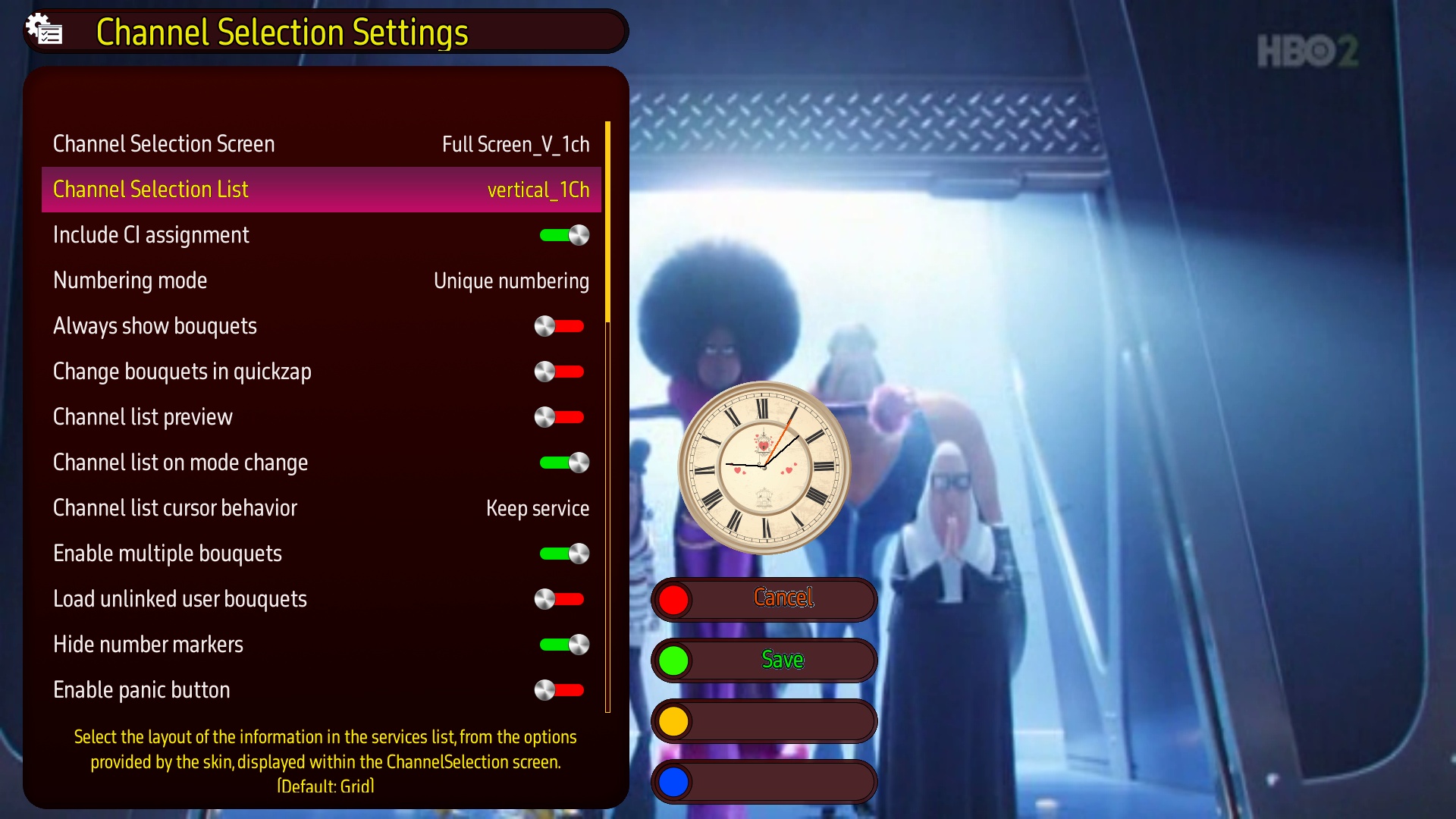
- Brown
- Green
And have also The pink color with different screens to meet the acceptance of various tastes.
♡♡ All thanks and appreciation to my dear brothers, who are closest to my heart, for their continuous support and loving partnership through this great team ♡♡
✐ The skin is suitable for all open-source Python 2 and 3 images.
✐ The new addition, which is specific to displaying the channel list, is now supported by the new versions of the two distinguished images that are most up-to-date (OpenATV - Egami).
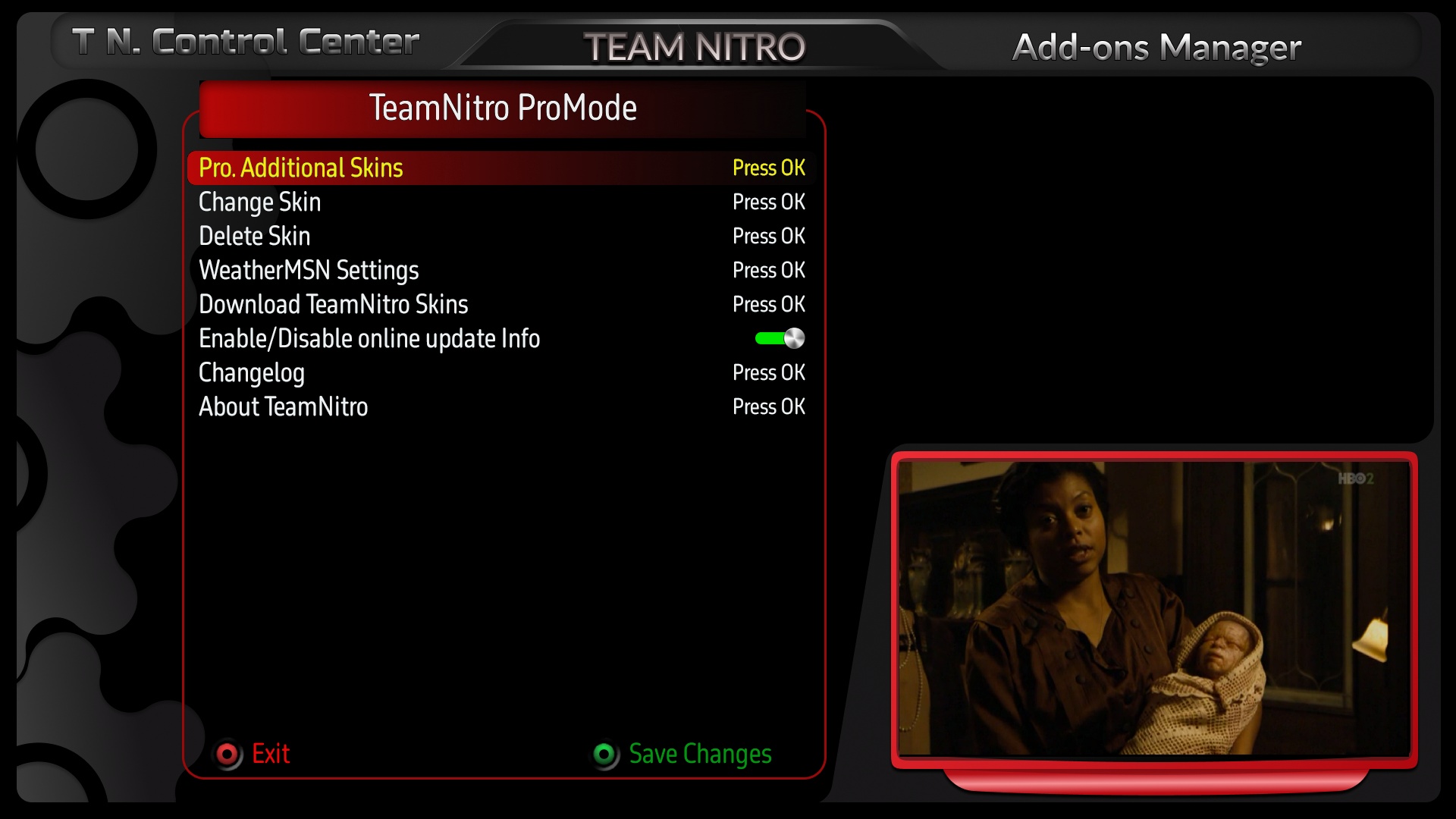
✐ Control over switching between skins and interfaces via the Nitro Team Control Center.
✐ An attempt has been made to provide various data that may interest some users, such as the channel's CAID and the active CAID, as sometimes a channel may have more than one CAID (channel identifier), and only one of them works while the others do not.
✐ A new design has been created for vertical menus, unlike horizontal menus.
✐ New screens have been created for time shift and translation plugin in a new way.
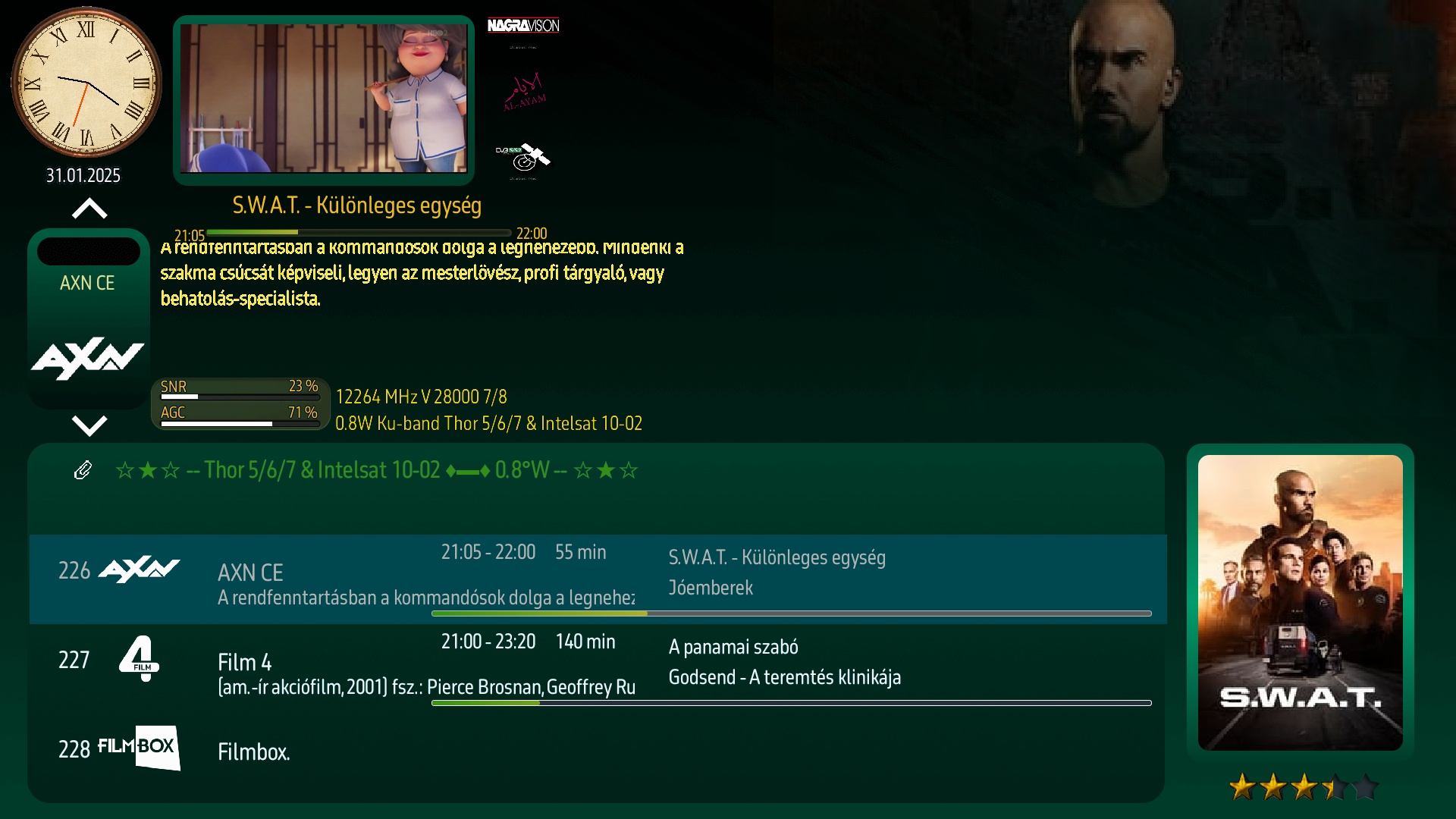
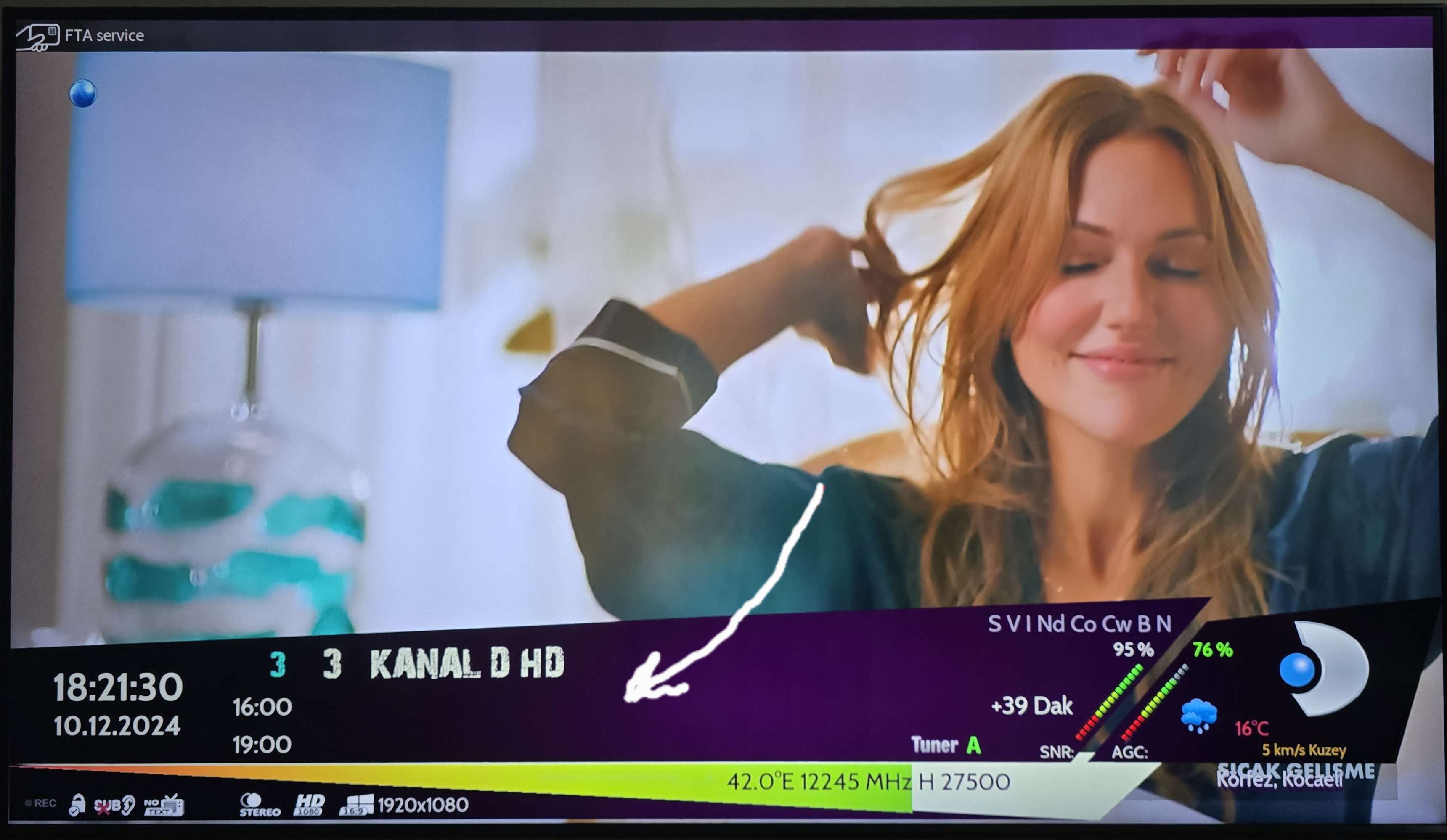
✐ The strength of the satellite signal and the quality of the broadcast have been displayed through an analog indicator in a distinctive aesthetic on the info bar and the second info bar.
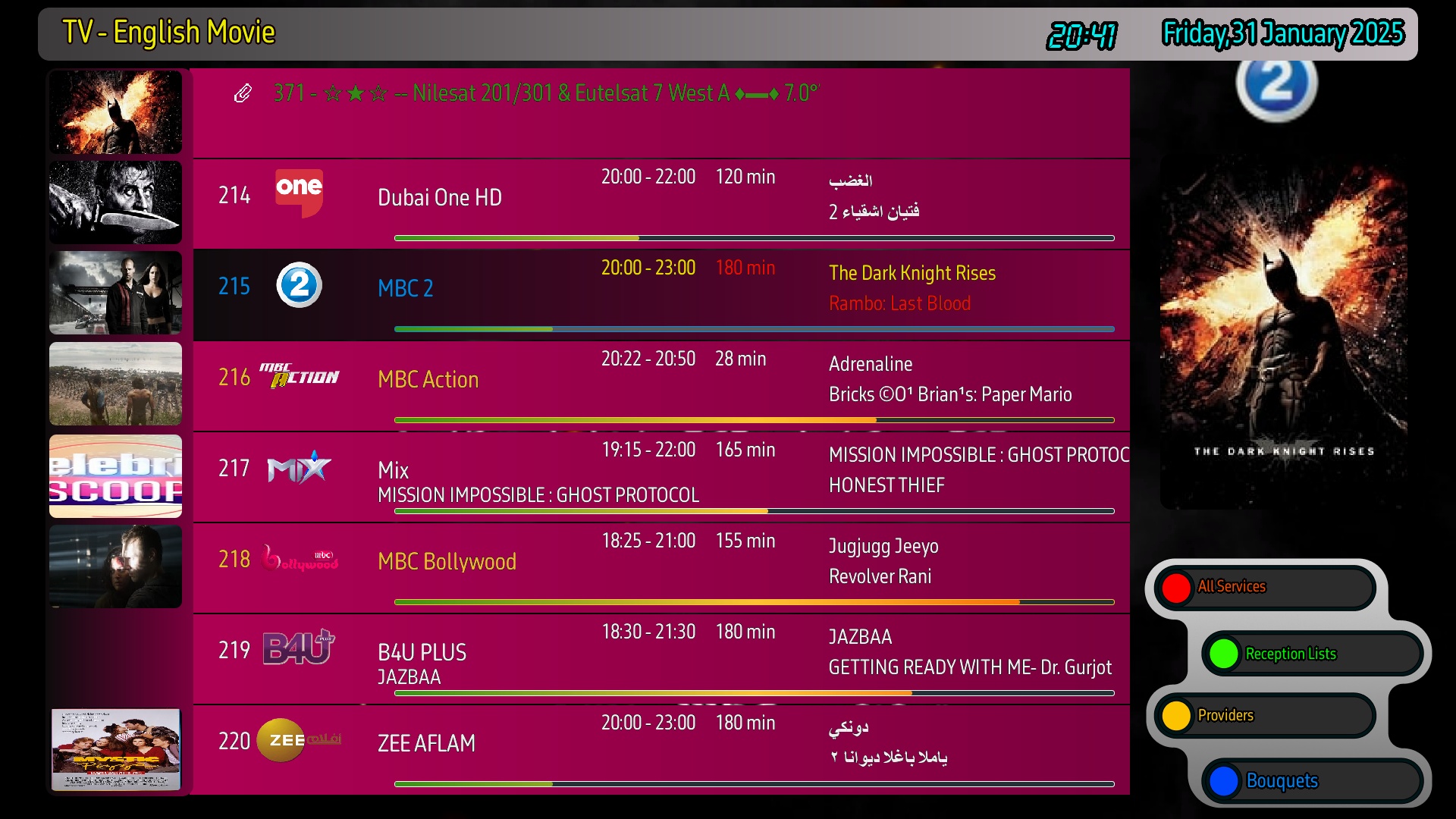
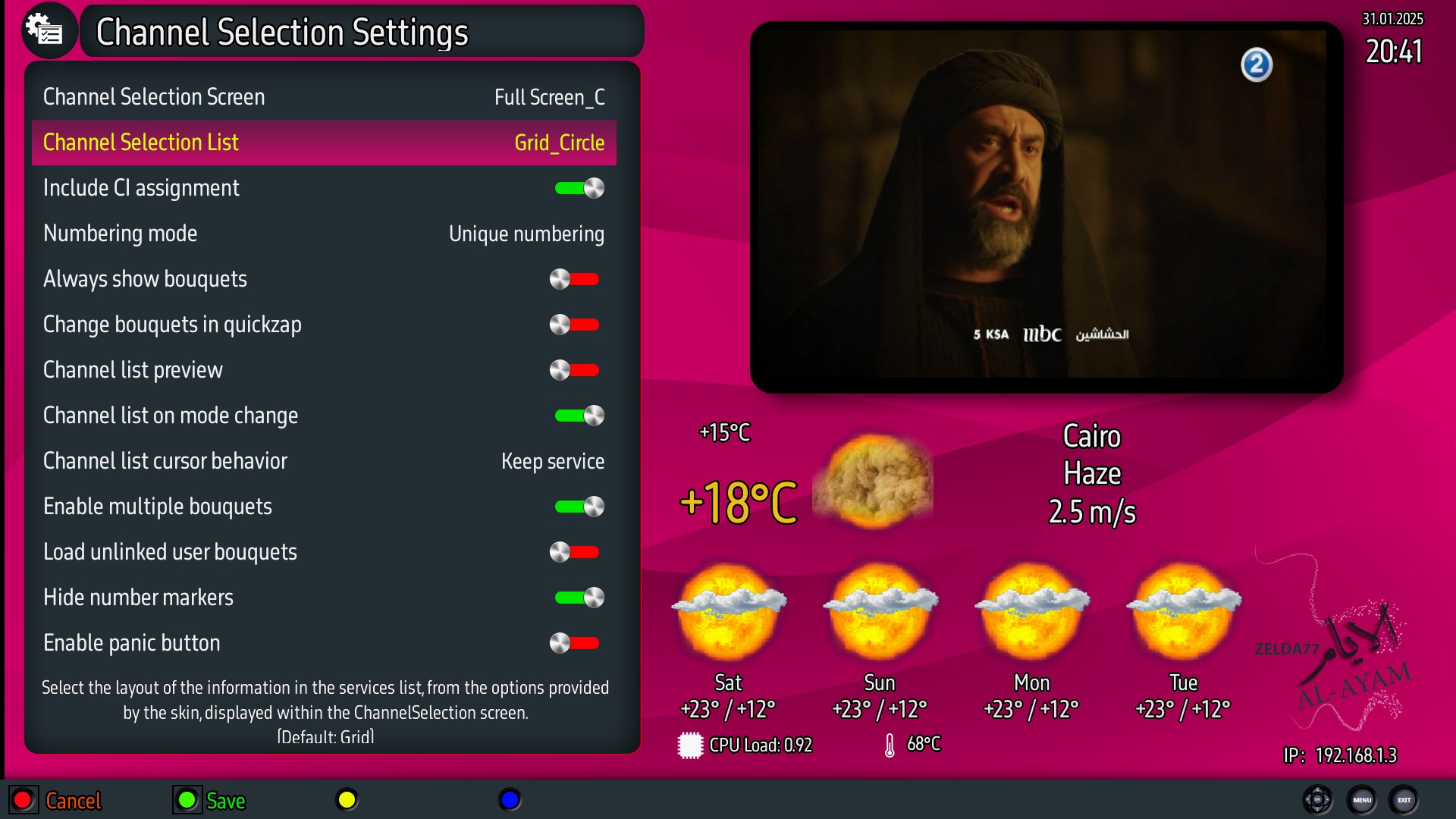
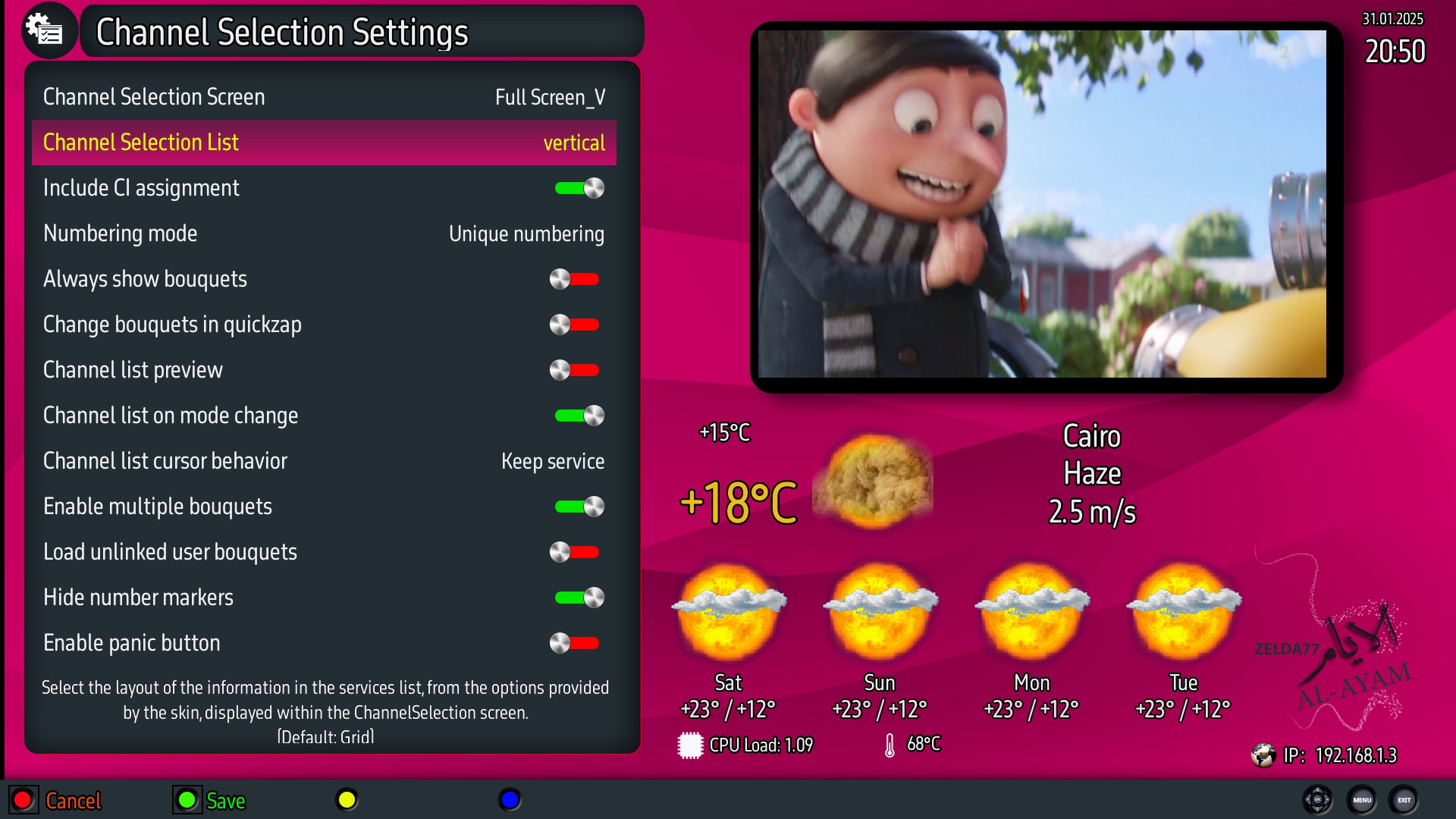
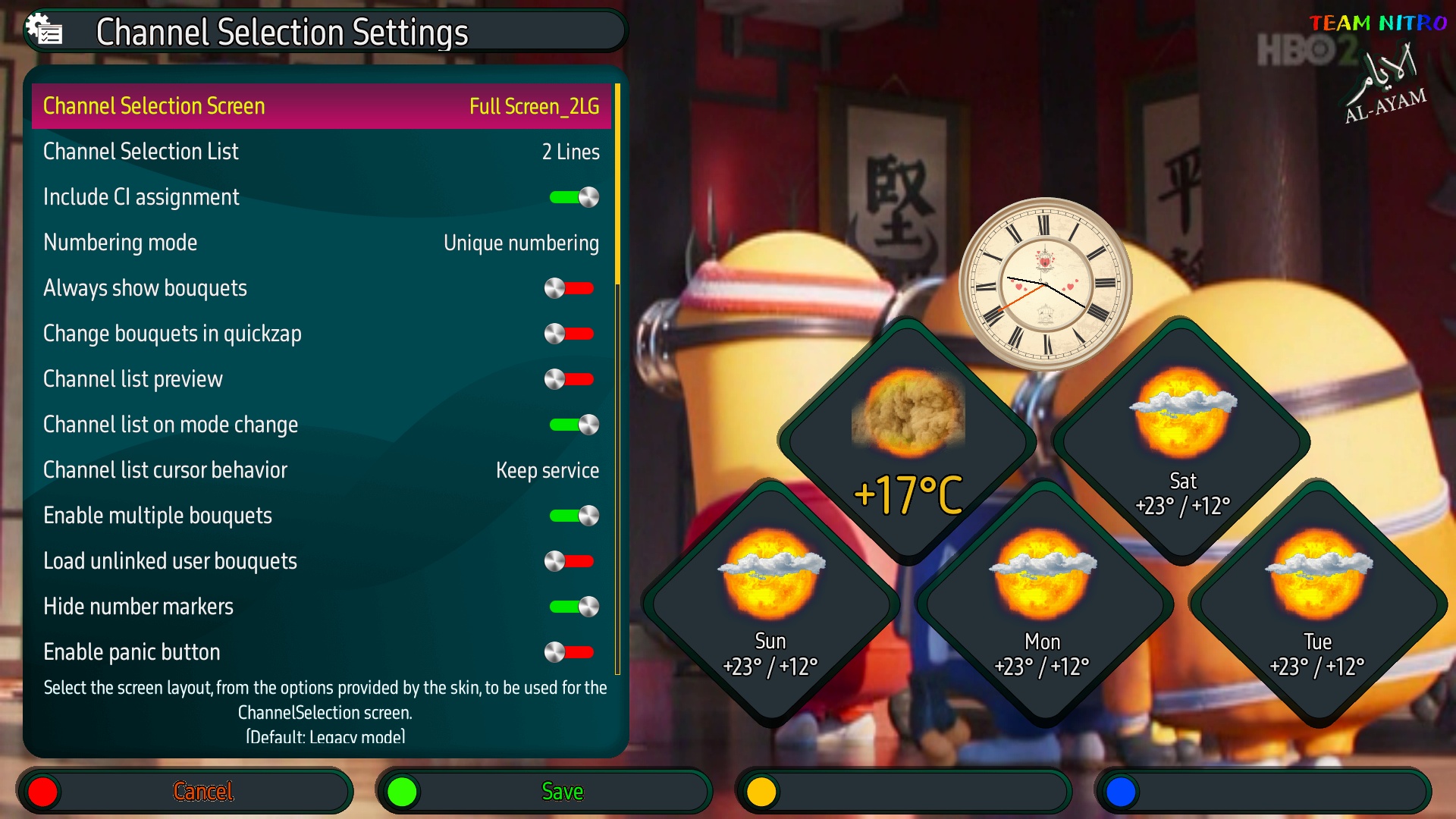
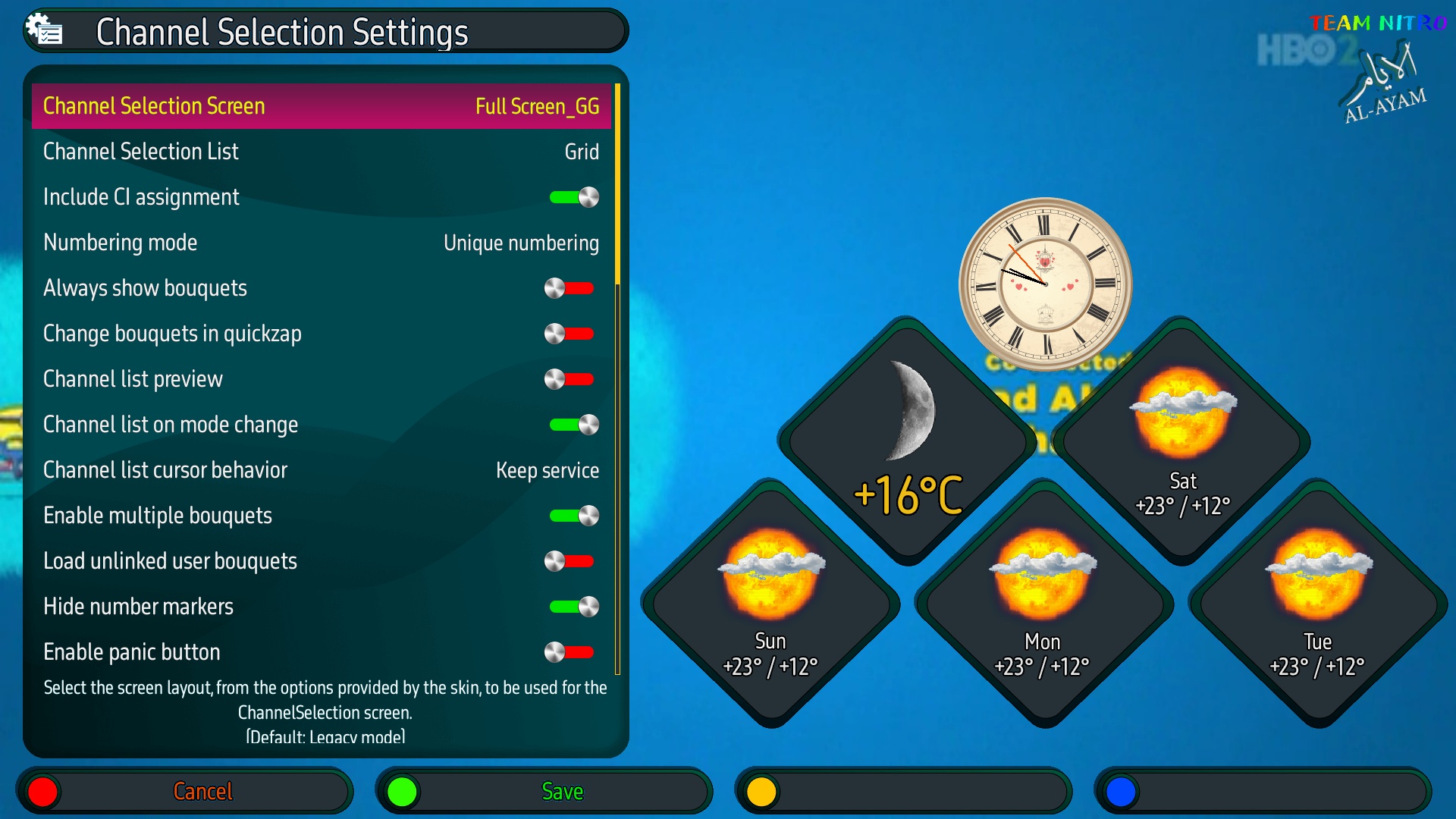
✐ New designs have been created for the new feature of displaying channel lists in the completely new full channel selection grid.
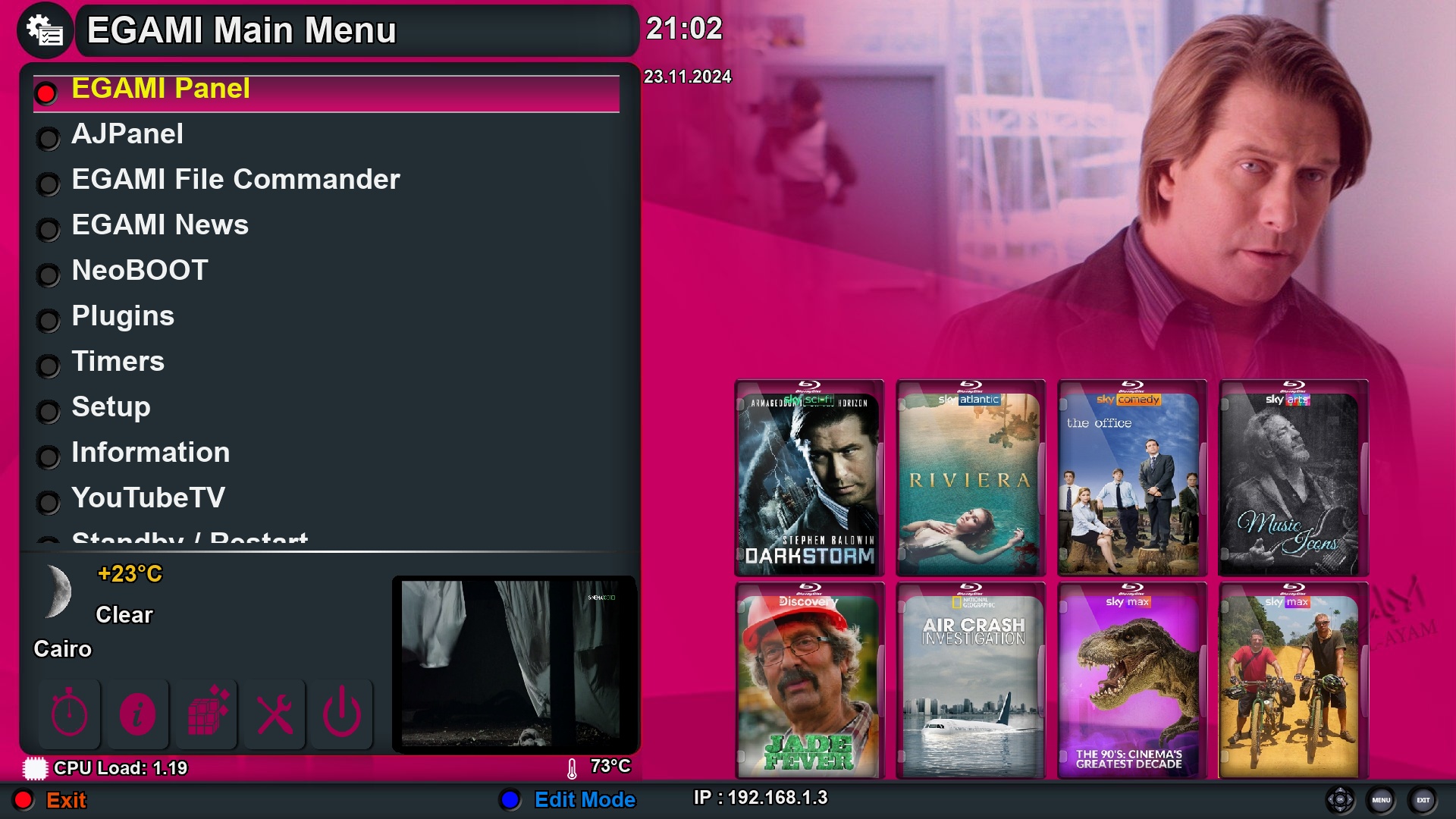
✐ A script has been integrated to fetch the aesthetics of the poster and backdrop for Sky channels to appear in the background of the main menu, and it can be updated manually from the plugin or permanently via the timer in a cron way (thanks to the developer KiddaC for providing this wonderful addition).
✐ An info bar has been created with new designs, showing the channel beacons on the right, center, and left.
✐ From the plugin control options, you can choose the skins built by fetching aesthetics from the extra event, and the same skins are also available through the component X.
♦▬ ▬ ▬ ▬ ▬ ▬ ▬ ▬ ▬ ▬ ▬ ▬ ▬ ▬ ▬ ▬ ▬ ▬ ▬ ▬ ▬ ▬ ▬ ▬ ▬ ▬ ▬ ▬ ▬ ▬ ▬ ▬ ▬ ▬▬ ♦
Now screenshots :
☞ Info bar - second info bar - channel list
| -------- Default ------- | Pink 1 Xtra, Pink1 X | Pink 2 Xtra, Pink2 X | Pink 3 Xtra, Pink3 X | Pink 1 Xtra, Pink4 X |
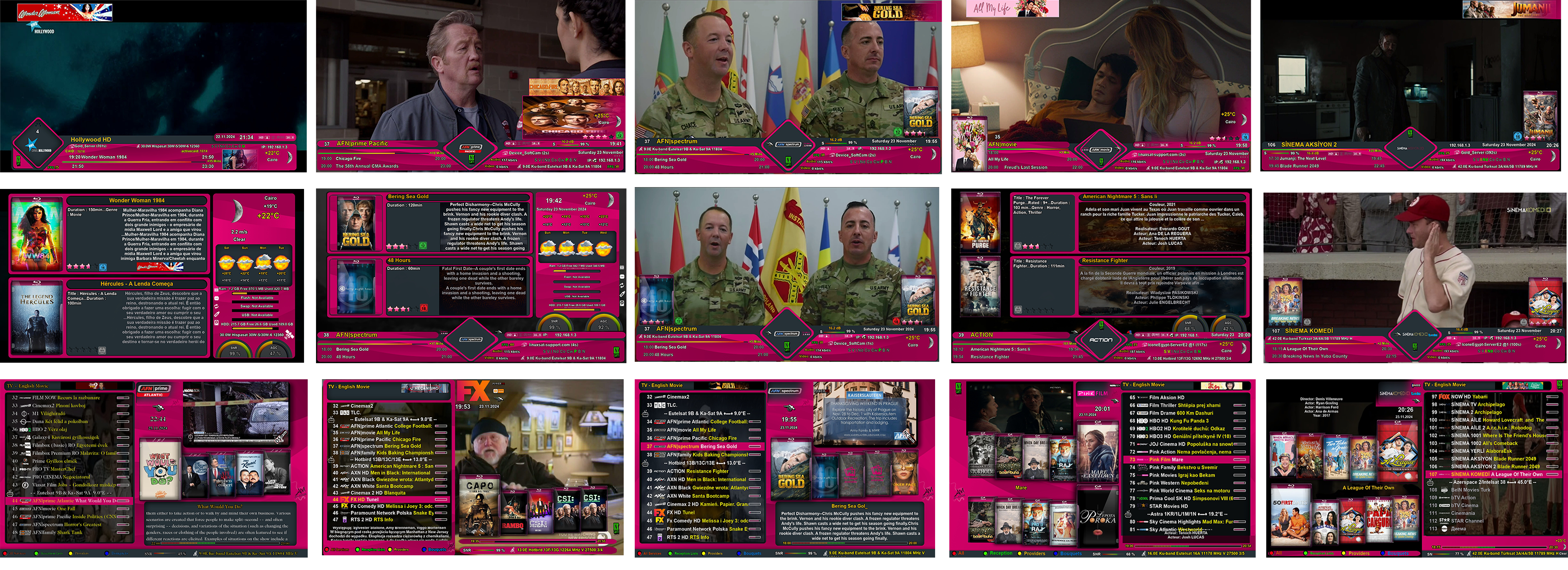
| Pink 5 Xtra, Pink5 X | Pink 6 Xtra, Pink6 X | Pink 7 Xtra, Pink7 X | -------- Brown -------- | -------- Green -------- |
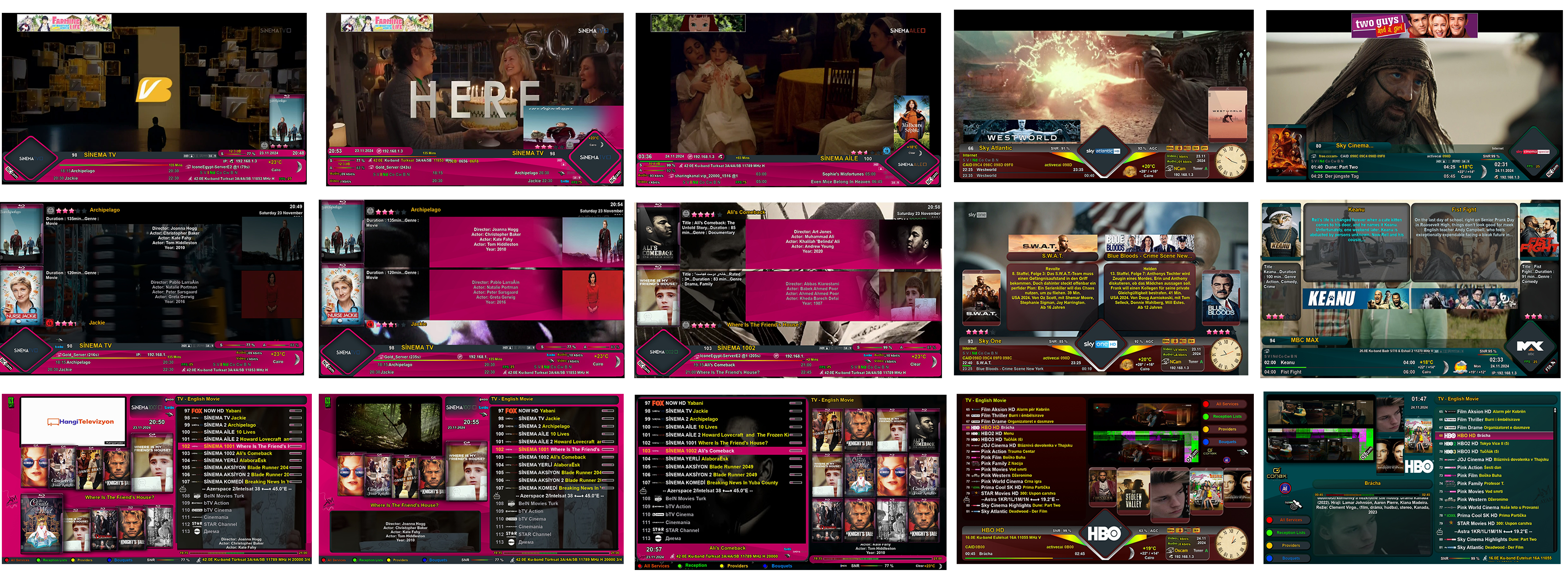
☞ Channel Selection Full VIEW Grid

☞ Main menu
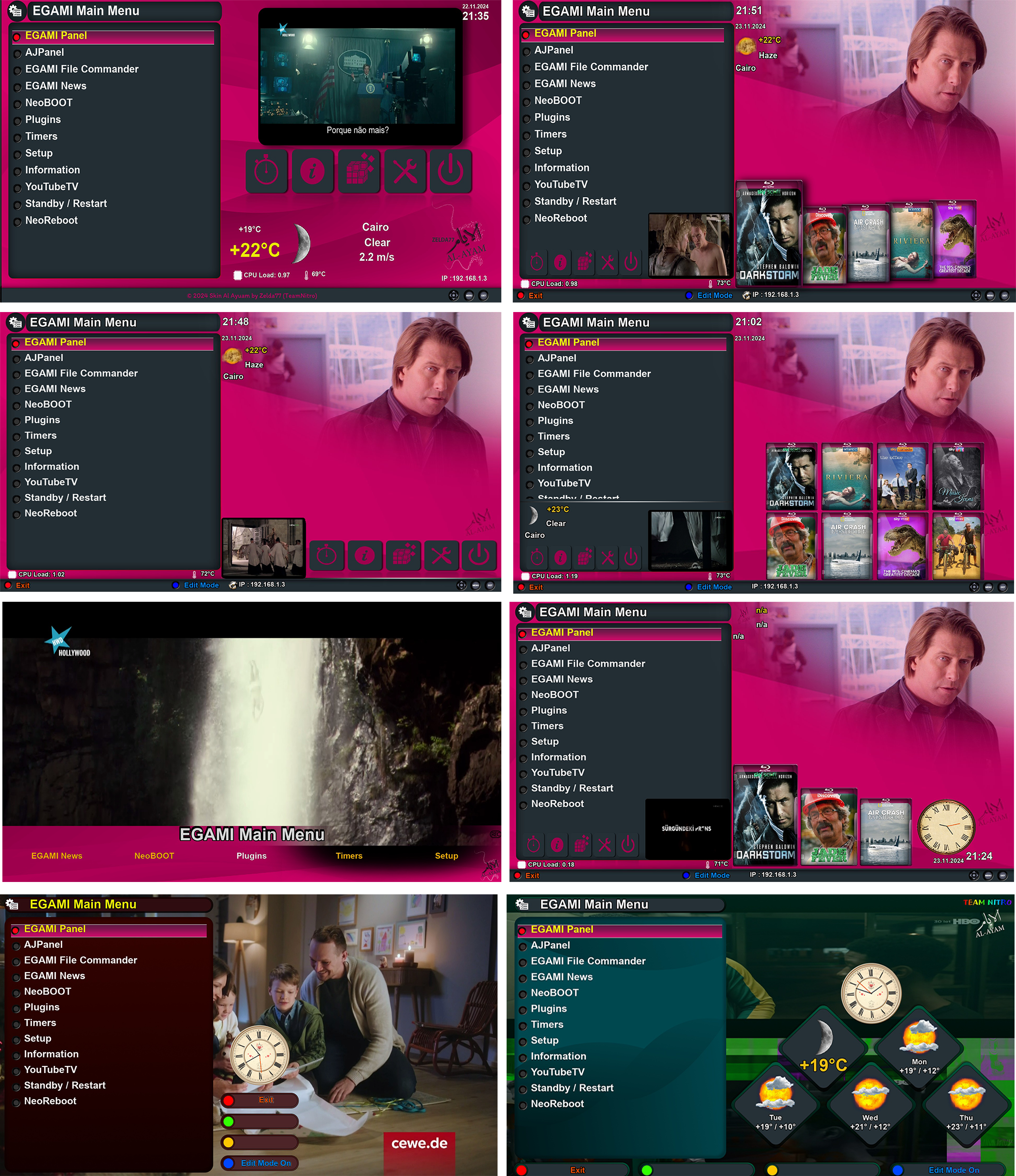
☞ Plugin browser

☞ Electronic program guide screens
- EPG Selection
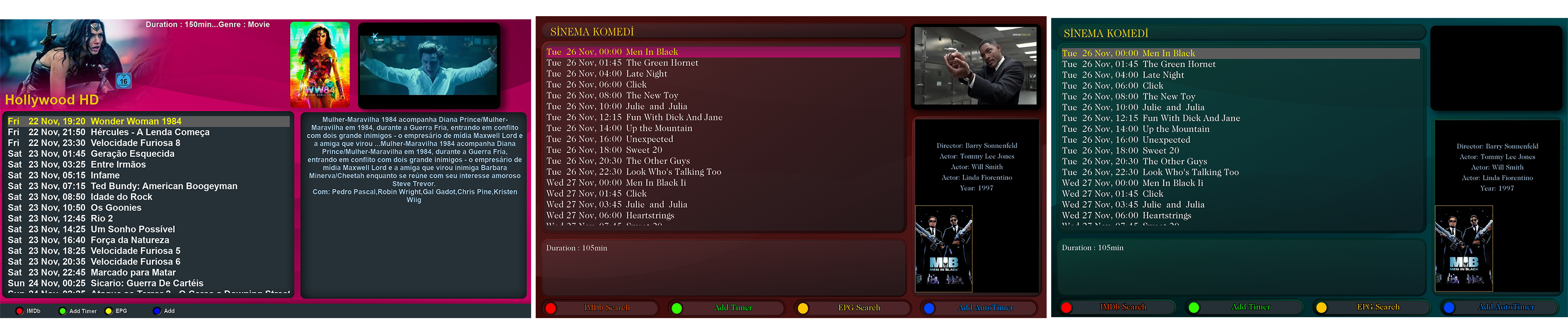
- Event-View

- Graphical EPG

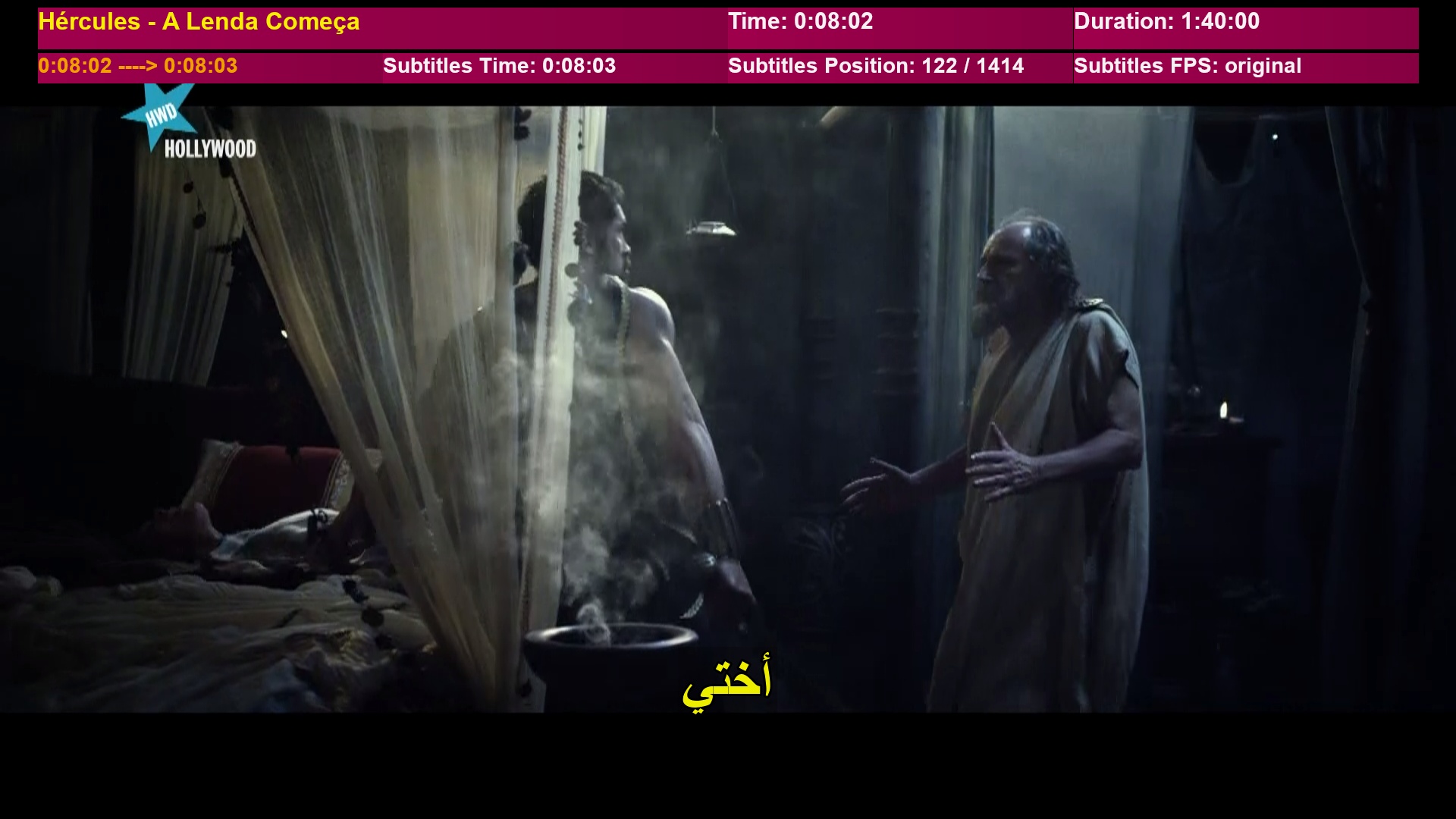
☞ A new design for the appearance of the translation bar for the SubsSupport plugin.
♦▬ ▬ ▬ ▬ ▬ ▬ ▬ ▬ ▬ ▬ ▬ ▬ ▬ ▬ ▬ ▬ ▬ ▬ ▬ ▬ ▬ ▬ ▬ ▬ ▬ ▬ ▬ ▬ ▬ ▬ ▬ ▬ ▬ ▬▬ ♦
★★ Instructions for downloading the Sky script via the team plugin ★★
♦ Enter the add-on and select the function to download skins.
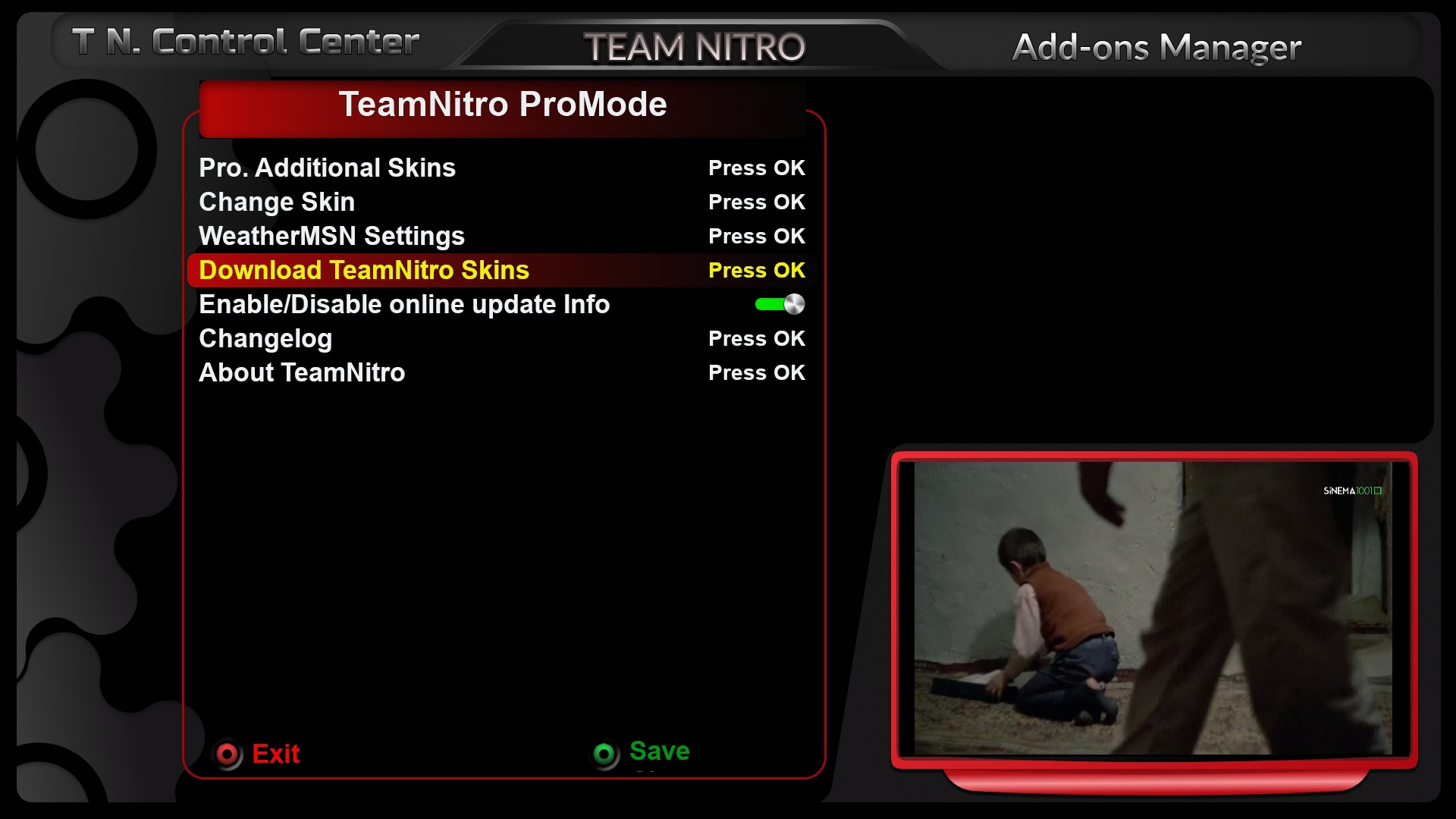
♦ Choose SKY T Team Nitro.

♦ Agree to the download by selecting yes.
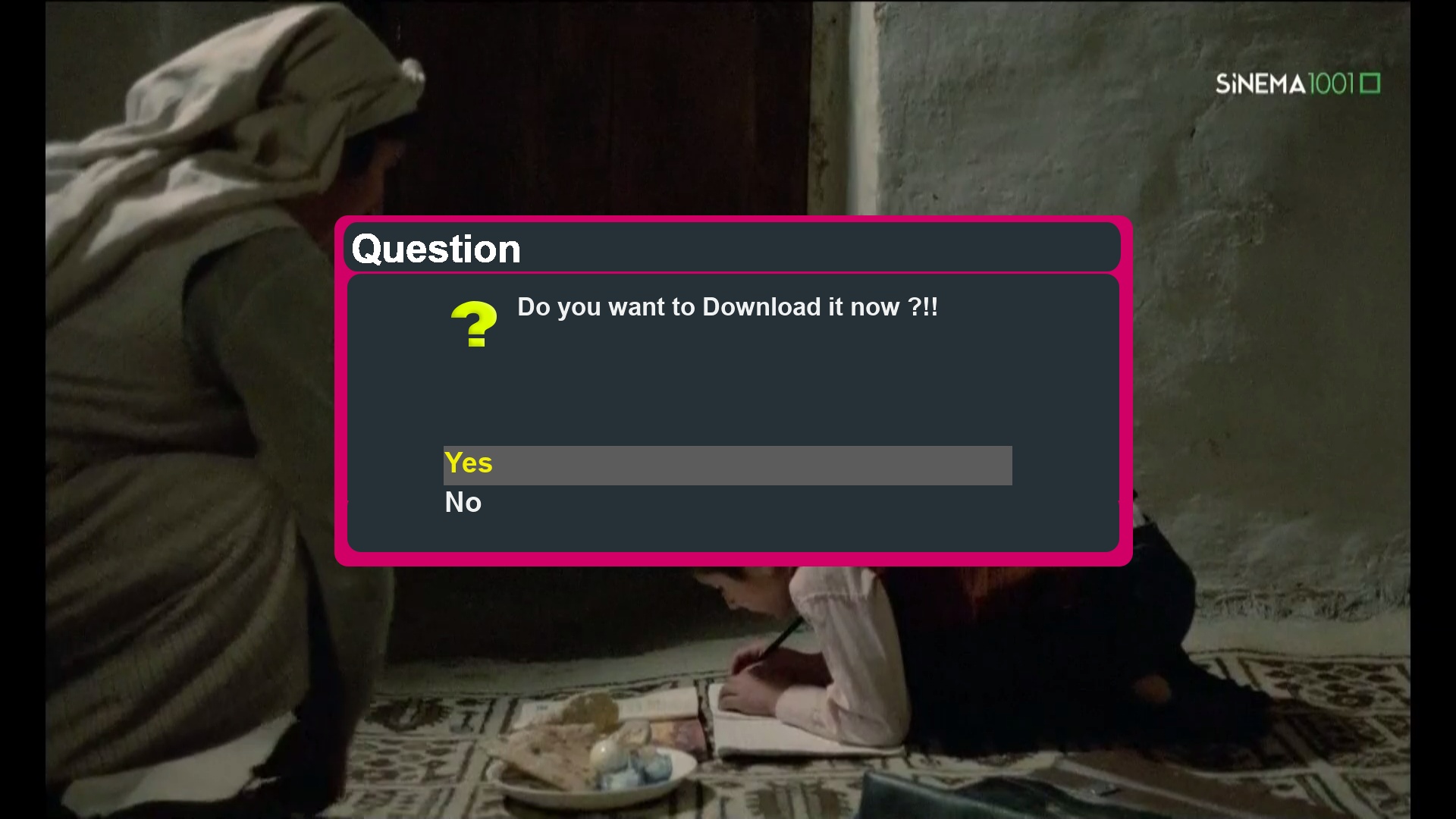
♦ Start the download until it successfully completes.
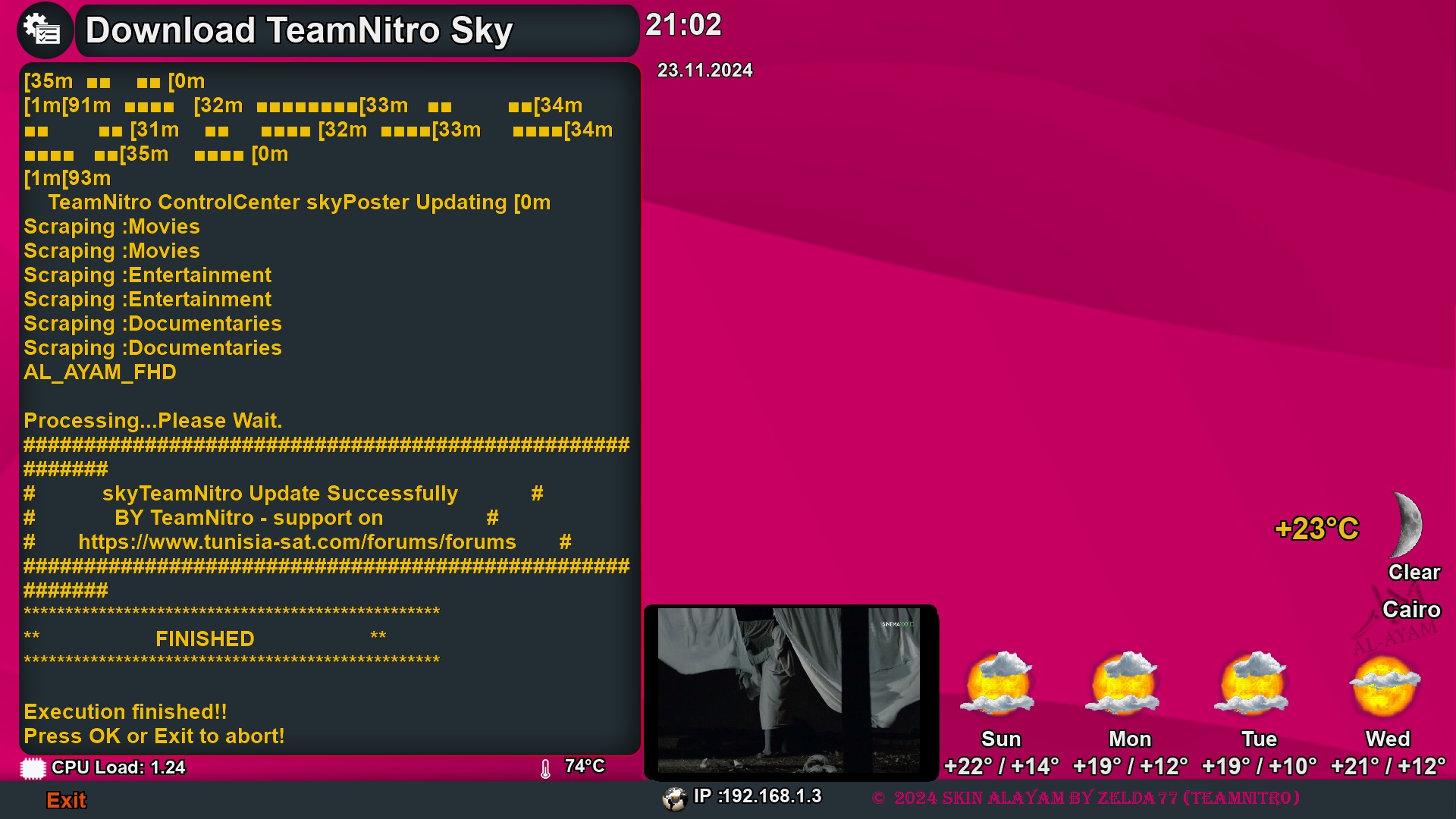
♦ The aesthetics have been updated from the poster and backdrop backgrounds on the menu list of the skin as follows.
♦ download via the following Telnet code directly for the skin, and there are no files available for the skin in IPK format.
wget https://raw.githubusercontent.com/biko-73/TeamNitro/main/script/installerAL.sh -O - | /bin/shTeam Nitro hope to Enjoy by new skin al ayam



 ">
">
 Soon
Soon 


 Merry Christmas