ciefp added a new file:

QuoteDisplay More..:: CiefpEPGshare ::..
Enigma2 plugin for downloading and displaying EPG (Electronic Program Guide) data from the website epgshare01.online
Allows users to select XML files with EPG data, display channels and their programs, and display picons (channel icons).
The plugin is optimized for performance, with data caching and filtering of large files,
and includes a custom user interface with logos for a better visual experience.
Selecting an XML file:
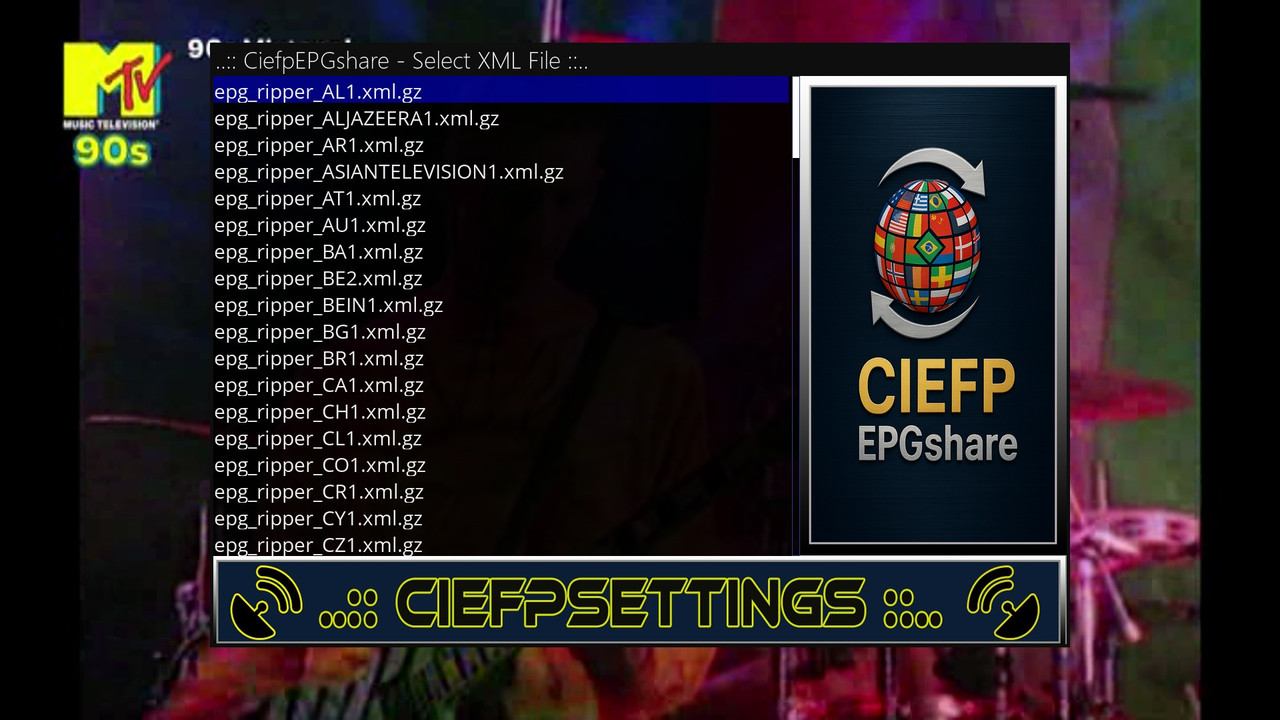
On the XMLSelectionScreen (resolution 1280x852) you see a list of available .xml.gz files.
Use the up and down arrows on the remote control to navigate through the list.
Press OK to select a file and go to the EPG data screen (CiefpEPGshare).
Viewing EPG data:
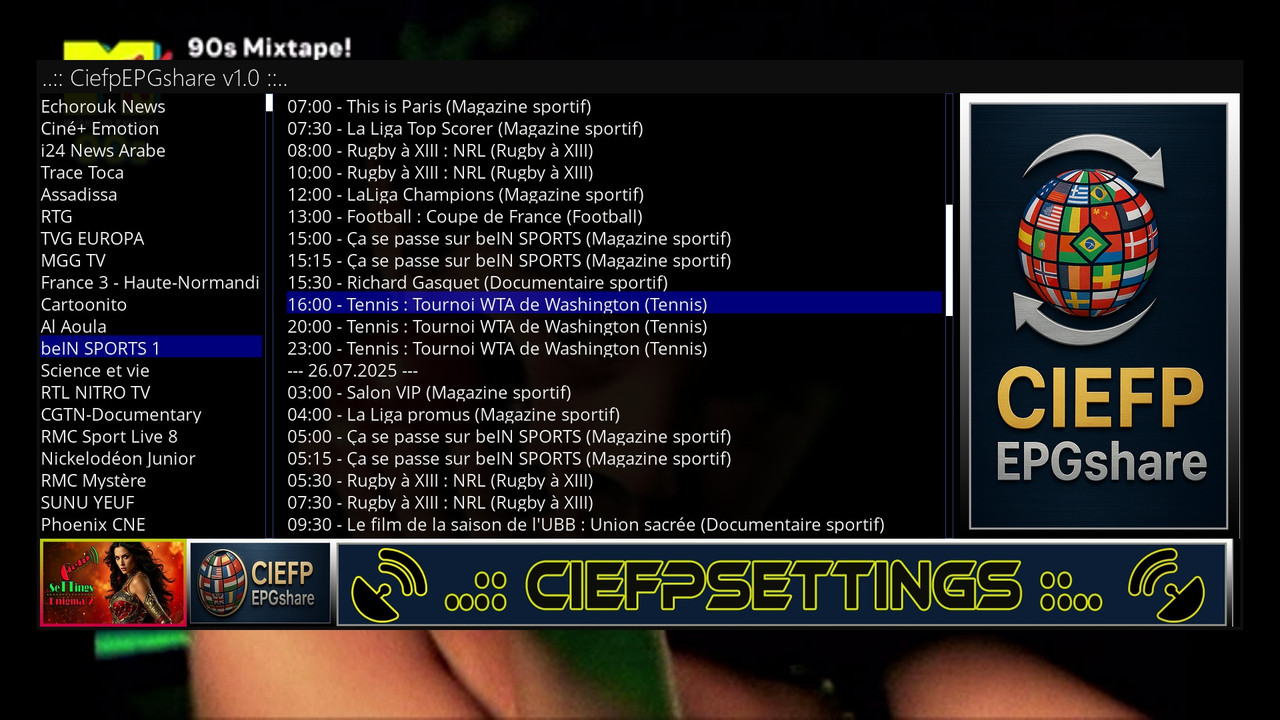
On the CiefpEPGshare screen (resolution 1800x800) you see:
Channel list (left): List of channels from the selected XML file.
EPG information (middle): Programs for the selected channel, sorted by date and time.
Picon and logos: Displays the channel icon (picon), plugin logo and background images.
Use the up and down arrows to navigate through channels or EPG data.
Press OK to switch focus between the channel list and EPG information.
Press Cancel to return to the previous screen or exit.
Ignoring XML files:
The file epg_ripper_ALL_SOURCES1.xml.gz is automatically ignored due to its size
(1.3 GB, 22 million lines) to avoid performance issues.
To add other XML files to the ignore list:
On the XMLSelectionScreen, select the file you want to ignore.
Press the red button on the remote control.
The file will be added to /tmp/CiefpEPGshare/ignore_list.txt and excluded from the display.
Ignored files do not appear in the list until you manually remove them from ignore_list.txt (eg via SSH or FTP).
Logs and diagnostics:
If errors occur (eg network or logo loading issues), check /tmp/ciefp_epgshare.log for details.
The plugin automatically tries to install the lxml library if it is missing, or uses ElementTree as a replacement.
..:: CiefpSettings ::..