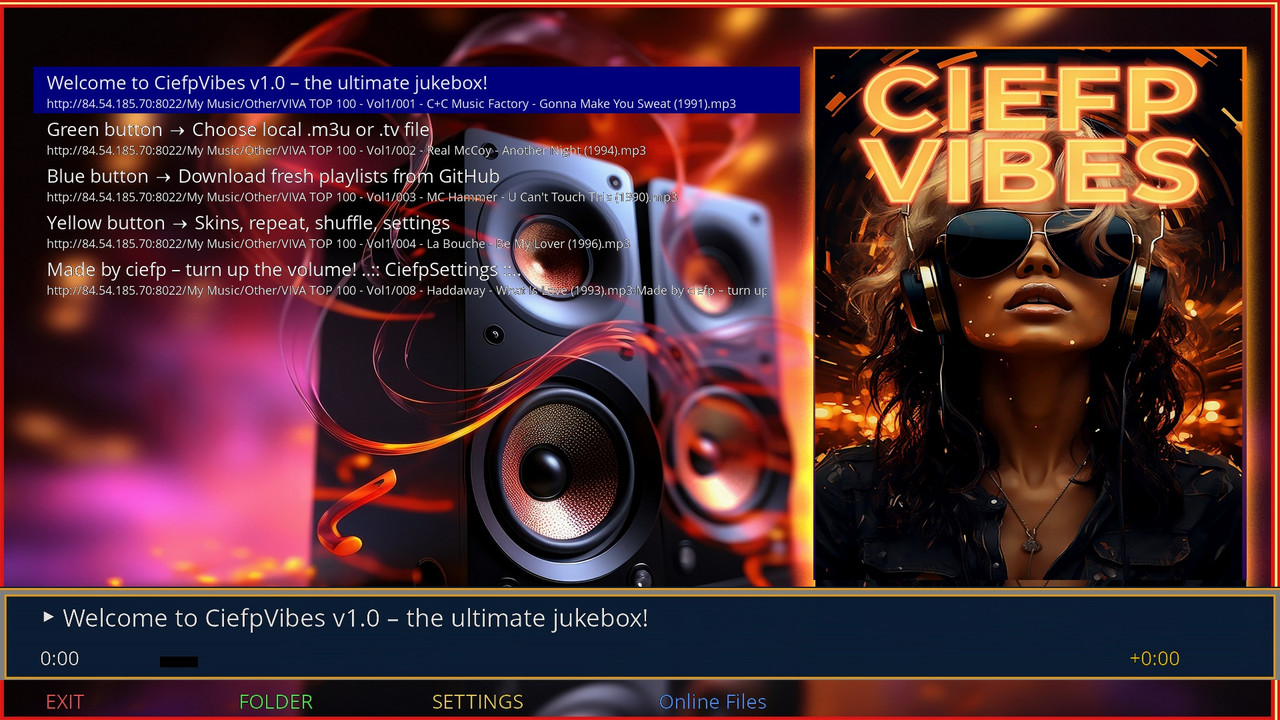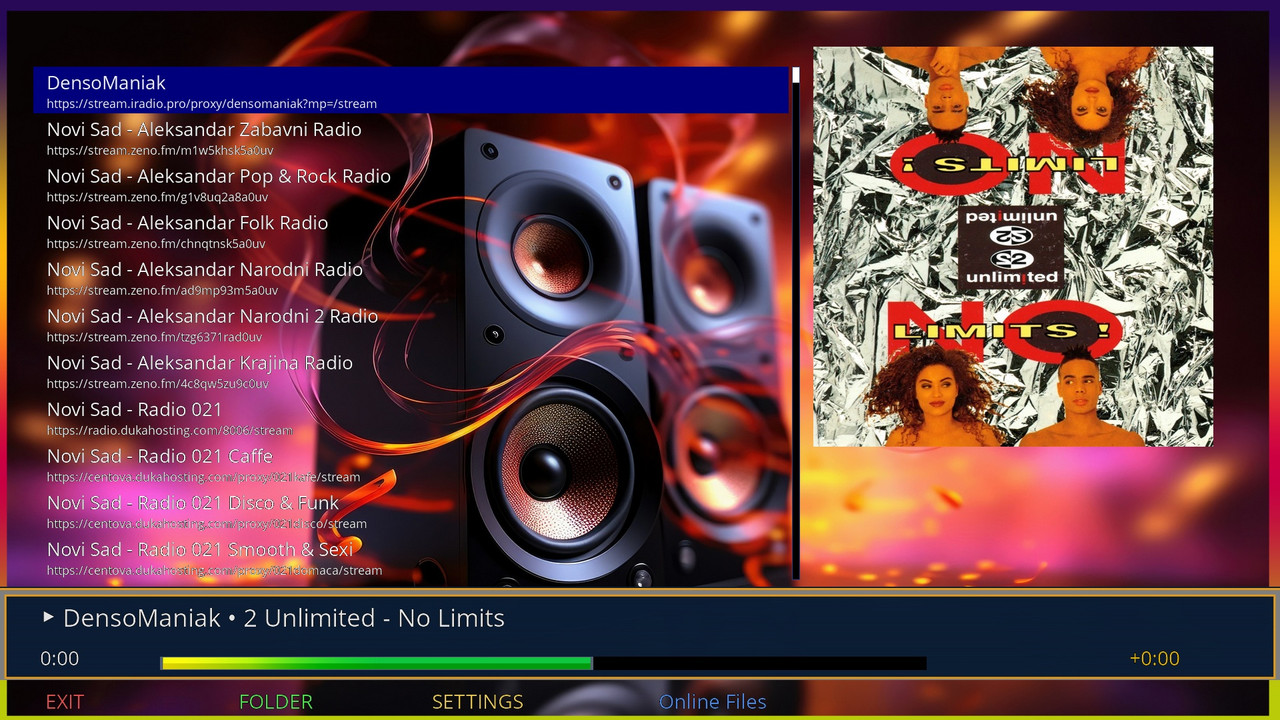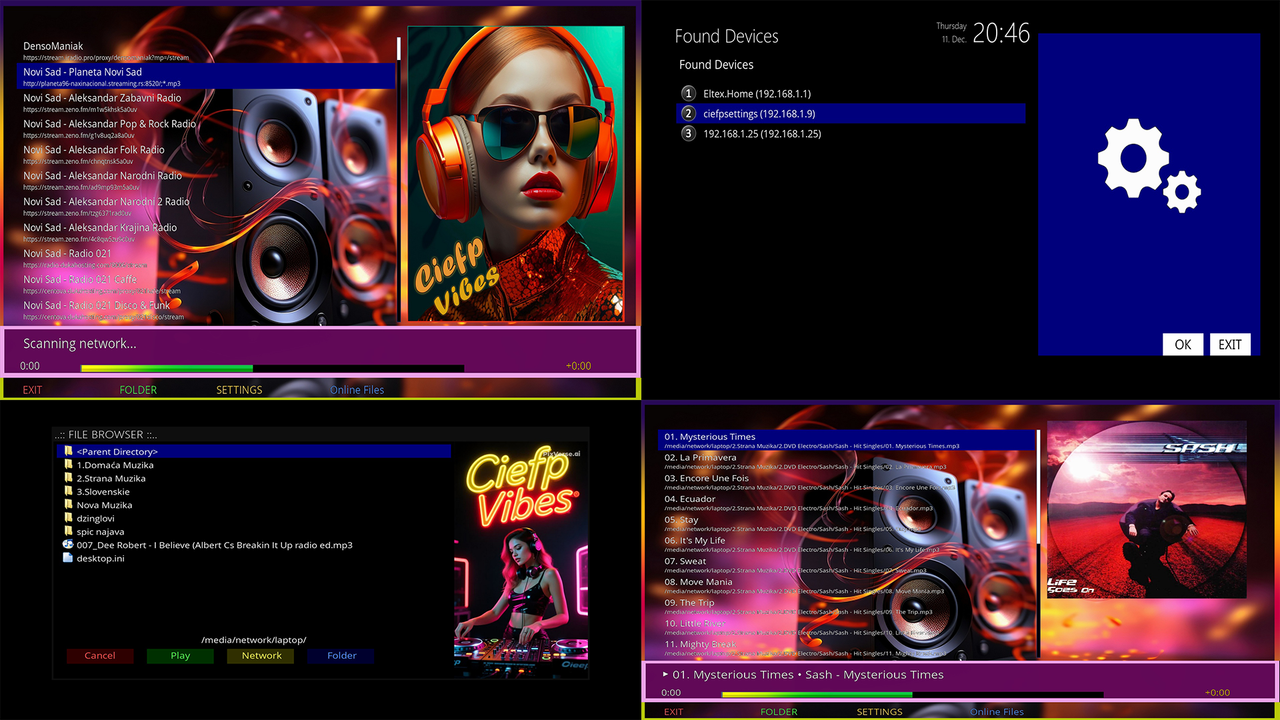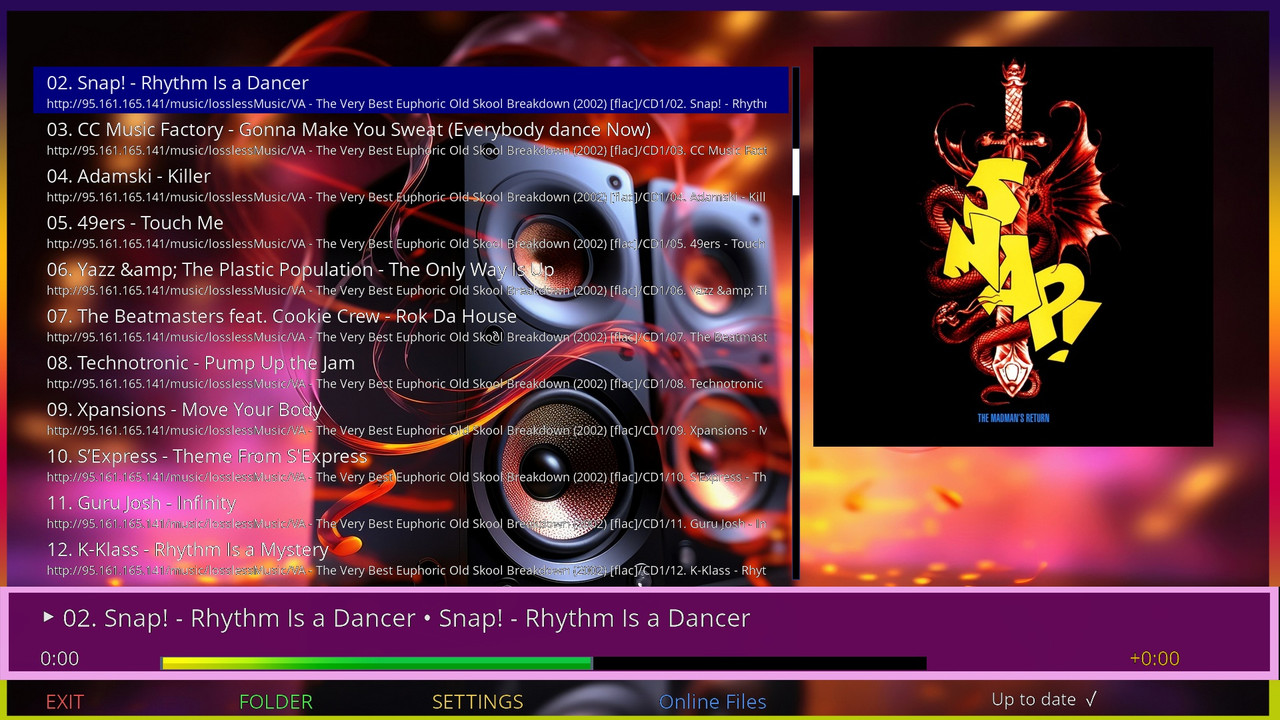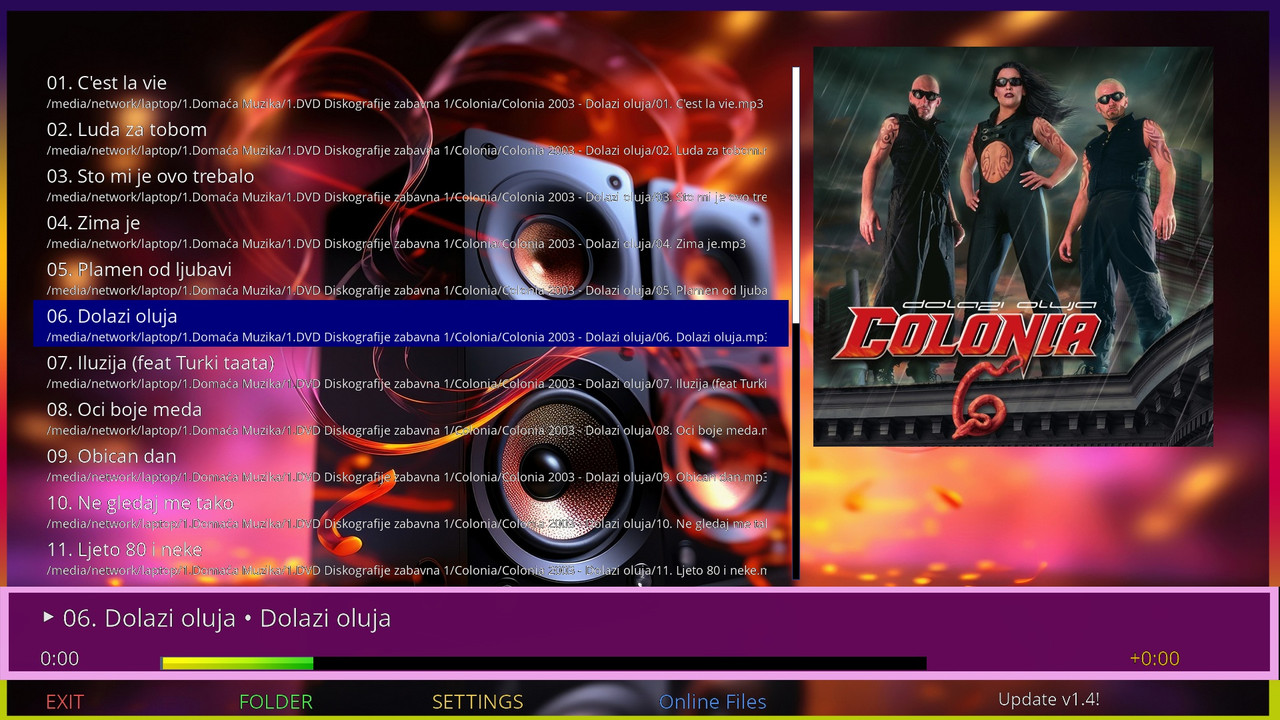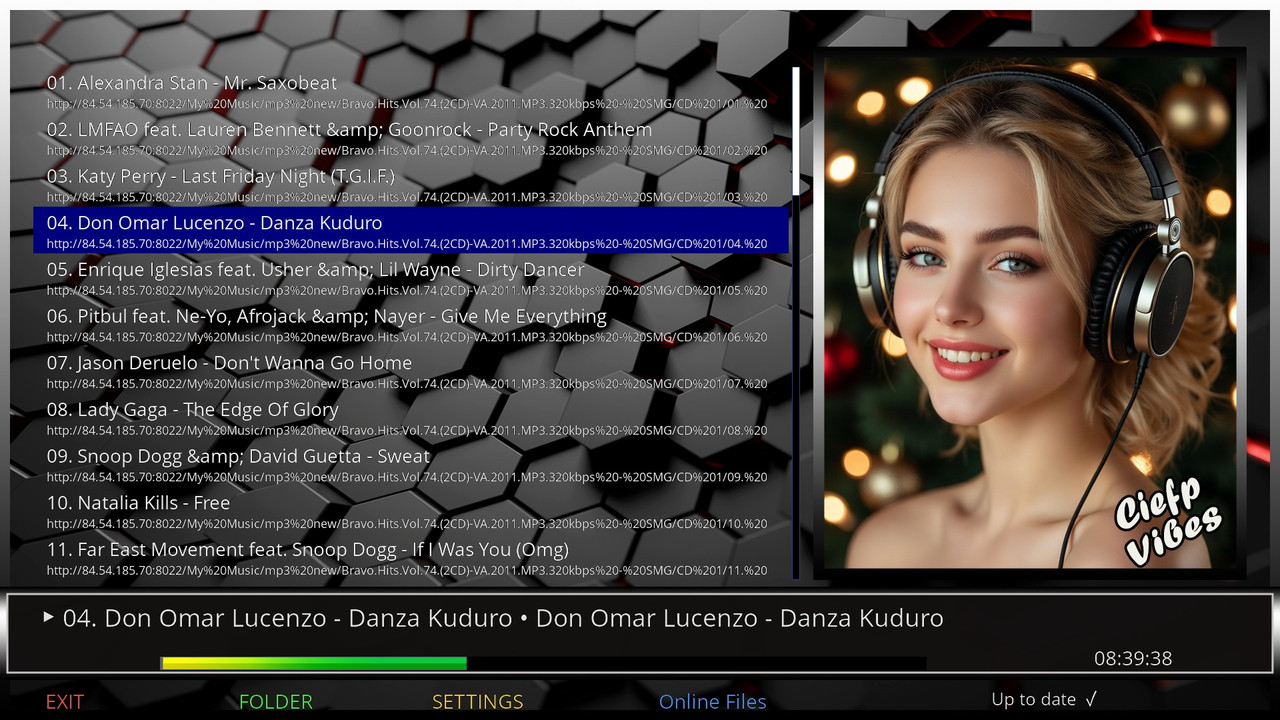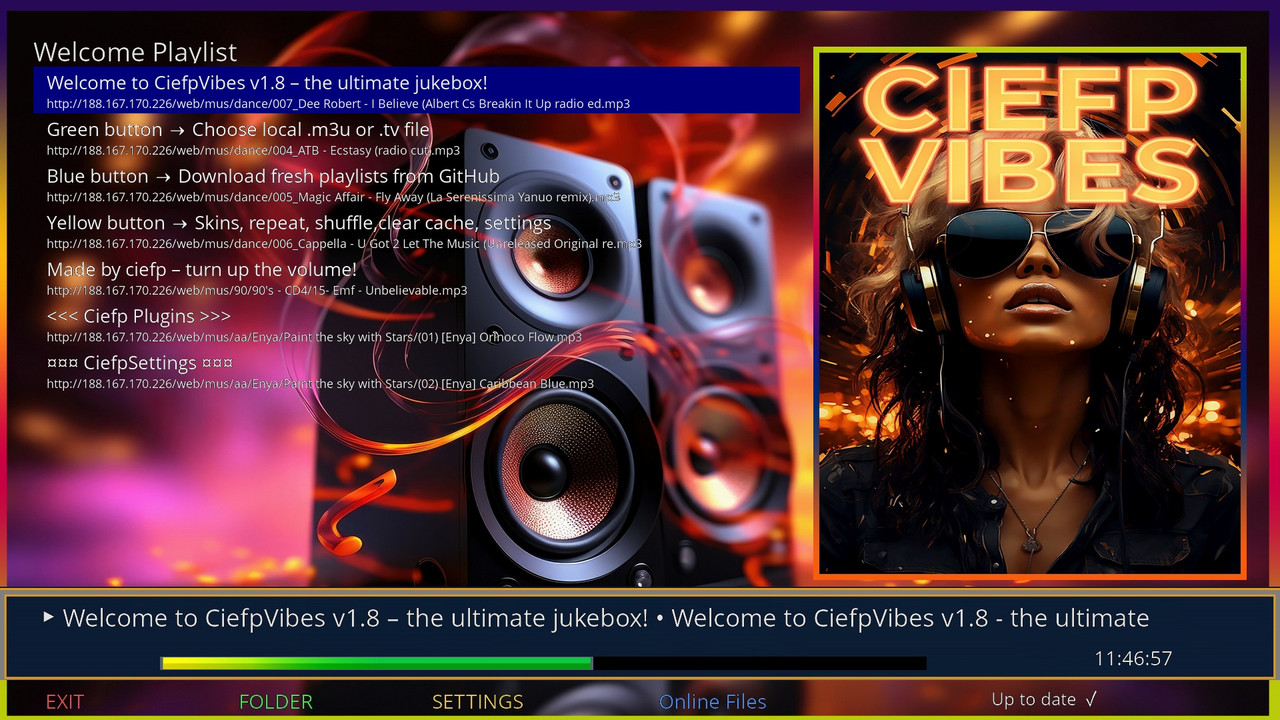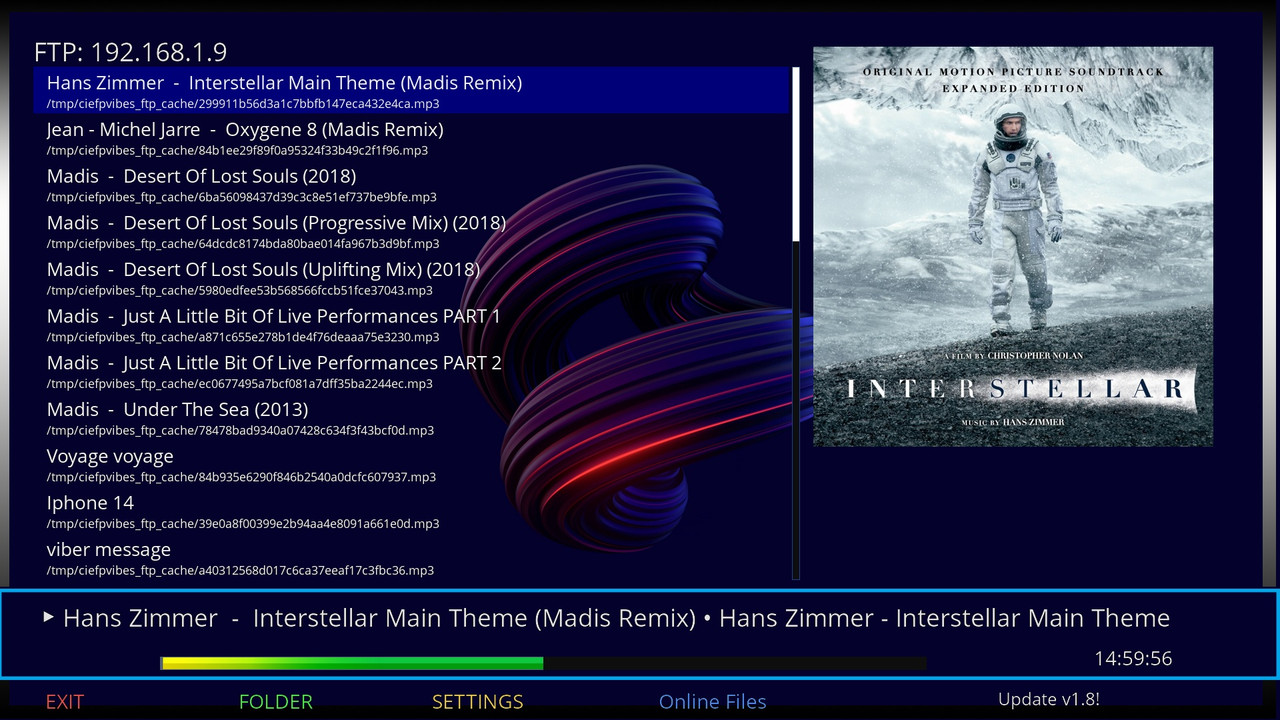
CiefpVibes

There are 15 replies in this Thread which was already clicked 2,831 times. The last Post () by ciefp.

  • ciefp added a new file:

  • ciefp added a new version:

  • ciefp added a new version:

  • ciefp added a new version:

  • ..:: CiefpVibes v1.5 ::..

    - Release Information -


    📢 The new version of CiefpVibes 1.5 is here!

    Version: 1.5 (enlarged version)

    Category: Enigma2 music plugin

    Platform: OpenATV, OpenPLi, PurE2 and other Enigma2 systems


    🎯 What's new in version 1.5?

    🆕 MAIN NEWSPAPERS:

    ✅ SMARTER AUDIO PLAYER

    The plugin now intelligently differentiates between local files and online radio streams

    Local files: stable poster, change limit = 3

    Online radio: dynamic changes, limit of changes = 10

    Improved poster lock - prevents unwanted flickers


    🎨 AUTOMATIC DETECTION OF LOCAL POSTERS

    NEW FUNCTION: The plugin automatically searches for cover.jpg, folder.jpg, front.jpg in the folder where the music is

    It works for MP3, FLAC, M4A and other audio formats

    It also supports parent folders (for albums with subfolders)

    Caching for faster access - doesn't scan constantly


    📻 IMPROVED ONLINE RADIO EXPERIENCE

    Automatic meta-data update every 5 seconds

    Force refresh system for more reliable information

    Smart title parsing (removes years, numbers, special formats)

    Tracking the history of changes - the last 5 titles


    🔧 ADVANCED TIMER SYSTEMS

    poster_search_timer - delayed search poster

    auto_title_update_timer - automatic title update

    force_refresh_timer - forcing refresh of meta-data

    lock_timer - controlled locking of posters


    🎵 SMART TITLE PARSING

    Removes ordinal numbers (001 -, 01., 1 -)

    Removes Years in Brackets (1993)

    Supports multiple separators: " - ", " • ", " | ", " / "

    Cleans "junk" like (Official Video), [Remix], etc.


    🔧 TECHNICAL IMPROVEMENTS:

    For the end user:

    Better stability - fewer crashes and freezes

    Smarter display - the plugin "knows" what is playing

    Automatic detection - no need for manual adjustments

    Improved debug - easier troubleshooting


    For developers:

    Code structure - better organized methods

    Added variables - metadata_history, last_displayed_title, folderCoverCache

    Improved status monitoring - is_current_stream_online, poster_locked

    More controls - max_poster_changes dynamically changes


    🐛 ERRORS FIXED (from previous versions):

    Poster flicker problem - excessive poster change solved

    Meta-data for online radio - improved tracking of changes

    Heading parsing - cleaner display of information

    Timer conflicts - better synchronization of events

    Local folders - now works with hierarchical structures


    📥 INSTALLATION AND UPGRADING:

    For new installations:

    Code
    wget -q --no-check-certificate https://raw.githubusercontent.com/ciefp/CiefpVibes/main/installer.sh -O - | /bin/sh


    For existing users (version 1.4 and below):

    The plugin will automatically detect the new version

    The notification "Update: v1.5" will appear

    Confirm the update - the plugin will restart


    Note: The configuration will be saved (backup/restore system)


    📞 SUPPORT AND ERROR REPORTING:

    GitHub Issues: https://github.com/ciefp/CiefpVibes/issues

    Facebook group: ciefpsettings

    Telegram group: ciefpsettings


    "The best music plugin for Enigma2 just gets better!"

    *CiefpSettings Team - Making Enigma2 Better, One Plugin at a Time!* 🎶

    4097-0-0-0-0-0-0-0-0-0-20251218220222.jpg

  • All openpli images and similar ones are impoverished, which means that they removed some things to make the image lighter. Unlike openatv and let's say pure2, these are already complete images that contain everything. I researched this problem a bit, but I didn't find a solution, and the problem is in the image because they removed some components binding to the network connection.


    Main cause:

    Missing packages for mount SMB/NFS

    For SMB/CIFS: Missing cifs-utils or samba-client package (which includes the mount.cifs command). Without this, mount -t cifs will not work and you will get an error like "mount: unknown filesystem type 'cifs'" or "command not found".

    For NFS: Missing nfs-common or nfs-client (for mount.nfs command). Similarly, "unknown filesystem type 'nfs'" error.

    OpenPLi often drops these packages from the base image because they are not essential for basic TV functionality, but are available in the online feed.


    Other possible causes:

    Kernel modules: If the OpenPLi kernel is not compiled with CIFS/NFS support (e.g. the cifs.ko or nfs.ko modules are not included), the mount will fail even with the packages. But this is rare, as most Enigma2 kernels have these modules.

    Busybox limitations: OpenPLi uses Busybox for many commands (to make it easier), but the Busybox mount version may not have full CIFS/NFS support. OpenATV/Pure2 use fuller versions of the tools.

    Dependencies on Samba or NFS server: If the laptop is Windows, check if SMBv1 is enabled (OpenPLi may not support older versions without packages). For Linux laptops, the NFS server must be configured with exports.


    Firewall or permissions:

    But this is not image specific - more for the laptop side.


    Solution for OpenPLi:

    Install missing packages via telnet/SSH or opkg:

    Connect to the box via telnet/SSH (e.g. telnet IP_ADDRESS_BOX, user: root, password: empty or default).

    Update feed: opkg update


    Install for SMB:

    opkg install cifs-utils or opkg install samba-client (if not available, check opkg list | grep cifs or opkg list | grep samba).


    Install for NFS:

    opkg install nfs-utils-client or opkg install nfs-common.

    Restart box: reboot

    If the packages are not in the feed, you can manually download them from the OpenPLi feed (e.g. from http://feeds.openpli.org/openpli-8/mips32el/) and install them via opkg install /tmp/paket.ipk.


    Alternative:

    Switch to OpenATV or Pure2

  • Hi ciefp


    Since the image files for Background, Posters, and Infobar are already located in the plugin’s directories, they could be displayed in the right window,

    so the users can directly select the one they are interested in without having to try them one by one.


    Also, if possible, could you add an option or a button for screensaver, so that the main window is not displayed permanently?

    For example, in the HDF Radio plugin, the song title alternates with the radio station name and a moving album cover, which change with the next track.


    1.jpg   2.jpg   3.jpg

  • I have plans to add some more functions, I tested some. The idea was to show a short video in a loop in the background instead of an image. Unfortunately, enigma2 does not support this, so that an mkv or mp4 or gif can be played in the background, and at the same time music can be played in mp3. But it could be set to change the background images at a certain interval. I also thought about adding a screensaver. We'll see

  • ciefp added a new version:

  • ciefp added a new version:

  • ciefp added a new version:

  • ciefp added a new version:

Enigma2 Multimedia Plugins

Discover top Enigma2 multimedia plugins. Access downloads and support for the latest media players, audio tools, and file management utilities.

Participate now!

Don’t have an account yet? Register yourself now and be a part of our community!