How to repair the Qviart-DUAL-4K boot using Hitool and the AJPanel plugin ?
Qviart-DUAL-4K-Hitool-AJPanel-Recovery-2026-byTBstn.zip

I) Repair Boot Qviart-DUAL-4K with Hitool loader under windows 11
(1) Connect Computer on your home internet via Wifi.
(2) Connect your device on the same internet source via Rj45 Ethernet cable.
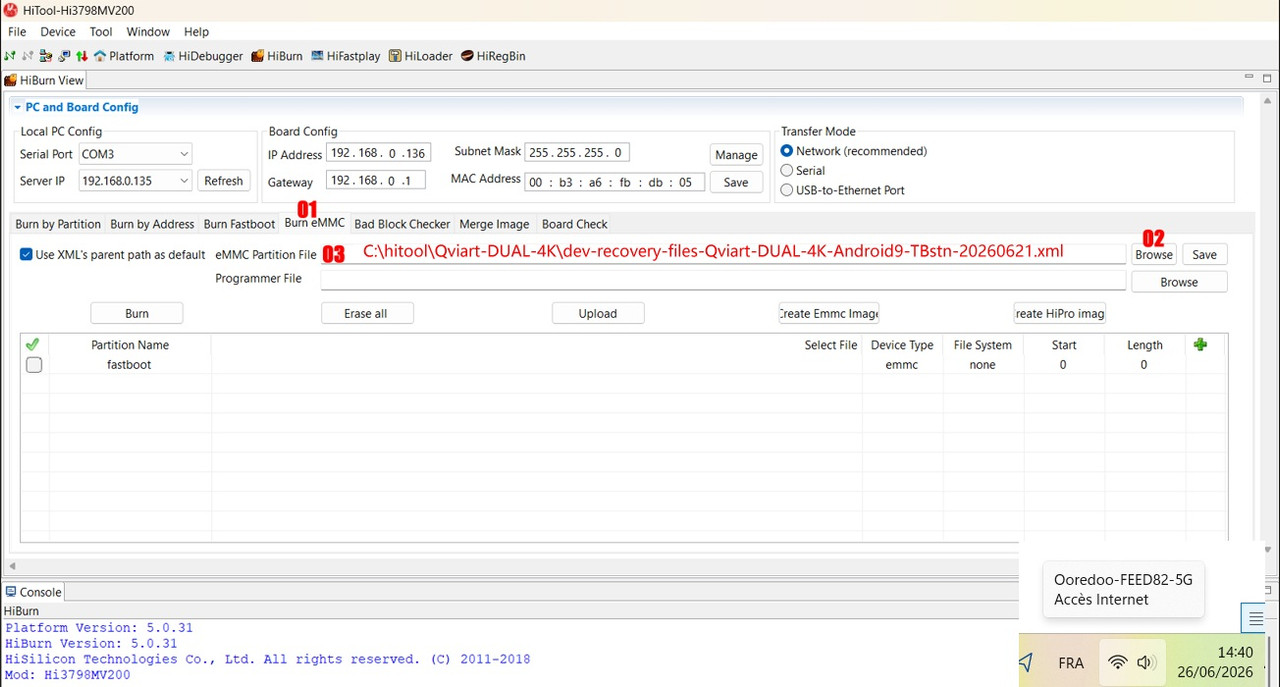
(3) Open HiTool.exe.
(4) Select « Burn eMMC ».
(5) Select « Browse » .
(6) Add file .xml ; select :
C:\hitool\Qviart-DUAL-4K\dev-recovery-files-Qviart-DUAL-4K-Android9-TBstn-20260621.xml
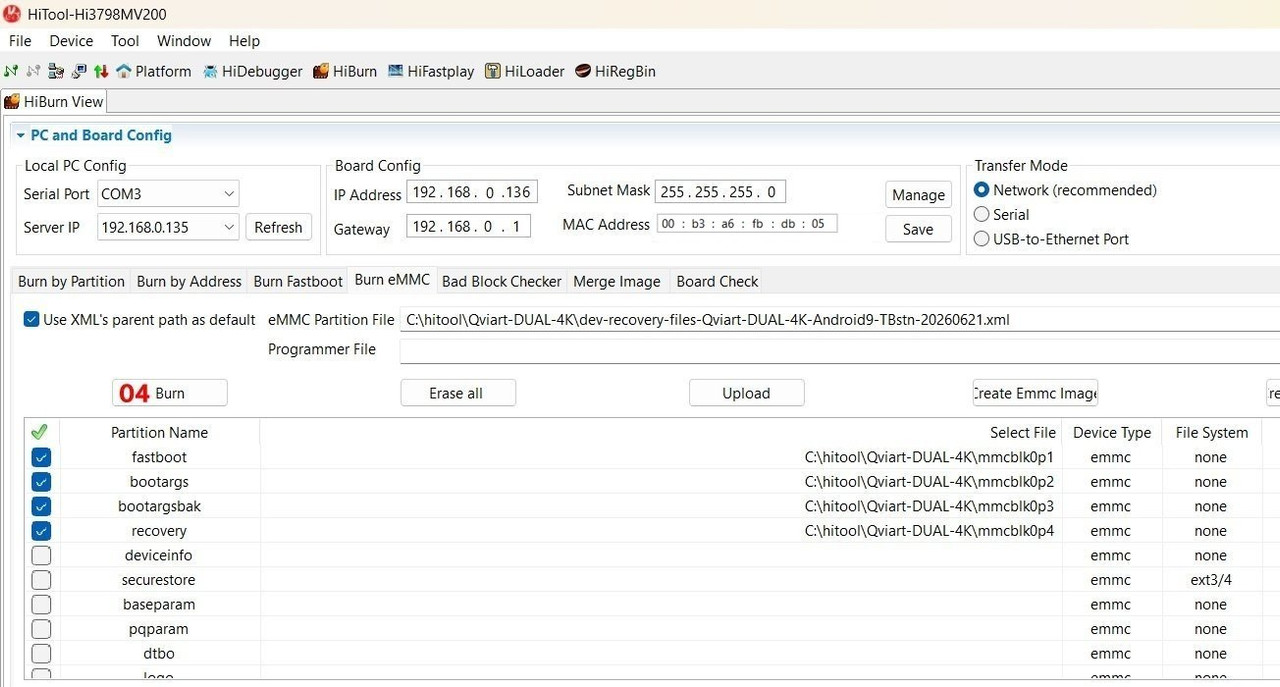
(7) Select recovery patitions to burn :
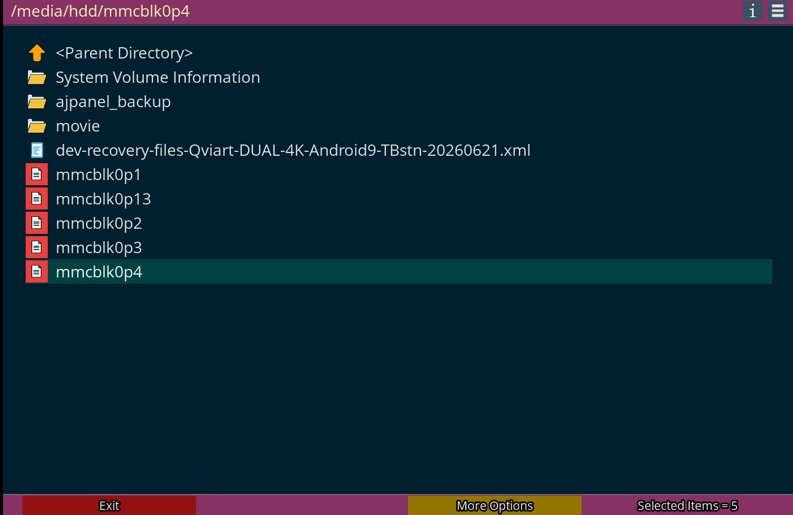
mmcblk0p1
mmcblk0p2
mmcblk0p3
mmcblk0p4
mmcblk0p13
(8) Select « Burn ».
*****
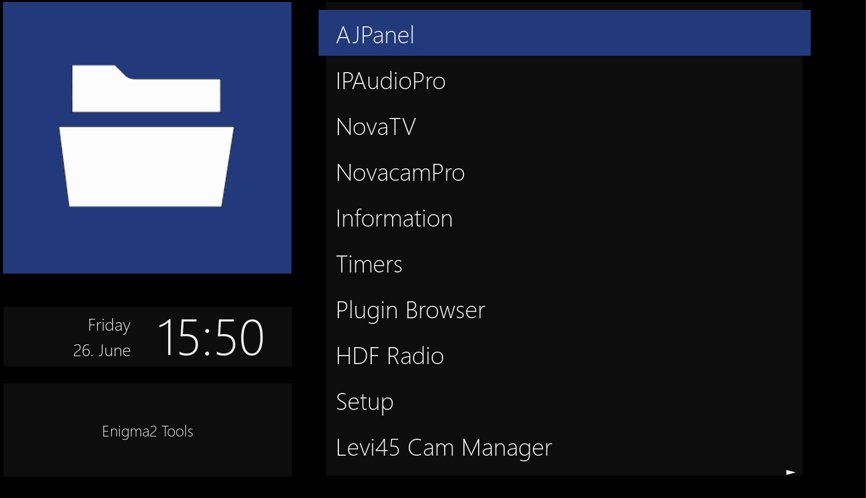
II) Repair Boot Qviart-DUAL-4K with "AJPanel" (plugin - openatv-7.6.0)
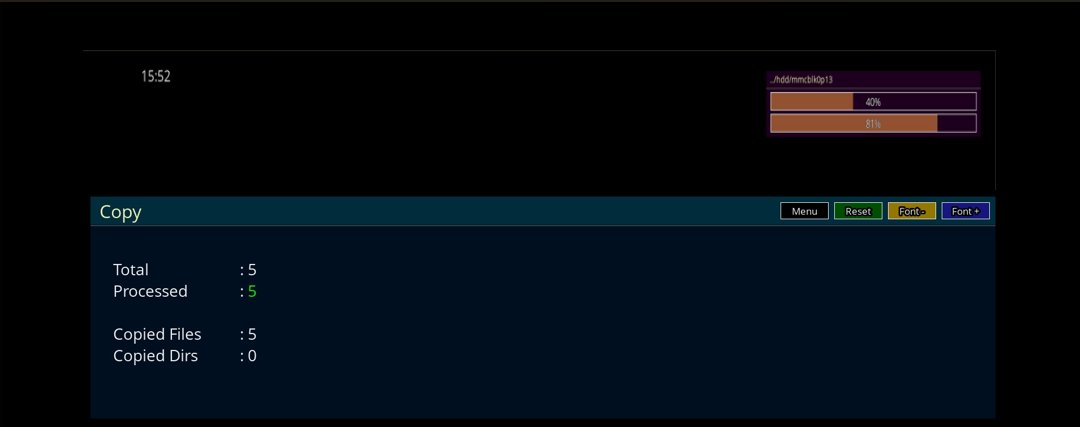
(1) Boot your qviart-dual-4K on Enigma2 image : openatv-7.6.0
(2) Install plugin AJPanel
(3) Copy recovery files to USB flash drive formatted as FAT32
mmcblk0p1
mmcblk0p2
mmcblk0p3
mmcblk0p4
mmcblk0p13
(4) Attach your USB flash drive to your device qviart-dual-4K
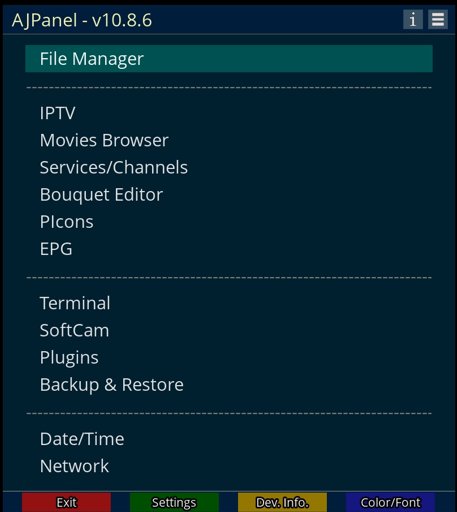
(5) Open plugin AJPanel : click on File Manager.
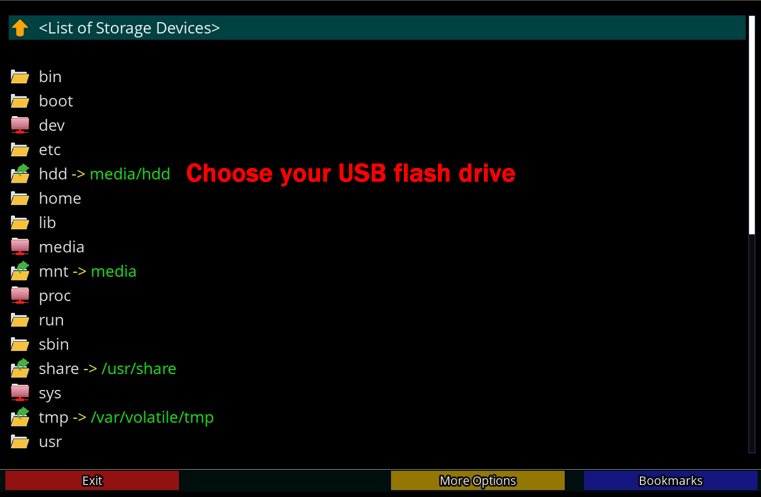
(6) Select hdd -> media/hdd : Choose your usb flash drive.
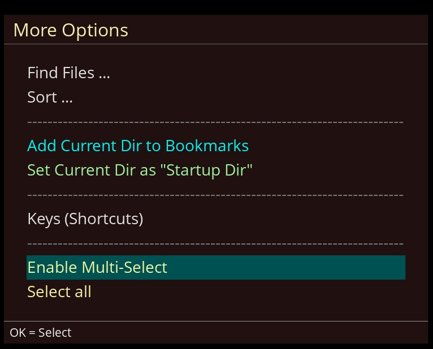
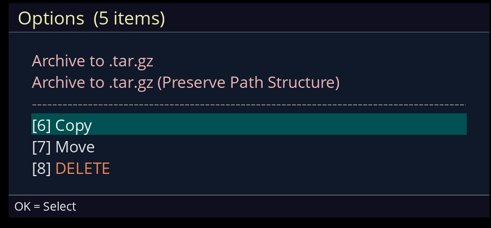
(7) Select files to copy to "dev" directory :
a- More Options
b- Enable Multi-Select
c- Menu
d- Copy
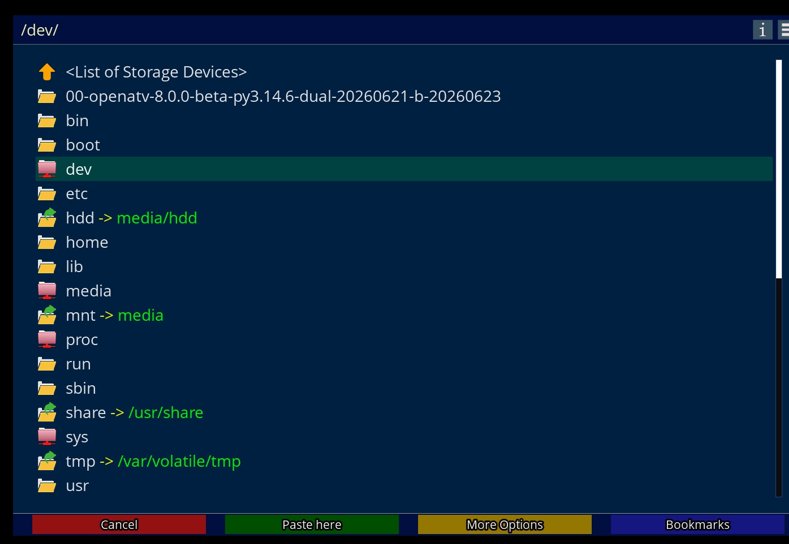
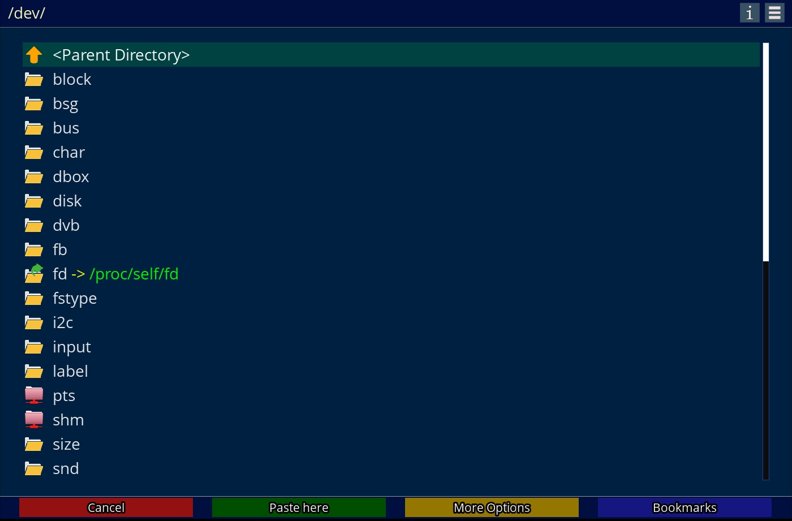
(8) Select "dev" directory, click to enter.
Choose (Paste here).
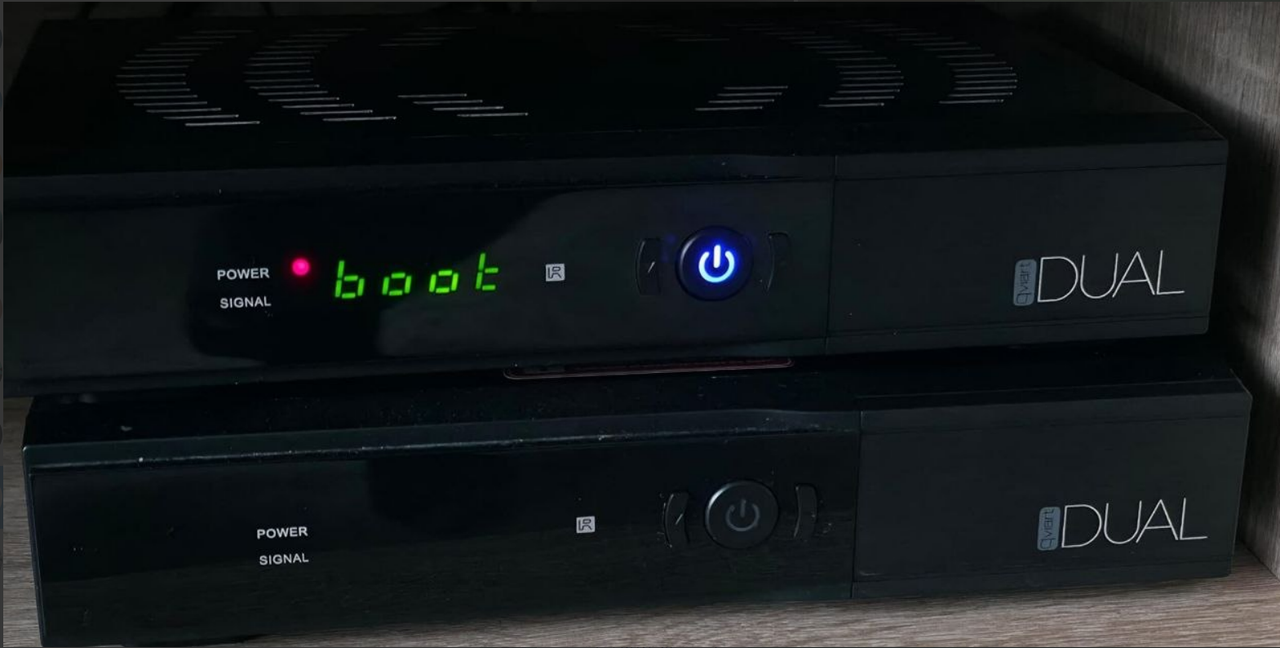
(9) Turn off your device, and boot it.