


Streaming dreambox channels to internet in 6 steps:
- Install the program from the link below.
- Create and update dynamic dns address.
- Open and forward port 1234 to your computer IP.
- Fill created dynamic dns address and choose your. internet speed from settings.
- Hit start streaming from the program.
- Take the appearing internet address and use it with. windows media player and enjoy your dreambox anywhere.
Note: For better internet streaming form enigma 1 dreambox i advice pli-jade image,the image is not important for enigma2 all equal
- Additional features...
- Playing enigma 1 and 2 dreamboxes on local computer
- View hd channels on pc from hd capable dreambox
- Record E1 and E2 dreambox channels on pc
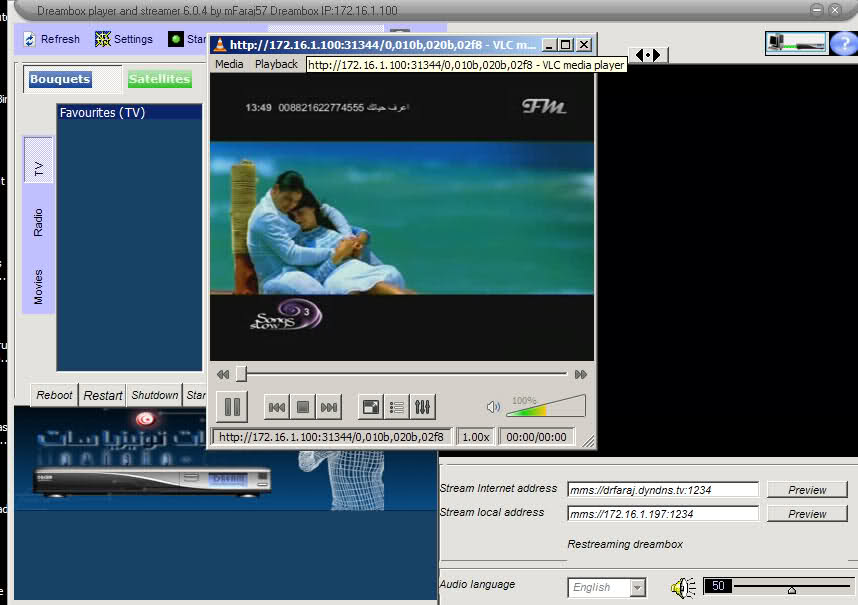
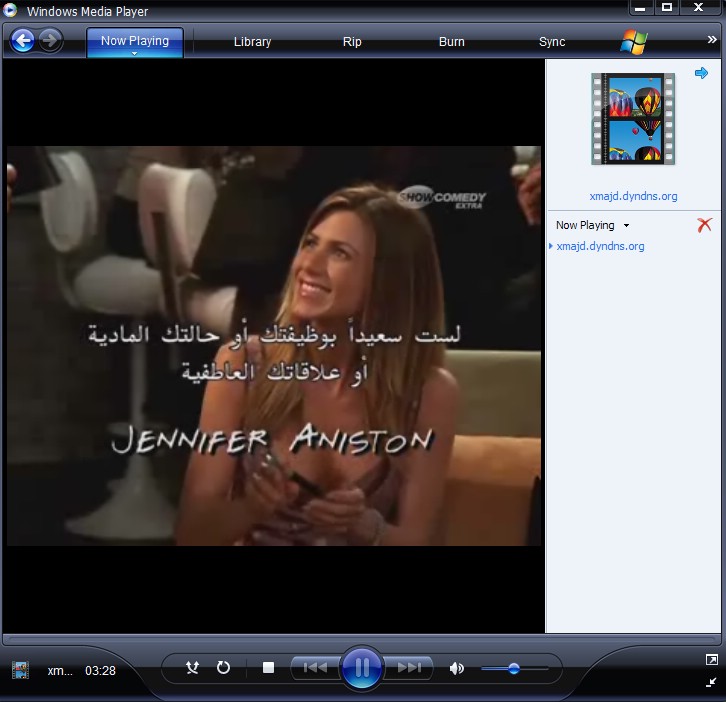
picture taken from live video for remote dreambox by internet
The program works only with vlc version 1.0.5 and down ,best is .99
Tunisiasat web receiver program 5.0.2
This software installed in remote pc to control the streamer program and indirectly dreambox, receive stream from streamer in mms format only



