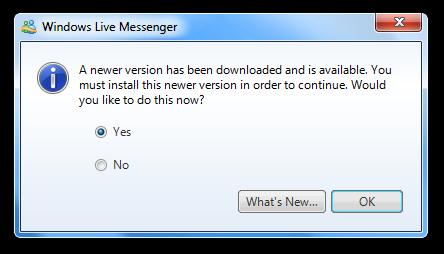
Microsoft some time ago announced the retiring of Windows Live Messenger (formerly know as MSN Messenger) in favor of the communication software ***pe. The Messenger service is currently being discontinued with the exception of mainland China where it is still maintained for the foreseeable future. Microsoft asked users of the application to migrate to ***pe to continue using the program's functionality.
There are good reasons not to migrate to ***pe, at least for some Messenger users. The ***pe client offers additional features, like video telephony that Messenger did not offer. While that is great for users who make use of those features, some prefer a slimmer client that is lighter on the resource side.
Messenger Reviver 2 is a program for the Windows operating system that can bring back Windows Live Messenger from the dead, so to speak. It modifies select versions of the client so that it can once again be used to sign in to the Messenger network and use all of the program's functionality.
The application is compatible with all recent versions of the Windows operating system (Windows XP to Windows 8 at the time of writing), Microsoft .Net Framework 2.0 or higher, and the Windows Live Messenger versions 2012, 2011, 2010 and 2009. It will detect the installed version of the application automatically which you should verify before you click on the start button. This will patch the installed Windows Live Messenger version so that it can be used again on the system.
Windows Live Messenger will be started afterwards and you can sign in to the program as you did in the past.
Note: I tried this first on a 64-bit Windows 7 Pro version and both Live Messenger 2009 and 2012, and I could not sign in to the program after they have both been patched. I then tried the same on a Windows 8 PC and it worked immediately after I downloaded Windows Live Messenger 2012 and patched it.
The program offers to download Windows Live Messenger 2009 or 2012 if no version of the application is found on the system. I'd highly suggest you try the 2012 version if supported by your operating system.
The program worked just fine from what I can tell after startup. I was able to see contacts that are online and chat with the online contacts. All functionality seems to work just like before.
It is not clear at this point in time if the program will continue to work in the future or if this is only a temporary solution. For now though it is great for Windows users who prefer to use Messenger instead of ***pe for their messaging needs.