


Mates,
Today I am presenting you 3 beautiful skins for OpenAR-P Enigma2 Image for Spark Receivers. These 3 Skins include:
1. dreamTV-HD (developed by Kerni modified by engineerkhan15)
2. dTV Reloaded-HD (developed by Kerni modified by engineerkhan15)
3. DreamMM-HD by Kerni (developed by Kerni modified by engineerkhan15)
All credit goes to the original developer "Kerni" for such wonderful skins. I have just modified those skinsto add some additional features on the infobar like display of ECM info, Crypt info, Cam info and transponder info etc.
How to use in OpenAR-P Enigma2 Image:
1. Download your desired skin file and extract it using Winzip or WinRar.
2. Copy the folder containting skin files (with the same name as the skin) to /usr/share/enigma2 by using DCC or some FTP utility.
3. Go to Menu>Setup>System>Skin and select your desired skin to run it.
Note: Only tested on OpenAR-P Enigma2 Image for Spark 7111 and 7162 receivers. On other images use these at your discretion.
Screenshots:
dreamTV-HD Infobar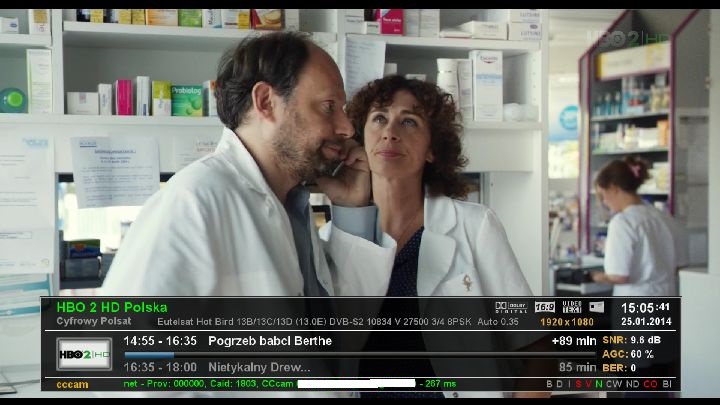
dreamTV-HD Channel List
dreamTV-HD Menu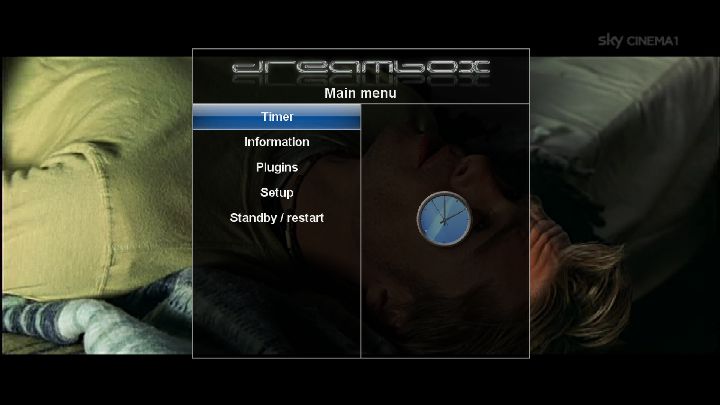
dreamTV-HD Blue Panel
DreamMM-HD Infobar
DreamMM-HD Channel List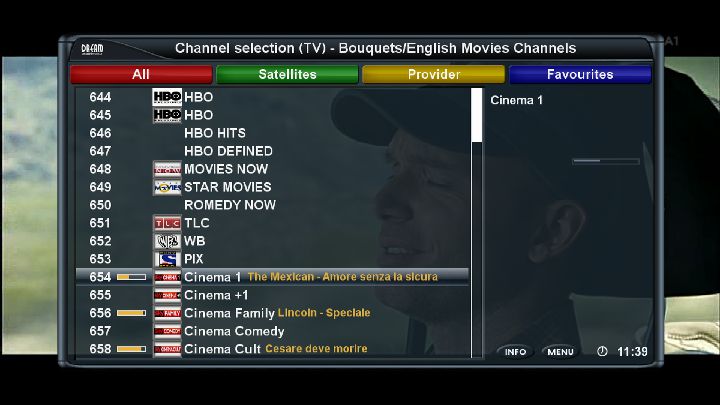
DreamMM-HD Menu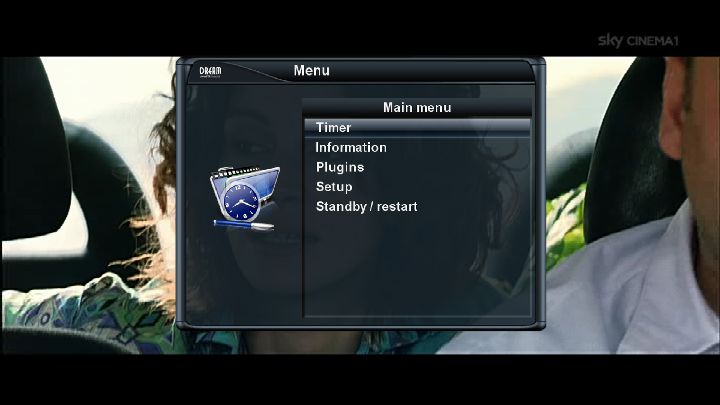
DreamMM-HD Blue Panel
dTV Reloaded-HD Infobar
dTV Reloaded-HD Channel List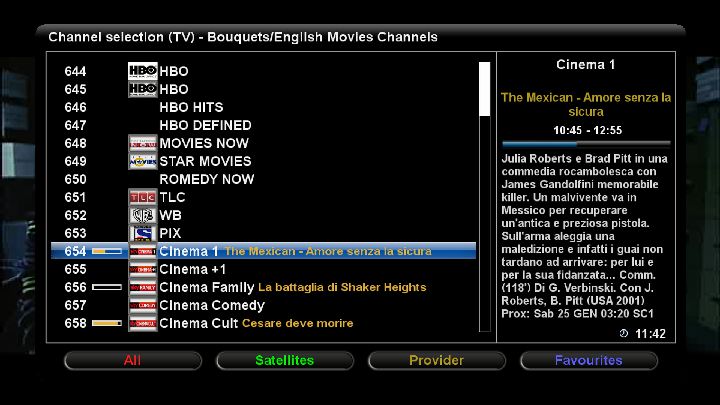
dTV Reloaded-HD Menu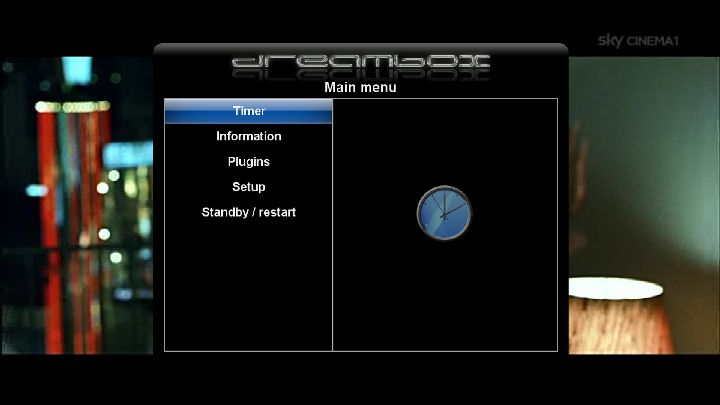
dTV Reloaded-HD Blue Panel


