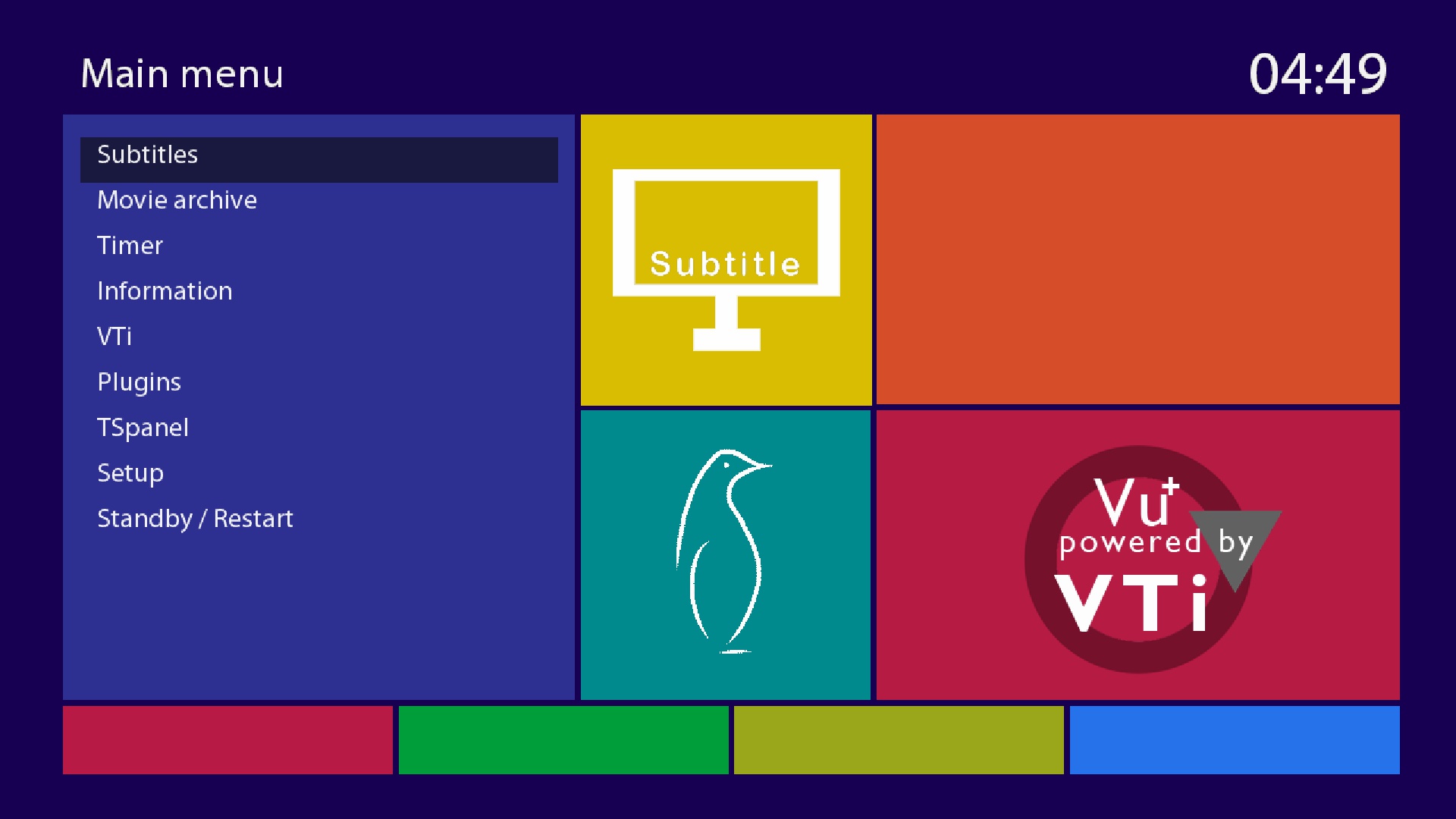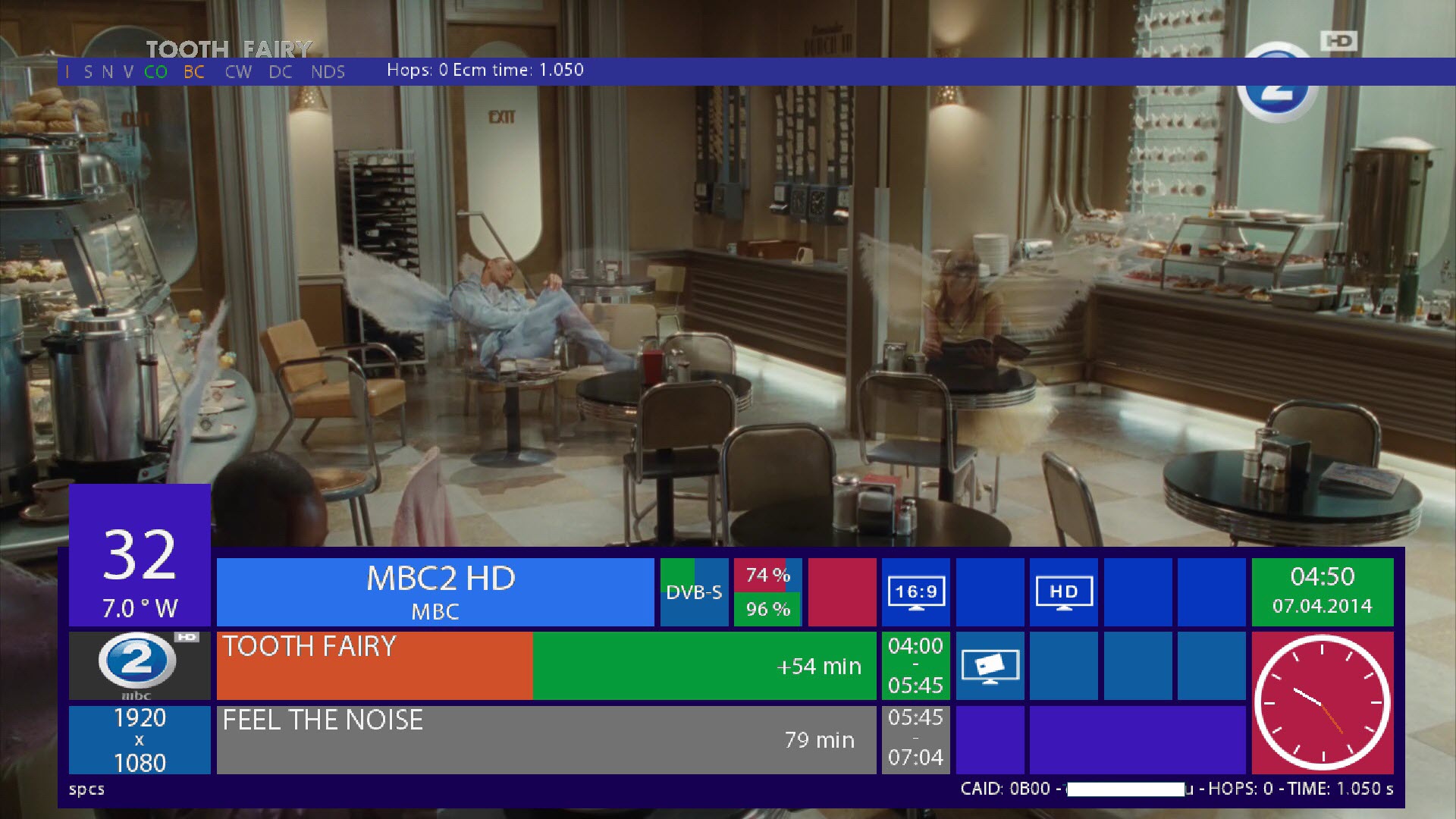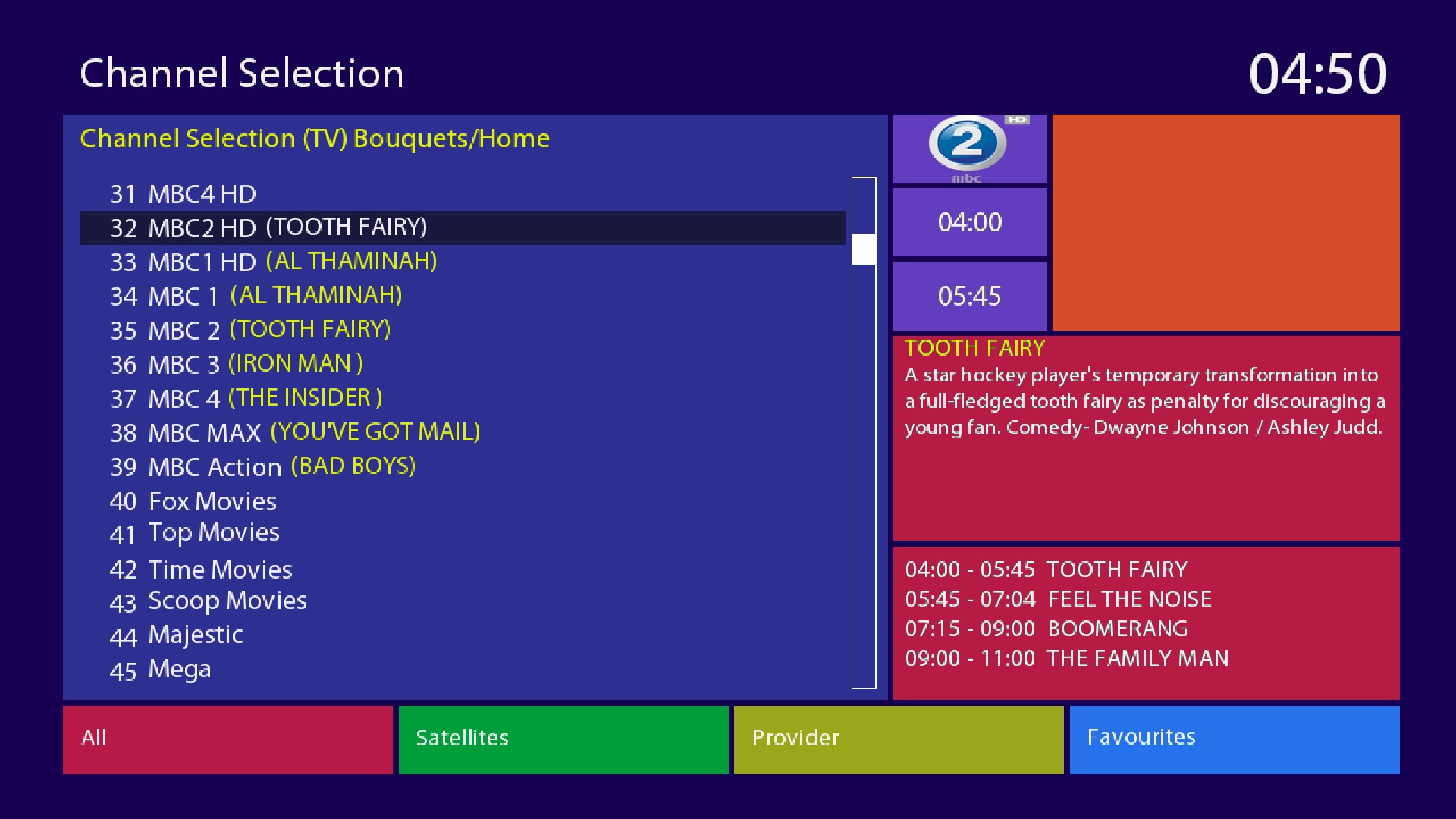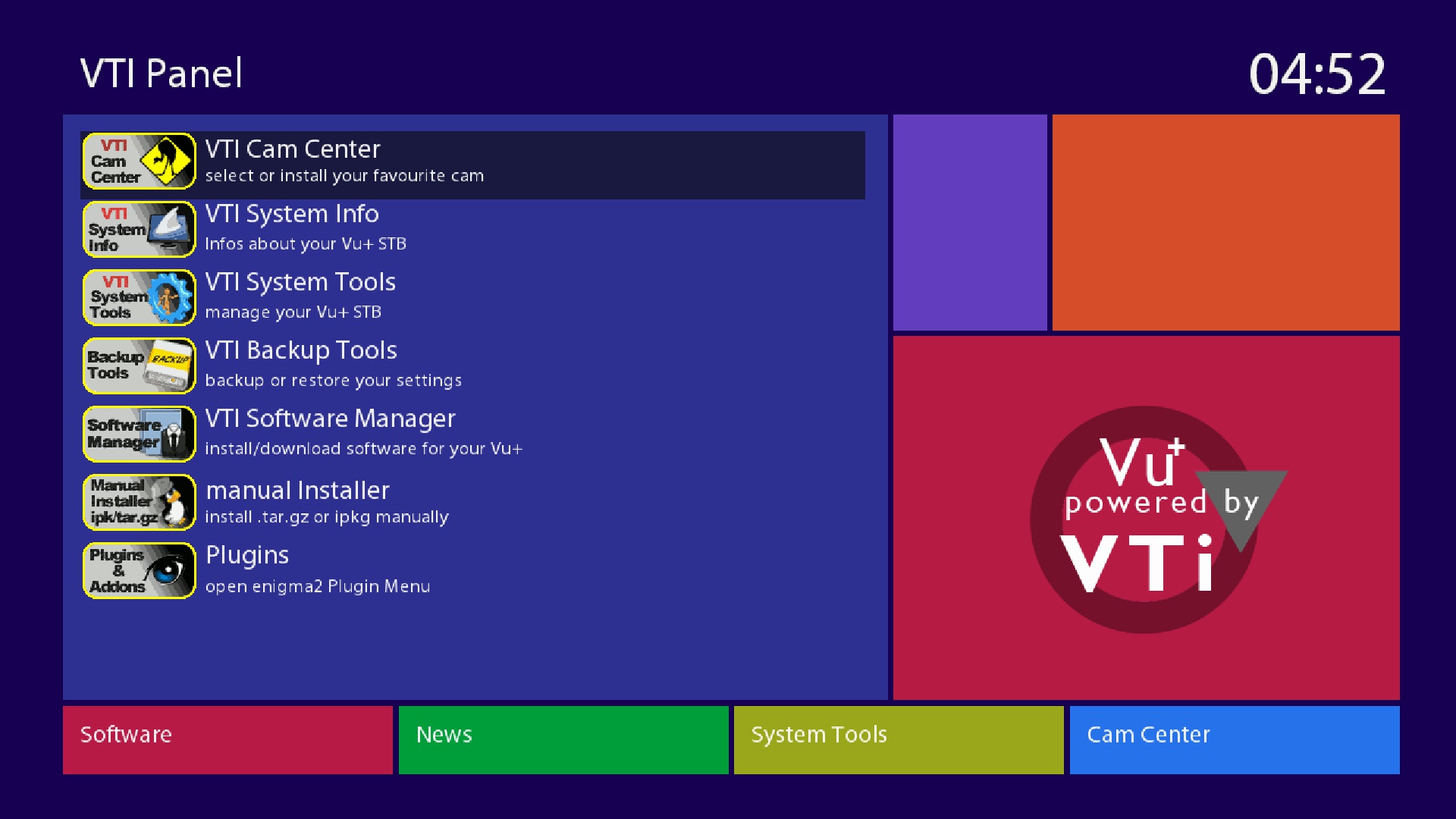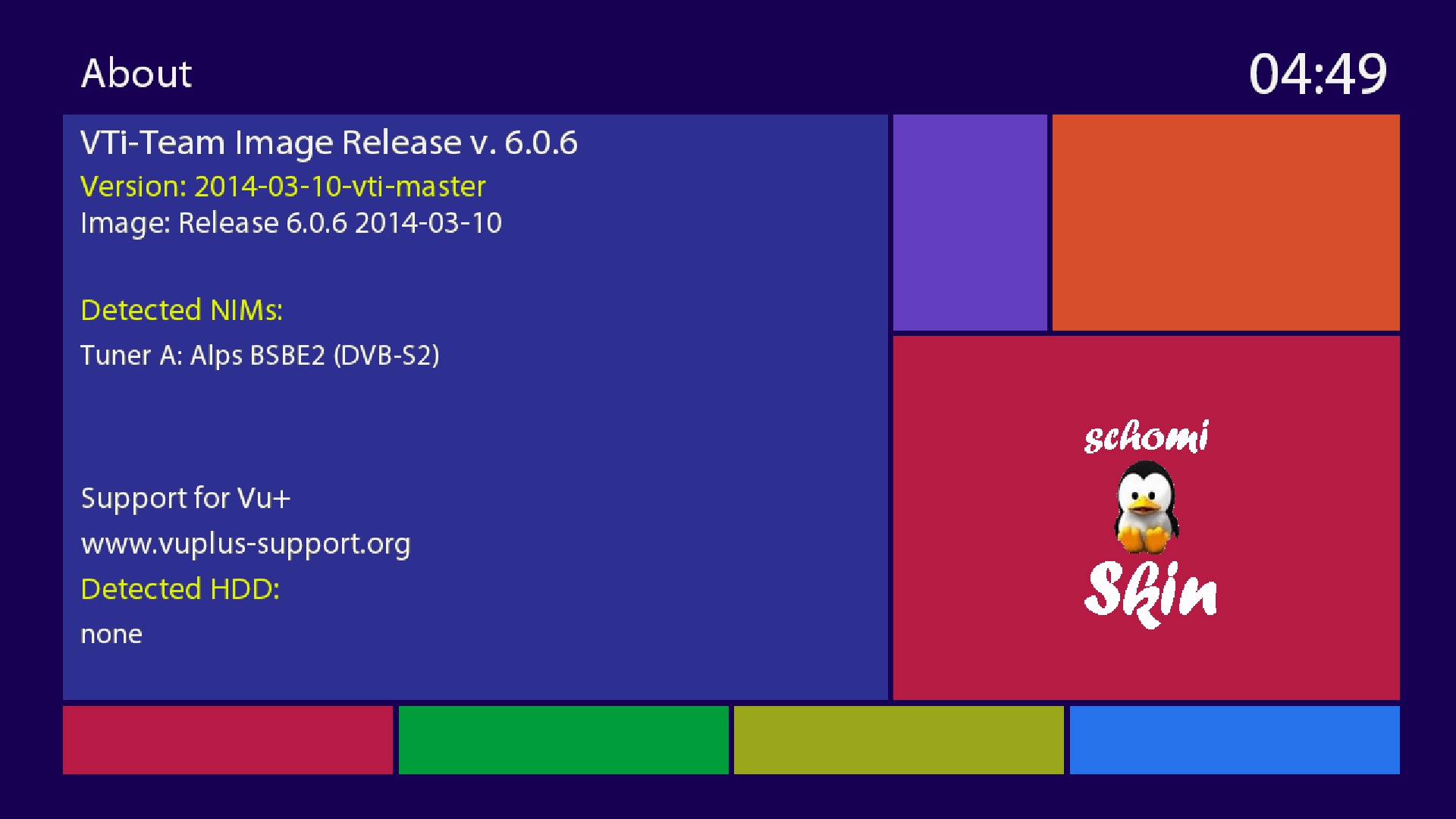
VTI-6.0.6_Ferrari-SSL88F_dm800_20140310201704_RAED
This Image For EXTERNAL FLASH only Size(67MB)
-I have converted and patched VTI (VU+) Image to Dreambox
-Should by work on all Boxes on External Flash
About remote control How to adjustment >>
menu
setup
system
input device
press ok to dreambox remote control (native) and adjustment as you like ..
How to Download Cams and Active it:
1-Blue button > Blue button (Cam Center) > Blue button (Manage Cams)
2-Then select and download what you need
3-To active cam press Blue button > Blue button (Cam Center)
4-Select Cam and press Green button (Start Cam)
Warning:Don't Make Update Online
From Attach download (grab) file and sent to /usr/bin then accept to replace (This is fix take screen Shut from Web)