


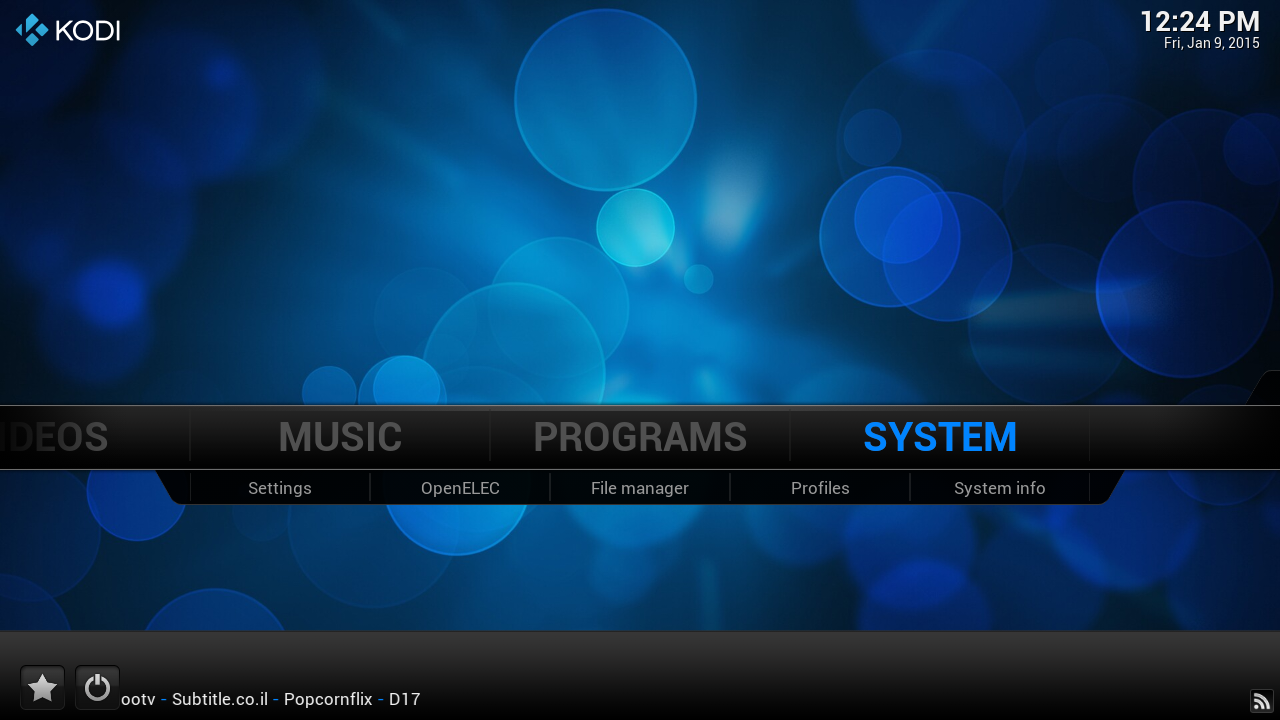
click system
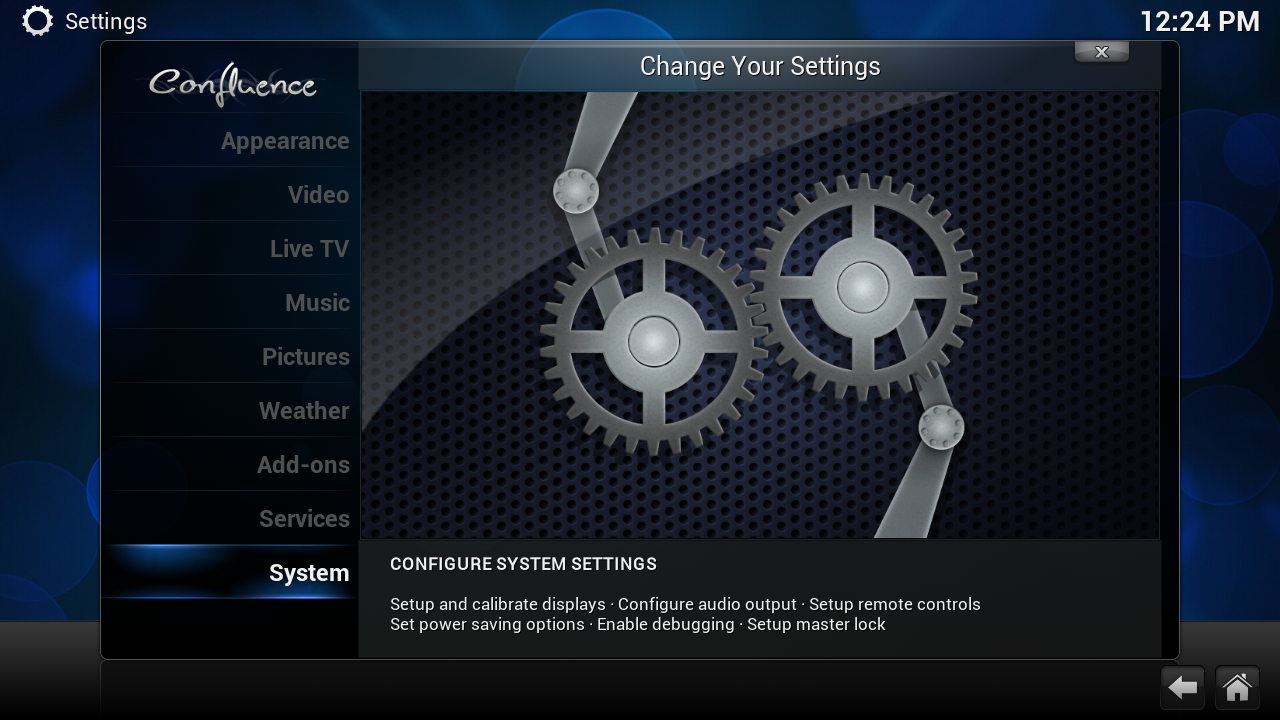
click system
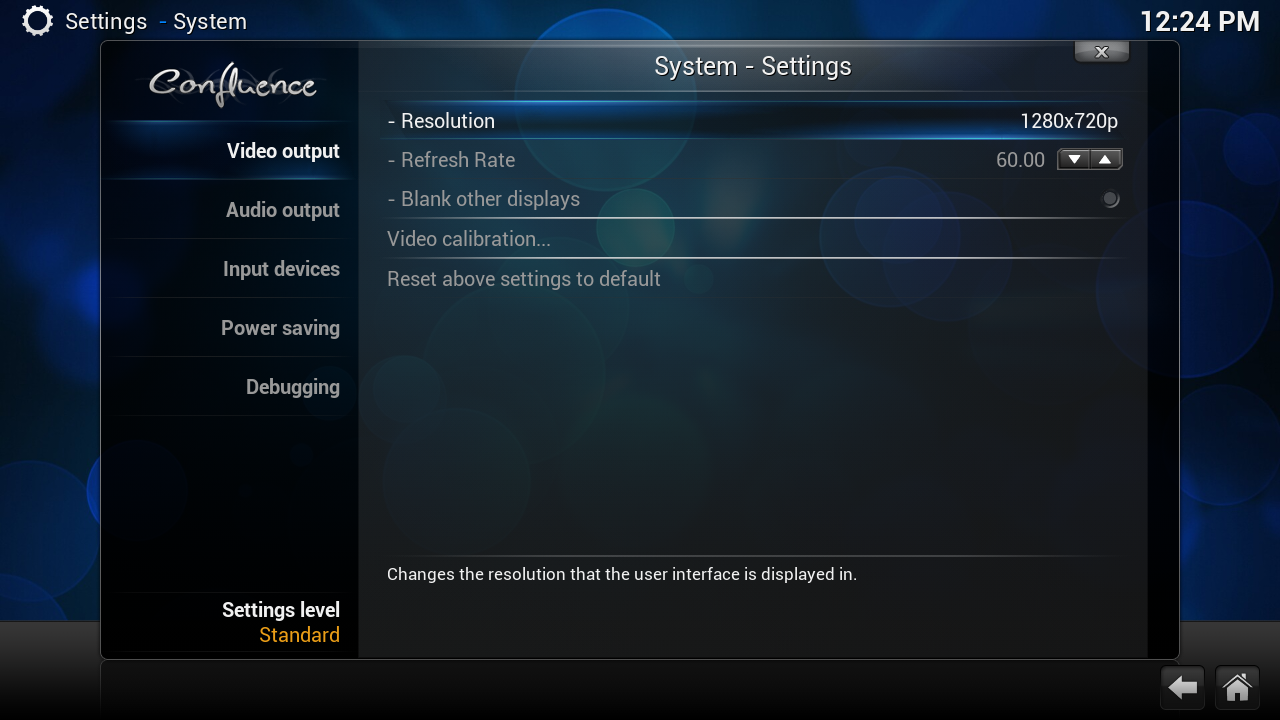
this is the standard setting i want it change to 1920x1080p
click on 1280x720p
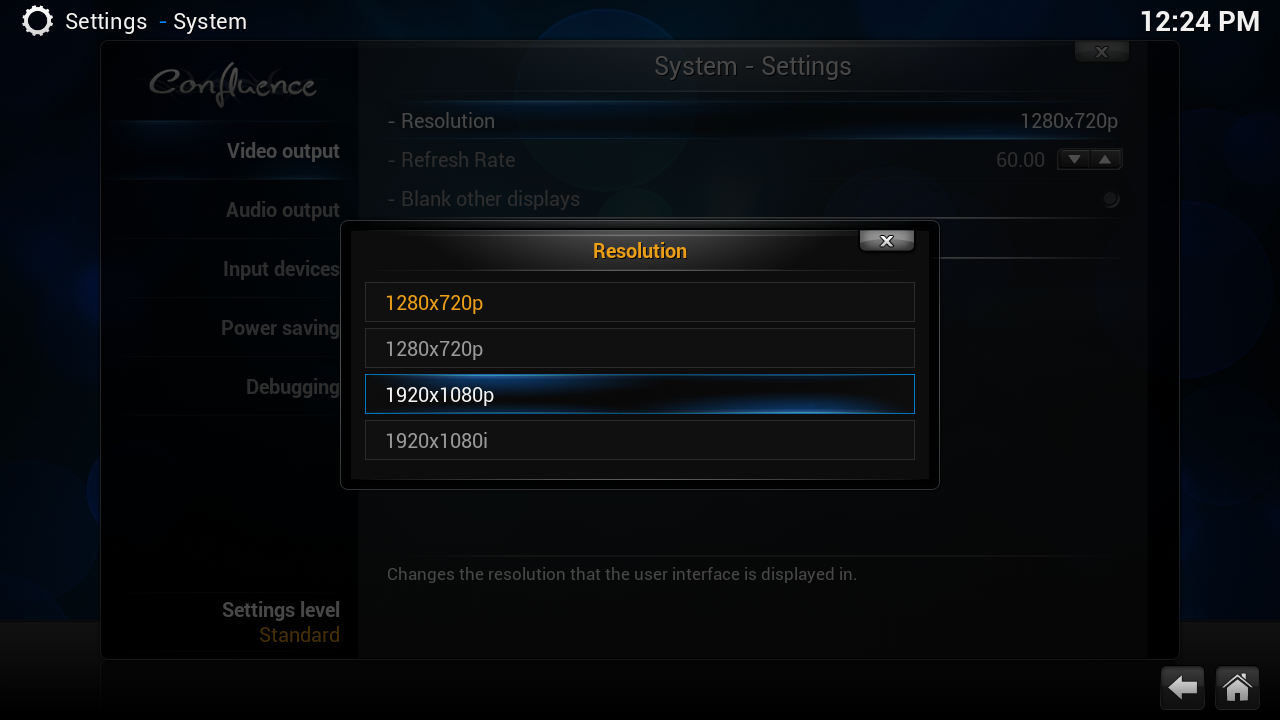
click on 1920x1080p
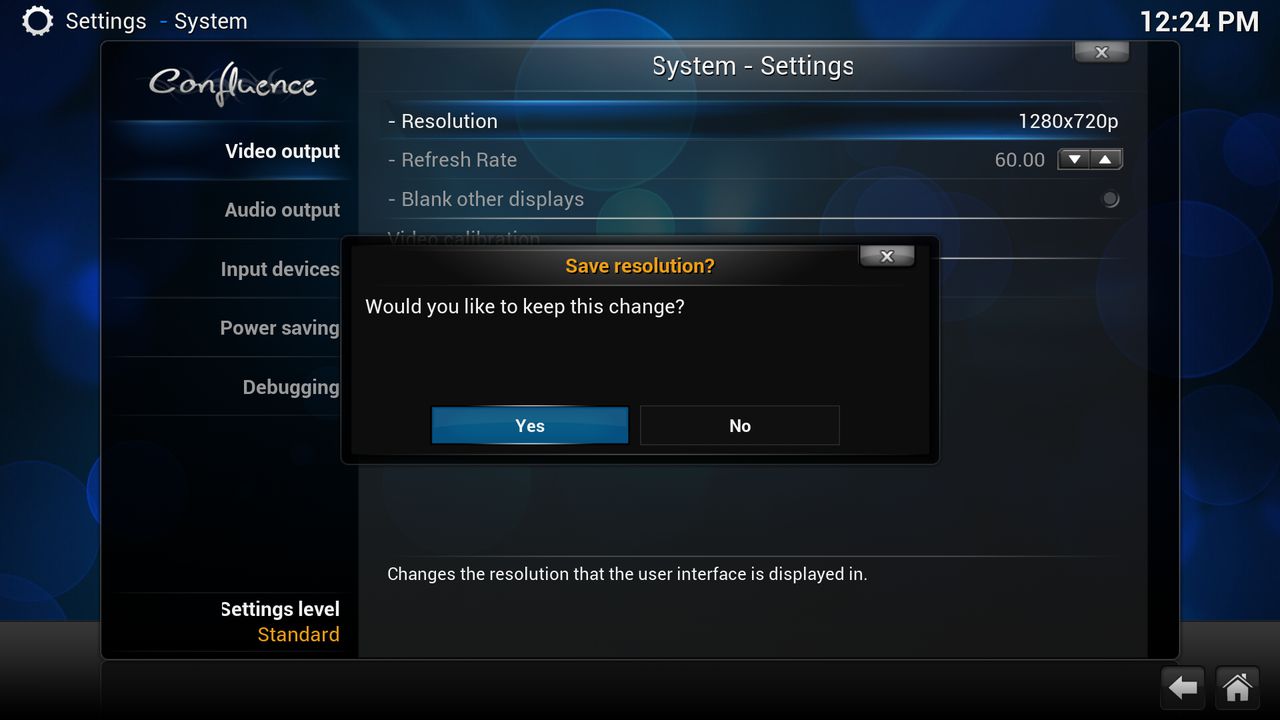
click on yes
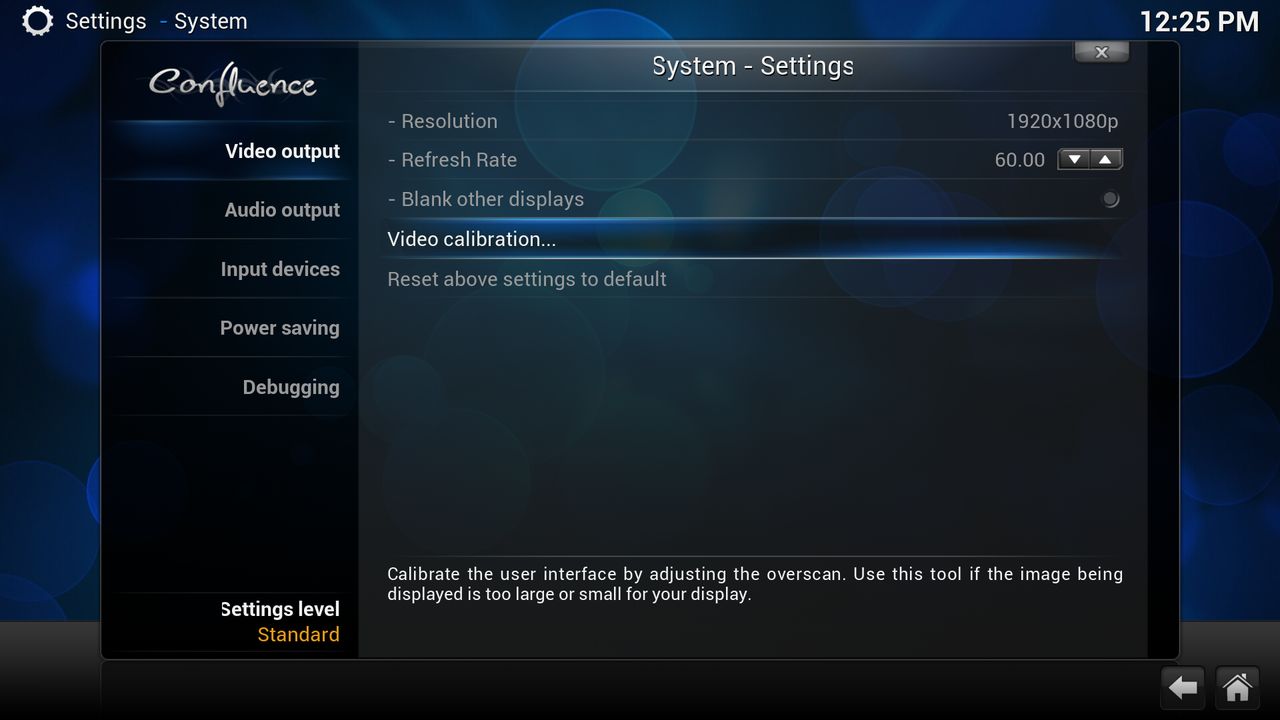
click video calibration if you missing som of your screen click on this
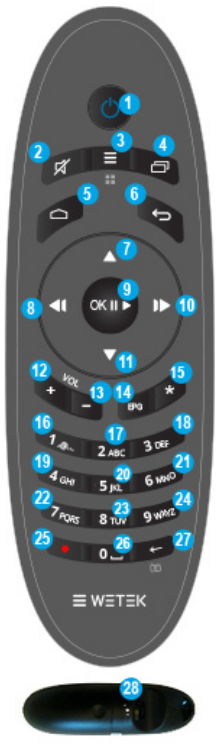
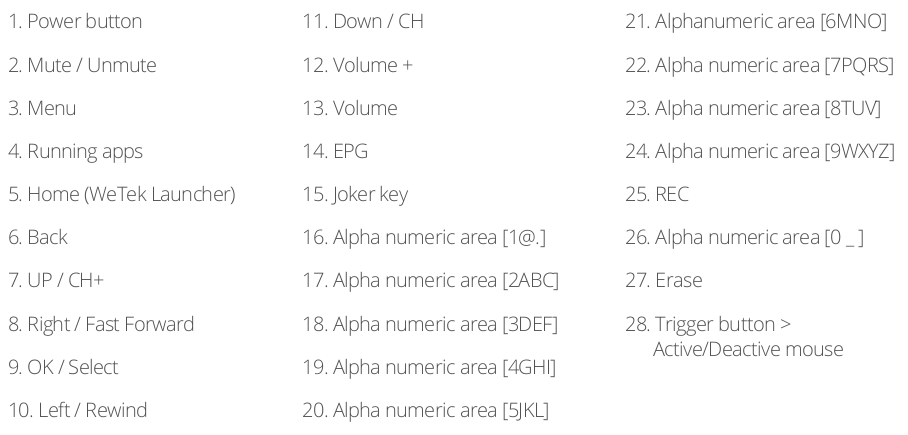
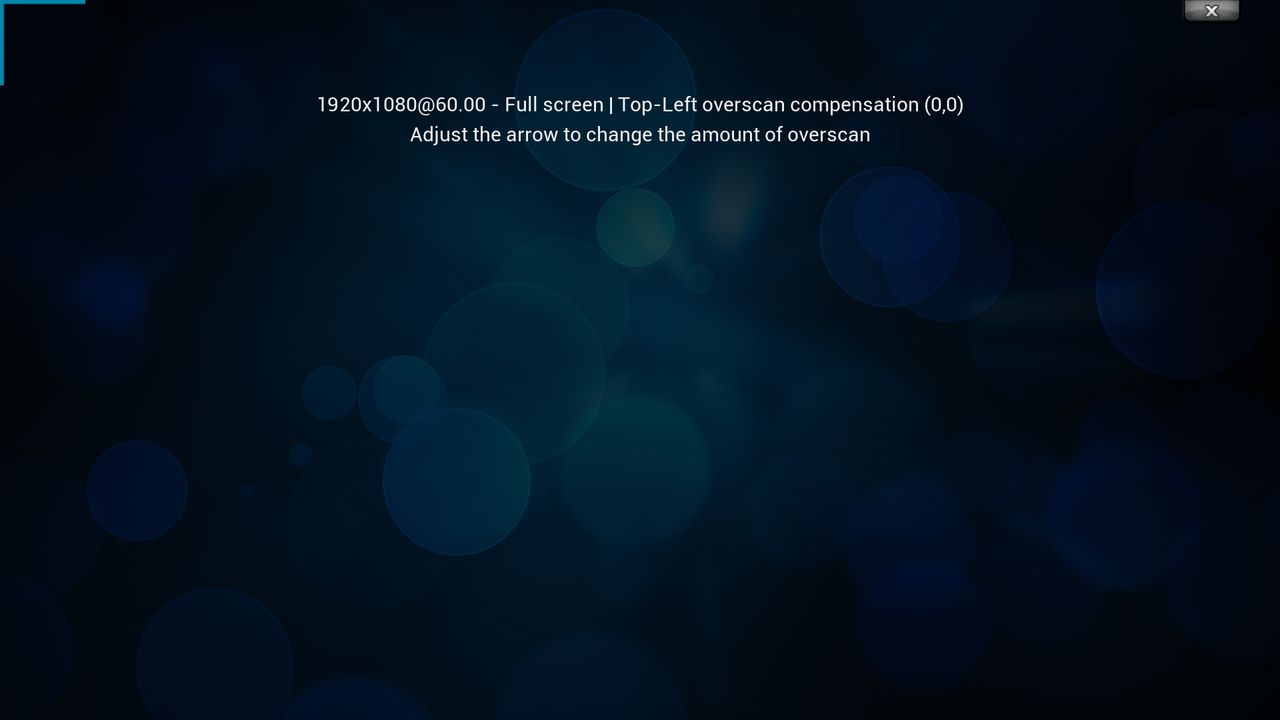
adjust it with the remote buttons 10,11 then use button 9
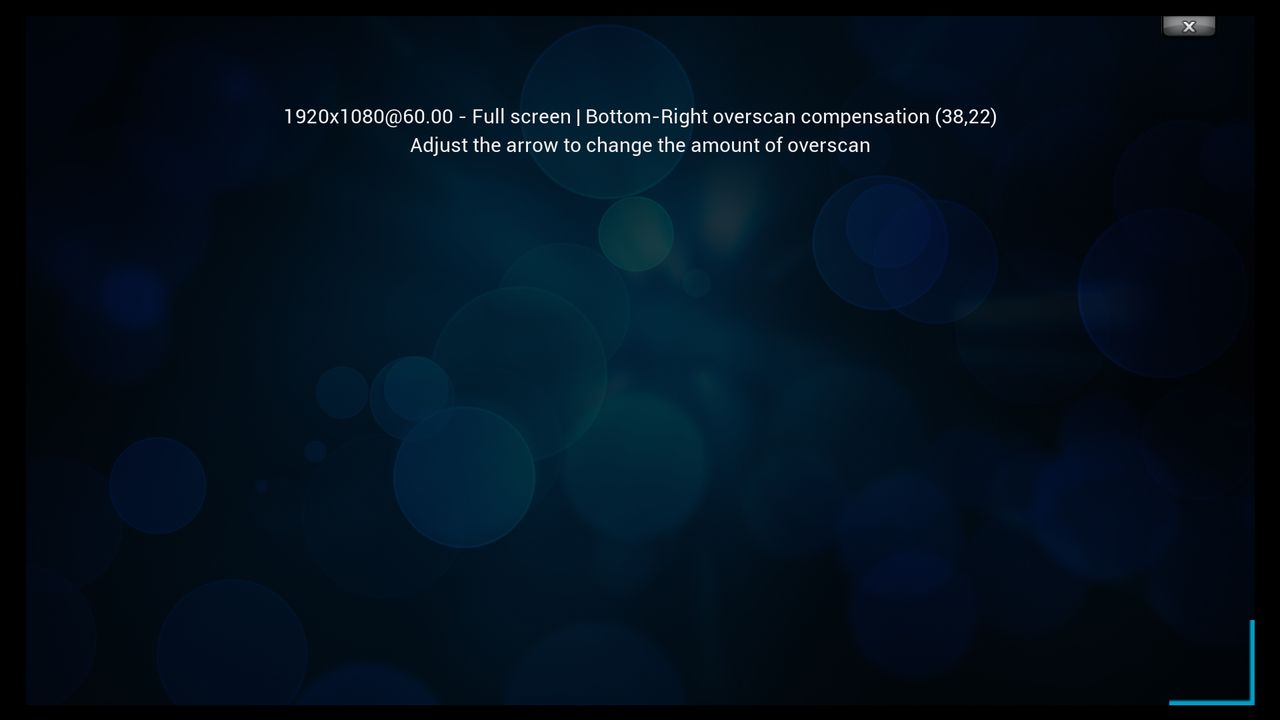
adjust it with the remote buttons 7,8 then use button 9
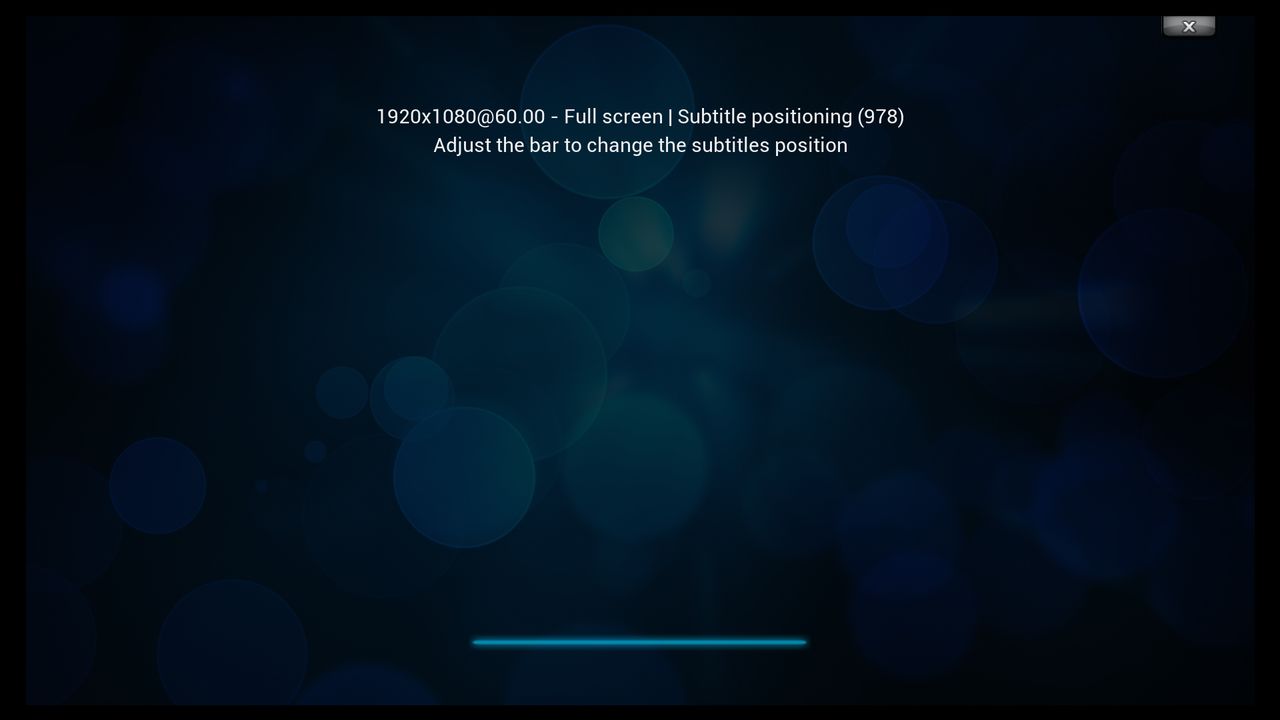
adjust it with the remote buttons 7 then use button 9
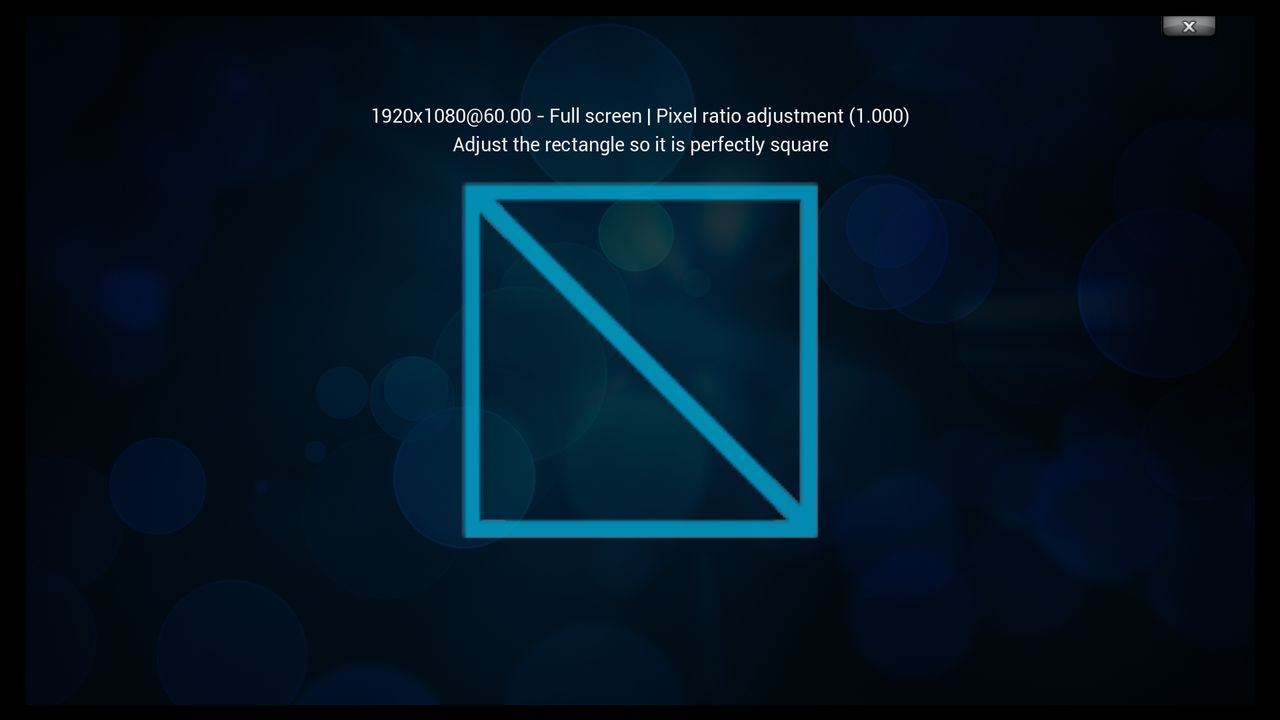
Done



