


quote]this tutorial goes about copy your Settings from tvheadend
and do it back in a other tvheadend i have try this i copy astra 1 channel from my wetek and restored it on my raspberry-pi
it works perfect :)[/quote]
[01] install first Winscp if you have already install it you can skip step [01]
[02]start Winscp
click on this icoon on your desktop
[03]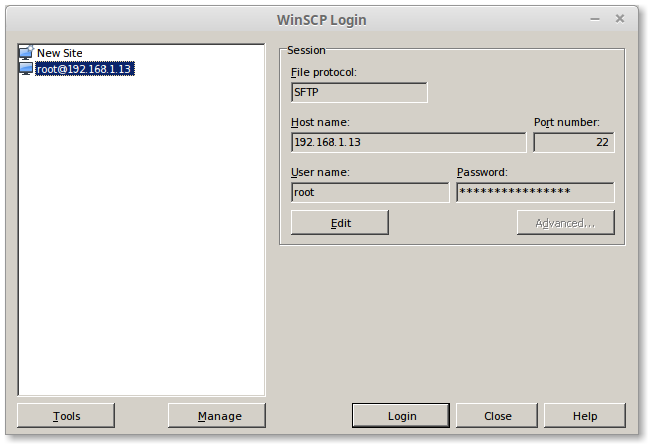
type by hostname
change this ip in your ip
User Name:
Password
[04]
click on login
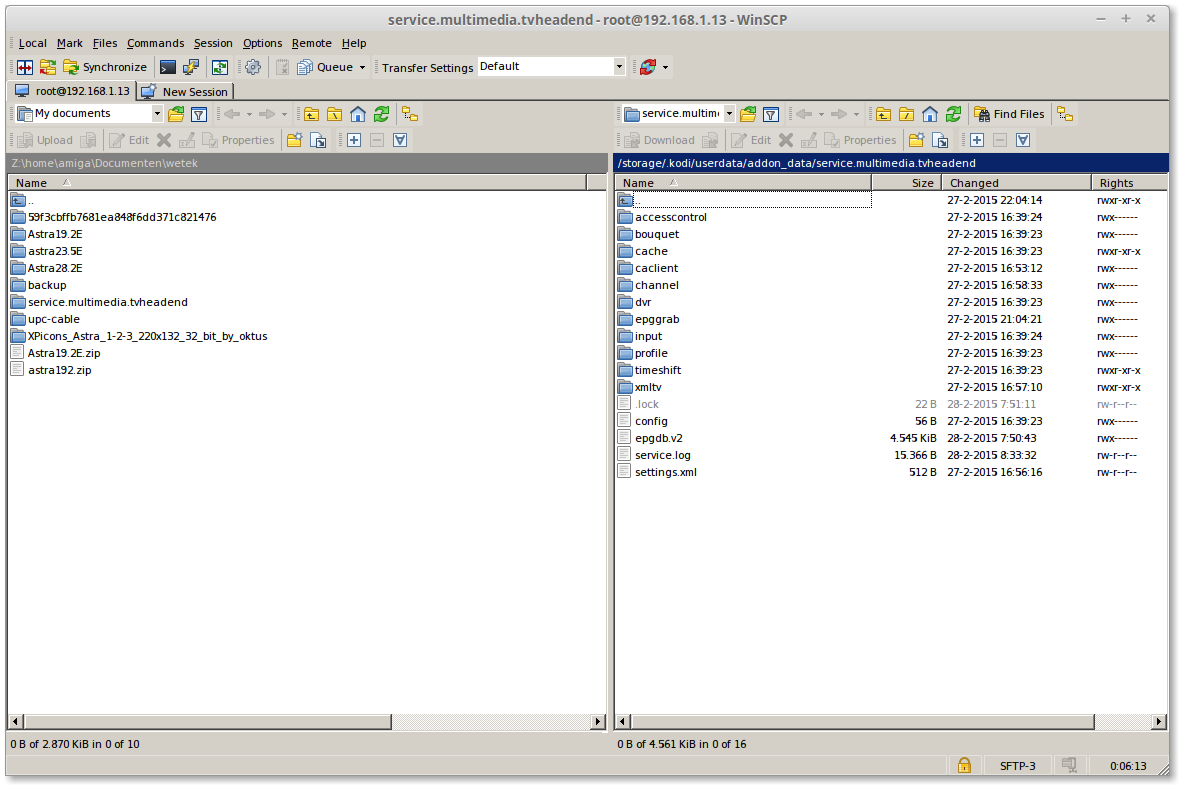
on the [Left side] is where i copy my settings
on the [right side] TVHeadend
[05]
Make a folder on the Left side with press [F7]
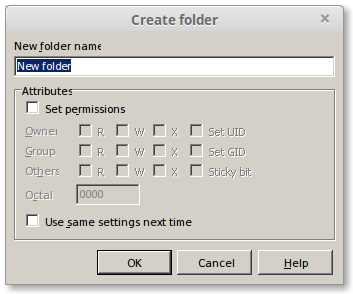
type a folder name Example: UPC-NL
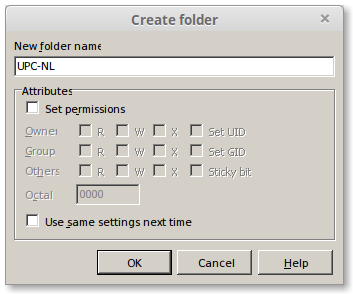
click on [OK]
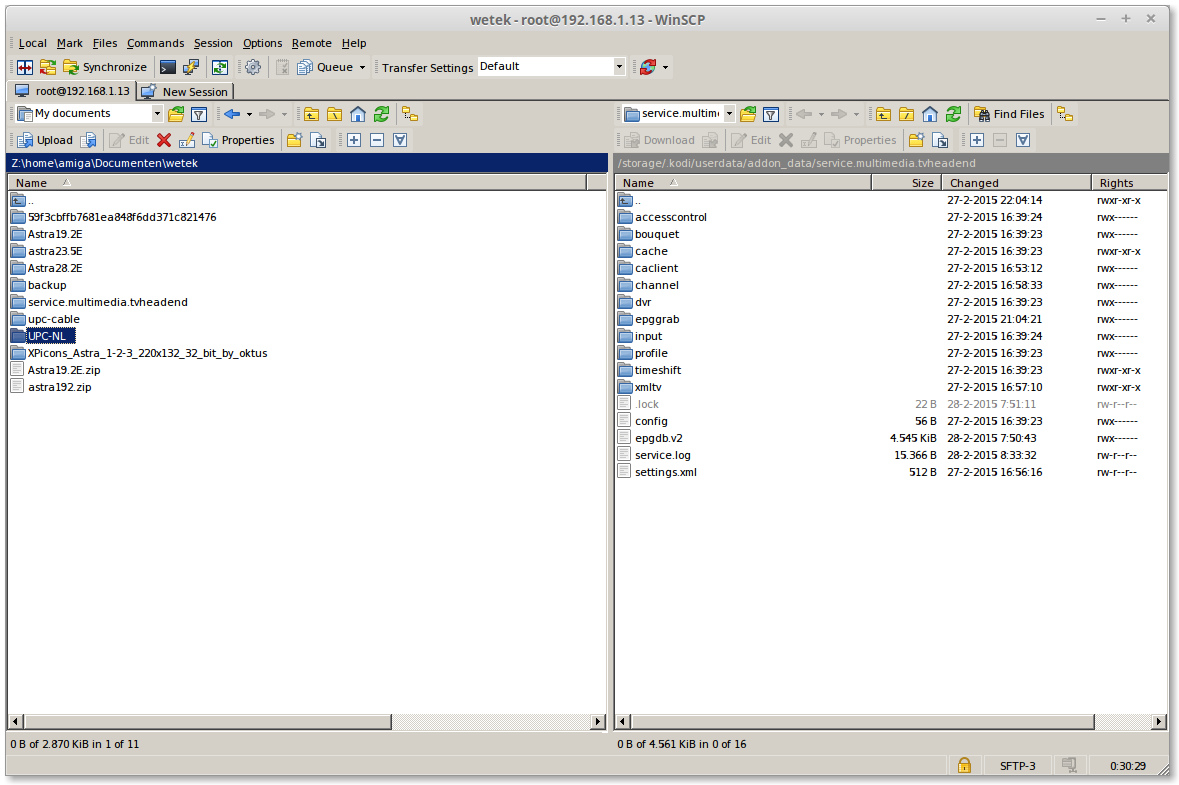
click 2x on your create folder Example: UPC-NL
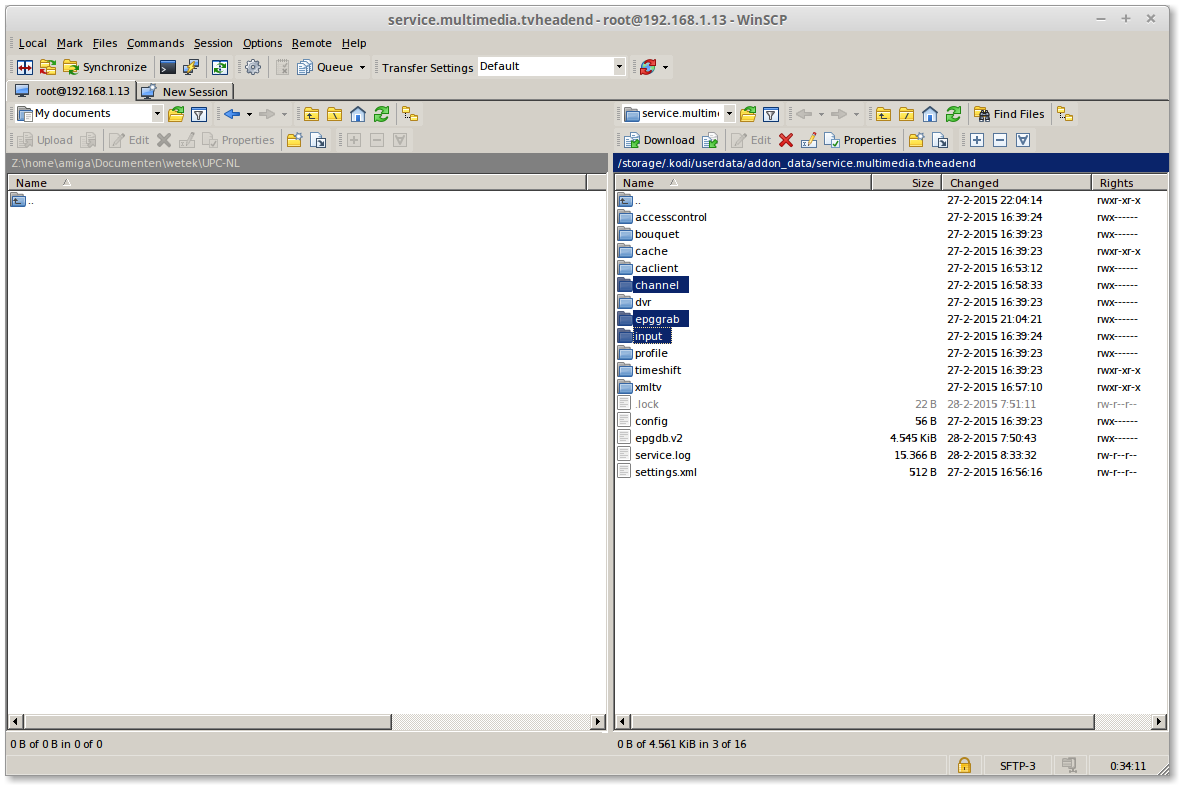
select 3 folders on the [right side]
then click on [F5]
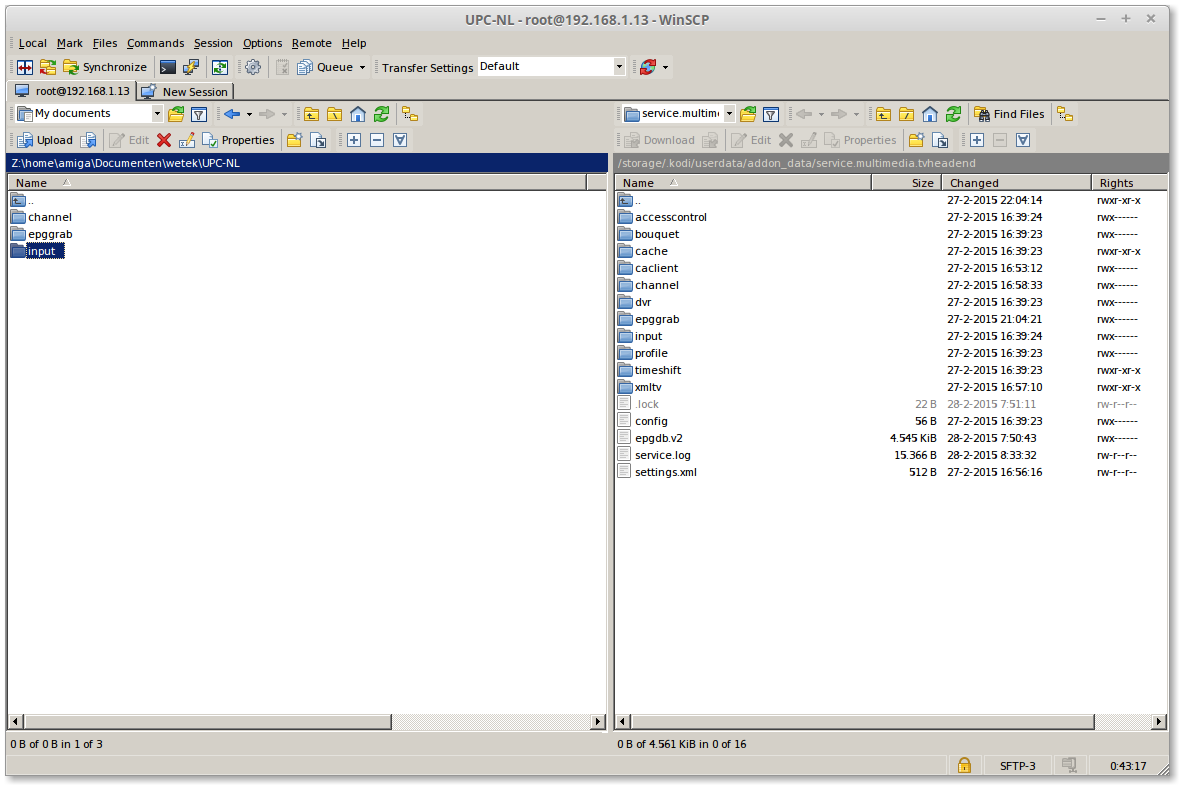
on the [Left side] 2x on "input"
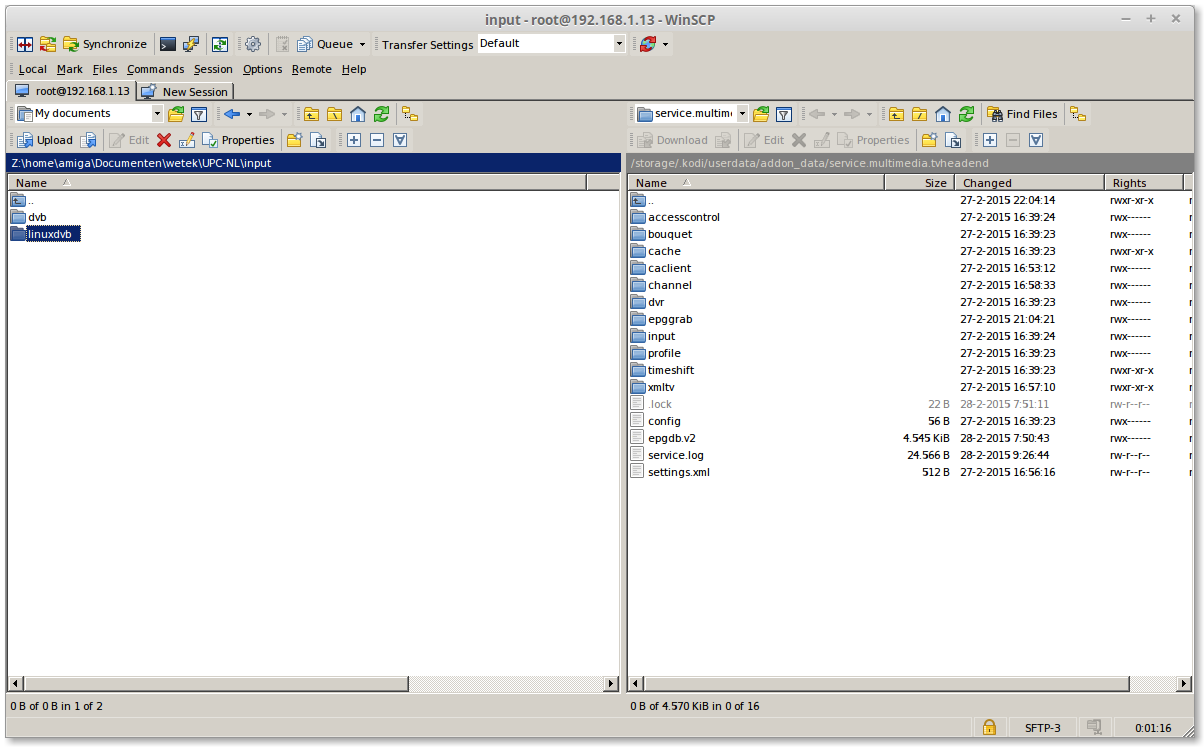
Click on 1x linuxdvb
Press [F8] for delete this folder
we dont need this folder in or backup
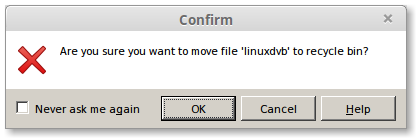
click on [OK]
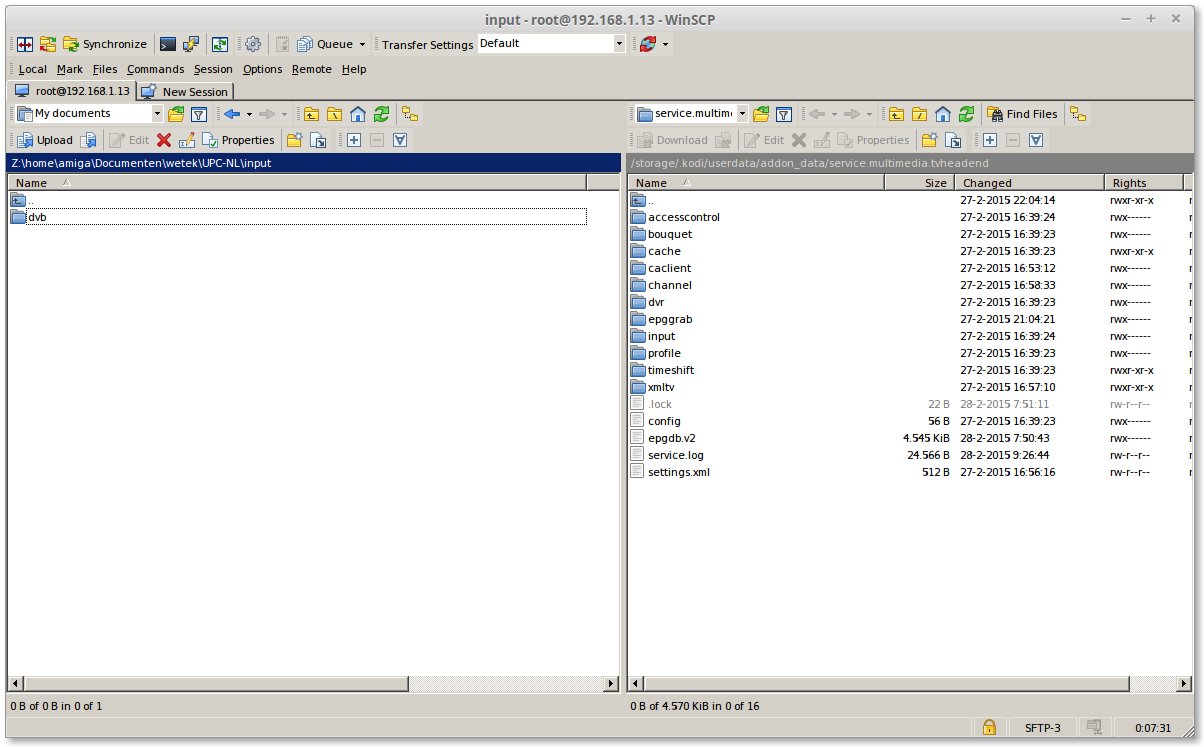
now we have backup the channel list
[TUTORIAL] Howto: restore your TVHeadend Settings (Factory reset)
[TUTORIAL] Howto: restore your TVHeadend Settings



