


you can restore your backup in 2 ways
Quote
[01] todo factory reset then do all back
[02] delete your settings manual and put it then back
[01] Factory reset (with this you loos all settings)
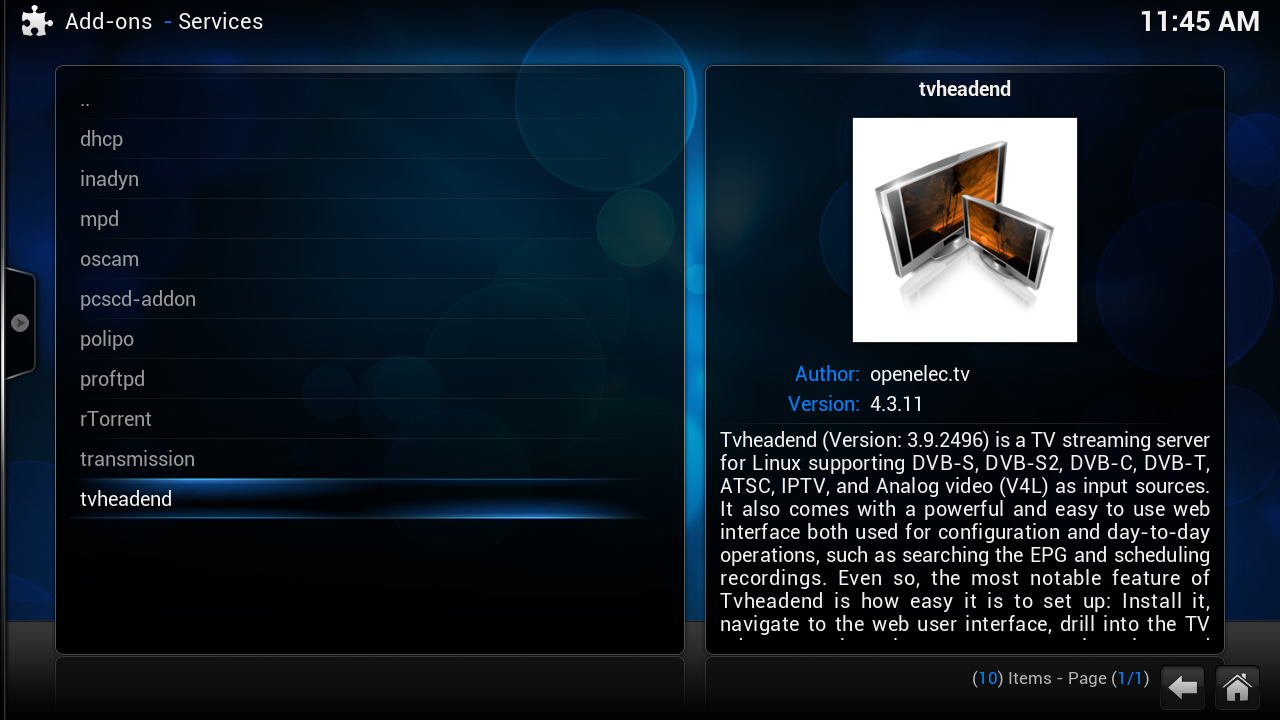
now we need to install tvheadend agian
[02] install TVHeadend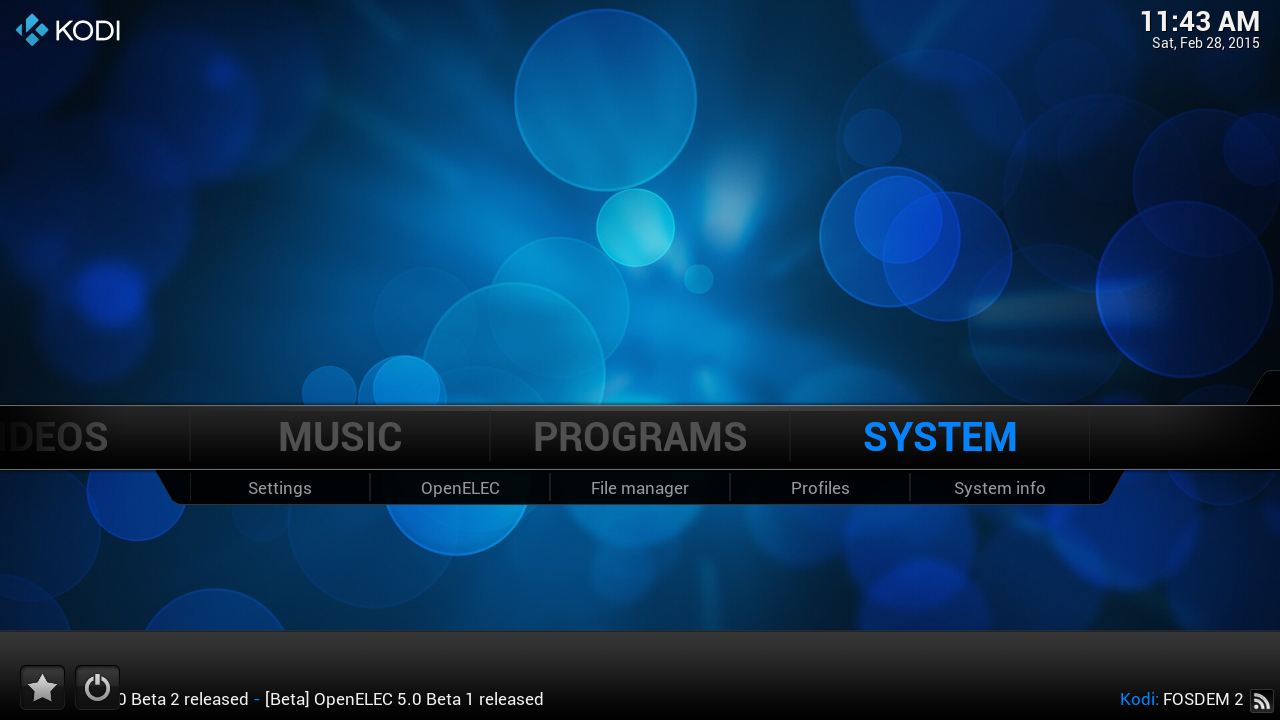
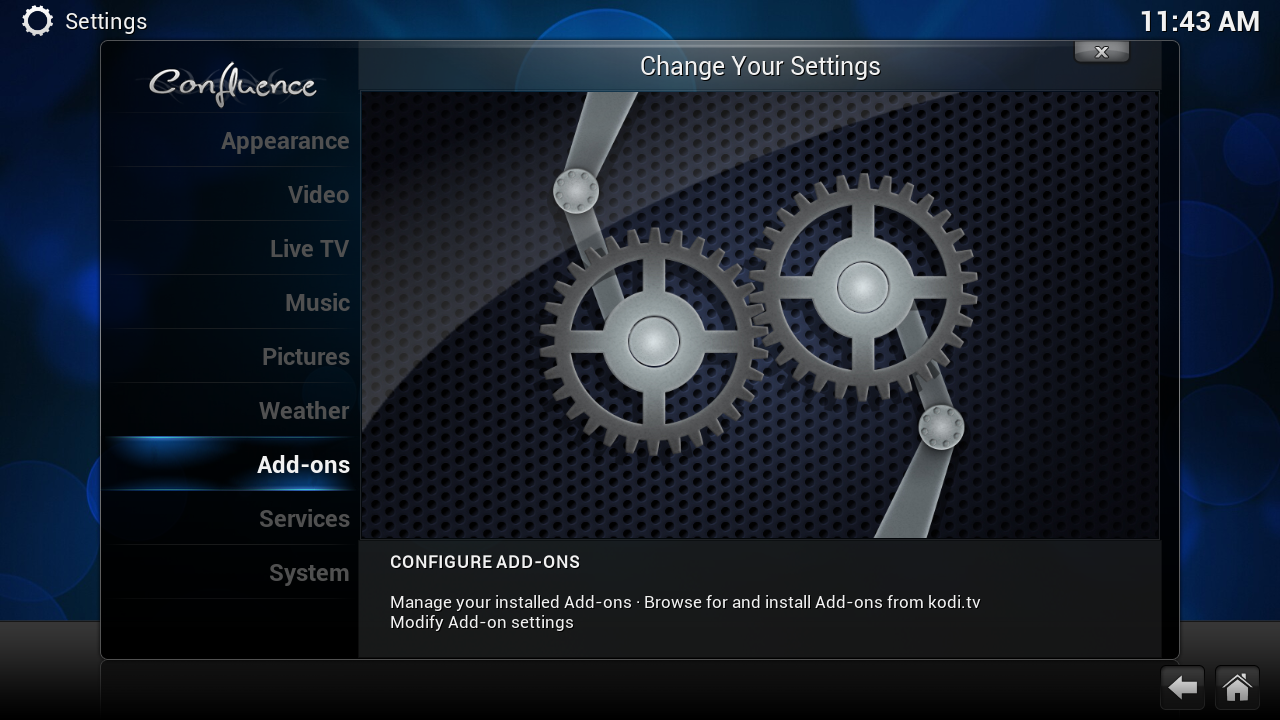
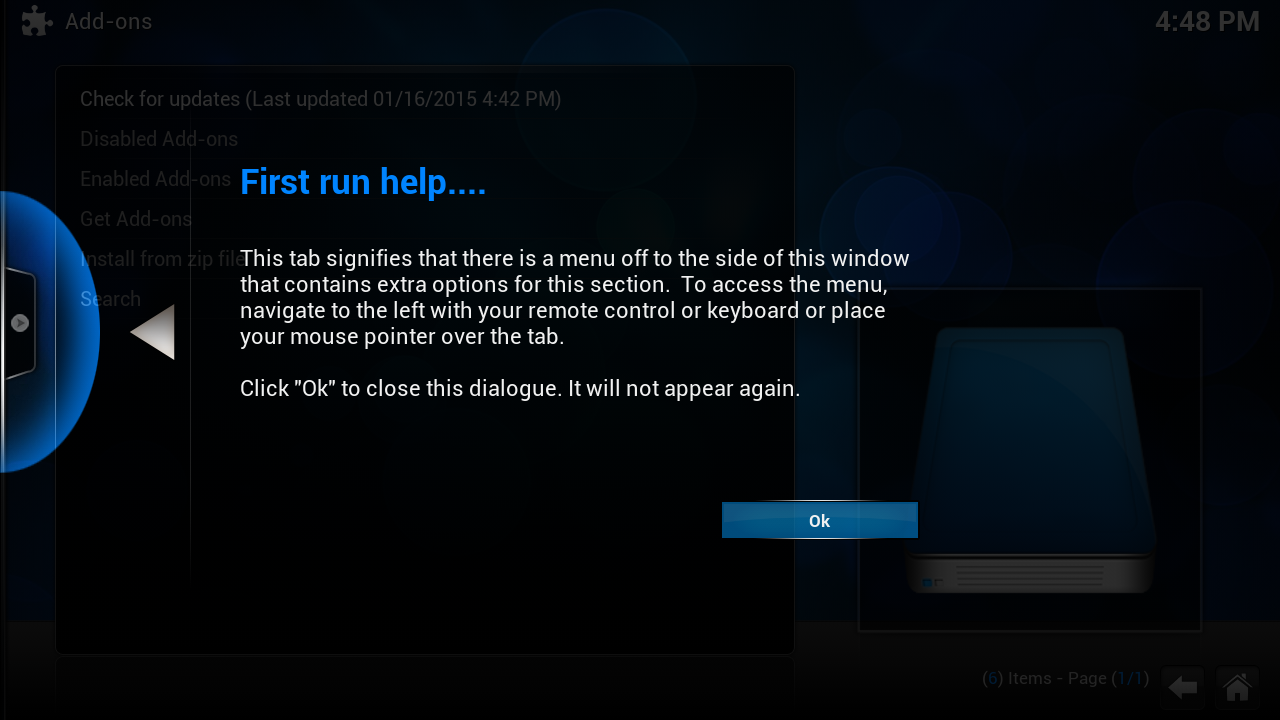
this screen you get the first time
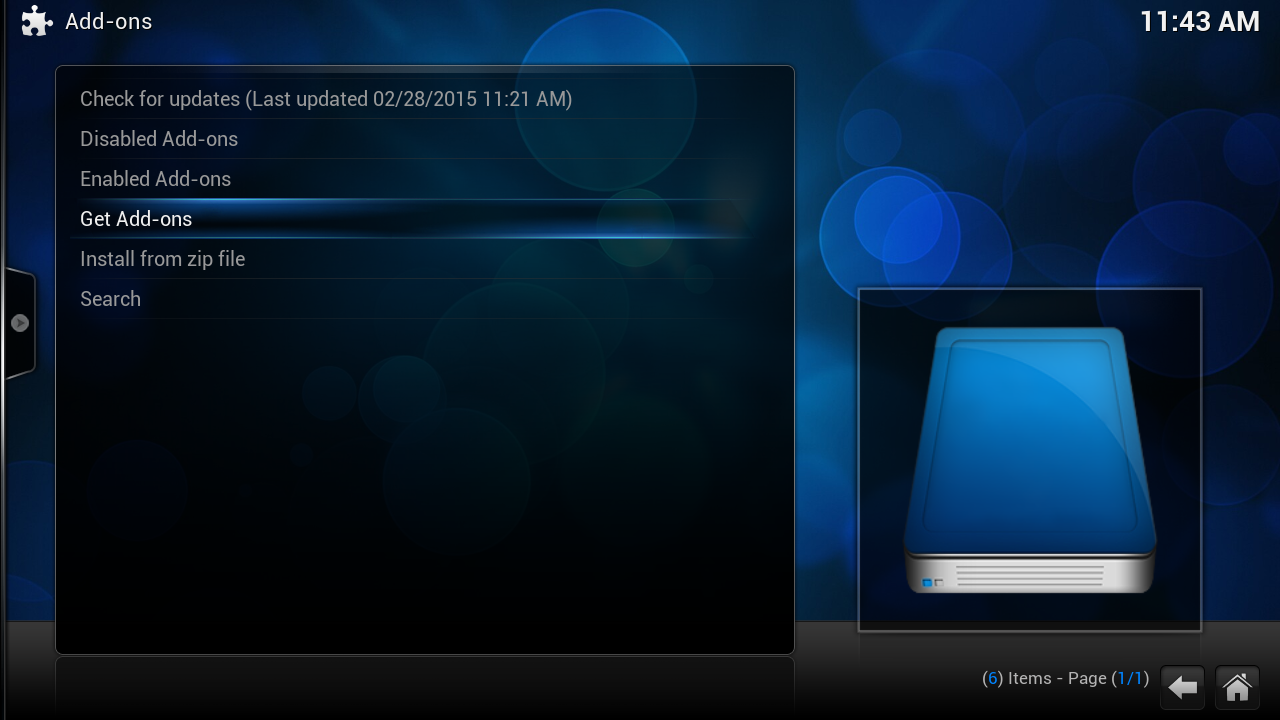
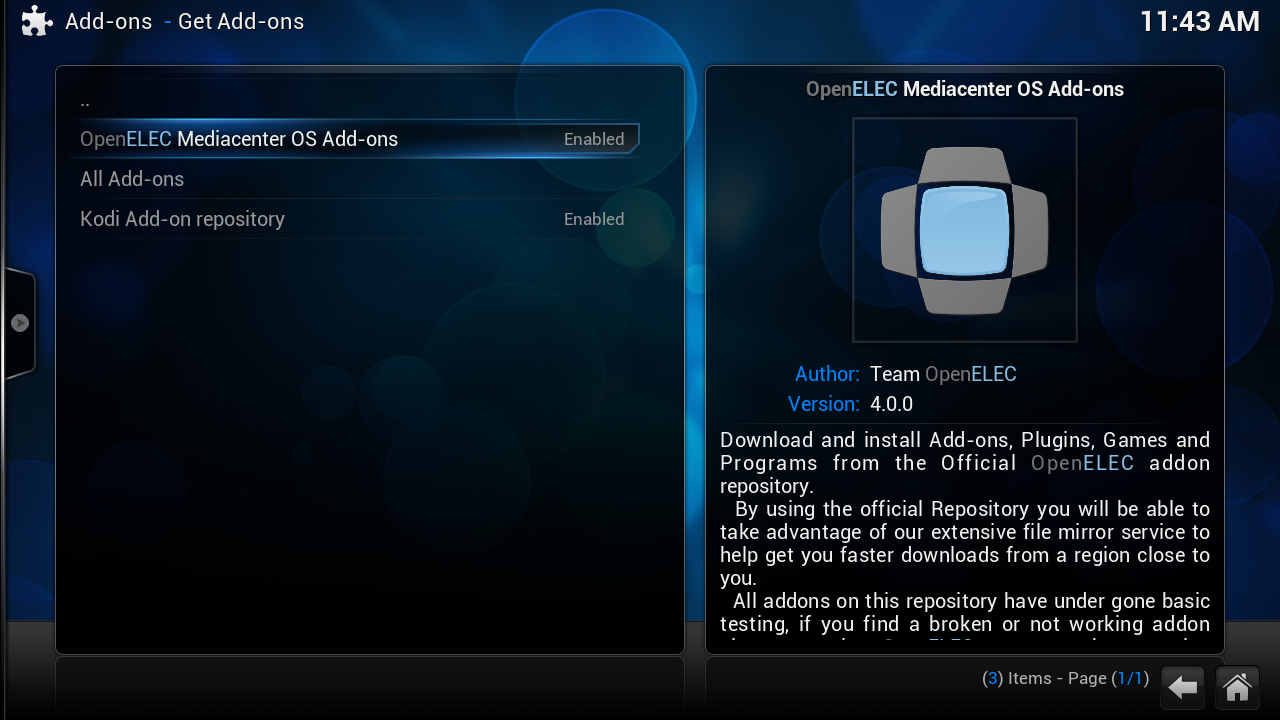
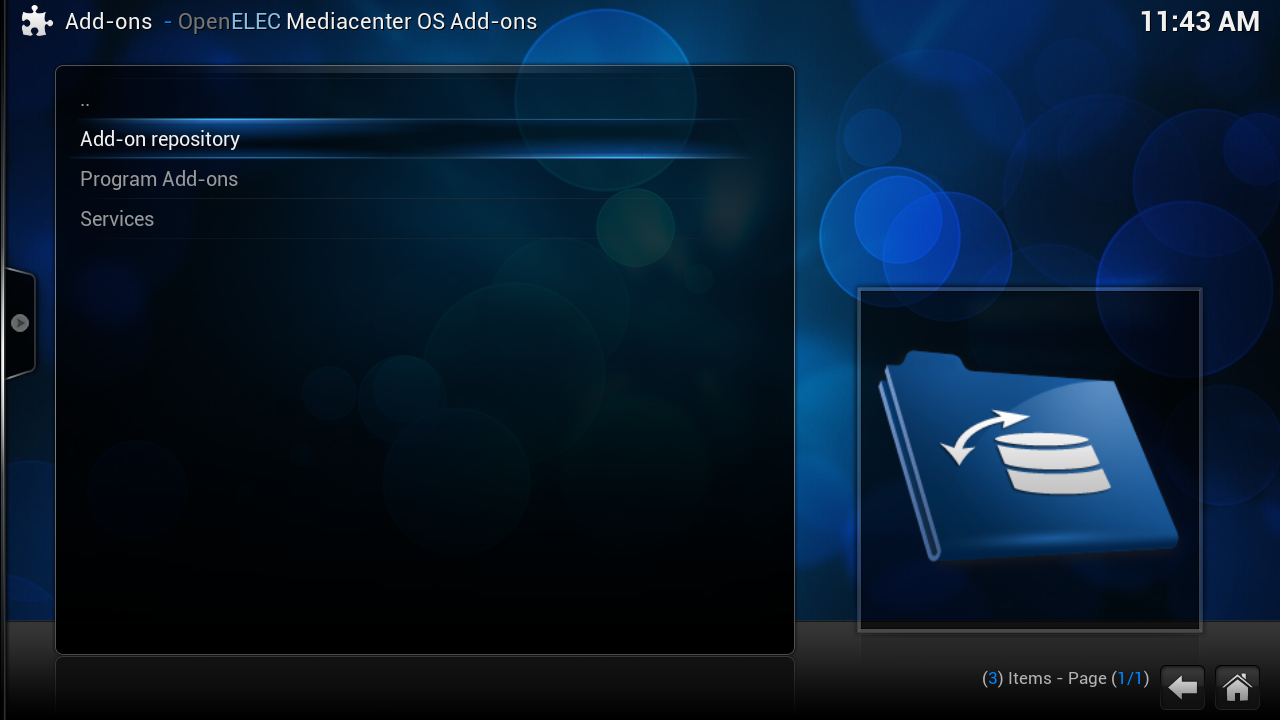

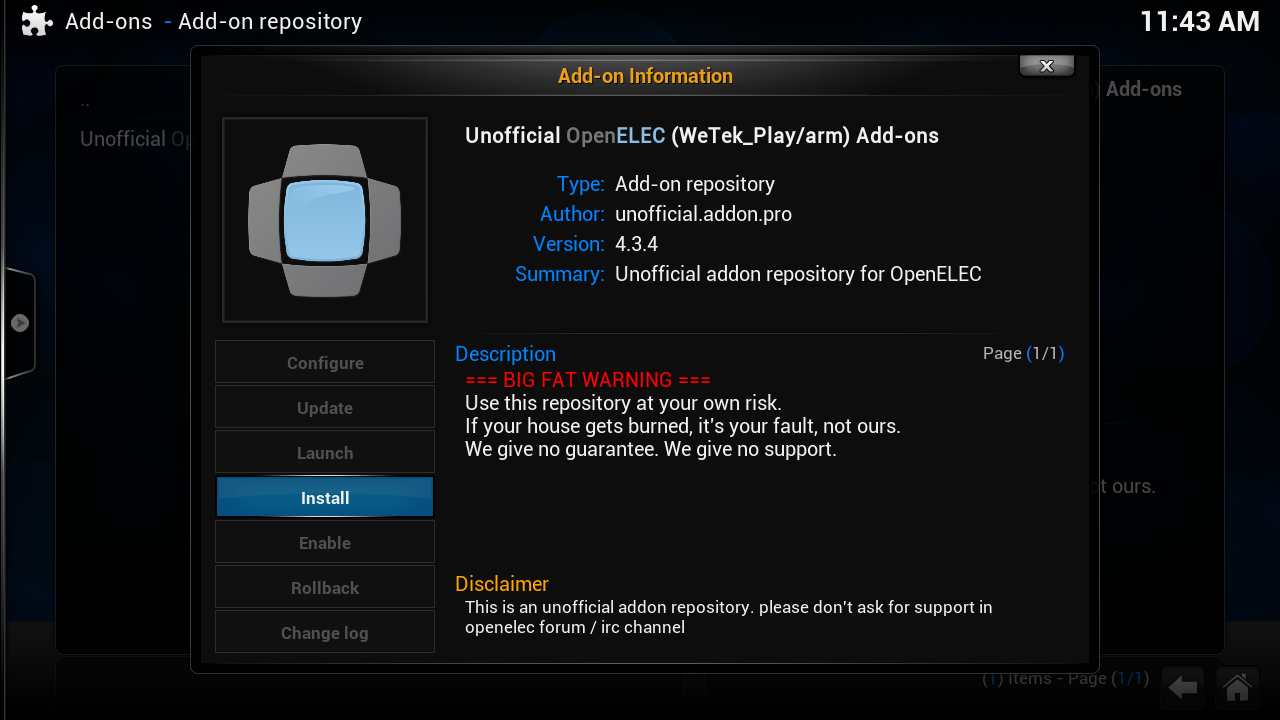

Press 2x on [escape] or click 2x on [..] (on the top)
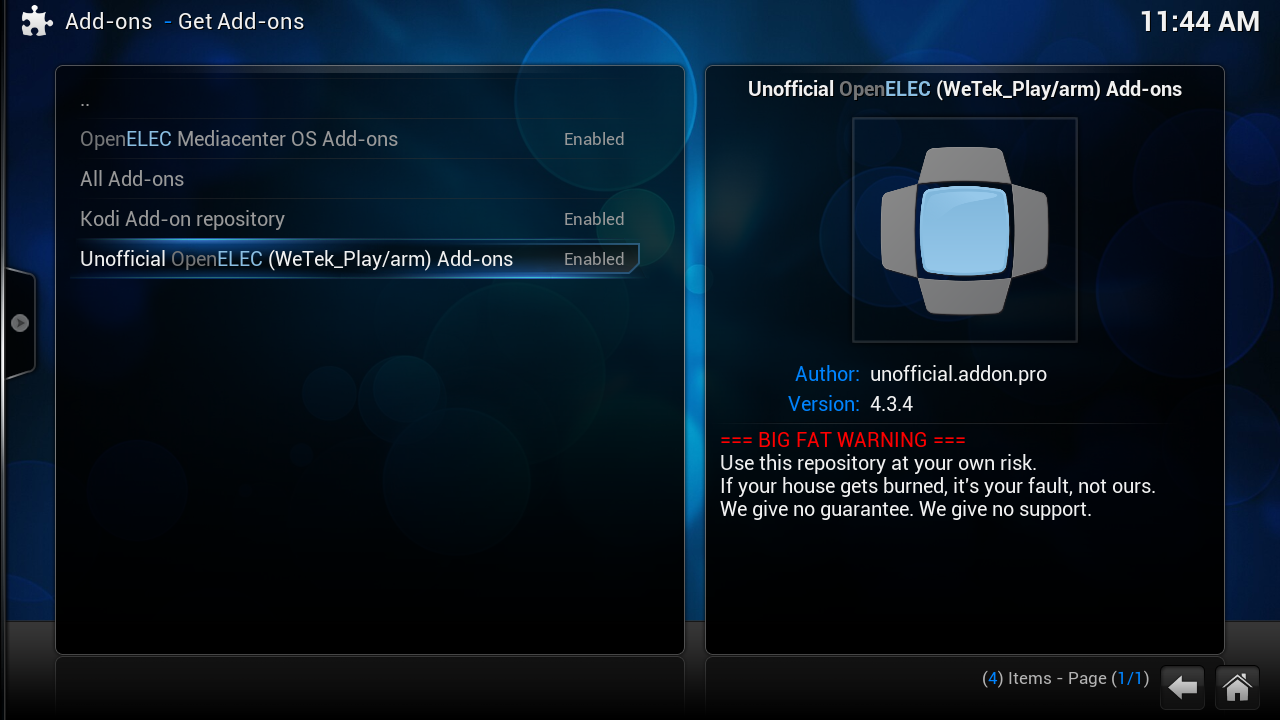
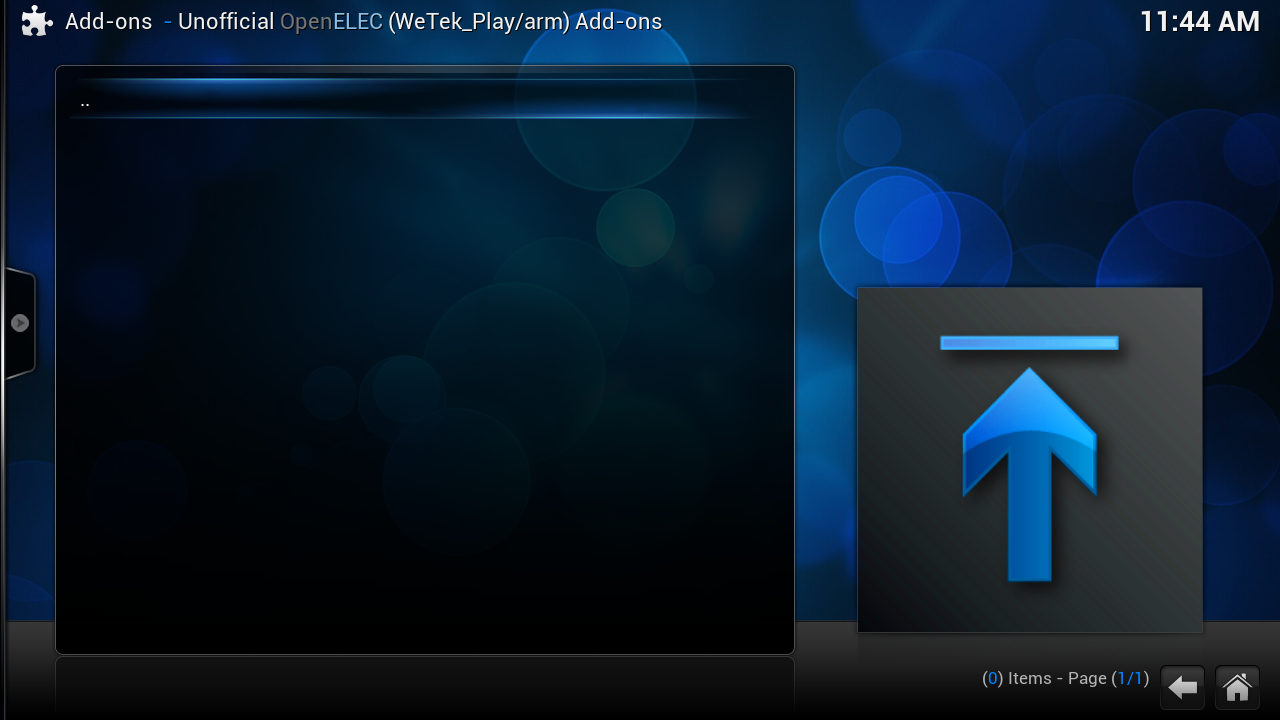
some time you get a empty window
click 1x on [..] or on [escape]
click on the [c] toets ot
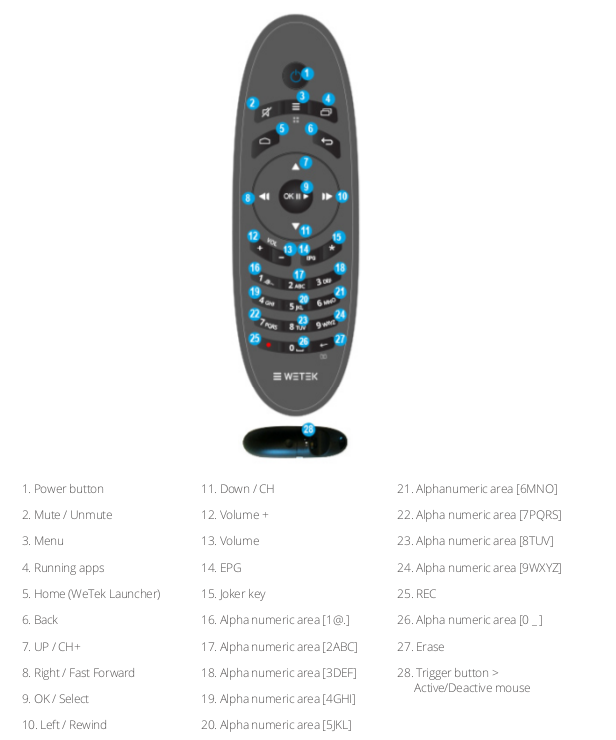
number 3 on your remote
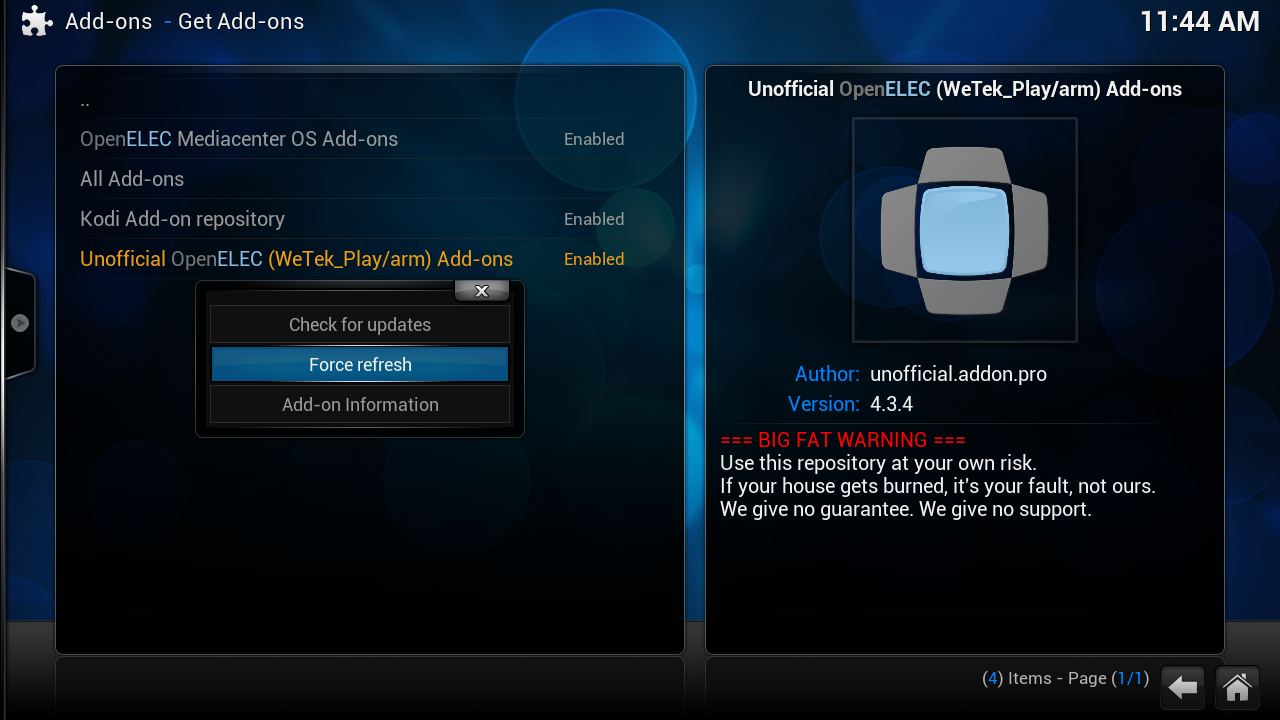
click on "Force refresh" if the windows still is empty repeate this
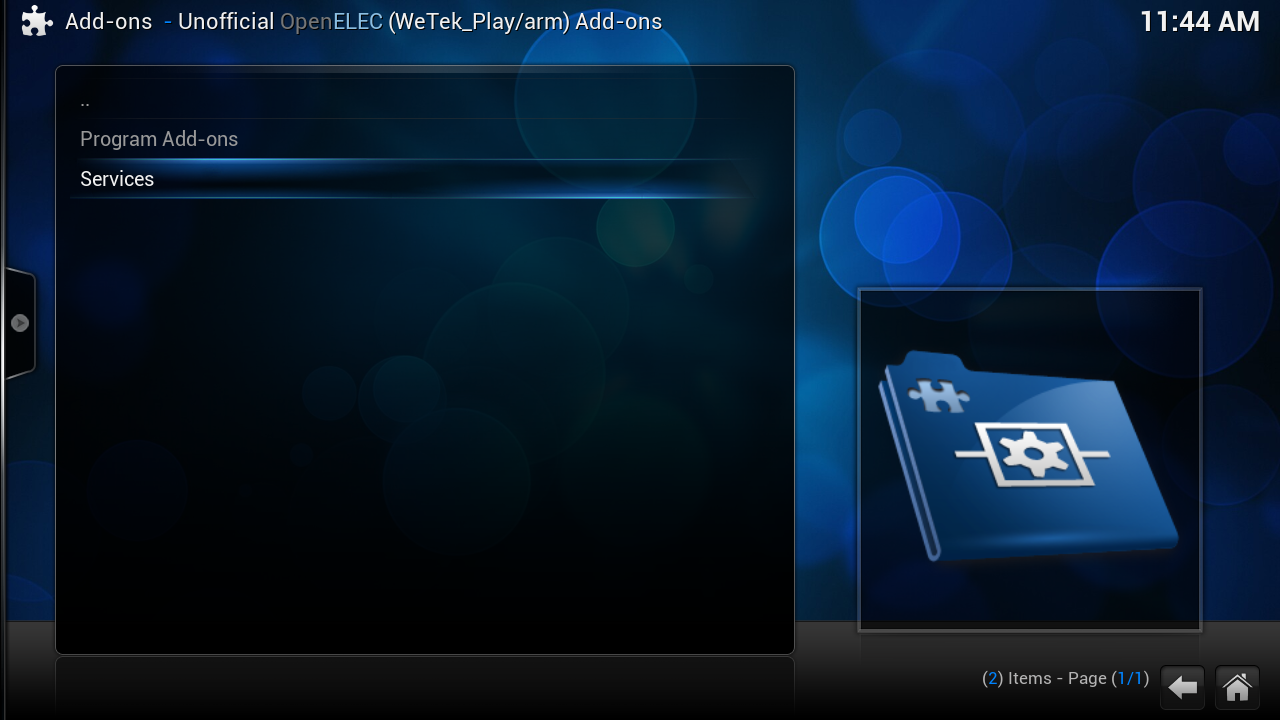

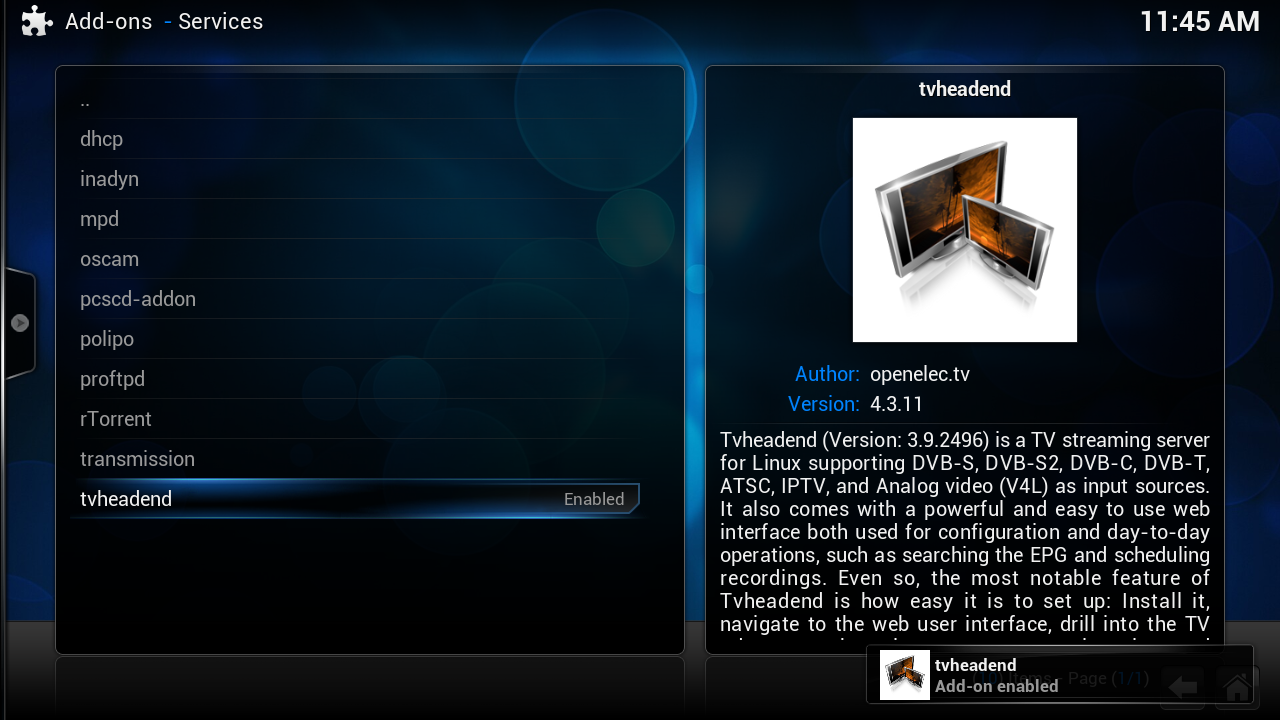
[03] restore tvheadend settings (channel list)
click on this icoon on your desktop
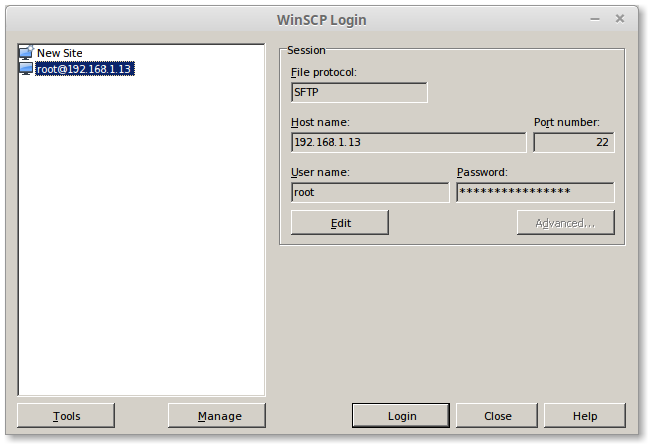
type by hostname
change this ip in your ip
User Name:
Password
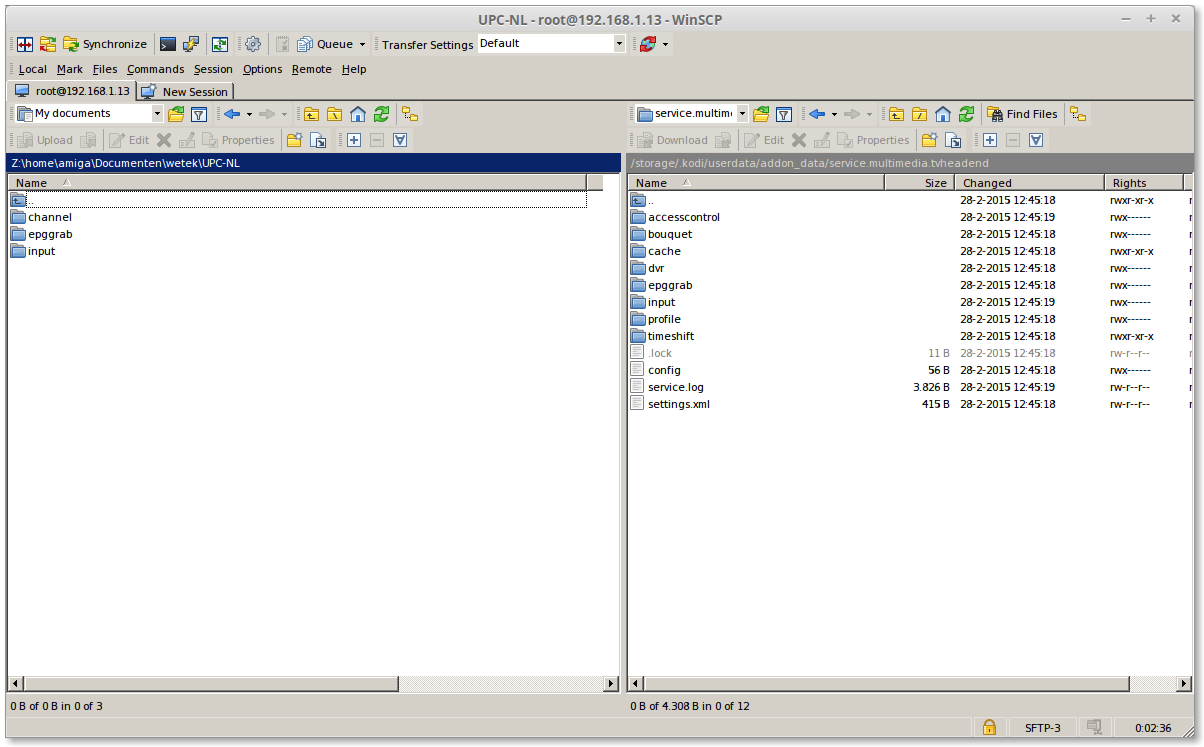
on the [Left side] is where i copy my settings
on the [right side] TVHeadend
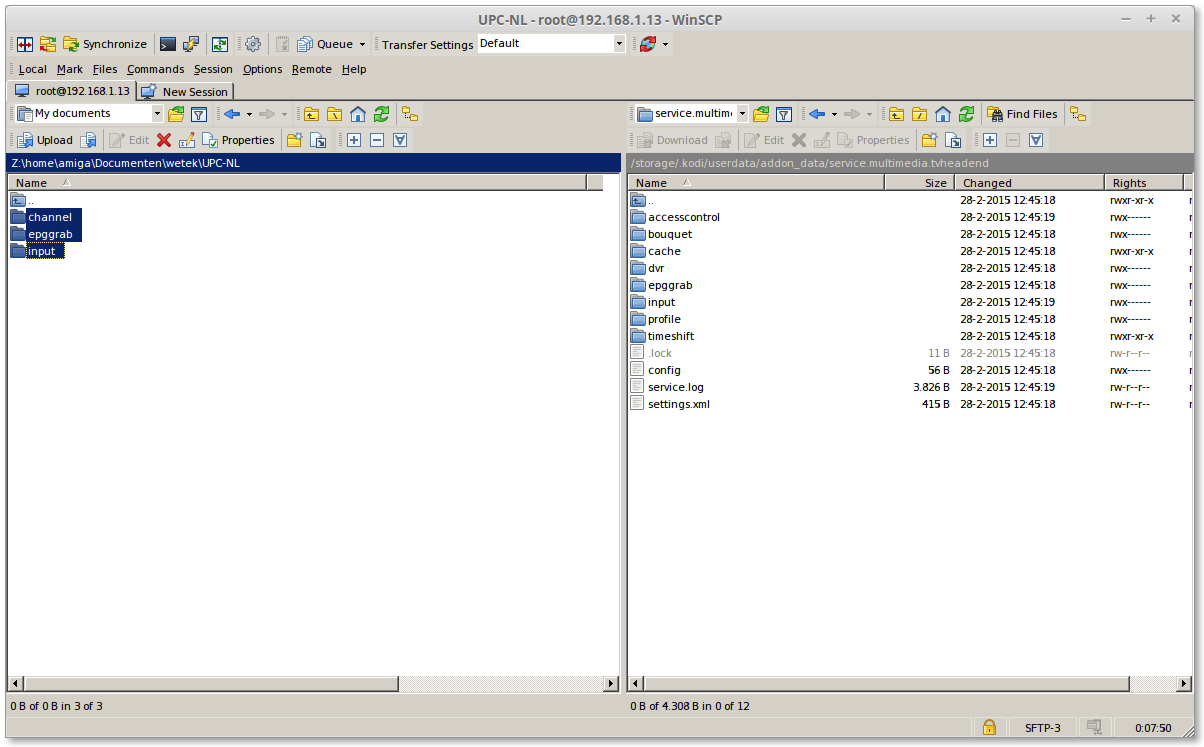
Select all 3 folders and press on [F5]
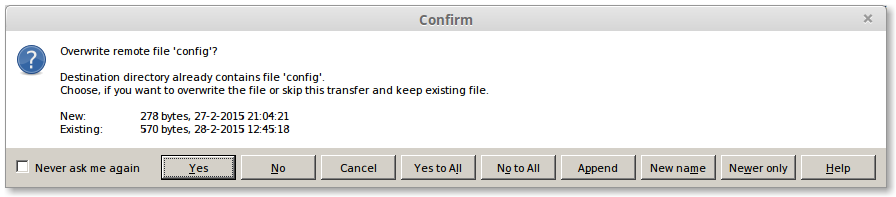
Click on [Yes to All]
Reboot your wetek
[04] start tvheadend
open a browser and type
replace my ip number with your ipnumber from your wetek play

click on Configuration> DVB Input> Networks
this is my channels only what we need to do is to link this again on my tuner
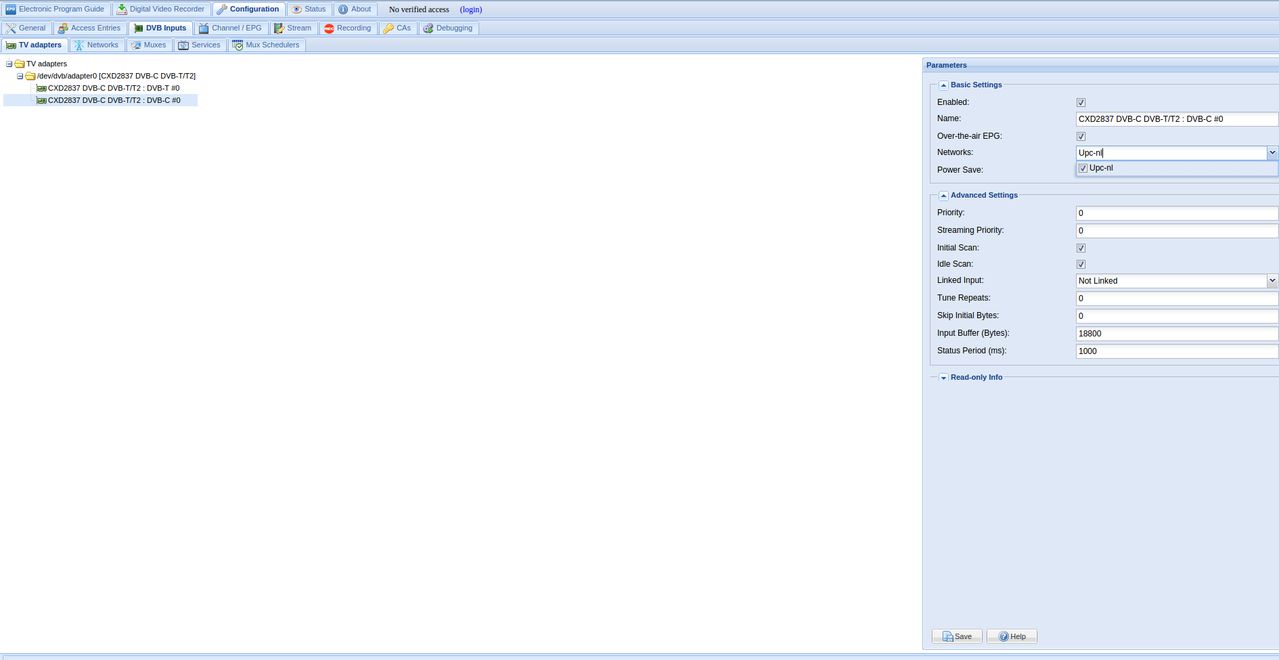
click on TV Adaspters
then Enable your network and check Enable and click on [save]



