


[01] Disable Live TV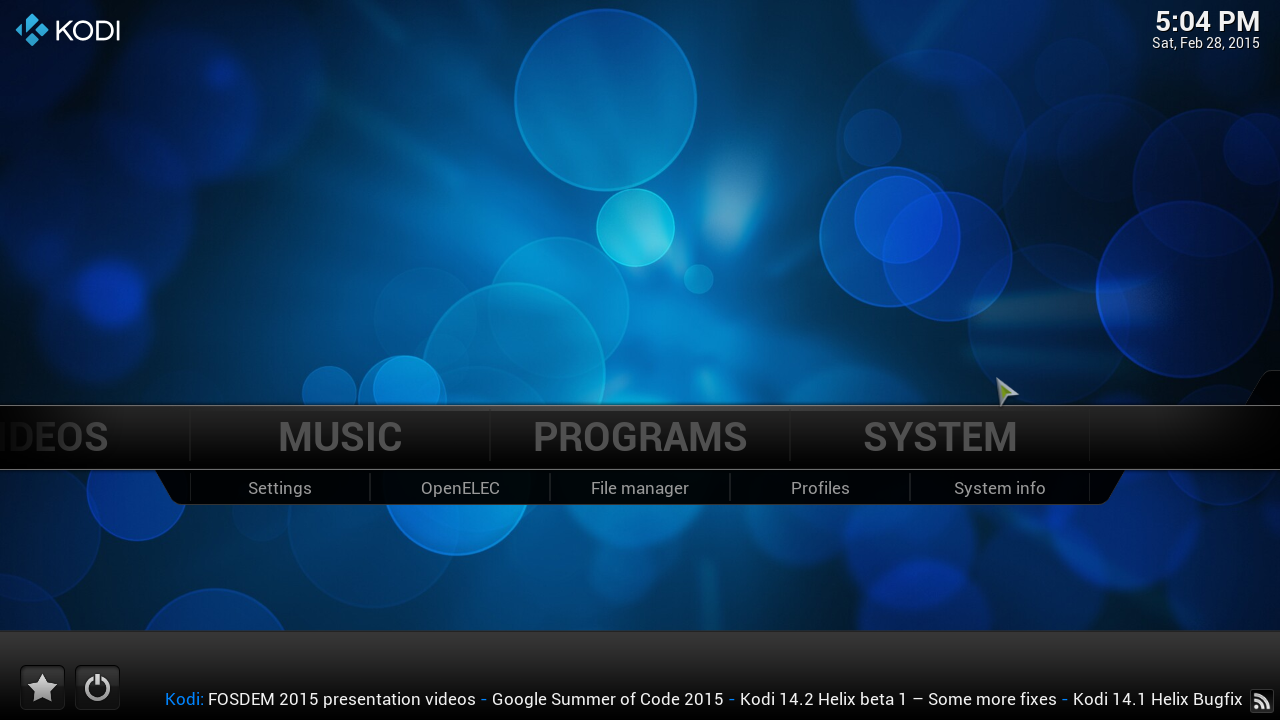
click on "system"
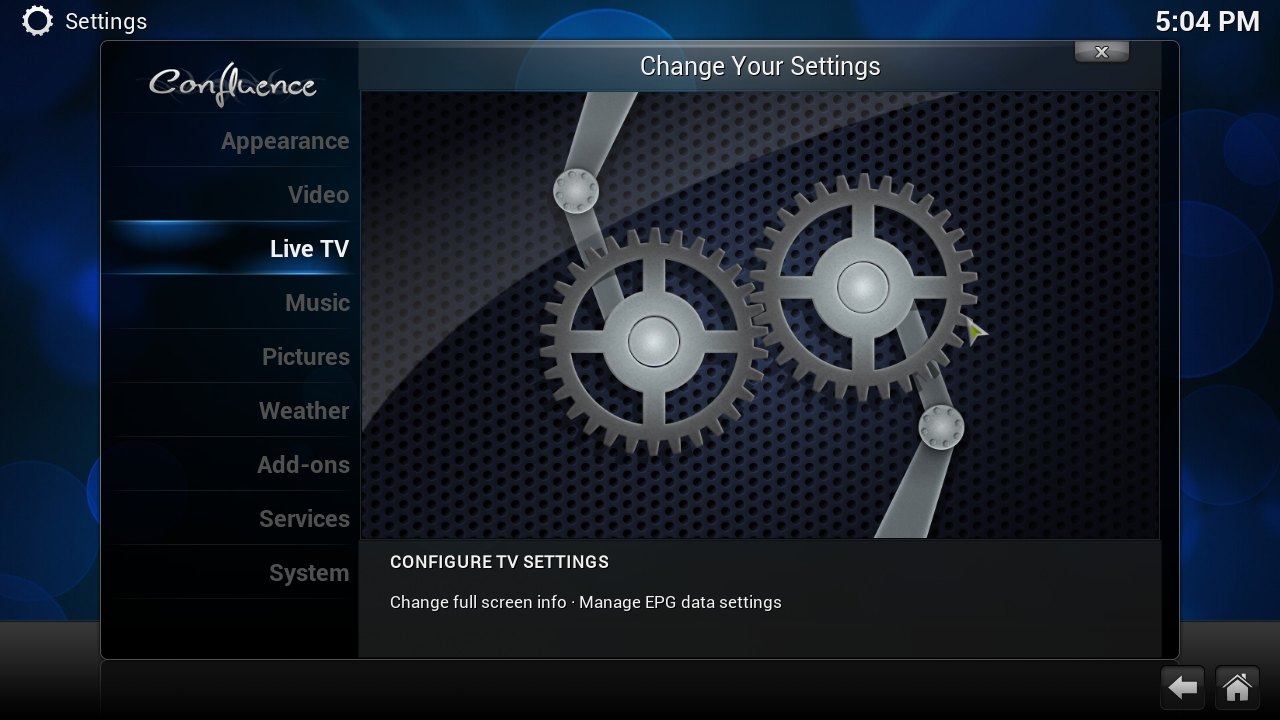
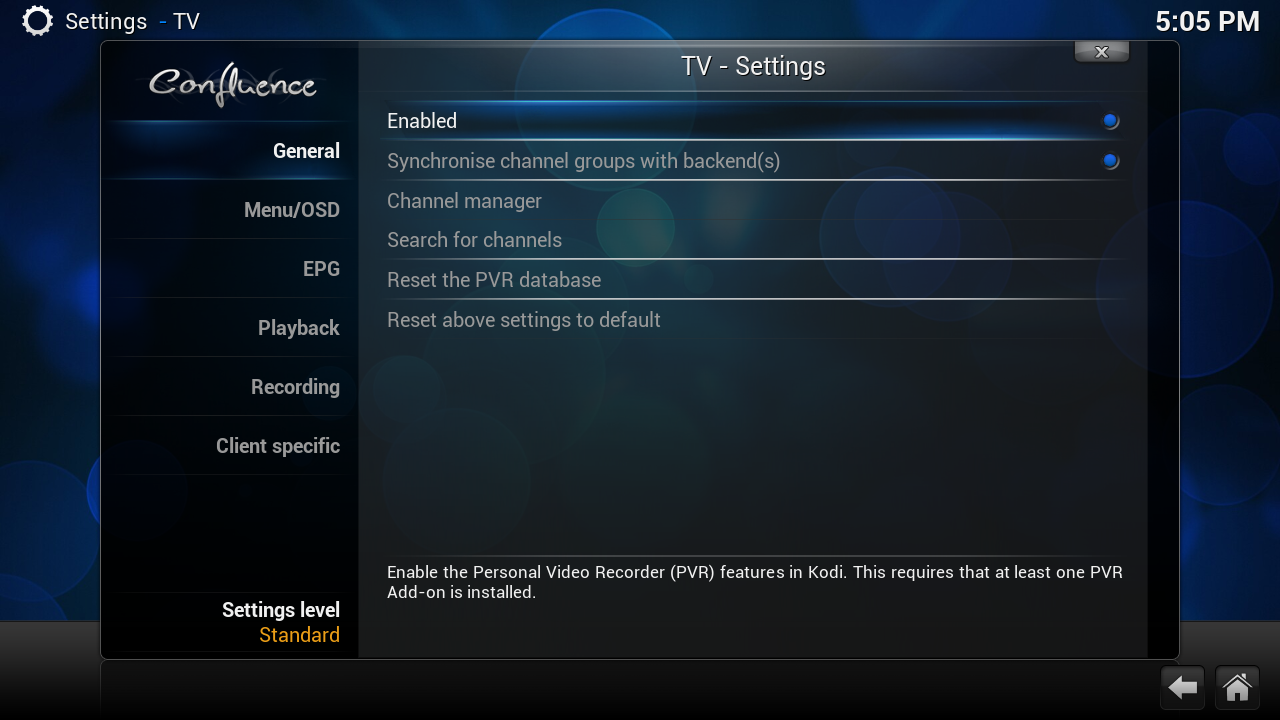
Click on Enable
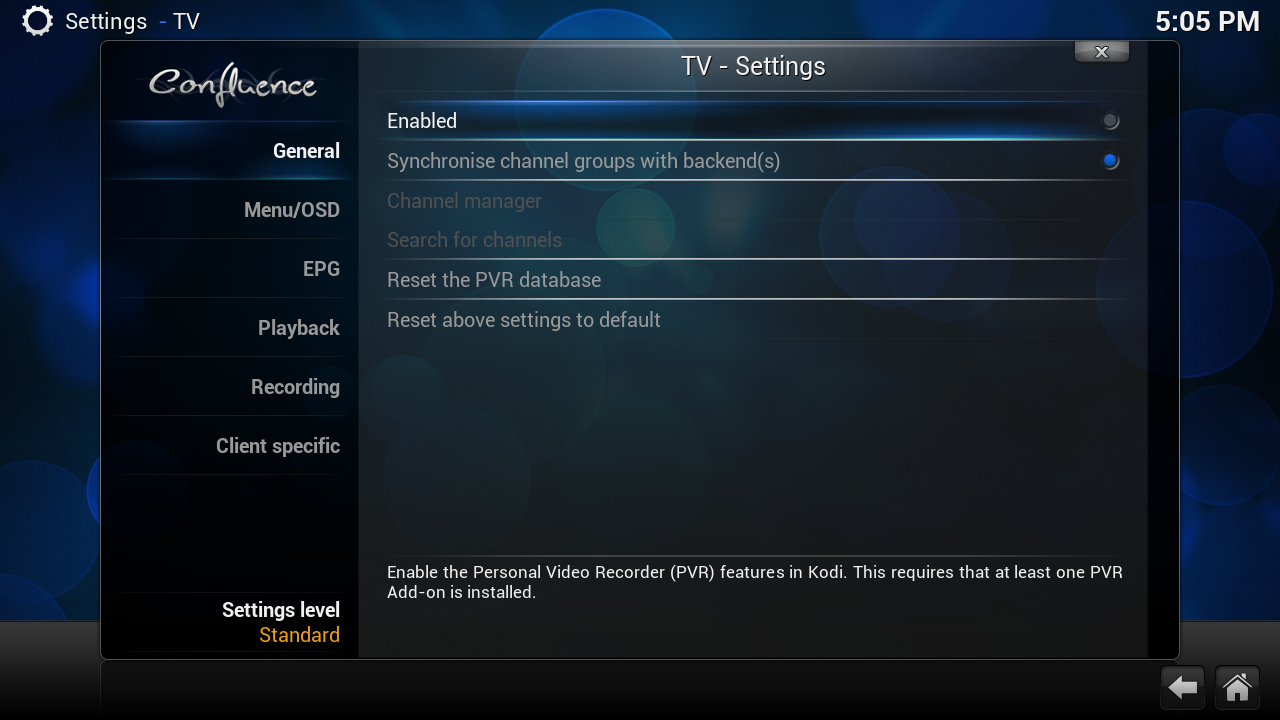
when you see this live tv is disable now we can clean the database
[02] Erase Database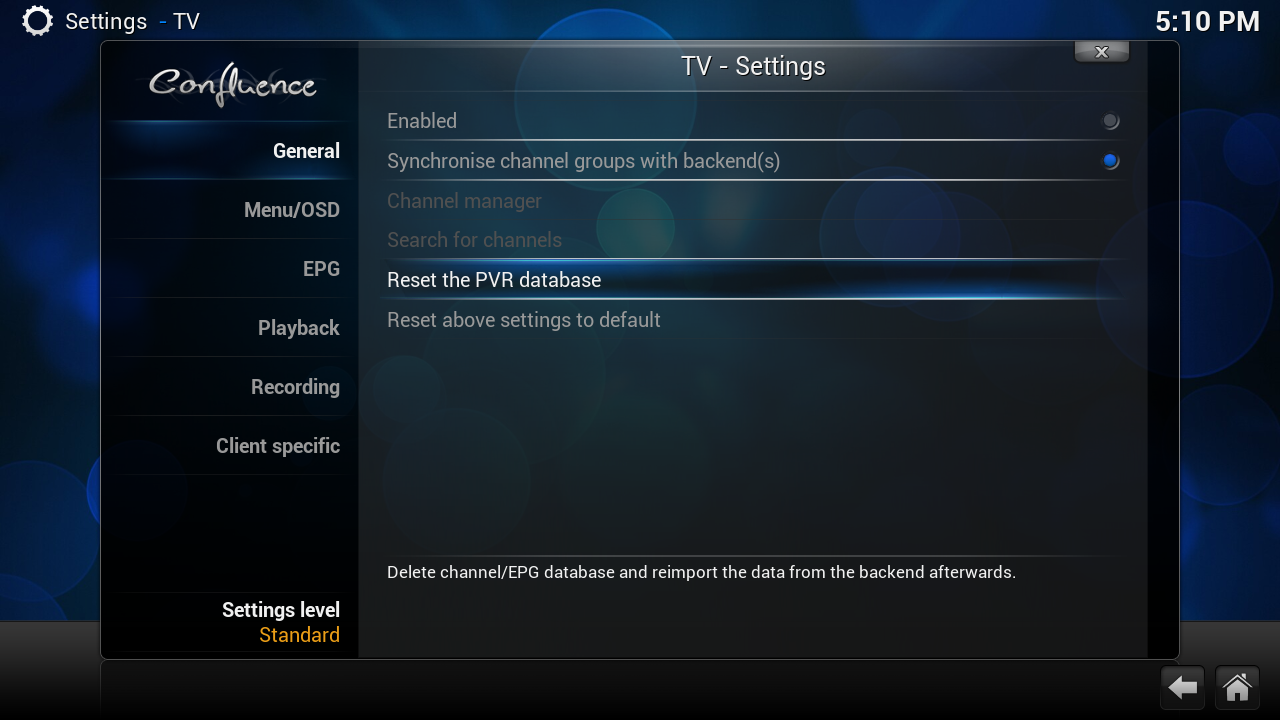
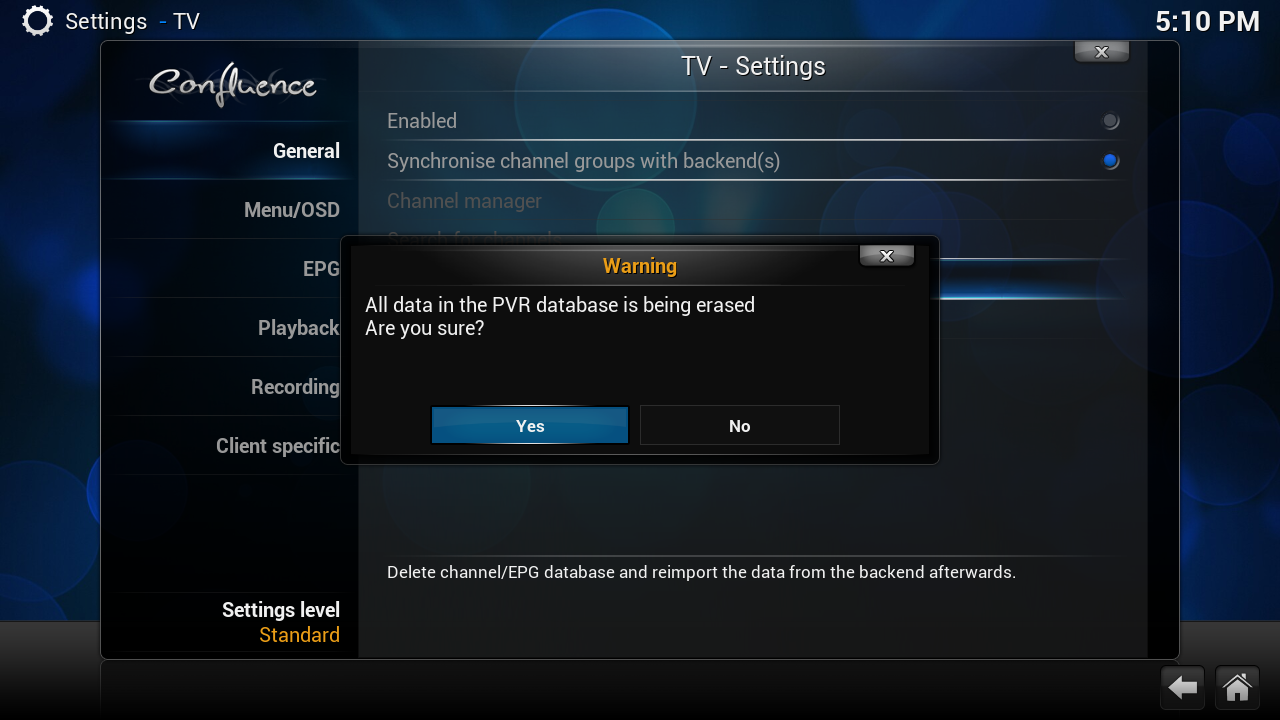
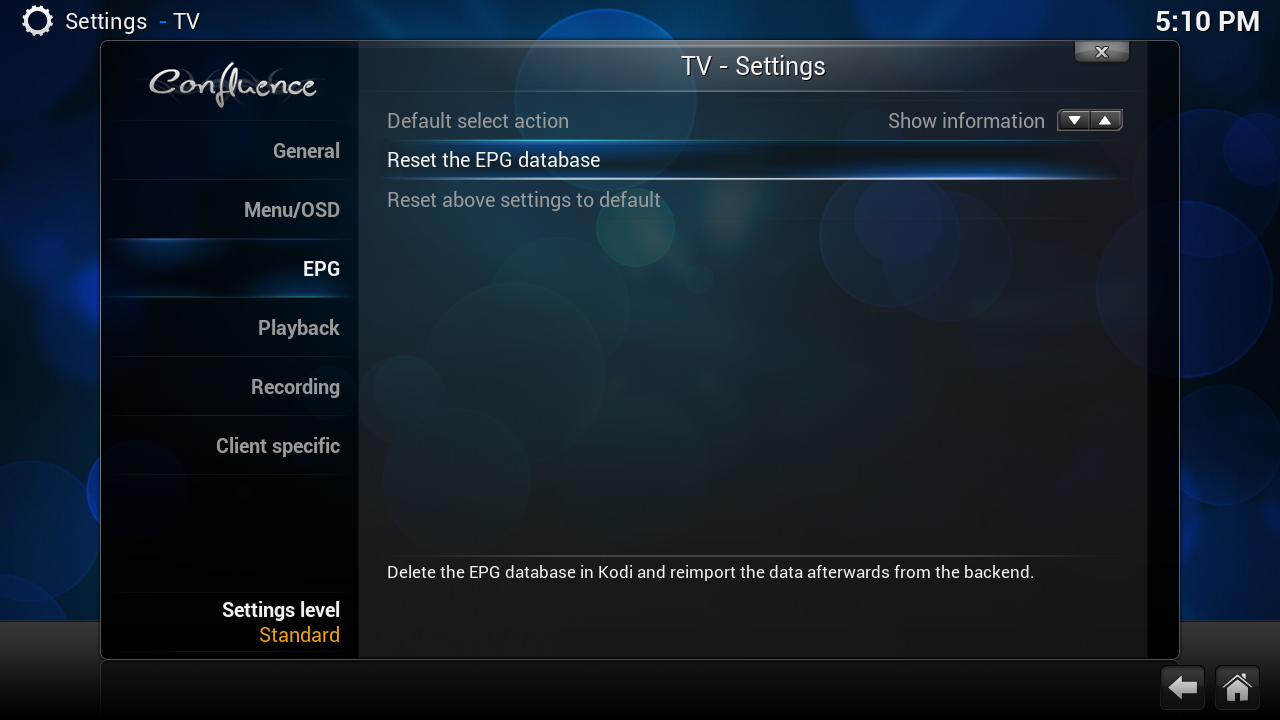
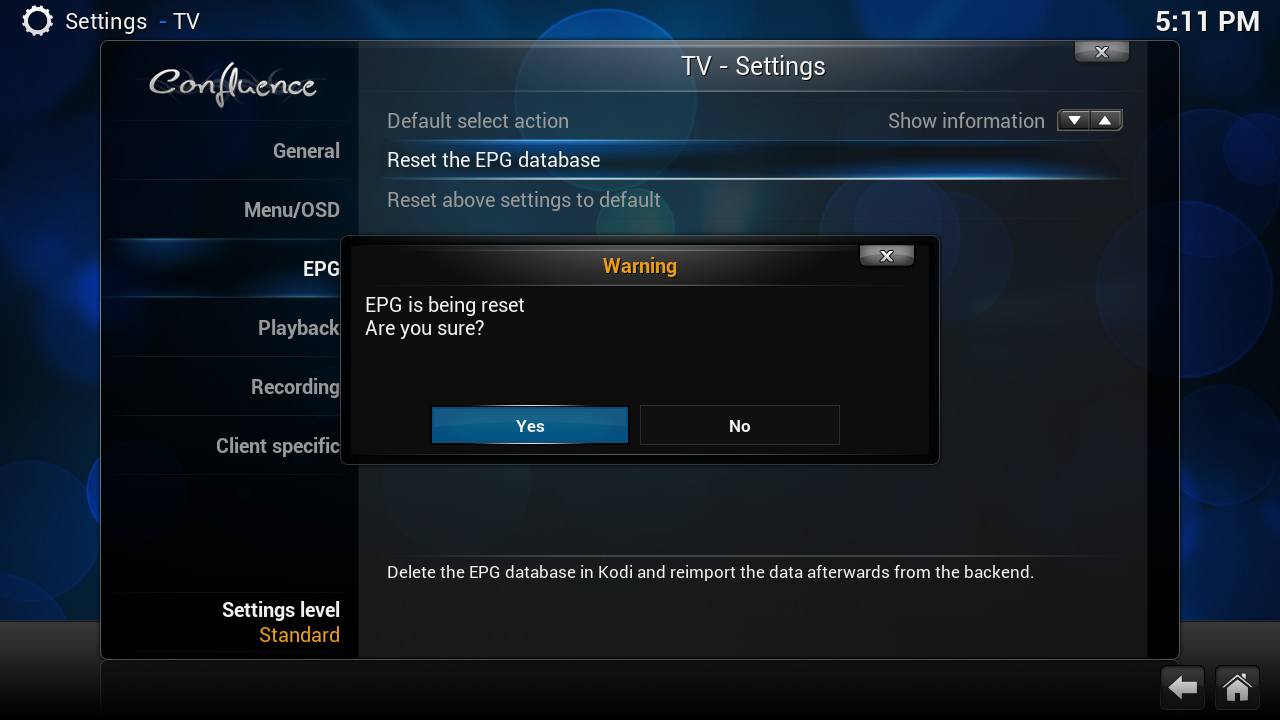
[03] delete tvheadend settings (channel list)
click on this icoon on your desktop
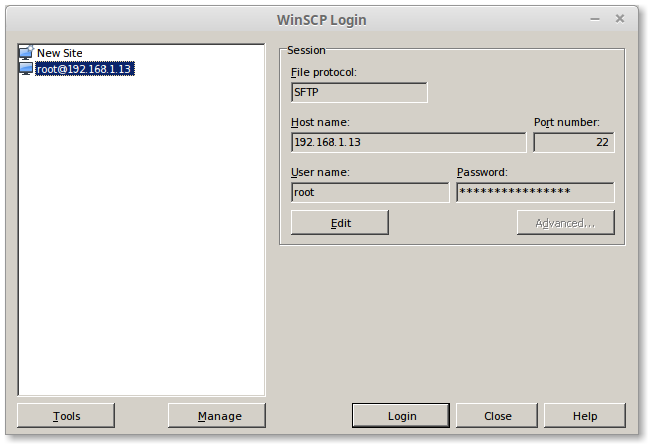
type by hostname
change this ip in your ip
User Name:
Password
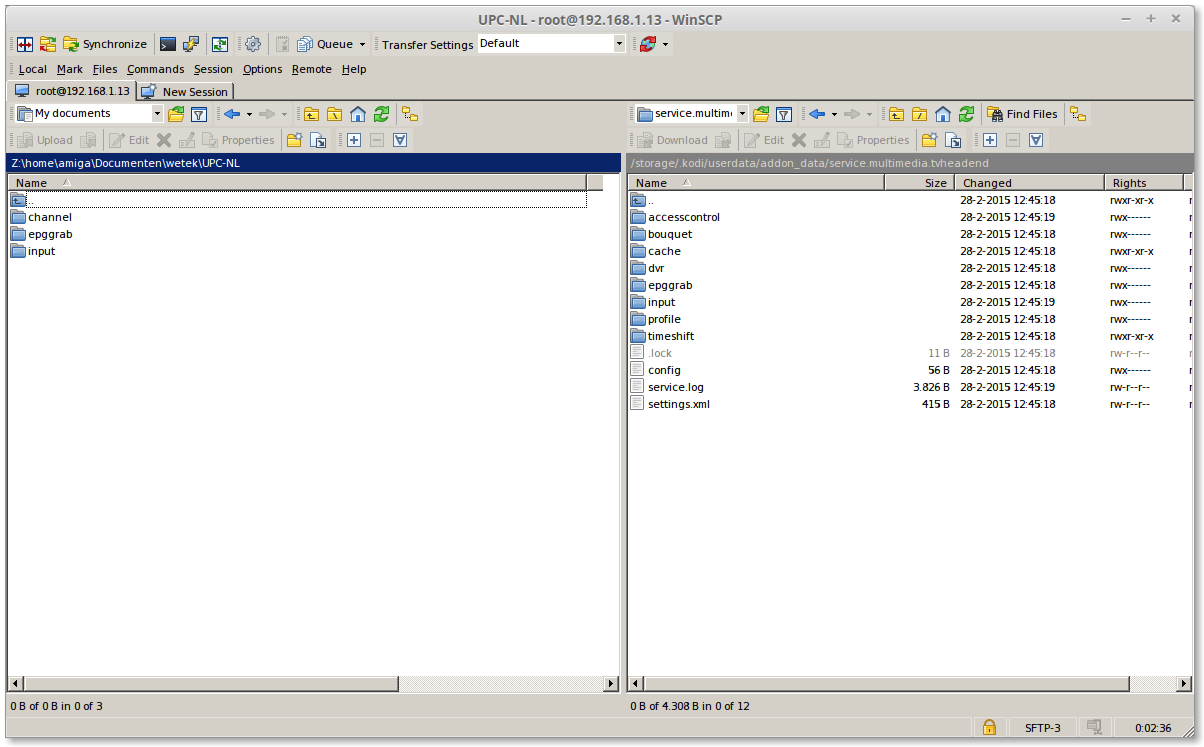
on the [Left side] is where i copy my settings
on the [right side] TVHeadend
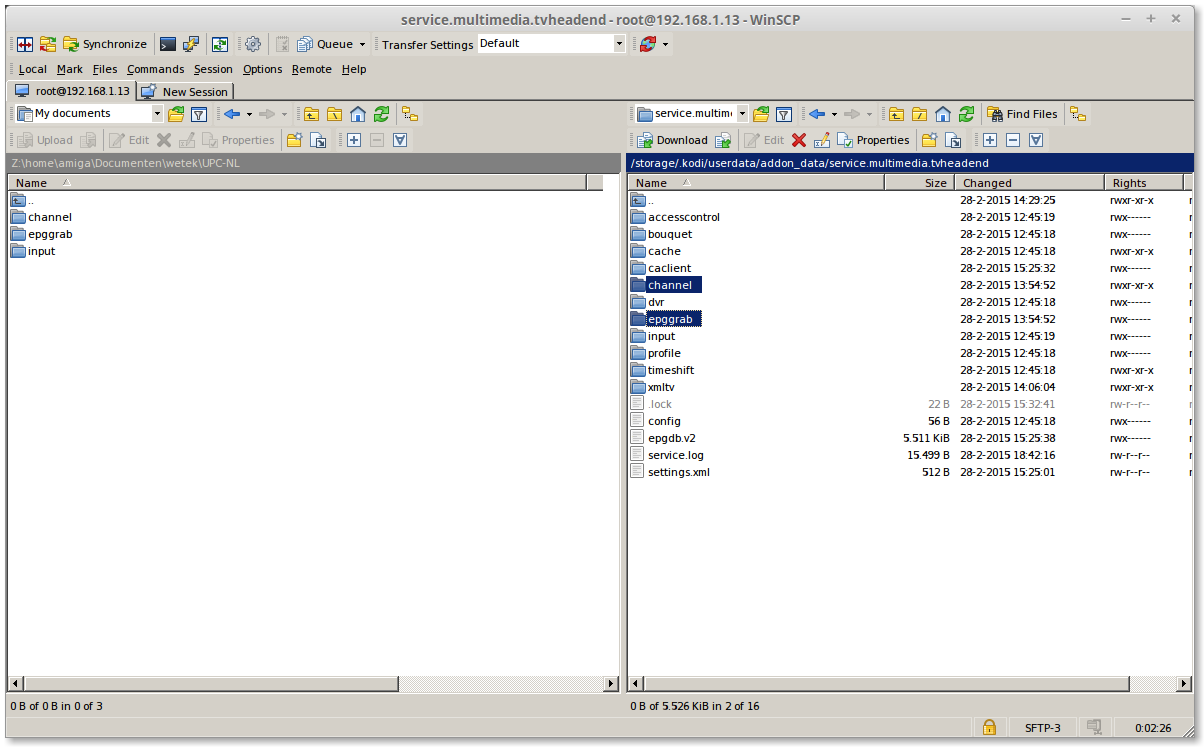
select on the right side
and press [F8]
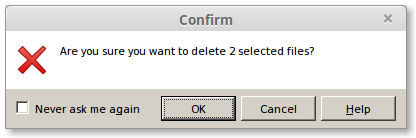
Click on [OK]
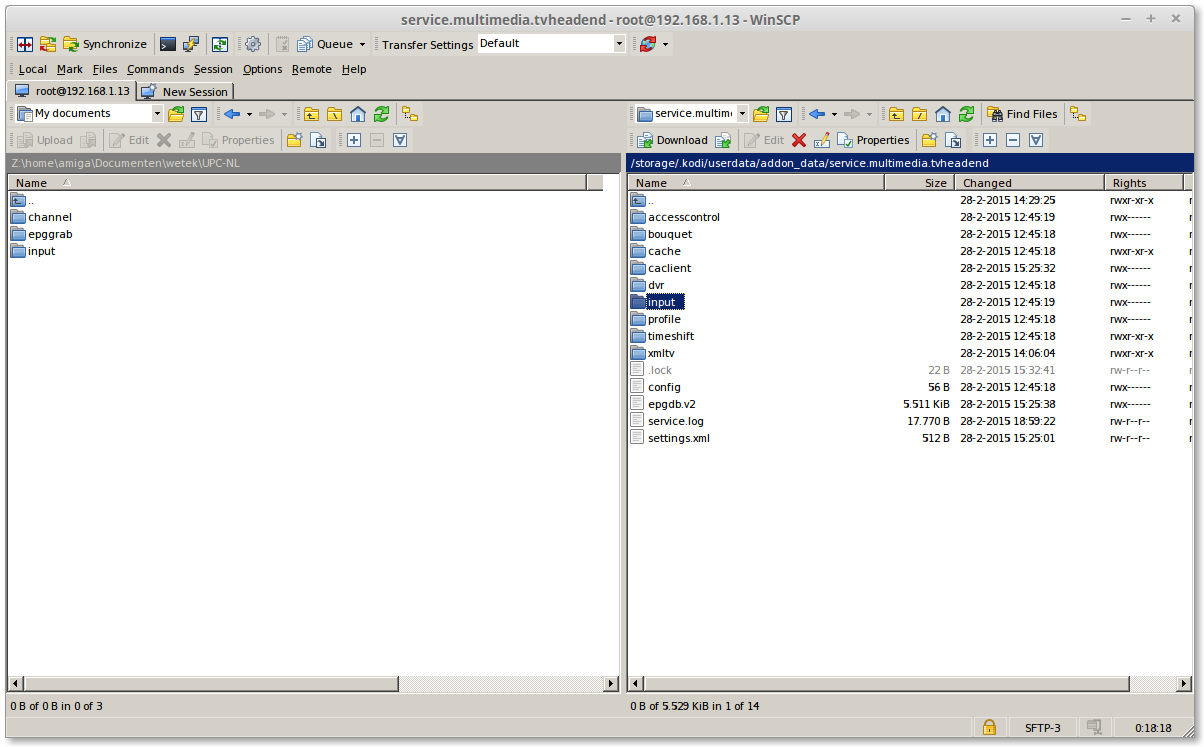
click 2x on "input"
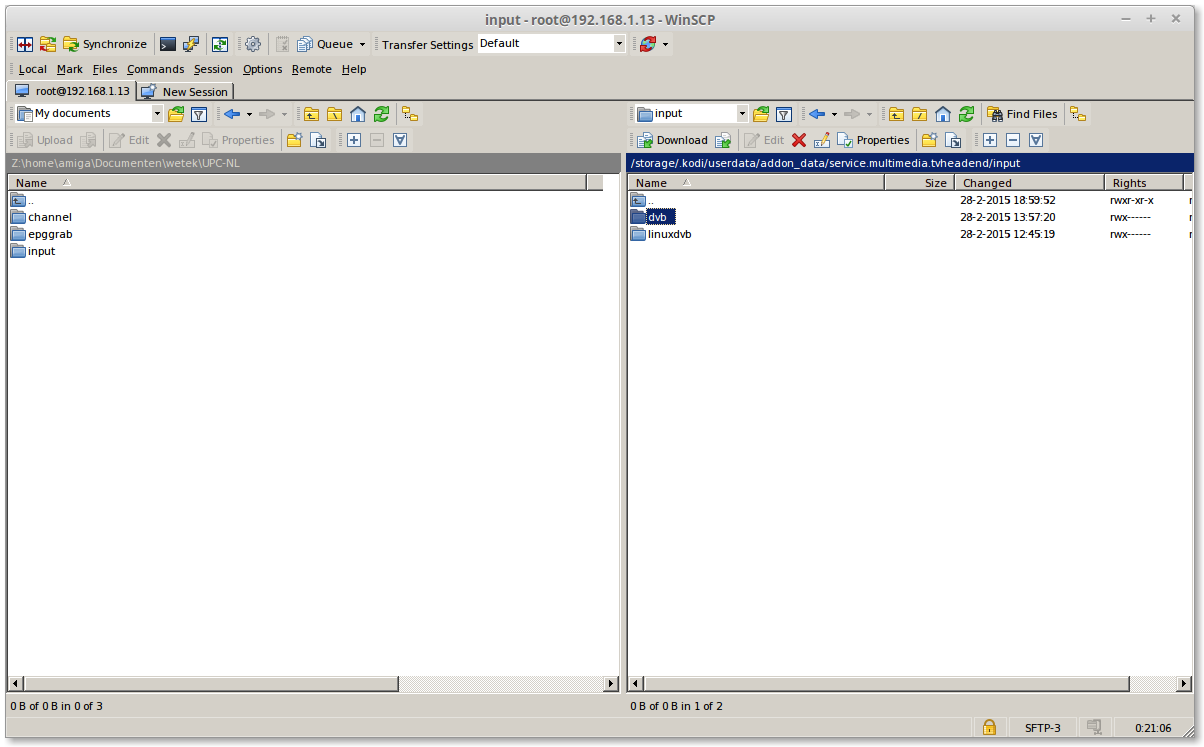
click on "dvb" then press [F8]
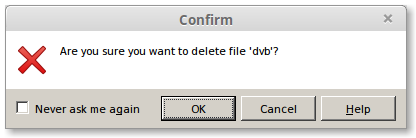
Click on [OK]
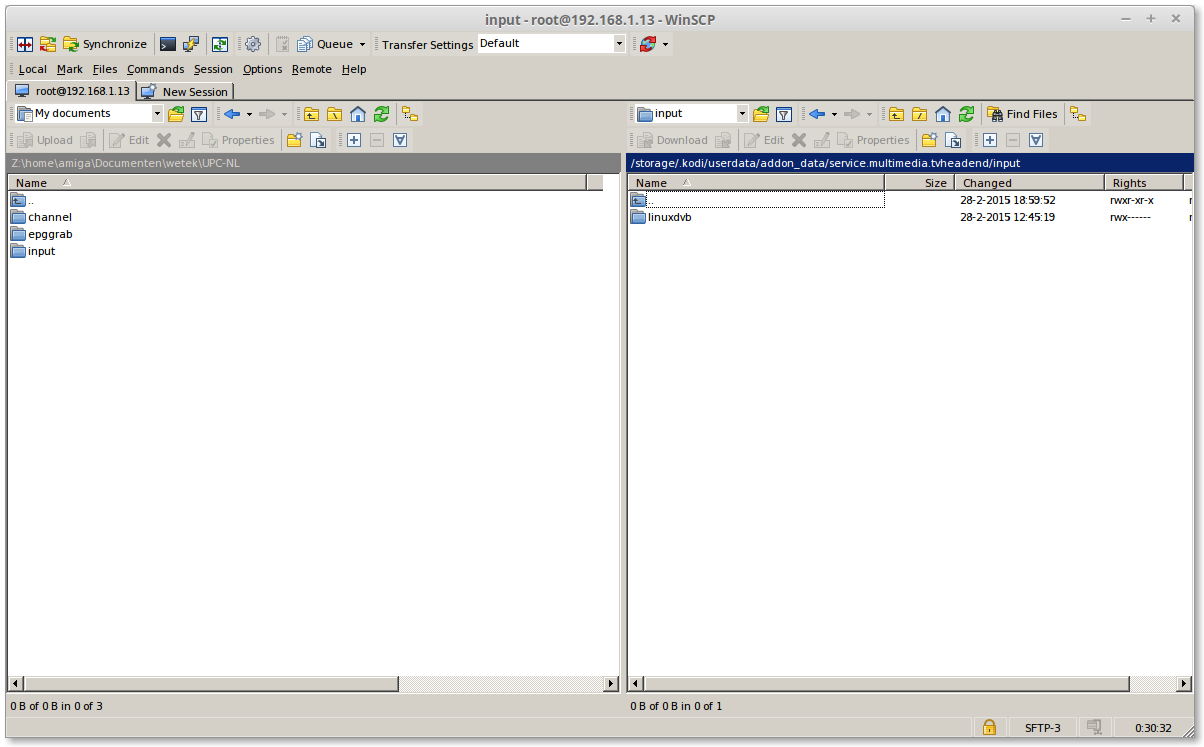
click 2x on [..]
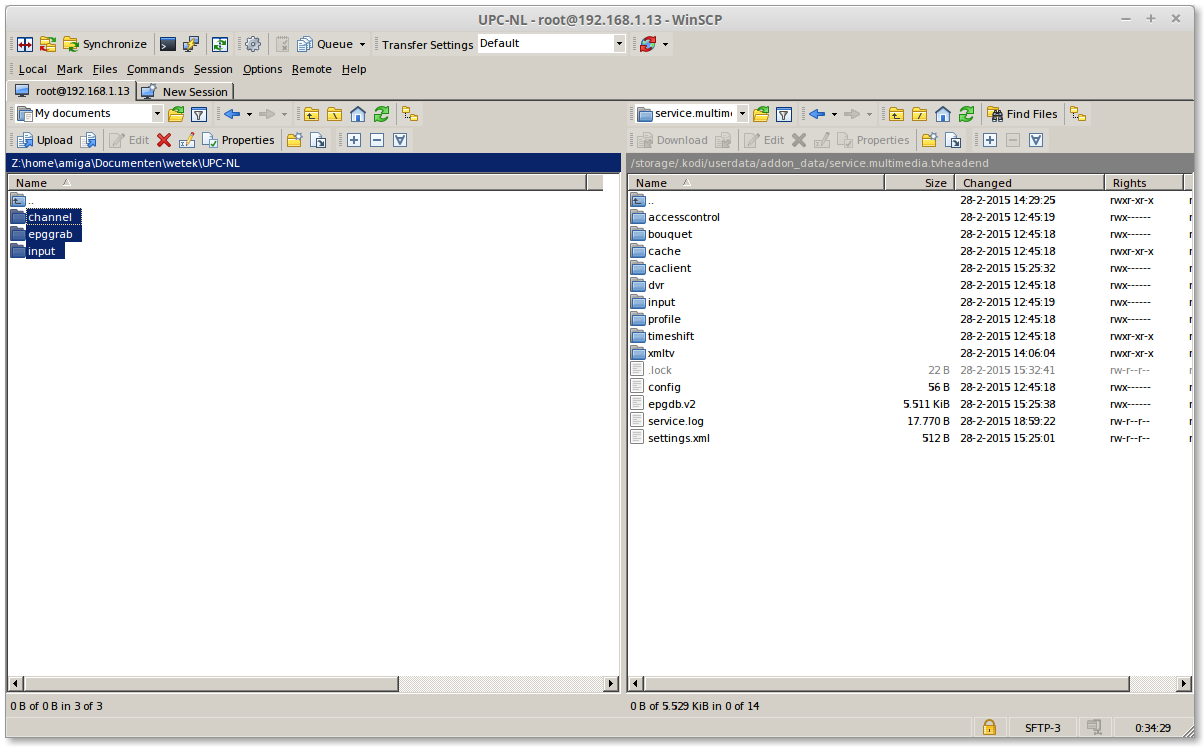
select on the left side all folder
Quoteclick on 1 folder then, [CTRL]+[A]
or
Quoteclick on 1 folder, then hold [CTRL] and select the oder 2
click on [F5]
Reboot your wetek
[04] start tvheadend
open a browser and type
replace my ip number with your ipnumber from your wetek play

click on Configuration> DVB Input> Networks
this is my channels only what we need to do is to link this again on my tuner
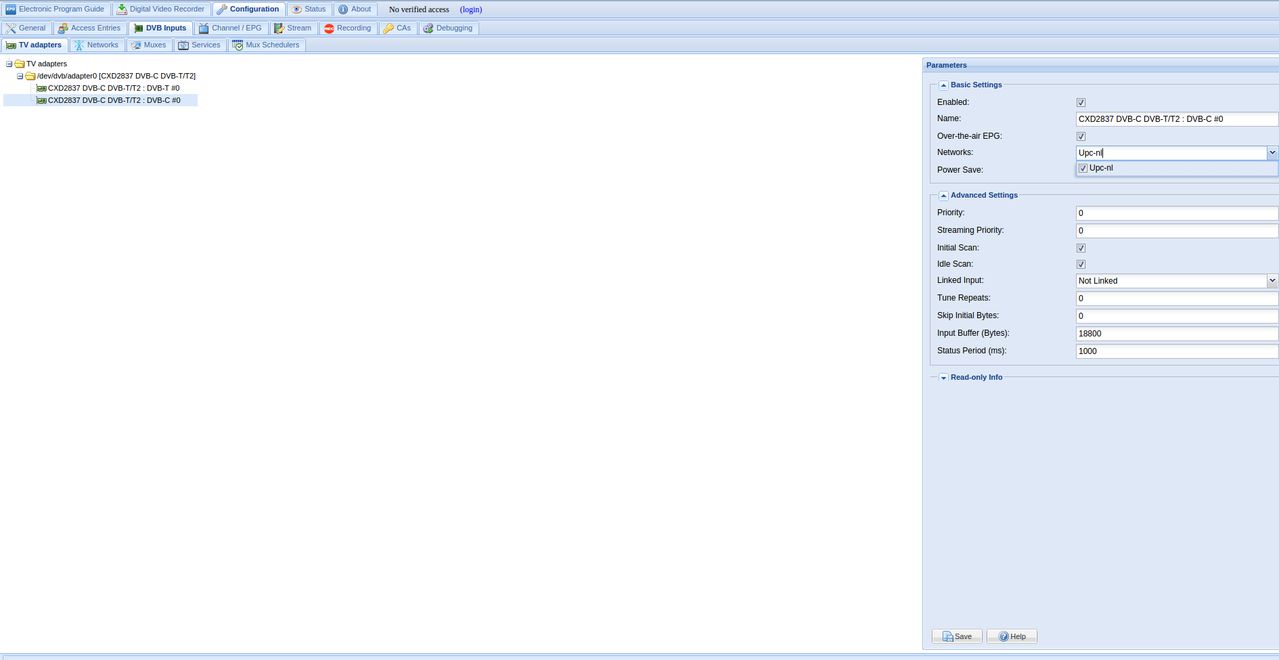
click on TV Adaspters
then Enable your network and check Enable and click on [save]



