


[01]
first you need install tvheadend http://linuxsat-support.com/showthread.php?t=78011&p=255684#post255684 if you have already install it skip this step
[02]
we need to know the ip number from openelec
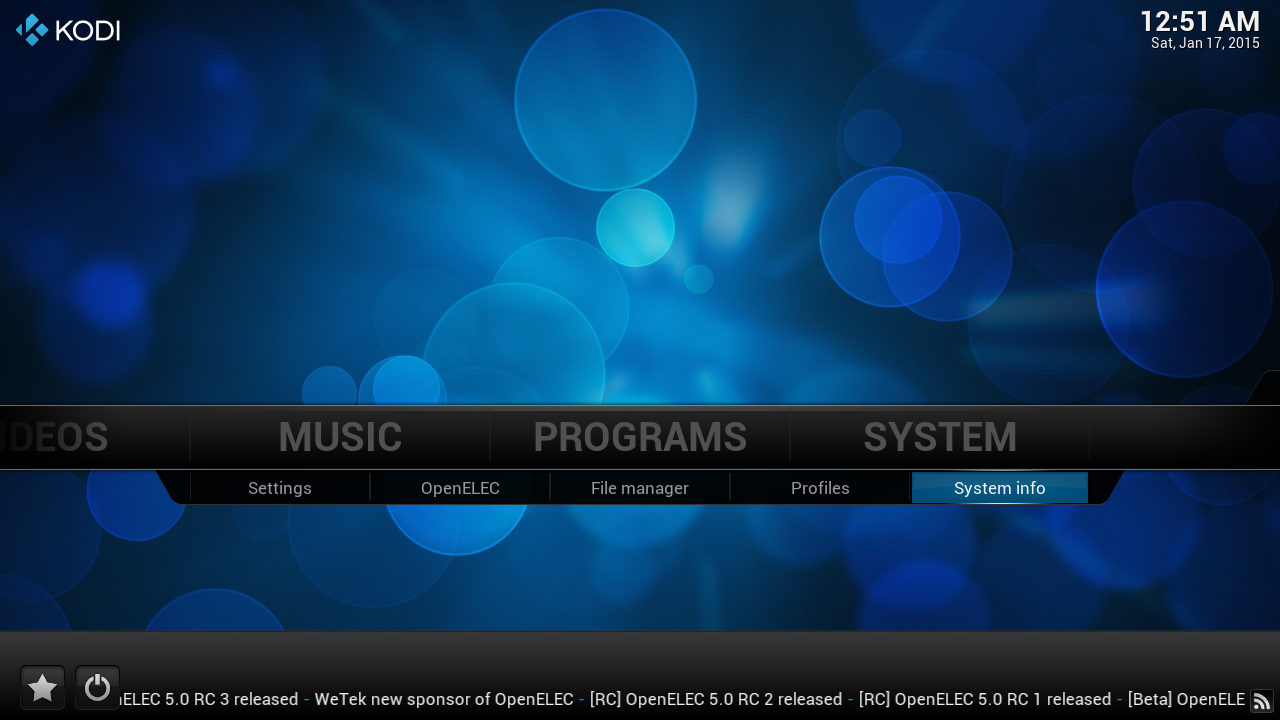
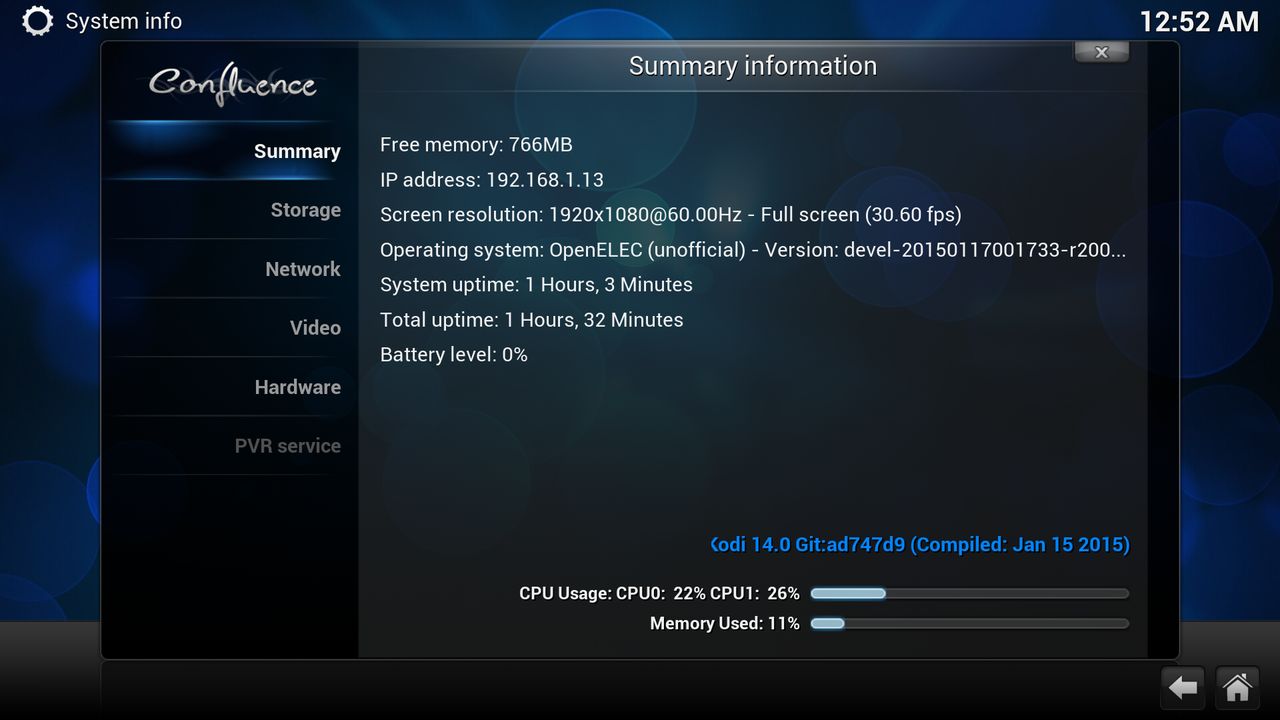
on the second line you see your ip number
open a webrowser and type http://your ipnumber:9981
replace the ipnumber with your own

[03]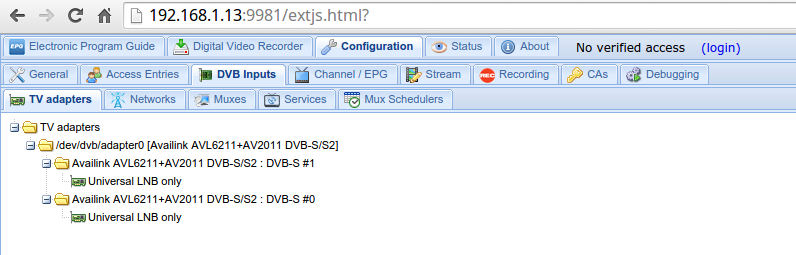
Click on "Configuration" then click on "DVB input"

Click on Networks

Click on "Add"
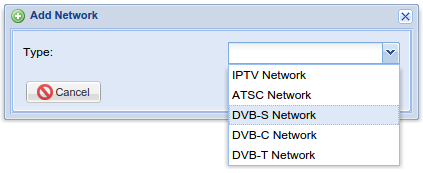
i have have a wetek with 2 satellite tuners so i need to click on "dvb-s Network"
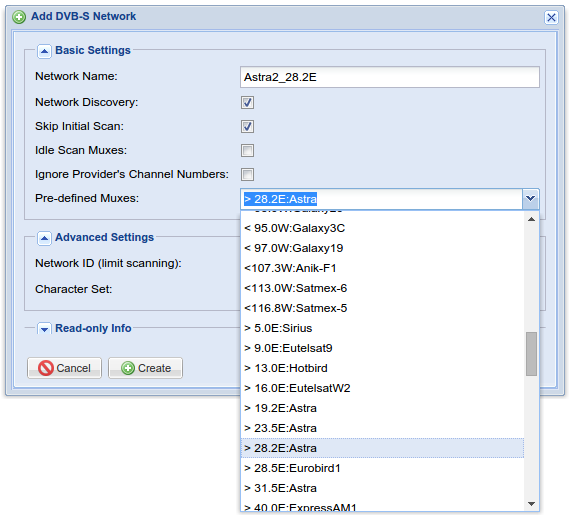
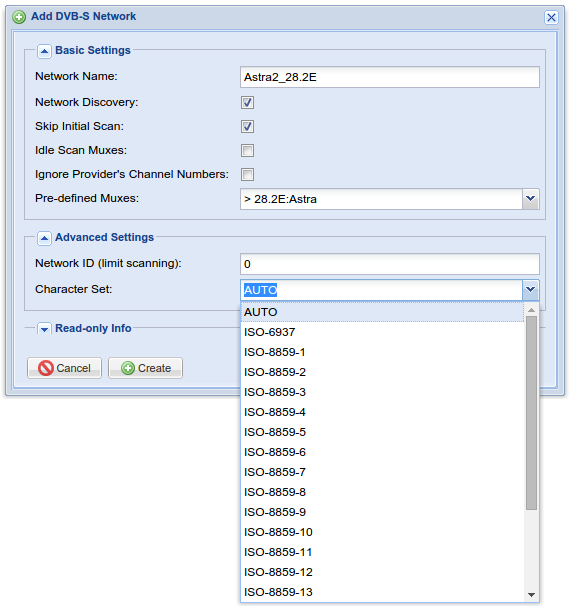
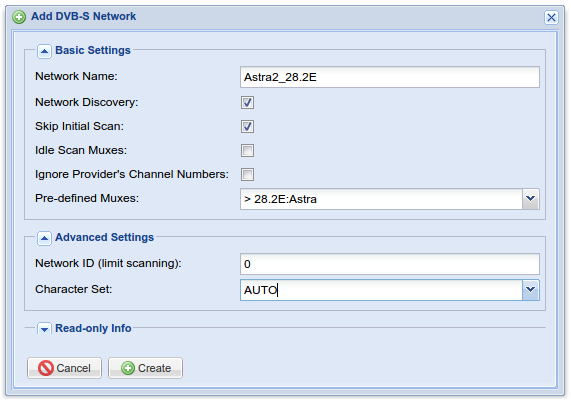
Click on "Create"

Do this for each Satellite
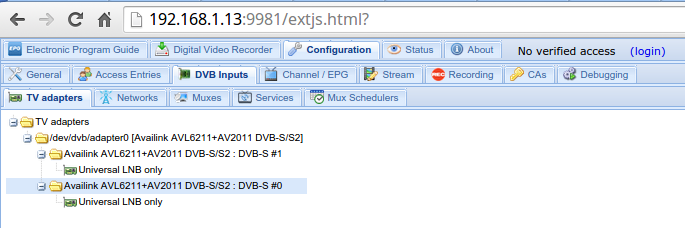
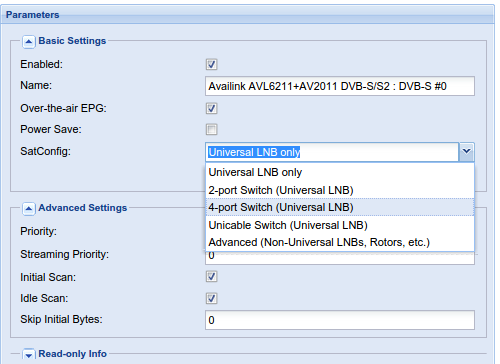
I have a 4-port Switch
Don't forget to check "Enabled"
Click on save
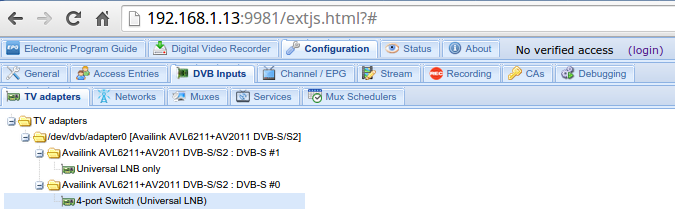
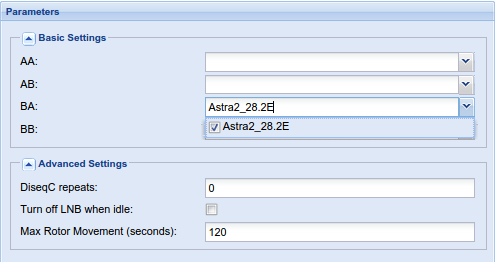
i have Astra2 on LNB 3
Click on save
go back to networks
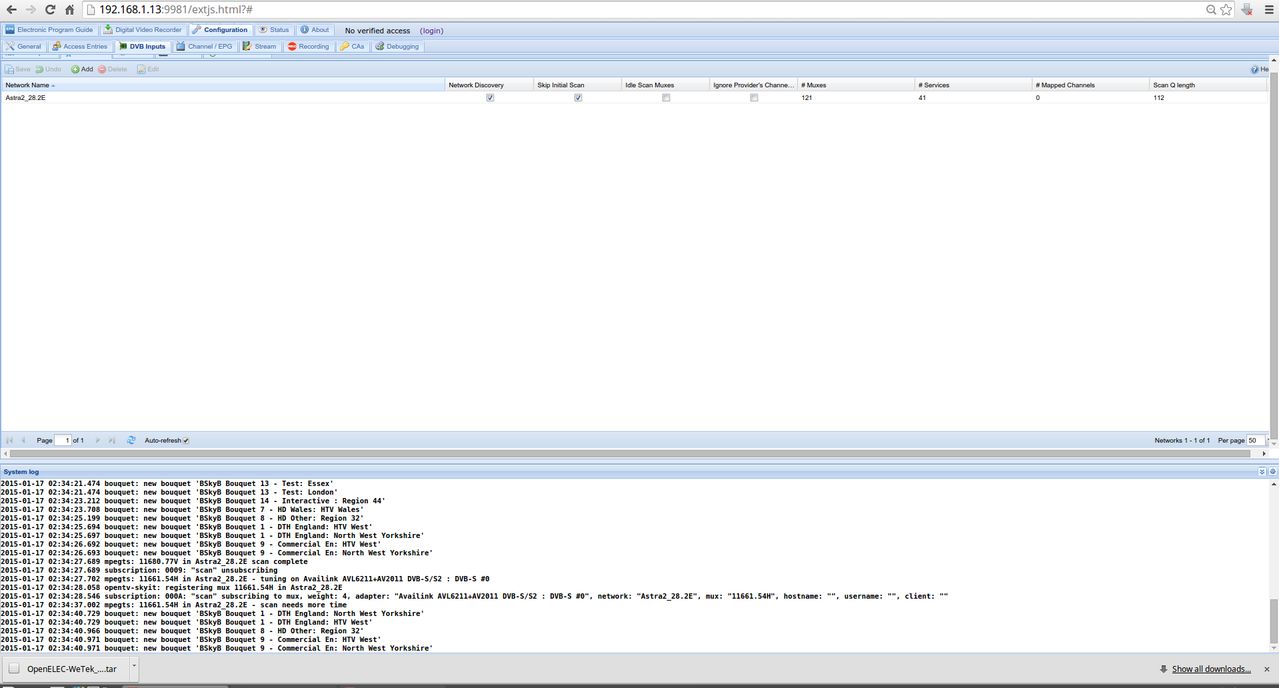
it just takes a while, have patience

this looks good we need now only need to map the free to air channel

Goto Services and click then on Map All
[03]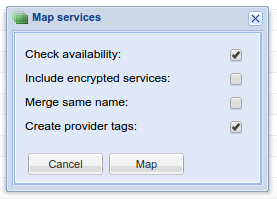
and click on Map

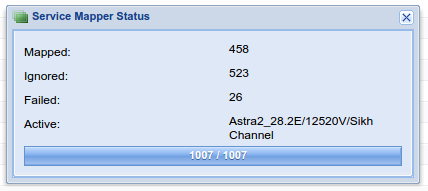
we are here done :)



