


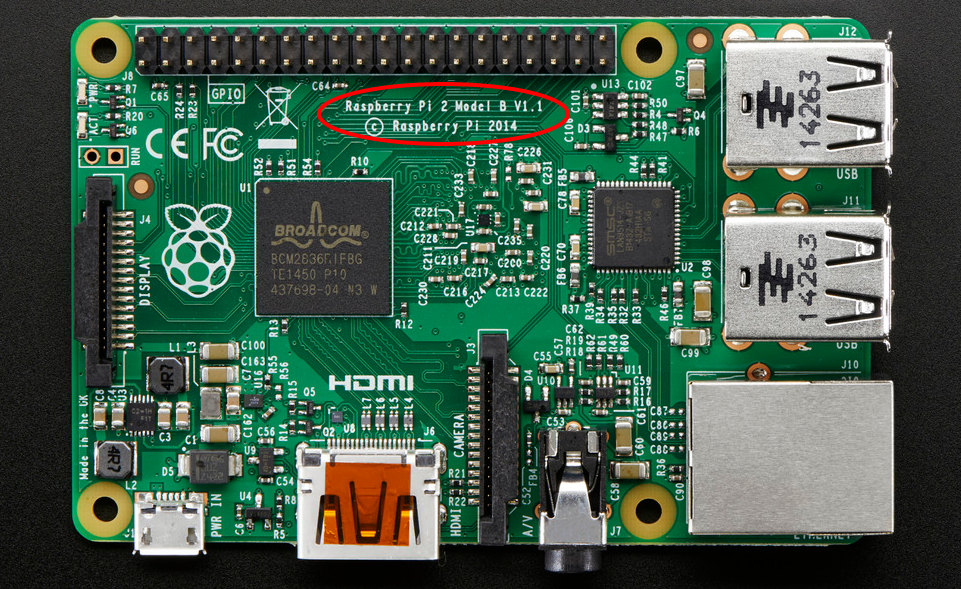
QuoteSome of you may remember my old overclocking post for Raspberry Pi. I’m still obsessed with performance. So this post seeks to overclock the Raspberry Pi 2 Model B. Squeezing out some extra performance without compromising stability. It’s highly recommended that you use a capable power supply with 2 amps or better. I recommend something like is this dual port 2.1A power supply. So on to the /boot/config.txt edits.
Raspberry Pi 2 gpu_mem (1GB memory) allocation
gpu_mem (GPU memory) is measured in megabytes and sets the memory split between the CPU and GPU; the CPU gets the remaining memory. Minimum value is 16. If you are for example using the Raspberry Pi 2 as a gaming emulator, media player or using a desktop environment (LXDE, XFCE, Maynard, etc) then you’ll want to increase gpu_mem to at least 256. On the other hand, if you are using the Raspberry Pi as a web server, to build a drone or simply a console-based project then you should lower gpu_mem to 16. In other words, if your needs are graphical increase GPU’s memory, if not, lower it to the minimum.



