[Plugin] ScreenGrabber E2 Plugin

There are 44 replies in this Thread which was already clicked 12,383 times. The last Post () by Lululla.

    • Official Post

    enigma2-extensions-screengrabber_1.0_mipsel


    The object of the plugin to take instant screenshot for osd,video or both from simple remote control button click
    Limited trails for coding enigma2 screenshot plugins done previously and mainly i found two one called standbild by valis and contains basic code for grabbing and the other one called screenshot(unknown auther) but both are incomplete
    so i have tried my effort to make complete screenshot plugin with the following features
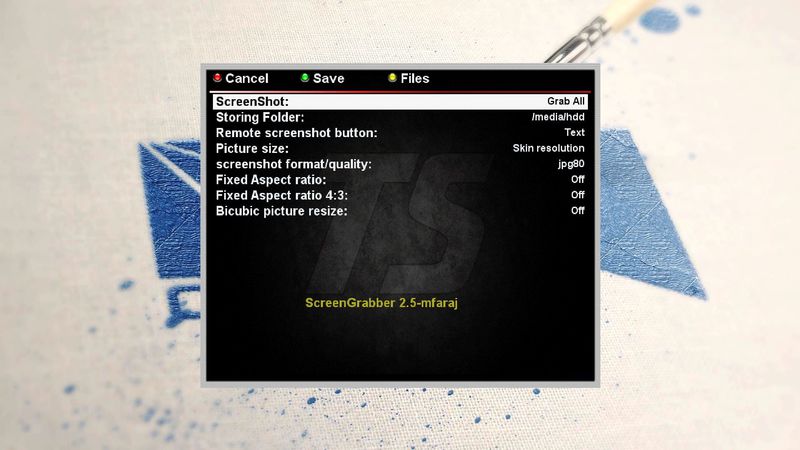
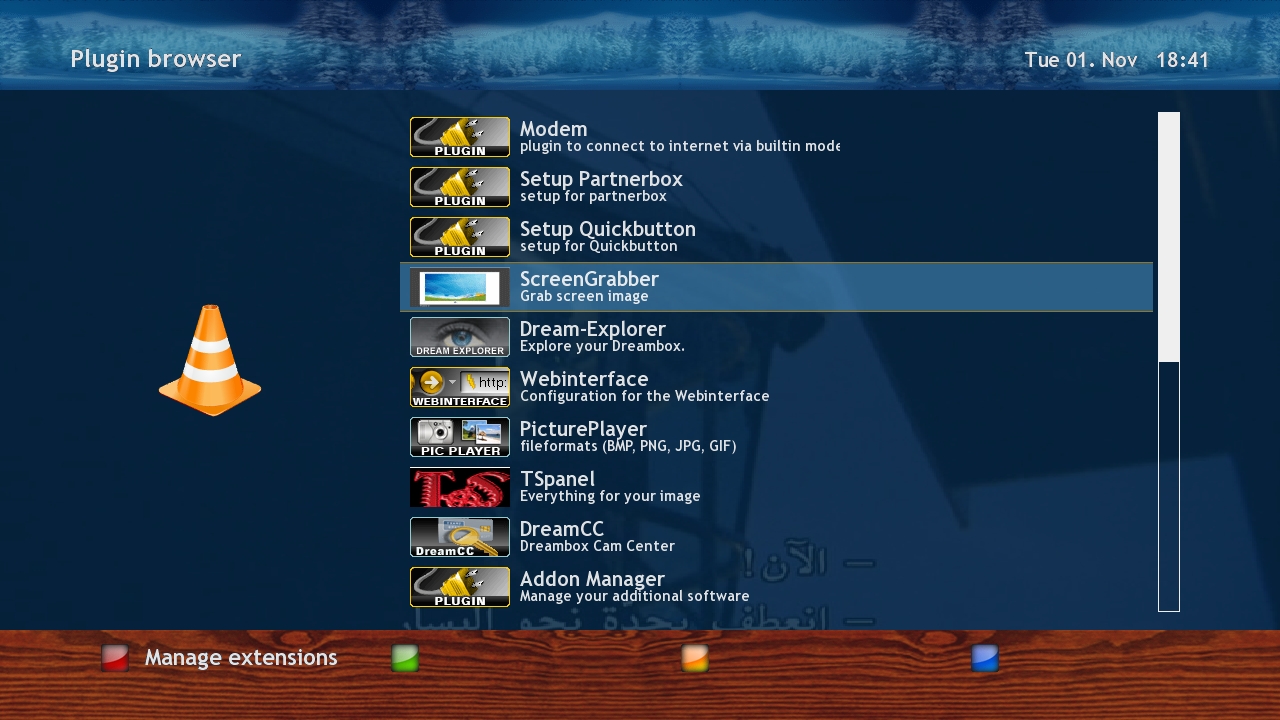
    -take screenshot for osd,video or both and the action can be assigned simply from setup interface
    -also the user can change the assigned remote control button to take screenshot
    -The screenshot storing folder also can be changed from setup
    -Complete management of taken screenshots images(preview and delete)


    Installation:
    from the attached ipk file as any ipk file
    or from TSpanel servers


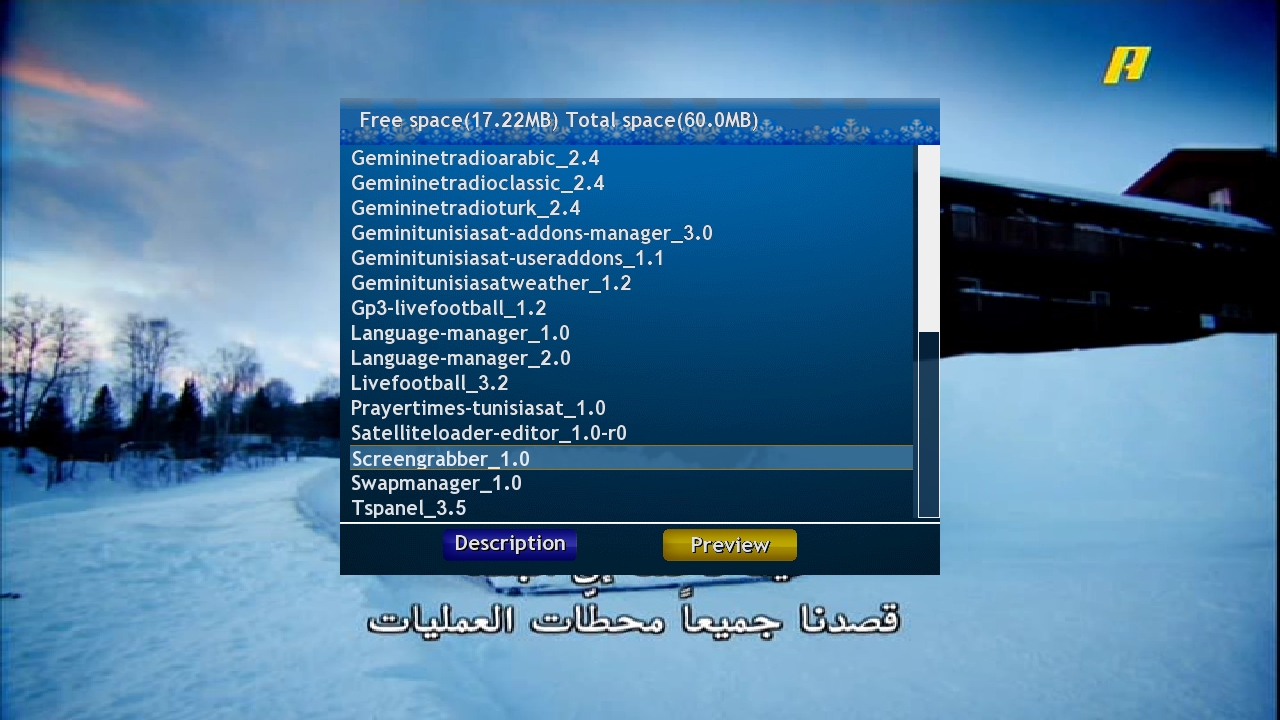
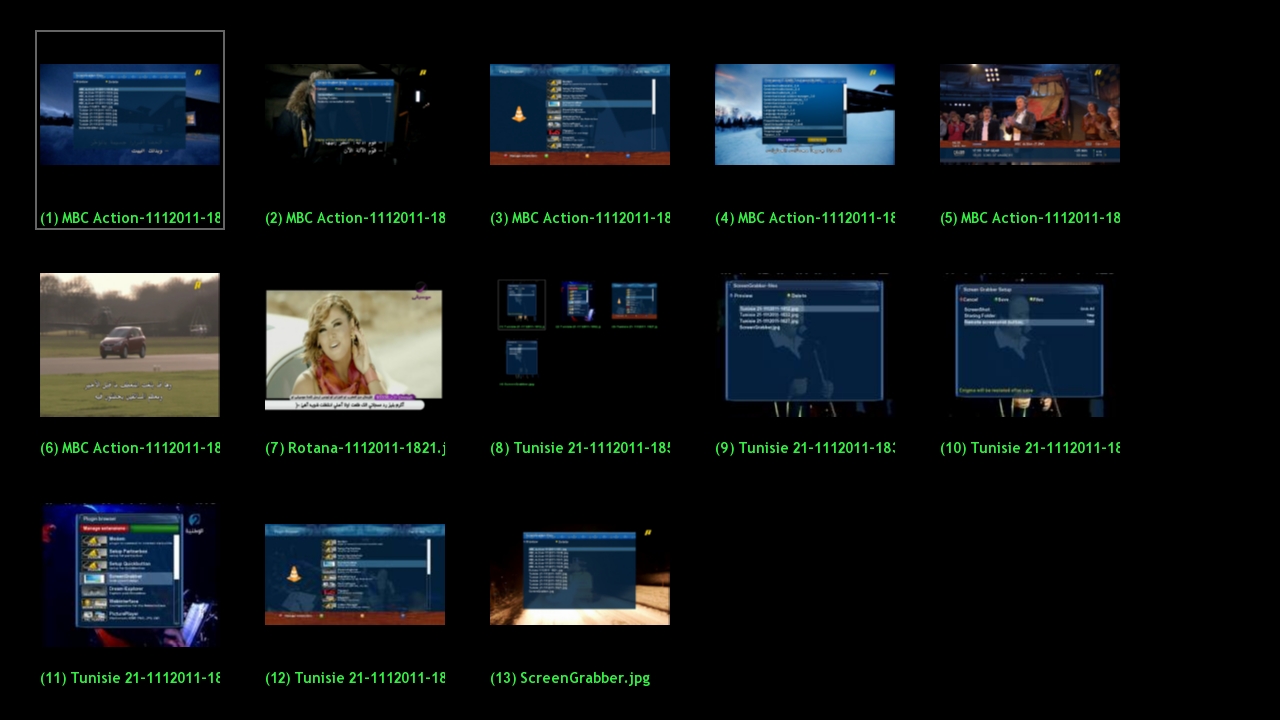
    47.jpg


    48.jpg[/URL]


    49.jpg


    50.jpg


    not tested with vu+
    by mfaraj57
    The project supported by sim2
    have fun

    • Official Post

    enigma2-extensions-screengrabber_2.0

    perfect solution for taking onTV screenshots


    updates:-control of the size and resolution of screenshot from 600 to 1920 pixels
    -control of the format of taken screenshot png or jpg with percentage of jpg quality
    -control aspect ratio
    -bicubic size-fixed 4:3 size


    The plugin is built in TSpanel-system tools and in TSimage Panel-tools


    Installation:
    send the ipk file to tmp
    by telnet
    opkg install -force-overwrite /tmp/enigma2-extensions-screengrabber_2.0_mipsel.ipk


    • Official Post


    enigma2-extensions-screengrabber_2.1_mipsel


    The object of the plugin to take instant screenshot for osd,video or both from simple remote control button click
    Limited trails for coding enigma2 screenshot plugins done previously and mainly i found two one called standbild by valis and contains basic code for grabbing and the other one called screenshot(unknown auther) but both are incomplete
    so i have tried my effort to make complete screenshot plugin with the following features
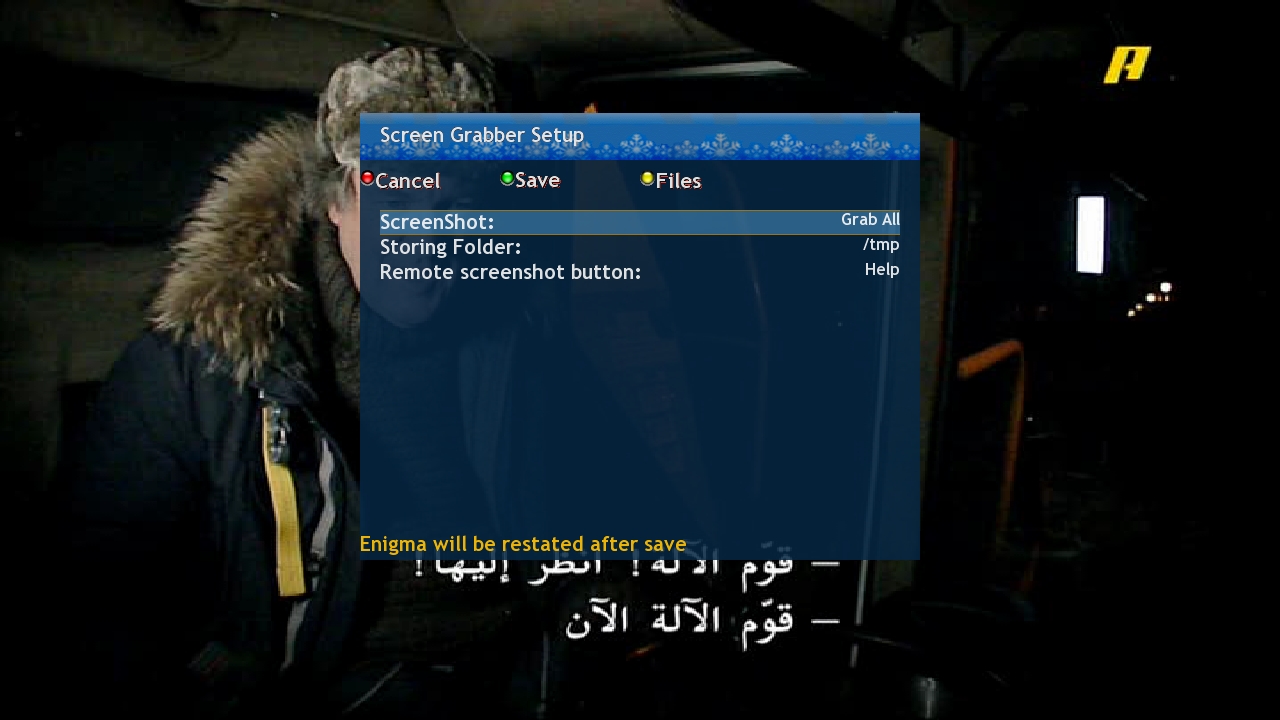
    -take screenshot for osd,video or both and the action can be assigned simply from setup interface
    -also the user can change the assigned remote control button to take screenshot
    -The screenshot storing folder also can be changed from setup
    -complete control of taken screenshot(size,resolution.format,aspect ratio and others)
    -Complete management of taken screenshots images(preview and delete)


    Installation:
    from the attached ipk file as any ipk file
    or from TSpanel servers

    send the ipk file to tmp
    by telnet
    opkg install -force-overwrite /tmp/enigma2-extensions-screengrabber_oe1.6-2.1_all.ipk


    not tested with vu+
    by mfaraj57
    The project supported by sim2
    have fun

  • ScreenGrabber 2.5


    -fixed bugs
    -assigned more buttons for screenshot shortcuts


    use:
    -install the plugin as any enigma2 plugin
    -open menu-plugins-screengrabber and select screenshot according to your needs and assign remote button for taking screenshot(default text button),save and restart enigma
    -take screenshot by pressing the shortcut button(text button-default)
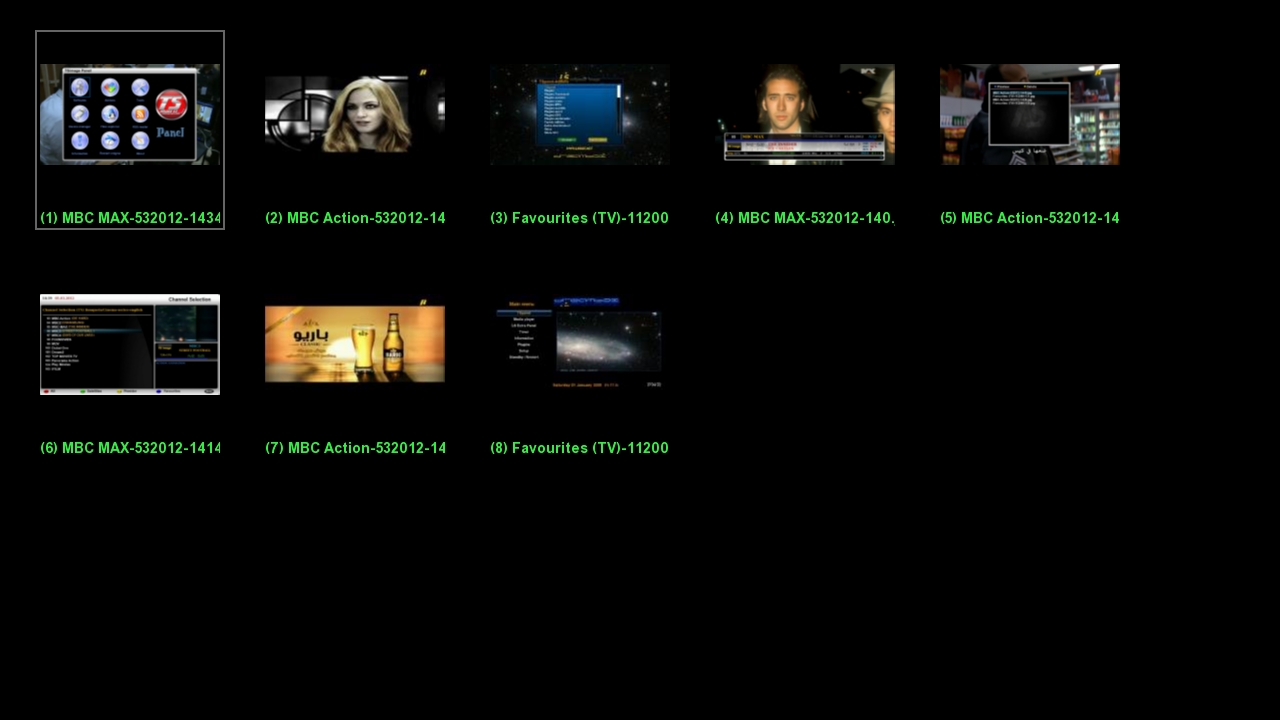
    -preview all taken screenshots as thaumbnail from files,click thumbnail to enlarge


    Download:


    Screengrabber_2.5_all


    Do Not Send PM For Support
    Ask Your Question On The Forum

    • Official Post

    enigma2-plugin-extensions-screengrabber_2.6_all


  • I just cleaned it up a little, or if it works, on PLI 9.x it does the screen.. but I still haven't seen the l files. Maybe it works on other imgs.. ...

    Too bad we didn't update it..

  • crashes openatv 7.4


    Code
    08:49:46.2403   File "<frozen codecs>", line 322, in decode
    08:49:46.2404 UnicodeDecodeError: 'utf-8' codec can't decode byte 0xff in position 0: invalid start byte
    08:49:46.2405 [ePyObject] (PyObject_CallObject(<bound method ActionMap.action of <Components.ActionMap.ActionMap object at 0xaf91a8d0>>,('GlobalActions', 'ShowScreenGrabber')) failed)
    08:49:49.2716 [gRC] Warning: Main thread is busy, displaying spinner!
    08:49:56.2462 [eRCDeviceInputDev] 0 166 1
    08:49:56.2479 [InfoBarGenerics] Key 'KEY_INFO' (358) Break.
  • Now after pressing the button I set, I see a black screen with the menu "ok=save Exit=play TV Greeen=setup Yellow= files" and below this "Please wait...."

    After pressing OK I get the message "Screenshot saved to /hdd/screenshots/channelname-date-time.jpg" but no file there.

    Maybe the complete path should be "media/hdd/...." ?

    Tried to change what to grab, storing folder, resolution, format, jpg compression, but the folder remains empty no matter what.

  • grab is present on my box but error persist.. mm


    Code
    18:43:26.5233 tcmd:-r800 -p
    18:43:26.5240 [Skin] Parsing embedded skin '<embedded-in-sgrabberScreenGrabberView>'.
    18:43:26.5251 [Skin] Processing screen '<embedded-in-sgrabberScreenGrabberView>' position=(0,0), size=(1920,1080) for module 'sgrabberScreenGrabberView'.
    18:43:26.5352 [Skin] Processing screen 'ScreenSummary', from list 'sgrabberScreenGrabberViewSummary, sgrabberScreenGrabberView_summary, ScreenSummary', position=(0,0), size=(1,1) for module 'ScreenSummary'.
    18:43:26.5424 [InfoBarGenerics] Key 'KEY_GREEN' (399) Stop.
    18:43:34.3588 [InfoBarGenerics] Key 'KEY_OK' (352) Make.
    18:43:34.3591 [ActionMap] Map screen 'N/A' context 'WizardActions' -> Action 'ok'.
    18:43:34.3596 275 tmp /tmp/screenshots/
    18:43:34.3600 [Directories] Error 2: Copying file '/tmp/ScreenGrabber.png' to '/tmp/screenshots/LA7 HD-892024-1834.png'!  (No such file or directory)
  • sometimes the error messages in try: except: could be irritating, try to compile without it, it could be space in the file names, try this one for testing, the code is similar, it is without config, the snapshots are saved in /tmp and the hotkey is subtitle (you can still use subtitle for choosing subtitles ), I tested the code on my mipsel box using ATV 7.3 and had no errors regarding py3, there was no grab in /usr/bin and I can´t remember deleting it, on PLi 8.3 all O.K.

  • But still no jpg file in /tmp and the box doesn't respond to any key anymore, have to turn off the power to reboot

  • Thank you!

    It also works on OpenatV 7.5 but you can't view the files with yellow button, there is nothing there but a black window positioned out of screen.

    Is the feature that screen remains frozen untill another key is pressed on the remote ?

  • yes I have to make some fixes, in the next one, this is definitely a trial version.

    After pressing the button (long green) press OK or ESC,

    If the screenshot was successful you will find it with the yellow button, but you have to set the path in the config.

  • beside grab AVSwitch could be a problem on ATV, I think they use now AVControl

  • Lululla

    Changed the title of the thread from “ScreenGrabber Enigma2 Plugin” to “[Plugin] ScreenGrabber E2 Plugin”.

Your resource for Enigma2 system utility plugins

Find downloads and support for tools that monitor performance, manage system settings, provide detailed system info, and automate maintenance. Discover essential Enigma2 system utility plugins. Access downloads and support for performance monitors, maintenance tools, and system information managers.

Participate now!

Don’t have an account yet? Register yourself now and be a part of our community!