FOS-Streaming IPTV panel v1 - Free IPTV stram panel

Features:
Streaming and restreaming (authentication, m3u8)
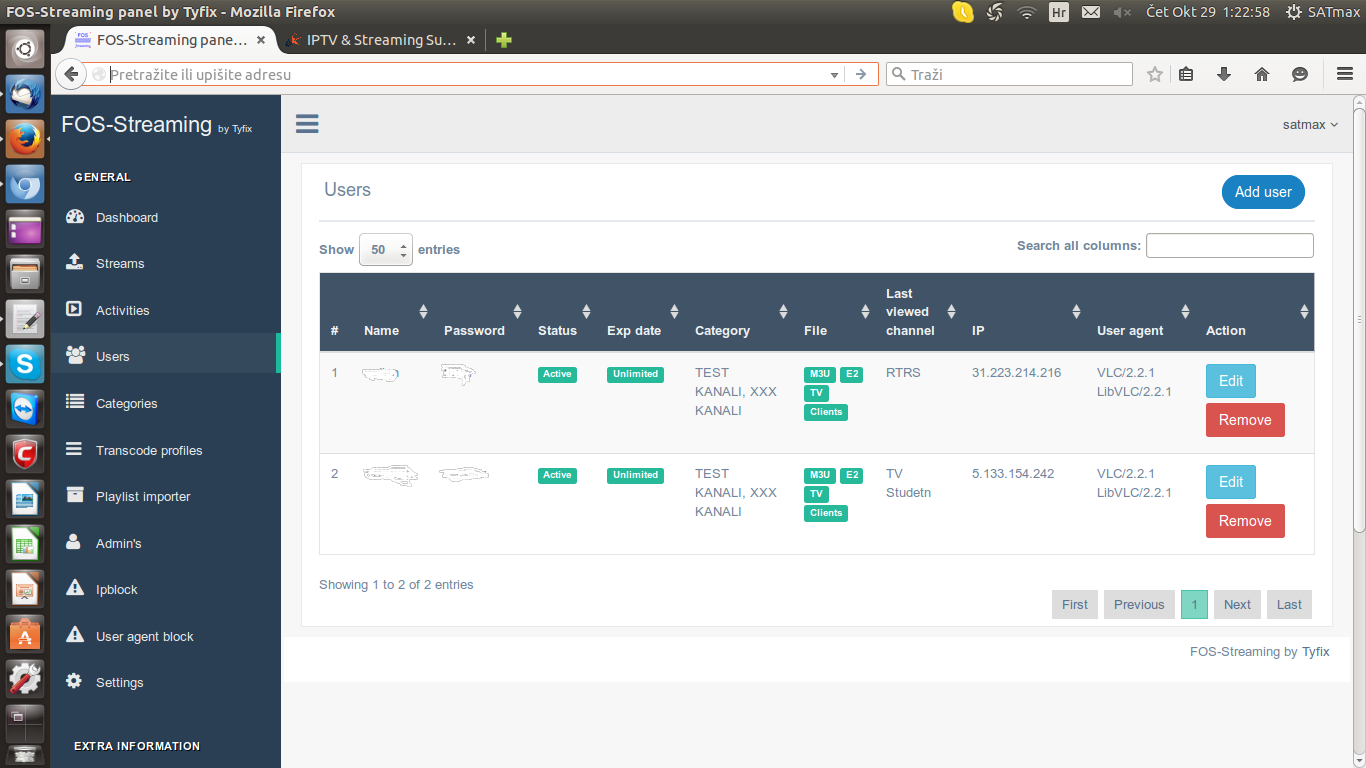
Manage users (overview, add, edit, delete, enable, disable)
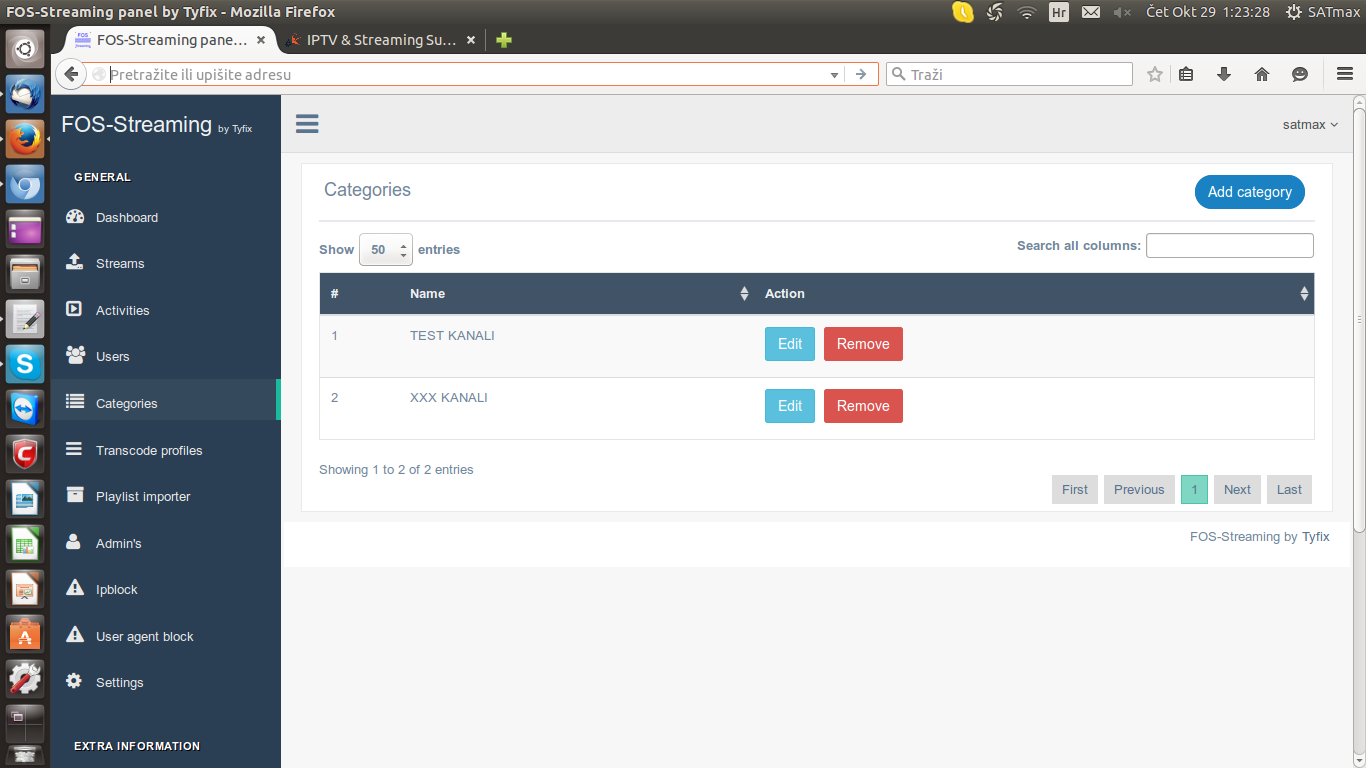
Manage categories (overview, add, edit, delete)
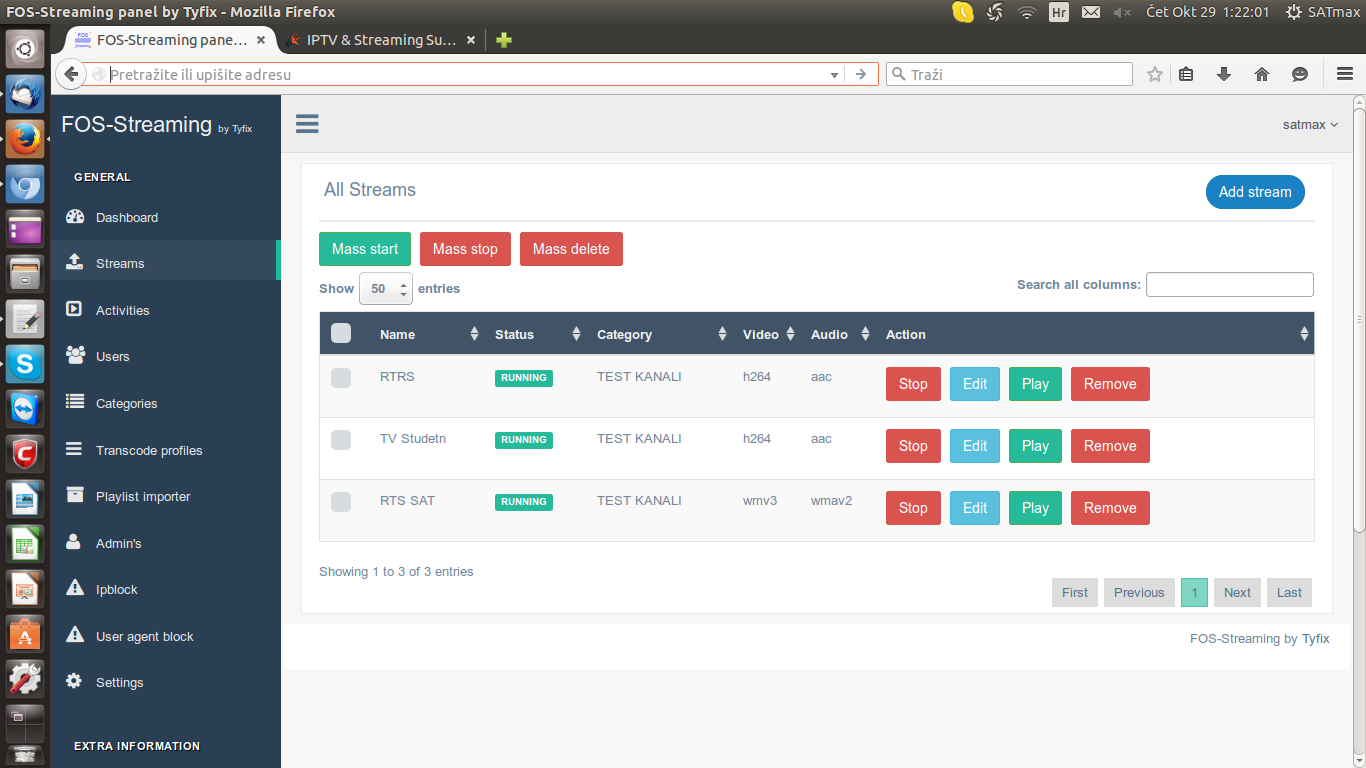
Manage streams(overview, add, edit, delete,start,stop)
Manage settings(configuration)
Autorestart(cron.php need to set manual)
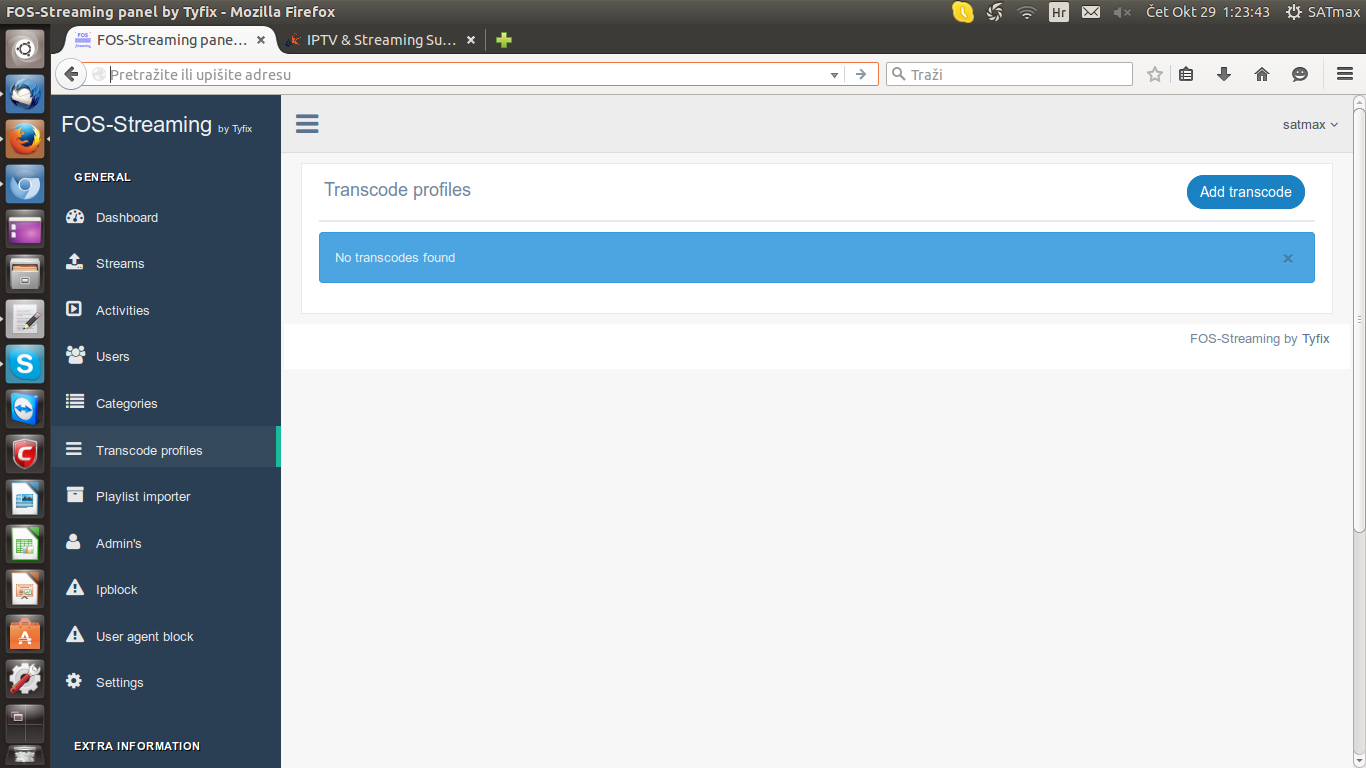
Transcode
Last IP connected
h264_mp4toannexb
Play stream
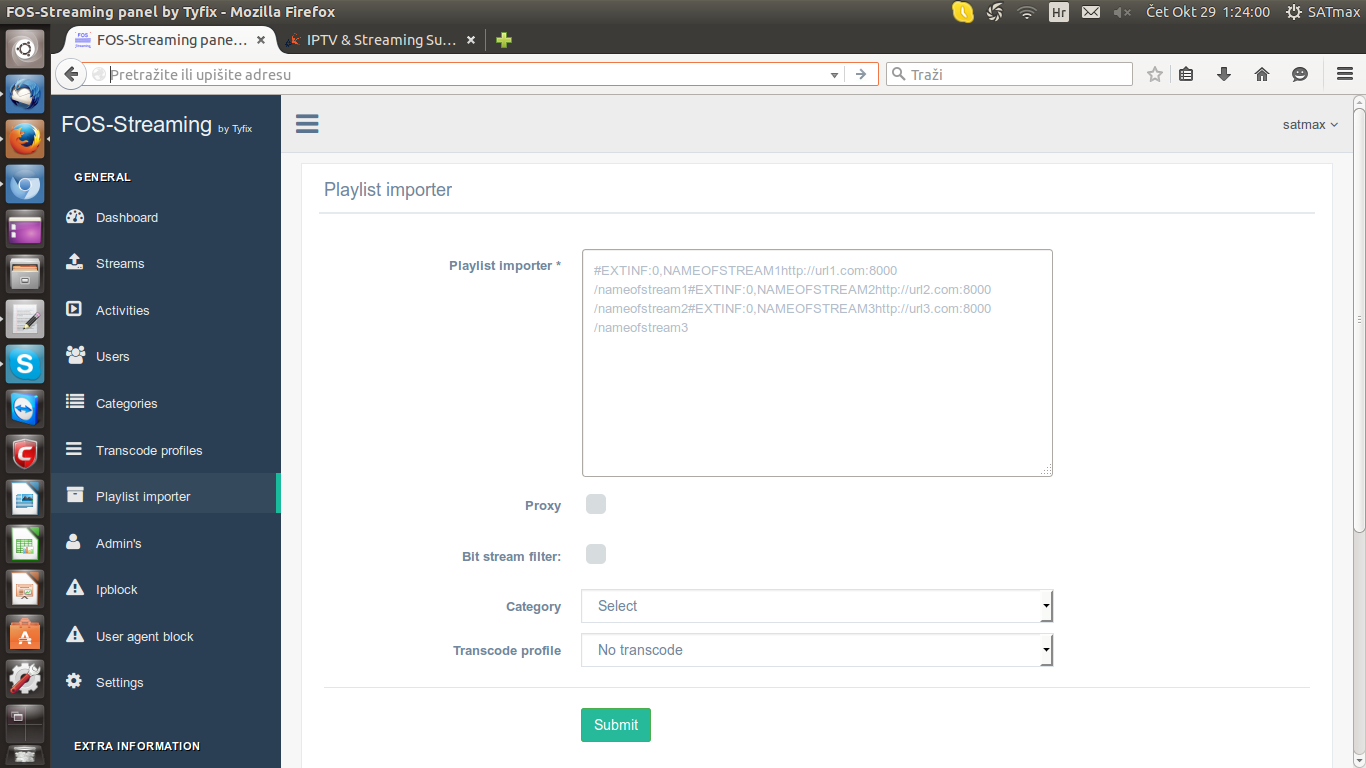
Playlist import
Multiple streams on one channel
Limiet streams on users
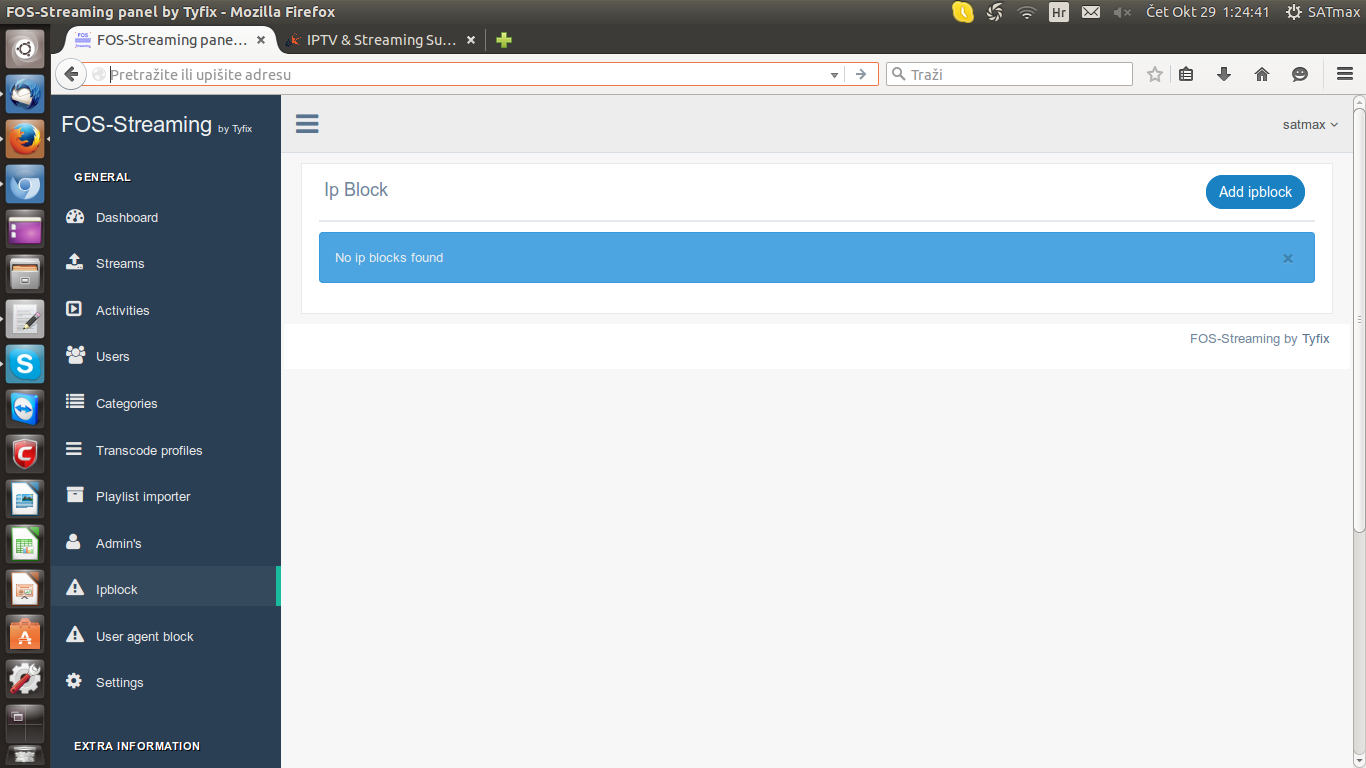
IP Block
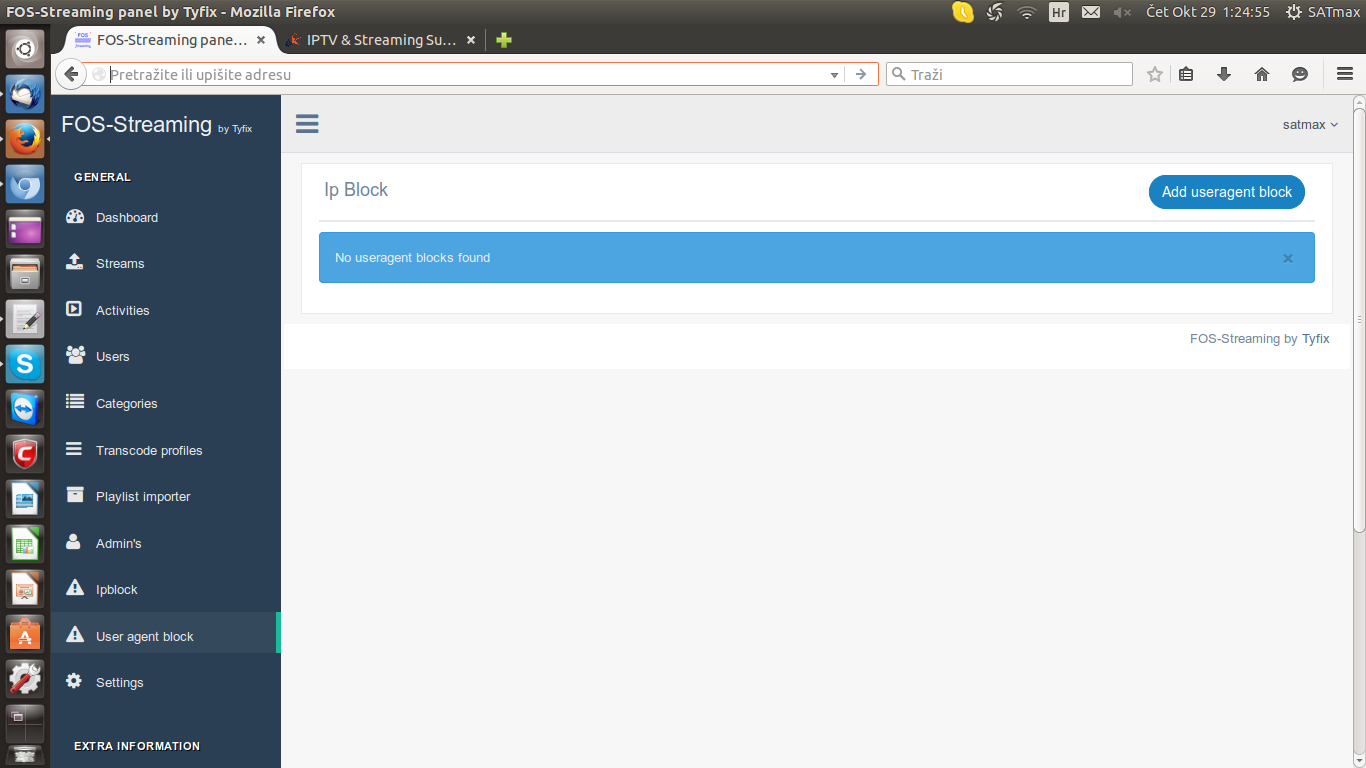
User Agent block
Predefined transcode profiles
Tested on Ubuntu 14.04 and 15.04
Installation options:
<strong>Option 1:</strong>
Fresh installation


1. wget http://fos-streaming.com/fresh_install.sh
2. chmod 755 fresh_install.sh
3. ./fresh_install.sh


<strong>Option 2:</strong>


Old FOS-Streaming to (NEW) FOS-Streaming v1
[CODE]
1. wget http://fos-streaming.com/old2new_install.sh
2. chmod 755 old2new_install.sh
3. ./old2new_install.sh
4. remove /usr/local/nginx/sbin/nginx in /etc/rc.localIf someone have problem after reboot that old panel starts, then use this command:
Change port of panel
1. change port in webinterface -> Settings -> web Port
2. change port in /home/fos-streaming/fos/nginx/conf/nginx.conf -> listen 8000;
3. killall -9 nginx_fos
4. /home/fos-streaming/fos/nginx/sbin/nginx_fos
How can I use it?
Default login:
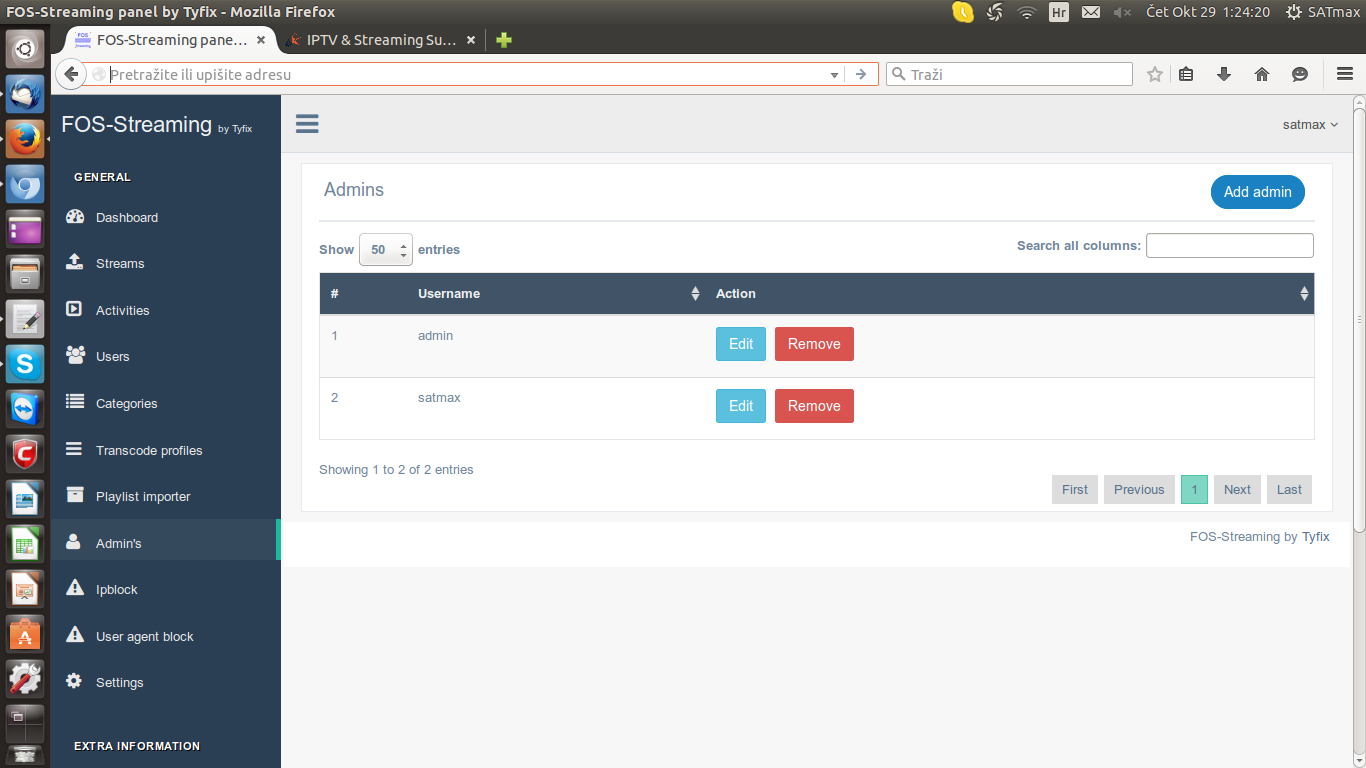
Username: admin
Password: admin
1. Add categorie
2. Add user
3. Add stream and use defined transcode profile 1 called default 1
You can use it also in proxy mode, but that depends on how you want to use it.
The most stable way is using transcode profile: default 1 without proxy mode ticket
4. Open stream on user side
Updater
Problems with database?
dpkg-reconfigure mysql-server-5.5
[/CODE]
Important
If you change web ip to dns don't add / on end
Support web site:
Report bug - GitHub
Tested and work very well! Thx monsters
Video tutorial YouTube
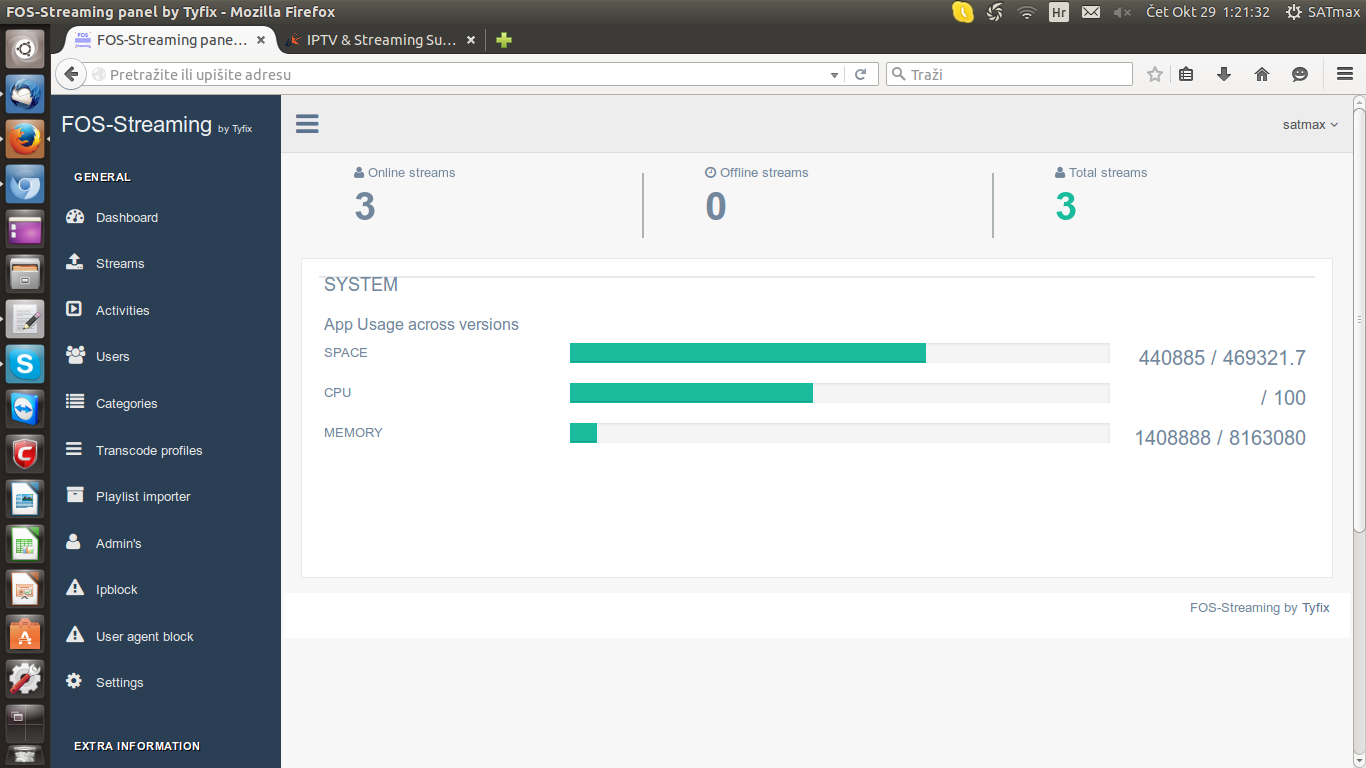
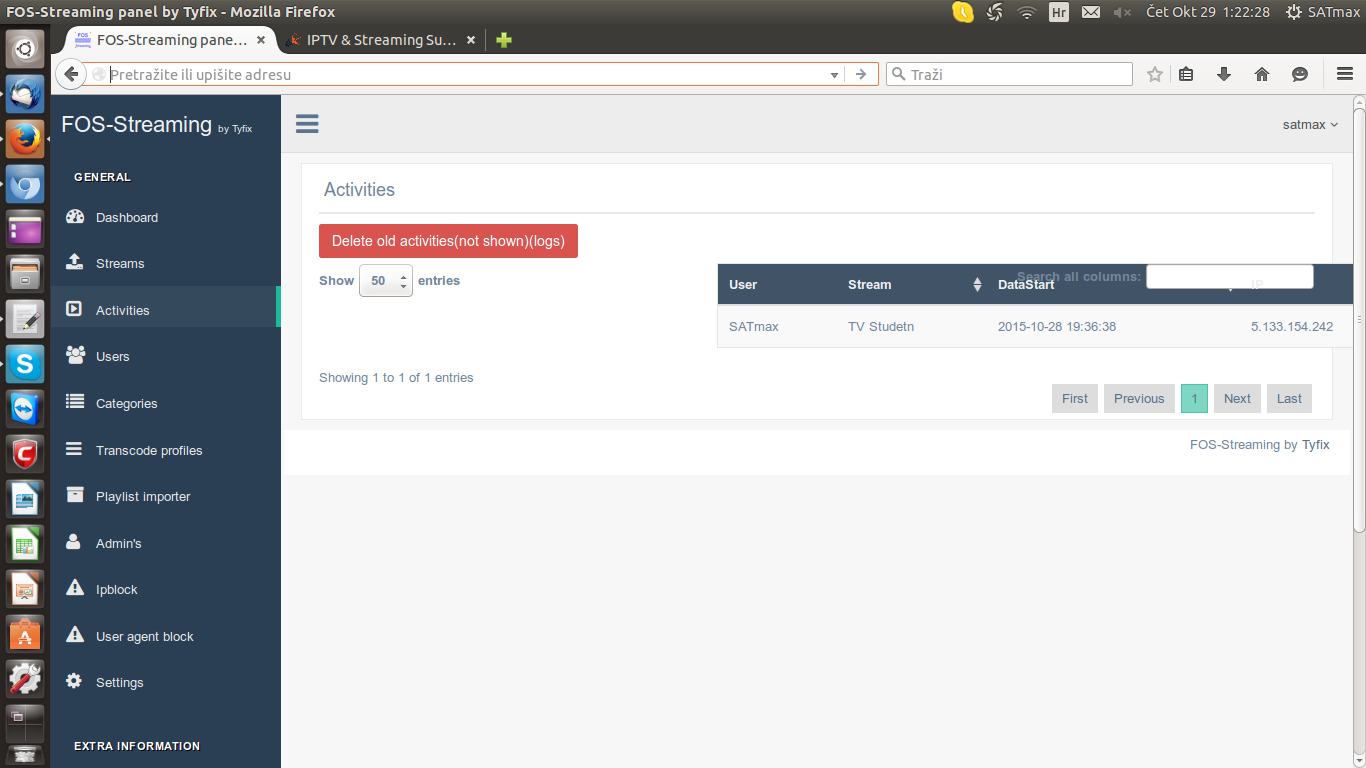
Screenshot: