


Update 13.06.2011 for 19.2E
Posts by master G
-
-
Smiley has been modified today
dream-allrussian-v6.11.1
This image of a special dreambox
1 - modify the image to work with a screen VU + Duo
2 - run the webinterface
12/06/2011
works only through the
Meoboot Backup
Flash on the outer
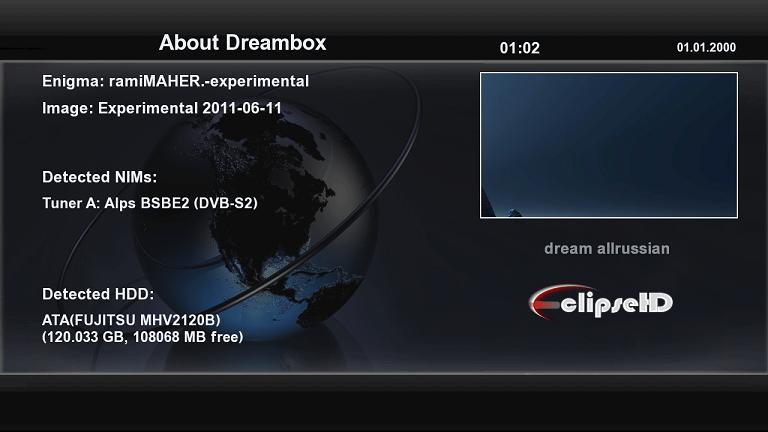
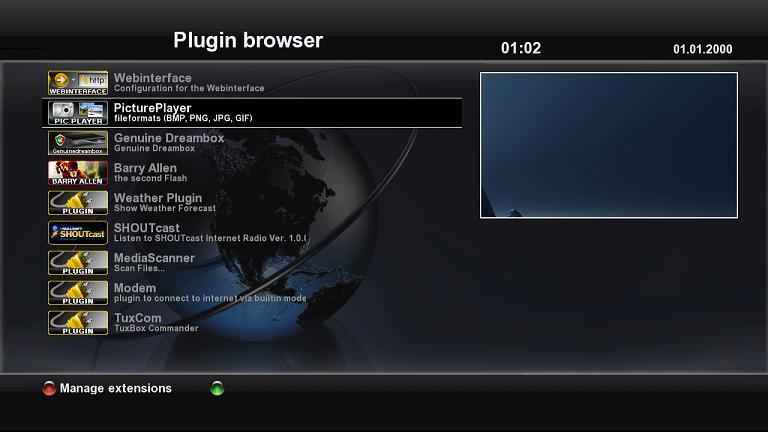
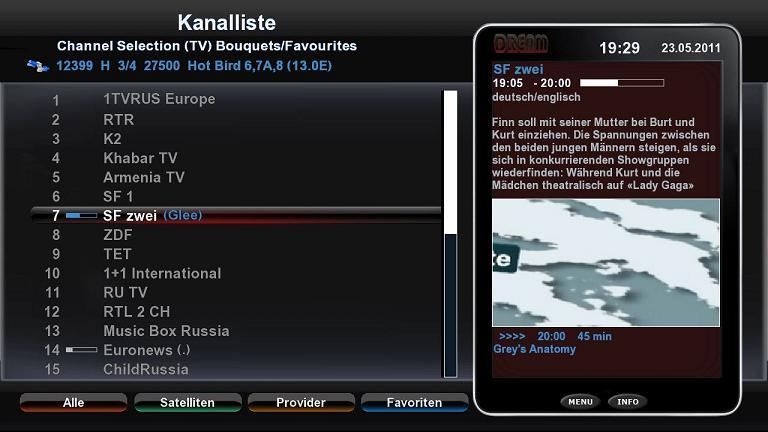
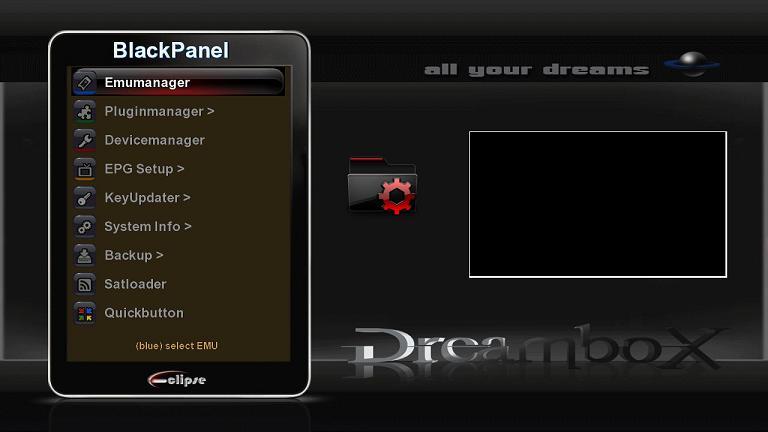
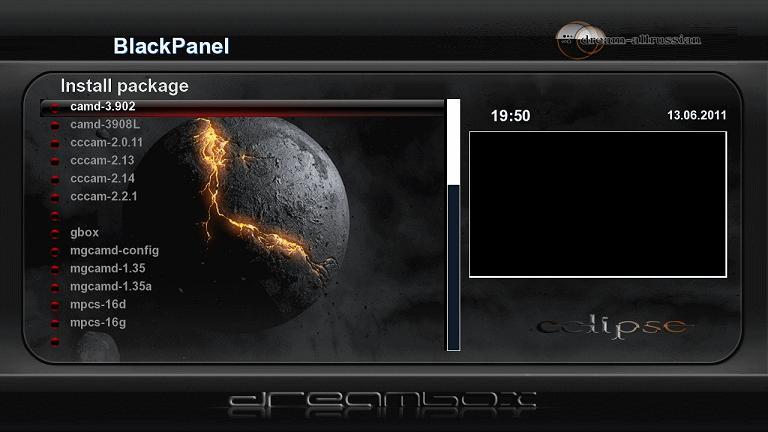
by ramiMAHER
-
Use dm500 clone bomb checker if you are unsure of an image.
-
Yes nabilosat are fine, it was only gemini that used the time bomb against clones.
-
In ideal conditions the remote sender has a range of 100m.
-
I have an rf modulator setup on a VU+Solo direct to a tv in the bedroom.
If you wanted to add more rooms you connect the distribution amp to the rf modulator.
This is the PROception PROMOD1 Professional UHF Modulator on ebay. We use the televes remote extender for changing the channel in the other room. -
Losing data after reboot
Mising : Restart GUI in shoutdown menu - need for remember selected subtitle, audio language, voluem position, last ch. - as startup channel
Default video mode in videowizard - now is 720p, and removed 480i and 576i (but exist in main menu and video mode setup)
Time on VFD in standby mode now is ok
Fixed bug in : "Positioner Setup" menu - if pres left/right buttons appears green screan
Fix bug in CAMD Manager - if camd list is empty and press ok/green button appears green screan
Media Center Fixes:
Add to watch in autofs, now is easy - connect usb device and it will be visible in Media Center
Add dvd playback, wmv playback,
python fixes...
-
Version 0.3
Changes:
- Patches no longer necessary to Enigma Files
- VPS can be enabled by default on new timers
- _ () or gettext is now used, with which the texts are translatable (formerly German / English)An upgrade to the 0.3 patch (on the files / usr/lib/enigma2/python/RecordTimer.py and / usr/lib/enigma2/python/Screens/TimerEntry.py) reversed.
To be on the safe side, making an upgrade, but first uninstall the previous version and then install the new one.The uninstall goes through telnet with the command:
-
Bouquet Editor Suite v1.2b
Feature: Streaming server to stream video to your smartphone/computer over internet
Feature: Complete rewrite of the streaming function for VLC > 1.0.5 (better quality and more features)
Feature: Infobar and epg now work with Windows XP too
Feature: Add function to delete the air video thumbnail cache
Feature: Add function to restore the main directory to default and clear the service directory
Feature: Add logo and program name for windows volumecontrol (mixer)
Feature: Check for existing pathes each start
Feature: EPG Refresh now work with the epg refresh plugin from ritzMo
Feature: Copy picon referece from contextmenu to clipboard
Feature: Check for encrypted channel (Not for all channels the data set correct)
Feature: Add russian language file to setup
Critical Fix: Changes on the data now saved direct without save
Fix: Change Air Video channel endocing to ASCII to solve the Problems with umlauts.(All umlauts removed)
Fix: KingOfSat parsing now work with the new design
Fix: Change default CoolTVGuide mini picon size to 50x28
Fix: On load bouquetlist don't flicker anymore
Fix: Save channel from channel > details now saved correct
Fix: Download logo now don't crash anymore when channelname is empty
Fix: Move bouquet channels now select the correct channel and dont show an error
Fix: Air video export channel counting now ignores marker/alternatives
Fix: Check unused picons now works with all directorys and don't remove options picons anymore
Fix: Save as .bef file now saved in the correct format
Fix: Parental control now work from the context menu
Fix: Improve timeout for picon export
Fix: Lyngsat Logo update works now correct
Fix: Some language issuesImport data from KingOfSat.net into an existing channel list
Two lists together
Comparing the two lists of (KingOfSat / Dreambox) and (Dreambox / Dreambox new) inkl.neuer channel display
More Boxkontrolle (timer / device info / etc.)
Streaming movies shot
MultiEPG including timer creation
More skins for streaming -
GSU Full ver. 3.41
- oscam info:
1. added proxies(oscam, cccam) entitlements
2. updated oscam to rev. 5372 -
Just reflashed with this image today no problem. What are the bugs that people are having on the other forums ?
-
-
I cannot remember exacly where the option is in gemini but should be beside where you found the unmount option. If you do decide on another image then i recommend dreamelite-133dv3-dm800-13052011-PHOENIX edition 2, providing your box is sim 201 you will find it here @ post #52
-
It should have gave an acknowledgment on screen if it did, you may need to format the disk before it can be used.
-
Before you can set the recording paths you need to setup the mount point and mount the hdd, it should be media/usb did you do this.
-
Try changing the http allowed in webinf to the following
httpallowed = 127.0.0.1,192.168.0.0-192.168.255.255
Restart and try the web info again then let us know how you get on.
-
Hi dathai60, can you go over the steps you have tried so far so we know how to help you better.
-
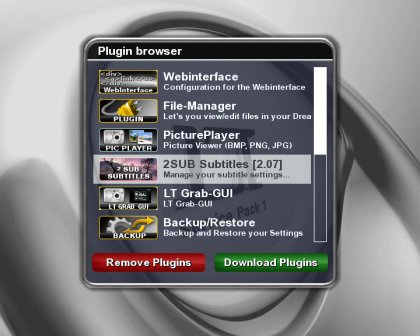
2SUB
2SUB is a teletext plugin to choose your favorite language and subtitle automatically, with many features:
* True Type fonts, all freely selectable and scalable.
* RecDelay for recordings and Timeshift playback.
* Positioning on the screen, horizontal, vertical etc.
* Color selection.
* Render styles: Outline, Background and Outline+Background.
* Background transparency.
* GUI for settings.
* Autostarting on channel change.
* Select Primary and Secondary language.
* Hardcode/help 2SUB with the 2SUB.channels file (compare to gSUB.channels).2LANG
2LANG is a background/autostarting plugin that selects the preferred audio track for the current channel. It is based on what OSD language you have set, so if you have "Swedish" as OSD language, 2LANG will try and select a "Swedish" audio track if possible. Not that it is possible to override the "current OSD language" by editing a file (see inside 2LANG.audio). It will also handle the "mono-channels" like Eurosport. These channels transmit each language as a mono channel, so if nothing is done when zaping to these channels you will hear two languages... This is handled by setting up the 2LANG.audio file accordinly. See inside that for more details. In short...this is the code that was controlled by gSUB.audio in the old plugin!
What's New* Improved collision detection to avoid menu trashing even more.
* Only clear a page if 100% that 2SUB has drawn on the screen.
* 2SUB now works 100% with 800/8000 HD skins. -
-

