Posts by master G

    New:
    * The Gemini-media player you can press the "long green" and it runs the function that is defined in the Quick button, eg Plugin start or call plugin menu.


    Fixes:
    * The Camden-administration for starting and stopping of the Camden changed completely.
    * Update of Polish translation (thanks zbigzbig20)

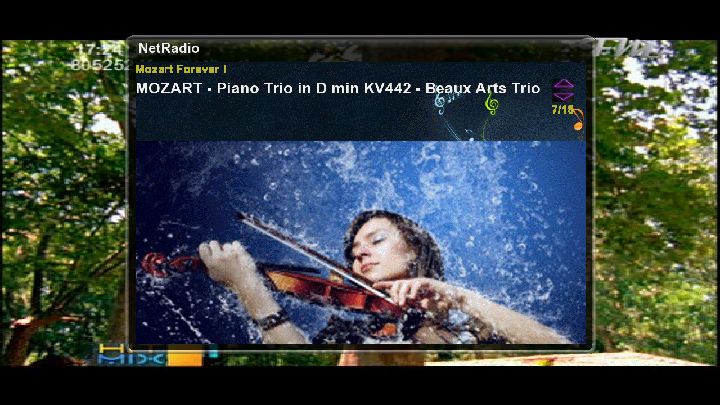
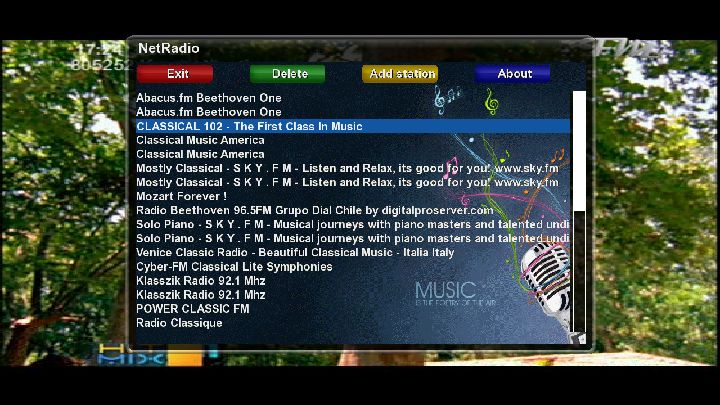
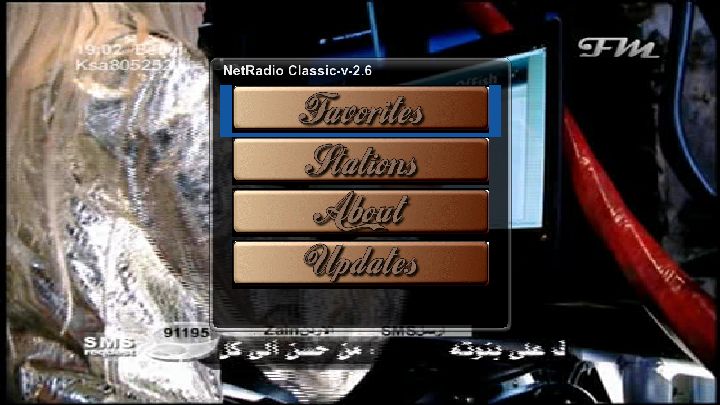
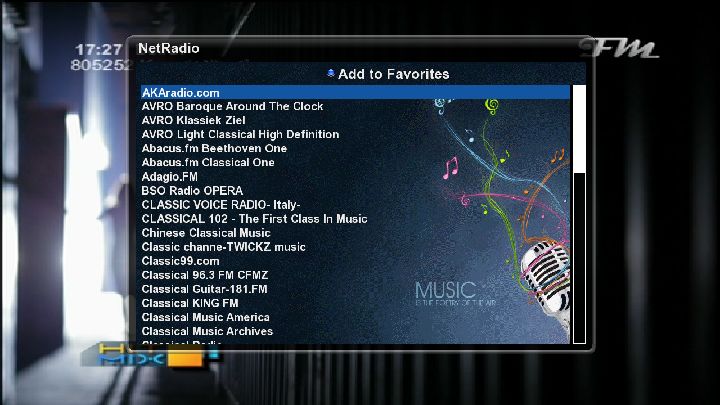
    NetRadioClassic version 2.6 by mFaraj57
    playing more than top 70 internet radio stations
    updates:
    -New look,new design for main menu
    -added background wallpaper
    -update of stations and plugin from the plugin itself


    installation and download
    form attached file and installed as any ipk file
    by manual method
    copy the ipk file to /tmp
    then

    Code
    opkg install -force-overwrite /tmp/netradioclassic_2.6_mipsel


    or install directly from
    TSpanel-addons-Tunisiasat plugins-Netradioclassic-2.6


    have fun
    mfaraj57-5-2011

    Version 3.2 [16.05.2011]


    * Added NL Translation Files (thx @Bschaar).
    * Added Option to Settings Menu to add Genuine-Key to pass Genuine Dreambox verification process.


    by Homey[GER]


    Dreambox 500HD
    Dreambox 800HD
    Dreambox 800SE
    Dreambox 7025
    Dreambox 8000


    The following GStreamer plugins (video decoder plugins) should also be installed so you can see everything:


    Code
    [url=http://www.dreambox-plugins.de/gstreamer-plugins/file2078157-avi/]Avi - Downloads - Dreambox-Plugins.de[/url]


    Code
    [url=http://www.dreambox-plugins.de/gstreamer-plugins/file2078438-flv/]Flv - Downloads - Dreambox-Plugins.de[/url]


    Code
    [url=http://www.dreambox-plugins.de/gstreamer-plugins/file2079012-rtsp/]Rtsp - Downloads - Dreambox-Plugins.de[/url]


    Version 3.2


    Code
    [url=http://www.dreambox-plugins.de/homeys-plugins/file1642611-multi-mediathek/]Multi-Mediathek - Downloads - Dreambox-Plugins.de[/url]


    Now make your configuration files and place them in /usr/local/etcoscam.server


    Code
    [account]
    user = test
    pwd = test
    uniq = 1
    group = 1
    au = fx
    ident = 096c:000000
    caid = 096cnow back to terminal:


    Code
    sudo oscam -bnow check /var/log/oscam.log for the news..


    Tested the windows version of oscam which requires cygwin (using usb phoenix 6 mhz), and its too slow. Ecm transaction takes 1300ms compared to 300 ms on dm internal compared to 205 ms on ubuntu with usb phoenix running 6 mhz.

    This guide will fix the anoying problem of librarery files missing making oscam not to start at all.


    Now when you are this far its time to upload your config files to /usr/local/etc/


    The 3 most important files the oscam.conf, oscam.server and oscam.user


    Code
    [global]
    nice = -19
    WaitForCards = 1
    [monitor]
    port = 988
    aulow = 120
    monlevel = 0
    [newcamd]
    key = 0102030405060708091011121314
    port = 34000@Cards CAID:000000oscam.server


    Code
    [reader]
    Label = Your card
    Protocol = mouse
    Detect = cd
    Device = /dev/ttyUSB0
    mhz = 357
    EMMCache = 1,1,2
    Group = 1
    CAID = Cards CAID
    BoxID = ****** oscam.user


    Code
    [account]
    user = user
    pwd = pass
    group = 1
    uniq = 1
    caid = Cards CAID
    ident = Cards CAID:000000
    AU = Your card
    monlevel = 0


    Check so all the files in /usr/local/etc/ has chmod 755, also oscam file in /usr/local/bin/ should also have chmod 755!


    Then its time to execute the bin file, if you have done everything right it will start without any error messages. Best thing is to write ./oscam -b and check the file oscam.log in /var/log/


    Then just add a N: line in your cccam.cfg or your choice of emu:
    Example:


    N: serverip 34000 user pass 01 02 03 04 05 06 07 08 09 10 11 12 13 14


    For making oscam autostart each time you restart or start your server simply:


    Code
    nano /etc/rc.d/rc.local


    In the empty space at the bottom under the last line you add:
    /usr/local/bin/oscamThen Ctrl+O for save and then Ctrl+X for exit the editor.

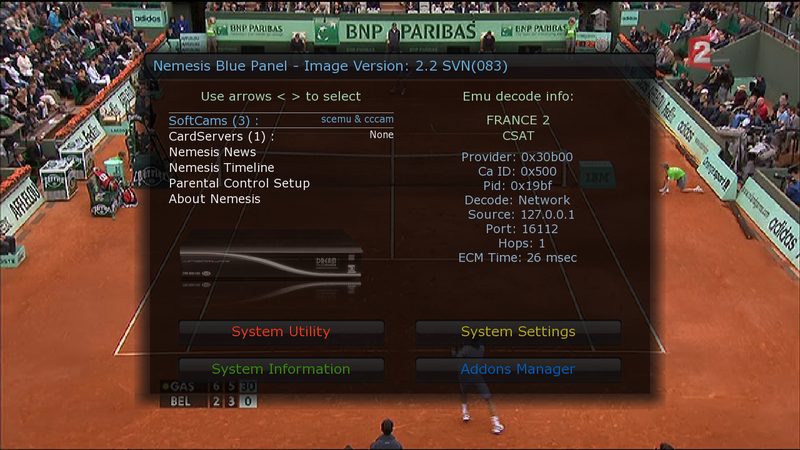
    TNTSat France (030B00)
    =============== ONLY FOR e2-EDG-NEMESIS 2.x AND New DreamElite 1.0


    e2_ScEmu.1.8.tbz2


    To receive all the TNT channels with ScEmu-CCcam


    1. Put your e2_ScEmu_1.8.tbz2 to /tmp
    2. Blue button ~ Blue button ~ Manual Package Install ...


    No panic ... if you already have a CCcam.cfg it will not be replaced it will just receive a line of command


    To uninstall package : Blue button ~ Blue button ~ Remove Addons


    Enjoy it


    Download


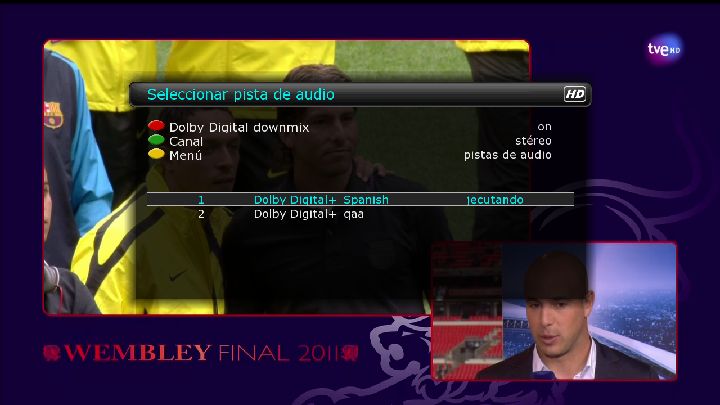
    TVE HD Working ..................


    New Exclusive Bootlogo by elgeneral For this Backup
    Drivers TDT Aver Volar Green HD
    Terrestrial Xml TDT Spain
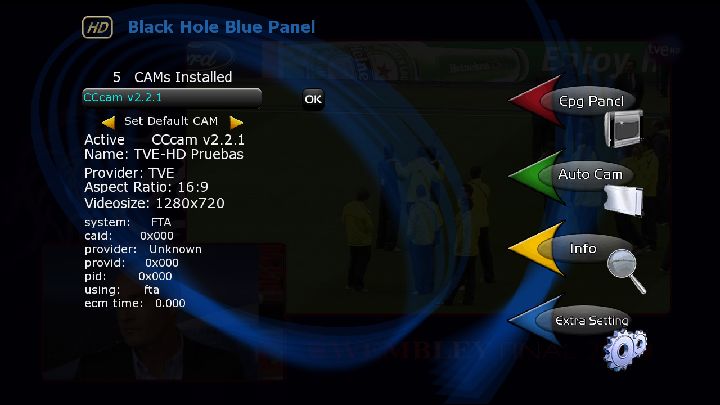
    Sbox+Cccam 2.2.1
    Sbox Latest versión
    Cccam 2.2.1
    Mgcamd 1.35a
    Cccam Info 1.3
    Picons Kanalreference HD by Licher update to 09.05.2011
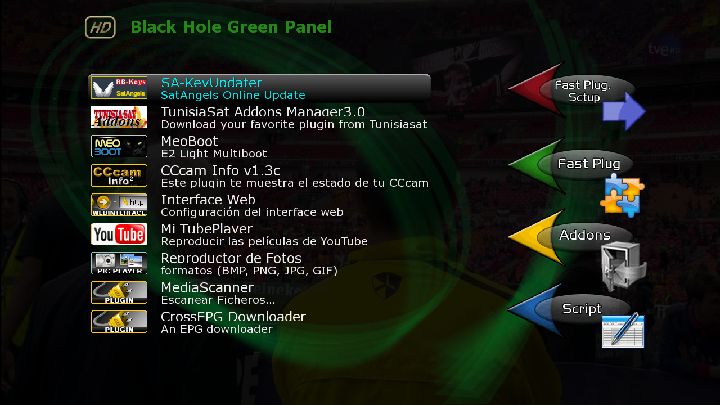
    Tunisia Sat Addons Manager
    Sat angels Key Updater
    BH Script Backup USB


    Tuner A:
    Settings Dual Hotbird 13ºE/ Astra 19,2ºE by Cyrus update to 21/05/2011


    Tuner B:
    Not configure


    Tuner C:
    TDT Spain channels (TVE HD Okey)


    Added Folder duo (media/duo), for HDD on red with PC.


    For working edit fstab en /etc


    //192.168.1.128/duo /media/duo/ cifs username=user,password=pass rw 0 0 0 0


    edit with your ip


    Again connect for telnet and write:


    mount -t cifs -o username=user,password=pass //192.168.1.128/duo /media/duo


    edit with your ip


    Reboot your VU+duo. (Working with Xp OS)
    USB File Download:


    NFI File Download:


    Exclusive to linuxsat-support.com


    Open PLI of 4/5/2011


    SGTFlipFlop E1 settings of 3/5/2011


    To activate the cams press blue
    Select softcam setup
    select CCcam 2.1.3 as default cam & oscam as cardserver.
    Press blue again to save & start cams.


    All passowrds are default root & dreambox
    Oscam webinfo user & pass is admin


    Enjoy!

    SettingsMaker Version 1.9 by TechSat Team
    ===========================================
    This program automatically generates the Channel list (Settings)
    for some satellite STB models.


    With this tool - for personal use only - you can generate your own channel list
    (Settings) for your satellite decoder shaping it to your needs and your system.


    At the time, the settings formats managed by the tool are: NDF, NDF HD, NDF HD+DTT, Enigma1,
    Enigma2, AZBox, SB-5, Pvr-S2HD, Pvr-ST1, Pvr-JS1, JST-5, MV200HD, MV300HD, Neutrino Plus HD,
    HNF, Nokia9701s, Edision Argus, Golden Media combo, Golden Media 9055HD, Opticum, Amiko.
    New formats will be implemented in future versions of software.


    All data necessary to create the channel lists are taken from our database
    which is constantly updated by members of TechSat Team.


    As you can well imagine, this is a very complex software that has required substantial
    efforts and many hours of "lost sleep" :-) So, a deserved THANK YOU is due to all those who
    can exhibit the "TechSat STAFF Settings " logo in his signature.


    As usual, our software is absolutely free, this is because our sponsors
    - we thank them - support the cost of hiring servers and... that's enough for us!


    The database containing settings is a shared resource that must be constantly kept up to date,
    even with thanks to the YOUR reportings.
    Who then would become part of our "settings team" - to keep database up to date - can
    ask it in our Board.
    -------------------------------------------------- ---------------------


    Warning!
    This tool generates a list of channels version 09 for AZBox usable from
    firmware version 0.9.4923.
    To install the channel list on AZBox use a FTP client (Filezilla or similar) as
    loading the list with MaZ SetEdit can modify its contents.
    If you use MaZ, please use it in FTP mode.
    On AZBox decoder the files: DVBS.dat, [DVBT.dat], antenna_list.dat, all_channel.dat
    must be copied in /DISK2.
    -------------------------------------------------- ---------------------


    Information.
    Pvr-ST1 and Pvr-JS1 lists do not allow the writing of the group name so some favorites
    groups will contain favorite channels specified but with generic title.


    Changelog


    What's new in version 1.9
    ---------------------------------
    ? Corrected same terms of Spanish language (Pe.tardo).
    ? Added Catalan Application Language (Pe.tardo).
    ? Fixed a bug on Jepssen Pvr-S2 on FEC of DVB-S2 Transponders.
    ? Fixed a bug on the list type "Favorites as Satellites".
    ? Fixed a bug on ST-4 and ST-5 lists for West satellites.
    ? Fixed a bug on JS-1 lists on the file size.
    ? Fixed a bug on Neutrino lists.
    ? Added support for lists version 0A for Azbox firmware Opensat.
    ? Added support for Hivion HD-9090x Ultima lists.
    ? Added support for DVBViewer lists.
    (It is also self-generated the file install.bat for automatic
    installation of the list)
    ? New Italian Terrestrial zones: Messina and Modena.


    TechSat Team

    YAPS Version 4.0


    REQUIREMENTS
    ============
    - CCcamPHPInfo v1.02
    - >= php 5 with compiled OpenSSL


    INSTALLATION
    ============
    Upload yaps.php and meniu.php in the main directory of CCcamPHPInfo (meniu.php
    will be replaced, so don't forget to backup the original meniu.php file)


    UPGRADE
    =======
    Just replace the yaps.php and yaps.rng file


    USAGE
    =====
    Click on the new button "YaPS", it will check Your peers with
    our yaps repositories. If some peer is on our blacklist, a tag with "! Risk !"
    apears, You can click on it for a detailed raport.


    REPOSITORY
    ==========
    With YaPS >= 4.0 You can add Your own payserver repository. Please visit
    http://yaps.mine.nu?howto to create a repository and http://yaps.mine.nu?submit
    to submit Your repository in our global repository list at http://yaps.mine.nu?repo
    Verified repositories will be added in the next release of YaPS.


    To add repositories to YaPS, You need to edit the yaps.php file, check the
    configuration example on top of yaps.php.


    CHANGELOG
    =========
    YaPS version 4.0
    - major release, added repository function please read README.yaps
    YaPS version 3.5
    - fixed initial database download bug
    - better openssl handling on php missconfiguration
    YaPS version 3.4
    - fixed google flood protection bug
    YaPS version 3.3
    - added google flood protection detection
    YaPS version 3.2
    - added check if peer c line is public with a google request
    YaPS version 3.1
    - excluded localhost from check
    - fixed update info box bug
    YaPS version 3.0
    - changed yaps database to xml format
    - improved download methode
    - improved auto update methode
    YaPS version 2.0
    - implementing of a yaps update infobox for downloading new yaps releases direct from cccamphpinfo
    - improving check method, faster check and less false positive results
    YaPS version 1.0
    - displaying security option
    - checking peers local, so no more dns will send to the yaps server (suggestion from AgentSixtynine) YAPS Version 0.3 (unreleased)
    YaPS version 0.3
    - fix the $secure = false bug
    YaPS version 0.2
    - SSL web request by default enabled (if You wan't use SSL or can't use it because You don't have OpenSSL compiled, edit yaps.php and set $secure to false)
    - displaying database version
    - changed user agent to YaPS 0.2
    - check same dns only one time (if a peer have different ports)
    YaPS version 0.1
    - check peers
    - open detailed report

    Go to folder etc/tuxbox/config and edit file oscam.config


    Code
    [webif]
    httpport = 16002
    httpuser =
    httppwd =
    httprefresh = 10
    httpallowed = 127.0.0.1,192.168.0.100-192.168.0.200


    You can edit the port, username and password to your own.