
webradiofs 13.47
02.09.2015 10:36
Thx @ shadowrider


webradiofs 13.47
02.09.2015 10:36
Thx @ shadowrider
Ok just edit.
Enigma2 Update 4.2.3r4
* Speedup parsing of already finished RecordTimers at boot time
* Subtitles
- Implement forced subtitles
- Improve subtitle detection
* StreamServer
- Improve overall streaming stability
- Allocate tuner resources on demand
- Implement zapping and bitrate configuration via URL params when in "TV Services" Mode (just open the stream with arguments passed like this: rtsp://box.ip:<port>/<path>ref=<service_reference>&video_bitrate=<bitrate>&audio_ bitrate=<bitrate> )
* Animations
- Change the way animations are handled (simplified redraw logic) so we can animate single widgets easily
* Add RemoteControlSelection plugin for visual selection of the RemoteControl being used
* Replace epg based .eit file for Recordings with full version from now/next EIT table with included component descriptors to fix audio selection track descriptions on playback
* MediaScanner / MediaDatabase
- Implement CoverArt extraction
- Fix Album Artist Handling (requires rescan)
* MediaCenter / AudioPlayer
- The Audio Player was redesigned (default skin only) and is now using extracted CoverArts where possible
* UPnP/DLNA MediaServer
- Fix a handful of issues including major improvements in terms of cross-vendor compatibility (fixes rebooting samsung devices and more)
- Fix Album Artist handling
- Deliver CoverArt where available
- Don't resort servicelist content
* add Spaun SUS5581/33NF models to unicable .xml (thx to Uenz)
* CEC
- Improve compatiblity with Panasonic TVs
- Add option for when/how to actually do "Volume Key Forwarding"
* ChannelSelection: small fix when multi-bouquet mode is being changed
* Blindscan: Mhz -> MHz (thx to dhwz)
* Force Streamtype 0x1b to h264 video (ignore descriptors)
* Add VP8/WebM Support (new drivers required)
* Tools.Downloader: Fix downloading using https
* Fix stale icon/dialog after MoviePlayer close
* Lots of other minor fixes and cleanups
Do not insert the card into any receiver other than that of the original Sly, the card will receive a false cw and it will return the error 9xxx and you have to get it replaced by a sly center.
Unfortunately, to date there is no patch used to prevent this error.
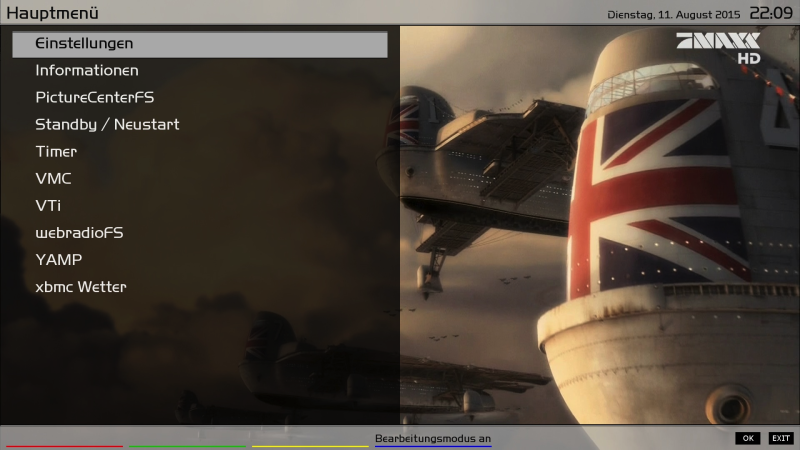
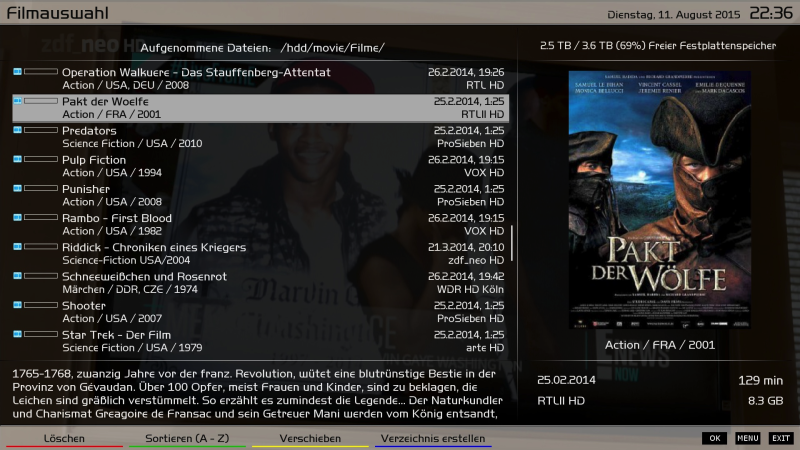
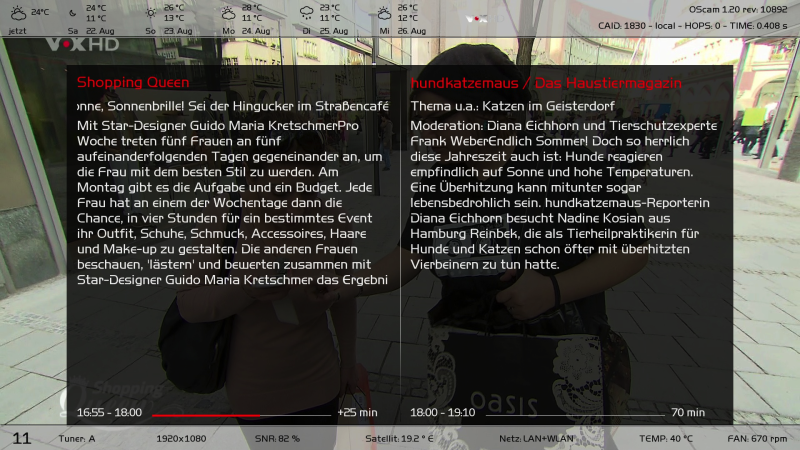
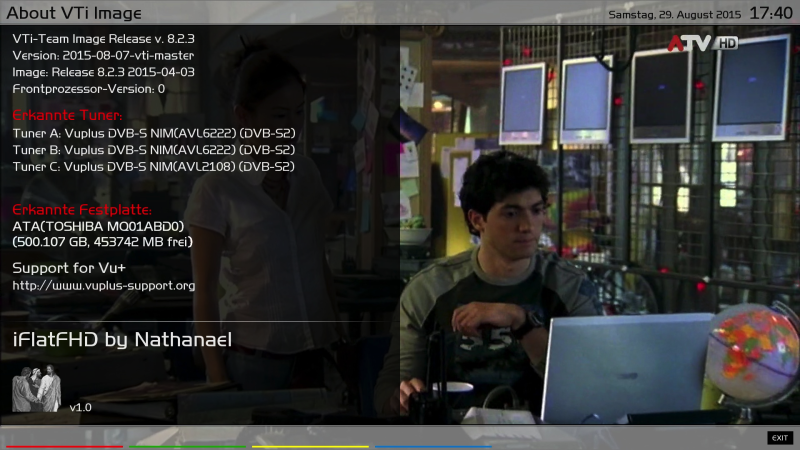
iFlatFHD (FullHD) v1.0
Was tested under VTI 8.2.x
Installation
- Easy to install, "not" force (Advanced) installation required
Updates
- The .ipk (comes still) can be easily installed on the existing
Picon size / locations for Picons
- 220x132 (I myself use transparent XPicons)
- Usb / Picon
- Usr / share / enigma2 / picon
- Or Custom (here you can find plenty of instructions in the forum)
Which plugins have been skinned
- AtileHD
- Auto Timer
- CDInfo
- CoolTV (Outsourced in Pro)
- Find Cover
- CutListEditor
- DLNAFileBrowser
- EPGRefresh
- EPGSearch
- EnhancedMovieCenter_v3.7 up
- FanControl2 (must be probably fixed by the VTI Image for better viewing)
- File Browser VTI
- FritzCall_r1189
- GraphMultiEPG
- IMDb
- LCD4Linux
- MediaInfo_2.7
- Multi Quickbutton
- Netatmo + NetatmoBar
- OscamButler
- PiconManager_v2.2
- PictureCenterFS
- Satfinder (not transparent)
- SecondInfoBar
- Split Screen
- TMDb
- Web Interface
- WebradioFS (not transparent)
- YAMPMusicPlayer (not transparent)
iFlatFHD - Pro Settings
prerequisite:
- VTI 8.2.x
- AtileHD plugin is required
To configure the skin properly:
1. Menu - VTI - Settings - iFlatFHD
- IFlatFHD per Enable: yes
- Style: black, dark gray, artic (blue), mint
- Font: it is until further notice only the standard type (HandelGotD)
- Weather: Enter matching ZipCode
- Yellow Button - (iFlatFHD Pro)
- Select extension and confirm with key green
- Red button Green button - GUI restart
Weather - ZipCode determine:
How do I find the weather code for the Pro version: here
There simply enter your own City / post code
Click URL and read on the right side of the marked line and enter the code in the iFlatFHD Pro Settings
What was outsourced in the Pro and can be activated as needed:
iFlatFHD Pro
- SecondInfoBar_v1_simple
- CoolTV_7.3
- Set in the settings of CoolTV on "skindesign" GUI restart
- The CoolTV comes in a transparent version and is therefore without MiniTV, therefore the screens are the same as CooltMulti CoolTV and the screens CoolTiny and Cool Nice
Use own Skinparts for iFlatFHD
example
- skin_IB_nathanael1234.xml
- "Only" the .xml file to: / usr / share / enigma2 / iFlatFHD / allScreens /
- preview_skin_IB_nathanael1234.png
- "Only" the .png file to: / usr / share / enigma2 / iFlatFHD / preview / (size of 600x325 .png)
- Now you can find these in the Skinparts Pro and can be activated
Create images right size for the "iFlatFHD Pro" (based on "GIMP")
Basis: picture in the size 600x325 32bit (I'll call it "Picture 1.png")
The "Picture 1" must have the .png extension -> "Bild1.png"!
1. Start Gimp
2. File - Open ...
3. Select "Picture 1.png" - open
4. Image - Mode - Indexed ...
5. converting (the settings so left)
6. File - Export as ...
7. "Picture 1.png" override
Very big thx to Nathanael2316 and all beta tester
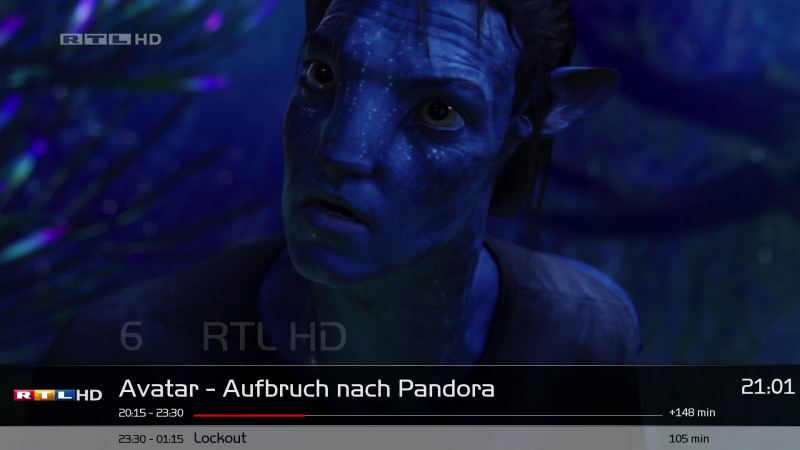
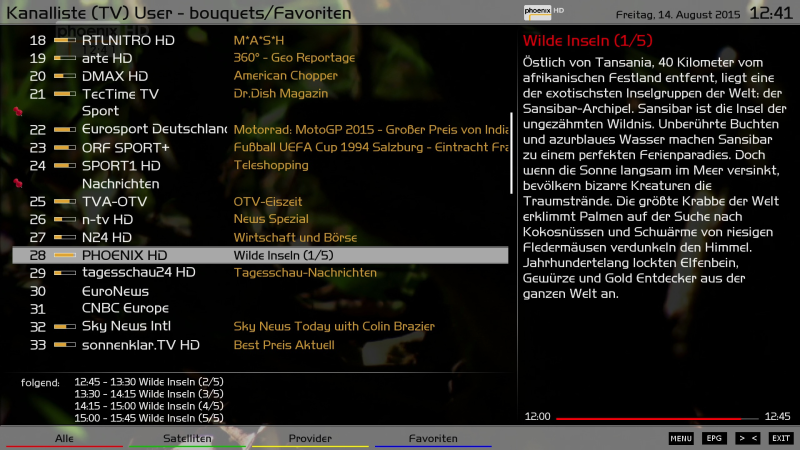
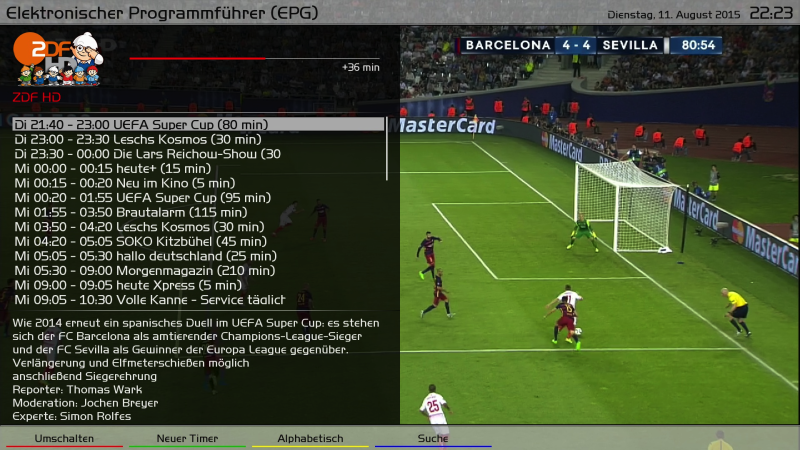
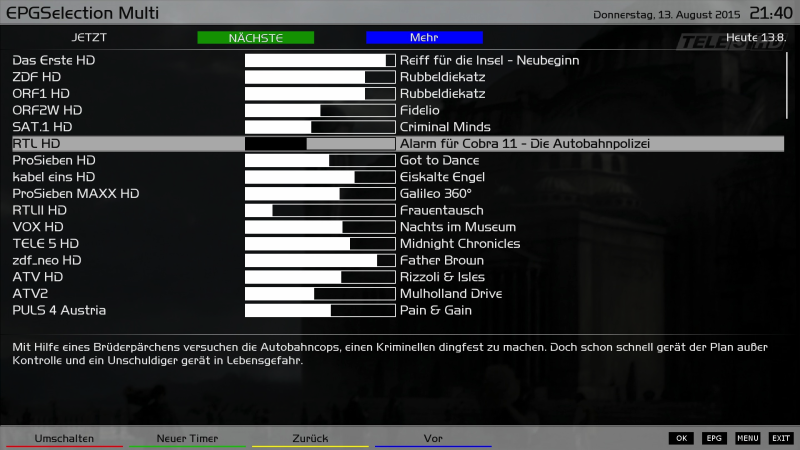
No because only images for zgemma are free for the other images you need to do a subscription on their forum but above all we do not give support to vu+ clone
[BKP]OpenVIX 3.2 Vu+Zero by Robijay
Backup date 27/08/2015
Kernel 3.13.5
Build 003
Last Update 24/08/2015
Splash Screen OpenVIX by robijay
Bootlogo by robijay
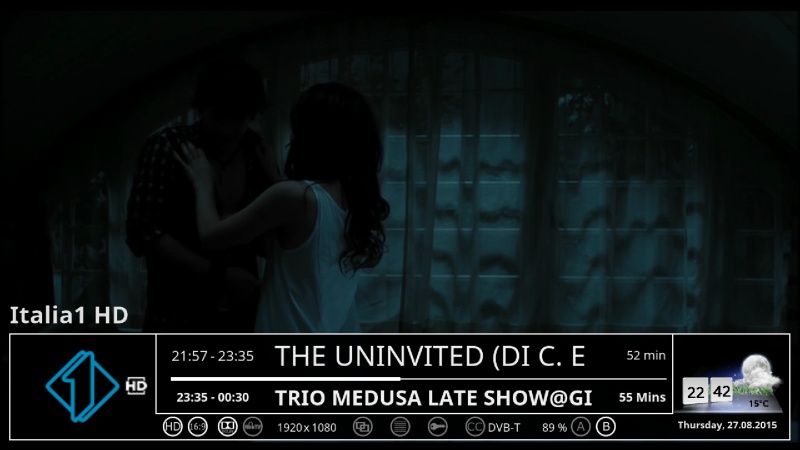
Spinner from Arctic Skin
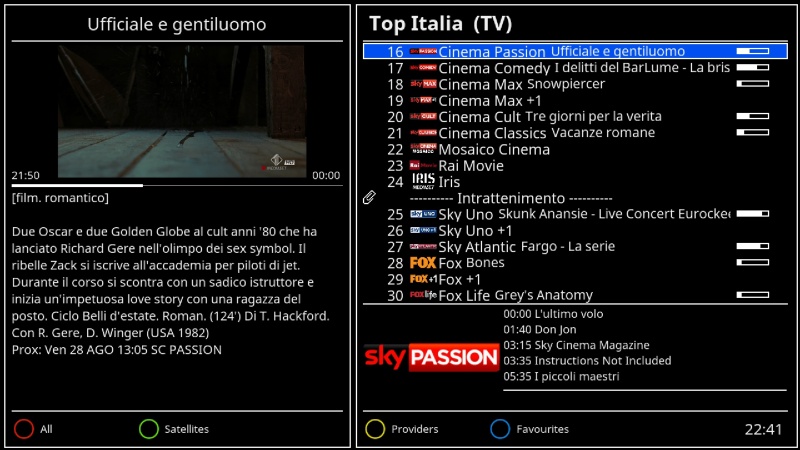
Setting Whannibal Dual Feed 13+19+Dtt Italy (configure your tuner)
Language: English (system setup and select your language)
Password FTP and Telnet: robijay
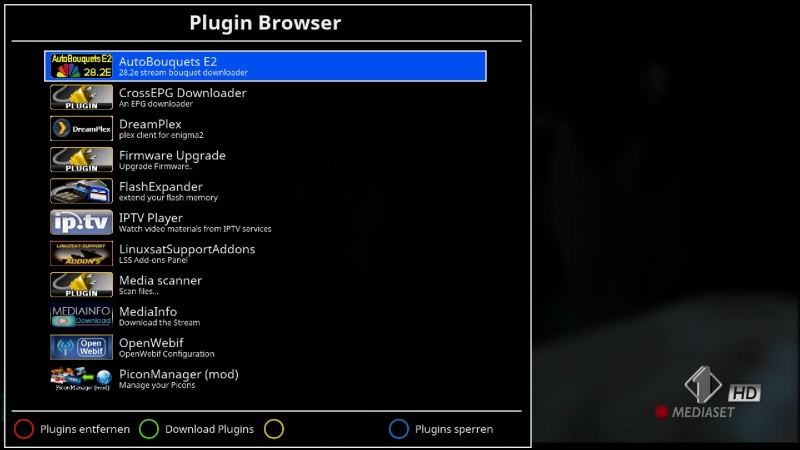
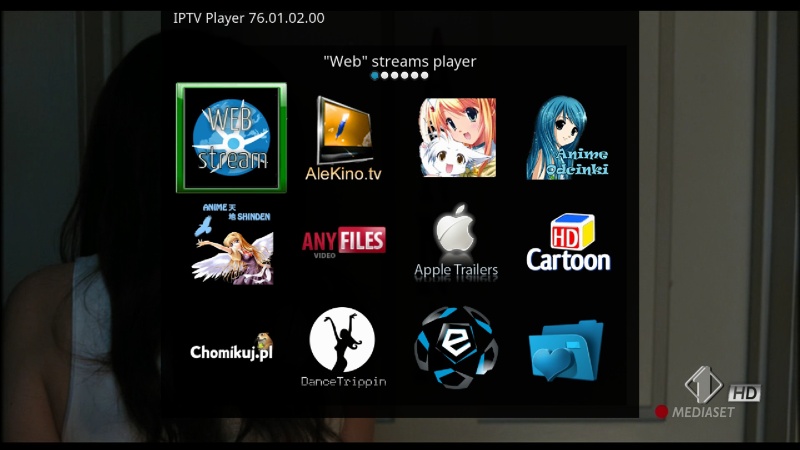
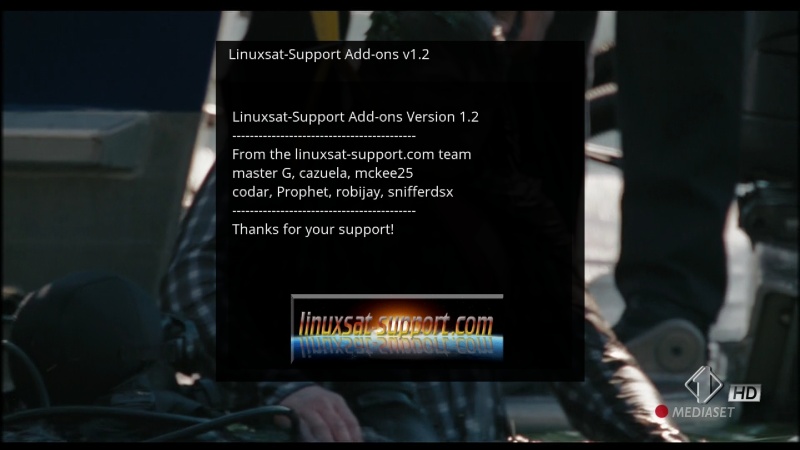
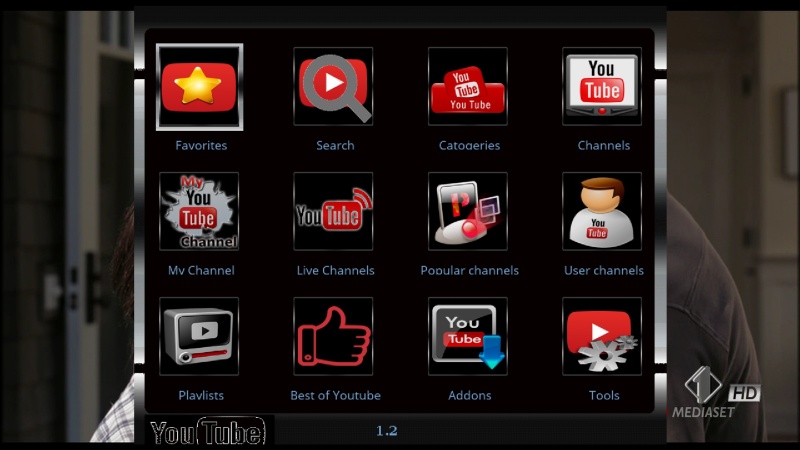
Panels
LINUXSAT SUPPORT 1.2HD
SATVENUS PANEL HD 1.3
TSPANEL 7.5 HD
Plugins
AUTOBOUQUETS 28,2
RATS DW PICON UPDATER 1.2
PICON MANAGER 2.2
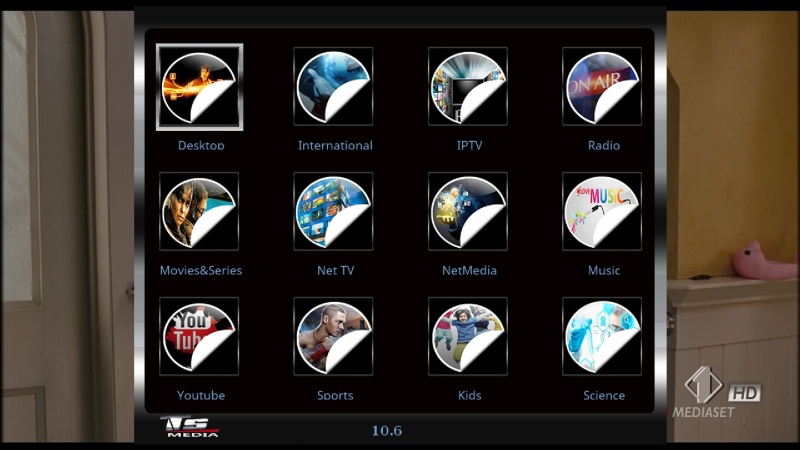
TSMEDIA 10.6
OPEN MULTIBOOT
UK & IRE LOTTERY BETA 0.8
MEDIAINFO 2.7
IPTV PLAYER 76.01.02.00
XMLTV RYTEC INPORTER
SKIN MOVER PLUGIN
TSTUBE 1.2
CROSSEPG
FLASHEXPANDER
IPTV LIST UPDATER
WEBRADIOFS
ISETTINGE2 3.3.4
AND MANY MORE
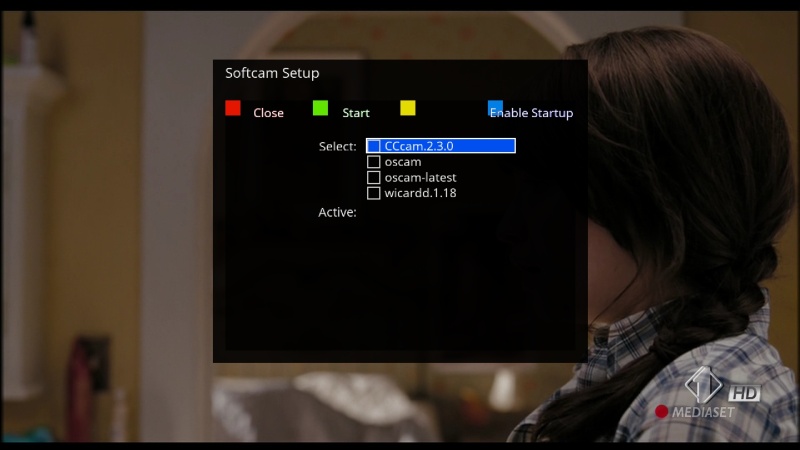
Emu
CCCAM 2.3.0
OSCAM YMOD 18-T56
OSCAM 10960
WICARDD 1.18
SKIN
ORIGINAL
SEVEN HD 3.2 BY KRAVEN (DEFAULT)
webradiofs 13.41 ***Testversion***
Title passes and you would like the added? (or the title before?)
here for testing:
Version with option to permanent cache (Menu -> Settings -> Recording Settings) and as 'ad hoc' feature (Menu -> Record menu)
Thx @ shadowrider
webradiofs 13.41 ***Testversion***
Title passes and you would like the added? (or the title before?)
here for testing:
Version with option to permanent cache (Menu -> Settings -> Recording Settings) and as 'ad hoc' feature (Menu -> Record menu)
Thx @ shadowrider

