Posts by robijay

    [BKP]Black Hole 2.1.7 Vu+Duo2 Summer Edition by Robijay


    Backup date 09/07/2015
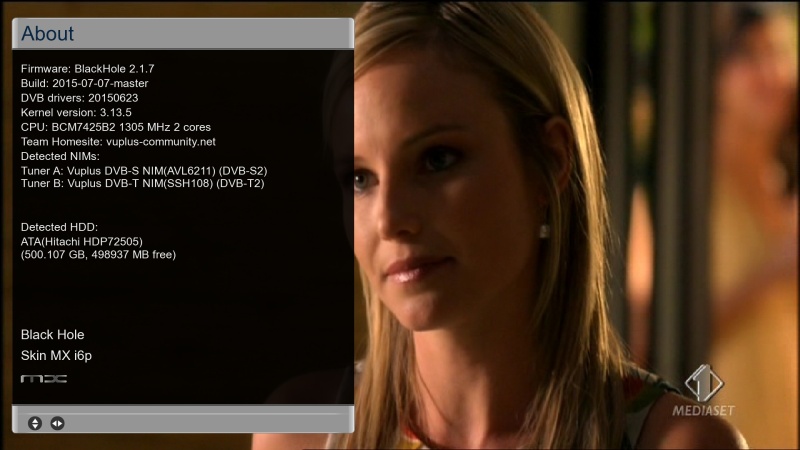
    Kernel 3.13.5
    Driver 23/06/2015
    Splash Screen Black Hole by robijay
    Bootlogo by robijay
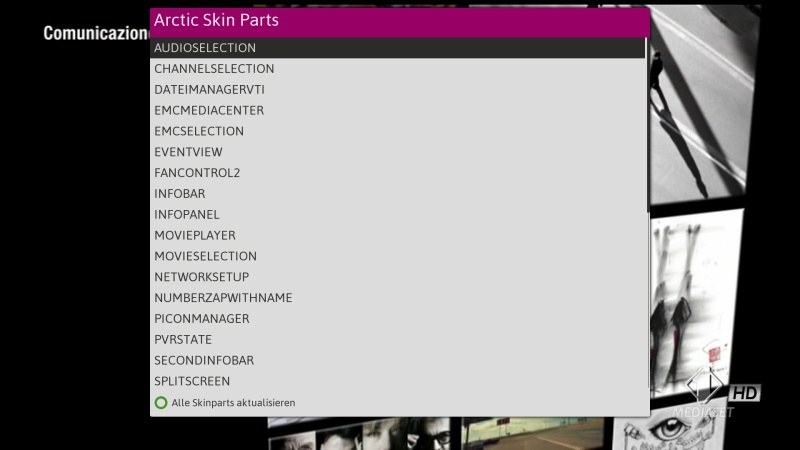
    Spinner frorm Artic Skin
    Setting Whannibal 13,0+19,2+Dtt Italy (configure your tuner default is 13,0+19,2)
    Language: English (system setup and select your language)
    Password FTP and Telnet: robijay


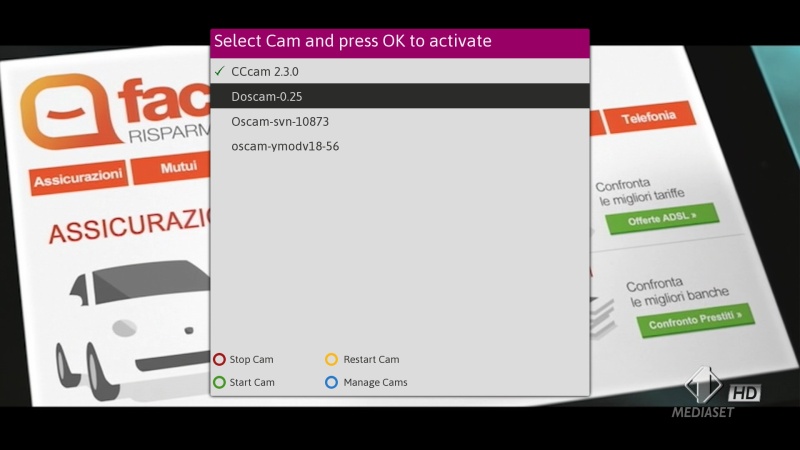
    Cams configuration, Ports & Passwords


    CCcam Web Info port: 16001
    Username: root
    Password: robijay


    Doscam Web Info Port: 16002
    Username: admin
    Password: robijay


    Oscam Web Info Port: 16003
    Username: admin
    Password: robijay


    Oscam-Ymod Web Info Port: 16004
    Username: admin
    Password: robijay


    File directory:
    Doscam config & softcam.key directory: /etc/tuxbox/config/doscam25
    Oscam config & softcam.key directory: /etc/tuxbox/config
    Oscam Ymod & softcam key directory: /etc/tuxbox/config/ymod
    CCcam config directory: /etc


    [align=center]Whats Included ?
    Black Hole 2.1.7.


    Panel
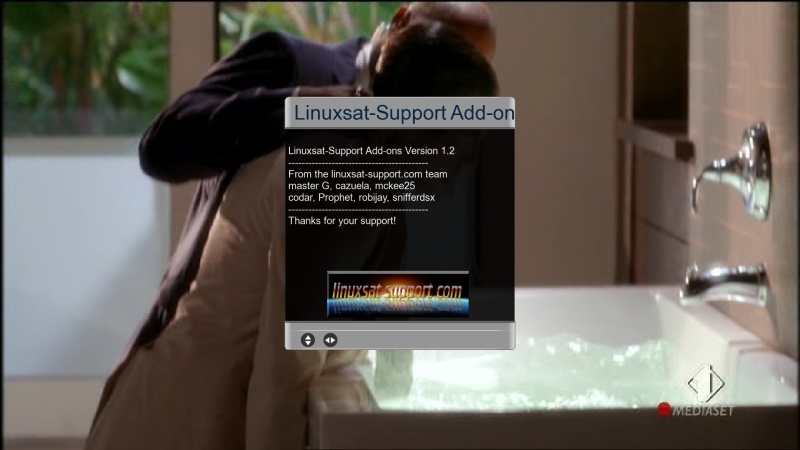
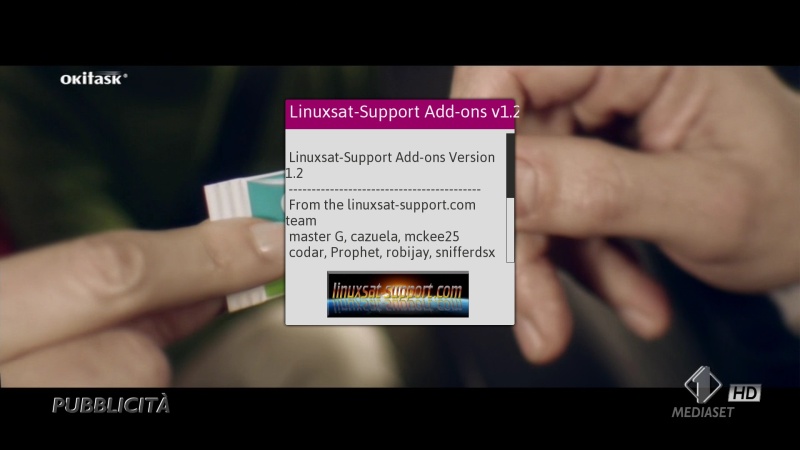
    LINUXSAT SUPPORT PANEL 1.2 FULL HD
    SATVENUS PANEL 9.0


    Bouquet Plugin
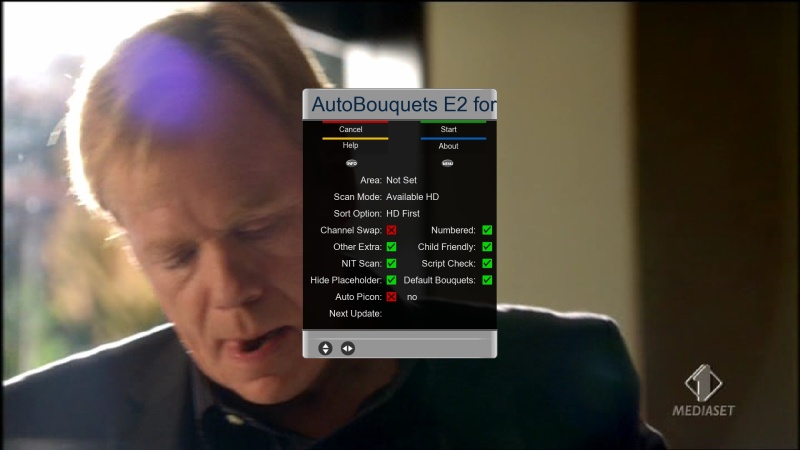
    AUTOBOUQUETS FOR 28,2 (FOR UK USER)
    ISETTINGE2 3.3.4


    Plugin
    XBMC LAUNCHER
    Repositories & Addons For XBMC Launcher Can Be Downloaded From our Addons Panel
    OPENMULTIBOOT
    CROSS EPG
    MEDIAPORTAL 7.1.3
    COOL TV GUIDE 7.3.0
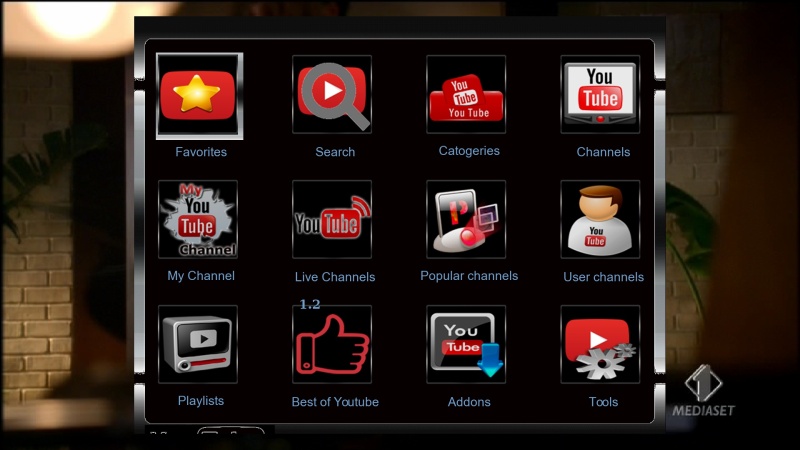
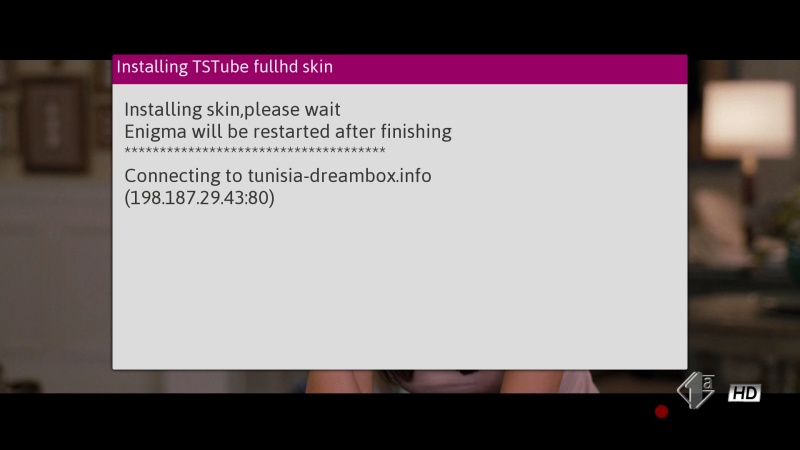
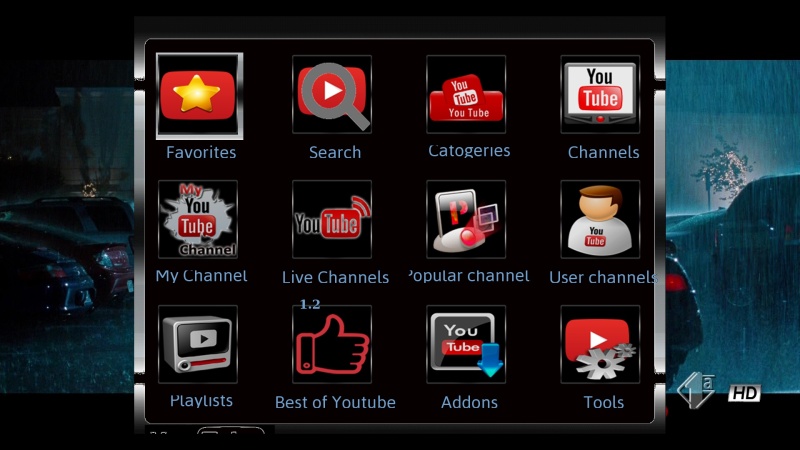
    TSTUBE 1.2
    LCD4LINUX (UPDATE)
    TSMEDIA 10.3 (DO NOT WORK WITH FHD SKIN)
    LIVE FOOTBALL 5.8
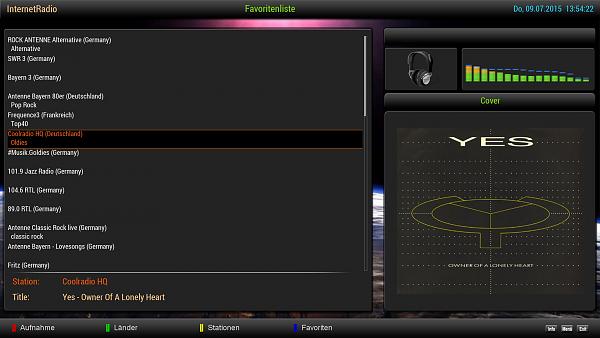
    WEBRADIOFS


    AND MORE..........


    Emu
    CCCAM 2.30
    DOSCAM 0.25
    OSCAM YMOD-T56
    OSCAM SVN 10888 (RELEASE 09/07/2015)
    OSCAM STATUS VIEW
    CCCAM INFO


    Skin
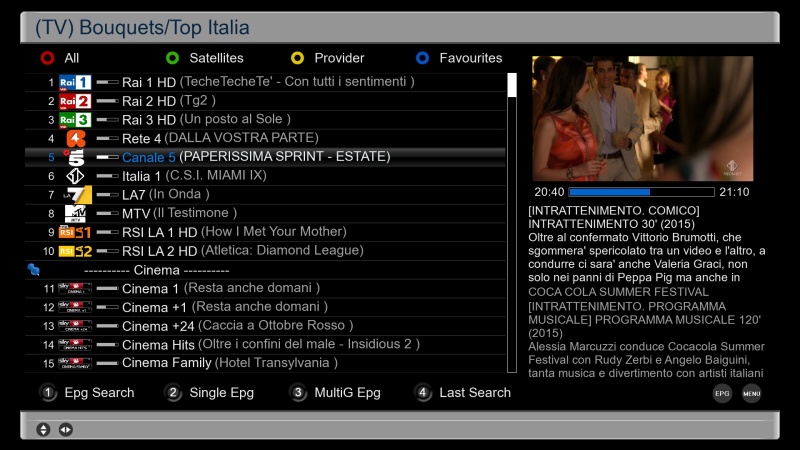
    MX I6P


    Picons
    13+19,2+DTT ITALY BY MMARK (INCLUDED)
    28,2 BY OKTUS DOWNLOAD HERE

    Black Hole 2.1.7 MultiBoot


    WHAT IS NEW


    New switch from MeoBoot to OpenMultiBoot to use different kernels and drivers for each installed image.
    New skin MX i6p By Matrix10
    Vu+ drivers 20150623
    - Fix tuning problem(AVL6211, duo2, solose)
    - Improve vtuner(satip support)
    - Fix scrambling bit in recording
    - Improve transcoding
    Xbmc Support 576/720/1080 resolution
    Updated Vuplus-Blindscan
    Updated HbbTv
    Updated WebManual
    Added Sat>Ip Client
    Included UiPositionSetup
    Removed MeoBoot
    Added OpenMultiBoot
    Updated Lcd4Linux
    Updated MediaTree (usb tuners drivers)
    Fixed random socket error
    [ScanSetup] fixed error on complete scan with T2 tuners
    [ScanSetup] fixed TT3L10 automatic scan problem
    [unicable] support JESS(EN50607) and update unicable.xml
    AnimationSetup: set default to animations disabled


    WARNING: This Image has the latest drivers and CAN NOT be installed in multiboot. The image MUST be installed in flash.
    Black Hole does not support images not installed in flash.


    This latest version of the Black Hole series has been entirely rewritten and improved in the code for maximum stability and performance.


    Please note that of all images Black Hole now has the best epg system:


    - Integrated OpenEpg


    - Rytec dedicated epg.dat


    - New system epg.dat outside.


    This last feature gives the possibility to various forums or communities to create their favorite EPG data files and load them into a web space.


    Community members can then download it from our servers.


    This feature provides other benefits such as:


    Increase download speed of EPG


    Download EPG from any channel


    Schedule the download of EPG decoder even during standby


    Users can customize the providers using Add / Remove function


    Main functions of the buttons on the remote


    OK button = Skin with simple information


    OK button x 2 = Extra Info Skin


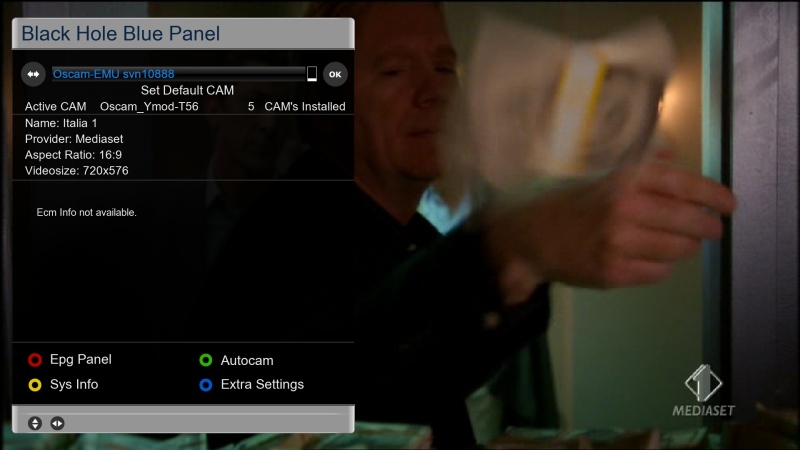
    Blue button = Black Hole Blue Panel


    Blue button and then Red button = Black Hole Epg Panel


    Blue button and then Yellow button = System Monitor Panel


    Blue button long press = Extensions


    Yellow button = Audio menu


    Green button = Black Hole Green Panel


    Green button long press = Subservices


    Green button and then Red button = Fast Plugin Setup


    Green button x 2 = Fast Plugin


    Button Red short press= access HbbTv functions


    Button Red long press= Red Panel (Parallel Universes Teleportation)


    Addons


    Green button and then Yellow button takes you to:-


    Dedicated server for BlackHole addons


    Download and install additional packages from the Black Hole server


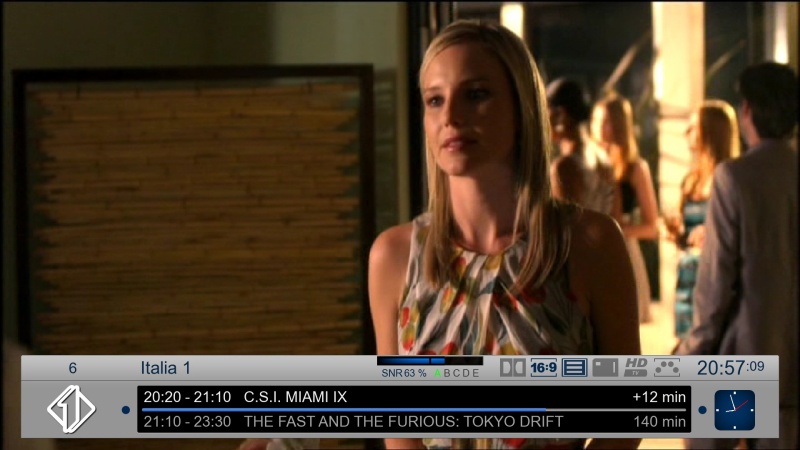
    Infobar / OSD


    Analog Clock Gui


    Channel orbital location


    Advanced Tuner Info: Sr Freq Pol Fec


    Signal SNR, BER


    Infobar picons


    Characteristics of BlackHole Panels


    Blue Panel


    Extra Settings


    Black Hole Speed Up


    Black Hole Cron Manager (Manage schedules)


    OSD Settings (OSD configuration)


    Devices Manager


    Usb Format Wizard


    Kernel Modules Manager(Kernel module operator)


    Inadyn Settings (Configure Inadyn)


    Swap File Settings (Configure File Swap)


    Hard Disk Settings (Configure Hard Drive)


    OpenVPN Panel ( OpenVPN Panel)


    Samba / CIFS Panel ( Samba Panel)


    NFS Server Panel ( NFS server Panel)


    Telnet Panel ( Telnet Panel)


    FTP Panel ( FTP Panel)


    UPnP Client Djmount


    UPnP Server Mediatomb


    UpnP Server Minidlna


    Pcsc Panel


    Tuner Server


    Network Browse & Mountpoints


    Info Panel


    1 - Gui Setting (Gui configurations)


    2 - Service Information (information system)


    3 - About (info)


    Memory (Memory)


    Space (capacity)


    CPU (processor)


    Process (process)


    EPG Panel


    Global settings (global settings EPG)


    Setting Provider (ISP settings)


    Green Panel


    Fast Plugin Setup (Configure quick access to your favourite plugin)


    Fast Plugin (Access your favourite plugin)


    Addons (added)


    Addons Download Manager (Manager for package downloading)


    Online Feeds Settings update


    Online Black Hole image update


    Manual Install BH packges (Manual installation of Black Hole packages)


    Manual Install IPK packages (Manual installation of IPK packages)


    Addons Uninstall Panel (Uninstalled packages)


    Black Hole Statistics (See connections, top downloads and more)


    Characteristics of BlackHole Panels


    Red Panel


    BH Parallel Universe Teleportation


    BlackHole


    Avalon


    Chaos


    Ghost


    Credits


    Thanks to Pedro_Newbie for Backup script


    Thanks to the group of Beta Testers.


    Thanks to Rytec for providing us with the server with all epg.dat files.


    Thanks to MaxZ4 for Integrated EPG loader.


    Thanks to Skaman for Cross EPG


    Thanks to Lukkino (VDR-Italy) for the source code of OpenTV.


    Thanks to Reinh@rd for the file satellites.xml.


    Thanks to Littlesat and Pli Team for the original autolanguage and subtitle options code


    DISCLAIMER


    THE BLACK HOLE IMAGE IS BASED ON THE OFFICIAL FIRMWARE PUBLISHED BY VU+ AND IN ACCORDANCE WITH THE LAW IT CONTAINS ONLY SYSTEM ADDITIONS & GRAPHIC CHANGES.


    THE BLACK HOLE IMAGE DOES NOT CONTAIN ANY EMULATOR, K E Y S, SOFTCAMS OR OTHER SYSTEM FOR VIEWING PAY - TV WITH OR WITHOUT A PAID SUBSCRIPTION.


    LASTLY, THE BLACK HOLE IMAGE DOES NOT CONTAIN ANY SYSTEM TO DOWNLOAD PLUGINS OR EMULATORS FROM EXTERNAL SERVERS OR SOFTWARE THAT MAY BE USED FOR ILLEGAL PURPOSES SUCH AS CARD SHARING.


    LICENSE (TERM OF USE)


    THE BLACK HOLE IMAGE IS ISSUED FOR THE FREE USE FOR ALL USERS PROVIDED THAT IT WILL NOT BE CHANGED IN ANY WAY AND THAT IT WILL ONLY BE USED FOR LAWFUL PURPOSES.


    ANY CHANGES OR ADDITIONS TO BLACK HOLE IMAGE THAT INVOLVE UNLAWFUL USE OF THE IMAGE SUCH AS CARD-SHARING AND EMULATORS ARE NOT ALLOWED AND CAUSE THE REVOKE OF THIS LICENSE.


    This is free hobbyist software and it comes with absolutely no warranty. Use it at your own risk.

    Sorry but it's not public for now. We expect the OpenATV the first releases on their forum........For the moment I have to remove the file

    For Original DM800HD with no ca found error


    With DreamUp V1.3.3.11, using a null modem cable + LAN, start the program DreamUp verifies that there is a check mark for "Use Network" click on connect and at this point turn on the decoder, the program contacts the dreambox and you enable the flash button, select the previously unzipped nemesis and proceed.
    Charge directly Nemesis2.6-dm800-e2-OE (1.6) -SVN (107r5), the unpack and send it when you restarted the dreambox the update online at SVN 110r0.

    For Original DM800HD with no ca found error


    With DreamUp V1.3.3.11, using a null modem cable + LAN, start the program DreamUp verifies that there is a check mark for "Use Network" click on connect and at this point turn on the decoder, the program contacts the dreambox and you enable the flash button, select the previously unzipped nemesis and proceed.
    Charge directly Nemesis2.6-dm800-e2-OE (1.6) -SVN (107r5), the unpack and send it when you restarted the dreambox the update online at SVN 110r0.

    Auto Pin Plugin 0.2


    To mark the occasion and because annoys me how to enter forced through CI modules protecting PINs, enclose a plugin so that finished the own.


    After installation, it can be found under Settings, the rest is probably self-explanatory.


    The plugin is also no matter what kind of a module, so please speak again no stupid questions which the Board Rules.


    I was too lazy to implement pins per module, if you have 2 one can pin on the same 4-digit code set so that is automatically entered for both.


    And because today the sun is shining, I also quickly made a IPK, which is but ungetestetet. So you have to look yourself if that also works on the old boxes still.


    After I now to test 2 modules in the box have and constantly outputs 510 error a module that is not unlocked the Smartcard for the channel (which the other module decrypts) and I was too lazy to torment me with the module assignment, I have a 0.2 made by AutoPIN where you 510 information now just also as the PINs automatically pushed away immediately get on request.


    What makes zapping something pleasant ....


    Happy testing!


    Thx @ gutemine

    Auto Pin Plugin 0.2


    To mark the occasion and because annoys me how to enter forced through CI modules protecting PINs, enclose a plugin so that finished the own.


    After installation, it can be found under Settings, the rest is probably self-explanatory.


    The plugin is also no matter what kind of a module, so please speak again no stupid questions which the Board Rules.


    I was too lazy to implement pins per module, if you have 2 one can pin on the same 4-digit code set so that is automatically entered for both.


    And because today the sun is shining, I also quickly made a IPK, which is but ungetestetet. So you have to look yourself if that also works on the old boxes still.


    After I now to test 2 modules in the box have and constantly outputs 510 error a module that is not unlocked the Smartcard for the channel (which the other module decrypts) and I was too lazy to torment me with the module assignment, I have a 0.2 made by AutoPIN where you 510 information now just also as the PINs automatically pushed away immediately get on request.


    What makes zapping something pleasant ....


    Happy testing!


    Thx @ gutemine

    [BKP]VTI 8.2.2 Vu+Zero Summer Edition by Robijay


    Backup date 05/07/2015
    Kernel 3.13.5
    Update 04/07/2015
    Splash Screen VTI 8.2.2 by robijay
    Bootlogo by robijay
    Spinner from Arctic Skin
    Setting Whannibal Dual Feed 13+19,2+DTT Italy(configure your tuner default is 13+19,2)
    Language: English (system setup and select your language)
    Password FTP and Telnet: robijay


    Cams configuration, Ports & Passwords


    CCcam Web Info port: 16001
    Username: root
    Password: robijay


    Doscam Web Info Port: 16002
    Username: admin
    Password: robijay


    Oscam Web Info Port: 16003
    Username: admin
    Password: robijay


    Oscam Ymod Web Info Port: 16004
    Username: admin
    Password: robijay


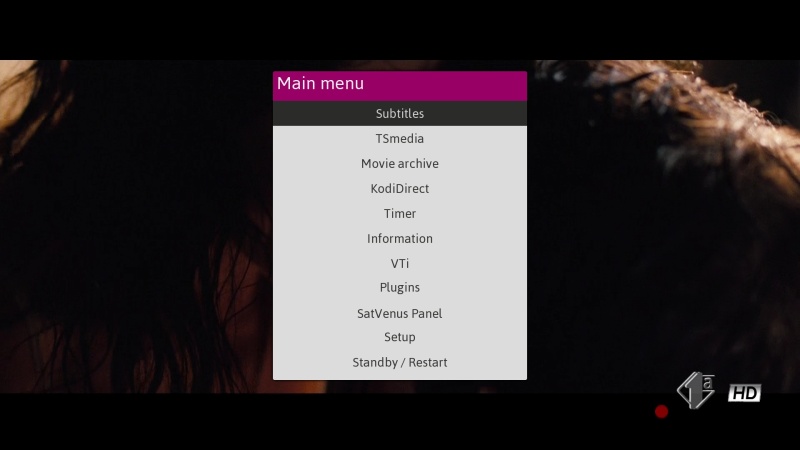
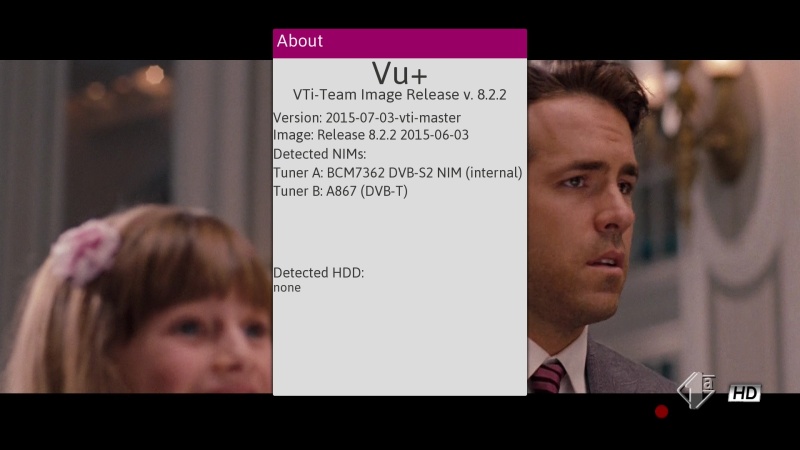
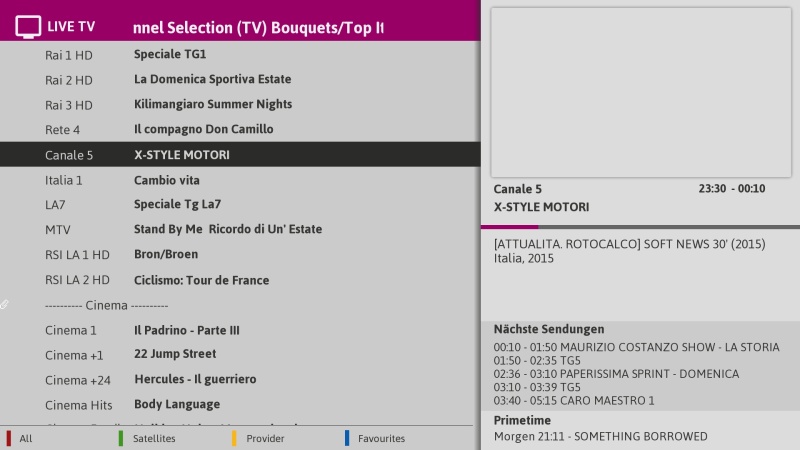
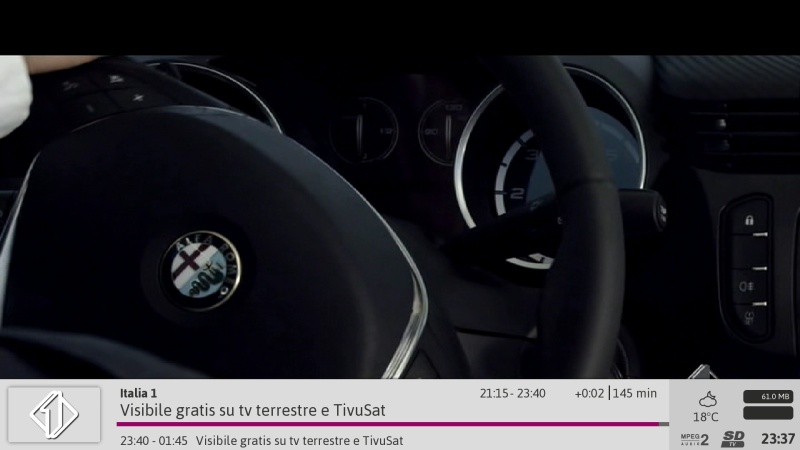
    20.jpg
    21.jpg
    22.jpg
    23.jpg
    24.jpg
    25.jpg
    26.jpg
    27.jpg
    28.jpg
    29.jpg
    30.jpg
    31.jpg


    Whats Included ?
    VTI 8.2.2


    Panel
    LINUXSAT SUPPORT PANEL 1.2 FULL HD
    SATVENUS PANEL 9.0


    Plugin
    ARCTIC SKIN SETUP
    KODI DIRECT 2.0 R27
    FLASH EXPANDER
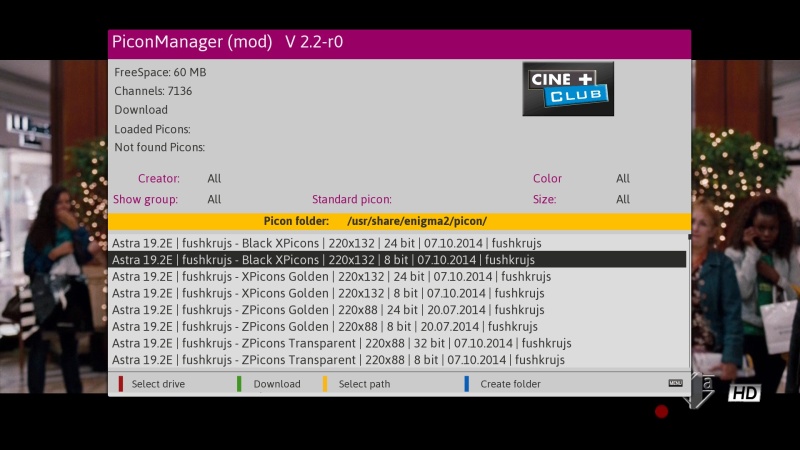
    PICON MANADER (MOD)
    TSTUBE 1.2
    CROSSEPG 0.81
    TSMEDIA 10.3 BETA (DON'T WORK WITH FHD SKIN)
    ISETTINGE2 3.3.4
    AND MORE..........


    Emu
    CCCAM 2.3.0
    DOSCAM V0.25
    OSCAM-EMU svn10873
    OSCAM YMOD.18-t56


    Skin
    ORIGINAL
    ARCTIC FHD SKIN (DEFAULT)


    NEXT BACKUP SEPTEMBER 2015 HAVE A NICE HOLIDAY

    For various internal reasons that we do not intend to make them public, we announce the imminent suspension of # Autosetting. Starting today, the setting will be available only on Vhannibal www.vhannibal.net. Thank the more than 30,000 users in the last year and a half, they have installed the "first and only official plugin" of Vhannibal. Miss us too.