


i've just noticed how small consumption of RAM is and device really fly, watching TV and have GUI and all add-ons MEmory is just 13% used greattt
Posts by xbmcflix
-
-
In tvh you need only add for example one Mux and only need to select ANNEX_A when making mux. If your frequency for example is 323 MHz you will enter it 323000000 and that is enough, as WeTek tuner detect automatically SR and other parameters, and by NIT it will discover all other muxes and scan them
-
Wetek Hybrid tuner for example is DVB-C/T/T2 multi-standard inside of one tuner and I think it is generally called hybrid tuner as demodulator is hybrid and can "demodulate" different types of signals :D
-
I like htpc's too but issue is they are noisy and of course electricity consumption is much higer...
-
If your having to use your tablet for now try using the oscam webif to enter your details etc....
Exactly, simple and easy from web interface. I manage also with smargo my subscription and it works very nice
-
the directory /storage/ what is that relating to ? SD card, box memory usb stick?
It reffers to NAND or SD Card, depend where you installed OpenELEC. If You installed it on NAND it looks at partition of NAND, or if you run OpenELEC from SD-Card then it is on SD-Card.
OE installation need about 101 MB, so if you have 16 GB SD-Card, you will have 15.8 GB under /storage :D
-
Display More
Hi
I've bought a couple of week units over the few weeks and I must say...they're a great all round box.
The only huge flaw is the absence of a working softcam.
The oscam release is no good as a client and I don't think anyone has succeeded to do anything with it.
I hear that there's an enigma2 release due soon...will that have any use able cams with it.
If this wetek is to really take off then the release of any working softcam would boost sales big time.
Amiko have succeeded with the A3?? so why not Wetek
Any help or info appreciatedhere working oscam on android and openelec at WeTek Play
-
I am using oktus picons, this big sized 220x.... px and works ok and I usually put updated picons with Overwrite hehe :D
-
Simple step-by-step tutorial to add Picons in tvheadend on OpenELEC at WeTek Play.
1. Get IP of your WeTek Play:
System -> System Info
2. Connect by PuTTY to WeTek Play
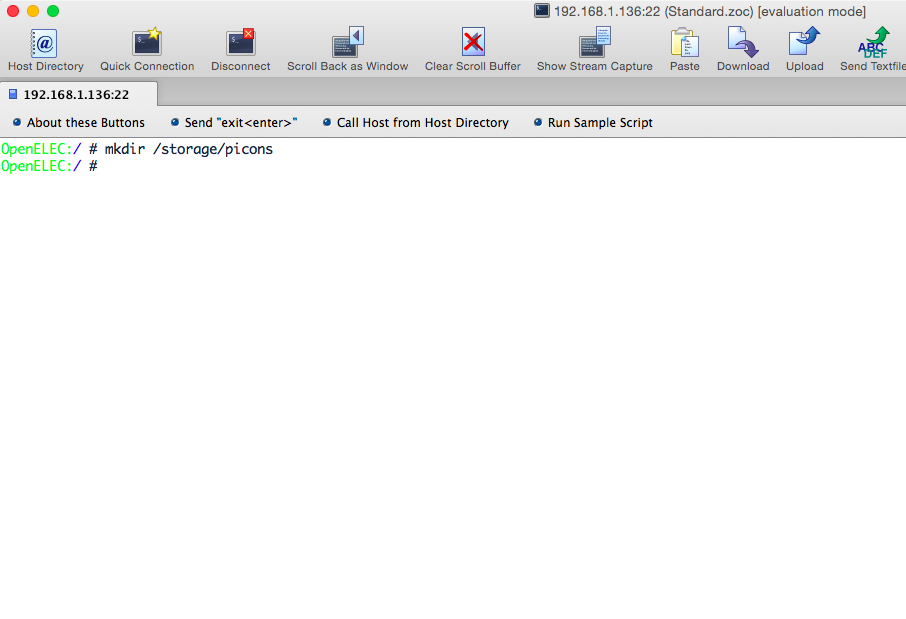
3. Execute this command:mkdir /storage/picons
(see at photo)
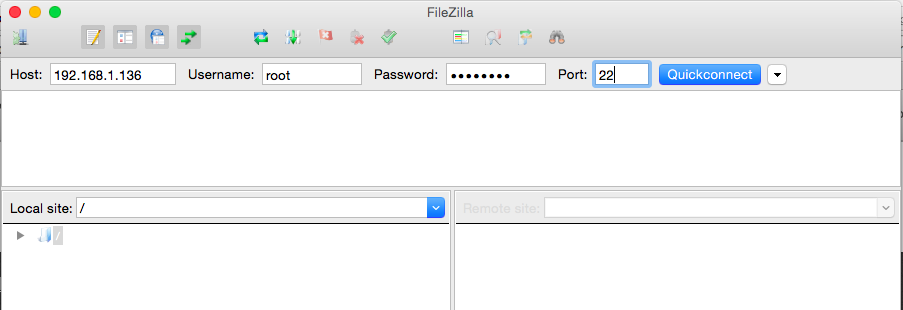
4. Connect by FileZilla (SFTP) to WeTek Play IP address
IP: WeTek IP Address
Username: root
Password: openelec
Port: 22(see photo)
5. Enter in Picons folder (/storage/picons)
(see photo)
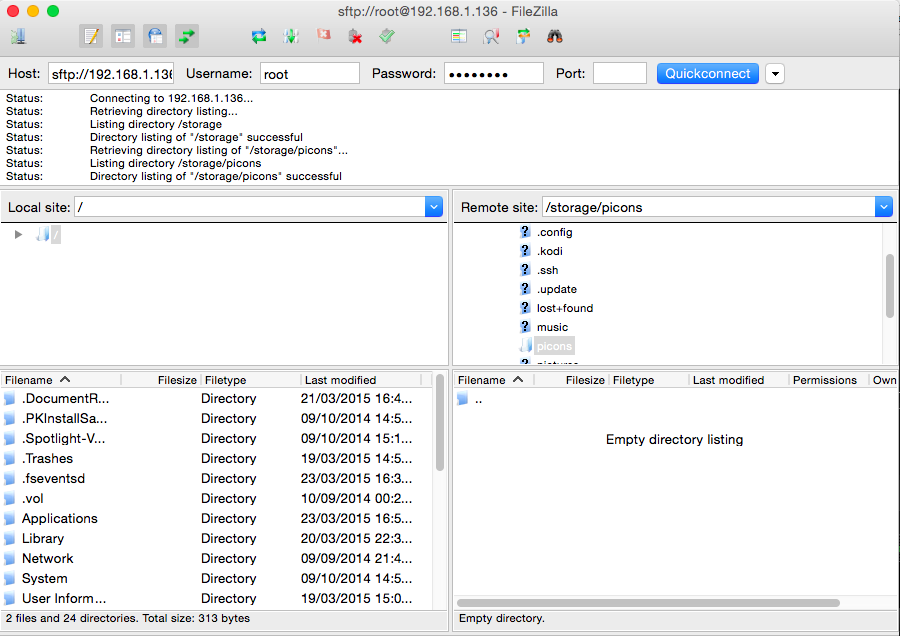
6. Transfer here your picons.
7. Go to tvheadend web interface (http://ip-of-wetek:9981)
8. Click on Configuration
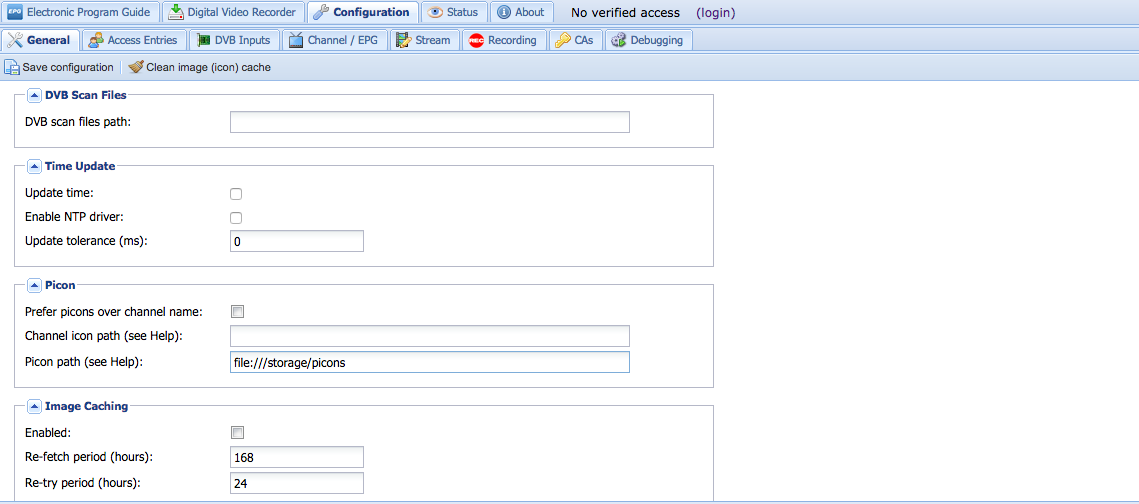
9. Click on General and scoll down to Picon settings
10. In field Picon path (see Help): enter this:
file:///storage/picons
(see photo)
11. Click above on Save configuration, and reboot WeTek Play
12. Congratulation, you have picons :)
-
amazing mate congrats!!!
-
scooterbuk, do like this:
Connect by PuTTY over SSH to WeTek Play and execute this command:
mkdir /storage/picons
Then connect by FileZilla by SFTP over port 22 to WeTek Play, and then you will see folder picons. Enter in that folder and transfer there your picons.
Now open TVHeadend web interface, and in Configuration tab in field Picon path put:
file:///storage/picons
Save configuration and reboot device, thats all
-
WeTek in short time will become my top top device, this device have incredible support and possibilities inside one device
-
Its a lot of work ive been playing trying to get picons working all afternoon cant believe it ffs I need to know this thing in and out
Steve connect by SSH to WeTek Play, do this command:
mkdir /storage/picons
Now with FileZilla connect to WeTek Play, and you should see directory picons.
Transfer there all your picons
Go to tvheadend General section tab and in picon path:
file:///storage/picons
Click on Save, reboot device and that's all.
-
yes too, but here a lot of footy :D
-
hello guys
I've just discovered this great and simple tutorial for watching p2p streams where alsmost all are in HD quality:
https://seo-michael.co.uk/how-…re-p2p-streams-xbmc-os-x/
Tested on Android :)
-
-
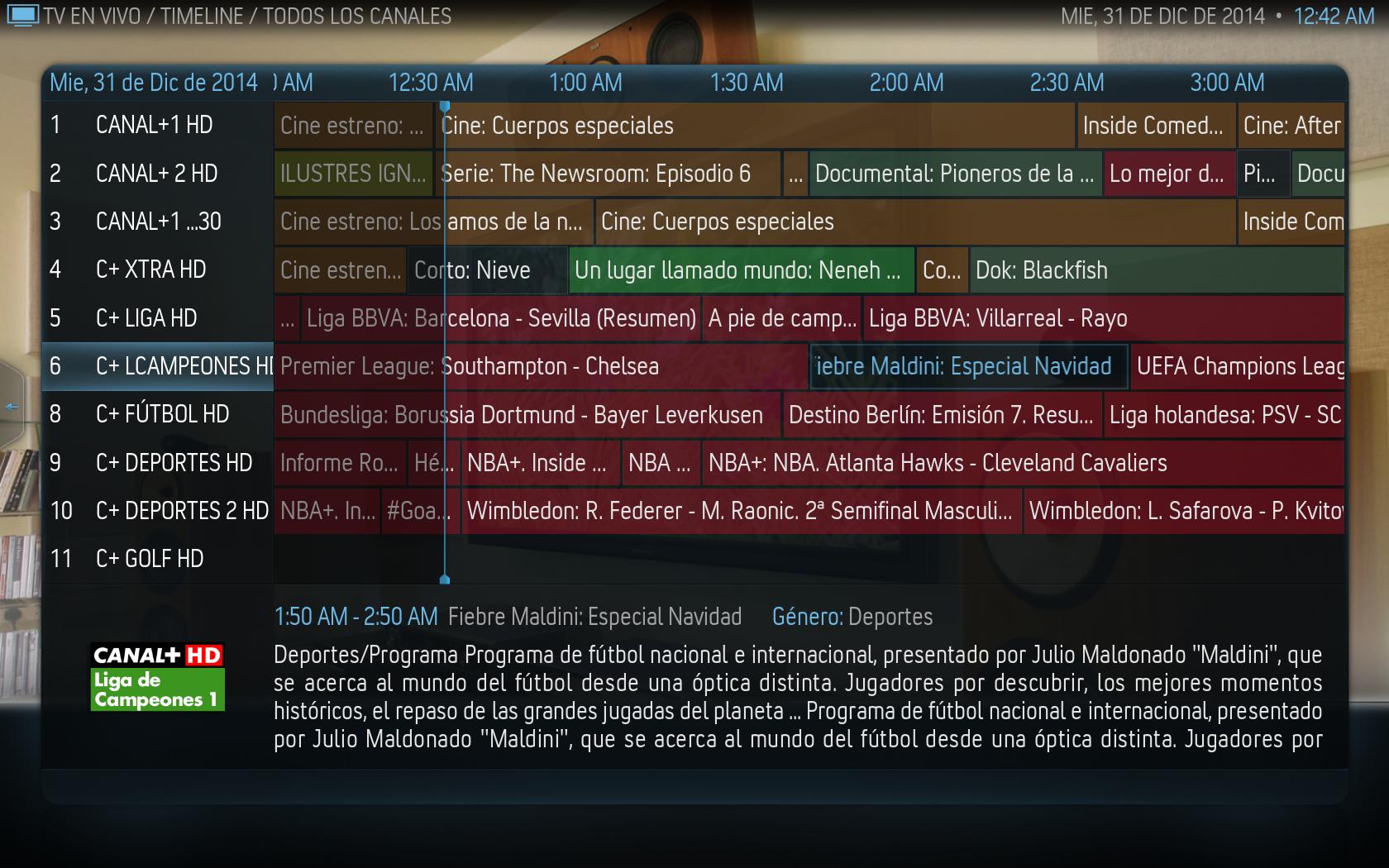
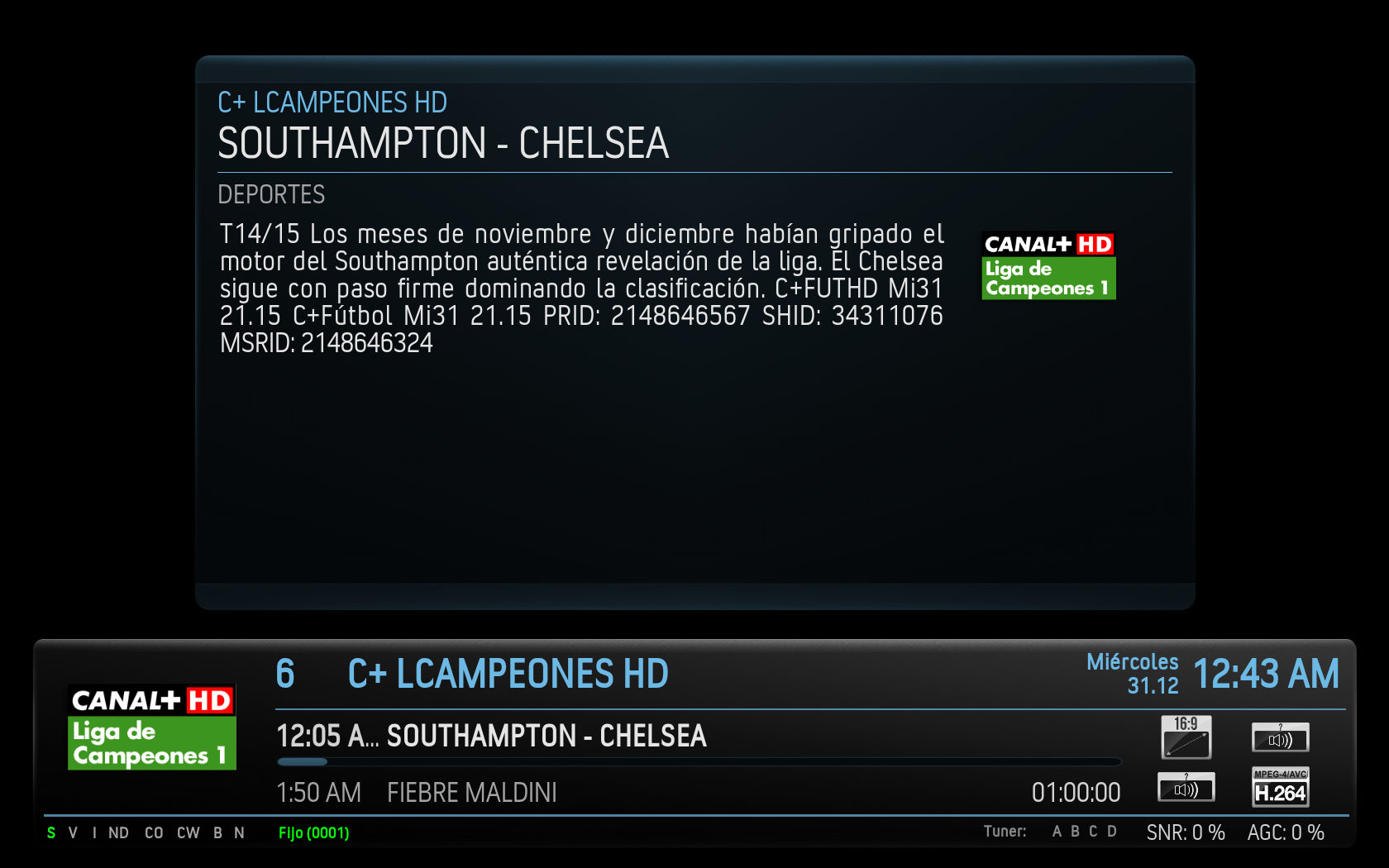
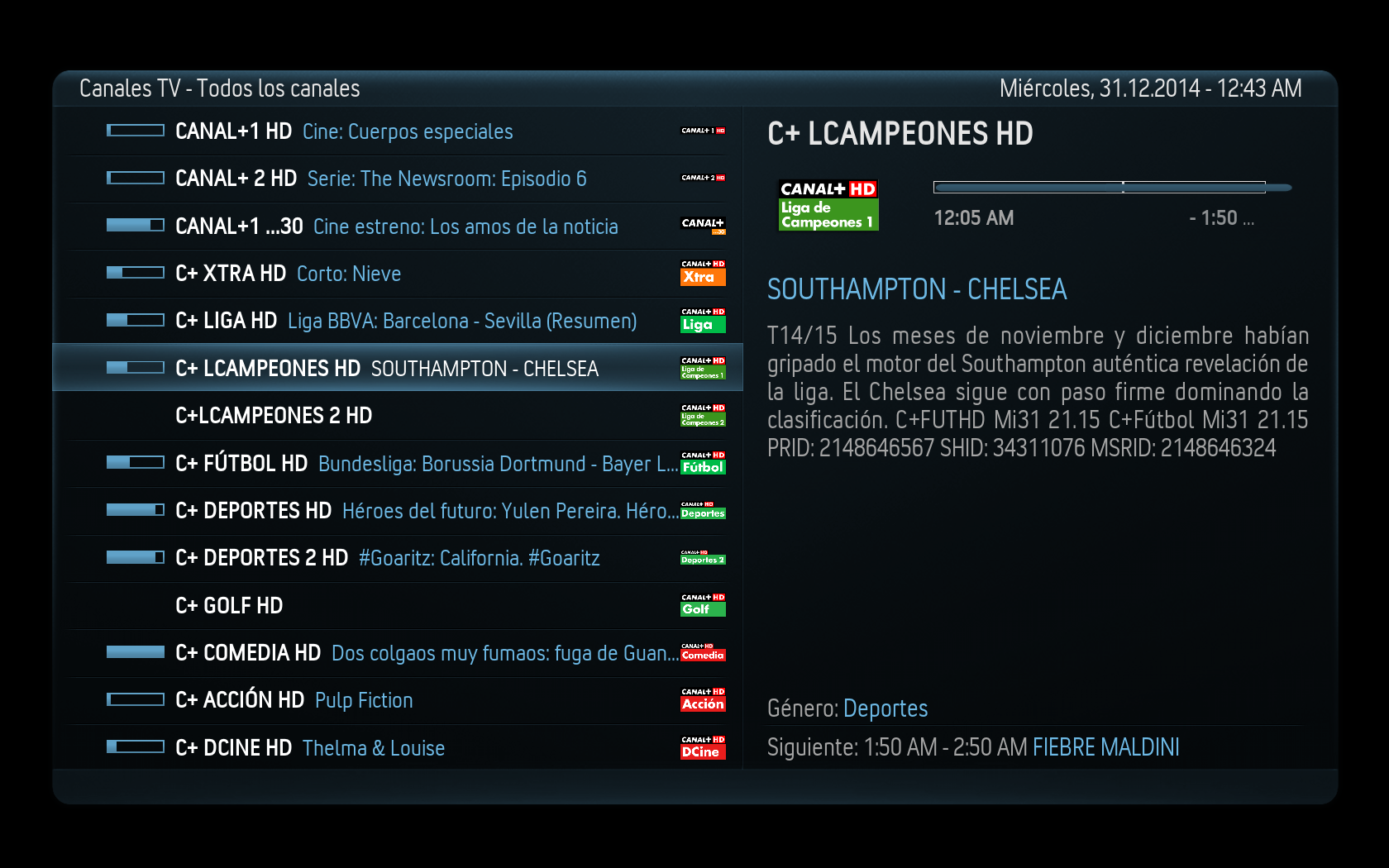
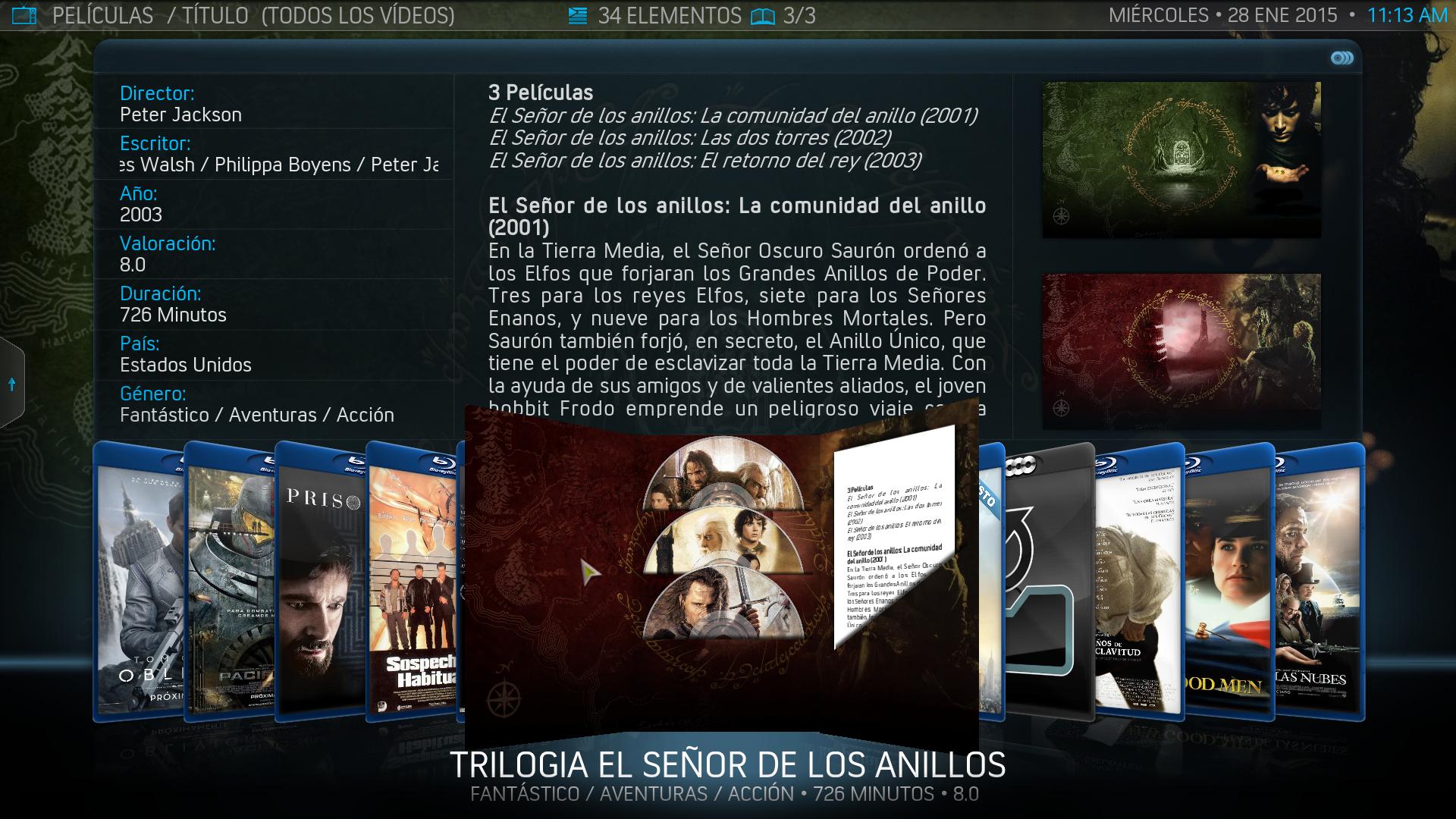
Original URL of Skin MOD: http://forum.kodi.tv/showthread.php?tid=213107
Latest version: 4.2.3b
Download: https://repository-xbmcmania.g…itory.xbmcmania.helix.zip
TIPS:
- Please, delete or add custom entry in advancedsettings to disable Splash, because this MOD includes startup animation.
- The watched/new flags are in spanish language. If do you want change to other language, please use this Textures.xbt and replace the old in the aeon folder:

How to install:
1. Download and activate Aeon Nox skin at your WeTek Play OpenELEC.
2. Download .zip file from link listed above.
3. System -> Add-ons -> Install from ZIP -> Select downloaded .ZIP file and it will install Repository.
4. System -> Add-ons -> Get Add-ons -> XBMCMania Repository and download skin
-
is there a way to get bouquets for tvheadend in openlec, somthing like catseye or is there a tutorial on how to make them, or is there a way to move them in to the order i want
You can make them just go to -> System -> Live TV -> Channels manager
-
-
I just use E2 picons on mine
Me too i downloaded picons from oktus, bigger one 220x...

