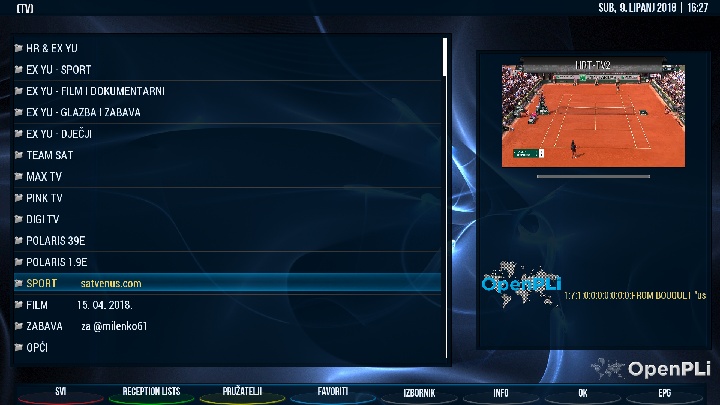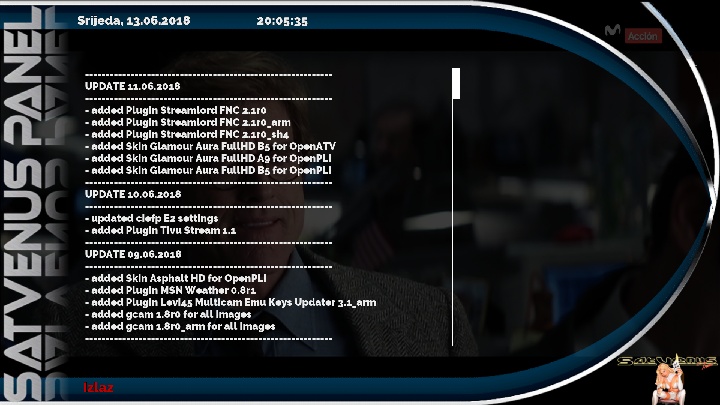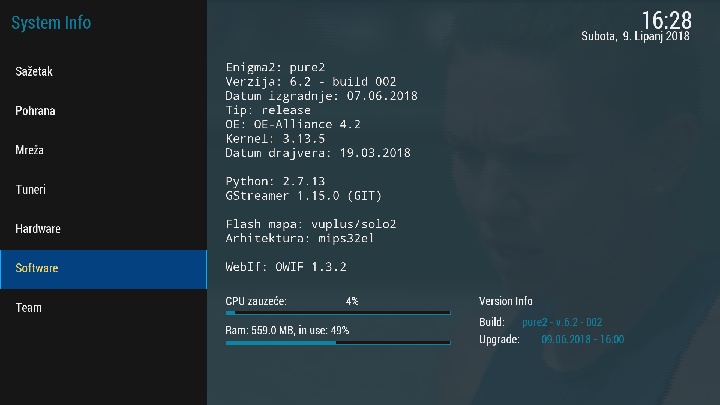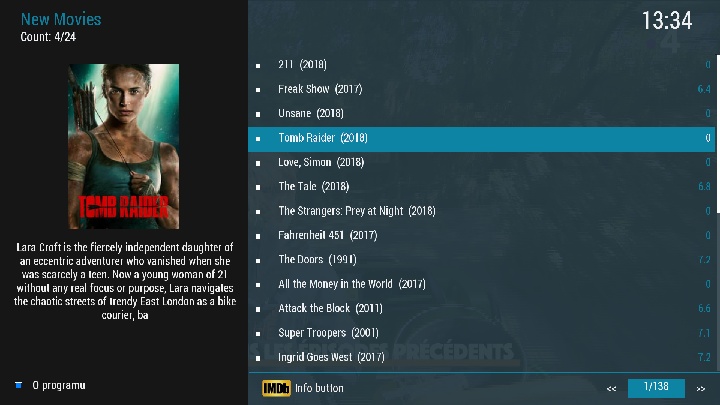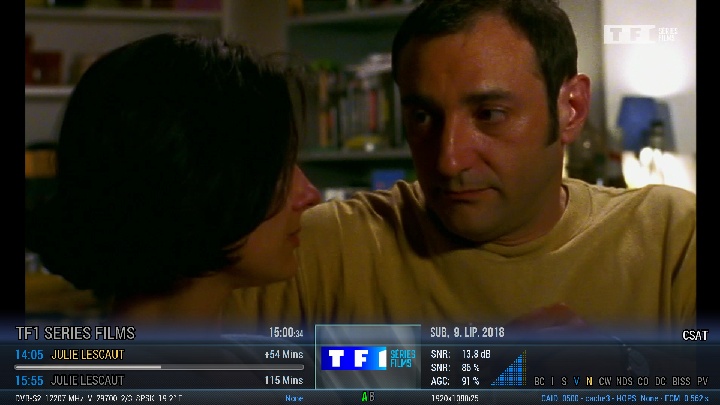
- Update - Version: 3.0.5
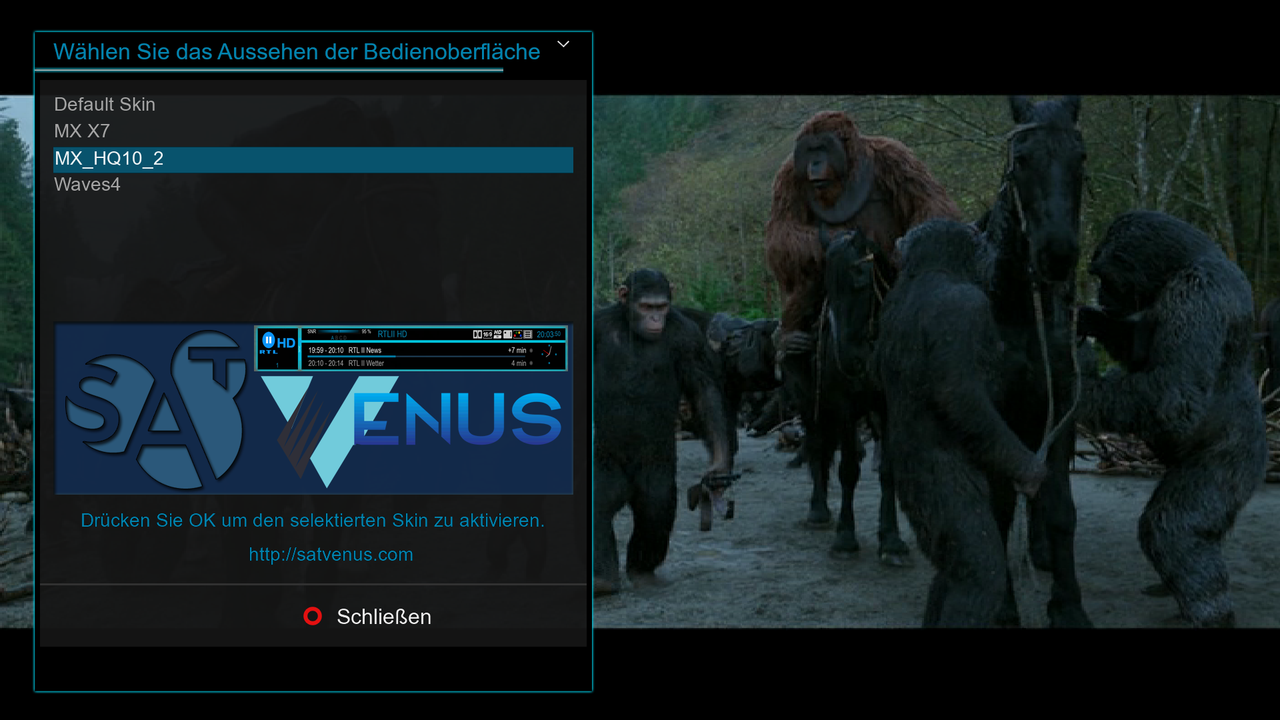
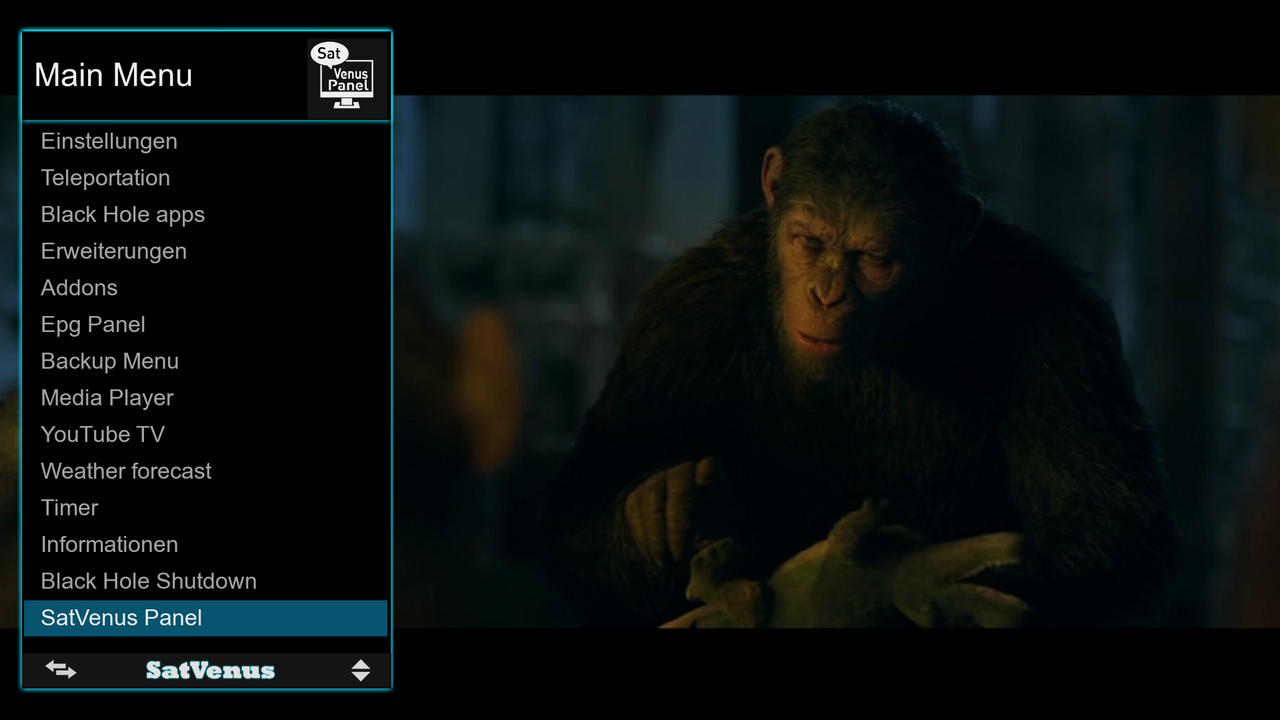
- corrected small mistakes and added new look
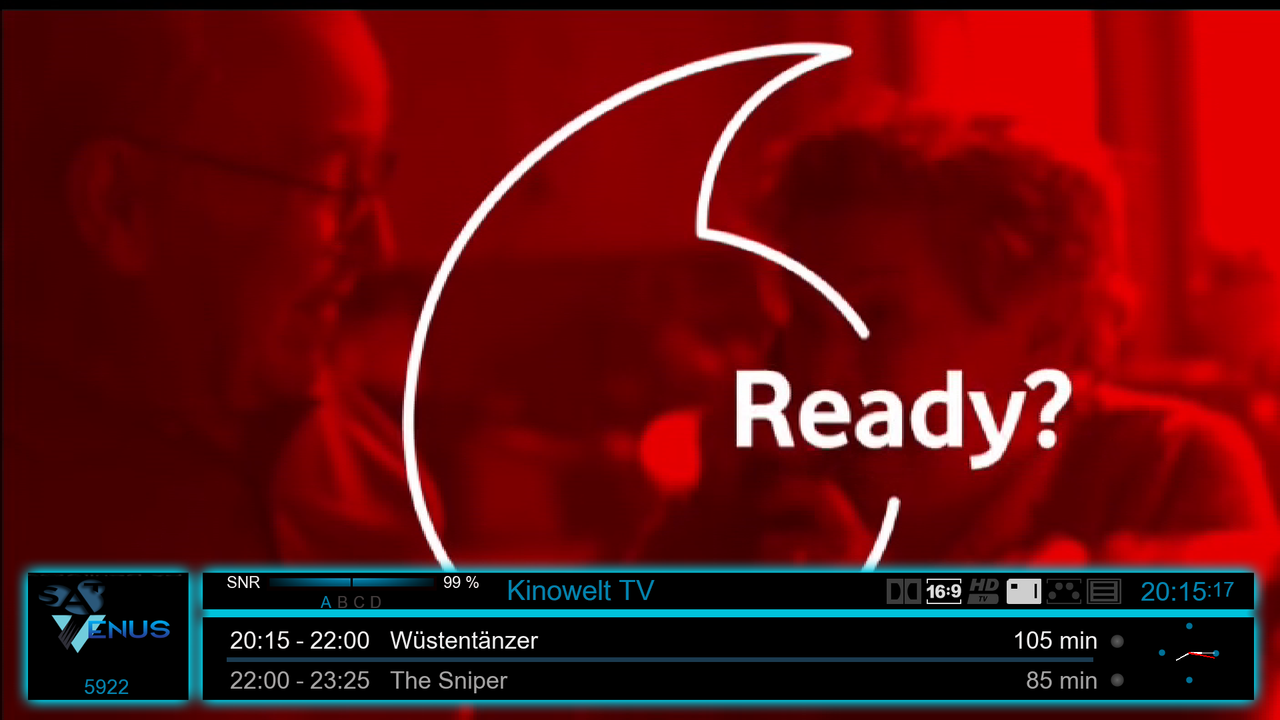
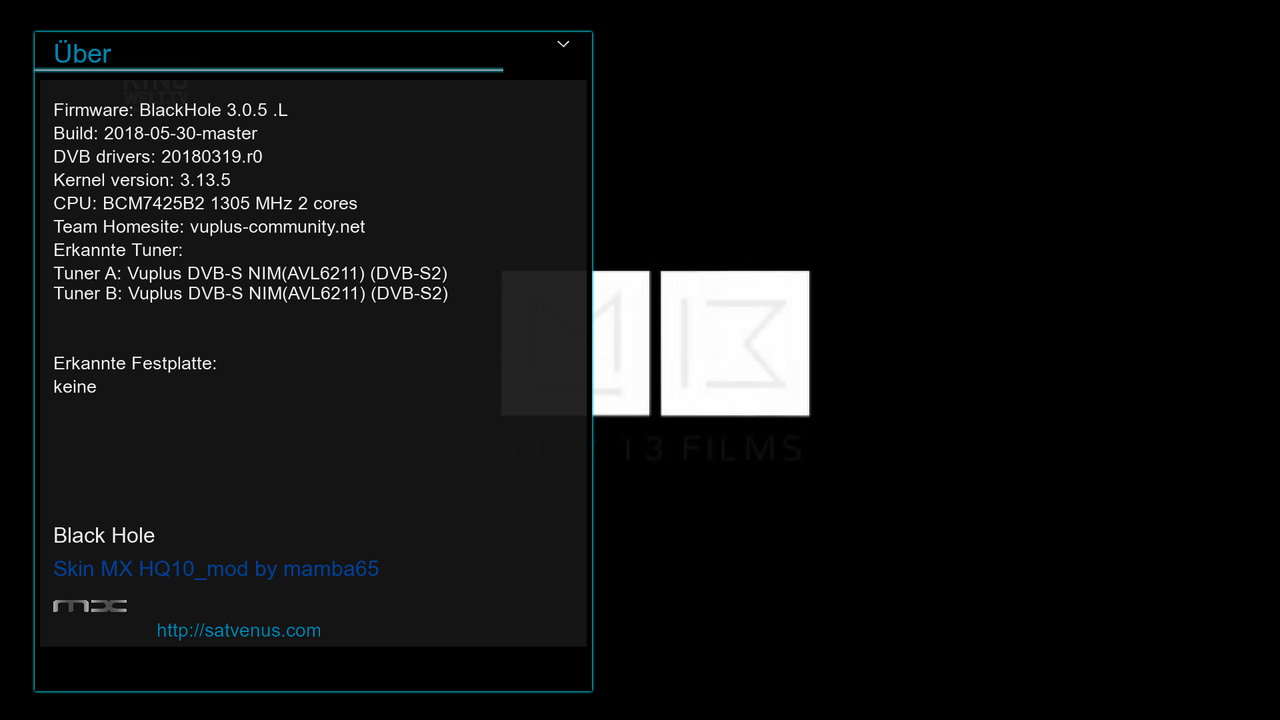


- Update - Version: 3.0.5
- corrected small mistakes and added new look
colleague can plugin.video.adulthideout
colleague, can plugin.video.motherless
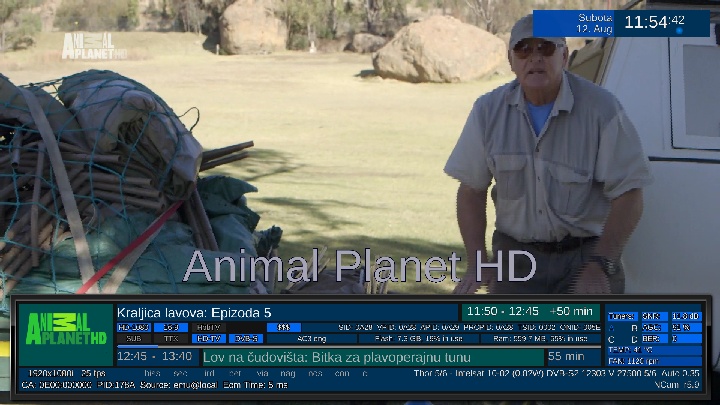
Satvenus Team Full Backup VU+Solo2 OpenPLi 6.2 by zvonko67
SatVenus Bootlogo by mamba65
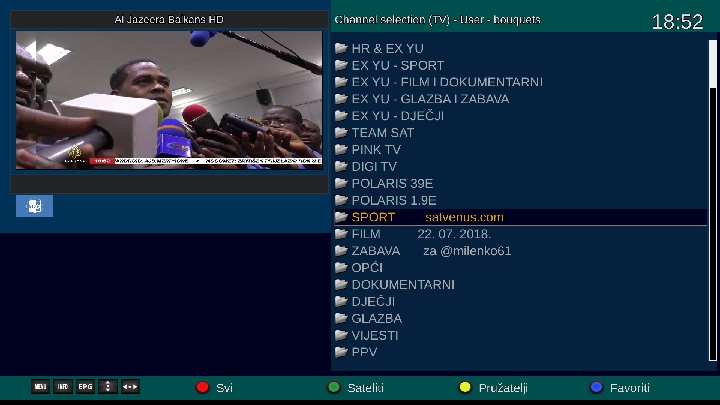
Satvenus Settings motor 42E-30W
22.07.2018
EMU:
# CCcam 2.3.2 #
# MgCamd 1.45 #
OscamModern 1532 #
# OscamEmu 11431 #
# NCam 5.9 Unofficial #
active softcam keys enigma1969
FTP emu config:
cccam directory:etc/cccam.cfg
mgcamd directory:usr/keys
ncam-oscamemu-modern directory:etc/tuxbox/config/
Plugins:
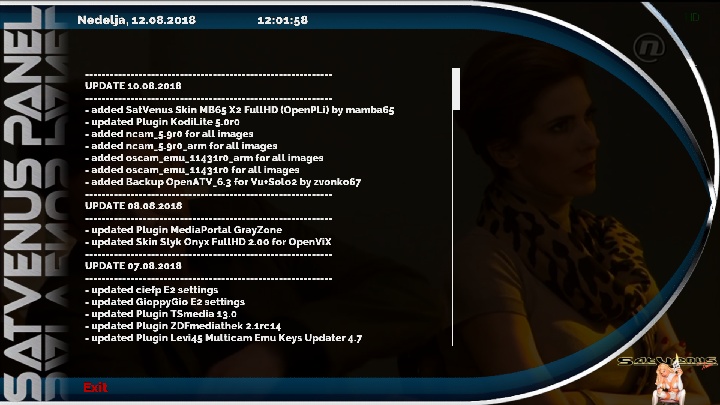
 SatVenus Panel 7.1.0
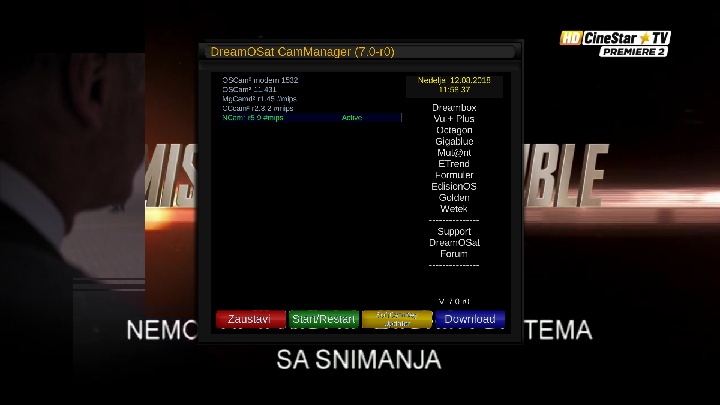
DreamOSat CamManager 7.0
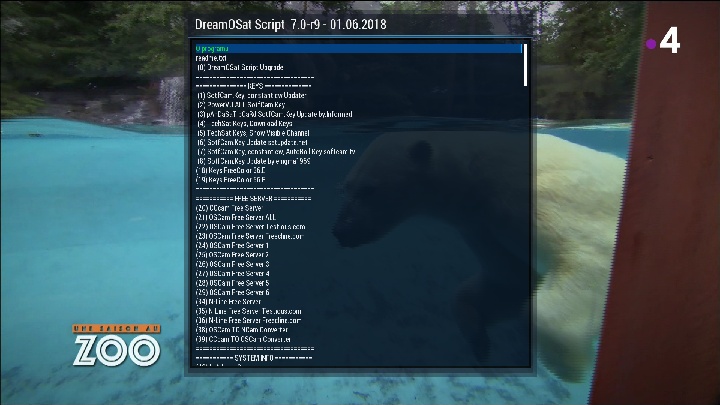
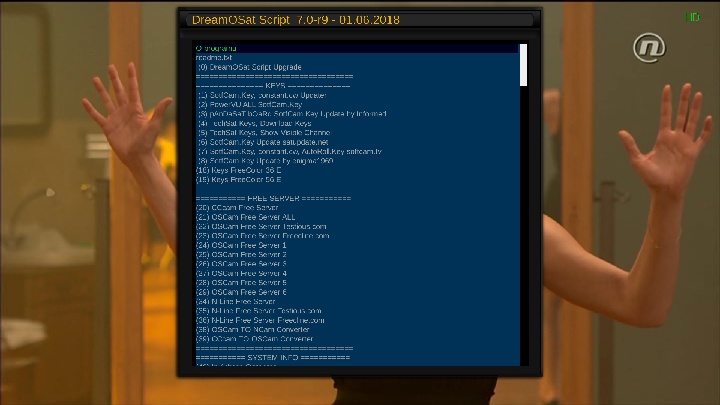
DreamOSat Script 7.0-r9
IPTVplayer
MediaPortal full
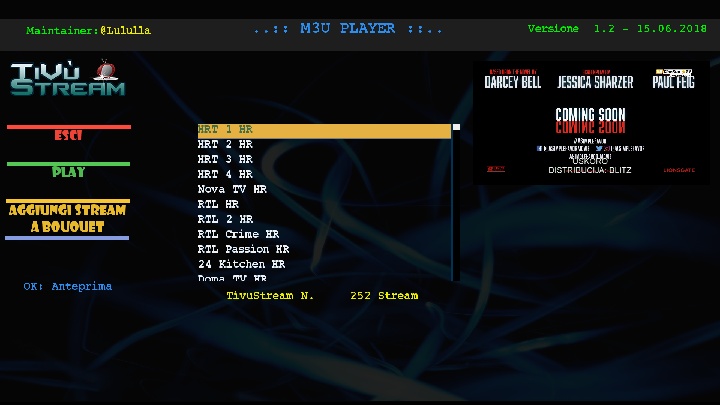
TivuStream 1.2
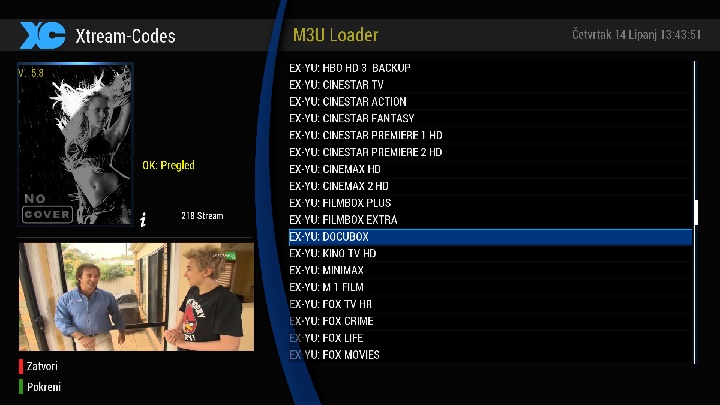
XCplugin Mod 5.8
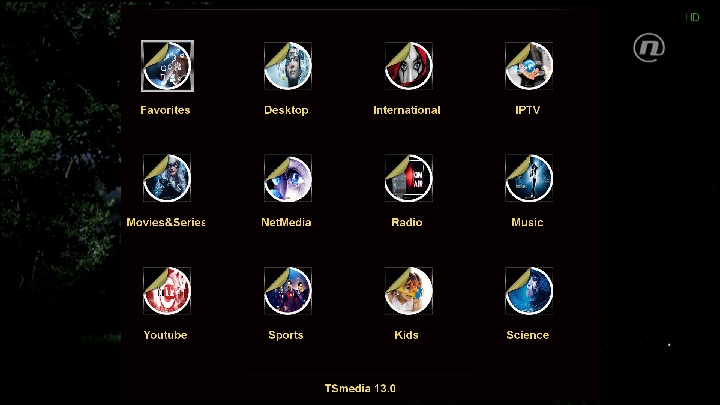
TSmedia 13.0 full update
KodiLite 5.0
Plugins by FNC
BBCPlayer 1.0
LiveFootBall 7.1
WorldCam 2.0
EPG Importer Ex-Yu
SubsSupport 1.5.6
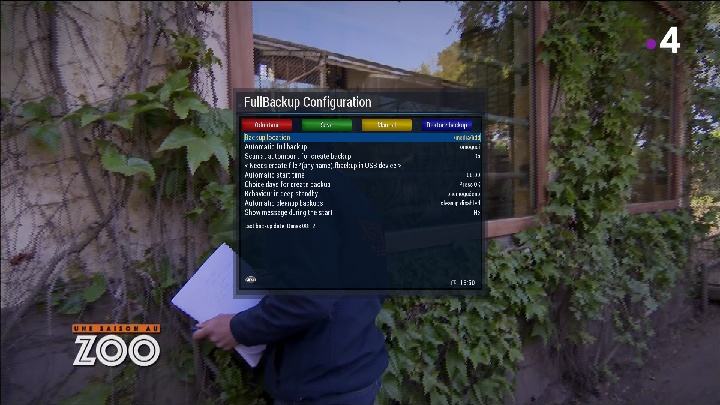
BackupSuite git370
YouTube
and more....
Red Button-SatVenus Panel
Green Button-Plugins
Yellow Button-Subtitles
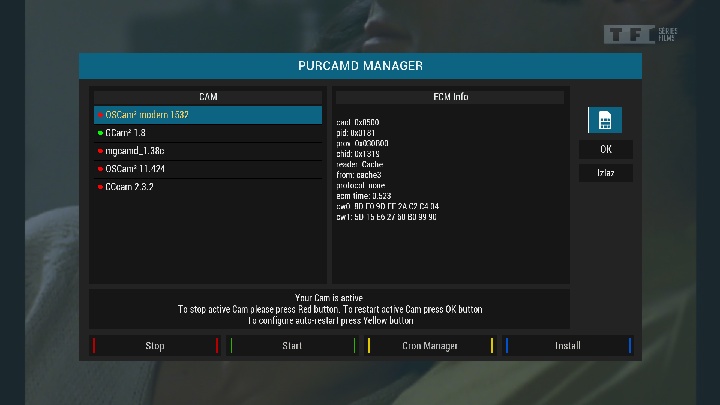
Blue Button-DreamOSat CamManager
Skin:
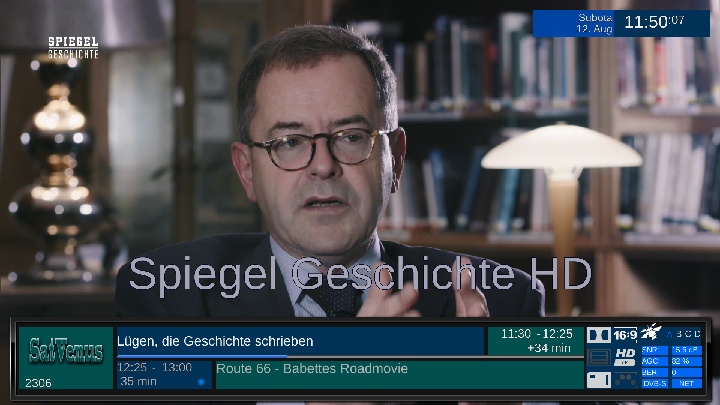
HD.Skin.VO
 MB65-X2 SatVenus
Download Link:
file size:130.65 MB

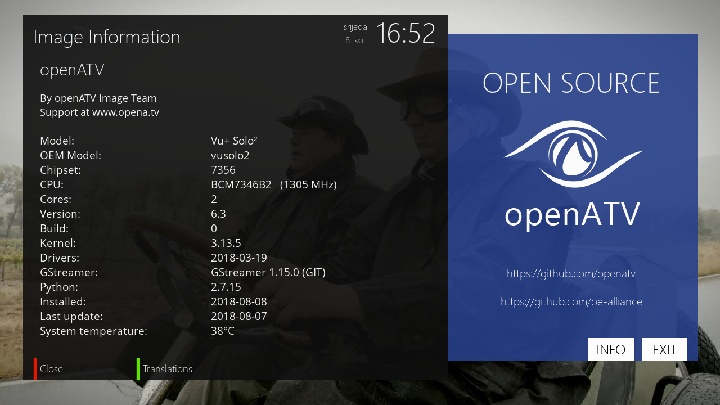
Satvenus Team Full Backup VU+Solo2 OpenATV 6.3 build
audi06_19 by zvonko67
Bootlogo by
@mika
Satvenus Settings motor 75E-30W
22.07.2018
EMU:
# CCcam 2.3.2 #
# MgCamd 1.45 #
OscamModern 1532 #
# OscamEmu 11429 #
# NCam 5.8 Unofficial #
active softcam keys enigma1969
FTP emu config:
cccam directory:etc/cccam.cfg
mgcamd directory:usr/keys
ncam-oscamemu-modern directory:etc/tuxbox/config/
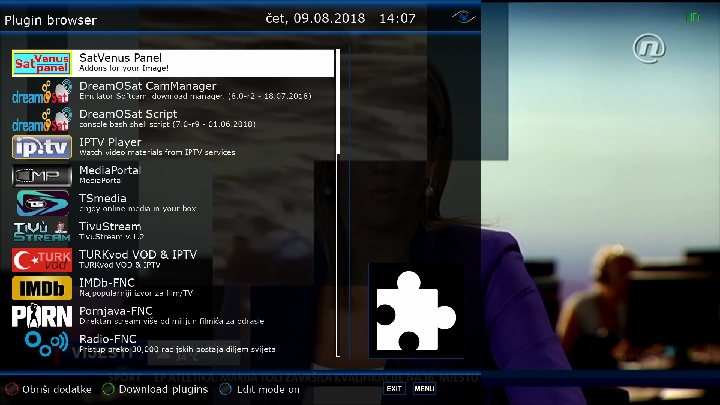
Plugins:
SatVenus Panel 7.1.0
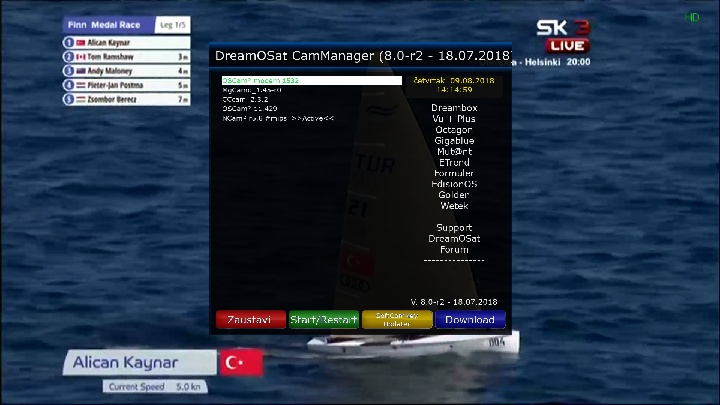
DreamOSat CamManager 8.0-r2
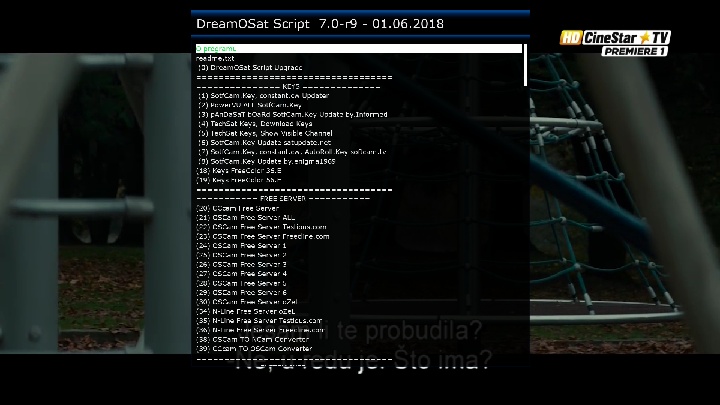
DreamOSat Script 7.0-r9
IPTVplayer
MediaPortal full
TivuStream 1.2
TSmedia 13.0 full update
Plugins by FNC
TURKvod & IPTV 8.0
BBCPlayer 1.0
WorldCam 2.0
EPG Importer Ex-Yu
SubsSupport 1.5.6
YouTube
and more....
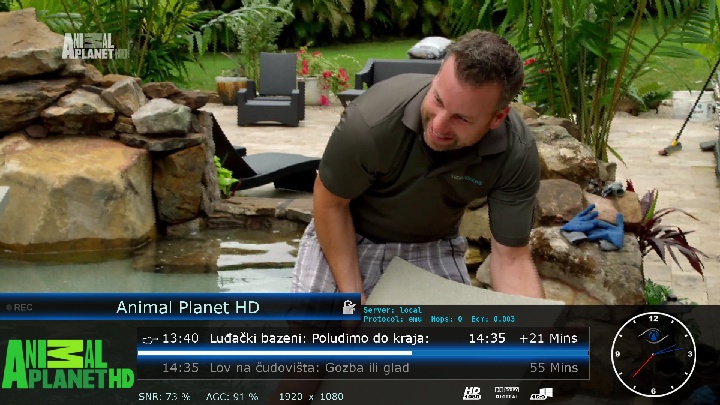
Red Button-SatVenus Panel
Green Button-Plugins
Yellow Button-Subtitles
Blue Button-DreamOSat CamManager
Skin:
Metrix-ATV
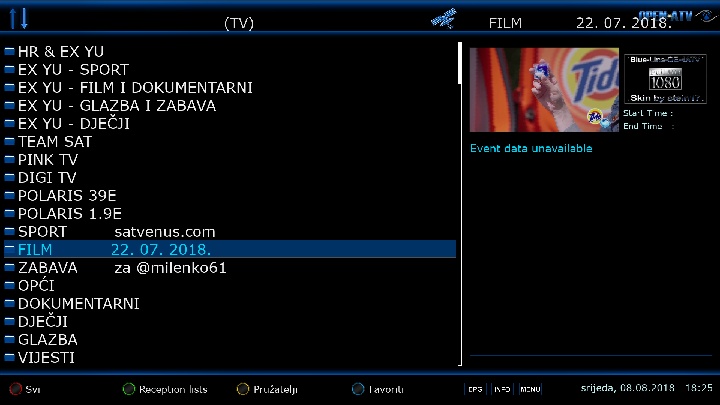
Slyk-ONYX 2.0 FHD
Blue-Line-4ATV FHD
Download Link:
file size:151.33 MB
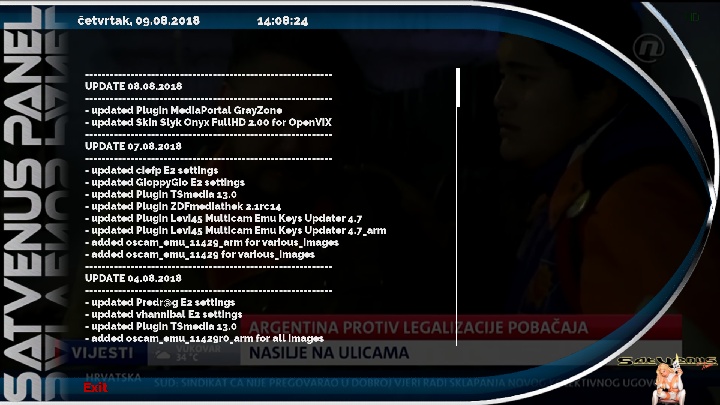
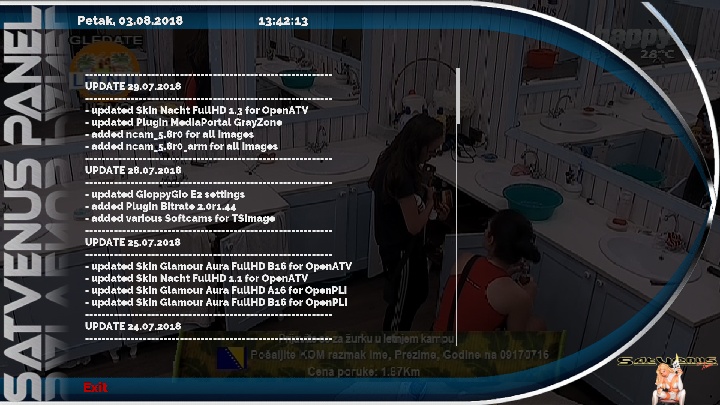
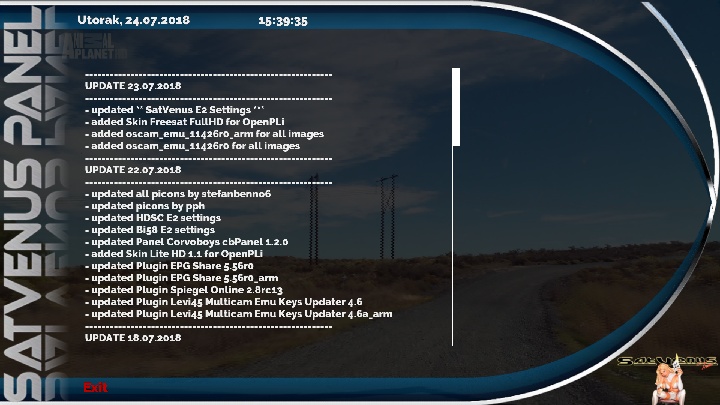
SatVenus Panel Update
------------------------------------------------------------
UPDATE 08.08.2018
------------------------------------------------------------
- updated Plugin MediaPortal GrayZone
- updated Skin Slyk Onyx FullHD 2.00 for OpenViX
------------------------------------------------------------
UPDATE 07.08.2018
------------------------------------------------------------
- updated ciefp E2 settings
- updated GioppyGio E2 settings
- updated Plugin TSmedia 13.0
- updated Plugin ZDFmediathek 2.1rc14
- updated Plugin Levi45 Multicam Emu Keys Updater 4.7
- updated Plugin Levi45 Multicam Emu Keys Updater 4.7_arm
- added oscam_emu_11429_arm for various_images
- added oscam_emu_11429 for various_images
------------------------------------------------------------
UPDATE 04.08.2018
------------------------------------------------------------
- updated Predr@g E2 settings
- updated vhannibal E2 settings
- updated Plugin TSmedia 13.0
- added oscam_emu_11429r0_arm for all images
- added oscam_emu_11429r0 for all images
- updated Skin XionHDF 1.2 for OpenHDFreaks
- updated Skin Nacht FullHD 1.4 for OpenATV
- updated Skin Darkness FullHD 1.9 for OpenATV
- updated Skin Dusky FullHD 1.6 for OpenATV
- added Skin Alpfa FullHD 2.0 for VTi
------------------------------------------------------------
UPDATE 29.07.2018
------------------------------------------------------------
- updated Skin Nacht FullHD 1.3 for OpenATV
- updated Plugin MediaPortal GrayZone
- added ncam_5.8r0 for all images
- added ncam_5.8r0_arm for all images
------------------------------------------------------------
UPDATE 28.07.2018
------------------------------------------------------------
- updated GioppyGio E2 settings
- added Plugin Bitrate 2.0r1.44
- added various Softcams for TSimage
------------------------------------------------------------
UPDATE 25.07.2018
------------------------------------------------------------
- updated Skin Glamour Aura FullHD B16 for OpenATV
- updated Skin Nacht FullHD 1.1 for OpenATV
- updated Skin Glamour Aura FullHD A16 for OpenPLi
- updated Skin Glamour Aura FullHD B16 for OpenPLi
------------------------------------------------------------
UPDATE 24.07.2018
------------------------------------------------------------
- updated malimali E2 settings
- updated vhannibal E2 settings
- updated chveneburi E2 settings
- updated Plugin Lcd4linux 5.0r2
- updated Plugin Serien Recorder
- updated Plugin Spiegel Online 2.8rc13a
- added oscam_emu_11426_arm for various_images
- added oscam_emu_11426 for various_images
- added Backup OpenBox 0.0.8 for Vu+Solo2 by zvonko67
------------------------------------------------------------
UPDATE 23.07.2018
------------------------------------------------------------
- updated ** SatVenus E2 Settings ***
- added Skin Freesat FullHD for OpenPLi
- added oscam_emu_11426r0_arm for all images
- added oscam_emu_11426r0 for all images
------------------------------------------------------------
UPDATE 22.07.2018
------------------------------------------------------------
- updated all picons by stefanbenno6
- updated picons by pph
- updated HDSC E2 settings
- updated Bi58 E2 settings
- updated Panel Corvoboys cbPanel 1.2.0
- added Skin Lite HD 1.1 for OpenPLi
- updated Plugin EPG Share 5.56r0
- updated Plugin EPG Share 5.56r0_arm
- updated Plugin Spiegel Online 2.8rc13
- updated Plugin Levi45 Multicam Emu Keys Updater 4.6
- updated Plugin Levi45 Multicam Emu Keys Updater 4.6a_arm
------------------------------------------------------------
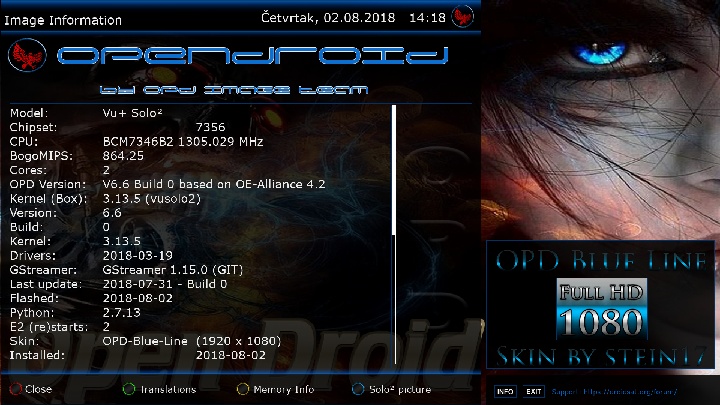
Satvenus Team Full Backup VU+Solo2 OpenDroid 6.6 by zvonko67
The image 6.6 is built on the New OE-Alliance 4.2 branch
changelog:
New Updates on the skin OPD-Blue-Line tnx stein17
Changed enigma2 structure
Changed Python 2.7.13
Changed GStreamer 1.15.0 (GIT)
Add NEW (opdboot) Multiboot-OPD
Added possibility to download new OPD bootlogo
Add Model Pic to/usr/share/enigma2
Add LCD_COLOR_BITORDER_RGB565 for gigablue
Add skin info
Add opd panel and blue panel in ParentalControl
Add movie and audio format
Add modelinfo
Add type format
Add HddSetup and fix "Ext4", "Ext3", "Ext2", "NTFS", "exFAT", "Fat32" in OPDpanel
Fix ImportError: No module named
Fix Trash Sort and crash Delete registration file
Fix processor temp
Fix windowTitle
Fix and update Addons Panel differentiated picons folders
Fix and update EPG
Fix skin_display clock
Fix device list
Fix CISetup and videowizard
Fix createSummary
Fix Architeture
Changed and updated some skin png
Update bootlogo by GioppyGio
Update OPDpanel
Update Addons Panel
Update spinner By GioppyGio
Update GioppyGio settings & picons plugin (Special thanks to Formiano and Stein17 for contributing to the creation
Update GreenPanel
Update Harddisk MMC
Update the IT language
Update flashOnline update imageBackup
Bootlogo by @adam41259

Satvenus Settings motor 42E-30W
22.07.2018
EMU:
# CCcam 2.3.2 #
# GCam 1.8 #
OscamModern 1532 #
# OscamEmu 11429 #
# NCam 5.8 Unofficial #
active softcam keys enigma1969
FTP emu config:
cccam directory:etc/cccam.cfg
ncam-oscamemu-modern-gcam directory:etc/tuxbox/config/
Plugins:
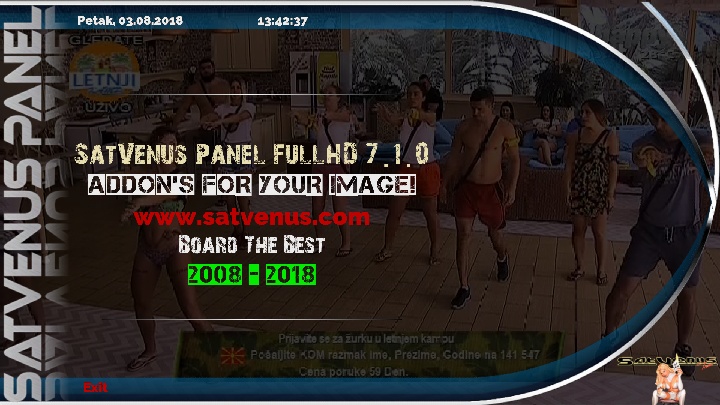
SatVenus Panel 7.1.0
DreamOSat Script 7.0-r9
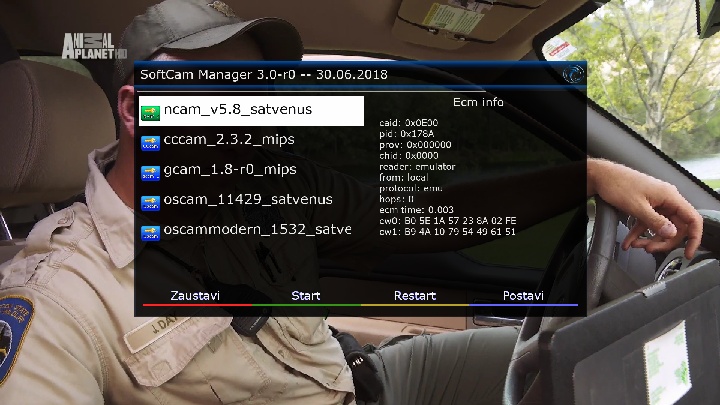
Alternative Softcam Manager 3.0 Lite audi06_19 edit zvonko67
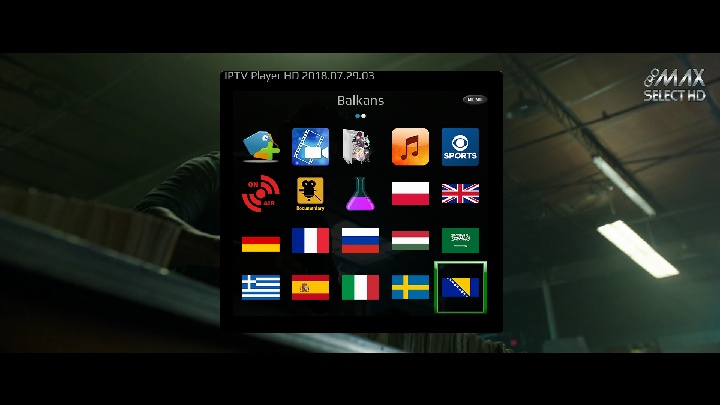
IPTVplayer
MediaPortal full
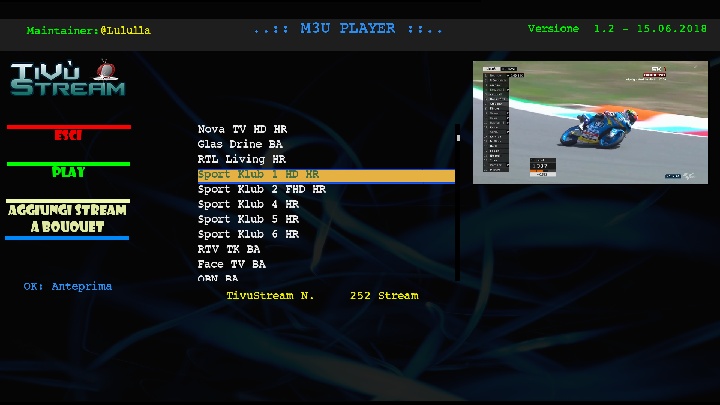
TivuStream 1.2
XCplugin 5.8
IPTVlive 1.0.8
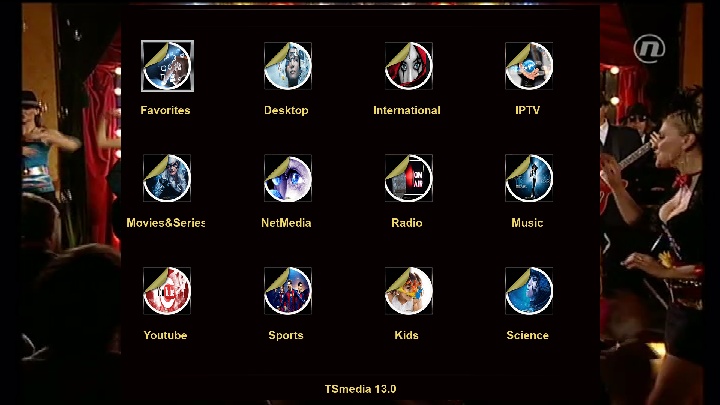
TSmedia 13.0 full update
Plugins by FNC
WorldCam 2.0
LiveFootball 7.1
OPDBoot
NetSpeedTest
EPG Importer Ex-Yu
YouTube
and more....
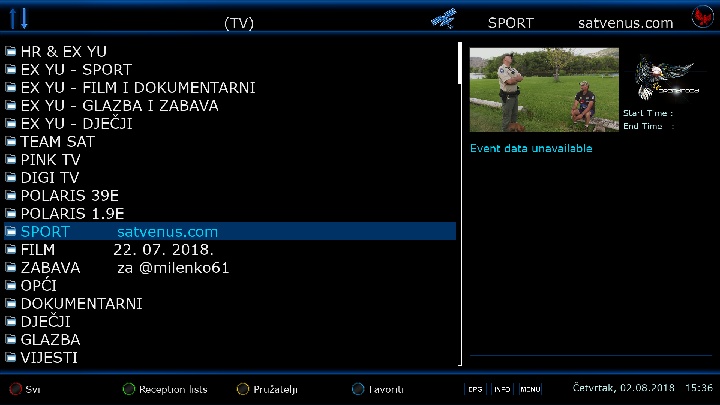
Red Button-SatVenus Panel
Green Button-Plugins
Yellow Button-Subtitles
Blue Button-Alternative Softcam Manager
Skin:
OPD-Blue-Line
Download Link:
file size:134.76 MB
Display MoreHello,
Please read my previous post.
I have it already.
I need user bouquet with all channels from this sat,like from DreamSet,because DreamSet doesn't have this sat in the list to download.
i can't install an emu from emu feed thherefor i install the plugin DREAMOSAT SCRIPT 7.0.r9 not by DCC but by filezillla but it doens't iinstall the's an error message i couldn't upload the image from browser because it doesn't work the error message is : /bin/sh:curl:command not found
execution finished
must install curl
OE 2.0 Images install
opkg update
opkg upgrade
opkg install --force-depends --force-overwrite --force-downgrade curl
opkg install --force-depends --force-overwrite --force-downgrade p7zip
opkg install --force-overwrite --force-downgrade /tmp/*.ipk
insert satellites.xml on the path
etc and etc / enigma2
restart box and on the satellite configuration you would have a bulgariasat 1.9e
AURA FHD for OpenPLI images version B.16 update 25/7/2018
- Added picon support for provider bouquets in ChannelSelection.
The naming of the picon is the same as snr picons. For instance a bouquet named AFN (9.0E) should have a picon named afn90e etc.
![picons33.jpg]](https://preview.ibb.co/bCzauT/picons33.jpg%5D)
- Improved system speed and stability
- Added new timer icons
Download here:
For OpenPLI 6.2, develop and SatDreamGr images
https://mega.nz/#!3B9kHIzK!-I6anKoT8...9pPpOqZyLdvoi0
For OpenPLI 6.1 and older images (version A.16)
https://mega.nz/#!mQ0iiQzS!ewq93bMk7...2dGP2A-5WvL98A
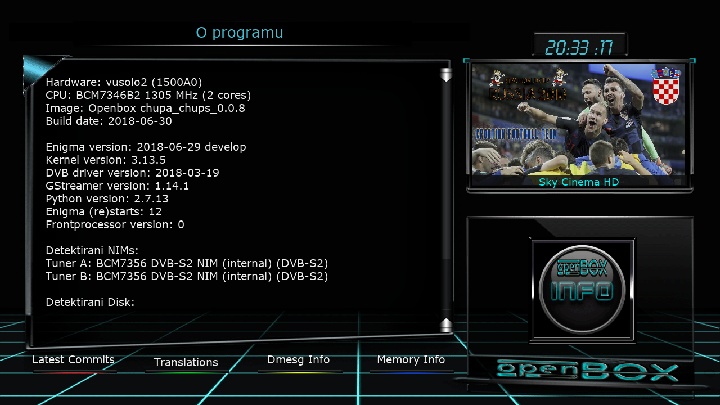
Satvenus Team Full Backup VU+Solo2 OpenBox 0.0.8 by zvonko67
Bootlogo by
@mika

https://www.youtube.com/watch?v=wN0DiBbHKF0
Satvenus Settings motor 42E-30W
22.07.2018
EMU:
# CCcam 2.3.2 #
# GCam 1.8 #
OscamModern 1532 #
# OscamEmu 11426 #
# NCam 5.6 Unofficial #
active softcam keys enigma1969
FTP emu config:
cccam directory:etc/cccam.cfg
ncam-oscamemu-modern-gcam directory:etc/tuxbox/config/
Plugins:
SatVenus Panel 7.1.0
DreamOSat Script 7.0-r9
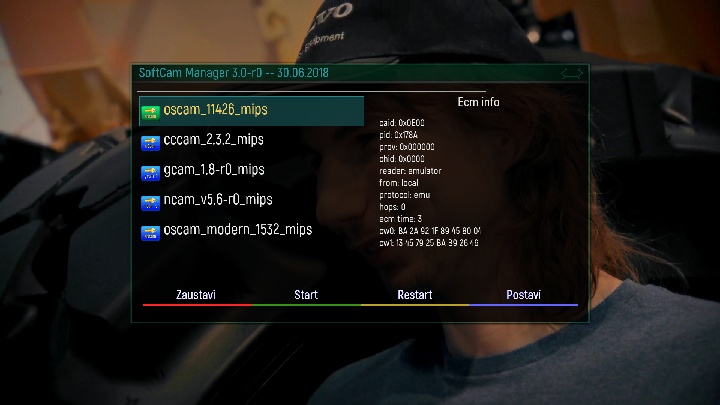
Alternative Softcam Manager 3.0 Lite audi06_19
IPTVplayer
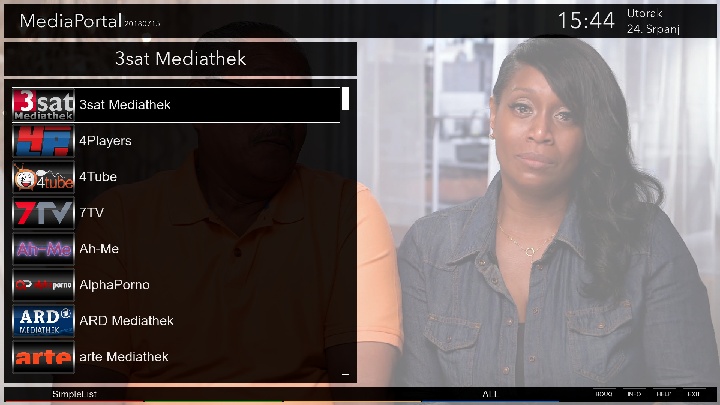
MediaPortal
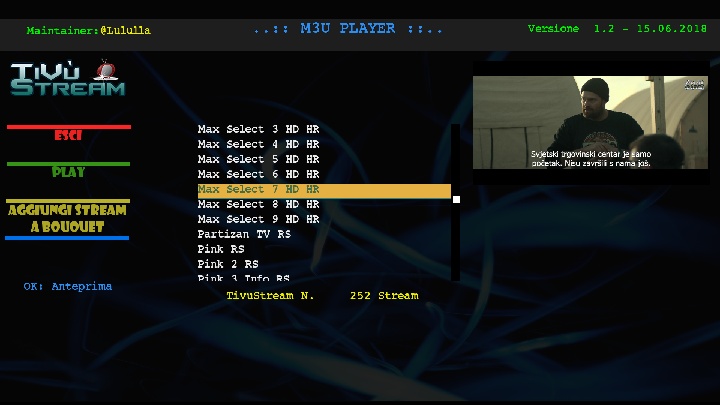
TivuStream 1.2
XCplugin 5.8
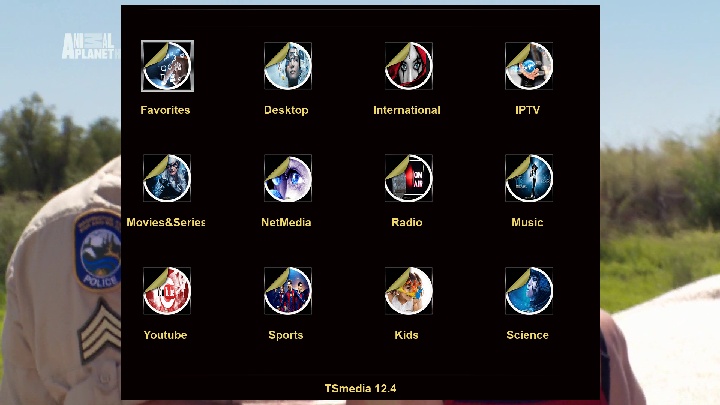
TSmedia 12.4 full update
Plugins by FNC
WorldCam 2.0
LiveFootball 7.1
EPG Importer Ex-Yu
SubsSupport 1.5.6
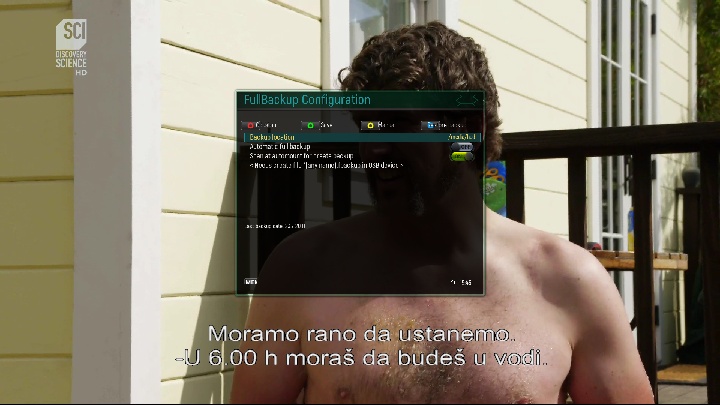
AutomatcFullBackup 6.2
YouTube
and more....
Red Button-SatVenus Panel
Green Button-Plugins
Yellow Button-Subtitles
Blue Button-Softcam Setup
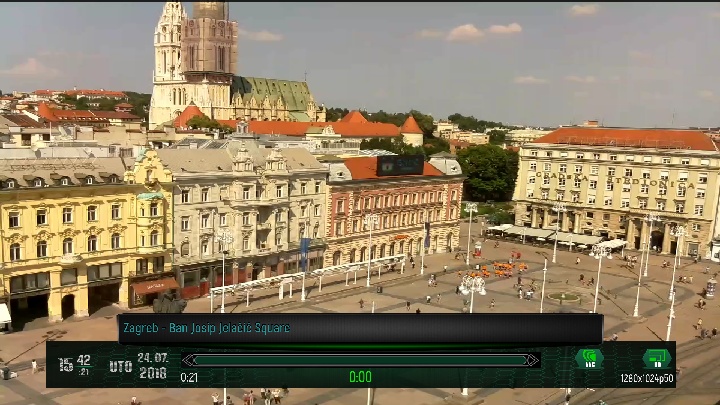
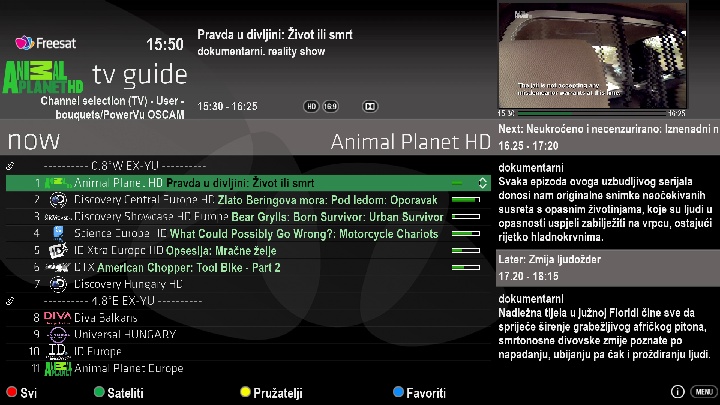
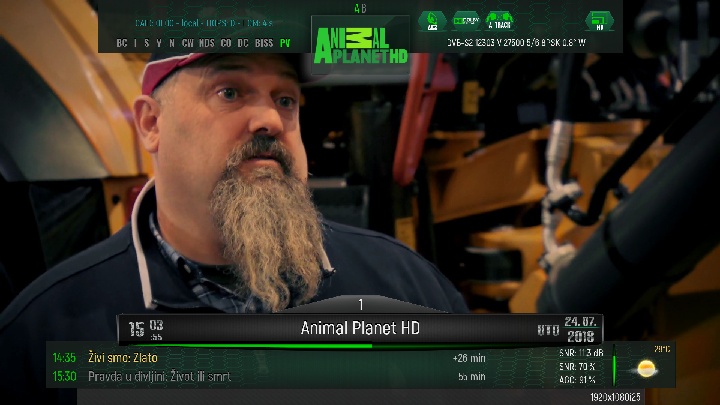
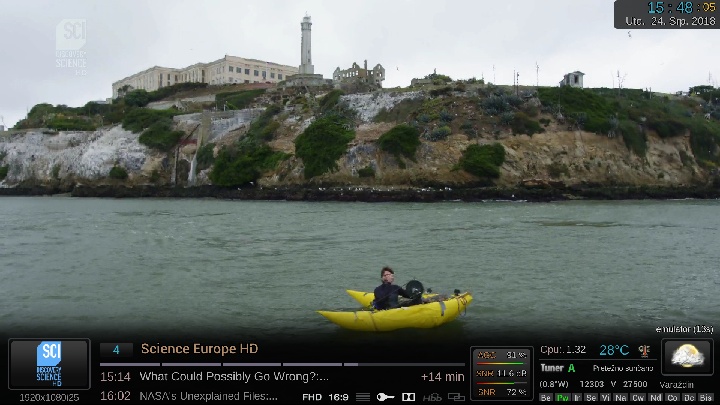
Skin:
OpenPlus
BTVAdriatico
Freesat by Seagen
GreenHexagon FHD
CinoDreamOsat FDH
Download Link:
file size:153.63 MB
Satvenus EX-YU lista za milenka61 - Izmjene 22.07.2018
LISTE SU POSTAVLJENE NA NAŠ UPLOAD!
NOVO! OD SADA U PET OBLIKA: RAR, ZIP, IPK, TAR.GZ i DEB!
NOVO!!! OD SADA LISTE MOŽETE SKINUTI I SA ČAK DVA NAŠA PLUGINA I NA NAŠEM VLASTITOM PANELU!!!
NEW !!! DOWNLOAD OUR SETTINGS WITH OUR PLUGIN
OR WITH OUR OWN PANEL
SETTINGS ARE PLACED ON OUR UPLOAD!
Settings are also available in all
SatDreamGr Images
&
Pur-E2 Images
Thanks to the Team!
GLAMOUR AURA FHD for OpenATV version B.14 update 13/7/2018
- Added switches

- Added full support for EPG Vertical/PIG (perhaps they're the most beautiful screens I've ever skinned, lol)


- Many small cosmetic fixes
Download here:
https://mega.nz/#!SJdCFCDI!5uwQnCsph...20caoP0JW5GBZs
or update directly through the OpenATV feeds.
Ncam V 5.6
09-07-2018
-Update PowerVu
-PowerVu: Move some log messages to debug (level 2)
-Initialize variable to suppress compiler warning
(build-mips (Gigablue-Dream-VU+-Xtrend-Formuler
(build-sh4 (Golden Media-Galaxy innovations-Amiko
(cortexa9hf-vfp-neon-ARM (Routers Mipsel DD-WRT
(build-x86-Linux-pc (32bit-i686
(build-x86-Linux-pc (64bit-i386
(build-mips (Tiviar plus and similar
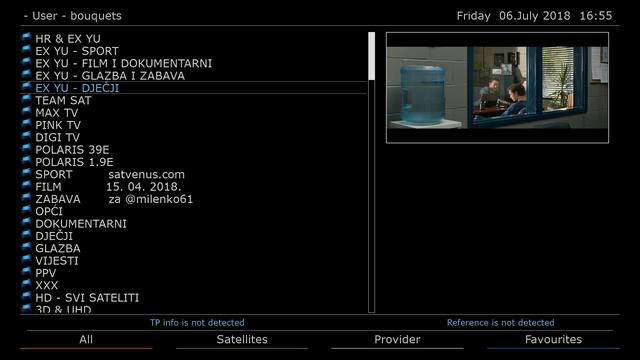
SatVenus Team Backup VU+Zero 4K
OpenBox_Chupa_Chups 0.0.8
by dragec11
Satvenus E2 Setings Motor 42e_30w
by Everton Fc
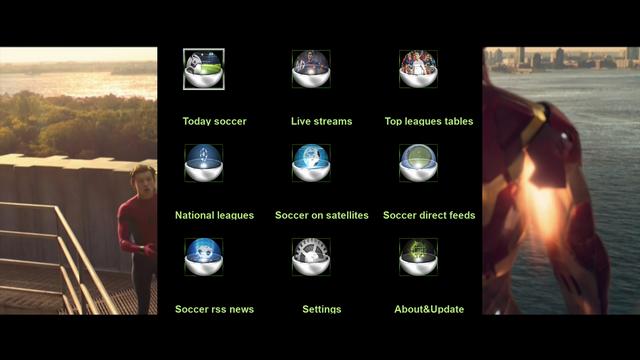
Plugins:
Satvenus Panel 7.1.0
Foreca Weather
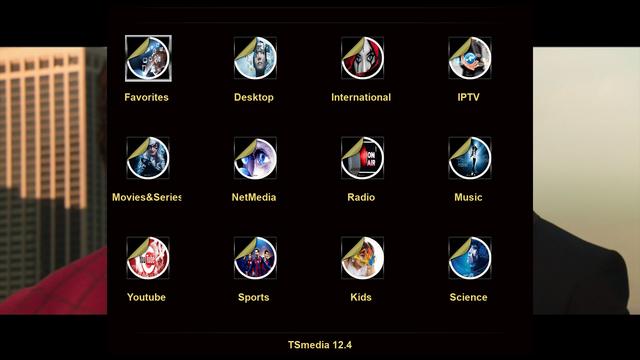
TSmedia 12.4
Live Football 7.1
Iptv Player 2018.07.04.02
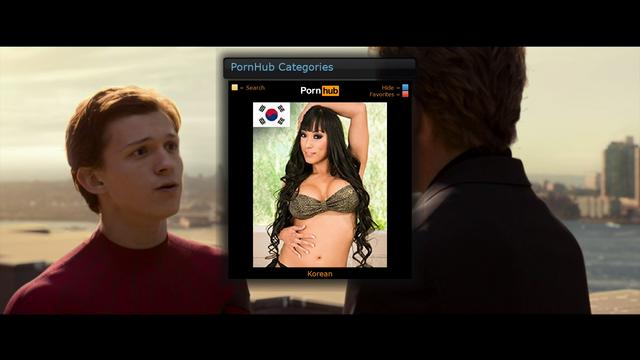
Porn Center
PornHub
Media Portal
and more...
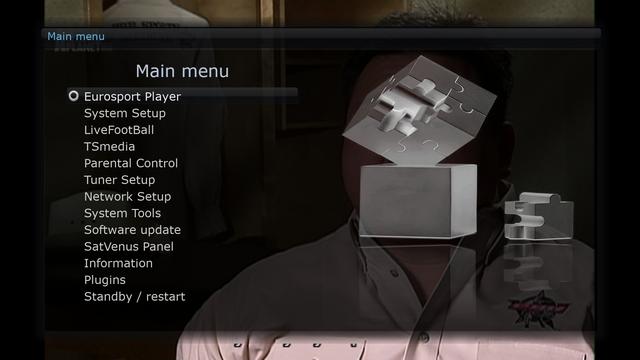
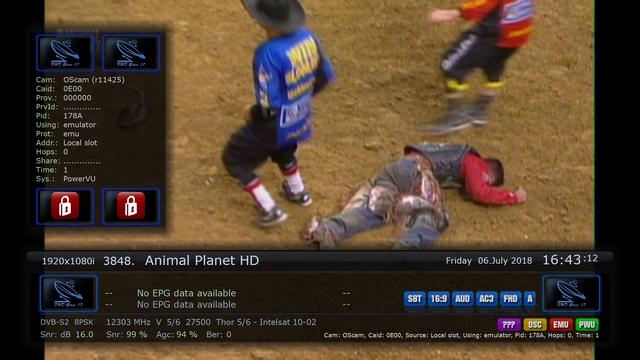
Skin:
Hd Glass 17
OpenplusHD
Btvadriatico

PowerVU Fix
Multistream Ok
Image Works Ok

Emu:
OscamPowerVU Emu 11425
CCcam 2.3.2
Oscam Emu 11425
Ncam-moh Reloaded 1.9



Ncam V 5.5
-18-06-2018
-Fix PowerVu
-Add support for modeUnmask and modeCW. (Only modes 0 and 3 are implemented for now)
(build-mips (Gigablue-Dream-VU+-Xtrend-Formuler
(build-sh4 (Golden Media-Galaxy innovations-Amiko
(cortexa9hf-vfp-neon-ARM (Routers Mipsel DD-WRT
(build-x86-Linux-pc (32bit-i686
(build-x86-Linux-pc (64bit-i386
(build-mips (Tiviar plus and similar
SatVenus Team Fullbackup
Vu+Zero4K OpenDroid v_6.5
Satvenus E2 Setings Motor 42e-30w
Bootlogo by dragec11


PLUGINS:
Satvenus Panel 7.0.5
TSmedia 12.2
LiveFootball 7.1
Kodi 17,6
IPTVPlayer 2018.06.03.02
Weather Plugin
Blue Panel
Green Panel
and more.....


SKIN:
OPD-Blue-Line
Hd_Glass16
EMU:
Ncam_5.4
OscamPowervu_11424

Image backup works ok...
Multistream ok...
Powervu ok...
QuoteSatvenus Team Full Backup VU+Solo2 Pure2 6.2 by zvonko67Display More
Bootlogo by @mika
Way The Go Croatia
Satvenus Settings motor 42E-30W
15.04.2018
EMU:
# CCcam 2.3.2 #
# MGCamd 1.38c #
# GCam 1.8 #
OscamModern 1532 #
# OscamEmu 11424 #
active softcam keys enigma1969
FTP emu config:
cccam directory:etc/cccam.cfg
mgcamd directory:usr/keys
oscamemu-modern-gcam directory:etc/tuxbox/config/
Plugins:
SatVenus Panel 7.0.5
DreamOSat Script 7.0-r9
IPTVplayer
MediaPortal
TivuStream 1.1
XCplugin 5.8
TSmedia 12.2 full update
IMDb_Pornjava_Vicevi_Radio_StreamLord FNC
WorldCam 2.0
EPG Importer Ex-Yu
SubsSupport 1.5.6
YouTube
and more....
Red Button-SatVenus Panel
Green Button-Plugins
Yellow Button-Subtitles
Blue Button-Softcam Setup
Skin:
EstuaryFHD
AeonFHD
Download Link:
file size:138.66 MB
GLAMOUR AURA FHD SKIN vB.5 for OpenATV images FIRST PUBLIC VERSION With great pleasure, I finally present publicly my latest project, which is none other than my new skin called Glamour Aura FHD-ATV. It's a labor of more than a year in the making and testing!
Glamour Aura FHD-ATV (GAFHD-ATV) is a Full High Definition and High graphic resolution Premium skin for receivers running Enigma2 and the recent OpenATV images.
Due to it's high resolution graphical nature, GAFHD-ATV was designed and optimized to run on new generation receivers. The minimal requirement is an STB with a CPU of 1000 Mhz (3000 DMIPS).
GAFHD-ATV is also a skin you can contribute to. The ipk of the skin is distributed with closed converters/renderers, but all the python code along with the skin code is available on Github.
You can find the source code here:https://github.com/MCelliotG/GlamourAuraFHD-skin
You can pull your requests, make recipes for it and I will push contributions after testing.
GAFHD-ATV on par with its graphical user interface is fortified with an extended python system that runs along with OpenATV's enviroment, providing it with some exclusive new features.
SCREENSHOTS and extended features presentation
1. Main Infobar
The main infobar is divided into two sections. The top section contains all frequency and signal info. GAFHD is the first skin that fully supports real-time info for Multistream services, showing MIS info when such a service is tuned. Up to 12 tuners can also be displayed. The left top part is a weather panel which shows today's weather. Weather info requires the MSN weather plugin to be installed and configured (instructions will follow).

The top infobar will also display full stream URL and stream type when a service is stream.
The lower section is the main infobar which contains along with the program info, an extended service info icons panel, including icons for audio/video codecs, a full exact framerate display, and a short weather panel which shows the current weather condition. GAFHD can also display a live bitrate if the bitrate plugin is installed and configured (this will be explained below as well).

The lowest part of the main infobar is the extended encryption info. GAFHD uses a new detection feature which shows all available caids and encryption system names of a service.

NOTE: The skin works best with 400X240 picon size.
2. Second infobar
The second infobar brings an amplitude of extra information for both the service and the system layout. The weather panel shows additional info on tomorrows weather.

The left panel is the layout info showing real time CPU work, temperature, speed and load and internal HDD temperature. The upper layers show the pids of the service in decimal format and also real time info on connected storage devices, memory and swap.The middle part displays now and next program extended description.
3. Channel selection screen
Channel selection along with the service list on the right displays the extended program description on the left, the five following events and also a new transponder info panel which also shows the stream type and stream url on a stream service and transponder info for the rest.

4. EMC player infobar
Media player will additionally show icons for resolution, audio/video codecs, subtitle availability and the exact framerate of a video or stream.

5. Info screen
Info screen along with the usual info also displays the HDD storage panel, which shows connected devices space both internal and network HDD and USB. The storage panel is also available on the HDD screens.

6. Language selection
GAFHD is a truly multilingual skin. It utilizes the new Aura new font I created based on Roboto and Noto fonts the skin is able to show Greek, Cyrillic, Arabic, Hebrew and Georgian among others. More alphabets can be added by request.

7. OpenATV screens (Blue panel, Network panels etc)
GlamourAuraFHD-ATV has been fully optimized for use in the OpenATV environment. All individual screens have been skinned for the maximum user experience!


INSTALLATION INSTRUCTIONS:
1) Download the ipk of the file.
Send the file to /tmp your receiver using an FTP program. Then you can install it manually via telnet or via the software manager.
Manually:
Kod:
2) FOR BITRATE INFO
The bitrate plugin is essential for bitrate to work. You can download it from the plugins menu.
For correct display in the skin it needs to be configured as follows:
mode: as infobar, style skin: compact, background window: transparent-black, X screen position: 1645 , Y screen position: 0837 , Z screen position: 14.
The correct settings are also shown in the screencap below:

IMPORTANT NOTE: The skin works with the bitrate plugin, not with the BitrateViewer plugin.
3) FOR WEATHER INFO
The weather info requires the MSN weather plugin to be installed. I have included the ipk as well.
After installation you can configure your location via its settings menu.
Download MSN weather plugin from here (version 0.8-rc1):
https://github.com/MCelliotG/GlamourAuraFHD-skin
IMPORTANT NOTES/DISCLAIMER:
As stated above, GAFHD-ATV is a premium high resolution skin and is designed to work well ONLY for receivers with a CPU higher than 1000Mhz. This is an obligatory limitation due to the high resolution graphical nature of the skin which also makes the package large in size.
For receivers with slower CPUs use at your own risk!
Also, GAFHD-ATV for the moment will not work on any other images than OpenATV. This skin version was designed ONLY for OpenATV images. It's not guaranteed to work on other OE-A images.
Skins are also always in beta mode, as the development of the images continues. As OpenATV is available to a vast number of receivers, some features may not work as intented.
This piece of work with all its graphics has been licensed under GNU GENERAL PUBLIC LICENSE Version 3, 29 June 2007.
The code is opensource and available on github. You are encouraged to contribute in the skin's development, as long as it comes through Github's terms of use. You are allowed to make recipes and forked repositories.
Any modifications in the code has to respect the given licenses. The code is free to be modified ONLY for PERSONAL use. Unauthorized releases of the skin that void the license are not the author's responsibility.
The graphics of the skin are NOT allowed to be modified by third parties in any case, except for the author's consent.
Please respect the work of the skinner, skins (especially when created from scratch) take a lot of effort and time.
DOWNLOAD THE GAFHD SKIN IPK HERE:
VERSION B.5 (10/6/2018)
https://mega.nz/#!WYdDVKLA!I90gYGvHp...WQ8r1eeLAAbhQQ
I want to personally thank my beta testers for their feedback. I encourage developers to contribute to the skin's further development in github.
I really hope you enjoy my work!