Posts by zvonko67

    DM 7020 HD: Newnigma2 v4.0.18


    ################################################## ###################
    Newnigma2 team proudly presents:
    Newnigma2 v4.0.18

    ################################################## ###################


    Basics:

    • Enigma2 4.0: 16.06.2016
    • Enigma2 Plugins: 18.06.2016
    • Newnigma2 Plugins: 18.06.2016


    DM 7020 HD

    • driver: 15.06.2016
    • secondstage: 89
    • kernel 3.2.68


    changelog E2 16.06.2016:

    • fixed possible crash when seeking forward/backward in media files without subtitles (or internet streams)
    • changed size of config entry progressbars
    • fixed internal log support


    changelog E2 12.06.2016:

    • allow to change text subtitle blackbox transparency for teletext subtitles
    • fixed possible timer sanity check false positives
    • fixed possible crash in CommonInterfaceAssignment plugin
    • manual service scan:
    • always use QPSK Modulation when DVB-S is selection in manual scan
    • moved satellites selection to first position
    • extend blindscan search ranges by +/- 50Mhz for silabs tuner.. its needed because of the internal algo..
    • added workaround for a driver bug in silabs driver blindscan
    • moved modulation before fec
    • fixed blindscan for C-Band
    • faster service scan (shorter SDT timeout)
    • misc/dev stuff
    • enable twisted threads support
    • backported Tools/Log functions from DreamOS
    • allow arbitrary user-agent for HTTPProgressDownloader
    • fixed return value of getInfoObject function for non ts media files


    Multiboot: No support for multiboot. Not planned. No need for such a tool.
    GP3wizard: No support for gp3wizard. Probably not running. Not needed in Newnigma2 environment.


    Important changes:


    1. Install picons on USB-Drives:
    press menu button -> setup -> system -> storage devices -> then press red button for initialize (be carefully all your data will be erased). last step is to mount the device.
    next step: press blue button -> newnigma2 services -> sytsem tools -> expert settings -> change opkg ignore USB/HDD from yes to no. Restart enigma2 und install picons on your usb device.


    2. network configuration:
    If the IP address assigned manually, as well as the address of the DNS server must be entered.
    press menu button -> setup -> system -> network -> adapter settings


    3. install or upgrading:
    before installing/upgrading packages, we now check if at least are 3mb free space in flash.
    ipk's/packages from the newnigma2 team has a value which says the installer the minimum needed space for
    the package. if the min required space is not available than the installation aborts.
    !! Attention enigma2 ipk needs at least 9mb !!


    4. issue due upgrade to v4.0.18:
    if you have troubles by upgrading to v4.0.18 even no 9mb free space for the enigma2 package, so
    you can first upgrade the newnigma2 installer package. After reboot try to upgrade again via gui, the installer
    ignore's now the 9mb needed from the package and uses instead the value you set in
    "blue button -> newnigma2 services -> system tools -> expert settings -> min. free space".


    Wichtige Änderungen:


    1. Picons auf USB-Laufwerken/der internen Festplatte installieren:
    USB-Laufwerk über "Menü > Einstellungen > System > Speichergeräte" initialisieren und anschließend mounten"
    "blaue Taste > Newnigma Services > System Werkzeuge > Experten Einstellungen > Opkg ignoriere USB/HDD = nein > E2 Neustart und anschließend auf USB installieren"


    2. Netzwerk Konfiguration:
    "Menü > Einstellungen > System > Netzwerk > LAN oder WLAN > Adapter Einstellungen"
    Wird die IP-Adresse manuell konfiguriert so muss zwingend auch die Adresse des DNS-Servers eingetragen werden.


    3. Installation oder Update des System:
    Es müssen nun mindestens 3 MB freier Flashspeicher zur Verfügung stehen um Installationen/Updates vorzunehmen.
    Vor Installation eines ipk's vom newnigma2 team, wird geprüft, ob für dieses Paket noch genügend freier Speicher vorhanden ist.
    Sollte das nicht der Fall sein, bricht die Installation ab.
    !!Achtung das enigma2 Paket benötigt min 9MB!!


    4. Bei Problemen mit dem Update auf v4.0.18:
    Sollte das Update auf v4.0.18 nicht funktionieren, weil dem enigma2 Paket keine 9MB zur Verfügung stehen, so ist zuerst der newnigma2 installer zu aktualisieren.
    Nach anschließendem reboot kann man den Upgradevorgang via gui fortsetzen. Dabei wird der Check des freien Speichers beim Upgrade auf den Wert gesetzt, der unter
    "blaue Taste -> Newnigma Services -> System Werkzeuge -> Experten Einstellungen -> min. free space" eingestellt ist.


    Your
    Newnigma2 Team


    Image:

    DM 7020 HD v2: Newnigma2 v4.0.18


    ################################################## ###################
    Newnigma2 team proudly presents:
    Newnigma2 v4.0.18

    ################################################## ###################


    Basics:

    • Enigma2 4.0: 16.06.2016
    • Enigma2 Plugins: 18.06.2016
    • Newnigma2 Plugins: 18.06.2016


    DM 7020 HD

    • driver: 15.06.2016
    • secondstage: 89
    • kernel 3.2.68


    changelog E2 16.06.2016:

    • fixed possible crash when seeking forward/backward in media files without subtitles (or internet streams)
    • changed size of config entry progressbars
    • fixed internal log support


    changelog E2 12.06.2016:

    • allow to change text subtitle blackbox transparency for teletext subtitles
    • fixed possible timer sanity check false positives
    • fixed possible crash in CommonInterfaceAssignment plugin
    • manual service scan:
    • always use QPSK Modulation when DVB-S is selection in manual scan
    • moved satellites selection to first position
    • extend blindscan search ranges by +/- 50Mhz for silabs tuner.. its needed because of the internal algo..
    • added workaround for a driver bug in silabs driver blindscan
    • moved modulation before fec
    • fixed blindscan for C-Band
    • faster service scan (shorter SDT timeout)
    • misc/dev stuff
    • enable twisted threads support
    • backported Tools/Log functions from DreamOS
    • allow arbitrary user-agent for HTTPProgressDownloader
    • fixed return value of getInfoObject function for non ts media files


    Multiboot: No support for multiboot. Not planned. No need for such a tool.
    GP3wizard: No support for gp3wizard. Probably not running. Not needed in Newnigma2 environment.


    Important changes:


    1. Install picons on USB-Drives:
    press menu button -> setup -> system -> storage devices -> then press red button for initialize (be carefully all your data will be erased). last step is to mount the device.
    next step: press blue button -> newnigma2 services -> sytsem tools -> expert settings -> change opkg ignore USB/HDD from yes to no. Restart enigma2 und install picons on your usb device.


    2. network configuration:
    If the IP address assigned manually, as well as the address of the DNS server must be entered.
    press menu button -> setup -> system -> network -> adapter settings


    3. install or upgrading:
    before installing/upgrading packages, we now check if at least are 3mb free space in flash.
    ipk's/packages from the newnigma2 team has a value which says the installer the minimum needed space for
    the package. if the min required space is not available than the installation aborts.
    !! Attention enigma2 ipk needs at least 9mb !!


    4. issue due upgrade to v4.0.18:
    if you have troubles by upgrading to v4.0.18 even no 9mb free space for the enigma2 package, so
    you can first upgrade the newnigma2 installer package. After reboot try to upgrade again via gui, the installer
    ignore's now the 9mb needed from the package and uses instead the value you set in
    "blue button -> newnigma2 services -> system tools -> expert settings -> min. free space".


    Wichtige Änderungen:


    1. Picons auf USB-Laufwerken/der internen Festplatte installieren:
    USB-Laufwerk über "Menü > Einstellungen > System > Speichergeräte" initialisieren und anschließend mounten"
    "blaue Taste > Newnigma Services > System Werkzeuge > Experten Einstellungen > Opkg ignoriere USB/HDD = nein > E2 Neustart und anschließend auf USB installieren"


    2. Netzwerk Konfiguration:
    "Menü > Einstellungen > System > Netzwerk > LAN oder WLAN > Adapter Einstellungen"
    Wird die IP-Adresse manuell konfiguriert so muss zwingend auch die Adresse des DNS-Servers eingetragen werden.


    3. Installation oder Update des System:
    Es müssen nun mindestens 3 MB freier Flashspeicher zur Verfügung stehen um Installationen/Updates vorzunehmen.
    Vor Installation eines ipk's vom newnigma2 team, wird geprüft, ob für dieses Paket noch genügend freier Speicher vorhanden ist.
    Sollte das nicht der Fall sein, bricht die Installation ab.
    !!Achtung das enigma2 Paket benötigt min 9MB!!


    4. Bei Problemen mit dem Update auf v4.0.18:
    Sollte das Update auf v4.0.18 nicht funktionieren, weil dem enigma2 Paket keine 9MB zur Verfügung stehen, so ist zuerst der newnigma2 installer zu aktualisieren.
    Nach anschließendem reboot kann man den Upgradevorgang via gui fortsetzen. Dabei wird der Check des freien Speichers beim Upgrade auf den Wert gesetzt, der unter
    "blaue Taste -> Newnigma Services -> System Werkzeuge -> Experten Einstellungen -> min. free space" eingestellt ist.


    Your
    Newnigma2 Team


    Image:


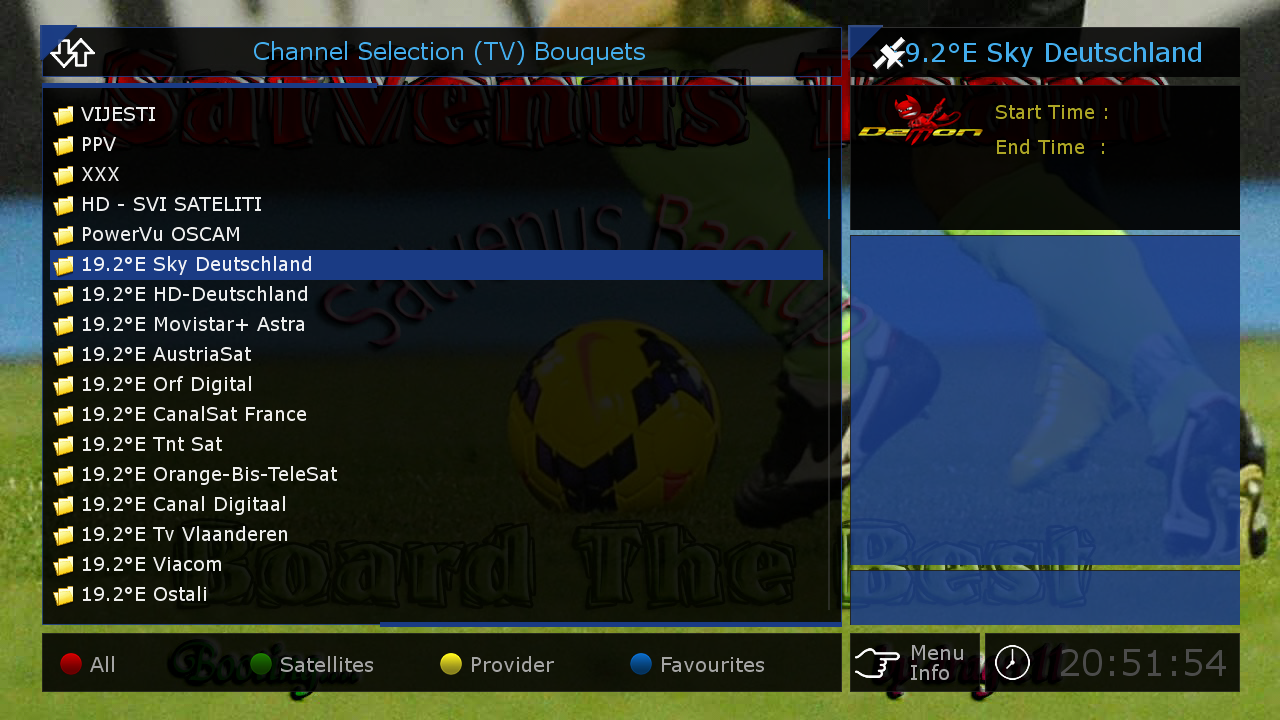
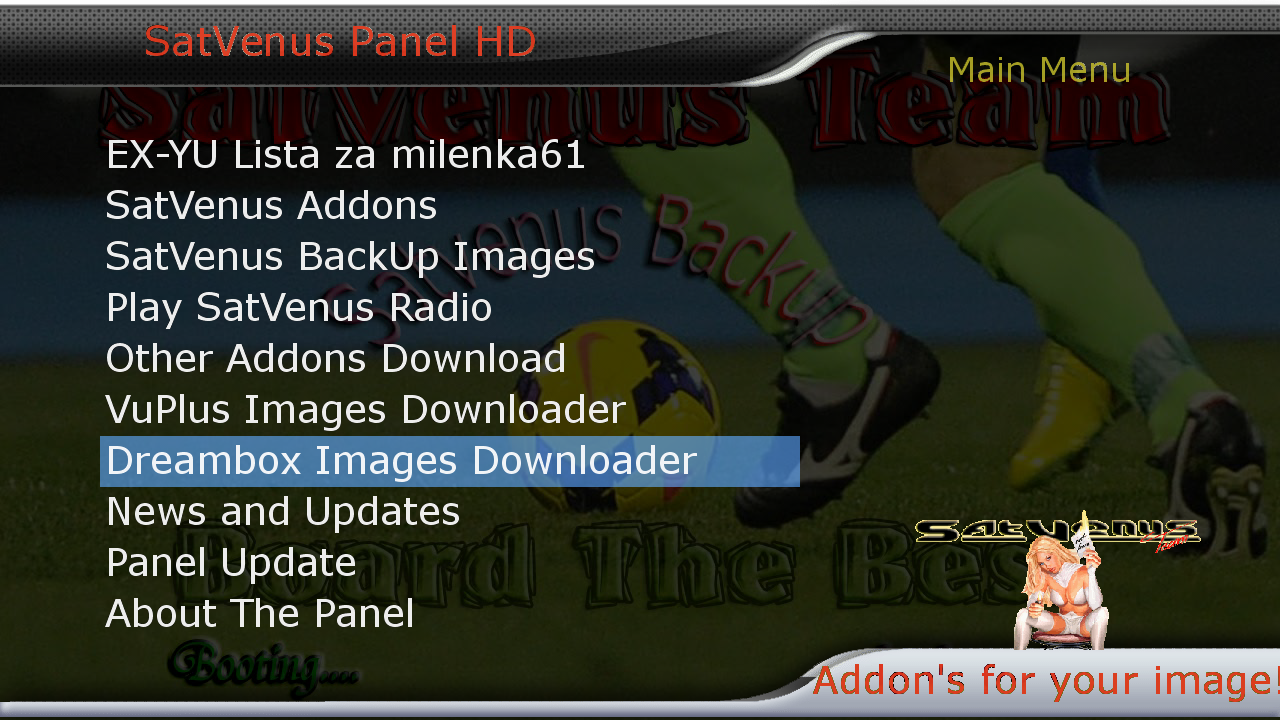
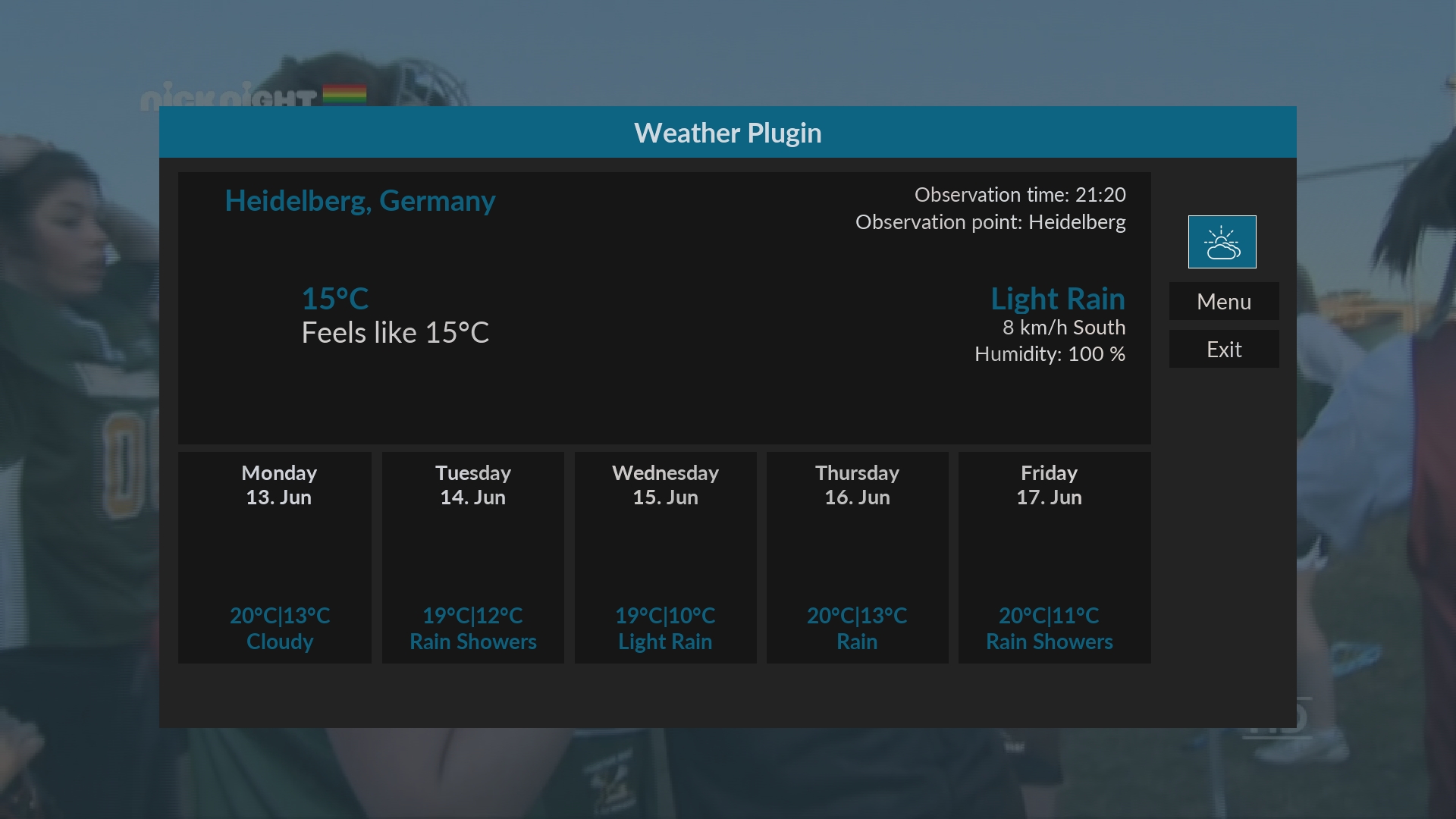
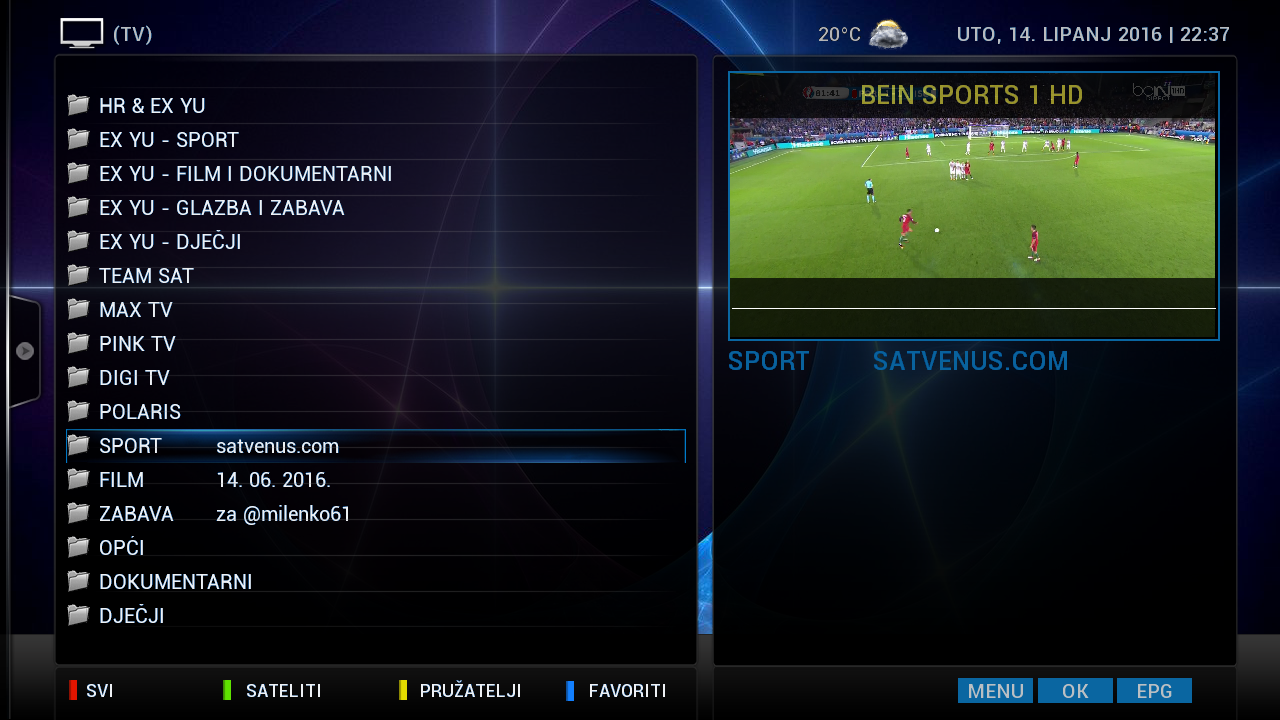
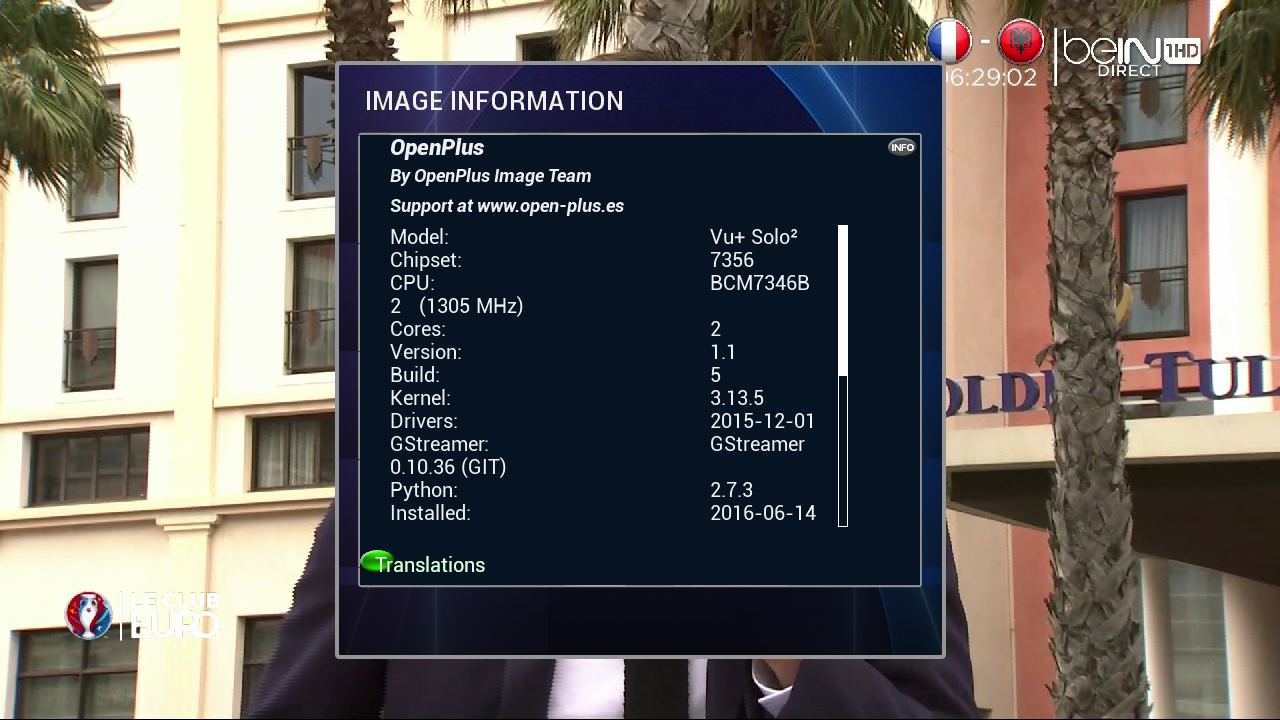
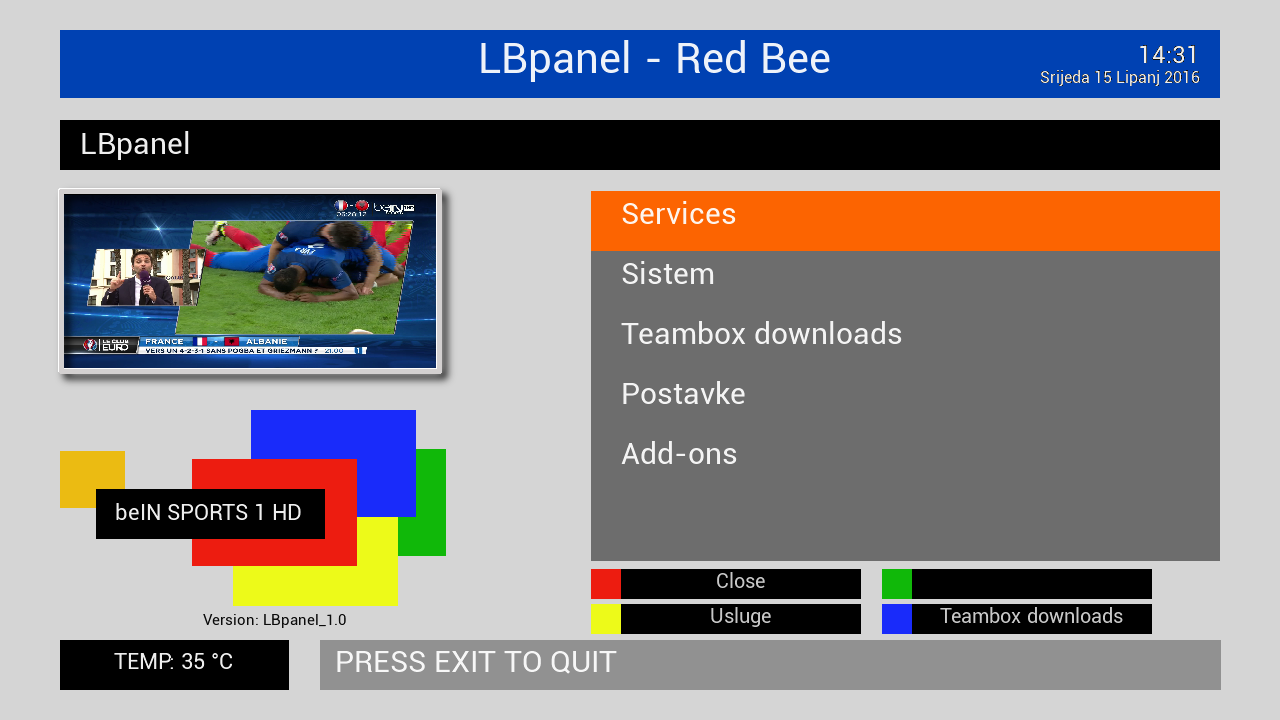
    SatVenus Full Backup Vu+Solo2 OpenPlus 1.1 by zvonko67


    Bootlogo SatVenus by jopidane Satvenus E2 Settings motor 75E_30W
    14.06.2016


    Emu:


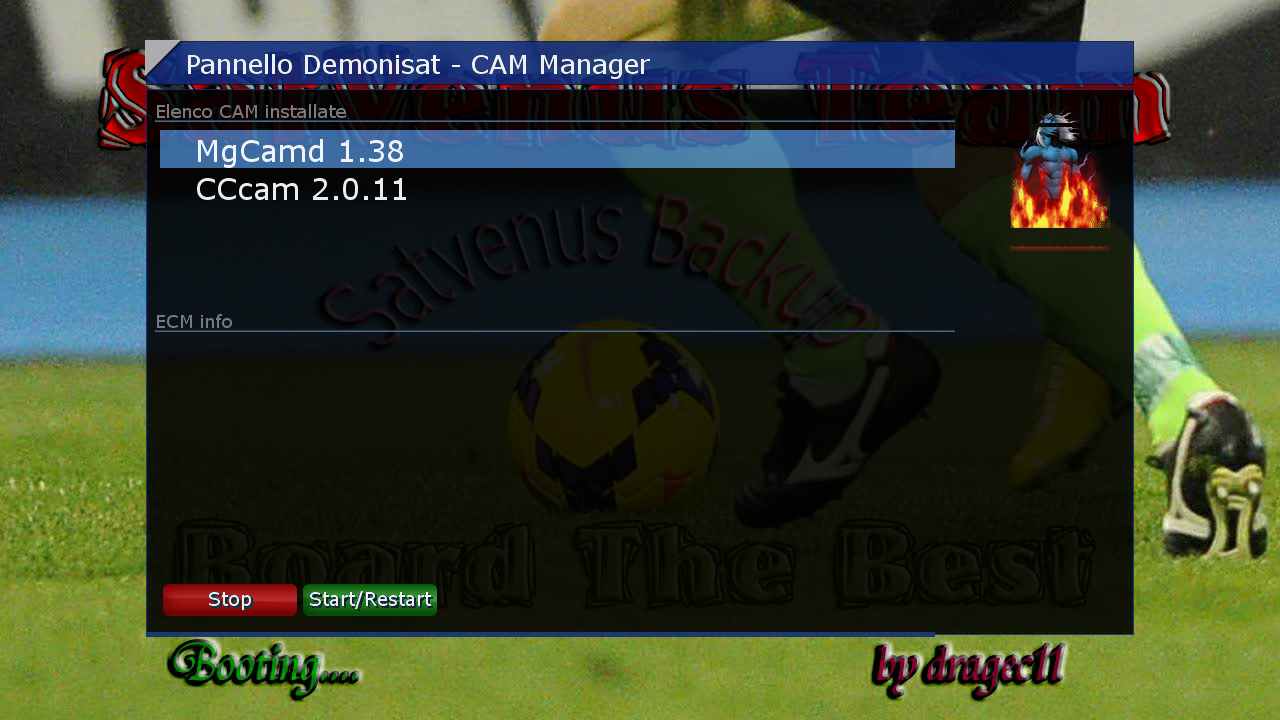
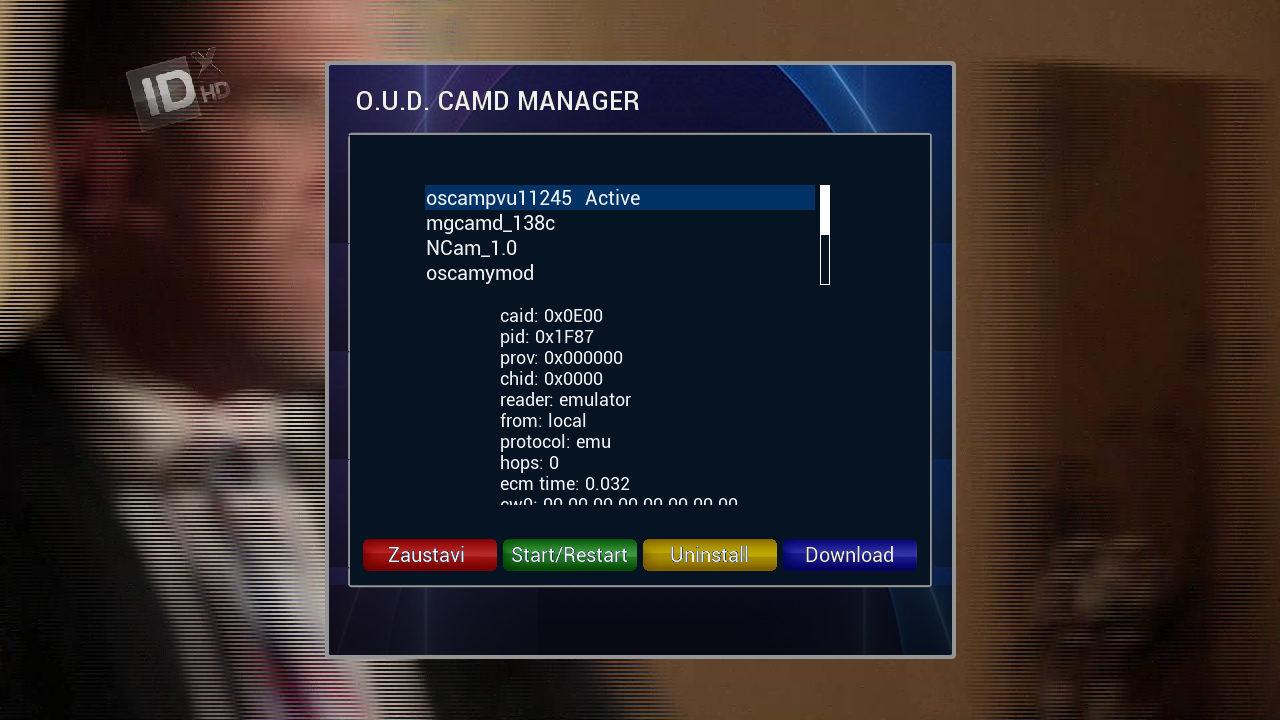
    O.U.D Camd Manager
    CCcam 2.2.1
    Mgcamd 1.38c
    Oscam ymod
    Oscam PowerVu 11245
    Ncam 1.0


    FTP Emu Config:


    oscampowervu
    /usr/oudteam/oscam
    oscamymod
    /usr/oudteam/oscamymod
    cccam221
    /usr/oudteam/cccam/cccam.config
    mgcamd
    /usr/keys/newcamd.list
    ncam1.0
    /etc/tuxbox/config/


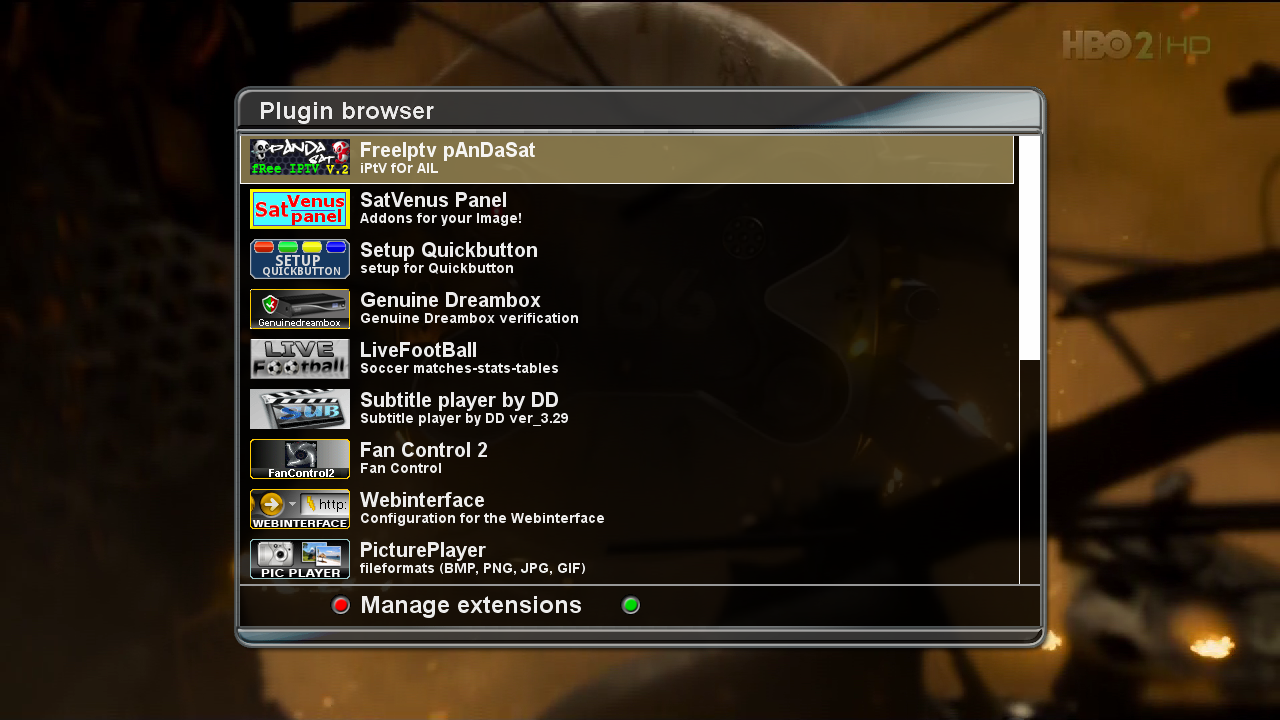
    Plugins:


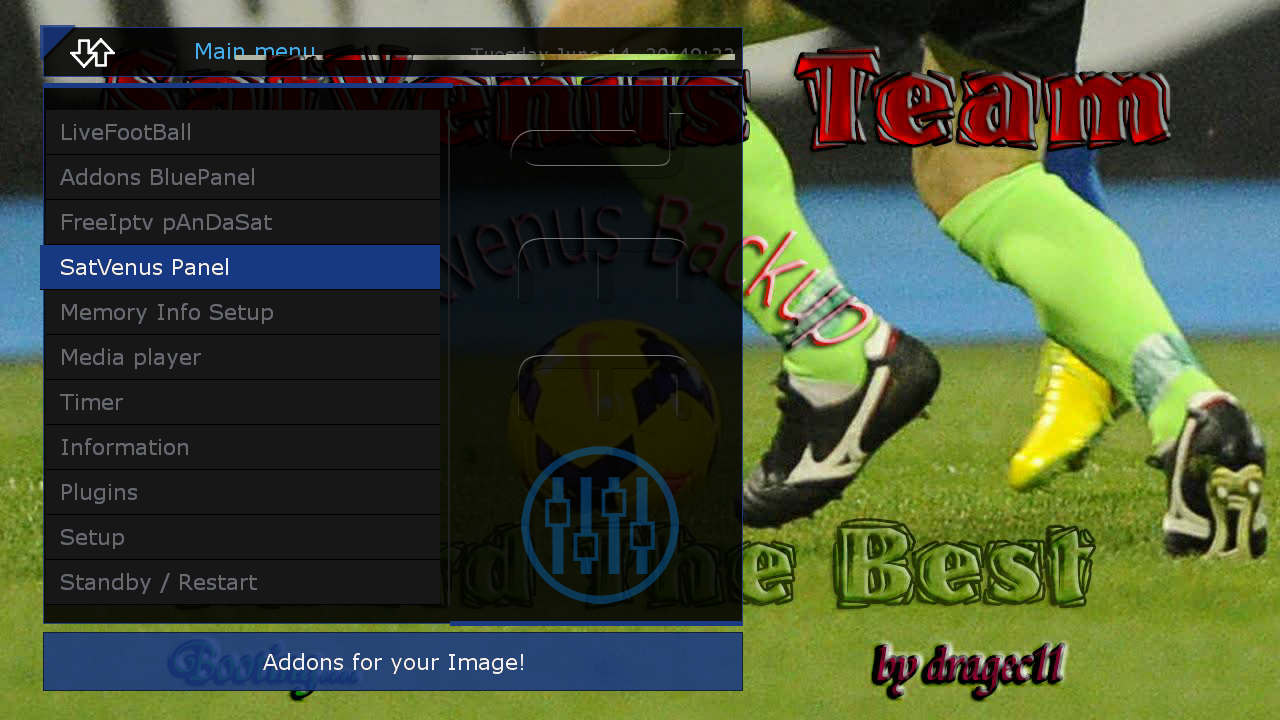
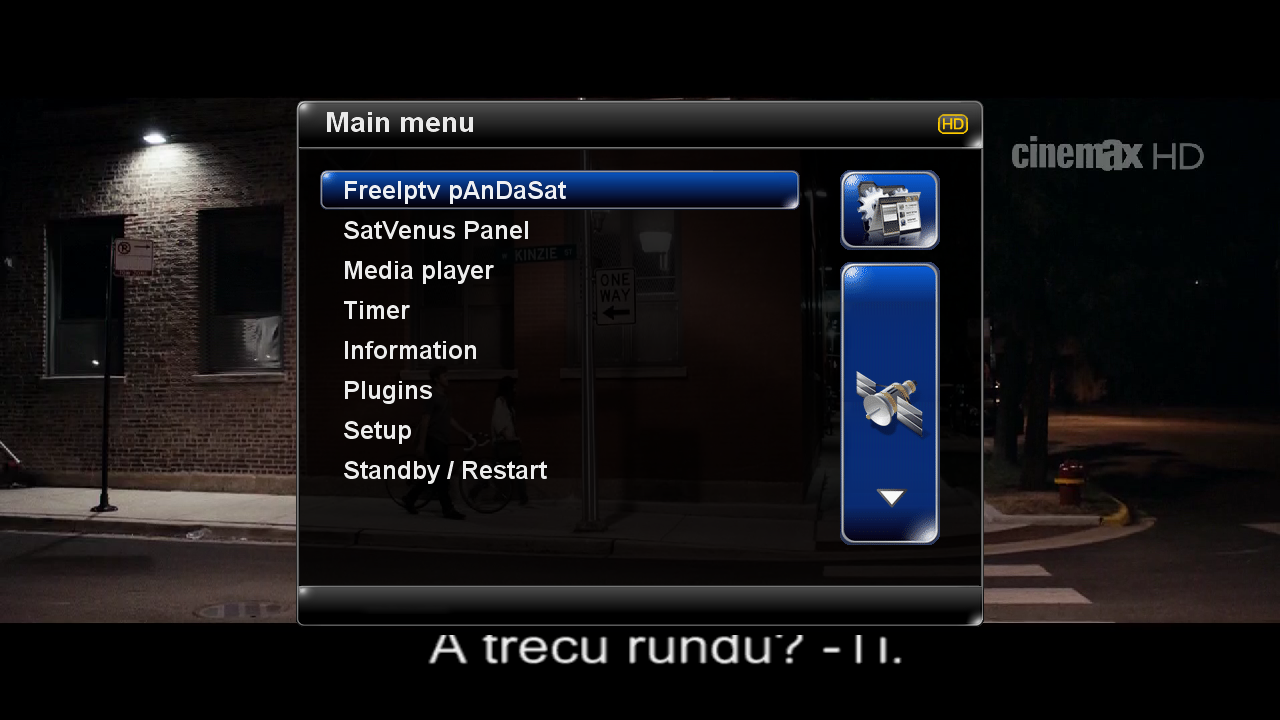
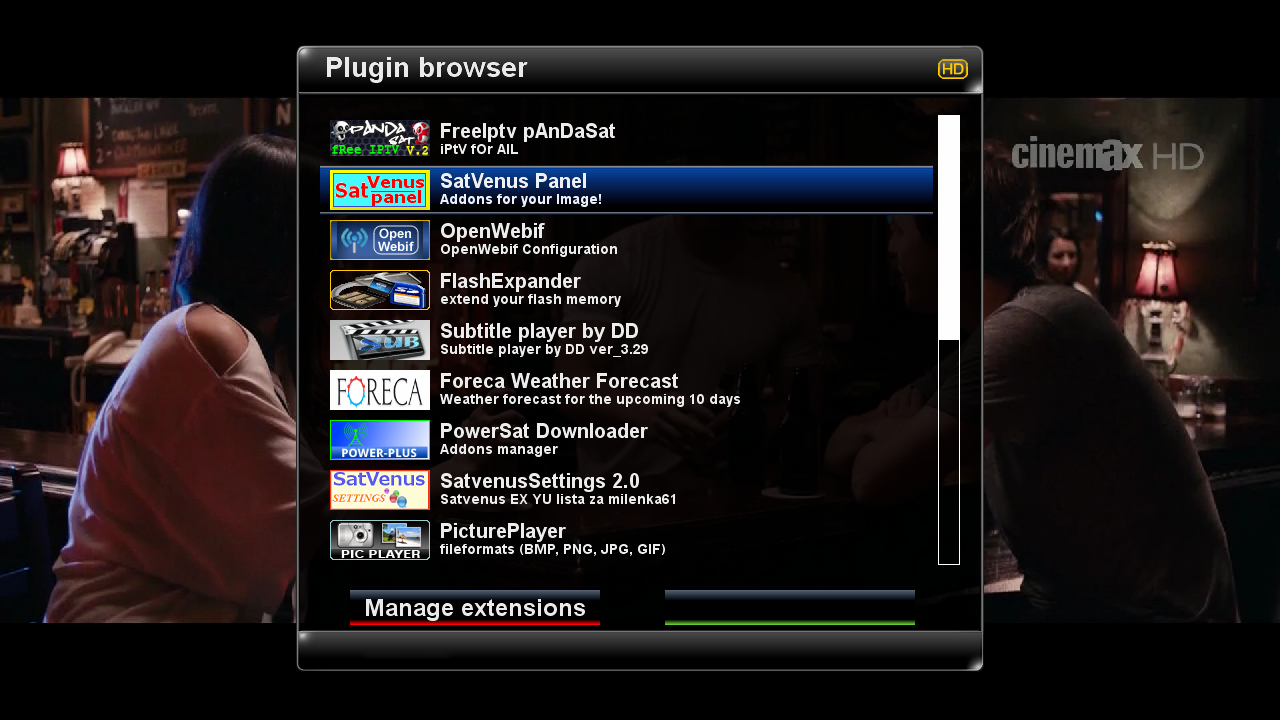
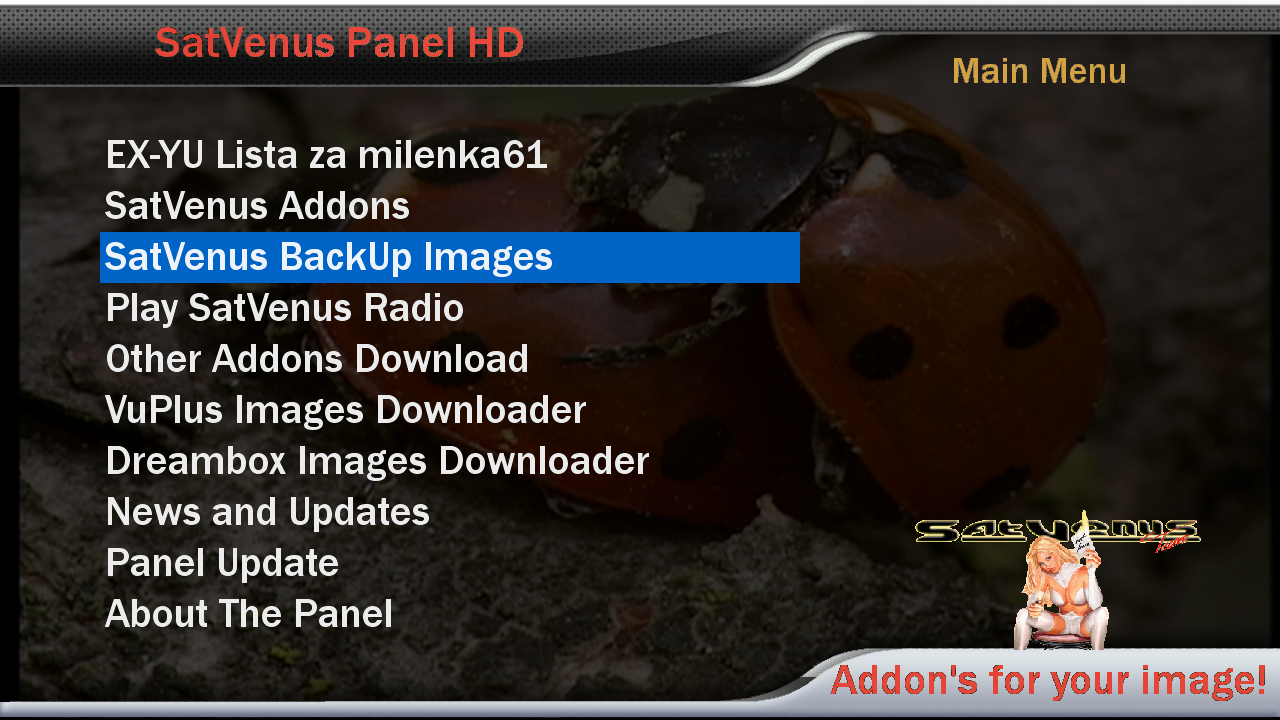
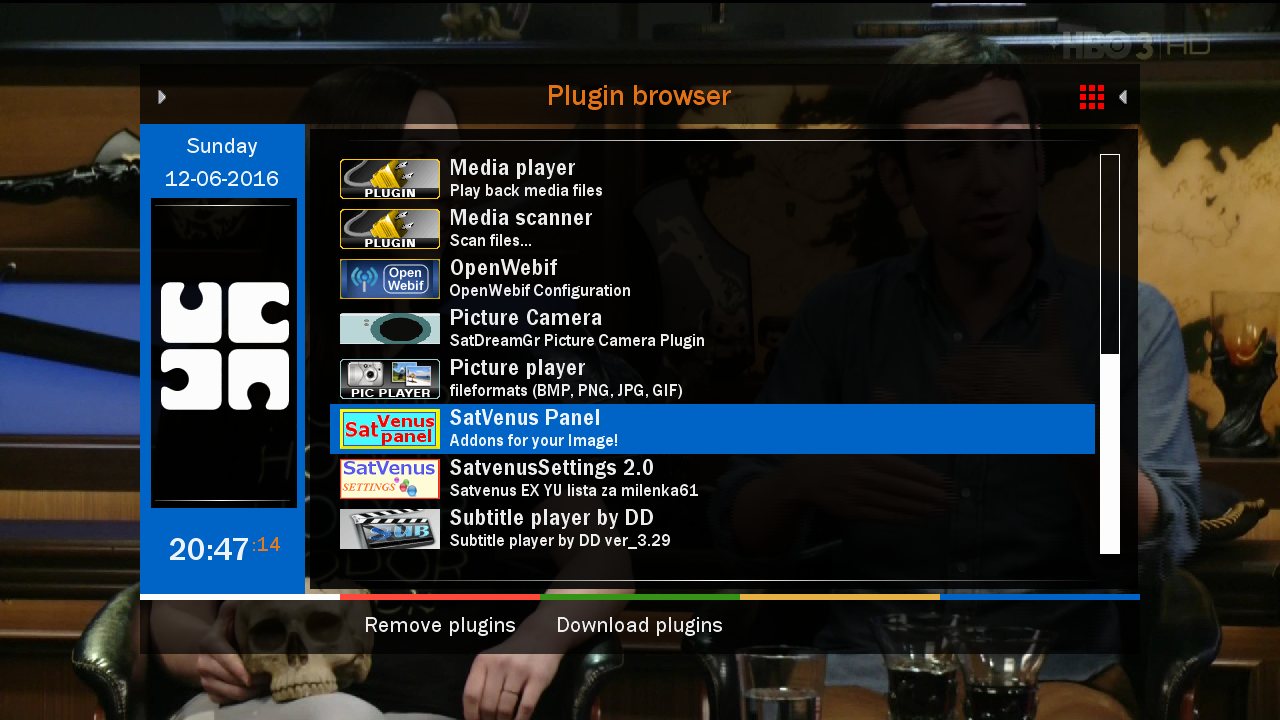
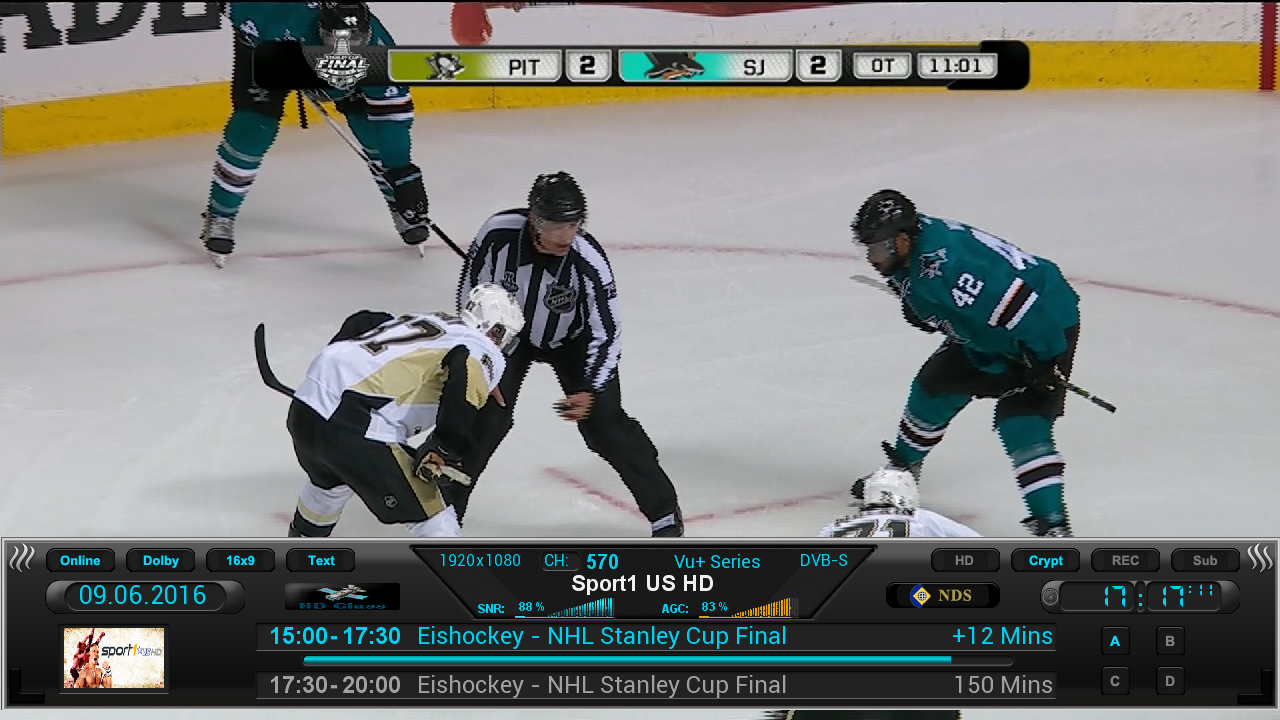
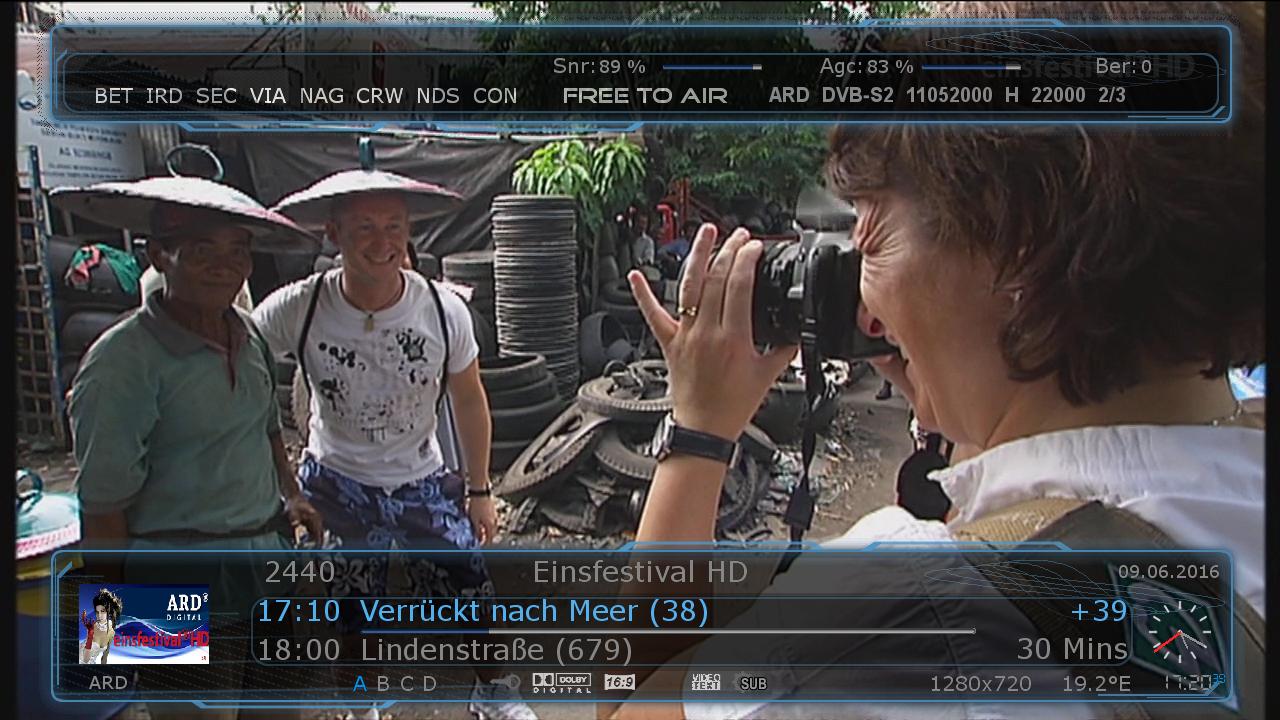
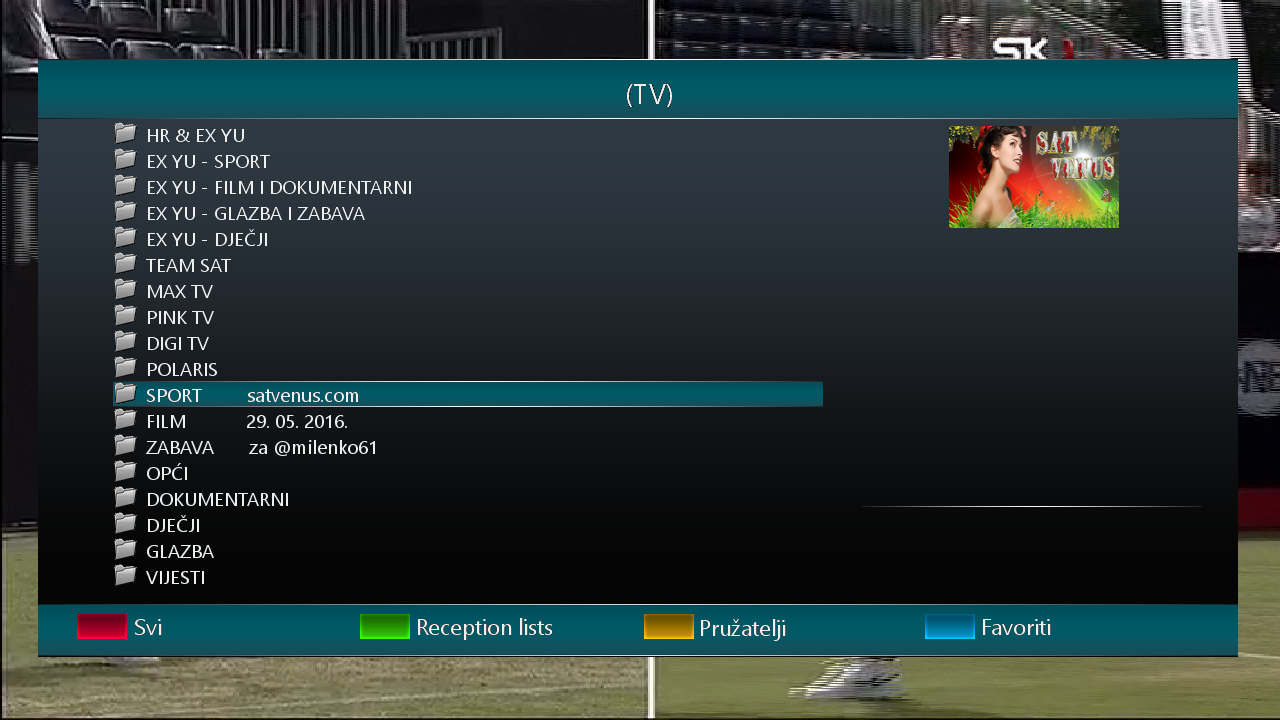
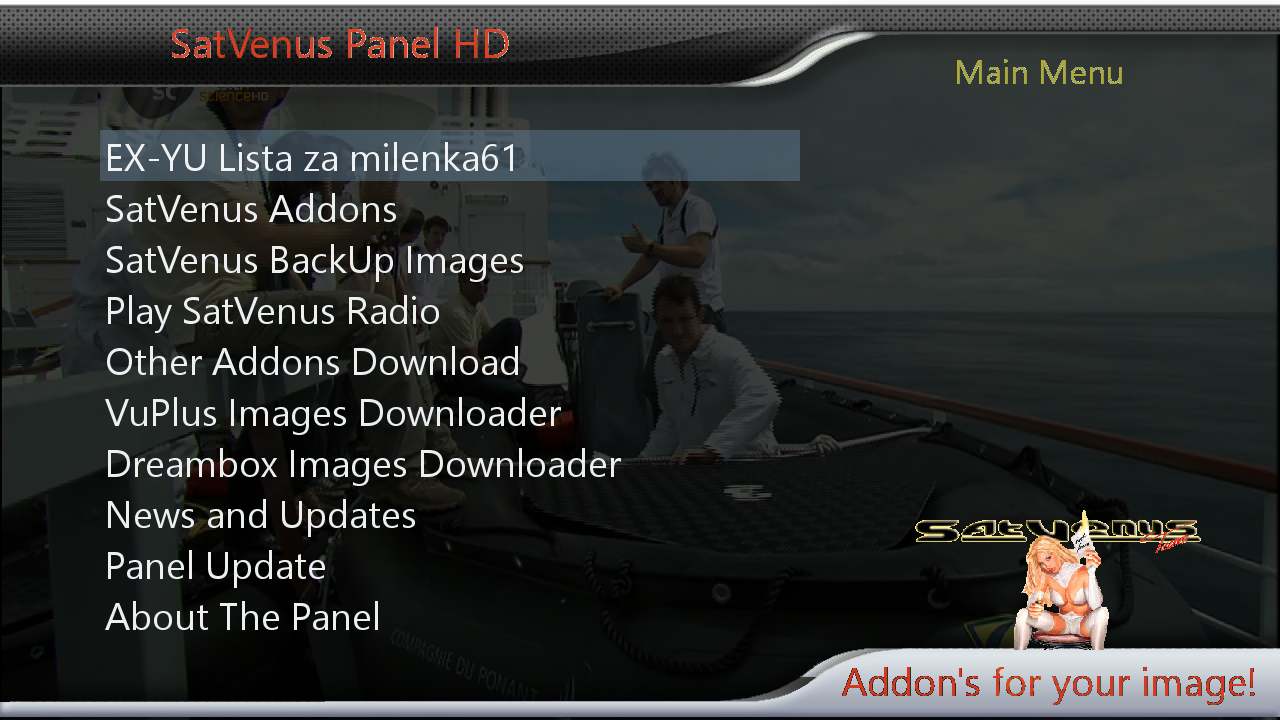
    SatVenus Panel 4.5.1
    SatVenus Settings 3.0
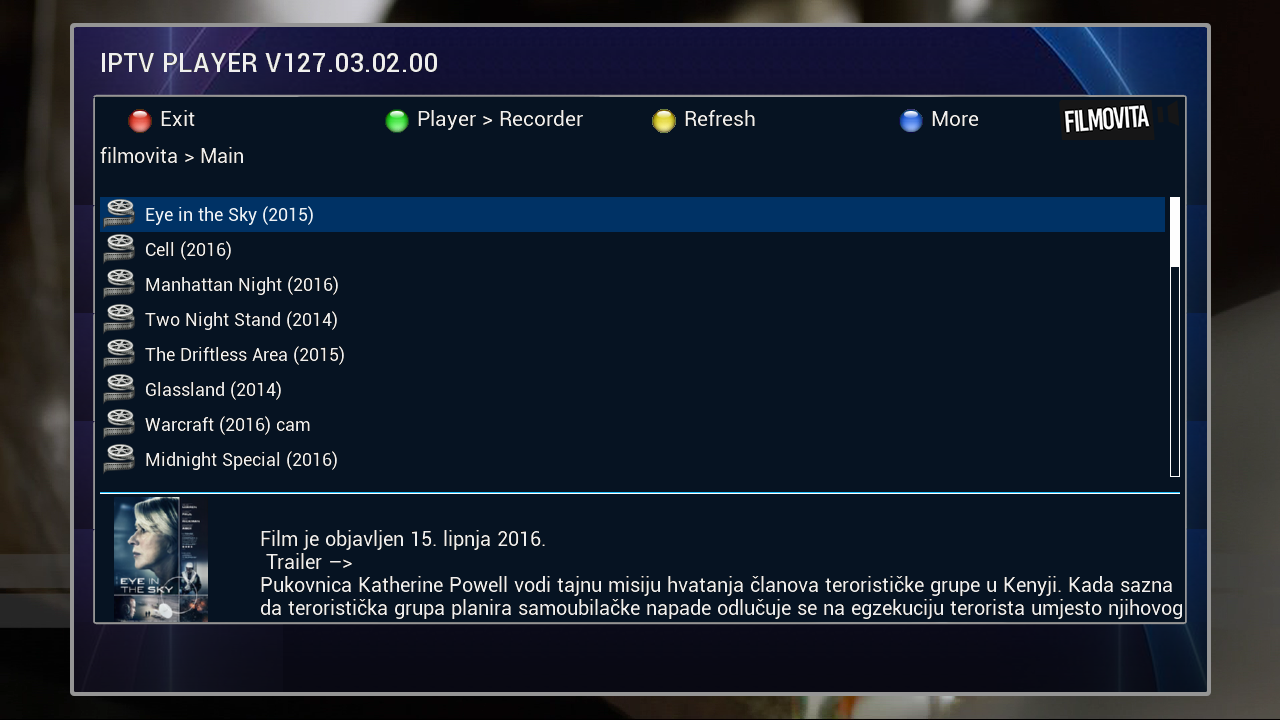
    IPTVPlayer 127.03.02.00
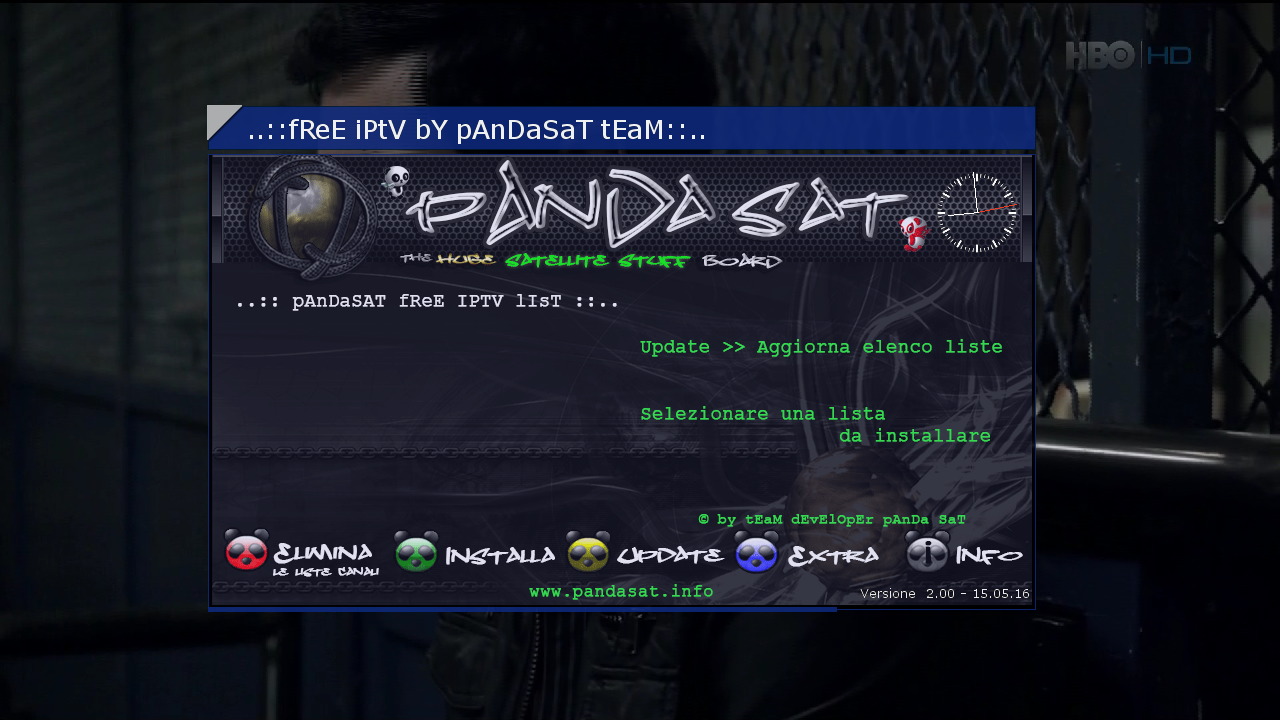
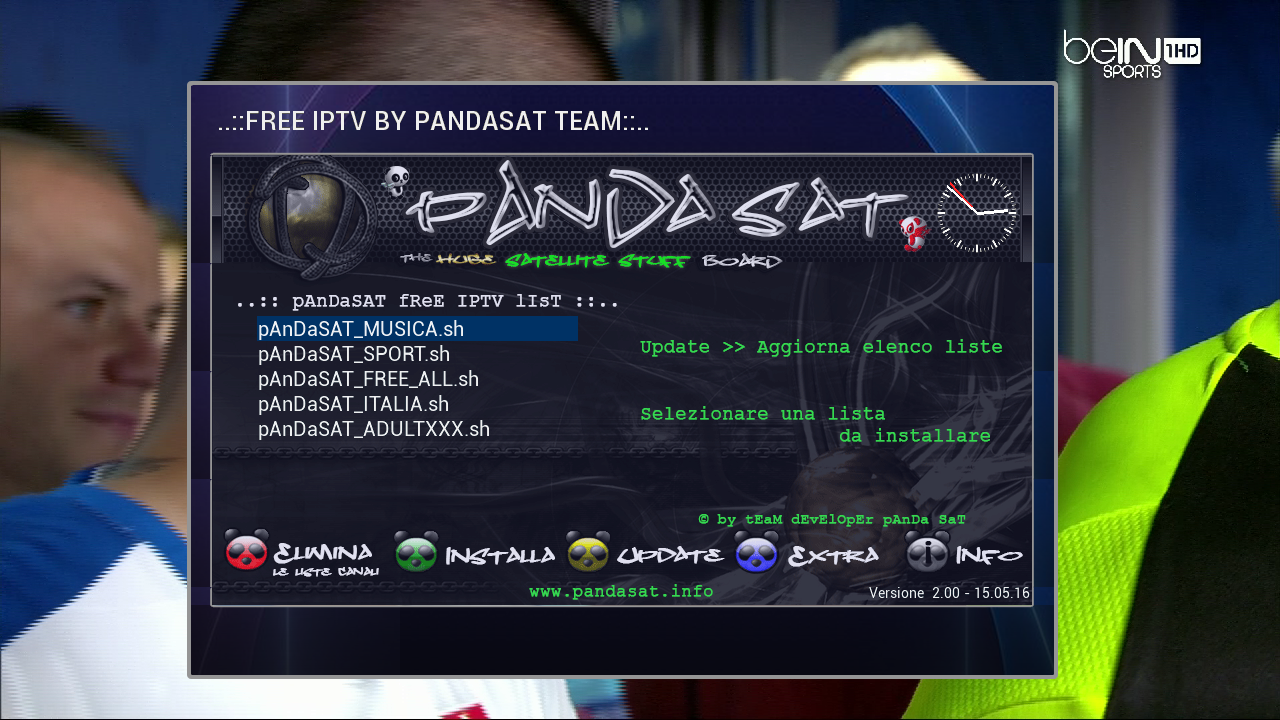
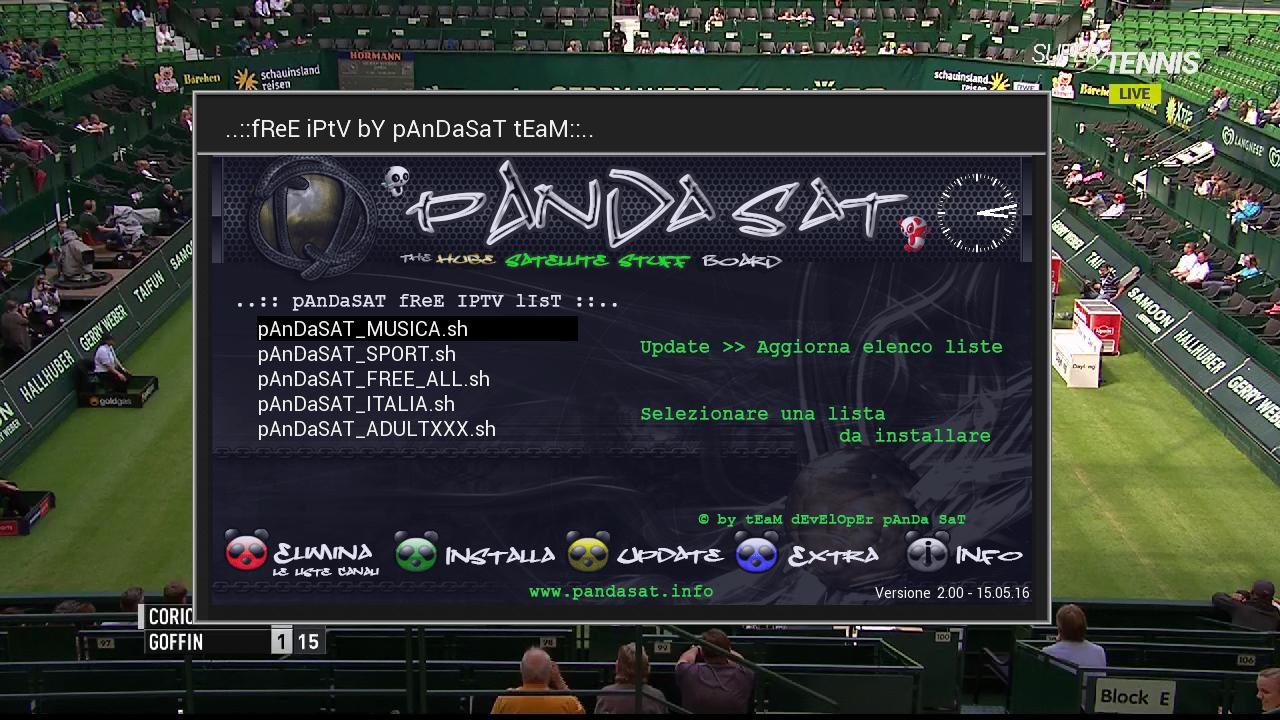
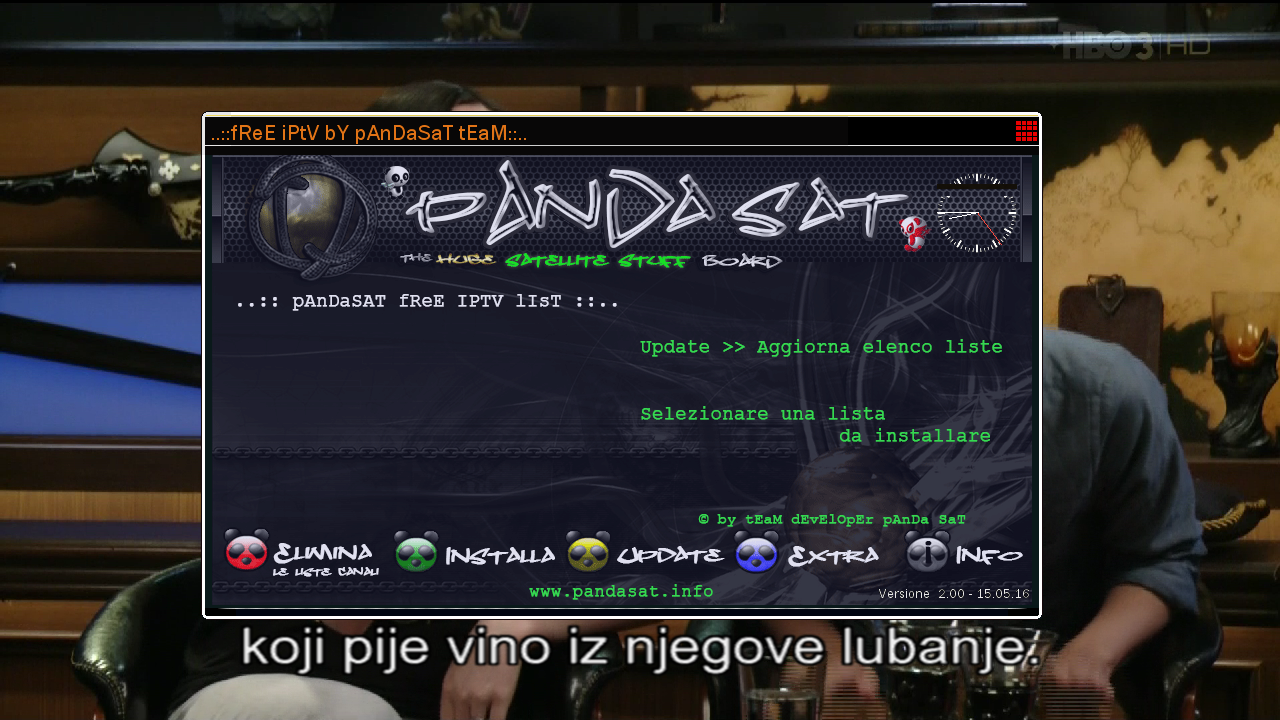
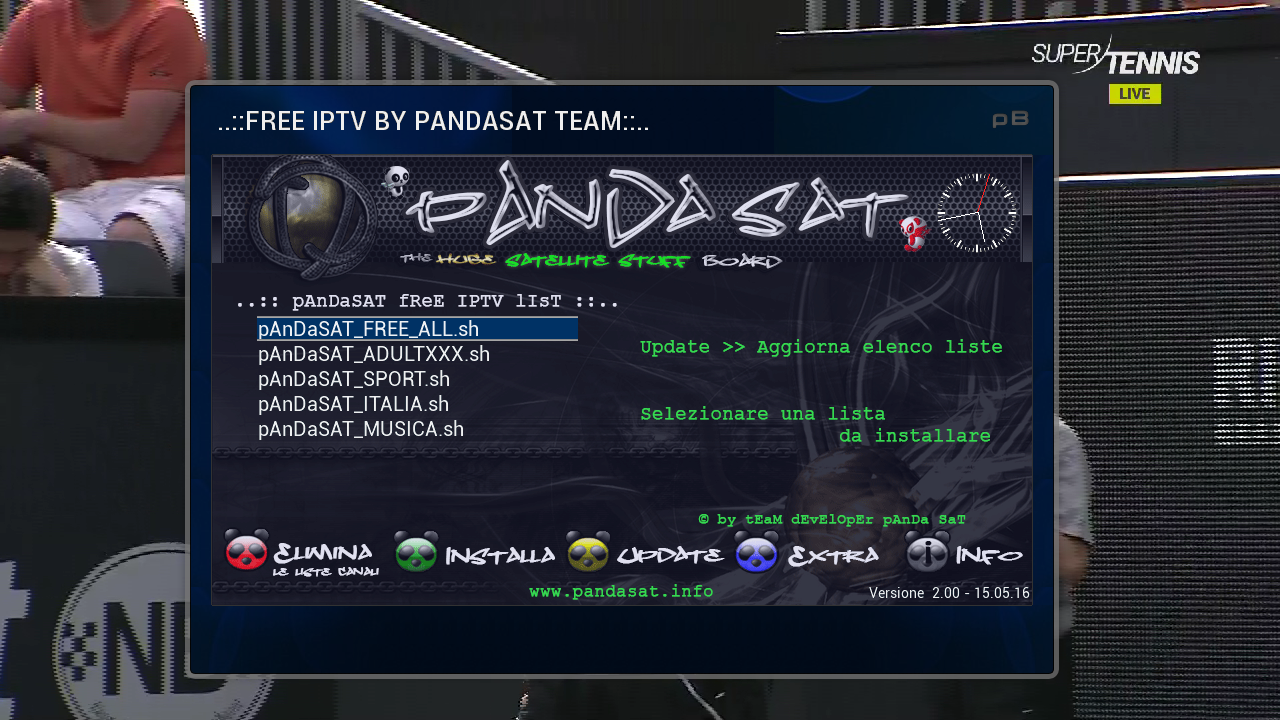
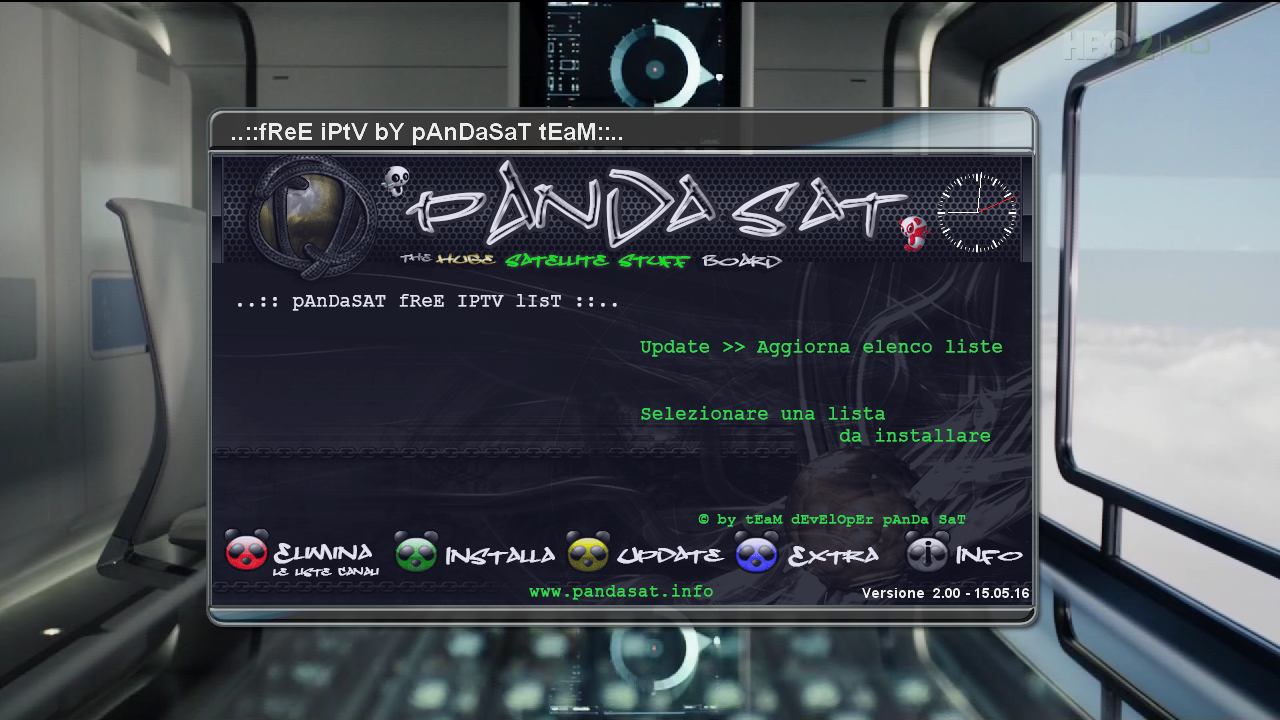
    Free Iptv PAnDaSaT 2.o
    Albatros 4.6
    KodiDirekt 3.1 new updates
    Mediaportal 7.5.0
    LiveFootBall 6.0_

    LiveFootBall 6.1 special edition Euro 2016
    livefootball_6.1_all
    EM2016
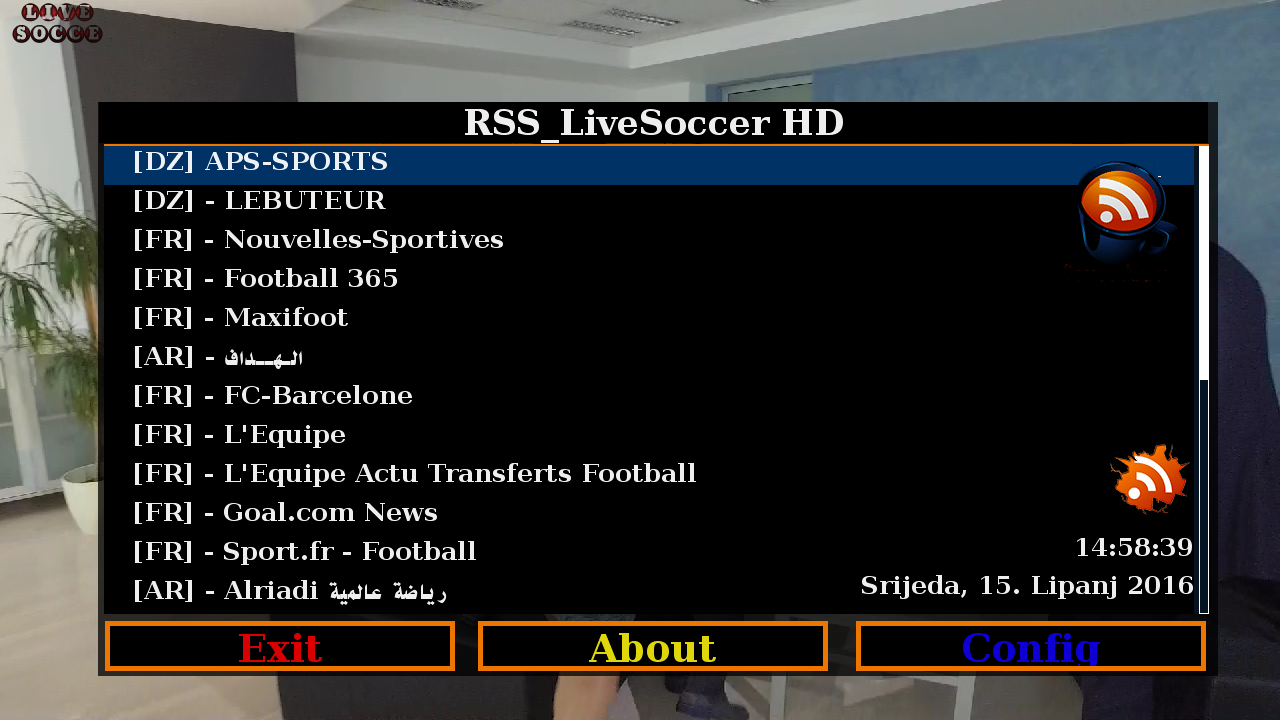
    LiveSoccer 1.5
    SubsSupport 1.54
    SubsSupport by DD 3.29
    BoxPirates-Key-Updater
    Powervu Key Update
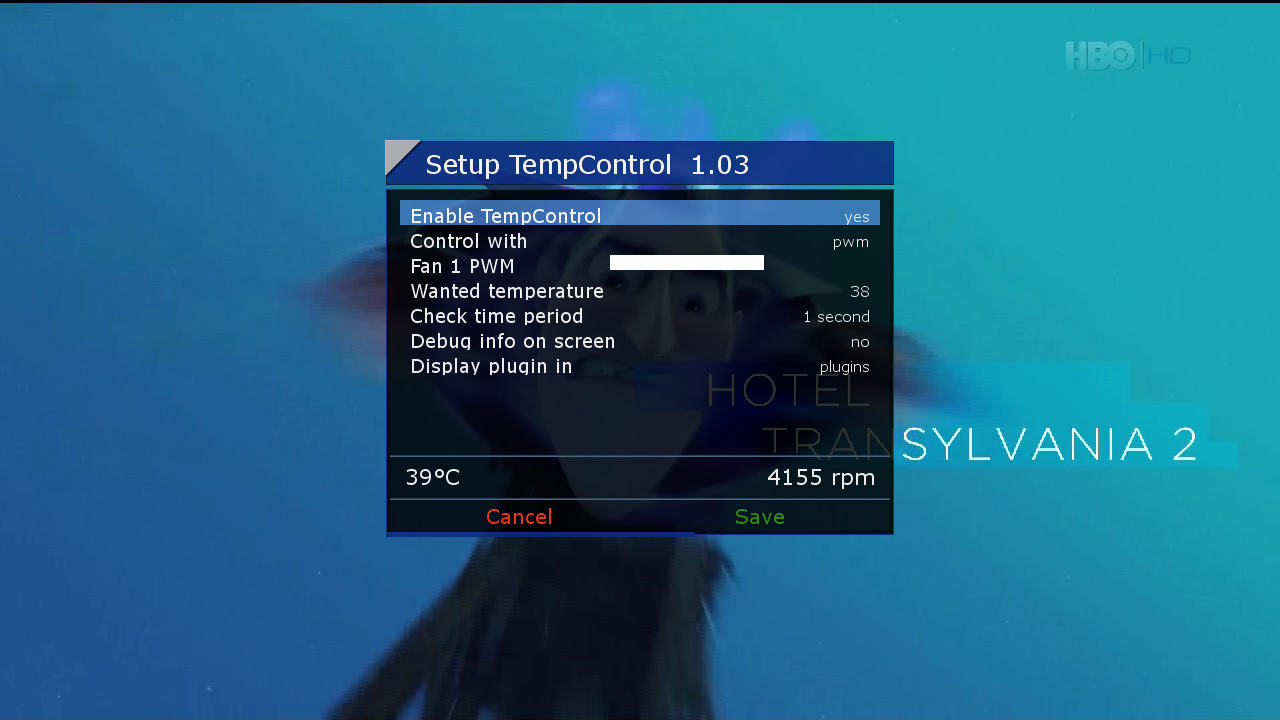
    TempControl 1.03_Wanted temp. 36*C
    and more.....


    Red button_SatVenus Panel 4.5.1_SatVenus Settings 3.0
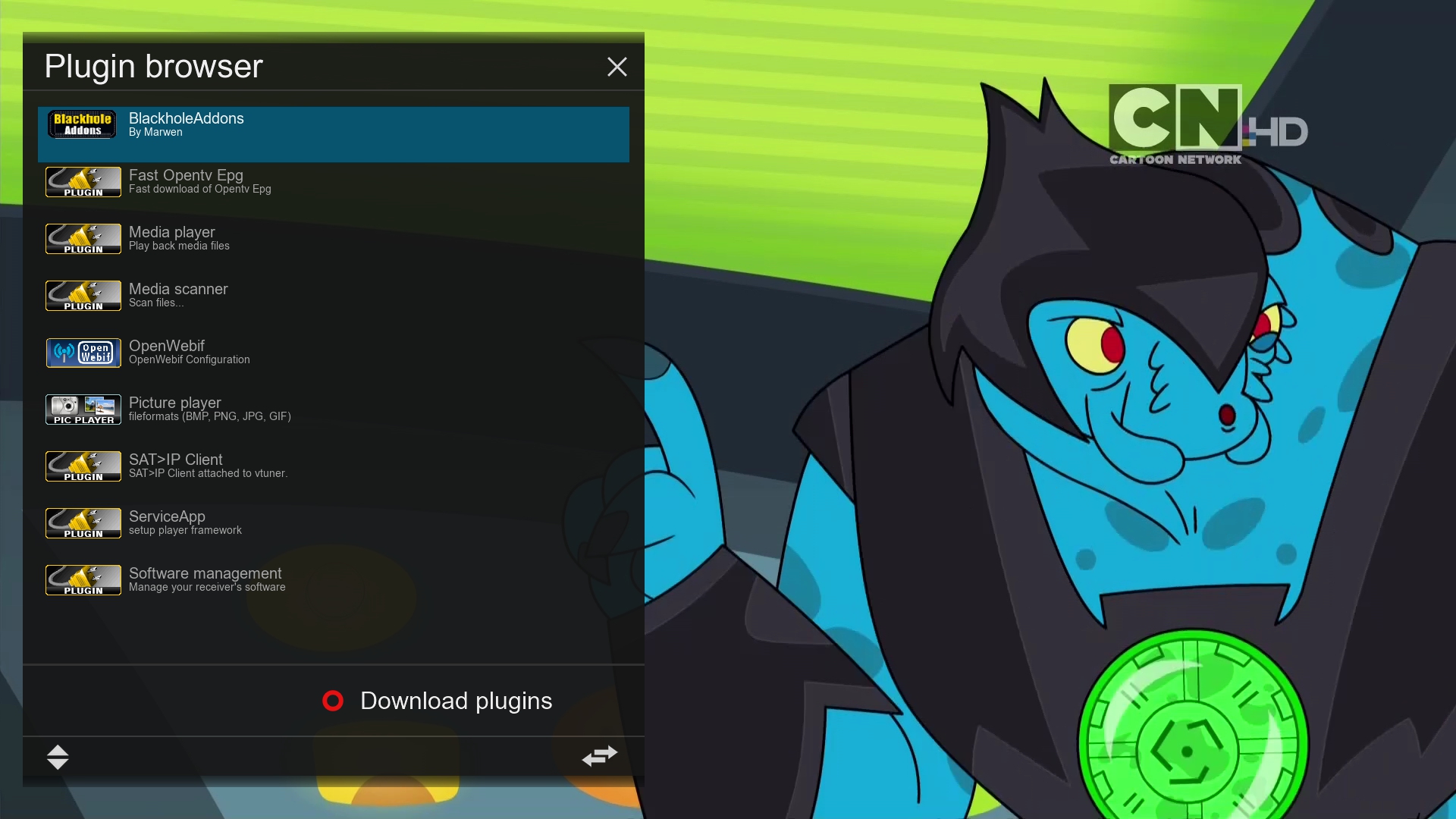
    Green button_Plugin Browser
    Yellow button_Audio-Subtitles
    Blue button_O.U.D Camd Manager

    Skin:


    Metrix
    OpenPlus
    Ottoman_Dreams


    user:root
    password:dreambox


    Download Backup:


    http://en.file-upload.net/down…lus1.1byzvonko67.rar.html


    Backup DM800HD-Matera 2E-ssl84J-GST1.9-FE-Au by Lululla
    MATERA 2e


    Based:
    OpenPLi_4.0_Japhar_DM800HD_wIPTV_v18
    OpenPli 4.0 IPTV by MastaG / Japhar Team with 1200 FREE IPTV Channels and with GStreamer 1.9.0.1 (April 15th 2016)


    Changes:


    - New gstreamer 1.9.0.1 recipes based on christophecvr's github (small changes for PLi4)
    - Upgrade glib2.0 and some other components like gobject-introspection to satisfy the new gstreamer recipes
    - gstreamer1.0-libav is built using it's minimal libav with only support for wma (thank you chris)
    It's pre-installed on all receivers except for the ones with only 64MB of flash (dm800/800se/500hd)
    - Full ffmpeg 3.0.1 package is in the feeds for use with IPTV Player's exteplayer3 (thx to Taapat for the original bbappend)
    Login with telnet and issue: opkg update && opkg install ffmpeg

    - Latest openpli-oe-core changes
    - Latest enigma2 changes
    - spark: libeplayer3 is pre-installed now (also in the feeds) for movie players with support for this library
    Note: servicemp3 still uses gstreamer
    - spark: some OpenPLi enigma2 backports (since Taapat doesn't maintain his enigma2 branch anymore)
    The servicemp3 memleak patch has been applied with some other patches/commits I found useful
    - spark: don't force async mode on the dvbaudiosink anymore, it's now the same as all other receivers again
    - Add Vu+ Solo 2 Lonrisun V4 (v1 and v2) images + feed


    ADDON ADDED


    • panda-freeiptv - v.2.06
    • rsi-au - 0.1
    • flashbackupto - 1.0
    • wirelesslan
    • af867-driver
    • FlashExpander 0.33Modded
    • linuxsat-panel_1.0 Update
    • Skin Beyonce F1


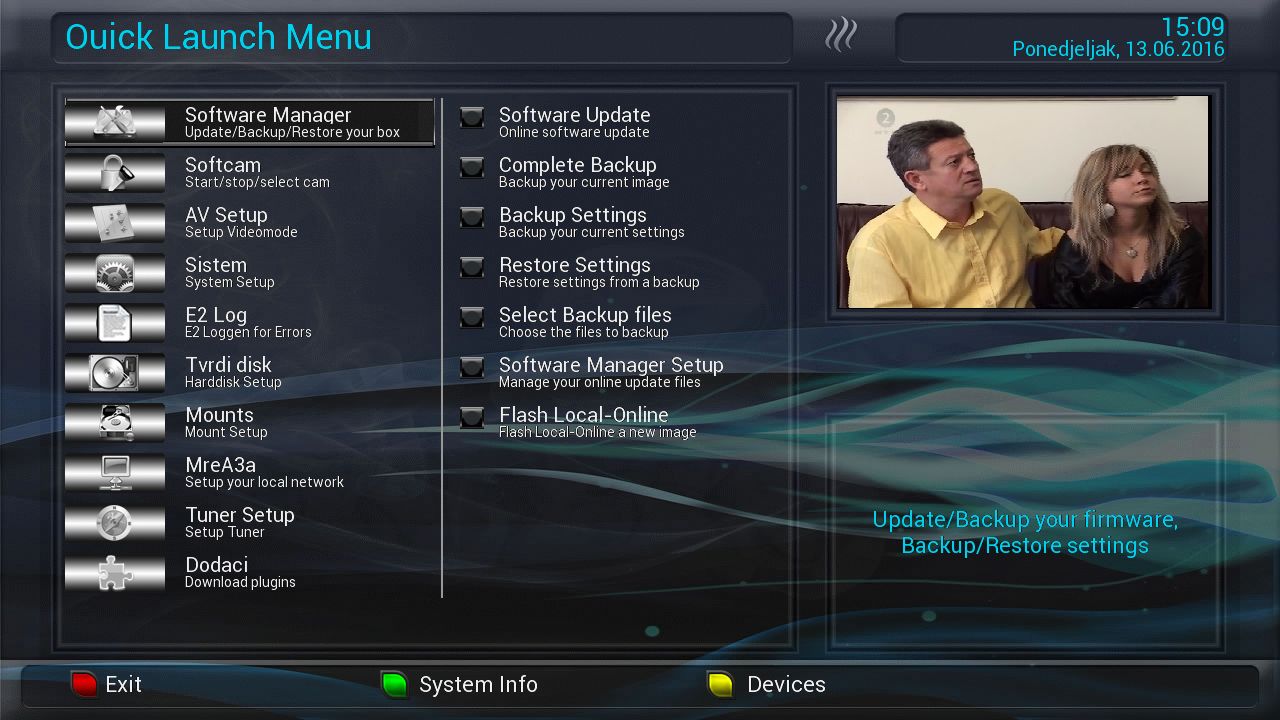
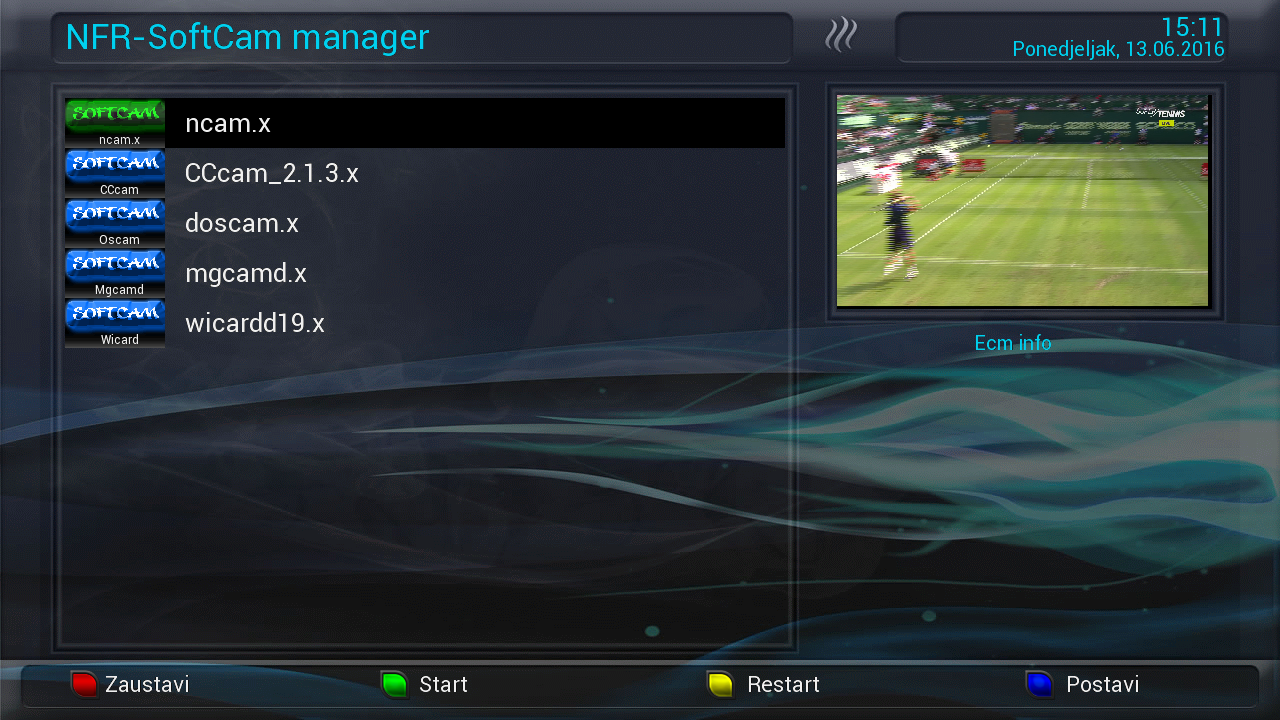
    SatVenus Full Backup Vu+Solo2 OpenNFR 5.3 by zvonko67


    Bootlogo SatVenus by jopidane


    Satvenus E2 Settings motor 42E_30W
    29.05.2016


    Emu:
    CCcam 2.1.3
    Mgcamd 1.38d
    Doscam 0.25
    Wicardd 1.19
    Ncam 1.0 error


    Ncamd Openatv/OpenNFR download:


    http://en.file-upload.net/download-1...s32el.ipk.html


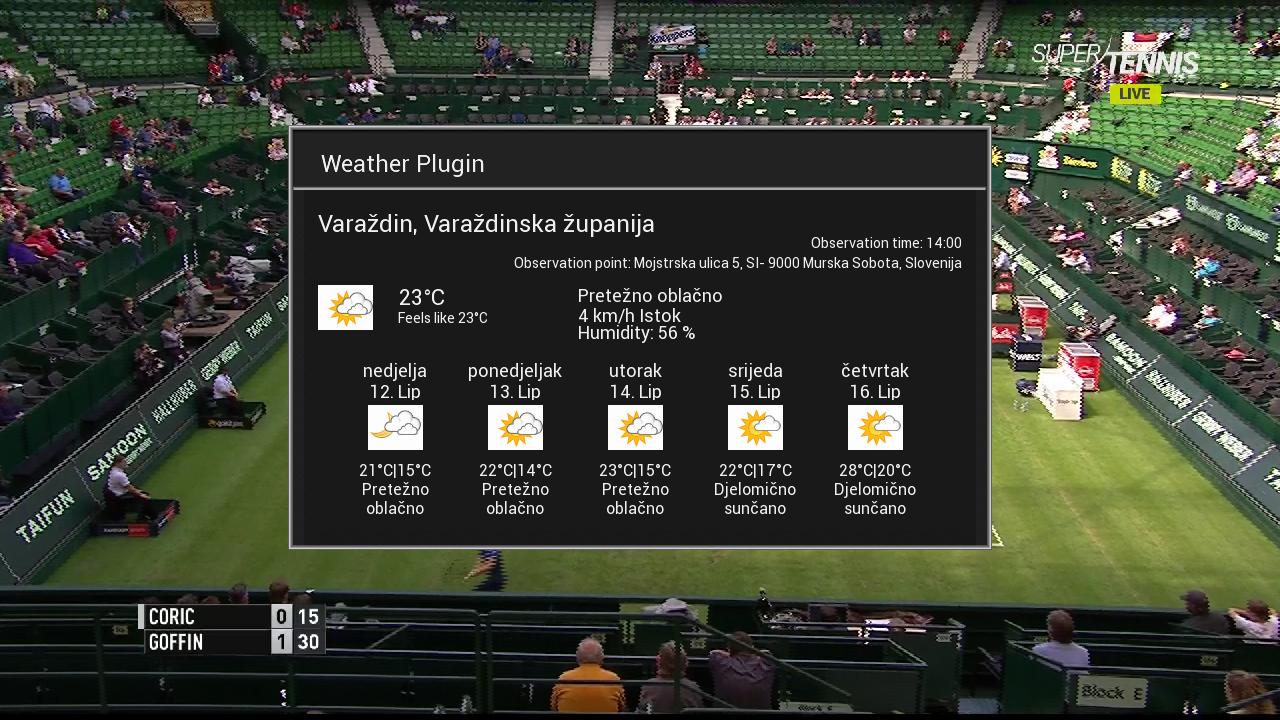
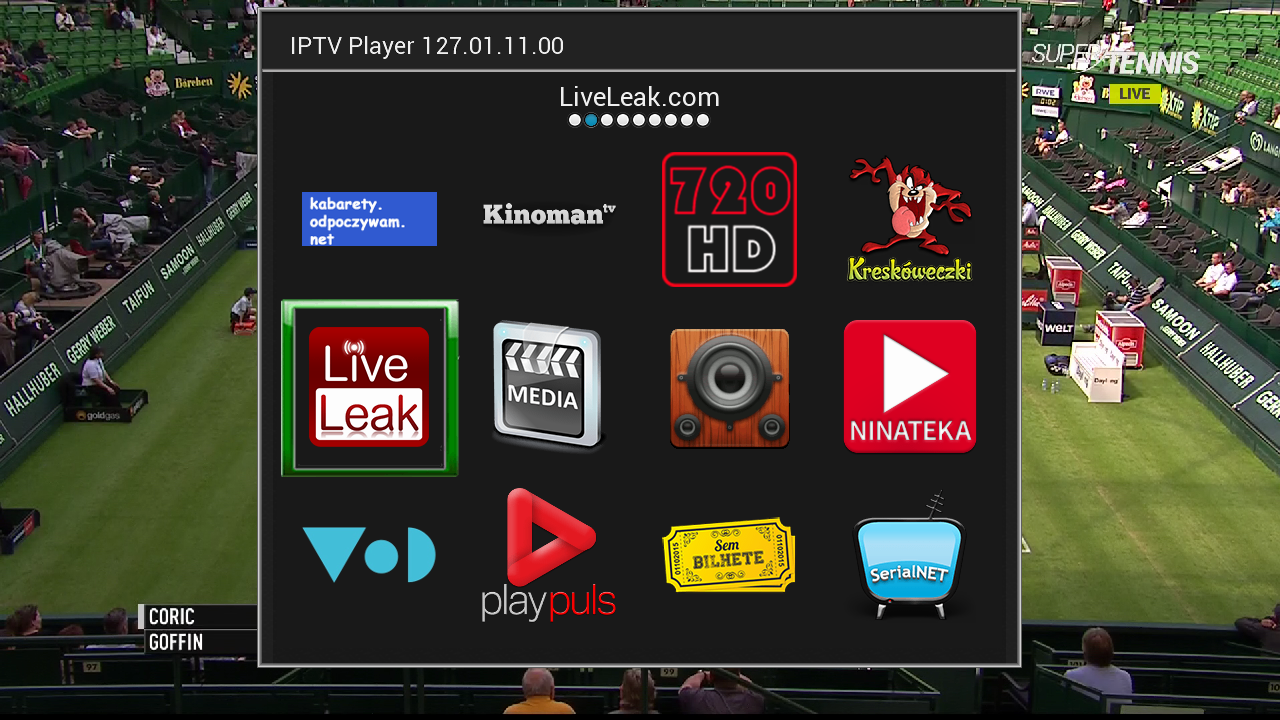
    Plugins:


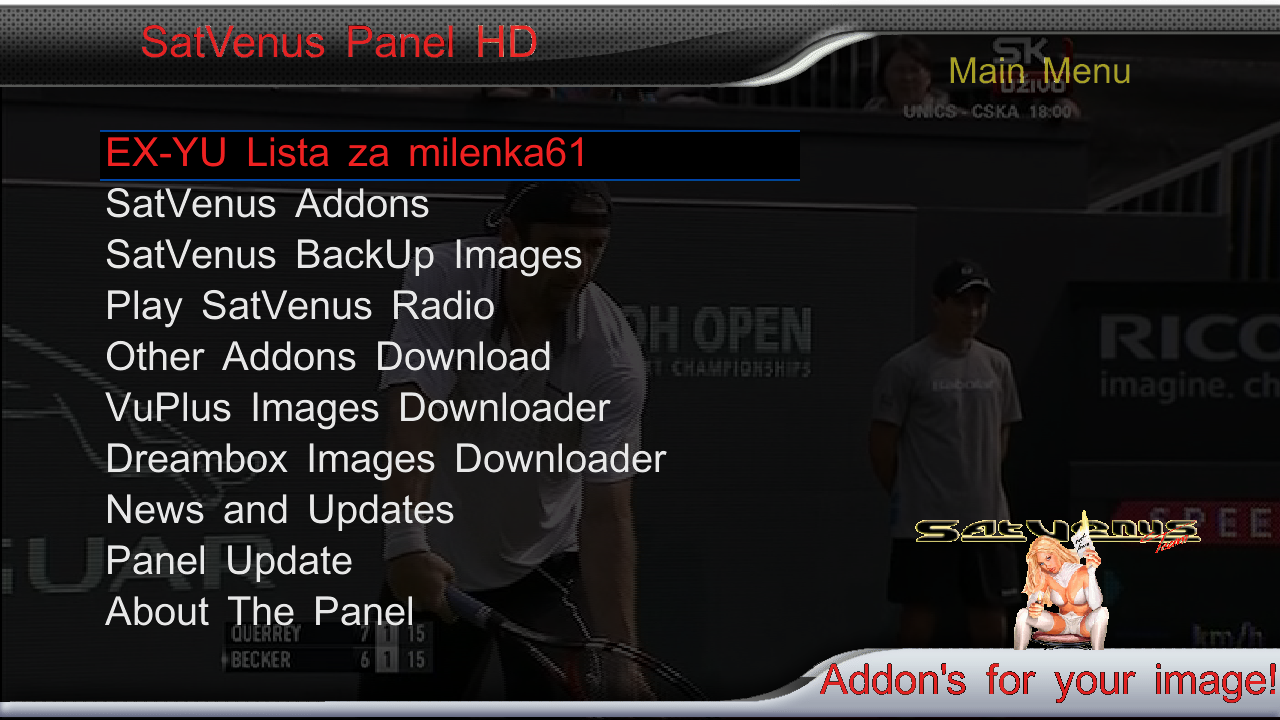
    SatVenus Panel 4.5.1
    SatVenus Settings 3.0
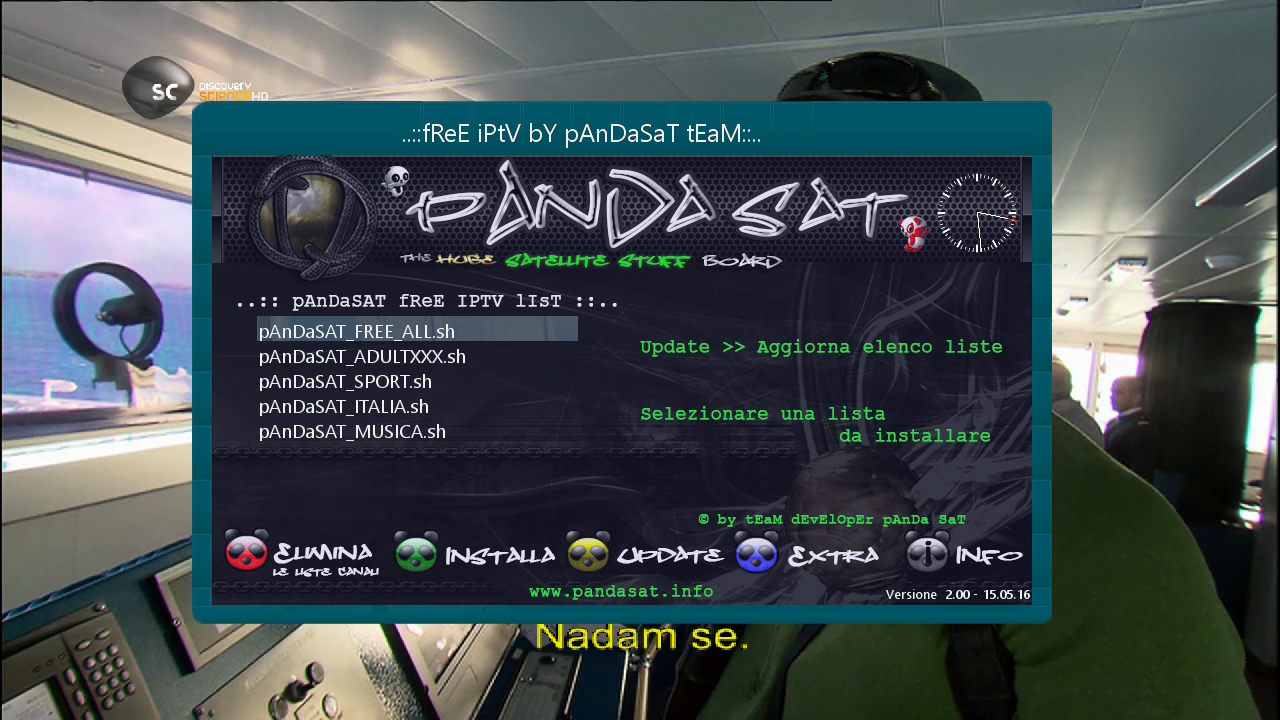
    IPTVPlayer 127.00.28.00
    Free Iptv PAnDaSaT 2.o
    Albatros 4.6
    KodiDirekt 3.1 new updates
    Mediaportal 7.5.0
    LiveFootBall 6.0
    LiveSoccer 1.4
    SubsSupport 1.54
    SubsSupport by DD 3.29
    BoxPirates-Key-Updater
    TempControl 1.03_Wanted temp. 36*C
    and more.....


    Red button_SatVenus Panel 4.5.1_SatVenus Settings 3.0
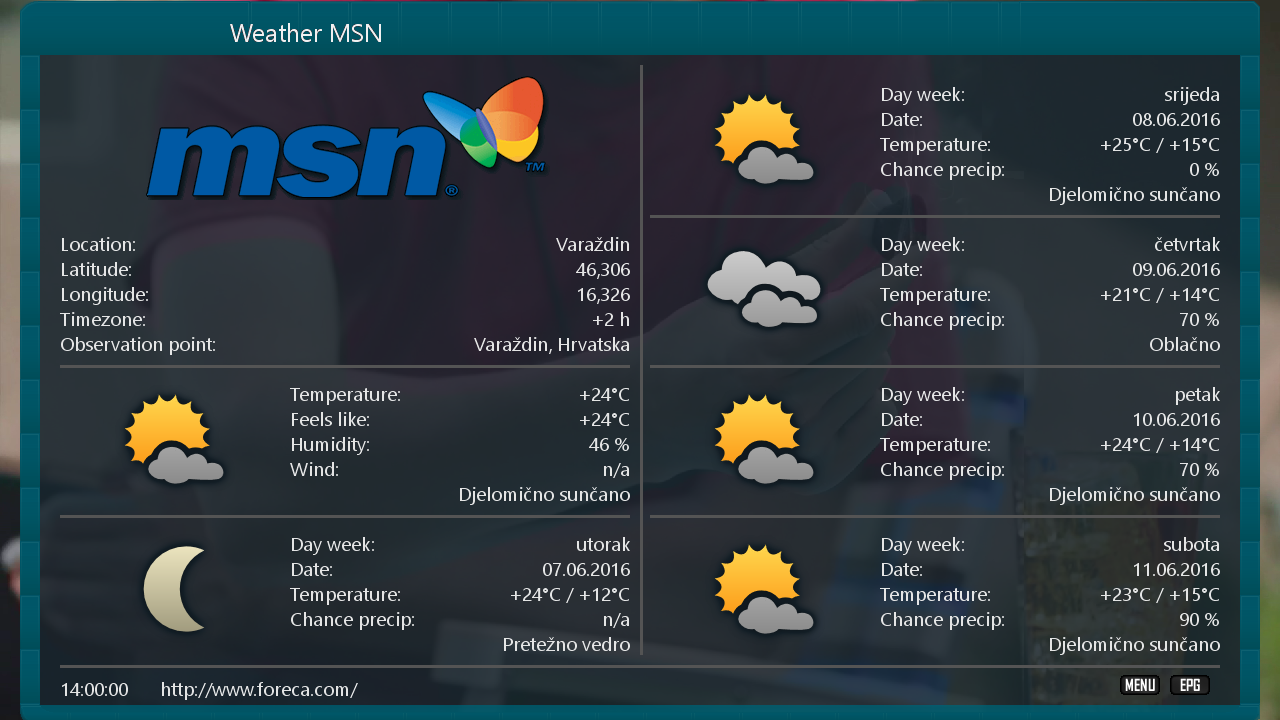
    Green button_Plugin Browser
    Yellow button_Audio-Subtitles
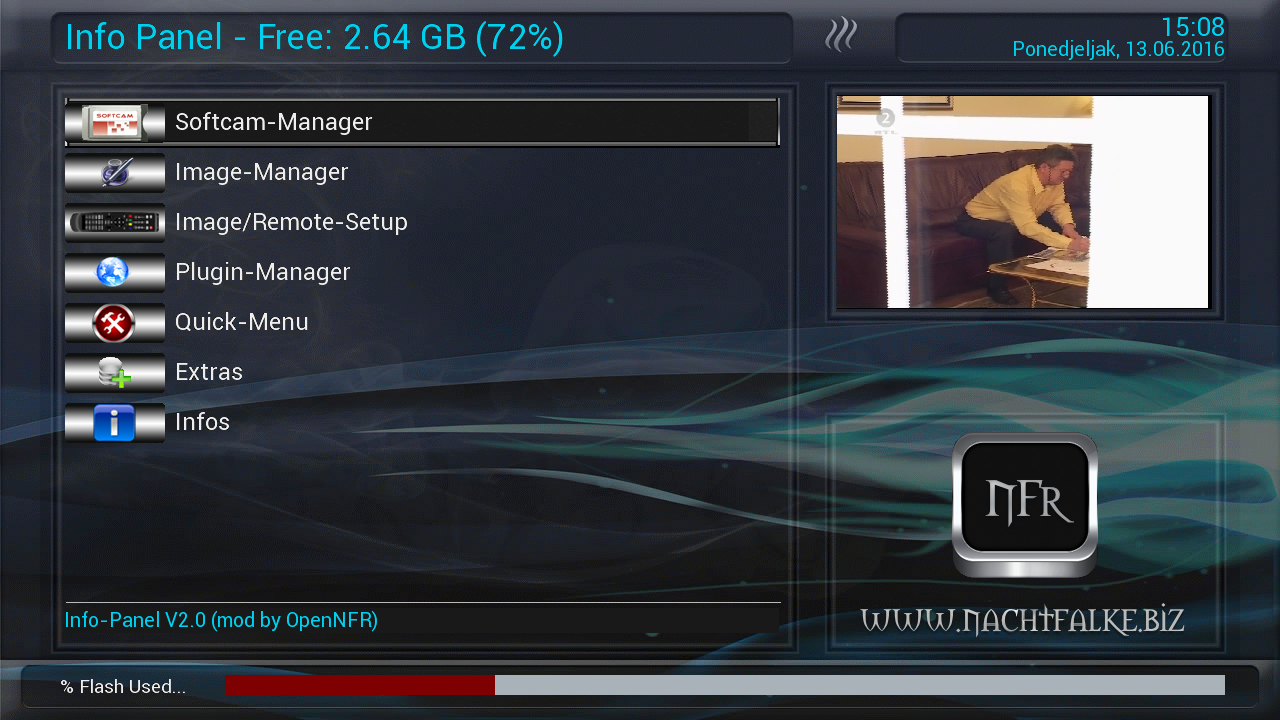
    Blue button_Info panel

    Skin:

    Utopia HD
    Royal-Blue by Oktus
    Seven HD


    user:root
    password:dreambox


    Download Backup:


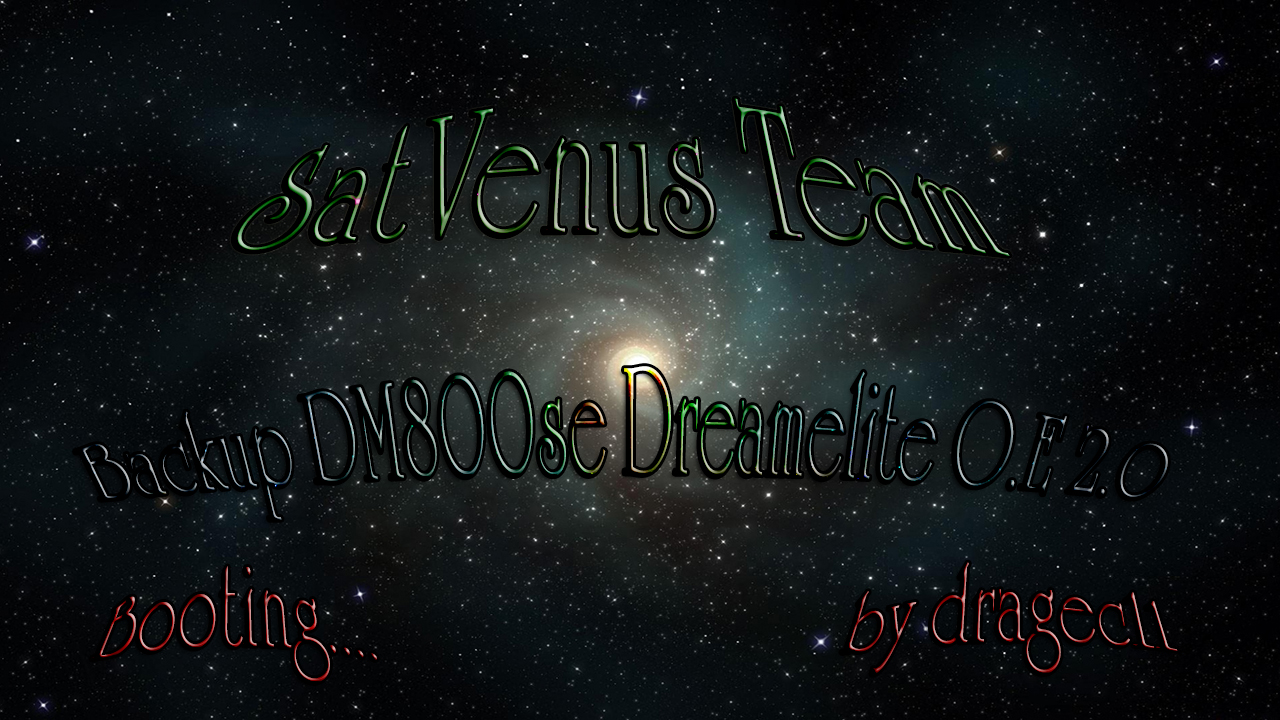
    SatVenus Team Backup DM800se Dreamelite OE 2.0
    by dragec11


    SatVenus E2 Motor Setings 42e_30w 29.05.2016.


    Bootlogo by dragec11


    Plugins:
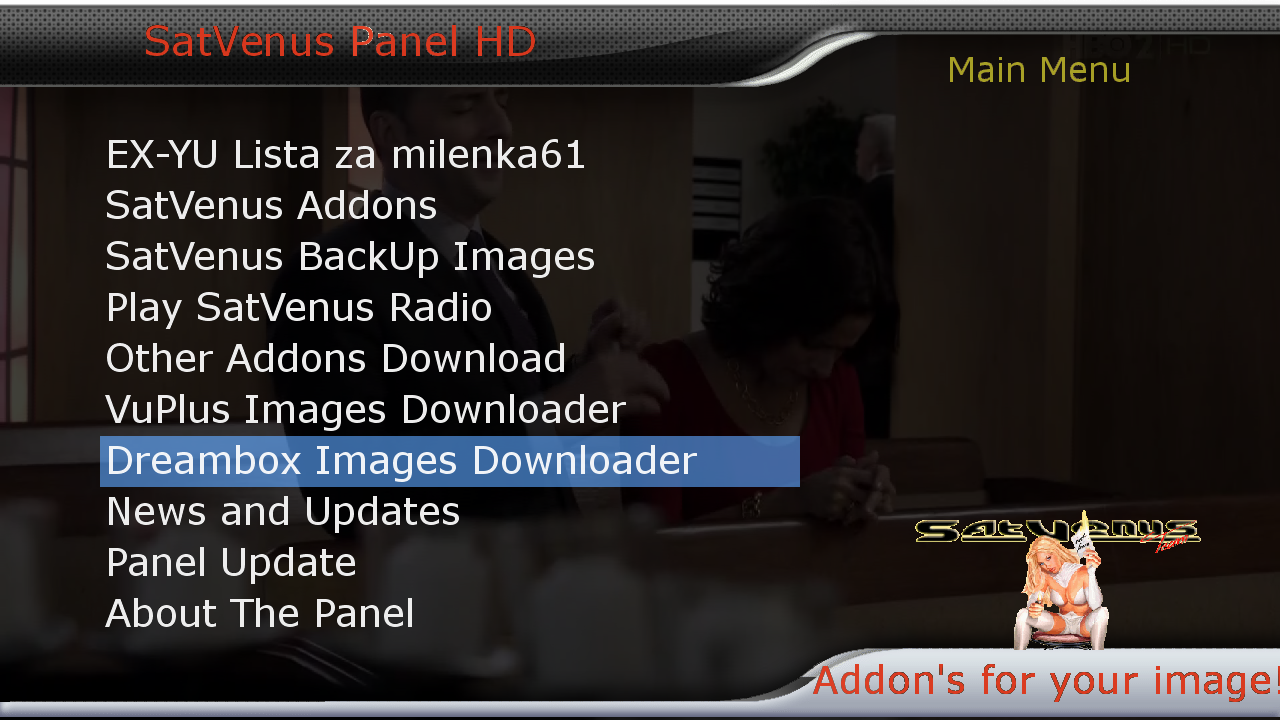
    SatVenus Panel 4.5.2
    SatVenus Setings 2.0
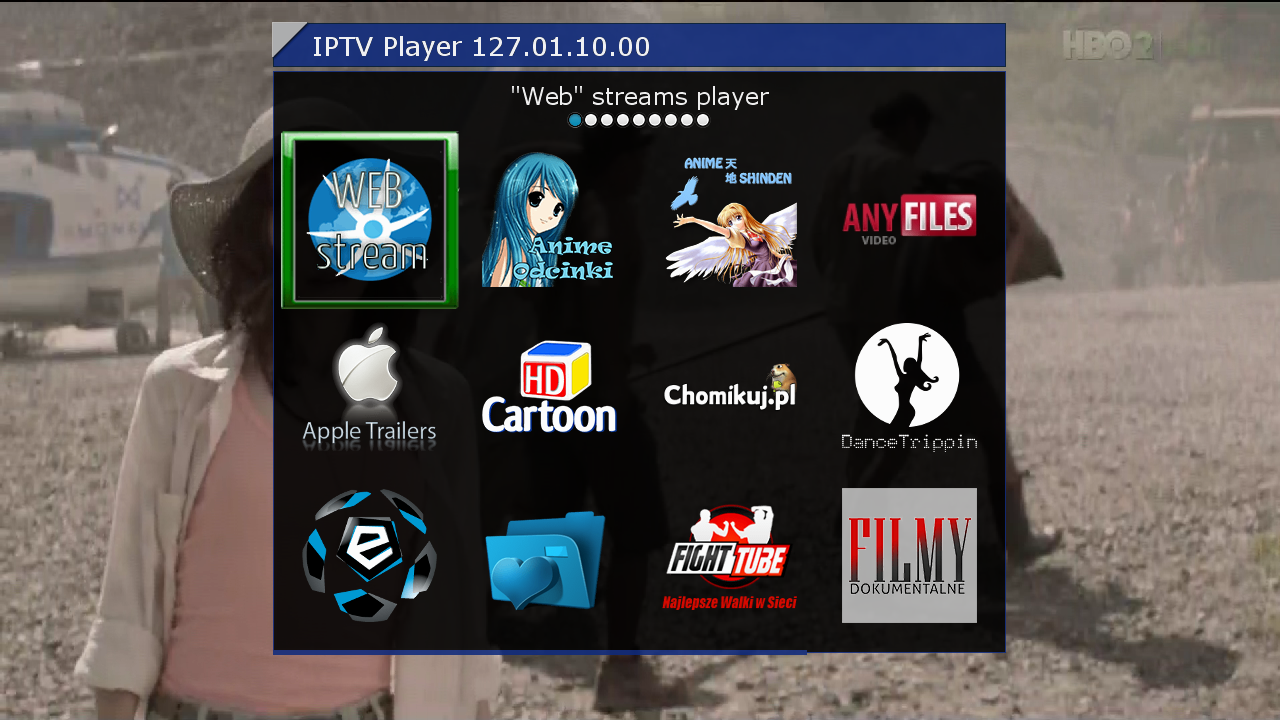
    IPTV Player 127.01.10.00
    DDplayer 3.29
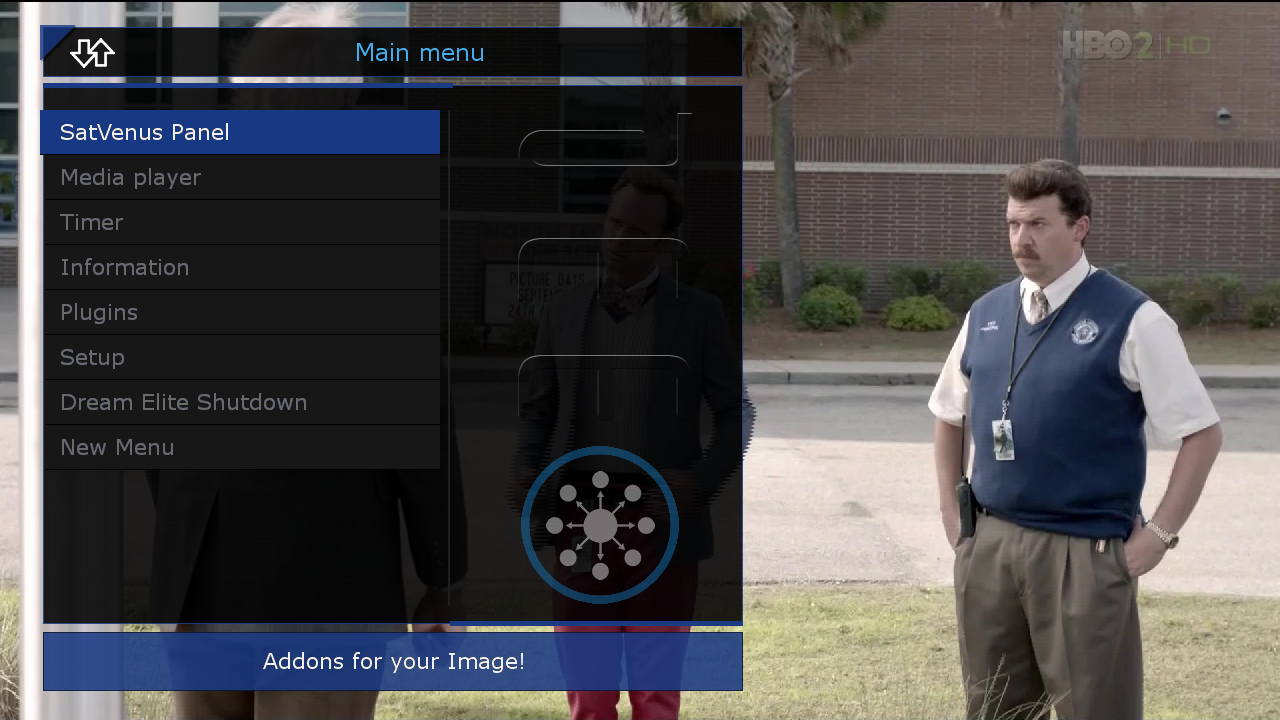
    Interactive Mosaics
    Picture Player
    New Meny
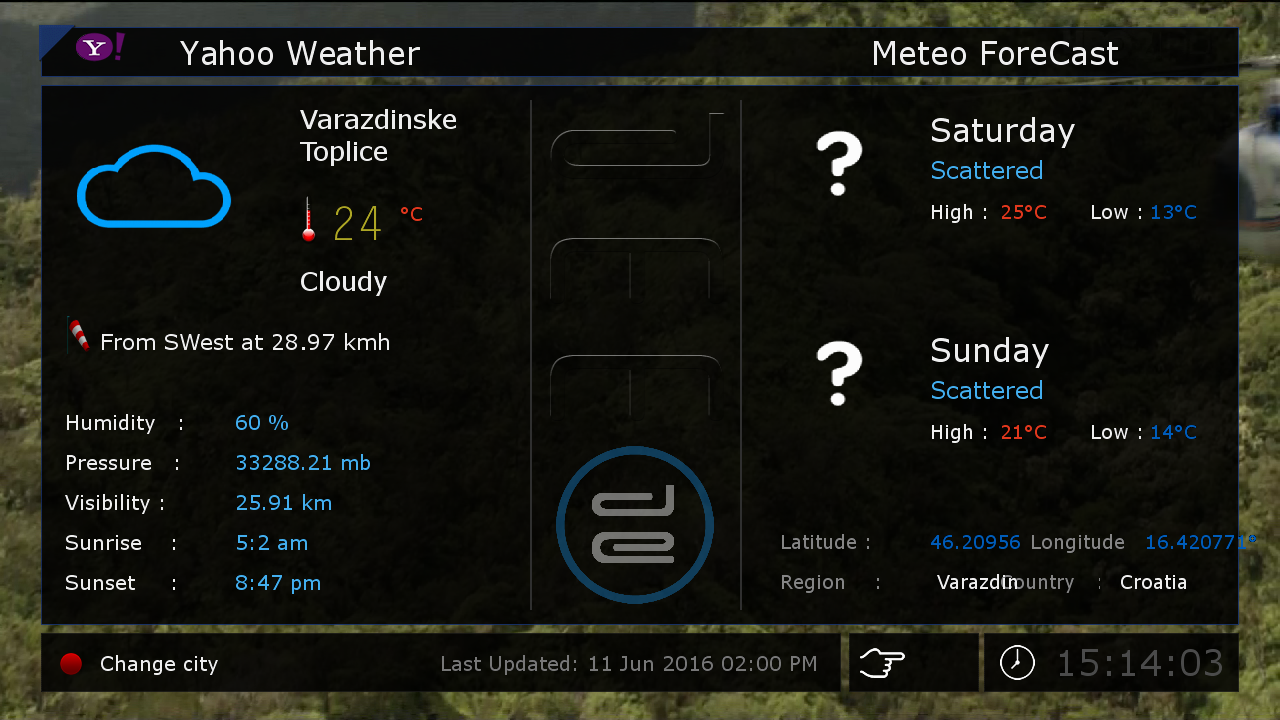
    Weather Yahoo
    and more...


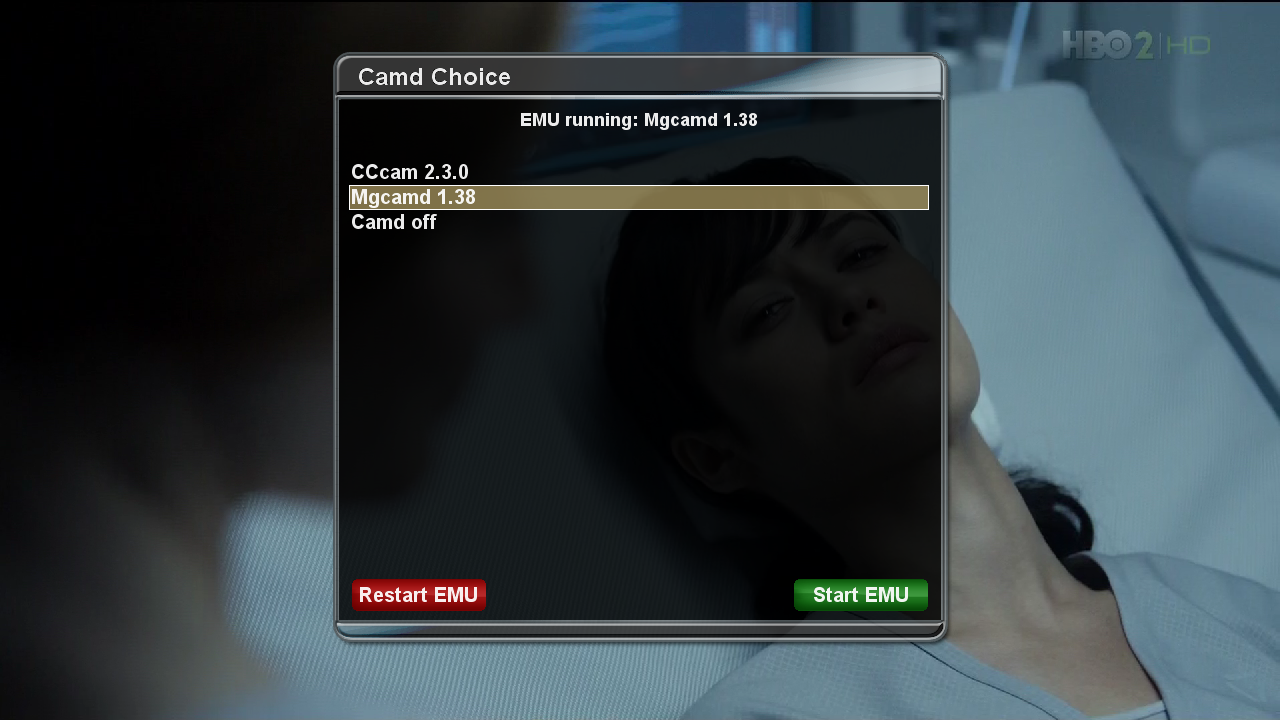
    Emu:
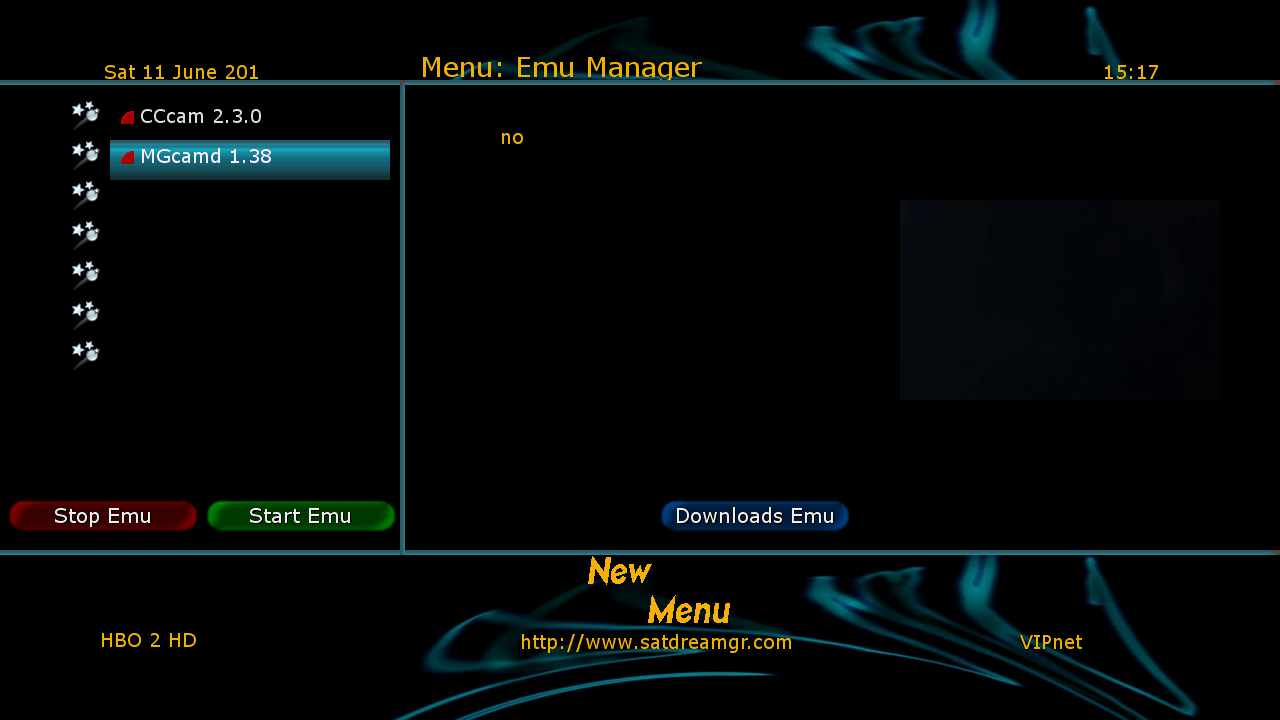
    CCcam_2.3.0
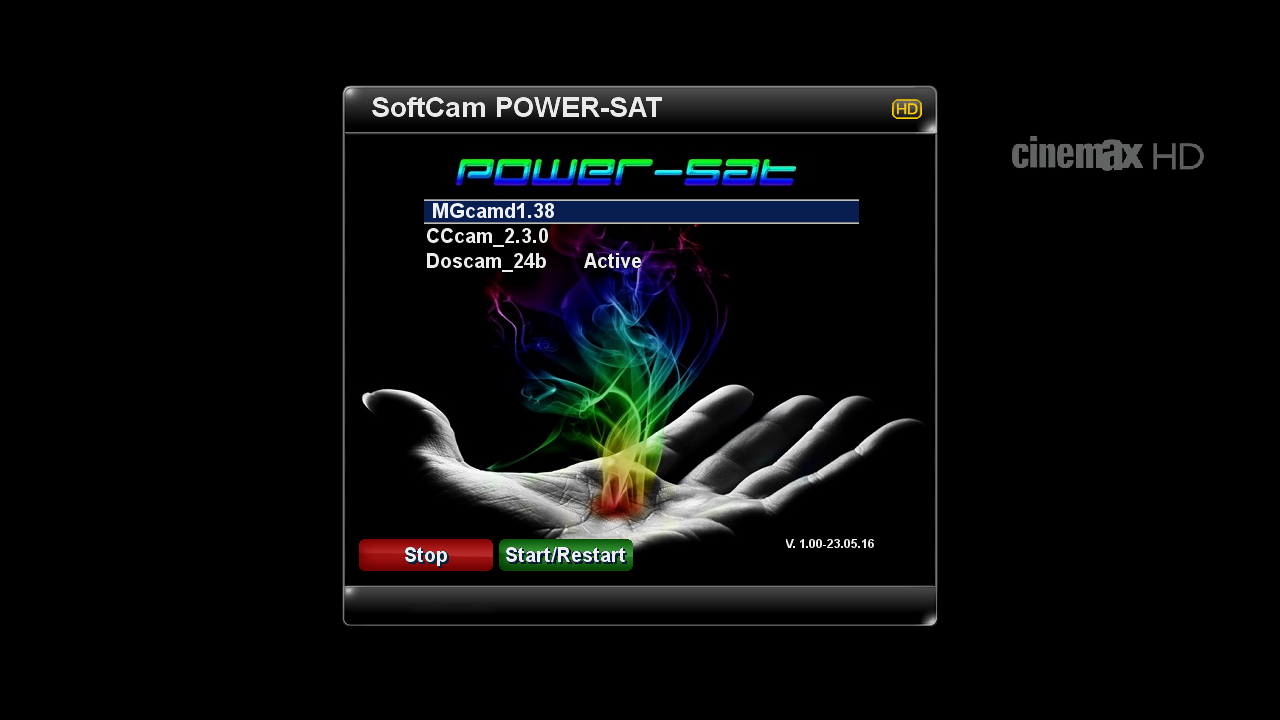
    Mgcamd_1.38


    Skin:
    MetrixDE-FHD
    Default-HD_Dreamy
    Default Skin


    Download Backup


    SatVenus Team Backup DM800se Newenigma2 OE 2.0
    by [MENTION=81553]dragec11[/MENTION]


    SatVenus Setings E2 Motor 42e_30w
    29.05.2016


    Bootlogo by [COLOR=red [MENTION=81553]dragec11[/MENTION]
    [/COLOR]


    Plugins:
    SatVenus Panel 4.5.2
    DDplayer 3.29
    LiveFootball 6.0
    FreeIptv PandaSat 2.0
    Fan Control 2
    Picture Player
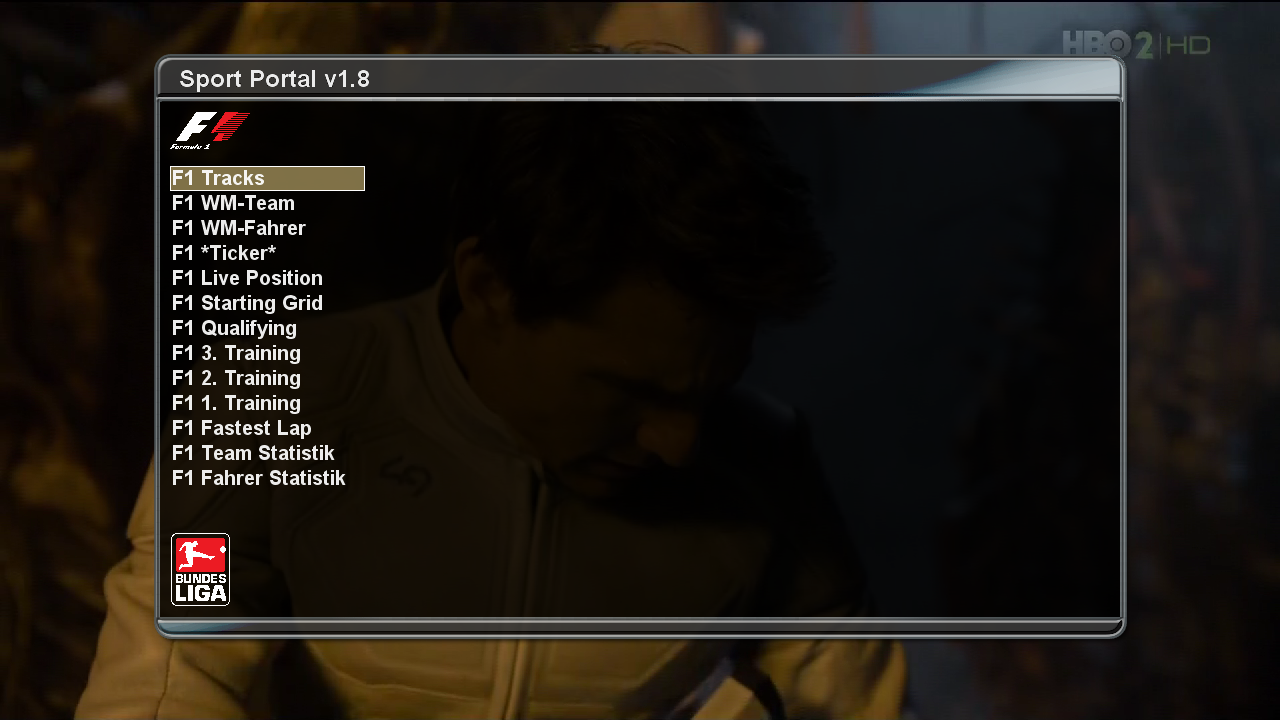
    Sport Portal
    and more....


    Emu:
    CCcam_2.3.0
    Mgcamd_1.38


    Skin:
    Newenigma2 HD
    Default Skin


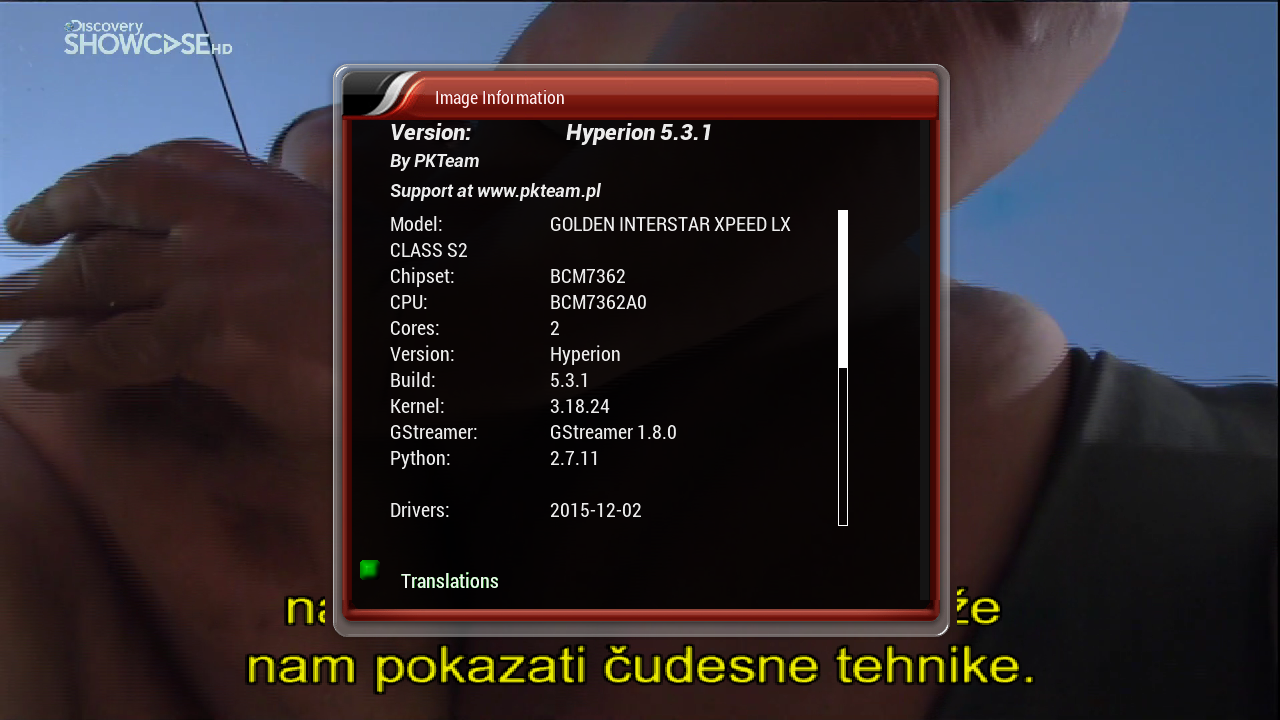
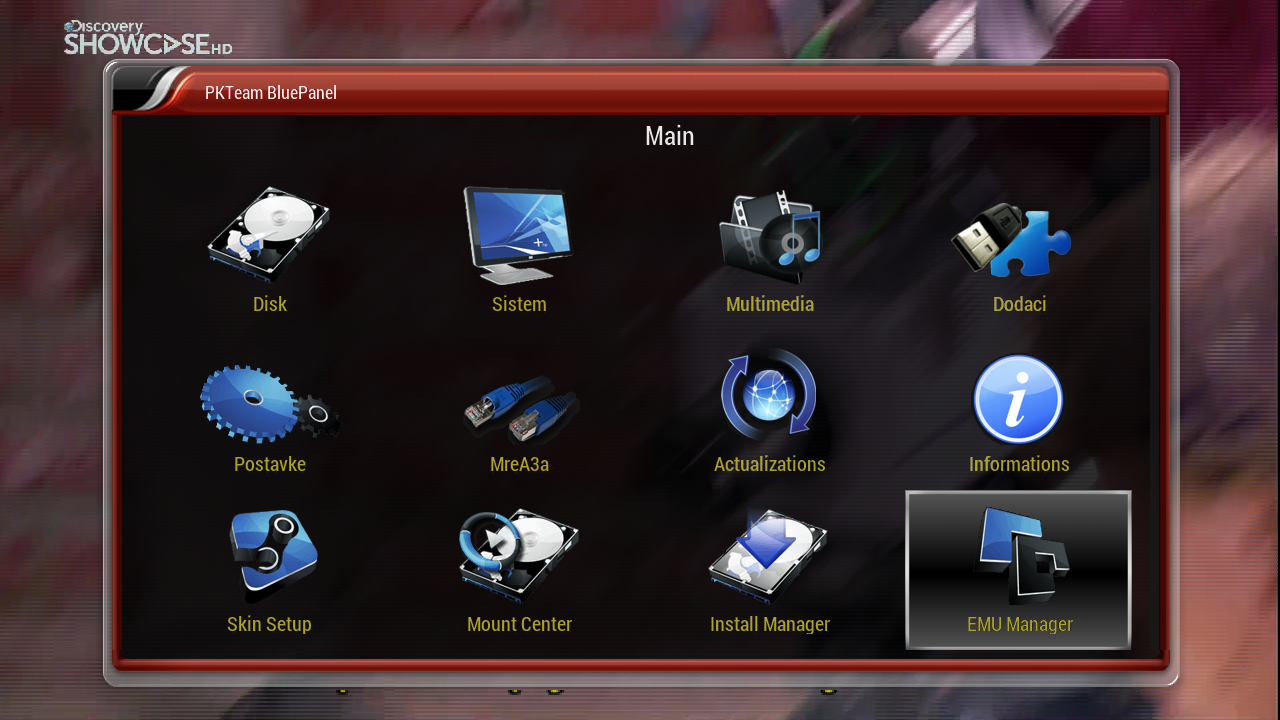
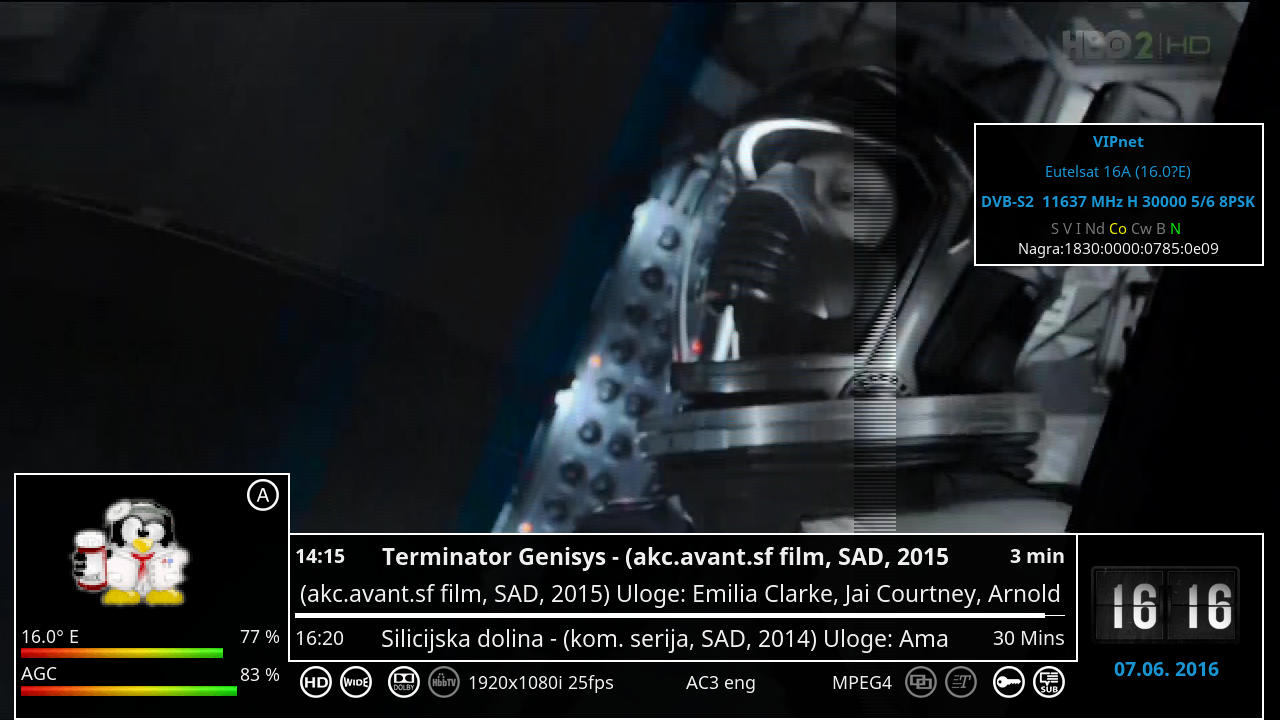
    SatVenus Team Full Backup Xpeed LX Class S2 PKT Hyperion 5.3.1 by zvonko67


    Bootlogo SatVenus by jopidane


    Satvenus E2 Settings multifeed 42E_0.8W
    29.05.2016


    Emu

    CCcam 2.1.3
    Mgcamd 1.35
    Wicardd 1.19
    Ncam 1.0 powervu


    ftp config_var/keys


    Plugins:


    SatVenus Panel 4.5.1
    SatVenus Settings 3.0
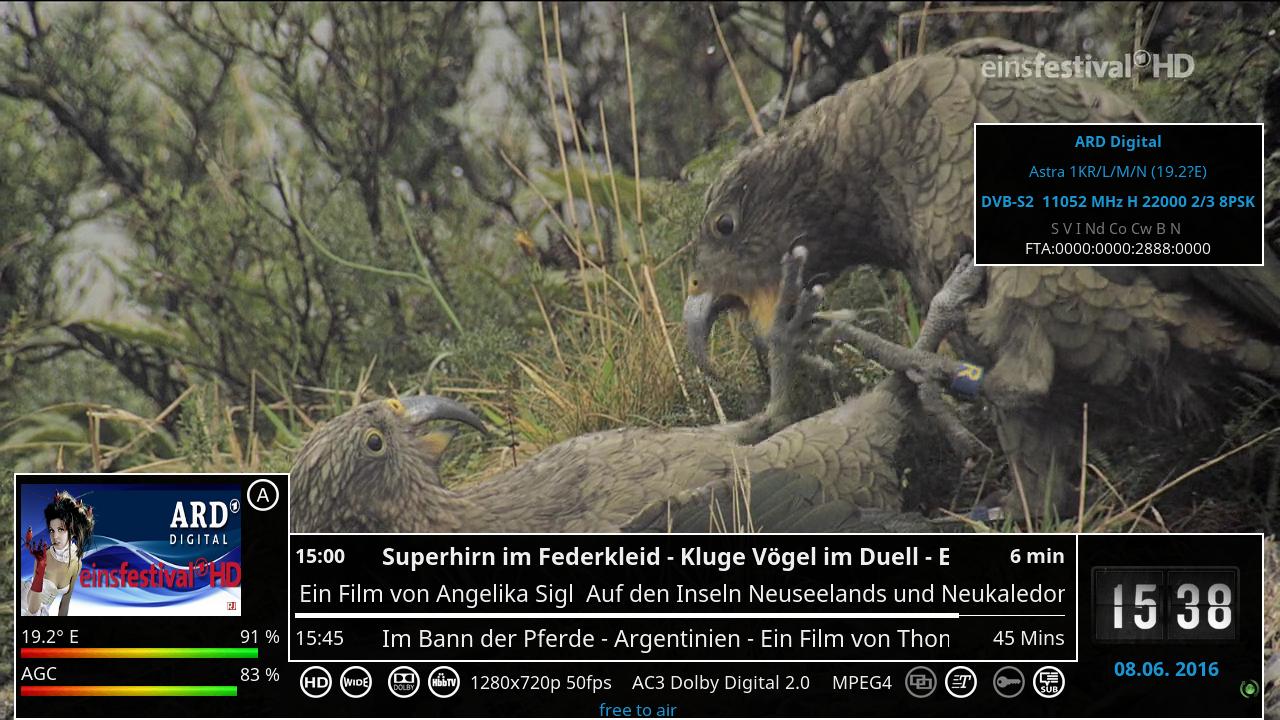
    IPTVPlayer 127.01.05.00
    Free Iptv PAnDaSaT 2.o
    KodiDirekt 3.1 new updates
    Albatros 4.6
    MediaPortal 7.5.0
    TSTube 1.2
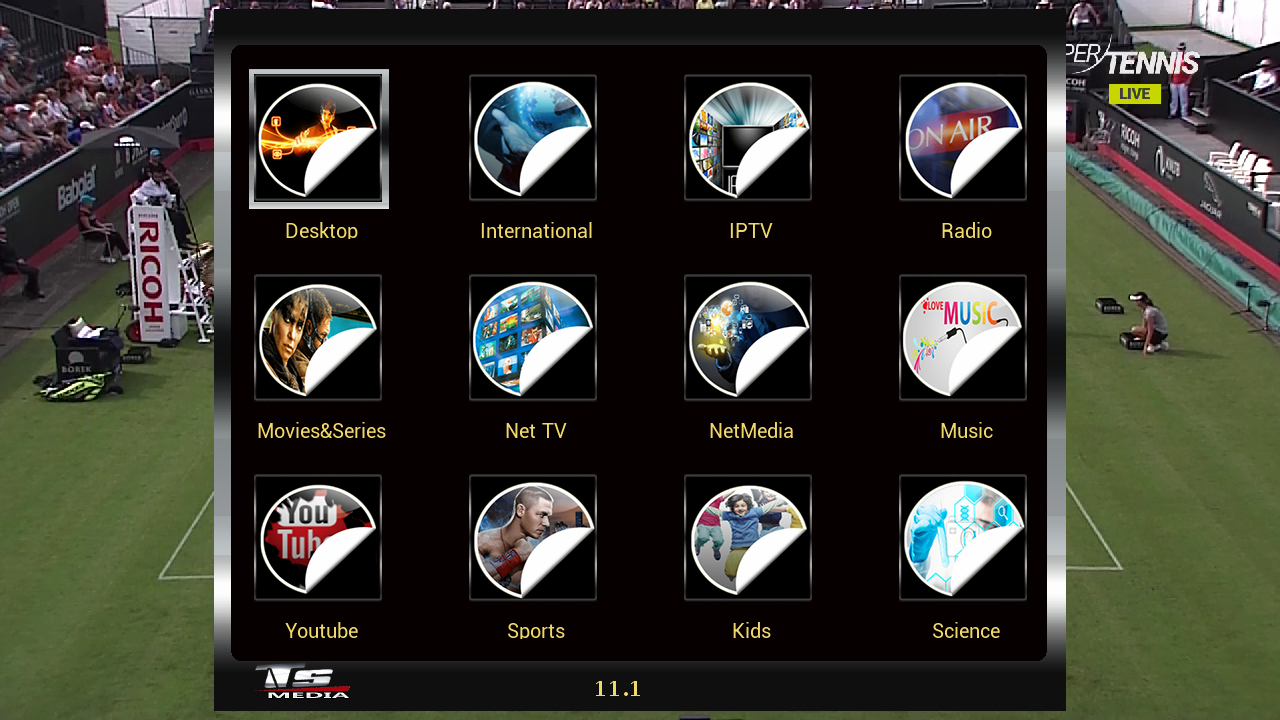
    TSMedia 11.1
    LiveFootBall 6.0
    LiveSoccer 1.4
    SubsSupport by DD 3.29
    BoxPirates-Key-Updater
    and more.....


    Skin:


    Touch HD
    Utopia HD
    Ultra Lighte HD


    user:root
    password:pkteam


    Download Backup:


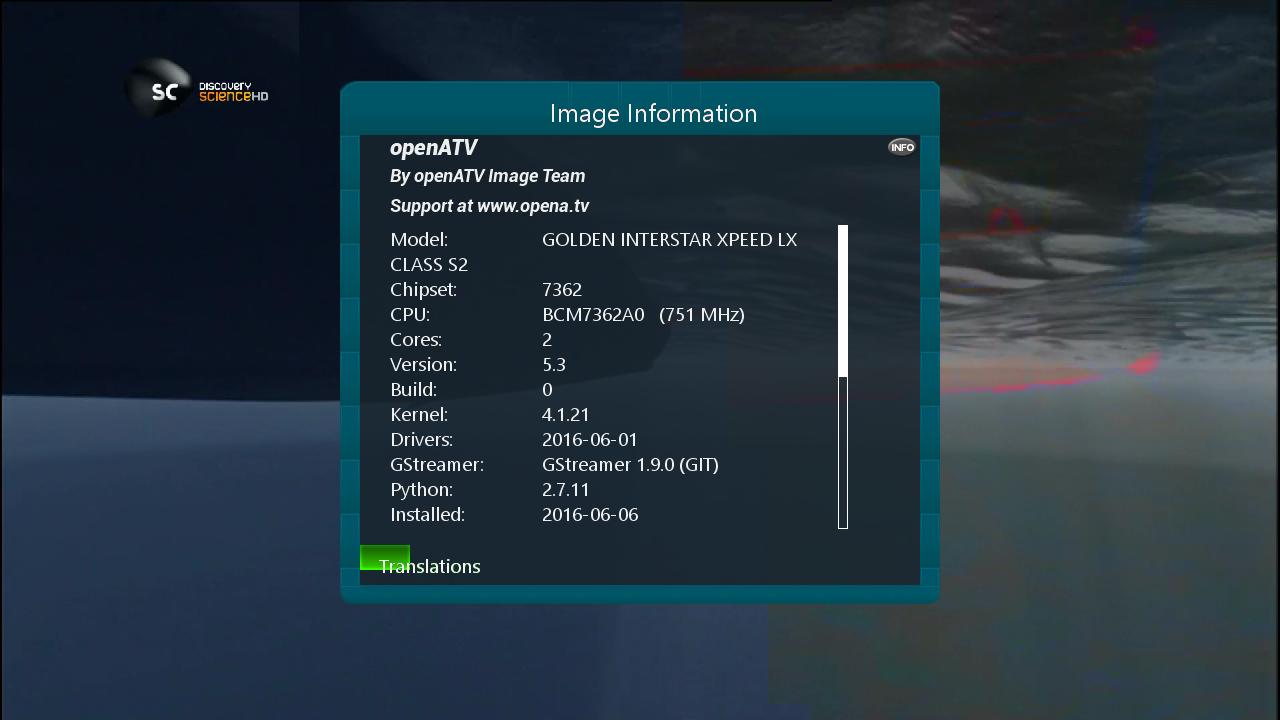
    SatVenus Team Full Backup Xpeed LX Classs2 openATV 5.3 by zvonko67


    Bootlogo SatVenus by jopidane


    Satvenus E2 Settings motor 42E_30W
    29.05.2016


    Picon Default "Satvenus" by hoss777


    Emu

    CCcam 2.1.3
    Mgcamd 1.38d
    Doscam 0.25
    Wicardd 1.19
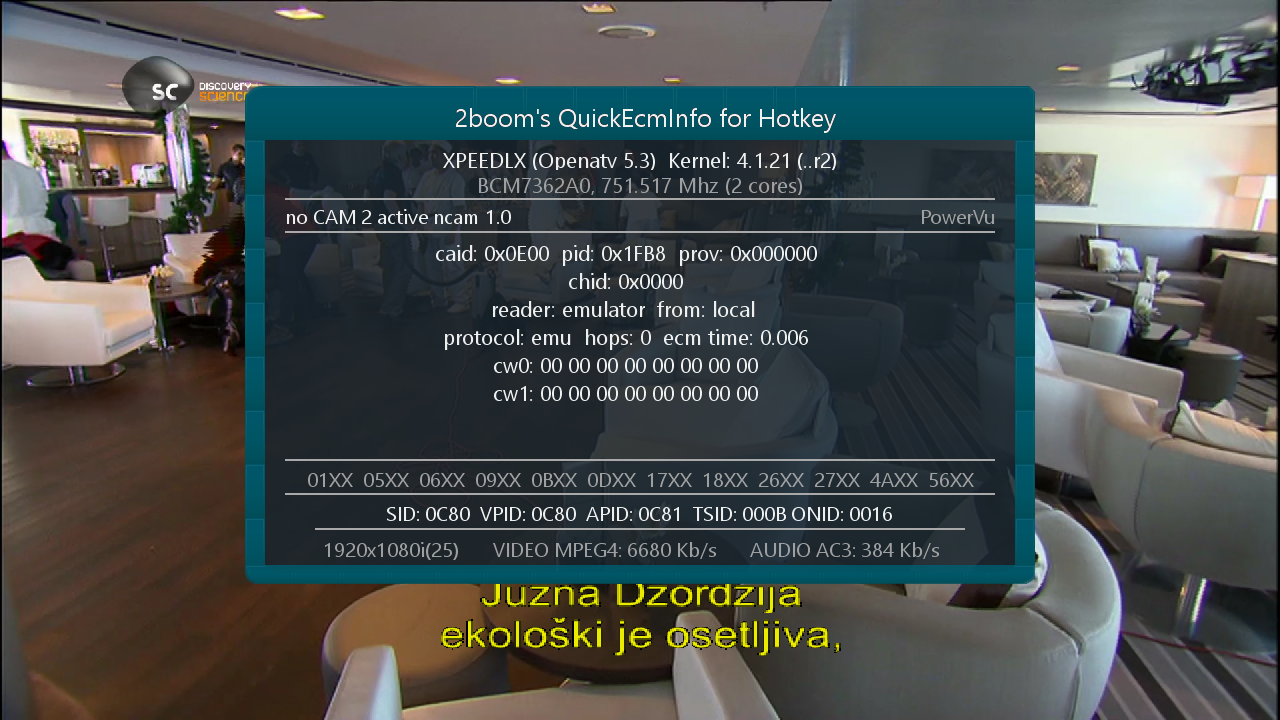
    Ncam 1.0 powervu

    Plugins:


    SatVenus Panel 4.5.1
    SatVenus Settings 3.0
    IPTVPlayer 127.01.05.00
    Free Iptv PAnDaSaT 2.o
    KodiDirekt 3.1 new updates
    Albatros 4.6
    MediaPortal 7.5.0 full version
    TSTube 1.2
    TSMedia 11.1
    LiveFootBall 6.0
    LiveSoccer 1.4
    SubsSupport 1.54
    SubsSupport by DD 3.29
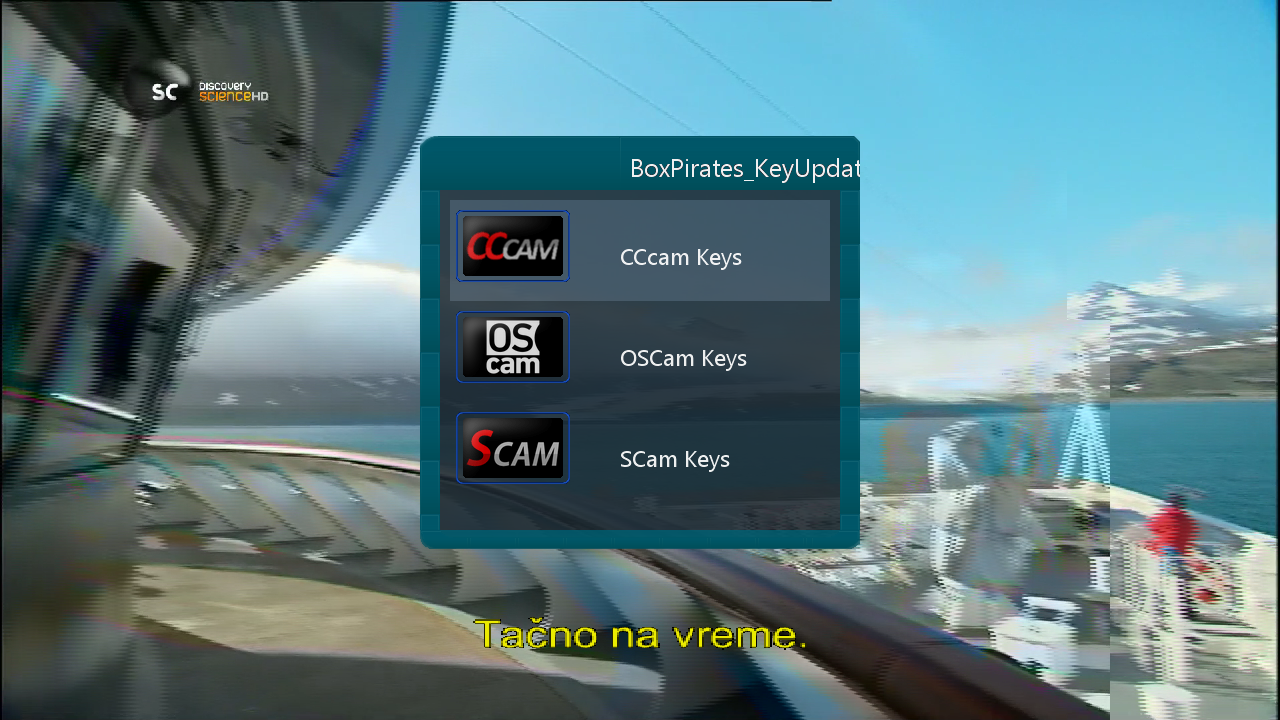
    BoxPirates-Key-Updater
    and more.....


    Red button_SatVenus Panel 4.5.1_SatVenus Settings 3.0
    Green button_Plugin Browser
    Yellow button_Audio-Subtitles
    Blue button_Info Panel


    Skin:

    Metrix HD
    Royal Blue mod Oktus HD
    Seven HD


    user:root
    password:dreambox


    Download Backup:


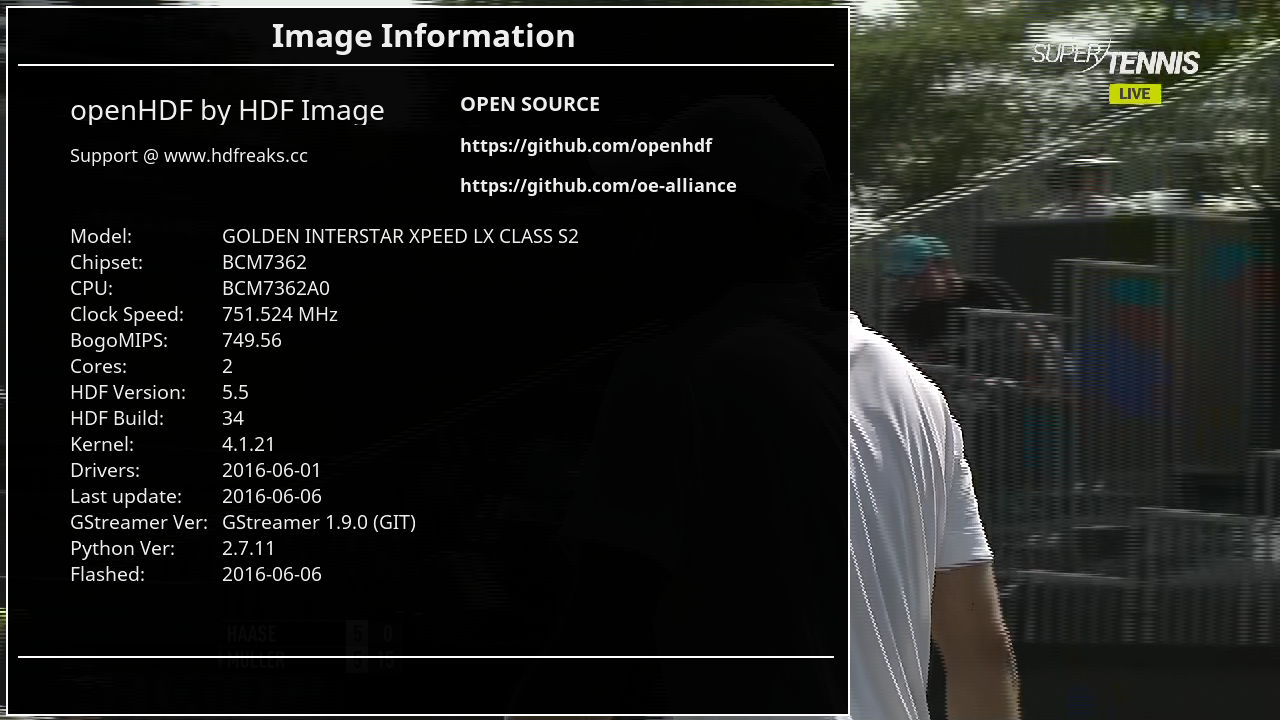
    SatVenus Team Full Backup Xpeed LX Classs2 HDF 5.5 by zvonko67


    Bootlogo SatVenus by gusar


    Satvenus E2 Settings multifeed 42E_0.8W
    29.05.2016


    Emu

    CCcam 2.1.3
    Mgcamd 1.38c
    Doscam 0.25
    Oscam Emu PowerVU ok

    Plugins:


    SatVenus Panel 4.5.1
    SatVenus Settings 3.0
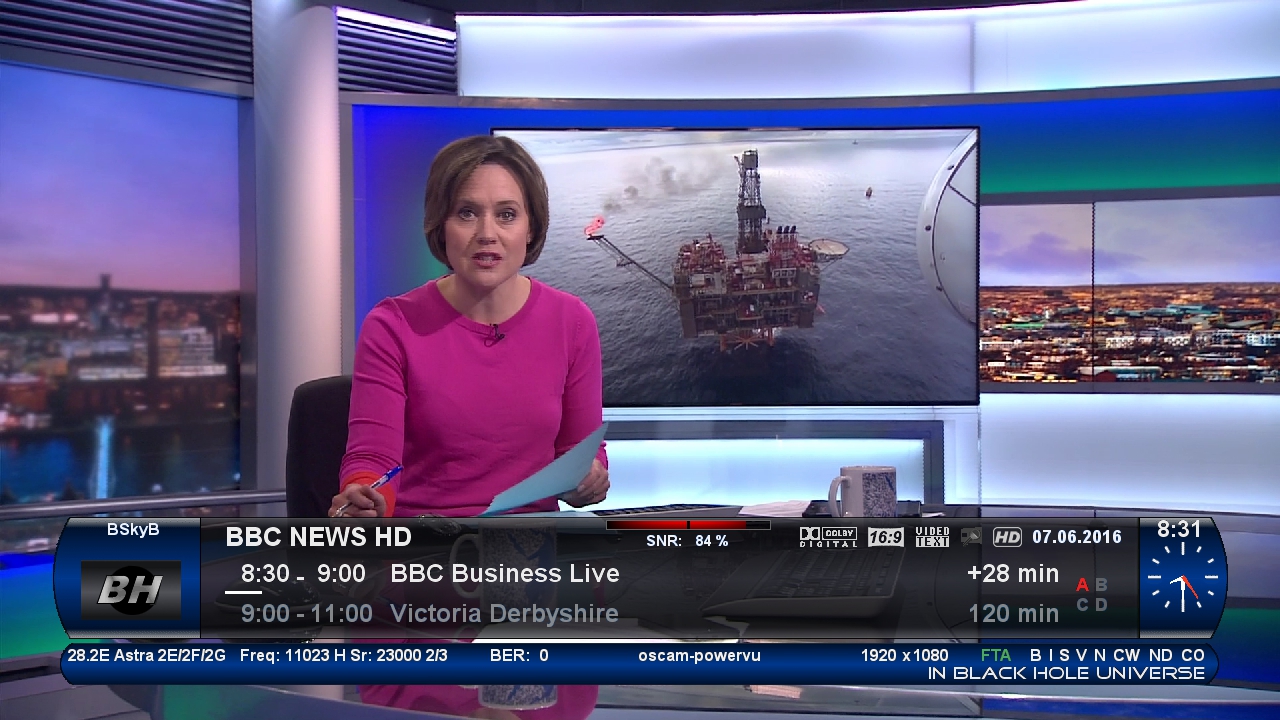
    IPTVPlayer 127.00.31.01
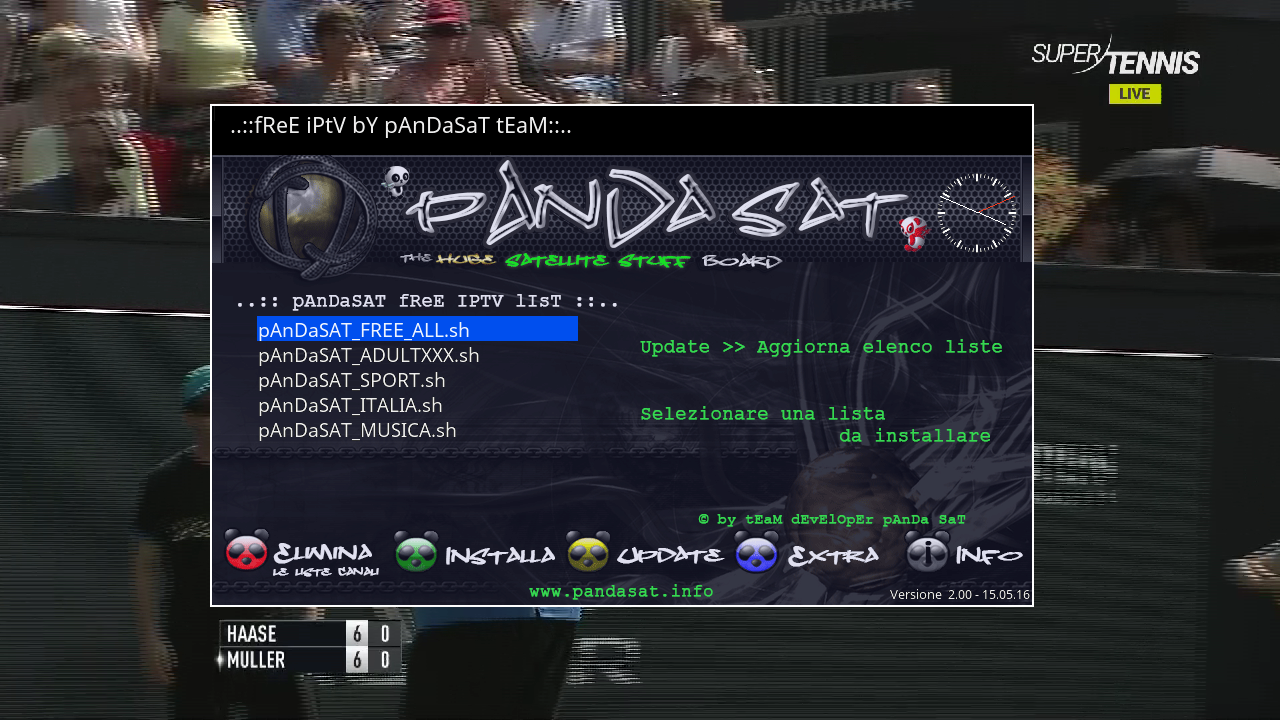
    Free Iptv PAnDaSaT 2.o
    KodiDirekt 3.1 new updates
    Albatros 4.6
    MediaPortal 7.5.0 full version
    TSTube 1.2
    LiveFootBall 6.0
    LiveSoccer 1.4
    SubsSupport 1.54
    SubsSupport by DD 3.29
    BoxPirates-Key-Updater
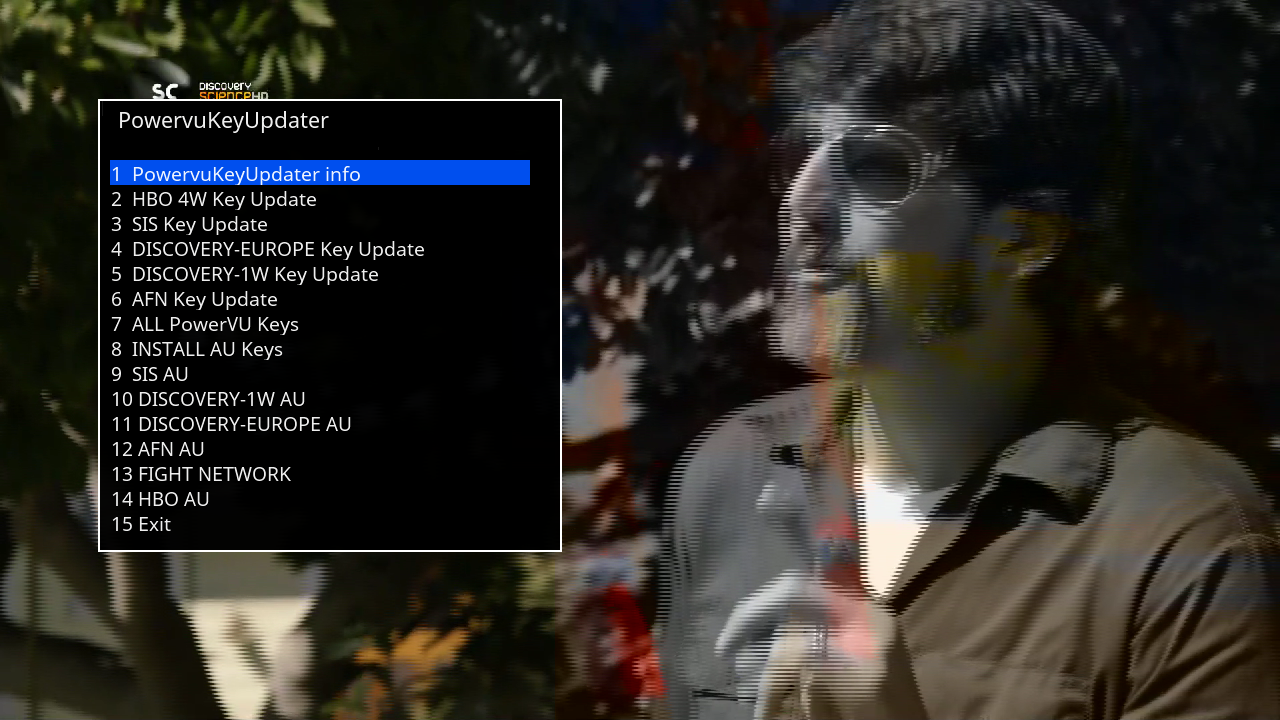
    Powervu Key Updater
    and more.....


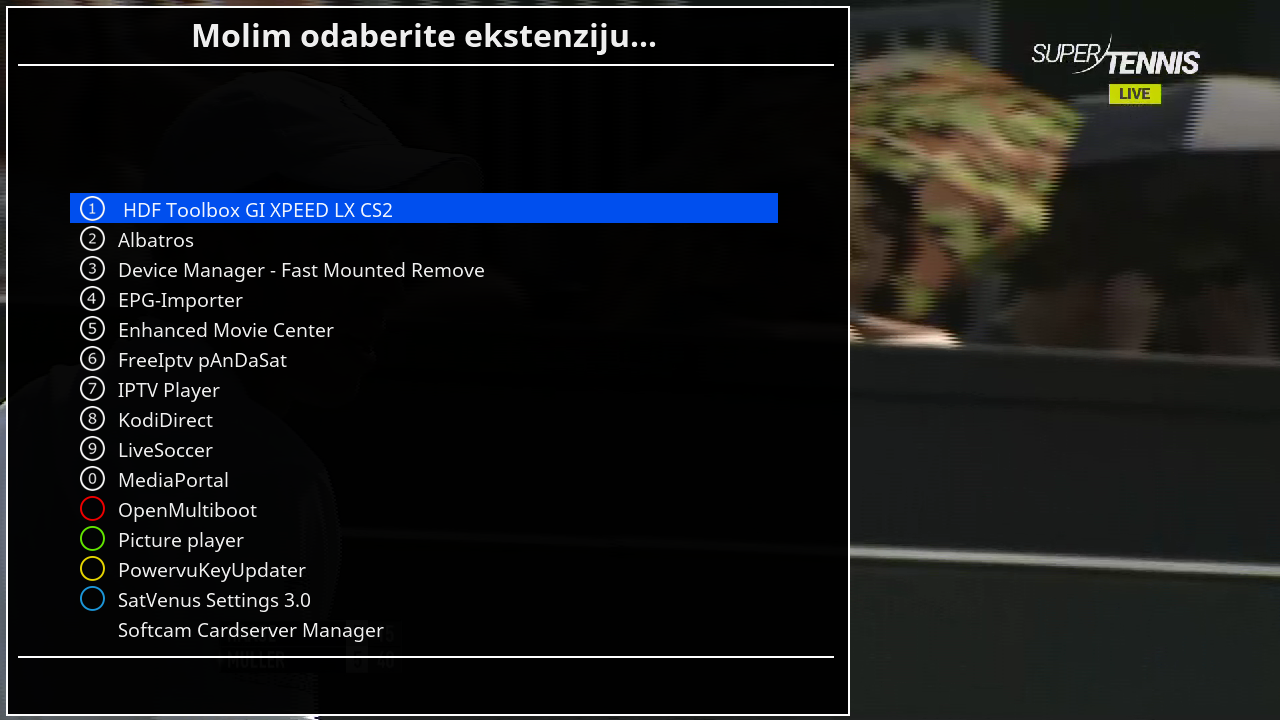
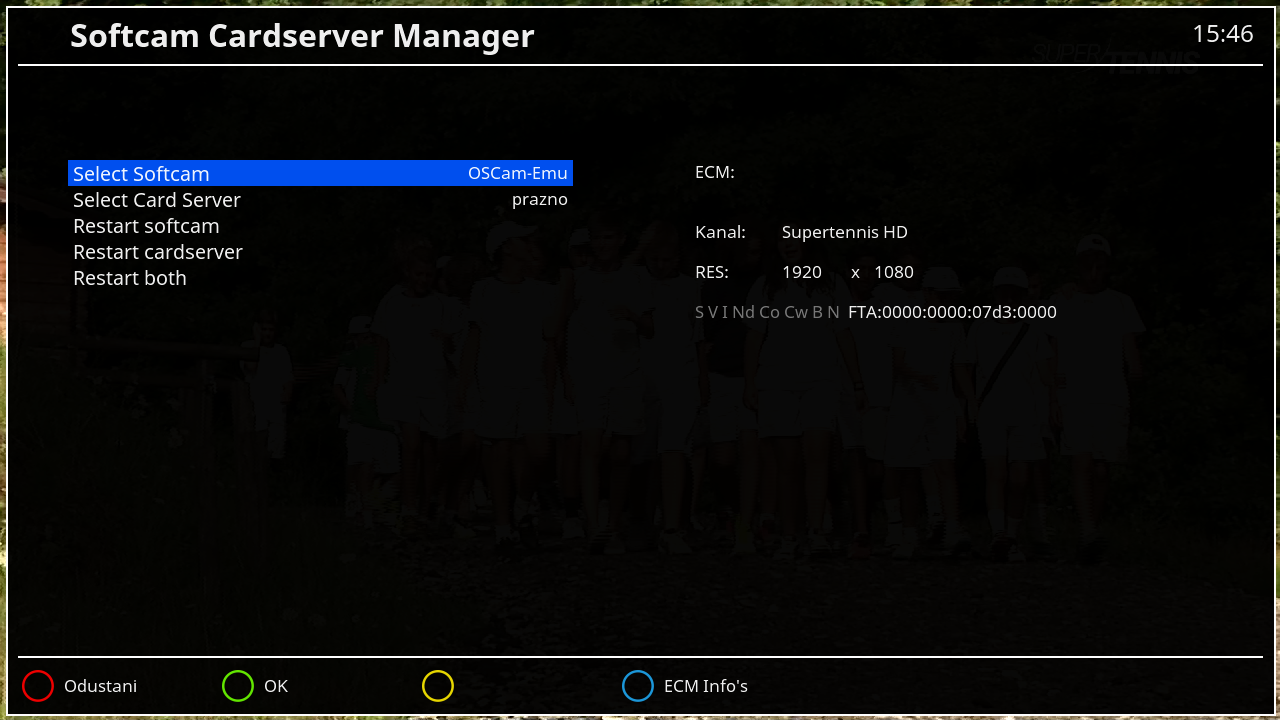
    Blue button_Addons Plugins/Softcam Manager


    Skin:


    XsionHDF
    Seven HD


    user:root
    password:dreambox


    Download Backup:


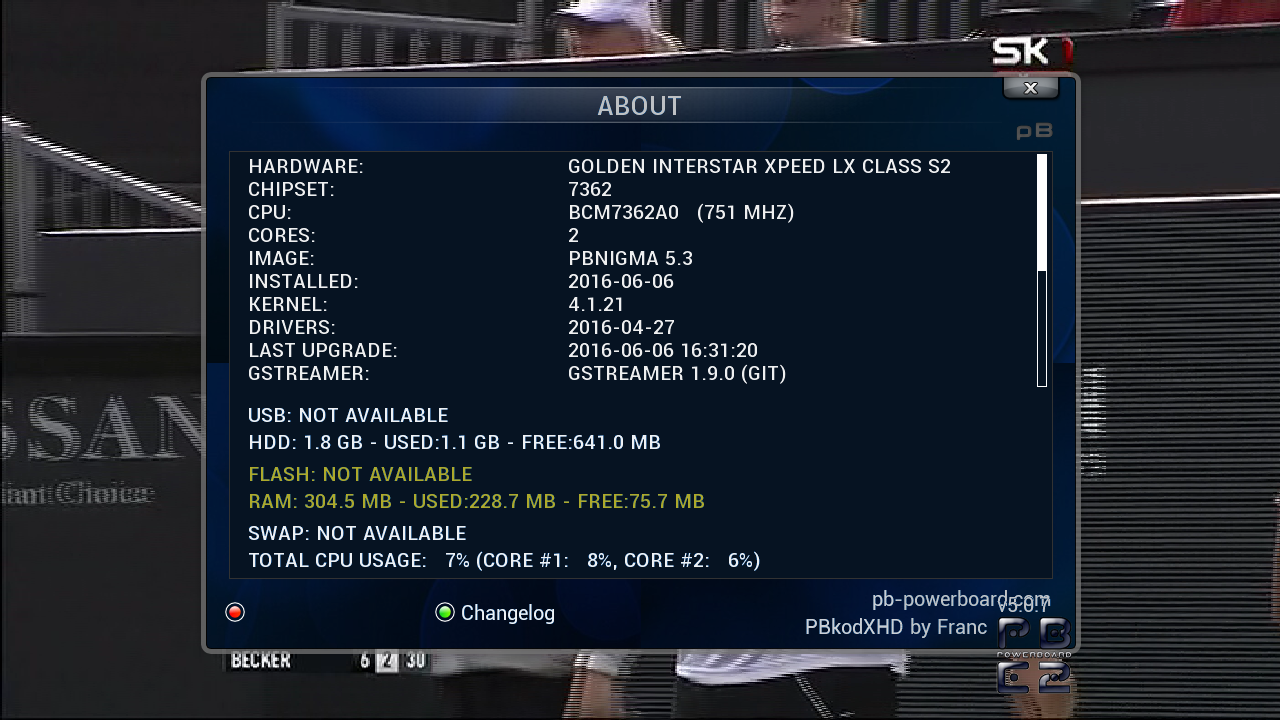
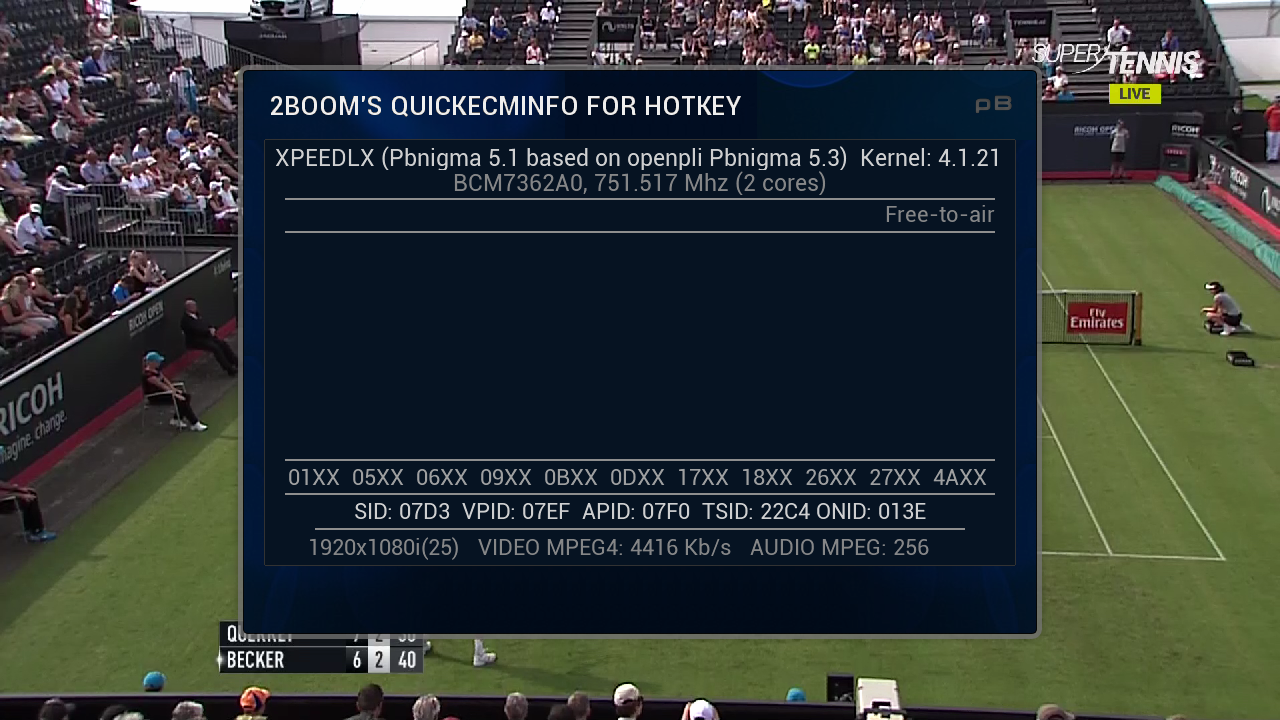
    SatVenus Team Full Backup Xpeed LX Classs2 PBnigma 5.3 by zvonko67


    Bootlogo SatVenus by jopidane


    Satvenus E2 Settings motor 42E_30W
    29.05.2016


    Emu

    CCcam 2.1.3
    Mgcamd 1.38c
    Doscam 0.25
    Wicardd 1.19
    Oscam 11233

    Plugins:


    SatVenus Panel 4.5.1
    SatVenus Settings 3.0 "TEST"
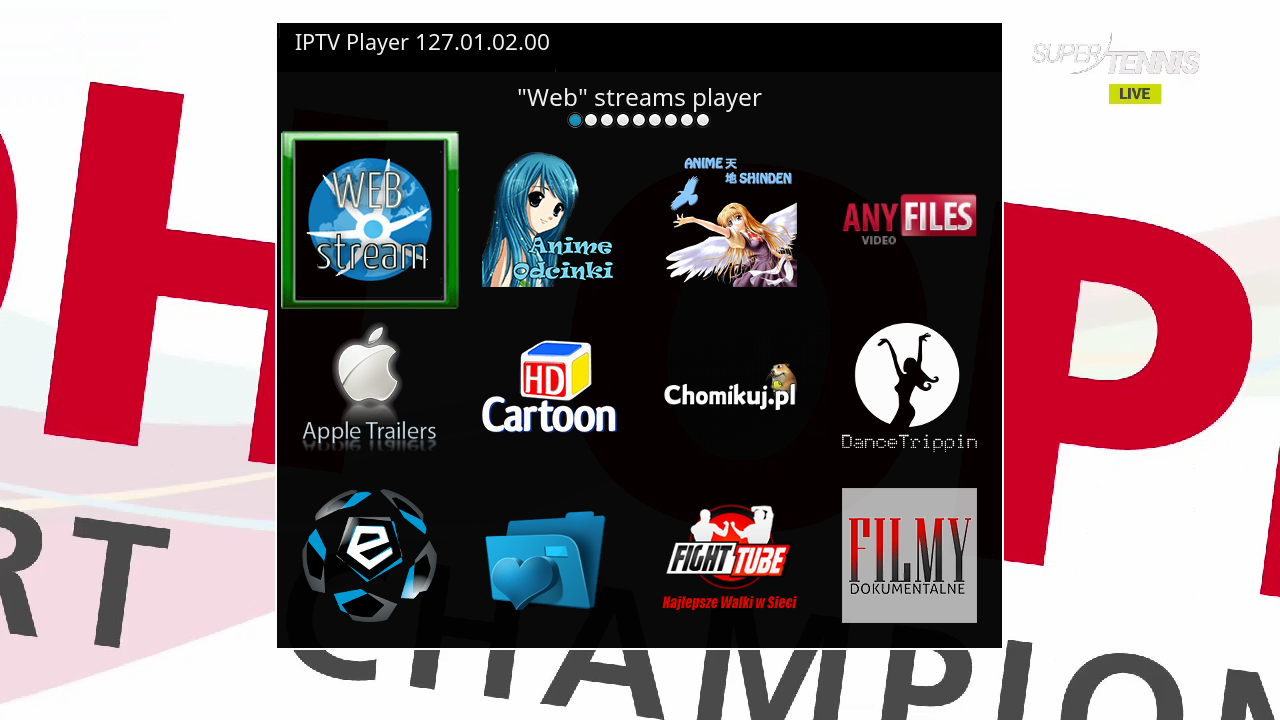
    IPTVPlayer 127.00.31.01
    Free Iptv PAnDaSaT 2.o
    KodiDirekt 3.1 new updates
    Albatros 4.6
    MediaPortal 7.5.0
    TSTube 1.2
    TSMedia 11.1
    LiveFootBall 6.0
    LiveSoccer 1.4
    SubsSupport 1.54
    SubsSupport by DD 3.29
    BoxPirates-Key-Updater
    Powervu Key Updater
    and more.....


    Skin:

    PBkodXHD by Franc
    Pingu TM HD


    user:root
    password:powerboard


    Download Backup: