Posts by zvonko67

    Sim2-Unoff.-Gstreamer 1.9-DM800SE-2016-06 OpenPLi 4-Jasper-20160702


    Clean, no changes.


    Sim2


    SSL84d


    ################################################## ########## #############################
    Hi there,


    Here's a new batch of images based on OpenPLi 4 with many contributions from various openpli.org forum members and some bits taken from oe-alliance.


    So this is basically a tribute to them


    jzi3r6.jpg


    It took me a while since I was very short on time and I had to re-install my build-rig, move to a new feed-server etc...


    SO DUE TO A NEW FEED-SERVER ONLINE UPDATE FROM PREVIOUS IMAGES IS NOT POSSIBLE!


    DON'T TRY TO CHANGE THE URL IN THESE OLD IMAGES SINCE THERE'S BEEN TOO MANY CHANGES WHICH WILL BREAK THINGS!


    PLEASE FLASH A CLEAN IMAGE INSTEAD!


    So here's whats up:


    - Brand new bootlogo thanks to .:MarcinO:.


    - OpenPLi enigma2 rev: 4bf2f1e45593065f9e2b4563f30463487b727c94


    - OpenPLi oe-core rev: d76cfe6a39c6613ac77578840b214f0f1e748a39


    - Taapat's Fulan enigma2 rev: 2a984c500f5b2ea657f68742b7dc4e47f5586483


    - New receivers supported:


    * osmini


    * osminiplus


    * spycat


    * spycatmini


    * et7000mini


    * xpeed lx


    * xpeed lx pro


    - New feed server located in Europe thanks to the Japhar team!


    - New Japhar IPTV list


    - No more use of UPX compression on ARM platform (should fix the Vu+ Solo 4K build)


    - Latest gstreamer 1.9 revision from master branch


    - FFmpeg 3.0.2 with extra options enabled (based on oe-e recipe)


    - Kodi 16.1 for Vu+ Solo 2, Solo Se, Duo 2, and Solo 4K (thanks to mx3L for his bsp + recipes)


    - More wifi drivers (mt7601, rt7777 etc..) taken from oe-alliance


    - Slightly newer v4l modules for kernel 2.6.18 (dm800)


    - New version of mx3L's serviceapp now supports EPG and embedded subtitles


    - New version of exteplayer3


    - Flash extender PPanel for dm800, dm800se and dm500hd (* Please read below)


    - Many other changes I forgot to mention...


    Known issues:


    - On spark7162 (and 7111 probably as well) fragmented streams such as hls (m3u8) will skip and freeze a lot.


    This happened sometime after the official Gstreamer 1.8.0 release and I didn't found the cause yet.


    It is not related to the dvbmediasink since it doesn't happen on mips receivers and the code in the dvbmediasink didn't change.


    Configure your streams to play with exteplayer3 instead, read below.


    - Some Dreambox remotes may behave very sensitive.
    This causes button presses to register multiple times instead of just once.
    As a workaround you can adjust the key interval:
    Go to: Menu - System - Input devices - dreambox remote control (native).
    Set "Change repeat and delay settings" to yes
    Set "Interval between keys when repeating:" to 200ms or 300ms.
    Press green button (OK)
    Now set the same delay for: "dreambox advanced remote control (native)" as well.


    - DM800 first boot will take a while, please be patient. The next boot will be faster.


    Flash extender for DM800, DM800Se and DM500HD:


    Since these receiver only feature 64MB of internal flash space, I've been unable to ship all packages.


    ffmpeg, exteplayer3, gst1.0-libav, mediaplayer2, iptv player, subssupport etc.. are missing due to insufficient space.


    That's why I've created a simple PPanel script for moving the entire internal flash to an external storage device such as internal hdd or usb disk.


    The PPanel will also install all the missing packages for you.


    So you can have all the bells and whistles like the other receivers


    ny7885.jpg


    However please note that:


    - It will format your storage device thus deleting everything.


    - It's not compatible with other flash-extenders such as barry alen, multiboot etc...


    - You'll need a working internet connection when running the PPanel or else it cannot install the missing packages.


    - You need to patient! As the script runs you'll only see a black screen which an take up to 15 minutes depending on the size/speed of your storage device and your internet connection.


    You can find it under Blue Panel -> PPanels


    ServiceApp and exteplayer3:


    Thanks for the hard work from mx3L and samsamsam you can now play your IPTV streams with exteplayer3 or gstplayer instead of the default dvbmediasink.


    Especially using exteplayer3 will give much better performance on playing HLS streams compared to gstreamer + dvbmediasink.


    For example, playing DJING underground 720p never worked very well on my DM800HD and now it does


    In a nutshell here's how it works.


    In your /etc/enigma2/ directory you have your channel bouquets with the .tv and .radio extensions.


    Inside these files there's this for example:


    #SERVICE 4097:0:0:0:0:0:0:0:0:0:http%3a//cdn.djing.com/tv/u-05.m3u8:DJING Underground (CDN) #DESCRIPTION DJING Underground (CDN)
    By default this will play with the gstreamer dvbmediasink (which is currently broken for sh4).


    If you like to play your stream with exteplayer3 instead you should change the 4097 to 5002, like this:


    #SERVICE 5002:0:0:0:0:0:0:0:0:0:http%3a//cdn.djing.com/tv/u-05.m3u8:DJING Underground (CDN) #DESCRIPTION DJING Underground (CDN)
    You can also change it to play with gstplayer using 5001:


    #SERVICE 5001:0:0:0:0:0:0:0:0:0:http%3a//cdn.djing.com/tv/u-05.m3u8:DJING Underground (CDN) #DESCRIPTION DJING Underground (CDN)
    So it's like this:


    4097 = default player, which is the dvbmediasink if serviceapp is not enabled


    5001 = gstplayer


    5002 = exteplayer3


    Now let's say you'd like to convert your entire bouquet to play with exteplayer3, simply login to your receiver with telnet/ssh (use PuTTY for Windows).


    And issue to the following commands:


    First stop enigma2:


    init 4


    Then change your bouquet to make all streams play with exteplayer3, lets say userbouquet.favourites.tv:


    cd /etc/enigma2
    sed -i 's/^#SERVICE 4097/#SERVICE 5002/g' userbouquet.favourites.tv


    Then restart enigma2:


    init 3


    That's it !


    You can also make exteplayer3 the default backend for playing back everything.


    Go to Menu -> Plugins -> ServiceApp and set exteplayer3 as default.


    Keep in mind that with exteplayer3 or gstplayer as default backend you will not have support for external subtitles yet (.srt for example).


    That's why I've added MediaPlayer2 and SubsSupport from mx3L.


    Please thank mx3L for the hard work he put into this


    Have fun and make sure to report back your findings!


    MastaG


    ################################################## ########## #############################
    Download:


    2016-07-02


    Jasper

    Sim2-Unoff.-Gstreamer 1.9-DM800-2016-06 OpenPLi 4-Jasper-20160701


    Clean, no changes.


    Sim2


    SSL84d


    ################################################## ########## #############################
    Hi there,


    Here's a new batch of images based on OpenPLi 4 with many contributions from various openpli.org forum members and some bits taken from oe-alliance.


    So this is basically a tribute to them


    jzi3r6.jpg


    It took me a while since I was very short on time and I had to re-install my build-rig, move to a new feed-server etc...


    SO DUE TO A NEW FEED-SERVER ONLINE UPDATE FROM PREVIOUS IMAGES IS NOT POSSIBLE!


    DON'T TRY TO CHANGE THE URL IN THESE OLD IMAGES SINCE THERE'S BEEN TOO MANY CHANGES WHICH WILL BREAK THINGS!


    PLEASE FLASH A CLEAN IMAGE INSTEAD!


    So here's whats up:


    - Brand new bootlogo thanks to .:MarcinO:.


    - OpenPLi enigma2 rev: 4bf2f1e45593065f9e2b4563f30463487b727c94


    - OpenPLi oe-core rev: d76cfe6a39c6613ac77578840b214f0f1e748a39


    - Taapat's Fulan enigma2 rev: 2a984c500f5b2ea657f68742b7dc4e47f5586483


    - New receivers supported:


    * osmini


    * osminiplus


    * spycat


    * spycatmini


    * et7000mini


    * xpeed lx


    * xpeed lx pro


    - New feed server located in Europe thanks to the Japhar team!


    - New Japhar IPTV list


    - No more use of UPX compression on ARM platform (should fix the Vu+ Solo 4K build)


    - Latest gstreamer 1.9 revision from master branch


    - FFmpeg 3.0.2 with extra options enabled (based on oe-e recipe)


    - Kodi 16.1 for Vu+ Solo 2, Solo Se, Duo 2, and Solo 4K (thanks to mx3L for his bsp + recipes)


    - More wifi drivers (mt7601, rt7777 etc..) taken from oe-alliance


    - Slightly newer v4l modules for kernel 2.6.18 (dm800)


    - New version of mx3L's serviceapp now supports EPG and embedded subtitles


    - New version of exteplayer3


    - Flash extender PPanel for dm800, dm800se and dm500hd (* Please read below)


    - Many other changes I forgot to mention...


    Known issues:


    - On spark7162 (and 7111 probably as well) fragmented streams such as hls (m3u8) will skip and freeze a lot.


    This happened sometime after the official Gstreamer 1.8.0 release and I didn't found the cause yet.


    It is not related to the dvbmediasink since it doesn't happen on mips receivers and the code in the dvbmediasink didn't change.


    Configure your streams to play with exteplayer3 instead, read below.


    - Some Dreambox remotes may behave very sensitive.
    This causes button presses to register multiple times instead of just once.
    As a workaround you can adjust the key interval:
    Go to: Menu - System - Input devices - dreambox remote control (native).
    Set "Change repeat and delay settings" to yes
    Set "Interval between keys when repeating:" to 200ms or 300ms.
    Press green button (OK)
    Now set the same delay for: "dreambox advanced remote control (native)" as well.


    - DM800 first boot will take a while, please be patient. The next boot will be faster.


    Flash extender for DM800, DM800Se and DM500HD:


    Since these receiver only feature 64MB of internal flash space, I've been unable to ship all packages.


    ffmpeg, exteplayer3, gst1.0-libav, mediaplayer2, iptv player, subssupport etc.. are missing due to insufficient space.


    That's why I've created a simple PPanel script for moving the entire internal flash to an external storage device such as internal hdd or usb disk.


    The PPanel will also install all the missing packages for you.


    So you can have all the bells and whistles like the other receivers


    ny7885.jpg


    However please note that:


    - It will format your storage device thus deleting everything.


    - It's not compatible with other flash-extenders such as barry alen, multiboot etc...


    - You'll need a working internet connection when running the PPanel or else it cannot install the missing packages.


    - You need to patient! As the script runs you'll only see a black screen which an take up to 15 minutes depending on the size/speed of your storage device and your internet connection.


    You can find it under Blue Panel -> PPanels


    ServiceApp and exteplayer3:


    Thanks for the hard work from mx3L and samsamsam you can now play your IPTV streams with exteplayer3 or gstplayer instead of the default dvbmediasink.


    Especially using exteplayer3 will give much better performance on playing HLS streams compared to gstreamer + dvbmediasink.


    For example, playing DJING underground 720p never worked very well on my DM800HD and now it does


    In a nutshell here's how it works.


    In your /etc/enigma2/ directory you have your channel bouquets with the .tv and .radio extensions.


    Inside these files there's this for example:


    #SERVICE 4097:0:0:0:0:0:0:0:0:0:http%3a//cdn.djing.com/tv/u-05.m3u8:DJING Underground (CDN) #DESCRIPTION DJING Underground (CDN)
    By default this will play with the gstreamer dvbmediasink (which is currently broken for sh4).


    If you like to play your stream with exteplayer3 instead you should change the 4097 to 5002, like this:


    #SERVICE 5002:0:0:0:0:0:0:0:0:0:http%3a//cdn.djing.com/tv/u-05.m3u8:DJING Underground (CDN) #DESCRIPTION DJING Underground (CDN)
    You can also change it to play with gstplayer using 5001:


    #SERVICE 5001:0:0:0:0:0:0:0:0:0:http%3a//cdn.djing.com/tv/u-05.m3u8:DJING Underground (CDN) #DESCRIPTION DJING Underground (CDN)
    So it's like this:


    4097 = default player, which is the dvbmediasink if serviceapp is not enabled


    5001 = gstplayer


    5002 = exteplayer3


    Now let's say you'd like to convert your entire bouquet to play with exteplayer3, simply login to your receiver with telnet/ssh (use PuTTY for Windows).


    And issue to the following commands:


    First stop enigma2:


    init 4


    Then change your bouquet to make all streams play with exteplayer3, lets say userbouquet.favourites.tv:


    cd /etc/enigma2
    sed -i 's/^#SERVICE 4097/#SERVICE 5002/g' userbouquet.favourites.tv


    Then restart enigma2:


    init 3


    That's it !


    You can also make exteplayer3 the default backend for playing back everything.


    Go to Menu -> Plugins -> ServiceApp and set exteplayer3 as default.


    Keep in mind that with exteplayer3 or gstplayer as default backend you will not have support for external subtitles yet (.srt for example).


    That's why I've added MediaPlayer2 and SubsSupport from mx3L.


    Please thank mx3L for the hard work he put into this


    Have fun and make sure to report back your findings!


    MastaG


    ################################################## ########## #############################
    Download:


    2016-07-01


    Jasper


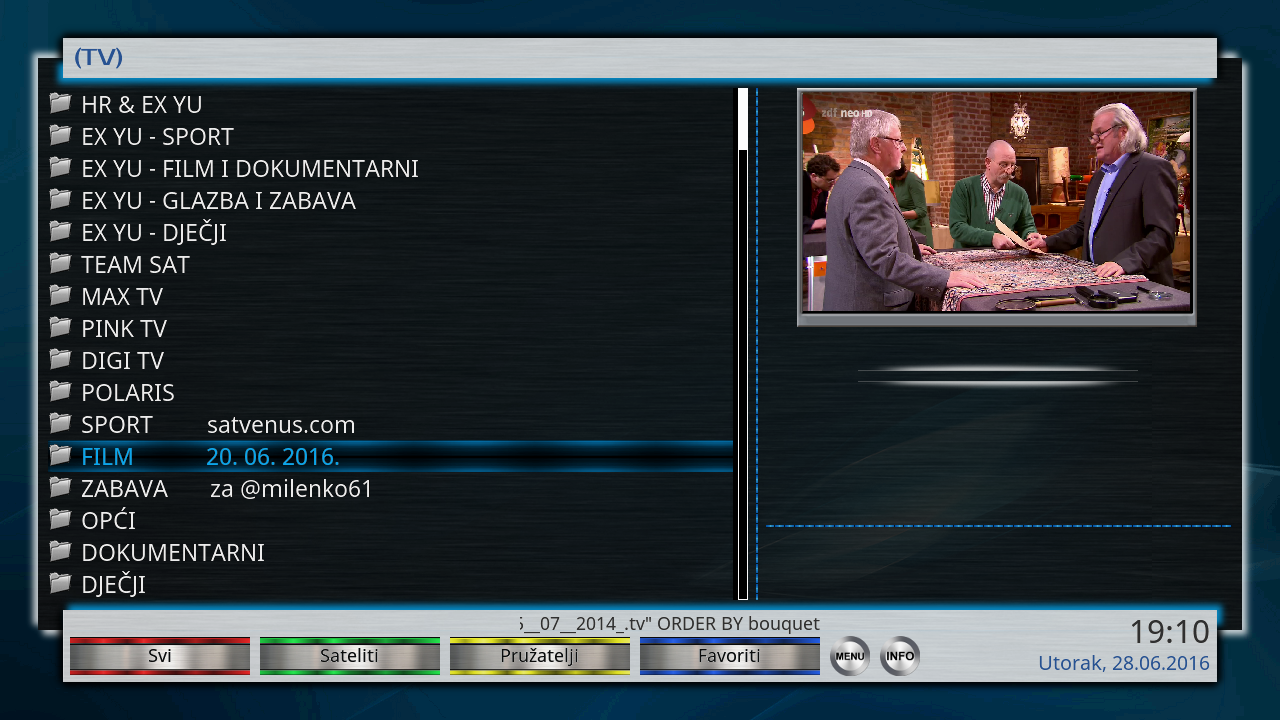
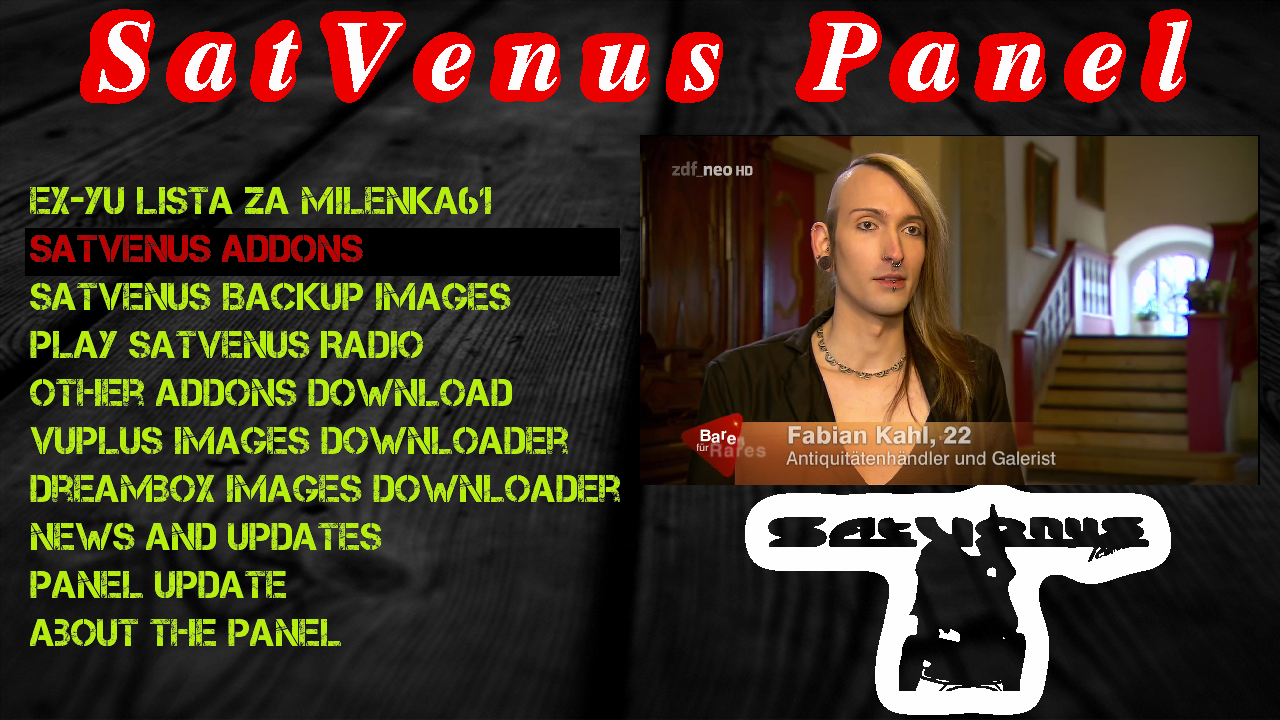
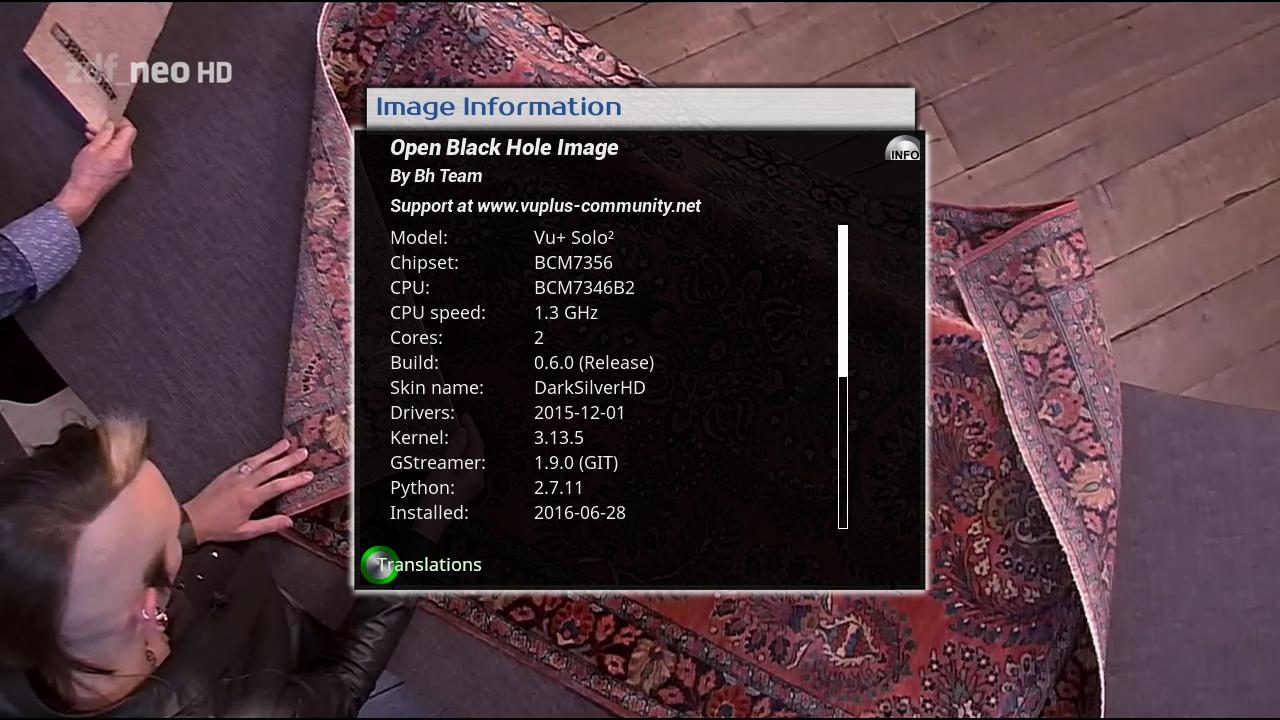
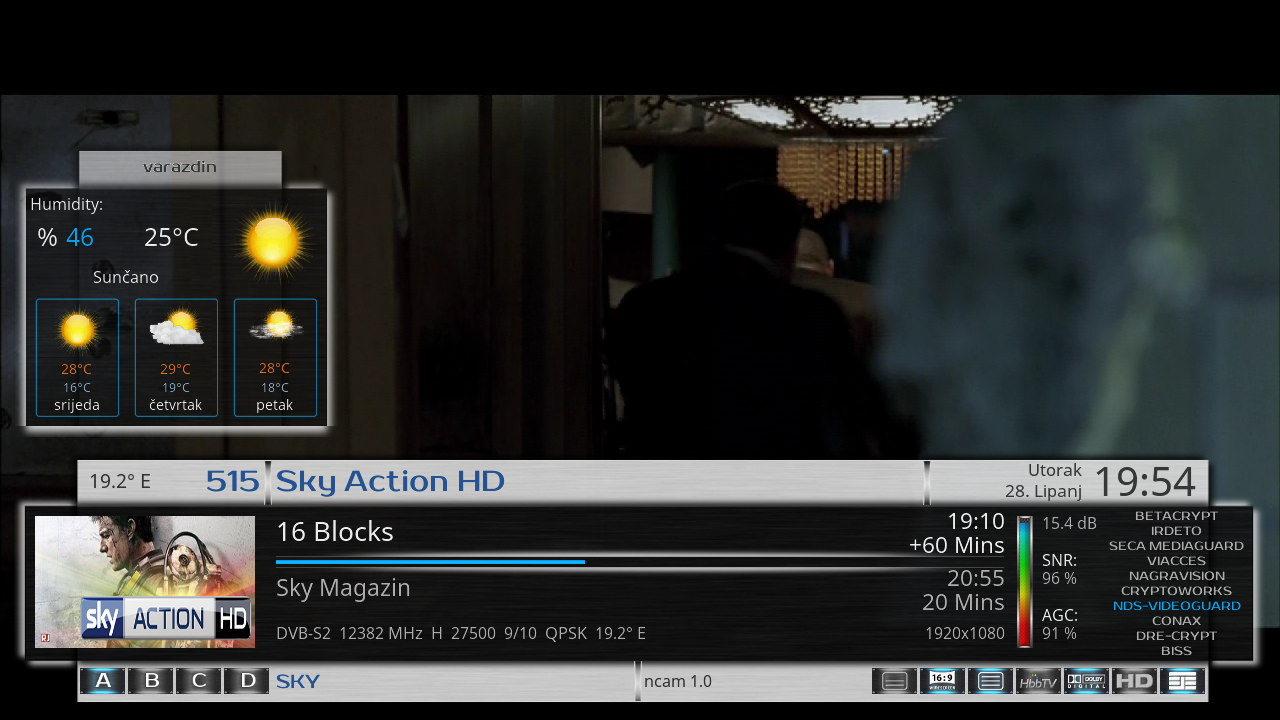
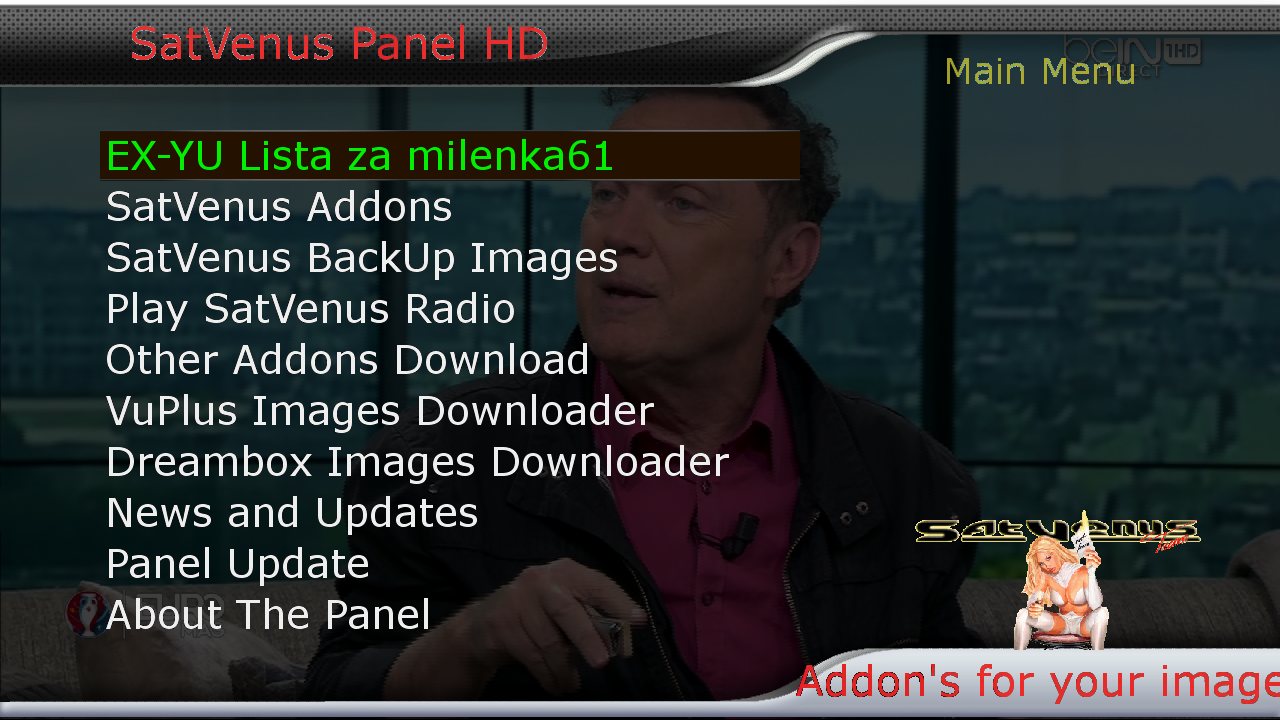
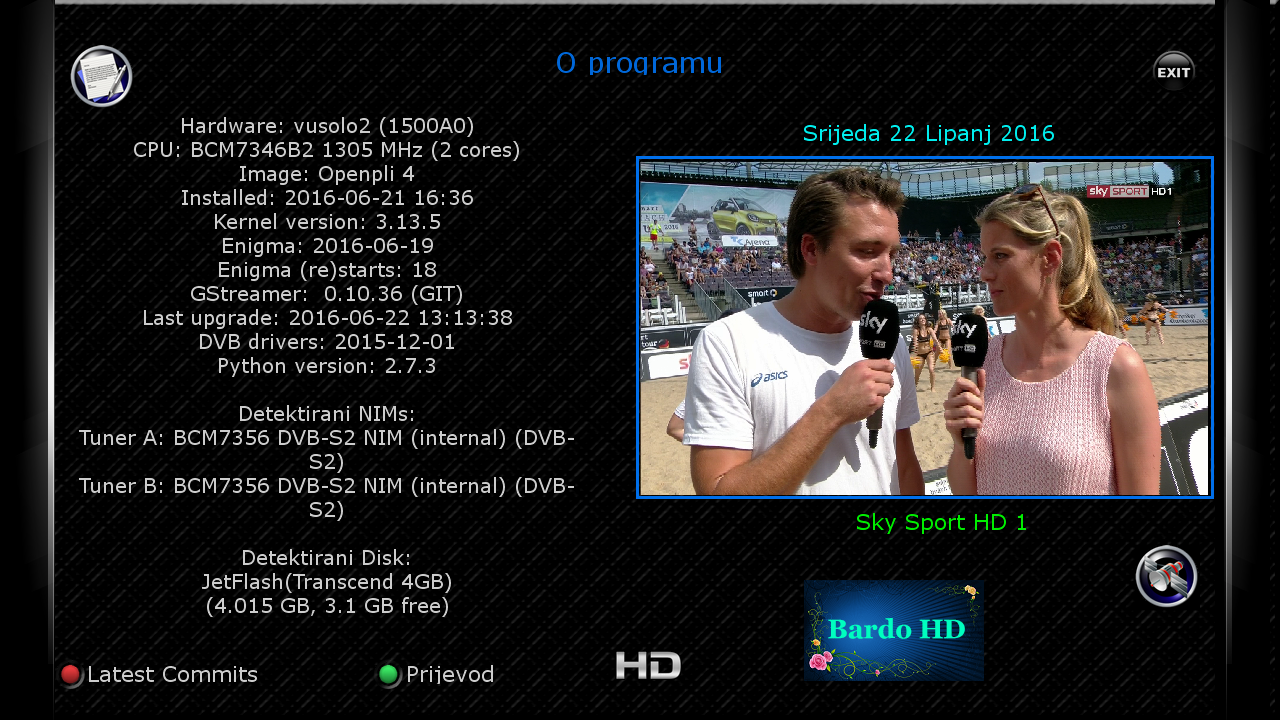
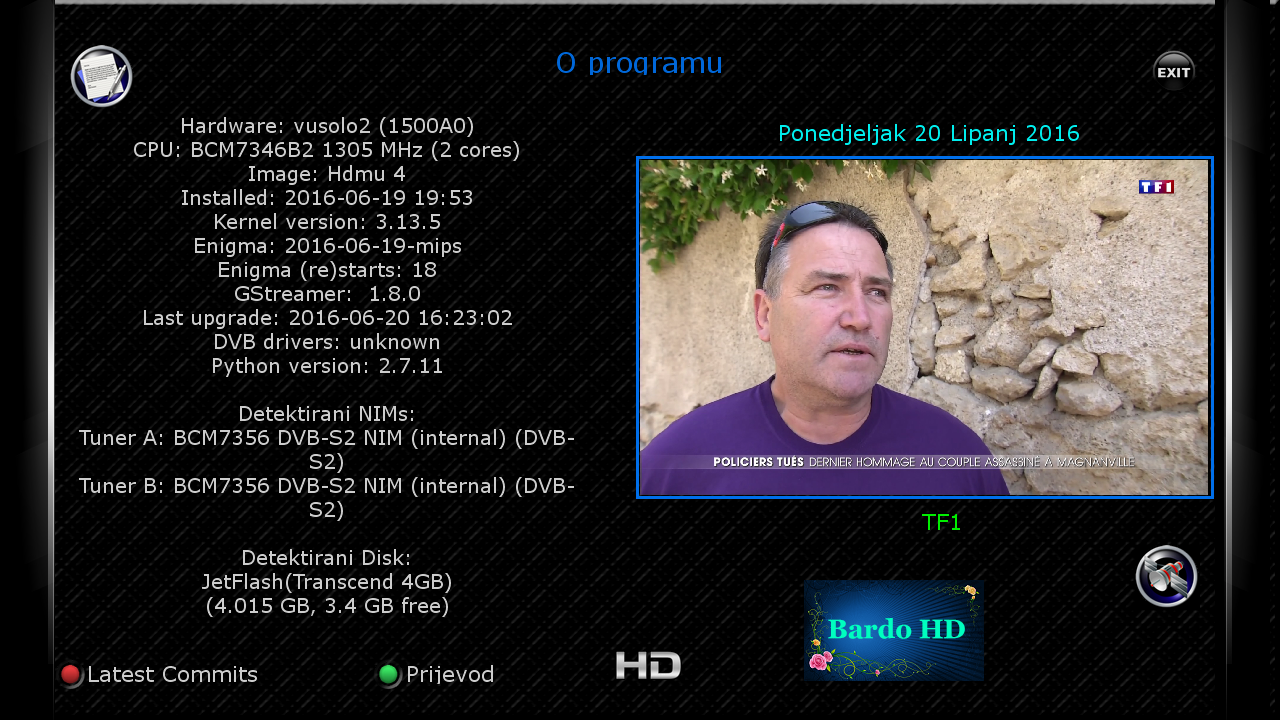
    SatVenus Full Backup Vu+Solo2 OpenBH 0.6 by zvonko67


    Bootlogo SatVenus by jopidane


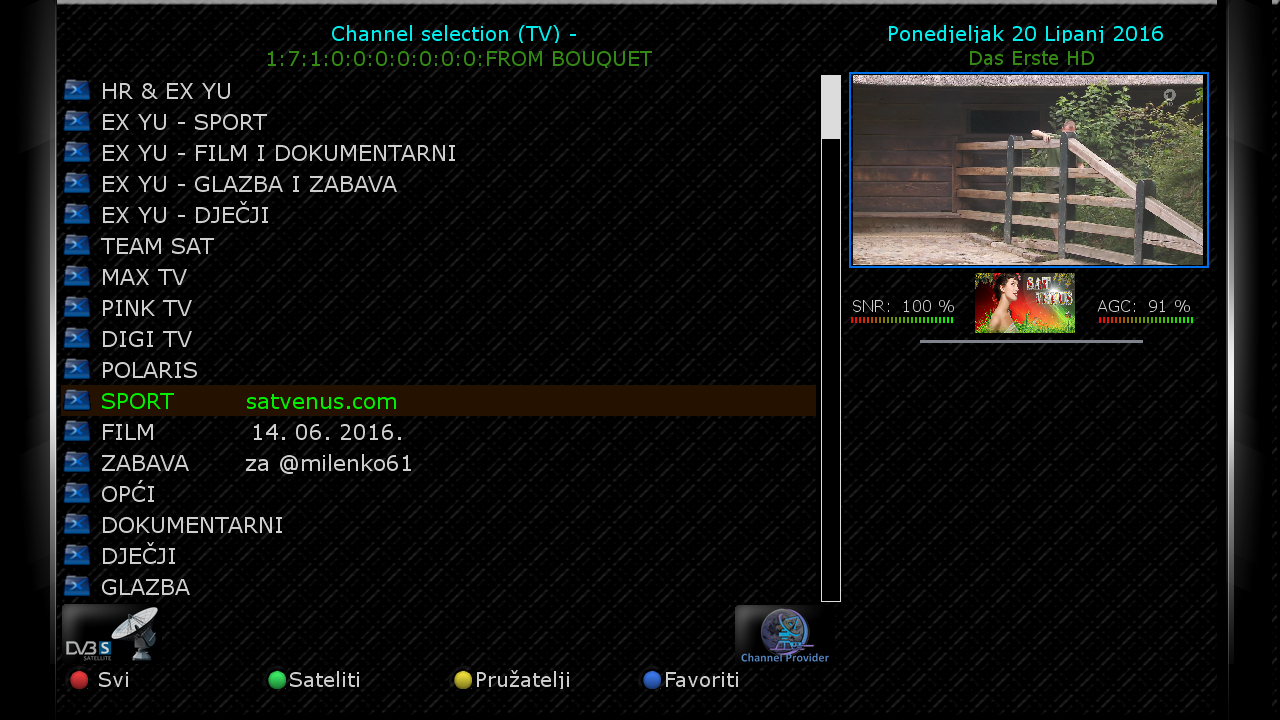
    Satvenus E2 Settings motor 75E_30W
    20.06.2016


    Picon Default "Satvenus" by hoss777


    Emu:

    CCcam 2.1.3
    Mgcamd 1.38d
    Doscam 0.25
    Wicardd 1.19
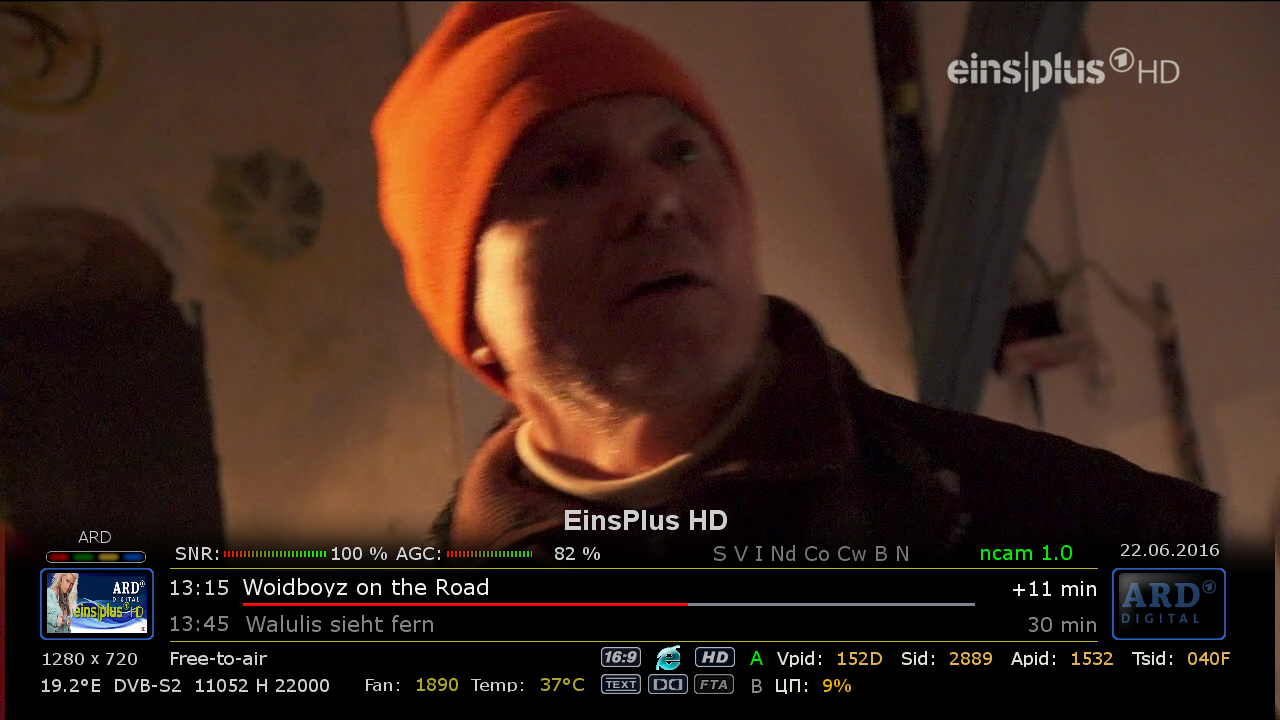
    Ncam 1.0


    Plugins:


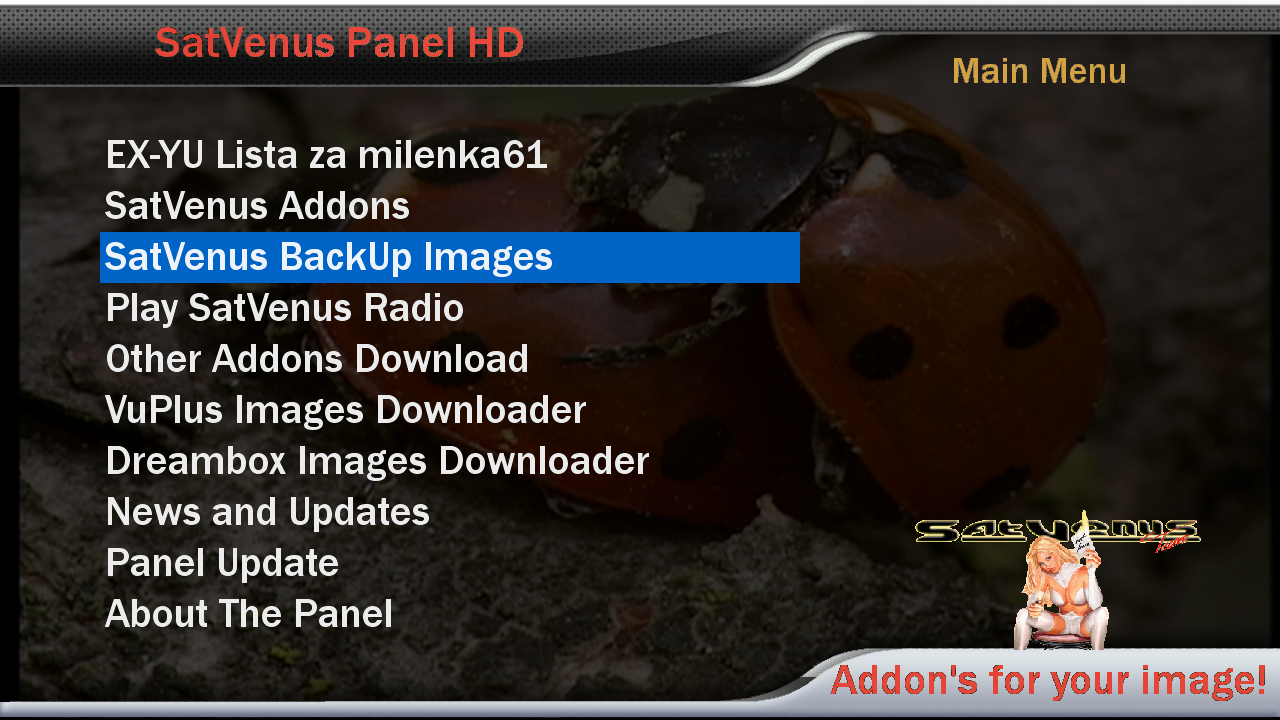
    SatVenus Panel 5.0 TEST_TEST
    SatVenus Settings 3.0
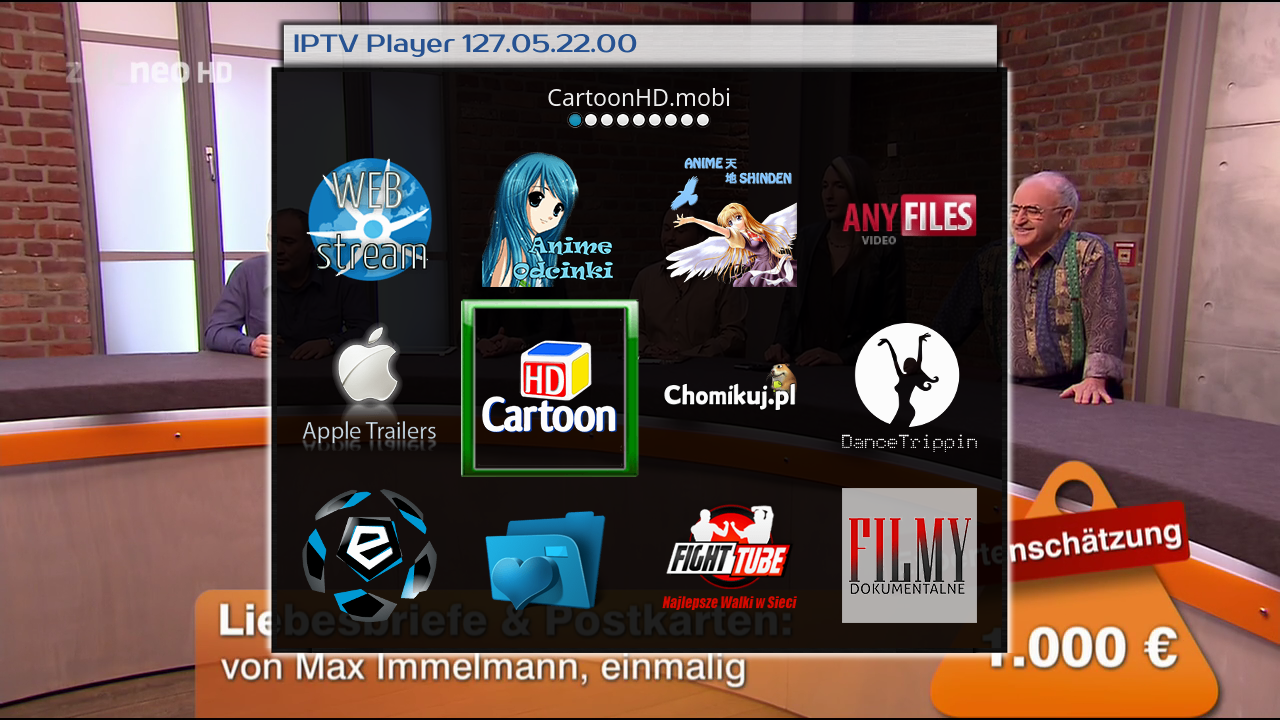
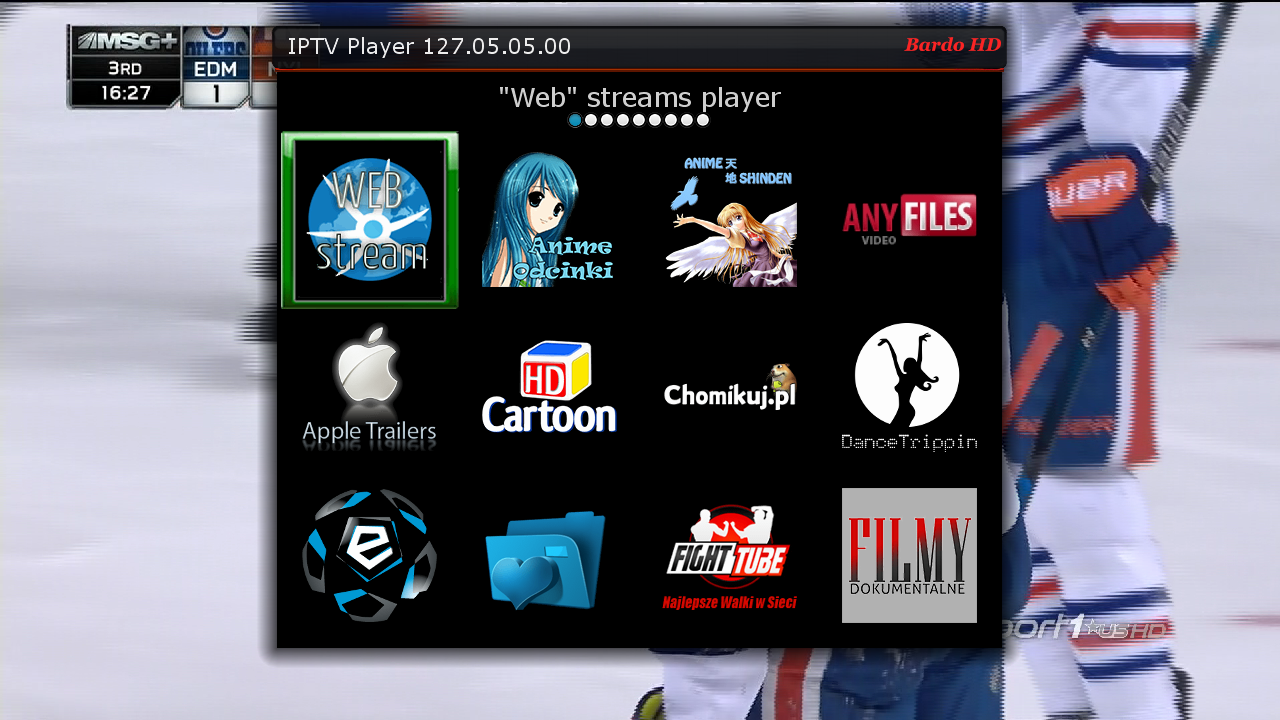
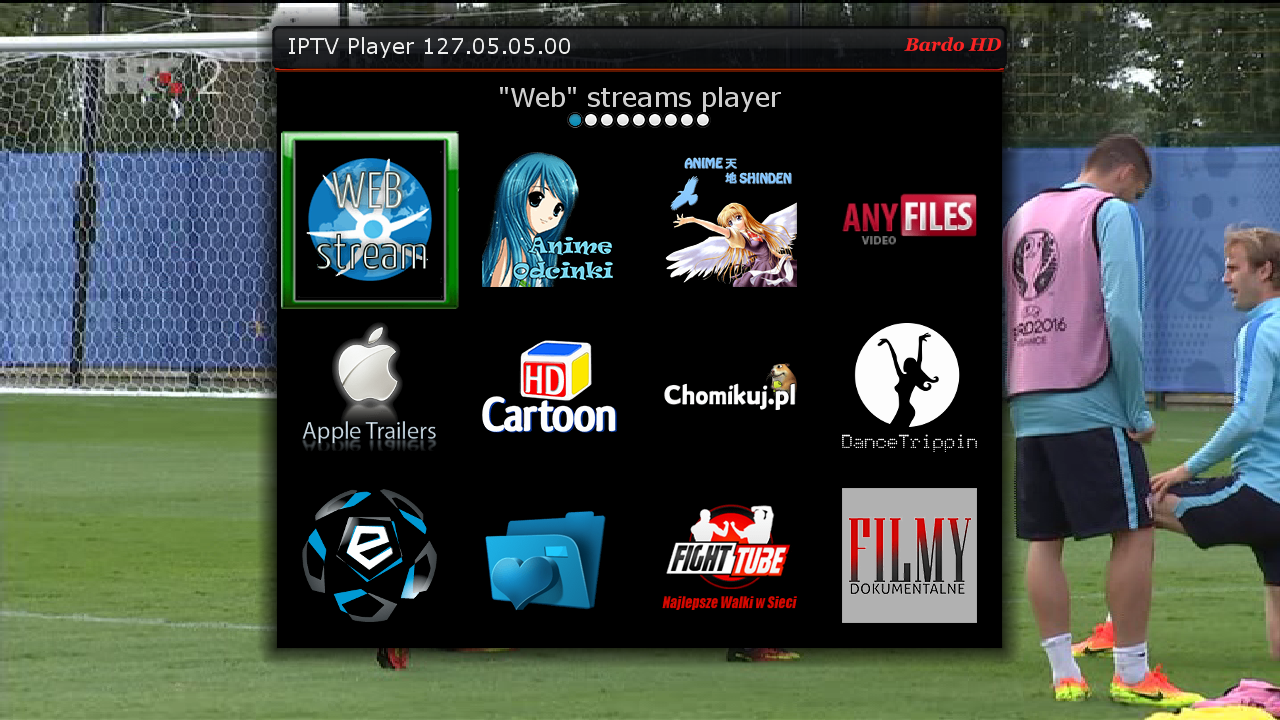
    IPTVPlayer 127.05.22.00
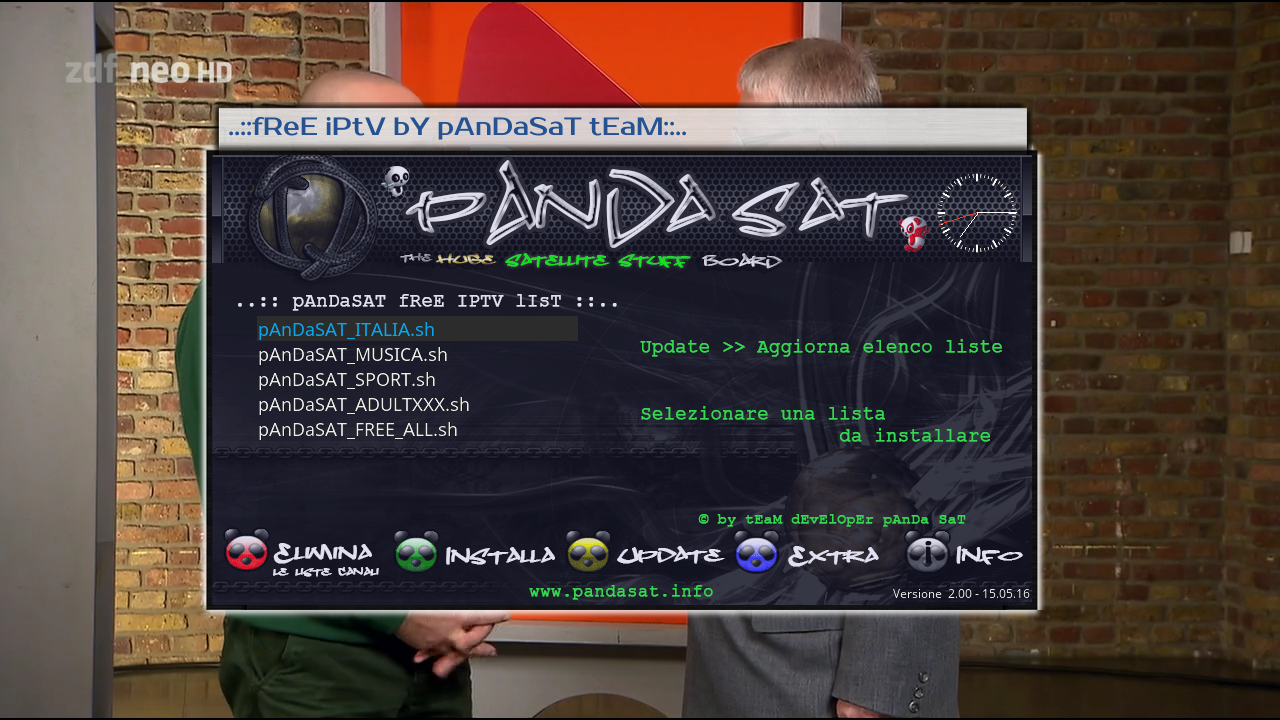
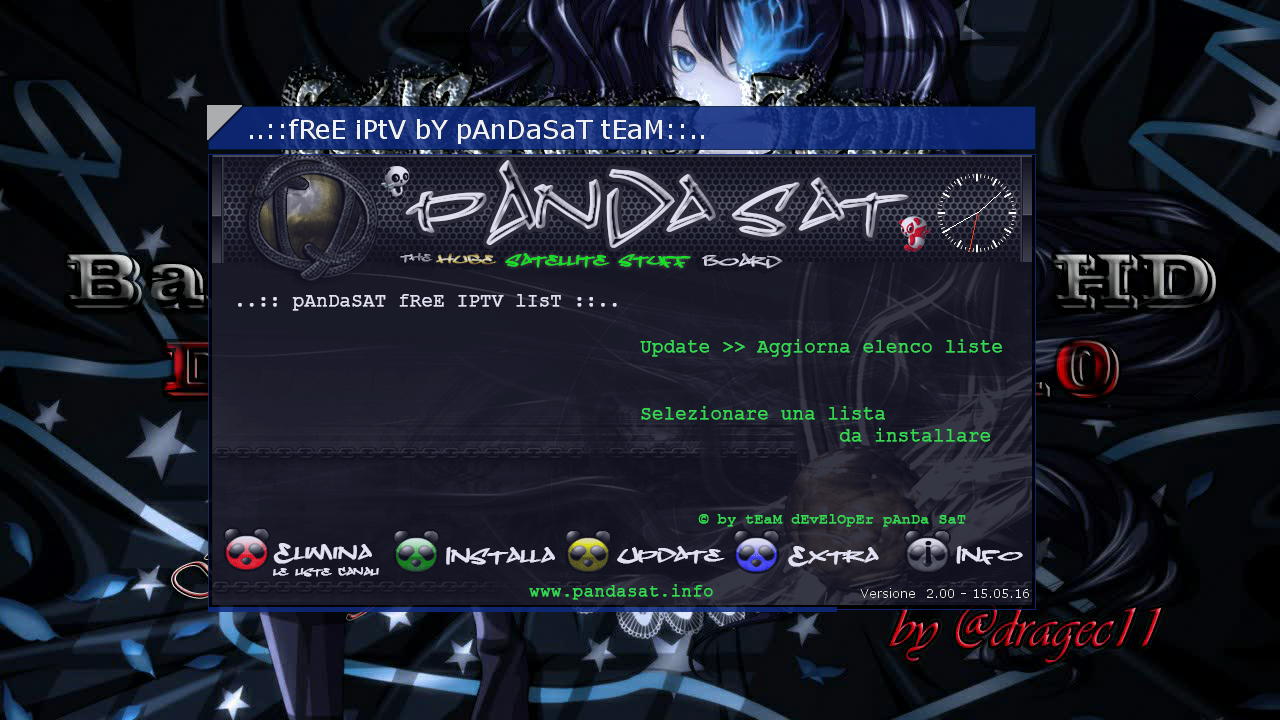
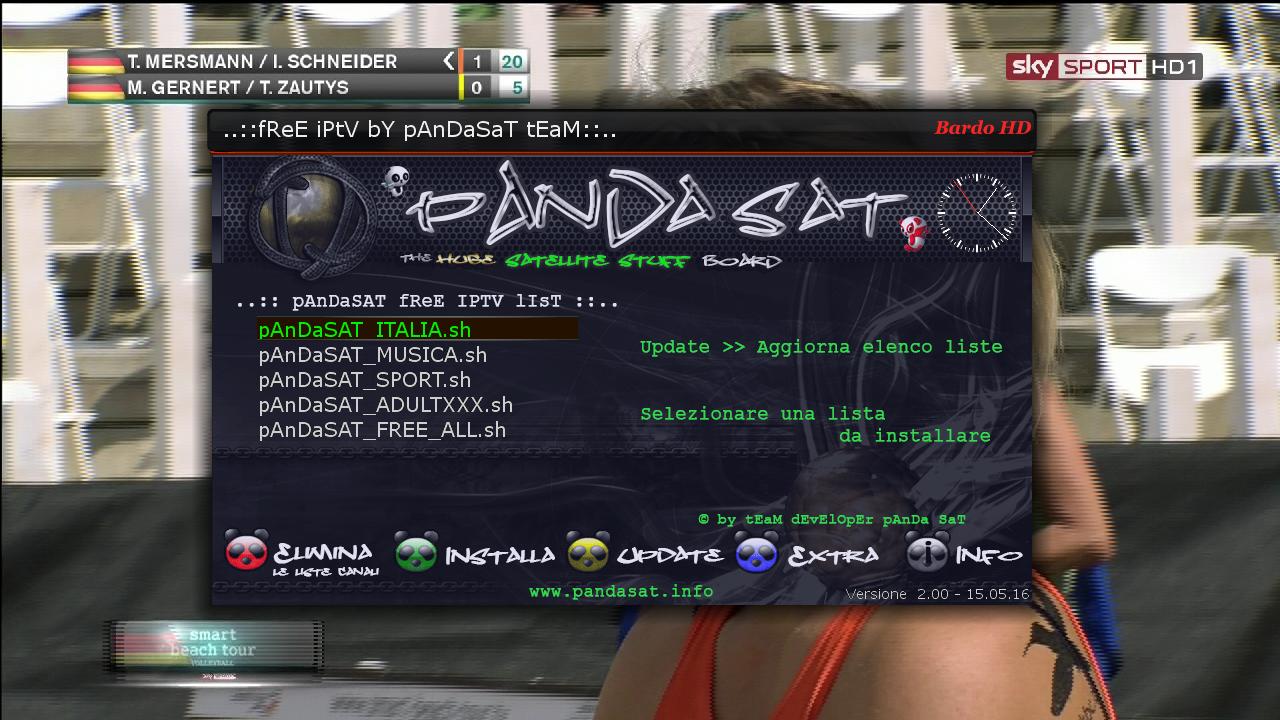
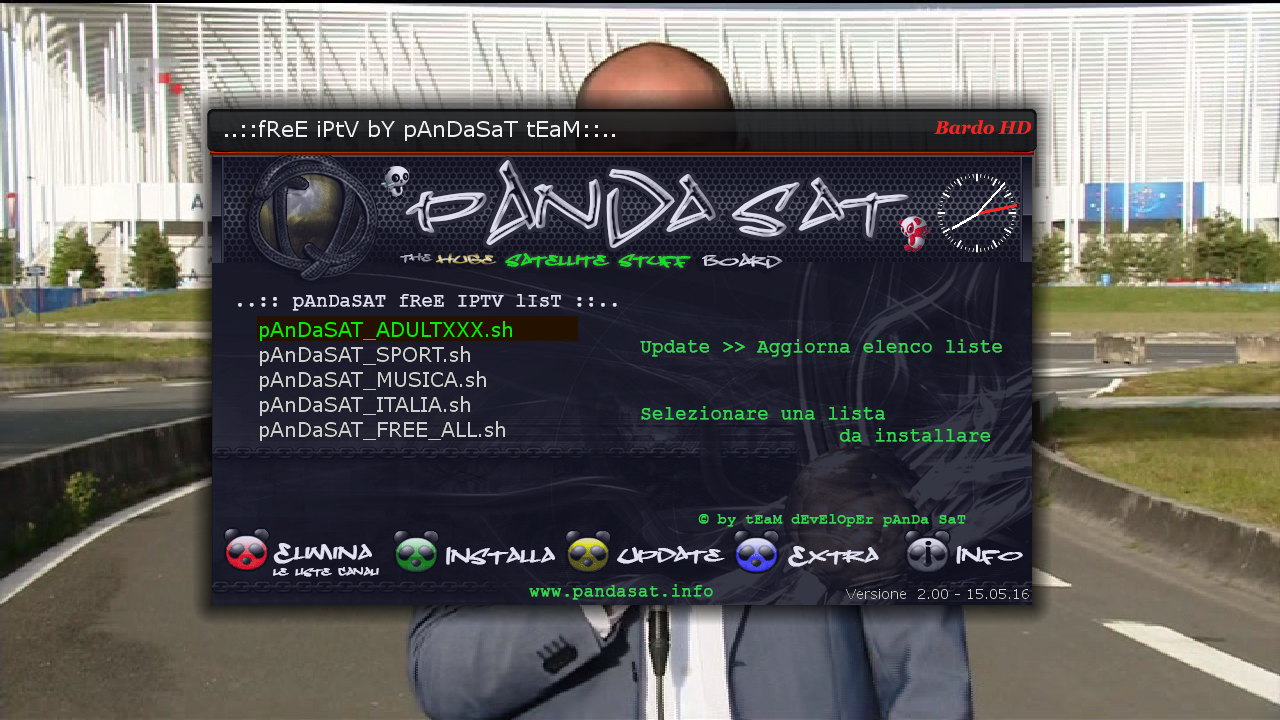
    Free Iptv PAnDaSaT 2.o
    Albatros 4.6
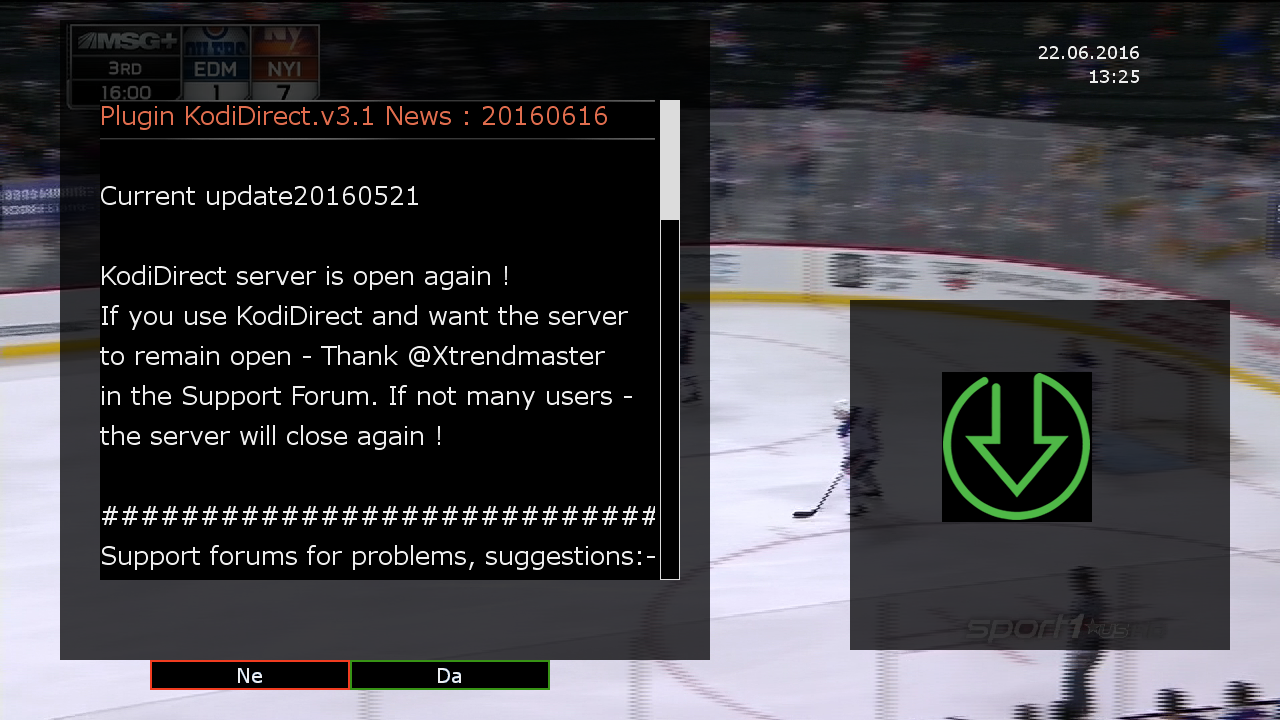
    KodiDirekt 3.1 new updates

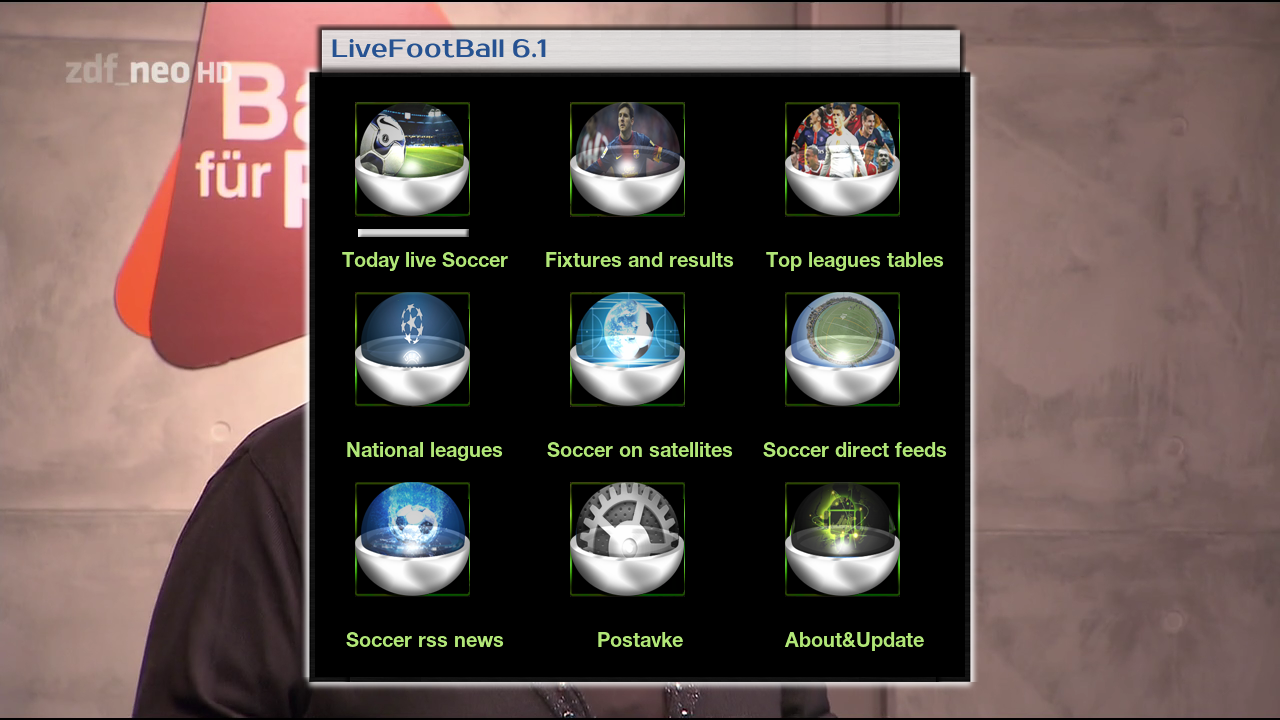
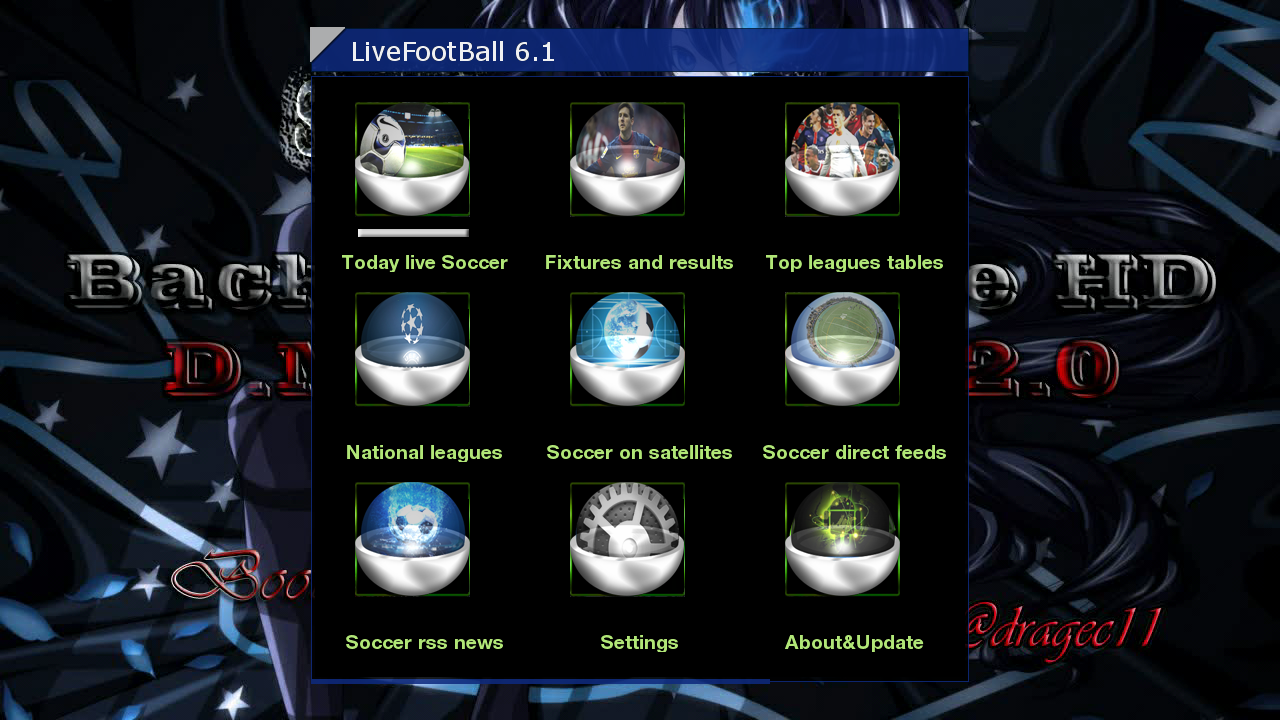
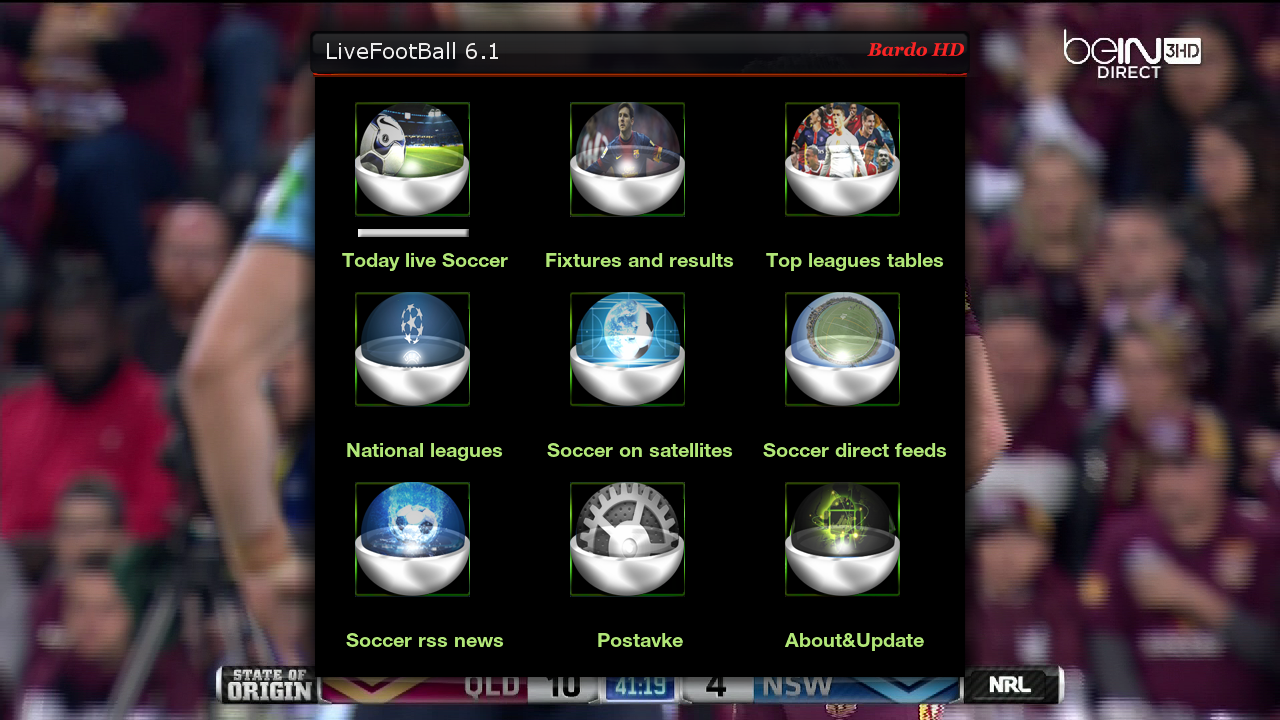
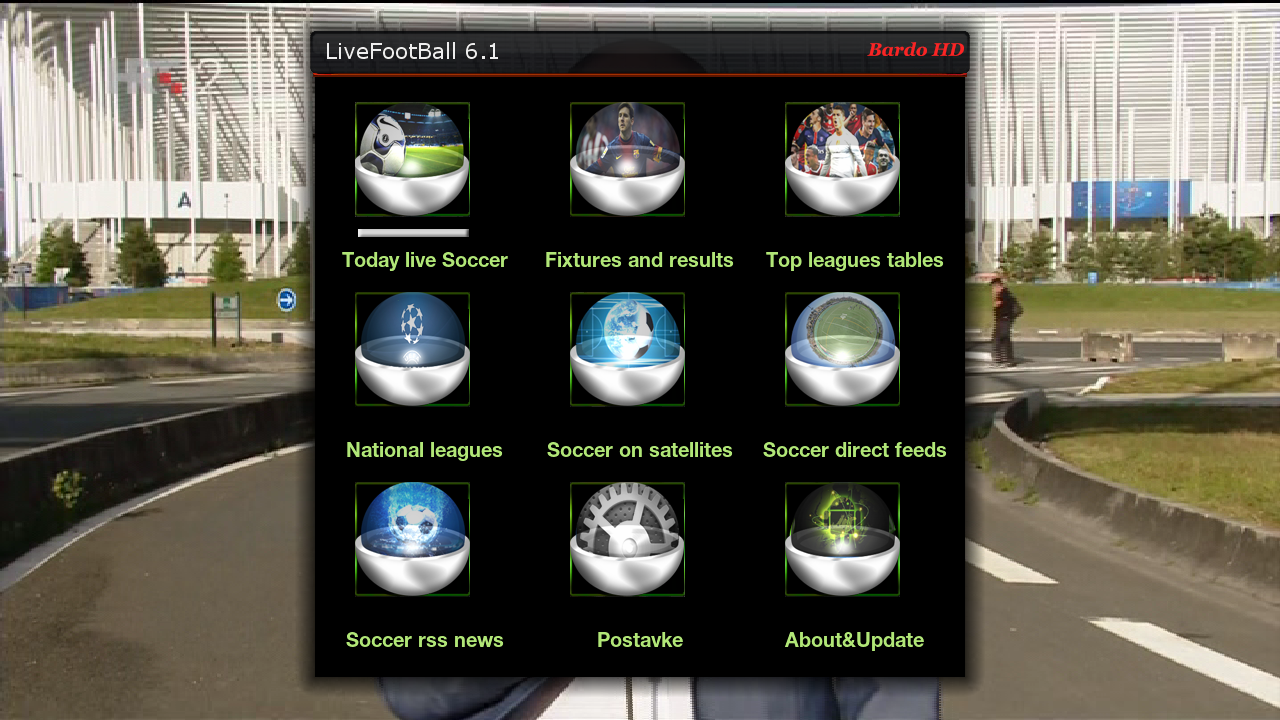
    LiveFootBall 6.1 special edition Euro 2016
    LiveSoocer 1.5.01
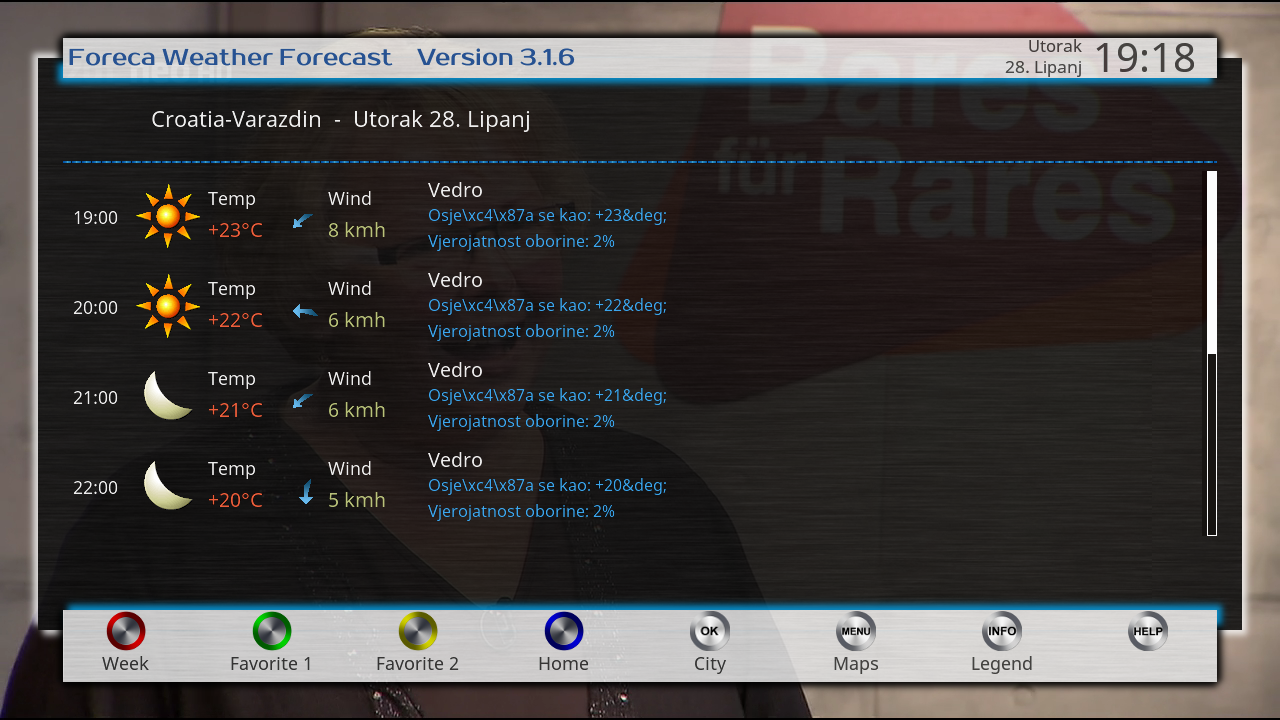
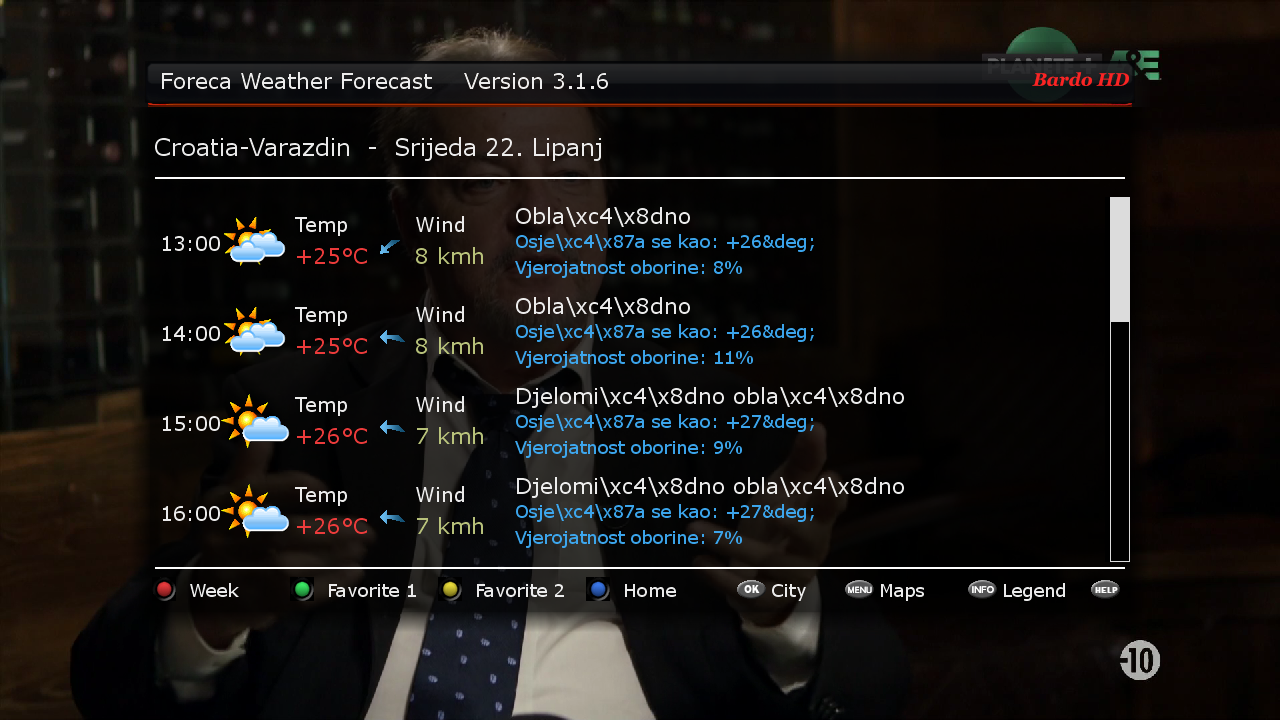
    Foreca Weather Forecast 3.1.6r1
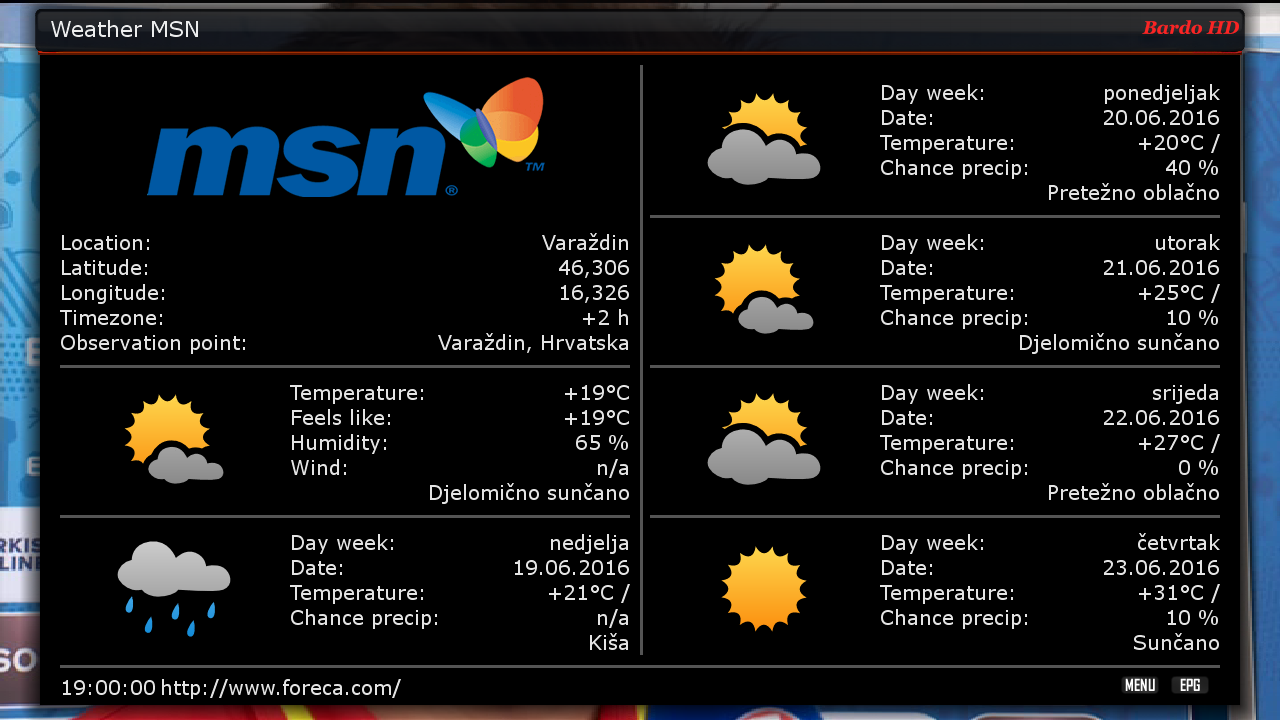
    SubsSupport 1.54
    SubsSupport by DD 4.01
    BoxPirates-Key-Updater
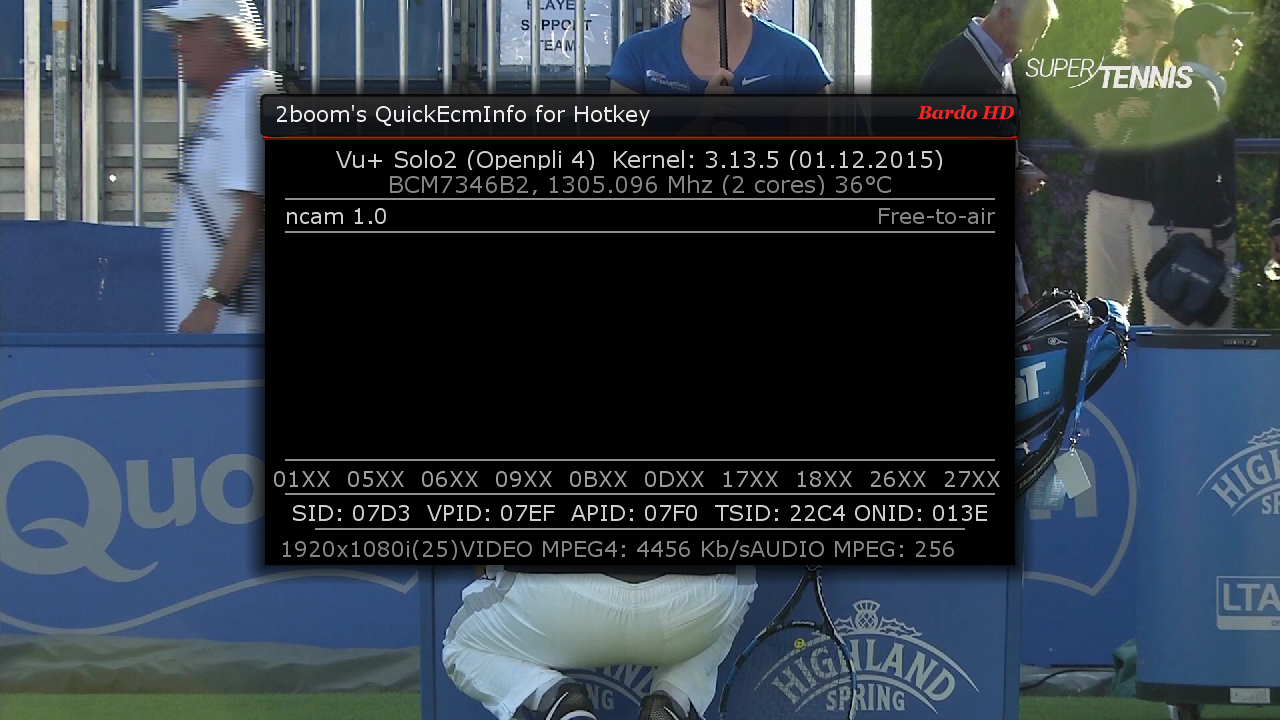
    2boom*s QuickEcmInfo
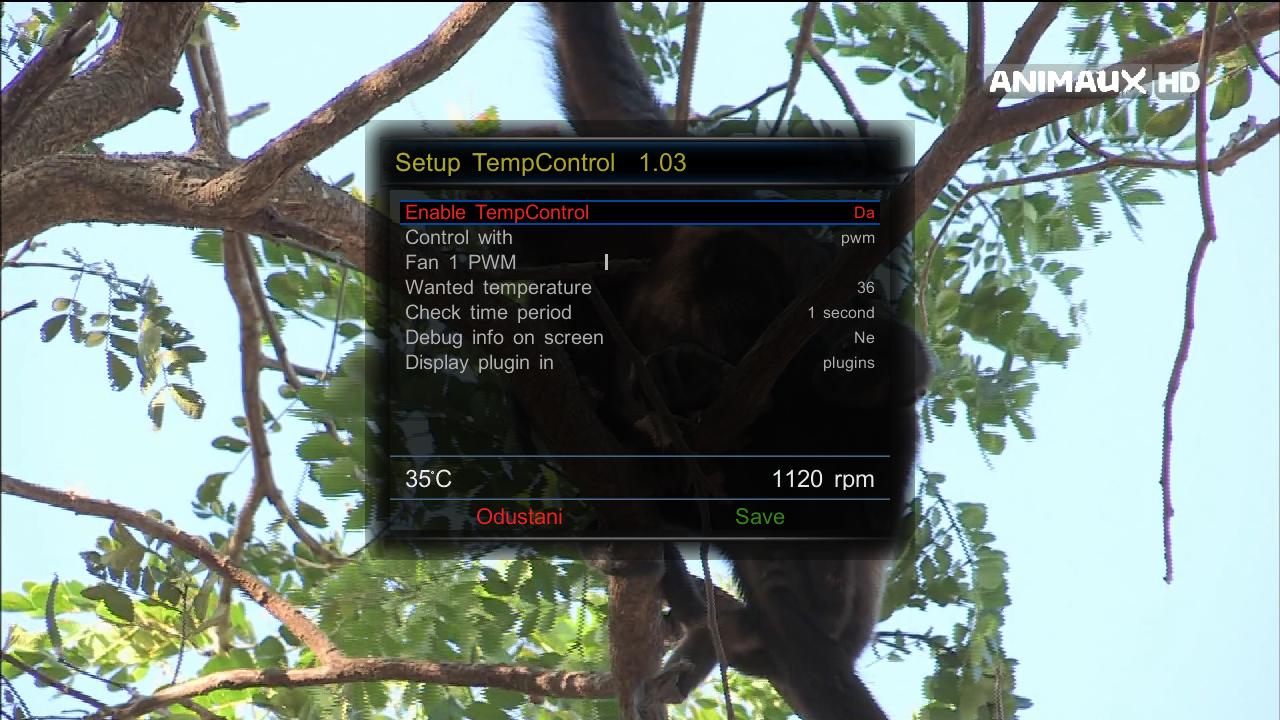
    TempControl 1.03_Wanted temp. 36*C
    and more.....


    Skin:


    MX_HQ9W
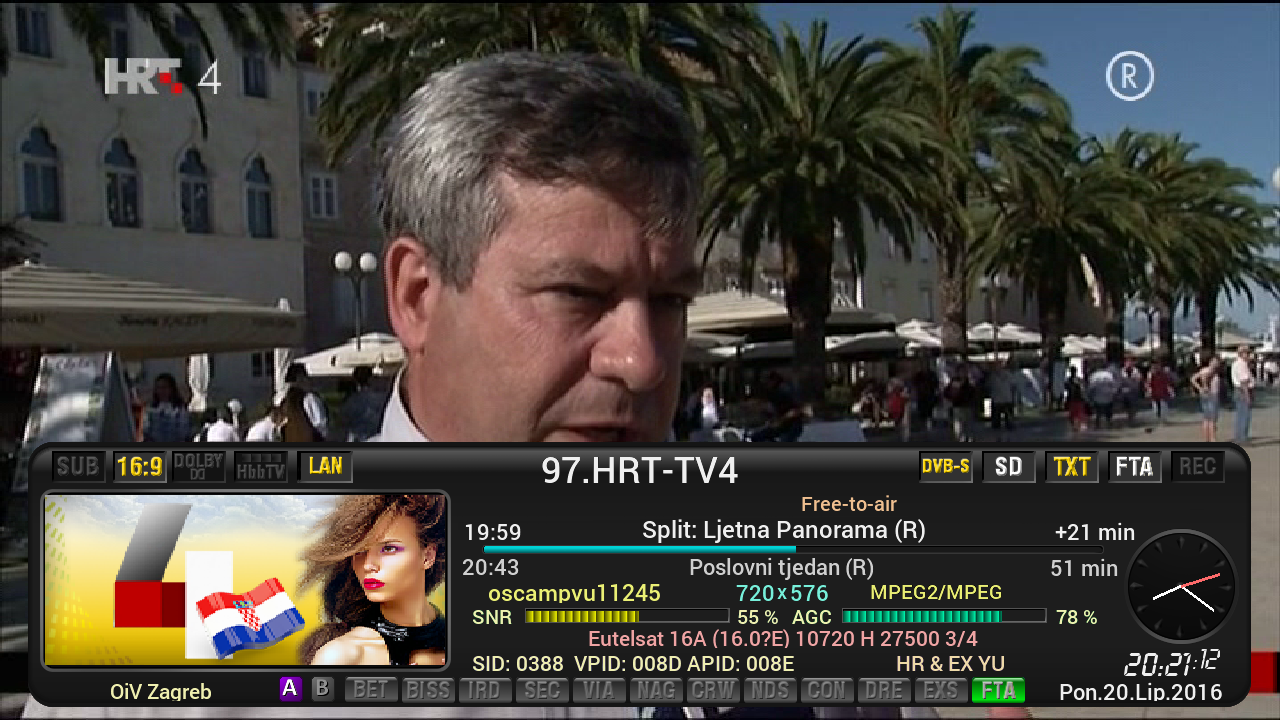
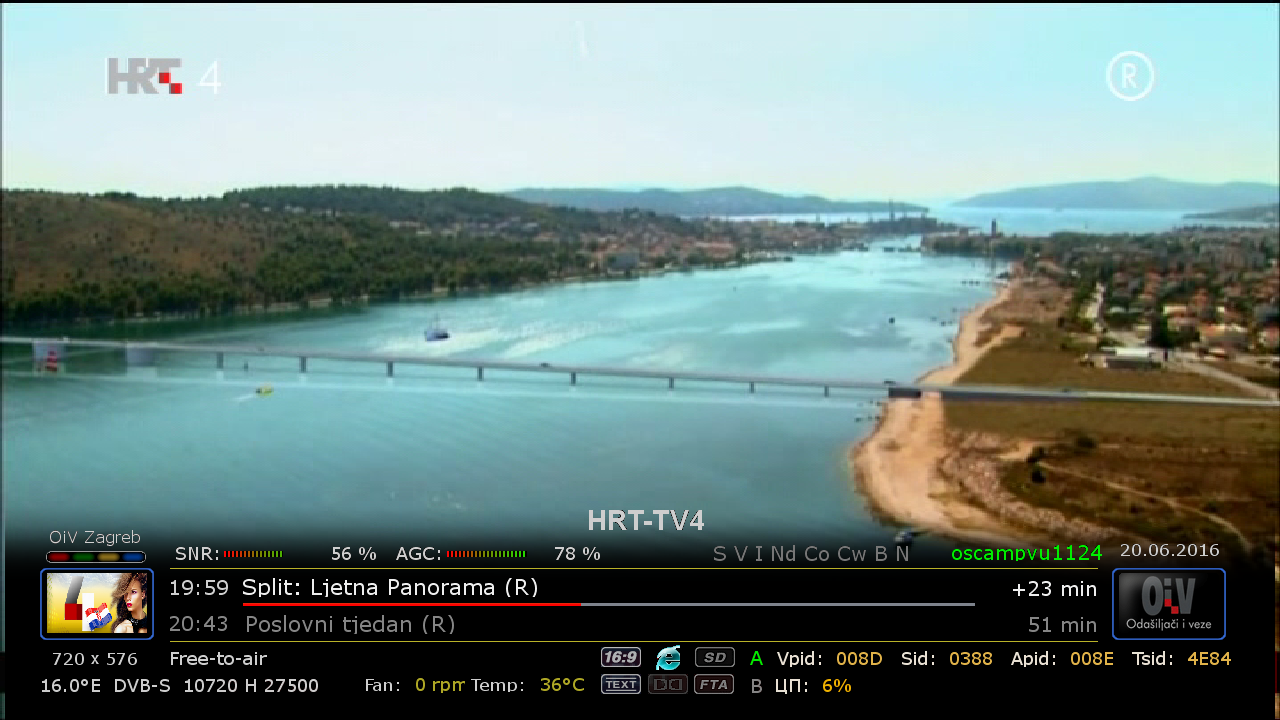
    Bardo HD
    DarkSilver HD


    user:root
    password:dreambox


    Download Backup:


    Code
    http://en.file-upload.net/download-11722599/SatVenusTeamFullBackupVuSolo2OpenBH0.6byzvonko67.rar.html


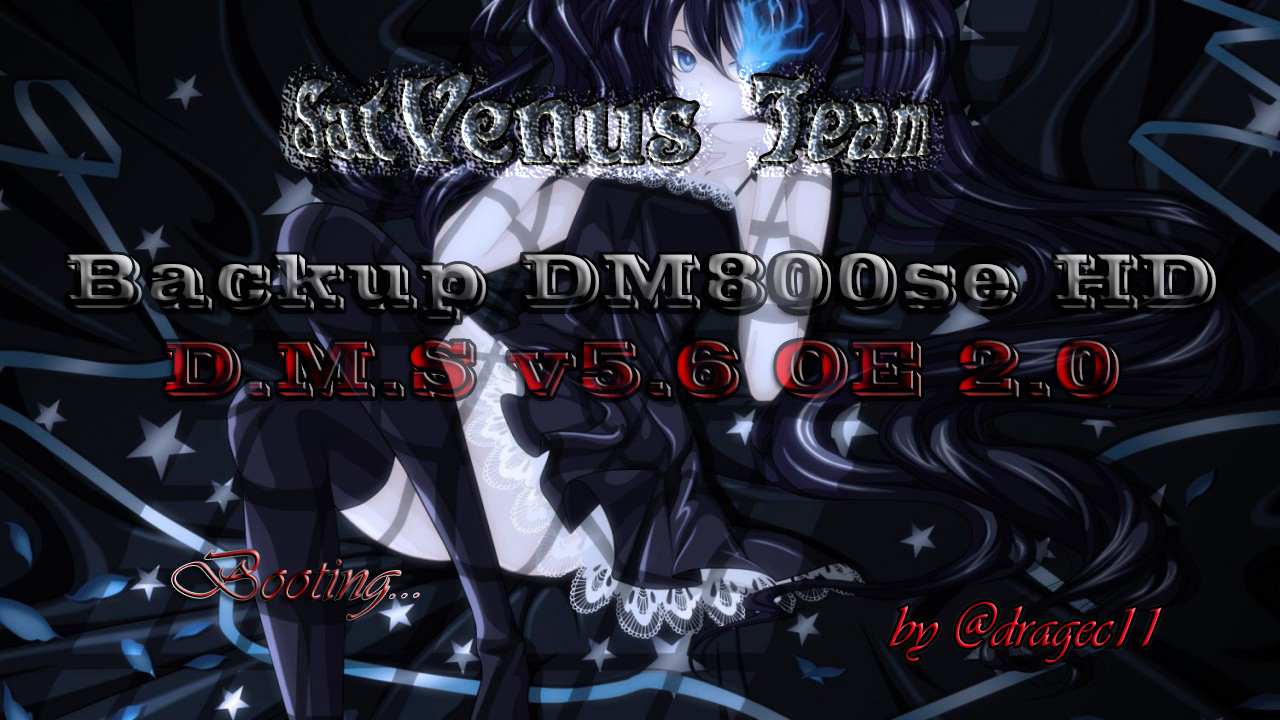
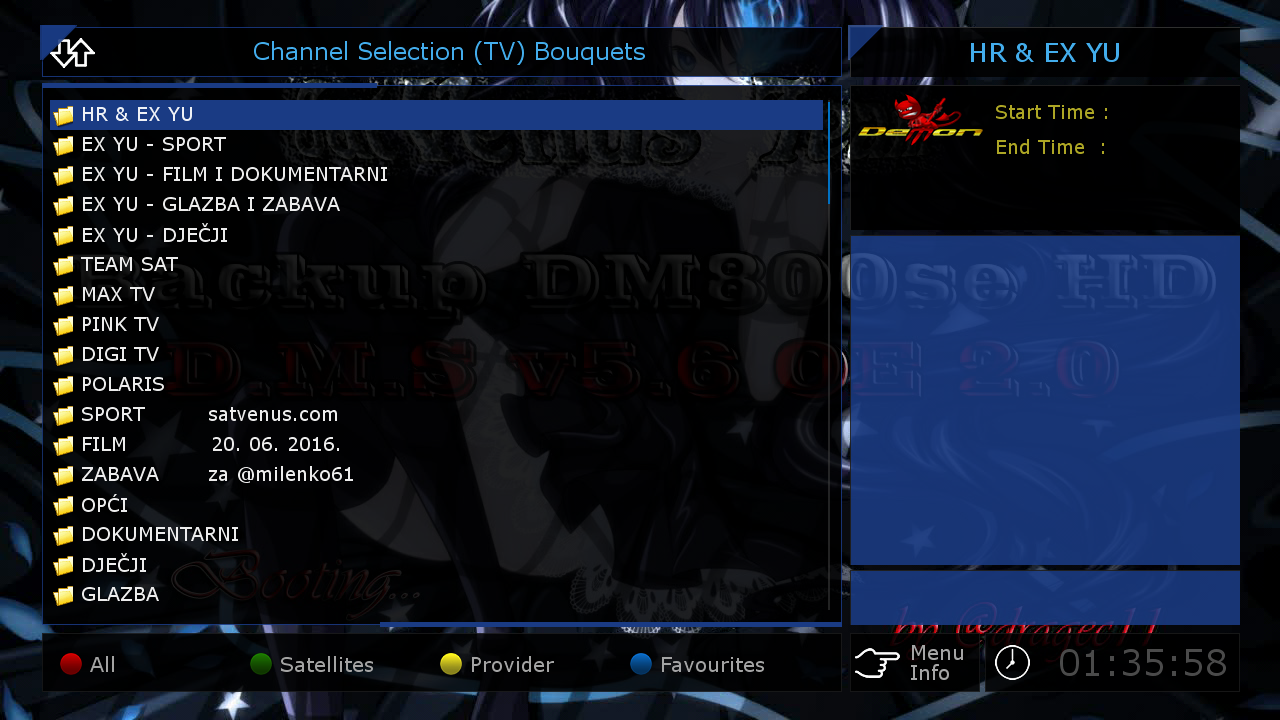
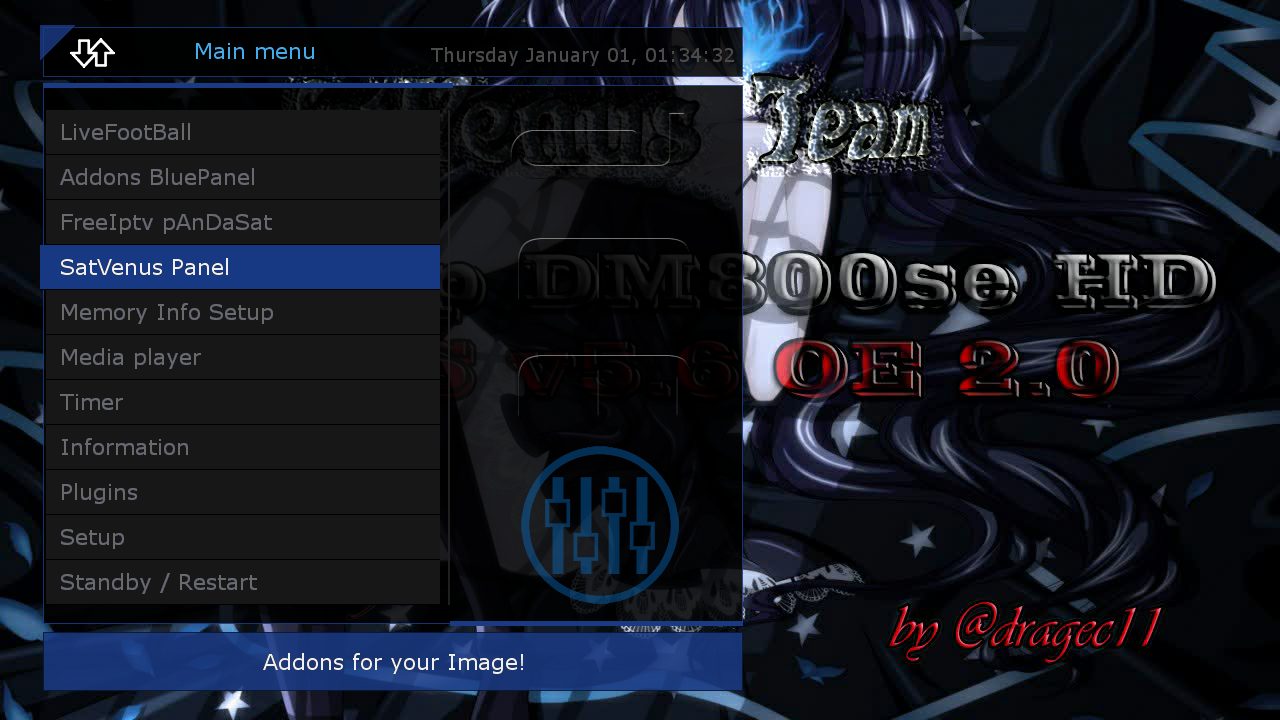
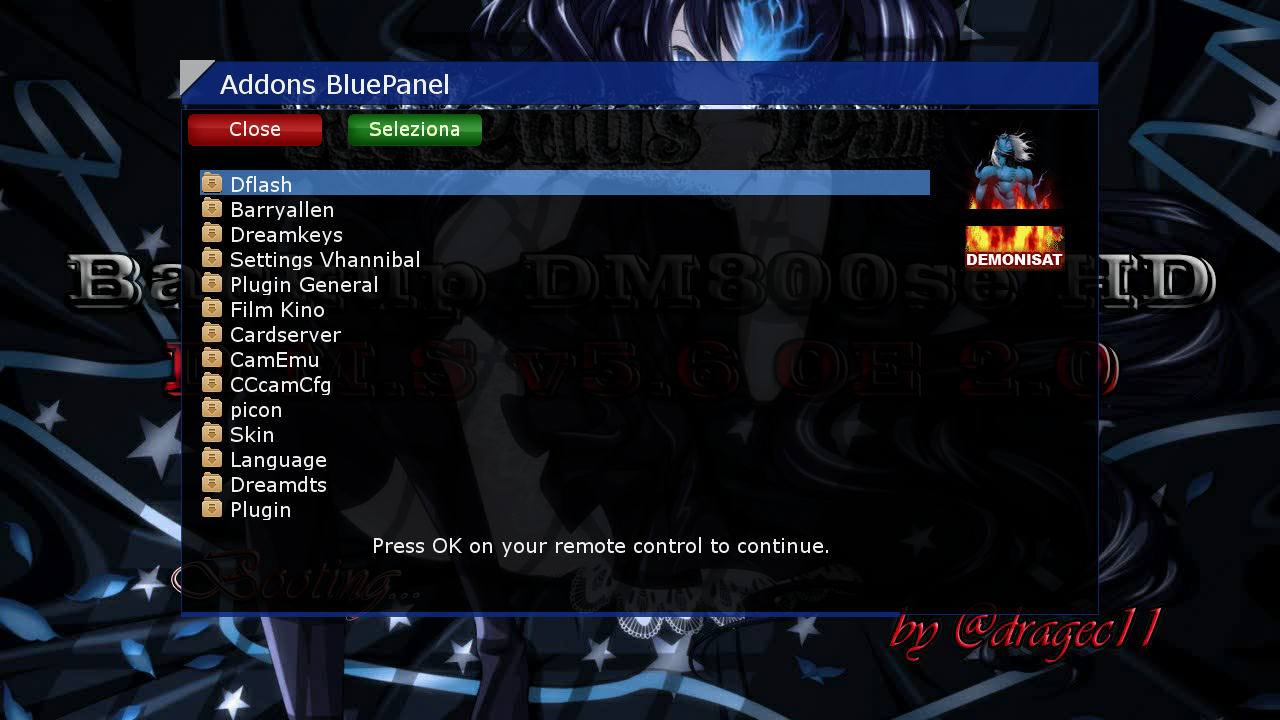
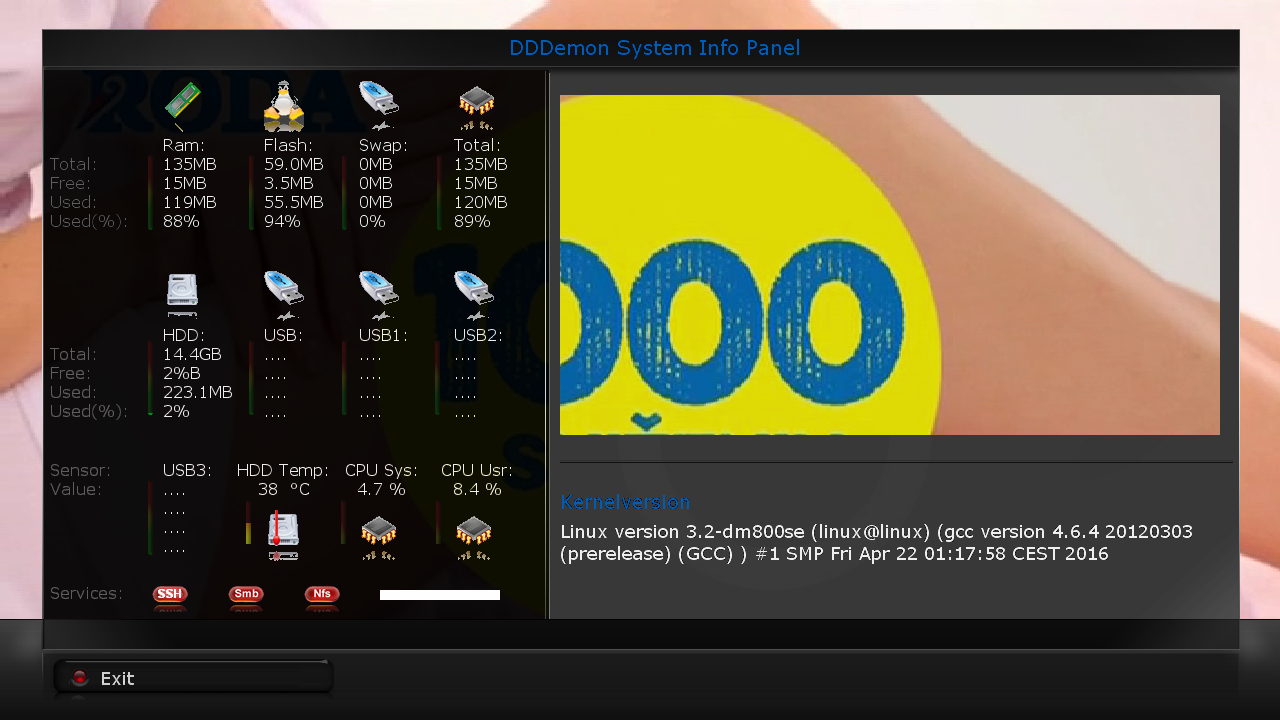
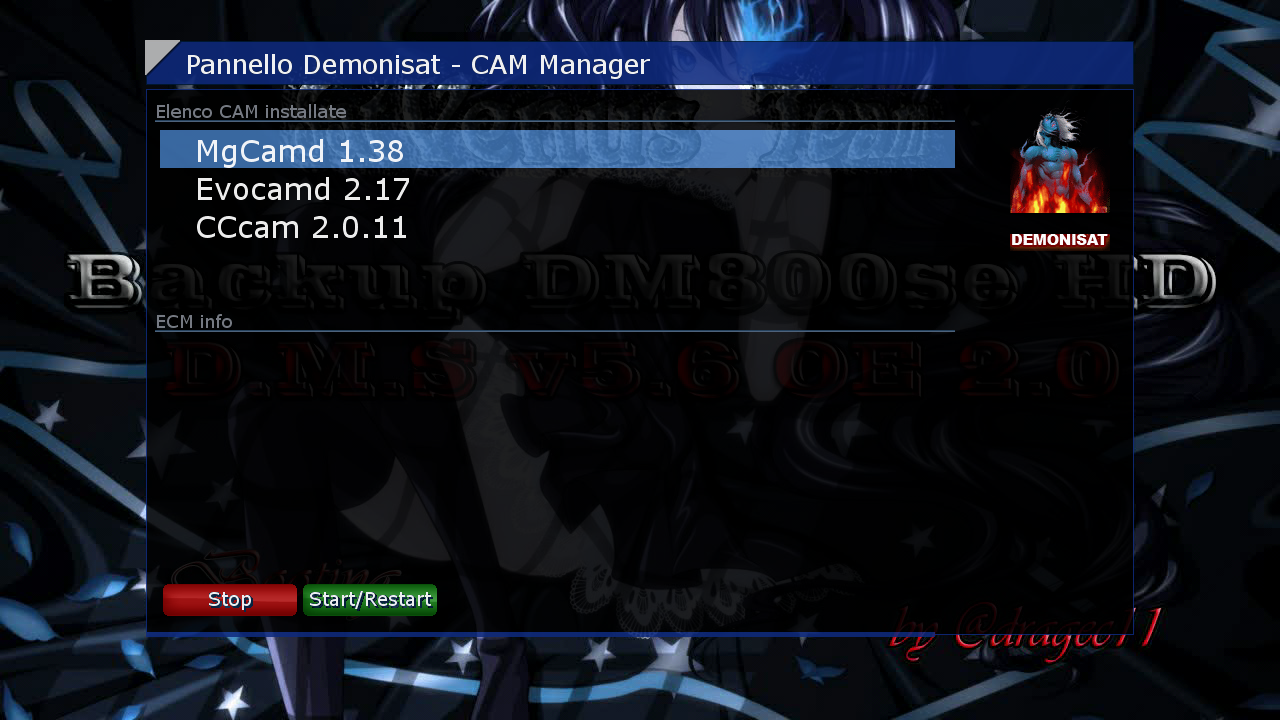
    SatVenus Team Backup DM800se
    D.M.S v5.6 OE 2.0 by @
    dragec11


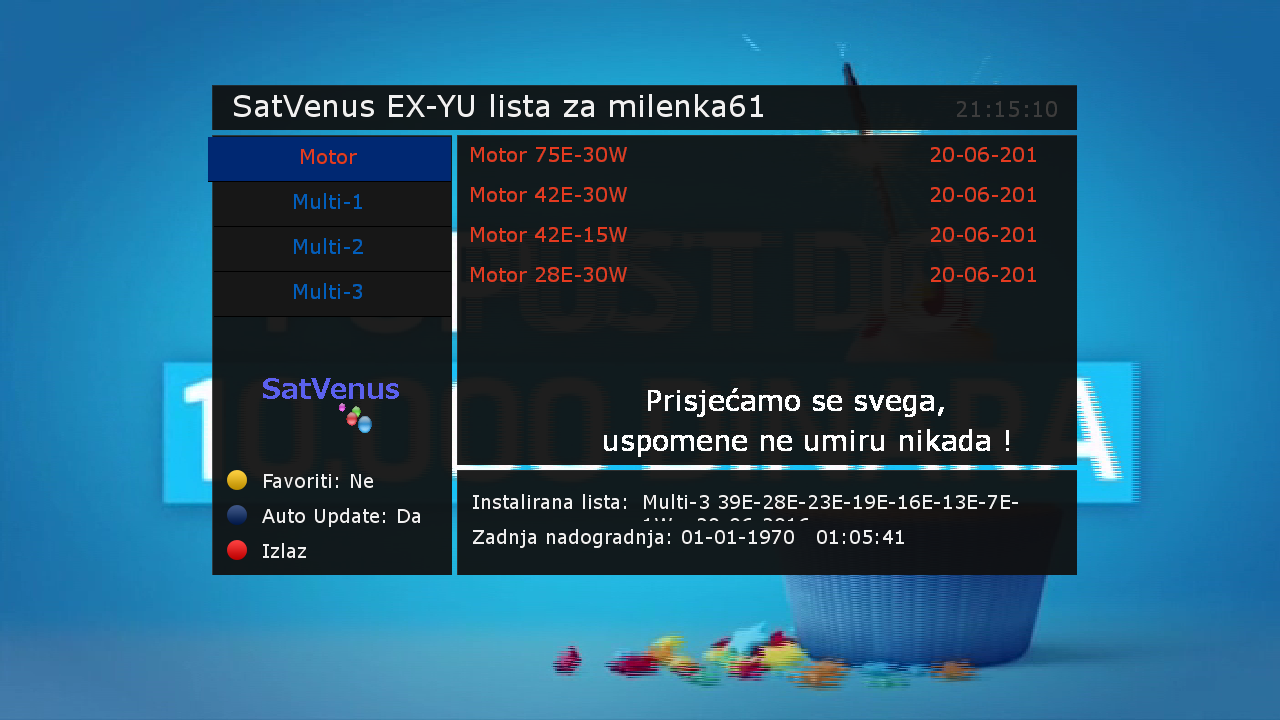
    Satvenus E2 Setings Multi-3_39e-1w
    20.06.2016.


    Boologo by @dragec11


    Plugins:
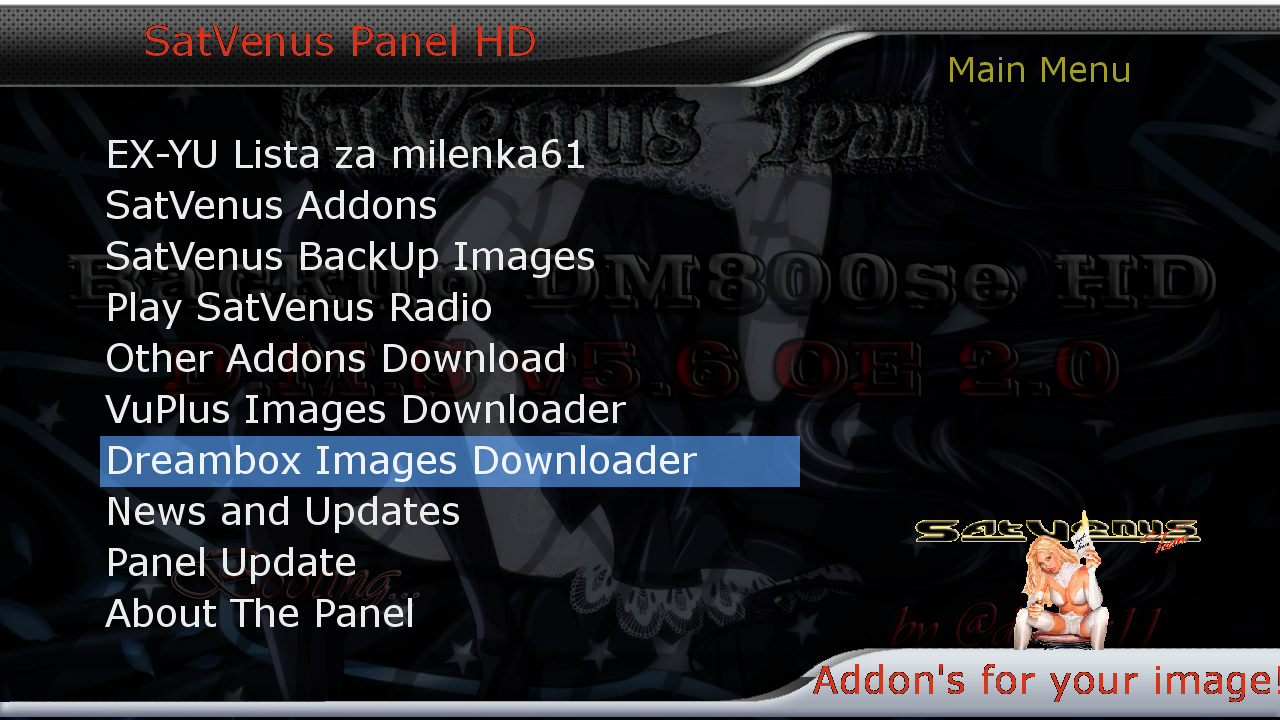
    Satvenus Panel 4.5.2by [MENTION=6479]gogi[/MENTION]
    Satvenus Setins 3.0by [MENTION=6479]gogi[/MENTION]
    FreeIptv PandaSat 2.0
    LiveFootball 6.1
    DDplayer 3.29
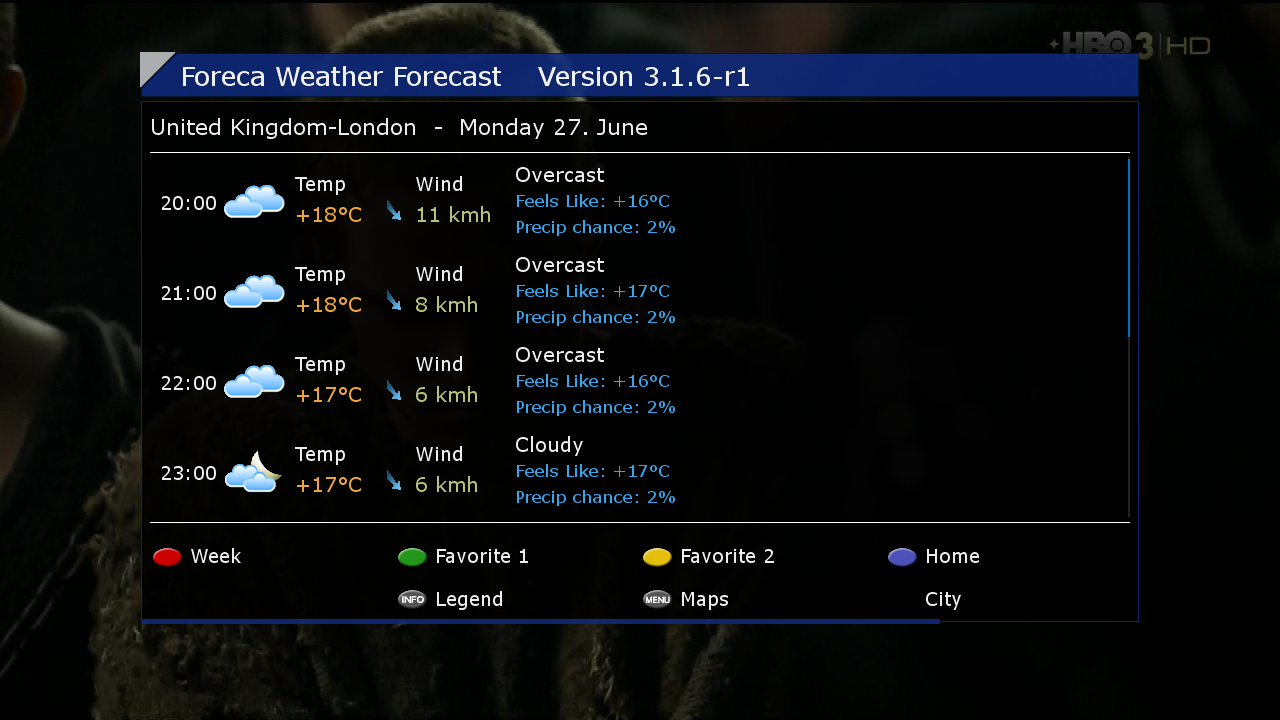
    Foreca Weather Forecast 3.1.6-r1
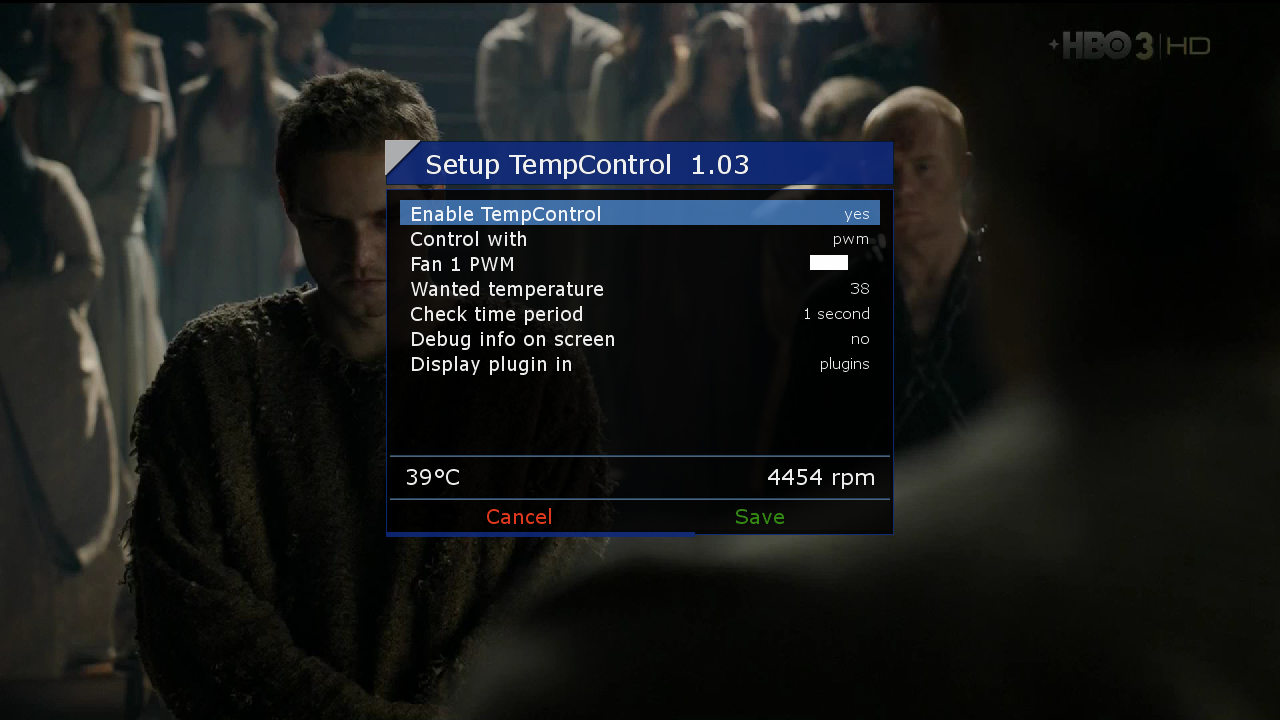
    TempControl 1.03
    and more....


    Emu:
    CCcam_2.0.11
    Mgcamd_1.38 full
    EvoCamd_2.17


    Skin:
    Dreamy
    Default Skin


    http://en.file-upload.net/down…6OE2.0bydragec11.nfi.html

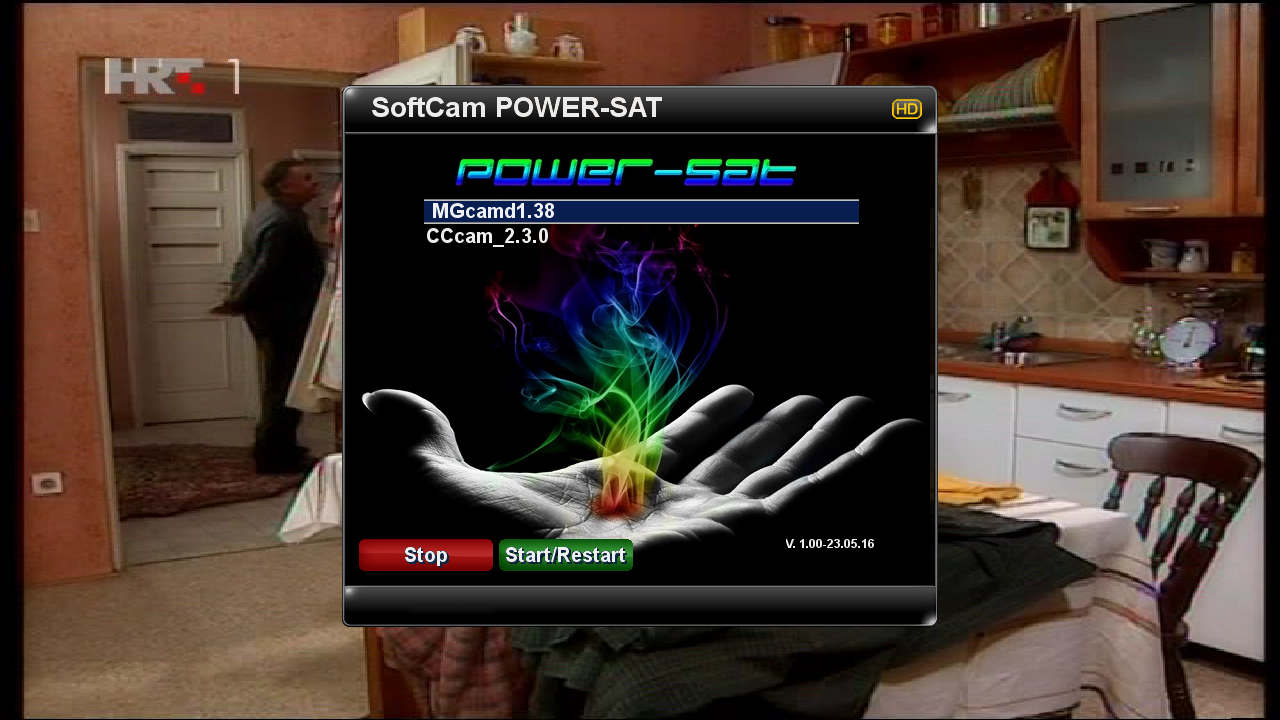
    SatVenus Team Backup DM800se PowerSat 3.4
    OE 2.0 by @dragec11


    SatVenus E2 MotorSetings 75e_30w
    21.06.2016.


    Bootlogo by @dragec11


    Plugins:
    Satvenus Panel 4.5.2
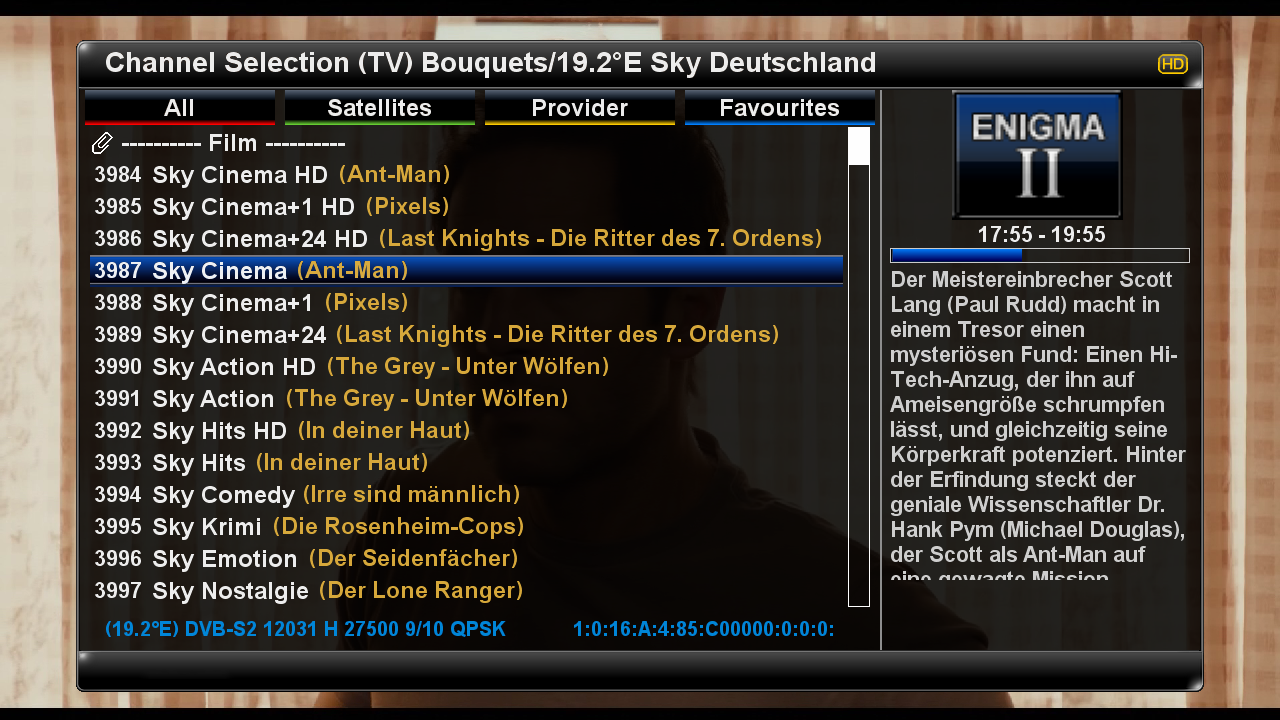
    Satvenus Setings 3.0
    FreeIPTV PandaSat 2.0
    DDplayer 3.29
    Foreca Weather Forecast 3.1.6
    Picture Player
    and more.....


    Emu:
    Mgcamd_1.38
    CCcamd_2.3.0


    Skin:
    Default Skin
    Beyonce_F1


    Code
    http://en.file-upload.net/download-11703756/SatvenusteamBackupDM800se_PowerSat_3.4_OE_2.0bydragec11.nfi.html


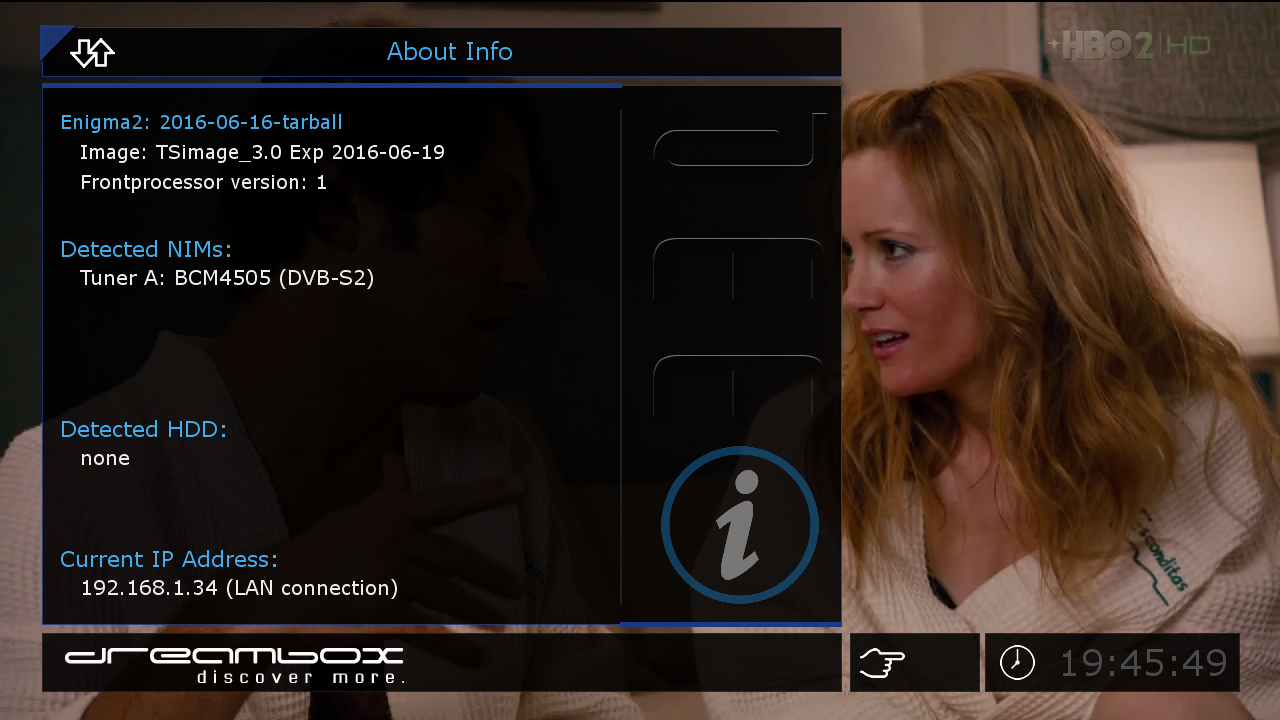
    Satvenus Backup DM800se TSimage 3.0
    by dragec11


    Satvenus E2 Motor Setings 75e_30w
    21.06.2016.


    Bootlogo by dragec11


    Plugins:
    Satvenus Panel 4.5.2 test
    Satvenus Setings 2.0
    FreeIPTV PandaSat 2.0
    DDplayer 3.29
    Temp.Control 1.03
    Picture Player
    and more...


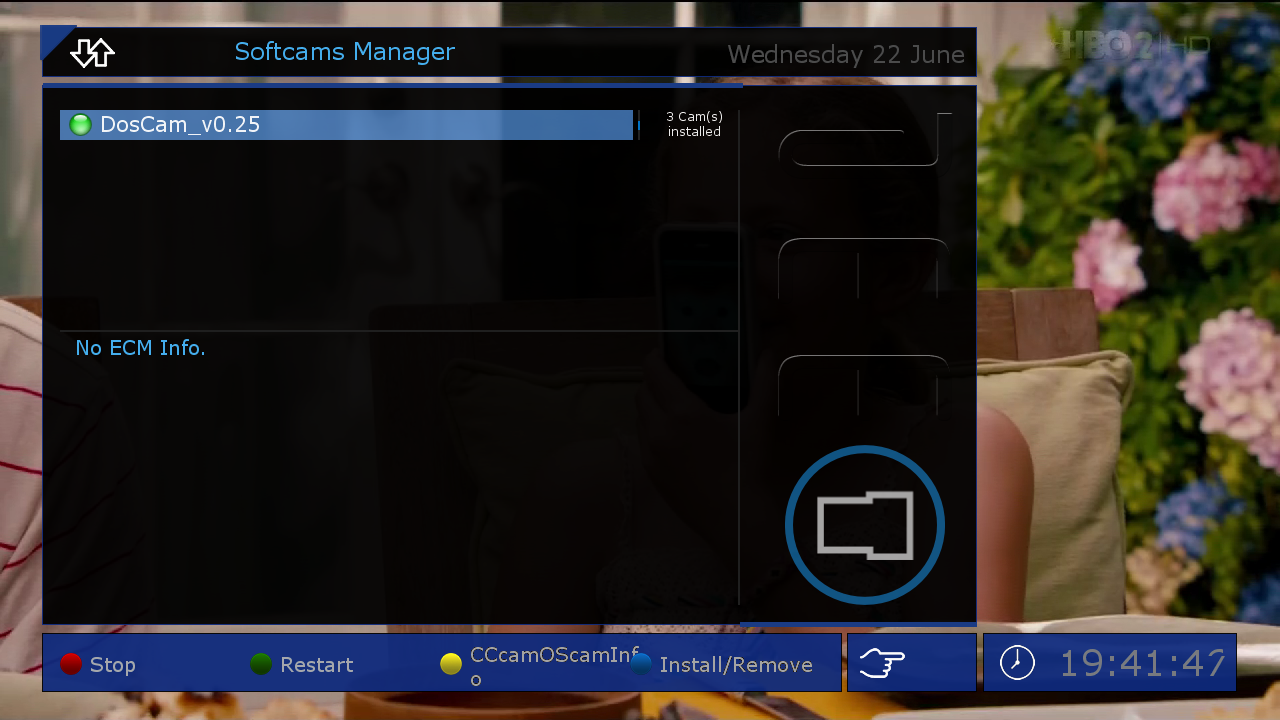
    Emu:
    CCcam_2.0.11
    Mgcamd_1.38c
    DosCam_v0.25


    Skin:
    TS-Dreamy
    TS-MetrixHD
    Default-HD


    Code
    http://en.file-upload.net/download-11700917/SatvenusBackupdm800se_TSimage3.0OE2.0bydragec11.nfi.html


    SatVenus Full Backup Vu+Solo2 OpenPli 4.0 by zvonko67
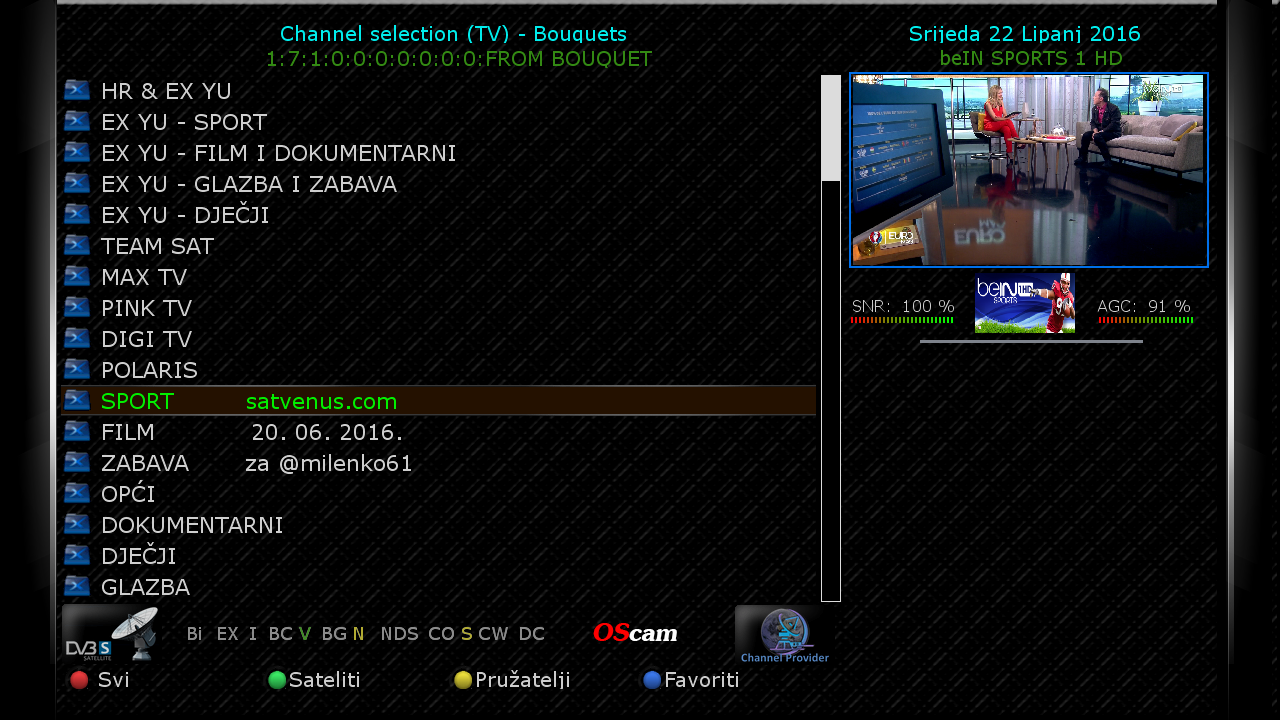


    Bootlogo SatVenus by jopidane


    Satvenus E2 Settings multifeed 39E_0.8W
    20.06.2016


    Picon Default "Satvenus"
    by hoss777


    Emu:

    CCcam 2.2.1
    Mgcamd 1.38c
    Doscam 0.25
    Wicardd 1.19
    Ncam 1.0


    Plugins:


    SatVenus Panel 4.5.1
    SatVenus Settings 3.0
    IPTVPlayer 127.05.05.00
    Free Iptv PAnDaSaT 2.o
    Albatros 4.6
    KodiDirekt 3.1 new updates

    LiveFootBall 6.1 special edition Euro 2016
    LiveSoocer 1.5
    PornHub 0.5 rc3
    Foreca Weather Forecast 3.1.6
    SubsSupport 1.54
    SubsSupport by DD 3.29
    BoxPirates-Key-Updater
    Powervu Key Update
    2boom*s QuickEcmInfo
    TempControl 1.03_Wanted temp. 36*C
    and more.....


    Red button_SatVenus Panel 4.5.1_SatVenus Settings 3.0
    Green button_Plugins Addons
    Yellow button_Audio-Subtitles
    Blue button_Softcam Setup

    Skin:


    Remy_Infinity_FHD
    Pingu_TM HD
    Ard HD
    Bardo HD


    user:root
    password:dreambox


    Download Backup:


    Code
    http://en.file-upload.net/download-11699130/SatVenusTeamFullBackupVuSolo2OpenPli4.0byzvonko67.rar.html


    SatVenus Full Backup Vu+Solo2 HDMU by zvonko67


    Picon Default "Satvenus" by hoss777


    Satvenus E2 Settings motor 75E_30W
    14.06.2016


    Emu:


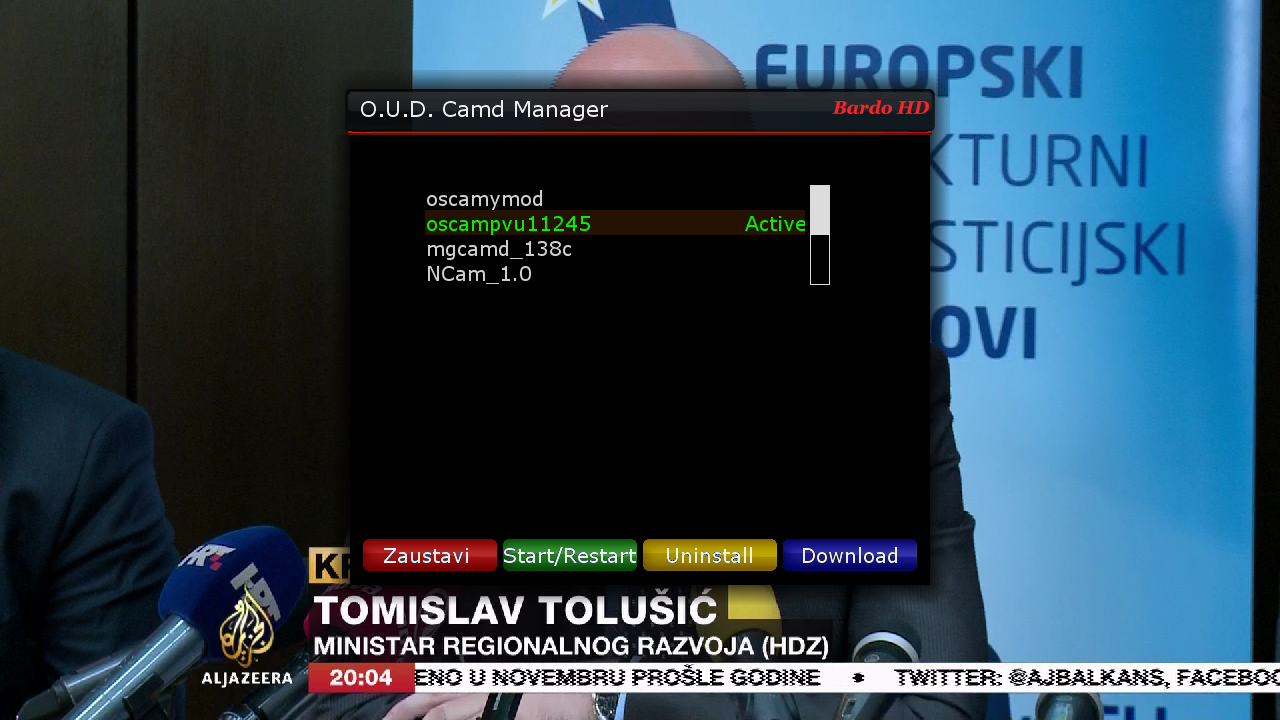
    O.U.D Camd Manager
    CCcam 2.2.1
    Mgcamd 1.38c
    Oscam ymod
    Oscam PowerVu 11245
    Ncam 1.0


    FTP Emu Config:


    oscampowervu
    /usr/oudteam/oscam
    oscamymod
    /usr/oudteam/oscamymod
    cccam221
    /usr/oudteam/cccam/cccam.config
    mgcamd
    /usr/keys/newcamd.list
    ncam1.0
    /etc/tuxbox/config/


    Plugins:


    SatVenus Panel 4.5.1
    SatVenus Settings 3.0
    IPTVPlayer 127.05.05.00
    Free Iptv PAnDaSaT 2.o
    Albatros 4.6
    KodiDirekt 3.1 new updates
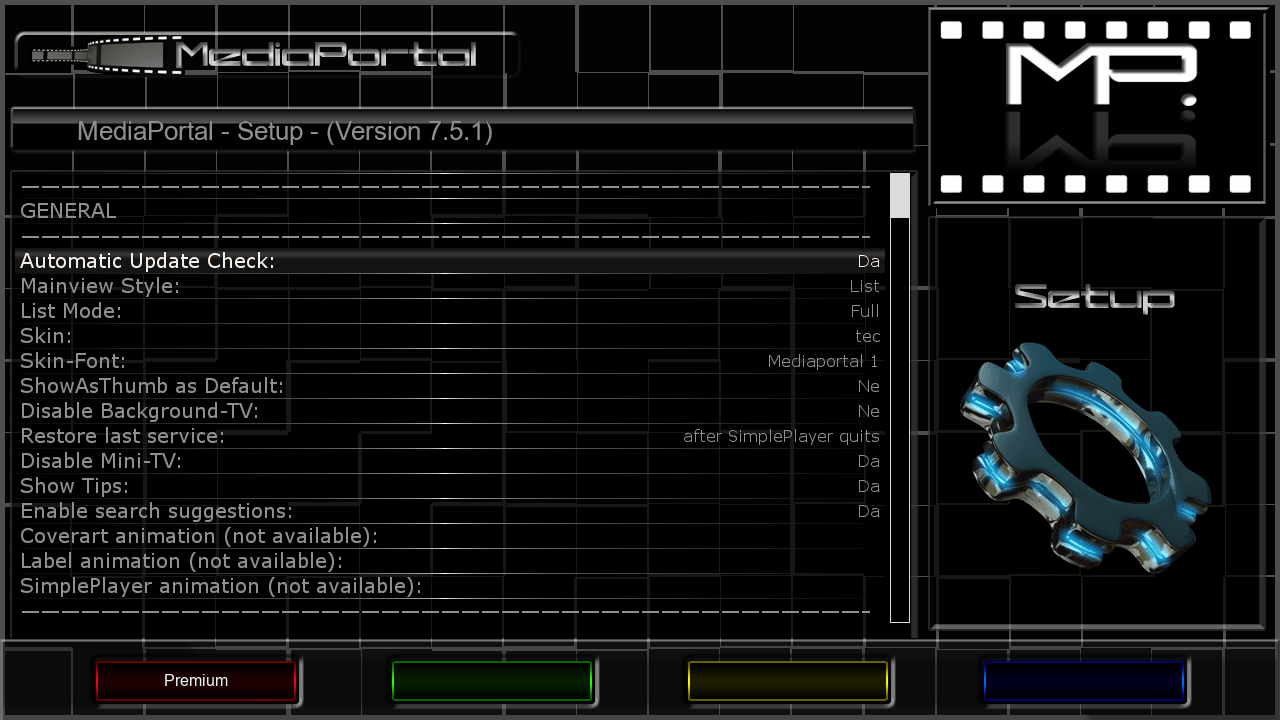
    Mediaportal 7.5.1

    LiveFootBall 6.1 special edition Euro 2016
    SubsSupport 1.54
    SubsSupport by DD 3.29
    BoxPirates-Key-Updater
    Powervu Key Update
    TempControl 1.03_Wanted temp. 36*C
    and more.....


    Red button_SatVenus Panel 4.5.1_SatVenus Settings 3.0
    Yellow button_Audio-Subtitles
    Blue button_O.U.D Camd Manager

    Skin:

    Default
    DARK-BLACKZZ-HD
    Bardo HD


    user:root
    password:HDMU


    Download Backup:


    Quote


    DM500HD: Newnigma2 v4.0.18


    ################################################## ###################
    Newnigma2 team proudly presents:
    Newnigma2 v4.0.18

    ################################################## ###################


    Basics:

    • Enigma2 4.0: 16.06.2016
    • Enigma2 Plugins: 18.06.2016
    • Newnigma2 Plugins: 18.06.2016


    DM 500 HD

    • driver: 16.06.2014
    • secondstage: 84
    • kernel: 3.2.68


    DM 500 HD v2

    • driver: 16.06.2014
    • secondstage: 89
    • kernel: 3.2.68


    changelog E2 16.06.2016:

    • fixed possible crash when seeking forward/backward in media files without subtitles (or internet streams)
    • changed size of config entry progressbars
    • fixed internal log support


    changelog E2 12.06.2016:

    • allow to change text subtitle blackbox transparency for teletext subtitles
    • fixed possible timer sanity check false positives
    • fixed possible crash in CommonInterfaceAssignment plugin
    • manual service scan:
    • always use QPSK Modulation when DVB-S is selection in manual scan
    • moved satellites selection to first position
    • extend blindscan search ranges by +/- 50Mhz for silabs tuner.. its needed because of the internal algo..
    • added workaround for a driver bug in silabs driver blindscan
    • moved modulation before fec
    • fixed blindscan for C-Band
    • faster service scan (shorter SDT timeout)
    • misc/dev stuff
    • enable twisted threads support
    • backported Tools/Log functions from DreamOS
    • allow arbitrary user-agent for HTTPProgressDownloader
    • fixed return value of getInfoObject function for non ts media files


    Multiboot: No support for multiboot. Not planned. No need for such a tool.
    GP3wizard: No support for gp3wizard. Probably not running. Not needed in Newnigma2 environment.


    Important changes:


    1. Install picons on USB-Drives:
    press menu button -> setup -> system -> storage devices -> then press red button for initialize (be carefully all your data will be erased). last step is to mount the device.
    next step: press blue button -> newnigma2 services -> sytsem tools -> expert settings -> change opkg ignore USB/HDD from yes to no. Restart enigma2 und install picons on your usb device.


    2. network configuration:
    If the IP address assigned manually, as well as the address of the DNS server must be entered.
    press menu button -> setup -> system -> network -> adapter settings


    3. install or upgrading:
    before installing/upgrading packages, we now check if at least are 3mb free space in flash.
    ipk's/packages from the newnigma2 team has a value which says the installer the minimum needed space for
    the package. if the min required space is not available than the installation aborts.
    !! Attention enigma2 ipk needs at least 9mb !!


    4. issue due upgrade to v4.0.18:
    if you have troubles by upgrading to v4.0.18 even no 9mb free space for the enigma2 package, so
    you can first upgrade the newnigma2 installer package. After reboot try to upgrade again via gui, the installer
    ignore's now the 9mb needed from the package and uses instead the value you set in
    "blue button -> newnigma2 services -> system tools -> expert settings -> min. free space".


    Wichtige Änderungen:


    1. Picons auf USB-Laufwerken/der internen Festplatte installieren:
    USB-Laufwerk über "Menü > Einstellungen > System > Speichergeräte" initialisieren und anschließend mounten"
    "blaue Taste > Newnigma Services > System Werkzeuge > Experten Einstellungen > Opkg ignoriere USB/HDD = nein > E2 Neustart und anschließend auf USB installieren"


    2. Netzwerk Konfiguration:
    "Menü > Einstellungen > System > Netzwerk > LAN oder WLAN > Adapter Einstellungen"
    Wird die IP-Adresse manuell konfiguriert so muss zwingend auch die Adresse des DNS-Servers eingetragen werden.


    3. Installation oder Update des System:
    Es müssen nun mindestens 3 MB freier Flashspeicher zur Verfügung stehen um Installationen/Updates vorzunehmen.
    Vor Installation eines ipk's vom newnigma2 team, wird geprüft, ob für dieses Paket noch genügend freier Speicher vorhanden ist.
    Sollte das nicht der Fall sein, bricht die Installation ab.
    !!Achtung das enigma2 Paket benötigt min 9MB!!


    4. Bei Problemen mit dem Update auf v4.0.18:
    Sollte das Update auf v4.0.18 nicht funktionieren, weil dem enigma2 Paket keine 9MB zur Verfügung stehen, so ist zuerst der newnigma2 installer zu aktualisieren.
    Nach anschließendem reboot kann man den Upgradevorgang via gui fortsetzen. Dabei wird der Check des freien Speichers beim Upgrade auf den Wert gesetzt, der unter
    "blaue Taste -> Newnigma Services -> System Werkzeuge -> Experten Einstellungen -> min. free space" eingestellt ist.


    Your
    Newnigma2 Team


    Image:


    LEAN-Image:


    DM500HD v2: Newnigma2 v4.0.18


    ################################################## ###################
    Newnigma2 team proudly presents:
    Newnigma2 v4.0.18

    ################################################## ###################


    Basics:


    • Enigma2 4.0: 16.06.2016
    • Enigma2 Plugins: 18.06.2016
    • Newnigma2 Plugins: 18.06.2016


    DM 500 HD


    • driver: 16.06.2014
    • secondstage: 84
    • kernel: 3.2.68


    DM 500 HD v2


    • driver: 16.06.2014
    • secondstage: 89
    • kernel: 3.2.68


    changelog E2 16.06.2016:


    • fixed possible crash when seeking forward/backward in media files without subtitles (or internet streams)
    • changed size of config entry progressbars
    • fixed internal log support


    changelog E2 12.06.2016:


    • allow to change text subtitle blackbox transparency for teletext subtitles
    • fixed possible timer sanity check false positives
    • fixed possible crash in CommonInterfaceAssignment plugin
    • manual service scan:
    • always use QPSK Modulation when DVB-S is selection in manual scan
    • moved satellites selection to first position
    • extend blindscan search ranges by +/- 50Mhz for silabs tuner.. its needed because of the internal algo..
    • added workaround for a driver bug in silabs driver blindscan
    • moved modulation before fec
    • fixed blindscan for C-Band
    • faster service scan (shorter SDT timeout)
    • misc/dev stuff
    • enable twisted threads support
    • backported Tools/Log functions from DreamOS
    • allow arbitrary user-agent for HTTPProgressDownloader
    • fixed return value of getInfoObject function for non ts media files


    Multiboot: No support for multiboot. Not planned. No need for such a tool.
    GP3wizard: No support for gp3wizard. Probably not running. Not needed in Newnigma2 environment.


    Important changes:


    1. Install picons on USB-Drives:
    press menu button -> setup -> system -> storage devices -> then press red button for initialize (be carefully all your data will be erased). last step is to mount the device.
    next step: press blue button -> newnigma2 services -> sytsem tools -> expert settings -> change opkg ignore USB/HDD from yes to no. Restart enigma2 und install picons on your usb device.


    2. network configuration:
    If the IP address assigned manually, as well as the address of the DNS server must be entered.
    press menu button -> setup -> system -> network -> adapter settings


    3. install or upgrading:
    before installing/upgrading packages, we now check if at least are 3mb free space in flash.
    ipk's/packages from the newnigma2 team has a value which says the installer the minimum needed space for
    the package. if the min required space is not available than the installation aborts.
    !! Attention enigma2 ipk needs at least 9mb !!


    4. issue due upgrade to v4.0.18:
    if you have troubles by upgrading to v4.0.18 even no 9mb free space for the enigma2 package, so
    you can first upgrade the newnigma2 installer package. After reboot try to upgrade again via gui, the installer
    ignore's now the 9mb needed from the package and uses instead the value you set in
    "blue button -> newnigma2 services -> system tools -> expert settings -> min. free space".


    Wichtige Änderungen:


    1. Picons auf USB-Laufwerken/der internen Festplatte installieren:
    USB-Laufwerk über "Menü > Einstellungen > System > Speichergeräte" initialisieren und anschließend mounten"
    "blaue Taste > Newnigma Services > System Werkzeuge > Experten Einstellungen > Opkg ignoriere USB/HDD = nein > E2 Neustart und anschließend auf USB installieren"


    2. Netzwerk Konfiguration:
    "Menü > Einstellungen > System > Netzwerk > LAN oder WLAN > Adapter Einstellungen"
    Wird die IP-Adresse manuell konfiguriert so muss zwingend auch die Adresse des DNS-Servers eingetragen werden.


    3. Installation oder Update des System:
    Es müssen nun mindestens 3 MB freier Flashspeicher zur Verfügung stehen um Installationen/Updates vorzunehmen.
    Vor Installation eines ipk's vom newnigma2 team, wird geprüft, ob für dieses Paket noch genügend freier Speicher vorhanden ist.
    Sollte das nicht der Fall sein, bricht die Installation ab.
    !!Achtung das enigma2 Paket benötigt min 9MB!!


    4. Bei Problemen mit dem Update auf v4.0.18:
    Sollte das Update auf v4.0.18 nicht funktionieren, weil dem enigma2 Paket keine 9MB zur Verfügung stehen, so ist zuerst der newnigma2 installer zu aktualisieren.
    Nach anschließendem reboot kann man den Upgradevorgang via gui fortsetzen. Dabei wird der Check des freien Speichers beim Upgrade auf den Wert gesetzt, der unter
    "blaue Taste -> Newnigma Services -> System Werkzeuge -> Experten Einstellungen -> min. free space" eingestellt ist.


    Your
    Newnigma2 Team


    Image:


    DM 8000 HD PVR: Newnigma2 v4.0.18


    ################################################## ###################
    Newnigma2 team proudly presents:
    Newnigma2 v4.0.18

    ################################################## ###################


    Basics:

    • Enigma2 4.0: 16.06.2016
    • Enigma2 Plugins: 18.06.2016
    • Newnigma2 Plugins: 18.06.2016


    DM 8000 HD PVR

    • driver: 04.06.2014
    • secondstage: 84
    • kernel: 3.2.68


    changelog E2 16.06.2016:

    • fixed possible crash when seeking forward/backward in media files without subtitles (or internet streams)
    • changed size of config entry progressbars
    • fixed internal log support


    changelog E2 12.06.2016:

    • allow to change text subtitle blackbox transparency for teletext subtitles
    • fixed possible timer sanity check false positives
    • fixed possible crash in CommonInterfaceAssignment plugin
    • manual service scan:
    • always use QPSK Modulation when DVB-S is selection in manual scan
    • moved satellites selection to first position
    • extend blindscan search ranges by +/- 50Mhz for silabs tuner.. its needed because of the internal algo..
    • added workaround for a driver bug in silabs driver blindscan
    • moved modulation before fec
    • fixed blindscan for C-Band
    • faster service scan (shorter SDT timeout)
    • misc/dev stuff
    • enable twisted threads support
    • backported Tools/Log functions from DreamOS
    • allow arbitrary user-agent for HTTPProgressDownloader
    • fixed return value of getInfoObject function for non ts media files


    Multiboot: No support for multiboot. Not planned. No need for such a tool.
    GP3wizard: No support for gp3wizard. Probably not running. Not needed in Newnigma2 environment.


    Important changes:


    1. Install picons on USB-Drives:
    press menu button -> setup -> system -> storage devices -> then press red button for initialize (be carefully all your data will be erased). last step is to mount the device.
    next step: press blue button -> newnigma2 services -> sytsem tools -> expert settings -> change opkg ignore USB/HDD from yes to no. Restart enigma2 und install picons on your usb device.


    2. network configuration:
    If the IP address assigned manually, as well as the address of the DNS server must be entered.
    press menu button -> setup -> system -> network -> adapter settings


    3. install or upgrading:
    before installing/upgrading packages, we now check if at least are 3mb free space in flash.
    ipk's/packages from the newnigma2 team has a value which says the installer the minimum needed space for
    the package. if the min required space is not available than the installation aborts.
    !! Attention enigma2 ipk needs at least 9mb !!


    4. issue due upgrade to v4.0.18:
    if you have troubles by upgrading to v4.0.18 even no 9mb free space for the enigma2 package, so
    you can first upgrade the newnigma2 installer package. After reboot try to upgrade again via gui, the installer
    ignore's now the 9mb needed from the package and uses instead the value you set in
    "blue button -> newnigma2 services -> system tools -> expert settings -> min. free space".


    Wichtige Änderungen:


    1. Picons auf USB-Laufwerken/der internen Festplatte installieren:
    USB-Laufwerk über "Menü > Einstellungen > System > Speichergeräte" initialisieren und anschließend mounten"
    "blaue Taste > Newnigma Services > System Werkzeuge > Experten Einstellungen > Opkg ignoriere USB/HDD = nein > E2 Neustart und anschließend auf USB installieren"


    2. Netzwerk Konfiguration:
    "Menü > Einstellungen > System > Netzwerk > LAN oder WLAN > Adapter Einstellungen"
    Wird die IP-Adresse manuell konfiguriert so muss zwingend auch die Adresse des DNS-Servers eingetragen werden.


    3. Installation oder Update des System:
    Es müssen nun mindestens 3 MB freier Flashspeicher zur Verfügung stehen um Installationen/Updates vorzunehmen.
    Vor Installation eines ipk's vom newnigma2 team, wird geprüft, ob für dieses Paket noch genügend freier Speicher vorhanden ist.
    Sollte das nicht der Fall sein, bricht die Installation ab.
    !!Achtung das enigma2 Paket benötigt min 9MB!!


    4. Bei Problemen mit dem Update auf v4.0.18:
    Sollte das Update auf v4.0.18 nicht funktionieren, weil dem enigma2 Paket keine 9MB zur Verfügung stehen, so ist zuerst der newnigma2 installer zu aktualisieren.
    Nach anschließendem reboot kann man den Upgradevorgang via gui fortsetzen. Dabei wird der Check des freien Speichers beim Upgrade auf den Wert gesetzt, der unter
    "blaue Taste -> Newnigma Services -> System Werkzeuge -> Experten Einstellungen -> min. free space" eingestellt ist.


    Your
    Newnigma2 Team


    Image:


    DM 800 HD se: Newnigma2 v4.0.18


    ################################################## ###################
    Newnigma2 team proudly presents:
    Newnigma2 v4.0.18

    ################################################## ###################


    Basics:

    • Enigma2 4.0: 16.06.2016
    • Enigma2 Plugins: 18.06.2016
    • Newnigma2 Plugins: 18.06.2016


    DM 800 HD se

    • driver: 02.12.2015
    • secondstage: 84
    • kernel 3.2.68


    DM 800 HD se v2

    • driver: 02.12.2015
    • secondstage: 89
    • kernel 3.2.68


    changelog E2 16.06.2016:

    • fixed possible crash when seeking forward/backward in media files without subtitles (or internet streams)
    • changed size of config entry progressbars
    • fixed internal log support


    changelog E2 12.06.2016:

    • allow to change text subtitle blackbox transparency for teletext subtitles
    • fixed possible timer sanity check false positives
    • fixed possible crash in CommonInterfaceAssignment plugin
    • manual service scan:
    • always use QPSK Modulation when DVB-S is selection in manual scan
    • moved satellites selection to first position
    • extend blindscan search ranges by +/- 50Mhz for silabs tuner.. its needed because of the internal algo..
    • added workaround for a driver bug in silabs driver blindscan
    • moved modulation before fec
    • fixed blindscan for C-Band
    • faster service scan (shorter SDT timeout)
    • misc/dev stuff
    • enable twisted threads support
    • backported Tools/Log functions from DreamOS
    • allow arbitrary user-agent for HTTPProgressDownloader
    • fixed return value of getInfoObject function for non ts media files


    Multiboot: No support for multiboot. Not planned. No need for such a tool.
    GP3wizard: No support for gp3wizard. Probably not running. Not needed in Newnigma2 environment.


    Important changes:


    1. Install picons on USB-Drives:
    press menu button -> setup -> system -> storage devices -> then press red button for initialize (be carefully all your data will be erased). last step is to mount the device.
    next step: press blue button -> newnigma2 services -> sytsem tools -> expert settings -> change opkg ignore USB/HDD from yes to no. Restart enigma2 und install picons on your usb device.


    2. network configuration:
    If the IP address assigned manually, as well as the address of the DNS server must be entered.
    press menu button -> setup -> system -> network -> adapter settings


    3. install or upgrading:
    before installing/upgrading packages, we now check if at least are 3mb free space in flash.
    ipk's/packages from the newnigma2 team has a value which says the installer the minimum needed space for
    the package. if the min required space is not available than the installation aborts.
    !! Attention enigma2 ipk needs at least 9mb !!


    4. issue due upgrade to v4.0.18:
    if you have troubles by upgrading to v4.0.18 even no 9mb free space for the enigma2 package, so
    you can first upgrade the newnigma2 installer package. After reboot try to upgrade again via gui, the installer
    ignore's now the 9mb needed from the package and uses instead the value you set in
    "blue button -> newnigma2 services -> system tools -> expert settings -> min. free space".


    Wichtige Änderungen:


    1. Picons auf USB-Laufwerken/der internen Festplatte installieren:
    USB-Laufwerk über "Menü > Einstellungen > System > Speichergeräte" initialisieren und anschließend mounten"
    "blaue Taste > Newnigma Services > System Werkzeuge > Experten Einstellungen > Opkg ignoriere USB/HDD = nein > E2 Neustart und anschließend auf USB installieren"


    2. Netzwerk Konfiguration:
    "Menü > Einstellungen > System > Netzwerk > LAN oder WLAN > Adapter Einstellungen"
    Wird die IP-Adresse manuell konfiguriert so muss zwingend auch die Adresse des DNS-Servers eingetragen werden.


    3. Installation oder Update des System:
    Es müssen nun mindestens 3 MB freier Flashspeicher zur Verfügung stehen um Installationen/Updates vorzunehmen.
    Vor Installation eines ipk's vom newnigma2 team, wird geprüft, ob für dieses Paket noch genügend freier Speicher vorhanden ist.
    Sollte das nicht der Fall sein, bricht die Installation ab.
    !!Achtung das enigma2 Paket benötigt min 9MB!!


    4. Bei Problemen mit dem Update auf v4.0.18:
    Sollte das Update auf v4.0.18 nicht funktionieren, weil dem enigma2 Paket keine 9MB zur Verfügung stehen, so ist zuerst der newnigma2 installer zu aktualisieren.
    Nach anschließendem reboot kann man den Upgradevorgang via gui fortsetzen. Dabei wird der Check des freien Speichers beim Upgrade auf den Wert gesetzt, der unter
    "blaue Taste -> Newnigma Services -> System Werkzeuge -> Experten Einstellungen -> min. free space" eingestellt ist.


    Your
    Newnigma2 Team


    Image:


    LEAN-Image:


    DM 800 HD se v2: Newnigma2 v4.0.18


    ################################################## ###################
    Newnigma2 team proudly presents:
    Newnigma2 v4.0.18

    ################################################## ###################


    Basics:


    • Enigma2 4.0: 16.06.2016
    • Enigma2 Plugins: 18.06.2016
    • Newnigma2 Plugins: 18.06.2016


    DM 800 HD se


    • driver: 02.12.2015
    • secondstage: 84
    • kernel 3.2.68


    DM 800 HD se v2


    • driver: 02.12.2015
    • secondstage: 89
    • kernel 3.2.68


    changelog E2 16.06.2016:


    • fixed possible crash when seeking forward/backward in media files without subtitles (or internet streams)
    • changed size of config entry progressbars
    • fixed internal log support


    changelog E2 12.06.2016:


    • allow to change text subtitle blackbox transparency for teletext subtitles
    • fixed possible timer sanity check false positives
    • fixed possible crash in CommonInterfaceAssignment plugin
    • manual service scan:
    • always use QPSK Modulation when DVB-S is selection in manual scan
    • moved satellites selection to first position
    • extend blindscan search ranges by +/- 50Mhz for silabs tuner.. its needed because of the internal algo..
    • added workaround for a driver bug in silabs driver blindscan
    • moved modulation before fec
    • fixed blindscan for C-Band
    • faster service scan (shorter SDT timeout)
    • misc/dev stuff
    • enable twisted threads support
    • backported Tools/Log functions from DreamOS
    • allow arbitrary user-agent for HTTPProgressDownloader
    • fixed return value of getInfoObject function for non ts media files


    Multiboot: No support for multiboot. Not planned. No need for such a tool.
    GP3wizard: No support for gp3wizard. Probably not running. Not needed in Newnigma2 environment.


    Important changes:


    1. Install picons on USB-Drives:
    press menu button -> setup -> system -> storage devices -> then press red button for initialize (be carefully all your data will be erased). last step is to mount the device.
    next step: press blue button -> newnigma2 services -> sytsem tools -> expert settings -> change opkg ignore USB/HDD from yes to no. Restart enigma2 und install picons on your usb device.


    2. network configuration:
    If the IP address assigned manually, as well as the address of the DNS server must be entered.
    press menu button -> setup -> system -> network -> adapter settings


    3. install or upgrading:
    before installing/upgrading packages, we now check if at least are 3mb free space in flash.
    ipk's/packages from the newnigma2 team has a value which says the installer the minimum needed space for
    the package. if the min required space is not available than the installation aborts.
    !! Attention enigma2 ipk needs at least 9mb !!


    4. issue due upgrade to v4.0.18:
    if you have troubles by upgrading to v4.0.18 even no 9mb free space for the enigma2 package, so
    you can first upgrade the newnigma2 installer package. After reboot try to upgrade again via gui, the installer
    ignore's now the 9mb needed from the package and uses instead the value you set in
    "blue button -> newnigma2 services -> system tools -> expert settings -> min. free space".


    Wichtige Änderungen:


    1. Picons auf USB-Laufwerken/der internen Festplatte installieren:
    USB-Laufwerk über "Menü > Einstellungen > System > Speichergeräte" initialisieren und anschließend mounten"
    "blaue Taste > Newnigma Services > System Werkzeuge > Experten Einstellungen > Opkg ignoriere USB/HDD = nein > E2 Neustart und anschließend auf USB installieren"


    2. Netzwerk Konfiguration:
    "Menü > Einstellungen > System > Netzwerk > LAN oder WLAN > Adapter Einstellungen"
    Wird die IP-Adresse manuell konfiguriert so muss zwingend auch die Adresse des DNS-Servers eingetragen werden.


    3. Installation oder Update des System:
    Es müssen nun mindestens 3 MB freier Flashspeicher zur Verfügung stehen um Installationen/Updates vorzunehmen.
    Vor Installation eines ipk's vom newnigma2 team, wird geprüft, ob für dieses Paket noch genügend freier Speicher vorhanden ist.
    Sollte das nicht der Fall sein, bricht die Installation ab.
    !!Achtung das enigma2 Paket benötigt min 9MB!!


    4. Bei Problemen mit dem Update auf v4.0.18:
    Sollte das Update auf v4.0.18 nicht funktionieren, weil dem enigma2 Paket keine 9MB zur Verfügung stehen, so ist zuerst der newnigma2 installer zu aktualisieren.
    Nach anschließendem reboot kann man den Upgradevorgang via gui fortsetzen. Dabei wird der Check des freien Speichers beim Upgrade auf den Wert gesetzt, der unter
    "blaue Taste -> Newnigma Services -> System Werkzeuge -> Experten Einstellungen -> min. free space" eingestellt ist.


    Your
    Newnigma2 Team


    Image:


    DM 800 HD PVR: Newnigma2 v4.0.18


    ################################################## ###################
    Newnigma2 team proudly presents:
    Newnigma2 v4.0.18

    ################################################## ###################


    Basics:

    • Enigma2 4.0: 16.06.2016
    • Enigma2 Plugins: 18.06.2016
    • Newnigma2 Plugins: 18.06.2016


    DM 800 HD PVR

    • driver: 28.12.2013
    • secondstage: 84
    • kernel: 2.6.18


    changelog E2 16.06.2016:

    • fixed possible crash when seeking forward/backward in media files without subtitles (or internet streams)
    • changed size of config entry progressbars
    • fixed internal log support


    changelog E2 12.06.2016:

    • allow to change text subtitle blackbox transparency for teletext subtitles
    • fixed possible timer sanity check false positives
    • fixed possible crash in CommonInterfaceAssignment plugin
    • manual service scan:
    • always use QPSK Modulation when DVB-S is selection in manual scan
    • moved satellites selection to first position
    • extend blindscan search ranges by +/- 50Mhz for silabs tuner.. its needed because of the internal algo..
    • added workaround for a driver bug in silabs driver blindscan
    • moved modulation before fec
    • fixed blindscan for C-Band
    • faster service scan (shorter SDT timeout)
    • misc/dev stuff
    • enable twisted threads support
    • backported Tools/Log functions from DreamOS
    • allow arbitrary user-agent for HTTPProgressDownloader
    • fixed return value of getInfoObject function for non ts media files


    Multiboot: No support for multiboot. Not planned. No need for such a tool.
    GP3wizard: No support for gp3wizard. Probably not running. Not needed in Newnigma2 environment.


    Important changes:


    1. Install picons on USB-Drives:
    press menu button -> setup -> system -> storage devices -> then press red button for initialize (be carefully all your data will be erased). last step is to mount the device.
    next step: press blue button -> newnigma2 services -> sytsem tools -> expert settings -> change opkg ignore USB/HDD from yes to no. Restart enigma2 und install picons on your usb device.


    2. network configuration:
    If the IP address assigned manually, as well as the address of the DNS server must be entered.
    press menu button -> setup -> system -> network -> adapter settings


    3. install or upgrading:
    before installing/upgrading packages, we now check if at least are 3mb free space in flash.
    ipk's/packages from the newnigma2 team has a value which says the installer the minimum needed space for
    the package. if the min required space is not available than the installation aborts.
    !! Attention enigma2 ipk needs at least 9mb !!


    4. issue due upgrade to v4.0.18:
    if you have troubles by upgrading to v4.0.18 even no 9mb free space for the enigma2 package, so
    you can first upgrade the newnigma2 installer package. After reboot try to upgrade again via gui, the installer
    ignore's now the 9mb needed from the package and uses instead the value you set in
    "blue button -> newnigma2 services -> system tools -> expert settings -> min. free space".


    Wichtige Änderungen:


    1. Picons auf USB-Laufwerken/der internen Festplatte installieren:
    USB-Laufwerk über "Menü > Einstellungen > System > Speichergeräte" initialisieren und anschließend mounten"
    "blaue Taste > Newnigma Services > System Werkzeuge > Experten Einstellungen > Opkg ignoriere USB/HDD = nein > E2 Neustart und anschließend auf USB installieren"


    2. Netzwerk Konfiguration:
    "Menü > Einstellungen > System > Netzwerk > LAN oder WLAN > Adapter Einstellungen"
    Wird die IP-Adresse manuell konfiguriert so muss zwingend auch die Adresse des DNS-Servers eingetragen werden.


    3. Installation oder Update des System:
    Es müssen nun mindestens 3 MB freier Flashspeicher zur Verfügung stehen um Installationen/Updates vorzunehmen.
    Vor Installation eines ipk's vom newnigma2 team, wird geprüft, ob für dieses Paket noch genügend freier Speicher vorhanden ist.
    Sollte das nicht der Fall sein, bricht die Installation ab.
    !!Achtung das enigma2 Paket benötigt min 9MB!!


    4. Bei Problemen mit dem Update auf v4.0.18:
    Sollte das Update auf v4.0.18 nicht funktionieren, weil dem enigma2 Paket keine 9MB zur Verfügung stehen, so ist zuerst der newnigma2 installer zu aktualisieren.
    Nach anschließendem reboot kann man den Upgradevorgang via gui fortsetzen. Dabei wird der Check des freien Speichers beim Upgrade auf den Wert gesetzt, der unter
    "blaue Taste -> Newnigma Services -> System Werkzeuge -> Experten Einstellungen -> min. free space" eingestellt ist.


    Your
    Newnigma2 Team


    Image: