Posts by zvonko67

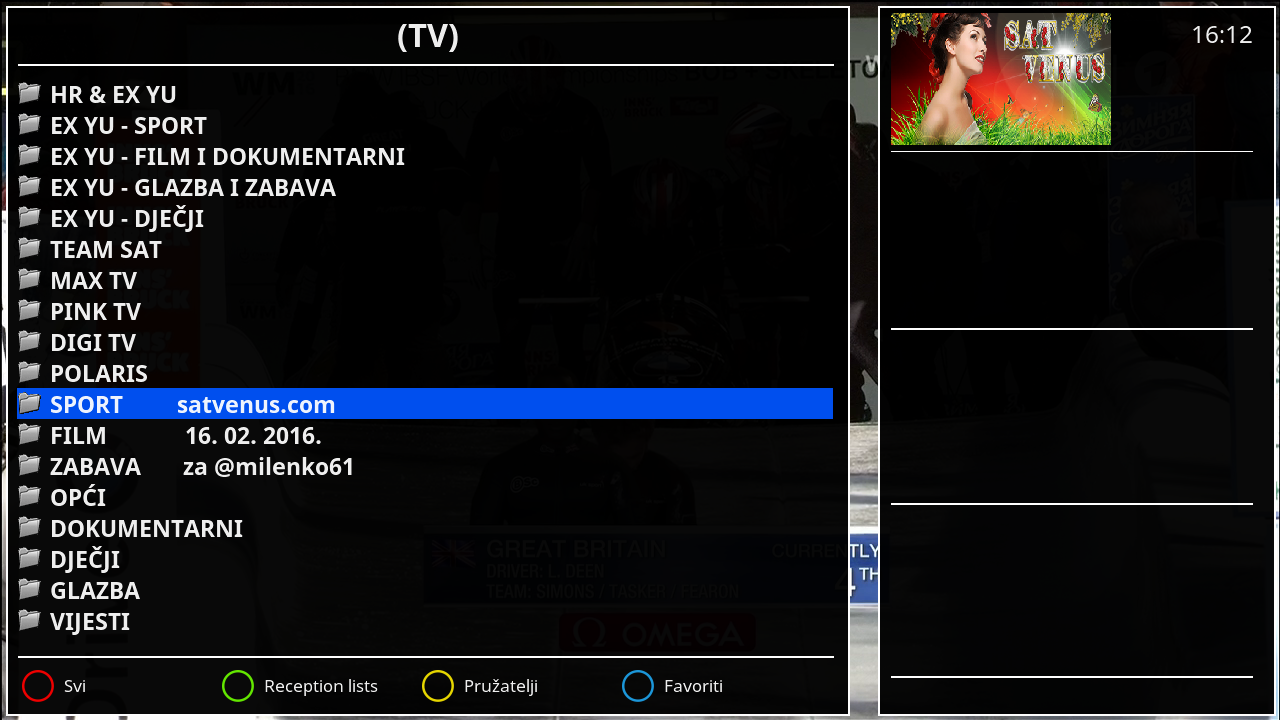
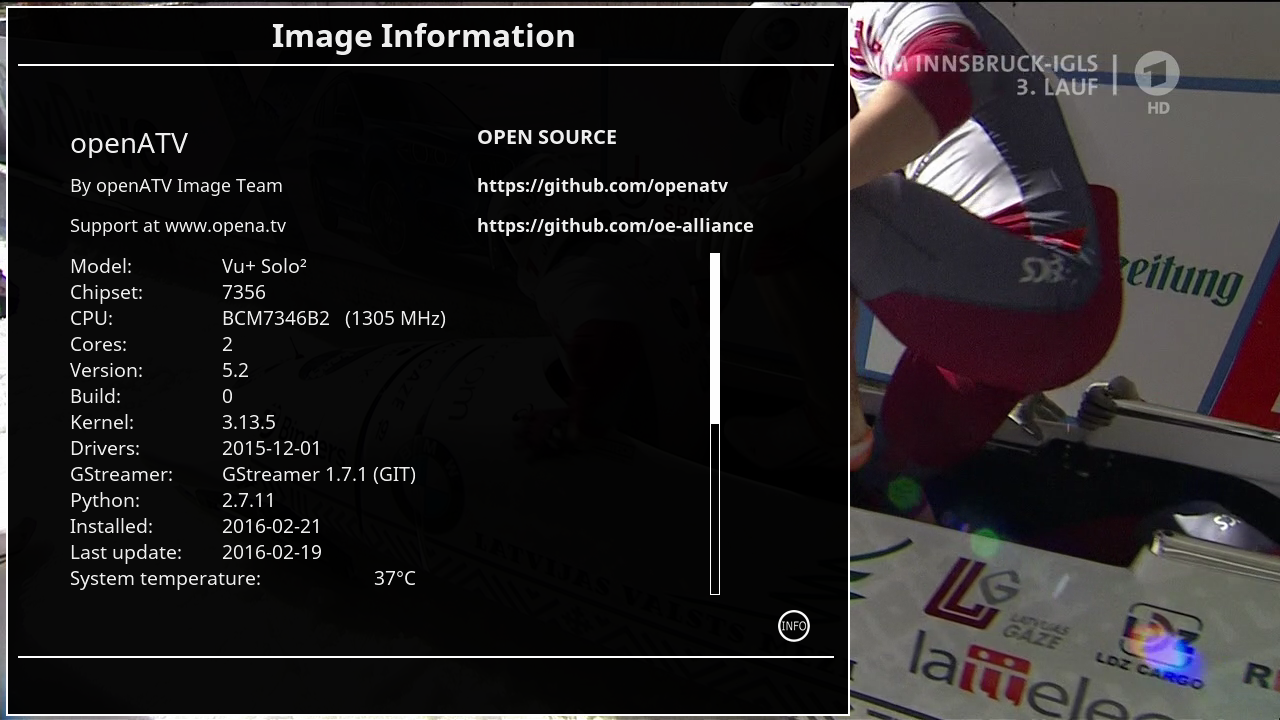
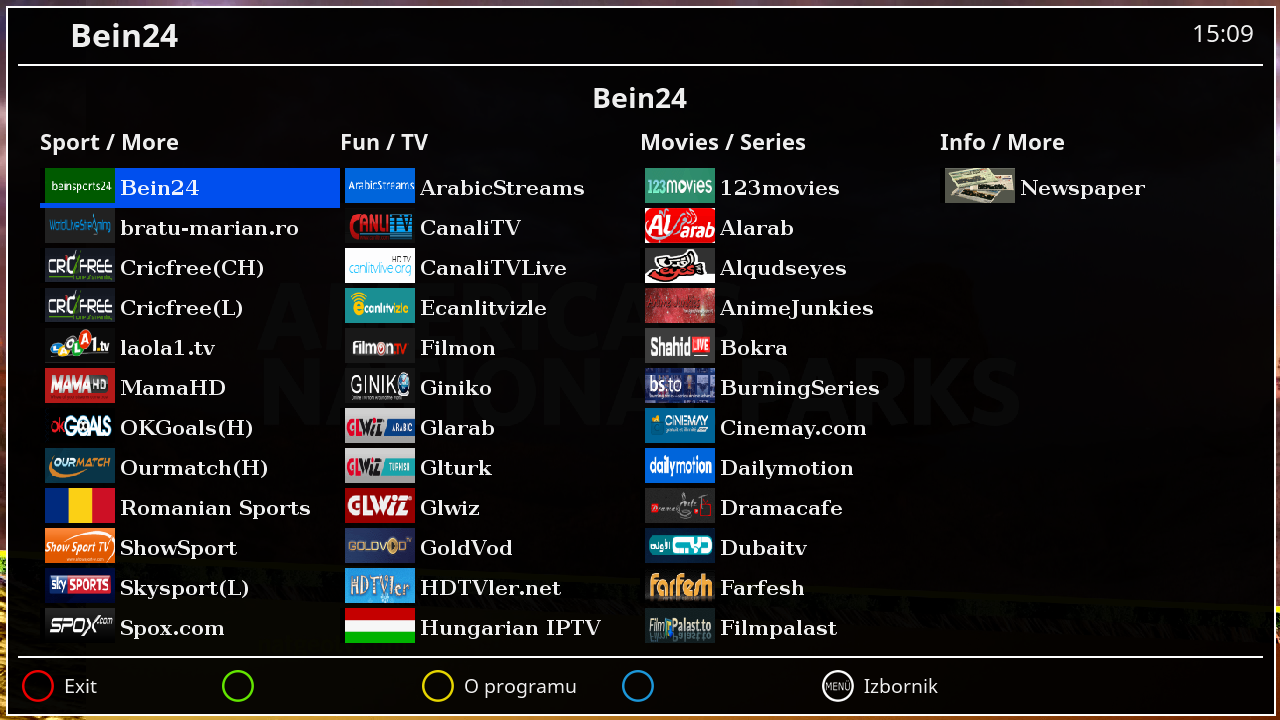
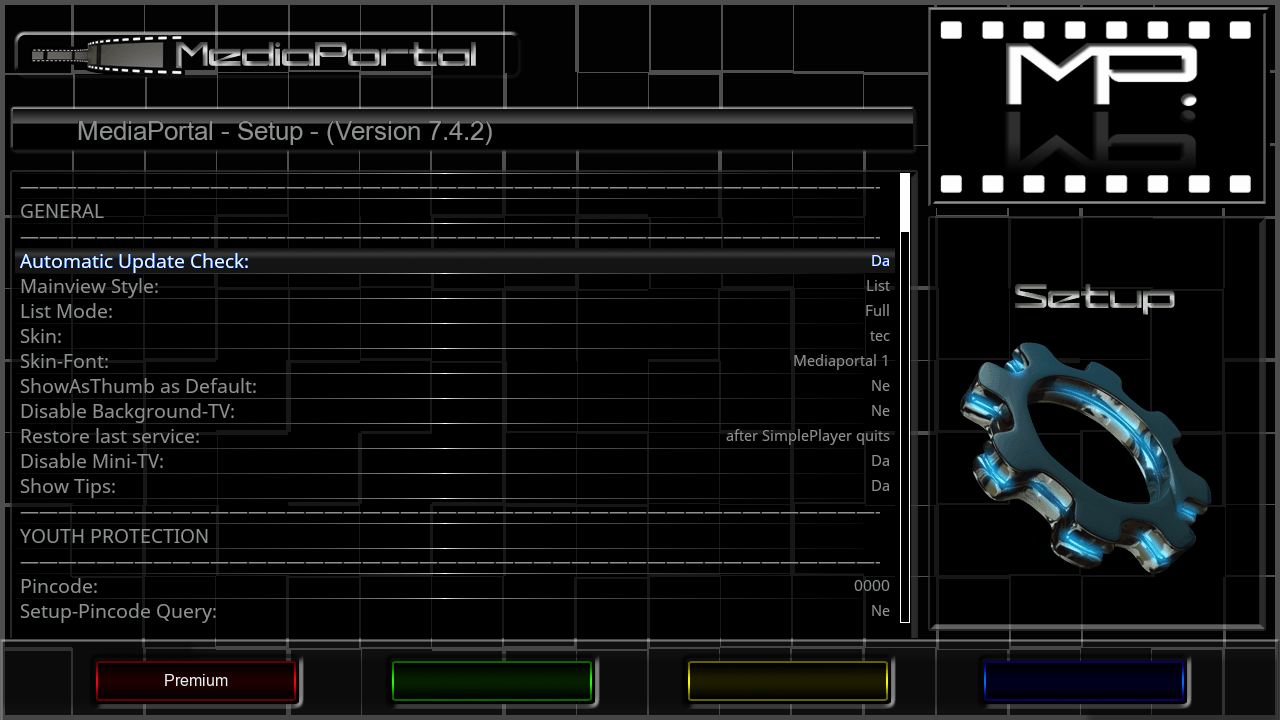
    Satvenus Team Full Backup VU+Solo2 OpenAtv 5.2 by zvonko67


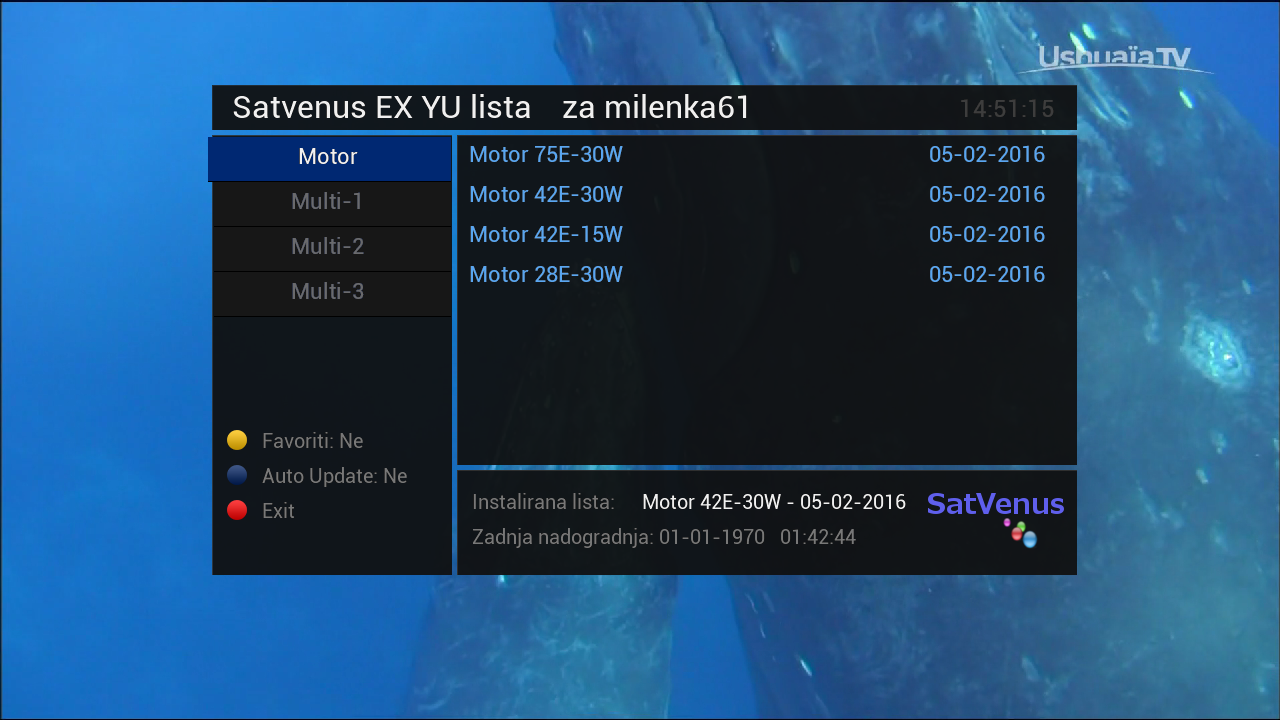
    Satvenus Bootlogo by @gusar


    Satvenus E2 Settings motor 75E_30W
    16.02.2015


    Emu:


    CCcam 2.0.11
    CCcam 2.3.0
    Mgcamd 1.38d
    Wicard 1.19
    Doscam 0.25


    Plugins:


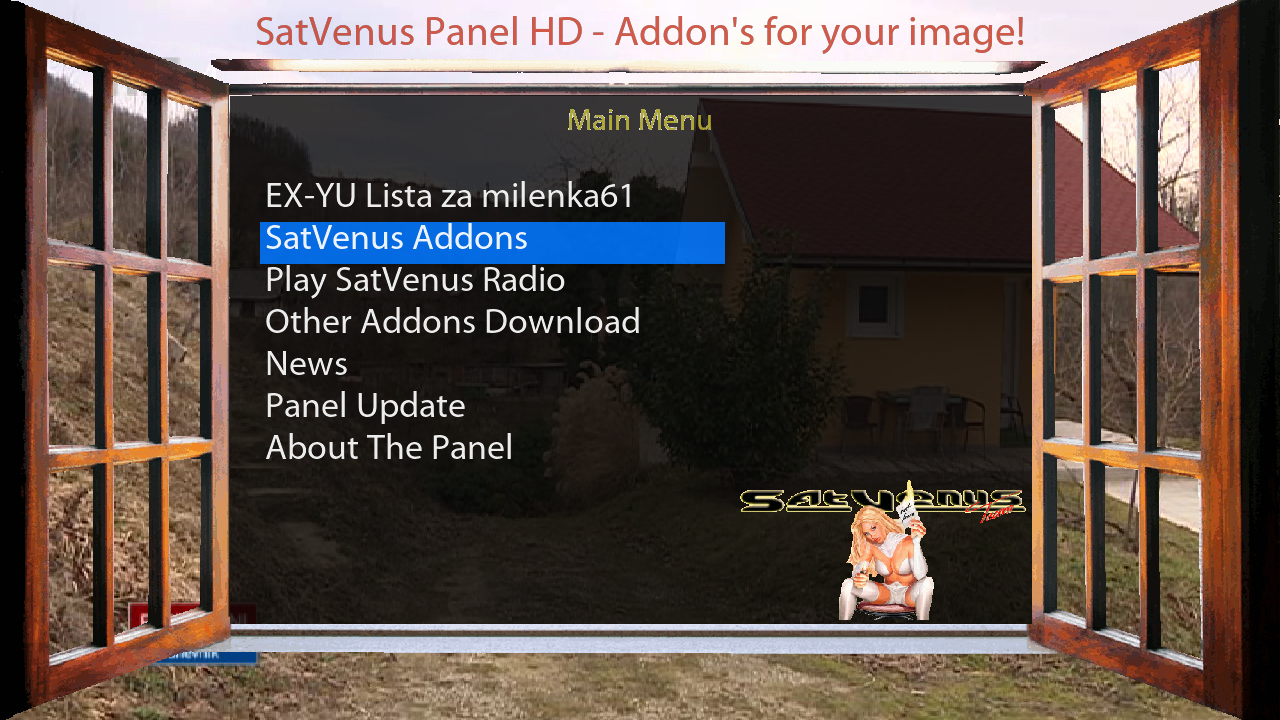
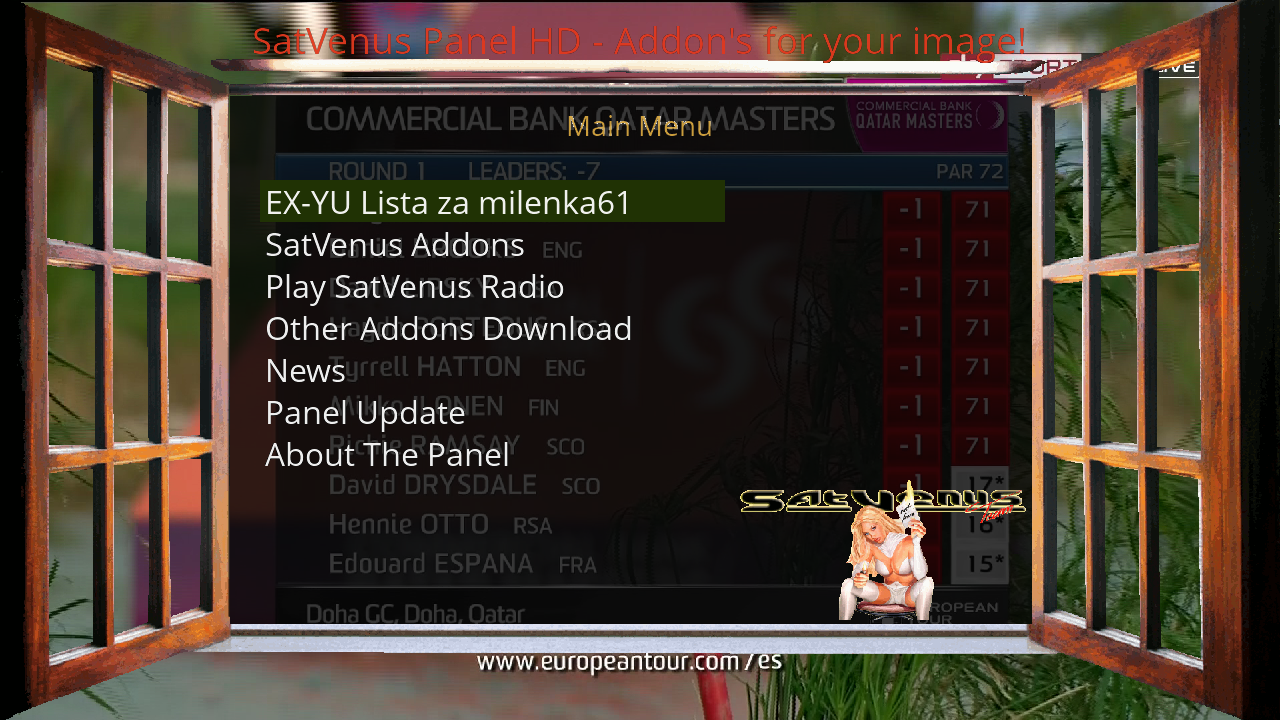
    Satvenus Panel 4.1
    SatVenusSettings 2.0
    KodiDirekt new update 3.0
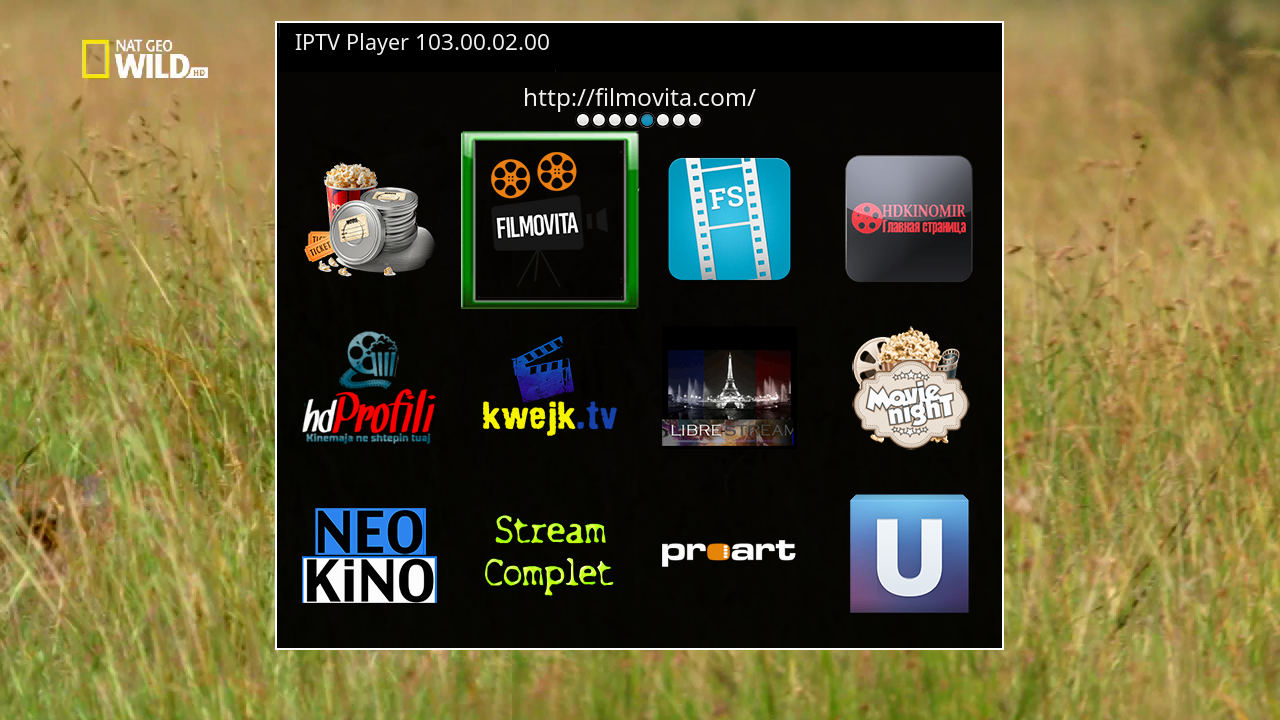
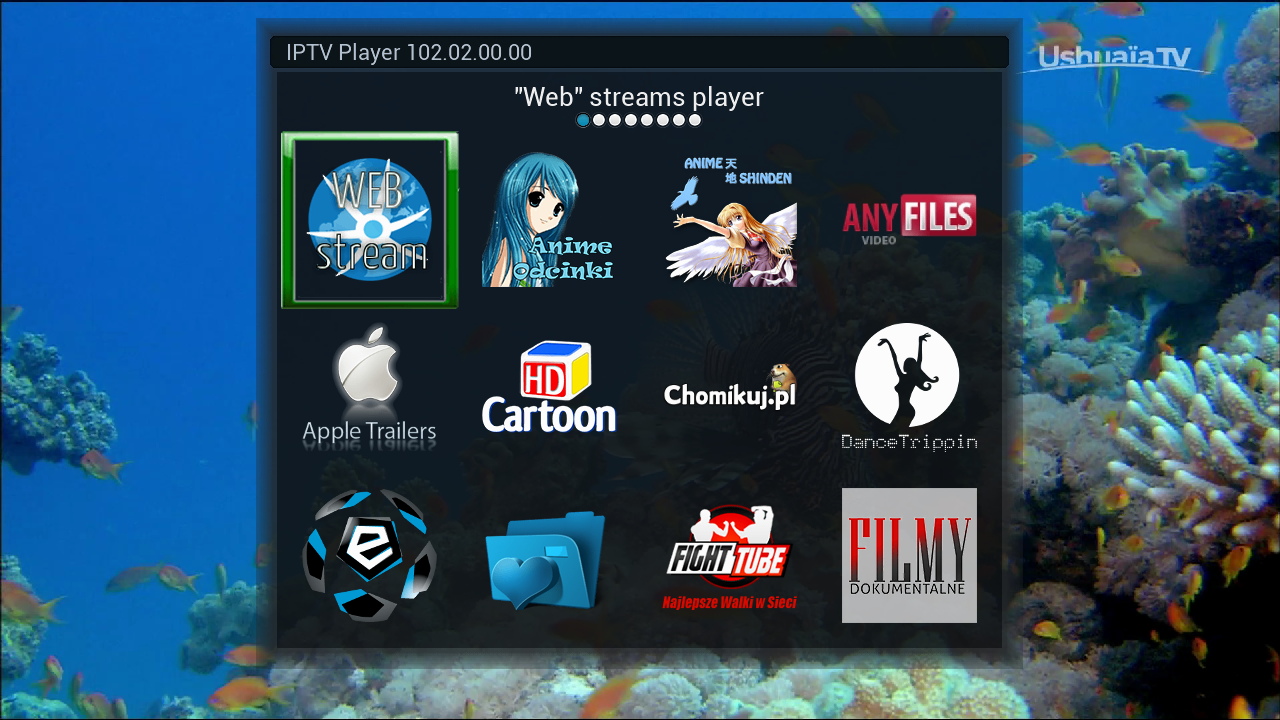
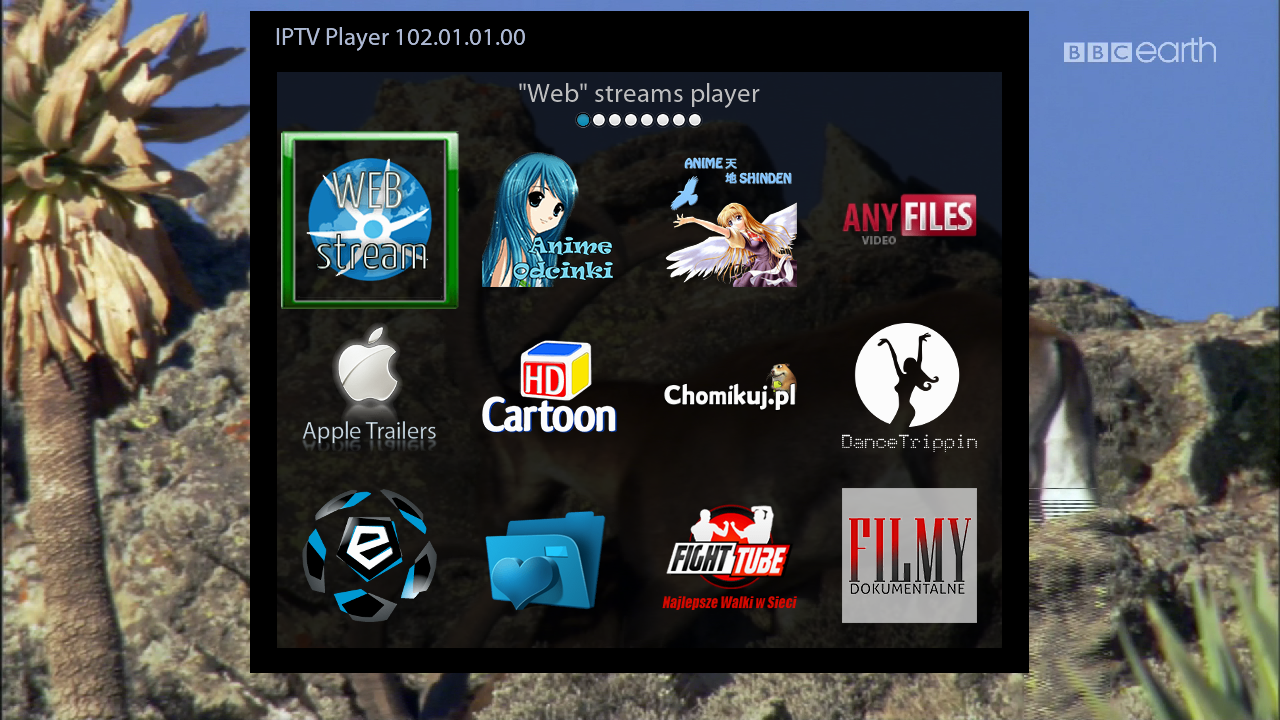
    IPTVPlayer 103.00.02.00
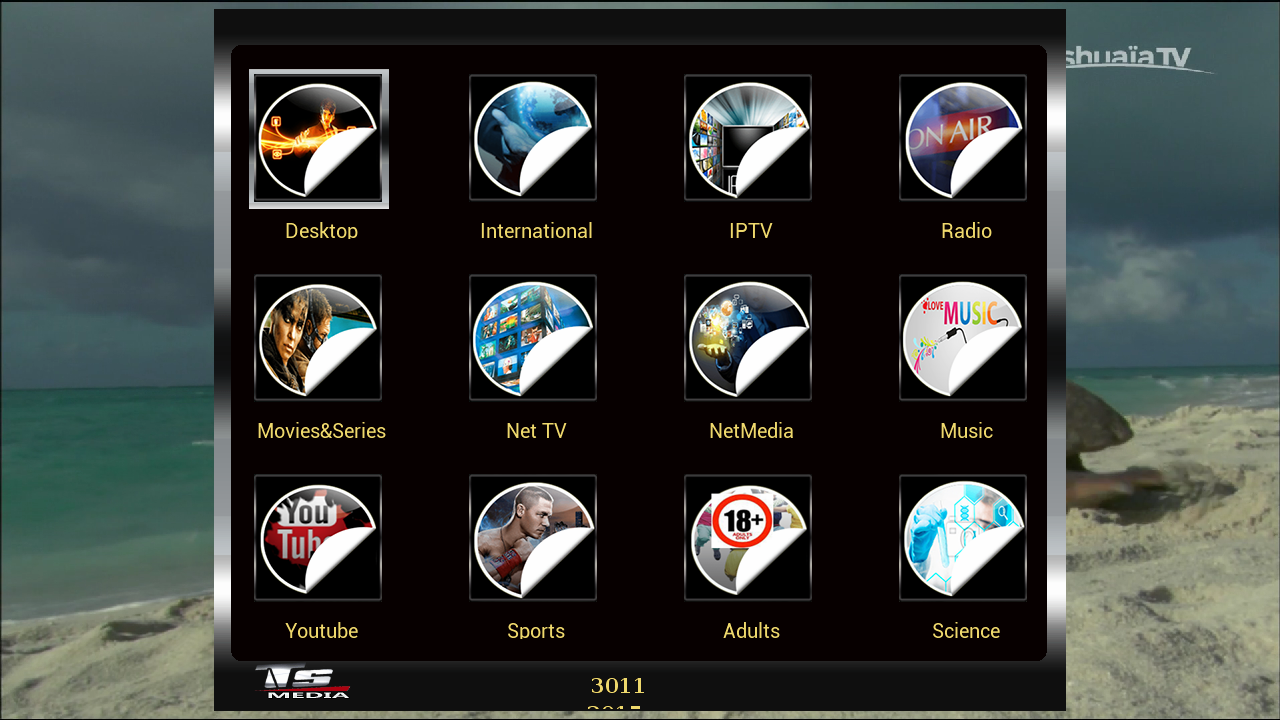
    TSmedia 11.0 new update fix
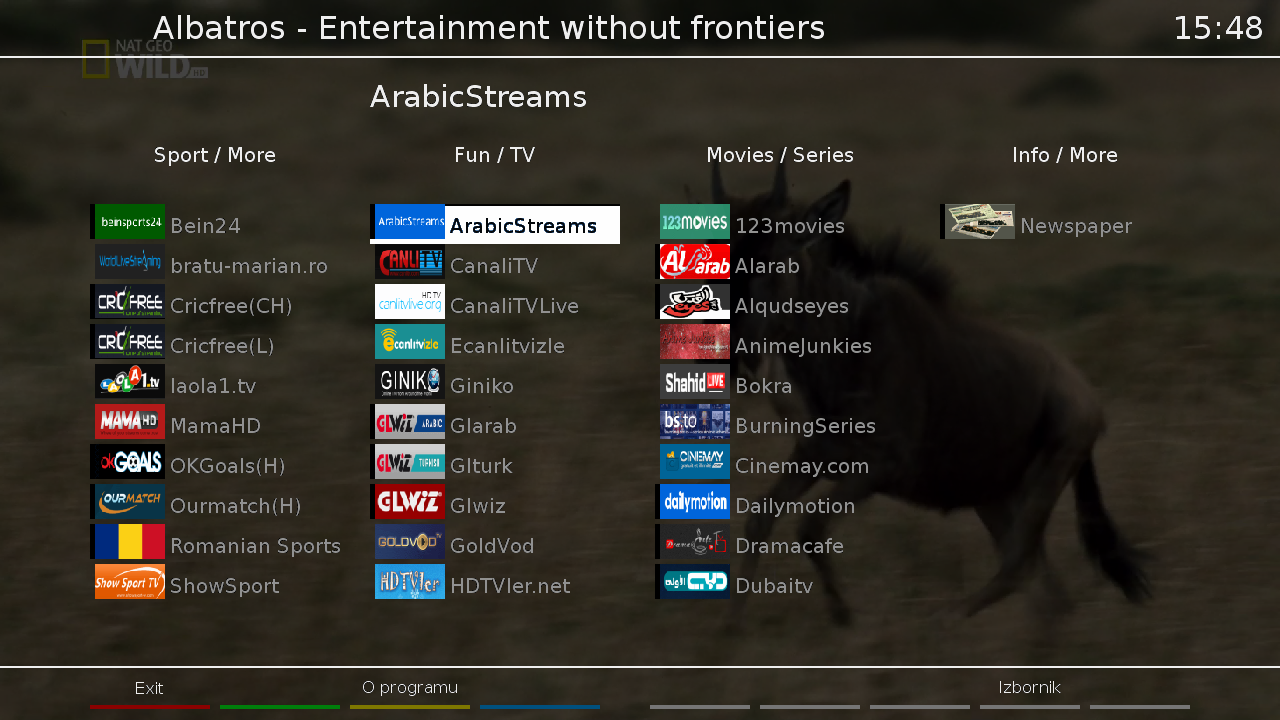
    Albatros 3.9
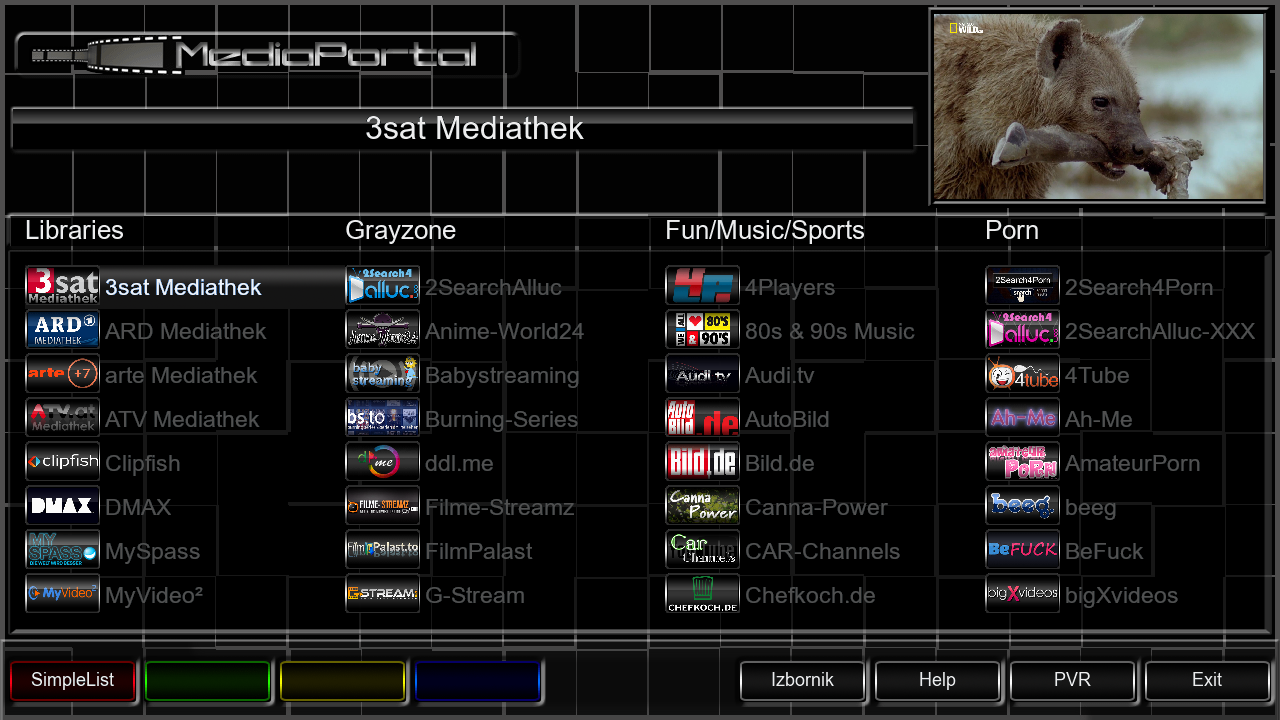
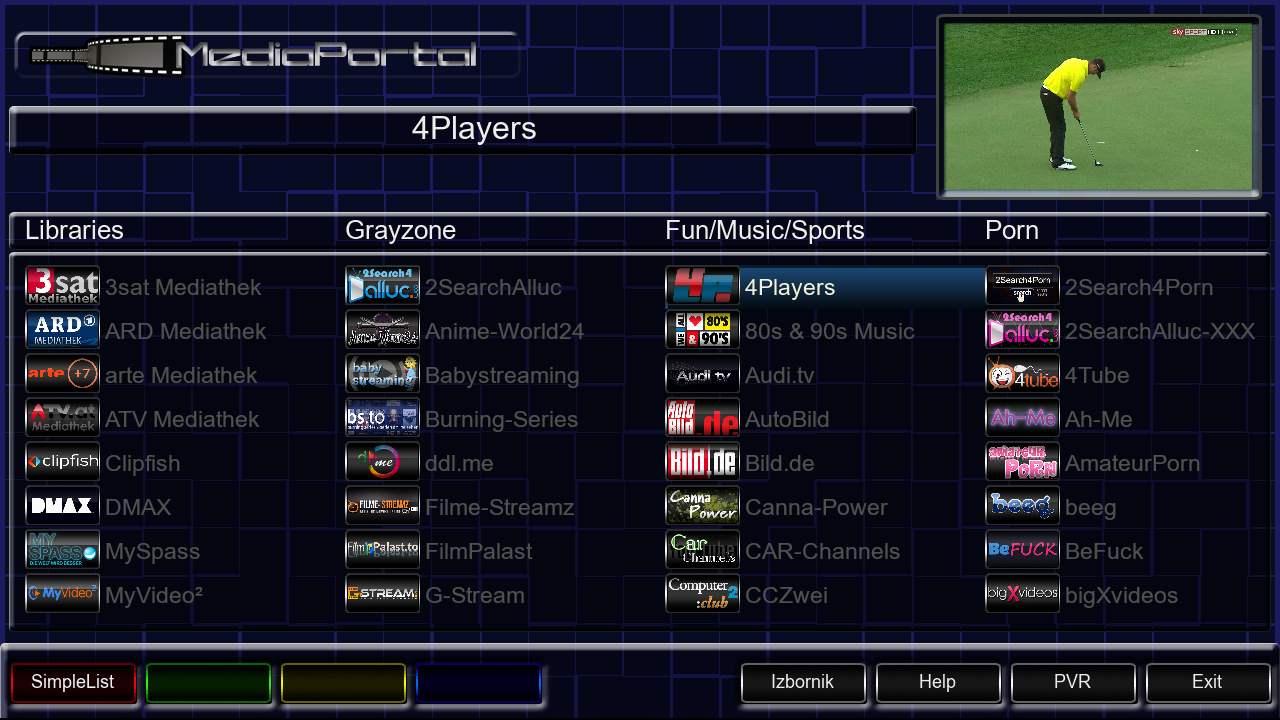
    MediaPortal 7.4.2
    TSTube 1.2
    LiveFootBall 6.0
    DDplayer 3.29
    SubsSuport 1.5.4
    TempControl 1.03_
    Wanted temp. 37*C
    and more.....


    Red button
    -SatVenus Panel
    Green button
    -Plugins Browser
    Yellow button
    -Audio
    Blue button
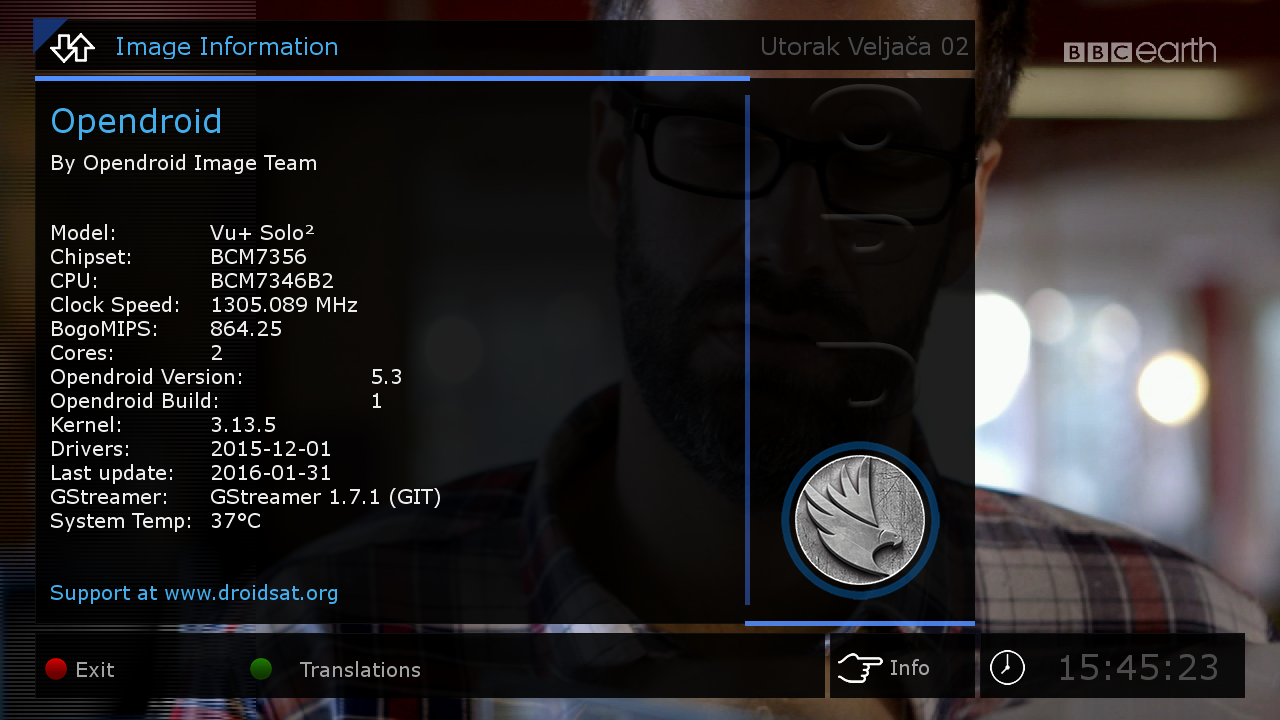
    -Info Panel


    Skin:


    MetrixHD
    Zombi.FullHD
    SevenHD


    Sim2-OoZooN-Image-dm800se-20160117-FE-#84d-Jasper-20160220


    changes:


    FE
    added a modified FlashExpander which is deleting directories in /usr to get more free Flash memory


    Sim2


    SSL84d


    Enigma2: 2015-12-30-tarball
    ################################################## #######################################


    Webinterface is working.
    Teletext is working.


    ################################################## #######################################
    No WLAN driver included (this is a feature of OoZooN image):


    1.Open a Telnet session to install or use Blue/Software Management/Manage Extensions/Network/ to install:


    opkg install enigma2-plugin-systemplugins-wirelesslan


    2.Open a FTP session and exchange the plugin.py


    /usr/lib/enigma2/python/Plugins/SystemPlugins/WirelessLan


    with a patched one


    https://mega.nz/#!p0gTGR6Z!e-FgaVBf5...moVKrbRv4H7Sxw


    reboot


    ##################################################


    Extend your Flash memory to an USB memory stick:


    1. add an empty USB memory stick to your box (be aware the content will be deleted)
    2. prepare your USB memory stick for FlashExpander


    Menu
    Setup
    System
    Storage device
    choose your USB memory stick which you want to use for FlashExpander (be aware the content will be deleted)
    Red Button: Initialize
    after the USB memory stick is formatted do not mount it


    3. Reboot your box (this is important also if you just use an already ext3 formatted USB memory stick without initialize)


    4. Extend your Flash memory using FlashExpander


    Menu
    Plugins
    Start Flashexpander
    choose your USB memory device and start the copy process (this takes a few minutes)
    a message will appear to restart the box


    5. check if FlashExpander is working


    Menu
    Plugins
    Start Flashexpander


    6. now you should have plenty of free Flash memory
    New installed Plugins will be installed on extended Flash on USB


    ################################################## ########## ###############################


    Download:


    2016-02-20


    Jasper

    OpenPLI-4.0-+Gstreamer+1.7.2_Ferrari-SSl88F_DM800_20160220_RAED


    Clean and Faster image For Internal and External Flash


    Patched Under Ubunut


    -This Image For (Jafhar sim) (Big Thank's MastaG)
    -Modded to Ferrari DM800 Boxes
    -Added last drivers 20131228
    -Privet Japhar sim Feed
    -IPTV(Works Very Fast)


    About remote control How to adjustment >>
    menu
    setup
    system
    extra settings
    input device
    press ok to dreambox remote control (native) and adjustment as you like ..


    Warning:Don't Make Update Online


    Satvenus Team Full Backup VU+Solo2 OpenPli 4.0 by zvonko67


    Satvenus Bootlogo by @gusar


    Satvenus E2 Settings motor 42E_30W
    05.02.2015


    Emu:

    CCcam 2.3.0
    Mgcamd 1.38c
    Wicard 1.19
    Doscam 0.25
    Oscam 11209


    Plugins:

    SatVenus Panel 4.1
    SatVenusSettings 2.0
    KodiDirekt new update 3.0
    IPTVPlayer
    TSmedia 11.0 new update fix
    TSTube 1.2
    LiveFootBall 6.0
    DDplayer 3.29
    SubsSuport 1.5.4
    2boom*s QuickEcmInfo for Hotkey
    AhMe
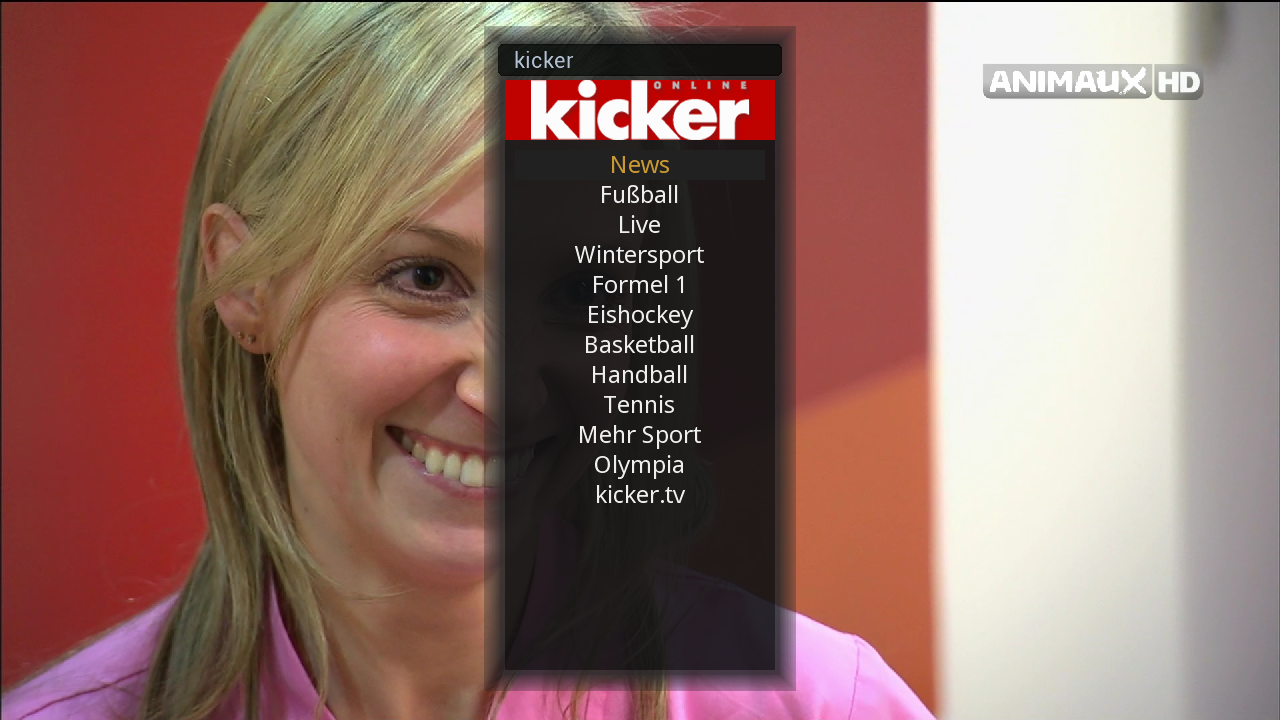
    Kicker Online
    WebradioFS

    TempControl 1.03_Wanted temp. 37*C
    and more.....


    Red button-SatVenus Panel
    Green button
    -Plugins Browser
    Yellow button
    -Audio_subtitle
    Blue button
    -Softcam Setup


    Skin:

    Atile HD
    Elgato-HD-CN
    HDLine-Super HD


    Download Backup:


    Sim2-Merlin-3_OE-2.0-dm800-20151025-FE-#84d-Jasper-20160214


    changes:


    FE
    added a modified FlashExpander which is deleting directories in /usr to get more free Flash memory


    Sim2


    SSL84d


    Enigma2: 2015-05-28-tarball


    ################################################## ########## #############################


    Webinterface is working.
    Teletext is working.


    ################################################## ########## #############################


    Extend your Flash memory to an USB memory stick:


    1. add an empty USB memory stick to your box (be aware the content will be deleted)
    2. prepare your USB memory stick for FlashExpander


    Menu
    Setup
    System
    Storage device
    choose your USB memory stick which you want to use for FlashExpander (be aware the content will be deleted)
    Red Button: Initialize
    after the USB memory stick is formatted do not mount it


    3. Reboot your box (this is important also if you just use an already ext3 formatted USB memory stick without initialize)


    4. Extend your Flash memory using FlashExpander


    Menu
    Plugins
    Start Flashexpander
    choose your USB memory device and start the copy process (this takes a few minutes)
    a message will appear to restart the box


    5. check if FlashExpander is working


    Menu
    Plugins
    Start Flashexpander


    6. now you should have plenty of free Flash memory
    New installed Plugins will be installed on extended Flash on USB


    ################################################## ########## ###############################


    [/COLOR][/SIZE][/I]

    TSimage_3.0_OE-2.0-dm800-20151231-FE-#84d-Jasper-20160214


    changes:


    FE
    added a modified FlashExpander which is deleting directories in /usr to get more free Flash memory


    Sim2


    SSL84d


    Enigma2: 2015-12-30-tarball


    ################################################## ########## #############################


    Webinterface is working.
    Teletext is working.
    WLAN is working


    ################################################## ########## #############################


    Extend your Flash memory to an USB memory stick:


    1. add an empty USB memory stick to your box (be aware the content will be deleted)
    2. prepare your USB memory stick for FlashExpander


    Menu
    Setup
    System
    Storage device
    choose your USB memory stick which you want to use for FlashExpander (be aware the content will be deleted)
    Red Button: Initialize
    after the USB memory stick is formatted do not mount it


    3. Reboot your box (this is important also if you just use an already ext3 formatted USB memory stick without initialize)


    4. Extend your Flash memory using FlashExpander


    Blue Button
    Start Flashexpander
    choose your USB memory device and start the copy process (this takes a few minutes)
    a message will appear to restart the box


    5. check if FlashExpander is working


    Blue Button
    Start Flashexpander


    6. now you should have plenty of free Flash memory
    New installed Plugins will be installed on extended Flash on USB


    ################################################## ########## ###############################


    Download:


    2016-02-14


    Jasper


    Satvenus Team Backup VU+Solo2 SatDreamGR 4.0 gst1 by zvonko67


    Satvenus Bootlogo by @gusar


    Satvenus E2 Settings multifeed 19E_16E_13E_0.8W
    05.02.2015


    Settings are also available in all SatDreamGr Images


    Emu:


    CCcam 2.0.11
    CCcam 2.1.3
    Mgcamd 1.38c
    Wicard 1.19
    Doscam 0.25


    Plugins:


    Satvenus Panel 4.0_online update 4.1
    SatVenusSettings 2.0
    KodiDirekt new update 3.0
    IPTVPlayer 102.01.01.00
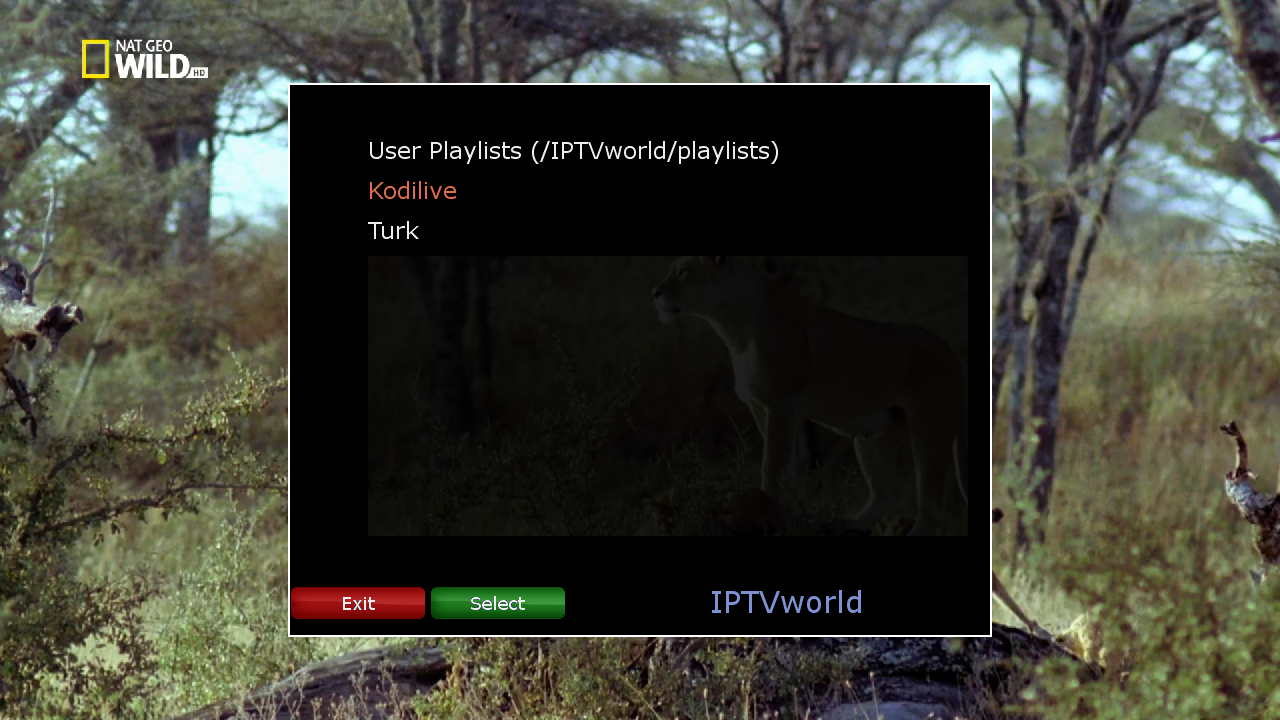
    Iptv World 3.0
    TSmedia 11.0 new update fix
    TSTube 1.2
    Mediaportal 7.3.5
    Albatros 3.9
    LiveFootBall 6.0
    DDplayer 3.29
    2boom*s QuickEcmInfo for Hotkey

    TempControl 1.03_Wanted temp. 37*C
    and more.....


    Red button-SatVenus Panel
    Green button
    -Plugins Browser
    Yellow button
    -Audio_subtitle
    Blue button
    -Panel+


    Skin:

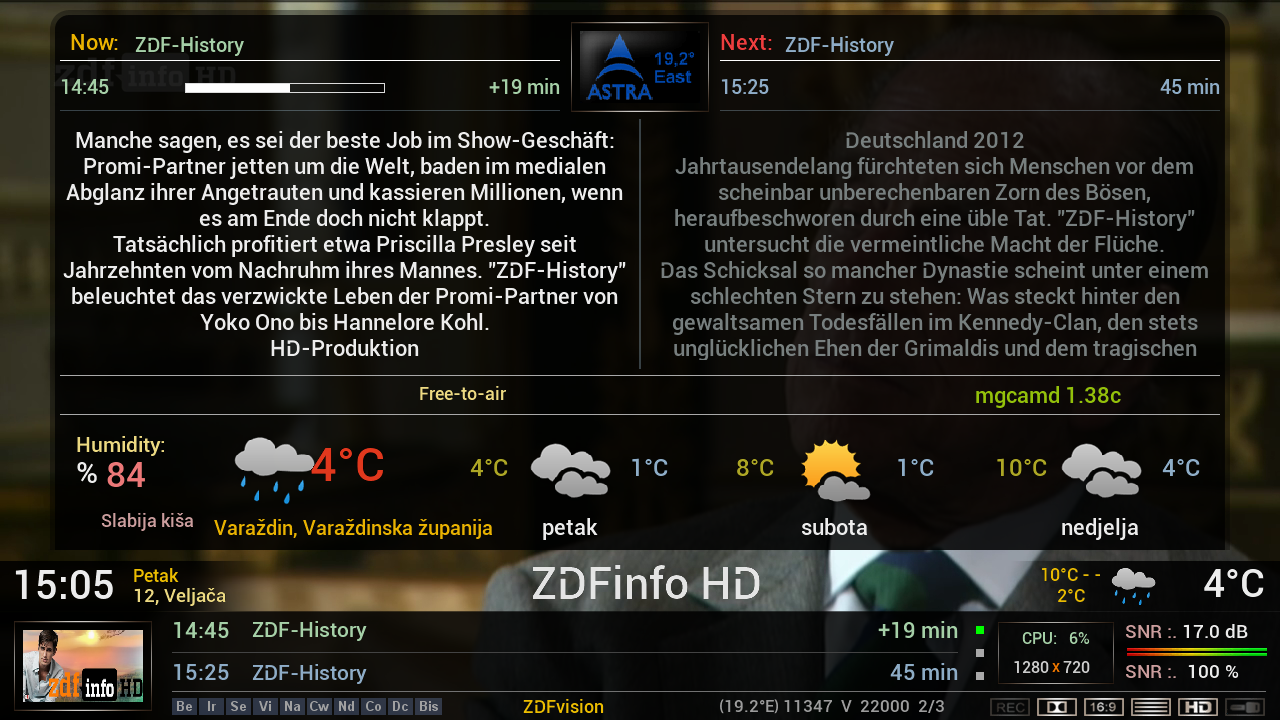
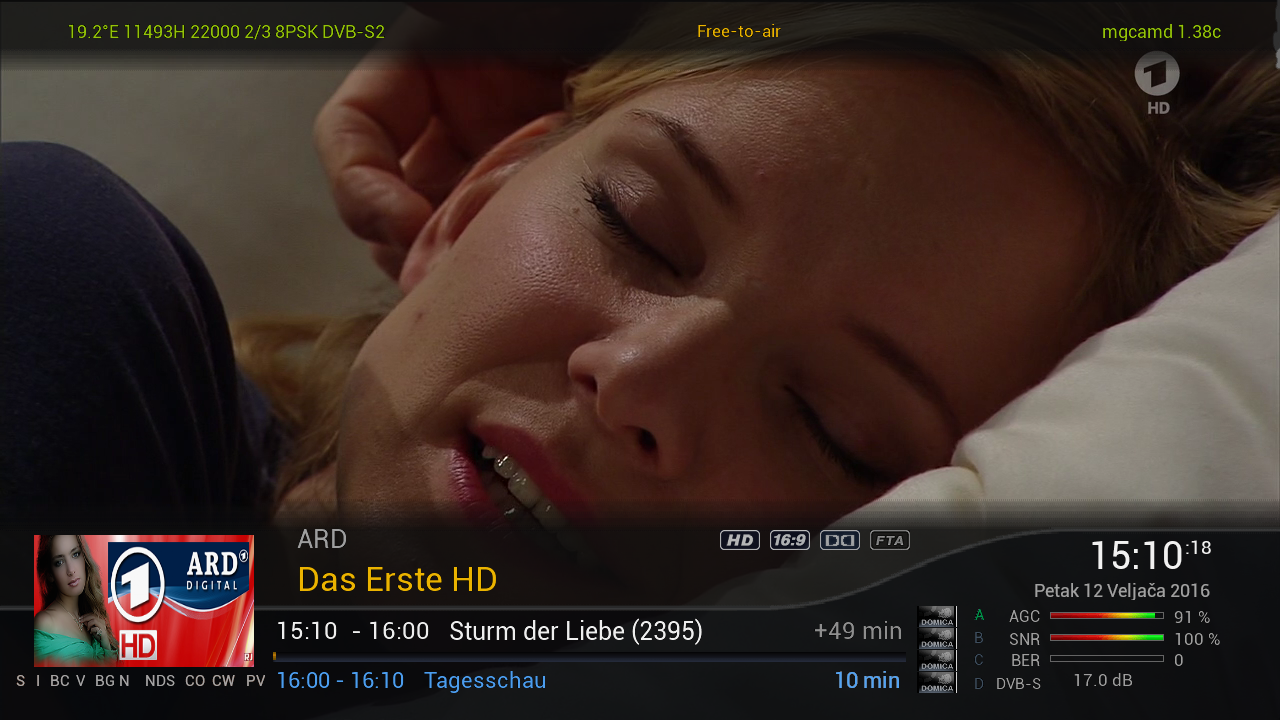
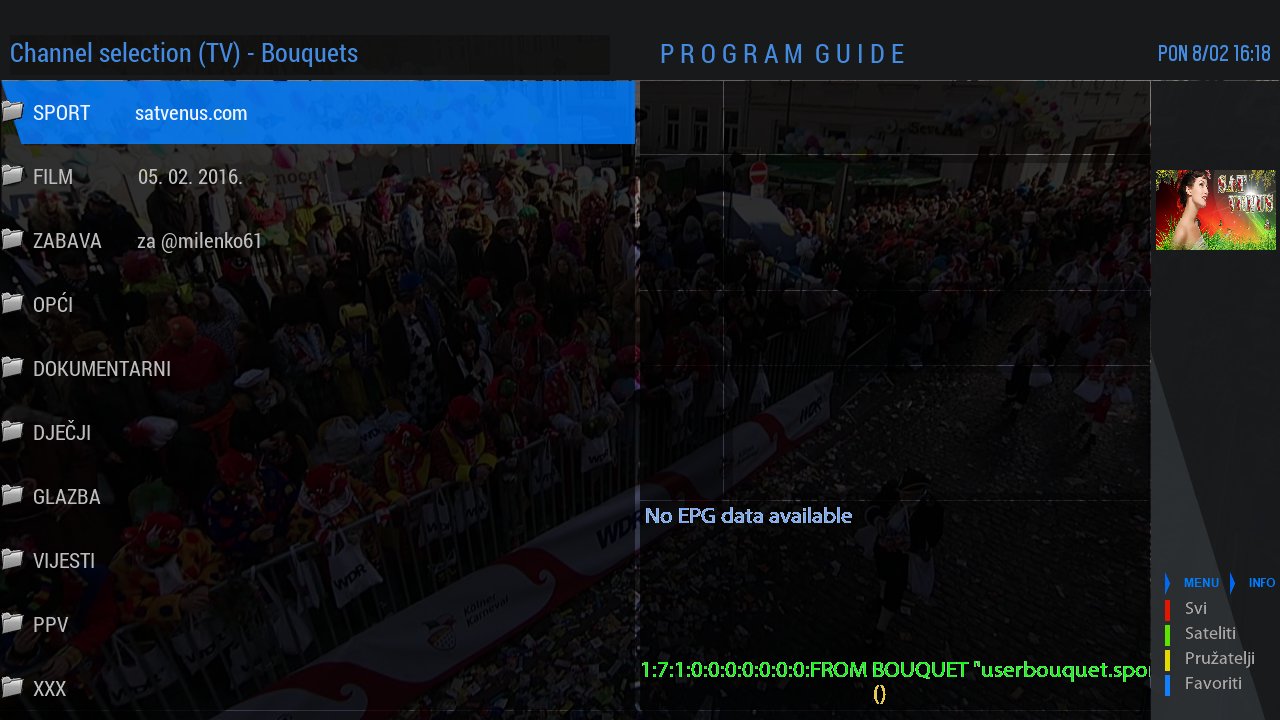
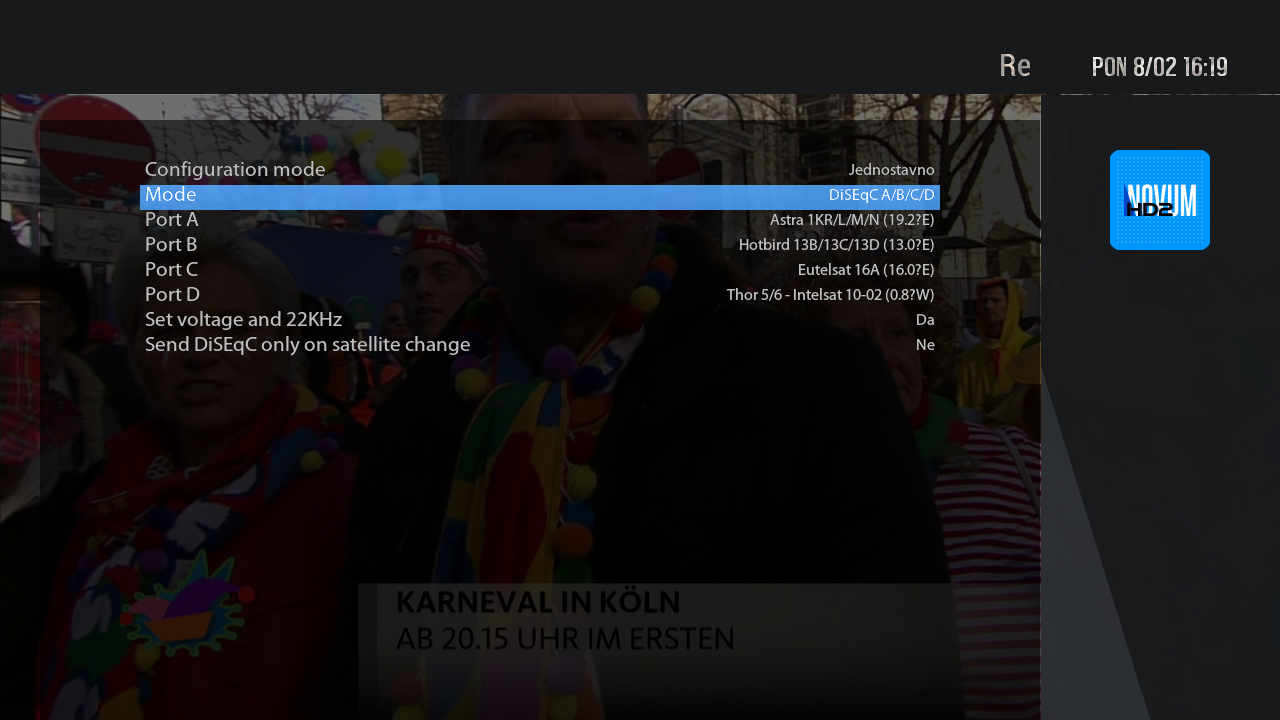
    myNOVUM_HD2
    MySkin HD
    RedBlack.SKin HD
    Satdreamgr-HD-TranspBA


    Download Backup:


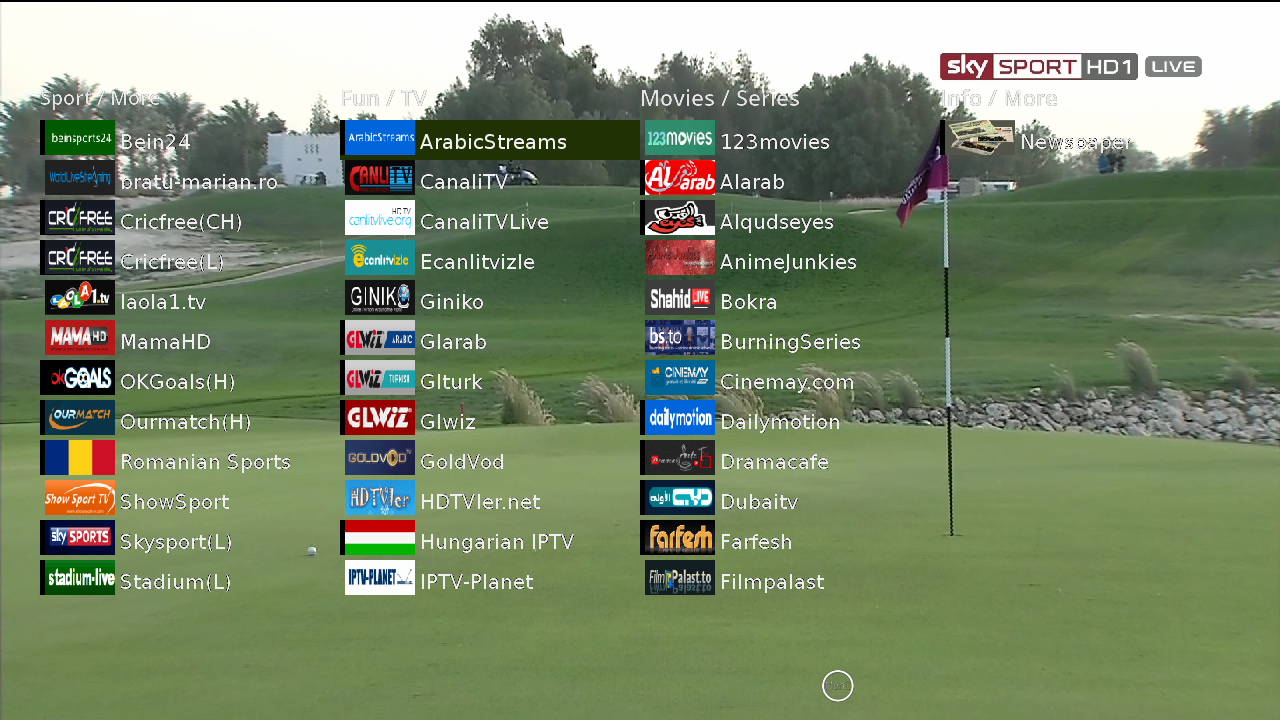
    06.02.2016 : Albatros 3.9


    - New skin - many thanks to Kraven !!!
    - spox.com live sports added (sport live events)
    - infoua.biz added (various live channels)
    - kodilive.eu added
    - teleboy fixed
    - wagasworld : fixed hoster ssh101
    - showsports fixed regex for 24/7 channels and schedule
    - orflive fixed
    - stadium-live fixed
    - anime-junkies fixed
    - ndatv added ( you need user/password)
    - web.tv added livechannels
    - telewizjada.net fixed
    - kika.de fixed
    - streamlive.to fixed
    - filmon added
    - onlinetvler.com added
    - streamingHD fixed

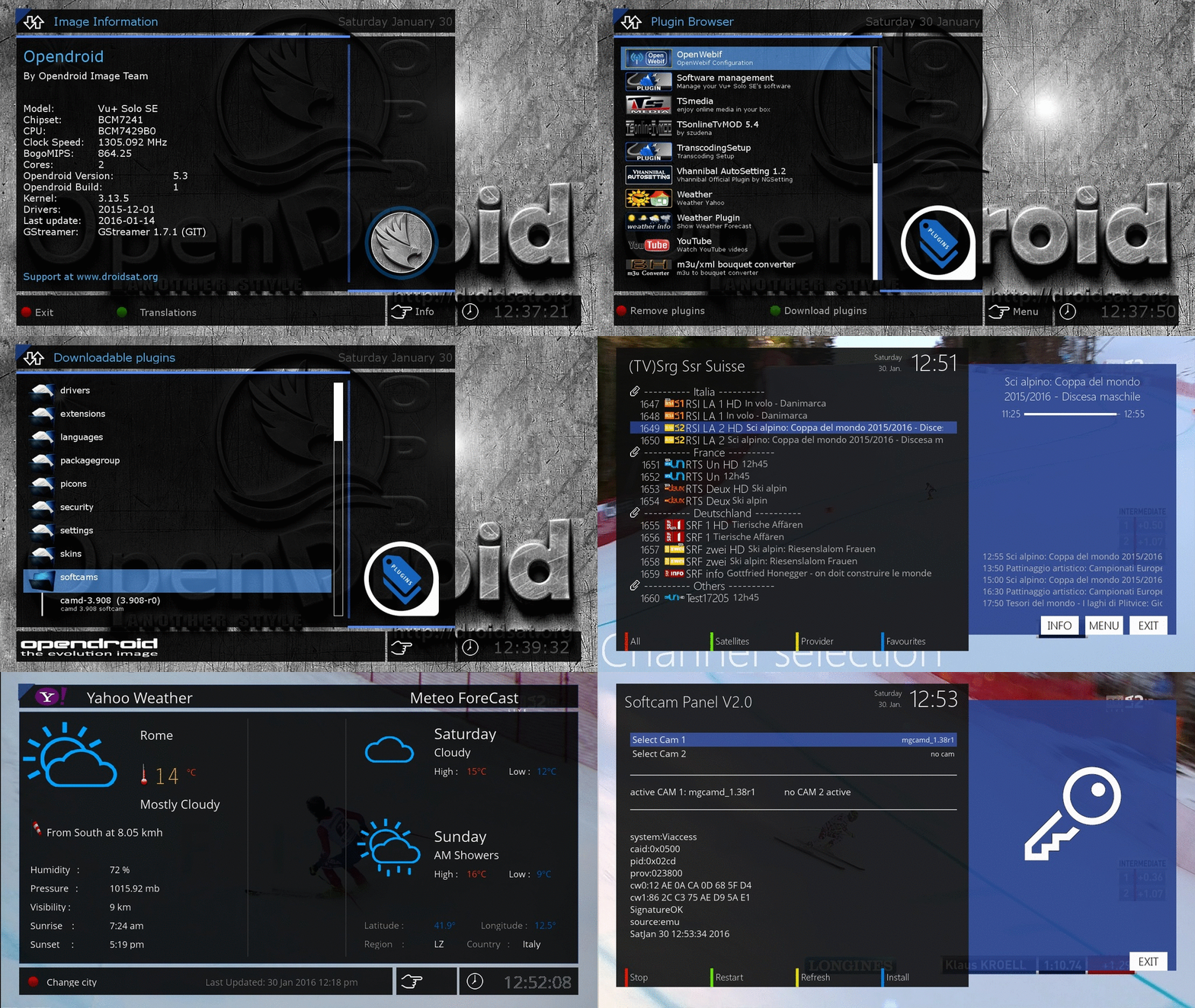
    Satvenus Team Full Backup VU+Solo2 OpenDroid 5.3 by zvonko67


    Satvenus Bootlogo by @Gusar


    Satvenus E2 Settings 0.8W-39E multifeed edit zvonko67
    29.01.2015


    Emu:

    CCcam 2.0.11
    CCcam 2.3.0
    Mgcamd 1.38c
    Wicard 1.19


    Plugins:


    Satvenus Panel 4.0_Added auto detection for HD or FullHD skin
    KodiDirekt new update 3.0
    IPTVPlayer 94.04.02.00
    Iptv World 3.0
    TSmedia 11.0 fix
    TSTube 1.2
    Mediaportal 7.3.5 FULL
    Albatros 3.8
    LiveFootBall 6.0
    DDplayer 3.29

    TempControl 1.03_Wanted temp. 37*C
    and more.....


    Skin:

    Dreamy HD
    Seven HD


    Download Backup:


    [/URL]

    opendroid-5.3-vusolose-20160129_usb_sam


    NEW GST1.7.1


    NEW splash screen & Bootlogo


    whats installed


    installed plugins:
    -TSmedia 11 (with latest fix 29012016)
    -ALbatros 3.8
    -TSonlineTVMOD 5.4
    -iptvplayer 98.03.03.00
    -crossepg 081
    -mediainfo
    -youtupe_player
    -weatherplugin


    installed2 cams from feed:
    cccam 230 & mgcamd1.38_srf , srg awiss chs works with included keys


    livstreamer & lib/python/rtmpdump files for iptv streaming installed


    skin installed
    -MymetrixHD (openatv source file)


    ftb/telnet login:
    name=root
    passwrod=sam


    DOWNLOAD

    openvix-3.2.036-vusolose-20160129_usb_sam


    NEW GST1.7.1


    NEW splash screen & Bootlogo


    whats installed


    installed plugins:
    -TSmedia 11 (with latest fix 28012016)
    -ALbatros 3.8
    -TSonlineTVMOD 5.4
    -iptvplayer 98.02.06.00
    -crossepg 081
    -Enhanced movie center
    -mediainfo
    -youtupe_player
    -weatherplugin


    installed2 cams from feed:
    cccam 230 & mgcamd1.38_srf , srg awiss chs works with included keys


    livstreamer & lib/python/rtmpdump files for iptv streaming installed


    skin installed
    -MymetrixHD (openatv source file)
    -myNovumHD2BLACK_16.3


    ftb/telnet login:
    name=root
    passwrod=sam


    DOWNLOAD[/URL]


    Sim2-OoZooN-Image-dm800-20160117-#84d-FE-Jasper-20160123


    changes:


    FE
    added a modified FlashExpander which is deleting directories in /usr to get more free Flash memory


    Sim2


    SSL84d


    Enigma2: 2015-12-30-tarball
    ################################################## #######################################


    Webinterface is working.
    Teletext is working.


    ################################################## #######################################
    No WLAN driver included (this is a feature of OoZooN image):


    1.Open a Telnet session to install or use Blue/Software Management/Manage Extensions/Network/ to install:


    opkg install enigma2-plugin-systemplugins-wirelesslan


    2.Open a FTP session and exchange the plugin.py


    /usr/lib/enigma2/python/Plugins/SystemPlugins/WirelessLan


    with a patched one


    https://mega.nz/#!p0gTGR6Z!e-FgaVBf5...moVKrbRv4H7Sxw


    reboot


    ################################################## ########## #############################


    Extend your Flash memory to an USB memory stick:


    1. add an empty USB memory stick to your box (be aware the content will be deleted)
    2. prepare your USB memory stick for FlashExpander


    Menu
    Setup
    System
    Storage device
    choose your USB memory stick which you want to use for FlashExpander (be aware the content will be deleted)
    Red Button: Initialize
    after the USB memory stick is formatted do not mount it


    3. Reboot your box (this is important also if you just use an already ext3 formatted USB memory stick without initialize)


    4. Extend your Flash memory using FlashExpander


    Blue Button
    Start Flashexpander
    choose your USB memory device and start the copy process (this takes a few minutes)
    a message will appear to restart the box


    5. check if FlashExpander is working


    Blue Button
    Start Flashexpander


    6. now you should have plenty of free Flash memory
    New installed Plugins will be installed on extended Flash on USB


    ################################################## ########## ###############################


    Download:


    2016-01-23


    Jasper

    Sim2-dreambox-image-dm800-20160105-#84d-Jasper-20160124


    DMM Image Experimental (opendreambox-2.0.0)


    Clean, no changes.


    Sim2


    SSL84d


    Enigma2: 2015-12-30-tarball


    ################################################## ########## #############################


    Webinterface is working.
    Teletext is working.


    ################################################## ########## #############################


    Download:


    2016-01-24


    [URL='


    [/URL]


    Jasper
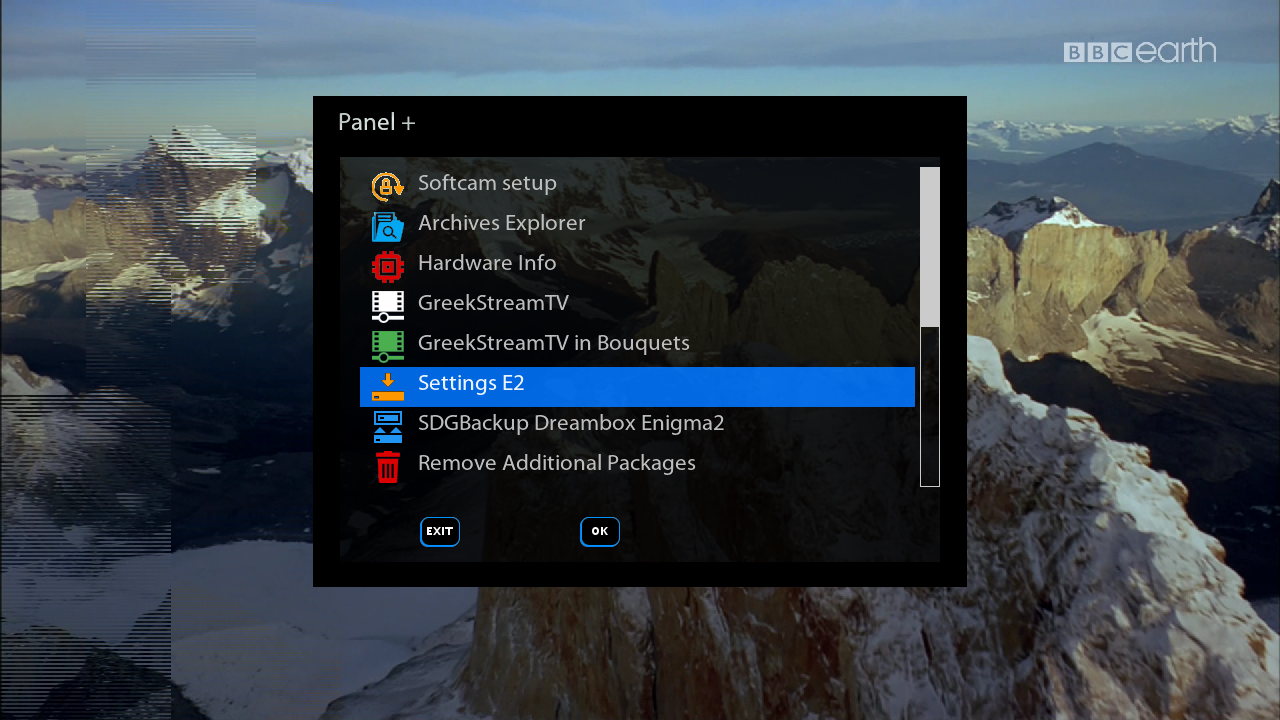
    SatVenus Panel Update
    ---------------------------------------------------------------
    UPDATE 28.01.2016
    ---------------------------------------------------------------
    ---------------------------------------------------------------
    ***Server is offline for 2-48 hours!***
    ***We need to move to another server!***
    ***Sorry for the inconvenience! ***
    ---------------------------------------------------------------

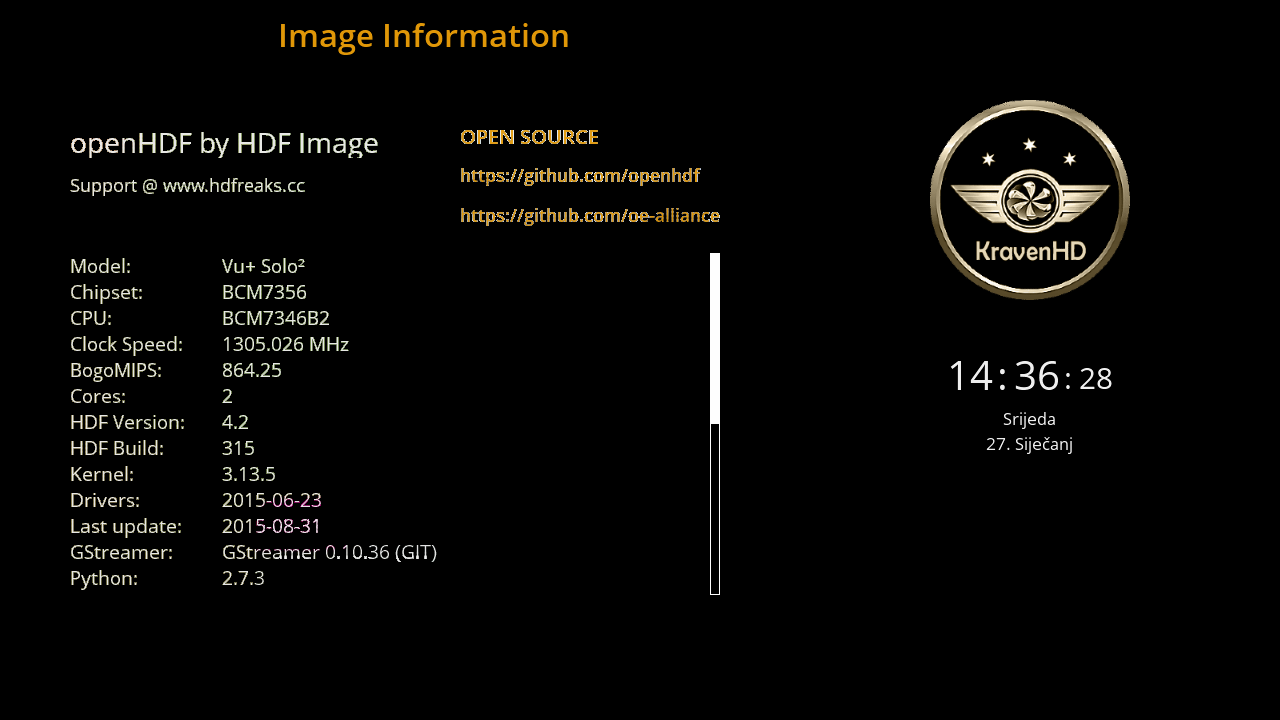
    Satvenus Team Backup VU+Solo2 HDFreaks 4.2 build 315 by zvonko67


    Satvenus Bootlogo by @Gusar


    Satvenus E2 Settings 75E-30W motor
    13.01.2015


    Emu:

    CCcam 2.0.11
    CCcam 2.1.3
    Mgcamd 1.38
    Doscam 0.25
    Wicard 1.19
    Oscam 11209


    Plugins:


    Satvenus Panel 4.0_Added auto detection for HD or FullHD skin
    KodiDirekt new update 3.0
    IPTVPlayer
    Iptv World
    TSmedia 11.0
    TSTube 1.2
    Mediaportal 7.3.5 FULL
    Albatros 3.8
    LiveFootBall 6.0
    DDplayer 3.29

    TempControl 1.03_Wanted temp. 37*C
    and more.....


    Skin:

    Kraven HD
    Dreamy HD


    Download Backup:


    Sim2-OoZooN-Image-dm800-20160117-#84d-Jasper-20160123


    Clean, no changes.


    Sim2


    SSL84d


    Enigma2: 2015-12-30-tarball
    ################################################## #######################################


    Webinterface is working.
    Teletext is working.


    ################################################## #######################################
    No WLAN driver included (this is a feature of OoZooN image):


    1.Open a Telnet session to install or use Blue/Software Management/Manage Extensions/Network/ to install:


    opkg install enigma2-plugin-systemplugins-wirelesslan


    2.Open a FTP session and exchange the plugin.py


    /usr/lib/enigma2/python/Plugins/SystemPlugins/WirelessLan


    with a patched one


    https://mega.nz/#!p0gTGR6Z!e-FgaVBf5...moVKrbRv4H7Sxw


    reboot


    ##################################################


    Download:


    2016-01-23


    https://mega.nz/#!Bk5V0QAZ!arLibuEnj...2r60QSlPwkmTMw


    Jasper


    Sim2-TSimage_3.0_OE-2.0-dm800se-20151231-#84d-Jasper-20160123


    Clean, no changes.


    Sim2


    SSL84d


    Enigma2: 2015-12-30-tarball
    ################################################## #######################################


    Webinterface is working.
    Teletext is working.
    WLAN is working


    ################################################## #######################################


    Download:


    2016-01-23


    https://mega.nz/#!gxRFHIAb!ko0GtNLF3...zgRlT1EzbQkSV8


    Jasper
    Sim2-dreambox-image-dm800se-20160105-84d-FE-CU-Jasper-20160123


    changes:


    FE
    added a modified FlashExpander which is deleting directories in /usr to get more free Flash memory

    CU
    added the Clone Update Plugin (v3.3) to upgrade your image online


    Sim2


    SSL84d


    Enigma2: 2015-12-30-tarball
    ################################################## #######################################


    Webinterface is working.
    Teletext is working.
    WLAN is working


    ################################################## #######################################


    Extend your Flash memory to an USB memory stick:


    1. add an empty USB memory stick to your box (be aware the content will be deleted)
    2. prepare your USB memory stick for FlashExpander


    Menu
    Setup
    System
    Storage device
    choose your USB memory stick which you want to use for FlashExpander (be aware the content will be deleted)
    Red Button: Initialize
    after the USB memory stick is formatted do not mount it


    3. Reboot your box


    4. Extend your Flash memory using FlashExpander


    Blue Button
    Start Flashexpander
    choose your USB memory device and start the copy process (this takes a few minutes)
    a message will appear to restart the box


    5. check if FlashExpander is working


    Blue Button
    Start Flashexpander


    6. now you should have plenty of free Flash memory
    New installed Plugins will be installed on extended Flash on USB


    ################################################## #########################################
    Update your image online:


    Please check that you have 9 MB free flash memory before you start the update.

    Blue Button
    Start SOA Clone Updater 3.1
    "Upgrade-your-Image" and press OK
    "Restart-your-Receiver" and press OK


    The image will be updated
    ################################################## #########################################


    Download:


    2016-01-23


    Jasper