
Update ZZPicon RJ 400x170 32bit-- Hot Bird 13e -- 20.01.2016














Update ZZPicon RJ 400x170 32bit-- Hot Bird 13e -- 20.01.2016
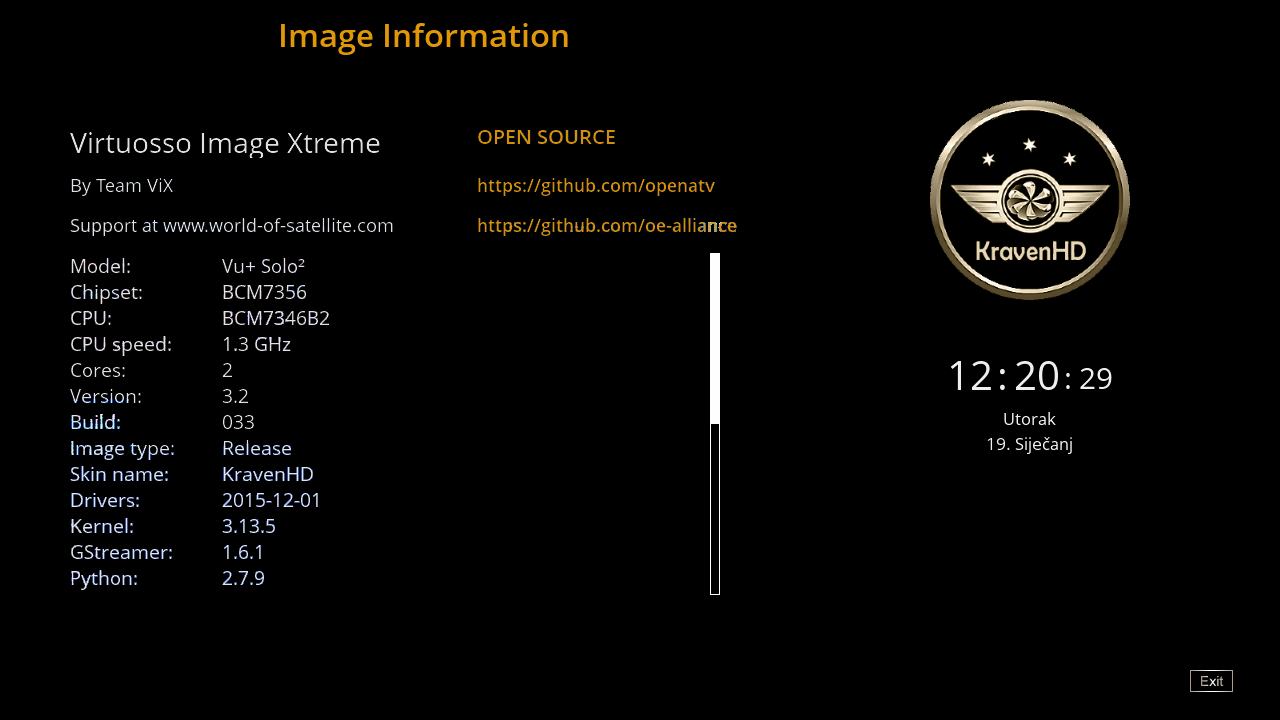
Satvenus Team Backup VU+Solo2 openVIX 3.2 033 by zvonko67
Satvenus Bootlogo by @Gusar
Satvenus E2 Settings 75E-30W motor
13.01.2015
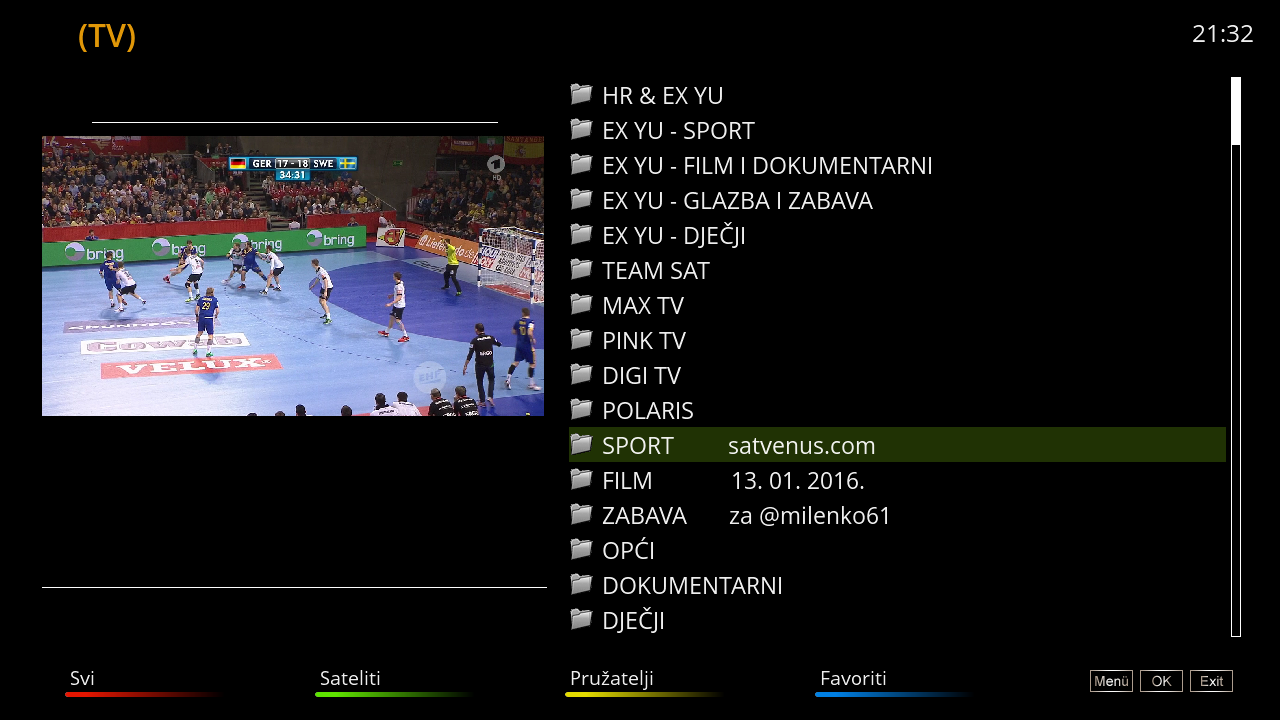
Picon Default "Satvenus" by hoss777

Emu:
CCcam 2.0.11
CCcam 2.1.3
Mgcamd 1.38
Doscam 0.24
Wicard 1.19
Plugins:
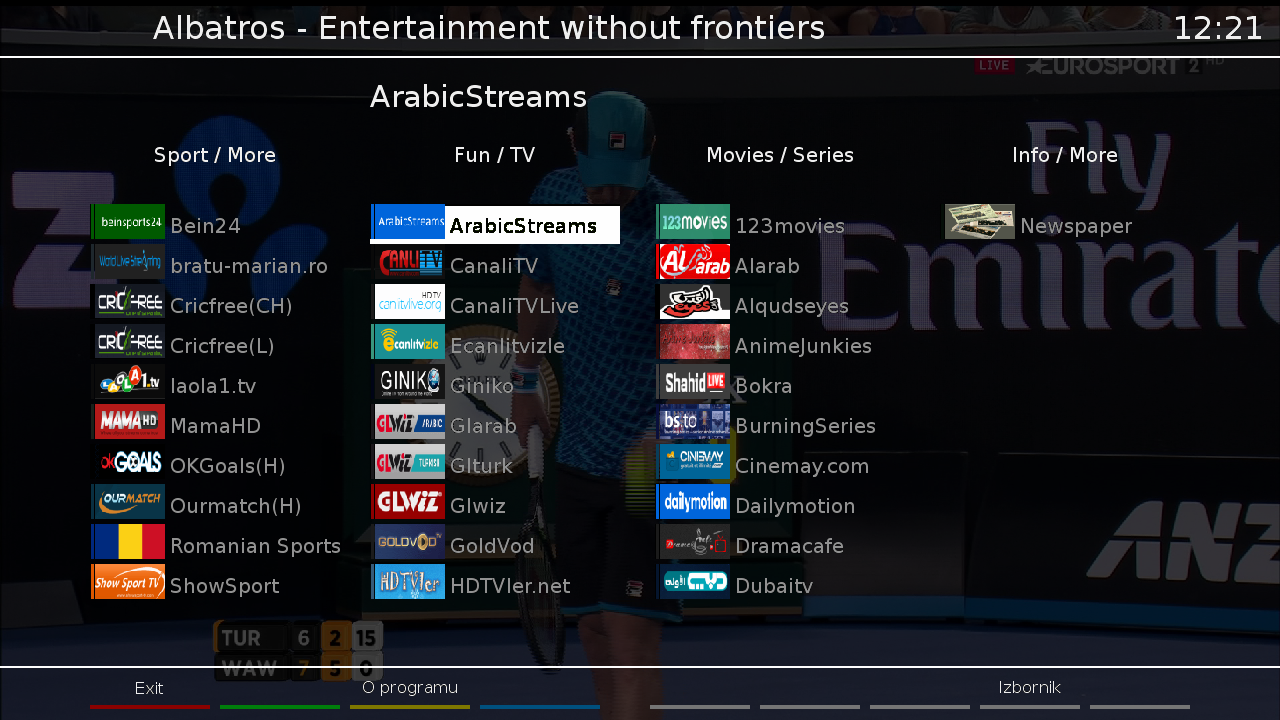
 Satvenus Panel 4.0_Added auto detection for HD or FullHD skin
KodiDirekt new update 3.0
IPTVPlayer 97.00.01.00
TSmedia 11.0
TSTube 1.2
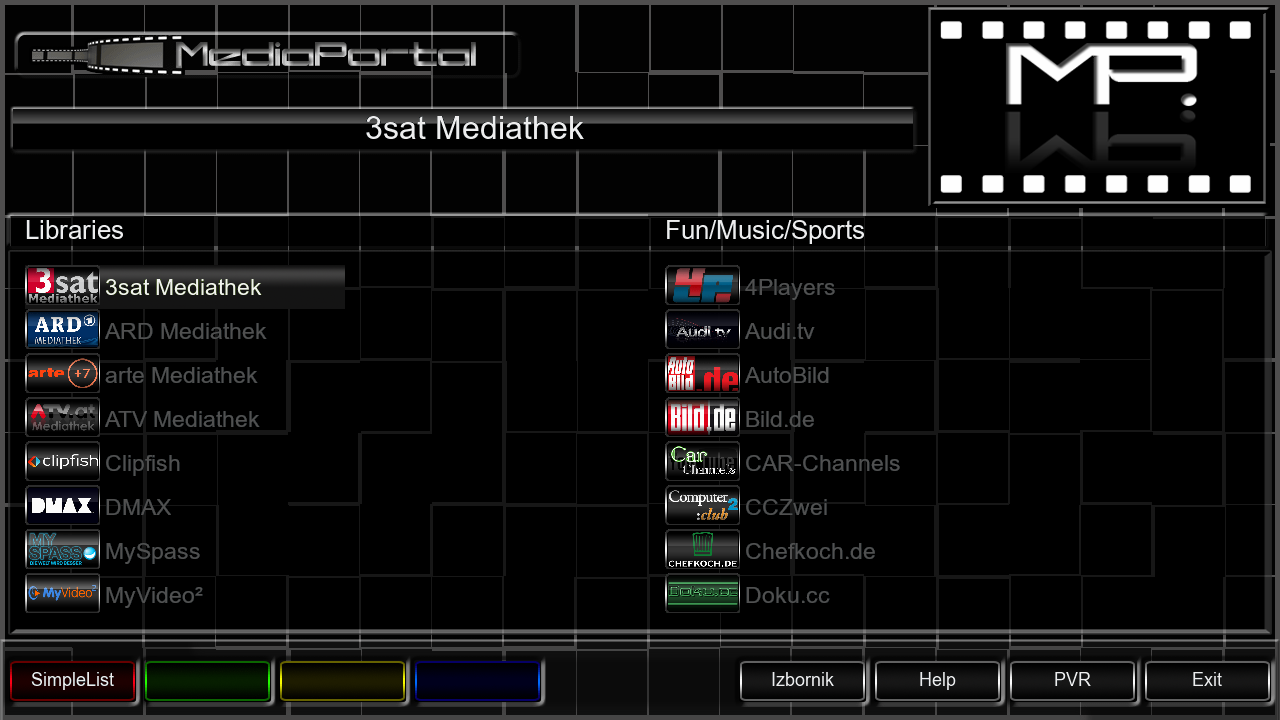
Mediaportal 7.3.4
Albatros 3.8
LiveFootBall 6.0
DDplayer 3.29
TempControl 1.03_Wanted temp. 37*C
and more.....
Multi QuickButton
Red button-SatVenus Panel_SatvenusSettings 2.0
Green button-Plugins Browser
Yellow button-EPG
Blue button-Softcam setup
Skin:
KravenHD
MetrixFHD
VIX-Night-HD
YouVIX-BlueFHD
Slyk-1-HD




Download Backup:

mips32el, python 2.7x compatible (or in false, but nevertheless popular terms - OE 2.0/PLi 3-4)
- newer gcc, custom kernel and matching drivers
- latest E2 code
- fixed DTS downmix
- fixed streaming issues
- system and extensions parts updated
- feeds up to date
- fixed recording
- fixed partitionig of large USB sticks
- fixed intro wizard
- new skins: MintPrint and BluePrint
- reduced flash footprint
- kernel fixes
- fixed default skin missing../icon
- lot of small-misc changes
NOTE:
This is sort of 'proof of concept' release, 'experimental' attribute is too generous, so beware
It is NOT intedended as such for everyday use, just testing.
Was gibt es Neues in dieser Version 2014 May 1 VX-3 (Zeige gesamtes Changelog)
27.4.2014
- fixed LCD display
- misc default skin changes
29.4.2014
- misc skin fix for EPG import
- OKB skin in feeds
1.5.2014
- unify keymap for new and old RC
- add teletext section for old RC
- USALS and tuner fixes
- boxtype for hbbtv
- fix downloader for some https issues
9.5.2014
- latest E2 code
- feeds up to date
12.5.2014
- latest E2
- fixed feed trouble
13.5.2014
- disabled nfs daemon and exportfs
- kernel changes
14.5.2014
- temporary revert to 1.5.2014 release
18.5.2014
- fixed updates for 1.5.2014 image until the problem is found
Kodi 16.0 – Beta 5

With this announcement we are releasing the last beta in the Jarvis line before we are switching to Release Candidates. We hope the feedback from users regarding this beta is positive since we as team can’t test all use cases ourselves. As such we wan’t to thank all the users who helped us find the biggest blockers before we can move towards the Release Candidates.
Why the rapid succession of these releases you might wonder? By doing more releases in the shorter period we reduce the amount of changes that are included in each one. Instead of a huge list of changes it now only has several which gives a better overview. The advantage of that is possible regressions get picked up way faster and that you as user also get the benefit of not having to wait a long time to get these fixes.
This Release Early Release Often (RERO) is what we as a team have decided to go forward with as we see the benefits of this approach. Our developers don’t have to wait a very long time before their features get included in a release and you a user will also get to try them out without having to wait many months. Enough about the RERO approach as we’ll soon devote a special review about this.
This we only have a small list of fixes that made it into this last beta.
Fixes done in this beta 5:
• Improved: better remote keymap for longpress functionality
• Fixed: correctly save skin setting when changing profiles
• Fixed: prefer forced subtitle in settings was not working
• Fixed: prevent crash on scanning certain mp3 files
• Fixed: correct numeric input in some PVR windows
• Fixed: better handling of some rotated recorded video files
• Fixed: fixed non working deinterlacer for DXVA on Windows
• Fixed: certain animated GIF files wouldn’t display correctly
• Fixed: a variety of code fixes that are too technical to mention
A lot of changes went in Kodi 16. Removing old code, splitting up parts in more logical chunks and making it all more resilient to future changes. All these changes are part of a massive change list that only makes sense to developers actually knowing what the source code does. In short we will no bother you all with summing up the list. It’s just something that is worth mentioning that not all improvements have to be actual features and are visible to users. We prefer that the program actually works than adding bells and whistles.
Add-ons
General: So far in version 16 there are no add-on changes that would impact any add-ons except for PVR. Since our 12.x Frodo release there have been some gradual changes but in general all add-ons, even from that time should still work, of course there are some exceptions. If the add-ons worked in Gotham, Helix and Isengard then we are happy to say that all these add-ons should still work.
Skins: Sadly due to the amount of changes we’ll have to announce that skins will have certain parts non working. This beta will mark any version 15 skin as incompatible and will ask you to switch back to Confluence. This means that for you to continue using Kodi 16.0 you will have to switch back to Confluence or wait till the skin you use has been updated in our repository. Good new however is that a variety of skin have already start updating to latest changes.
The following skins are already updated for version 16 and will auto-update when you upgrade. We’re sure more will follow soon.
• Aeon Nox 5
• AppTV
• Black Glass Nova
• Chroma
• Confluence
• Eunique
• KOver
• Mimic
• Nebula
• Rapier
• re-Touched
• Titan
• Transparency!
OpenSpa-5.0.004-vusolose-20160106_usb_sam
GST1.6.1
Backup of original image OpenSpa-5.0.004 by openspa team

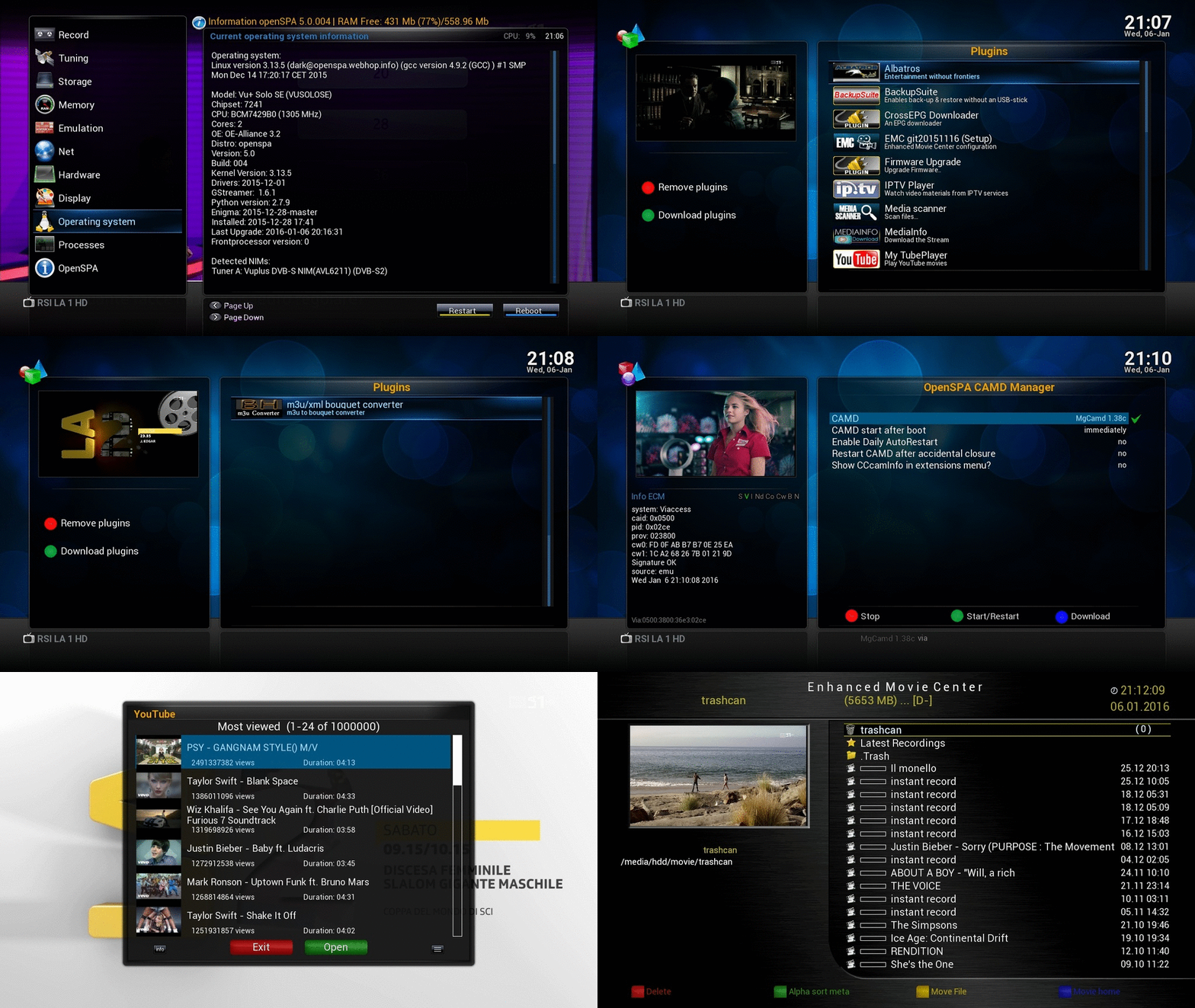
whats installed
installed plugins:
-TSmedia11.0
-ALbatros3.7
-TSonlineTVMOD5.3
-iptvplayer 96.00.01.00
-crossepg 081 (rytec source updated & working 100%)
-Enhanced movie center
-mediainfo
-Mytube_player(openspa_r19-fix vevo)
-Youtube
-Backupsuit
installed2 cams from feed:
cccam 230 & mgcamd1.38_srf , swiss chs works with keys included
livstreamer & lib/python & rtmpdump files for iptv streaming installed
(no need for any additional installation of packages from any plugin just skip it )
ftb/telnet login:
name=root
passwrod=sam
UPDATED IMAGE 20160113
NEW GST 1.7.1

Openatv-5.1-vusolose-20160113_usb_sam NEW GST 1.7.1

whats installed
installed plugins:
-TSmedia11.0(upto-date fix 11012016)
-ALbatros 3.7
-TSonlineTVMOD 5.4
-iptvplayer 96.00.07.00
-crossepg 081
-Enhanced movie center
-mediainfo
-youtube_player
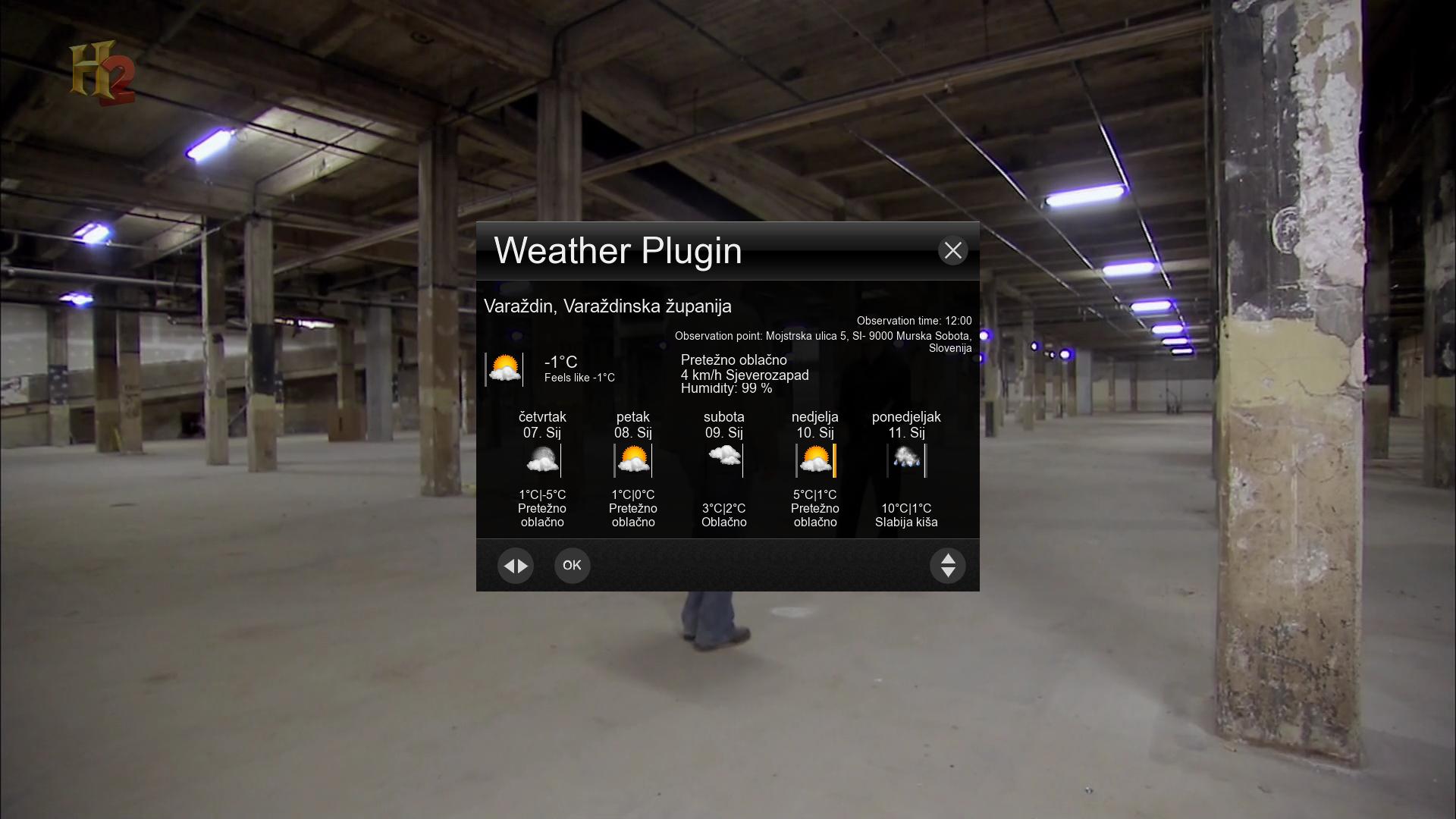
-weatherplugin
-m3u/xml bouquet converter
installed2 cams from feed:
cccam 230 & mgcamd1.38_srf , swiss chs works with keys included
livstreamer & lib/python & rtmpdump files for iptv streaming installed
(no need for any additional installation of packages from any plugin just skip it )
ftb/telnet login:
name=root
password=sam
[
eurosat-2.0-vusolose-20160114_usb_sam
NEW GST 1.6.2
NEW GST 1.6.2
NEW bootlogo / splash screen

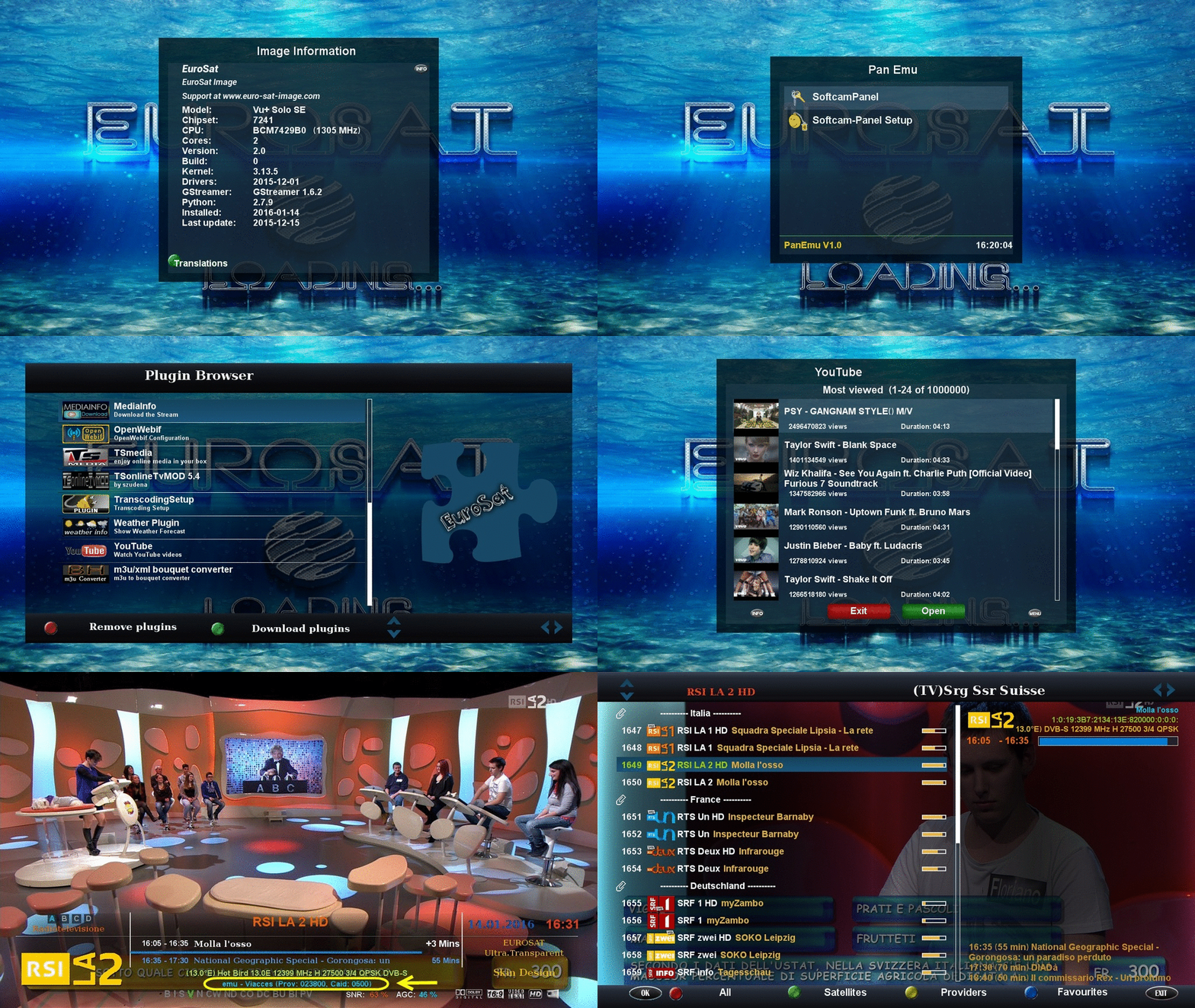
whats installed
installed plugins:
-TSmedia11.0(upto-date fix 11012016)
-ALbatros 3.7
-TSonlineTVMOD 5.4
-iptvplayer 96.00.07.00
-crossepg 081
-Enhanced movie center
-mediainfo
-youtube_player
-weatherplugin
-m3u/xml bouquet converter
installed2 cams from softcam-feed:
cccam 230 & mgcamd1.38_srf , swiss chs works with keys included
livstreamer & lib/python & rtmpdump files for iptv streaming installed
(no need for any additional installation of packages from any plugin just skip it )
installed Skin:
myNOVUM_HD2_Black vs.16.3
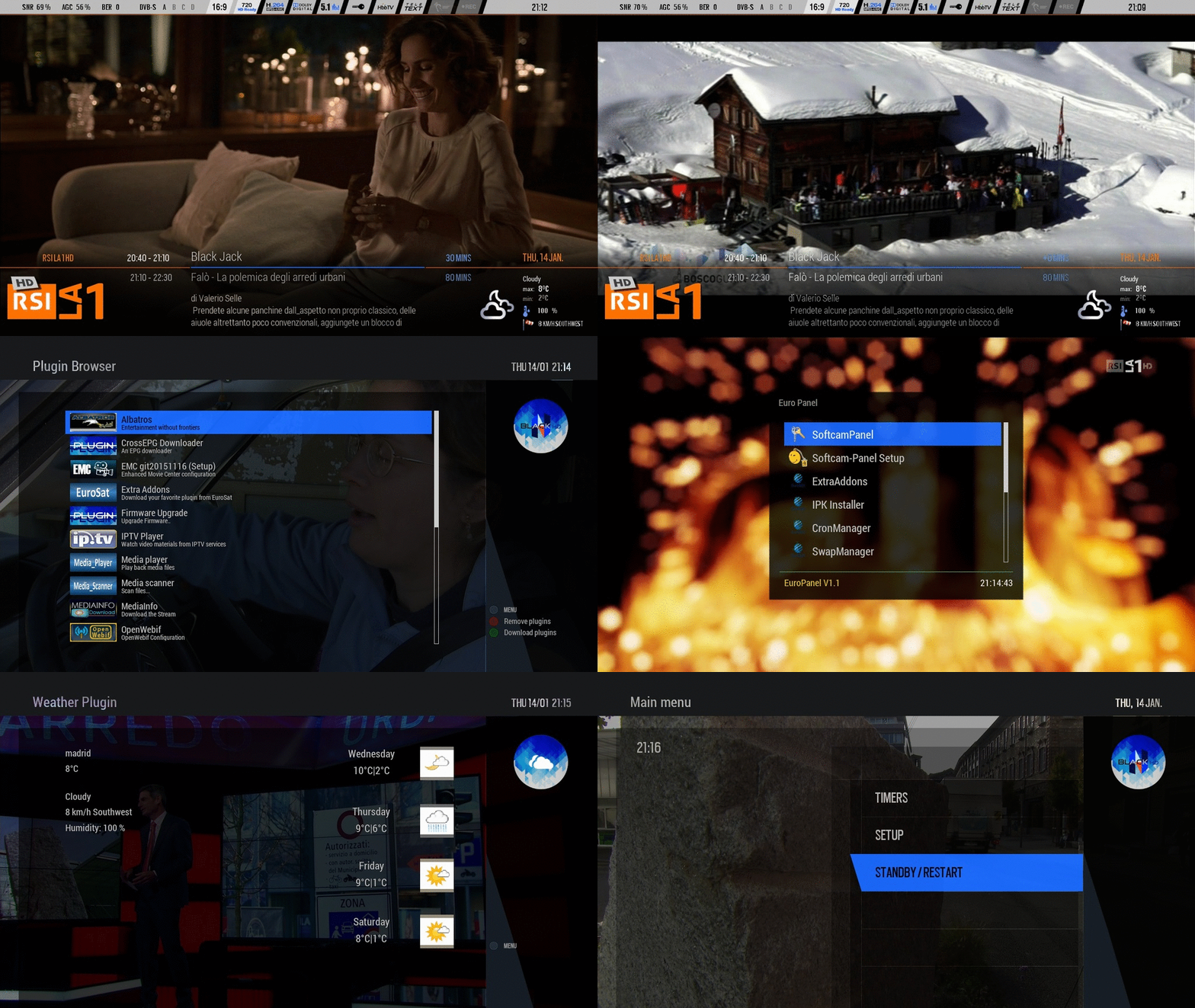
ftb/telnet login:
name=root
password=sam
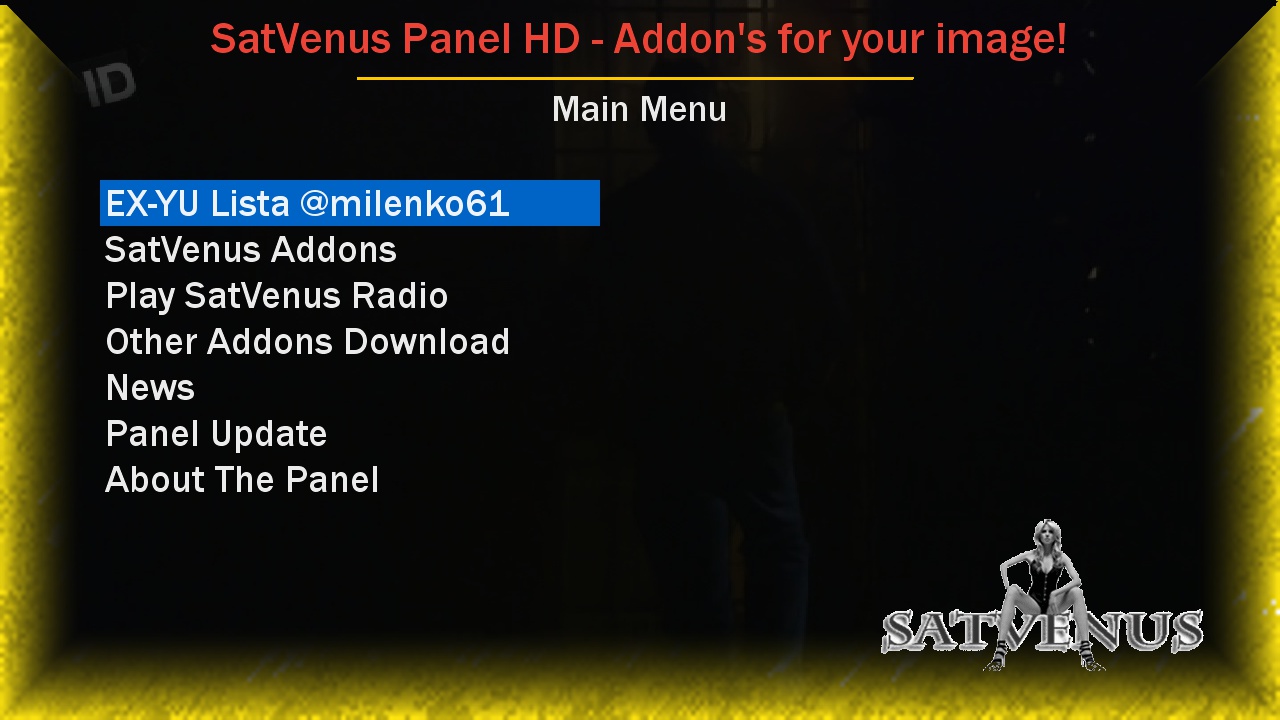
SatVenus Panel 3.1
-fix skin crash
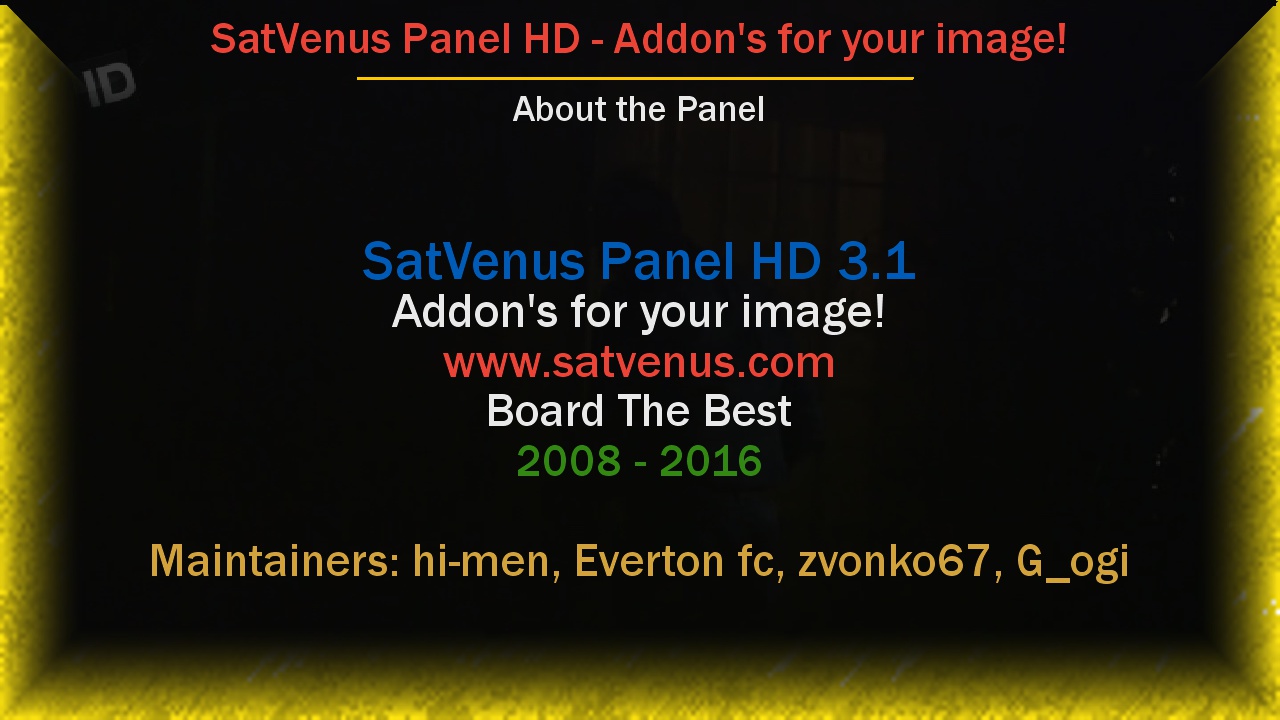
-fix skin crash
Enjoy!
SatVenus Team
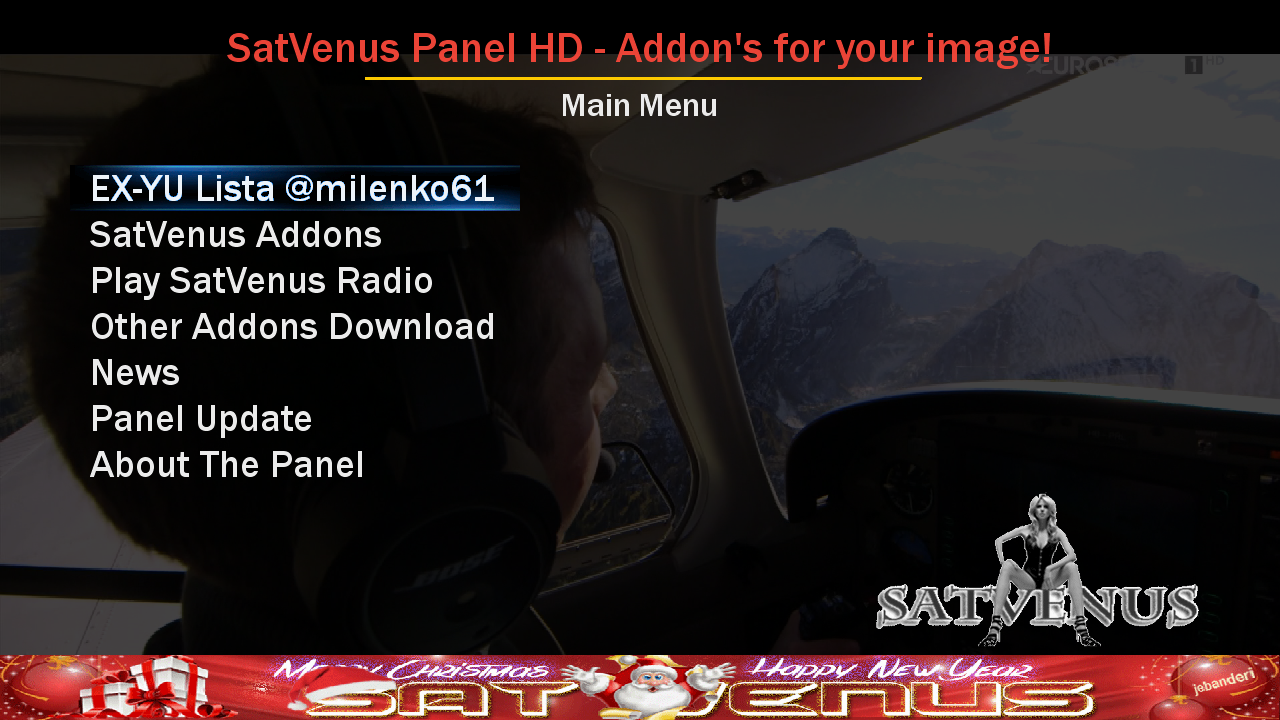
SatVenus Panel Update
------------------------------------------------------------------------
UPDATE 10.01.2016
------------------------------------------------------------------------
**********************************************
NEW SatVenus Panel 3.1 AVAILABLE
- fix skin problem
**********************************************
- added Plugin TSonlineTVmod 5.4 oe2.0
- picons-28.2e-blue-100x60-flash_06012016
- xpicons-28.2e-blue-220x132-flash_06012016
- picons-28.2e-transparent-frame-100x60-flash_06012016
- xpicons-28.2e-transparent-frame-220x132-flash_06012016
- picons-13e-mirror-glass-50x30-8bit-usb_02012016
- picons-13e-mirror-glass-100x60-8bit-usb_02012016
- zpicons-13e-mirror-glass-220x88-8bit-usb_02012016
- zzpicons-13e-mirror-glass-400x160-8bit-usb_02012016
- zzzpicons-13e-mirror-glass-400x240-8bit-usb_02012016
- xpicons-13e-mirror-glass-220x132-32bit-usb_02012016
- picons-19.2e-mirror-glass-50x30-8bit-usb_02012016
- picons-19.2e-mirror-glass-100x60-8bit-usb_02012016
- zpicons-19.2e-mirror-glass-220x88-8bit-usb_02012016
- zzpicons-19.2e-mirror-glass-400x160-8bit-usb_02012016
- zzzpicons-19.2e-mirror-glass-400x240-8bit-usb_02012016
- xpicons-19.2e-mirror-glass-220x132-32bit-usb_02012016
- picons-28.2e-mirror-glass-50x30-8bit-usb_02012016
- picons-28.2e-mirror-glass-100x60-8bit-usb_02012016
- xpicons-28.2e-mirror-glass-220x132-32bit-usb_02012016
- zzzpicons-28.2e-mirror-glass-400x240-8bit-usb_02012016
- zzpicons-19.2e-pimpert-32bit-400x170-usb_04012016
- zzzpicons-19.2e-pimpert-32bit-400x240-usb_04012016
------------------------------------------------------------------------
UPDATE 09.01.2016
------------------------------------------------------------------------
- added ciefp E2 settings
- added Softcam Wicardd 1.19 for various images
- added Plugin MSN Weather mod RAED oe2.0
- added Plugin WebradioFS 13.58 oe2.0
- added Plugin PictureCenterFS 7.06 oe2.0
- added Plugin Ehue 0.7 r2 oe2.0
- added Softcam oscam 11208 2.0 for PowerSat
- added Skin Sphere FullHD 2.11 for VTi
- added Skin Light Red HD 2.6.0 for VTi
- added Skin Middle Blue HD 2.6.0 for VTi
- added Skin KravenVB 4.0.3 for VTi
- added Skin CerX FullHD for VTi
- added Skin Fancy HD mod by RAED for OpenBH
- added Skin Fancy HD mod by RAED for OpenPLi
- added Skin HD Glass 16 10.17 in Other Skins
------------------------------------------------------------------------
UPDATE 06.01.2016
------------------------------------------------------------------------
- added Skin iStyle FullHD 2.3 for VTi
- added Skin Sphere FullHD 2.10 for VTi
- added Plugin WebradioFS 13.57 oe2.0
- added Plugin PictureCenterFS 7.03 oe2.0
- added Skin Gnome HD mod by RAED for OpenBH
- added Skin Gnome HD mod by RAED for OpenPLi
- added various Softcams for MediaSat images
------------------------------------------------------------------------
UPDATE 05.01.2016
------------------------------------------------------------------------
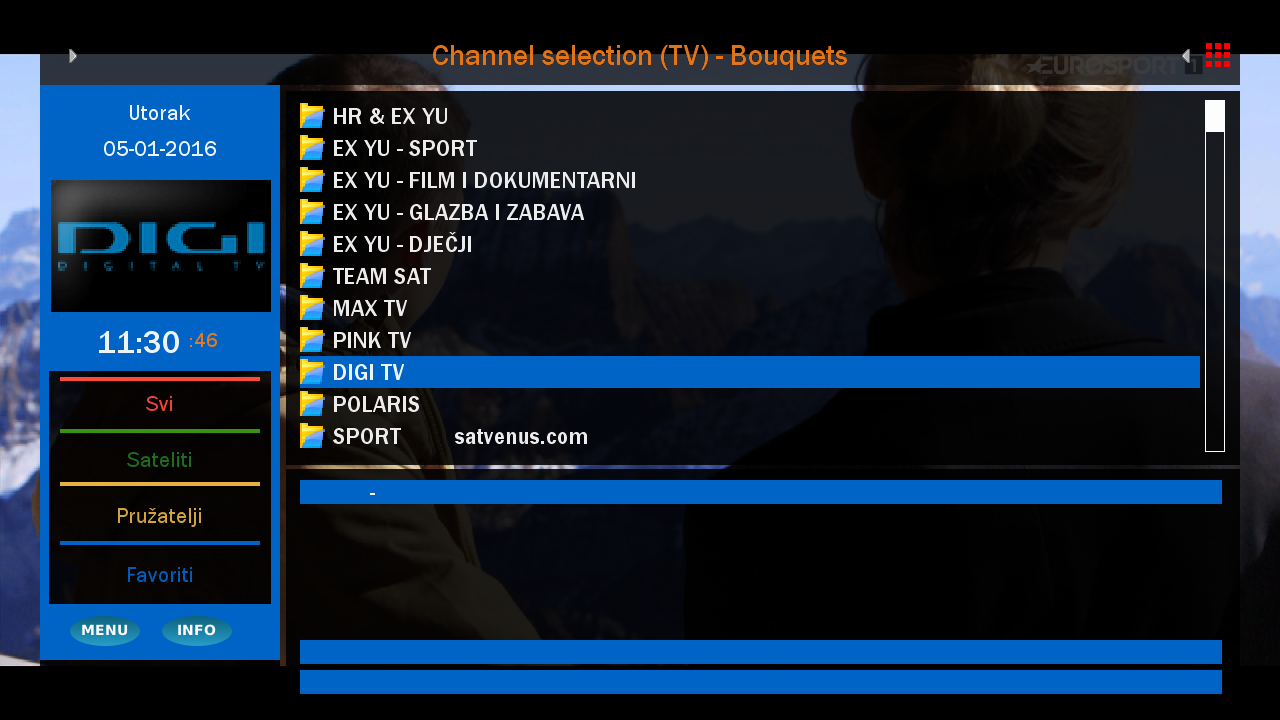
- NEW **** SatVenus E2 Settings ****
- added Plugin Albatros 3.7 oe2.0
- added Skin Kerni PanTV HD mod by RAED for OpenBH
- added Skin Kerni PanTV HD mod by RAED for OpenPLi
- added Skin Sky for BlackHole
- added Softcam Wicardd 1.19 for various images
------------------------------------------------------------------------
UPDATE 03.01.2016
------------------------------------------------------------------------
- added Panel New Menu v0.7 oe2.0 - THANKS SatDreamGr Team!!!
- added Skin SevenHD 3.6.50 for OpenATV
- added Skin Light Red HD 2.5.4 for VTi
- added Skin Middle Blue HD 2.5.4 for VTi
- added Skin Kr Grill HD mod by RAED for OpenPLi
- added Skin HD Glass 16 10.16 in Other Skins
- added Plugin Albatros 3.6 oe2.0
- added Plugin IPTV Player 96.00.01.00 oe2.0
- added Softcam wicardd 1.19r1 for OpenPLi - Solo4K
- added Softcam mgcamd 1.35a-r0 - Solo4K
------------------------------------------------------------------------
***********************************************
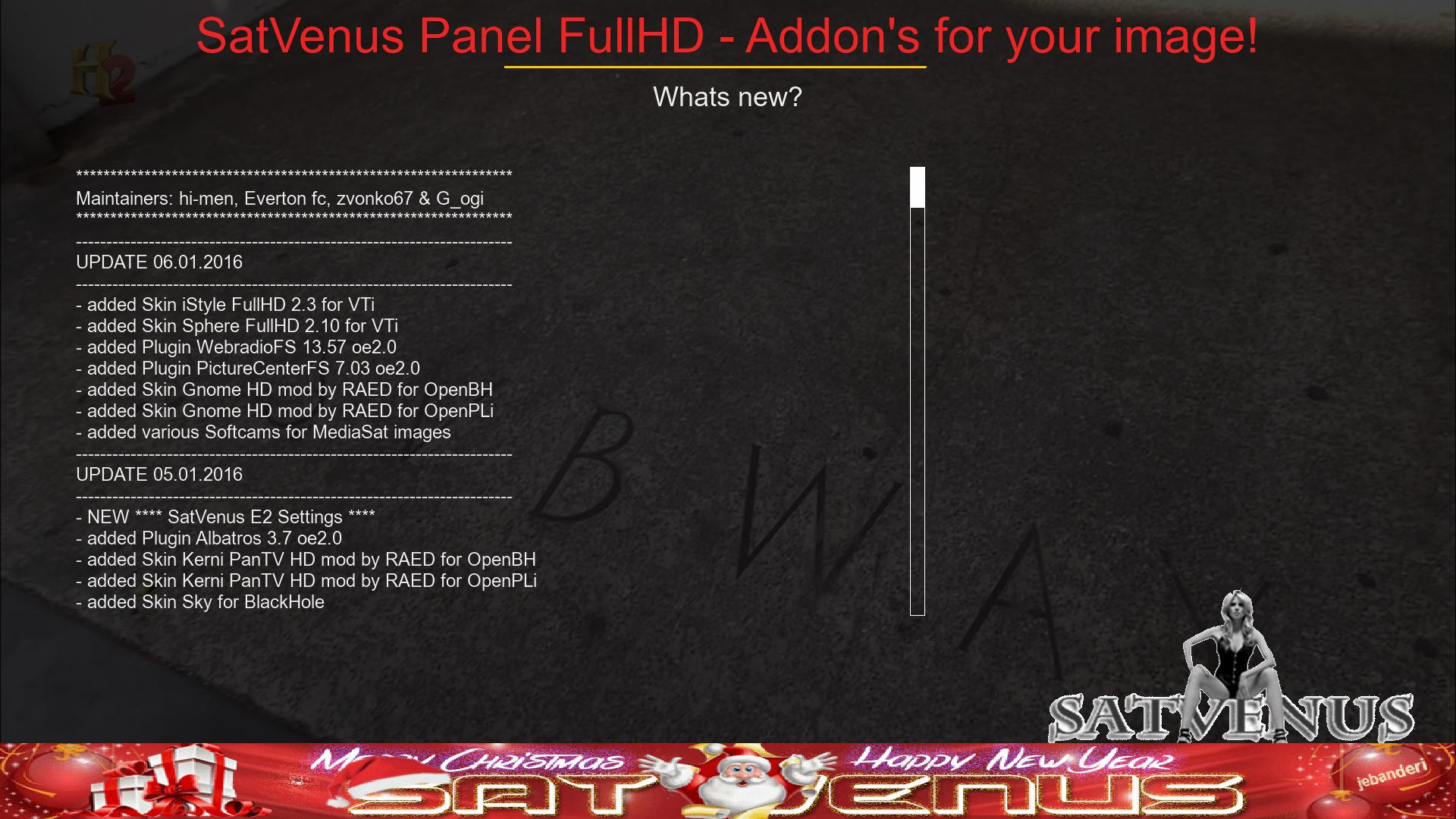
Maintainers: hi-men, Everton fc, zvonko67 & G_ogi
***********************************************
- - - Updated - - -
Display MoreSatVenus Panel 3.1
-fix skin crash
-fix skin crash
Enjoy!
SatVenus Team
------------------------------------------------------------------------
UPDATE 10.01.2016
------------------------------------------------------------------------
**********************************************
NEW SatVenus Panel 3.1 AVAILABLE
- fix skin problem
**********************************************
- added Plugin TSonlineTVmod 5.4 oe2.0
- picons-28.2e-blue-100x60-flash_06012016
- xpicons-28.2e-blue-220x132-flash_06012016
- picons-28.2e-transparent-frame-100x60-flash_06012016
- xpicons-28.2e-transparent-frame-220x132-flash_06012016
- picons-13e-mirror-glass-50x30-8bit-usb_02012016
- picons-13e-mirror-glass-100x60-8bit-usb_02012016
- zpicons-13e-mirror-glass-220x88-8bit-usb_02012016
- zzpicons-13e-mirror-glass-400x160-8bit-usb_02012016
- zzzpicons-13e-mirror-glass-400x240-8bit-usb_02012016
- xpicons-13e-mirror-glass-220x132-32bit-usb_02012016
- picons-19.2e-mirror-glass-50x30-8bit-usb_02012016
- picons-19.2e-mirror-glass-100x60-8bit-usb_02012016
- zpicons-19.2e-mirror-glass-220x88-8bit-usb_02012016
- zzpicons-19.2e-mirror-glass-400x160-8bit-usb_02012016
- zzzpicons-19.2e-mirror-glass-400x240-8bit-usb_02012016
- xpicons-19.2e-mirror-glass-220x132-32bit-usb_02012016
- picons-28.2e-mirror-glass-50x30-8bit-usb_02012016
- picons-28.2e-mirror-glass-100x60-8bit-usb_02012016
- xpicons-28.2e-mirror-glass-220x132-32bit-usb_02012016
- zzzpicons-28.2e-mirror-glass-400x240-8bit-usb_02012016
- zzpicons-19.2e-pimpert-32bit-400x170-usb_04012016
- zzzpicons-19.2e-pimpert-32bit-400x240-usb_04012016
------------------------------------------------------------------------
UPDATE 09.01.2016
------------------------------------------------------------------------
- added ciefp E2 settings
- added Softcam Wicardd 1.19 for various images
- added Plugin MSN Weather mod RAED oe2.0
- added Plugin WebradioFS 13.58 oe2.0
- added Plugin PictureCenterFS 7.06 oe2.0
- added Plugin Ehue 0.7 r2 oe2.0
- added Softcam oscam 11208 2.0 for PowerSat
- added Skin Sphere FullHD 2.11 for VTi
- added Skin Light Red HD 2.6.0 for VTi
- added Skin Middle Blue HD 2.6.0 for VTi
- added Skin KravenVB 4.0.3 for VTi
- added Skin CerX FullHD for VTi
- added Skin Fancy HD mod by RAED for OpenBH
- added Skin Fancy HD mod by RAED for OpenPLi
- added Skin HD Glass 16 10.17 in Other Skins
------------------------------------------------------------------------
UPDATE 06.01.2016
------------------------------------------------------------------------
- added Skin iStyle FullHD 2.3 for VTi
- added Skin Sphere FullHD 2.10 for VTi
- added Plugin WebradioFS 13.57 oe2.0
- added Plugin PictureCenterFS 7.03 oe2.0
- added Skin Gnome HD mod by RAED for OpenBH
- added Skin Gnome HD mod by RAED for OpenPLi
- added various Softcams for MediaSat images
------------------------------------------------------------------------
UPDATE 05.01.2016
------------------------------------------------------------------------
- NEW **** SatVenus E2 Settings ****
- added Plugin Albatros 3.7 oe2.0
- added Skin Kerni PanTV HD mod by RAED for OpenBH
- added Skin Kerni PanTV HD mod by RAED for OpenPLi
- added Skin Sky for BlackHole
- added Softcam Wicardd 1.19 for various images
------------------------------------------------------------------------
UPDATE 03.01.2016
------------------------------------------------------------------------
- added Panel New Menu v0.7 oe2.0 - THANKS SatDreamGr Team!!!
- added Skin SevenHD 3.6.50 for OpenATV
- added Skin Light Red HD 2.5.4 for VTi
- added Skin Middle Blue HD 2.5.4 for VTi
- added Skin Kr Grill HD mod by RAED for OpenPLi
- added Skin HD Glass 16 10.16 in Other Skins
- added Plugin Albatros 3.6 oe2.0
- added Plugin IPTV Player 96.00.01.00 oe2.0
- added Softcam wicardd 1.19r1 for OpenPLi - Solo4K
- added Softcam mgcamd 1.35a-r0 - Solo4K
------------------------------------------------------------------------
***********************************************
Maintainers: hi-men, Everton fc, zvonko67 & G_ogi
***********************************************
Satvenus-panel_3.2
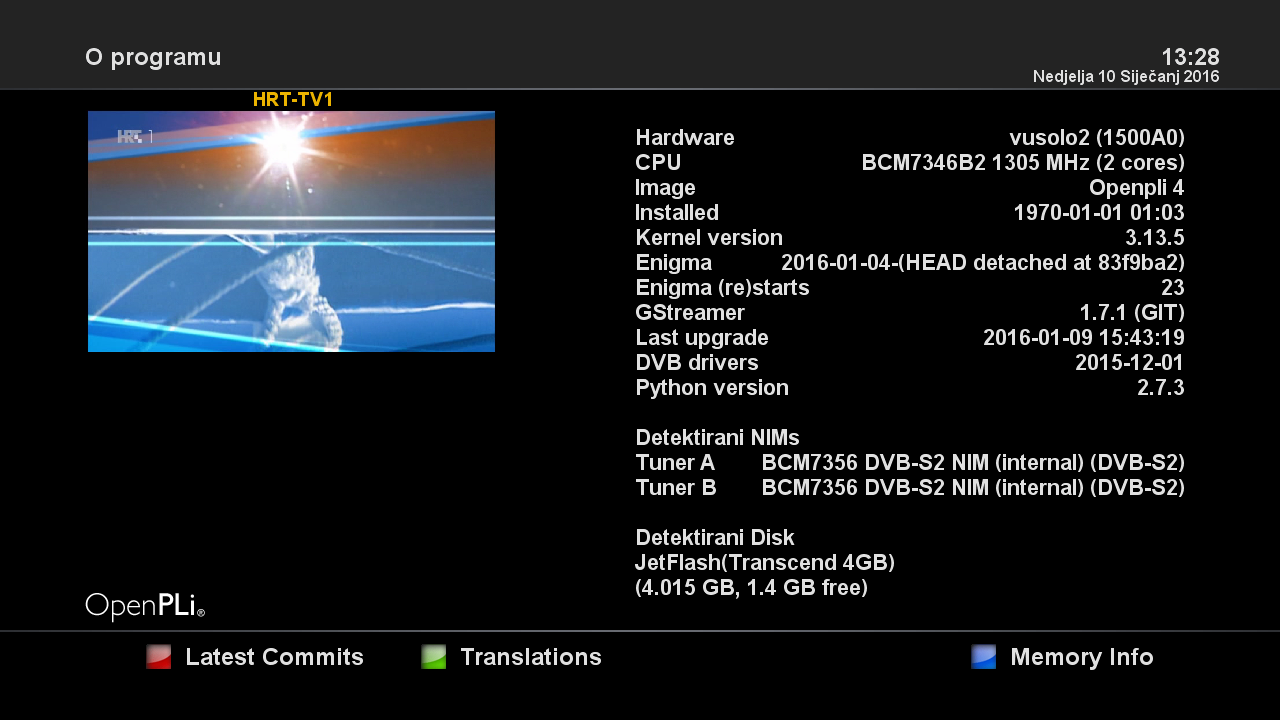
Satvenus Team Backup VU+Solo2 OpenPli 4.0 MastaG Japhar by zvonko67
GStreamer 1.7.1 (GIT)
Satvenus Bootlogo by jopidane
Satvenus E2 Settings 75E-30W motor
05.01.2015
Picon Default "Satvenus" by hoss777
Spiner "Satvenus"
Emu:
CCcam 2.2.1
Mgcamd 1.38c
Doscam 0.25
Wicard 1.19
Plugins:
Satvenus Panel 3.0_ NEW SatVenus Panel 3.2 AVAILABLE
KodiDirekt new update 3.0
IPTVPlayer
TSmedia 11.0
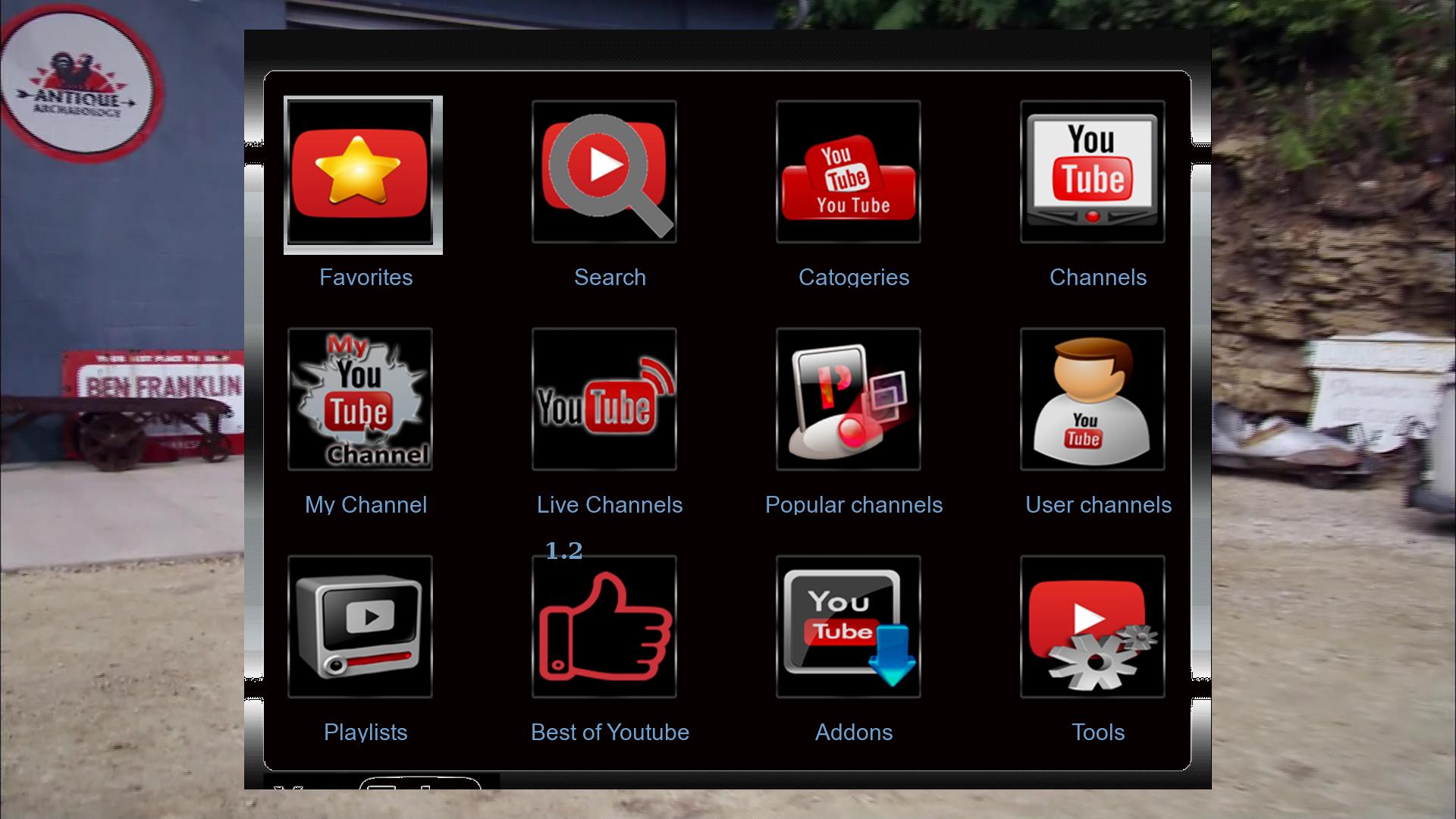
TSTube 1.2
LiveFootBall 6.0
DDplayer 3.29
SubsSupport 1.54
fourtube
TempControl 1.03_Wanted temp. 37*C
and more.....
Multi QuickButton
Red button-SatVenus Panel_SatvenusSettings 2.0
Green button-Plugins Browser
Yellow button-Audio_subtitle
Blue button-Softcam setup
Skin:
Kerni.Gnome HD
Elgato-HD-CN

Download Backup:
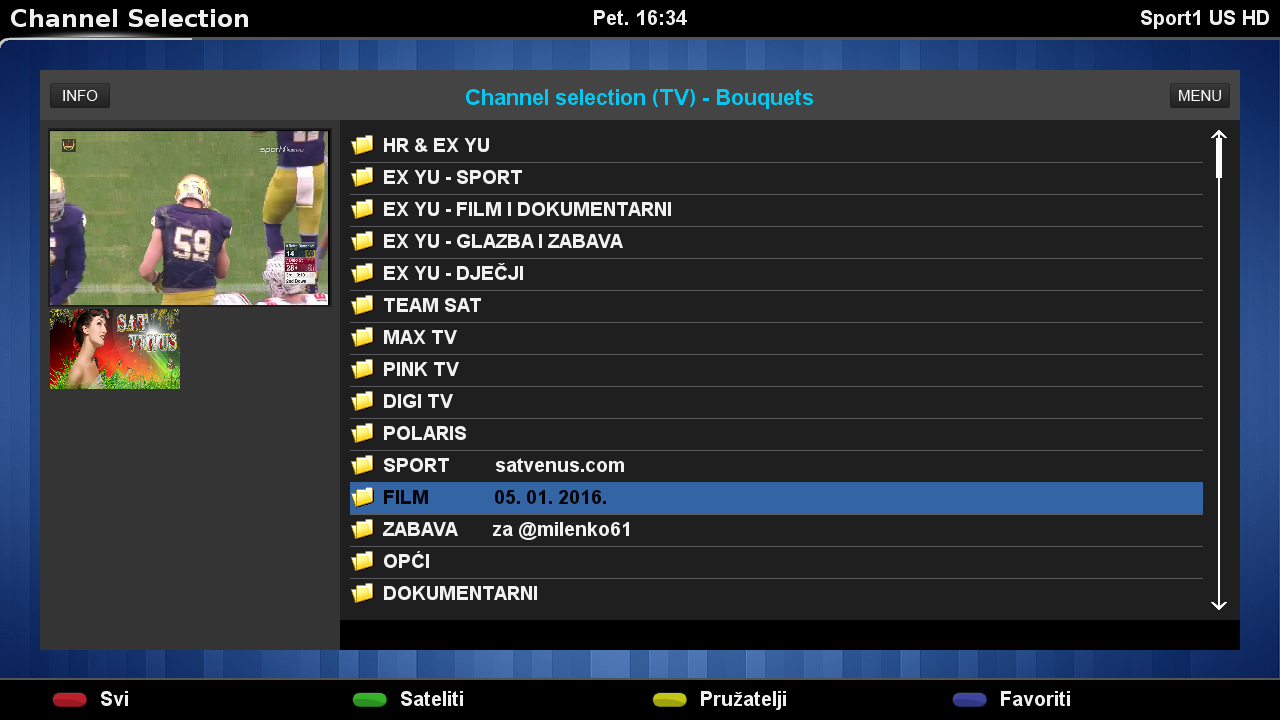
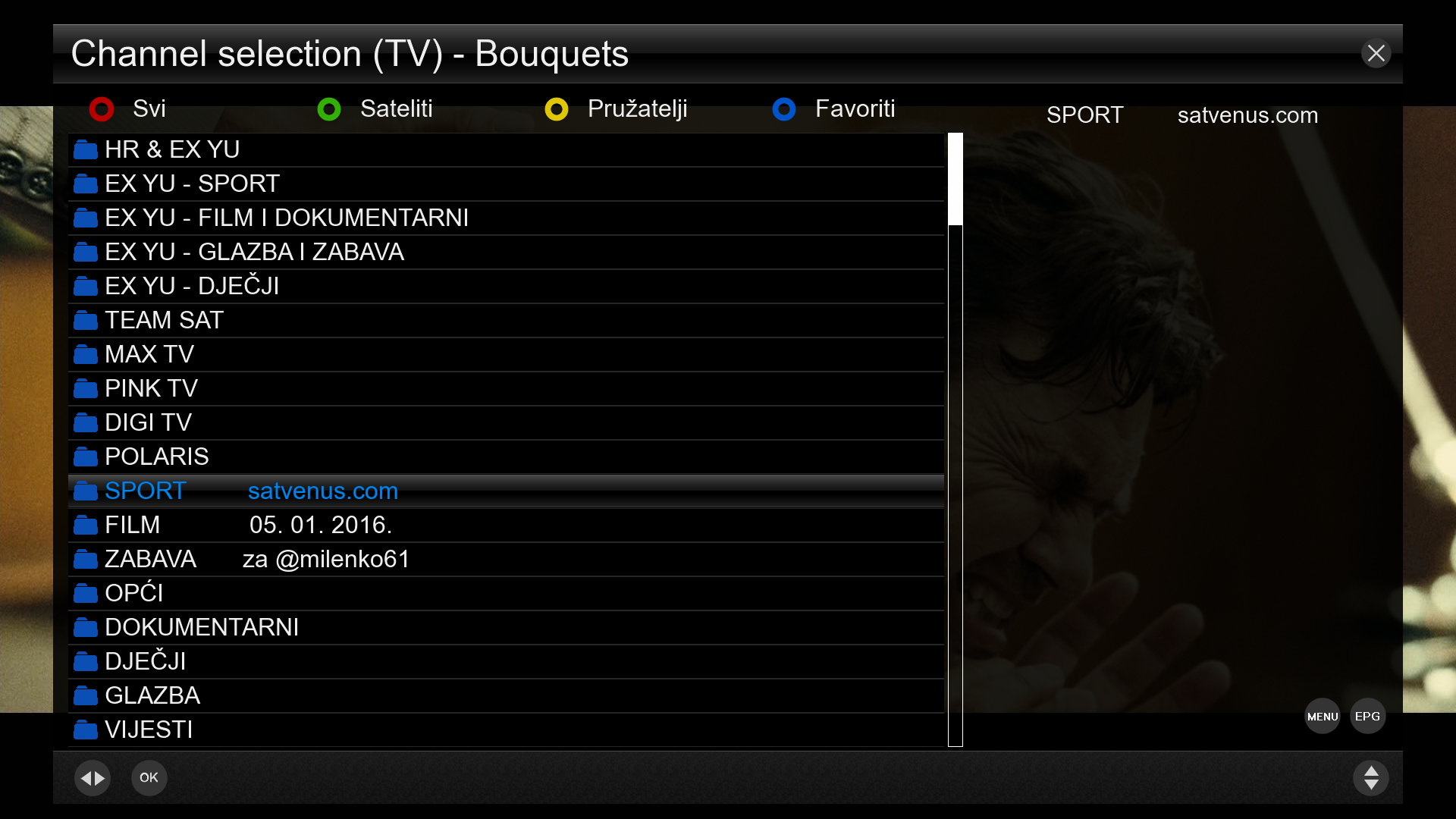
Satvenus EX-YU lista za milenka61 E1 Izmjene 05.01.2016.
- motor & multifeed
- Update svih satelita i favorita

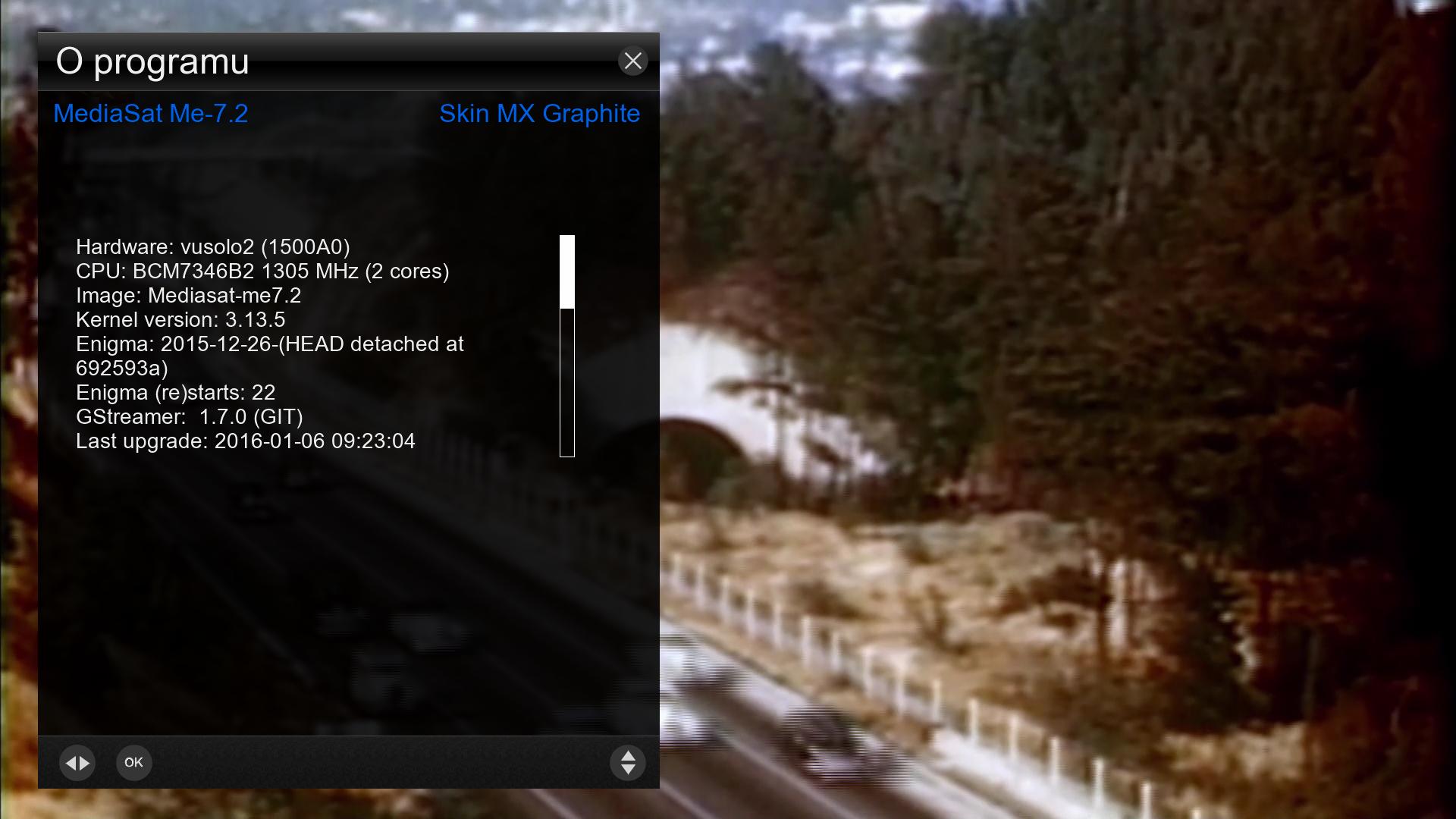
Satvenus Team Backup VU+Solo2 Mediasat-ME 7.2 by zvonko67
Satvenus Bootlogo by jopidane

Satvenus E2 Settings 42E-30W motor
05.01.2015
Emu:
CCcam 2.0.11
CCcam 2.1.3
Mgcamd 1.38
Doscam 0.25
Wicard 1.19
Oscam 1.20 ME
Plugins:
Satvenus Panel 3.0
KodiDirekt new update 3.0
IPTVPlayer
TSmedia 11.0
TSTube 1.2
LiveFootBall 6.0
DDplayer 4.01
SubsSupport 1.54
xhamster 1.0
TempControl 1.03
and more.....
Skin:
MX Graphite FHD

Download Backup:
OpenPLI-4.0-+Gstreamer+1.7.1_Ferrari-SSl88F_DM800_20160106_RAED
Clean and Faster image For Internal and External Flash
Patched Under Ubunut
-This Image For (Jafhar sim) (Big Thank's MastaG)
-Modded to Ferrari DM800 Boxes
-Added last drivers 20131228
-Privet Japhar sim Feed
-IPTV(Works Very Fast)
About remote control How to adjustment >>
menu
setup
system
extra settings
input device
press ok to dreambox remote control (native) and adjustment as you like ..
Warning:Don't Make Update Online

Sim2-TSimage_3.0_OE-2.0-dm800-20151231-#84d-Jasper-20160101
Clean, no changes.
Sim2
SSL84d
Enigma2: 2015-12-30-tarball
################################################## ########## #############################
Webinterface is working.
Teletext is working.
WLAN is working
################################################## ########## #############################
Download:
2016-01-01
Jasper
Satvenus Team Backup VU+Solo2 SatDreamGR gst1 by zvonko67
Satvenus Bootlogo by jopidane
Satvenus E2 Settings 42E-30W motor
31.12.2015
Emu:
CCcam 2.0.11
CCcam 2.1.3
Mgcamd 1.38
Doscam 0.25
Wicard 1.19
Oscam 11198
Plugins:
Satvenus Panel 3.0
KodiDirekt new update 3.0
IPTVPlayer
TSmedia 11.0
TSTube 1.2
LiveFootBall 6.0
Altadefinizione 1.17
DDplayer 3.29
SubsSupport 1.54
TempControl 1.03
and more.....
Red button-SatVenus Panel
Green button-Plugins Browser
Yellow button-Audio_subtitle
Blue button-Panel+
Skin:
RedBlack HD
MySkin HD
Satdreamgr-HD-TranspBA

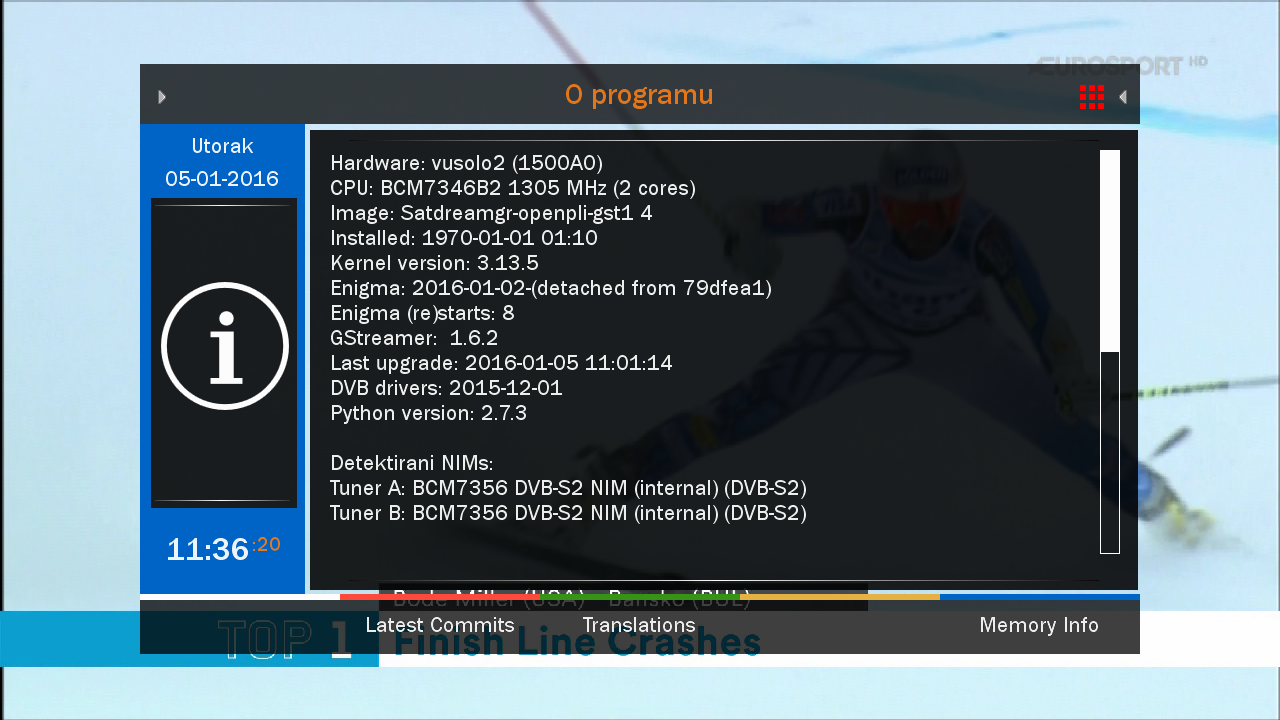
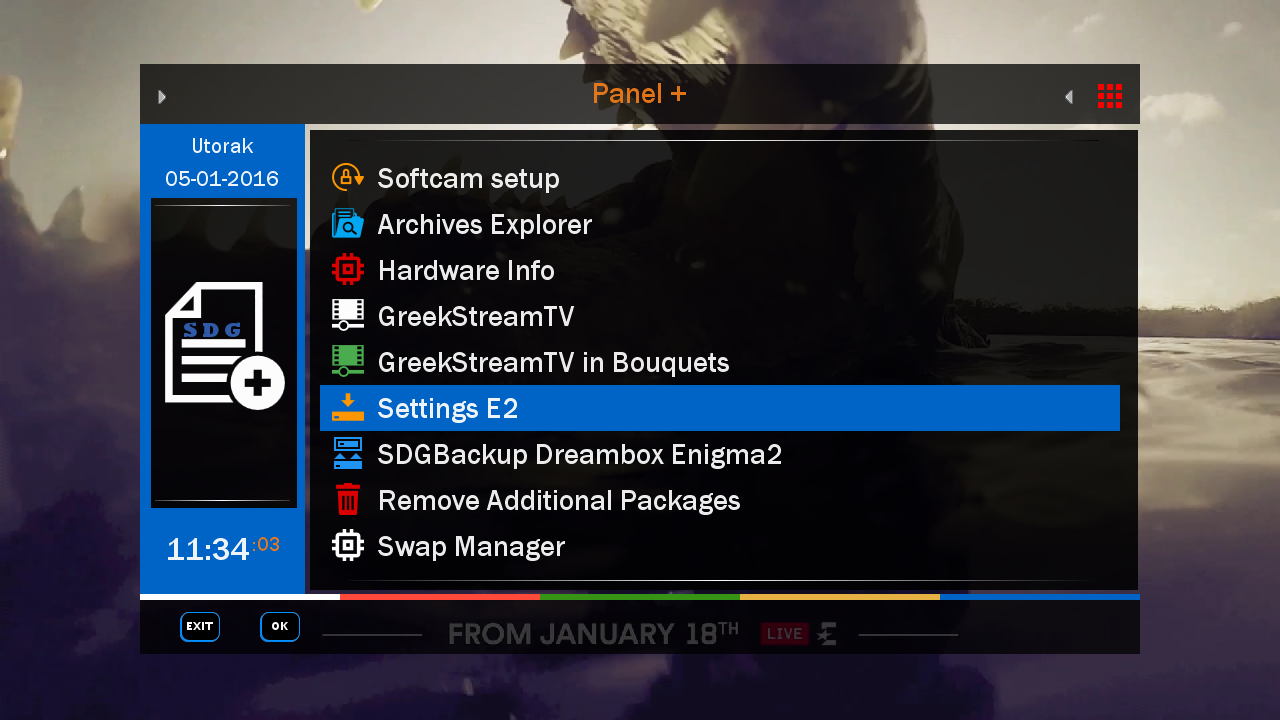
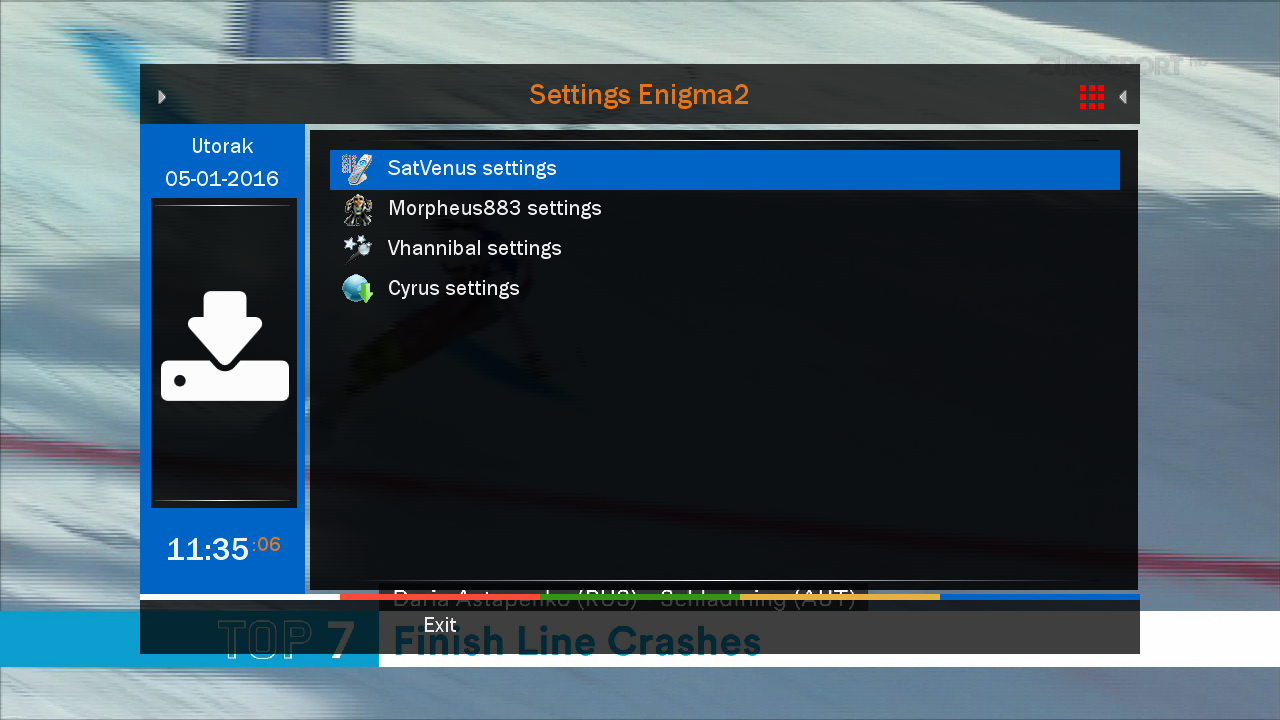
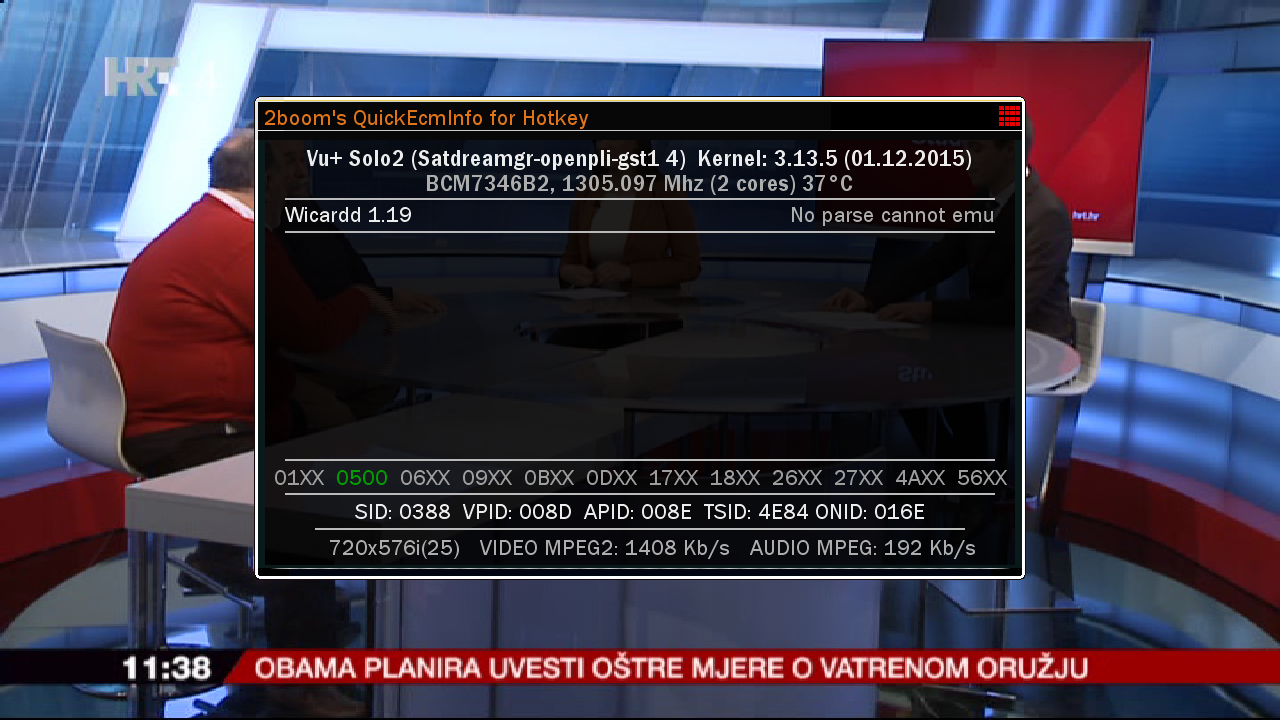


Download Backup:
colleagues, I do not know what the problem is !!
Friend I have done the test with 3 usb and nothing does not boot is always starting something is wrong in boot
Mfg sedutor
whether you tried to wait a bit longer boot ??
I see that the backup has 218 views and only a couple of you complain that you do not build up images
something in you is not about
newnigma2-stable-lean-dm500HD-v4.0.16 -ramiMAHER#ssl84D
sim2
enigma2:patched : 12.03.2015: by ramiMAHER
Basics:
Enigma2 4.0: 30.12.2015
Enigma2 Plugins: 02.01.2016
Newnigma2 Plugins: 02.01.2016
DM 800 HD se
driver: 02.12.2015
secondstage: 84
kernel 3.2.68
DM 800 HD se v2
driver: 02.12.2015
secondstage: 89
kernel 3.2.68
changelog E2 30.12.2015:
dvbnamespace is now always 0xFFFF0000 for DVB-C and 0xEEEE0000 for DVB-T (compatible with OE2.2)
fixed possible crashes / endless loops on title change in mediaplayer (introduced in 20151202 tarball)
fixed possible crashes on try to play unaccessible mediafiles
fixed possible deadlock caused by media subtitles
fixed audio/subtitle selection on movie playback with players opened via mainmenu
better compatibility with external plugins which patches the ChannelSelection
fixed crash on non driver based cable transponder search
changelog E2 02.12.2015:
fixed H264 video detection of some TV services (sometimes AC3 descriptors are sent on the videopid?!?.... ignore this for now)
CommonInterfaceAssignment: dont crash when no accessible CI is available
allow to override broken transponders (same TSID/ONID combinations) via /etc/enigma2/scan_tp_valid_check.py again
DVDPlayer
- reset the in_menu state on service stop (fixes buttons not working on next service start .. probably after choosing another iso file or dvd folder via filebrowser)
- small fixes (from go4dream)
unicable.xml: add Spaun SUS5581/33NF models (thx to Uenz)
PicturePlayer: allow to disable the pictureplayer border to allow unscaled pictures up to skin resolution
useful for displaying test images to optimize sharpness, contrast, brightness settings)
set http timeout for servicemp3 streaming to 30 seconds
delay playService requests until the ChannelSelection is fully initialized
fixed hbbtv video download
added si2166b blindscan support
added use SCPC search range option for si2166b tuner
show correct nim slot descriptions in infobar and serviceinfo dialog (A1/A2/B1/B2) skin must support this!!
optimized speed of servicescan without NIT a bit
small dvdplayer fixes (from go4dream)
Notice: Update from v4.0.x to 4.0.16 only possible by updating via console.
Changes:
Added: Newnigma2 FileBrowser
Added: Skin Evolution-HD by Kerni (thx)
Added: newnigma2.Kerni.PanTV-HD by Kerni (thx)
Added: Kerni.Gnome-HD by Kerni (thx)
Added: VideoDB V2.2 by Dr.Best (click here for more information) (thx)
Added: swapmanager
Added: wget
Added: stat
Added: weathercomponent (needed for some skins)
Added: eventposition (needed for some skins)
Added: reftopiconname (needed for some skins)
Added: ledmanager (be carefully changed source="ButtonGreentext" to source="key_green") screen for skinner
Added: Black-Box.HD.ME (32bit skin)
Added: cryptsetup more information
Added: newnigma2-servicerestart: restart services via gui, like init.d, if telnet is not reachable screen for skinner
Added: free space check's before installing or upgrade packages
Added: min free flash space is 3mb for installing/upgrading some packages
Added: improve network connectivity check in newnigma2 installer
Added: new skin option: progress_pointer (since E2 14.02.2014 possible) screen for skinner
Added: readded extendedinfobar
Bugfix: Rebuild Picon handling/loading/caching (less memory consumption)
Bugfix: Newnigma2 Services fix getPNG cache failure (memoryleak)
Bugfix: Improved onlineinstaller cache handling (sometimes strange screen output)
Bugfix: neutrino keymap
Bugfix: newnigma2.Kerni.PanTV-HD icons
Bugfix: Caid Renderer didn't close ecm.info and share.info properly
Bugfix: for loading wrong or no newnigma2 service menu png's
Bugfix: loosing picon value in servicelist after using configsaver
Bugfix: for not shown all skins in nenwigma2 installer skin section, like tikila skins
Bugfix: prevent of loading skin_infobar_wetter.xml on other skins then "newnigma2-" skins
Bugfix: broken gui installer
Update: Some improvements on our onlineinstaller
Update: znc to version 1.4
Update: openvpn to version 2.3.4
Update: german translation
Update: picon renderer. create piconSList dir for servicelist picons.
Update: IPTV-List-Updater
Update: cryptsetup
Update: openssl
Removed: we have removed non working plugins. most of them are integrated in mediaportal.
Removed: keymanger plugin from image. It's still available from our feed.
here u can find USB to UART driver
here u can find DreamUP V1.3.3.11
Info: since release of e2 v. 3.2 there is no dm7025 support yet. that's what dmm said.
Multiboot: No support for multiboot. Not planned. No need for such a tool.
GP3wizard: No support for gp3wizard. Probably not running. Not needed in Newnigma2 environment.
Important changes:
1. Install picons on USB-Drives:
press menu button -> setup -> system -> storage devices -> then press red button for initialize (be carefully all your data will be erased). last step is to mount the device.
next step: press blue button -> newnigma2 services -> sytsem tools -> expert settings -> change opkg ignore USB/HDD from yes to no. Restart enigma2 und install picons on your usb device.
2. network configuration:
If the IP address assigned manually, as well as the address of the DNS server must be entered.
press menu button -> setup -> system -> network -> adapter settings
3. install or upgrading:
before installing/upgrading packages, we now check if at least are 3mb free space in flash.
ipk's/packages from the newnigma2 team has a value which says the installer the minimum needed space for
the package. if the min required space is not available than the installation aborts.
!! Attention enigma2 ipk needs at least 9mb !!
4. issue due upgrade to v4.0.16:
if you have troubles by upgrading to v4.0.16 even no 9mb free space for the enigma2 package, so
you can first upgrade the newnigma2 installer package. After reboot try to upgrade again via gui, the installer
ignore's now the 9mb needed from the package and uses instead the value you set in
"blue button -> newnigma2 services -> system tools -> expert settings -> min. free space".
Wichtige Änderungen:
1. Picons auf USB-Laufwerken/der internen Festplatte installieren:
USB-Laufwerk über "Menü > Einstellungen > System > Speichergeräte" initialisieren und anschließend mounten"
"blaue Taste > Newnigma Services > System Werkzeuge > Experten Einstellungen > Opkg ignoriere USB/HDD = nein > E2 Neustart und anschließend auf USB installieren"
2. Netzwerk Konfiguration:
"Menü > Einstellungen > System > Netzwerk > LAN oder WLAN > Adapter Einstellungen"
Wird die IP-Adresse manuell konfiguriert so muss zwingend auch die Adresse des DNS-Servers eingetragen werden.
3. Installation oder Update des System:
Es müssen nun mindestens 3 MB freier Flashspeicher zur Verfügung stehen um Installationen/Updates vorzunehmen.
Vor Installation eines ipk's vom newnigma2 team, wird geprüft, ob für dieses Paket noch genügend freier Speicher vorhanden ist.
Sollte das nicht der Fall sein, bricht die Installation ab.
!!Achtung das enigma2 Paket benötigt min 9MB!!
4. Bei Problemen mit dem Update auf v4.0.16:
Sollte das Update auf v4.0.16 nicht funktionieren, weil dem enigma2 Paket keine 9MB zur Verfügung stehen, so ist zuerst der newnigma2 installer zu aktualisieren.
Nach anschließendem reboot kann man den Upgradevorgang via gui fortsetzen. Dabei wird der Check des freien Speichers beim Upgrade auf den Wert gesetzt, der unter
"blaue Taste -> Newnigma Services -> System Werkzeuge -> Experten Einstellungen -> min. free space" eingestellt ist.
Your
Newnigma2 Team
Download
So you get that almost all of the 13e and 19e
you have to addons SatVenus settings 2.0 and with it take off satellites that have

