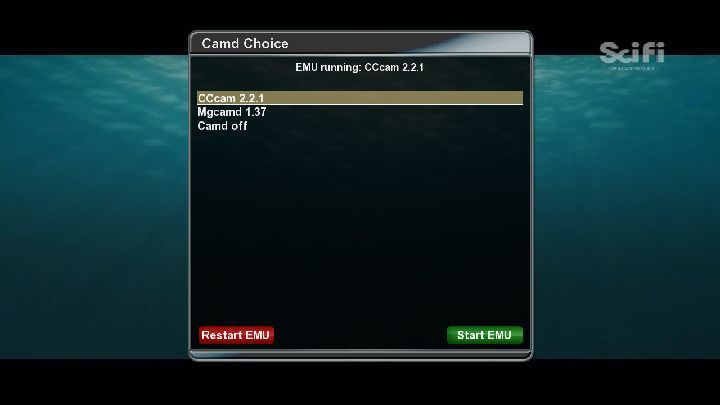
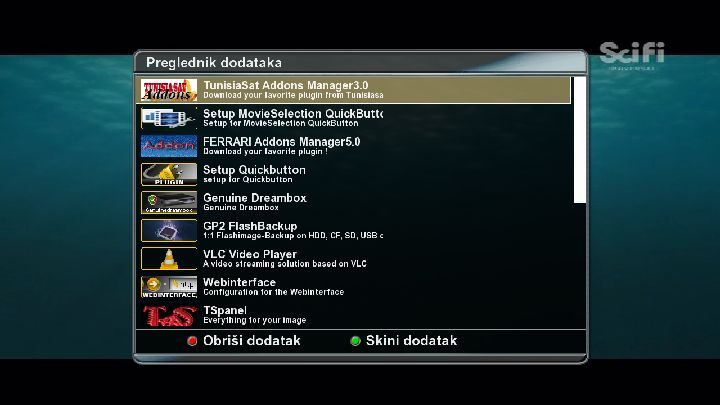
FTP Tspanel to the Vu!...
Yes you have to unzip...
Then download CCcam via the Tspanel!...
This softcam should do you grand: http://linuxsat-support.com/dr…am-serjoga.html#post27127
Big difference from the Spiderboxes, eh mate ;)


FTP Tspanel to the Vu!...
Yes you have to unzip...
Then download CCcam via the Tspanel!...
This softcam should do you grand: http://linuxsat-support.com/dr…am-serjoga.html#post27127
Big difference from the Spiderboxes, eh mate ;)
Ya internet explorer is the recommended one :/
You tried different images and crap?
It just happened during a bad flash ya?
Sim card isn't loose or anything is it?
What web browser you using to webflash?
Again you download cccam via the TS Panel and initialize it via the blue button I think!..
And for the softcam you need to ftp it to the Vu..
Can't remember the directory, but i'll find out for you...
24.09.11
Zee TV 13 east
C+NL 19 east
B****t 39 east
all other key updated
Big thanks to Benkurd for his great softcams!
Great job buddy!!
Persian Palace Clean 8.3 By Persian Prince (Enigma2-OE1.6-Mipsel)
Release Date : 23-September-2011


Published By : Persian Professionals Team


==============Script Manager==============


- Swap Manager- Mount Manager


-- USB-- HDD-- Mount-- Format-- UnMount


- Update Modules- Delete Crash Logs- IPK Server Manager


-- Size Check-- MD5Sum Check-- SHA1Sum Check-- USB-- HDD


- Picon Path Manager


-- USB-- HDD


- Plugin Path Manager


-- USB-- HDD


- Software Informations


-- Date-- Swap-- System-- UpTime-- Activity-- Host Name-- Process List-- File Systems-- Kernel Version-- Kernel Informations-- Installed Packages Informations


- Hardware Informations


-- CPU-- MAC-- Memory-- Free Space-- Free Memory-- Kernel Modules-- HDD Performance


--- HDD Status--- HDD Temperature--- HDD Informations


-- Internet Performance


--- Ping--- Netstat--- NS Look Up--- Trace Route--- Reset Network--- Use Open DNS - Temporary


- Timeshift Path Manager


-- USB


- Time Update


-- Time Update-- Time Update Plugin


- OPKG Update + Upgrade


- Persian Empire Enigma2 Image By Persian Prince


-- After Update Scripts


--- Fix Spinner--- Fix Boot Logo--- Fix Ajax Loader--- Fix WebIF - Xtrend--- Fix WebIF - Vuplus--- Fix Remote Pictures - Xtrend--- Fix Remote Pictures - VuPlus--- Fix Remote Pictures - DreamBox--- Fix Enigma2 Settings - Xtrend--- Fix Enigma2 Settings - VuPlus--- Fix Enigma2 Settings - DreamBox


-- Persian Empire Enigma2 Image Creator (Coming Soon)


--- VuPlus--- Xtrend--- DreamBox


==============Backup/Restore==============


- Plugins


-- Restore-- USB-- HDD


- Skins-Picons


-- Restore-- USB-- HDD


- Enigma2 Settings


-- Restore-- Backup-- Backup With Date-- USB-- HDD


- Restore Skin.XML Backup- Restore Language Backup


=============================Channel - Settings Downloader=============================


- RR Settings- Likra Settings- Dona Settings- Cyrus Settings- Rytec Settings- Cajton Settings


- Others Settings


-- Ciefp Settings-- Predrag Settings-- Catseye Settings-- Beli1910 Settings-- Dzunglaxx Settings


- Persian Settings


-- AdelSat Settings-- Farshadmb Settings


- Corvone Settings- Vhannibal Settings


- Remove Channels - Settings


-- Remove Settings-- Remove Channels-- Reset Factory Defaults


- Data Channels Converter (*** 19.2E)


=====================================Satellites-Terrestrial XML Downloader=====================================


- DVB-C Official (cables.xml)- DVB-C PaphosAL (cables.xml)- DVB-S Clone (satellites.xml)- DVB-S Gemini (satellites.xml)- DVB-S SatXML (satellites.xml)- DVB-S SatHunter (satellites.xml)- DVB-S SatLoader (satellites.xml)- DVB-S FastSatFinder (satellites.xml)- DVB-S By Persian Prince (satellites.xml)- DVB-T Official (terrestrial.xml)- DVB-T By Persian Prince (terrestrial.xml)


====================================Persian Tools For Persian People====================================


- Persian Weather- Tehran Traffic Map- Persian Language Adder (Translated By Persian Prince)


=======Cleaner=======


- USB- HDD- Temp- Key


=========Installer=========


- USB- HDD- URL- Temp


- Xtrend Drivers-Modules - ZIP


-- ET5000HD-- ET9000HD


- DreamBox Drivers-Modules - IPK


-- 7025-- 500HD-- 800HD-- 7020HD-- 8000HD-- 800SEHD


- VuPlus Drivers-Modules - TAR.GZ


-- Duo-- Uno-- Solo-- Ultimo


==============File Extractor==============


- IPK- NFI- ZIP- RAR- TAR.GZ


==================================================Font Changer (DejaVuSans 2.33) - Supports 42 Fonts==================================================


- Bold Font- Normal Font- Read Me Before Do Anything !


===================================Default Channel Audio Configuration===================================


- English- Persian


====================About Persian Palace====================


- Informations- Last Server Update- Upgrade To Latest Version


===========File Hashes===========


File Name :


enigma2-plugin-persianpros-persianpalace-clean_8.3_mipsel.ipk


CRC32: 68D9B28CMD5: 777FB20BD771F2B3E6EBA1C9B13AFC27SHA-1: D89E1E60731ADBD3AEC7EF4B107DE8B3AC9633E2


Files : 180


Folders : 16


Scripts : 150


XML Lines : 682


==========ChangeLogs==========


- New Release With New Name "Persian Palce" (8.0)- "Upgrade To Latest Version" updated (8.1)- plugin.pyo updated (8.1)- plugin.pyo updated (8.2)- "Ciefp" , "Predrag" , "Catseye" settings added (8.2)- plugin.pyo , PersianPalace.pyo updated (8.3)- "URL Installer - IPK" added (8.3)- "Corvone" , "Beli1910" , "Dzungglaxx" settings added (8.3)- "Time Update Plugin" added (8.3)- "Persian Empire Enigma2 Image" section updated for upcoming events (8.3)- and so much more ...


==========Help - FAQ==========


You Can't Upgrade From Previous Versions


Don't Install It If You Have "Prince's Panel" Installed


Remove Previous Versions With "opkg remove --force-depends enigma2-plugin-persianpros-princepanel-clean" Command


Comments & Requests :


https://persianpros.com/forum209/thread745.html


Questions & Problems :


https://persianpros.com/forum210/thread743.html


All 1.x , 2.x , 3.x , 4.x , 5.x , 6.x , 7.x Versions Are Outdated/Unsupported


Please Remove Them From EveryWhere , Thanks In Advance


Isn't It Nice That "Persian Prince" Always Brings New Features For You ?


ScreenShots :


https://persianpros.com/PHDP/PersianPalace/ScreenShots/


Informations :


https://persianpros.com/PHDP/PersianPalace/Informations/


################################################################


Feel Free To Contact Me : persianprince@persianpros.com


You Can Provide Direct Links For Settings , Satellites.XML , ...


I Will Add Them To The Next Version


Good Luck


################################################################


Available Via Online Update (About->Upgrade To Latest Version)


################################################################Yup i've heard a couple speak of Miltown Mans method and it works supposedly!
When looking at openbox software be sure to look at the description and make sure you do not see "Clone Killer"...
Couple of the lads who have the clones will recommend which version/date software they use and is effective i'm sure!
Haven't heard of this happening with a Vu+ before to be honest, if it were a dm clone i wouldn't be surprised but a Vu+ is odd...
Guessing the Openbox had no trouble with those channels?
Very true!...
I just hope Ka spot beams aren't introduced sooner over this case!
Was discussed here a bit ago! : http://linuxsat-support.com/sa…ardware/2557-sly-hdd.html
Very true!...
If it did happen though Tring would be in almost every pub and club around!
Oooooooooooops :P
They can be used like but won't fit in...
My bad!
Yup any hard drive from a sly+ box can be used in an 800,500 or vu..
Seen them knocking around the freebie sites and on ebay very cheap!
Fingers crossed this works out for us foreign sat heads :P
Set up your own server and share!...
Its not that hard!
And you have been given all the info already...
MGcamd 1.37 for GP3
Yup mate simple as that...
Will be around later if you need a hand with testing, etc...
Ok so change the listen port to whatever is open on your router..
Do not alter the cfgs otherwise, i.e. leave the N-line...
Just add c's and f's etc..
Remember know you need to forward the port to that reciever and not the server you already have...
Keep turning it on and off at the mains for a bit...
If nothing happens leave it off for a bit and retry..
There is an erase image for the 500s in the image section, so if you get Dreamup to recognise it use that or another good image...