******************************
openpliPC project by nobody9
******************************
December, 2011
Main thread discussion:
Build Script for Openpli Enigma2 on Ubuntu 10.4 32 Bit - [EN] Third-Party Development - Forums
------------------------------
Tested on
------------------------------
Ubuntu 10.04 32 bit
Ubuntu 10.10 32 and 64 bit
Ubuntu 10.10 32 and 64 bit as VMware virtual machine guest (OSX Lion 64 bit host)
Ubuntu 11.10 32 and 64 bit
Ubuntu 11.10 32 bit as VMware virtual machine guest (Win7 64 bit host)
------------------------------
BUILDING openpliPC
------------------------------
1a) download openpliPC git repo as local user (not root):
git clone https://github.com/nobody9/openpliPC.git
cd openpliPC/
- OR -
1b) Keep in sync previously cloned git repo:
cd openpliPC/
git pull https://github.com/nobody9/openpliPC.git
2) Building needed openpliPC enigma2 libraries:
It download, build and install all needed libraries
Some tasks require root access (sudo). You will be asked for your password.
This task must be run ONCE at the first time. These libs are compiled from
its original sources and aren't patched anyway.
./build_libs.sh
If you are interested to have a logfile , simply do:
./build_libs.sh 2>&1 | tee build_libs.log
3) Build Xine-lib and openpliPC Enigma2:
It compile and install xine-lib and the openpliPC Enigma2.
xine-lib and enigma2 are included in openpliPC main repo and code
is already patched ready to compile.
Some tasks require root access (sudo). You will be asked for your password.
./build_openpliPC.sh
If you are interested to have a logfile , simply do:
./build_openpliPC.sh.sh 2>&1 | tee build_log.log
./build_openpliPC.sh has some command-line options
./build_openpliPC.sh -h to see them
4) If you are interested you can compile vdapauinfo and qvdpautest
(building qvdpautest require install qt4-dev-tools (100 MB))
./build_vdpauinfotest.sh
After build you can find binaries under libs/vdpauinfo-0.0.6/ and libs/qvdpautest-0.5.1/
qvdpautest must run into libs/qvdpautest-0.5.1/
cd libs/qvdpautest-0.5.1/
./qvdpautest
------------------------------
Where is Enigma2 ?
------------------------------
Enigma2 will be installed in /usr/local/e2/ (see build_openpliPC.sh $INSTALL_E2DIR )
Example configs in /usr/local/e2/etc/enigma2/
The hole /proc/stb directory are located at /usr/local/e2/etc/stb/
------------------------------
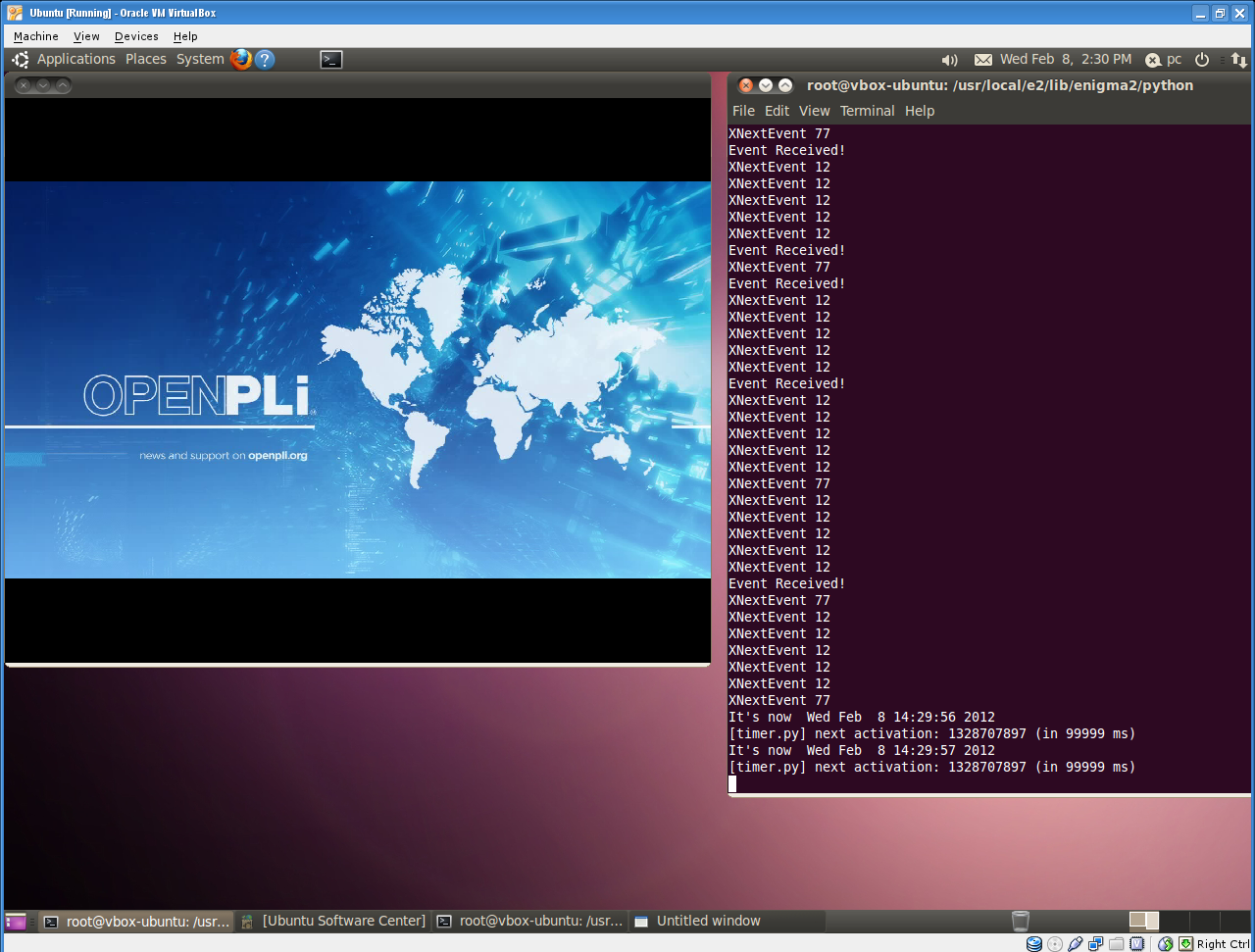
Run enigma2
------------------------------
Enigma2 requires to be launched as root user:
sudo /usr/local/e2/bin/enigma2
If you are inside openpliPC/ simply do:
sudo ./e2bin
If you are concerned about security, build and run Enigma2 in a Virtual Machine
------------------------------
Informations
------------------------------
1)
with xine_vdpau I get osd, video (SD and HD) and sound,
with xine_xshm I get video (SD and HD) and sound ,
with xine_sdl I get only video (SD and HD) in size 720x576 they don´t scale and sound.
VDPAU has the best results but it's only available with Nvidia graphics cards
VDPAU library use Nvidia GPU as MPEG2/4 hardware coprocessor speeding up decode process
VDPAU - Wikipedia, the free encyclopedia
Nvidia PureVideo - Wikipedia, the free encyclopedia
Here you can find a message about VDPAU benchmark and performance:
Build Script for Openpli Enigma2 on Ubuntu 10.4 32 Bit - [EN] Third-Party Development - Forums - Page 10
not all Nvidia cards are able to play HD video using VDPAU
2)
Some remote control keys are remapped to local PC keyboard
RED -> F1
GREEN -> F2
YELLOW -> F3
BLUE -> F4
VOL UP -> + (numeric pad) or +
VOL DOWN -> - (numeric pad) or -
NEXT CHANN. -> ARROW DOWN
PREV CHANN. -> ARROW UP
NEXT BOUQUET -> PAGE DOWN
PREV BOUQUET -> PAGE UP
EXIT -> ESC
MENU -> SPACE
INFO -> I or F5
OK -> ENTER
EPG -> E or F6
POWER -> F10
RECORD -> R
TV -> T
VIDEO -> V
AUDIO -> A
RADIO -> D
MUTE -> M
TIMESHIFT -> P
QUIT ENIGMA2 -> X
FULL SCREEN MODE -> F11
3)
Default NIM is configured in /usr/local/e2/etc/tuxbox/nim_sockets
NIM Socket 0:
Type: DVB-S2
Name: VTUNER
Has_Outputs: no
Frontend_Device: 0
If you want to change or add NIM, you must edit nim_sockets file.
Example: to change from DVB-S2 to DVB-T NIM, change "Type" as below
NIM Socket 0:
Type: DVB-T
Name: VTUNER
Has_Outputs: no
Frontend_Device: 0
4)
Adding systemplugins, extensions or skins
put systemplugins in /usr/local/e2/lib/enigma2/python/Plugins/SystemPlugins
put extensions in /usr/local/e2/lib/enigma2/python/Plugins/Extensions
put skin in /usr/local/e2/share/enigma2
5)
In order to record a movie you must create the /hdd/movies directory or use a symbolic link
i.e.
sudo ln -s /my/movie/archive /hdd
sudo mkdir /hdd/movies
6)
/usr/local/e2/share/enigma2/xine.conf has many options about video and audio control
take a look into it
7)
Using vtuner vtuner - access DVB devices over the network - Google Project Hosting user can share his tuner over network connection.
It's a client/server software. Server must be installed where you have a tuner (i.e. your STB like CT9x00 , DM800 ..)
and client must be installed where you have not the physical tuner (i.e. PC)
Some external ref:
Guide for vtunerc client install_vtunerc [NessieDVB docus]
Build Script for Openpli Enigma2 on Ubuntu 10.4 32 Bit - [EN] Third-Party Development - Forums - Page 6
Build Script for Openpli Enigma2 on Ubuntu 10.4 32 Bit - [EN] Third-Party Development - Forums - Page 7
------------------------------
Thanks to
------------------------------
Cougar for porting Enigma2 to Enigma2PC.
kanber_kav implement a Mediaplayer in Enigma2PC over xinelib without gstreamer and implement subtitles.
buyukbang for testing.
ambrosa for testing, cosmethic changes of the scripts, docs.