Posts by ZYGA
-
-
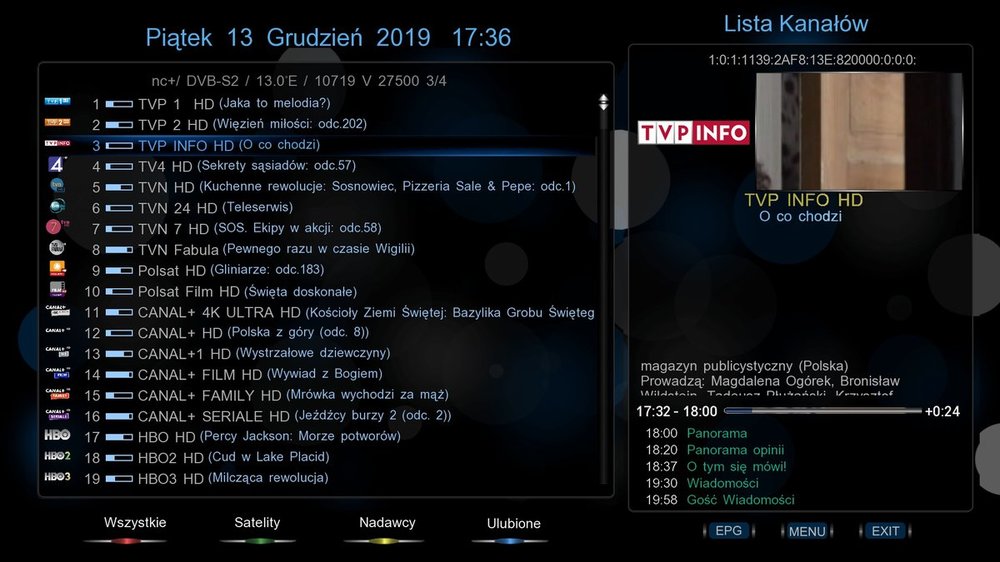
VU+Skin Pingu-NavyBlueFHD_ by fhroma image VTI 13.12.2019 Zrobiłem listę z mniejszymi odstępami Jest w userskin pod ChammelSelection_lewa_2 [/SIZE]
-
-
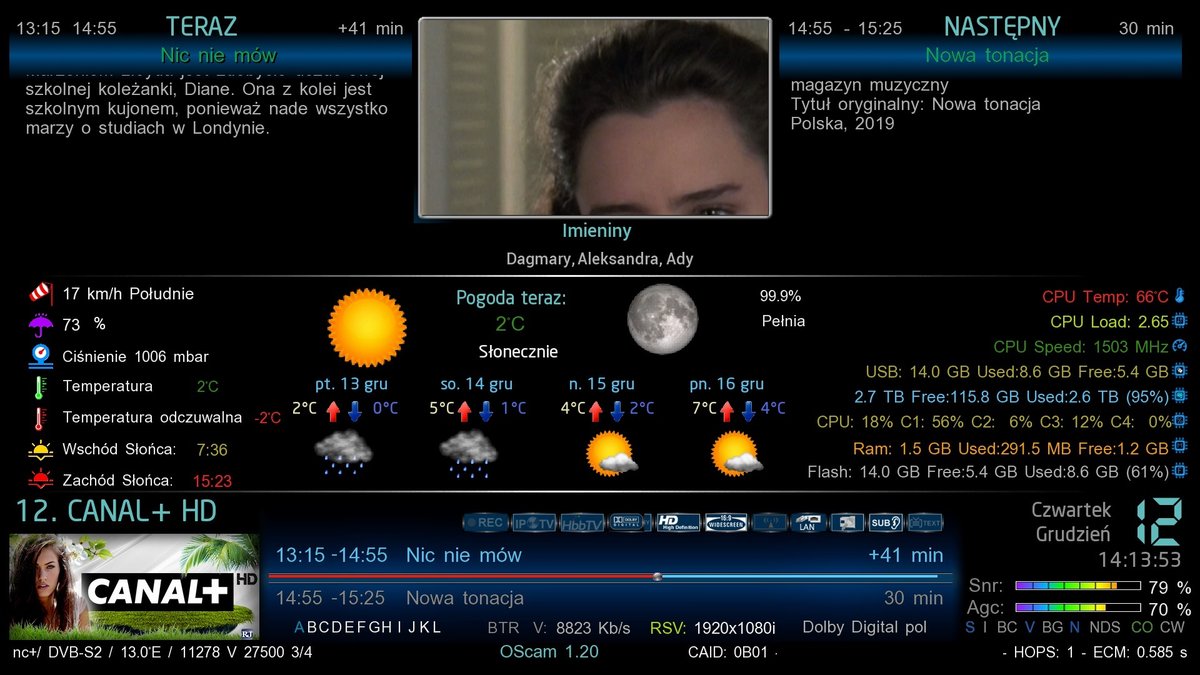
VU+New Skin DarkSpace image VTI Wersja 0.3 by Crash 11.12.2019
-
VU+ New Skin DarkSpace Wersja 0.2 by Crash
-corrected colors
- added missing converters
- other minor fixes
download
DarkSpace.tar.gz 2 MB ·
-
FreeServer V_5.3

mino60 napisał:
nowa wersja 5.3
Wypróbuj node.js bin Mo 37
opkg update
opkg install nodejs
:[SIZE=4][COLOR="#008000"]download:[/COLOR][/SIZE]
enigma2-plugin-extensions-freeserver_5.3_all.ipk 2 MB ·
-
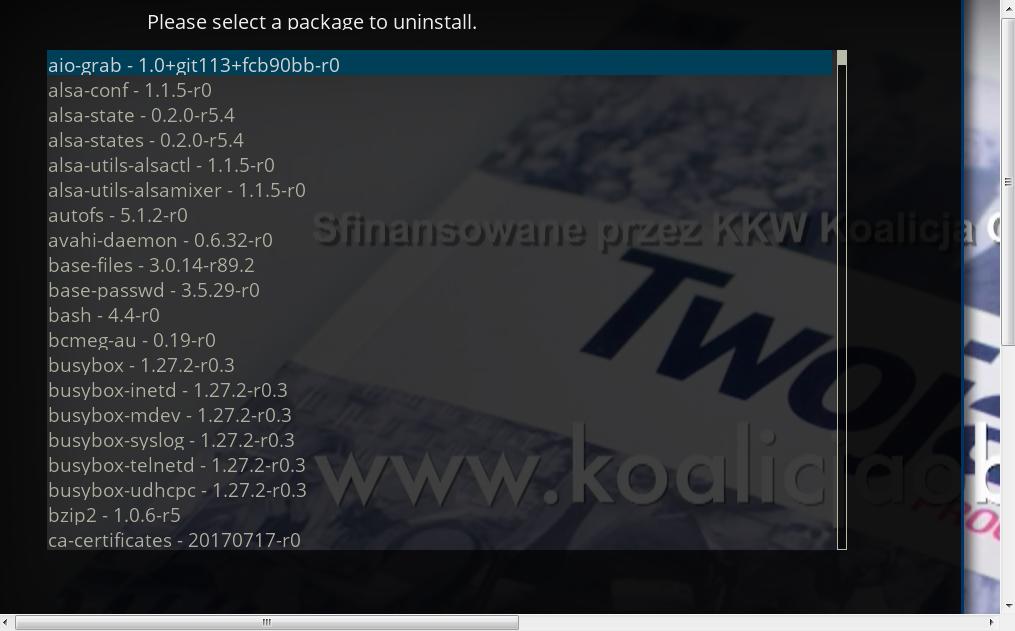
IPK Uninstaller 1.3

This plugin was originally made by Lucifer as an IPK package of the IPK-Uninstaller plugin.
this plugin is an embedded screen in some images.
you can not only uninstall the plugin (you can do it using the plugin browser / quick menu), but also all kinds of packages.
it may not be something that every user needs, but if so, you can install it yourself.
-
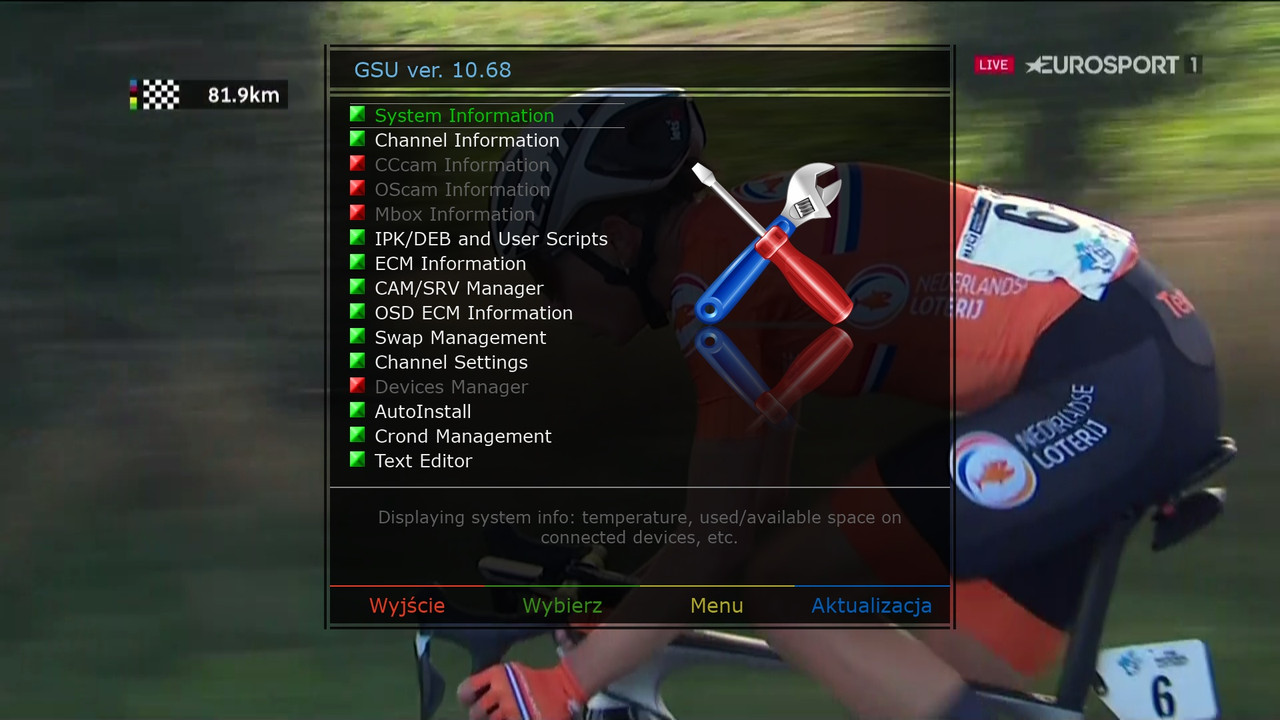
GSU ver. 10.68

[SIZE=4] - changed methot to read TP info(transporder/db)
- changed method to get the path of "default" picon
- added detection of TVKey[/SIZE]
[SIZE=4][COLOR="#008000"]
-
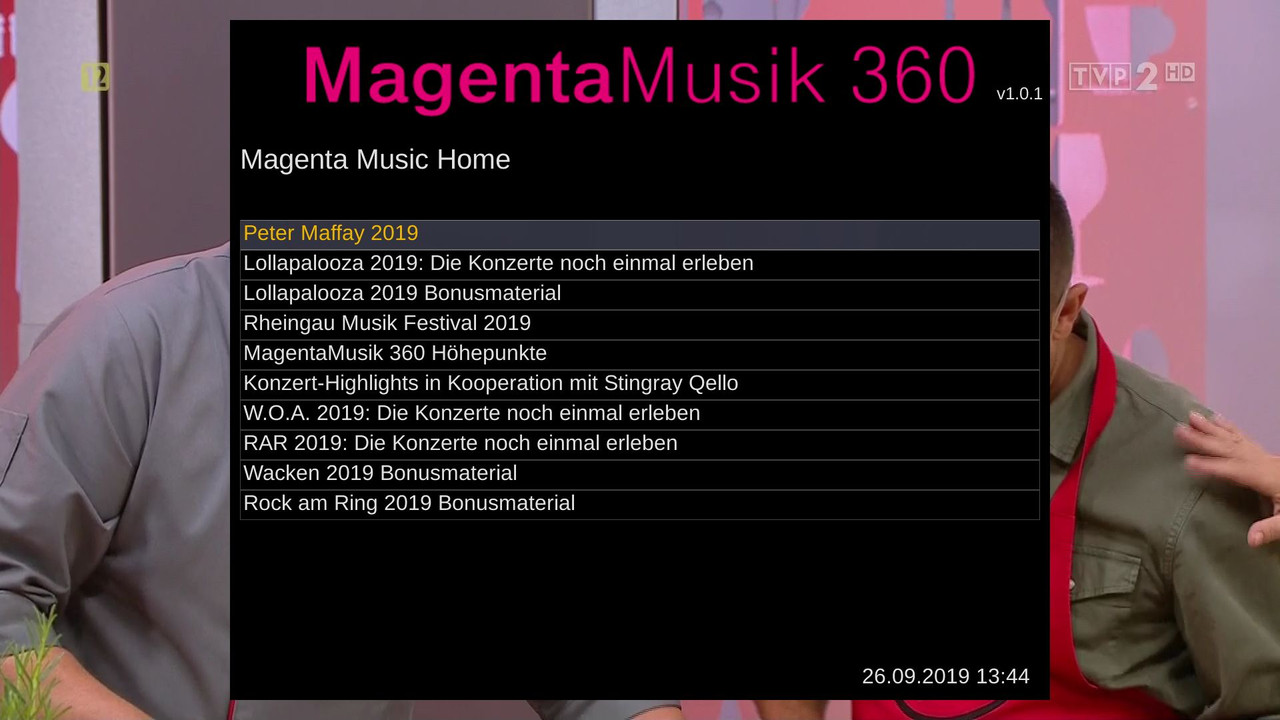
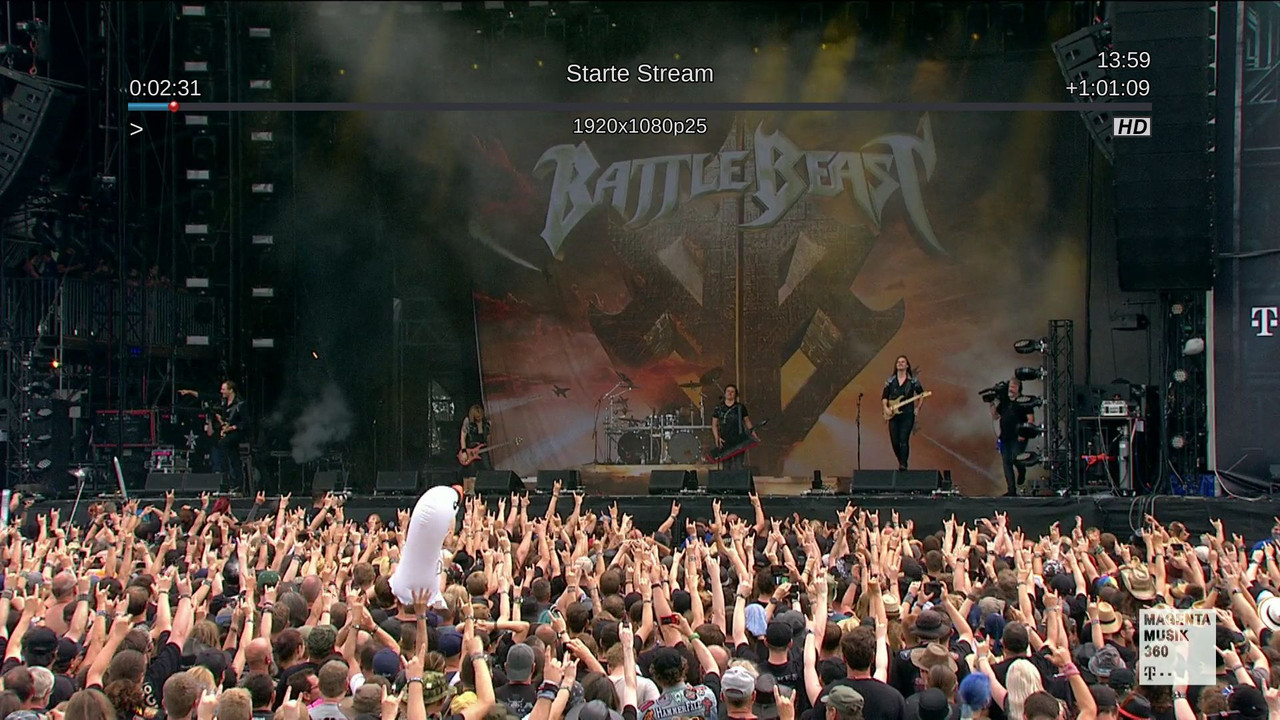
Plugin MagnetaMusik360

-
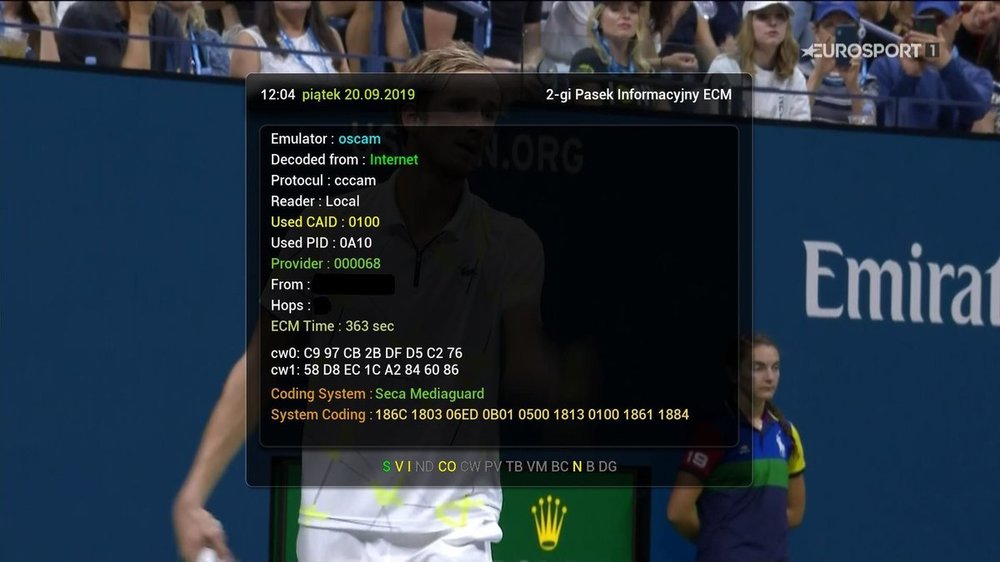
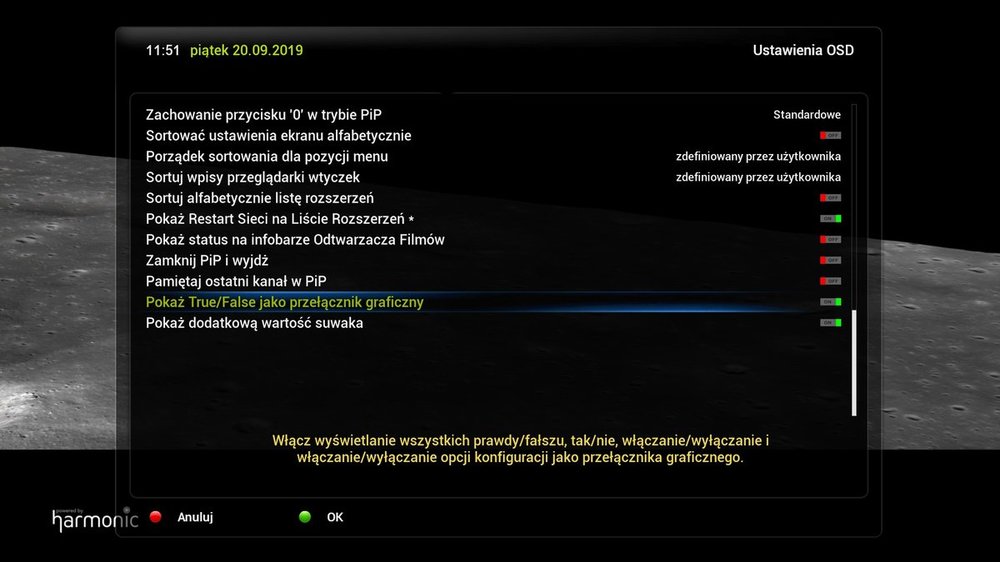
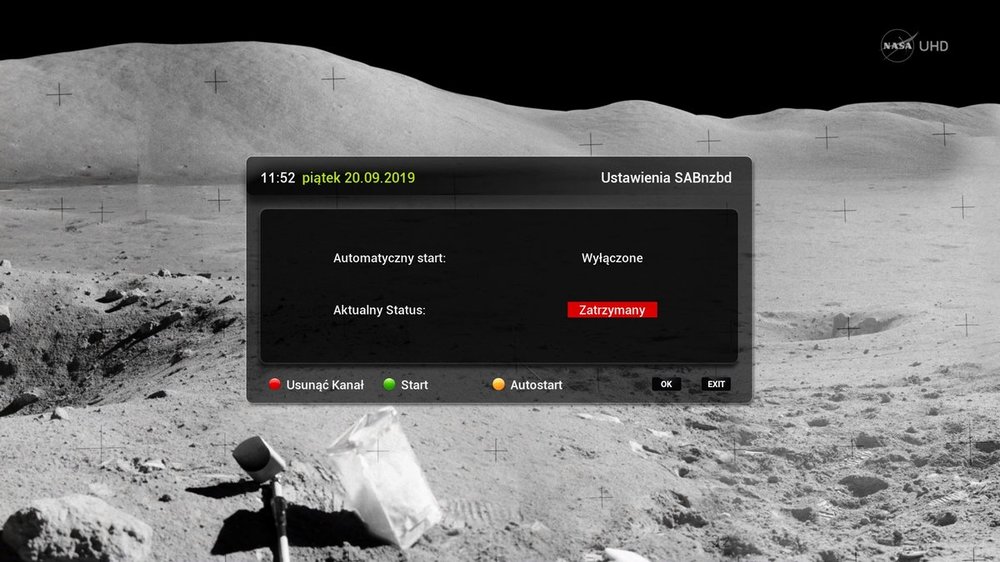
VU+ New BlackHarmony image ATV6.3 by@kos Fixed - SystemNetwork, Slider, switch, SecondInfoBarECM, Subtitle Settings, skin_fallback_1080 and more ..
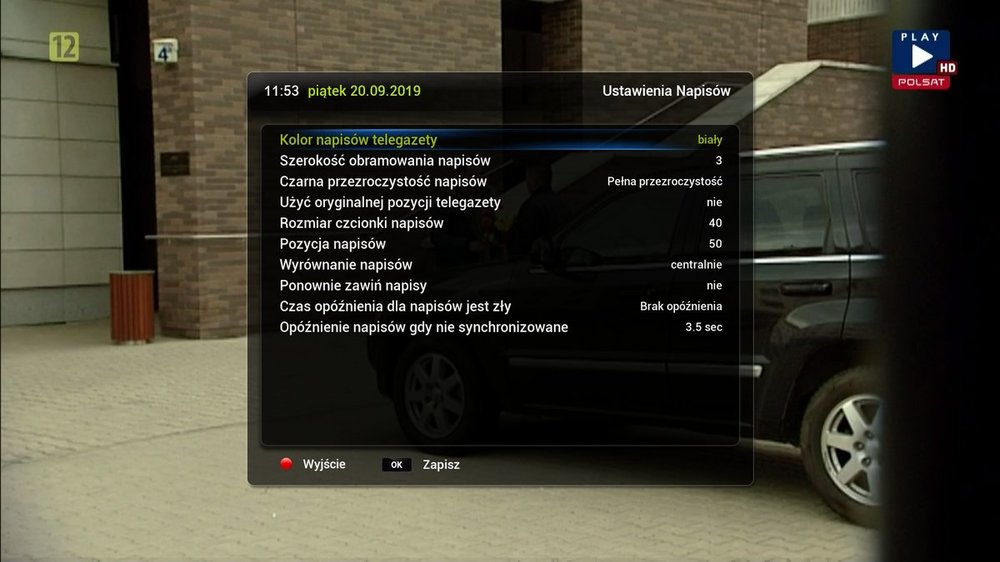
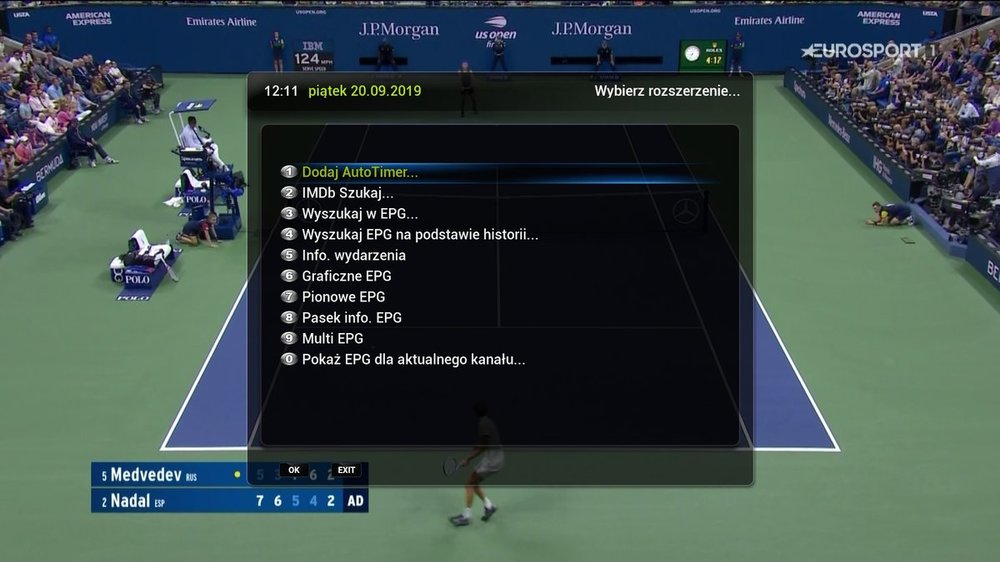
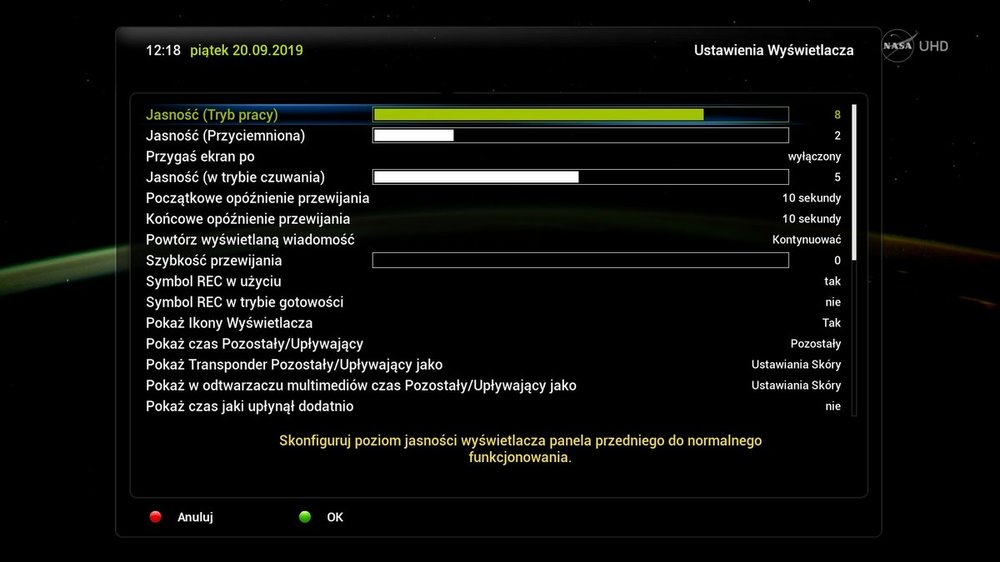
BlackHarmony_OpenATV-6.3-HD51.zip 509 kB ·
-
NeoBoot_Only_Duo4K_by - gutosie
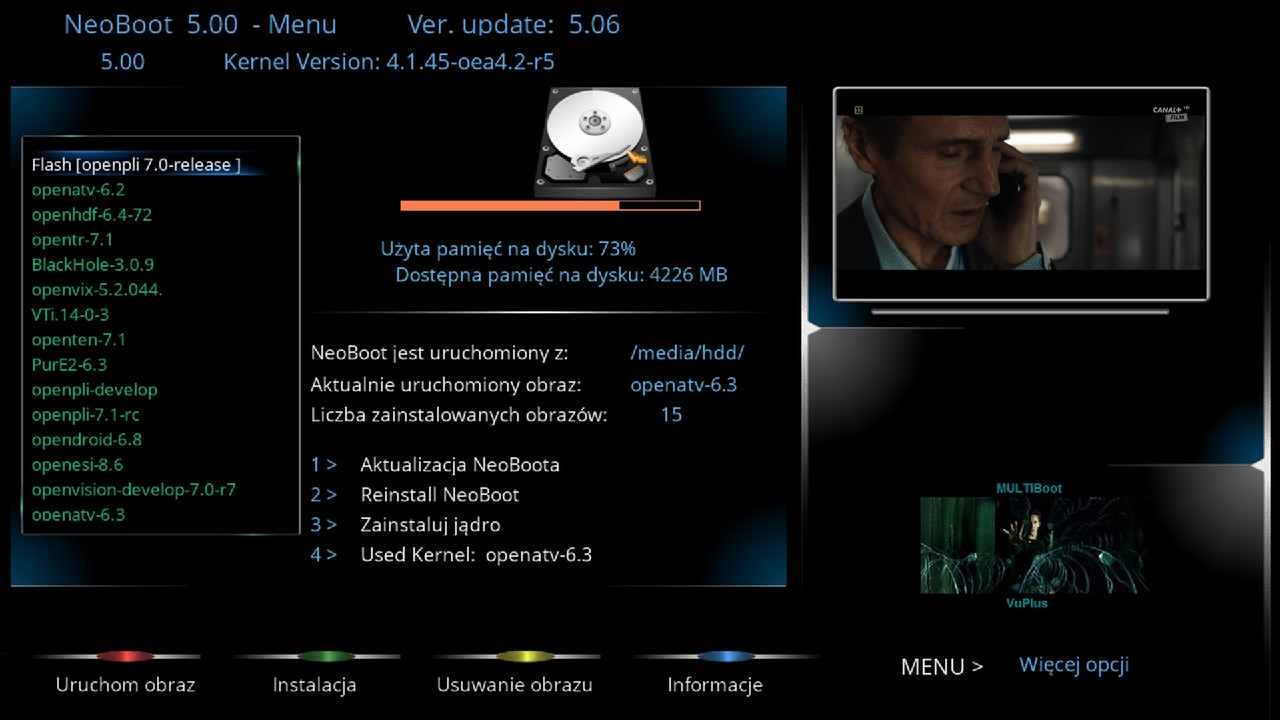
:download:
-
VU+ New Skin BlackHarmony_OpenATV-6.3-HD51.zip by kos
Fix - ServiceInfoSimple, SystemNetworkInfo, SystemMemoryInfo, Devices, MediaPlayer, Swap Manager, Cron Manager, GraphicalEPG, MultiEPG, EPG Search, skin_display and more ..
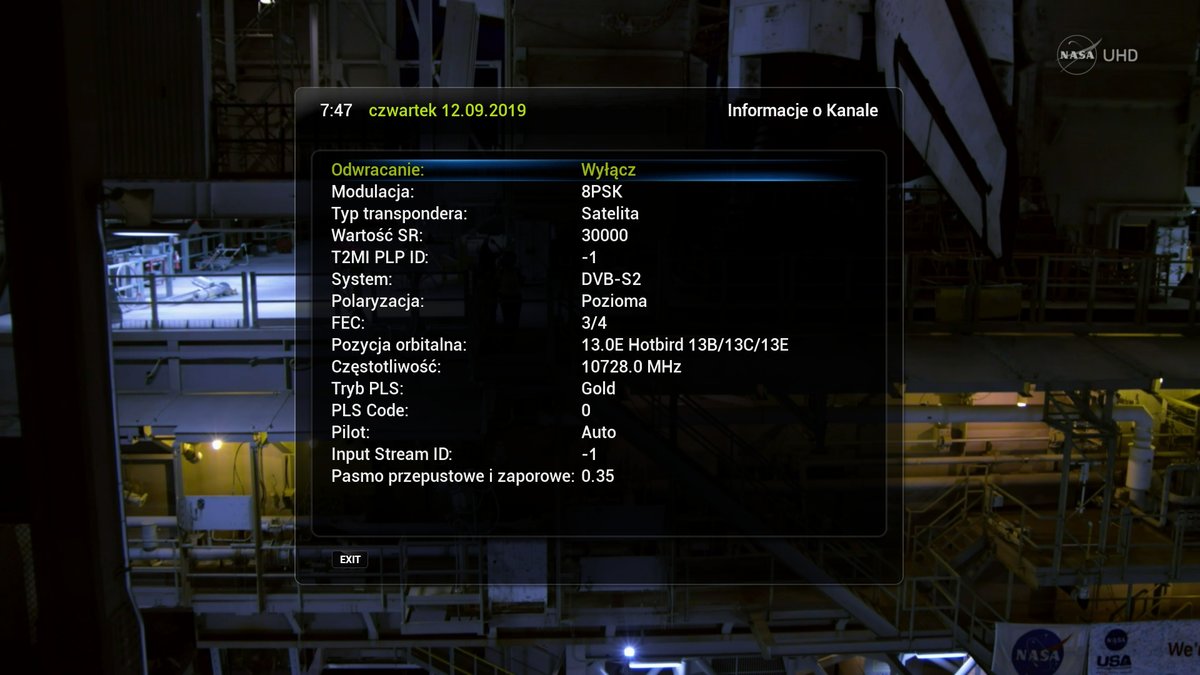
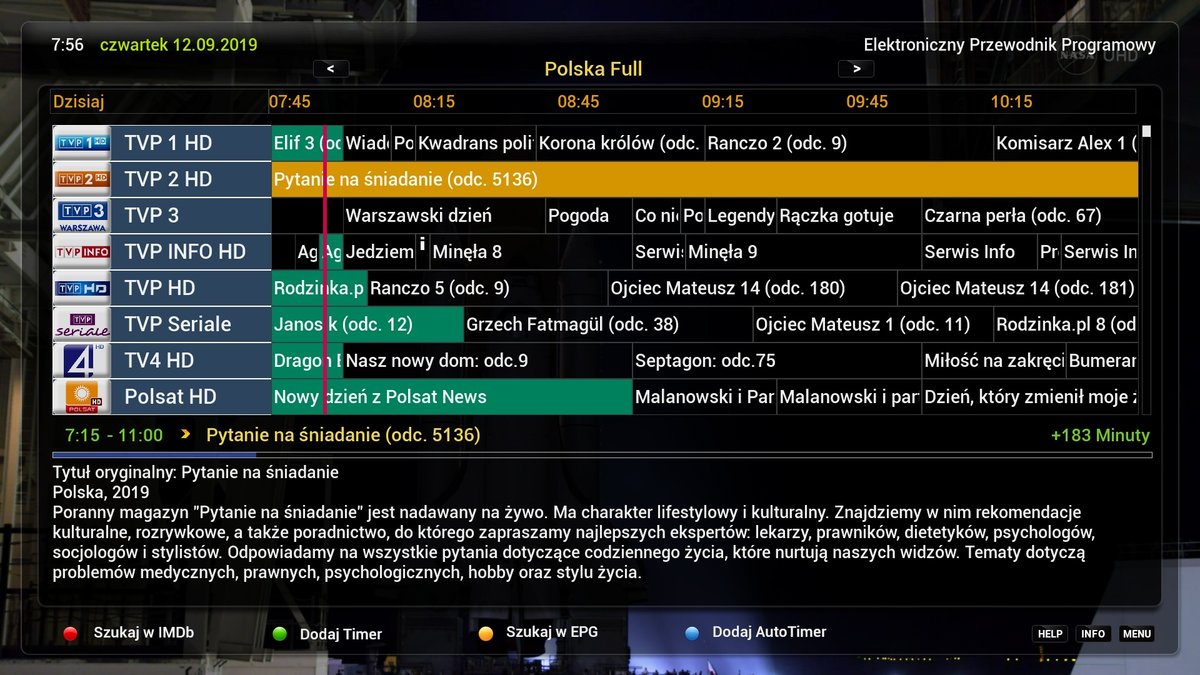
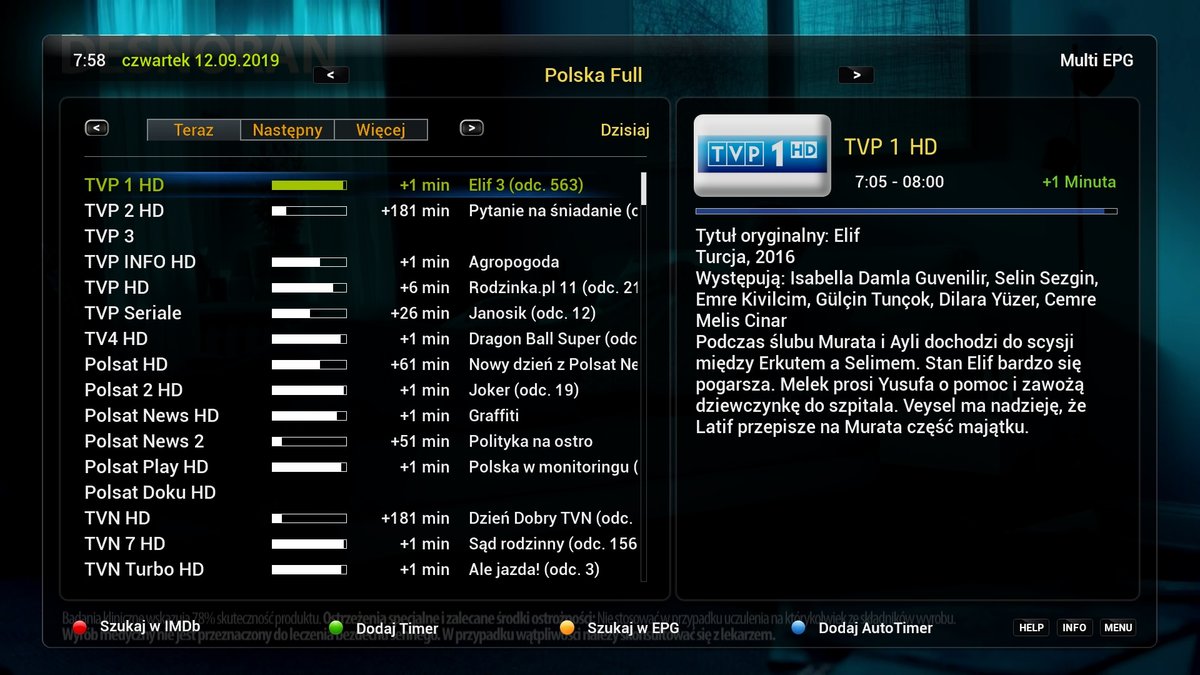
Try to understand this skin WILL work when installed on clean openATV 6.3,
BlackHarmony_OpenATV-6.3-HD51.zip 425 kB
-
VU+Skin Diana Full HD
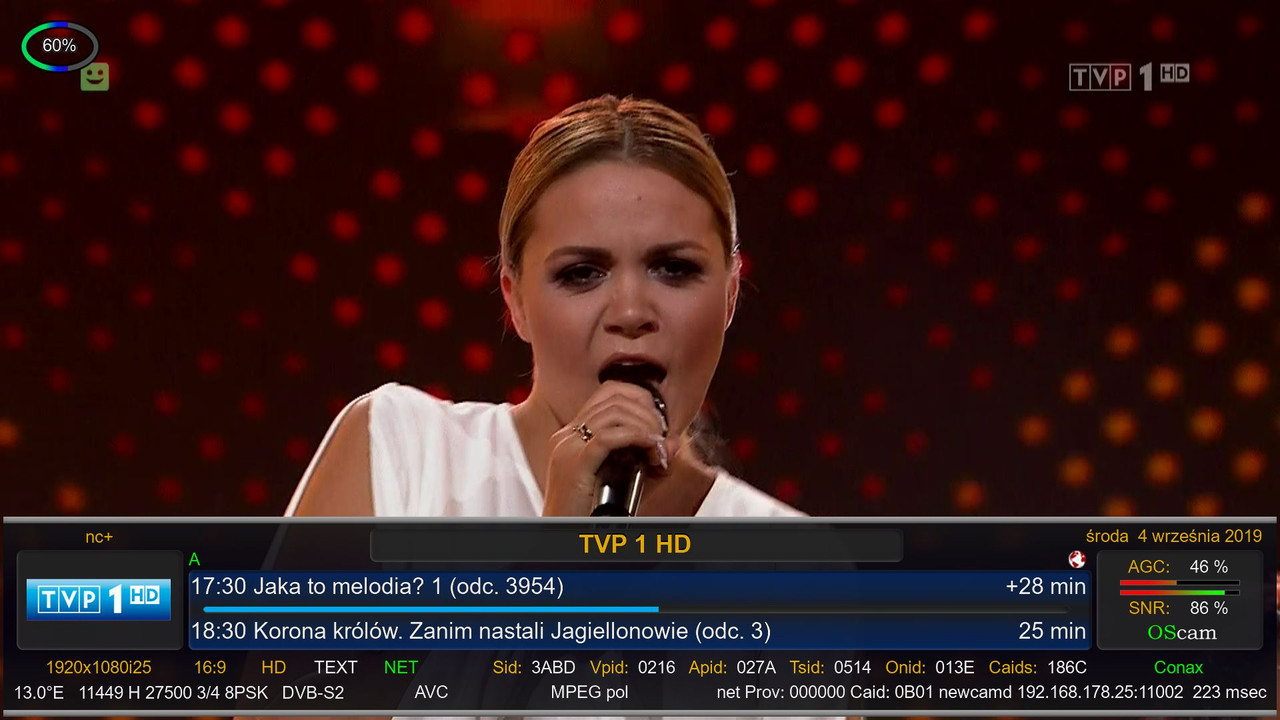
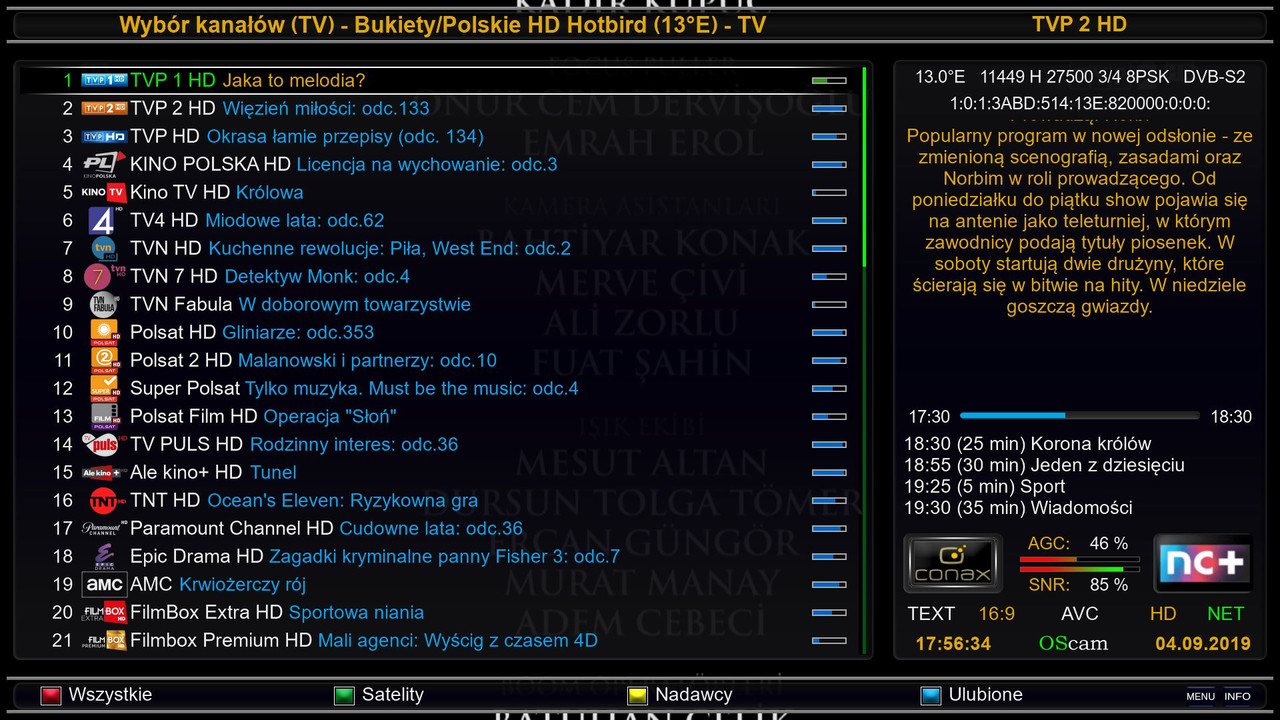
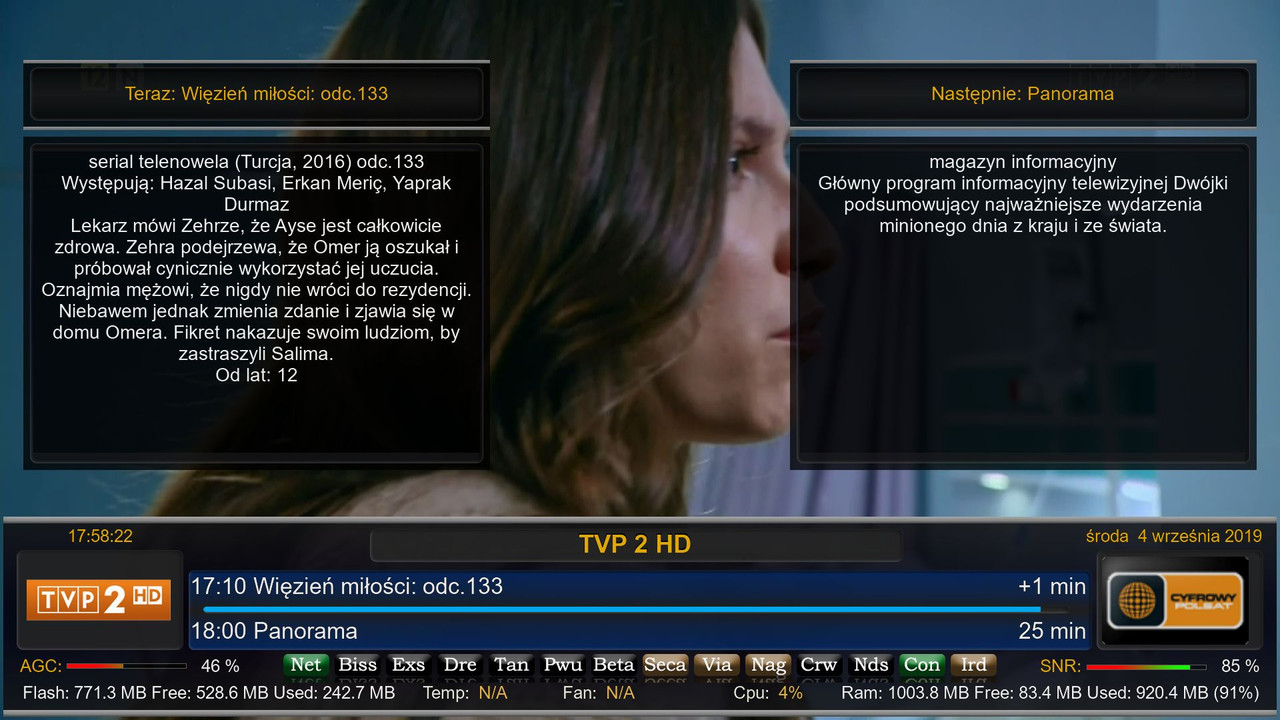
enigma2-plugin-skins-diana-fhd_1.0_all.ipk OpenPli 6.2/7.1
-
GSU ver. 10.64

]- added detection of CPU arch ARM-AARCH64(ARM64)
- CAM/SRV manager: added option to download for AARCH64 (dreambox one)
- changed method to detection type of architecture of CPU
- pridana detekcia CPU arch ARM-AARCH64(ARM64)
- spravca CAM/SRV: pridana moznost download-u pre AARCH64 (dreambox one)
- zmeneny sposob detekcie typu architektury CPU
update is available online
Thx@shamann
.zip enigma2-plugin-glasssysutil_10.64_all.ipk.zip (Rozmiar: 2,41 MB
-
VU+Skin KravenModFHD New version 2.1.8
Cytat:
Changelog:
- Infobar ZZZ1 now with SNR-AGC display
- Infobar X2 recording state can be selected again (record lights up, record flashes)
Załączone pliki
.rar enigma2-plugin-skin-kravenmod-fhd_v2.1.8_all.ipk.rar (Rozmiar: 5,46 MB /
-
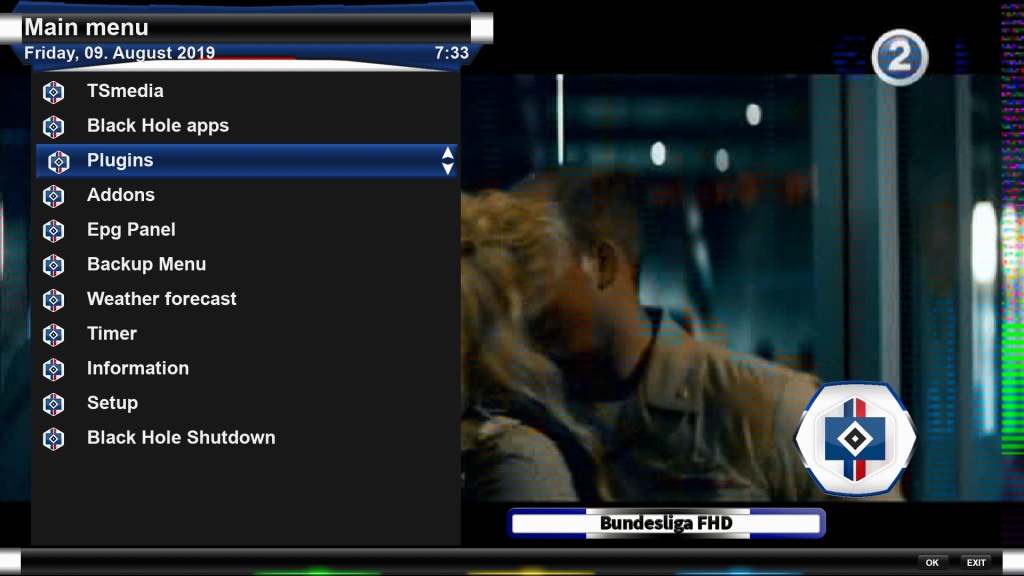
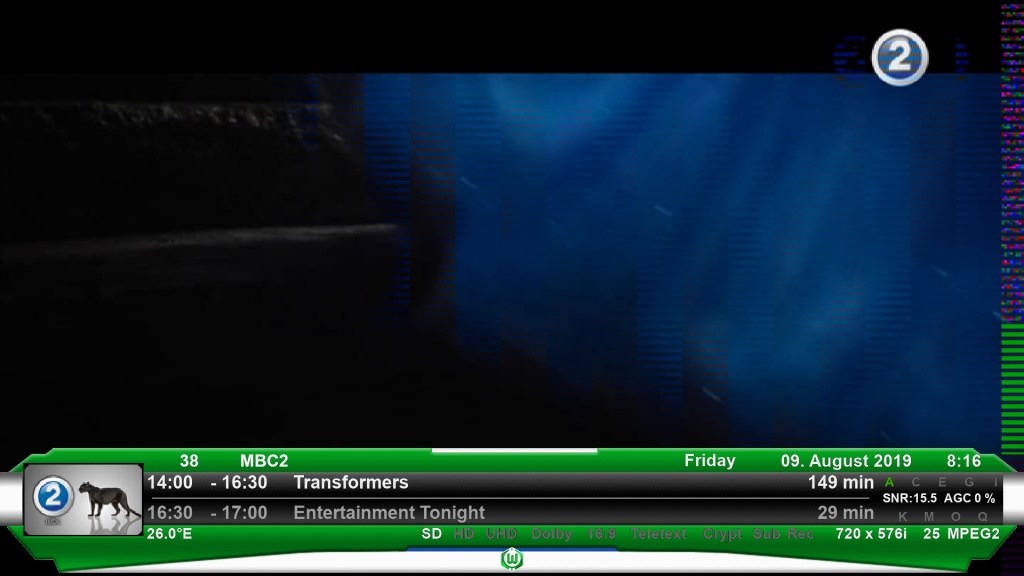
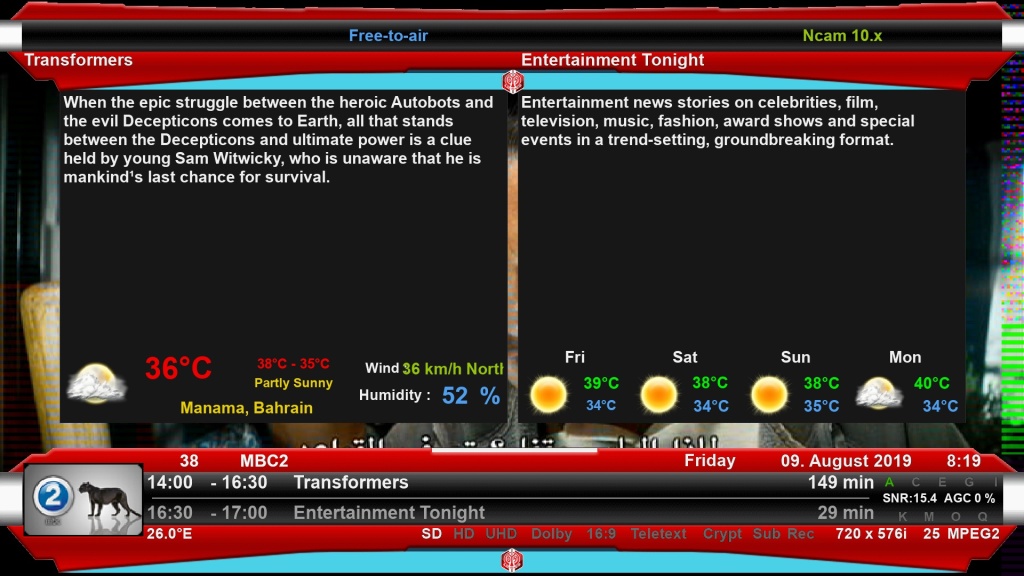
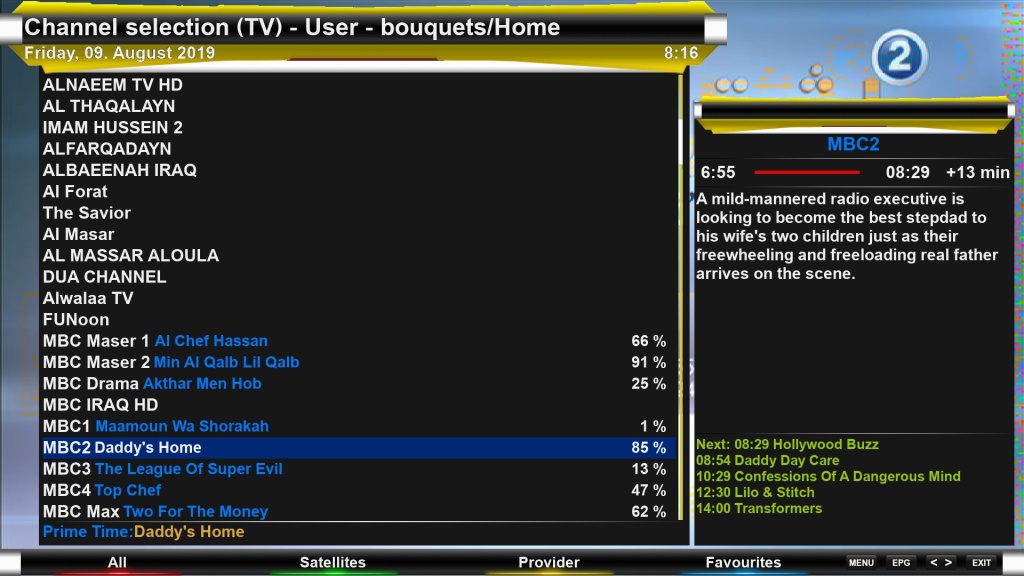
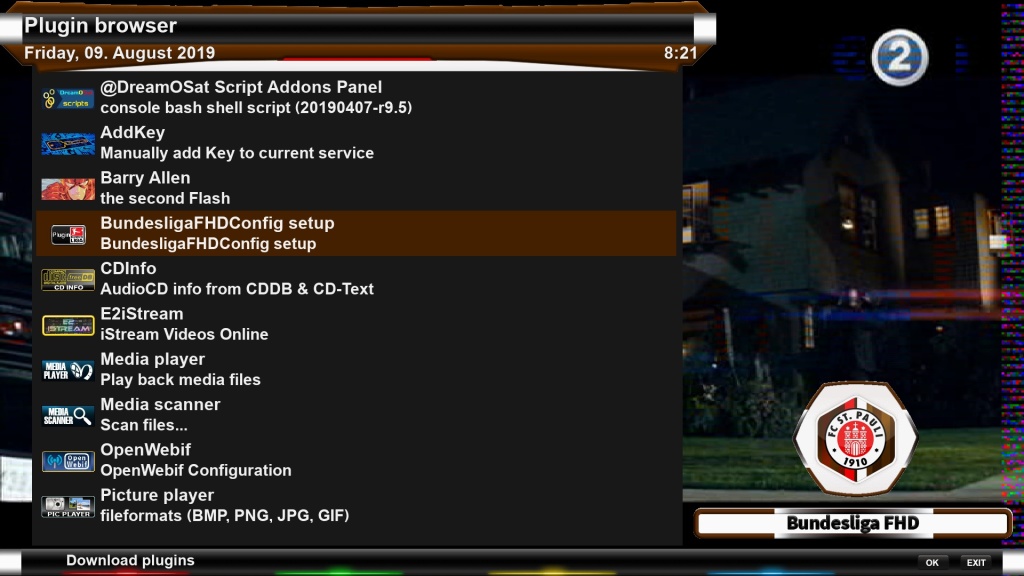
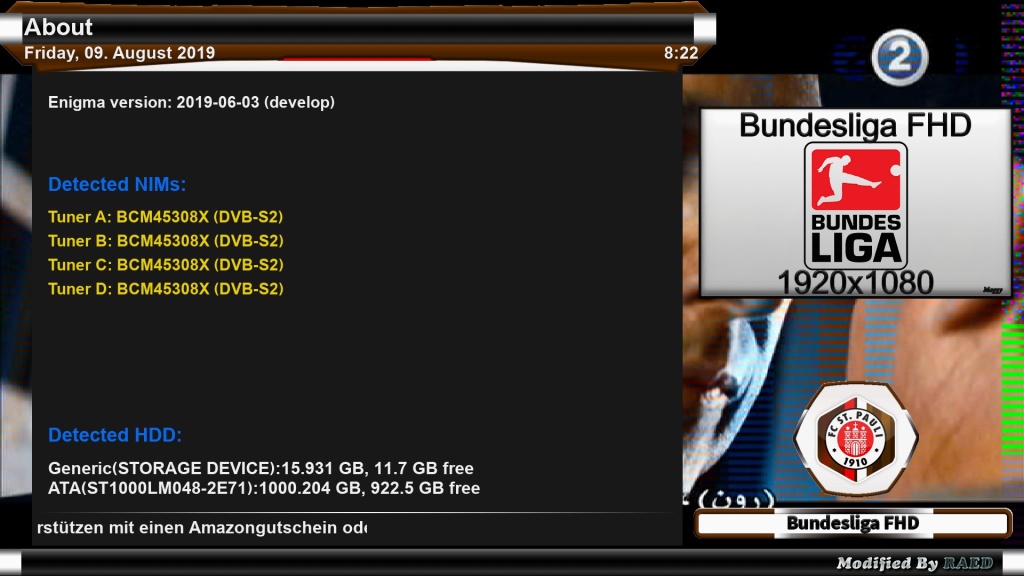
Skin-BundesligaFHD-MOD-By-RAED
Skin to (Maggy) VTI Team Thx
-I have Modded to Drerambox OE2.0/2.5
-Added MsWeather plugins
-Test On My DM920
To change color style:
Open BundesligaFHD plugin > Select color > Press Green Button > Press Yellow Button
How to get your city weather:
1-Open Weather Plugin from Plugins brwoser
2-Press Memu from Keyboard
3-Press Green Button (Add)
4-Write you city name in (City) option
5-Click yellow buttons (Search Code)
6-Now select your city and press green button (ok)
7-Press green button (ok) again
8-Finish Exit from plugin bu pressing Exit button
With This Command You Can Install Skin: After download and send it to /tmp
For OE2.5/2.6 (deb)
Code
dpkg -i --force-overwrite /tmp/*.deb
For OE2.0 (ipk)
Code
opkg install --force-overwrite /tmp/*.ipk [/SIZE]
-
VU+Skin BlackHarmony_OpenATV-6.3-HD51. by@kos
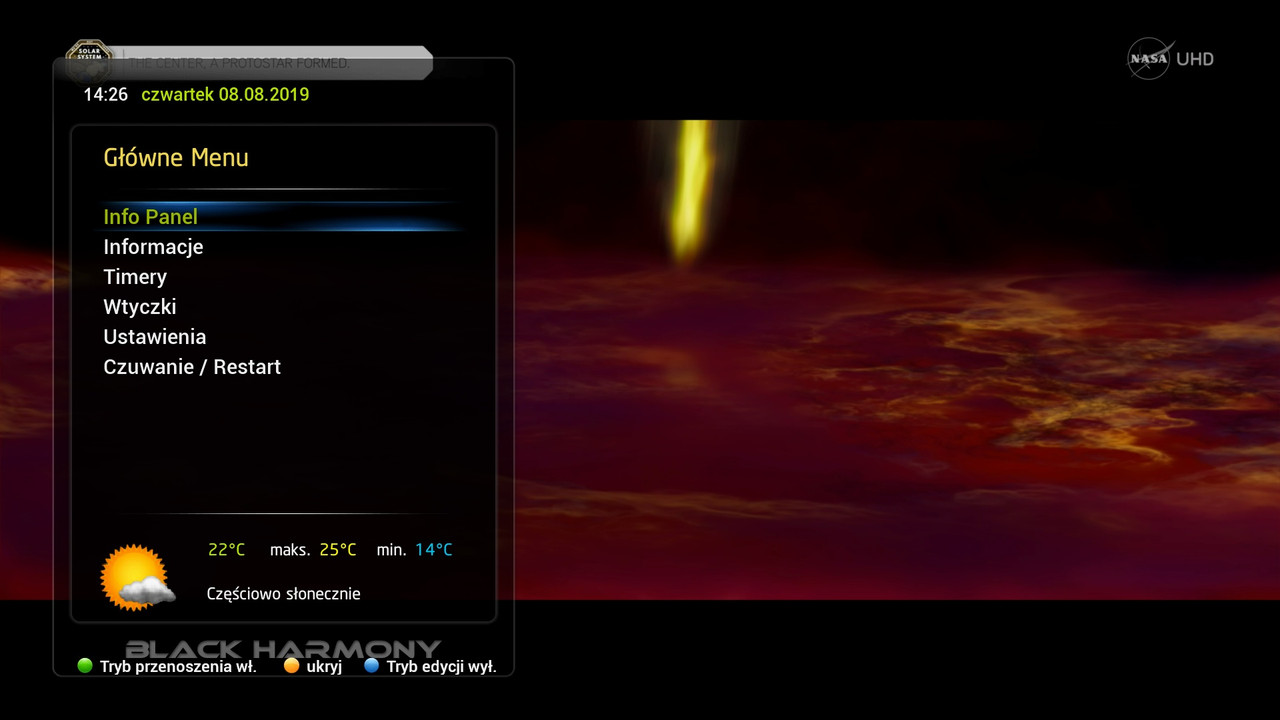
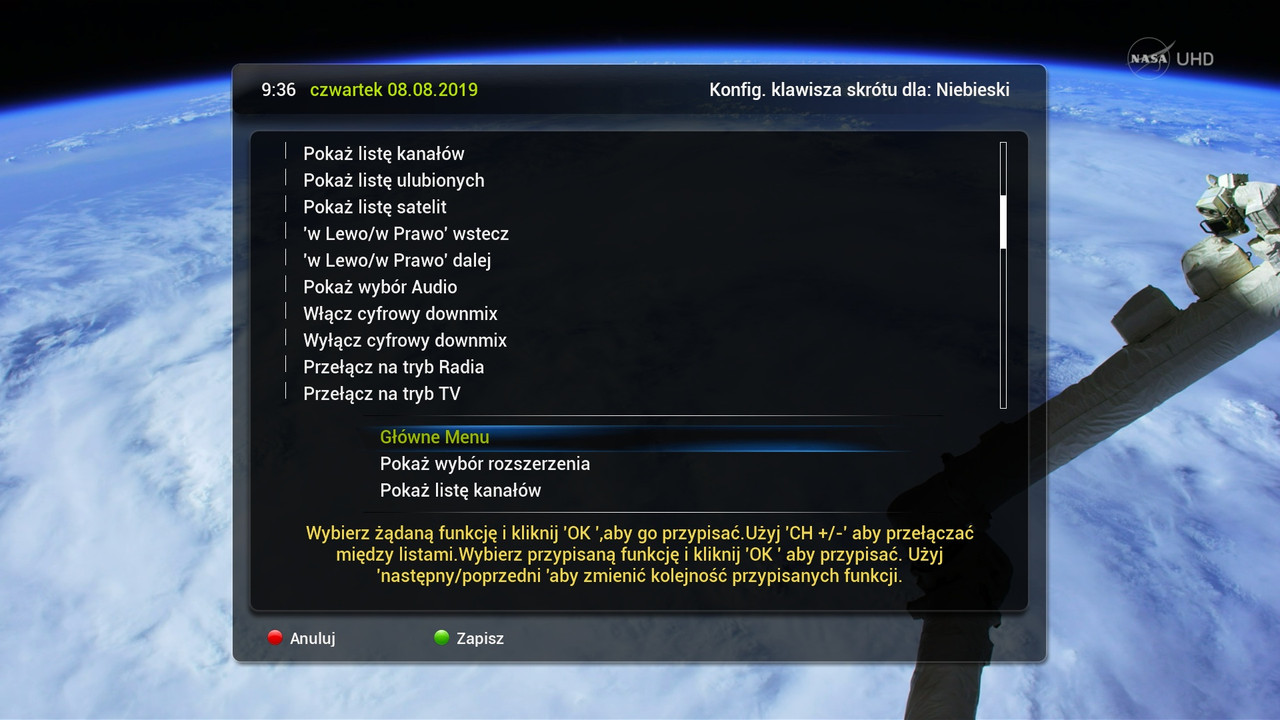
Fix - Hotkey Set, Multiboot, Description, SortMenu, Auto button bar for menu "setup"
BlackHarmony_OpenATV-6.3-HD51.zip 357 kB ·
-
-
GSU ver. 10.63
 Quote
Quotefix multiple screens
update is available online
-
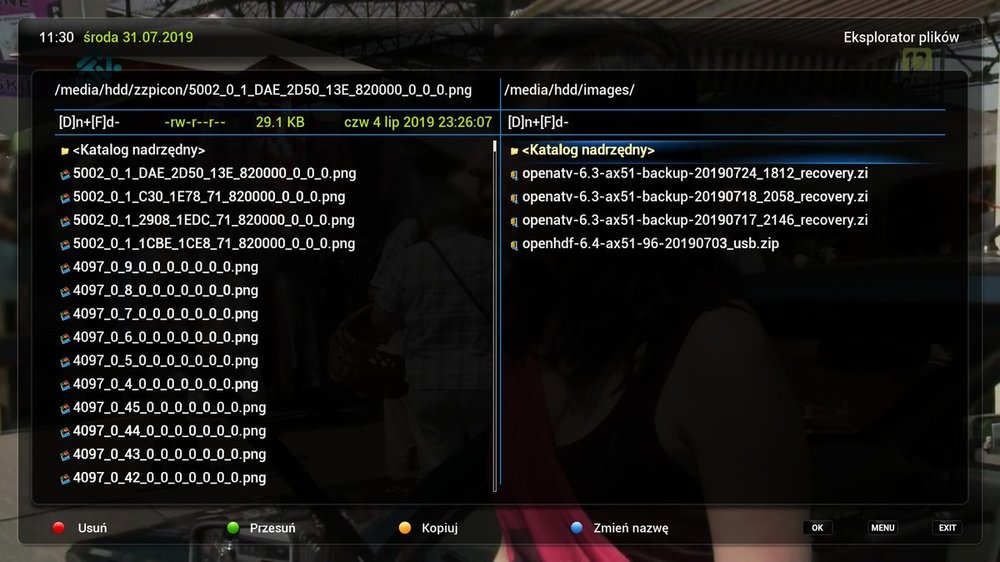
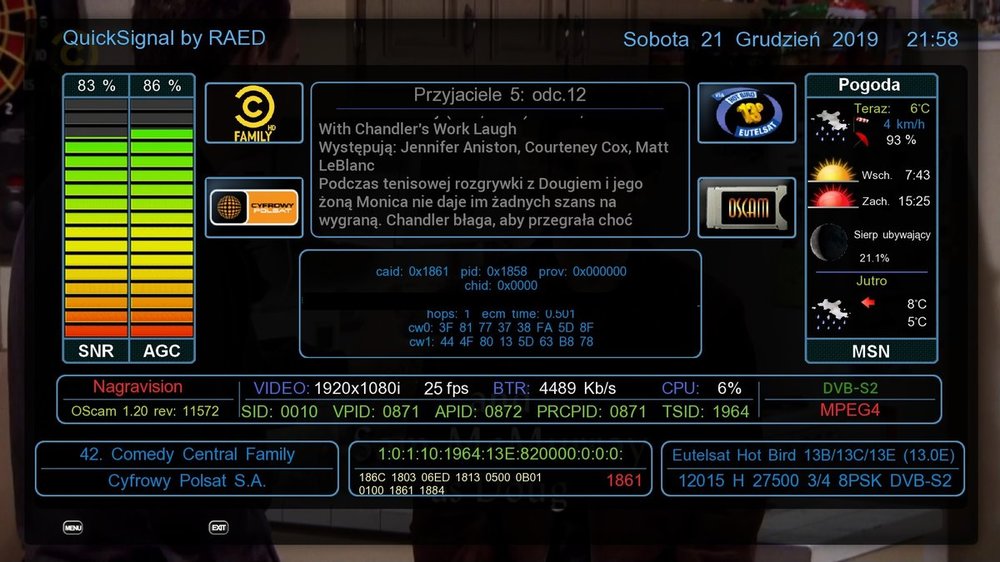
VU+Skin FileCommander on ATV by endriu 4321 As I could have made a skin to FileCommander on ATV, to have a larger font on the list as on the screen should add an entry as above.

 download