

Posts by musogeek
-
-
Are you using ecmwhitelist? and if you are, is '67' included?
-
It is because the feeds are down for maintenance.
Just need to try later.
-
I have tried this on Windows, Raspberry Pi and Ubuntu. It seems most stable on XMBC Ubuntu installs
first you need to install XBMC on your device (12.xx frodo needed as has Live TV and works stable)
I won't go on about installing XBMC - it is usually straightforward, and any issues can be resolved best by the various xbmc forums and wikiOnce it is installed, and connected to the network (this can be verified in the settings that you are connected) you can use it as a frontend for your Enigma2 Receiver so to stream to a PC or another connected TV
First you need to go to 'Settings' and choose 'Live TV'
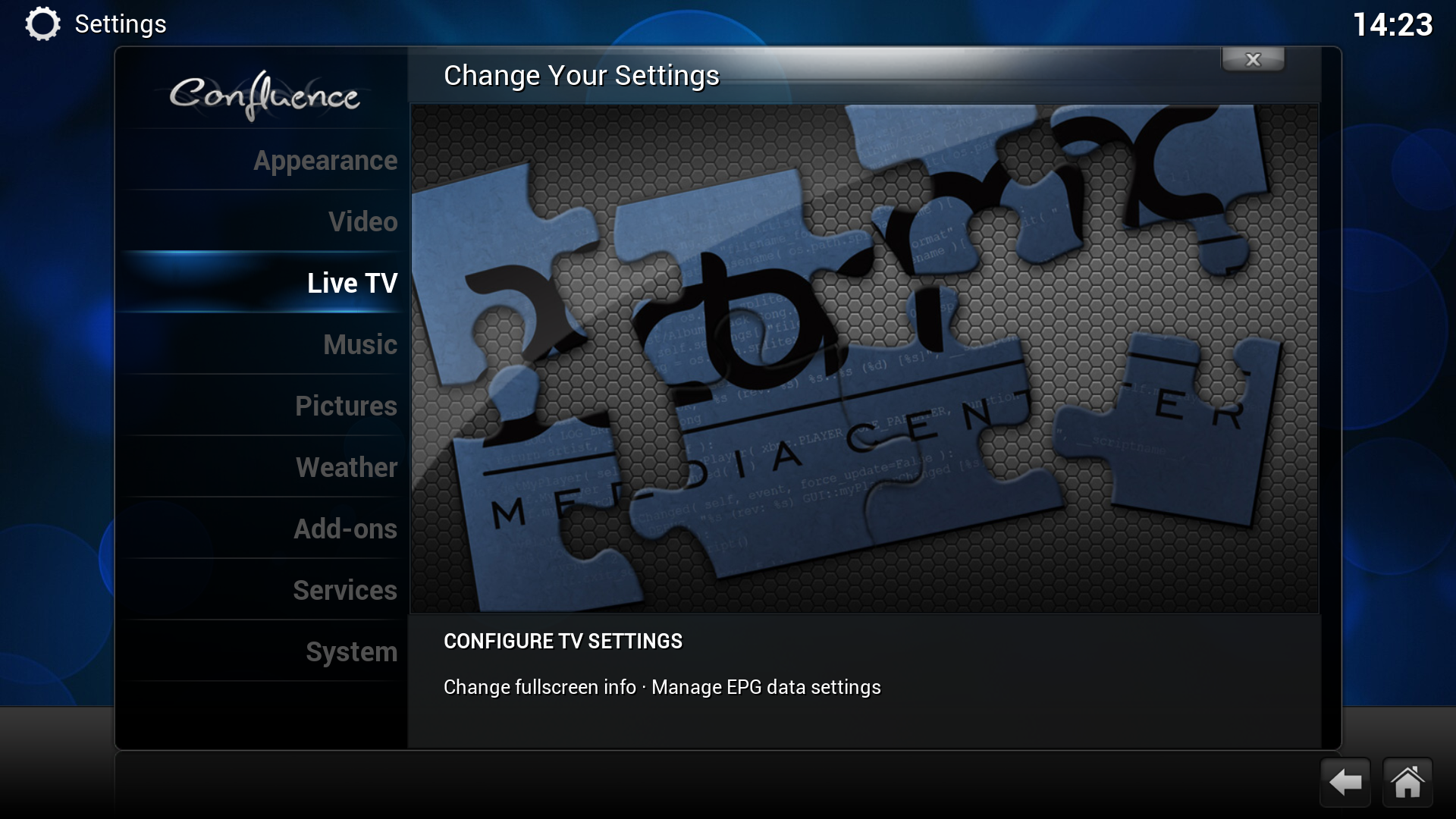
Once this is selected, then you will be presented with this
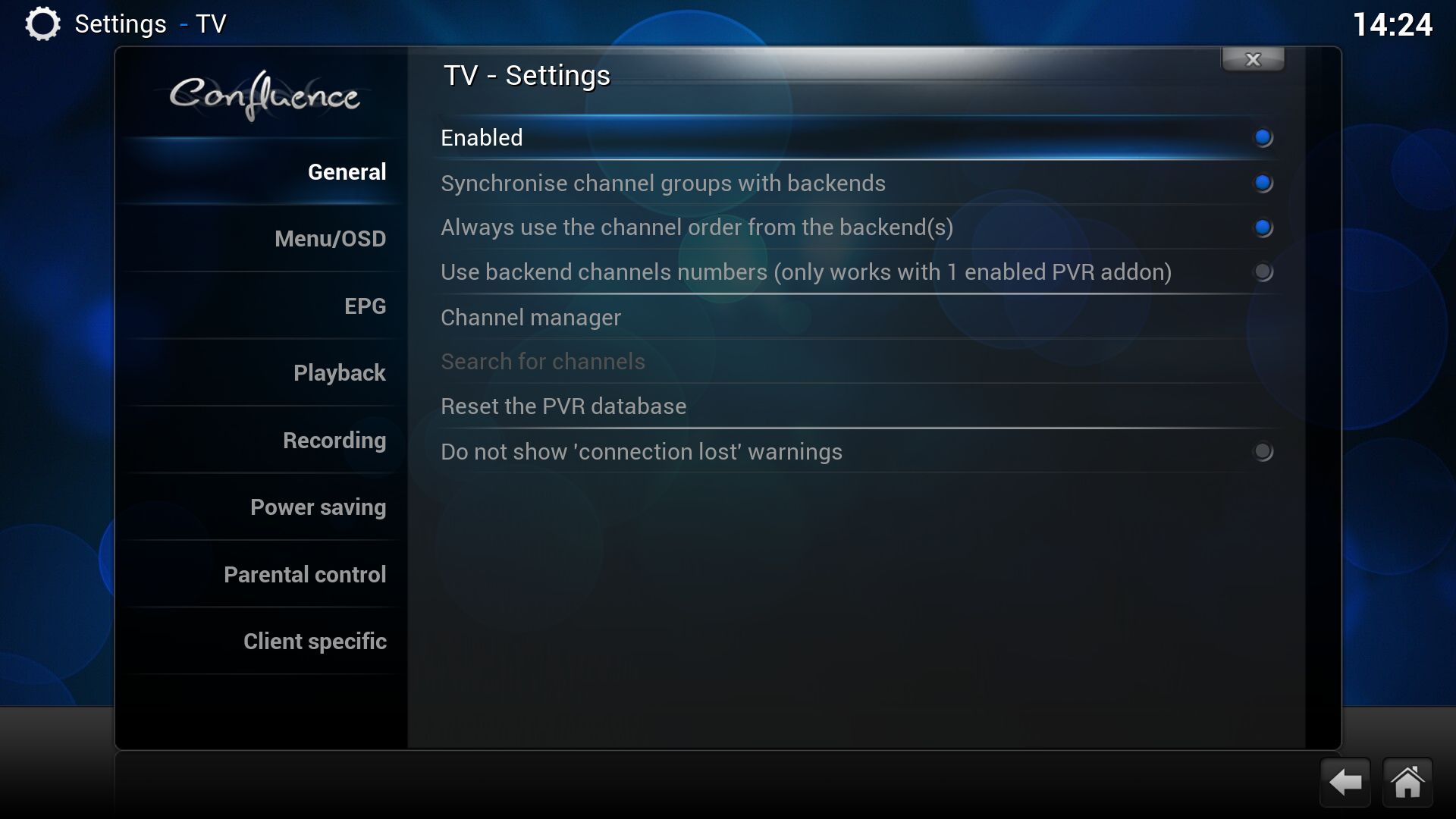
You need to select 'Enabled' - and then you are presented with this
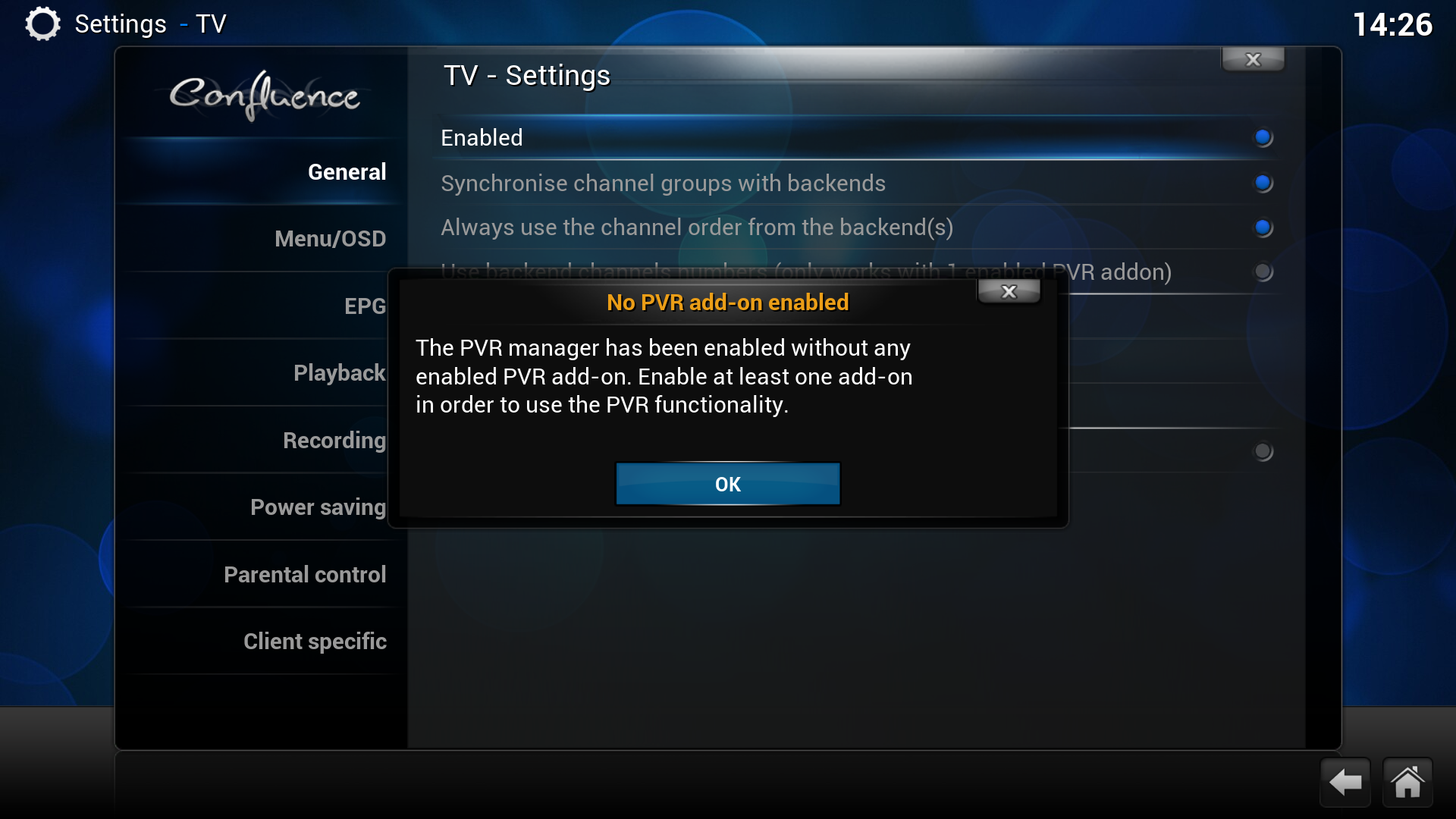
Select OK so you can then select the Vu+ plugin
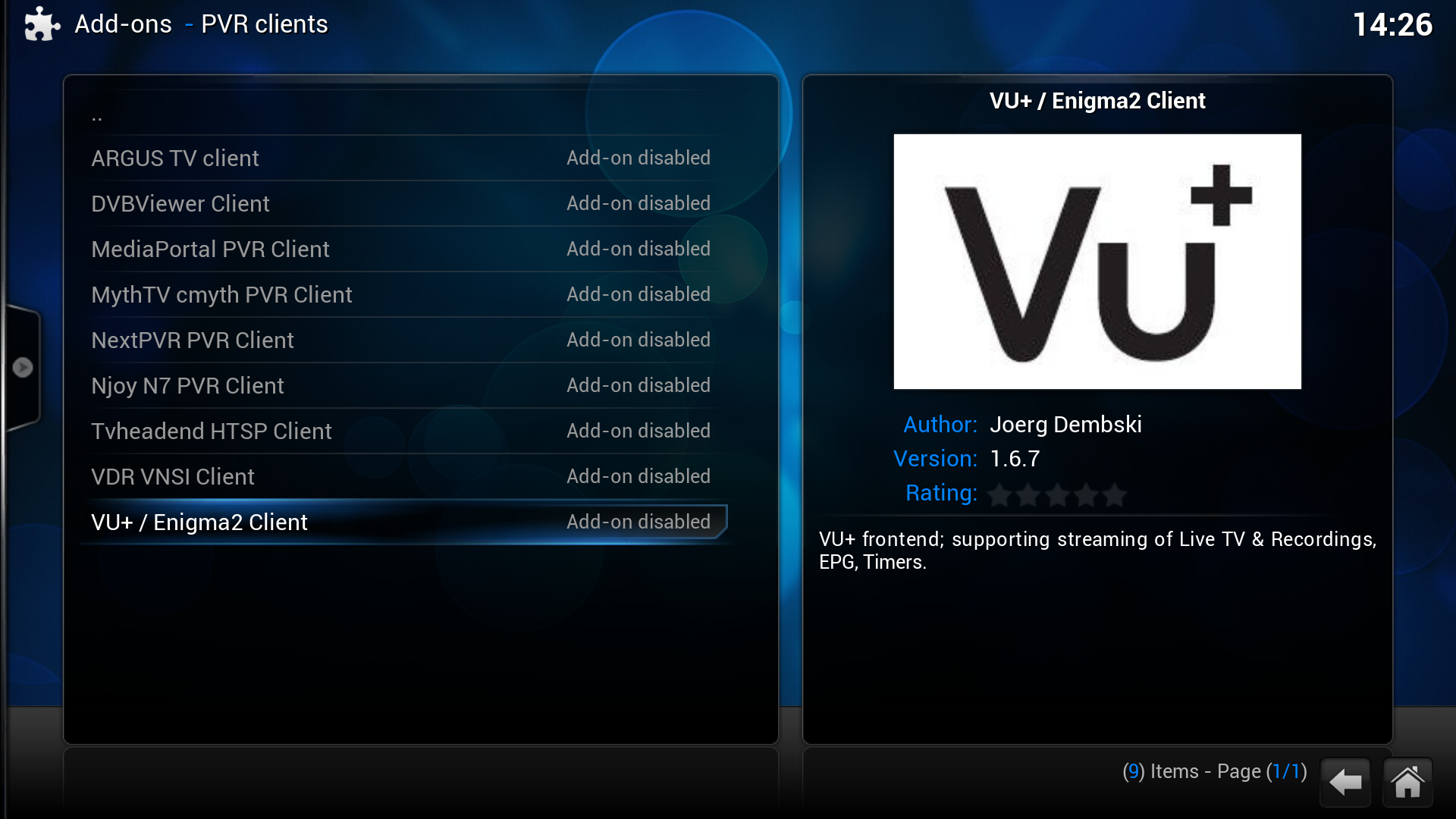
Once selected you need to configure
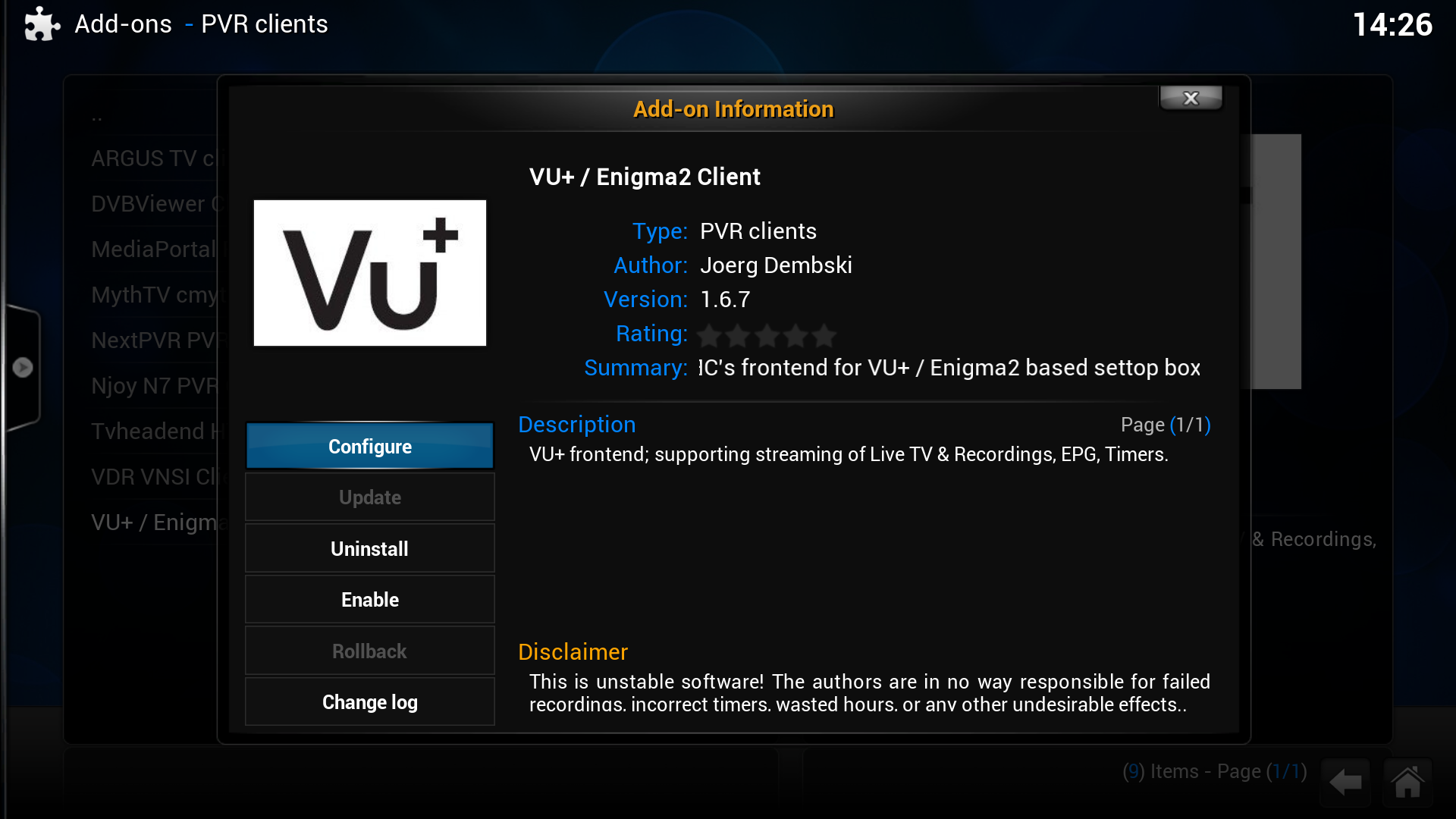
For basics configuration and speed of getting it working, just enter the IP address of your receiver
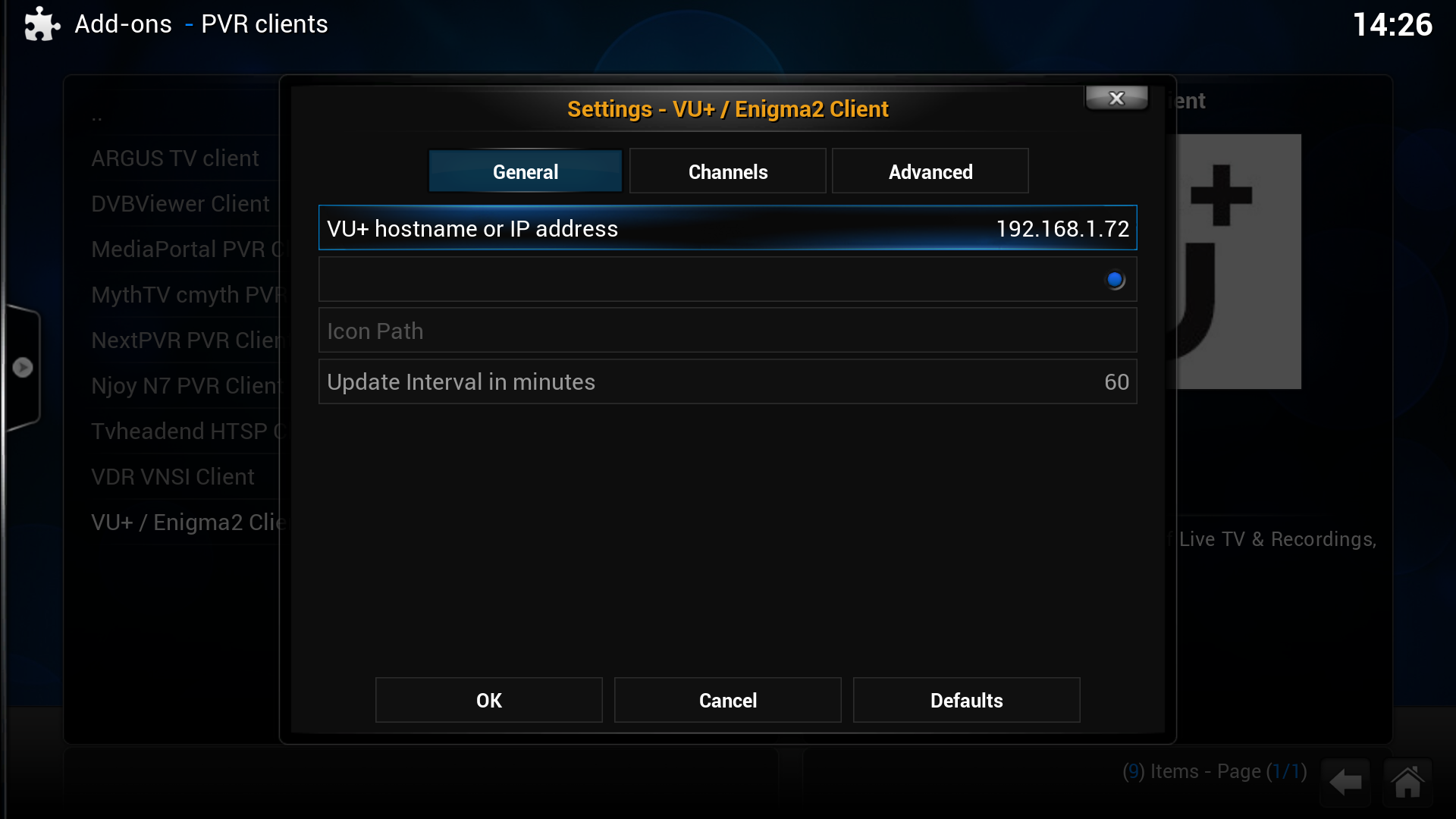
If you have a single tuner receiver then you need to allow zapping
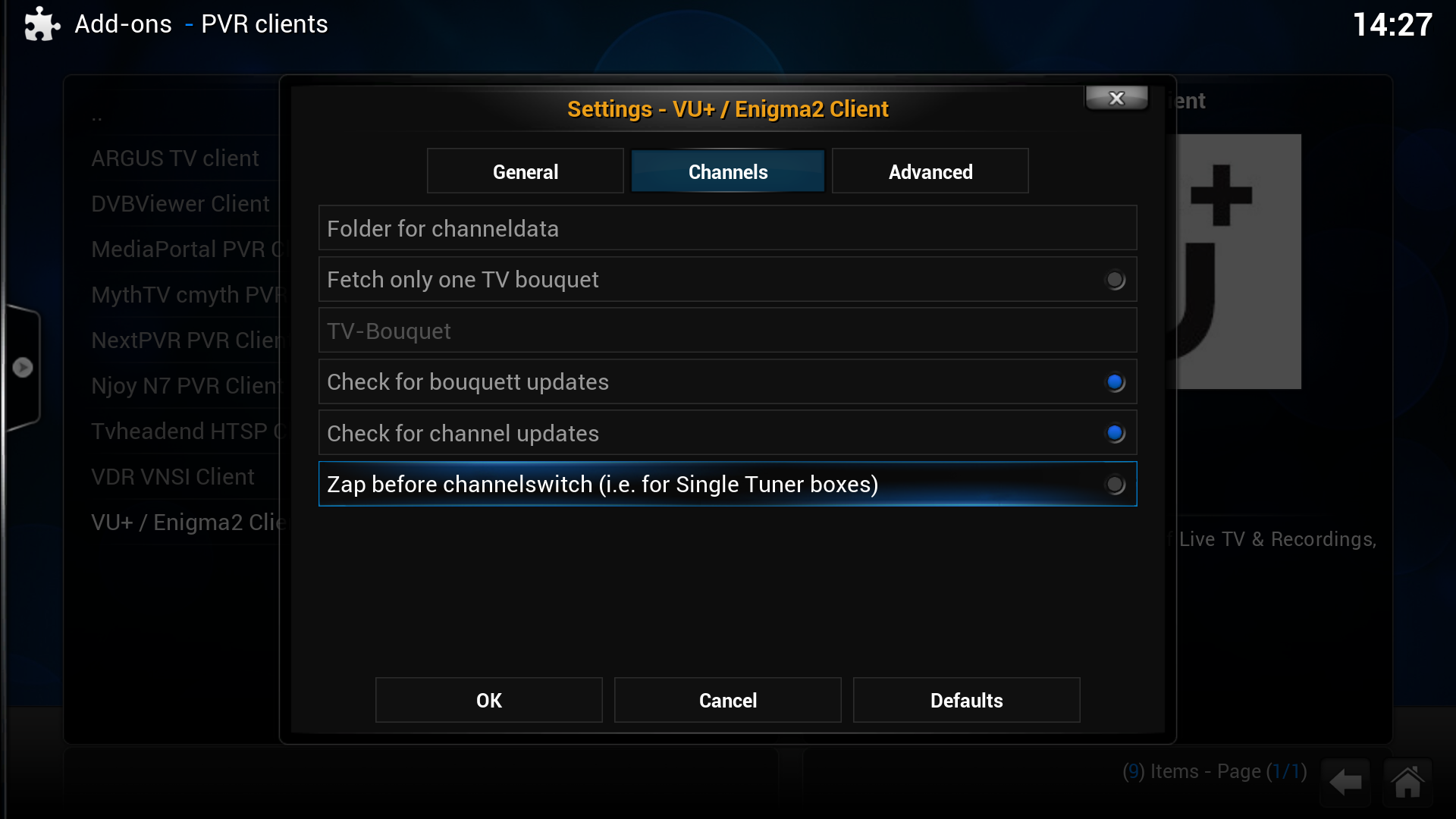
And once you have done that, then you can enable it
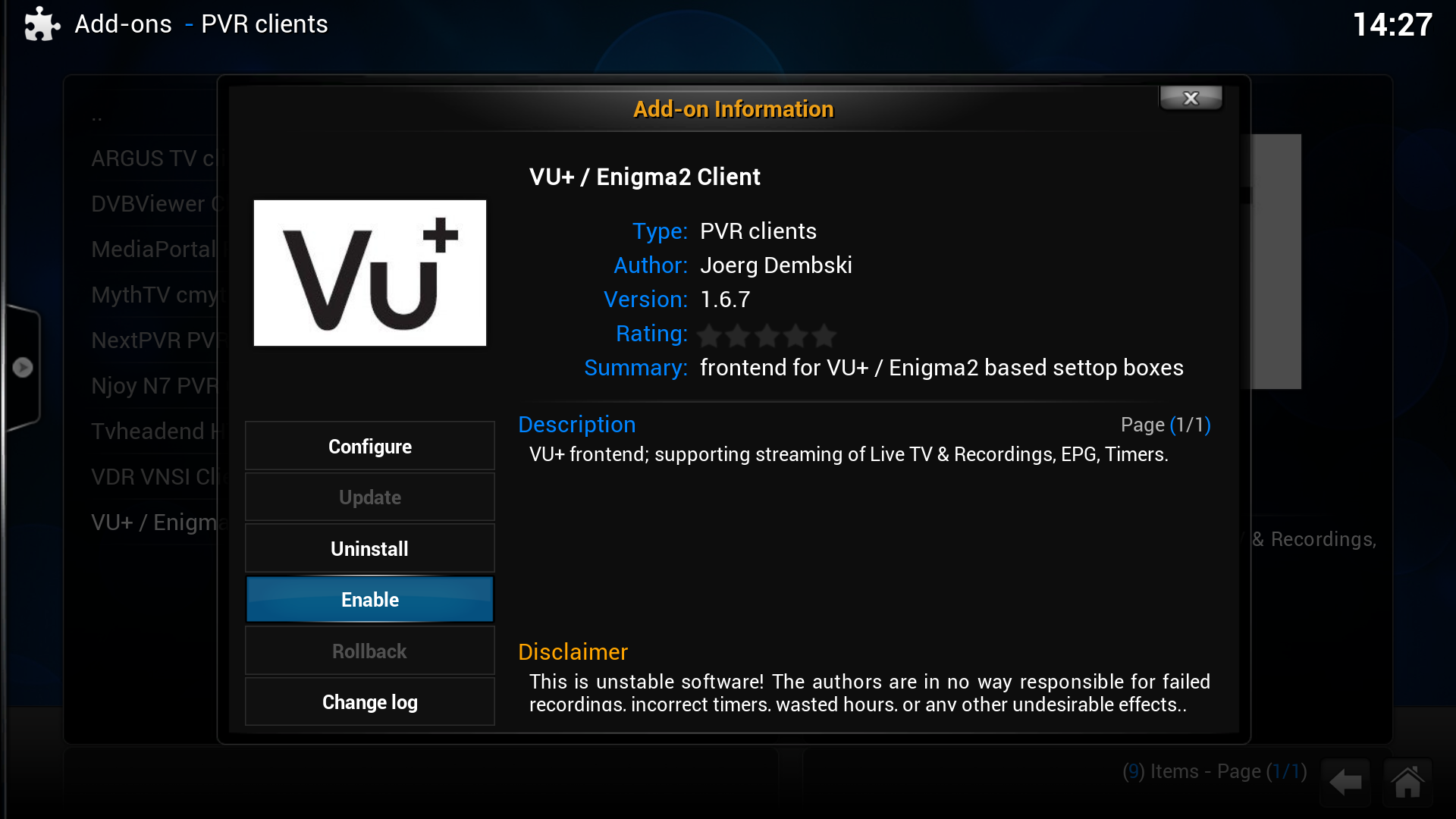
Once it is enabled, there will be a progress bar in the top right of the screen, as it grabs the channel data and EPG from the receiver. You need to wait for this to complete - and initially can take a while. The 'Live TV' option will be available, and once it has grabbed the Channels and EPG, you can get an EPG, switch channels, view recordings, set recordings, and it also supports Teletext and DVB subtitles.
The biggest drawback with this method, is that you cannot pause live TV - but if you want to use XBMC to stream from your E2 receiver, there are a couple of other ways to do this as well that will support pause (but not EPG) I will touch on that later!
-
Just a thought here - I had an SH4 receiver a couple of years back (Qbox HD Mini), and had issues with juddering channels, which was improved by setting up a swap. I think there was some issue such as a memory leak. and having a swap seemed to improve the situation. Just a stab in the dark, but if you haven't alread done so, may be worth a try. Again not familiar with the image or receiver, but there is often a way to do this in the setup menus.
-
http://linuxsat-support.com/dm…9-sim2-ssl-84b-aguda.html
try the above.
Have a read here as well - might be useful info for you - http://linuxsat-support.com/en…/8268-flashing-ssl84.html
-
No because the section you posted in was for images only, not requests for help or questions. If you can't find the image you are looking for there, then it is because it isn't there.
-
-
note near the top of the forum page there is a link in green that says OpenPLi
-
OK very strange - My entitlements have updated until the 30th June, and the full package is still working...
-
I take it you have had this initialised on a different receiver. Could be a number of things - file format, could be mounting in read only, you might not have permissions to delete on that drive. I once had an issue like this where the group/owner was set differently to wha it needed to be for me to be able to do anything. My simple solution was to copy the contents to my PC, format and initialise the drive in Enigma2, then paste back the contents. This will work, unless there is a physical issue with your drive. There will be other ways to sort this out I would imagine with putty/console commands etc, but if you only have 10 movies then my suggestion won't take forever
-
Thanks for the clafications.
I'm asking because I have a box from a telecommunication company that contain this feature even if it works only for few channels. I was thinking about doing the same thing so it doesn't seize a lot of space in th HDD. Thus, I don't know if this could possible by connecting to certain server or somehow else...
the permanent time shift plugin will be the nearest thing you would come across for what you are after. I don't use it myself but it is configurable to a point, but you simply can't just rewind a random channel to an earlier point, this would require hundreds of channels to be recorded at the same time. -
Will this be added to Linuxsat TS Panel?
I am sure it will soon, in the meantime, you could always install it manually or with an editor. -
i am using my server pal but for some reason it doesn't au on any unless this 1 receiver of my friends is turn on ?
Post your configs as thatfellow requested - hard to see otherwise - au should be on if you are telling it to be on. -
It is an E2 image so as mostly the case - press menu, setup, system, A/V settings/audio settings/auto language selection - or whatever is like one of these settings on your image - you need to set prefer AC3 track to yes - and if it asks for "prefer audio track stored by service" (if you are in auto language selection) - set this to "no" or it will revert back to what you last had it at.
-
Firstly can you nip over to Introductions and introduce yourself per forum rules?
Now - just consider the practicality of what you are wanting. Consider the amount of channels, and think about how much HDD space it would take, and not to mention resources (processing) needed to record every single channel while you are watching another, and also that you would need multiple tuners and feeds.
There are features to rewind the channel you are watching, record one channel while watching another, but consider how difficult it would be to get what you are wanting.
-
They must be broke, they couldn't even afford to pay for someone to flick the off switch! :wank: It is still clearing, although the card has no entitlements, and there are no updates being sent, so it is just a matter of time.
-
What's your next card gonna be Muso? So I know to avoid it!
Sent from my HTC One X using Tapatalk 2
Might just stick with the one for now - anyone want to buy an omnikey?:lmao:
-
Typical this - Well I got 3 and a half months out of my sub - I paid £250 for it - so probably worked out at about 70 quid a month!
We take and accept these risks so I am not much bothered.
-
The way around this is to use Oscam as a server. It is a learning curve, and needs to be calmed down with a lot of messing, but if you get it right, you can ignore reshare values for the account you set up for your local receiver. NEVER do this for remote share, because this would be considered stealing.


