


Please post your configs buddy removing anything like usernames & passwords etc......
Posts by mckee25
-
-
Yes please attach pics of the box buddy, the rules are very clear for this section....
Sent from my iPhone 6 using Tapatalk Pro
-
When you click on the users & readers tab what symbol is being displayed beside your peers??? a pause symbol?
I take it you have opened a port on your router for peers to be able to connect to your server?
-
Use oscam webif on a lappy/pc or tablet bud.....
You can access it by http://ipaddressofyourduo2:8888
The username & password if you have one set can be seen in your oscam conf. file
Here is an example....
[webif]
httpport = 8888
httpuser = admin
httppwd = admin
httprefresh = 30
httptpl = /media/usb/oscampicon/picon
httpshowpicons = 1
httppiconsize = 30
httphideidleclients = 0
httpallowed = 0.0.0.0 - 255.255.255.255
debug = 255 -
I've found this problem with the Duo 2 remote also from time to time.... Same thing no matter what image etc is on the box. I gave up in the end and just use one of the Vu universal remotes that i had lying about, that works no problem. I'm beginning to think that after pro-longed use some Duo 2 remotes go faulty.....
Sent from my iPhone 6 using Tapatalk Pro
-
What is the problem??
Sent from my iPhone 6 using Tapatalk Pro
-
mgcamd is good if your client only bud.... maybe a second box in your home.....
-
Can't remember to be honest tooth..... Our own addons panel has all the channel lists available though.
-
Never tried it myself on a solo but the first thing i would do is setup a swap file on the solo before installing dreamplex....
-
Catseye channel list is not on the Vix feeds tooth bud, vhannibal is a good alternative....
-
Try downloading a channel list directly to your box from the Vix feeds bud....menu/plugins/green button (download plugins) /settings.....
-
Yes please make a new post/thread for any new problems buddy.... that way when members search the relevant threads will show up.
If your initial problem is sorted i will close this thread now.
-
Follow this tutorial from start to finish bud.... [TUTORIAL] Howto: config Tvheadend encryped ch (Satellite)
-
This should help you bud.... (Video) Wetek Play - Create System and kodi backup
-
The image is really good, but one issue, when opening the EPG and other items like TS media it is ver small, I need a pair of binoculars to see the screen. Any ideas? All th resolution is set correctly.
Read post #1 again buddy..... the explanation is in it. "Not all plugins have been re-skinned to suit for use with a HD skin.... Please use the installed MX_Reddiamond skin if you want all plugins to appear in normal size."
-
You can update oscam manually to the latest version.....
Sent from my iPhone 6 using Tapatalk Pro
-
The ipk file is attached to post #3 in this thread... Just click on it to download...
Sent from my iPhone 6 using Tapatalk Pro
-
You will find them all in here buddy.... OpenATV Softcam Collection & Feed
-
Display More
Hi Guys
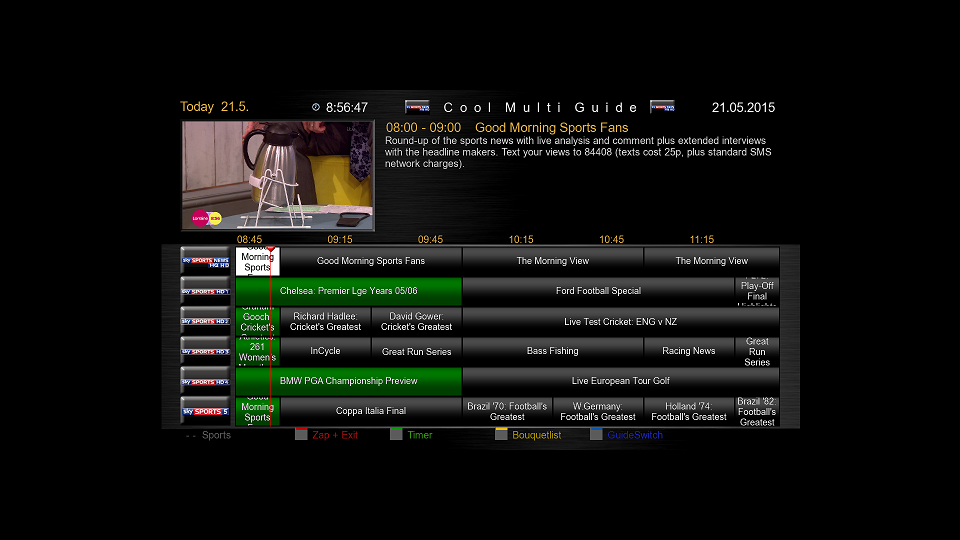
Is there anyway to fill the screen with Coolepg guide now that blackhole 2.1.5 onwards has HD resolution as default?
I guess not as all backup images seem to have to the same issue
thanks
Until the author re-skins the plugin it will not show in full size when using a HD skin buddy.....
-
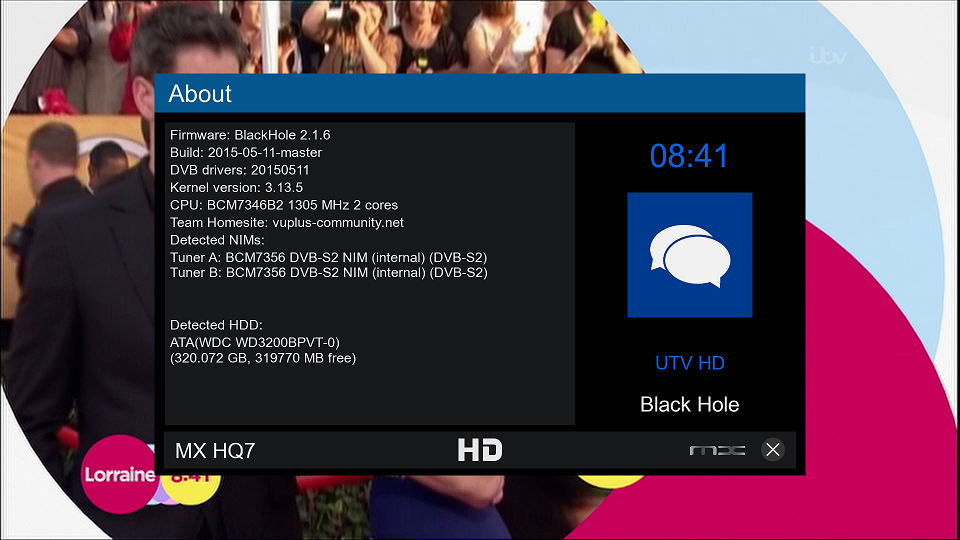
BlackHole 2.1.6 Vu+ Solo2 Full Backup image by mckee25

What's Included:
Blackhole 2.1.6
Catseye Full Motor Settings 15/05/2015
Rats Black Picons (Installed in internal flash, usr/share/enigma2)
Cams:
Oscam 10651 + CCcam 2.1.3
CCcam 2.3.0
Mgcamd 1.38
(Please add your own configs)
Plugins:
CCam Info v1.3c
Oscam Status
Rats Picon Updater
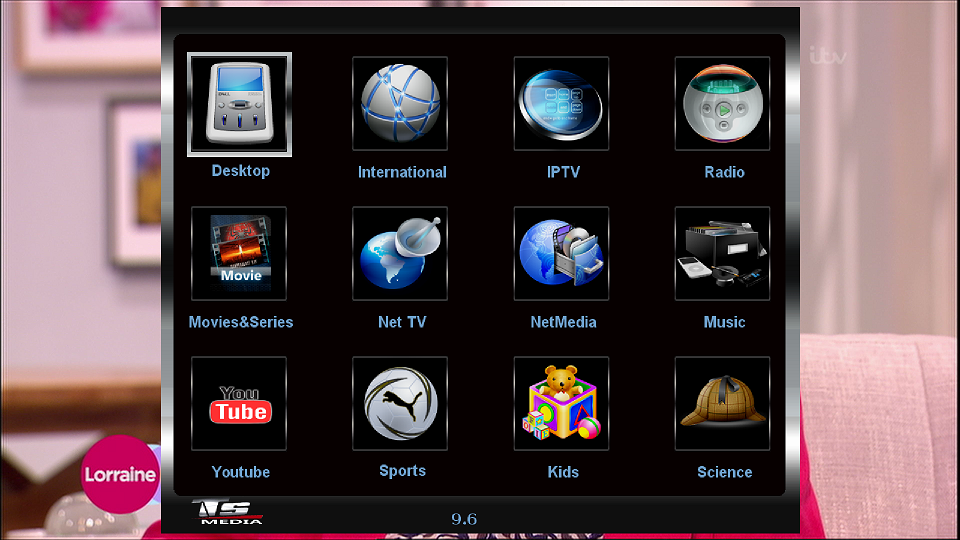
TS media 9.6 Full (Linuxsat 1channel Proxy added)
Lairzer AutoBouquets E2
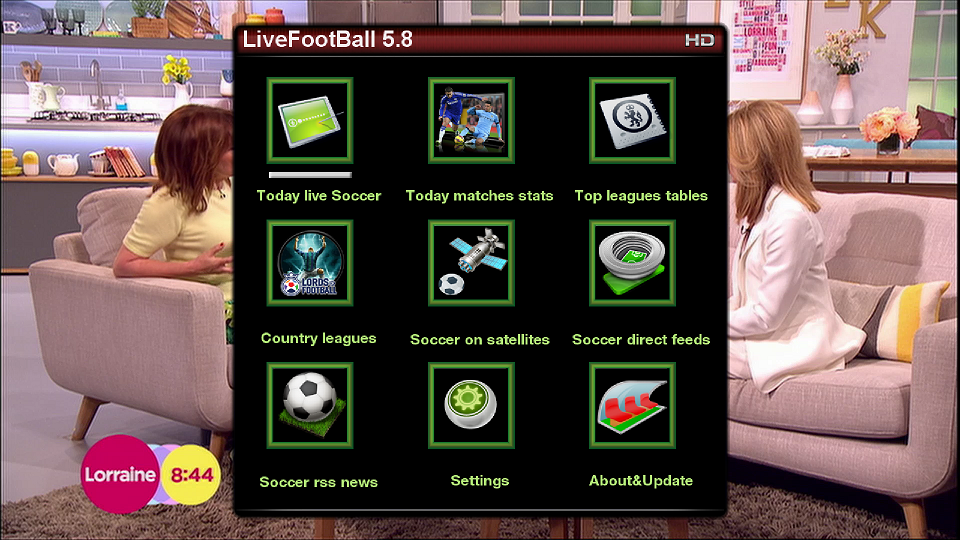
Live Football 5.8
Coolman Tv Guide v7.3.0
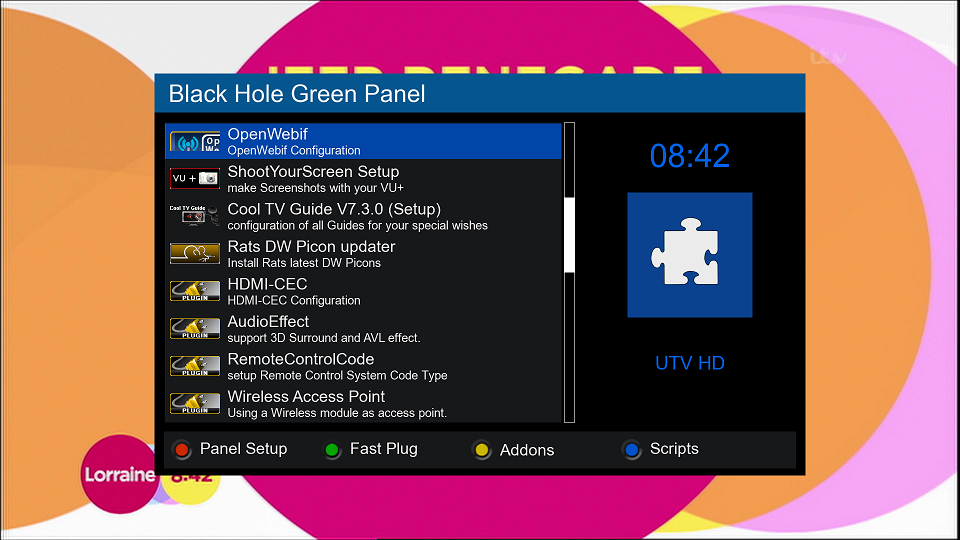
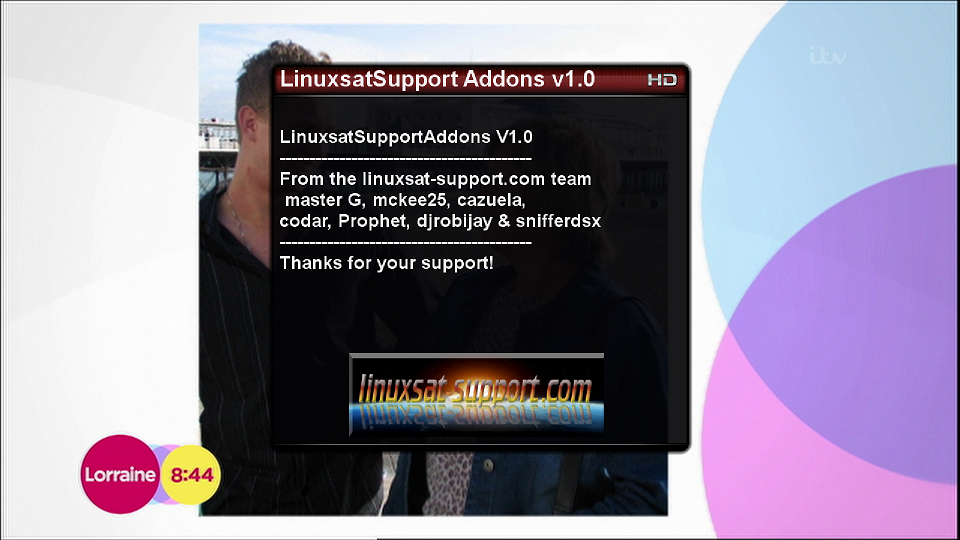
Linuxsatsupport Addons Panel
ShootYourScreen
Cross EPG (configured to save to usb, updates at 06.30 daily)Not all plugins have been re-skinned to suit for use with a HD skin.... Please use the installed MX_Reddiamond skin if you want all plugins to appear in normal size.

Skins:
Default HD Skin
MX_Reddiamond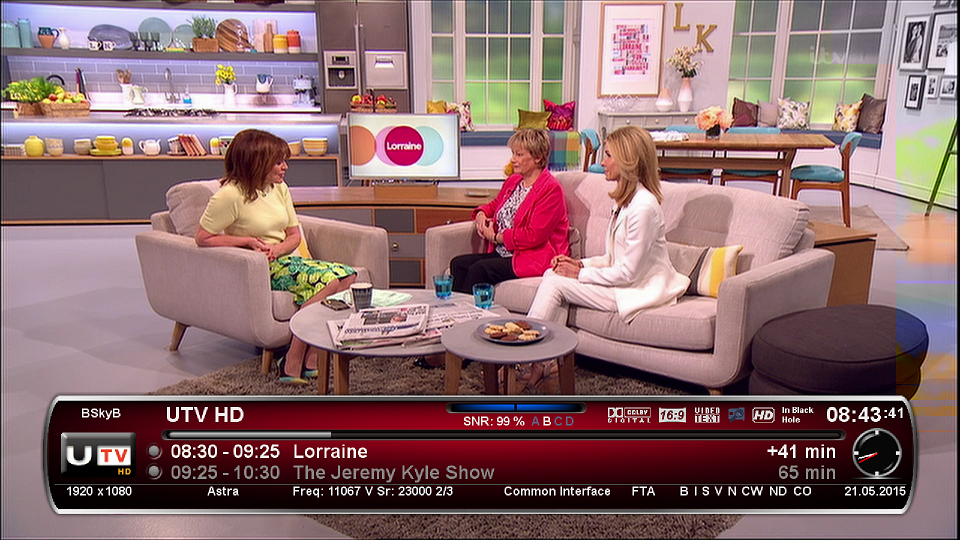
FTP Password: vuplus
:shake:

