How to solve the problem of OCTAGON SF8008 stuck on BOOT by yourself ? from ​Electro Yassine

There are 80 replies in this Thread which was already clicked 30,141 times. The last Post () by GamingPulse.

  • Errors according to the pictures sent from you


    There is an error connecting the internet cable between the receiver and the router, or your internet is weak


    Do not mark the non-existent file as softwareinfo. loaderdb. trustedcore

    canceled the mark in beside him


    ?thumbnail=1


    The best solution is to use the serial method, despite the long time, but it works Or review internet connections and speed

    notice / Internet must be fast in order to be able to complete the process, especially when burning the rootfs.ext4 file, as its size is large, more than 500 MB.


    burning can be used by serial, it is the same cables and method, but choose Serial with the hitool program instead of Network, but burning may take more than 3 hours, and the process also succeeds in this way

  • What ever i tried my friend Ahmet is always stacking in fastboot file......it doesn't pass as u see
    I try also to UNSELECT these 3 files u mention
    Tried also with serial only same result
    i have Fast internet yes but what we need FAST internet i don't understand because if i understand correct we trying to upload Local files to the box from pc
    I also test direct from PC to sf8008 same exact result
    BIG thanks for ur help

  • What ever i tried my friend Ahmet is always stacking in fastboot file......it doesn't pass as u see
    I try also to UNSELECT these 3 files u mention
    Tried also with serial only same result
    i have Fast internet yes but what we need FAST internet i don't understand because if i understand correct we trying to upload Local files to the box from pc
    I also test direct from PC to sf8008 same exact result
    BIG thanks for ur help

    Try again & Do not mark fastboot canceled the mark in beside it

    Do not mark the non-existent file as softwareinfo. loaderdb. trustedcore

    canceled the mark in beside him

  • Ahmet arkadaşım ne denediysem fastboot dosyasında birikiyor...... gördüğün gibi geçmiyor
    bahsettiğin bu 3 dosyanın SEÇİMİNİ KALDIRmaya da çalışıyorum
    seri ile de denedim sadece aynı sonuç
    bende Hızlı internet var evet ama HIZLI internete ne ihtiyacımız var anlamıyorum çünkü doğru anladıysam Yerel dosyaları bilgisayardan kutuya yüklemeye çalışıyoruz
    Ayrıca doğrudan PC'den sf8008'i test ediyorum aynı kesin sonuç
    BÜYÜK yardımın için teşekkürler

    Find out the IP address of the device via the modem, write it to the desired place in the program. will be uploaded.

  • sungate titan4k octagona sf8008 adapted software thrown


    How can I overcome this problem? I tried to throw the rs232 HiTool-STB-5.0.8 sf8008_2018-09-22 parts but as in previous attempts I was not successful.


    defineos 06.47 problem

    ddq2lu4.jpg

    ihozvd8.jpg


    E2 slot1 openatv emmc image no problem other slots mmc problem


    q5wvqim.jpg

  • Your problem is that you uploaded a modified image to another device ( sungate ) on your device sf8008. Try first Erase all of your device with Hitool Then pass The original Full-dump sf8008

    This dump is in a forum topic by one of the members najdine  at the following link


    Or on the following link also from  najdine

    https://www.mediafire.com/file/pae0...-20240925-Hitool-Full-dump-by-TBs-tn.rar/file

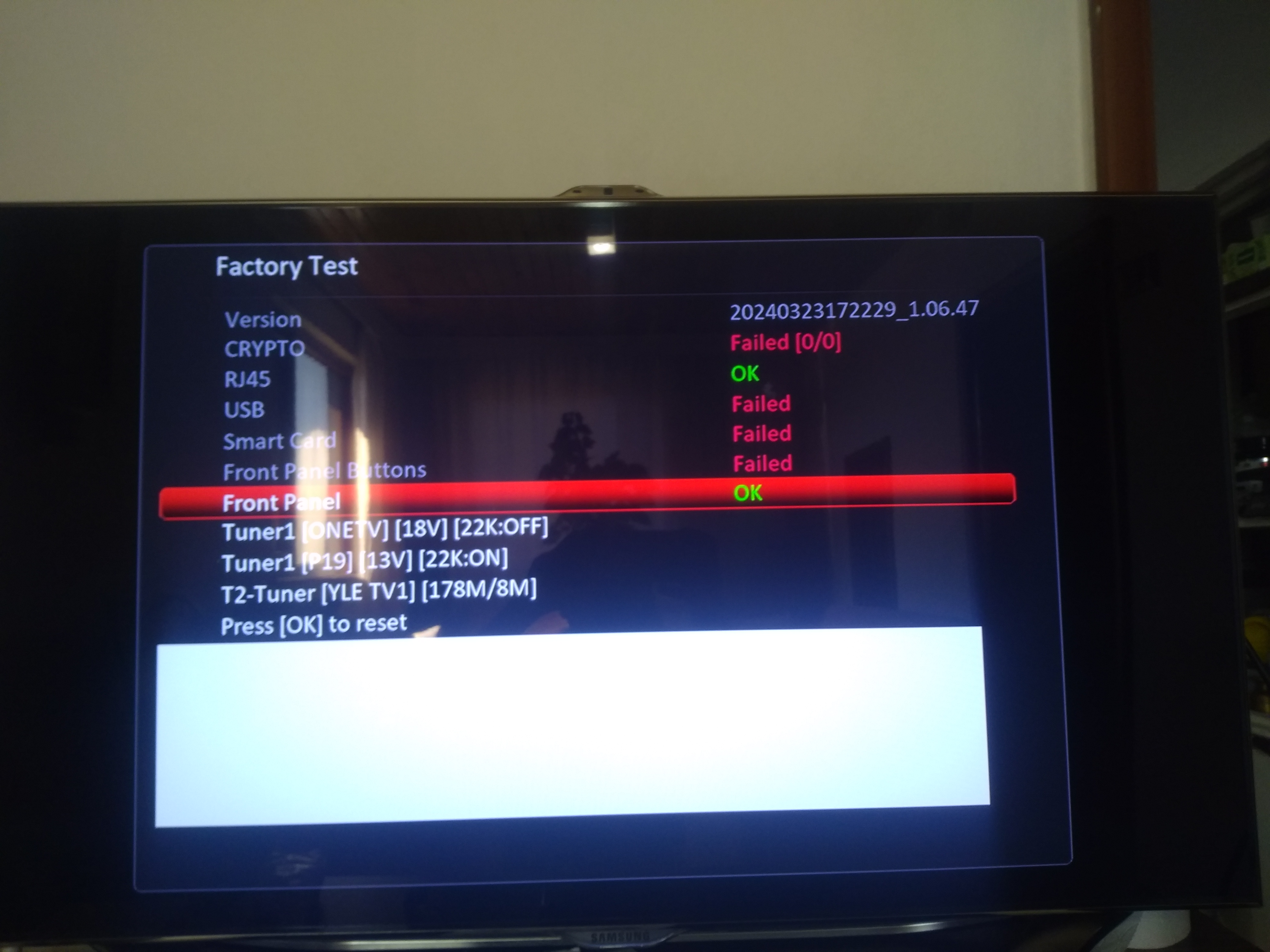
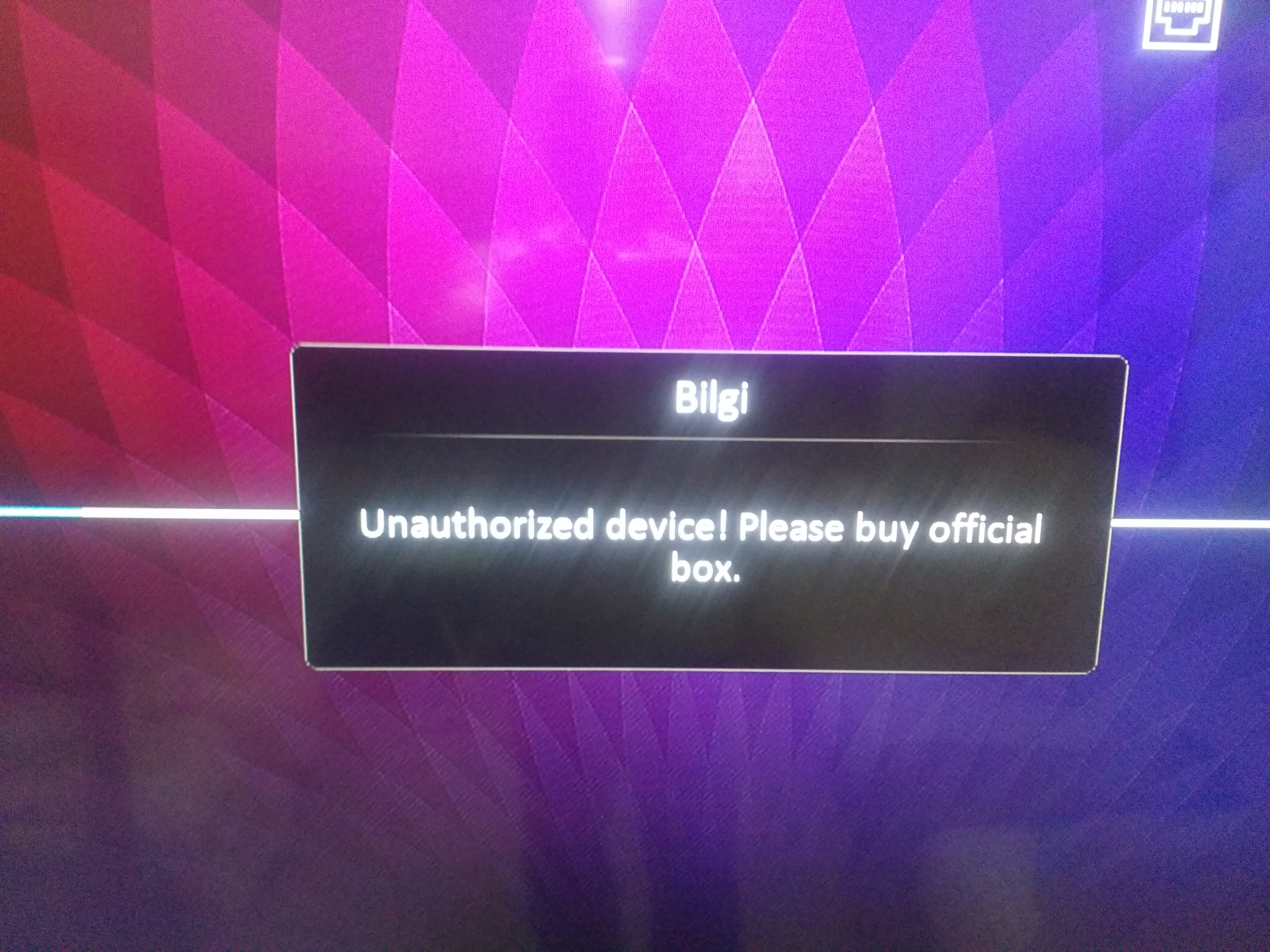
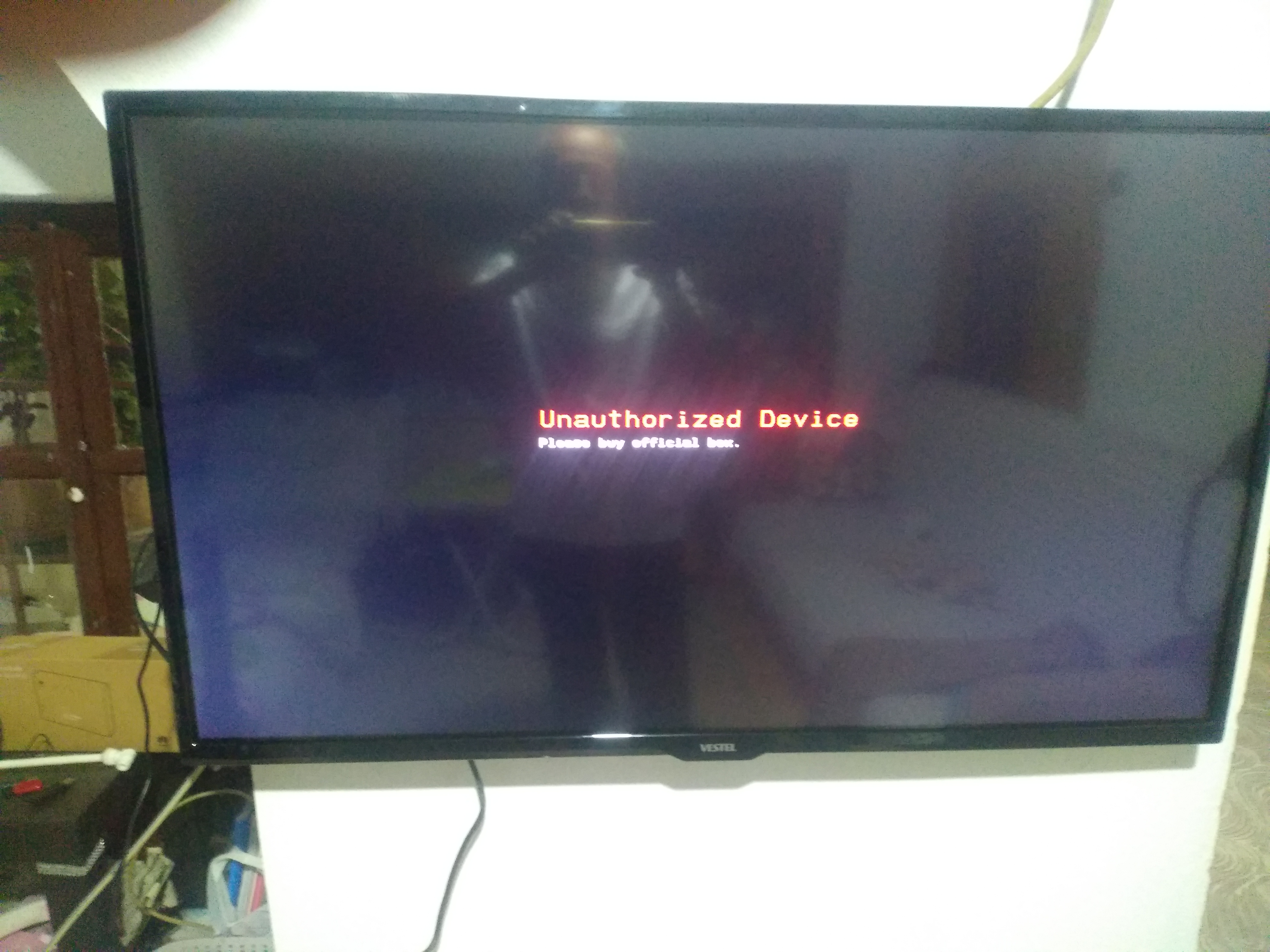
  • Even though I erased the NAND flash with hitoll and uploaded the full dump in the link, we are stuck on slot1 openatv-7.5-sf8008-20240916_mmc image. The problem still persists in other images loaded in slots 2-3-4, also defineOS is loaded in the image. I continue to get the Factory test message and the annoying error message.

  • Looking at the logs, it appears that I was using files from a Dinobot 4K Repair-Boot folder. This confirms a hardware/firmware mismatch. Even though these receivers look identical, the Novaler 4K Pro has a different secure boot configuration (Key Area) compared to the standard Dinobot 4K or the basic Novaler 4K models. HiTool blocks the flash because the signature in the fastboot.bin does not match the processor's secure zone.

    Steps for Resolution:

    1. Correct Partition XML: I need the specific eMMC Partition File (.xml) and fastboot.bin specifically designed for the Novaler 4K Pro. Using files from Dinobot or the standard 4K model will continue to trigger the "Key Area" verification error.

    2. Isolate the Fastboot Flash: Instead of flashing the entire partition table, I will attempt to flash only the fastboot partition.

    • Load the correct XML for the Pro model.
    • Select only the fastboot checkbox.
    • If the fastboot flash succeeds, the receiver should be able to reach a state where it can be updated via a standard USB recovery image.

    3. Transfer Mode Adjustment: Currently, I am using Network transfer mode. If the issue persists, I will switch to Serial (RS232) mode for the fastboot partition. While significantly slower, it is often more reliable for bypassing verification loops during initial bootloader recovery.

    Request for Community Help:

    "Does anyone have the Original Factory HiTool Dump or the Partition XML + Fastboot files specifically for the Novaler 4K Pro? I need to avoid the generic Dinobot/Novaler 4K files as they are causing signature mismatches. Any help or links to the official Algerian support files would be greatly appreciated."

  • Looking at the logs, it appears that I was using files from a Dinobot 4K Repair-Boot folder. This confirms a hardware/firmware mismatch. Even though these receivers look identical, the Novaler 4K Pro has a different secure boot configuration (Key Area) compared to the standard Dinobot 4K or the basic Novaler 4K models. HiTool blocks the flash because the signature in the fastboot.bin does not match the processor's secure zone.

    Steps for Resolution:

    1. Correct Partition XML: I need the specific eMMC Partition File (.xml) and fastboot.bin specifically designed for the Novaler 4K Pro. Using files from Dinobot or the standard 4K model will continue to trigger the "Key Area" verification error.

    2. Isolate the Fastboot Flash: Instead of flashing the entire partition table, I will attempt to flash only the fastboot partition.

    • Load the correct XML for the Pro model.
    • Select only the fastboot checkbox.
    • If the fastboot flash succeeds, the receiver should be able to reach a state where it can be updated via a standard USB recovery image

    3. Transfer Mode Adjustment: Currently, I am using Network transfer mode. If the issue persists, I will switch to Serial (RS232) mode for the fastboot partition. While significantly slower, it is often more reliable for bypassing verification loops during initial bootloader recovery.

    Request for Community Help:

    "Does anyone have the Original Factory HiTool Dump or the Partition XML + Fastboot files specifically for the Novaler 4K Pro? I need to avoid the generic Dinobot/Novaler 4K files as they are causing signature mismatches. Any help or links to the official Algerian support files would be greatly appreciated."

    I actually used the original file for novaler pro of image egami

    From the link below

    And it didn't work


    https://image.egami-image.com/11.0/index.php?open=novaler4kpro

OCTAGON SF8008 * SUPREME 4K UHD Linux Enigma 2 2160p H.265 HEVC Dual Wifi Multi-Stream DVB-S2X & DVB-C/T2 Combo Receiver

Download OCTAGON SF8008 & SUPREME 4K UHD (DUAL OS) Images and Enigma2 Team Support from OpenATV - OpenBh - OpenPLi - Open Vision - PurE2

Participate now!

Don’t have an account yet? Register yourself now and be a part of our community!