ciefp added a new file:

QuoteDisplay More..:: CiefpOpenDirectories ::..
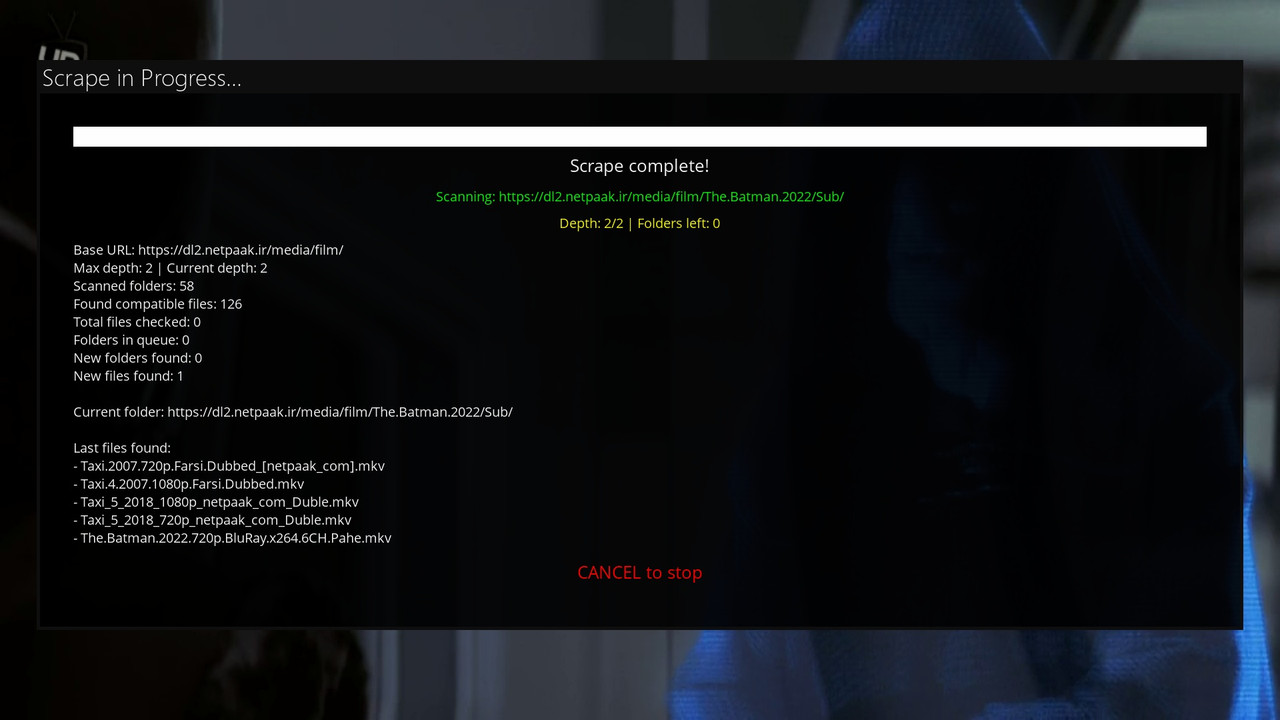
is an Enigma2 plugin for browsing open directories (Open Directories) on the web.
### Enables: ####
Loading URLs from the opendirectories.txt file.
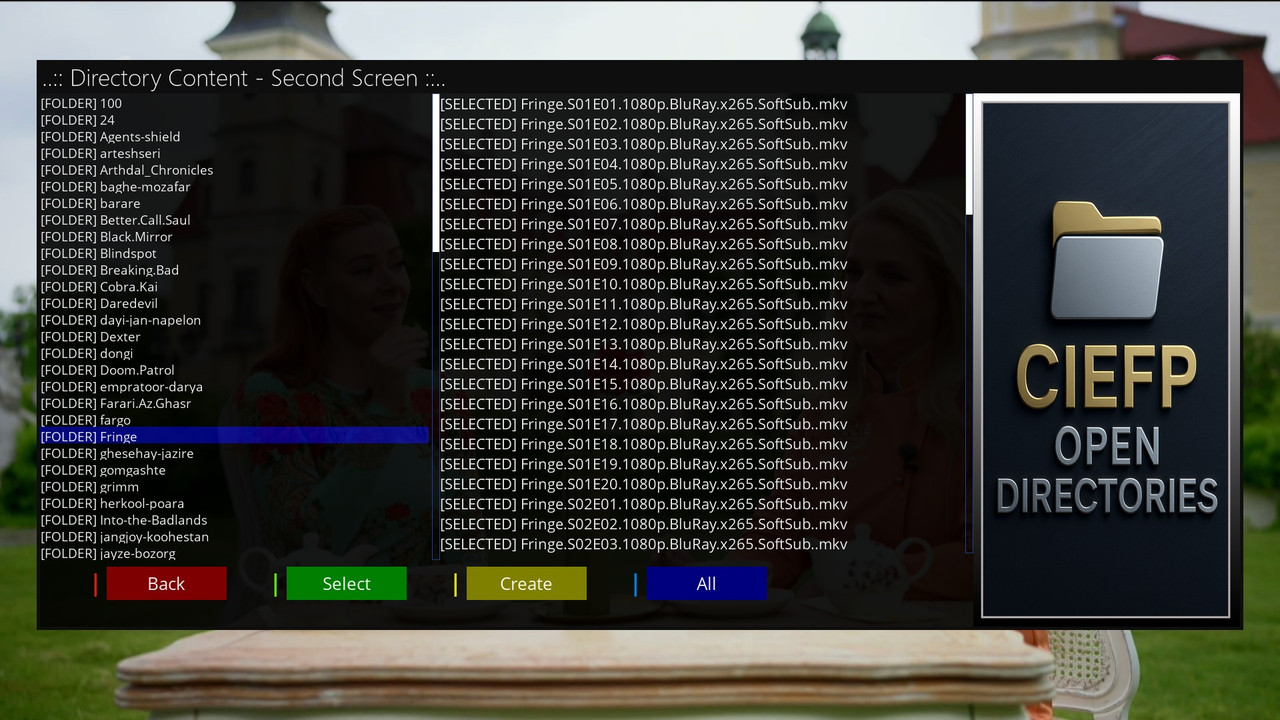
Folder navigation and media file selection (video: MP4, MKV, AVI, TS; audio: MP3, FLAC).
Creating M3U playlists for Media Player.
Generating Enigma2 userbouquets with correct SERVICE types (4097:0:1 for video, 4097:0:2 for audio with radio poster).
HTTPS/HTTP support, timeout protection and automatic bouquet reloading.
Ideal for quickly creating IPTV mixes from open dir content. Version 1.0 – simple, fast and reliable! 🚀2.2sFastHow can Grok help?
### How to use ###
- Run the plugin, select an address
- Green button or OK navigation through folders
- navigation up and down with arrows
- selecting a file with ok
- yellow button creating an m3u or userbouquet file
- blue button selecting all files from a folder
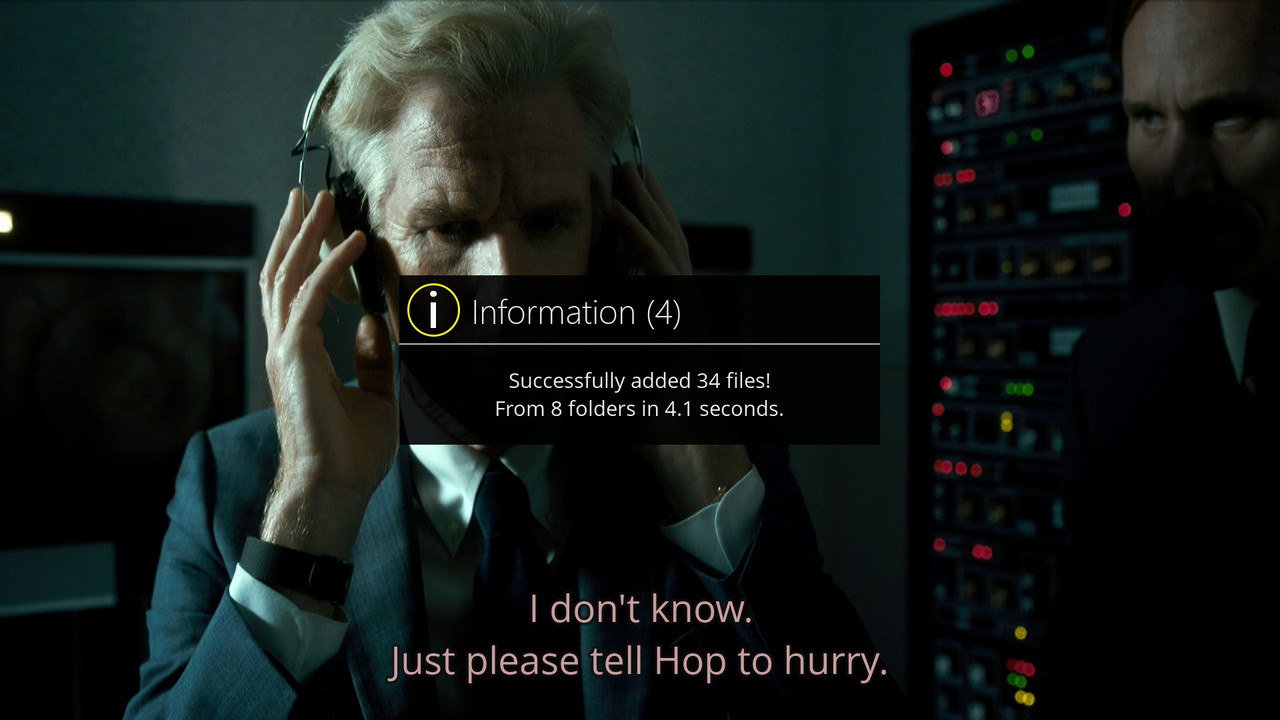
From one address it is possible to combine multiple folders
into one final m3u or userbouquet file
when you finish adding files
yellow button to create an m3u or userbouquet file
by clicking on the yellow button a virtual keyboard appears
here you have the option to change the name or
if you want to leave the generated file name
by clicking on the green button the selected file is created
m3u files are saved in /tmp/CiefpOpenDirectories
userbuket are installed in etc/enigma2 no restart is required
..:: CiefpSettings ::..