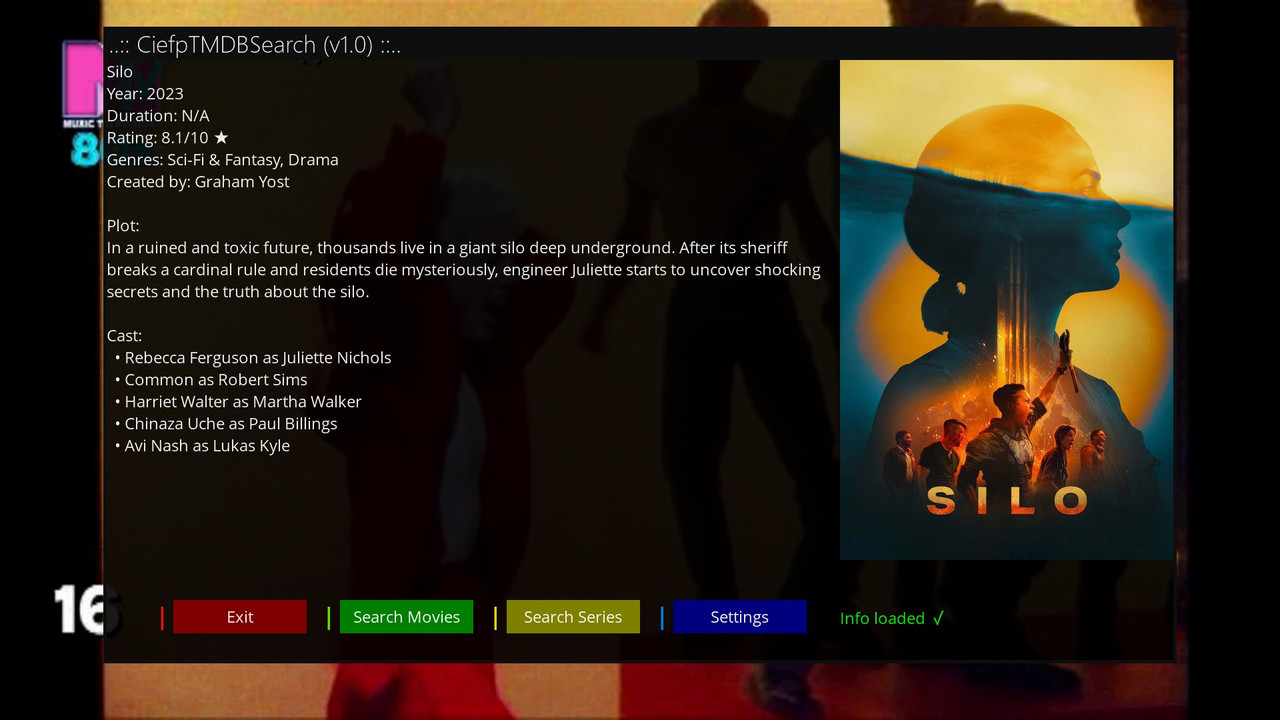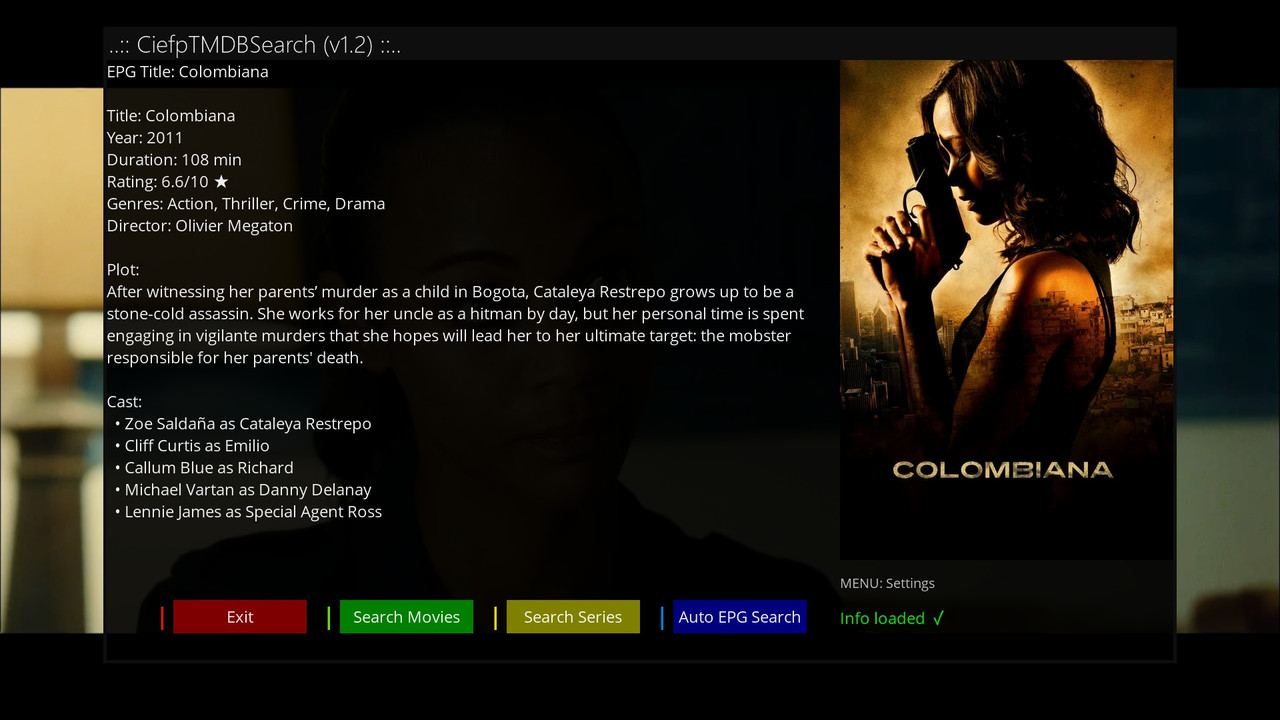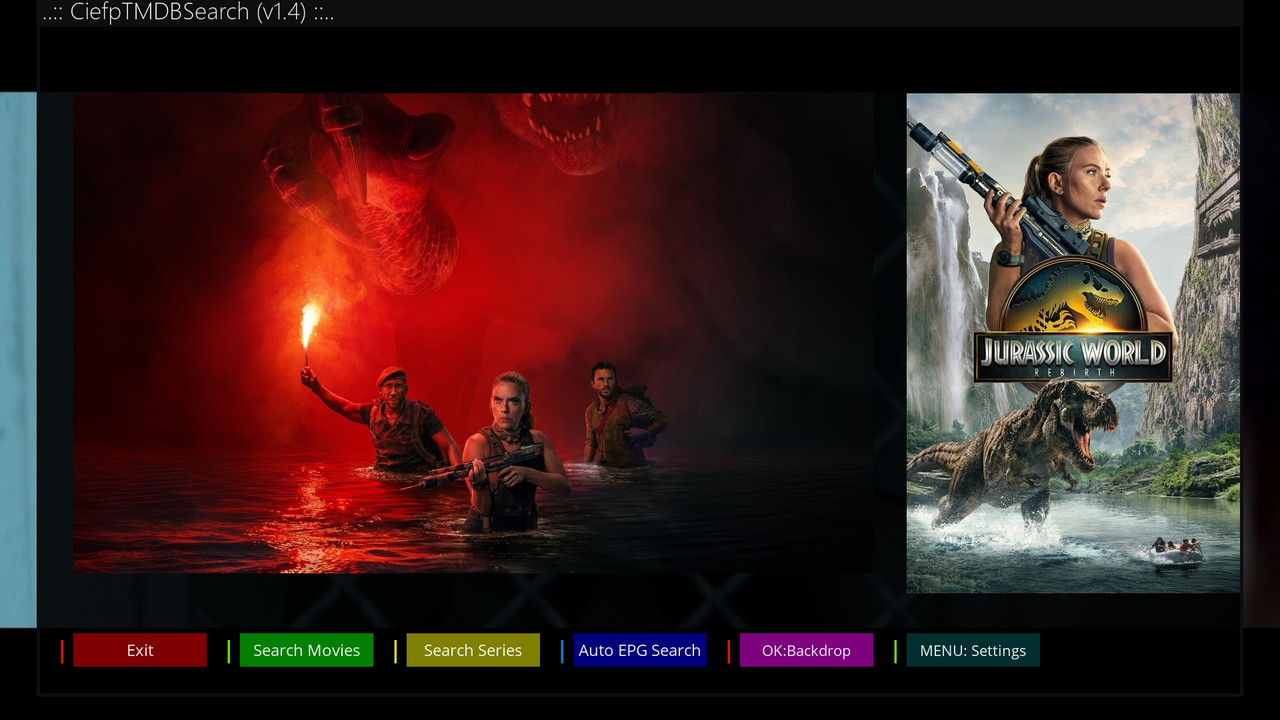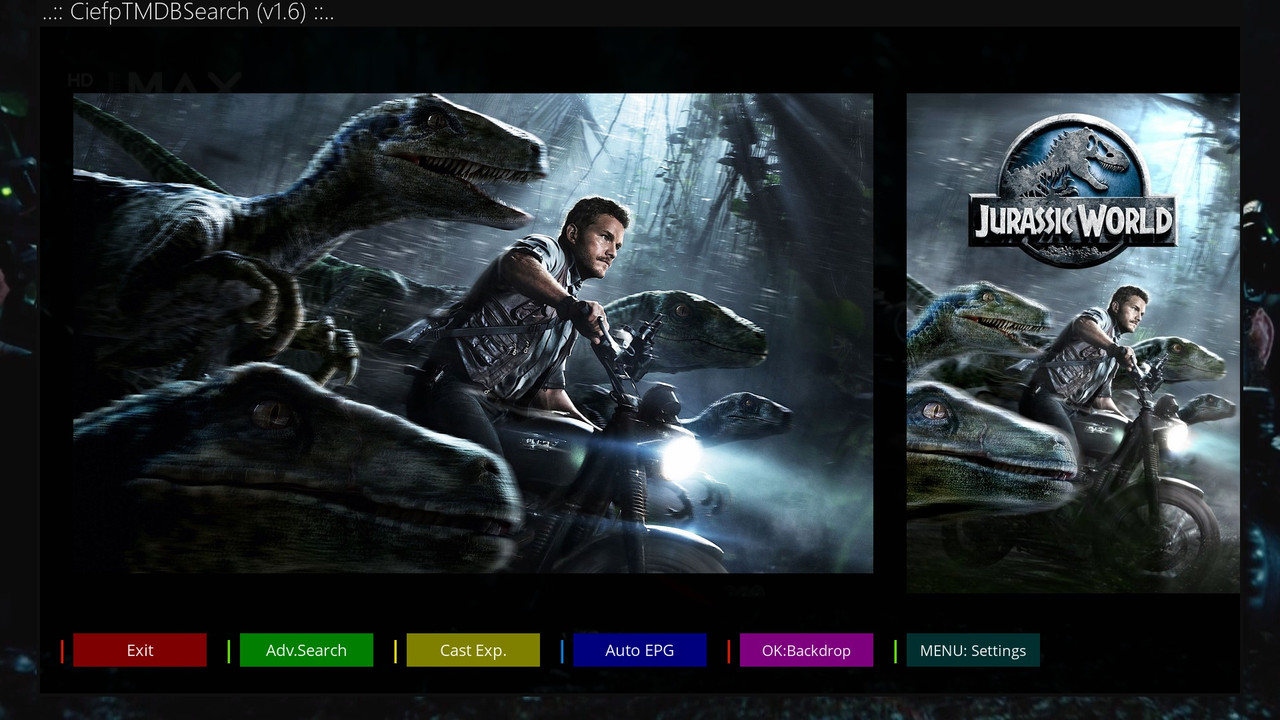
CiefpTMDBSearch

There are 46 replies in this Thread which was already clicked 6,214 times. The last Post () by ciefp.

  • ciefp added a new file:

  • Thanks, I'll try to do something about that.

    I think it would be a good idea for the EPG to capture from the current channel.

    As for languages, all languages that are available on the tmdb page can be added to this plugin.


    The idea for this plugin started with another plugin that I never published.


    I called that other one CiefpMovieInfoIPTV, it read IPTV bouquets and displayed them on the first screen.


    By clicking on an IPTV bouquet with, for example, movies or series, its content opens. The names of the links or series are displayed, when the user clicks on the name, a new screen with information about the movie or series is displayed, similar to this. It also had the option to manually enter the name of the movie or series. Otherwise, that plugin works quite well. There is a problem that when the plugin is closed, some process remains that then blocks the operation of the up, down, left, right arrows. I have tried about 50 versions and always the same problem. I close the plugin for about 20 seconds, everything is ok, then suddenly the arrows do not work and nothing helps except a restart. So that plugin is on pause until further notice until I find a solution.


    And then I thought that since I already have functional code, I should remove the problematic parts about parsing and simply leave only the option for manual text entry.


    By the way, when you install the New virtual keyboard from fairbird, this plugin works even easier. The virtual keyboard is clear and remembers the last 10 entries. History also has Google suggestions, which makes it easier to enter the name of a movie or series. Type a few words until Google suggestions appear and just choose the name.

  • ciefp added a new version:

  • First run → press MENU → Settings


    Unfortunately, when I enter the plug-in and press the menu button, I get an error message and the settings menu does not appear at all. OpenATV 7.6 Ultimo 4k

  • the posters are not scaled, this is OK

    Code
    def _show_placeholder(self):
            px = load_pixmap_safe(PLACEHOLDER)
            if px and self["poster"] and hasattr(self["poster"], "instance") and self["poster"].instance:
                try:
                    self["poster"].instance.setScale(1)
                    self["poster"].instance.setPixmap(px)
                except Exception:
                    pass
  • the posters are not scaled, this is OK

    Code
    def _show_placeholder(self):
            px = load_pixmap_safe(PLACEHOLDER)
            if px and self["poster"] and hasattr(self["poster"], "instance") and self["poster"].instance:
                try:
                    self["poster"].instance.setScale(1)
                    self["poster"].instance.setPixmap(px)
                except Exception:
                    pass

    The plugin only downloads posters of the same format 500x750.

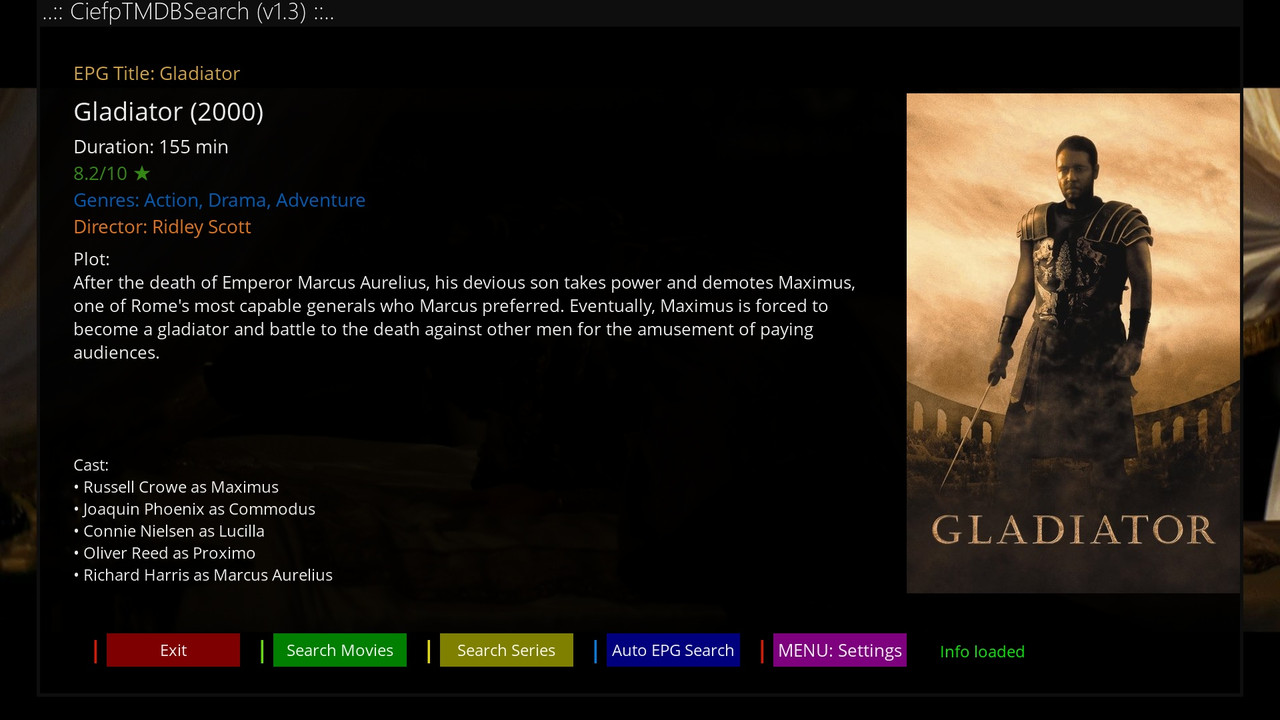
  • CiefpTMDBSearch 1.3

    #####################################################################################################


    Added version check and automatic upgrade if available via version.txt

    Enlarged screen divided into multiple parts

    epg name - if automatic search this part is not displayed when manual search

    title - increased font

    duration - increased font

    rating - added green color

    genres - added blue color

    director - orange color

    description - increased description section

    actors


    The next version will display a message when starting the plugin that there is a new version.


    1-0-19-6F-D-85-C00000-0-0-0-20251125221606.jpg

  • The plugin only downloads posters of the same format 500x750.

    we are partly both right, I made a HD screen (in plugin is only FHD) and I experienced this, that peace of code wan´t bother

    Most of my plugins are py3 and most require FHD skin and that's it, maybe some people won't like it but that's how it is. It's the same with other plugins, if you want to use something then you have to adapt.

  • Another great plugin ,

    Thanks for your great efforts

    We may need an easier method for adding API key , what about restoring the key from text file present in HDD, USB or ... , assign a button for restoring API key, will open a file browser to select the text file then API restored .

  • ciefp added a new version:

  • CiefpTMDBSearch 1.5


    Bug fix in settings menu

    Added support for multiple languages

    Current code supports the following languages:


    "en-US": "English", "sr-RS": "Srpski", "hr-HR": "Hrvatski",

    "bs-BA": "Bosanski", "sl-SI": "Slovenščina", "mk-MK": "Македонски",

    "cs-CZ": "Čeština", "sk-SK": "Slovenský", "hu-HU": "Magyar",

    "ro-RO": "Română", "bg-BG": "Български", "el-GR": "Ελληνικά",

    "de-DE": "Deutsch", "fr-FR": "Français", "es-ES": "Español",

    "it-IT": "Italiano", "pt-PT": "Português PT", "pt-BR": "Português BR",

    "nl-NL": "Nederlands", "sv-SE": "Svenska", "no-NO": "Norsk",

    "da-DK": "Dansk", "fi-FI": "Suomi", "ru-RU": "Русский",

    "uk-UA": "Українська", "pl-PL": "Polski", "tr-TR": "Türkçe",

    "ar-AE": "العربية", "he-IL": "עברית", "ja-JP": "日本語",

    "ko-KR": "한국어", "zh-CN": "中文 (简)", "zh-TW": "中文 (繁)",

    "th-TH": "ไทย", "vi-VN": "Tiếng Việt"


    ..:: CiefpSettings ::..

  • ciefp added a new version:

  • The API must be entered manually through virtual keyboard,

    Even adding the API key in etc/enigma2/settings doesn't work , of course after init 4 - add API - save - init 3

    So , we in need for more simple and easy method to add API key,

    Finally thanks for your time and effort.

  • The API must be entered manually through virtual keyboard,

    Even adding the API key in etc/enigma2/settings doesn't work , of course after init 4 - add API - save - init 3

    So , we in need for more simple and easy method to add API key,

    Finally thanks for your time and effort.

    The api key is entered in tmdb tmdbapikey.txt and omdb omdbapikey.txt. Insert those two files into the plugin folder /usr/lib/enigma2/python/Plugins/Extensions/CiefpTMDBSearch/ after that restart enigma and the key is loaded without typing via the virtual keyboard. Also, once you type the key, the key is saved in the plugin folder.

    I don't know what's simpler than this: write the key in a txt file, transfer it via ftp, and restart.

  • That's enough , I don't know about these txt files , good work 👌

Your hub for Enigma2 multimedia plugins.

Discover top Enigma2 multimedia plugins. Access downloads and support for the latest media players, audio tools, and file management utilities.