
OPENHDF 5.3
New Version
[align=center]Waiting


OPENHDF 5.3
New Version
[align=center]Waiting
VU+ Solo 4K- Unboxing
For sale from 10/26/2015
hello mach.1
the above emues on openhdf did not work?but the oscamues on openatv worked with one problem:many stops and breaks????????????i have to start and resart when i change from one channel to another on hotbird?this is case with all enigma2 images on wetek?it the problem of the provider.if you can solve this problem,i will pay for you.I am serious.you can use teamviewer.send me you reply to don't post your mail
thank you
Pay for what?
I'm testing this new gem of a couple of days, I will soon release a full review. My first impression is that this Android reicever will talk much though. Stay tuned !!
Mediaportal 7.2.3
Thx @ all Dev´s
Neo3 Picons Pack 13°19°e DTT al 10/10/2015 [Perfect]
XPicons 13°19° e DTT 220 x 132 Transparent
picon 13°19° e DTT 130 x 80 Transparent
picon 13°19° e DTT 100 x 60 Transparent
picon_channellist 13°19° e DTT 50 x 30 Transparent
picon_oled 13°19° e DTT 94 x 64 Transparent
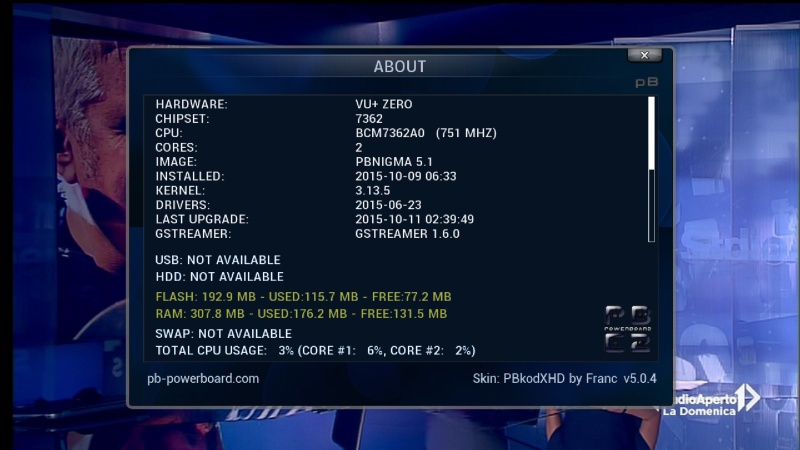
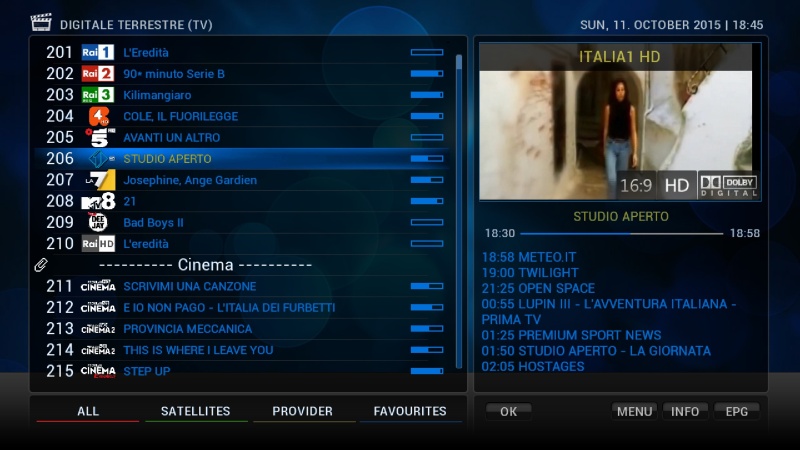
[BKP]PBnigma 5.1 Vu+Zero by Robijay
In my opinion the best image that runs on Vu +
Backup date 11/10/2015
Kernel 3.13.5
Last Update 11/10/2015
GStreamer 1.6.0
Splash Screen PBnigma by robijay
Bootlogo by robijay
Spinner original
Setting Whannibal Dual Feed 13+19+Dtt Italy (configure your tuner)
Language: English (/setup/system/language to change your)
Password FTP and Telnet: robijay
Cams configuration, Ports & Passwords
CCcam Web Info port: 16001
Username: root
Password: robijay
Oscam Web Info Port: 16002
Username: admin
Password: robijay
Doscam Web Info Port: 8888
Username: admin
Password: robijay
Oscam Ymod Web Info Port: 16004
Username: admin
Password: robijay
File directory:
Doscam config & softcam.key directory: /etc/tuxbox/config/doscam
OscamYmod config & softcam.key directory: /etc/tuxbox/config_ymod56
CCcam config directory: /etc
OScam /etc/tuxbox/config_oscam


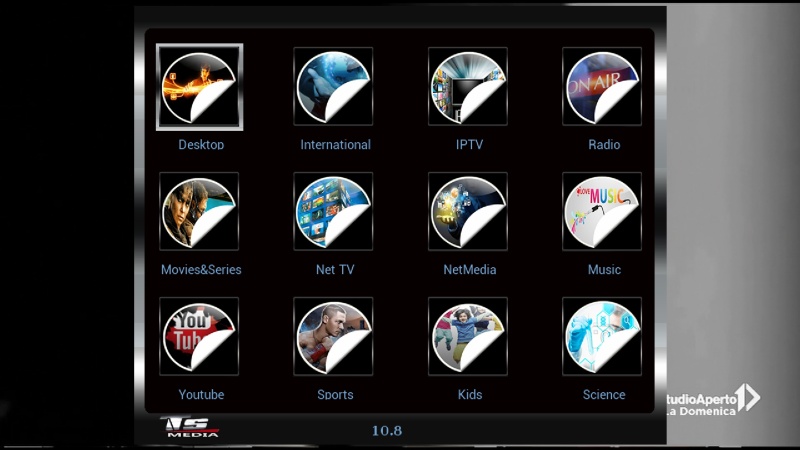
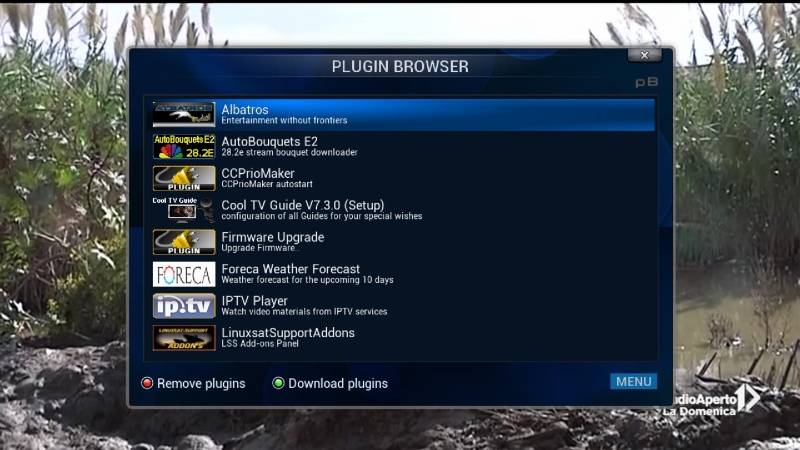
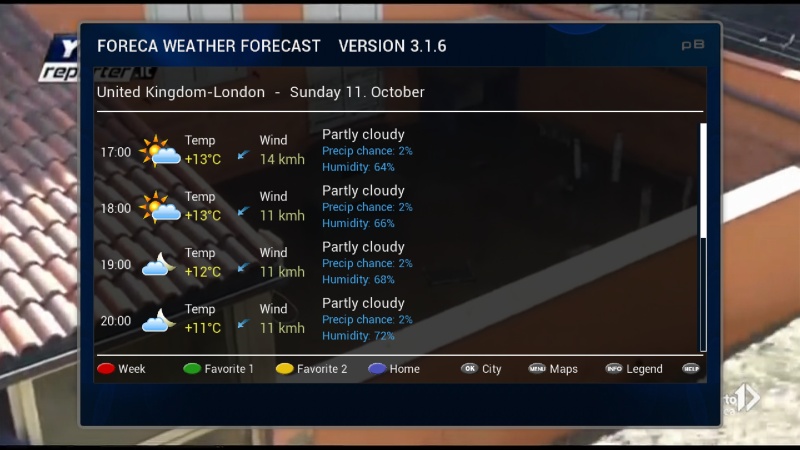
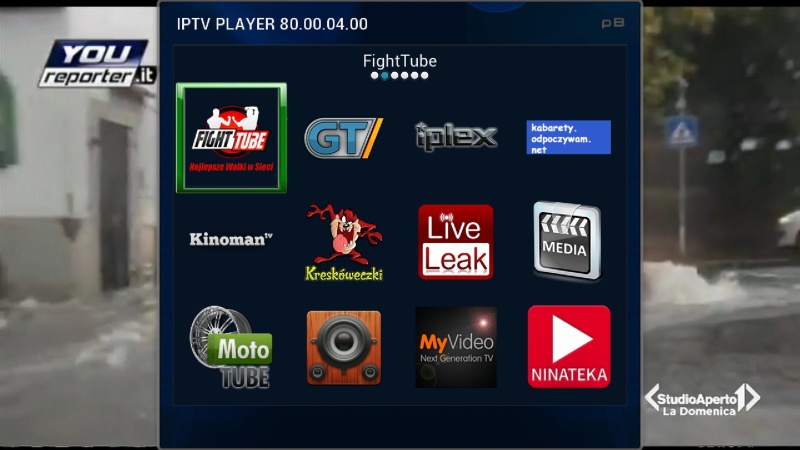
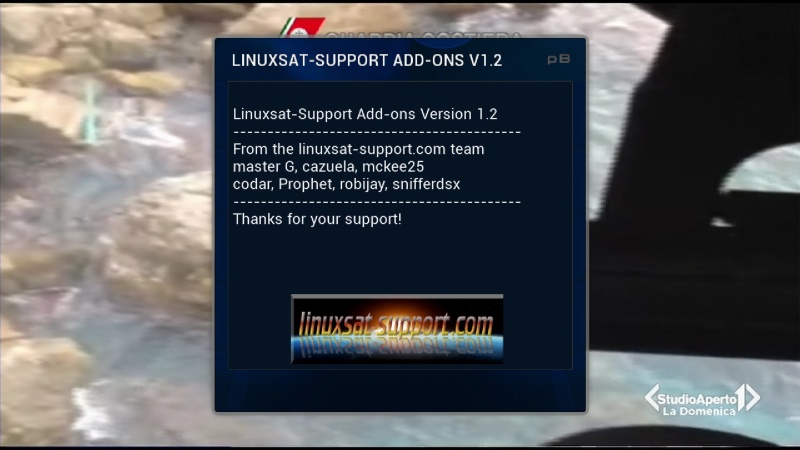
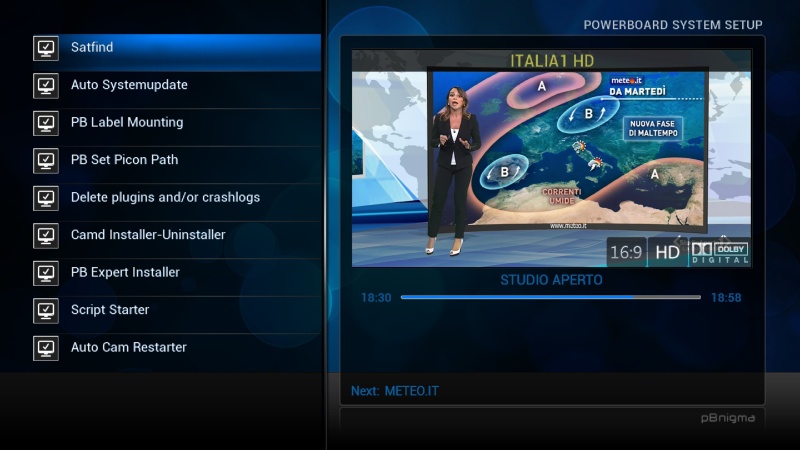

Panel
LINUXSAT SUPPORT PANEL 1.2 FULL HD
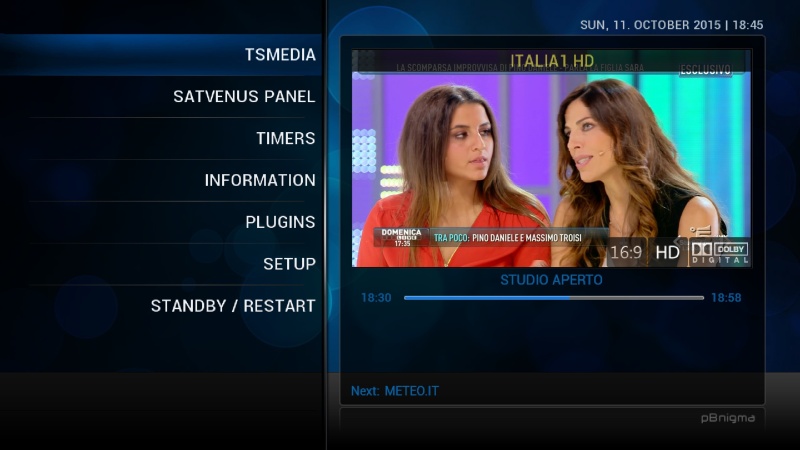
SATVENUS PANEL HD 2.0
DEVIL PANEL 5.0
Bouquet Plugin
AUTOBOUQUETS FOR 28,2 (FOR UK USER NEW VERSION)
ISETTINGE2 3.3.5
Plugin
COOLTV GUIDE 7.3.0
IPTVPLAYER 80.00.04.00
ALBATROS 2.7
XMLTV IMPORT RYTEC
MEDIAINFO 2.7
MEDIAPLAYER 2
FORECA WEATHER FORECAST
OPENMULTIBOOT
PICON MANAGER 2.2
PLUGIN SKIN MOVER (TO FREE SPACE IN FLASH USING USB DRIVE)
WEBRADIOFS 13.52
MORE......
Emu
CCCAM 2.1.3
DOSCAM 0.25
OSCAM YMOD-T56
OSCAM 11051
OSCAM INFO
CCCAM INFO
CCCAM PRIO MAKER
Skin
PBKODXHD 5.0.4 BY FRANK
METRIXHD FOR PBNIGMA
Oscam11039+CCcam213
TX.Lallone
Make the update directly from TSmedia
usr/lib/enigma2/python/plugin/extension/venus (or others)
KravenVB update to version 2.4.1
Thx to Kraven and örlgrey
Powerboard 5.1 for DM820

With many improvements, but just stop without extensive testing.
We, however, you would like to share it, so have fun with it.
Caution - new pasword: powerboard
We have the image Although rebuilt, but no change in the known functionalities.
- New Enigma2 with more features
- Current kernel and driver status
- GStreamer 1.6.0
- Expert Installer
- Auto-update system
- Script-Starter
- Piconpfadanpassung
- Log file viewer and remove (logs under / home / root)
- Auto Restarter for applications
- LCD skin selector
new oscam default path and much more.
Release 04/10/2015
Powerboard 5.1 for DM7080
With many improvements, but just stop without extensive testing.
We, however, you would like to share it, so have fun with it.
Caution - new pasword: powerboard
We have the image Although rebuilt, but no change in the known functionalities.
- New Enigma2 with more features
- Current kernel and driver status
- GStreamer 1.6.0
- Expert Installer
- Auto-update system
- Script-Starter
- Piconpfadanpassung
- Log file viewer and remove (logs under / home / root)
- Auto Restarter for applications
- LCD skin selector
new oscam default path and much more.
Release 04/10/2015
From another forum:
Thanks to Gorgone and theparasol I want to show with this installation how you can compile itself simple, especially if you have little or no experience with linux.
This howto I explain my own experience on a PC ubuntu X86_64bit.
Open putty or linux (ubuntu for me) a terminal screen.
Log in as root:
sudo su
Go to the folder Opt:
cd /opt
Create the folder simpelbuild to:
mkdir simplebuild
Go simplebuild to the folder:
cd simplebuild
Download simplebuild program to:
wget ss4200.homelinux.com/oscam/simplebuild
The put rights of simplebuild on 777:
chmod 777 simplebuild
Installing simplebuild:
./simplebuild debinstall
Simplebuild perform:
./simplebuild menu
If successful you'll be all right on the home screen of the simplebuild program.
Bij LATEST When you start compiling the latest version
Bij NO_CHECKOUT you can just continue as you have used once program and to further compile Oscam.
Bij CHOOSE you can grab a version of your choice when to compile.
Bij Cedit you can get some advanced settings
En EXIT you leave the program.
Normally so grab the latest version you choose LATEST.
Now you enter a screen where you have several choices.
EXIT speaks for itself.
ADD is when an enigma receiver or router, etc. have..
REMOVE is you already have compiled a Oscam and delete the toolchain.
NATIVE is the choice for a bit x86_64 PC so here we go by since I Oscam on any other device have run.
Now you enter a screen with the choices:
CONFIGURE for various configurations, we will come back
BUILD is to make all SJE Oscam have everything set to your liking
SHOW_BUILDLOG shows what your last build of Oscam
BACK you can return to the previous screen.
First select CONFIGURE
Now you enter a screen with the following choices:
Modules for selection of various modules, and network drivers
OPTIONS for various options such as USB readers
CUSTOM Oscam you rename? (You can later complement indicate)
CONF_DIR Here you can install Oscam let to another folder. (Also I have not used this option)
Libdir Replenishment desired (OOk this option I have not used)
Save When you're ready to Oscam have set to your own wishes.
First select Modules
Then you come to a screen with the choices:
ADD_ONS this is for you or Oscam by example will configure webif, dvbapi or OpenSSL.
Protocols is the choice if you CCcam, Newcamd or wish to select something else
Readers there you have the choice of various coding systems
Card Readers there you have the choice to select various reader
SAVE when you're ready again.
I start at ADD_ONS
Now you enter a screen that you have many choices, since I am a 64-bit PC I've unchecked the option dvbapi, you have a satellite receiver and you want to use dvbapi I would check it. The rest is your own choice. On or uncheck you with the space on your keyboard.
Bij Protocols also set all of their own choice.
Bij Readers, I have everything but checked
Bij Card Readers, it is also all of their own choice
Do you have everything set to SAVE all over
You will then return to the CONFIGURE screen again and choose the following options you want to work with USB readers, I myself smargo.
Then select OPTIONS and then use the space on your keyboard libusb
For enigma2 receivers I do not know, fill it yourself.
The other options I have not done, SAVE back to BUILD MENU
Now you come back into the BUILD OPTIONS screen.
Select Build to compile Oscam.
No log ever met in ftp op je pc en de State gecompileer de oscam in de map / opt / simple build / archive /
oscam-svn8052-oscam server x86_64 webif SSL libusb
oscam-svn8052-oscam server x86_64 webif SSL libusb.debug
For normal use, do not you pick the .debug version
Please English only or I close the thread!
Please don't write in download section, post here now, thx.
Put via ftp the ipk file in /tmp folder of your box and then with remote control install it.
Oscam11036+CCcam213_E2
Thx Lallone
Prismcube Ruby Stable version
Last Updated 02/10/2015 V2.0.5
[NEW] Shutting down STB after recording option added in Add manual timer dialog
[MODIFIED] OSD translation update
[MODIFIED] Picon image update
[MODIFIED] EPG load modify for EPG window
[MODIFIED] Default Antenna and tp change
[MODIFIED] By default, UPnP, Webserver, Remote control, Zeroconf and Airplay setting in XBMC are set as on
[MODIFIED] More pre/post record time options
[MODIFIED] FF/RW in XBMC playback
[FIXED] Displaying starting record icon, volume bar and mute icon when DVB subtitles are on
[FIXED] Deleting channels in edit channel mode in Channel list
[FIXED] STB sometimes doesn't include timeshift to recorded file after start recording when permanent timeshift is on
[FIXED] Move channels bug in Aeon Nox G
[FIXED] Missing subtitle at the end of media file bug
[FIXED] Displaying media partition path of internal HDD in Videos, Music and Picture in XBMC
[FIXED] Volume save bug when no channel