Posts by robijay
-
-
-
[BKP]Open Black Hole Vu+Zero Juventus Ed. By Robijay[Flash]
Backup date 03/10/2015
Splash Screen Open Black Hole by robijay
Bootlogo Juventus by robijay
Spinner Juventus Logo
Setting Whannibal Dual Feed 13+19+Dtt Italy (configure your tuner)
Language: English (system setup and select your language)
Password FTP and Telnet: juventus


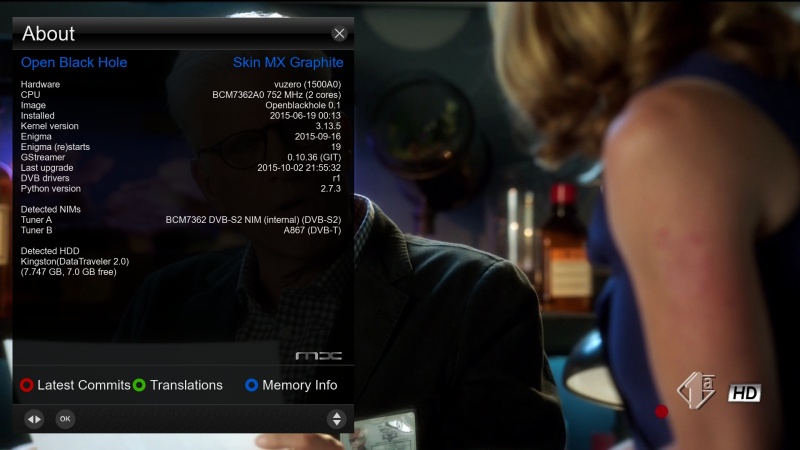
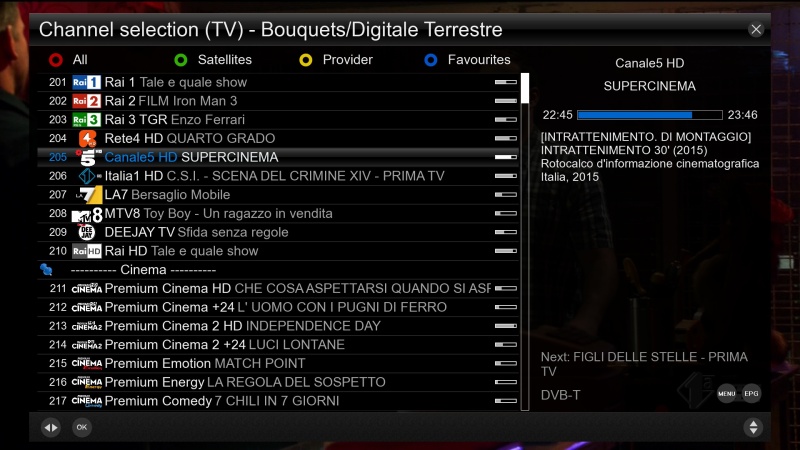
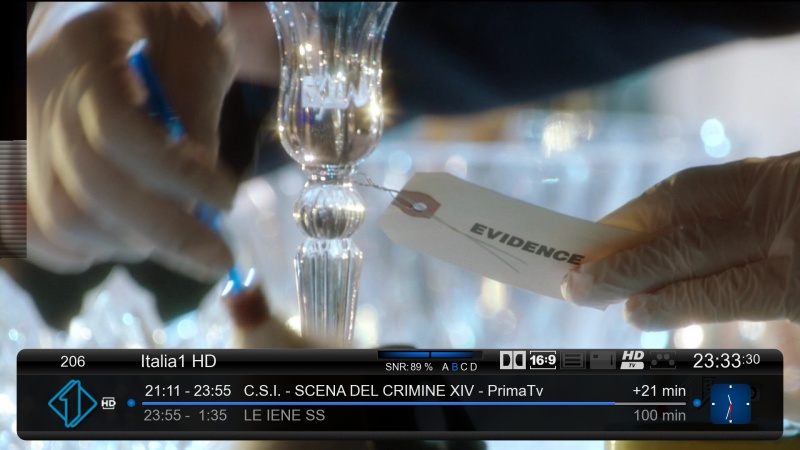
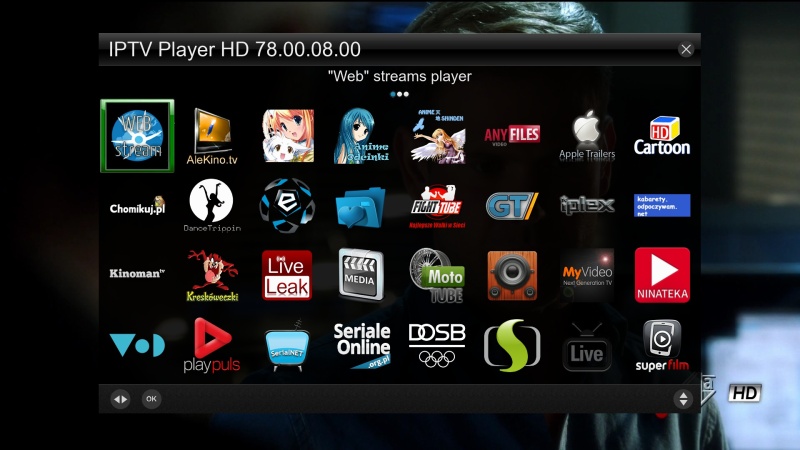
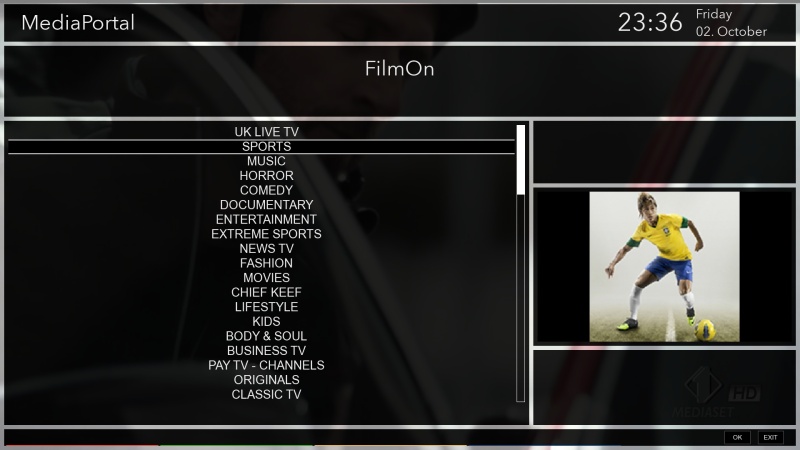
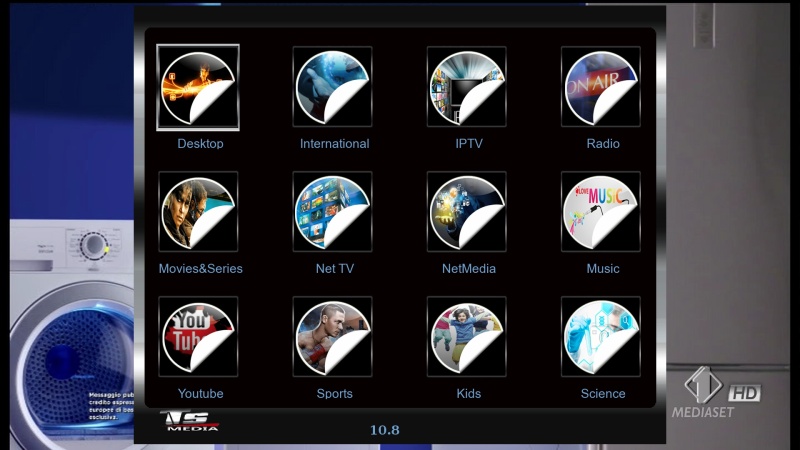
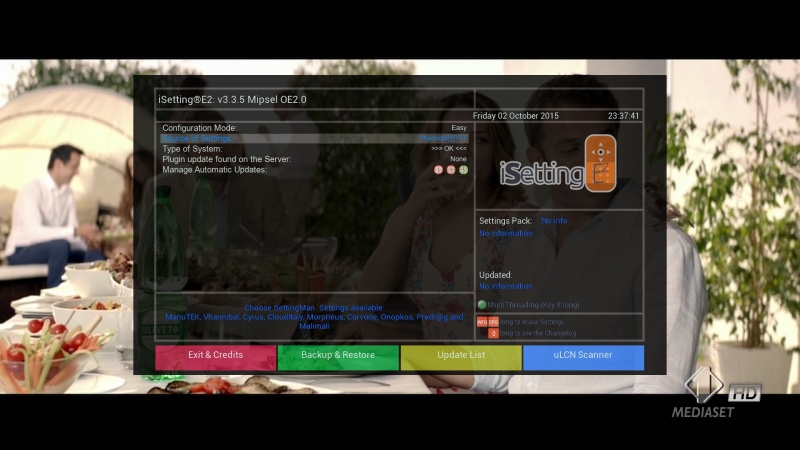
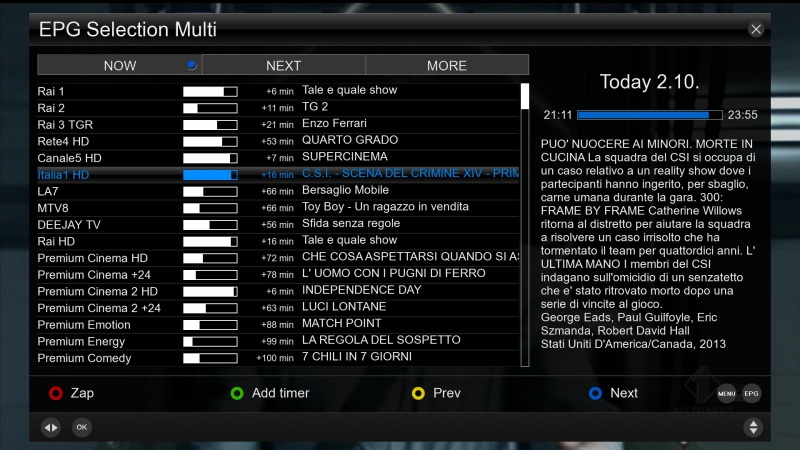
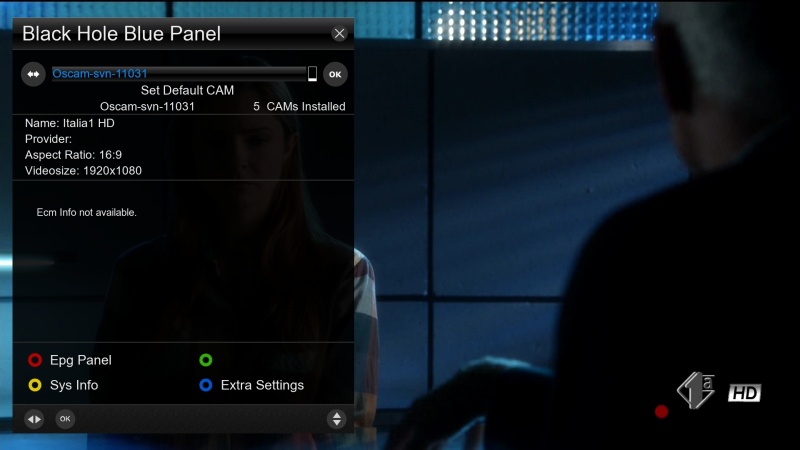
Panels
LINUXSAT SUPPORT 1.2HD
SATVENUS PANEL HD 2.0Plugins
AUTOBOUQUETS 28,2
TSMEDIA 10.8
OPEN MULTIBOOT
MEDIAPORTAL 7.2.1 (PORN IS JUST ACTIVE)
MEDIAINFO 2.7
IPTV PLAYER 78.00.08.00
EPG IMPORT
COOL TV GUIDE 7.3.0
SKIN MOVER PLUGIN (It transfers the addons in a USB pen to free memory)
WEBRADIOFS
SUBSUPPORT DOWNLOADER
ISETTINGE2 3.3.5
VHANNIBAL AUTOSETTING 1.1
AND MANY MOREEmu
CCCAM 2.1.3
OSCAM YMOD 18-T56
OSCAM 11031 (UPDATE 02/10/2015)
DOSCAM 0.25
CCCAM INFO
OSCAM STATUS VIEWSKIN
MX GRAPHITE -
First install our support panel http://linuxsat-support.com/forumdisplay.php?f=800
Select openvix softcam and oscam.
Press ok. Finish -
New Softcam Feed for OpenDroid 7 images
-
salve ho scaricato italysat 7 ma quando uso ftp password errata,come mai?
Password FTP and Telnet: linuxsat
-
OScam-11019+CCcam2.13
TX.Lallone
-
GStreamer 1.6 Release Notes
The GStreamer team is proud to announce a new major feature release in the stable 1.x API series of your favourite cross-platform multimedia framework!
This release has been in the works for more than a year and is packed with new features, bug fixes and other improvements.
See http://gstreamer.freedesktop.org/releases/1.6/ for the latest version of this document.
Last updated: Tuesday 29 September 2015, 11:00 UTC (log)
Highlights
Stereoscopic 3D and multiview video support
Trick mode API for key-frame only fast-forward/fast-reverse playback etc.
Improved DTS (decoding timestamp) vs. PTS (presentation timestamp) handling to account for negative DTS
New GstVideoConverter API for more optimised and more correct conversion of raw video frames between all supported formats, with rescaling
v4l2src now supports renegotiation
v4l2transform can now do scaling
V4L2 Element now report Colorimetry properly
Easier chunked recording of MP4, Matroska, Ogg, MPEG-TS: new splitmuxsink and multifilesink improvements
Content Protection signalling API and Common Encryption (CENC) support for DASH/MP4
Many adaptive streaming (DASH, HLS and MSS) improvements
New PTP and NTP network client clocks and better remote clock tracking stability
High-quality text subtitle overlay at display resolutions with glimagesink or gtkglsink
RECORD support for the GStreamer RTSP Server
Retransmissions (RTX) support in RTSP server and client
RTSP seeking support in client and server has been fixed
RTCP scheduling improvements and reduced size RTCP support
MP4/MOV muxer acquired a new "robust" mode of operation which attempts to keep the output file in a valid state at all times
Live mixing support in aggregator, audiomixer and compositor was improved a lot
compositor now also supports rescaling of inputs streams on the fly
New audiointerleave element with proper input synchronisation and live input support
Blackmagic Design DeckLink capture and playback card support was rewritten from scratch; 2k/4k support; mode sensing
KLV metadata support in RTP and MPEG-TS
H.265 video encoder (x265), decoders (libav, libde265) and RTP payloader and depayloaders
New DTLS plugin and SRTP/DTLS support
OpenGL3 support, multiple contexts and context propagation, 3D video, transfer/conversion separation, subtitle blending
New OpenGL-based QML video sink, Gtk GL video sink, CoreAnimation CAOpenGLLayerSink video sink
gst-libav switched to ffmpeg as libav-provider, gains support for 3D/multiview video, trick modes, and the CAVS codec
GstHarness API for unit tests
gst-editing-services got a completely new ges-launch-1.0 interface, improved mixing support and integration into gst-validate
gnonlin has been deprecated in favor of nle (Non Linear Engine) in gst-editing-services
gst-validate has a new plugin system, an extensive default testsuite, support for concurrent test runs and valgrind support
cerbero build tool for SDK binary packages gains new 'bundle-source' command
Various improvements to the Android, iOS, OS X and Windows platform support -
KravenVB 2.4.0 released
Here are the changes:
- Added icons (Menu, OK, Exit) when the plug
- Movie Selection - added> MiniTV View
- Timer Selection skinned
- Skinned EPGImport
- StreamTVPlayer skinned
- Skinned VTi file manager
- Revised Installer
- Screen "Console" revised
- Revised EMC player
- Revised Plugin Manager
- DVDPlayer revised
- Revised Media Player
- WebbradioFS revised
- Wireless Access Point revised
- Revised series Recorder
- Revised Modem plug
- GraphMultiEPG revised
- Many, many small improvementsAnd the weather should be fine now solved.
Regards, Thomas for the KravenVB team
-
[BKP]Black Hole 2.1.7.01 Cloud Ibox3 by Robijay [Boot751]
WARNING!! FOR ORIGINAL CLOUD IBOX3 ONLY
Backup date 27/09/2015
Kernel 3.12.1
New Splash Screen Black Hole by Robijay
New Bootlogo Edit by Robijay
Spinner from Arctic
Setting Whannibal Dual Feed 13+19+Dtt Italia (configure your tuner)
Language: English (setup/system/language for others )
FTP & Telnet Password: robijayCams configuration, Ports & Passwords
CCcam Web Info port: 16001
Username: root
Password: robijayDoscam Web Info Port: 16002
Username: admin
Password: robijayOscam Web Info Port: 16003
Username: admin
Password: robijayOscam-Ymod Web Info Port: 16004
Username: admin
Password: robijayFile directory:
Doscam config & softcam.key directory: /etc/tuxbox/config/doscam25
Oscam config & softcam.key directory: /etc/tuxbox/config
Oscam Ymod & softcam key directory: /etc/tuxbox/config/ymod
CCcam config directory: /var/etc


Panel
LINUXSAT SUPPORT PANEL 1.2 FULL HD
SATVENUS PANEL HD 2.0
DEVIL PANEL 5.0Bouquet Plugin
AUTOBOUQUETS FOR 28,2 (FOR UK USER)
ISETTINGE2 3.3.4Plugin
COOLTV GUIDE 7.3.0
IPTV PLAYER 77.00.07.00
MEDIA INFO 2.7
MEDIAPORTAL 7.2
PLUGIN SKIN MOVER (FREE SPACE FROM FLASH MEMORY)
OPEN MULTIBOOT
FAST OPENTV EPG
AND MORE..........Emu
CCCAM 2.1.3
DOSCAM 0.25B
OSCAM YMOD-T56
OSCAM SVN 11001 (RELEASE 27/09/2015)
OSCAM STATUS VIEW
CCCAM INFOSkin
ORIGINAL
MX SILVER LIGHT (DEFAULT) -
Picons pack 13°19° e DTT Neo_3 al 26/09/2015 [Perfect]
XPicons 13°19° e DTT 220 x 132 Transparent
picon 13°19° e DTT 130 x 80 Transparent
picon 13°19° e DTT 100 x 60 Transparent
picon_channellist 13°19° e DTT 50 x 30 Transparent
picon_oled 13°19° e DTT 94 x 64 Transparent -
[BKP]OpenMB 4.0 Cloud Ibox3 IPTV Ready by Robijay [Boot751]
WARNING!! FOR ORIGINAL CLOUD IBOX3 ONLY
Backup date 26/09/2015
Kernel 3.12.1
Enigma 17/09/2015
Last Update 26/09/2015
New Splash Screen OpenMB by Robijay
New Bootlogo Edit by Robijay
Spinner Original
Setting Whannibal Dual Feed 13+19+Dtt Italia (configure your tuner)
Language: English (setup/system/language for others )
FTP & Telnet Password: robijay


Panel
LINUXSAT SUPPORT ADDONS 1.2
DEVIL PANEL 5.0
SATVENUS PANEL HD 2.0Plugin
EPG IMPORT RYTEC
IPTV PLAYER 77.00.07.00
AUTOBOUQUETS E2 (FOR 28.2 CHANNEL LIST)
FLASH EXPANDER (USE THIS PLUGIN IF YOU WANT DOWNLOAD OTHERS ADDON)
MEDIA INFO 2.7
LIVE FOOTBALL 5.8
BACKUPSUITE
MEDIAPORTAL 7.2.0
TSTUBE 1.2
WEBRADIOFS
ISETTINGE2 3.3.4
2BOOM'S YAHOO WEATHER
OTHERSEmu
CCCAM 2.30
DOSCAM 2.25
OSCAM YMOD T-56
OSCAM
MGCAMDSkin
ORIGINAL
BLACKY BLUE (DEFAULT)
DROID FHD
METRIX MOD 1.2 -
-
Anfang Oktober kommen Fans von hochauflösender Bildqualität auch bei den Sendern der ProSiebenSat.1-Mediengruppe auf ihre Kosten. Denn dann werden die HD-Sender unverschlüsselt im Free-TV zu sehen sein.
Wie dem jüngsten Digitalisierungsbericht zu entnehmen war, schauen immer mehr Menschen Fernsehen in HD. Jedoch sind nur knapp 19 Prozent auch bereit, für die hochauflösenden Sender der Privaten extra zu bezahlen. Einen Einblick in das Programm der ProSiebenSat.1-Gruppe in HD ist am Wochenende des 3. und 4. Oktober möglich. Dann hebt die Mediengruppe die Verschlüsselung vorübergehend auf.
Damit können dann Sat.1 HD, ProSieben HD, Kabel Eins HD, Sixx HD, ProSieben Maxx HD sowie Sat.1 Gold HD kostenfrei gesehen werden. Und zwar sowohl via Satellit, Kabel als auch über IPTV, wie eine Sprecherin von ProSiebenSat.1 gegenüber DIGITAL FERNSEHEN bestätigte.Q.DF
-
Vu+ Bootlogo FHD Linuxsat-support by Robijay
-
Barry Allen 12.15
Thx @ gutemine
-
Update UP UP UP
TX.Lallone
-
Please bud, next time do not post a link of other forum, thanks
-
Mediaportal 7.2.0
Thx @ all Dev´s
-
Kodi 16.0 Alpha 1 & 2 – Jarvis at your service
While we are still working on improving the Kodi 15 release by adding numerous fixes, developers have been working on new features and new fixes for Kodi 16, codenamed Jarvis, for quite some time now. Let’s take a look at a few of those features and fixes that have made it into alphas 1 and 2 of Kodi 16.
DirectX 11 upgrade
DX11One of our developers afedchin took on this task and completely revised our DirectX 9 implementation and upgraded it to the more current standard of DirectX 11. Don’t worry if you still have an older card, we only use low level features so you don’t need to run to the shop for new gear. So why is this so important? The old DirectX 9 implementation we were still using was done in a way that it could fail for newer videocard drivers. By updating it to DX11 proper support is assured for the newer video cards as well of a whole lot of other improvements across the board.4:3 Non-linear Stretch
It’s perhaps a bit late in coming, but Kodi finally supports stretching 4:3 content to 16:9 in a way that doesn’t warp the content that’s occurring in the center of the screen. Finally, you’ll be able to watch Friends, Seinfeld, Cheers, and Duck Tales in full screen without the awkward screen stretching from the past.Event logging
Have you ever added your folder of movies to Kodi and then discovered, sometimes weeks later, that a movie never made it in? A solution for issues like that is finally starting to take shape.Event logging is an option that tracks some events and shows these in a chronological order in system settings -> logging. By the time of the final release of Kodi 16, we will have refined what will actually be shown in that list as it currently only adds the basic “notifications”. Ultimately, we think this may become an incredibly useful feature, as you’ll finally be able to see all of the things Kodi is doing and, in some cases, failing to do.
Split up skin settings
One long awaited change is splitting up skin settings from the core Kodi settings. In the past all skin settings and Kodi settings were saved in one big file. What’s the problem you might ask? Well fact is that the more skins you installed and tried out the bigger the file grew all loading it takes a tiny bit of time. Additionally it wasn’t easy to start fresh with Kodi settings without also losing all you skin customisations. Now all is split up like we already had done for all other add-ons, you can now easily remove Kodi settings and keep the skins settings intact. Additionally you can also just copy the skin/add-on settings to any other Kodi installation and they would instantly have the same settings as you had given the fact you also have installed them there. On upgrade from any previous Kodi or XBMC version to 16.0 we will process and convert the file without you even noticing. All will be done automatically.More information: http://kodi.wiki/view/Userdata -> “user_data”
Image resource add-ons
Although not of real importance to end-users, it’s really convenient for our skin developers. Before each skin had to include all the images it wanted to show. For example most skins show the studio or recordlabel when browsing library. Each skin would have to include these images for it work and as such each skin would have to update the included images. On average this came down to about ~20Mb of files that were shipped with each skin. By putting that into separate add-ons all skins can now make use of the same resource add-ons if they wish without needing to care for updating the images any more. This cuts down download size of skins on install/update and the image add-ons can be updated separate from the skins itself. This makes handling skins much easier and less resource intensive.Other Important Changes:
* Start of integration of ADSP handling (no add-ons shipped yet)
* Improve image resizing and caching algorithm to improve image quality of images
* Added support for the musicbrainz “ARTISTS” tag in id3v2, ape, xiph.
* Add date added to music library and use it for sorting
* Support saving skin settings as add-on data instead of in guisettings.xml
* Image resource add-ons which provides common image libraries than can be used by several skins and add-ons.
* Don’t mess with the long and short date formats defined in the language files
* Win32: Proper 24.0/60.0 Hz refresh rate in fake fullscreen mode
* Add sort method for albums “artist / year”. This will sort the albums chronological per artist.
* Moved some add-on categories to “look and feel” in add-on manager
* Series recording added for PVR
* Add a “none” option for preferred subtitlesAn enormous list of improvements
Besides the list above there has been a lot of work done in all areas in our source code. Removing old code, splitting up parts in more logical chunks and making it all more resilient to future changes. All these changes are part of a massive change list that only makes sense to developers actually knowing what the source code does. In short we will no bother you all with summing up the list. It’s just something that is worth mentioning that not all improvements have to be actual features and are visible to users. We prefer that the program actually works than adding bells and whistles.Conclusion
Should you want to download and install this alpha (monthly) build please visit our download page.