
MediaPortal 6.7.6 Thx @ all Dev´s


MediaPortal 6.7.6 Thx @ all Dev´s
Black Hole 2.1.5 New: HQ 5 Full Hd Skin 1920x1080 (duo2, solo2, soloSe, uno, ultimo, zero) Warning: This image MUST BE INSTALLED IN FLASH. Known Issues: Xbmc External Player not working yet.
New: OpenGL animations and Xbmc (duo2, solo2, soloSe)
All drivers updated
fix autoresolution plugin
[hbbtv] fix crash parsing xml
[hbbtv] fix VOD play problem
fix keymap bug
fix channel skip
change default resolution to 1920x1080 (only models with full hd skin)
update languages hr, it, no
meoboot: add support for OpenGL and Xbmc images
update Usbtuner
WIFI: update driver RTL8188EU
WIFI: update driver RTL8812AU
Warning: Don't mix images with OpenGL animations and images without animations in multiboot because they use different drivers. If you have an OpenGL image in flash you can only use OpenGL images in Meoboot.
Warning: Previous personal backups are not compatible with this image. Please use software manager to backup your settings before you flash.

WARNING: This Image has the latest drivers and CAN NOT be installed in multiboot. The image MUST be installed in flash. This latest version of the Black Hole series has been entirely rewritten and improved in the code for maximum stability and performance. Please note that of all images Black Hole now has the best epg system: - Integrated OpenEpg - Rytec dedicated epg.dat - New system epg.dat outside. This last feature gives the possibility to various forums or communities to create their favorite EPG data files and load them into a web space. Community members can then download it from our servers. This feature provides other benefits such as: Increase download speed of EPG Download EPG from any channel Schedule the download of EPG decoder even during standby Users can customize the providers using Add / Remove function Main functions of the buttons on the remote OK button = Skin with simple information OK button x 2 = Extra Info Skin Blue button = Black Hole Blue Panel Blue button and then Red button = Black Hole Epg Panel Blue button and then Yellow button = System Monitor Panel Blue button long press = Extensions Yellow button = Audio menu Green button = Black Hole Green Panel Green button long press = Subservices Green button and then Red button = Fast Plugin Setup Green button x 2 = Fast Plugin Button Red short press= access HbbTv functions Button Red long press= Red Panel (Parallel Universes Teleportation) Addons Green button and then Yellow button takes you to:- Dedicated server for BlackHole addons Download and install additional packages from the Black Hole server Infobar / OSD Analog Clock Gui Channel orbital location Advanced Tuner Info: Sr Freq Pol Fec Signal SNR, BER Infobar picons Characteristics of BlackHole Panels Blue Panel Extra Settings Black Hole Speed Up Black Hole Cron Manager (Manage schedules) OSD Settings (OSD configuration) Devices Manager Usb Format Wizard Kernel Modules Manager(Kernel module operator) Inadyn Settings (Configure Inadyn) Swap File Settings (Configure File Swap) Hard Disk Settings (Configure Hard Drive) OpenVPN Panel ( OpenVPN Panel) Samba / CIFS Panel ( Samba Panel) NFS Server Panel ( NFS server Panel) Telnet Panel ( Telnet Panel) FTP Panel ( FTP Panel) UPnP Client Djmount UPnP Server Mediatomb UpnP Server Minidlna Pcsc Panel Tuner Server Network Browse & Mountpoints Info Panel 1 - Gui Setting (Gui configurations) 2 - Service Information (information system) 3 - About (info) Memory (Memory) Space (capacity) CPU (processor) Process (process) EPG Panel Global settings (global settings EPG) Setting Provider (ISP settings) Green Panel Fast Plugin Setup (Configure quick access to your favourite plugin) Fast Plugin (Access your favourite plugin) Addons (added) Addons Download Manager (Manager for package downloading) Online Feeds Settings update Online Black Hole image update Manual Install BH packges (Manual installation of Black Hole packages) Manual Install IPK packages (Manual installation of IPK packages) Addons Uninstall Panel (Uninstalled packages) Black Hole Statistics (See connections, top downloads and more) Characteristics of BlackHole Panels Red Panel BH Parallel Universe Teleportation BlackHole Avalon Chaos Ghost Credits Thanks to Pedro_Newbie for Backup script Thanks to the group of Beta Testers. Thanks to Rytec for providing us with the server with all epg.dat files. Thanks to MaxZ4 for Integrated EPG loader. Thanks to Skaman for Cross EPG Thanks to Lukkino (VDR-Italy) for the source code of OpenTV. Thanks to Reinh@rd for the file satellites.xml. Thanks to Littlesat and Pli Team for the original autolanguage and subtitle options code DISCLAIMER THE BLACK HOLE IMAGE IS BASED ON THE OFFICIAL FIRMWARE PUBLISHED BY VU+ AND IN ACCORDANCE WITH THE LAW IT CONTAINS ONLY SYSTEM ADDITIONS & GRAPHIC CHANGES. THE BLACK HOLE IMAGE DOES NOT CONTAIN ANY EMULATOR, K E Y S, SOFTCAMS OR OTHER SYSTEM FOR VIEWING PAY - TV WITH OR WITHOUT A PAID SUBSCRIPTION. LASTLY, THE BLACK HOLE IMAGE DOES NOT CONTAIN ANY SYSTEM TO DOWNLOAD PLUGINS OR EMULATORS FROM EXTERNAL SERVERS OR SOFTWARE THAT MAY BE USED FOR ILLEGAL PURPOSES SUCH AS CARD SHARING. LICENSE (TERM OF USE) THE BLACK HOLE IMAGE IS ISSUED FOR THE FREE USE FOR ALL USERS PROVIDED THAT IT WILL NOT BE CHANGED IN ANY WAY AND THAT IT WILL ONLY BE USED FOR LAWFUL PURPOSES. ANY CHANGES OR ADDITIONS TO BLACK HOLE IMAGE THAT INVOLVE UNLAWFUL USE OF THE IMAGE SUCH AS CARD-SHARING AND EMULATORS ARE NOT ALLOWED AND CAUSE THE REVOKE OF THIS LICENSE. This is free hobbyist software and it comes with absolutely no warranty. Use it at your own risk.
Black Hole does not support images not installed in flash.
webradioFS 13.02 THX shadowrider
27.02.2015 21:59
webradioFS 13.02 THX shadowrider
27.02.2015 21:59
iSettingE2 3.3.2
(Available with automatic updating):
Fixed problem of cancellation of Tag, the filtering function of the satellites for plants Toroidal.
List management IPTV / On-Demand during updates of settings. If channels IPTV / On-Demain are present during the updates will be maintained according to the choice optioned.
Removed control Tuner DVB-T / T2 in the selection of types of Settings to install. (Only SAT or SAT + DTT)
Other small improvements.
Enigma2 Plugin Youtube Attached is plugin Youtube which plays the xbmc-kodi video.plugin.youtube by bromix. Select "Yes" in the first list. Regards, pcd. tx.pcd
It is auto-updated from the bromix github.
[BKP]OpenATV 4.2 Vu+Zero Rev.C by Robijay Backup date 26/02/2014
Kernel 3.13.5
Driver 09/01/2015
Last Update 24/02/2015
Splash Screen OpenATV by robijay
Bootlogo by robijay
Spinner Plate Working
Setting Whanniball Dual Feed 13+19+Dtt Italy(configure your tuner)
Language: English (system setup and select your language)
Password FTP: robijay


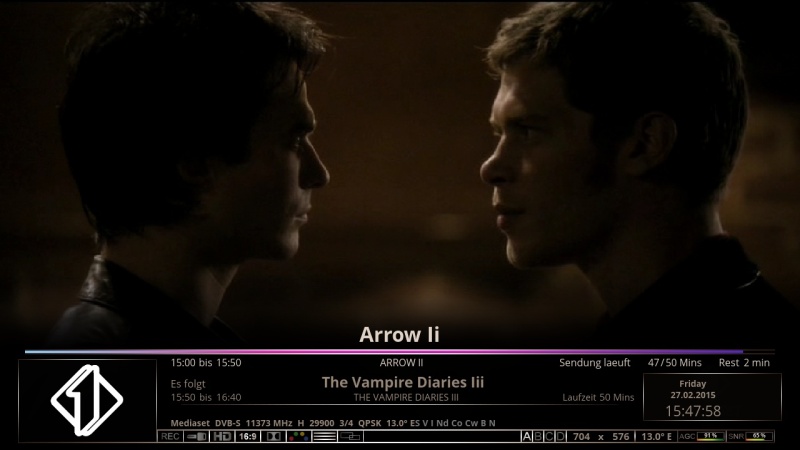


Plugin Emu Skin
TSPANEL 7.5
AUTOBOUQUETS E2 (FOR 28,2 CHANNELS)
FLASHEXPANDER
CROSSEPG 0.81
TSMEDIA 8.9
MEDIASTREAM 5.0
PORNHUB PLUGIN (NEW)
PICON MANAGER NEW VERSION
WEBRADIO FS
WHANNIBAL AUTOSETTING 1.2
KICKER 3.3 RC12
LIVE FOOTBALL 5.7
AND MANY MORE
CCCAM 2.3.0
OSCAM YMOD 18-T56
MGCAMD 1.38
DOSCAM 0.24B
OSCAM 1.20 REV. 10563
SCAM 3.60
ORIGINAL
BLACK SPIRIT HD (DEFAULT)
MediaPortal 6.7.4 Thx @ all Dev´s
OpenEPG 1.1_r11 Thx @ gutemine
webradioFS 13.00 THX shadowrider
20.02.2015 19:36
DreamPlex 2.1.0-beta40 Changelog Thx DonDavici
- install dependencies in oe2.2 fix
- openpli fix for subtitles
Mediainfo v2.6 (23.02.2015)
Thx @ einfall
Update: 08/0272015
Even if the plugin now now running stable with the web space @ Tekram3456, the development to the plugin has not stood still. shadowsrider and plnick have the plugin processed further and it is now more "adult" become. changes: PiconUploader
The VU + Support Forum also provided space is available to ensure the most durable and trouble-free operation of the plugin.
Highlight in version 2.0 r0 is the 2-server operation!
At the start of the plugin is asked whether the server is configured by you is reached. If this is not the case, it automatically switches to the 2nd server so that its failure did not notice this and work as normal with the plugin can. Only in the case that both servers are down you get a message that the server is unreachable.
The servers are synced, so there is almost always the same state.
Server selection VTI: vuplus-support.org or Tekram3456: piconmanager.de
Takeover of the selected server with "OK" button Piconpakete be reloaded without restarting
Debug logging on and off
Filters are preserved during pressure on +/-
adjusted German Language Pack
If you want to upload Picon kindly ask to contact one of the forum Admin's the credentials to get.
When you upgrade a package shall also available on this please, a text file name to 00_picon_info.txt! This file is in the 1st line of the date of the last update
Thx @ All
- - - Updated - - -
Update: 08/0272015
Even if the plugin now now running stable with the web space @ Tekram3456, the development to the plugin has not stood still. shadowsrider and plnick have the plugin processed further and it is now more "adult" become. changes: PiconUploader
The VU + Support Forum also provided space is available to ensure the most durable and trouble-free operation of the plugin.
Highlight in version 2.0 r0 is the 2-server operation!
At the start of the plugin is asked whether the server is configured by you is reached. If this is not the case, it automatically switches to the 2nd server so that its failure did not notice this and work as normal with the plugin can. Only in the case that both servers are down you get a message that the server is unreachable.
The servers are synced, so there is almost always the same state.
Server selection VTI: vuplus-support.org or Tekram3456: piconmanager.de
Takeover of the selected server with "OK" button Piconpakete be reloaded without restarting
Debug logging on and off
Filters are preserved during pressure on +/-
adjusted German Language Pack
If you want to upload Picon kindly ask to contact one of the forum Admin's the credentials to get.
When you upgrade a package shall also available on this please, a text file name to 00_picon_info.txt! This file is in the 1st line of the date of the last update
Thx @ All
[BKP] OpenATV 4.3 Cloud Ibox3 by Robijay [Boot751] ONLY ORIGINAL BOX WITH BOOT AT 751 Backup date 07/02/2015
Kernel 3.12.1
Last Update 06/02/2015
Splash Screen OpenATV by Robijay
Bootlogo Edit by Robijay
Spinner Original
Setting Whannibal Dual Feed+Dtt Italia (configure your tuner)


Plugin Emu Skin
CROSSEPG 0.81
PICON MANAGER NEW VERSION 1.1 (UPDATE)
KODI DIRECT 2.0
ISETTINGE2 3.3.1
TSPANEL 7.5
WEBRADIOFS (UPDATE)
TSMEDIA 8.5
FLASH EXPANDER
LIVE FOOTBALL 5.6
MEDIASTREAM 5.0
SUBDOWNLOADER
MORE..........
CCCAM 2.2.1
OSCAM
MGCAMD 1.35A
SCAM 3.60
SOFTCAM FEED FOR OPENATV
ORIGINAL
KRAVEN HD
UPDATE 06/02/2015
Update with file :)
[BKP]OpenVix Apollo137 Vu+Zero by Robijay
Backup date 05/02/2014
Kernel 3.13.5
Driver 09/01/2015
Last Update 05/02/2015
Splash Screen OpenVix by robijay
Bootlogo by robijay
Spinner Counter+Original
Setting Whanniball Dual Feed+Dtt Italia (configure your tuner)

WITH VIXBMC 1080 BELLO SKIN
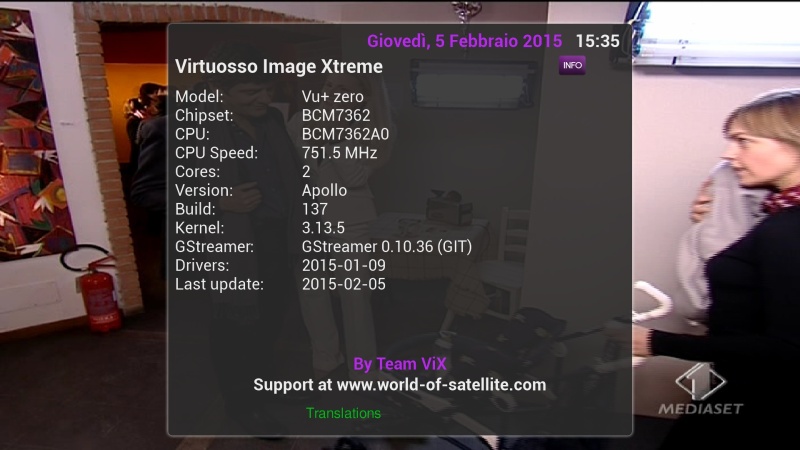
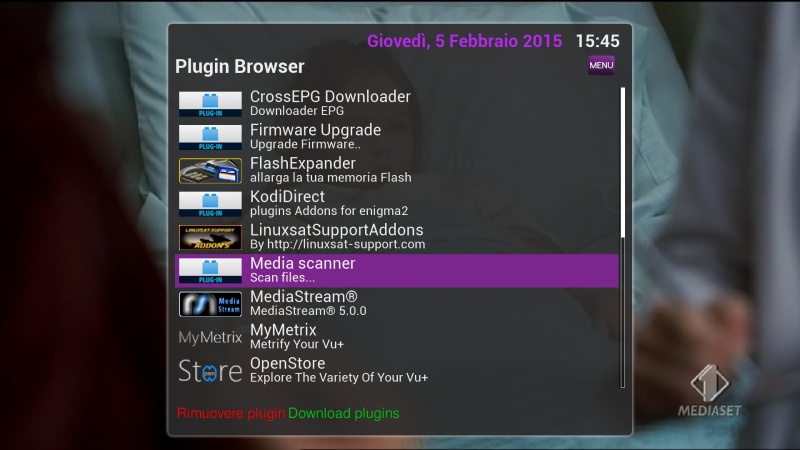
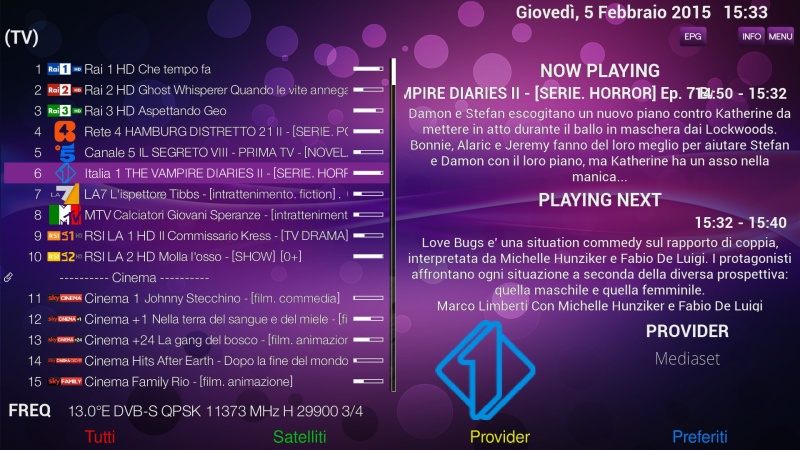
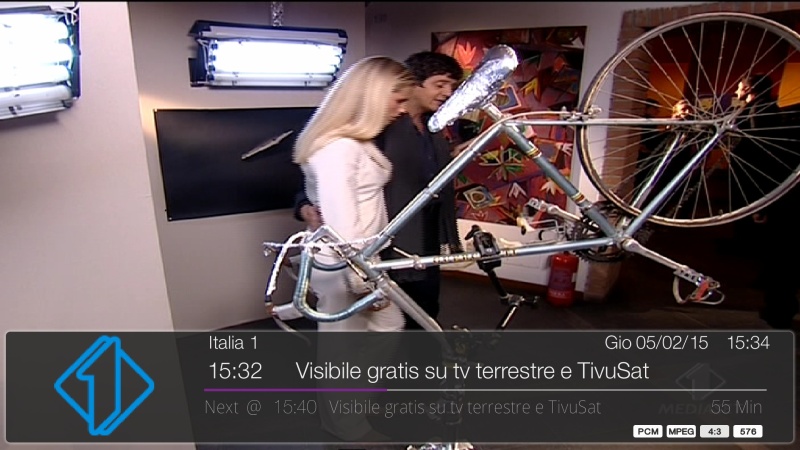
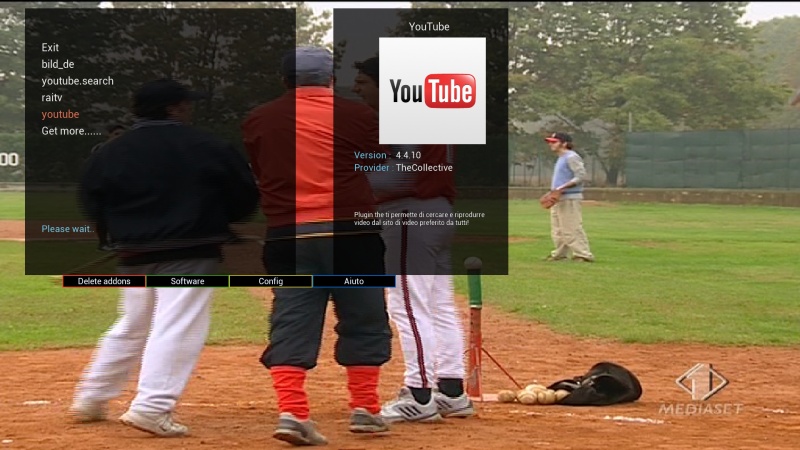
WITH METRIX HD SKIN
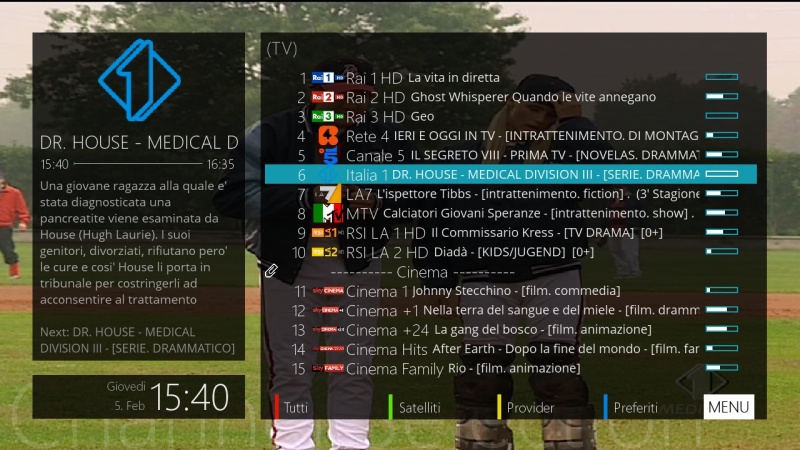
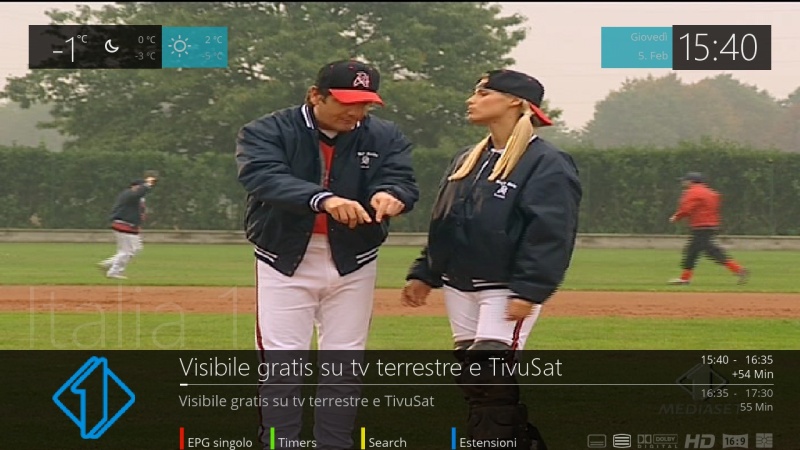
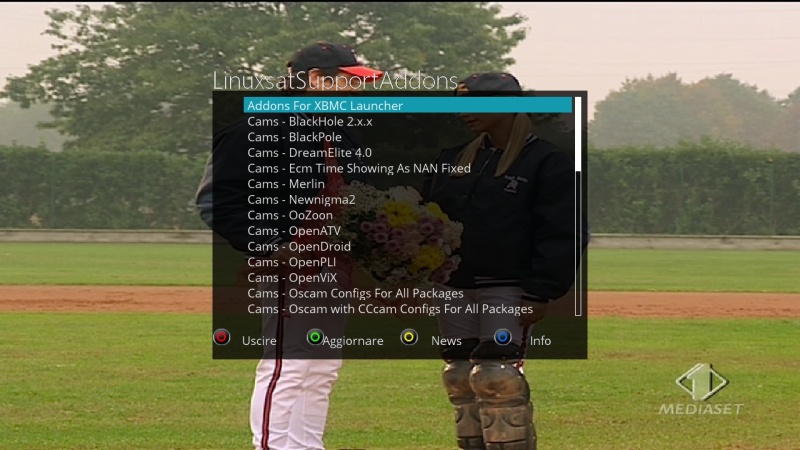
Plugin Emu Skin
LINUXSAT SUPPORT PANEL
KODI DIRECT 2 (UPDATE)
TSMEDIA 8.5
FLASHEXPANDER
MEDIASTREAM 5.0
ISETTINGE2 3.3.1
PICON MANAGER NEW VERSION
WEBRADIO FS
AND MANY MORE
CCCAM 2.2.1
OSCAM YMOD T-56
SCAM 3.60
ORIGINAL
METRIX HD FOR VIX
VIXBMC_1080 BELLO (DEFAULT)
camofs 8.70 Thx @ shadowrider

