

Posts by piterfree
-
-
we have decades of experience these are the decoders that we ate for dinner and breakfast and even slept on top of the decoder...and this is also the best way to rewrite the Sim, but if you don't listen to us it's better to leave it alone.
-
-

No sir 800 clone don't have a RS232, Infact it has mini usn port which is printed service on it, and it is use for communicating with the box Usb-Uart.
Ok i rebooted the router, connected all the cables, used Jaspher v 1.1, but still no Luck, No Response from the box But the Display LCD Says No Ca Found, where as again connected working DM800 in jaspher flasher and it initiated http; Box Detected dm800 and the green bar goes full.
you quoted 800 then you say 800if...???...what are you doing is unknown.
-

800
800se...???
make flesch 800 via Lan for 800se (sim) with mini usb driver+ Lan...!!
DM 800 is not the same as 800se there are different drivers for the flesch ok...maybe you don't know.
-
Display More
Why do I have to reboot my router? , I have one working DM800hd which i revived with same RJ45 cable few days back, its still getting detected if i connect using Dreamup, Sunray Flasher.
Also when i power up working dreambox I can see the new ip in the DHCP Client Menu of my router setup but thats not the case with these two. So no chance of damaged cable.
I am using Windows 10 everything is installed correclty as i said if i connect mini usb it gets detected in Device Manager, morevover I just revived one DM800hd with same cables 2-3 days back.
hi, you are completely wrong...800 does not have mini usb but Com and you are using a virtual Cam port and not the driver for mini usb port for Dreambax 800se they are 2 different options and Windows 10 I think you do not know how to use it if you confuse these 2 ports.
It's not a fantasy, we've been using 800 and 800se for 20 years
-
1* what system do you have on your pc,
2* if you have installed the windows drivers for mini usb,
once you have done this from the pc usb settings...you have to give it the port you want to use (you can change it as you like)
once this is done, turn off the 800se, start JapharFlasher which will find the port that it will find 1...2...3...4...the one that you will have set on the PC if you did 1...2...3...4 now turn on the 800se from the switch and wait for the version that will recognize you to appear on JapharFlasher the best.
-
yes of course I did it but it immediately gave me a crash and with the DCC I eliminated it but then it wouldn't start anymore now with the new version there is no problem as you saw in the last photos I changed the screen without problems, the old .90 would block.
-

hi read the software I have on I installed it in the early afternoon after 14.00 pm
Then it has changed in the meantime.
Full HD Glass 17 skin works and I see that About screen is now aligned to the right.
Thanks
-
hi read the software I have on I installed it in the early afternoon after 14.00 pm
-
tested now and restarted with another skin perfectly you can change it as you like now I put the MadMax back which was blocked before, I thank the author of the software who updated the skins from the feeds.
-
-
I installed it from the panel (linuxsat)
Full HD Glass 17 ver. 9.20 I installed it on my 920 box with new Py.3.13.0 and it works correctly but then if I want to change to another skin it restarts with a green screen but Full HD Glass 17 ver. 9.20 returns without being able to delete it I had to send the backup that I had saved.
-
-
backup with oscam samur coming soon
dm920_Backup PurE2-piterfree
setting 13+19+dtt_NGsetting
OSCam-11734-799.samur
oscamemu
oscam
gbox
CCcam_2.3.8
mgcamd_1.35
DreamExplorer
EPGImport
IPTVPlayer
JediMakerXtream
XStreamity
NGsetting
OscamStatus+NcamStatus
OAWeather
LinuxsatPanel
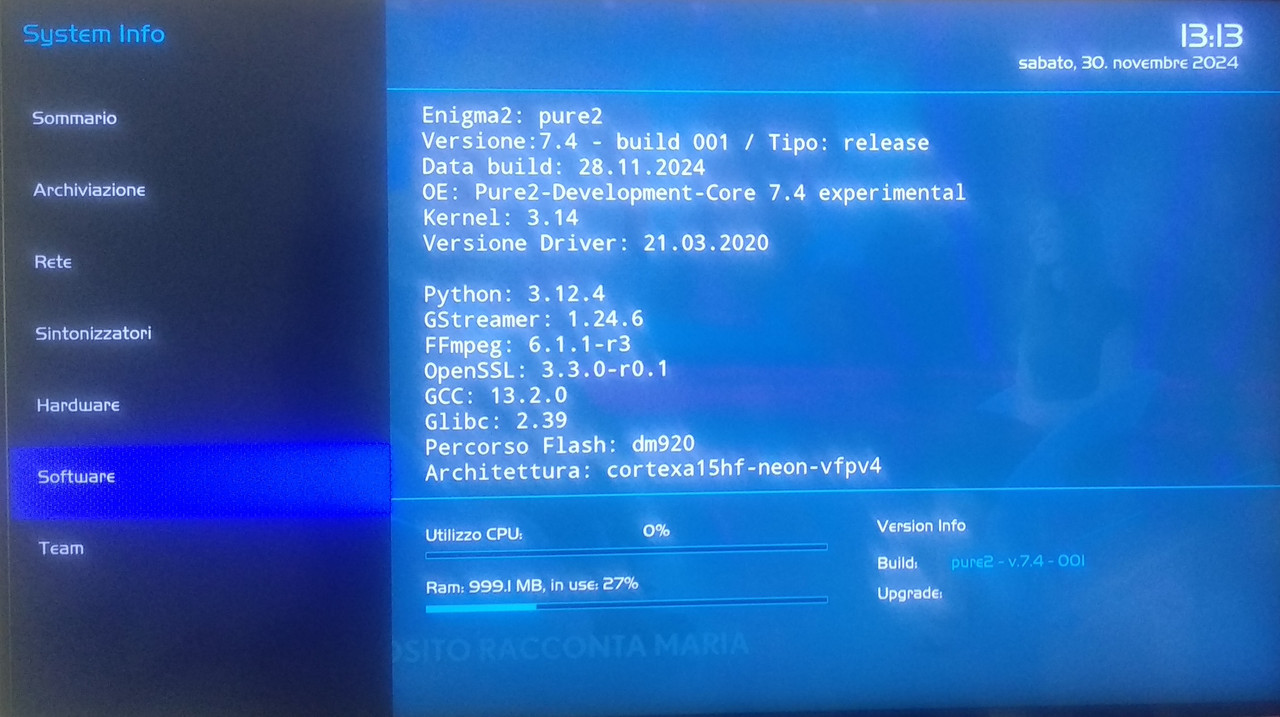
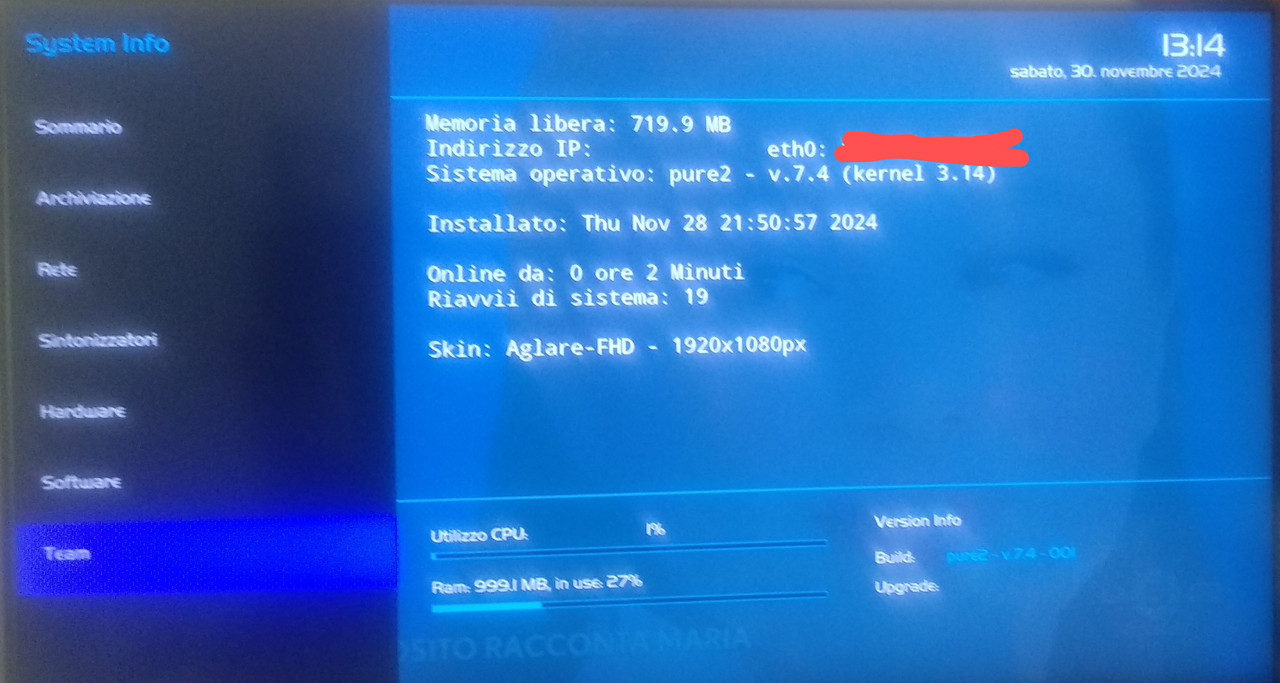
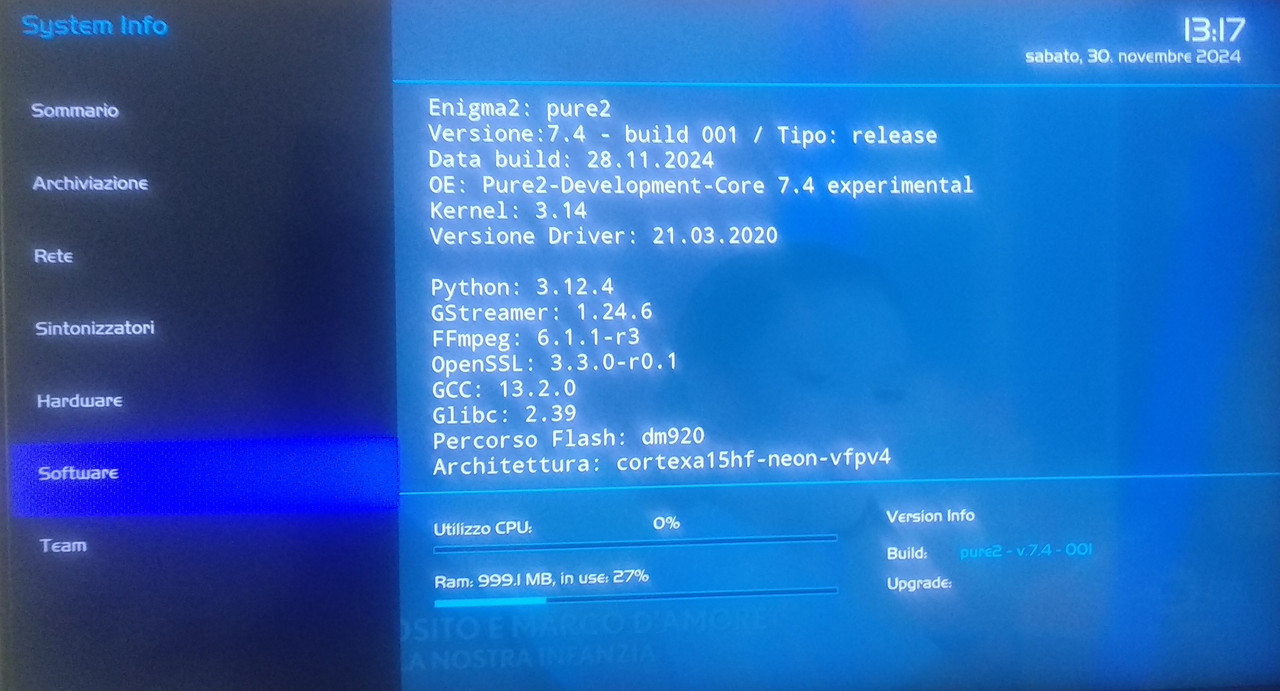
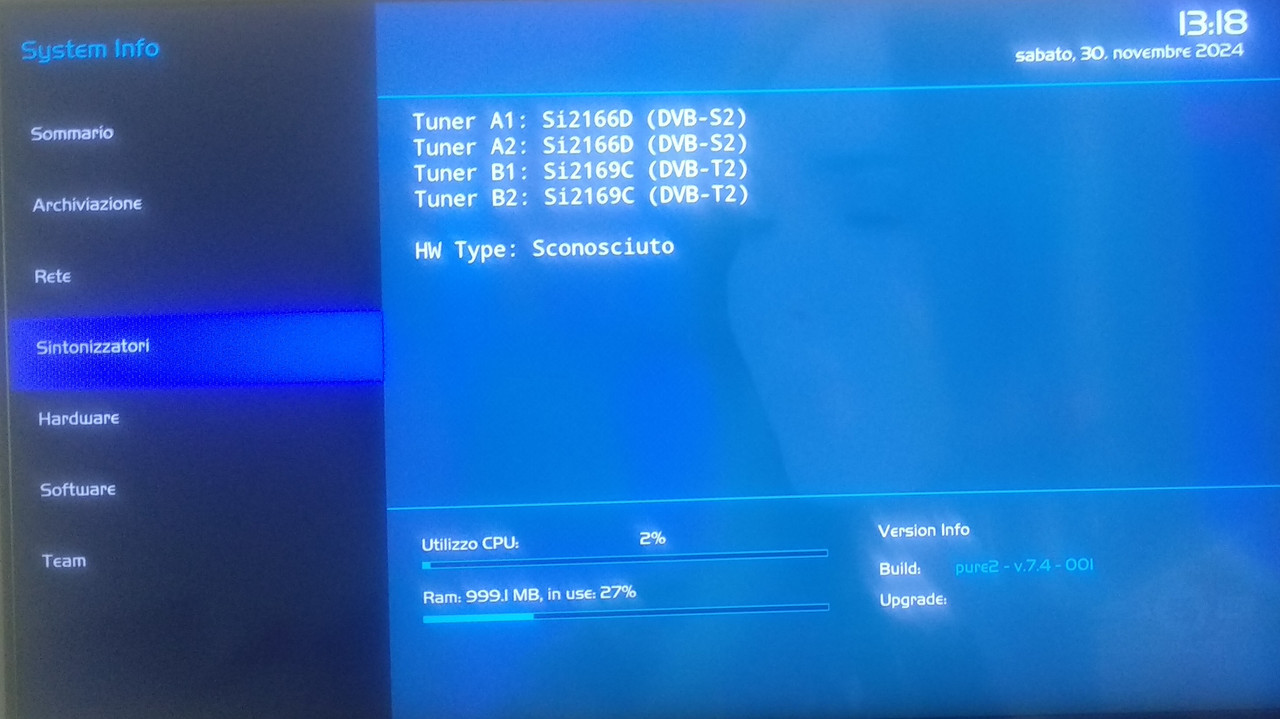
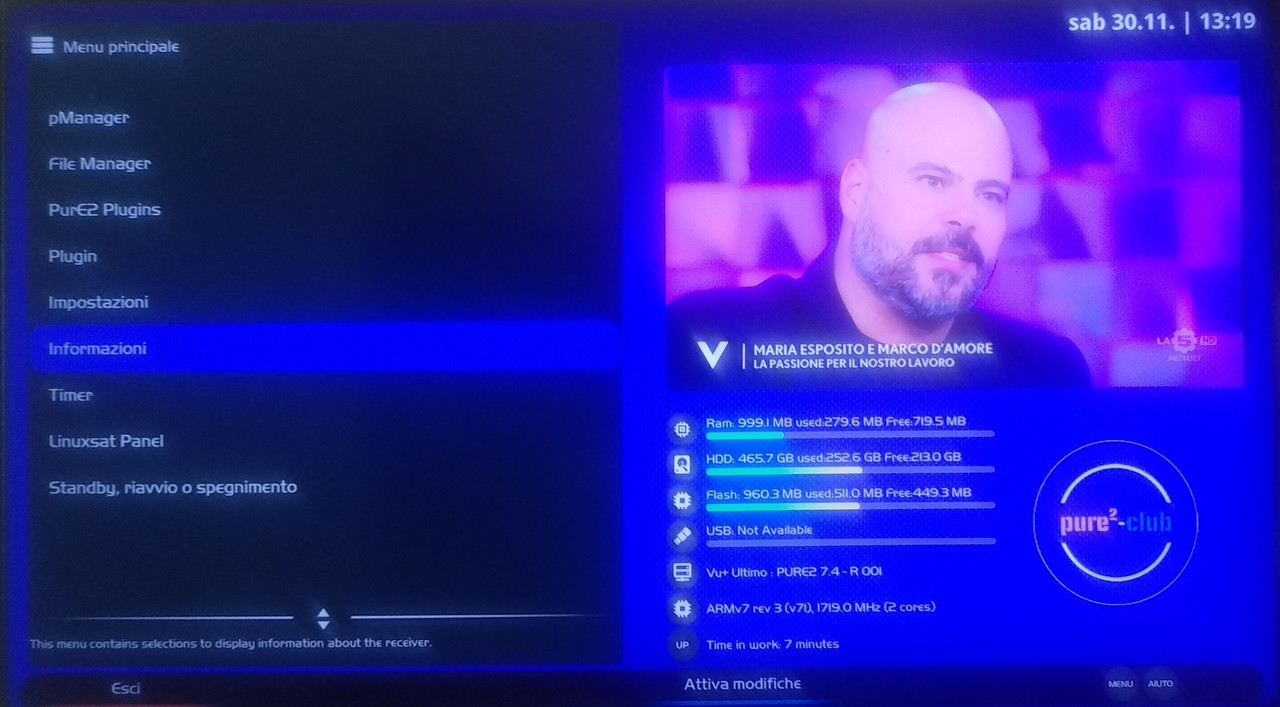
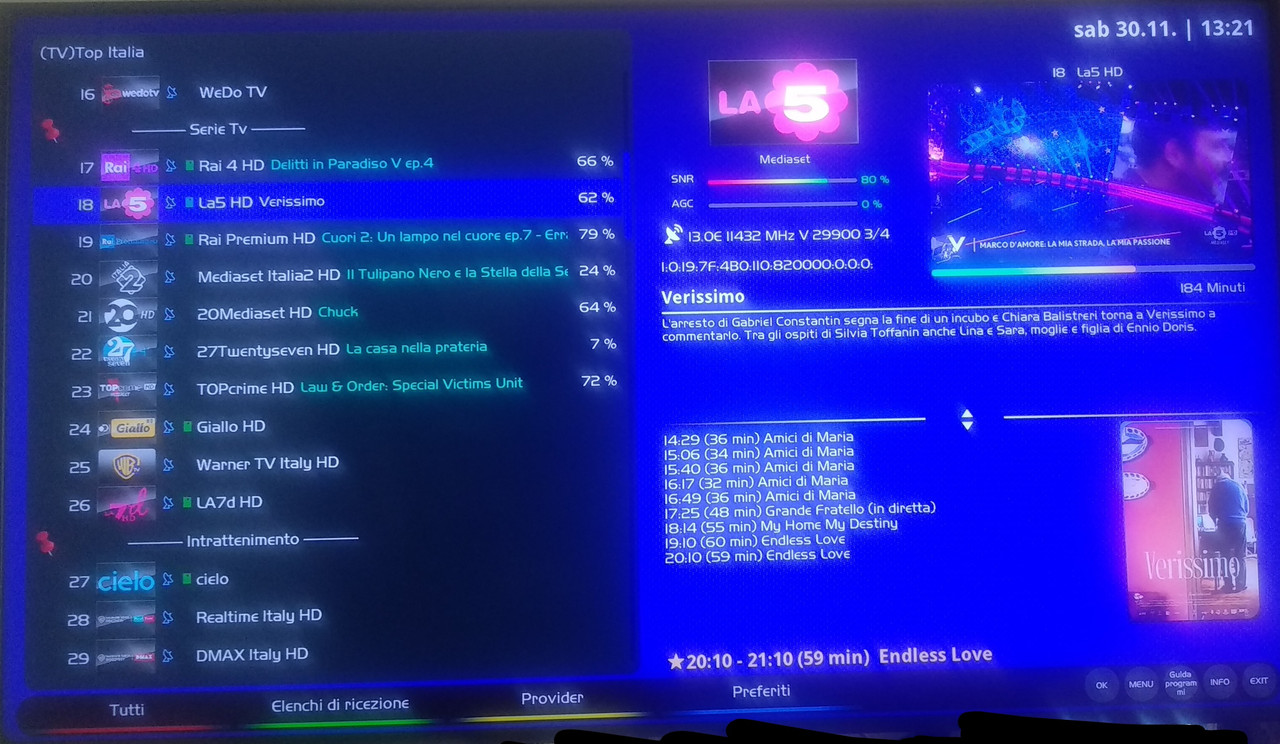
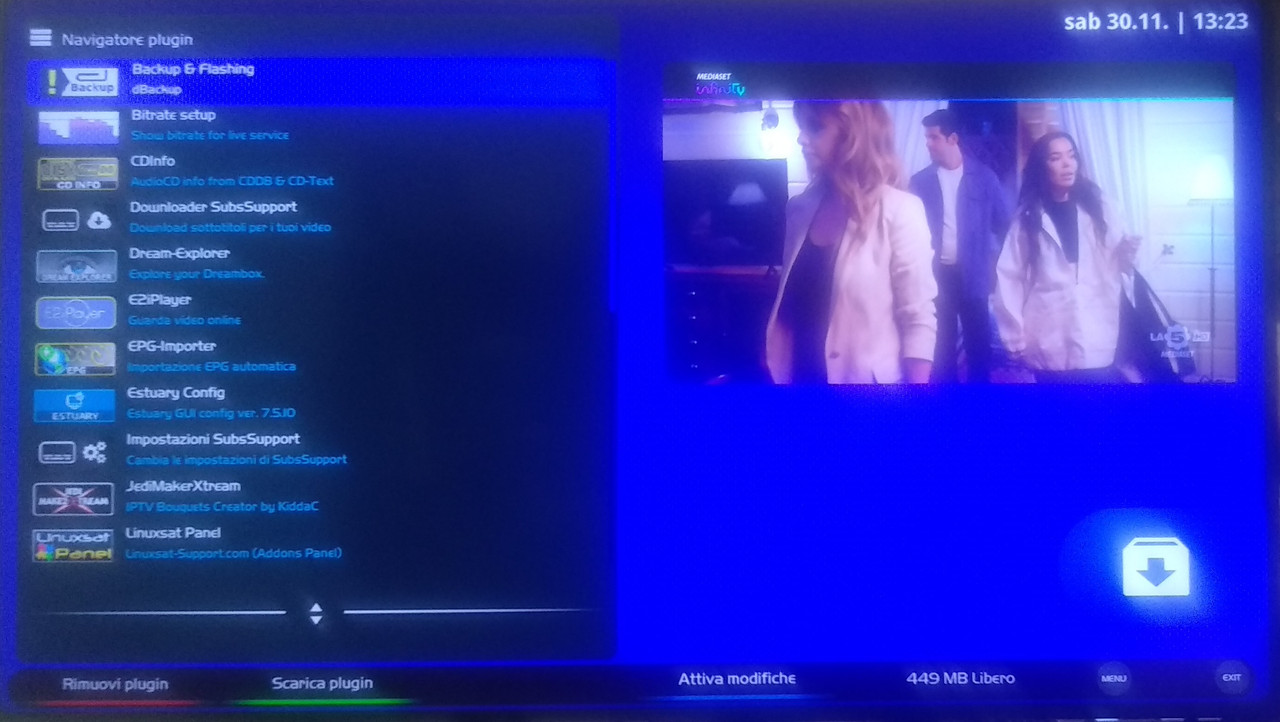
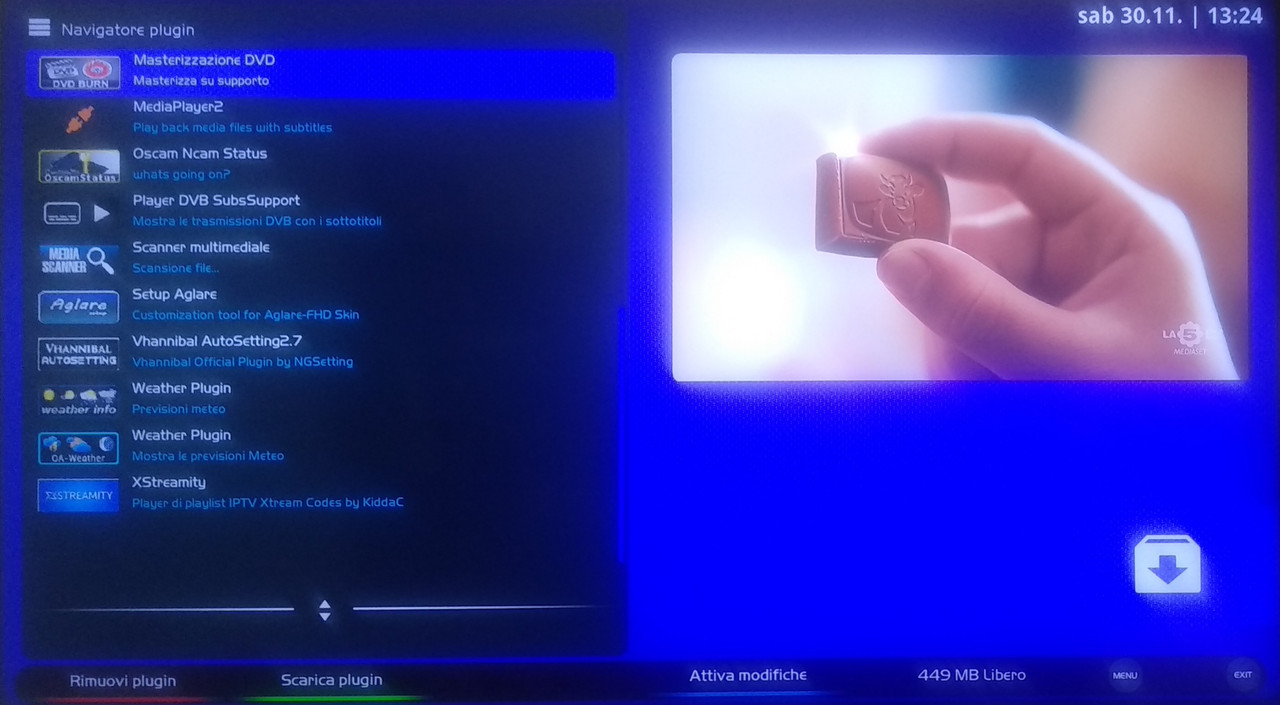
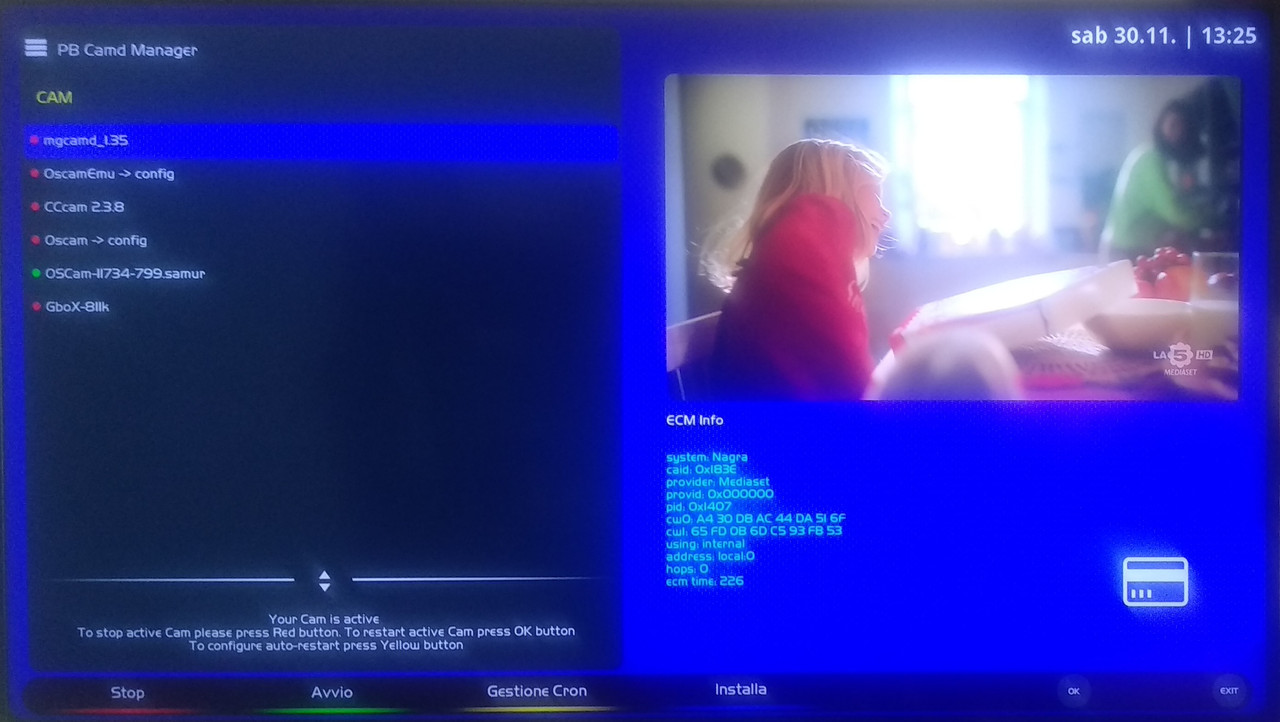
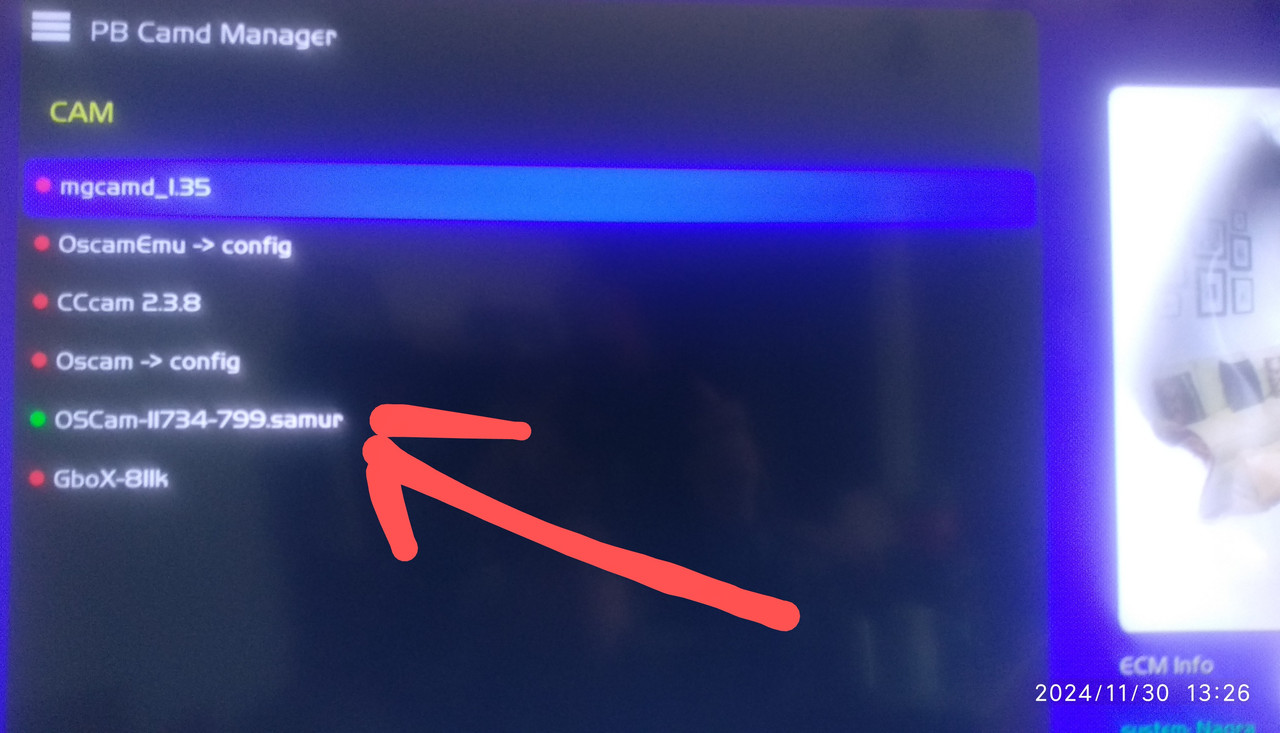
problem if you use Ci+Plus with emu (oscam)
Ci+Plus CamNera+CardNera Tivusat alone...ok 100x100
Oscam alone ok 100x100 -
 Display More
dm920 - Python 3.13.0 - openpli-develop-homebuild ! 20241121
- Python 3.13.0, Glibc 2.40, GCC 14.2, OpenSSL 3.4.0
- ServiceApp, FFmpeg 7.1, GStreamer 1.24.9
- Ciplus, OScamstatus, OScam-emu
- OpenWebif, EPG-Import, File Commander, ...
- blindscan, cablescan, fastscan
- feed dm920/drivers/settings/picons/skins/plugins
update
- [Fixed] Some issues and optimized code
- [about] fix imagetypestring for versioned release images
- most disks use the ATA protocol, some USB bridges require the SCSI protocol
- updated NL translation; thanks Frenske
- [picon] fix issue of some utf8 picons failing to display and others displaying the wrong picon
- [servicemp3] Code optimisations (#35)
- youtube git1231
- other plugins on feed
download

openpli-py3.13-dm920-20241121.tar
hi,
from this software MultiStark no longer works
even installing from the feeds it is no longer visible on the plugins, if I search with dreamexplorer it is in the plugins (but it is not running). -
Now that you've made the request, there will be someone who will give you an answer...!...you just have to wait for them to read you.
-

scusa la mia cam 4k è izap...è quello il problema???grazie
ciao,
io ho testato questa vedi foto
lo avevo scritto..Ci+Plus ok 100x100 CamNera+CardNera
Screenshot_20241124-222343~2.png
Screenshot_20241124-222343~3.png
se la tua e' diversa dovrai controllare il Caid e selezionarlo e poi da...(provider..aggiungere i canali mancanti).
-
estrai e rimettila vedrai che fa'
ti condiglio fallo su canale 4k...io non ho avuto problema
devo darti anche un altra dritta gia che ci siamo mi ha aggiornato la Cam che prima dovevo metterla nella Tv.
-
si lo solo scritto in modi di farlo sapere che ce'
non che io lo installato...!!.
ho principalmente modificato la oscam per abilitare il pastebin privato...anche se ce' il tasto giallo.
++++++++++++++++++++++
yes i just wrote it in ways to let people know that there is
not that i installed it...!!.
i mainly modified the oscam to enable the private pastebin...even if there is the yellow button.

