Posts by ZYGA
-
-
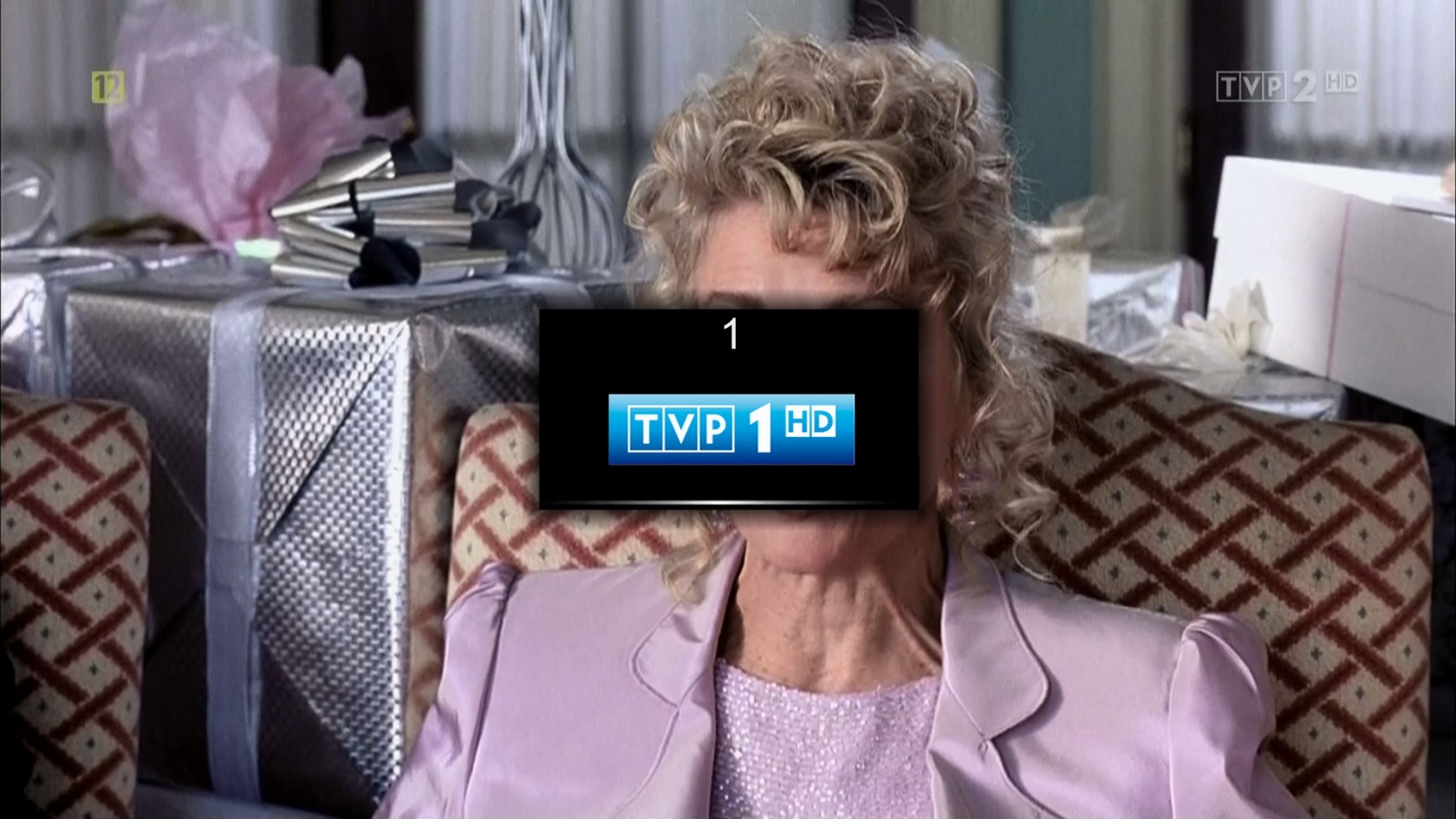
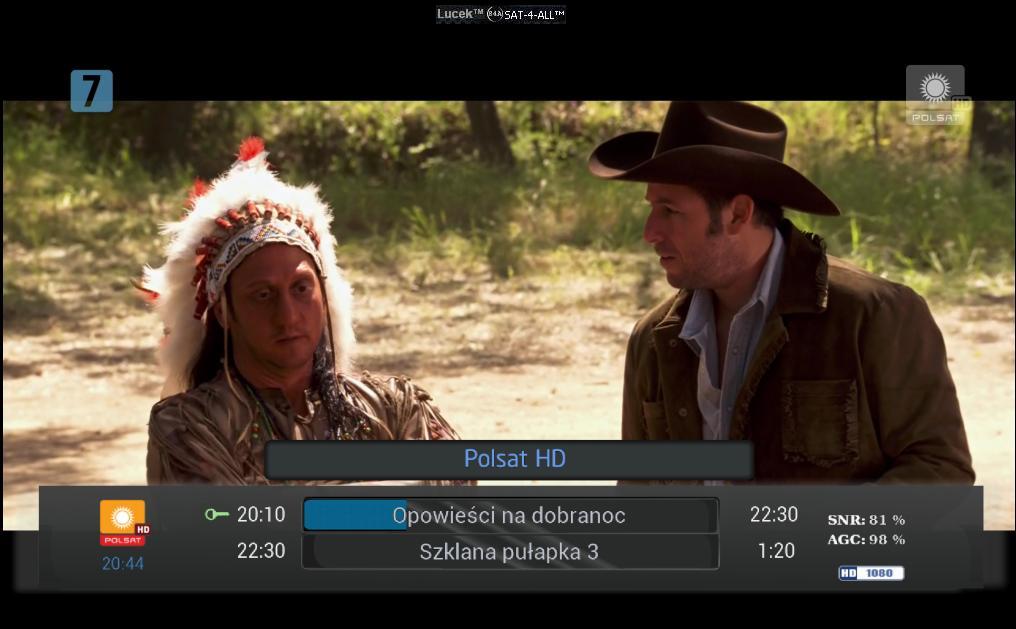
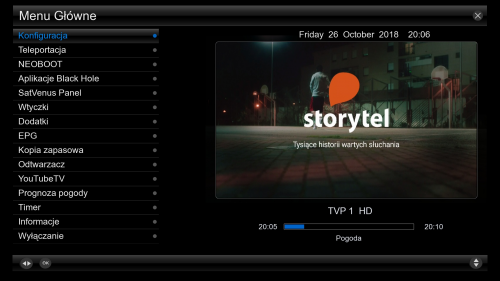
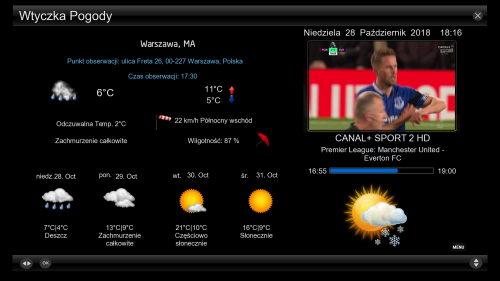
VU + Picony in skin Pingu Navy Blue number zap One of the works of fhroma "numberzap" :)
Upload files to the folder usr/share/enigma2/Pingu-NavyBlue/allScreens
Then choose by userskin
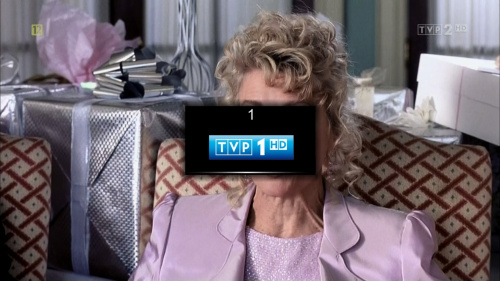
I recommend zzpicon look sensational.
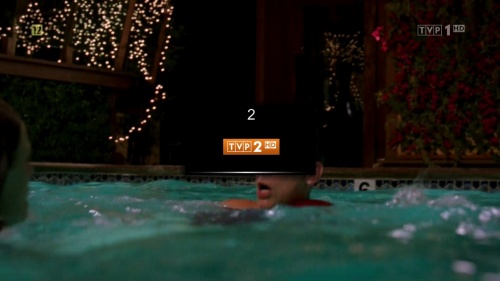
-
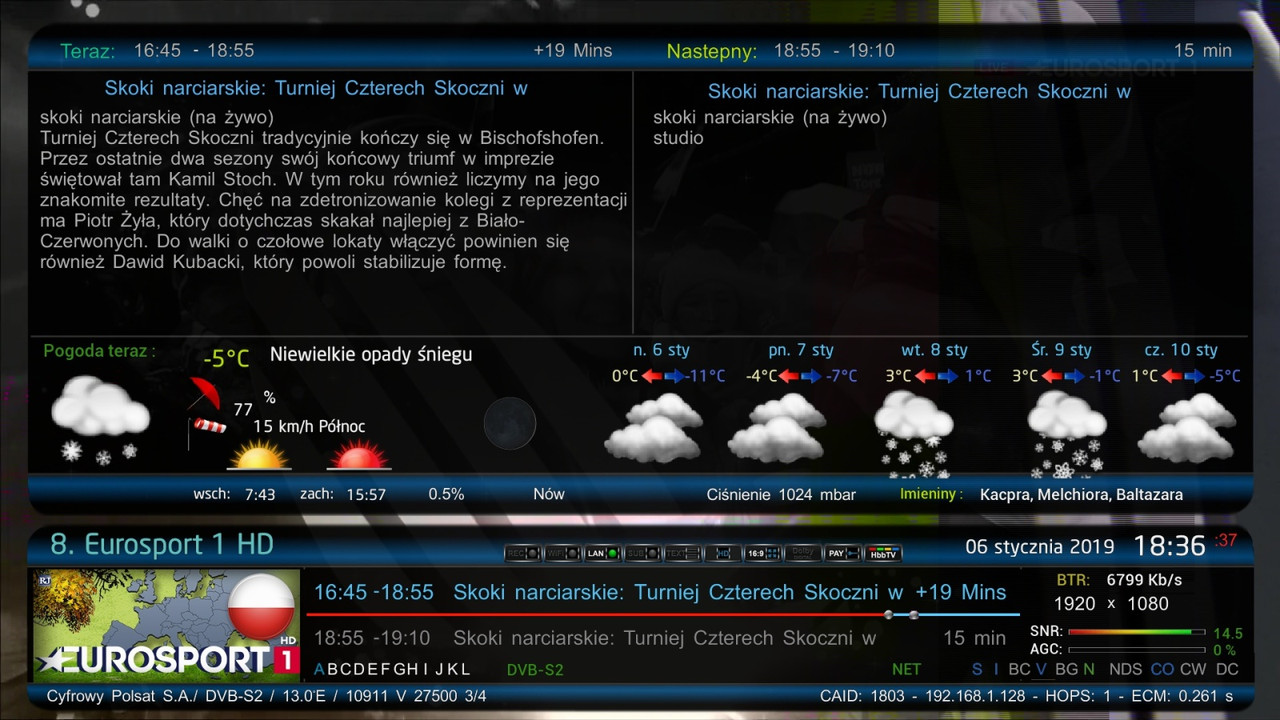
VU+ New Skin Pingu-NavyBlueFHD by fhroma SKIN ONLY FOR VTI !!!!! Wersja V2 06.01.2019
Hello. Last weeks, I played to rework my Pingu skin.
With the help of my colleague ciacho007 / hearty thanks / I tested it a bit
more accurate verification will go under your eye. As usually, I point out that it is purely amateur work, so no crying and hanging dogs on me as something will not be your way.
I would especially like to thank my colleague Zdzisław22 for allowing the use of his converters and renderers, as well as for the weather plug used in the skin and weather screens that are practically his authorship.
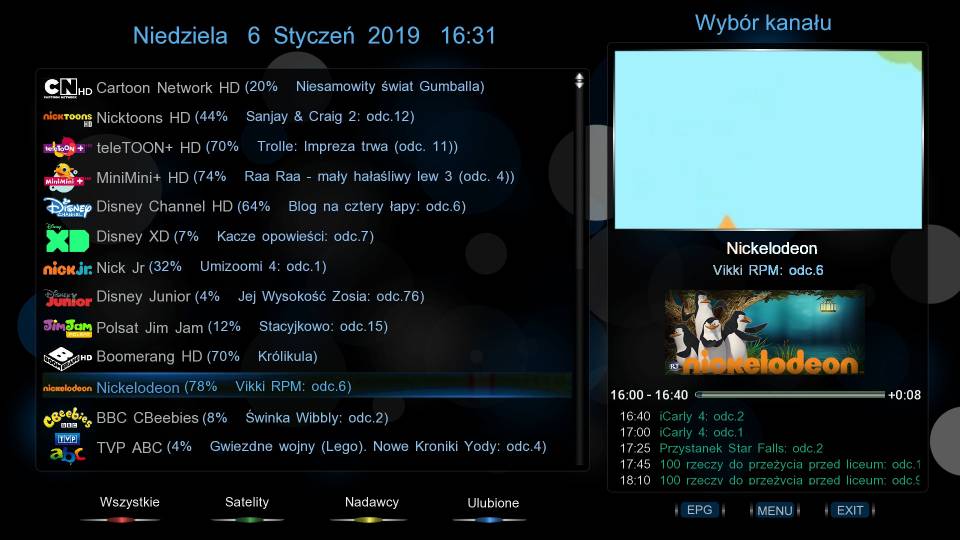
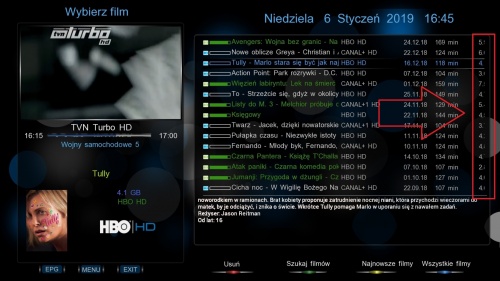

Currently everything is beautiful but future installation of my Black Harmony skin may result in overwriting components and improper Black Harmony. I will try to update the skins so everything is ok but it will be safer to use either BH or Pingu.
I WOULD NOT RECOMMEND THIS PING I WANT TO PURCHASE A BLACK HARMONY TO THE WHOLE UPDATE
Greetings
Skin I called Pingu-NavyBlueFHD .SKIN ONLY FOR VTI !!!!!
Who wants to let them test and submit comments and suggestions.
Wersja V2 06.01.2019 https://www.sendspace.com/file/trnzw6
-
VU+Skin Pingu-NavyBlueFHD by fhroma SKIN ONLY FOR VTI
1. I threw the airly plugin from the installation and added only in the userskin version of the weather with airly
2. I added 2 channel lists on the left
3. Fine adjustments in secondinfobar
4.Instalka in .ipk you can also uninstall the skins in the VTI panel but skin uses converters from Black Harmony and did not check how the system will behave after uninstallation if it was also installed Black Harmony so that you can suspend the uninstallation -
VU+Skin Pingu-NavyBlueFHD by fhroma SKIN ONLY FOR VTI !!!!!
Hello. Last weeks, I played to rework my Pingu skin.
With the help of my colleague ciacho007 / hearty thanks / I tested it a bit
more accurate verification will go under your eye. As usually, I point out that it is purely amateur work, so no crying and hanging dogs on me as something will not be your way.
I would especially like to thank my colleague Zdzisław22 for allowing the use of his converters and renderers, as well as for the weather plug used in the skin and weather screens that are practically his authorship.
I hope that thanks to the fact that the weather is based on the WeatherMSN v.NP plugin, this skin will not bite with BlackHarmony.
In addition to the weather in skin, I added the latest version of the Airly Polska plugin and ultimo 4k skin lcd by kol HOMAR80 and animated weather icons.
Skin I called Pingu-NavyBlueFHD .SKIN ONLY FOR VTI !!!!!
-
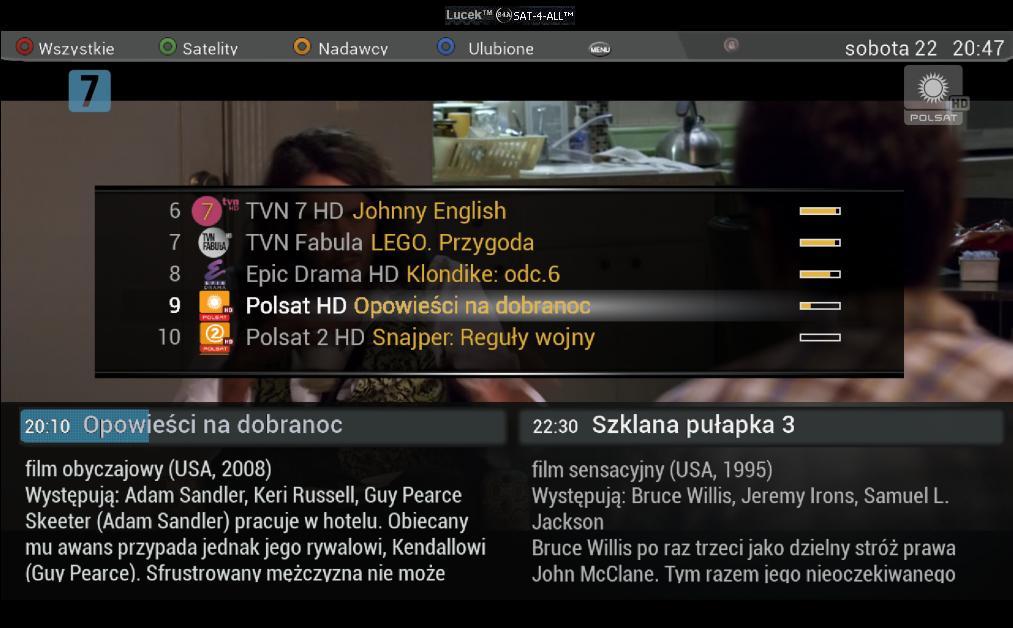
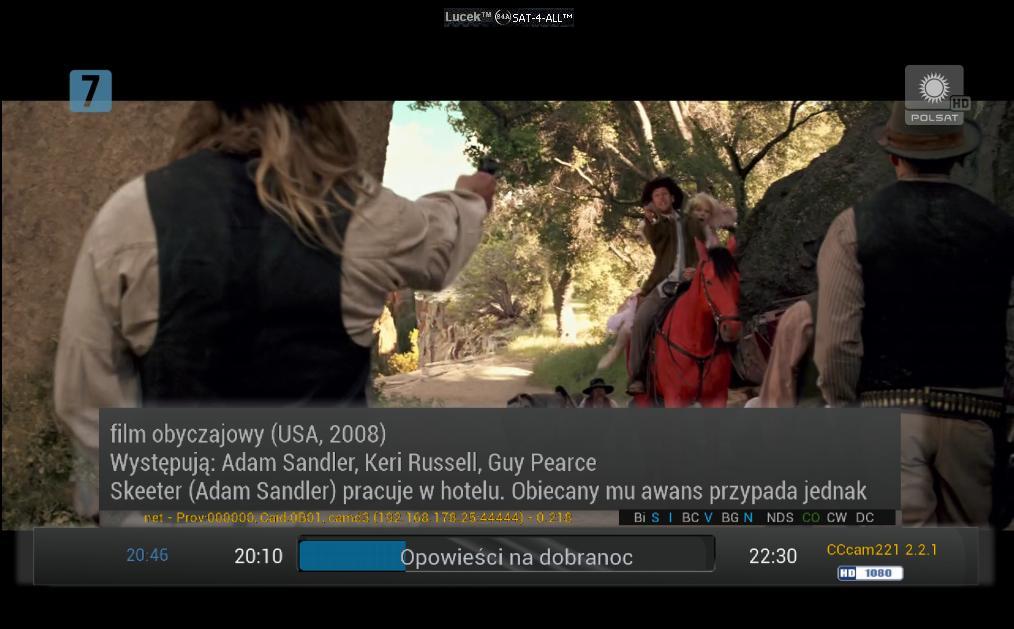
VU+ Skin AX_Blue_FHD_4ATV ,Open PLi7 Test Lucek Sat


:download:

-
With displaying this picon, so if you still do not see this picon please add to Renderer
] which is here
this entry
in this line
You can also copy the entire line if you prefer.
Save and restart gui.
-
-
VU+Skin Red_Christmas_HD image Open PLi 7by BY-Maggy.MoD.graf72 Test Lucek Sat
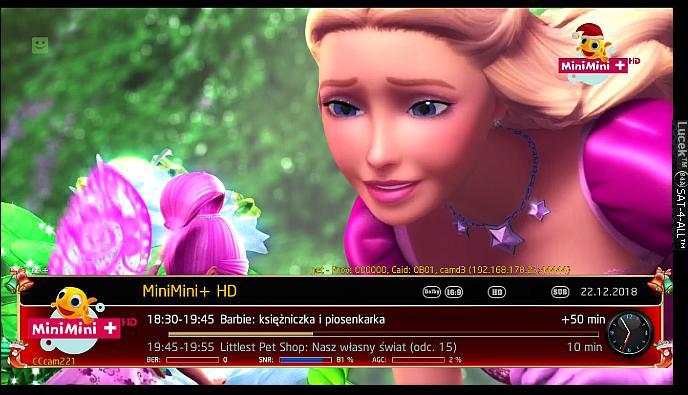 OpenPli7 działa OK Skin-Red-Christmas-HD-BY-Maggy.MoD.graf72_packed.Lucek.OpenPLi7 https://www.sendspace.com/file/fm7zan
 -
VU+ Skin CurveHD image Open PLi 7


-
VU+ New Skin DreamConcinnity-HD image Open PLi 7 Test Lucek Sat
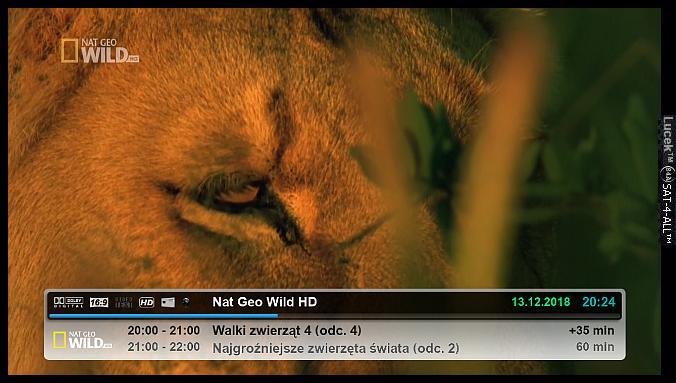
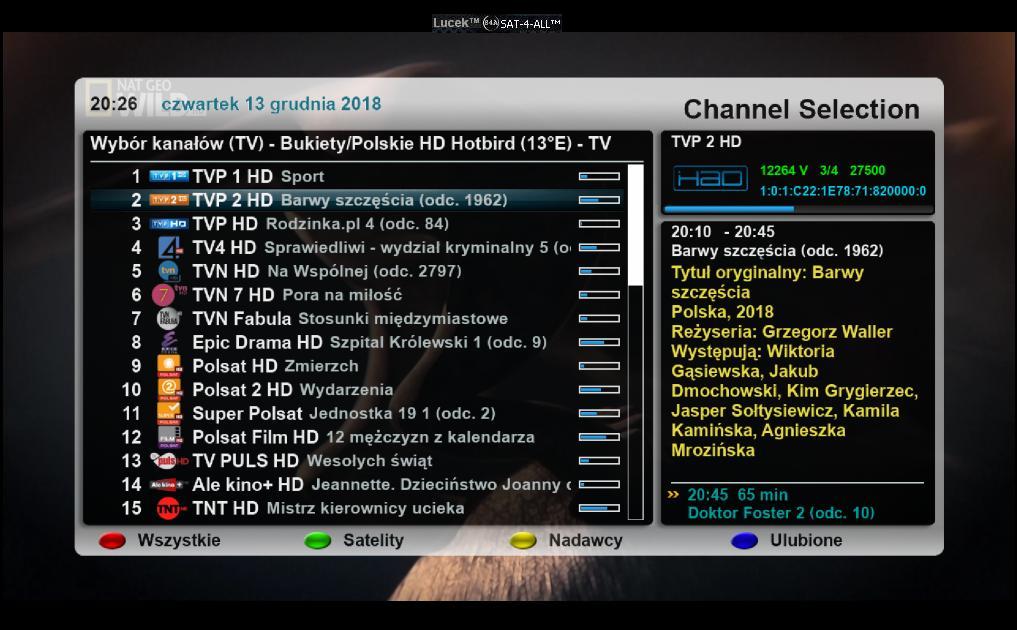
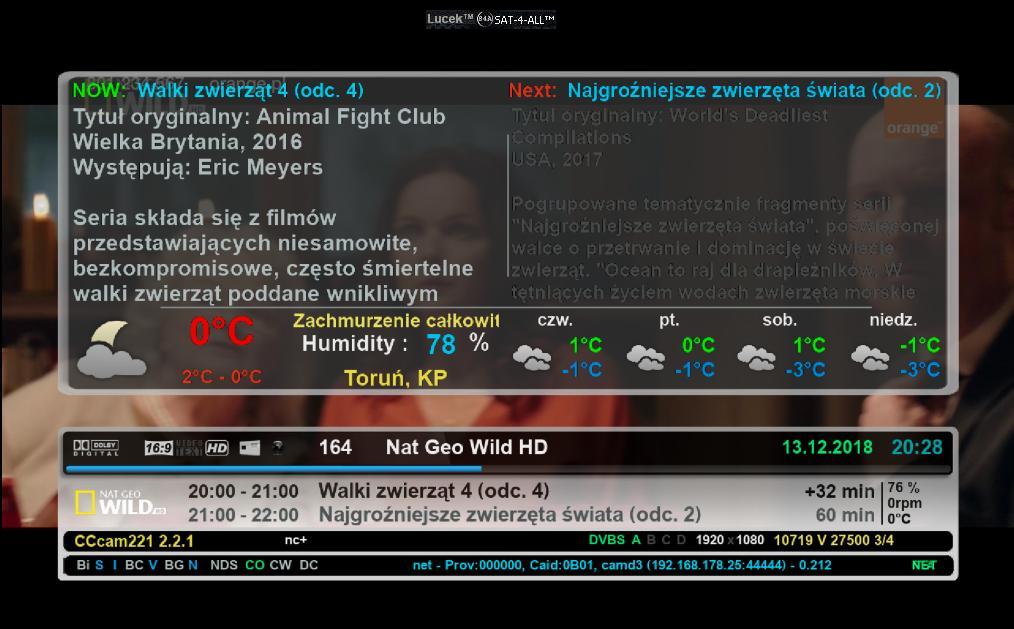
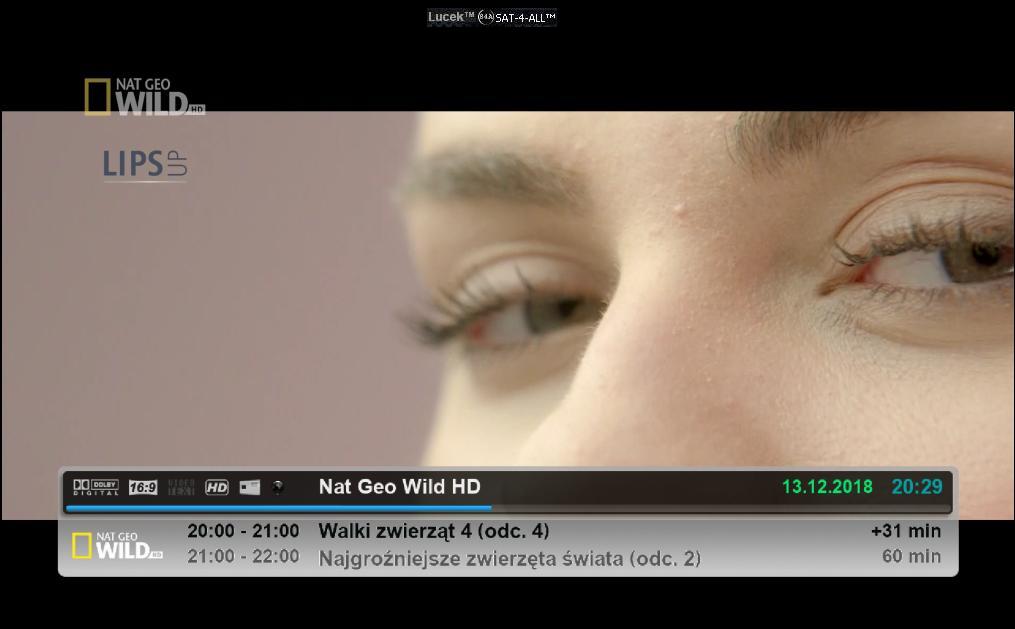
:download:
-
VU+Skin image Open PLi7 AeonFHD
mod by rafalcool1


Picony muszą się znajdować w folderach "zzpicon"picon_400 x 170
i "picon"picon_220x132 na :
media/usb/
media/hdd/
lub w flash.
:download:
-
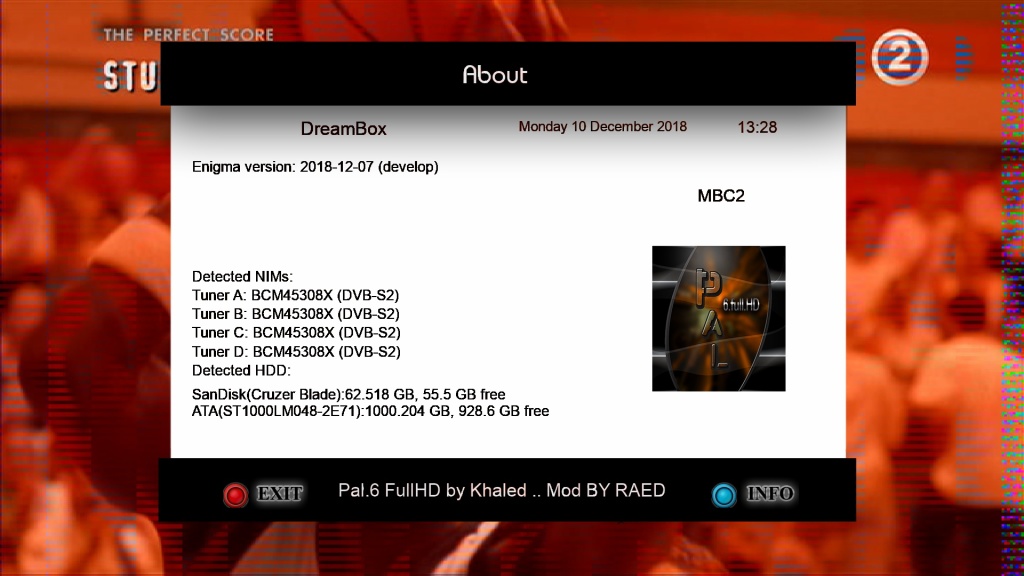
Skin PAL.6.FullHD-By-Palikao-MOD-By-RAED
-Skin to KHALED(Palikao) Thx
-I have Modded to Drerambox OE2.0 and OE2.5 Only
-Test On My DM920
How to get your city weather:
1-Open Weather Plugin from Plugins brwoser
2-Press Memu from Keyboard
3-Press Green Button (Add)
4-Write you city name in (City) option
5-Click yellow buttons (Search Code
6-Now select your city and press green button (ok)
7-Press green button (ok) again
8-Finish Exit from plugin bu pressing Exit button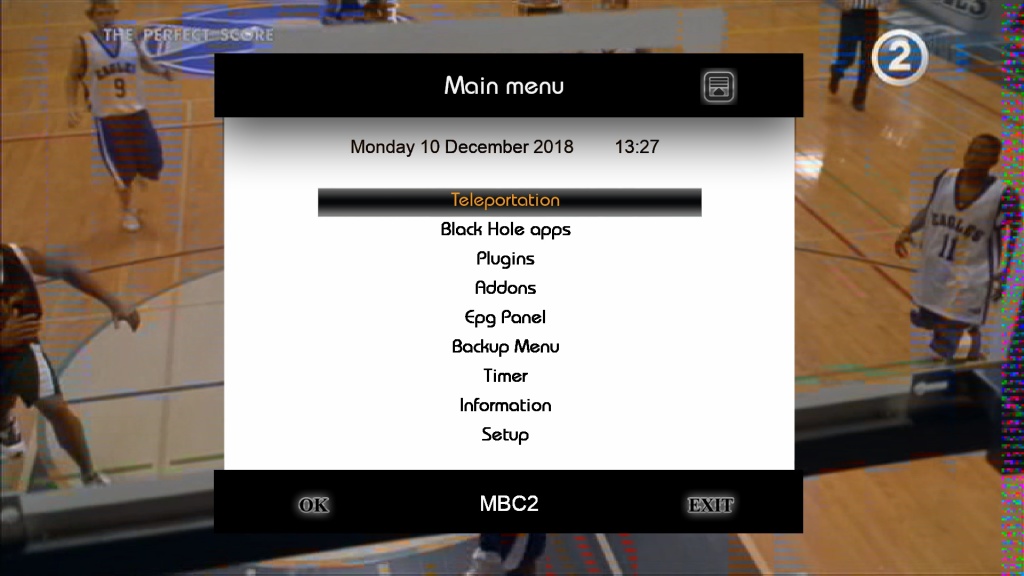
-
VU+SKIN_BLACK_FHD_PLi versja 1,6 by Mercus34 8.12.218
W trakcie przygotowania jest wersja skina SKIN_BLACK_FHD na image OpenPLi.
Skin na bazie BlackHarmony.
Kilka screen na prośbę kol. @Mercus34
Skin robiony podczas urlopu Mercusa, bez dostępu do tunera, dlatego to ja byłem jedną z osób testujących skina i wrzucam tutaj screeny na jego prośbe
Poniżej link do wersji testowej skina.
Aby móc modyfikować skórkę należy pobrać i zainstalować oddzielnie wtyczkę[SIZE=3][COLOR="#FF8C00"] UserSkin [/COLOR][/SIZE]-> aktualna wersja wtyczki do pobrania TUTAJ http://j00zek.one.pl/opkg-j00zka/
Wszelkie uwagi mile widziane.
Mercus wraca niedługo z urlopu i przejmuje dalsze prowadzenie tematu
Instrukcja instalacji skina
1. Wrzucić ściągnięty plik BLACK_FHD_PLi.tar.gz do /tmp
2. Uruchomić konsolę i wpisać komendy (po każdej linijce enter):
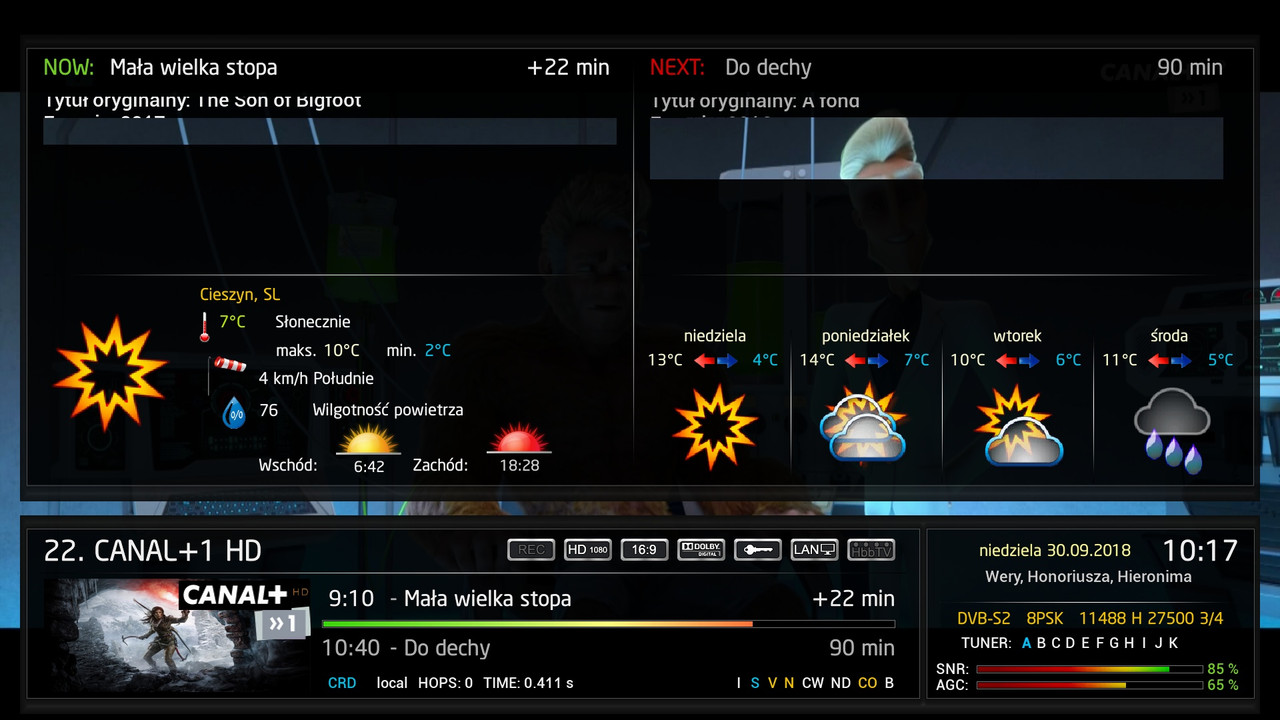 [SIZE=3]zmiany w wersji 1.6 skina:
* dodane brakujące infobar xpicon
* zwiększono font w epgselection
* nowa pogoda z jesiennym tłem[/SIZE] Download https://www.sendspace.com/file/yjf0nl
-
-
-
Pal.6.FULLHD image HDMU Test Lucek Sat

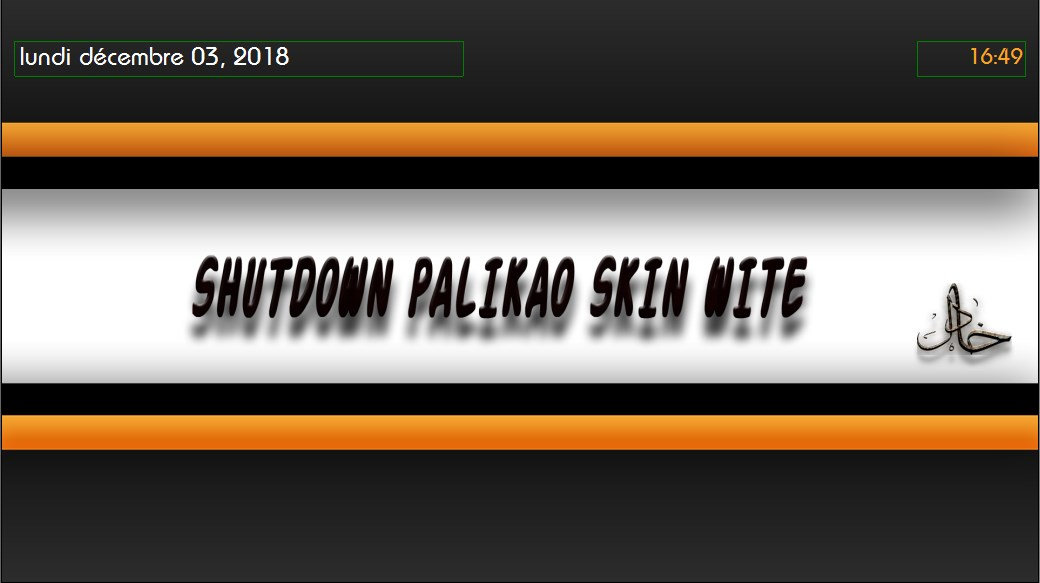
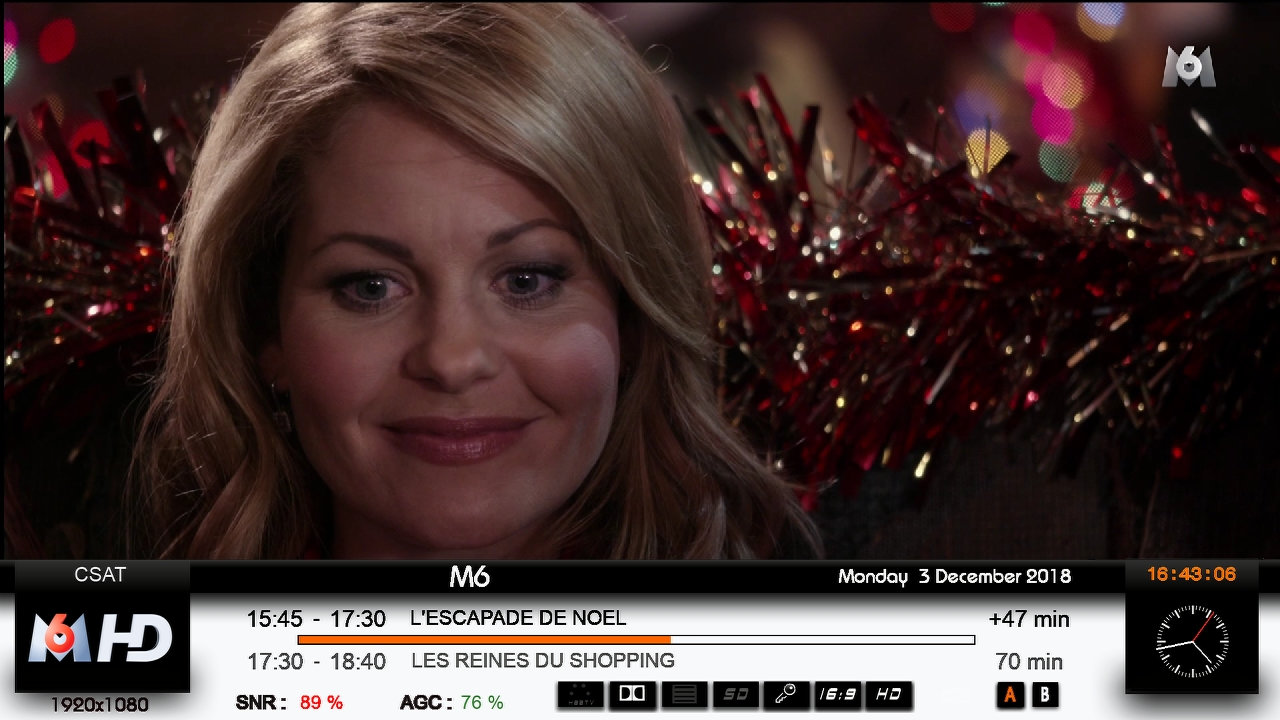
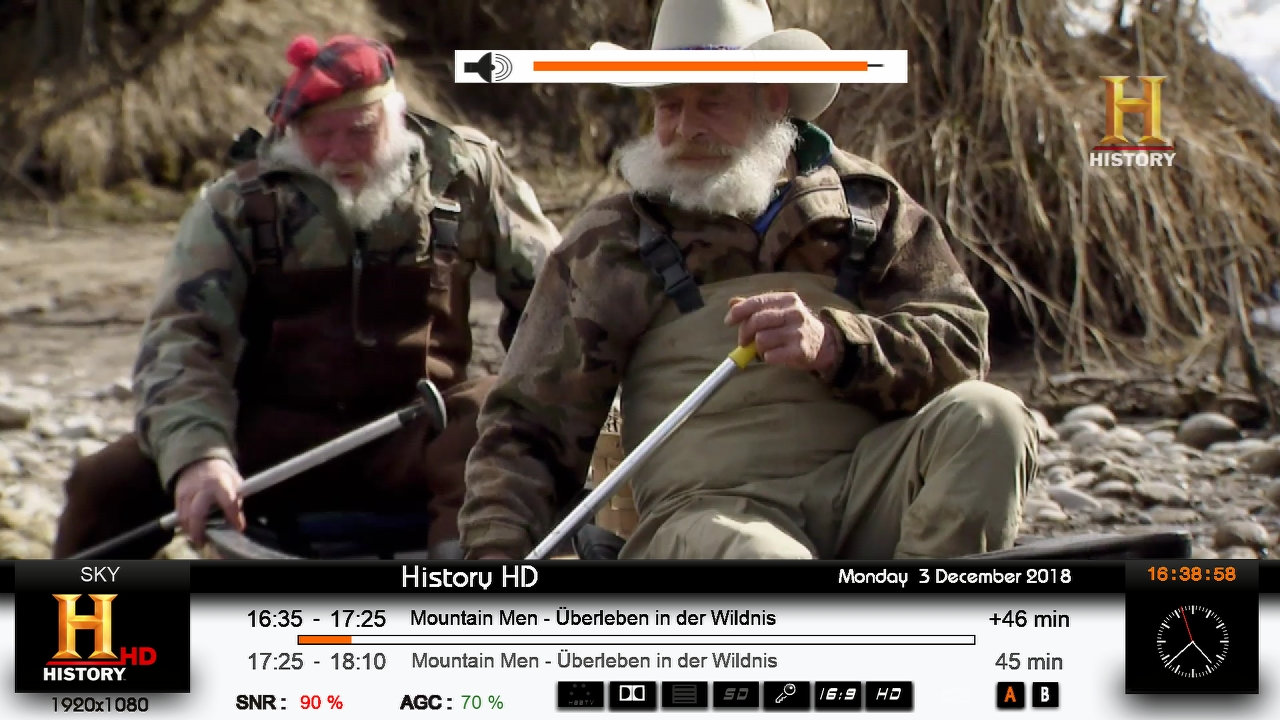
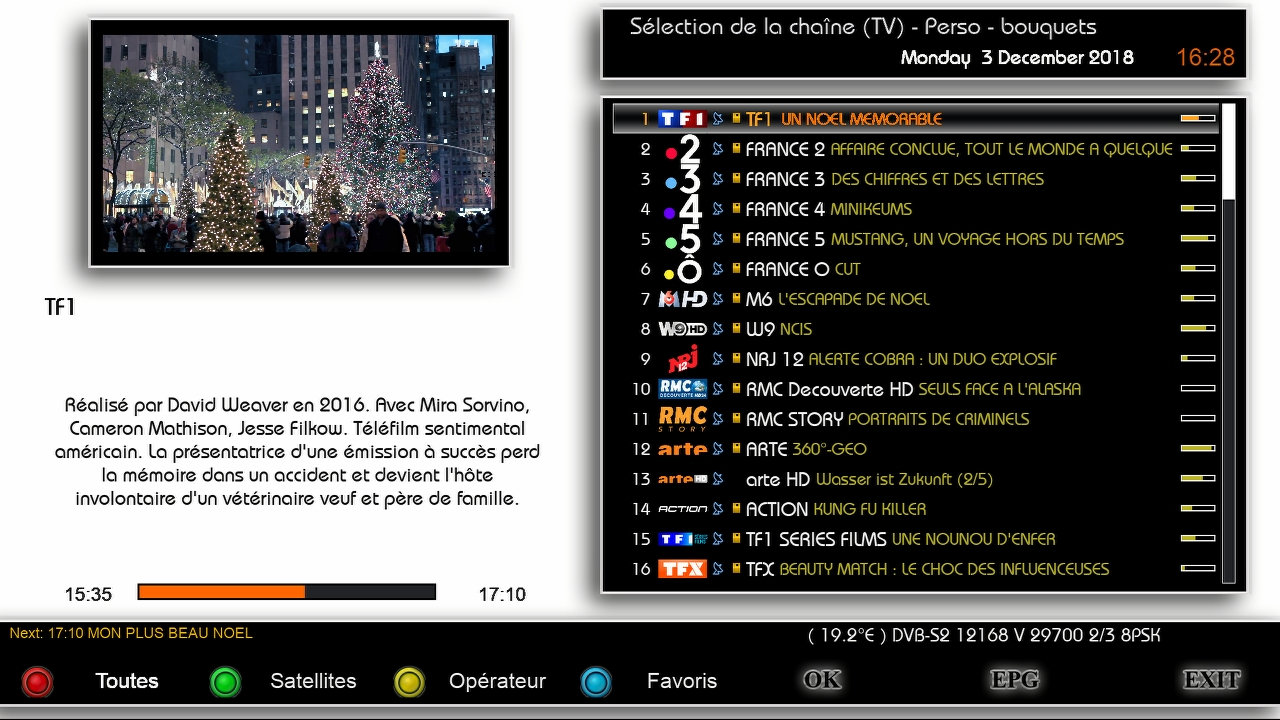
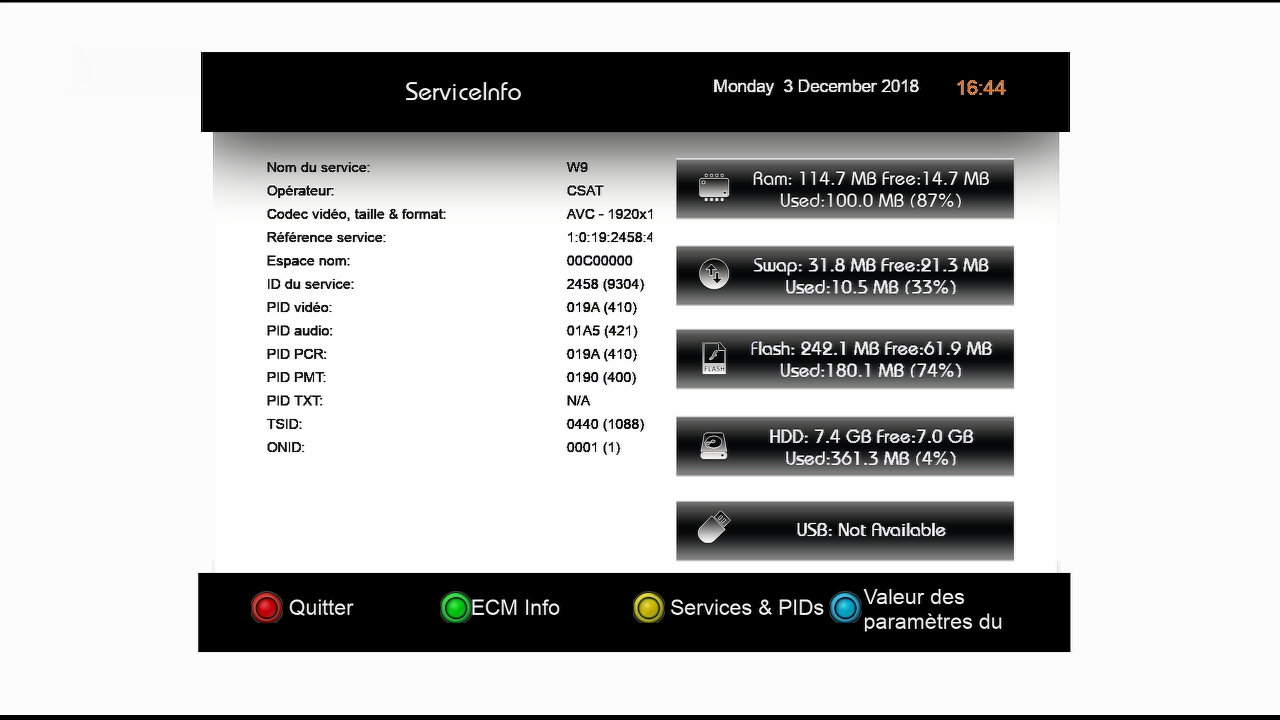
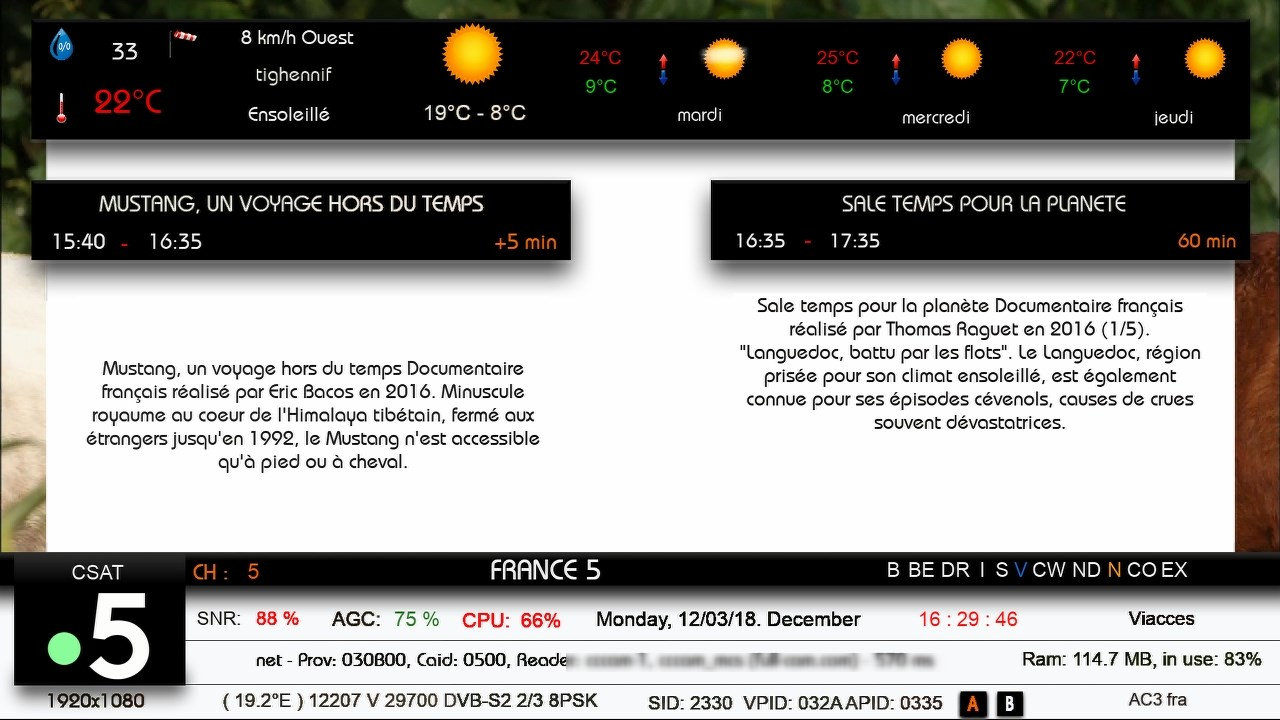
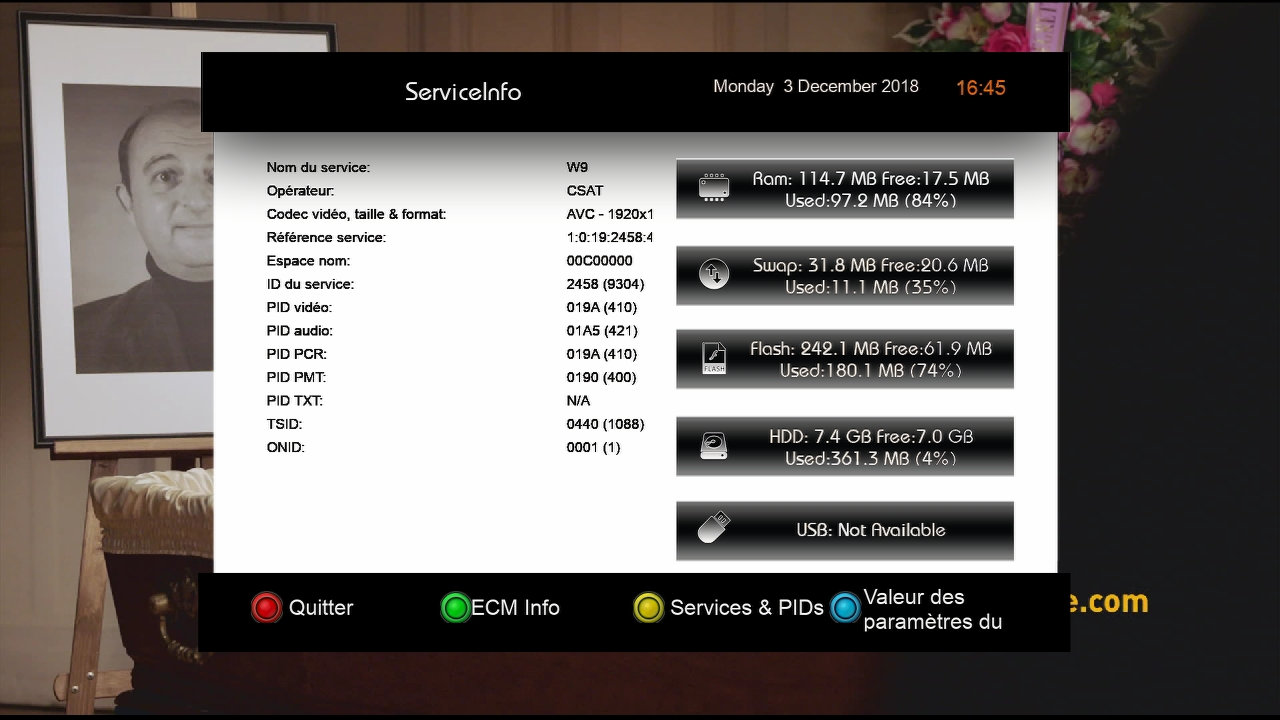
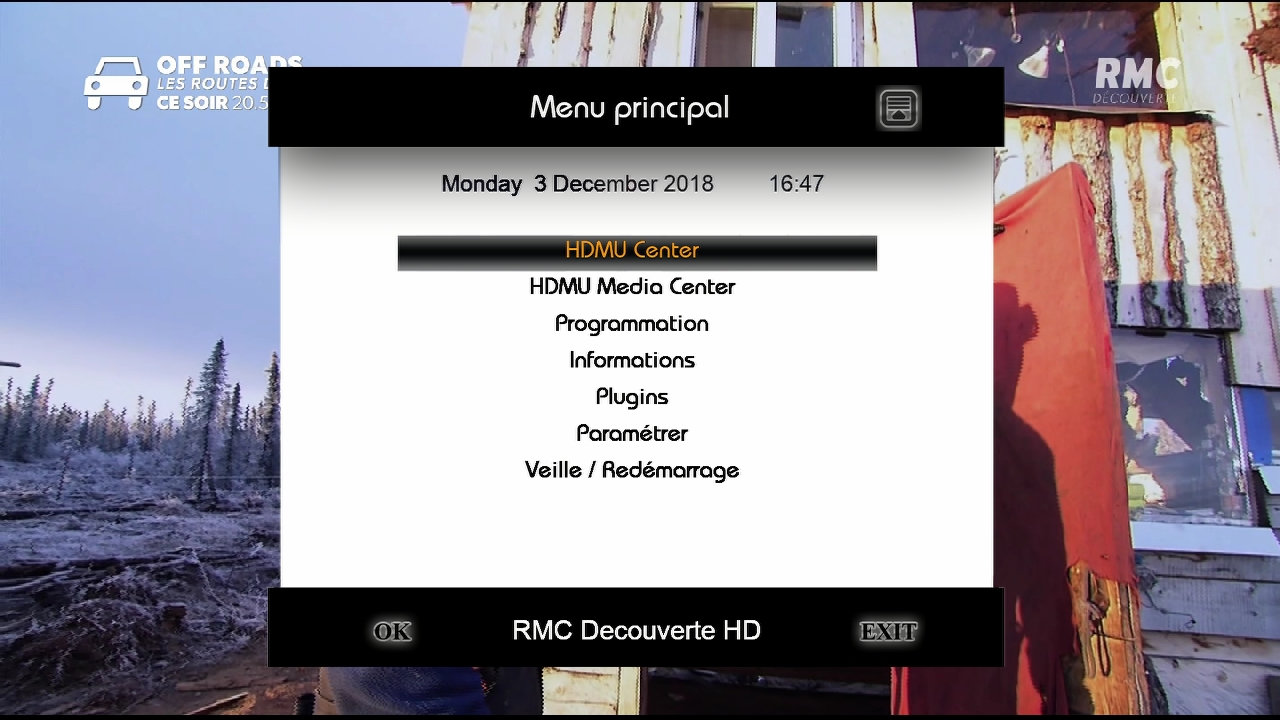
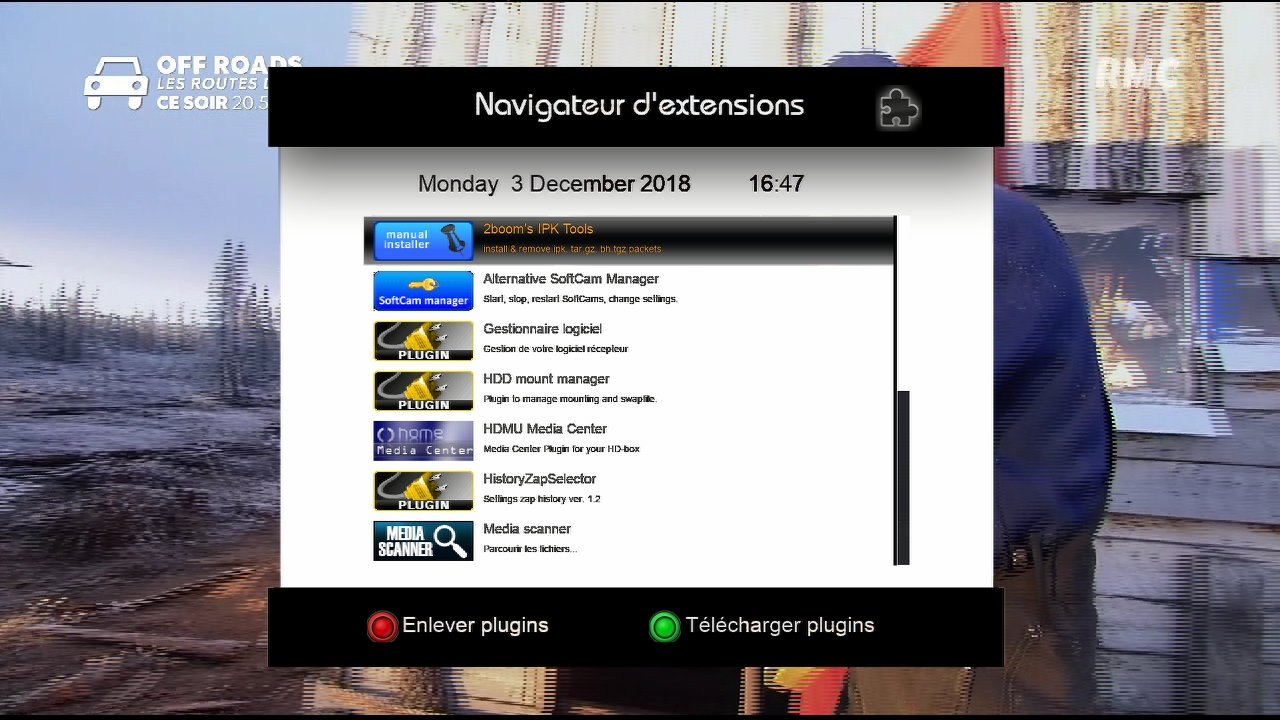
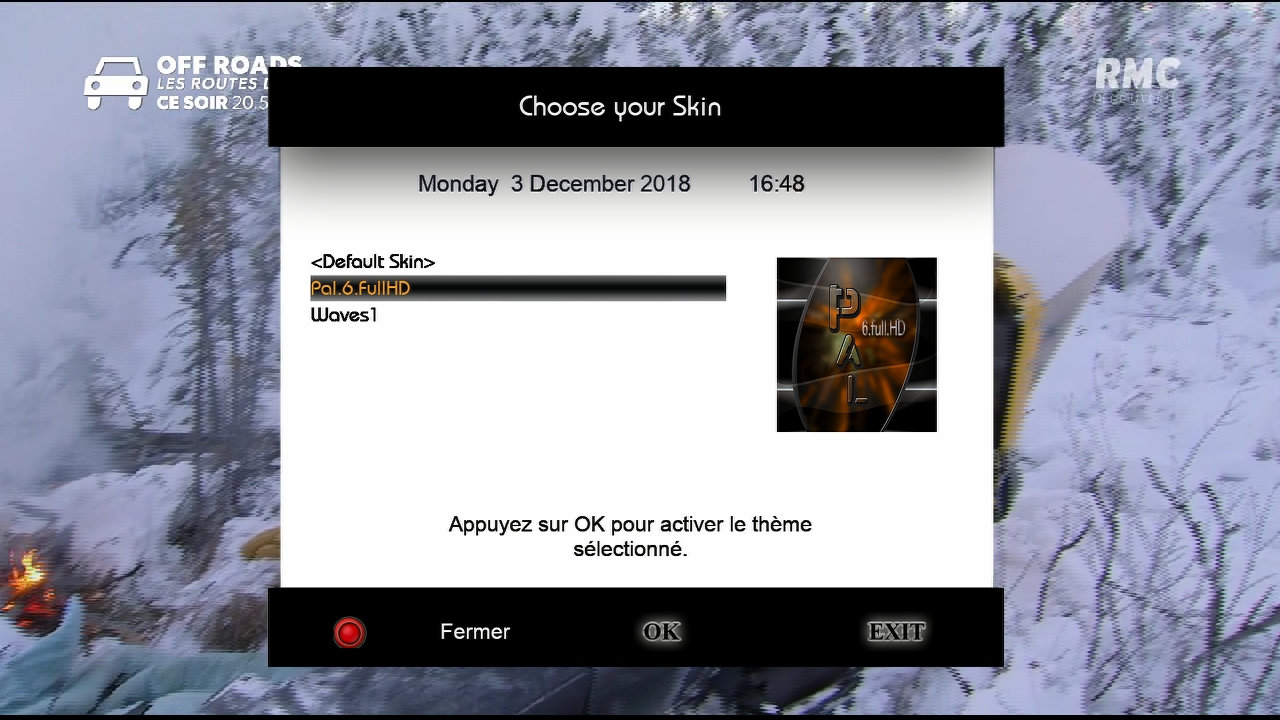
Ten skin jest zaprojektowany na obrazie HDMU:download:
-
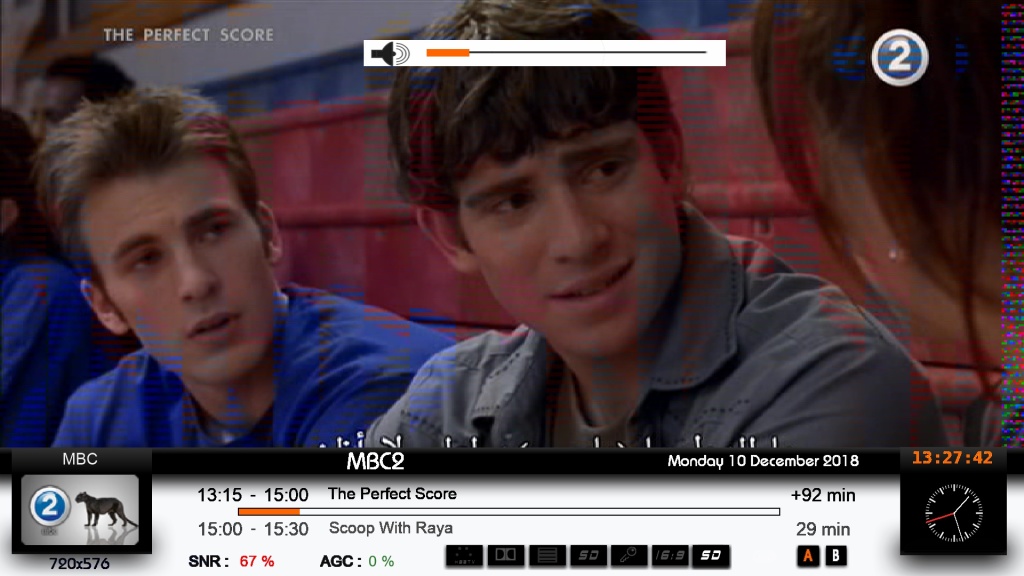
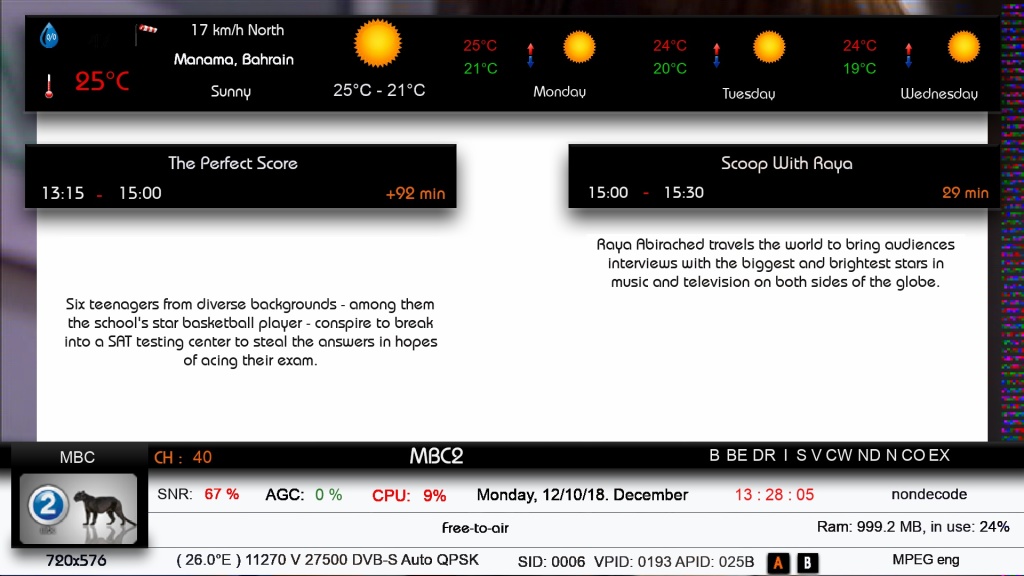
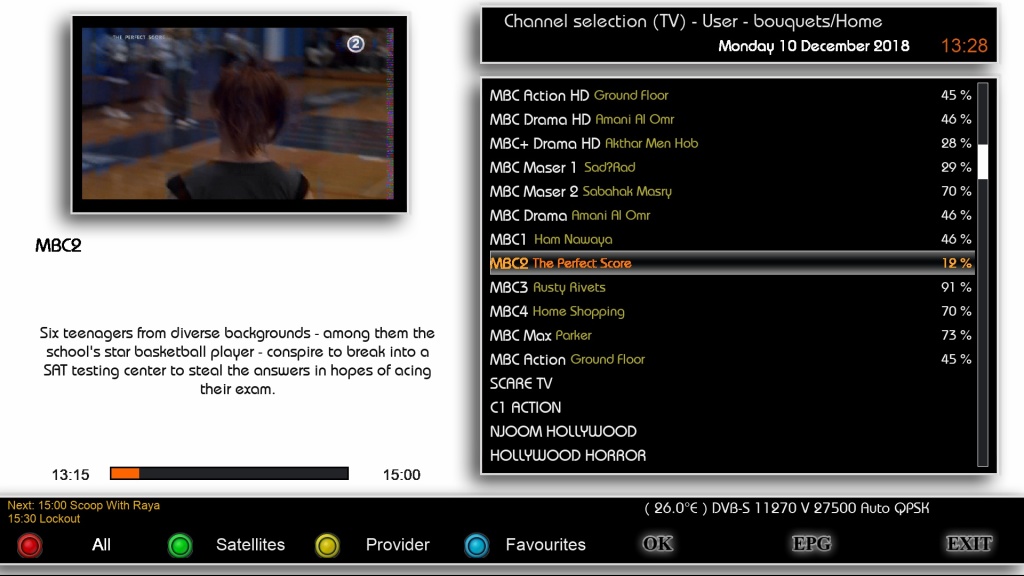
Hello colleagues, I have adapted my Pingu to Black Hole. I invite you to test and submit comments. As usual
Thanks to the author UserSkin, he was able to adapt it to Black Hole so we have additionally / up / 3 channel lists and 3 infobars. I invite you to create yours. This will be added.
After installing RESTART enigma
-
-
CinoGriPLi 7 Full HD


:download: