Universum by spartak73 Skin for OpenPLi 7 image




Universum by spartak73 Skin for OpenPLi 7 image
VU+Skin Chameleon_hd v3.9-MOD-By-RAED_image OpenPLi7 Test Lucek Sat


:download:
VU+Skin EraNeoX 0.9 By-RAED_ image Open PLi 6.2
Test Lucek Sat


:download:
VU+Skin EraNeoX 0.2 -By-RAED_ image Open PLi6.2 Test Lucek SAT


download:
VU+ New Skin Chameleon_hd image OpePLi6.2 Test Lucek Sat


download:
VU+ New Skin MetropolisHD by.Khaled image Open PLi6.2


:download:
BLACK FHD Skin for VTI by Mercus34
Skin was created on the basis of BlackHarmony skin. It worked only on Image VTI.


Version under VTI not play on PLI


I did like the PLi version, that is:


Added 2 infobars with XPicon and ZZPicon animations, both to be selected in user skin.


Changed Secondinfobar with the weather.


Changed Wallpaper in Weather PLugin and added sunrise and sunset.


Current Skins Version Ver.1.8 BLACK_FHD_VTI FINAL
Paths for displaying Picon


for XPicon media / usb / picon for ZPicon media / usb / zzpicon


In order to be able to modify skins, one must download and install the UserSkin plugin separatelyHow to use User_Skin
User_Skin Selecting Individual Screens "Screens"
1. Menu-Configuration-System-Modification. Quick BLACK_FHD_VTI
2. Personalization Skorki
3. Activate the peel personalization, set it to Yes
4. Personalization mode set to Basic
5. Yellow button: User's tags, here the individual criteria are displayed
6. We develop the items we are interested in and choose what we want to confirm with OK. Important !!!! Do not mark everything but 1 item from a given screen, it can be checked.
7. Next, Exit button. We are leaving
8. We give for OK
9. You will be asked if you want to update Skina, you give it to Yes
10. The prompt will appear if you want to Restart the Tuner, select Yes and ok
11. There will be an Enigma2 restart and after the competition :)
12. Enjoy the new ScreenMercus34
VU+Skin Cyan Multi Color FHD VTi v13.0.12xxx
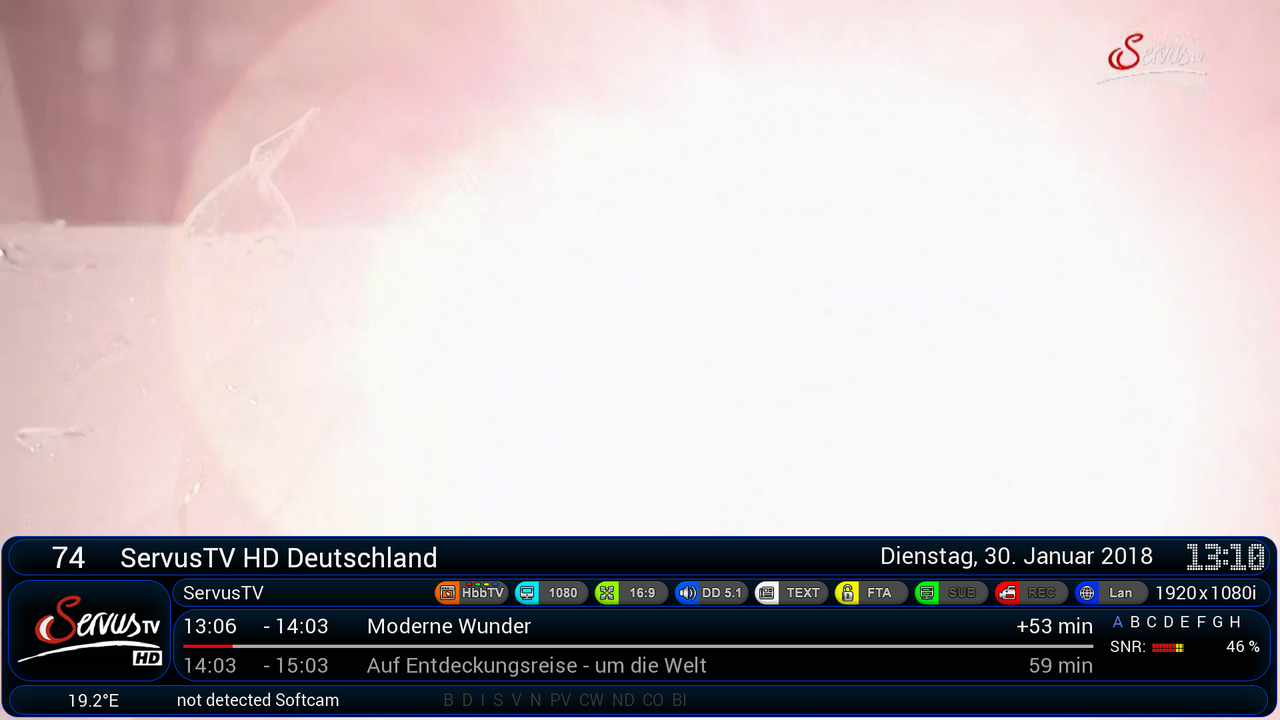

Animation Wetter Icons entpacken und den Ordner - AnimatedWeatherPixmap - nach usr/usb/ (usb stick) kopieren fertig....
und jetzt CyanMultiColorFHD skin installieren gui neustarten dann skinpart auswählen und das leben genießen...
################################################## ################################################## #########
Maggy
File Type: rar system_icons.rar (193.4 KB, https://www.sendspace.com/file/v4e8ot
File Type: rar AnimatedWeatherPixmap.rar (6.25 MB, https://www.sendspace.com/file/z21j0m
File Type: ipk enigma2-plugin-skin-cyanmulticolor-fhd_2.5_all.ipk (8.86 MB, https://www.sendspace.com/file/a0ow2b
VU+Skin OPD-Blue-Line by Gotzeus image PLi 6.2 Test Lucek Sat


download:
VU+Skin TomahawkFHD by-Gotzeus image PLi6.2 Test Lucek Sat


:download:
VU+ New SKIN_BLACK_FHD_ 1.6 PLi by Mercus
Aby móc modyfikować skórkę należy pobrać i zainstalować oddzielnie wtyczkę UserSkin -> aktualna wersja wtyczki do pobrania Download http://j00zek.one.pl/opkg-j00zka/?C=M;O=D Instrukcja instalacji skina
1. Wrzucić ściągnięty plik BLACK_FHD_PLi.tar.gz do /tmp
2. Uruchomić konsolę i wpisać komendy (po każdej linijce enter):
[SIZE=3] Zmiany / dodano:
* dodane brakujące infobar xpicon
* zwiększono font w epgselection
* nowa pogoda z jesiennym tłem Download https://www.sendspace.com/file/cajddm
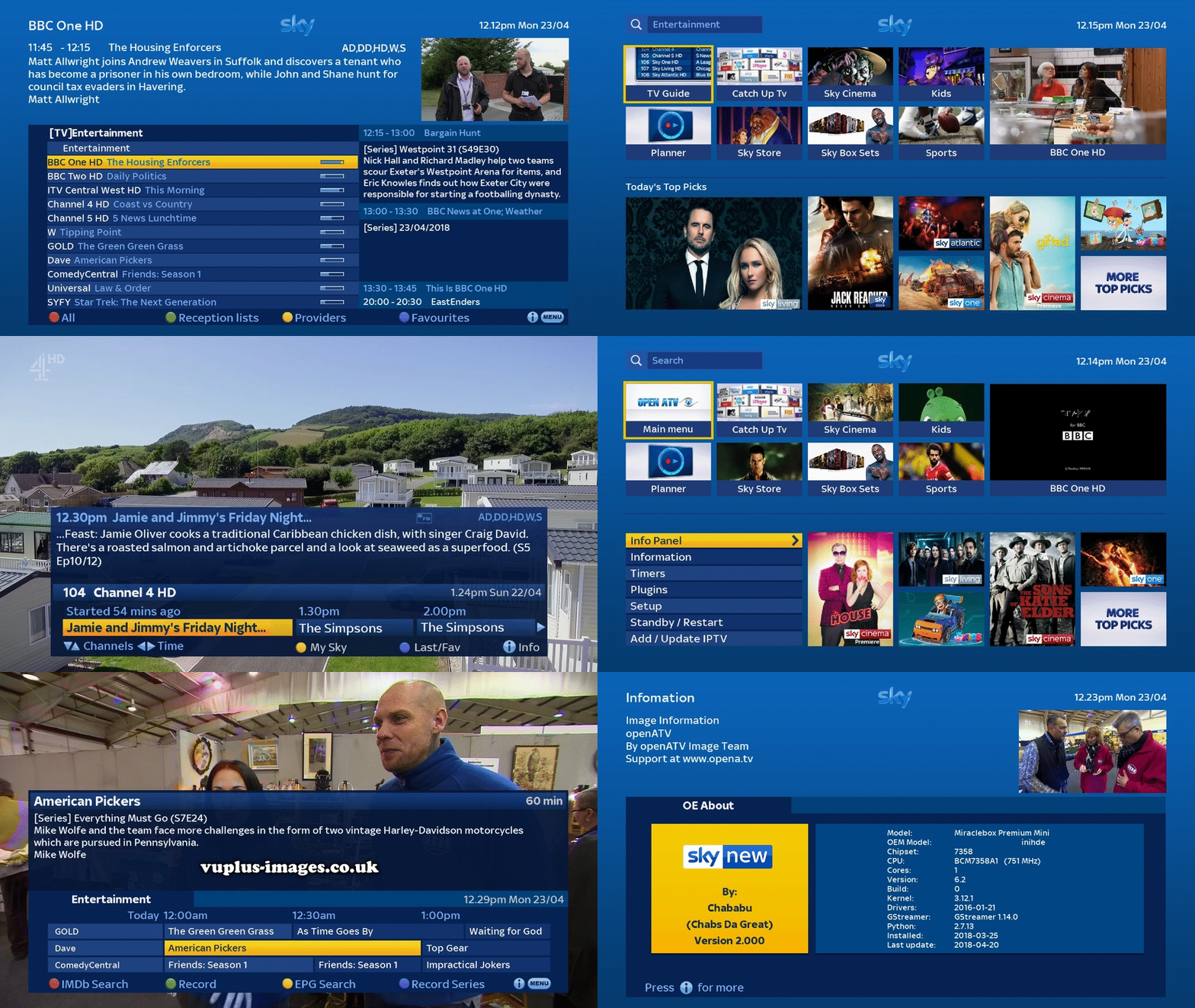
SLY.NEW HD Skin image Open PLi 5.2 Version 2.003 by CHababu

Animation picon in skin BlackHarmony and SKIN BLACK FHD PLi v1.5 by Mercus34 Description by zdzislaw22
This renderer for animated picon display behaves the same as those from xpicon or zzpicon, i.e. it automatically searches for the animated picon catalog in / usr / share / enigma2 and in the roost of each mounted device.
So how do you have, for example, mounted drive to / hdd and create in it an animatedPicons to renderer directory will use it if there is no directory / usr / share / enigma2 / animatedPicons
And the options you noticed are used to force a specific picon. If you're a collector and have several different animations, you can use these options to force the renderer to use only those you have chosen. In other words, you can have an animation in any directory and choose which one to use.
_________________ _ example Activate user's path and I have No
User path and mam usr / share / enigma 2
FILM We choose Infobars in userskin
The picon animation mode I have Controlled by the skin.
AlbatrosFHD Skin for OpenPLi 6.2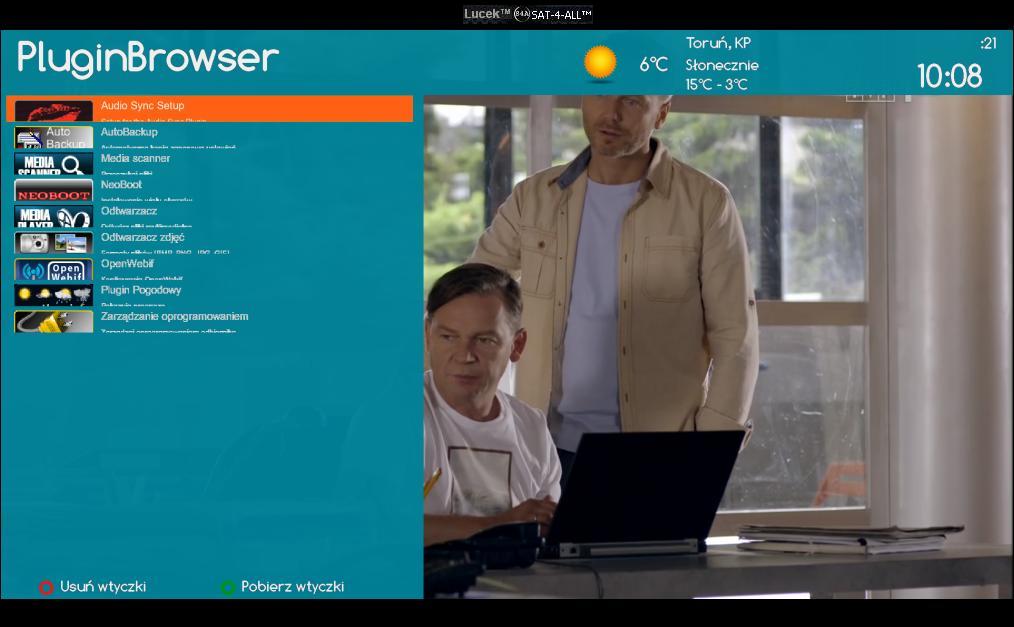
VU+ Skin SatVenus image Open PLi6.2





